

Operations & Logistics Portal Apps

Crew Tracking App
Crew Tracking App helps you keep a clear, up-to-date view of who is on your crew, what they’re working on, and where each person stands in the day’s workload. It’s a practical fit for field service teams, construction crews, event staffing, transportation operations, and any organization coordinating rotating shifts or multiple assignments at once. With dedicated areas for crew details, a roster, assignment logging, and status updates, the app supports faster dispatch decisions, fewer missed handoffs, and a more consistent way to record work as it happens.Built with Jotform, this app template gives you a flexible way to organize self-service workflows and data collection in one place. Use Jotform’s no-code app builder and drag-and-drop interface to adjust pages, buttons, and navigation to match your operations, then connect your crew and assignment forms to keep records flowing into your workflow. Share the app with a link or QR code so supervisors and coordinators can add crew members, log new assignments, and review active work without digging through scattered spreadsheets.
Go to Category:Operations & Logistics Portal Apps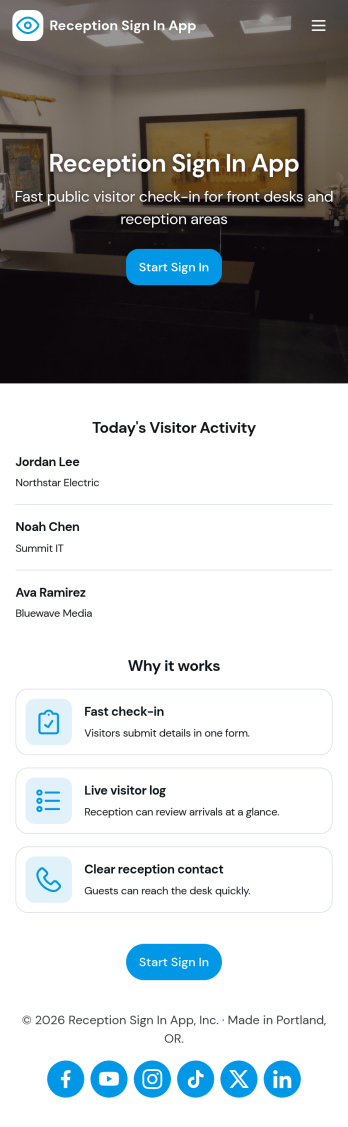
Reception Sign In App
Reception Sign In App helps front desks capture visitor arrivals and organize them into an easy-to-browse log. It fits offices, clinics, schools, coworking spaces, and any workplace that needs a consistent way to record who is on-site, who they’re visiting, and when they arrived. With simple sign-in inputs like visitor full name and host name, the app supports a smoother check-in experience while keeping reception staff focused on greeting guests instead of chasing details.Jotform makes it simple to publish this kind of self-service check-in experience with a no-code app builder and a drag-and-drop interface. Connect the app to a form for data collection and a table view for reviewing records, then share it with a link or QR code at the front desk. As your workflow evolves, you can adjust pages, add guidance text, and keep all visit records accessible in one place with Jotform.
Go to Category:Sign In Apps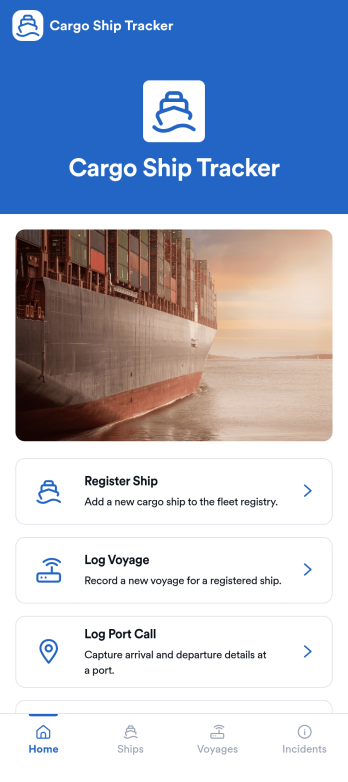
Cargo Ship Tracker App
Cargo Ship Tracker App helps logistics teams track fleet activity by registering ships, logging voyages, recording port calls, and reporting operational incidents in one place. It’s a practical fit for shipping companies, freight operators, port agents, and operations managers who need a clear view of where vessels have been, what’s currently underway, and what needs follow-up. With a fleet overview and dedicated tracking sections, the app supports day-to-day coordination, handoffs between shifts, and consistent recordkeeping across routes and vessels.Jotform makes it easy to turn tracking workflows into a mobile-friendly experience using App Templates and a no-code app builder. Customize pages with a drag-and-drop interface, connect the app to forms and tables for organized data collection, and share access through a link so crews and office staff can use the same workflow. As your operation grows, you can expand the app to match your processes while keeping voyage updates and incident reporting simple and reliable.
Go to Category:Transportation Apps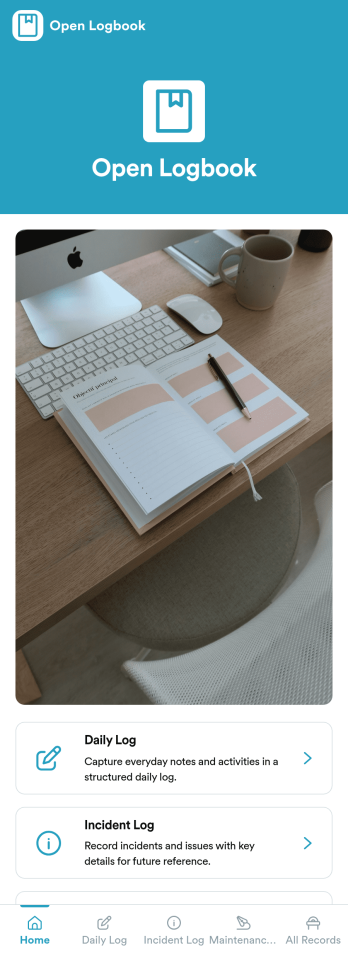
Open Logbook App
Open Logbook App keeps day-to-day operations documented in one place with dedicated spaces for daily notes, incident reporting, and maintenance records. It’s a practical fit for teams that need clear, timestamped accountability such as facilities and operations staff, warehouses, schools, property managers, field services, and community organizations. With quick log entry forms and easy browsing of recorded entries, the app supports consistent recordkeeping across shifts, helps supervisors spot patterns, and makes it easier to follow up on issues without hunting through emails or paper binders.Jotform makes it simple to turn recordkeeping into a mobile-friendly experience using App Templates and a no-code app builder. Use the drag-and-drop interface to adjust pages, add guidance, and connect your app to forms and tables so logs are captured and organized automatically. Share the app by link or QR code, keep your workflow consistent across locations, and give teams a self-service way to submit updates and review recent entries anytime.
Go to Category:Log Apps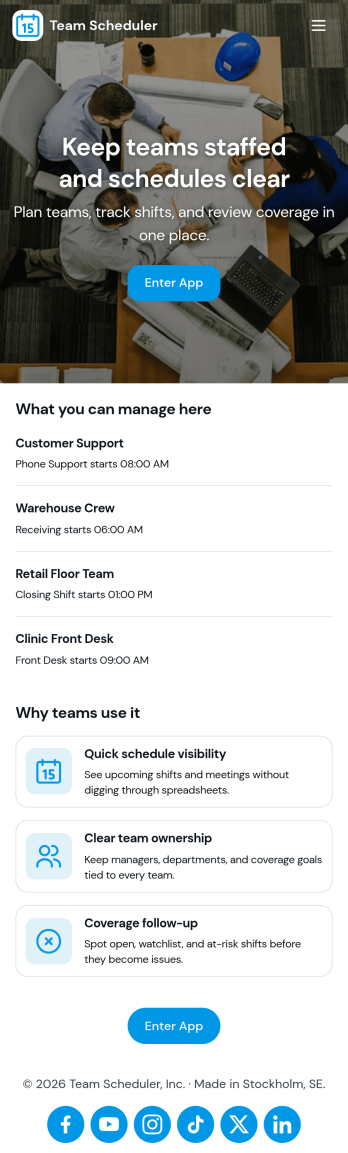
Team Scheduler App
Team Scheduler App brings team schedules and a simple teams directory into one place, making it easier for managers and coordinators to see who is working, confirm coverage, and keep teams aligned across shifts and projects. With an at-a-glance scheduling overview, a directory for browsing teams, and quick navigation to view a full schedule, it supports day-to-day planning for departments, field teams, agencies, schools, and service organizations that need clear visibility without messy spreadsheets or long message threads.Jotform App Templates help you launch a polished scheduling experience fast using a no-code app builder and a drag-and-drop interface. Connect your app to Jotform forms for data collection, keep schedule details updated as needs change, and share a self-service link with the right people so everyone can check the latest plan anytime.
Go to Category:Scheduling Apps