

Operations & Logistics Portal Apps

Building Maintenance App
Building Maintenance App helps facilities teams and property managers centralize everyday maintenance tasks, from reporting issues to tracking work orders and documenting inspections. Staff can submit a problem the moment it’s noticed, follow request status, and review request history without digging through emails or spreadsheets. The app also supports asset-focused upkeep, making it easier to log service activity and keep maintenance records tied to equipment, areas, or building systems.Jotform makes it simple to turn this maintenance workflow into a mobile-friendly experience with a no-code app builder and a drag-and-drop interface. Customize pages, connect forms and tables for reliable data collection, and keep work moving with a clearer workflow from intake to completion. With Jotform App Templates, you can publish a self-service hub for occupants and a practical operations view for your maintenance crew, then share it by link or QR code.
Go to Category:Equipment Maintenance Software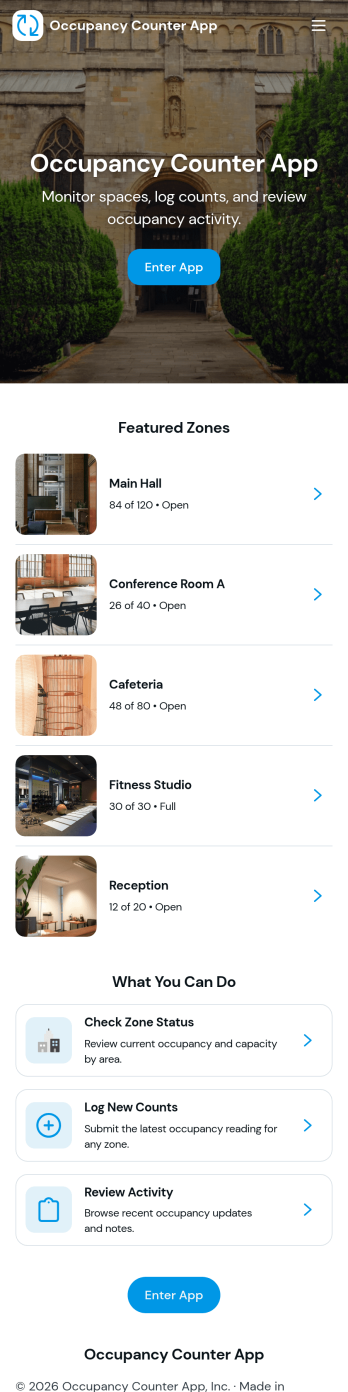
Occupancy Counter App
Occupancy Counter App helps teams track how many people are in a space throughout the day so staff can make quick, informed decisions. It’s a practical fit for retail stores, gyms, clinics, offices, schools, and event venues that manage multiple areas or rooms and want a simple way to log occupancy, review a live-style board, and check past counts. With quick actions like Add Entry and Log Occupancy, plus visual status cues such as Low Capacity and High Capacity, the app supports consistent updates without slowing down front-desk or floor operations.Jotform makes it easy to turn this app template into a branded, shareable self-service experience using a no-code app builder with a drag-and-drop interface. Connect the app to your form and tables for reliable data collection, route updates into the right workflow, and keep information accessible for your team from one link. You can publish fast, adjust pages as your space changes, and centralize occupancy tracking in Jotform without writing code.
Go to Category:Operations & Logistics Portal Apps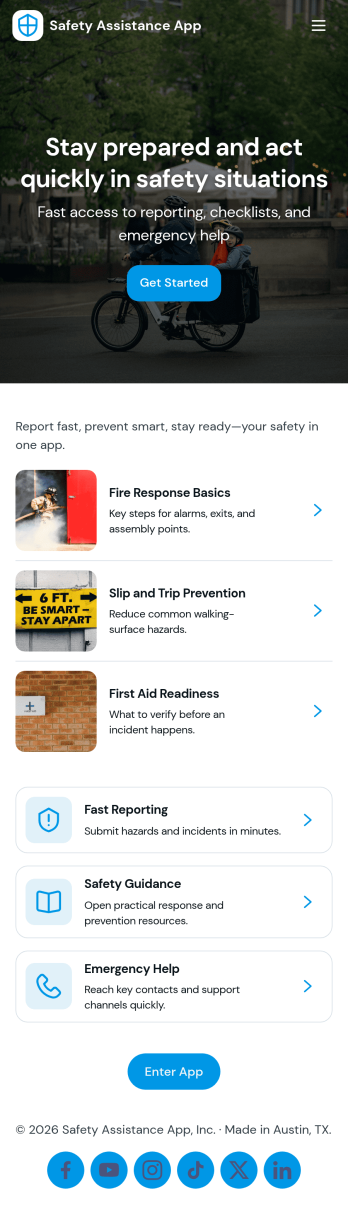
Safety Assistance App
Safety Assistance App helps teams centralize incident reporting, quick-access safety information, and past report visibility in one place. It’s a practical fit for offices, warehouses, schools, events, and field teams that need a simple way for people to report an incident, find first aid, evacuation, security, and emergency contact guidance, and review what has already been logged. With guided navigation cards and a clear call to submit a new report, it supports faster response, clearer internal communication, and more consistent documentation when situations arise.Built with Jotform App Templates, this app template can be customized in minutes using Jotform’s no-code app builder and drag-and-drop interface. Connect the in-app report flow to a form for reliable data collection, then organize records for easy reference and follow-up as part of your workflow. Share the app with staff or volunteers using a link or QR code, update safety resources anytime, and keep your safety hub accessible on any device.
Go to Category:Safety Inspection Apps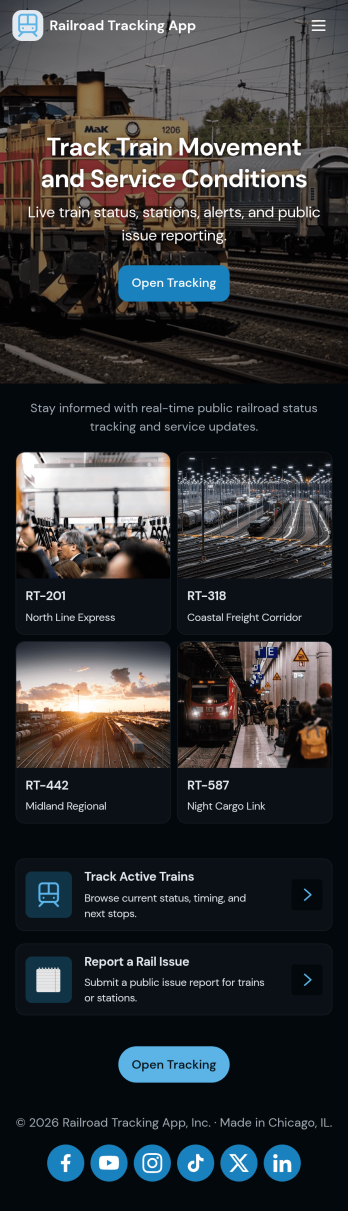
Railroad Tracking App
Railroad Tracking App helps rail operators and field teams keep daily rail activity visible in one place. Use it to monitor train movements, review an at-a-glance route board and operations summary, capture new train entries, and stay on top of reported incidents and open maintenance work. It fits dispatchers, yard managers, maintenance coordinators, and operations leads who need consistent updates across shifts without relying on scattered notes or endless status calls.Built with Jotform, this app template is easy to tailor with a no-code app builder and a drag-and-drop interface, so you can match your routes, assets, and reporting needs. Connect buttons to forms for fast data collection, organize records into lists for quick lookups, and keep your workflow moving with clear navigation between trains, incidents, and maintenance. Share the app with your team so everyone works from the same real-time view, whether they’re in the office or in the field.
Go to Category:Transportation Apps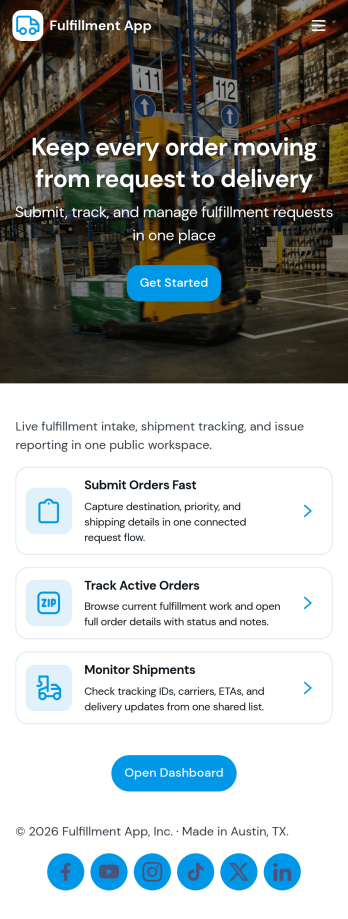
Fulfillment App
Fulfillment App helps teams manage orders from intake to dispatch in one place, making it easier to keep operations moving when volume picks up. Use it to review new orders, create priority orders when something needs to ship first, and assign dispatch tasks so nothing slips through the cracks. It’s a practical fit for e-commerce operations, warehouses, retail backrooms, and service businesses that package and deliver goods, especially when multiple team members need visibility into what’s next and what’s already in motion.Jotform makes it simple to turn fulfillment workflows into an app experience you can share with your team. With Jotform’s no-code app builder and drag-and-drop interface, you can tailor pages for new orders, dispatch, and performance, connect forms for task creation, and organize records in linked tables for faster tracking. Keep data collection consistent, reduce manual status chasing, and offer a self-service way for staff to view requests and fulfillment records as work progresses.
Go to Category:Order & Shipping Portal Apps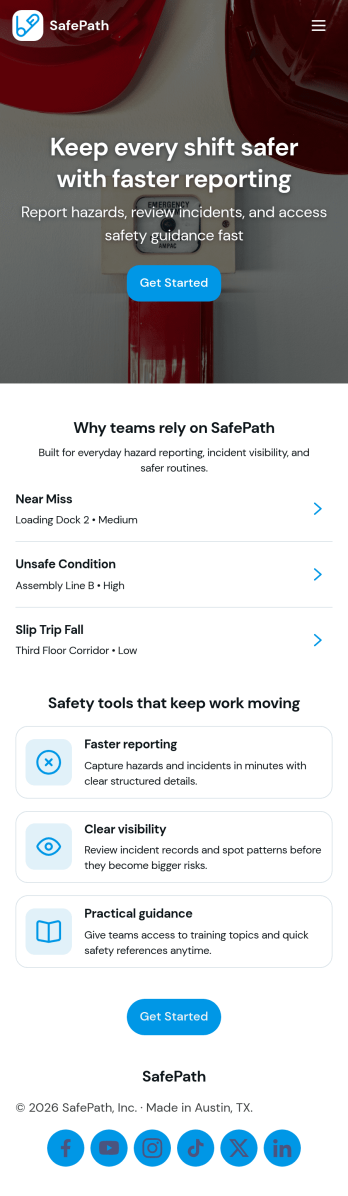
Workplace Safety App
Workplace Safety App helps teams report incidents, log inspections, and keep an eye on open hazards so safety issues don’t get lost in email threads or paper checklists. It’s a practical fit for operations leaders, HR teams, site supervisors, and safety coordinators across warehouses, construction sites, manufacturing floors, retail locations, and offices. Staff can quickly submit incident details, managers can review reports in one place, and recurring inspection activity is easier to track across areas and locations as conditions change.Built with Jotform, this app template turns safety processes into a mobile-friendly self-service experience that’s simple to share and update. Use Jotform’s no-code app builder and drag-and-drop interface to tailor pages, add your own instructions, and connect forms and tables to support ongoing data collection and follow-up workflow. From capturing consistent reporting details to organizing incident records for faster review, Jotform makes it easier to maintain a reliable safety routine without extra tools.
Go to Category:Safety Inspection Apps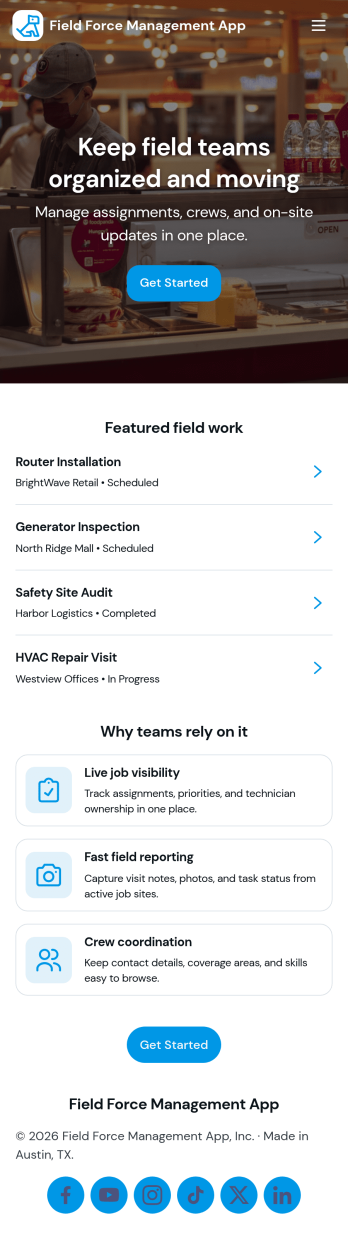
Field Force Management App
Field Force Management App supports teams that manage on-the-go work by organizing daily assignments, capturing check-ins from the field, and giving supervisors a clear view of productivity. Use it to assign and review Today’s Tasks, collect Live Check-ins from technicians or reps as they complete visits, and keep task details accessible so field staff always know what to do next. It’s a practical fit for home services, facilities teams, sales operations, maintenance crews, and any organization coordinating multiple field workers across locations.Jotform helps you turn these workflows into a mobile-friendly self-service experience with a no-code app builder and a drag-and-drop interface. Connect the app to forms for adding tasks and logging check-ins, then route entries into tables so dispatchers and managers can review field records, follow progress, and keep information consistent across the team. With Jotform App Templates, you can quickly customize pages, branding, and navigation to match how your field operations run.
Go to Category:Operations & Logistics Portal Apps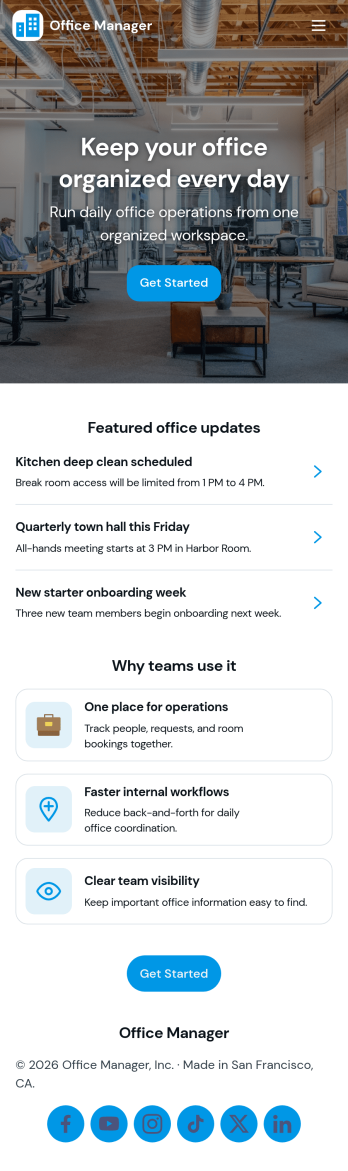
Office Manager App
An office manager app brings everyday workplace requests, task lists, contacts, and office items into one easy-to-navigate space. Use it to route new internal requests to the right person, capture details in a consistent format, and keep “today’s tasks” visible so priorities don’t get lost. It also supports a lightweight directory for key contacts and a simple way to track shared supplies or items, which helps small teams reduce interruptions and keep operations moving.With Jotform, you can turn this app template into a branded self-service experience using a no-code app builder and a drag-and-drop interface. Connect buttons and lists to forms for fast data collection, keep records organized, and refine your workflow over time as office needs change. Share the app with staff through a link or QR code, then update pages and content anytime without rebuilding the whole experience.
Go to Category:Company Portal Apps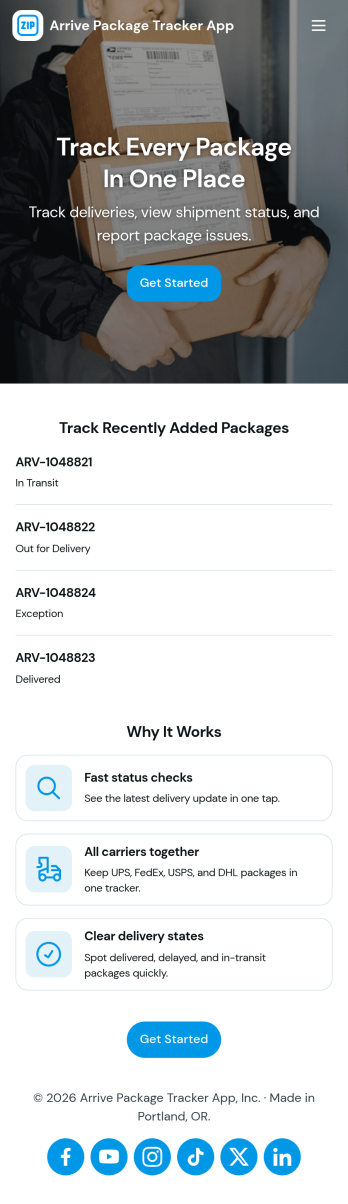
Arrive Package Tracker App
Arrive Package Tracker App helps teams log incoming deliveries, keep a clear view of what’s in transit versus delivered, and make package updates easy to find in one place. It’s a practical fit for front desks, office managers, mailrooms, property teams, and small businesses that receive frequent shipments and need a simple way to capture new intake details, look up a tracking number, and reduce missed pickups or misplaced parcels.Built with Jotform App Templates, this app template connects quick navigation with structured data collection so your package workflow stays consistent from intake to final status. Customize pages with Jotform’s no-code app builder and drag-and-drop interface, then link your intake form to a live package list and a status board for at-a-glance updates. Share the app as a self-service experience for staff, keep records organized, and turn everyday delivery handling into a dependable workflow.
Go to Category:Order & Shipping Portal Apps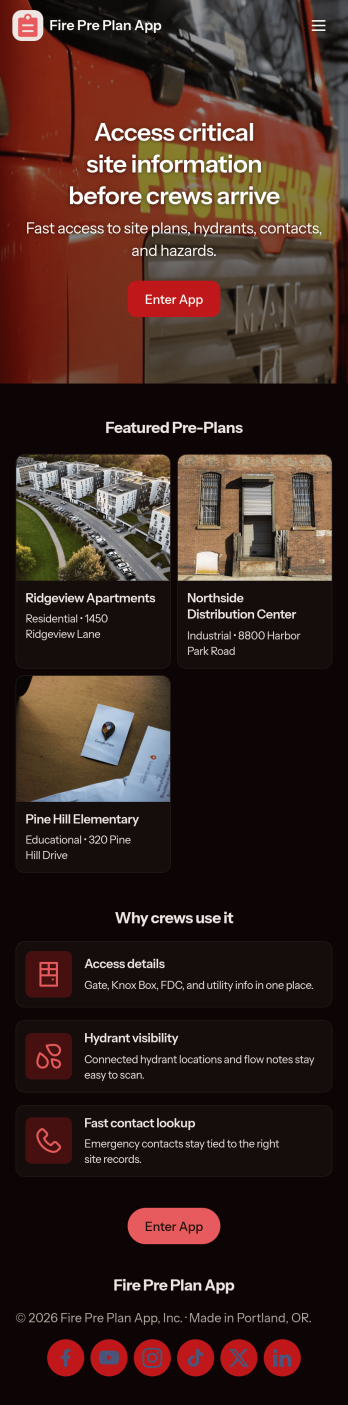
Fire Pre Plan App
Fire Pre Plan App helps fire safety teams and facility managers capture risk details, keep pre-incident plans organized, and maintain a practical asset register for faster decision-making during site visits and preparedness reviews. Use it to start a new risk intake for a property, review open plans that still need updates, and keep key assets recorded in one place so information is easier to find when it matters.Built with Jotform, this app template pairs a drag-and-drop interface with connected forms and data views to support ongoing data collection and workflow follow-through. Share a single link with your team, route people to the right actions with clear navigation, and keep records accessible through list views and submission pages so planning and updates stay consistent across locations.
Go to Category:Safety Inspection Apps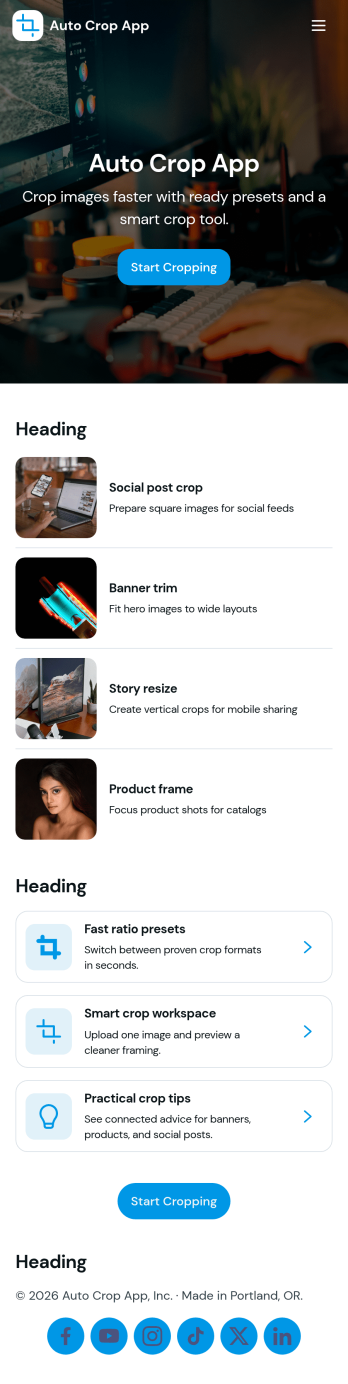
Auto Crop App
Auto Crop App helps teams batch crop images in a repeatable way, track each crop request from start to finish, and reuse sizing rules without rebuilding steps every time. It’s built for ecommerce teams preparing product photos, marketing teams resizing creatives for campaigns, real estate offices standardizing listing images, and content creators who need consistent crops across channels. With batch crop, a job queue, and presets, you can keep work organized while giving everyone a clear place to start a new crop job and check what’s currently processing.Jotform makes it easy to turn this workflow into a shareable self-service experience using app templates and a no-code app builder. Customize pages and navigation with a drag-and-drop interface, connect the app to your crop job form and tables, and keep image work moving with simple routing and status visibility. Publish with a link so teammates can submit new jobs, view jobs, and open history whenever they need it.
Go to Category:Information Technology Apps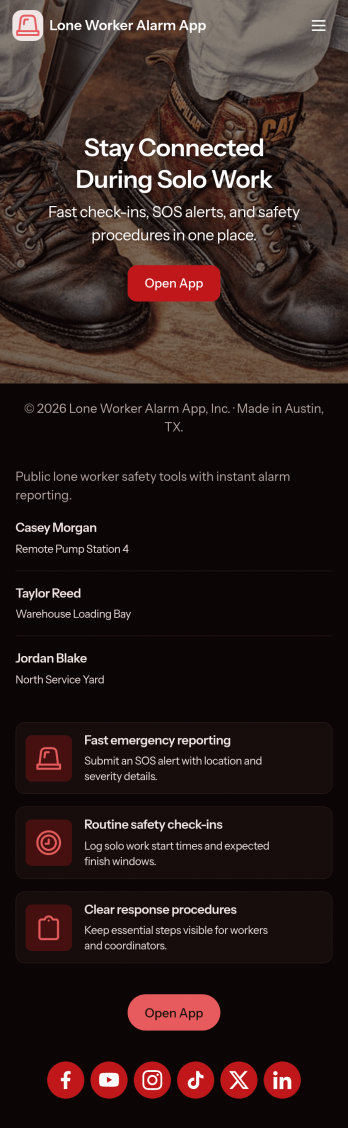
Lone Worker Alarm App
Lone Worker Alarm App helps organizations keep track of solo staff who work off-site, after hours, or in high-risk environments by giving them a simple place to raise an alarm, complete live check-ins, and keep safety contacts up to date. It fits teams that manage field service, maintenance, property management, healthcare visits, security rounds, and any role where a person may be out of sight and need a fast way to flag an incident. With a check-in log and incident history in one view, supervisors can follow activity patterns, respond faster when something feels off, and keep critical information easy to find during an escalation.Jotform makes it easy to publish this kind of self-service safety experience using its no-code app builder and drag-and-drop interface. Connect buttons and pages to forms for data collection like check-ins and incident reports, route updates into a workflow your team already follows, and share the app by link or QR code so workers can access it from their phones. You can also tailor the layout, add your branding, and adjust what each page shows as your lone worker process evolves.
Go to Category:Safety Inspection Apps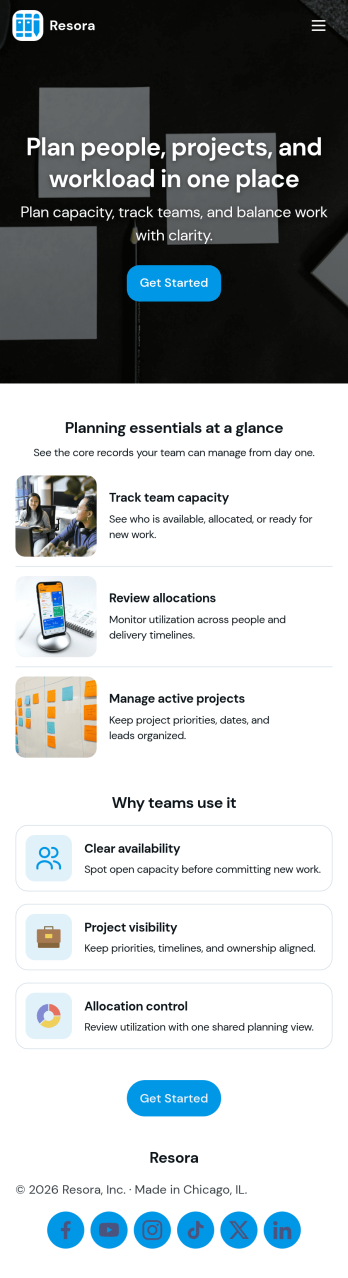
Resource Planning App
Resource Planning App helps teams plan projects and match demand with available capacity in one place, so it’s easier to see what’s coming up, who is available, and where work is already committed. Use it to organize a project list, maintain a resource directory, and record allocation details for each assignment without scattering updates across spreadsheets. It fits project managers, operations leads, and department heads who need a clear view of workload before committing to new timelines or shifting priorities.Built with Jotform, this app template turns your planning workflow into a shareable, self-service experience that’s easy to update. With a no-code app builder and a drag-and-drop interface, you can tailor pages for Projects, Resources, Allocations, and Insights, then connect forms for ongoing data collection and visibility. Link records to Jotform Tables, give stakeholders access to planning overviews, and keep submissions organized so your team can make quicker, better-informed resourcing decisions.
Go to Category:Management Apps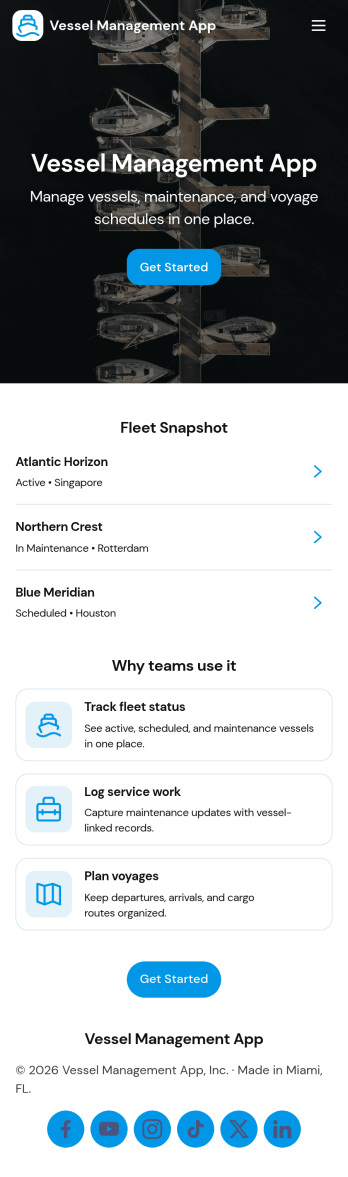
Vessel Management App
A Vessel Management App brings key vessel details and day-to-day operational records into one place so teams can stay organized across a fleet. Use it to maintain a fleet register, review inspection logs, and capture incident reports as they happen, whether you manage a small set of workboats or a larger mixed fleet. It’s a practical fit for vessel owners, operators, port teams, marine contractors, and supervisors who need clearer visibility into what’s happening on each vessel without relying on scattered notes or disconnected spreadsheets.With Jotform, you can launch this Vessel Management App using ready-made app templates and tailor it to your workflow in a no-code app builder. Customize pages with a drag-and-drop interface, connect lists to your records, and link critical actions like maintenance tracking and incident reporting to the right forms and tables. Once published, the app supports self-service access for crews and managers, helping keep data collection consistent and workflows moving from request to record.
Go to Category:Transportation Apps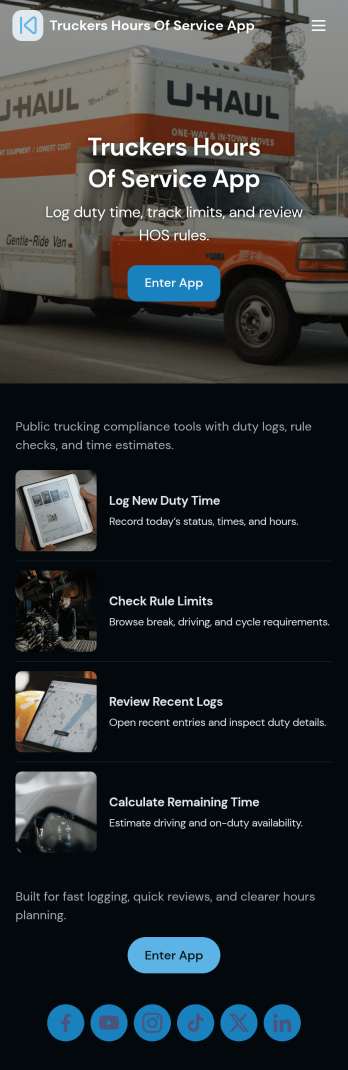
Truckers Hours of Service App
Truckers Hours of Service App helps drivers and fleet teams record daily time on the road in one place, with an easy flow for logging hours, capturing inspection details, and checking a clear HOS summary view. It’s a practical fit for owner-operators, dispatch teams, and small carriers who want a consistent way to track driving and off-duty time across trips, keep today’s log handy, and pull up recent inspections when questions come up. Whether you’re managing a handful of drivers or just your own schedule, this app supports quick entries in the field and a simple dashboard experience that reduces missed logs and scattered paperwork.With Jotform, you can turn this app template into a mobile-friendly self-service experience for your operation using a no-code app builder and a drag-and-drop interface. Connect buttons to forms for fast data collection, organize records into lists for easier review, and keep teams aligned with a workflow that routes people to the right actions from a single hub. Customize pages, branding, and navigation, then share the app by link or QR code so drivers can log hours and updates wherever the day takes them.
Go to Category:Transportation Apps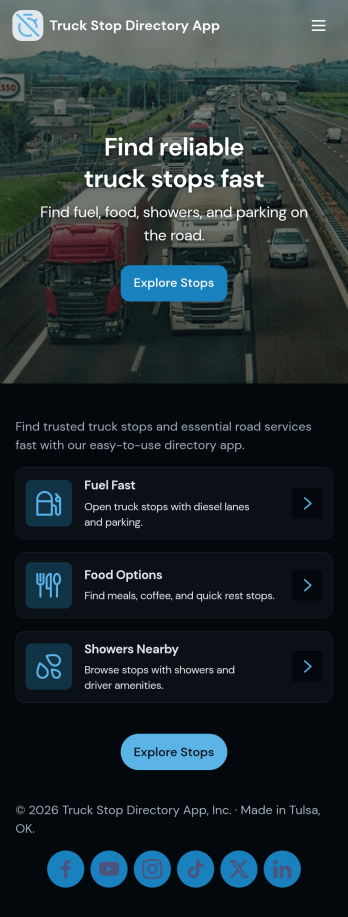
Truck Stop Directory App
A truck stop directory app gives drivers, dispatchers, and fleet teams one place to browse a curated list of stops, open a stop’s detail view, and save go-to locations in a Favorites page for quick access. It’s a practical fit for trucking companies, owner-operators, and logistics coordinators who want a simple directory that’s easy to reference on the road or during route planning. Use it to keep key information consistent across the team, reduce time spent searching for reliable stops, and encourage drivers to stick to preferred locations.With Jotform, you can turn this Truck Stop Directory App into a branded self-service experience using a no-code app builder and a drag-and-drop interface. Connect the directory to a form so trusted users can add new stops, keep entries up to date, and centralize data collection in one workflow. Share the app with a link or QR code, tailor pages to match how your drivers navigate, and manage your directory content without relying on developers.
Go to Category:Transportation Apps
Workflow Management App
Workflow Management App helps teams keep day-to-day work moving by organizing tasks into a clear queue, routing items through approvals, and giving stakeholders a simple way to review recent activity. It fits operations groups, project coordinators, service teams, and department leads who need visibility into what’s assigned, what’s waiting, and what changed today without relying on scattered messages or spreadsheets.Built with Jotform App Templates, this app template can be published fast and tailored to your process using Jotform’s no-code app builder and drag-and-drop interface. Connect it to your task form for consistent data collection, then share a self-service workspace where users can open tasks, return to the main queue, and follow a repeatable workflow that stays easy to manage as your workload grows.
Go to Category:Management Apps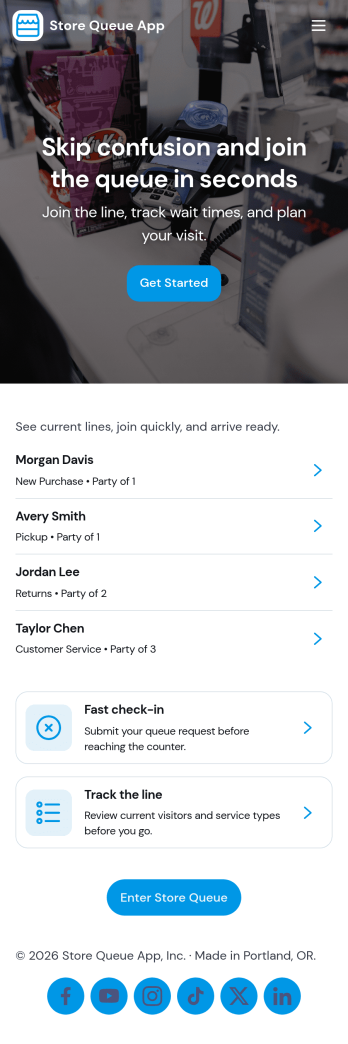
Store Queue App
Store Queue App helps retail teams manage in-store lines without confusion, giving customers a simple way to join a queue and check their place while staff keeps service moving. Use it for busy shops, pop-up counters, customer service desks, pharmacies, and pickup windows where wait times can change fast. With clear entry points like Join Queue, Live Queue, and Counter Status, it supports self-service check-in and real-time visibility so fewer people crowd the counter and employees spend less time answering the same questions.Built with Jotform, this app template can be adapted in minutes with a drag-and-drop interface and a no-code app builder that fits your day-to-day workflow. Connect the experience to your forms and tables for reliable data collection, then share it by link or QR code for quick access on mobile. Whether you’re coordinating multiple counters or running a single service point, Jotform makes it easy to publish an app that keeps queues organized and customers informed.
Go to Category:Retail Apps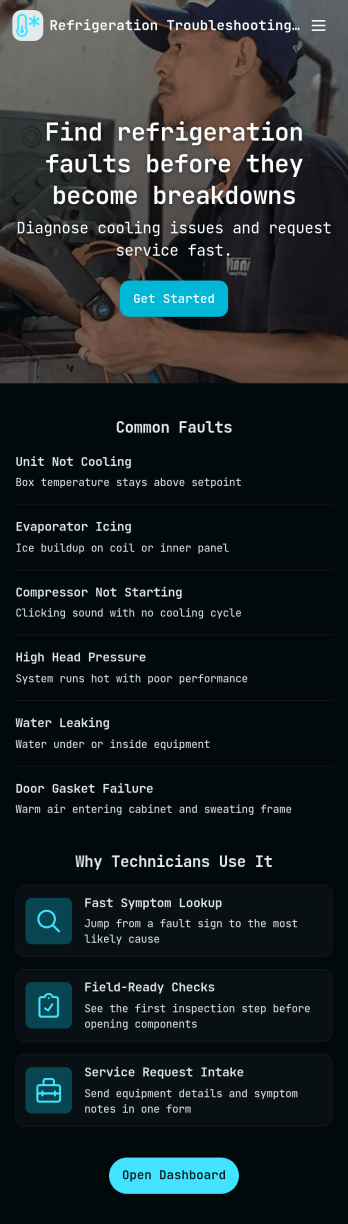
Refrigeration Troubleshooting App
Refrigeration Troubleshooting App helps technicians and maintenance teams record cooling issues, reference a fault library, and review repair history from one place. It’s ideal for restaurants, grocery stores, cold storage facilities, hotels, and property teams that need a consistent way to capture problem details and reduce repeat visits. With quick navigation to Log Issue, My Logs, and fault-based records, teams can keep troubleshooting notes organized and easier to act on during service calls.Jotform makes it simple to publish this kind of self-service, mobile-friendly workflow using its no-code app builder and drag-and-drop interface. Connect your issue log form to your data, add pages for fault lookups and repair history, and share the app with a link or QR code so staff can log issues on-site. As activity grows, Jotform helps you keep data collection consistent and workflows clear without adding complexity.
Go to Category:Equipment Maintenance Software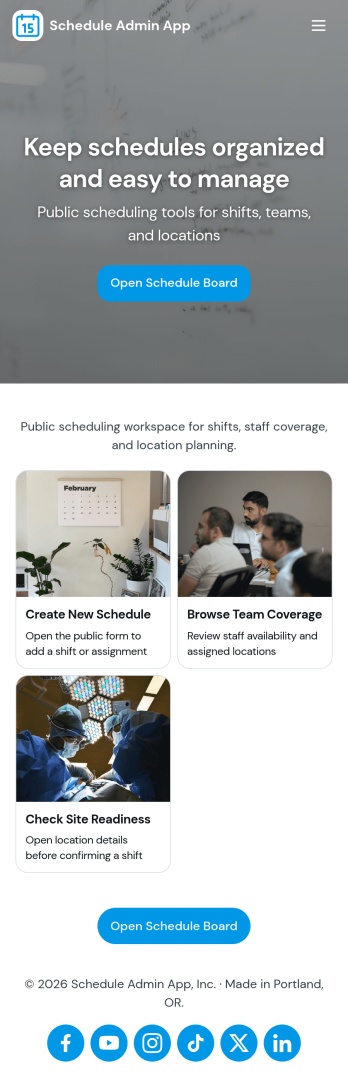
Schedule Admin App
Schedule Admin App helps administrators coordinate day-to-day scheduling in one place by organizing shift or event requests, keeping a shared calendar updated, and tracking team coverage. It’s a practical fit for operations managers, office administrators, department leads, and service coordinators who need a clear view of who is available, what’s been requested, and what’s already on the schedule. With dedicated areas for requests, schedule viewing, team coverage, and insights, the app supports faster decisions and fewer missed handoffs when plans change.With Jotform App Templates, you can publish a self-service scheduling experience without coding and tailor it to how your organization works. Use Jotform’s no-code app builder and drag-and-drop interface to adjust pages, refine navigation, and connect the app to your existing data collection and workflow needs. Share the app with a link or QR code so staff can submit requests, admins can review updates, and teams can stay aligned from any device.
Go to Category:Scheduling Apps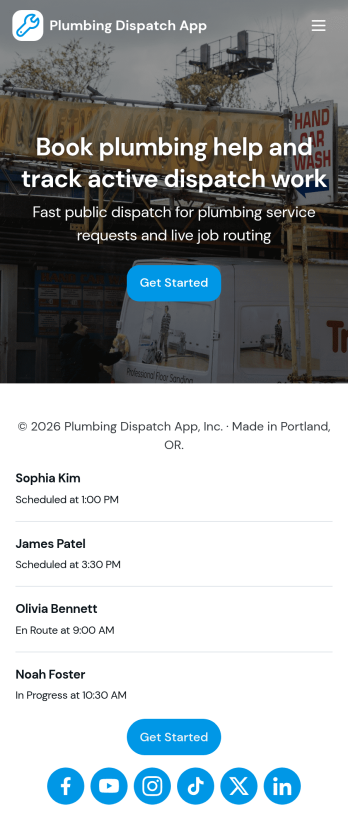
Plumbing Dispatch App
Plumbing Dispatch App helps plumbing companies coordinate incoming service requests and turn them into organized work orders that the office can track from one place. It’s a practical fit for dispatchers, service managers, and small operations teams who need a clear dispatch queue for daily calls, emergency jobs, and scheduled visits. With quick access to a new request entry point, a view of open jobs, and an at-a-glance dispatch operations summary, the app keeps work moving while reducing missed details and duplicate updates.Jotform makes it easy to build and publish app templates like this using a no-code app builder and a drag-and-drop interface, so you can match the workflow to how your team actually dispatches and manages jobs. Connect buttons and lists to your work order form for consistent data collection, route information to the right people with automated workflow steps, and share the app as a self-service link for your internal team so everyone stays aligned from request intake through completion.
Go to Category:Home Services Apps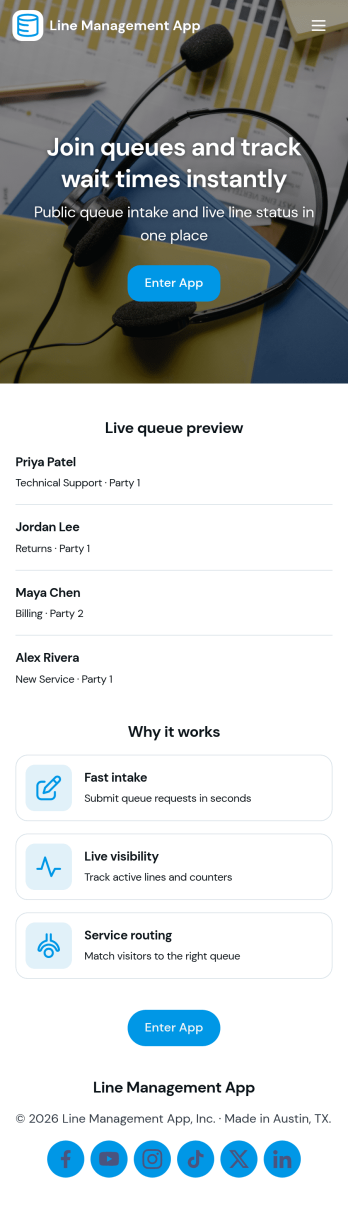
Line Management App
Line Management App helps teams handle walk-ins and on-site requests by giving customers a simple way to join the line and giving staff a clear view of the active queue. It works well for service counters, clinics, repair desks, school offices, reception areas, and any location where wait order matters. Visitors can add a request, while employees can open the queue, review who is next, and tap into a person’s details when it’s time to serve them. A dedicated service history view also makes it easier to reference past visits and spot recurring needs without hunting through messages or paper notes.With Jotform, you can turn this experience into a polished self-service flow using customizable app templates and a no-code app builder. Use a drag-and-drop interface to adjust pages, update labels, and match your branding, then connect the app to your forms and workflows for consistent data collection. Share the app by link or QR code so customers can join from their phone, and keep your team aligned with one central queue view that’s easy to manage throughout the day.
Go to Category:Task Management Apps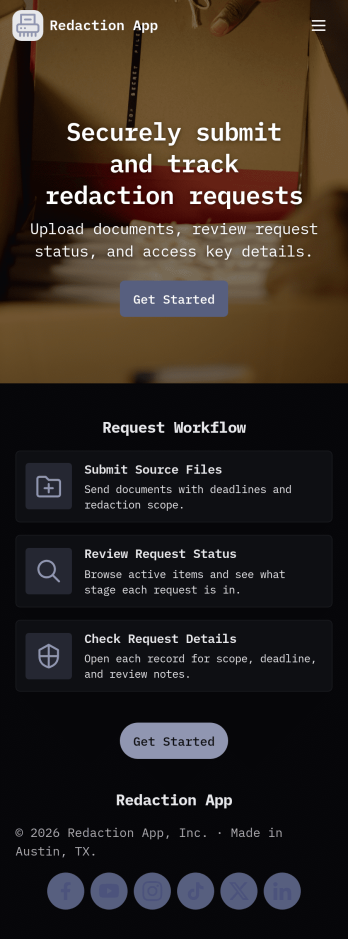
Redaction App
Redaction App helps teams collect and manage document redaction requests in one place, from the first intake to the final archive. It works well for IT and operations groups, support teams, and internal service desks that need a clear way to accept new requests, monitor what’s in the queue, and keep a record of completed work. With a simple New Request entry point, a Queue view for in-progress items, and an Archive area for completed requests, this app keeps request handling organized while reducing missed handoffs and unclear ownership.Jotform makes it easy to publish App Templates like Redaction App using a no-code app builder with a drag-and-drop interface. Connect your app to forms and tables to support consistent data collection, route work through your workflow, and share a self-service experience with the right audience through a link or QR code. You can quickly tailor pages, buttons, and branding to match how your team receives redaction requests and tracks progress over time.
Go to Category:Information Technology Apps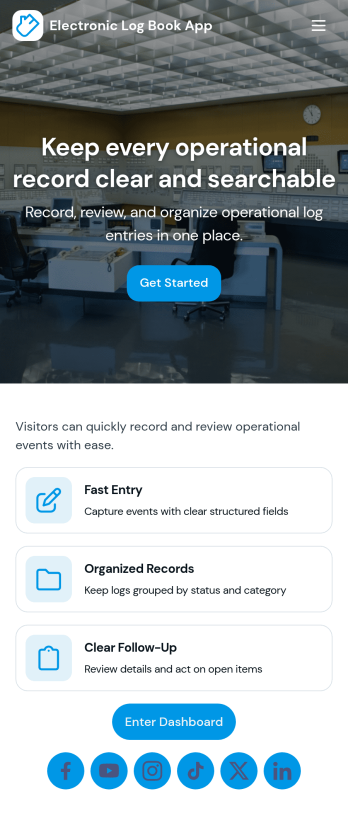
Electronic Log Book App
An electronic log book app gives individuals and teams a simple way to create new entries, review an overview of recent activity, and browse past records in one place. Use it to track daily operations, field notes, shift handoffs, equipment usage, incident details, mileage, visitor notes, or any recurring activity that needs a consistent paperless record. With a clear New Entry path, an entries list you can open by date, and a My Entries area for quick access, it supports anyone who needs to document work as it happens, then find it later without digging through emails or notebooks.Jotform helps you turn this electronic log book app into a branded self-service experience using an app template you can publish in minutes. With a no-code app builder and a drag-and-drop interface, you can connect the app to a log entry form for reliable data collection, organize records for easy navigation, and keep your workflow moving with shareable access for staff or collaborators. Customize what users see on each page, then share the app by link so logging and retrieval stay fast, consistent, and mobile-friendly.
Go to Category:Log Apps