

Operations & Logistics Portal Apps

Disaster Recovery App
Disaster Recovery App helps teams document incidents, coordinate response work, and track recovery progress from a single, shareable hub. It brings together a central recovery dashboard with quick navigation to report an incident, review active incidents, and check essential supplies, so responders can capture details fast and keep stakeholders aligned. Whether you support an office, campus, job site, municipality, or nonprofit, this app fits scenarios like severe weather, power outages, facility damage, or service interruptions where updates need to move quickly and be easy to find.Build and customize Disaster Recovery App with Jotform App Templates and a no-code app builder that works with a drag-and-drop interface. Connect the app to your incident reporting form, organize incoming data for follow-up, and create a simple self-service experience that teams can access on the go. With Jotform, you can adjust pages, buttons, and branding to match your recovery workflow and share the app link with internal teams or trusted partners whenever an event occurs.
Go to Category:Information Technology Apps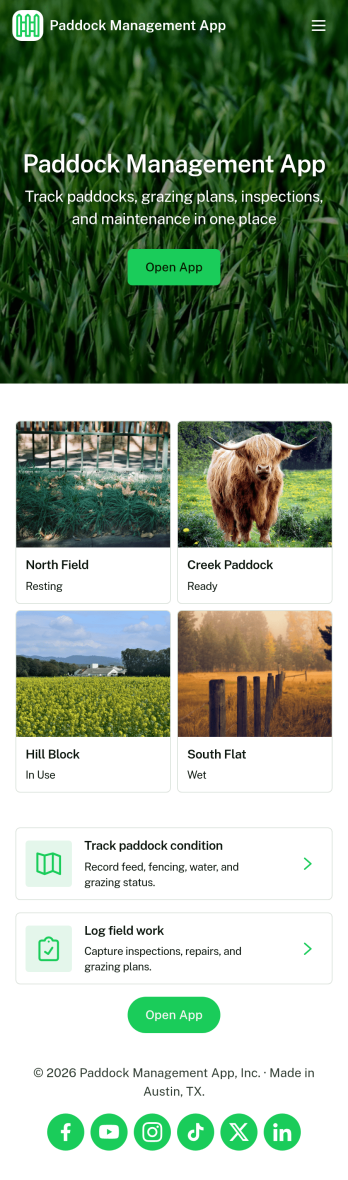
Paddock Management App
Paddock Management App helps farms and ranches keep daily paddock operations organized in one place, so crews can stay on top of what needs attention and when. Use it to log livestock details, review a quick livestock snapshot, and check Today’s Work so nothing gets missed during busy rotations, feeding schedules, or routine checks. It also supports work requests for repairs, supplies, or pasture tasks, making it easier to capture issues as they come up and keep open requests visible to everyone involved.With Jotform, you can turn this app template into a mobile-friendly self-service hub for the field without relying on code. Customize pages and cards with a drag-and-drop interface, connect buttons to forms for data collection, and keep records organized in connected workflows. Share the app by link or QR code so staff can add livestock entries, submit new requests, and review updates from anywhere.
Go to Category:Management Apps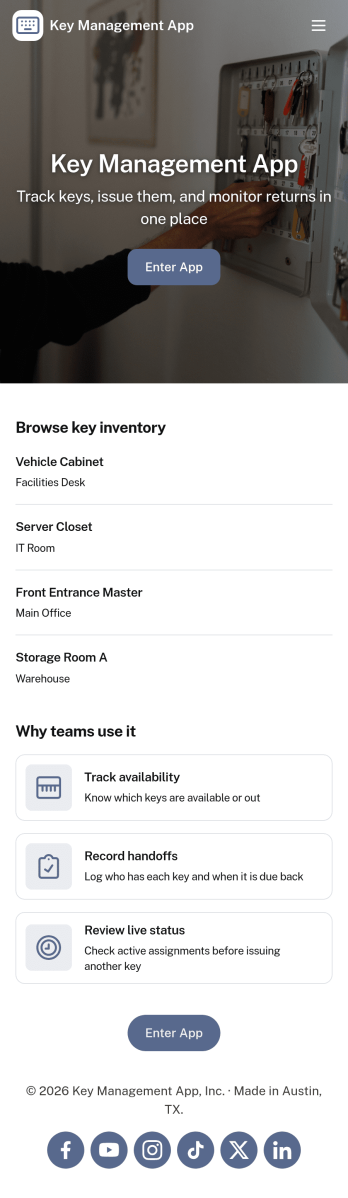
Key Management App
Key Management App helps organizations track physical keys, control who has access, and keep a clear record of key activity in one place. It fits property managers, facilities teams, schools, hotels, auto shops, and any workplace that shares keys across shifts or departments. With dedicated areas for key inventory, issuing keys, and logs, teams can quickly see what’s available, document handoffs, and follow up on missing or overdue keys without relying on paper sign-out sheets.Jotform makes it easy to turn this workflow into a mobile-friendly self-service experience using its app templates and no-code app builder. Customize pages with a drag-and-drop interface, connect buttons to forms and tables for data collection, and keep key records organized as your needs grow. Share the app with a link or QR code, control access for staff, and standardize how key inventory and log history are captured across locations.
Go to Category:Log Apps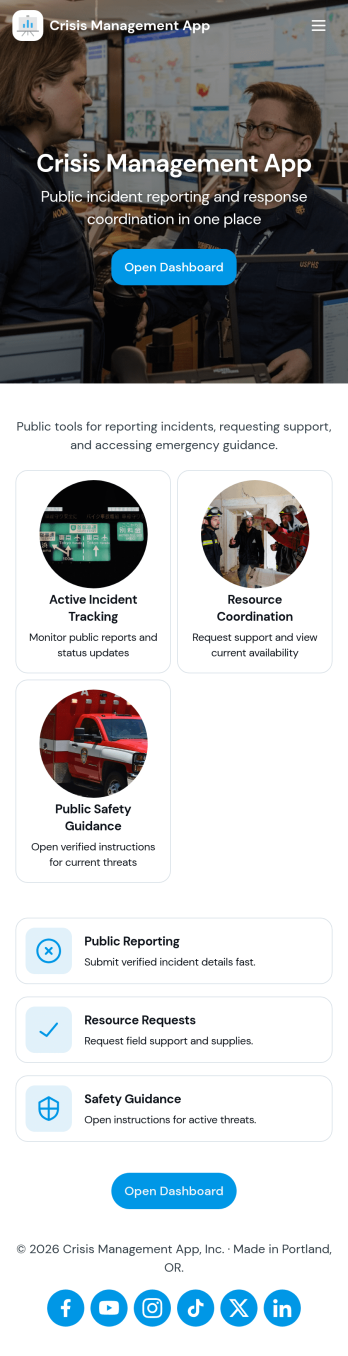
Crisis Management App
Crisis Management App helps organizations capture incident details fast, route them to a central response area, and document what happened afterward for continuous improvement. It fits teams that need a clear path from reporting to action, such as operations leaders, HR and facilities, school administrators, event staff, nonprofits, and IT or security groups coordinating time-sensitive situations. With quick incident reporting, a response center view, and an after-action follow-up space, the app supports consistent handling of disruptions without relying on scattered messages or informal notes.Built with Jotform, this app template can be tailored to your process using a no-code app builder and a drag-and-drop interface. Connect the app to your incident form and table-backed records for organized data collection, keep updates moving through simple workflows, and share a single self-service link or QR code so people know exactly where to report and where responders can track what’s next.
Go to Category:Company Portal Apps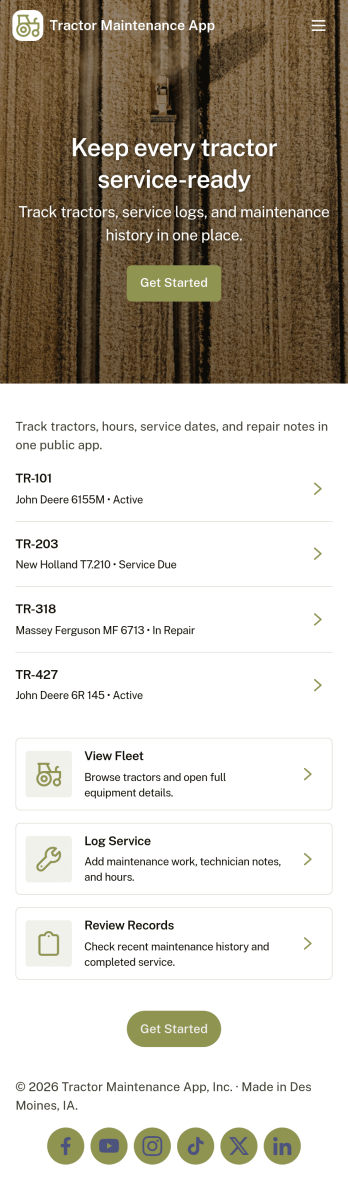
Tractor Maintenance App
Tractor Maintenance App helps you keep tractor upkeep organized across one or many machines, so service history, parts needs, and current condition are easy to review in one place. It’s a practical fit for farms, agricultural contractors, equipment owners, and fleet managers who want a clear routine for preventive maintenance and fewer surprises during busy seasons. Use it to log service work as it happens, submit parts requests when something is worn or broken, and browse tractor-specific records so operators and mechanics stay aligned.With Jotform, you can turn this app template into a branded self-service experience in minutes using a no-code app builder and a drag-and-drop interface. Connect key actions to forms for data collection, keep entries organized for day-to-day workflow needs, and share the app by link or QR code with your team in the shop or out in the field. As your operation grows, you can adjust pages, permissions, and connected processes without rebuilding from scratch.
Go to Category:Equipment Maintenance Software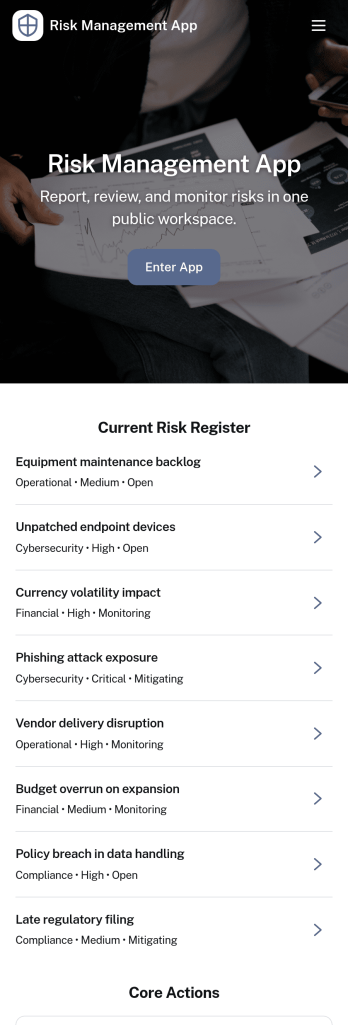
Risk Management App
A risk management app brings your risk register, incident reporting, and follow-up actions into one place so teams can identify issues early and respond consistently. Use it to log new risks, capture incident details as they happen, and assign action items with clear ownership, making it easier to prioritize work and keep stakeholders aligned. It’s a strong fit for operations leaders, project managers, safety teams, IT, and department heads who need a reliable way to track exposure across sites, projects, or programs without chasing updates across emails and spreadsheets.With Jotform, you can turn this Risk Management App into a branded self-service experience using a no-code app builder and a drag-and-drop interface. Connect buttons to forms for fast data collection, organize records in tables for easier tracking, and centralize workflows so teams can add risks, report incidents, and manage actions from any device. Share the app by link or QR code to standardize reporting and keep your risk workflow moving from intake to insights.
Go to Category:Management Apps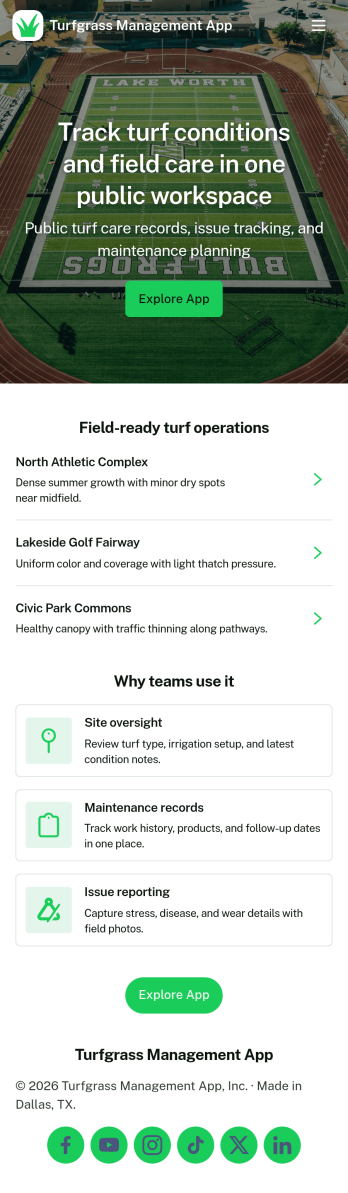
Turfgrass Management App
Turfgrass Management App helps turf teams organize day-to-day field care with a simple home base for planning, scouting, and recordkeeping. Use it to guide daily scouting checks, keep weekly surface care consistent, and give crews quick access to standards like mowing guidelines and irrigation basics. It fits golf course and sports field operations, parks departments, school grounds, and landscaping teams that need reliable routines across multiple fields and rotating staff.Built with Jotform, this app template turns turf routines into an easy self-service experience that works wherever the work happens. Customize pages with a drag-and-drop interface, connect field logs and task lists to keep updates in one place, and share the app by link or QR code so staff can open planning and review field logs from their phones. Jotform’s no-code app builder makes it simple to adjust content as conditions change, helping your workflow stay clear from scouting to surface care follow-through.
Go to Category:Operations & Logistics Portal Apps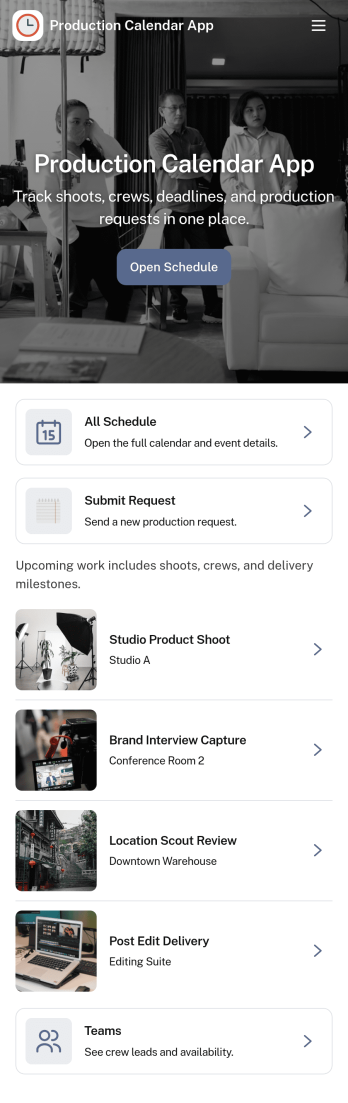
Production Calendar App
A production calendar app keeps your daily manufacturing or shop-floor plan in one place so teams can see what’s scheduled, what’s in progress, and what needs attention today. Use it to review today’s load, open the schedule for upcoming runs, and route staff to the right work order details without hunting through messages or spreadsheets. It’s a practical fit for production managers, schedulers, supervisors, and operators who need a clear view of priorities across shifts, lines, or stations.With Jotform, you can turn this production calendar into a shareable self-service workspace using a no-code app builder and a drag-and-drop interface. Connect schedule entries to forms for quick update reporting, organize work orders in a structured list, and keep your workflow moving with centralized data collection that’s easy to access on desktop or mobile. As needs change, adjust pages, buttons, and navigation so the app matches how your team plans, updates, and runs production.
Go to Category:Operations & Logistics Portal Apps
Trucker Logbook App
Trucker Logbook App helps drivers and fleet teams keep trip records organized in one place so daily logging doesn’t get scattered across notebooks, texts, and spreadsheets. Use it to start a new log entry from a simple home screen, capture the details you need for each run, and then review trips later by date and driver. It’s a practical fit for owner-operators, dispatchers, and small carriers who want consistent records for route history, driving activity, and day-to-day operations.With Jotform, you can turn your log process into a shareable, self-service experience using an app template built with a no-code app builder and a drag-and-drop interface. Connect the app to a form for data collection, keep entries accessible for quick lookups, and tailor the pages for your workflow, including sections for trip review, maintenance tracking, and internal compliance documentation.
Go to Category:Log Apps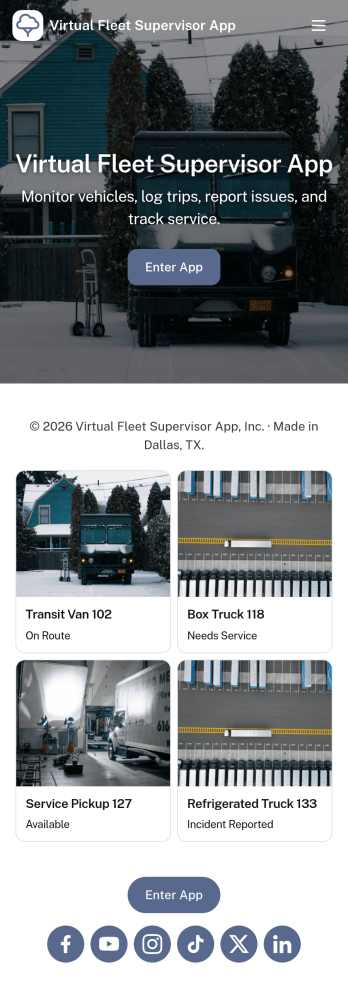
Virtual Fleet Supervisor App
Virtual Fleet Supervisor App helps transportation and service teams oversee vehicles and drivers from one place when the fleet is spread across locations or operating on the road. Use it to keep a clear view of fleet vehicles and driver rosters, capture routine inspections, and log incidents as they happen, so supervisors can follow up quickly and keep operations organized without relying on scattered messages or spreadsheets.With Jotform, you can turn this app template into a branded self-service experience for internal teams using a no-code app builder and a drag-and-drop interface. Connect buttons to forms for data collection like adding vehicles or drivers, organize records in lists for fast browsing, and keep your workflow consistent across inspections, incidents, and supervisor review with a shareable link that works on mobile.
Go to Category:Transportation Apps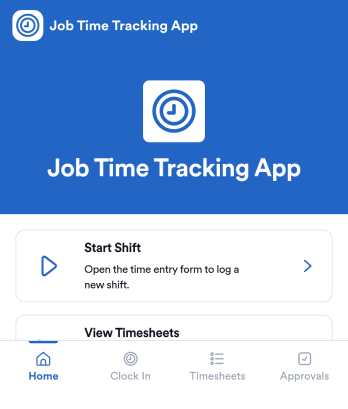
Job Time Tracking App
Job Time Tracking App helps teams record work hours and manage shift activity in one place. Employees can start a shift, review their own time entries, and request schedule changes without hunting down a manager. It’s a practical fit for field services, retail, hospitality, construction crews, and any operation that needs consistent time logging across multiple roles or locations.With Jotform you can turn this app template into a mobile-friendly self-service experience that connects time entry records and shift requests to your workflows. Customize pages with a drag-and-drop interface, route requests for review using connected approvals, and keep everything organized with linked tables for quick visibility. As your needs change, update the layout, add new actions, and share the app through a link so everyone can track time and submit requests from the same hub.
Go to Category:Activity Tracking Apps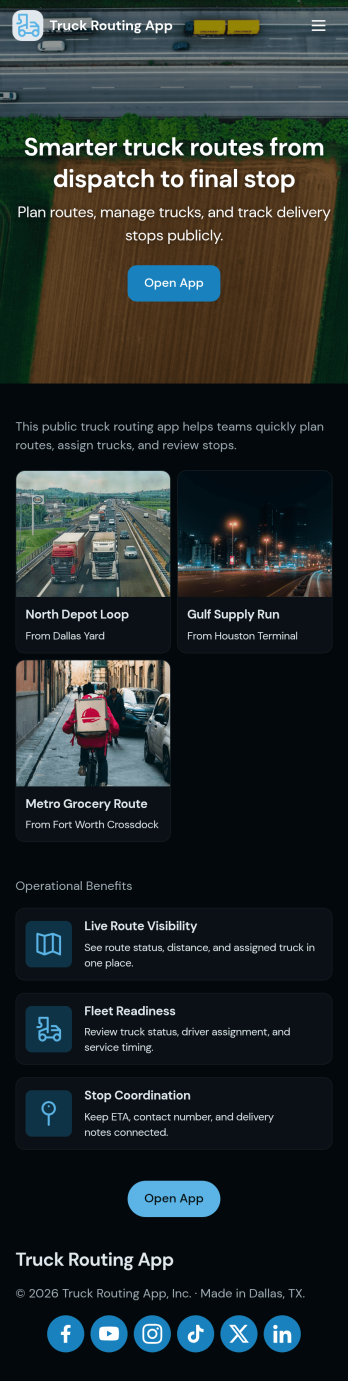
Truck Routing App
Truck Routing App helps dispatchers, fleet coordinators, and owner-operators organize day-to-day routes and loads in one place so teams can keep deliveries moving and reduce missed handoffs. Use it to create new routes, review route details, manage a load board, and keep an eye on active movement through a live tracking view. It fits local delivery operations, regional carriers, and growing logistics teams that need a shared view of what’s planned, what’s assigned, and what’s in progress without juggling scattered messages and spreadsheets.Built with Jotform, this app template is easy to tailor with a no-code app builder and a drag-and-drop interface, so you can match the layout to your dispatch workflow in minutes. Connect buttons to forms for fast data collection, keep records organized, and share a self-service experience with your team using a link or QR code. As your operation scales, you can expand the same workflow by adding more pages, routing requests, or internal steps while keeping everything centralized in Jotform.
Go to Category:Transportation Apps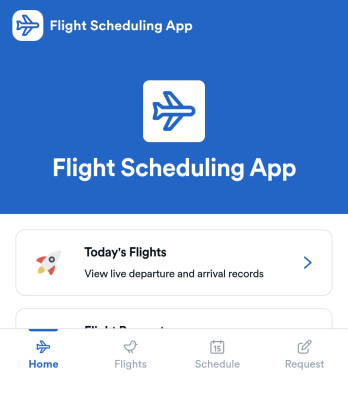
Flight Scheduling App
Flight Scheduling App helps aviation teams coordinate daily flight plans, keep a clear flight board for visibility, and capture new requests as they come in. It’s built for dispatchers, operations coordinators, charter and corporate flight departments, and small airport teams that need a shared place to review today’s schedule, monitor an operational flight status board, and log flight requests without relying on scattered messages or spreadsheets.With Jotform, you can turn this app template into a branded self-service experience using a no-code app builder and a drag-and-drop interface. Connect buttons to forms like Add Flight, Add Crew Member, and Log Flight Request to support consistent data collection, then share the app by link so the right people can view schedules and take action. As your workflow evolves, you can adjust pages, layouts, and connected tools to match how your team manages flight scheduling day to day.
Go to Category:Transportation Apps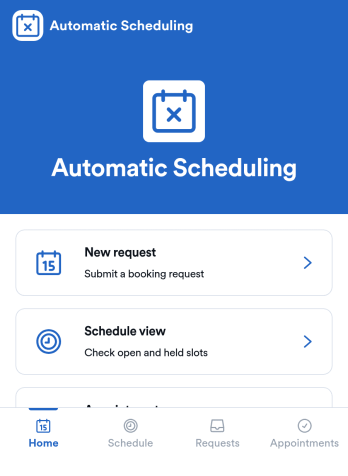
Automatic Scheduling App
Automatic Scheduling App keeps bookings moving by guiding customers and staff from available time slots to confirmed appointments with less manual coordination. It’s a practical fit for service businesses, consultants, clinics, salons, and internal teams that need a simple way to view a calendar, share availability, and accept booking requests in one place. With a clear booking flow, it supports instant booking, visibility into upcoming slots, and a dedicated space for reschedule requests so changes don’t get lost in messages.Built with Jotform App Templates, this app template is easy to adapt with Jotform’s no-code app builder and drag-and-drop interface. Connect it to your forms and tables for reliable data collection, route updates through an approval-style workflow when needed, and keep scheduling preferences consistent using settings like reminder timing and buffer rules. Share the app with a link so clients can self-service their booking needs while admins manage requests and activity from a single hub.
Go to Category:Appointment & Booking Apps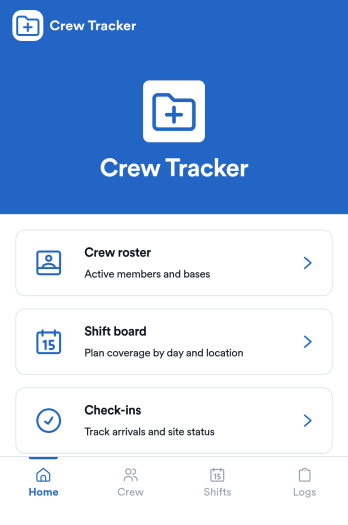
Crew Tracking App
Crew Tracking App helps you keep a clear, up-to-date view of who is on your crew, what they’re working on, and where each person stands in the day’s workload. It’s a practical fit for field service teams, construction crews, event staffing, transportation operations, and any organization coordinating rotating shifts or multiple assignments at once. With dedicated areas for crew details, a roster, assignment logging, and status updates, the app supports faster dispatch decisions, fewer missed handoffs, and a more consistent way to record work as it happens.Built with Jotform, this app template gives you a flexible way to organize self-service workflows and data collection in one place. Use Jotform’s no-code app builder and drag-and-drop interface to adjust pages, buttons, and navigation to match your operations, then connect your crew and assignment forms to keep records flowing into your workflow. Share the app with a link or QR code so supervisors and coordinators can add crew members, log new assignments, and review active work without digging through scattered spreadsheets.
Go to Category:Operations & Logistics Portal Apps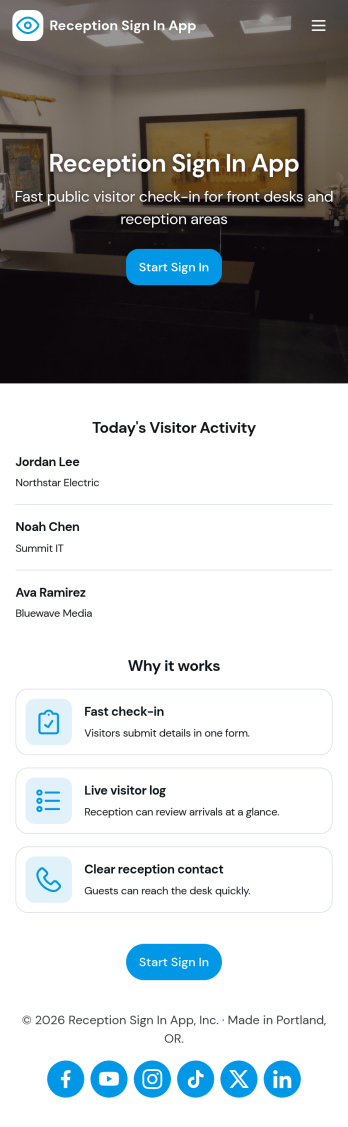
Reception Sign In App
Reception Sign In App helps front desks capture visitor arrivals and organize them into an easy-to-browse log. It fits offices, clinics, schools, coworking spaces, and any workplace that needs a consistent way to record who is on-site, who they’re visiting, and when they arrived. With simple sign-in inputs like visitor full name and host name, the app supports a smoother check-in experience while keeping reception staff focused on greeting guests instead of chasing details.Jotform makes it simple to publish this kind of self-service check-in experience with a no-code app builder and a drag-and-drop interface. Connect the app to a form for data collection and a table view for reviewing records, then share it with a link or QR code at the front desk. As your workflow evolves, you can adjust pages, add guidance text, and keep all visit records accessible in one place with Jotform.
Go to Category:Sign In Apps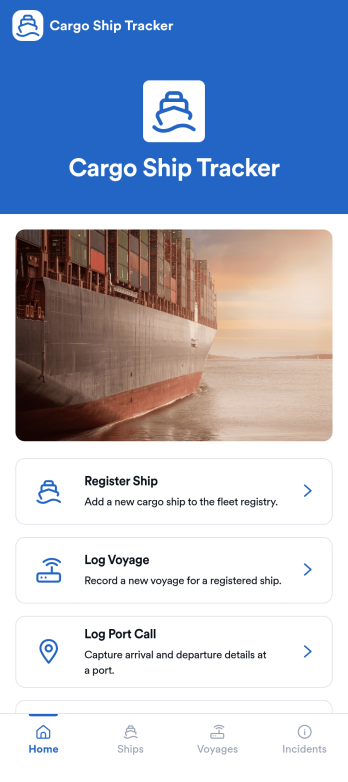
Cargo Ship Tracker App
Cargo Ship Tracker App helps logistics teams track fleet activity by registering ships, logging voyages, recording port calls, and reporting operational incidents in one place. It’s a practical fit for shipping companies, freight operators, port agents, and operations managers who need a clear view of where vessels have been, what’s currently underway, and what needs follow-up. With a fleet overview and dedicated tracking sections, the app supports day-to-day coordination, handoffs between shifts, and consistent recordkeeping across routes and vessels.Jotform makes it easy to turn tracking workflows into a mobile-friendly experience using App Templates and a no-code app builder. Customize pages with a drag-and-drop interface, connect the app to forms and tables for organized data collection, and share access through a link so crews and office staff can use the same workflow. As your operation grows, you can expand the app to match your processes while keeping voyage updates and incident reporting simple and reliable.
Go to Category:Transportation Apps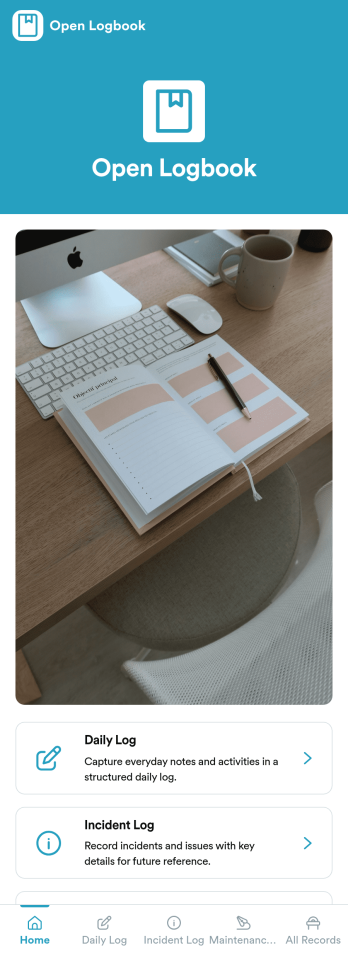
Open Logbook App
Open Logbook App keeps day-to-day operations documented in one place with dedicated spaces for daily notes, incident reporting, and maintenance records. It’s a practical fit for teams that need clear, timestamped accountability such as facilities and operations staff, warehouses, schools, property managers, field services, and community organizations. With quick log entry forms and easy browsing of recorded entries, the app supports consistent recordkeeping across shifts, helps supervisors spot patterns, and makes it easier to follow up on issues without hunting through emails or paper binders.Jotform makes it simple to turn recordkeeping into a mobile-friendly experience using App Templates and a no-code app builder. Use the drag-and-drop interface to adjust pages, add guidance, and connect your app to forms and tables so logs are captured and organized automatically. Share the app by link or QR code, keep your workflow consistent across locations, and give teams a self-service way to submit updates and review recent entries anytime.
Go to Category:Log Apps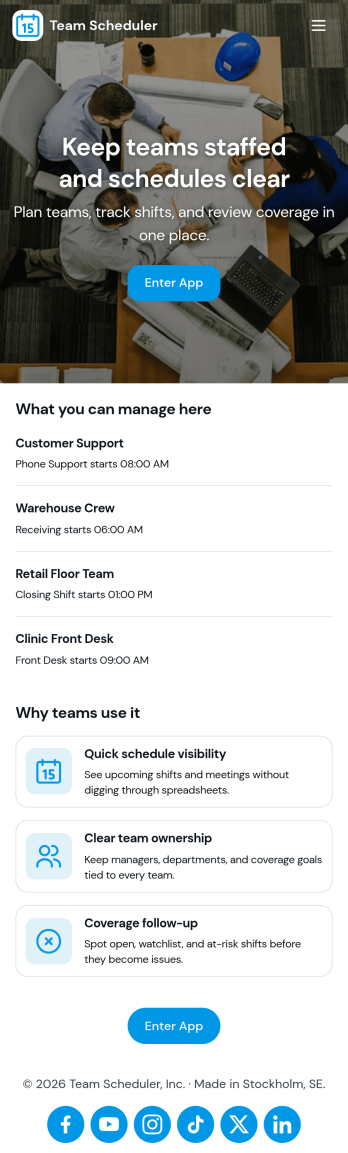
Team Scheduler App
Team Scheduler App brings team schedules and a simple teams directory into one place, making it easier for managers and coordinators to see who is working, confirm coverage, and keep teams aligned across shifts and projects. With an at-a-glance scheduling overview, a directory for browsing teams, and quick navigation to view a full schedule, it supports day-to-day planning for departments, field teams, agencies, schools, and service organizations that need clear visibility without messy spreadsheets or long message threads.Jotform App Templates help you launch a polished scheduling experience fast using a no-code app builder and a drag-and-drop interface. Connect your app to Jotform forms for data collection, keep schedule details updated as needs change, and share a self-service link with the right people so everyone can check the latest plan anytime.
Go to Category:Scheduling Apps