

Sales & Marketing Portal Apps

Real Estate Brokers App
Real Estate Brokers App brings your day-to-day pipeline into one place so you can stay on top of active listings, incoming leads, showing requests, and deals without jumping between tools. Use it as a broker dashboard for tracking property interest, capturing new buyer inquiries through a simple form, and keeping a clear view of what needs follow-up across multiple clients and properties. It fits solo agents, broker teams, and small offices that need a consistent way to manage inquiries and showings while staying responsive during busy weeks.Built with Jotform, this app template can be tailored with a no-code app builder and a drag-and-drop interface to match how your brokerage works. Connect pages to forms and tables to support data collection, keep records organized, and turn routine tasks like requesting a tour or logging a new inquiry into a repeatable workflow. Share the app with your team using a link, update it anytime, and keep your real estate self-service experience simple for internal use.
Go to Category:Real Estate Apps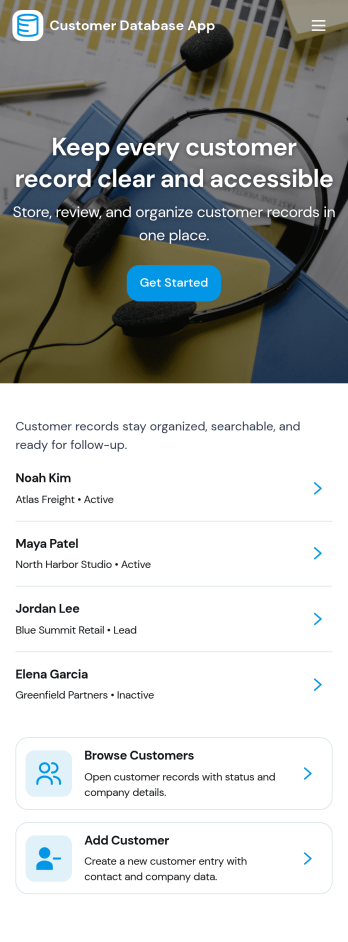
Customer Database App
Customer Database App brings your customer information into one organized place so you can add new customers, browse profiles, and keep a reliable record of every relationship. It fits teams that need quick access to names and details across sales, support, operations, and account management, especially when information is scattered across spreadsheets, inboxes, or individual devices. With an in-app option to add customers and a browse view for customer profiles, staff can find the right record faster and reduce duplicate entries as the list grows.Built with Jotform, this app template can be tailored in a no-code app builder with a drag-and-drop interface, making it easy to adjust pages, navigation, and the customer intake flow as your process evolves. Connect the add-customer form to a central record list, share the app through a link for self-service access, and keep work moving with a clear workflow for capturing and reviewing customer data collection. You can also provide a personal view like My Submissions so team members can quickly revisit the profiles they created or updated.
Go to Category:Customer Portal Apps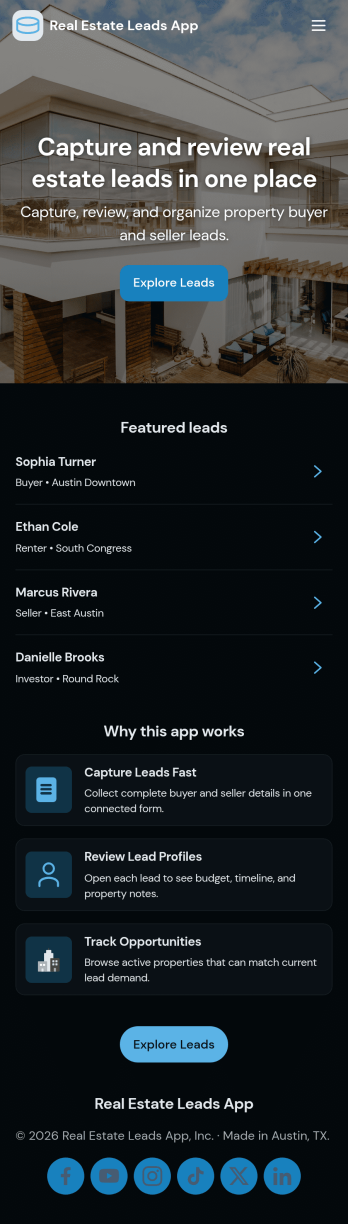
Real Estate Leads App
Real Estate Leads App helps agents and brokerages capture new prospects, keep contact details and lead notes in one place, and stay on top of follow-ups as opportunities move through the pipeline. Use it to browse all leads, add a new lead the moment you get a call or showing request, and review an active pipeline so nothing slips through the cracks. It’s a practical fit for solo agents, teams, and office managers who need a clear view of who needs attention today, which conversations are ongoing, and what next steps should happen for each lead.With Jotform, you can turn lead data collection into a simple self-service experience your team can use from anywhere. Start with this app template, then customize it in Jotform’s no-code app builder using a drag-and-drop interface to match your process, add steps for follow-up, and connect your workflows to the same lead form and stored records. Share your app with a link so your team can log updates fast and keep your real estate lead workflow consistent.
Go to Category:Real Estate Apps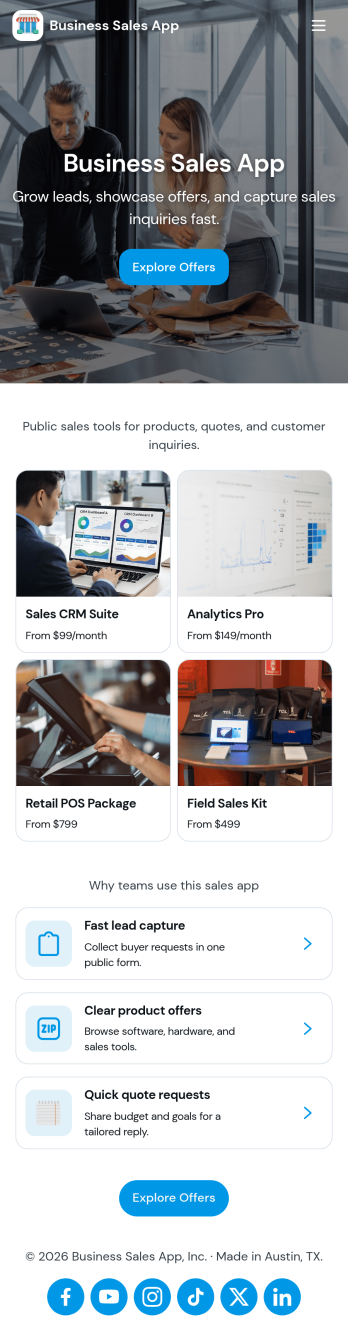
Business Sales App
Business Sales App helps sales teams and owner-operators capture new leads, keep opportunities organized, and follow up faster from one place. Use it to collect lead details through a simple intake flow, review lead profiles, and keep an eye on active deals in your pipeline so nothing slips through. It fits agencies, B2B service providers, local businesses, and small sales teams that want a clear view of who to contact next, what each deal is worth, and where prospects stand without juggling multiple tools.Built with Jotform App Templates, this app template is easy to tailor to your process using Jotform’s no-code app builder and drag-and-drop interface. Connect the lead intake form to your data collection workflow, organize records in tables for quick browsing, and share the app with your team so updates stay consistent. As your sales motion evolves, you can adjust pages, add steps, and keep lead tracking and pipeline management aligned with how your business actually sells.
Go to Category:Sales & Marketing Portal Apps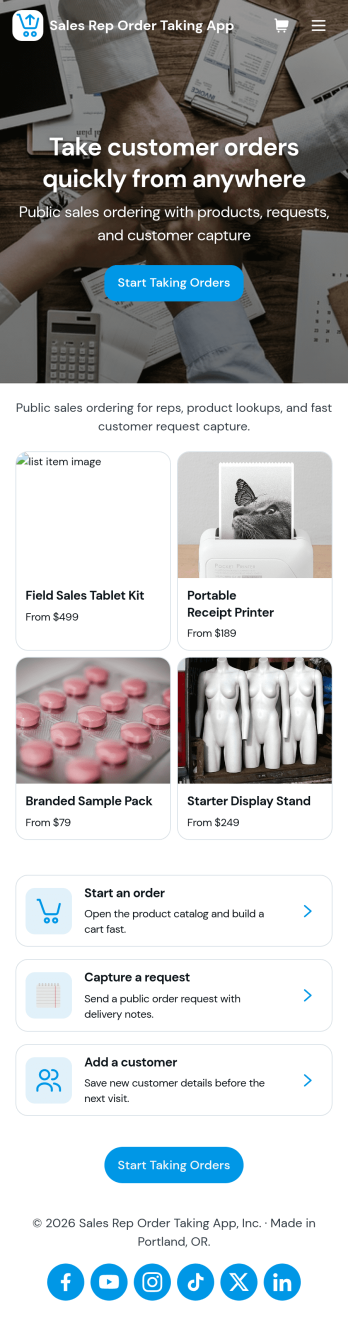
Sales Rep Order Taking App
Sales Rep Order Taking App helps field and inside sales teams capture orders on the spot, keep a clean record of recent activity, and move customers from interest to purchase without delays. Reps can browse a product catalog during conversations, start a new order in seconds, and reference recent orders to confirm details with returning customers. It’s a practical fit for wholesale distributors, manufacturers, B2B retailers, and any team that takes orders away from a desk and needs a consistent process across multiple reps.With Jotform, you can tailor this app template to match your sales workflow using a no-code app builder and a drag-and-drop interface. Connect the app to your forms and data collection, organize orders for quick lookup, and keep order-taking steps consistent across regions or product lines. Share the app with your reps through a link or QR code, update the catalog and order flow anytime, and turn everyday selling into a smoother self-service experience for your team.
Go to Category:Order & Shipping Portal Apps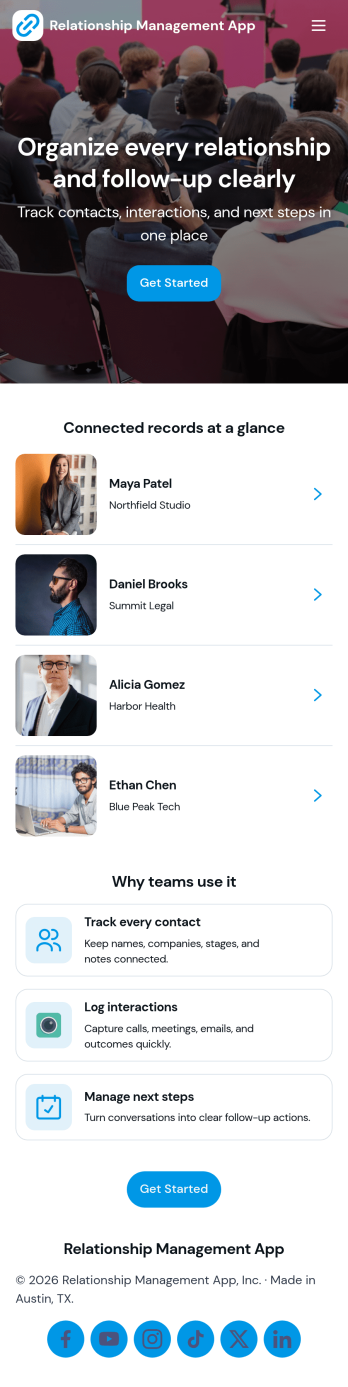
Relationship Management App
Relationship Management App helps teams keep important connections organized and easy to follow up on, whether you’re managing customers, leads, partners, donors, or community members. It brings key contact details into a simple contacts view and supports consistent outreach with interaction logging and reminders, so nothing gets missed after a call, meeting, or email. This works well for small businesses, sales and marketing teams, agencies, consultants, and nonprofits that need a lightweight way to track relationship history without juggling scattered notes or separate spreadsheets.With Jotform, you can turn relationship tracking into a shareable self-service experience using app templates and a no-code app builder. Customize pages with a drag-and-drop interface, connect your app to forms and tables for reliable data collection, and keep your workflow moving with quick updates and centralized records. Publish the app for your team, align on the same source of truth, and expand it as your process evolves.
Go to Category:Customer Engagement Apps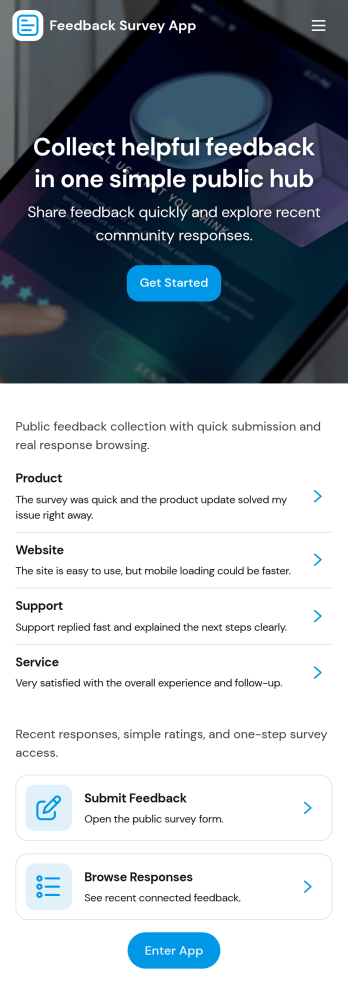
Feedback Survey App
Feedback Survey App gives you a simple, repeatable way to collect input and spot trends through a central survey experience. Use it to invite customers to rate a recent purchase, gather attendee reactions after an event, run an employee pulse check, or capture learner feedback at the end of training. The app’s flow makes it easy to start a survey from a single entry point, complete the survey form, and then revisit results through dedicated areas for submissions and insights, so teams can act on feedback without hunting through links.Built with Jotform App Templates, this app template helps you publish a branded feedback hub without coding. Customize pages with a drag-and-drop interface, connect your survey form to the app, and keep data collection organized for faster follow-up. Share the app with a link or QR code for self-service participation, and collaborate internally by routing responses into your workflow for review and improvement.
Go to Category:Quiz Apps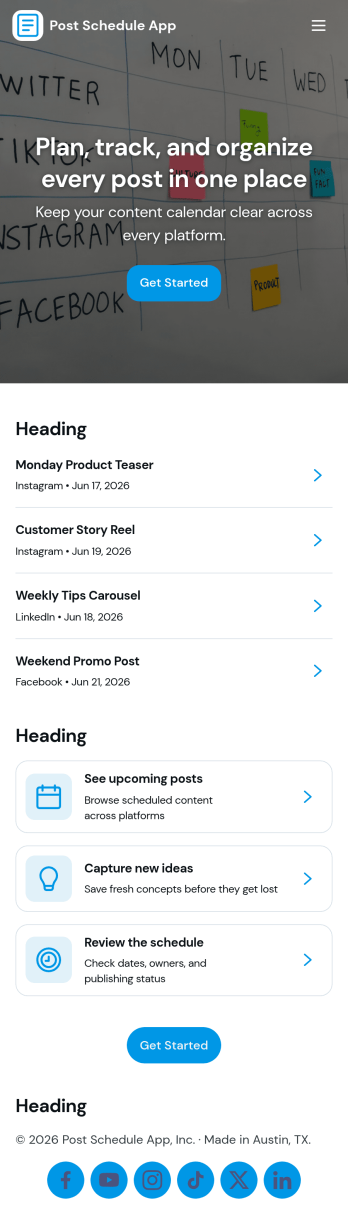
Post Schedule App
Post Schedule App helps teams plan, queue, and review upcoming posts in one place, so content doesn’t get lost in chat threads or scattered notes. Use it to add new post details, view a calendar-style overview of what’s going out and when, and keep a queue of ready-to-publish items. It works well for social media managers, small business owners, agencies, and marketing teams that need a clear publishing rhythm, quick visibility into what’s next, and an easy way to navigate from a schedule view into individual post records.With Jotform, you can turn this app template into a branded, shareable workspace using a no-code app builder and a drag-and-drop interface. Connect the app to your data collection form to capture post information consistently, keep records organized, and support a smoother workflow for planning and review. Publish with a simple link for your team, update content as plans change, and manage schedules without adding extra tools to your stack.
Go to Category:Sales & Marketing Portal Apps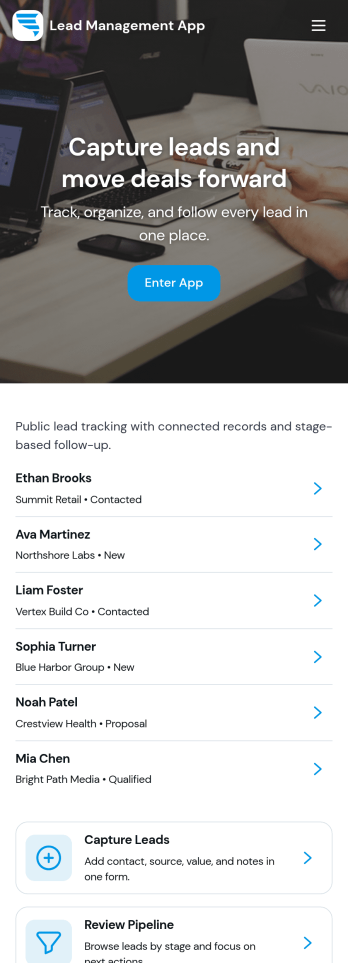
Lead Management App
Lead Management App helps sales and marketing teams capture new leads, keep contact details organized, and move prospects through a simple pipeline from first touch to follow-up. Use it to centralize lead intake from events, inbound interest, referrals, or outbound outreach, then quickly review lead records, flag high-priority opportunities, and keep your pipeline from going stale. With guided navigation for capturing a lead, opening the pipeline, and viewing insights, it’s a practical fit for agencies, consultants, real estate teams, startups, and any growing business that needs visibility into what’s coming in and what needs attention.Jotform makes it easy to turn this lead workflow into a branded, shareable app experience using a no-code app builder and a drag-and-drop interface. Connect your lead form to the app for fast data collection, keep records consistent as your team updates lead details, and create a self-service experience you can share by link for internal use or with partners. As your process evolves, you can adjust pages, layout, and connected workflows in minutes without rebuilding from scratch.
Go to Category:Customer Portal Apps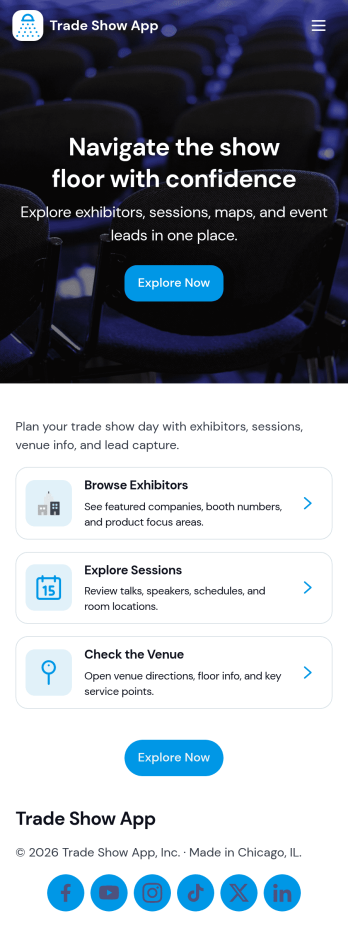
Trade Show App
Trade Show App helps organizers and exhibitors bring event details and lead capture into one mobile-friendly place. Use it to help attendees browse exhibitors, open the schedule on demand, and quickly share key company information from a dedicated exhibitor detail view. It’s a practical fit for trade shows, expos, conferences, and pop-up industry events where you want people to find booths faster and make it easier for staff to capture leads without juggling paper forms.With Jotform, you can publish this app template fast and keep information up to date throughout the event. Use the no-code app builder and drag-and-drop interface to adjust pages, change navigation, and connect your lead capture form to your broader workflow for data collection and follow-up. Share the app with a link or QR code so attendees and booth teams can access the exhibitor list, schedule, and lead intake experience from virtually anywhere.
Go to Category:Event Planner Apps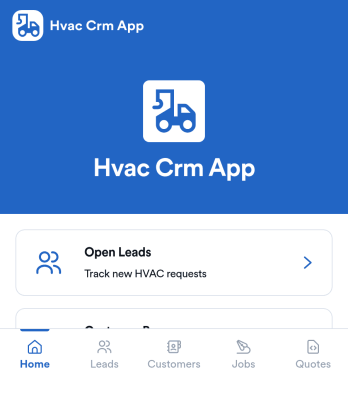
Hvac Crm App
HVAC Crm App helps heating and cooling businesses manage sales and customer relationships in one place, from capturing new inquiries to tracking active jobs and keeping customer histories organized. Use it to review open leads, browse your customer base, create jobs from qualified opportunities, and add customer notes so your team always has the latest context before a call, site visit, or follow-up.Built with Jotform App Templates, this app template can be tailored in a no-code app builder with a drag-and-drop interface, so you can match your workflow without technical overhead. Connect the app to forms and tables for consistent data collection, route updates to the right people, and share a self-service experience with your office staff or field team using a simple link or QR code.
Go to Category:CRM Apps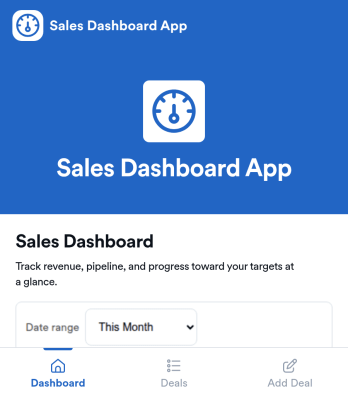
Sales Dashboard App
Sales Dashboard App is an app template designed to streamline and simplify sales activities for sales teams, small to mid-sized businesses, startups, sales managers, team leads, business owners, and solo entrepreneurs. Its core function is to offer a clear and comprehensive view of sales performance, eliminating the need for a complex CRM system. The app facilitates the tracking of daily sales activities, monitoring of revenue, and management of deals in a structured and organized manner. Users can log deals, update statuses, and measure performance against targets to gain insights into their sales strategies. The table view feature provides an efficient way to manage and review deals, while the dashboard offers an instant snapshot of sales performance and pipeline health. This makes the Sales Dashboard App ideal for those who require quick and concise insights into their sales progress.With Jotform's no-code, drag-and-drop app builder, customizing the Sales Dashboard App to align with your business's branding is as easy as pie. You can modify forms, select fonts and colors, upload your logo, and more without writing a single line of code. Once customized, your team and clients can access your personalized Sales Dashboard App on any smartphone, tablet, or desktop device. The app demonstrates cross-platform compatibility, ensuring seamless functionality across different devices. It operates as a Progressive Web App (PWA), meaning it can be installed directly to the home screen. This centralization of sales data and resources into one mobile-friendly interface with Jotform saves time and enhances productivity.
Go to Category:Sales & Marketing Portal Apps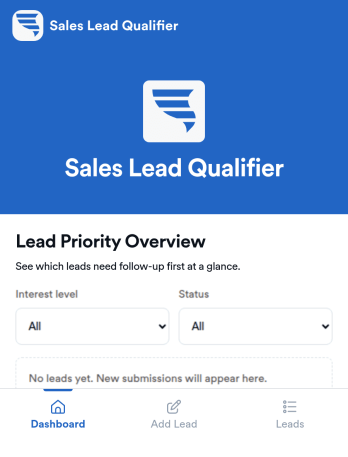
Sales Lead Qualifier
Sales Lead Qualifier is an app template designed to streamline the process of organizing and prioritizing incoming leads. This app is for small and medium businesses, startups, and sales teams, providing an easy way to collect lead details from forms and quickly assess them based on important factors like budget, timeline, and interest level. It is particularly beneficial for marketers, sales representatives, service-based businesses, and agencies that gather leads through forms, like Jotform users. The app allows users to label leads as hot, warm, or cold, add notes, and track follow-ups, ensuring no opportunity slips through the cracks. This simplifies deciding what to focus on first, boosting response time, and maintaining sales process organization without the need for a complex CRM.With Jotform's no-code, drag-and-drop app builder, you can customize the Sales Lead Qualifier to suit your specific needs and brand aesthetic without writing a line of code. It's as simple as choosing your preferred forms, selecting fonts and colors, and uploading your logo. The cross-platform compatibility of Jotform's apps ensures that your team can access and interact with your customized Sales Lead Qualifier on any device, be it a smartphone, tablet, or desktop. Plus, with direct link sharing methods, you can quickly disseminate your app, enabling your team to download it directly onto their devices' home screens for immediate access. Experience the efficiency and convenience of Jotform's Sales Lead Qualifier today.
Go to Category:Company Portal Apps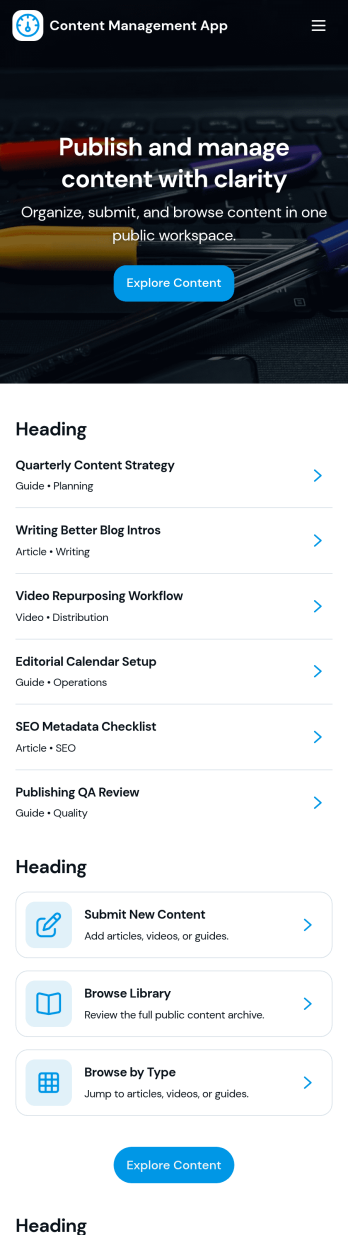
Content Management App
Content Management App helps teams collect, organize, and review content in one place, so publishing doesn’t turn into scattered messages and lost files. Use it to gather new articles, announcements, product updates, knowledge base entries, or internal resources through a simple submission flow, then route items into a review queue before they’re added to your library. It’s a practical fit for marketing teams, internal communications, agencies, and growing businesses that need a consistent way to intake content, browse a shared library, and keep visibility into what’s ready, what needs edits, and what’s in progress.With Jotform, you can turn this app template into a branded, self-service experience using a no-code app builder and a drag-and-drop interface. Connect pages to forms and tables to support ongoing data collection, keep content records centralized, and make workflows easier to follow for contributors and reviewers. Share the app by link or QR code, customize navigation and design, and maintain a single source of truth as your content volume grows.
Go to Category:Management Apps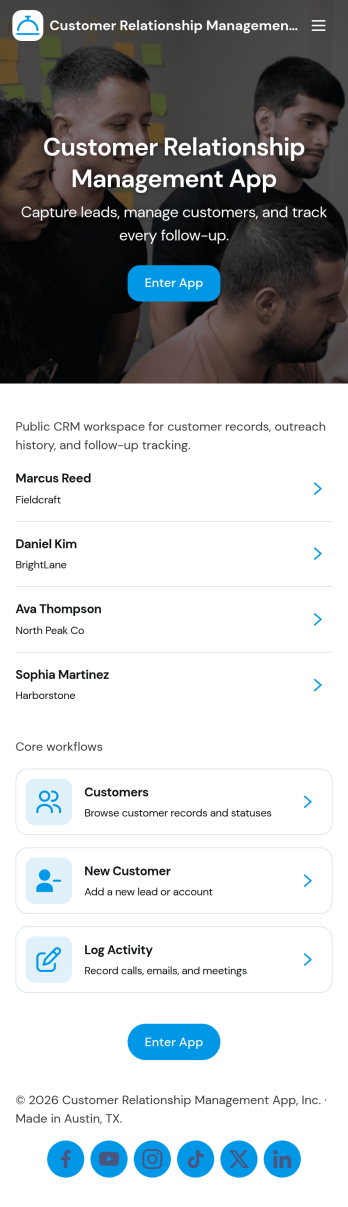
Customer Relationship Management App
Customer Relationship Management App brings your relationships, pipeline, and follow-ups into one place so teams can stay on top of every interaction. Use it to capture and update contacts, review deal progress, and keep daily work moving with task tracking. It fits sales teams, account managers, consultants, and service businesses that need a simple way to organize customer details, monitor opportunities, and avoid missed next steps as leads move from first touch to closed deal.With Jotform, you can tailor this app template to match how your team works using a no-code app builder and a drag-and-drop interface. Connect your contact, deal, and task forms to your workflow, keep data collection consistent across pages, and share a self-service experience with teammates from a single link. As your process grows, you can adjust fields, add steps, and organize records so everyone has clear visibility into customer activity.
Go to Category:Customer Portal Apps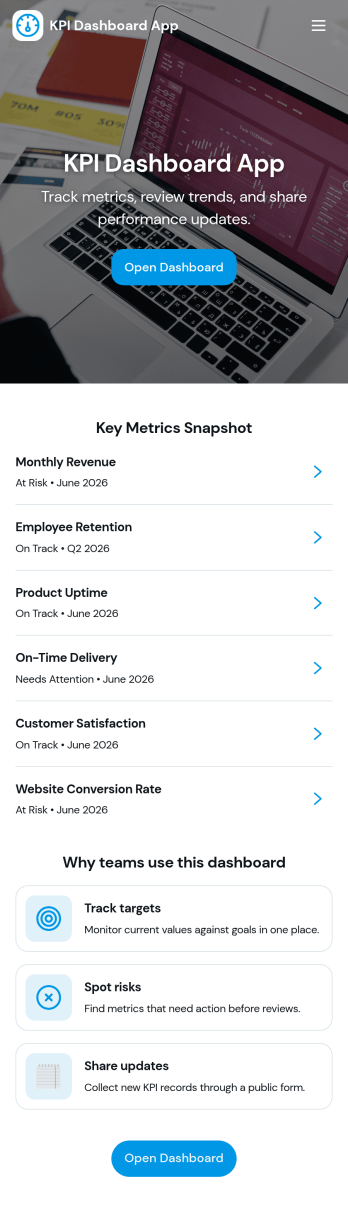
Kpi Dashboard App
Kpi Dashboard App brings your most important business metrics into one place so teams can review performance at a glance and act faster. Use it to monitor revenue trends, keep an eye on pipeline health, and track retention signals across dedicated pages, with metric cards and lists that make it easy to spot changes without digging through spreadsheets. It’s a strong fit for sales leaders, operations managers, founders, and account teams who need a shared view of progress, plus quick actions for review follow-ups and goal setting.Jotform makes it simple to publish this kind of self-service reporting experience using a no-code app builder and a drag-and-drop interface. Connect the app to your Jotform data sources, link buttons to forms for adding target values or review notes, and update pages as your workflow evolves. Share a single link with stakeholders, keep everyone aligned on current numbers, and centralize data collection and updates without extra development work.
Go to Category:Report Apps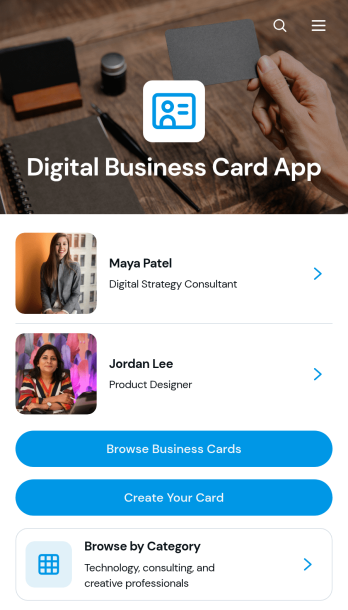
Digital Business Card App
The Digital Business Card App is a mobile-friendly directory for creating, publishing, and discovering professional profiles. Individual professionals, consultants, agency teams, networking groups, and business communities can use it to make contact details easier to share and explore. Visitors can browse business cards, filter profiles by professional category, and contact a listed person by email, phone, or website. It is well suited to conferences, membership networks, referral groups, company directories, and lead generation campaigns where printed cards are inconvenient or quickly become outdated. Centralized profiles help people present consistent information while giving prospective clients, partners, and peers a convenient way to connect.Jotform Apps makes the Digital Business Card App easy to adapt with a no-code app builder and an intuitive drag-and-drop interface. Start with this app template, update the pages and branding, connect forms for profile data collection, and organize records through related Jotform workflows. Teams can add useful links, adjust navigation, and publish changes without rebuilding the experience from scratch. Jotform App Templates also support self-service access through a direct link or QR code, helping users share a polished professional directory across mobile and desktop devices.
Go to Category:Social Bio Link Apps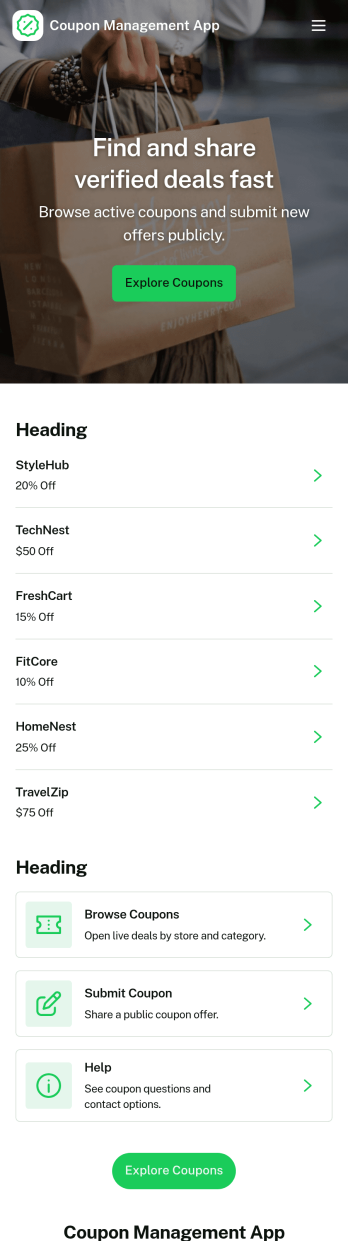
Coupon Management App
Coupon Management App helps you organize, publish, and run coupon offers in one place so customers or staff can quickly find deals and redeem them without confusion. Use it to share active promotions, guide people to the right offer, and capture redemption details through a dedicated redeem flow. It works well for retailers, restaurants, salons, and service businesses that rotate discounts often, as well as marketing teams running seasonal campaigns or limited-time codes who need a clear way to browse coupons and track redemptions.With Jotform, you can turn this app template into a branded, self-service experience using a no-code app builder and a drag-and-drop interface. Connect the app to your data collection forms and workflows, update coupon listings as promotions change, and keep redemption records organized for follow-ups and reporting. Share it with a link or QR code so customers can access offers instantly, or use it internally so staff can redeem coupons consistently at the point of service.
Go to Category:E-commerce Apps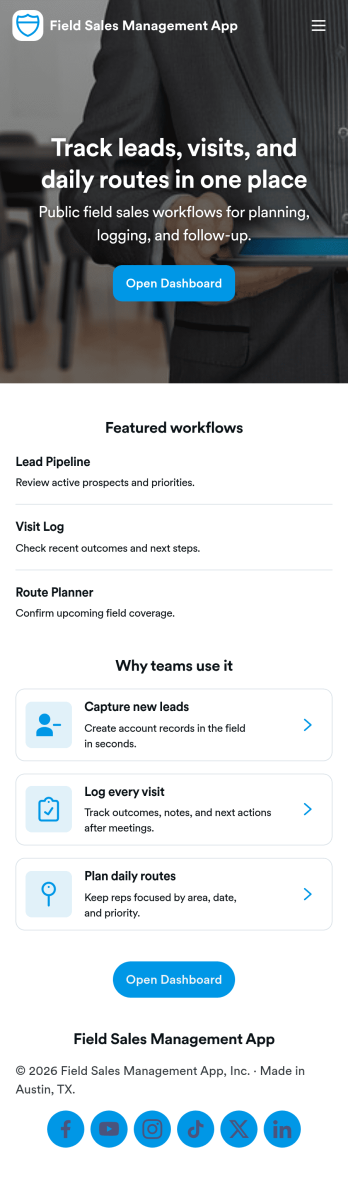
Field Sales Management App
Field Sales Management App helps outside sales teams organize customer accounts, track in-person activity, and keep deals moving while they’re on the road. Use it to maintain a live customer list, log visits right after a meeting, and monitor your pipeline so handoffs and follow-ups don’t get lost. It’s a practical fit for B2B sales reps, territory managers, distributors, and service-led sales teams who need one place to review active accounts, see upcoming follow-ups, and quickly pull up the right customer record before a call.With Jotform App Templates, you can launch a mobile-friendly sales workspace that connects your app experience to forms and tables for consistent data collection. Build and tailor pages with a no-code app builder and a drag-and-drop interface, then link actions like adding customers and logging visits to the right workflows. Share the app with your team, keep records centralized, and use role-based views to support self-service access to the data each rep needs.
Go to Category:Sales & Marketing Portal Apps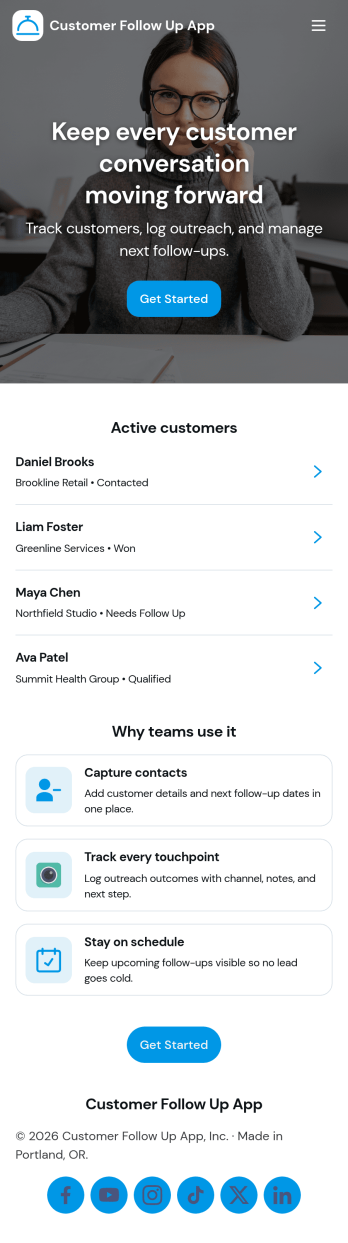
Customer Follow Up App
Customer Follow Up App helps teams keep post-sale and post-service communication organized so no customer slips through the cracks. Use it to monitor follow-up activity, capture key notes, and keep a clear view of what needs attention next. It’s a practical fit for sales reps, account managers, customer success teams, and service businesses that rely on timely check-ins to improve retention and satisfaction. With a dashboard snapshot and a simple way to log each follow up, the app supports consistent outreach without turning your process into a messy spreadsheet.Jotform makes it easy to build and publish app templates like Customer Follow Up App with a no-code app builder and a drag-and-drop interface. Connect buttons to forms for data collection, guide teammates through repeatable workflow steps, and share a self-service experience through a link or QR code. As your follow-up process evolves, you can adjust pages, update branding, and keep your customer information organized in one place with Jotform.
Go to Category:Customer Portal Apps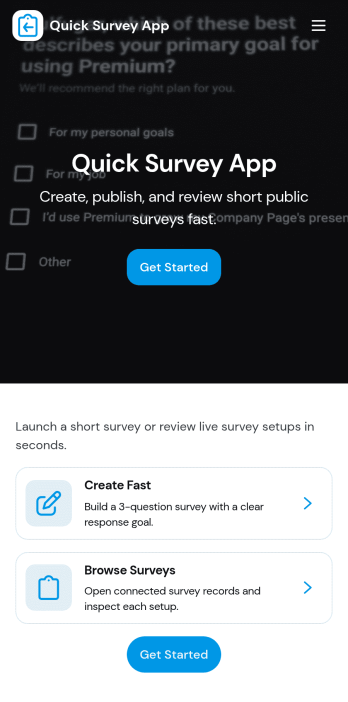
Quick Survey App
Quick Survey App helps you collect feedback fast when you need answers without friction. Use it to run short pulse surveys for customers, employees, event attendees, students, or website visitors, then keep everything organized in one place. The app’s layout supports a simple flow with a clear way to start the survey, a place to review results, and a response history view, making it practical for recurring check-ins, satisfaction snapshots, product opinions, and quick post-service follow-ups.With Jotform, you can publish this app template and tailor it to your questions, audience, and brand using a no-code app builder and a drag-and-drop interface. Connect the app to your survey form for reliable data collection, share it by link or QR code for self-service participation, and keep your workflow moving with centralized access to responses and reporting views that teams can reference anytime.
Go to Category:Quiz Apps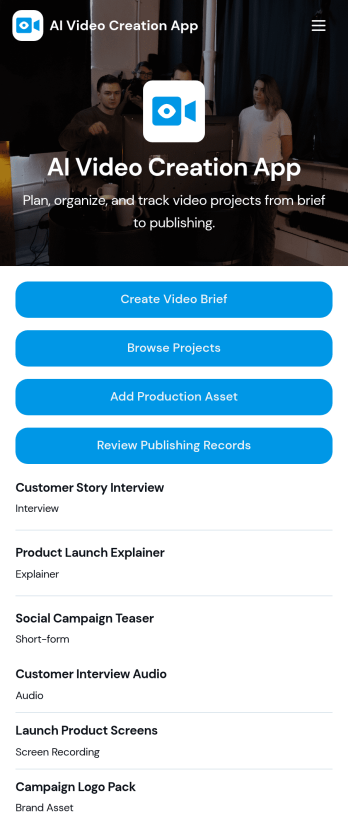
AI Video Creation App
AI Video Creation App brings your video production workflow into one place, so teams can move from concept to publish-ready content without scattered docs and endless status checks. Use it to capture consistent video briefs, organize projects, and maintain a shared library of production assets like scripts, brand guidelines, and creative references. It’s a practical fit for marketing teams, content creators, agencies, and social media managers who juggle multiple campaigns and need a dependable way to track what’s being made, what assets are approved, and what’s ready to go live.With Jotform, you can turn this AI Video Creation App into a branded self-service experience using a no-code app builder and a drag-and-drop interface. Connect buttons to forms for fast data collection, keep project and asset records organized, and build a repeatable workflow that teammates can follow across launches. Share your app with a link or QR code, update pages as your process evolves, and keep everyone aligned from brief intake to publishing records.
Go to Category:Sales & Marketing Portal Apps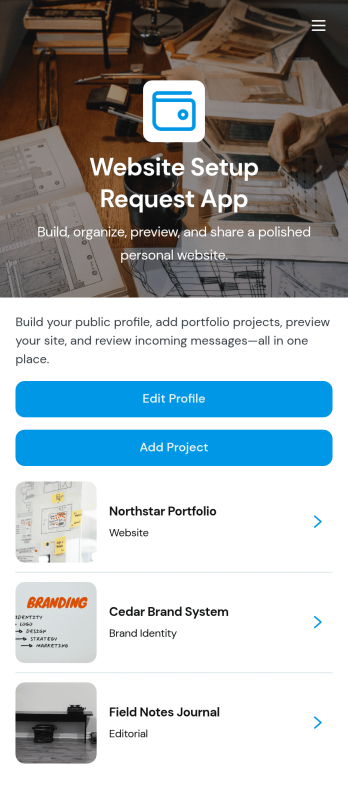
Website Setup Request App
Website Setup Request App helps you organize the content and steps needed to publish a simple personal website, even if you’re not technical. It’s ideal for freelancers, creators, job seekers, consultants, and students who want a clear place to manage profile details, add website sections, and keep track of what’s ready to go live. Use it to collect and update your bio, links, and key information, build out sections like About, Services, or Portfolio, and follow a publishing checklist so nothing important gets missed.With Jotform, you can turn this app template into a branded, self-service workspace using a no-code app builder and a drag-and-drop interface. Connect buttons to forms to gather updates, organize section records in a structured view, and guide your workflow from draft to publish-ready with simple navigation. Share your app internally with teammates for review, or keep it private as your personal hub for ongoing edits and data collection as your website evolves.
Go to Category:Freelancer Apps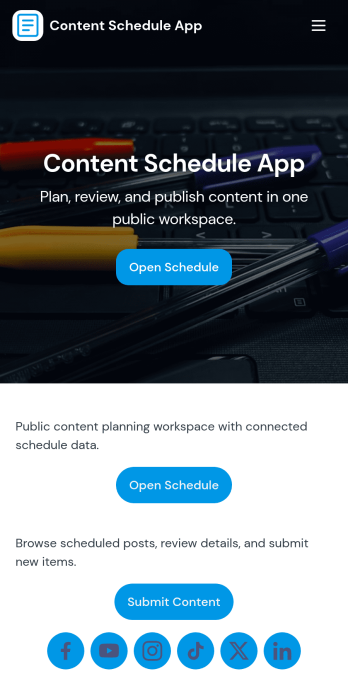
Content Schedule App
A content schedule app brings your publishing plan into one place so teams can create content requests, keep a clear review queue, and see what’s going live next. Use it to organize blog posts, newsletters, social updates, videos, and campaign assets with clear titles and publish dates, then quickly browse planned items in a list view as priorities change. It’s a practical fit for marketing teams, agencies, founders, and comms groups that need simple oversight across multiple channels without losing track of drafts, approvals, or deadlines.With Jotform, you can tailor this app template to match your workflow using a no-code app builder and a drag-and-drop interface. Link the in-app actions to your Content Plan form for consistent data collection, route entries to views like All Submissions and My Submissions, and share a single self-service hub that keeps stakeholders aligned. As your process evolves, you can update pages, navigation, and connected workflows so planning, reviewing, and scheduling stay easy to manage.
Go to Category:Sales & Marketing Portal Apps