

Order & Shipping Portal Apps

Ice Cream Delivery App
Looking to build an online presence for your ice cream delivery service? Create and customize your very own branded app in seconds with Jotform’s ready-made Ice Cream Delivery App. You can include an online menu with photos and descriptions, create a catering form, link to your social media accounts, and list your contact information. Share your app by sending email invitations, generating a unique QR code, or by seamlessly embedding it in your website.Customize this Ice Cream Delivery App however you see fit with our powerful online app builder. You don’t need any design or coding experience — simply drag and drop to add form elements, install helpful widgets and integrations, change fonts and colors, upload your business’ branding, and much more. You can also collect payments directly through your app with one of our 25+ payment processors — with no additional feels to Jotform. Take your ice cream delivery business online today with this free template from Jotform.
Go to Category:Delivery Apps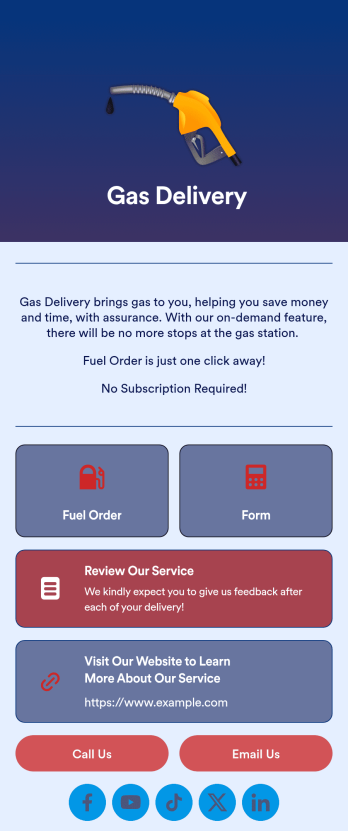
Gas Delivery App
Track and manage your company’s scheduled gas deliveries with this easy-to-use Gas Delivery App from Jotform. Include helpful guides for your delivery drivers, straightforward payment forms, and contact info pages in your app for a smooth workflow. Delivery drivers will be able to use your app on their mobile and tablet devices — iOS and Android compatible.Personalize this Gas Delivery App to match your company branding in just a few easy clicks. Drag and drop to upload images and videos, change fonts and colors, pick an app icon and backsplash, integrate with helpful scheduling and payment widgets, and much more. Keep your clients fueled up with this handy Gas Delivery App from Jotform.
Go to Category:Delivery Apps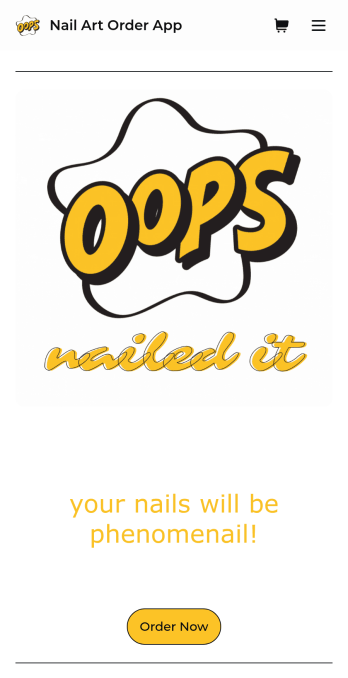
Nail Art Order App
Trying to figure out how to sell nail art online? Whether you run a nail salon or sell custom press-on nails, grow your business with Jotform’s free Nail Art Order App. This ready-to-use mobile app includes a salon menu, order form, appointment form, and consent form that customers can view and fill out from their favorite device. Submissions will be received instantly and synced to your secure Jotform account, so you can fulfill orders in a timely manner.Customizing this Nail Art Order App for your nail business doesn’t require any coding. Simply drag and drop to get the design you want — you can add text, images, forms, tables, links, logos, and much more in just a few clicks. Then share your mobile app by posting the link on your website or social media accounts. Your app can be downloaded onto any computer, tablet, or smartphone for easy access. Get more customers for your nail business or salon and sell nail art online with a fully custom Nail Art Order App that works on any device.
Go to Category:Appointment & Booking Apps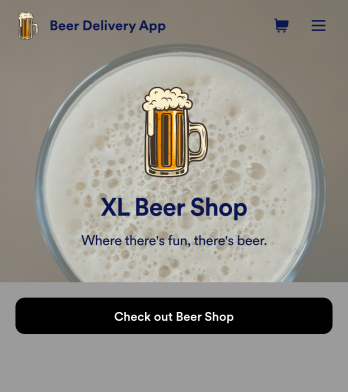
Beer Delivery App
Need a way to sell beer online? Add your brewery or beer store’s products to this fully-customizable Beer Delivery App from Jotform and let customers select items to add to their shopping cart. They can then check out with your choice of 30+ popular payment processor integrations, including Square, Stripe, PayPal, and Authorize.Net. You’ll never pay additional transaction fees to Jotform — so you’ll just be paying your payment provider’s standard rate!Customizing this Beer Delivery App is easy. Our drag-and-drop no-code builder lets you add images, prices, and descriptions for your products, upload your company logo, and change app design elements like the app icon, background, fonts, and more. Once your app is ready to go, share it with a link to be downloaded onto any iOS or Android device. Get all the information you need to deliver and sell beer online for your business with a free Beer Delivery App from Jotform.
Go to Category:Delivery Apps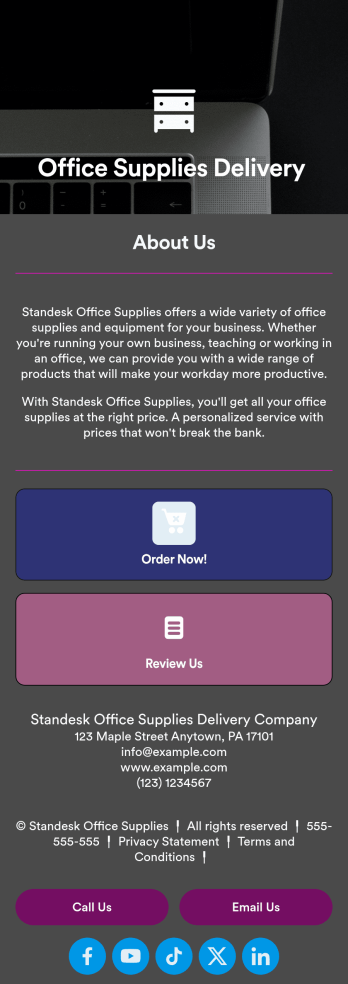
Office Supplies Delivery App
Want to expand your office supply business to more people and generate meaningful leads? Start by taking advantage of the growing digital marketplace and create your own Office Supplies Delivery App with Jotform. List your goods and services, post delivery windows and prices, add a contact page, add descriptions of products, and more.Personalize this app to meet your business’ needs with our easy-to-use online app builder. Drag and drop to add your own personal touch. Upload branding assets, integrate with helpful payment and delivery scheduling tools, choose fonts and colors you like, and more depending on your needs. Then simply share your app via email, QR code, or by including it in your social media bios.
Go to Category:Delivery Apps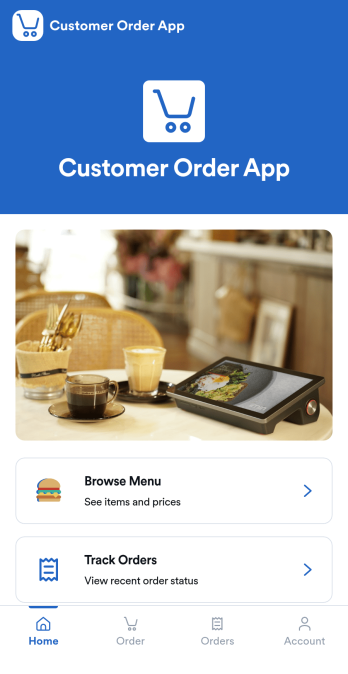
Customer Order App
Customer Order App gives customers a simple, mobile-friendly way to browse what you offer, place an order, and follow its progress in one place. It’s a great fit for restaurants, cafés, food trucks, small retailers, and service teams that take repeat orders and want fewer missed details. With a menu-style browsing page and a dedicated order tracking area, customers can start ordering quickly, review what they’ve requested, and return to reorder without confusion.Jotform makes it easy to turn your ordering workflow into a polished self-service experience using App Templates and a no-code app builder. Customize pages with a drag-and-drop interface, connect your order form and order data in Jotform Tables, and share the app using a link or QR code. From collecting order details to organizing requests for your team, Jotform helps you keep data collection and workflow steps connected as your volume grows.
Go to Category:Order & Shipping Portal Apps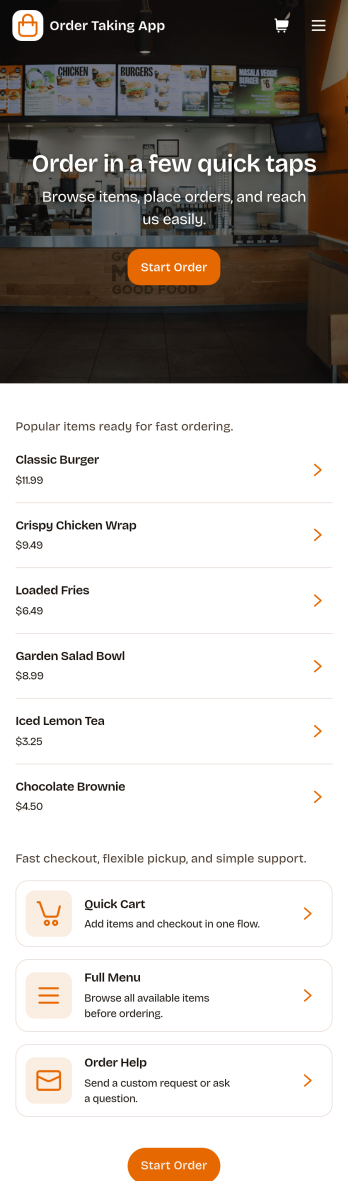
Order Taking App
Order Taking App helps stores and food businesses take customer orders in one place, from browsing a menu to placing an order and checking its status. Customers can review items from a product list, then follow their order progress through an order tracking view. It’s a practical fit for cafes, takeout counters, food trucks, pop-up shops, and small retailers that want a simple ordering experience they can share by link or QR code.Jotform makes it easy to turn this Order Taking App app template into a polished, branded ordering experience using a no-code app builder and a drag-and-drop interface. Connect the app to your data collection workflows, organize orders in one place, and keep your team aligned with a smoother workflow from request to fulfillment. When customers need help, you can also provide clear support paths inside the app so questions don’t slow service down.
Go to Category:Order & Shipping Portal Apps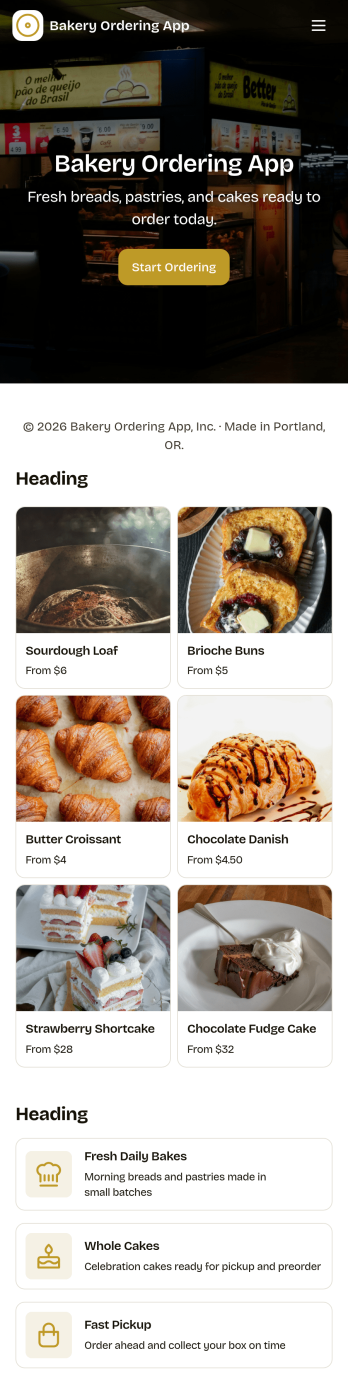
Bakery Ordering App
Bakery Ordering App brings your bakery’s daily ordering into one simple, customer-friendly experience. Use it to showcase fresh bakes and bestsellers, let customers start an order right away from clear navigation cards, and present a product list that makes it easy to choose items without confusion. It also supports day-to-day operations by giving staff quick access to an all-orders view, while customers can check their own order history in a dedicated my-orders area, which helps reduce order status questions during busy hours.With Jotform, you can turn this app template into a branded ordering flow using a no-code app builder and a drag-and-drop interface. Connect your ordering form to the app, keep order records organized in linked tables, and adjust pages, images, and text to match your menu and pickup process. Share your app through a link or QR code so customers can place orders from anywhere, while your team keeps the workflow moving with a single source for order tracking and updates.
Go to Category:Food & Beverage Apps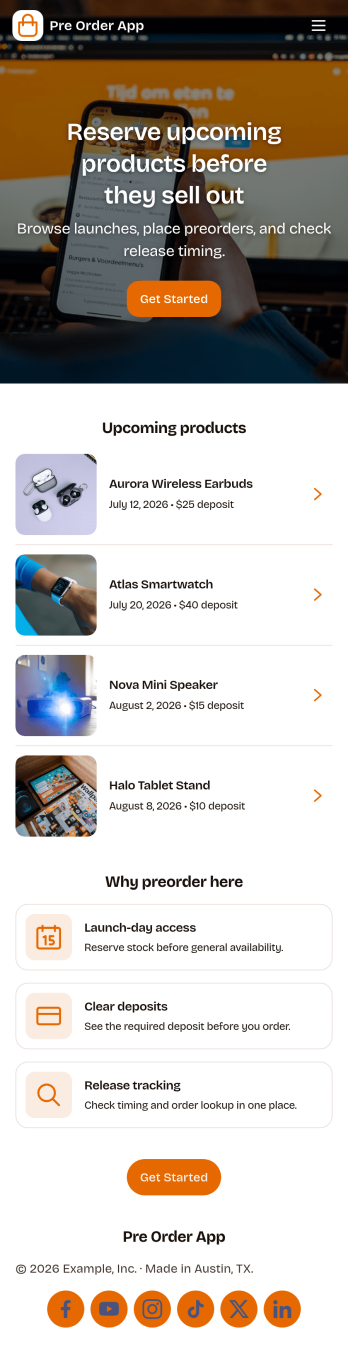
Pre Order App
Pre Order App helps businesses take and manage advance orders for upcoming products, limited drops, seasonal menus, or made-to-order items. Customers can browse a product list, place a preorder through a connected form, and revisit a personal area to view their orders and status updates such as pickup readiness. It’s a practical fit for restaurants, bakeries, retail shops, pop-up sellers, and brands that need to estimate demand, reduce stock risk, and keep customers informed without confusion.Built with Jotform App Templates, this app template can be tailored in minutes using a no-code app builder and a drag-and-drop interface. Connect your preorder flow to Jotform forms and tables to support data collection, internal workflows, and quick lookups for your team. Share the app through a link or QR code, update products or messaging anytime, and create a smooth self-service experience that works well on mobile.
Go to Category:E-commerce Apps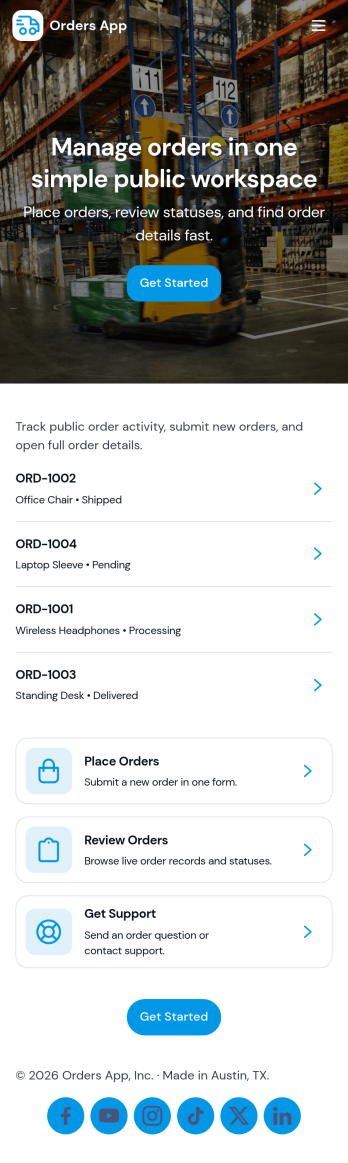
Orders App
Orders App helps small businesses and teams collect order requests, capture customer details, and keep a clear record of every order in one place. It’s a practical fit for retailers, makers, wholesalers, and service providers who take orders by link or QR code and want a consistent way to start an order, submit order details, and review order history without searching through messages or spreadsheets.Built with Jotform, this app template combines a guided ordering experience with organized data collection and simple self-service access. Use Jotform’s no-code app builder and drag-and-drop interface to tailor pages, buttons, and product listings to your workflow, then connect the app to a form and table-based views for easier tracking and follow-ups. Share it with customers or internal staff, standardize how orders are submitted, and keep your order workflow moving from request to review.
Go to Category:Order & Shipping Portal Apps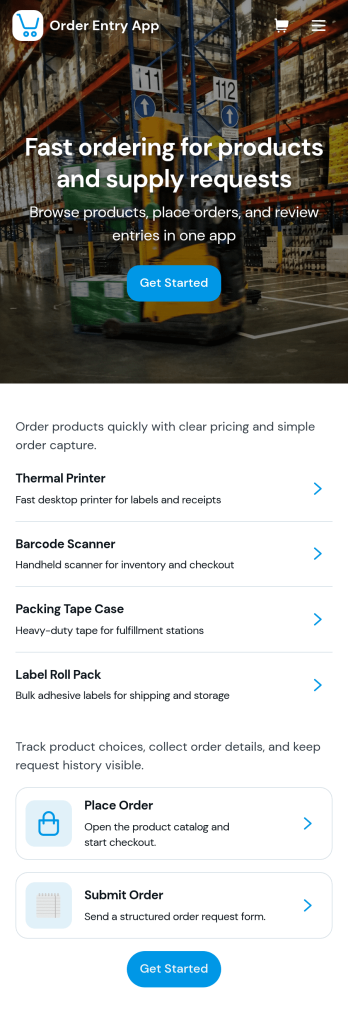
Order Entry App
Order Entry App helps teams collect new orders, guide customers to the right products, and keep order activity easy to review in one place. Use it to support custom order requests and standard product selections, whether you run a small online shop, a wholesale desk, a pop-up brand, or a service business that needs clear order details upfront. With quick navigation to create a custom order and a dedicated area for viewing order records, it’s a practical fit for sales reps, front-desk staff, and operations teams who want fewer missed details and faster follow-up.Built with Jotform, this app template can be tailored with a no-code app builder and a drag-and-drop interface so you can match the experience to your workflow. Connect order forms to the app, organize submitted order data for tracking, and share a self-service link with customers or an internal link with staff. As your process evolves, you can adjust pages, add helpful content, and keep your order entry workflow consistent across devices.
Go to Category:Order & Shipping Portal Apps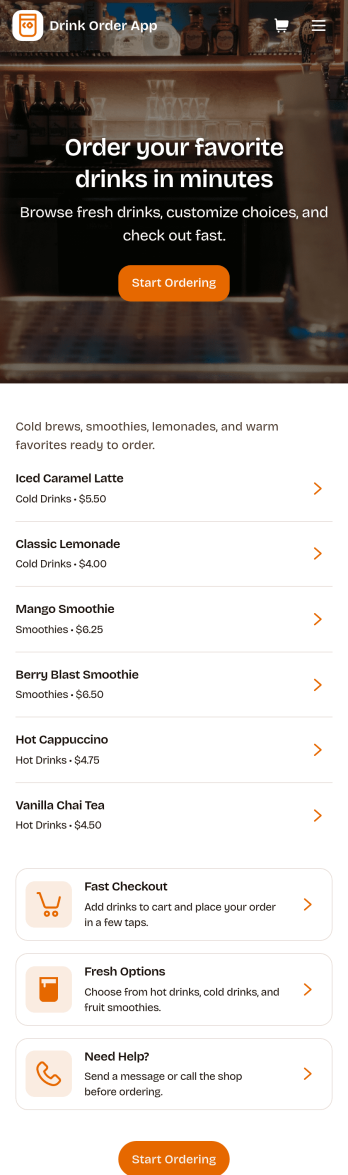
Drink Order App
Drink Order App helps cafés, juice bars, coffee kiosks, concession stands, and pop-up beverage vendors take drink requests in one simple place. Guests can start a quick order, pick items from a product list, and send their request without waiting in line, while staff can keep tabs on what’s coming in through an easy order tracking area. It also supports lighter-touch service moments such as sharing contact options like calling the shop or sending an email message, which is useful for special requests and follow-ups.With Jotform, you can turn this drink ordering flow into a polished self-service experience using App Templates and a no-code app builder. Customize pages with a drag-and-drop interface, connect your order form to workflows that route requests to the right team, and keep data collection organized so orders are easier to review and manage. Publish and share your app through a link or QR code, then update the menu and ordering experience anytime without coding.
Go to Category:Food & Beverage Apps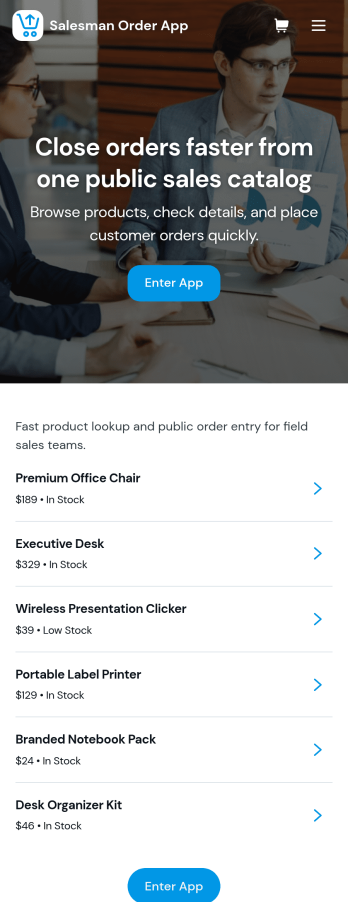
Salesman Order App
Salesman Order App gives field sales reps and sales teams a practical way to capture orders, look up customers, and stay on top of what’s happening after an order is placed. From the home screen, reps can start a New Order form in seconds, browse a Customers page to open a customer detail view, and check Order Activity to understand what’s moving, what’s pending, and what needs attention. It’s a strong fit for wholesale, distribution, route sales, and B2B sellers who want fewer missed details, faster order entry, and a clearer picture of sales performance while working across multiple accounts.Built with Jotform, this app template combines self-service navigation with connected data collection and workflow-friendly organization. Use Jotform’s no-code app builder and drag-and-drop interface to tailor pages, buttons, and branding, then connect your order records to tables for easier visibility across My Orders and All Orders. Share the app with your team using a link or QR code so everyone can log orders consistently and keep customer and order information organized as your process grows.
Go to Category:Order & Shipping Portal Apps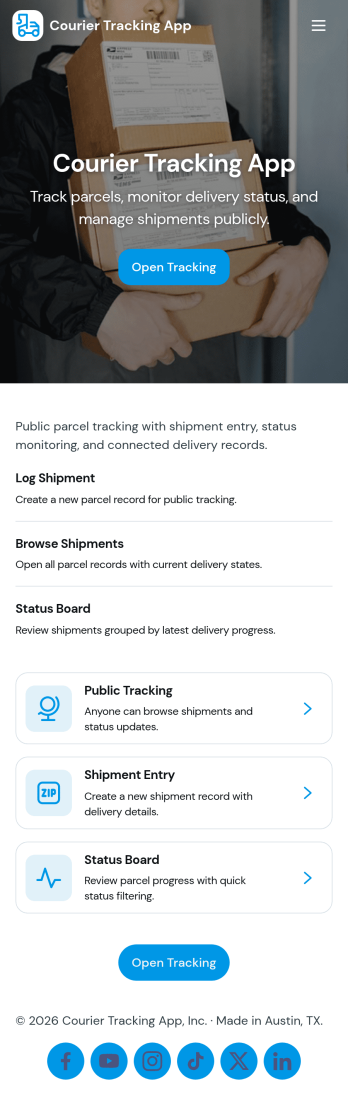
Courier Tracking App
Courier Tracking App helps delivery teams and customer support keep shipments visible from pickup to drop-off. Give customers a simple place to track a shipment by tracking number, browse existing shipments, and view key details in a shipment page without hunting through messages. It also supports day-to-day operations by letting couriers or dispatchers submit status updates in one consistent flow, so everyone stays aligned when routes change, packages are delayed, or proof-of-progress needs to be recorded.Jotform makes it easy to turn this courier tracking app template into a branded self-service experience using a no-code app builder and a drag-and-drop interface. Connect pages to your data collection workflows, organize shipment records in one place, and share the app through a link or QR code for quick access in the field. With Jotform, you can adjust what users see, standardize updates, and keep your delivery workflow moving without building a custom system from scratch.
Go to Category:Delivery Apps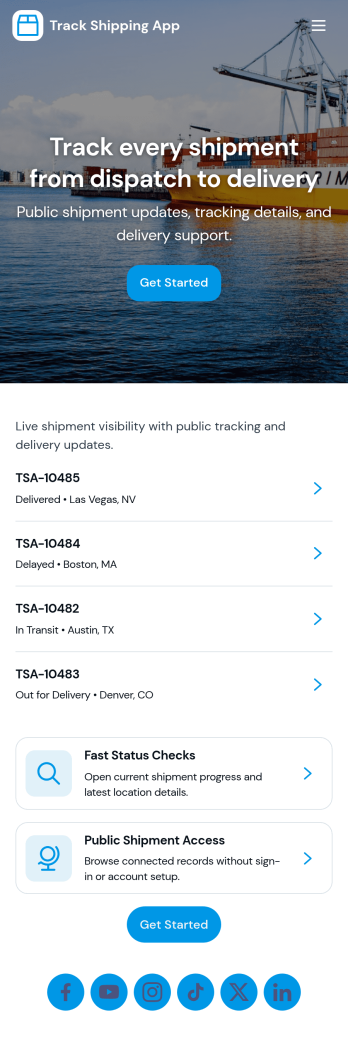
Track Shipping App
Track Shipping App helps teams and customers follow deliveries from one place, without digging through emails or spreadsheets. Use it to log new shipments, browse a shipment list, and open a shipment’s details by tracking number so anyone can quickly check where an order stands. It’s a practical fit for online sellers, warehouse and fulfillment teams, field service businesses shipping parts, and support teams that need fast status answers during customer inquiries.With Jotform you can turn this shipping workflow into a shareable, branded experience using App Templates and a no-code app builder with a drag-and-drop interface. Connect the app to a form for data collection, keep shipment records organized, and guide users through a clear self-service workflow with pages, buttons, and lists. As shipment volume grows, you can update the layout, adjust what you collect, and publish a simple link for internal use or customer access.
Go to Category:Order & Shipping Portal Apps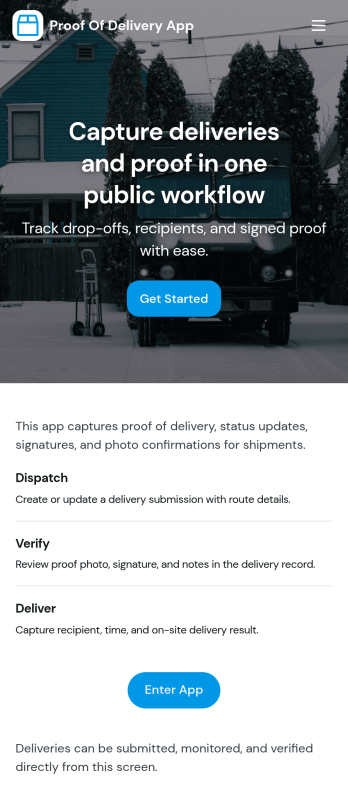
Proof of Delivery App
Proof of Delivery App helps delivery teams capture and organize delivery confirmation in one place, so drivers know what’s still open and dispatch can quickly verify what was completed. Use it to review open deliveries, navigate into a specific delivery ID, and submit proof in the moment, whether you’re managing local drop-offs, courier routes, field service handoffs, or last-mile operations. It’s a practical fit for logistics coordinators, warehouses, retailers, and service businesses that need clearer delivery visibility and fewer missed details.Jotform makes it easy to turn this use case into a branded, mobile-friendly experience using App Templates and a no-code app builder with a drag-and-drop interface. Connect your app to forms for fast data collection, keep delivery records organized for quick lookup, and support a smoother workflow from “open delivery” to submitted proof. Share your Jotform app by link or QR code so drivers and teams can access the right information wherever they work.
Go to Category:Delivery Apps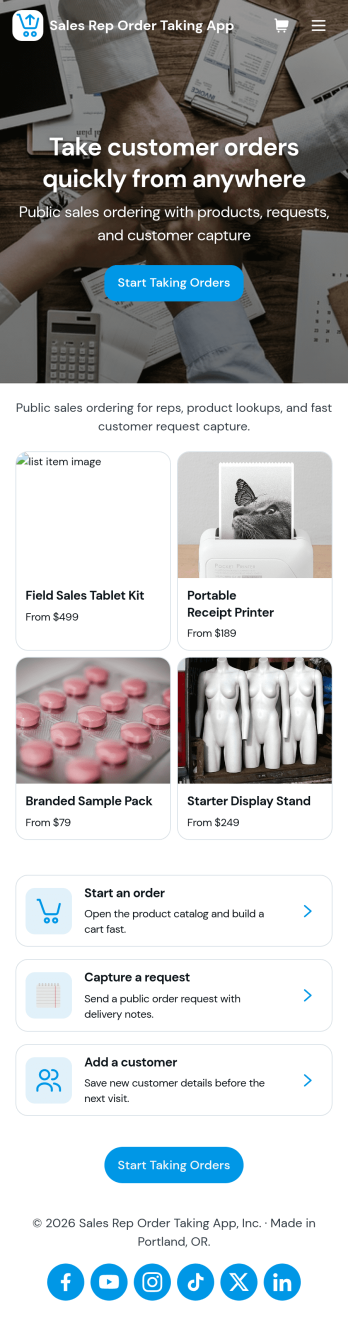
Sales Rep Order Taking App
Sales Rep Order Taking App helps field and inside sales teams capture orders on the spot, keep a clean record of recent activity, and move customers from interest to purchase without delays. Reps can browse a product catalog during conversations, start a new order in seconds, and reference recent orders to confirm details with returning customers. It’s a practical fit for wholesale distributors, manufacturers, B2B retailers, and any team that takes orders away from a desk and needs a consistent process across multiple reps.With Jotform, you can tailor this app template to match your sales workflow using a no-code app builder and a drag-and-drop interface. Connect the app to your forms and data collection, organize orders for quick lookup, and keep order-taking steps consistent across regions or product lines. Share the app with your reps through a link or QR code, update the catalog and order flow anytime, and turn everyday selling into a smoother self-service experience for your team.
Go to Category:Order & Shipping Portal Apps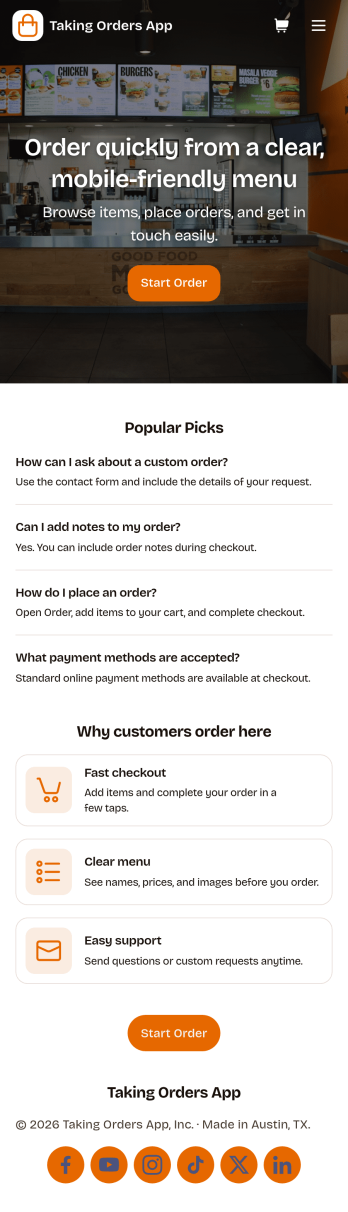
Taking Orders App
Taking Orders App helps food and beverage teams capture customer orders in a clean, mobile-friendly experience. Use it to highlight popular picks, guide customers into starting an order from a product list, and offer a simple way to reach your business through the contact page. It’s a great fit for cafés, food trucks, bakeries, pop-up kitchens, caterers, and small restaurants that need a lightweight ordering flow for pickup or pre-orders without juggling messages across multiple channels.With Jotform, you can turn this app template into a branded ordering hub using a no-code app builder and a drag-and-drop interface. Connect the app to a form for reliable data collection, keep requests organized, and build a smoother workflow for your team from order intake to fulfillment. Share the app with a link or QR code, update menus and content in minutes, and provide customers with convenient self-service ordering from any device.
Go to Category:Order & Shipping Portal Apps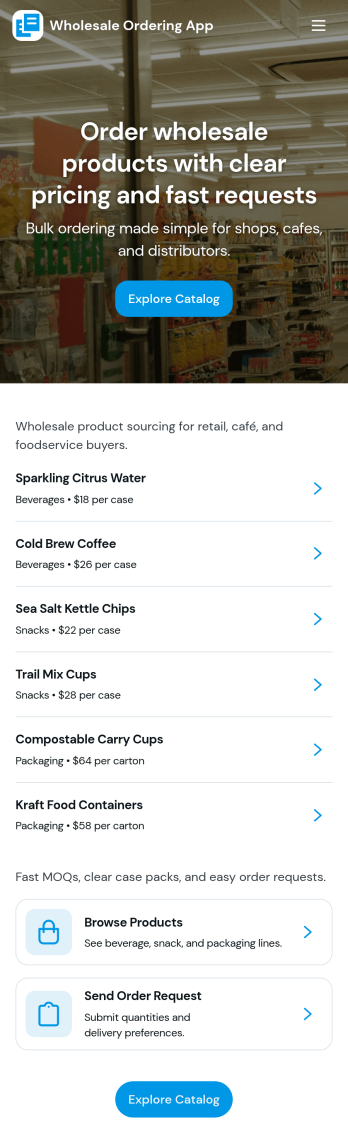
Wholesale Ordering App
Wholesale Ordering App helps wholesalers and distributors give buyers a simple way to browse a product catalog by category, place an order request, and review their order history in one self-service experience. Use it to organize common product groups such as packaging, snacks, and beverages, so repeat customers can find items faster and submit accurate requests without relying on phone calls or long email threads. It works well for B2B sellers, warehouse teams, and sales reps who want a consistent ordering flow for retail partners, offices, or hospitality customers.Jotform makes it easy to turn this app template into a branded ordering hub with a no-code app builder and a drag-and-drop interface. Connect catalog lists to your data, link the order request form to the app, and keep everything organized as requests come in. Share the app with a direct link or QR code, update products in one place, and create a workflow that supports faster ordering and clearer communication from request to fulfillment.
Go to Category:Order & Shipping Portal Apps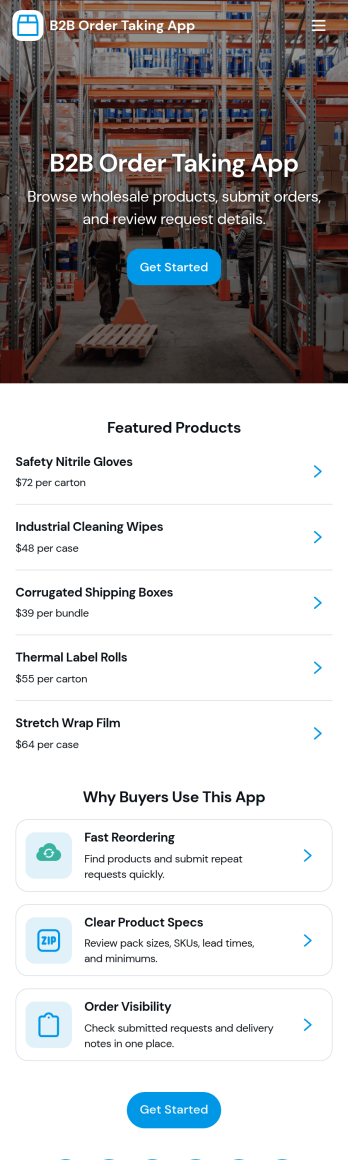
B2b Order Taking App
B2b Order Taking App helps wholesalers, distributors, and sales teams collect purchase orders from business customers in one place. Buyers can browse a product catalog, place an order with fewer steps, and return later to review order history without emailing spreadsheets or calling in details. It’s useful for repeat ordering, field sales, inside sales, and customer accounts that need a clear, consistent way to submit orders and confirm what was requested.Jotform makes it easy to launch and tailor app templates like this with a no-code app builder and a drag-and-drop interface. Connect your ordering form to the app, route details into a workflow for internal processing, and keep data collection organized as requests come in. Share the app through a link or QR code so customers and reps can submit orders from desktop or mobile while your team keeps operations moving.
Go to Category:Order & Shipping Portal Apps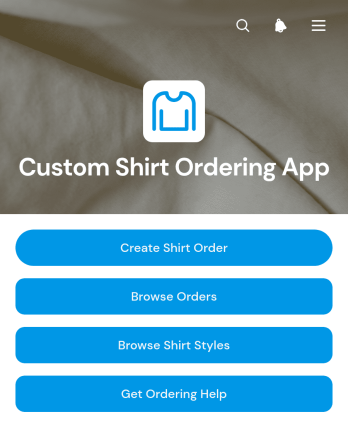
Custom Shirt Ordering App
The Custom Shirt Ordering App is a ready-to-use app template for apparel retailers, print shops, clothing makers, uniform suppliers, and independent sellers that need a convenient ordering experience. Customers or staff can browse available shirt styles, review fit and fabric information, and submit a custom order from one location. Order records present key details such as the customer, quantity, production status, delivery information, and design notes, helping teams respond to inquiries and keep fulfillment work organized. This focused self-service experience reduces scattered requests and makes each order easier to review from initial selection through delivery.Jotform Apps helps businesses turn ordering workflows into accessible, branded experiences without writing code. Start with this app template, then use the no-code app builder and drag-and-drop interface to adjust pages, navigation, images, buttons, and visual styling. Connected forms support data collection, while linked records make submitted information available within the broader workflow. The finished app can be shared by direct link or QR code and opened on phones, tablets, or computers, giving customers and team members convenient access wherever orders are placed or managed.
Go to Category:Apparel Selling Apps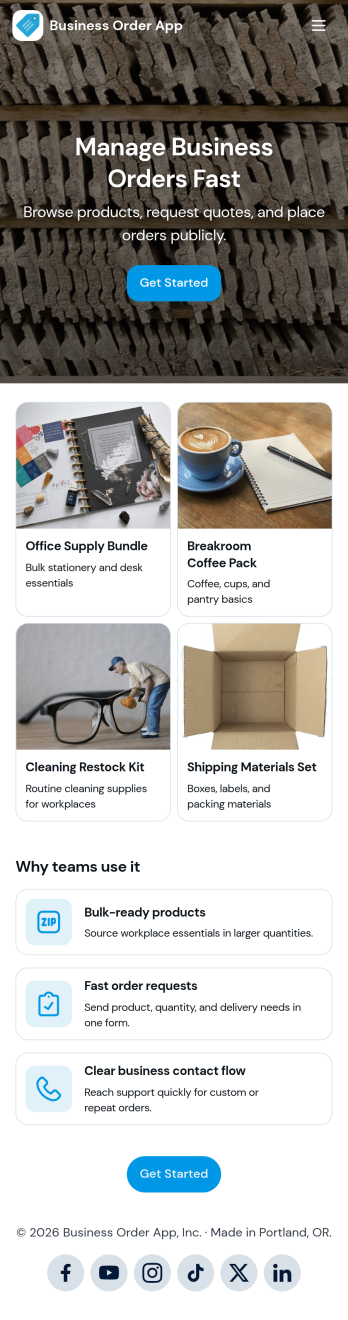
Business Order App
Business Order App helps companies centralize how customers and internal teams browse a catalog, request a quote, and track order progress from one place. Use it to reduce missed requests, keep order details consistent, and give people a clear path to take action, whether they are placing a repeat order, checking an order number, or asking for pricing before purchasing. It fits wholesale and B2B sellers, distributors, service providers with packaged offerings, and operations teams that need a simple order experience that works for returning clients and new inquiries.With Jotform, you can customize this app template with a no-code app builder and a drag-and-drop interface, then connect it to forms and tables for reliable data collection and smoother workflow steps. Update the catalog view, adjust the quote and lookup forms, and share the finished self-service experience through a link or QR code so customers and staff can access it on any device.
Go to Category:Order & Shipping Portal Apps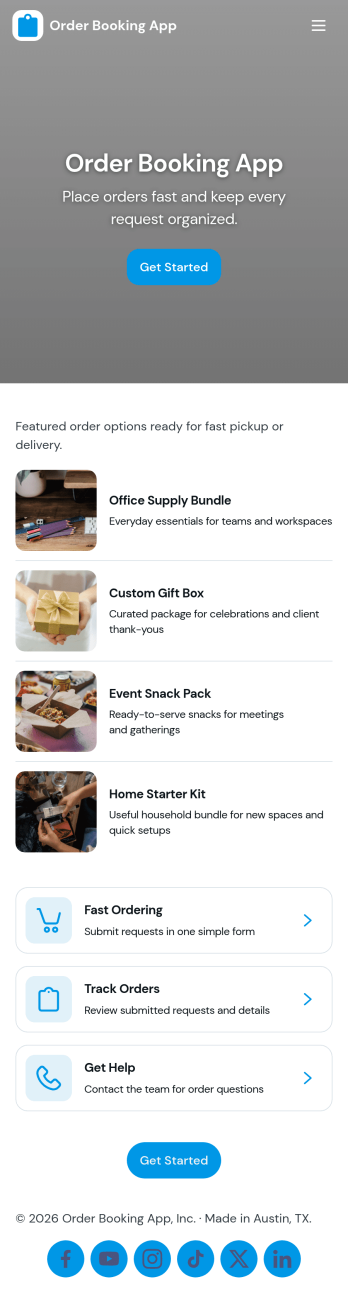
Order Booking App
Order Booking App helps businesses take customer orders through a simple, mobile-friendly ordering experience that highlights your menu and guides people to book in a few taps. It works well for cafés, restaurants, food trucks, caterers, and small retailers that want a central place to showcase items, route customers to an order page, and capture key details through connected forms for follow-up and fulfillment. With dedicated sections for Menu, Booking, About, and Contact, it keeps ordering information clear while giving customers an easy path from browsing to placing an order.Jotform makes it easy to turn this Order Booking App into a branded self-service flow using its no-code app builder and drag-and-drop interface. Connect the app to forms for data collection, organize order details in a workflow that fits your team, and publish a shareable link customers can open from anywhere. Update products, adjust content, and refine the ordering journey as your offerings change, without needing development help.
Go to Category:Booking Apps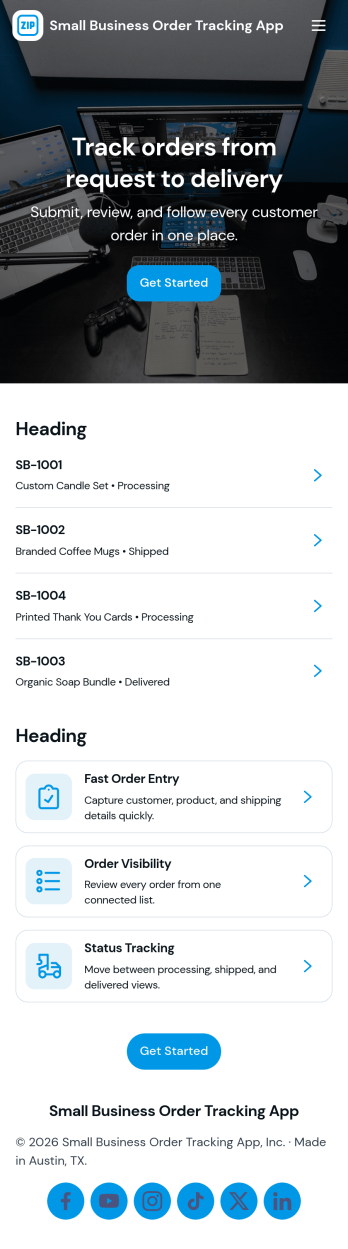
Small Business Order Tracking App
Small Business Order Tracking App helps small teams log new orders, monitor order status, and keep customer details organized in one place. It’s a practical fit for makers, local retailers, service providers, and growing online sellers who need a simple way to stay on top of open orders without juggling spreadsheets or scattered messages. With quick access to create a new order, view open orders, and browse customer records, the app supports day-to-day fulfillment while reducing missed updates and manual follow-ups.Built with Jotform, this app template can be customized with a no-code app builder and a drag-and-drop interface, so you can match it to your workflow in minutes. Connect the app to your forms and data tables to capture order details, keep records up to date, and make information easy to find for anyone on your team. Share it as a self-service hub for staff, use it on desktop or mobile, and expand it over time with reporting views that help you understand order volume and customer activity.
Go to Category:Order & Shipping Portal Apps