

Resource & Learning Portal Apps

Singing Learning App
Singing Learning App helps vocal students and instructors keep lessons, practice goals, and progress in one place. Use it to browse singing lessons, explore practice materials, and quickly record each practice session as you work on breath control, pitch, tone, or repertoire. Whether you teach privately, run a small studio, or learn on your own, this app supports consistent routines by making it easy to capture what you practiced and revisit what to focus on next.With Jotform, you can turn your Singing Learning App into a branded, mobile-friendly learning experience using App Templates and a no-code app builder. Customize pages with a drag-and-drop interface, connect buttons to forms for data collection, and build a workflow that keeps practice logs organized over time. Share the app with students through a link, update lesson content as you go, and keep learning resources and progress tracking accessible from anywhere.
Go to Category:Education Apps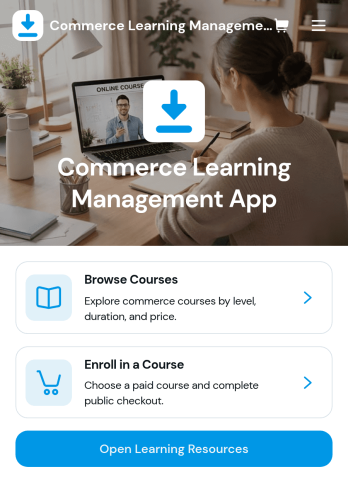
Commerce Learning Management App
Commerce Learning Management App brings product and commerce-focused training into one place so learners can browse courses, view course details and learning outcomes, and enroll with the right information captured upfront. It’s a strong fit for retail teams, e-commerce operations, customer support groups, and partner programs that need consistent onboarding for product knowledge, promotions, and day-to-day selling or service workflows. Use it to publish a course catalog, guide learners to the right level, and keep resources easy to find so training stays accessible instead of scattered across emails and documents.With Jotform, you can turn this app template into a branded learning experience using a no-code app builder and a drag-and-drop interface. Connect the app to forms for enrollment details and course feedback, organize learning resources in clear pages, and use data collection to keep course info and participation organized. Share the app with a simple link or QR code, update content quickly as products change, and support smoother training workflows across locations and teams.
Go to Category:Education Apps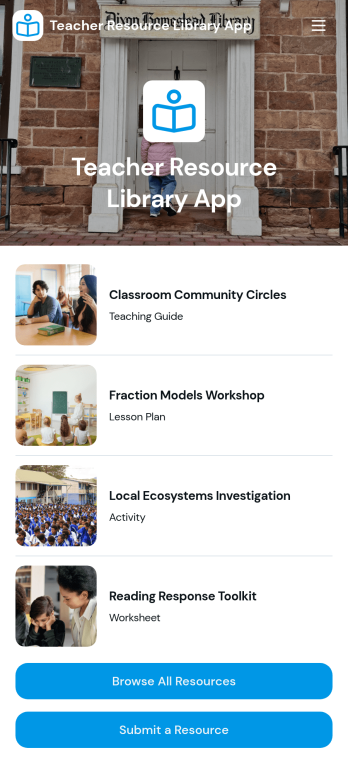
Teacher Resource Library App
Teacher Resource Library App helps schools and teaching teams organize, share, and discover classroom-ready materials in one easy place. Use it to publish a central collection of lesson resources, let staff browse a full library, and guide educators to the right materials faster with subject-based navigation and a simple resource finder experience. It’s a great fit for department chairs, instructional coaches, and school administrators who want consistent access to approved resources, as well as teacher teams collaborating across grades or subjects.Built with Jotform, this app template turns your resource workflow into a self-service experience teachers can use from anywhere. Customize pages with a drag-and-drop interface, connect the resource list to your data collection process so new materials are submitted in a consistent format, and share a single link with your school community. With a no-code app builder, you can keep the library current, reduce scattered files across drives and inboxes, and make it easier for teachers to contribute and find what they need.
Go to Category:Education Apps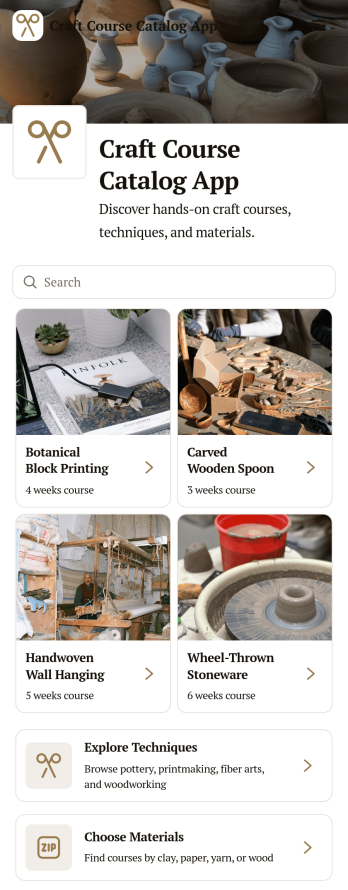
Craft Course Catalog App
Craft Course Catalog App brings your creative workshops into one mobile-friendly place where students can browse courses, explore techniques, and choose materials before they sign up. It’s ideal for craft studios, makerspaces, community centers, and independent instructors who want a clear, visual way to present class options and help learners quickly find the right fit. With course cards and dedicated course detail views, visitors can review what they will make, check the schedule and location, confirm required materials, and see prerequisites without hunting through emails or social posts.Built with Jotform, this app template is easy to tailor using a no-code app builder and a drag-and-drop interface. Update your catalog as new sessions open, keep course information consistent across pages, and share the app with a simple link or QR code for convenient self-service access. Connect course data collection to your existing workflow so your team can spend less time answering repetitive questions and more time running great classes.
Go to Category:Education Apps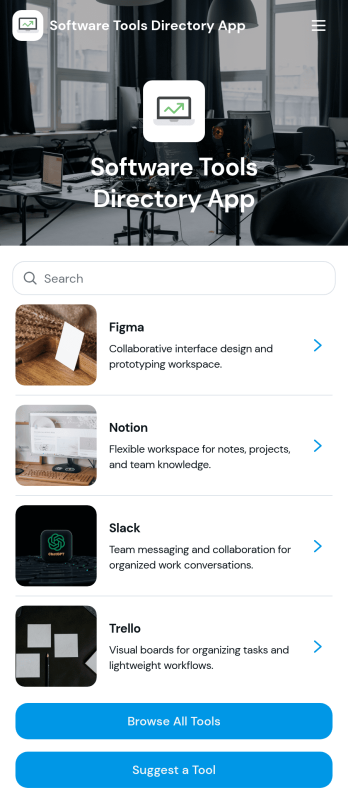
Software Tools Directory App
Software Tools Directory App brings your recommended software stack into one place so people can quickly browse tools, explore categories, open a tool’s website, and suggest new options to add. It’s a practical fit for IT teams standardizing internal tooling, agencies curating approved apps for clients, startup ops teams documenting what to use for specific jobs, and educators sharing vetted resources with students. Use it to reduce repeated “what tool should I use” questions, keep platform and pricing details easy to find, and make discovery faster for new hires or new customers.With Jotform, you can turn a directory into a polished self-service experience using a no-code app builder and a drag-and-drop interface. Connect your directory to a form for data collection when someone suggests a tool, then keep everything organized and up to date as your workflow evolves. Share your app with a link or QR code, customize pages to match your brand, and make it easy for your audience to navigate the right tools without searching through docs or chats.
Go to Category:Information Technology Apps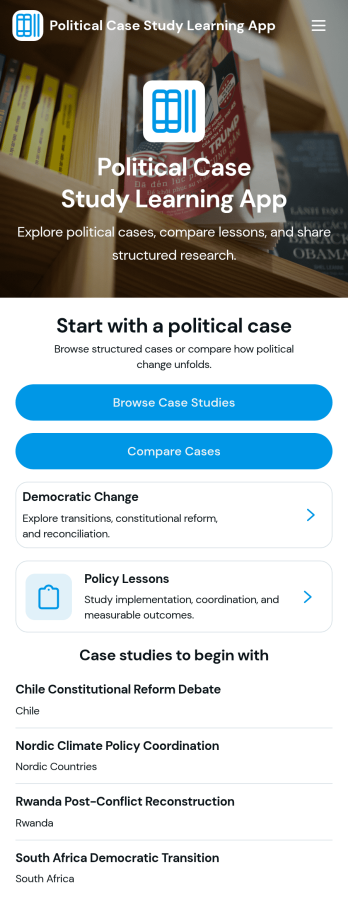
Political Case Study Learning App
Political Case Study Learning App organizes political case studies into an easy learning experience for classrooms, training programs, and independent study. Learners can browse structured cases, explore themes like democratic change and policy lessons, and use a dedicated comparison experience to examine multiple cases side by side. It’s a practical fit for instructors who want a repeatable way to guide discussion, for student groups working on research projects, and for education teams building a shared library of real-world examples without scattering materials across documents and links.Built with Jotform, this app template helps you publish a self-service learning hub with a no-code app builder and a drag-and-drop interface, so you can update content as your curriculum evolves. Connect your case library to a data source for easy browsing, and add a case intake form so contributors can submit new studies from one place. Share the app with a simple link, keep learning resources consistent across cohorts, and manage your workflow for reviewing and improving case content over time.
Go to Category:Education Apps
Prompt Library Management App
Prompt Library Management App helps teams capture, organize, and reuse AI prompts in one shared place, so the best instructions don’t get lost in chats, docs, or personal notes. Use it to submit new prompts quickly, browse the full prompt library, group prompts into collections, and revisit proven wording for recurring tasks like marketing copy, support replies, research, and internal documentation. It’s a practical fit for marketing teams, customer support leads, product groups, and agencies that want consistent outputs and an easy way to share prompt knowledge across roles.With Jotform, you can tailor this app template with a no-code app builder and a drag-and-drop interface, then publish it as a self-service experience your team can use from anywhere. Connect the app to forms and tables to centralize data collection, keep your prompt workflow organized, and make it simple for collaborators to contribute, browse collections, and act on insights without adding extra tools to your stack.
Go to Category:Information Technology Apps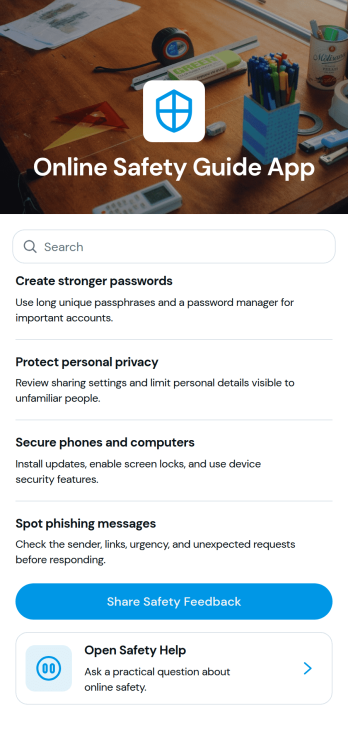
Online Safety Guide App
Online Safety Guide App gives organizations a simple way to publish safety guidance and help people take action from one place. Use it to organize safety topics into easy-to-browse pages, provide a quick safety check for self-assessment, and invite ongoing feedback so your content stays relevant. It fits teams that need a clear, shareable safety hub, such as HR and operations groups, schools, nonprofits, community programs, or IT teams rolling out online safety practices for staff, students, or volunteers.With Jotform App Templates, you can create a branded experience without code and keep information easy to access on any device. Build your Online Safety Guide App with Jotform’s no-code app builder and drag-and-drop interface, then connect key actions like a safety check form and a feedback form to support data collection and a repeatable workflow. Share a single link or QR code so people can quickly browse resources, complete the check, and send input whenever they need help.
Go to Category:Safety and Compliance Apps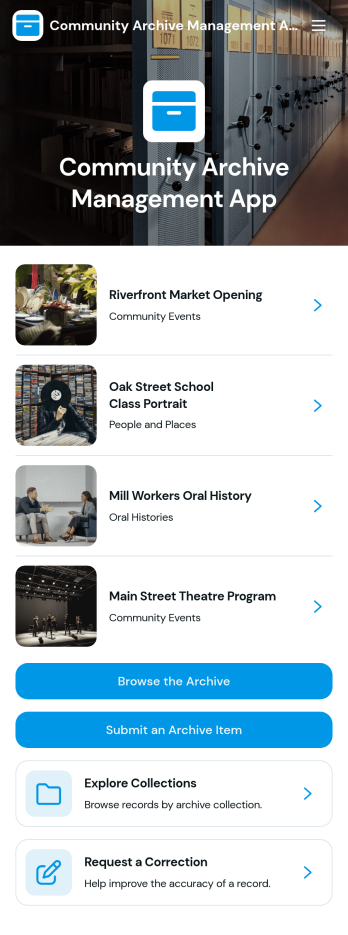
Community Archive Management App
Community Archive Management App brings community records, photos, and historical materials into one easy place to browse and contribute. It supports archive coordinators, local nonprofits, libraries, cultural groups, and neighborhood associations that want a simple way to showcase archive entries, accept new record submissions, and handle access requests without relying on scattered emails or spreadsheets. Visitors can review a list of archive records with visual previews, then take action through focused buttons for submitting an archive record or requesting archive access.Built with Jotform, this app template helps you publish a branded self-service experience that works well on desktop and mobile. Use Jotform’s no-code app builder and drag-and-drop interface to adjust the layout, connect your archive list to your data, and route record submissions and access requests into the right workflow for review and follow-up. As your collection grows, you can keep information organized and make community participation easier through consistent data collection and clear next steps.
Go to Category:Community & Engagement Portal Apps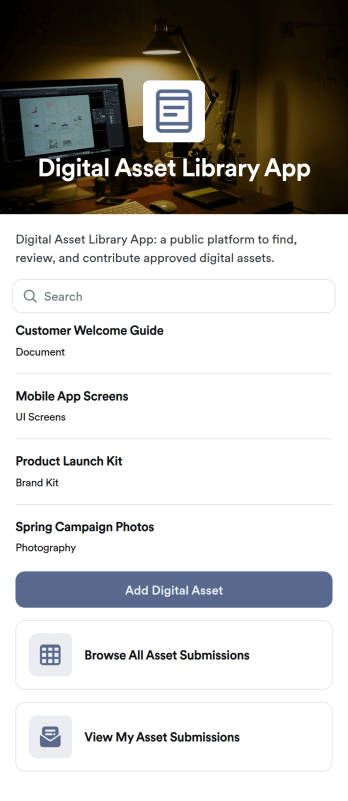
Digital Asset Library App
Digital Asset Library App helps teams collect, organize, and share files like documents, images, and brand resources in one place. With quick actions to add a digital asset and submit new uploads, plus easy browsing and link access for stored materials, it fits marketing departments, sales teams, HR, agencies, and growing businesses that need a simple way to keep shared assets findable and up to date. Use it to reduce time spent hunting through folders, keep campaigns consistent, and give stakeholders a clear place to find the latest approved materials.Jotform makes it easy to publish this app template and tailor it to your workflow with a no-code app builder and a drag-and-drop interface. Connect upload and request forms, keep records organized, and support self-service access for internal teams or external partners. Share the app with a link or QR code, control what people can view or submit, and manage updates without relying on development resources.
Go to Category:Resource & Learning Portal Apps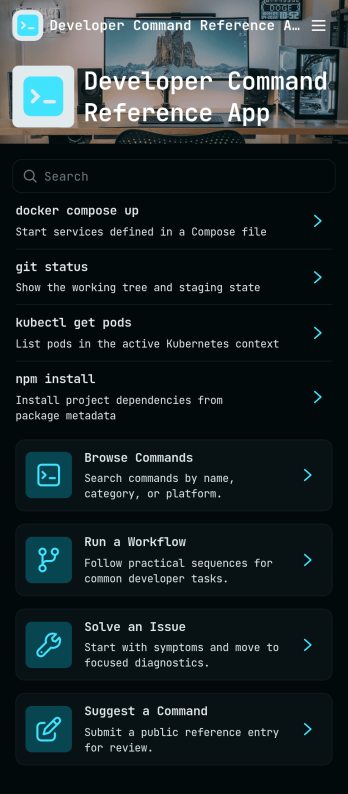
Developer Command Reference App
Developer Command Reference App gives your team a single place to browse and look up command details without digging through scattered docs. With searchable lists and command cards pulled from a shared dataset, it helps developers, DevOps teams, and IT support groups quickly confirm syntax, expected output, and usage notes during builds, deployments, and troubleshooting. Use it to standardize internal CLI conventions, onboard new hires faster, and reduce repeated questions in chat by keeping commonly used commands easy to find.Built with Jotform, this app template can be customized with a drag-and-drop interface so you can match your team’s workflow and terminology. Connect it to your data source to keep command entries consistent, then publish and share the app through a link or QR code for self-service access on desktop or mobile. As your reference library grows, you can update content in one place and make it available to everyone instantly, without writing code.
Go to Category:Information Technology Apps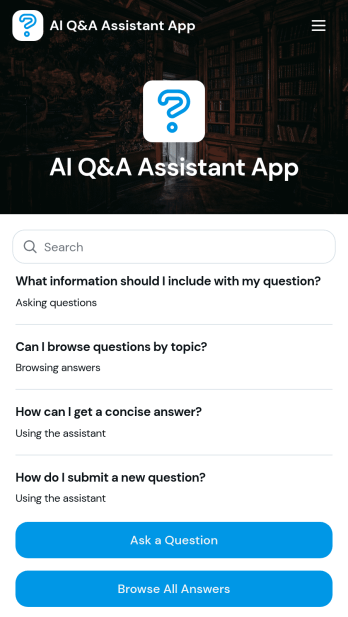
AI Q&A Assistant App
AI Q&A Assistant App helps teams collect questions, organize them by topic, and make answers easy to find in one place. It’s a practical fit for customer support teams building a lightweight help experience, HR and operations groups centralizing internal FAQs, and educators or trainers capturing recurring questions from learners. Users can ask a question, browse existing answers, and explore topics so they spend less time searching and more time acting on the right information.With Jotform, you can turn this app template into a polished self-service experience using a no-code app builder and a drag-and-drop interface. Connect the app to your forms and data tables to support ongoing data collection, keep answers up to date, and route new questions through a workflow your team can manage together. Share the app with a simple link so people can quickly submit questions or browse what’s already been answered from any device.
Go to Category:Customer Engagement Apps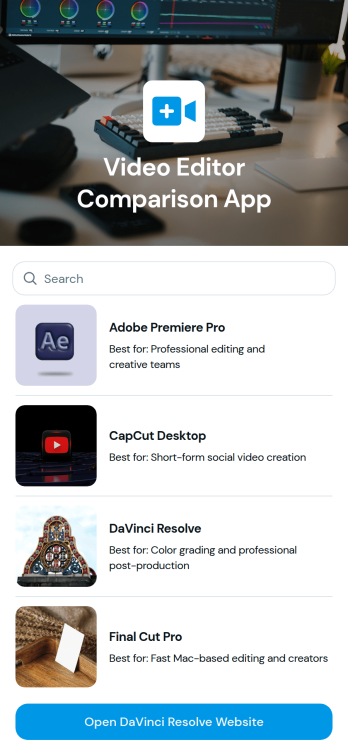
Video Editor Comparison App
Video Editor Comparison App helps creators and teams compare video editing tools in one place so they can make a confident choice for their workflow. Use it to review key options side by side, scan editor highlights through visual cards, and jump straight to an official site link when you’re ready to learn more. It’s a practical fit for content creators, marketing teams, educators, agencies, and anyone evaluating software for editing, color grading, or post-production needs.Jotform makes it easy to turn this kind of curated comparison into a polished, shareable experience using App Templates and a no-code app builder with a drag-and-drop interface. Update entries as your recommendations change, publish a single link for quick self-service browsing, and keep your selection process organized without managing scattered documents.
Go to Category:Entertainment Apps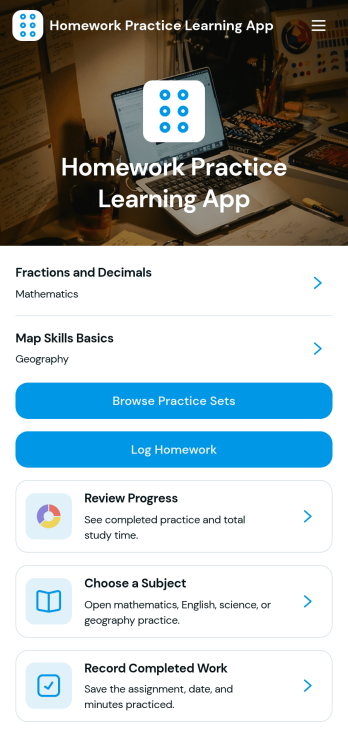
Homework Practice Learning App
Homework Practice Learning App helps students turn assignments into consistent practice by giving them one place to browse practice sets, log homework, and check progress over time. It’s a strong fit for families supporting at-home learning, tutors running weekly sessions, and teachers who want a simple way to recommend targeted practice while keeping students accountable. With subject-based browsing and quick logging, learners can focus on building skills instead of juggling notebooks, tabs, and scattered reminders.Built with Jotform, this app template can be customized in minutes using a no-code app builder and a drag-and-drop interface. Connect the app to forms and tables to support ongoing data collection, organize practice records, and keep your workflow easy to manage as routines change. Share a single link for self-service access on any device, then refine the layout, labels, and navigation to match your classroom, tutoring program, or home study plan.
Go to Category:Education Apps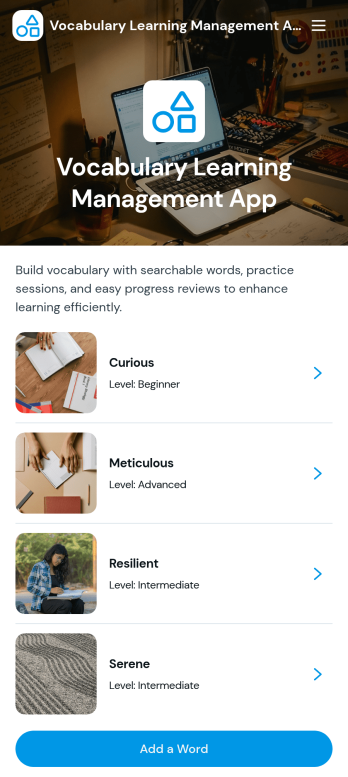
Vocabulary Learning Management App
Vocabulary Learning Management App helps learners build and maintain a personal word bank while giving educators, tutors, and study groups a clear way to organize vocabulary practice. Use it to browse words by topic, open each entry to review key details like definitions, example sentences, and pronunciation, and keep progress moving with focused practice sessions. It’s a practical fit for language classrooms, tutoring programs, test prep, corporate language training, and independent learners who want one place to capture new words and revisit them consistently.With Jotform, you can tailor this app template to match your learning approach using a no-code app builder and a drag-and-drop interface. Connect the app to forms for data collection when learners add new words, keep records organized, and guide a simple workflow from adding vocabulary to practicing it. Share the app through a link or QR code for self-service access on any device, and update content quickly as your word list grows.
Go to Category:Education Apps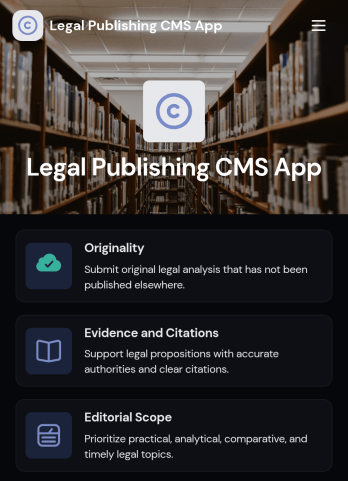
Legal Publishing CMS App
Legal Publishing CMS App brings legal publications into one organized, reader-friendly hub where audiences can browse recent issues, open a publication to read the abstract and full analysis, and quickly view key publication details like author, date, and edition. It also supports editorial operations by giving contributors a clear path to read submission guidelines, check the editorial calendar, and submit manuscripts, making it a practical fit for law reviews, legal publishers, bar associations, academic programs, and policy organizations managing recurring legal content.With Jotform, you can tailor this app template to match your brand and publishing workflow using a drag-and-drop interface in a no-code app builder. Connect the app to your data collection and workflow needs by linking forms and tables, then share a self-service experience through a link or QR code so readers and contributors always know where to find the latest content and the next steps for submitting work.
Go to Category:Legal Apps
Arabic Learning Management App
Arabic Learning Management App brings Arabic lessons, practice activities, study resources, and learner feedback into one place so students can keep moving forward without hunting for links or losing context. It’s a practical fit for tutors, language schools, community programs, and self-study groups that want a clear path from choosing a lesson to practicing a specific skill, while keeping learning goals and key lesson information easy to revisit.With Jotform, you can shape this app template into your own learning experience using a no-code app builder and a drag-and-drop interface. Connect lesson and resource lists to your data collection, route learners to the right pages with simple navigation buttons, and use linked forms to capture feedback or learning check-ins. Share the app through a link or QR code, update content quickly, and keep your Arabic learning workflow organized as your curriculum grows.
Go to Category:Education Apps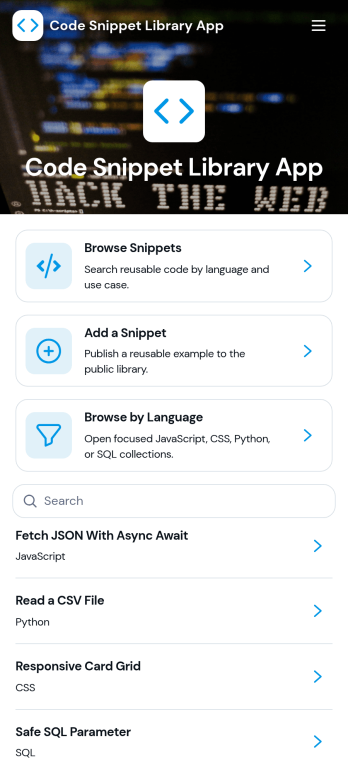
Code Snippet Library App
Code Snippet Library App helps teams store, browse, and reuse code examples in one place so people can find what they need without digging through chats, docs, or old projects. It’s a practical fit for engineering teams, IT departments, agencies, bootcamps, and developer communities that want a shared library of trusted snippets. With quick navigation for browsing snippets, adding new entries, and exploring by language, the app supports everyday work like onboarding new developers, standardizing common patterns, and keeping frequently used solutions easy to reference.Jotform makes it simple to publish this kind of self-service library using a no-code app builder with a drag-and-drop interface. Connect the app to forms for data collection when teammates add a snippet, then organize and display entries so anyone can access the latest versions. You can share the app with a link, tailor the layout to match your workflow, and keep your snippet library organized as it grows.
Go to Category:Information Technology Apps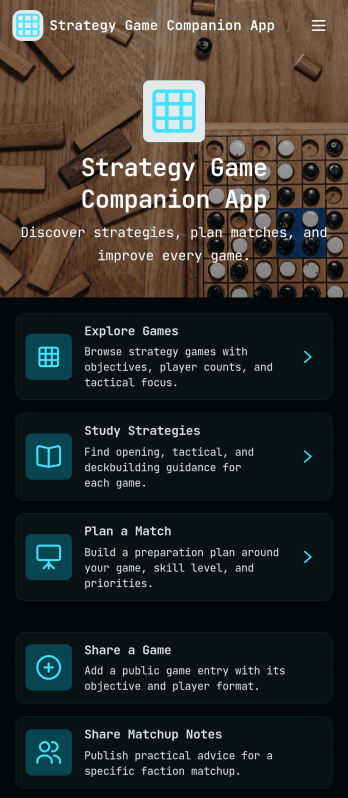
Strategy Game Companion App
Strategy Game Companion App brings your favorite strategy titles, matchup insights, and planning tools into one place so you can prep smarter and play with more confidence. Use it to browse and compare games, review core objectives and what each game is best for, and study strategy guides before you queue up. When inspiration hits, you can also share a game recommendation, submit a new strategy, and add matchup notes so your team keeps improving between sessions.Built with Jotform, this app template is easy to tailor for your community, club, or content channel using a no-code app builder and a drag-and-drop interface. Connect pages to forms to support ongoing data collection, keep strategy resources organized, and create a smooth self-service experience players can access from a single link. Update content anytime as metas change, new games drop, or your playgroup’s priorities shift.
Go to Category:Entertainment Apps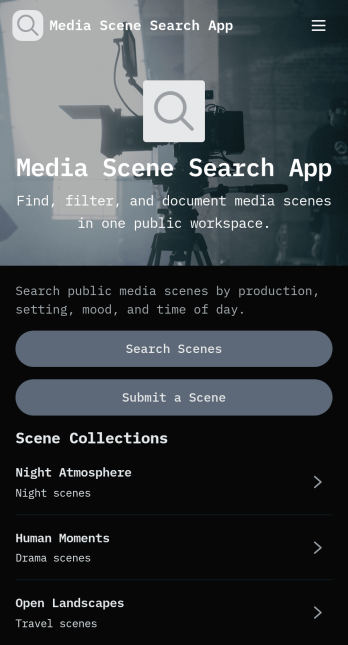
Media Scene Search App
Media Scene Search App helps teams and creators organize media scene references into searchable collections so the right clip is easy to find when it matters. Use it to browse scene collections, search or filter through scene entries, and open a linked media reference for fast review. It’s a practical fit for video production crews, social teams, editors, agencies, educators, and content libraries that want a simple way to catalog scenes by location, scene type, and keywords while keeping everything accessible in one place.Built with Jotform, this app template pairs a polished front-end experience with flexible data collection behind the scenes. Customize pages, buttons, and lists with a drag-and-drop no-code app builder, then connect the app to forms and tables to keep records consistent as your library grows. Share your app by link for self-service access, route new scene submissions to the right workflow, and maintain a single source of truth for your media scene database.
Go to Category:Entertainment Apps
Bilingual AI Assistant App
Bilingual AI Assistant App helps teams handle bilingual questions and language-related requests in one place, so people can ask for help, choose a language pair, and share guidance that others can reuse. It fits customer support and success teams, HR and internal comms, educators, community programs, and global operations that need consistent wording across two languages for emails, chat replies, FAQs, or internal announcements. With quick request intake and a shared resource area, the app reduces repeated work, keeps context with each ask, and makes it easier to standardize responses across locations and departments.Built with Jotform, this app template can be tailored in a no-code app builder with a drag-and-drop interface, so you can adjust pages, buttons, and navigation to match your workflow. Connect forms to power bilingual request collection and resource contributions, then share the app as a self-service hub for staff or stakeholders. As your content grows, you can keep language resources organized, make guidance easier to find, and support smoother handoffs without adding extra tools.
Go to Category:Resource & Learning Portal Apps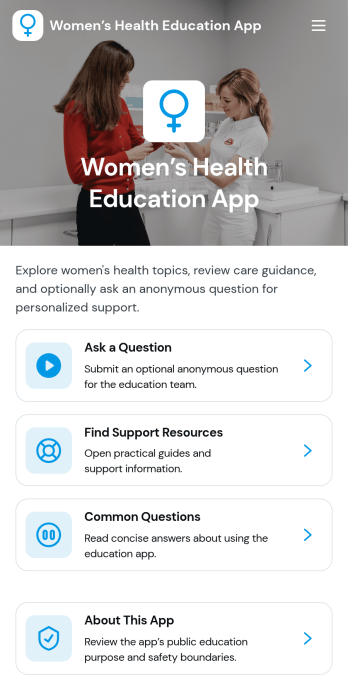
Women’s Health Education App
Women’s Health Education App brings educational topics, common questions, and support resources into one easy-to-navigate space, making it simpler to learn, share, and find help when you need it. Use it to publish trustworthy information for community members, students, patients, or program participants, and guide them to the right content without digging through multiple links. The app includes topic browsing and a dedicated place to ask a question, so people can explore key points, review when to seek care guidance, and reach out with questions related to a topic.Built with Jotform App Templates, this app template is simple to customize in Jotform’s no-code app builder using a drag-and-drop interface. Add your own educational pages, update resource links, and connect forms for data collection so questions are routed to the right team. Share the app with a link or QR code for self-service access, and keep your workflow organized by managing incoming questions and updates in one connected system.
Go to Category:Education Apps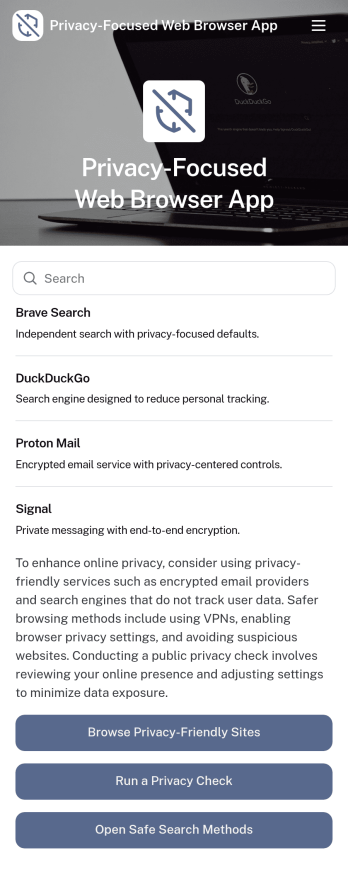
Privacy-Focused Web Browser App
Privacy-Focused Web Browser App brings together a curated set of safer browsing resources in one place, so people can compare options and build better habits without hunting through scattered links. Use it to browse recommended privacy tools, review browser options in a simple directory, and follow practical guides that explain what to check, what to change, and why it matters. It works well for IT teams sharing approved recommendations, educators running digital safety workshops, nonprofits supporting community privacy initiatives, and anyone creating a small internal hub for privacy-first browsing decisions.With Jotform, you can turn this idea into a polished, shareable experience using app templates and a no-code app builder. Customize pages with a drag-and-drop interface, connect resources to forms for data collection, and keep updates organized as your privacy guidance evolves. Publish a self-service app that’s easy to access on any device, then share it by link or QR code to help users get to the right information quickly.
Go to Category:Information Technology Apps
Bilingual Writing Studio App
Bilingual Writing Studio App helps writers, editors, and localization teams manage bilingual content in one place, from adding new writing pieces to tracking translation feedback and keeping language rules consistent. Use it to collect drafts, organize what’s ready for review, and route teammates to the right next step, whether that’s submitting a translation review, checking review status, or linking out to reference material. It’s a practical fit for content marketing teams, agencies, publishers, student writing programs, and in-house teams producing articles, scripts, product copy, or training content in two languages.With Jotform, you can turn this app template into a branded, self-service workspace using a no-code app builder and a drag-and-drop interface. Connect buttons to forms to capture writing pieces, translation reviews, style guide entries, and submission notes, then keep everything organized for fast browsing on any device. As your workflow evolves, update pages, adjust navigation, and centralize data collection so collaborators always know what to write, what to review, and what standards to follow.
Go to Category:Resource & Learning Portal Apps