

Resource & Learning Portal Apps

Children's Learning Courses App
Children's Learning Courses App is an app template for presenting age-appropriate educational programs to families and making enrollment easier. Tutoring providers, learning centers, schools, after-school programs, and independent educators can use it to organize beginner, creative, and STEM offerings in one accessible destination. Parents and guardians can browse courses, review essential details such as age group, duration, and learning format, and enroll a learner through a connected form. A dedicated resource area also gives families convenient access to reading, creative, and shared learning activities. This setup reduces scattered communications, helps families compare suitable options, and creates a clearer path from course discovery to registration.Jotform App Templates help organizations create polished digital experiences without writing code. With Jotform's no-code app builder and drag-and-drop interface, users can customize pages, colors, typography, navigation, and branding to match their educational program. Forms and other connected workflow tools can support data collection, enrollment updates, and internal organization from a single system. Once the app template is ready, it can be shared through a direct link or QR code for mobile-friendly self-service access. Teams can update course information and resources as programs change, giving families a reliable place to find current learning opportunities.
Go to Category:Education Apps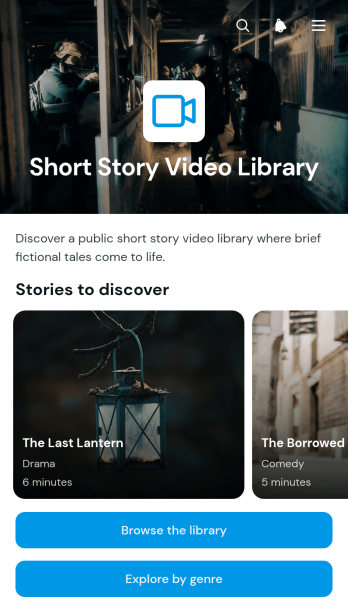
Short Story Video Library App
Short Story Video Library App provides filmmakers, educators, arts groups, and entertainment publishers with an inviting place to organize and present short story videos. Visitors can browse the story library, explore selections by genres such as drama, comedy, mystery, and adventure, and open individual story pages to view helpful details like genre and duration. A dedicated watch guide can offer viewing tips or explain how the collection is organized. This app template makes a growing video catalog easier to navigate, helping audiences discover relevant stories without searching through scattered pages or links.With Jotform’s no-code app builder, teams can adapt App Templates to match their visual identity and publishing needs. The drag-and-drop interface makes it easy to update pages, cards, buttons, media, and navigation without writing code. Creators can expand the Short Story Video Library App with connected forms for viewer feedback, content suggestions, or data collection, then support related workflows from one mobile-friendly experience. Once the app is ready, it can be published and shared by direct link or QR code, giving viewers convenient self-service access on phones, tablets, and computers.
Go to Category:Entertainment Apps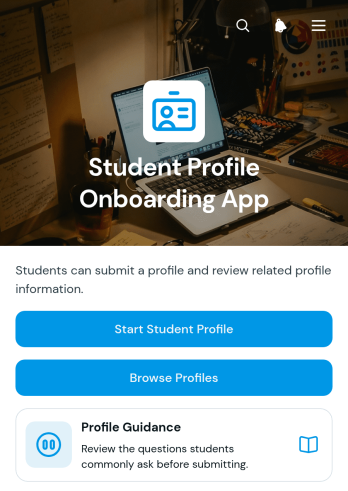
Student Profile Onboarding App
Student Profile Onboarding App gives schools, colleges, tutoring programs, and training providers a central place to welcome students and gather information for their profiles. Students can begin the profile intake process, review guidance before providing details, and browse completed profiles when access is appropriate. The experience helps administrators, educators, advisers, and program coordinators organize essential details such as contact information, year level, interests, and goals. It is especially useful for new-term enrollment, cohort introductions, mentoring programs, student communities, and academic support initiatives where consistent profile data helps staff understand participants and connect them with relevant resources.With Jotform Apps, teams can adapt this app template through a no-code app builder and an intuitive drag-and-drop interface. Pages, buttons, forms, profile listings, and visual elements can be updated to match an institution’s onboarding workflow and branding. Connected forms support data collection, while organized navigation gives students and staff a convenient self-service experience on phones, tablets, or computers. The finished Student Profile Onboarding App can be shared by a direct link or QR code, making it easier to launch a polished onboarding experience without developing an app from scratch.
Go to Category:School Management Apps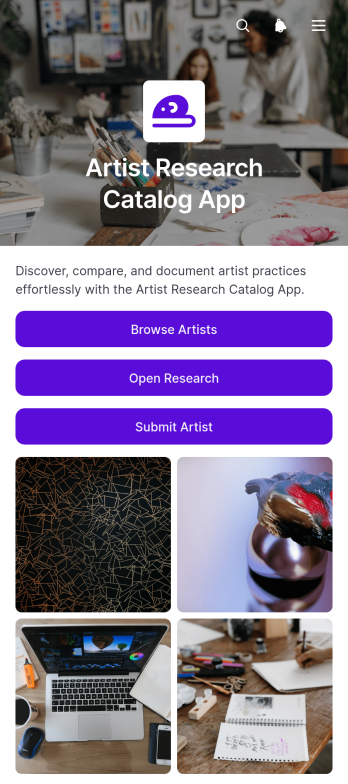
Artist Research Catalog App
The Artist Research Catalog App gives curators, researchers, educators, students, gallery teams, and arts organizations a central place to document and examine artist research. Users can browse an organized artist catalog, open individual profiles with practice focus, region, and research summaries, and compare selected artists within a dedicated research area. A connected submission form also helps contributors recommend artists for inclusion without relying on scattered documents or email threads. This app template supports exhibition planning, academic study, collection research, grant preparation, editorial work, and collaborative cultural projects where accessible, consistent artist information is essential.Jotform makes this Artist Research Catalog App easy to adapt with a no-code app builder and an intuitive drag-and-drop interface. Teams can update pages, navigation, profile content, visual styling, and connected data collection processes to suit their research methods. Forms, tables, approvals, and related workflows can be brought together in one mobile-friendly experience, helping contributors submit information and users find resources through self-service access. Publish the finished app with a direct link, share it by QR code, or embed it in an existing website to give colleagues, students, partners, or invited audiences convenient access.
Go to Category:Resource & Learning Portal Apps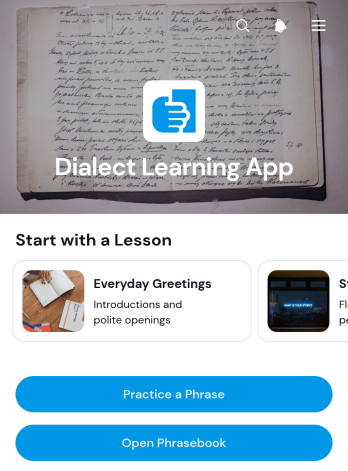
Dialect Learning App
The Dialect Learning App is a ready-to-use learning experience for language tutors, educators, cultural organizations, and independent instructors who teach regional vocabulary and everyday expressions. Learners can browse organized lessons, open a phrasebook, practice selected phrases, and review their previous practice submissions from one convenient location. Lesson pages can present the topic, level, example phrase, and practice focus without overwhelming students. This app template is well suited to guided courses, community language programs, heritage-language instruction, pronunciation practice, and self-paced study. It gives learners a clear path between reference material and active practice while helping instructors keep educational content accessible and organized.Jotform makes it easy to adapt this Dialect Learning App without writing code. Its no-code app builder and drag-and-drop interface let educators update lesson pages, adjust navigation, apply their own visual style, and connect forms or tables for data collection and learning workflows. The finished app can be shared through a direct link or QR code, giving students mobile-friendly access wherever they study. Starting with Jotform App Templates also reduces setup work, so instructors can focus on useful learning content while creating a polished self-service resource that can grow with their curriculum.
Go to Category:Education Apps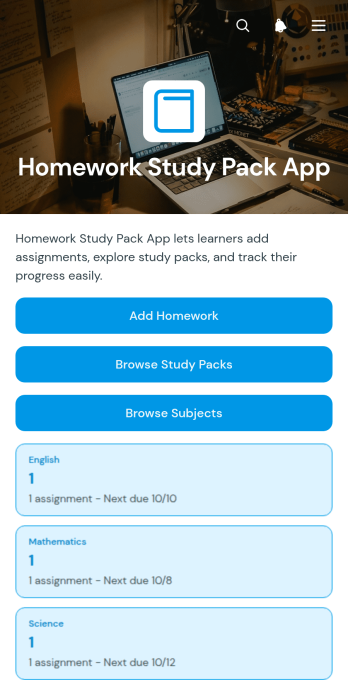
Homework Study Pack App
Homework Study Pack App gives students one organized place to record assignments, review upcoming due dates, and find study materials by pack or subject. It suits middle schools, high schools, tutoring programs, study groups, and families supporting learning at home. Students can add homework through a connected form, check an overview of their workload, and open relevant study packs when preparing for lessons, quizzes, or exams. Teachers and tutors can also use the app template to organize resources around subject areas, helping learners spend less time searching for materials and more time completing focused work.With Jotform Apps, educators can customize this app template using a no-code app builder and an intuitive drag-and-drop interface. Pages, navigation, visual styling, and connected forms can be adjusted to match a class, tutoring service, or learning program. Jotform App Templates can connect data collection with useful workflows, making it easier to update homework information and maintain a practical self-service resource. Once ready, the app can be shared through a direct link or QR code for convenient access on phones, tablets, and computers.
Go to Category:Student Planner Apps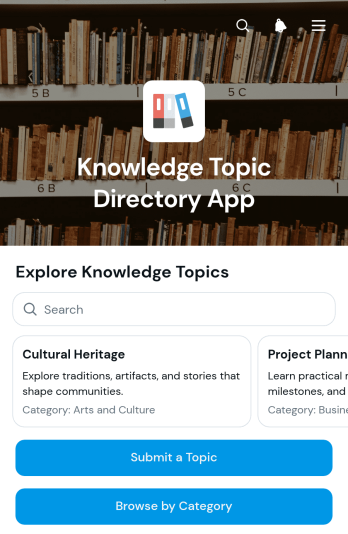
Knowledge Topic Directory App
Knowledge Topic Directory App is a ready-to-use app template for organizing and sharing topic-based information in one browsable destination. It suits educational institutions, professional associations, community groups, research teams, libraries, and businesses that need to make knowledge easier to discover. Visitors can browse topics by category, open individual entries for summaries and keywords, follow source links, and submit new or related topics for consideration. This structure reduces scattered resources, supports self-service research, and gives contributors a consistent way to expand a growing knowledge collection.With Jotform Apps, teams can adapt this app template using a no-code app builder and an intuitive drag-and-drop interface. Update the visual theme, reorganize pages, refine navigation, and connect forms or tables to support data collection and review workflows without programming. Jotform App Templates also make it simple to publish a mobile-friendly resource, share it through a direct link or QR code, and maintain information from one central workspace. The result is a branded directory that can evolve alongside an organization’s subjects, audiences, and internal processes.
Go to Category:Resource & Learning Portal Apps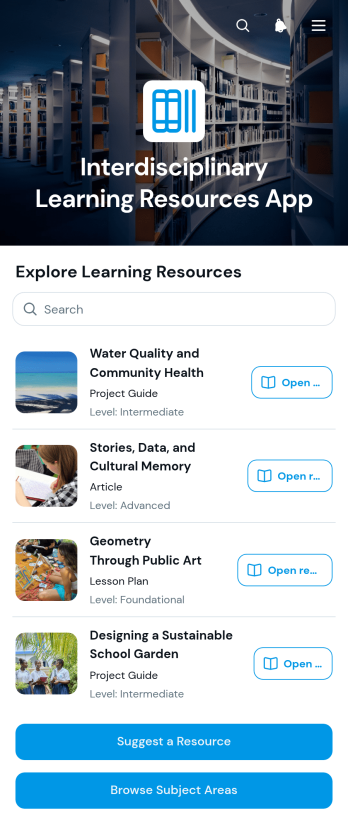
Interdisciplinary Learning Resources App
The Interdisciplinary Learning Resources App gives educators, curriculum teams, tutors, librarians, and learning program coordinators a central place to share materials that connect multiple subject areas. Users can browse resources by subject area and format, explore related topics, and suggest new materials through a connected form. It is well suited to schools, tutoring programs, community learning initiatives, professional development teams, and educational nonprofits that want to make lesson plans, project guides, articles, and video lessons easier to discover. By organizing connections among science, society, arts, technology, language, culture, mathematics, and design, the app supports thematic instruction, project-based learning, and curriculum planning without scattering resources across separate pages or documents.Jotform App Templates help teams launch organized, mobile-friendly learning experiences without writing code. With Jotform’s no-code app builder and drag-and-drop interface, users can adapt the Interdisciplinary Learning Resources App to reflect their curriculum, audience, and visual identity. Pages, resource cards, navigation, and contribution workflows can be updated as learning needs change. The finished app can be shared by a direct link or QR code, making resource navigation and self-service access convenient for educators and learners on different devices. Connected forms also support data collection from resource suggestions, helping administrators review contributions and keep the collection relevant.
Go to Category:Resource & Learning Portal Apps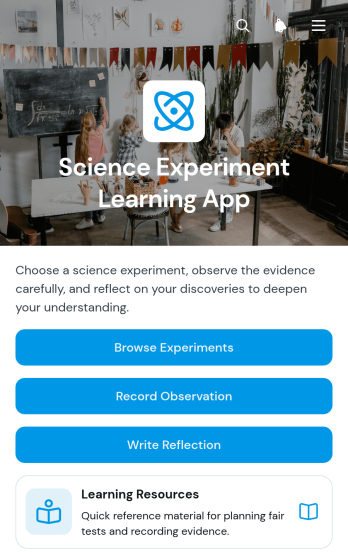
Science Experiment Learning App
The Science Experiment Learning App is a classroom learning experience for teachers, tutors, science clubs, and educational programs that want to guide students through practical investigations. Learners can browse experiments, review methods and safety notes, record observations, write reflections, and consult supporting resources from one organized location. This app template supports in-person lessons, remote assignments, laboratory activities, and self-guided study while helping educators replace scattered worksheets and links with a consistent learning workflow. It also makes data collection easier by keeping student responses connected to each stage of an experiment.Jotform App Templates help educators turn lesson materials and connected forms into accessible digital experiences without writing code. Using Jotform’s no-code App Builder and drag-and-drop interface, users can adapt pages, navigation, visual styling, and content to suit a subject, age group, or curriculum. Forms can support observation and reflection collection, while connected tables and notifications help teaching teams review responses and coordinate follow-up. Once published, the Science Experiment Learning App can be shared through a direct link or QR code, giving students convenient mobile-friendly access in the classroom, laboratory, or at home.
Go to Category:Education Apps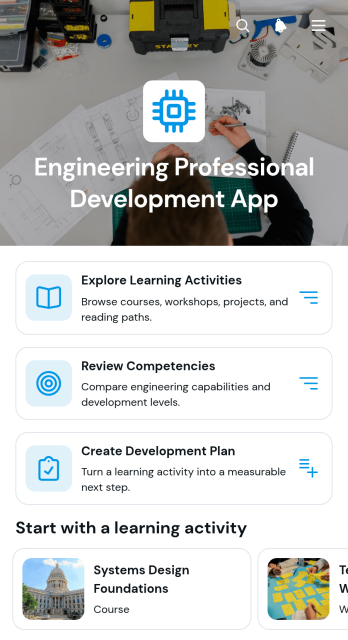
Engineering Professional Development App
The Engineering Professional Development App is a centralized learning resource for engineering teams, technical managers, consultants, contractors, and organizations supporting career growth. Users can explore relevant learning activities, review engineering competencies, and create individual development plans from one accessible location. Activity overviews provide context on competency focus, learning format, and suggested duration, helping professionals choose suitable opportunities without searching through scattered resources. Managers and team members can also review submitted plans to support career conversations, identify development priorities, and connect learning choices with role expectations.Jotform makes this app template easy to adapt for an engineering discipline, internal learning program, or consulting practice. Its no-code app builder and drag-and-drop interface let teams update pages, branding, navigation, and resources without programming. Forms, tables, approvals, and automated workflows can be connected to support data collection and ongoing plan management. Start with Jotform App Templates, customize the experience, and share the finished app through a direct link, QR code, or embedded page. The result is a mobile-friendly self-service resource that keeps professional learning organized and available wherever engineers work.
Go to Category:Engineering Apps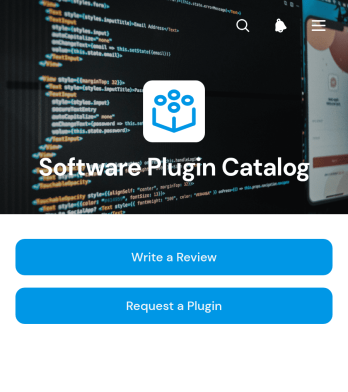
Software Plugin Catalog App
Software Plugin Catalog App is a searchable resource for presenting available software extensions and gathering feedback from the people who use them. It suits information technology teams, software providers, internal operations groups, and organizations that need one accessible place for employees, customers, or partners to explore plugin options. Visitors can browse a connected catalog, write reviews, and request a plugin or suggest a capability. This reduces scattered inquiries, reveals unmet needs, and helps catalog managers make informed decisions about future additions.Jotform App Templates make it easier to turn resources and data collection processes into polished digital experiences. Using Jotform’s no-code app builder and drag-and-drop interface, teams can customize this app template with branded pages, clear navigation, forms, buttons, and supporting content. Connected forms can feed requests and reviews into an organized workflow, while links and mobile-friendly layouts support convenient self-service. Once the app is ready, it can be published and shared through a direct link, quick response code, or embedded experience without writing code.
Go to Category:Information Technology Apps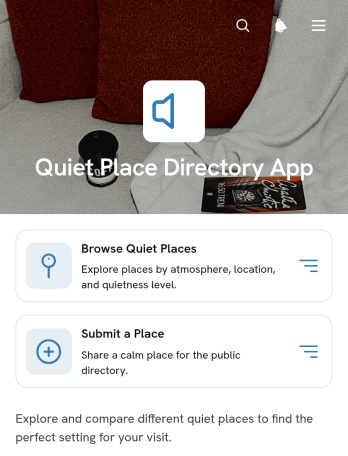
Quiet Place Directory App
Quiet Place Directory App is a ready-to-use directory template for community groups, libraries, wellness organizations, schools, tourism teams, and local publishers that want to help people find calm spaces. Visitors can browse quiet places, explore options by purpose, and review useful details such as location, quietness, and visit notes. Categories for reading, nature, work, and reflection make discovery more relevant, while a connected form lets community members suggest new places. This organized experience reduces scattered recommendations and gives students, remote workers, readers, travelers, and anyone seeking a peaceful setting one convenient resource.With Jotform Apps, teams can adapt this app template without writing code. The drag-and-drop app builder makes it easy to update pages, cards, images, navigation, and branding while connected forms support data collection and community contributions. Directory records can be organized through related Jotform workflows, helping administrators review information and keep listings current. Once customized, the app can be shared through a direct link or QR code for mobile-friendly self-service access. Jotform App Templates offer a practical starting point for publishing an engaging resource that can grow alongside a community or organization.
Go to Category:Community & Engagement Portal Apps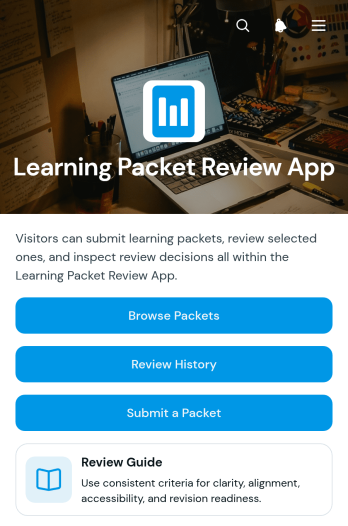
Learning Packet Review App
Learning Packet Review App gives curriculum teams, instructional designers, teachers, tutors, and academic reviewers a shared space for evaluating learning materials before classroom or training use. This app template supports packet browsing, review submission, and access to review history without scattering feedback across emails or separate files. Reviewers can examine findings and recommended changes while considering clarity, alignment, accessibility, and revision readiness. Schools, tutoring programs, training departments, and educational organizations can use it to establish a consistent review process, make feedback easier to locate, and help content owners prepare stronger revisions.Jotform Apps makes this learning packet review workflow easy to adapt without coding. Use the drag-and-drop app builder to update pages, navigation, colors, fonts, and branded visual elements, then connect forms and tables for organized data collection. Teams can add approval steps, notifications, or related resources as their process develops. The finished app can be shared through a direct link or QR code, giving reviewers and contributors a mobile-friendly way to find packets, submit evaluations, and revisit prior feedback. Starting with customizable App Templates also reduces setup time while preserving control over the review experience.
Go to Category:Education Apps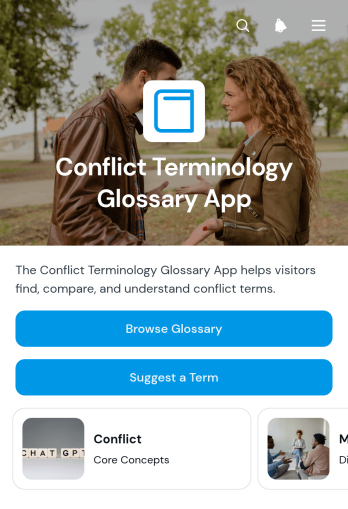
Conflict Terminology Glossary App
Conflict Terminology Glossary App provides a centralized reference for understanding words and concepts associated with conflict, communication, negotiation, and resolution. Educators, students, consultants, nonprofit teams, workplace leaders, and community groups can use it to establish a shared vocabulary during training, research, planning, or collaborative discussions. Users can browse glossary entries, review definitions with examples and related terms, and suggest additional terminology through a connected form. Keeping these resources in one accessible app reduces confusion, supports more consistent communication, and makes specialized language easier to understand for people with different levels of experience.Jotform App Templates help organizations turn information and connected workflows into polished, mobile-friendly experiences without writing code. Customize this app template with the no-code app builder and drag-and-drop interface, then adjust pages, text, buttons, colors, and fonts to match your audience. Jotform can connect the glossary with forms and organized data collection, making it easier to review suggested terms and maintain the resource as terminology evolves. Publish the finished app with a direct link, share it through a QR code, or embed it so learners, employees, partners, and community members can access self-service information from one convenient location.
Go to Category:Resource & Learning Portal Apps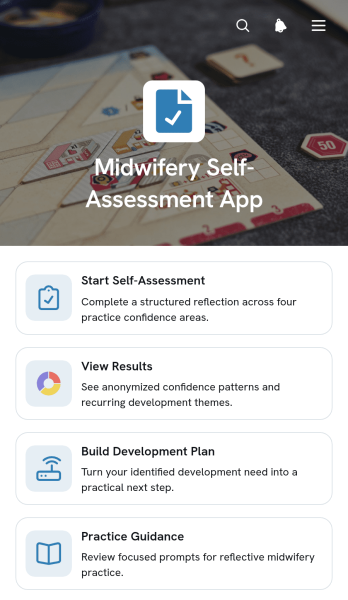
Midwifery Self-Assessment App
Midwifery Self-Assessment App helps midwives reflect on their practice, review communication and safety considerations, and identify areas for professional development. It provides focused access to self-assessment activities, results, development planning, and practice guidance without scattering these resources across separate documents. Individual practitioners can use it to set a development goal, choose a practical action, and revisit progress over time. Supervisors, educators, training providers, and healthcare organizations can also adapt this app template to support reflective learning, mentoring conversations, competency reviews, and continuing development programs.Jotform Apps makes it easy to turn this workflow into an accessible digital experience using a no-code app builder and drag-and-drop interface. Customize pages, navigation, colors, fonts, and content to match an organization’s learning approach, then connect forms or tables for data collection and progress tracking. Unlike static resources, Jotform App Templates bring assessments, guidance, and self-service actions together in one mobile-friendly location. The completed app can be shared by direct link or QR code, helping participants access development resources whenever they need them.
Go to Category:Healthcare Apps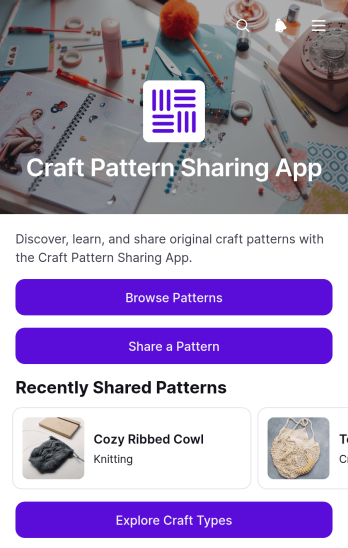
Craft Pattern Sharing App
The Craft Pattern Sharing App is a ready-to-use space where makers, craft groups, educators, and creative communities can publish and discover project patterns. Visitors can browse a visual pattern library, explore different craft types, and share a pattern through a connected form. Each pattern can present practical guidance such as skill level, estimated time, materials, instructions, and a note from the creator. Community organizers can use this app template to build a shared knowledge base, workshop resource, member library, or public inspiration center that makes useful projects easier to find and contribute.Jotform Apps helps you customize this Craft Pattern Sharing App without writing code. Use the drag-and-drop app builder to adjust pages, navigation, colors, fonts, images, and branding while keeping the experience accessible on phones, tablets, and computers. Connected forms support data collection, while organized pages provide convenient self-service access to pattern resources. You can expand the workflow with tables, approvals, notifications, and other Jotform tools, then publish the finished app with a direct link, QR code, or embedded experience. Jotform app templates offer a flexible starting point for creating an engaging craft community resource in less time.
Go to Category:Community & Engagement Portal Apps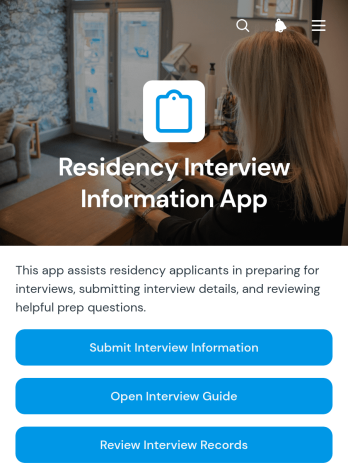
Residency Interview Information App
The Residency Interview Information App gives residency program coordinators, interview panels, faculty members, and healthcare administrators a central place to organize applicant interview details. Teams can submit interview information, consult an interview guide and common questions, and review applicant records without relying on scattered documents or email threads. It supports consistent preparation across interviews while keeping key details such as applicant context, interview location, preparation focus, contact information, and notes easy to reference. Programs can use it throughout an interview cycle to improve coordination, preserve useful records, and help interviewers approach each conversation with relevant information.Jotform makes this app template easy to adapt with a no-code app builder and an intuitive drag-and-drop interface. Program teams can update pages, adjust navigation, apply their preferred visual style, and connect forms or tables to support data collection and related workflows. The app can be shared through a direct link or QR code, giving authorized participants mobile-friendly access wherever interviews take place. Among Jotform App Templates, this option offers a practical starting point for creating a branded information resource that supports collaboration, organized review, and convenient self-service access.
Go to Category:Healthcare Apps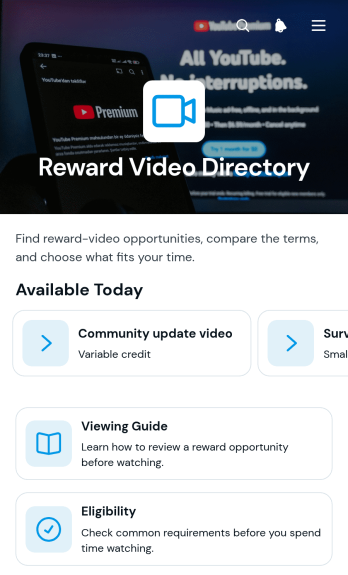
Reward Video Directory App
The Reward Video Directory App is a browsable resource for organizations that publish opportunities to view videos in exchange for stated rewards. Visitors can compare opportunities, check typical rewards and availability, review eligibility, and follow viewing guidance before deciding whether to participate. Clear access to terms and safety information helps set expectations without implying guaranteed earnings. This app template suits community managers, rewards program operators, research teams, and content engagement teams that need one mobile-friendly place to present options, explain participation steps, and reduce repeated questions.With Jotform Apps, teams can turn this Reward Video Directory App into a branded self-service experience without writing code. The no-code app builder and drag-and-drop interface make it easy to adjust pages, navigation cards, buttons, text, and visual styling as opportunities change. Connect forms, tables, approvals, or notifications when the workflow calls for data collection or internal review, then share the finished directory through a direct link, QR code, or embedded experience. Starting from Jotform app templates saves setup time while preserving control over content, layout, and access.
Go to Category:Resource & Learning Portal Apps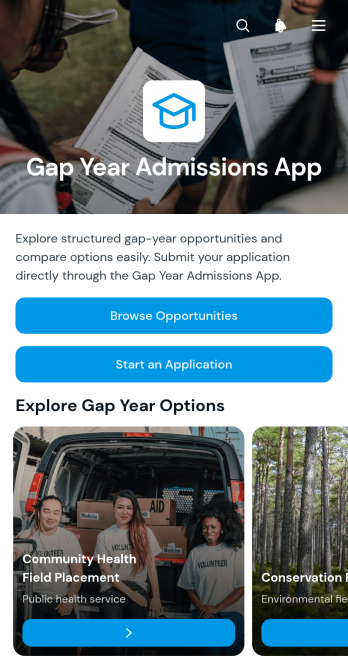
Gap Year Admissions App
Gap Year Admissions App gives students a central place to explore and apply for structured gap year opportunities. It suits admissions teams, education providers, study advisers, nonprofits, and organizations that manage travel, service, learning, or personal development programs. Applicants can browse available opportunities, compare essential information such as focus, location, and duration, and submit an application after reviewing the details. By bringing discovery and admissions into one experience, the app reduces scattered inquiries, helps candidates make informed choices, and gives staff an organized view of submitted applications.With Jotform Apps, organizations can adapt this app template without writing code. The drag-and-drop app builder makes it easy to update pages, branding, navigation, and opportunity information while connecting forms and tables to the admissions workflow. Teams can collect applicant data, maintain a searchable resource experience, and support applicant self-service from one mobile-friendly destination. Once customized, the Gap Year Admissions App can be shared through a direct link or QR code, giving prospective participants convenient access wherever they are.
Go to Category:Education Apps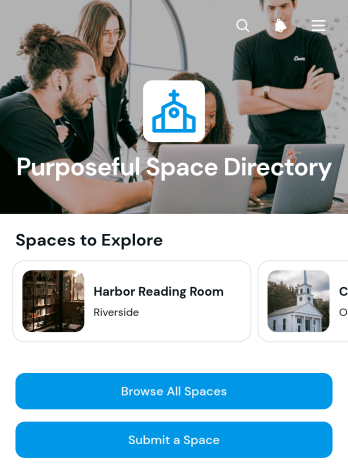
Purposeful Space Directory App
Purposeful Space Directory App helps community organizers, local networks, nonprofits, wellness groups, and resource curators publish a searchable collection of spaces that support meaningful activities and gatherings. Visitors can browse all spaces, open individual profiles, and review practical information such as space type, neighborhood, amenities, expectations, and an overview. A connected submission form also gives owners, hosts, or community members a convenient way to recommend a space. This app template brings discovery and data collection into one accessible experience, reducing scattered recommendations and making useful locations easier to find.With Jotform Apps, teams can adapt App Templates to match their audience without writing code. The no-code app builder offers a drag-and-drop interface for updating pages, cards, buttons, imagery, and navigation while maintaining a polished, mobile-friendly layout. Connect the directory to forms, tables, notifications, and other workflow steps to review new listings and keep information current. Once the Purposeful Space Directory App is ready, share it by direct link, QR code, or embedded experience to provide convenient self-service access from almost any device.
Go to Category:Community & Engagement Portal Apps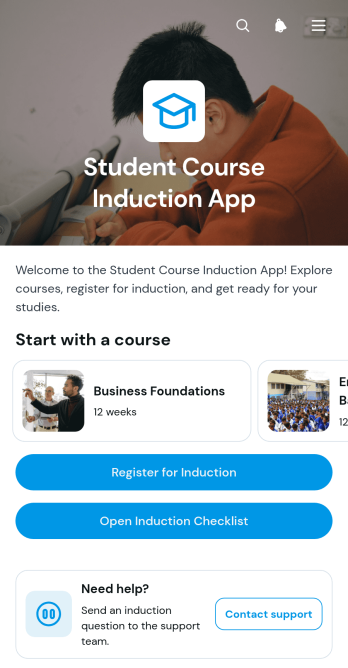
Student Course Induction App
The Student Course Induction App is an education app template for colleges, training providers, tutors, and academic teams that need to guide new students through course induction. It gives learners a central place to browse available courses, review induction information, register their student details, and confirm the course they plan to attend. An accessible induction checklist helps students understand what they need to complete, while support options offer a clear route for requesting assistance. By bringing these steps into one mobile-friendly experience, institutions can reduce missed actions, improve preparation, and give each learner a more consistent introduction to their course.Jotform makes this app template easy to adapt with a no-code app builder and an intuitive drag-and-drop interface. Education teams can update pages, adjust branding, organize resource navigation, and connect forms to support data collection and workflow needs without programming. The finished app can be shared through a direct link or QR code, making it convenient for students to access on phones, tablets, or computers. Start with one of Jotform’s App Templates, tailor the content to each induction process, and publish a practical self-service resource that keeps registration, guidance, and essential course information together.
Go to Category:Education Apps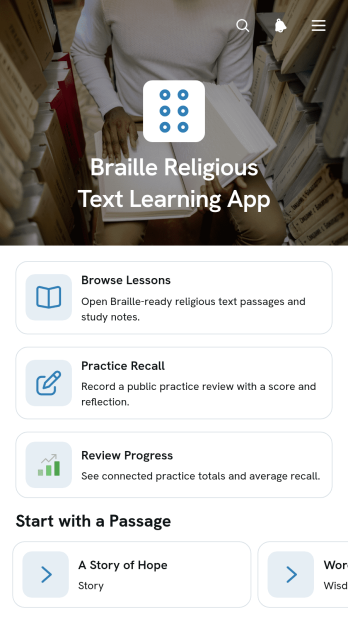
Braille Religious Text Learning App
The Braille Religious Text Learning App helps learners study religious passages while developing Braille reading and recall skills. It is well suited to faith-based educators, accessibility instructors, tutors, community programs, families, and independent learners seeking an organized study experience. Users can browse lessons, practice recalling selected passages, and review their progress from one central location. Braille patterns, grade information, reading prompts, and study notes provide useful context without overwhelming the learning journey. By bringing guided practice and progress review together, this app template supports consistent study habits and makes lesson resources easier to navigate.Jotform Apps gives educators and organizations a no-code app builder for adapting this App Template to their teaching approach. Its drag-and-drop interface makes it easy to update pages, reorder navigation, apply custom branding, and connect forms for data collection. Teams can organize lesson workflows, collect practice records, and share the finished app through a direct link or QR code. The app can also serve as a mobile-friendly self-service learning resource that students revisit during lessons or independent study.
Go to Category:Education Apps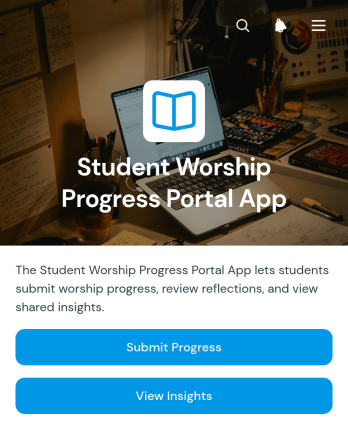
Student Worship Progress Portal App
The Student Worship Progress Portal App gives faith-based schools, religious education programs, ministry teams, and instructors a central place to document student participation and growth in worship activities. Educators and mentors can collect new progress entries, review individual records, and view insights without managing scattered notes or separate files. This app template supports consistent progress monitoring across classes, training sessions, practice periods, or guided development programs. Recorded reflections also help instructors understand each student’s experience while giving coordinators clearer information for follow-up, encouragement, and program planning.Jotform turns this portal into a customizable, mobile-friendly experience that can fit an organization’s existing process. Use the no-code app builder and drag-and-drop interface to update pages, adjust navigation, apply visual branding, and connect data collection with related tables, notifications, and workflows. Jotform App Templates offer a practical starting point, while flexible sharing options make the finished portal accessible through a direct link or scannable code. Teams can create a focused self-service experience for submitting and reviewing progress without writing code.
Go to Category:School Management Apps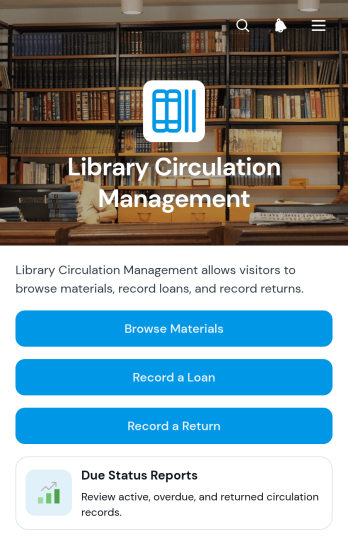
Library Circulation Management App
Library Circulation Management App is an app template for organizing material loans, returns, borrower details, and due-status reviews in one accessible location. Libraries, schools, learning centers, community organizations, and small resource collections can use it to browse available materials, record each loan or return, and review circulation records. Staff gain a clearer view of who borrowed an item, when it was loaned, and where materials belong, reducing misplaced records and repetitive administrative work. This central approach supports accurate data collection while helping teams manage everyday circulation tasks and serve borrowers more consistently.Jotform Apps makes this app template easy to adapt with a no-code app builder and an intuitive drag-and-drop interface. Teams can update pages, buttons, visual elements, and branding while connecting forms, tables, approvals, and other workflow resources. The finished Library Circulation Management App can be shared by direct link or QR code, giving authorized staff mobile-friendly access wherever circulation activity takes place. Start with one of Jotform’s App Templates, tailor the experience to your collection, and publish a practical self-service resource without writing code.
Go to Category:Inventory Management Apps