

Service & Support Portal Apps

AI Q&A Assistant App
AI Q&A Assistant App helps teams collect questions, organize them by topic, and make answers easy to find in one place. It’s a practical fit for customer support teams building a lightweight help experience, HR and operations groups centralizing internal FAQs, and educators or trainers capturing recurring questions from learners. Users can ask a question, browse existing answers, and explore topics so they spend less time searching and more time acting on the right information.With Jotform, you can turn this app template into a polished self-service experience using a no-code app builder and a drag-and-drop interface. Connect the app to your forms and data tables to support ongoing data collection, keep answers up to date, and route new questions through a workflow your team can manage together. Share the app with a simple link so people can quickly submit questions or browse what’s already been answered from any device.
Go to Category:Customer Engagement Apps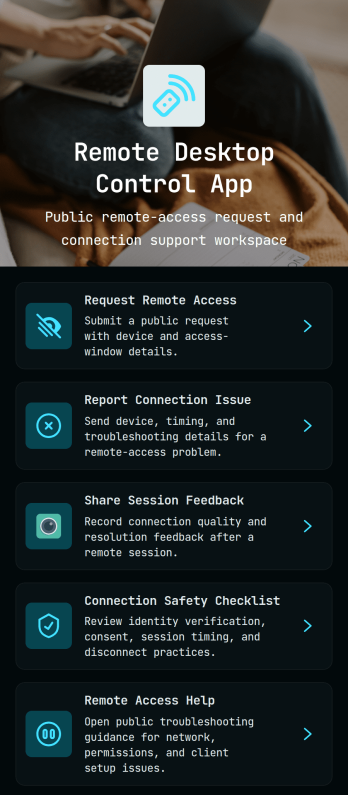
Remote Desktop Control App
Remote Desktop Control App centralizes how employees and customers request remote access, report connection issues, and share post-session feedback in one place. It also provides quick links to a connection safety checklist and remote access help, so IT teams can reduce confusion during urgent troubleshooting and keep support steps consistent across devices and locations.With Jotform, you can turn these touchpoints into a self-service experience without coding. Use the drag-and-drop no-code app builder to tailor pages, buttons, and navigation to your process, then connect the app to your data collection and workflow needs for faster routing and clearer visibility. Share your Remote Desktop Control App through a link or QR code so users always know where to go for remote assistance.
Go to Category:Information Technology Apps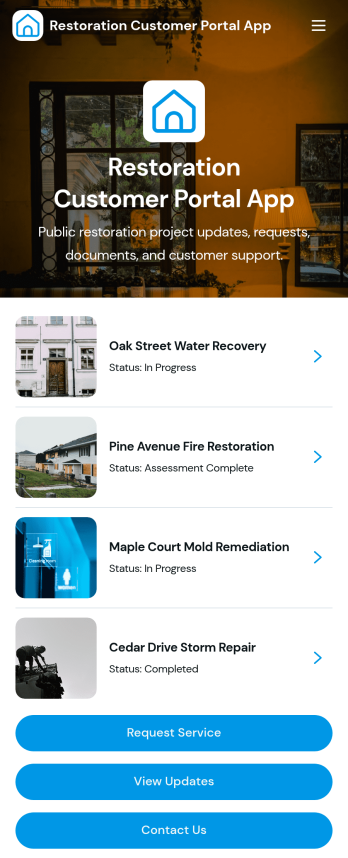
Restoration Customer Portal App
Restoration Customer Portal App gives restoration companies a simple customer-facing place to keep clients informed throughout a project. Customers can browse current projects, view the latest updates, open project documents, and reach support from one central portal instead of chasing emails and calls. It works well for water, fire, mold, and storm restoration teams that manage multiple jobs at once and want clients, property managers, or insurance contacts to quickly find project details, request help, and stay aligned on next steps.Built with Jotform, this app template helps you launch a polished self-service experience without coding. Customize pages, buttons, and project cards in a drag-and-drop interface, then connect the portal to your forms and workflows for service requests and ongoing communication. Share the app with a direct link or QR code, keep information organized across projects, and support smoother data collection and follow-through as updates and documents change over time.
Go to Category:Customer Portal Apps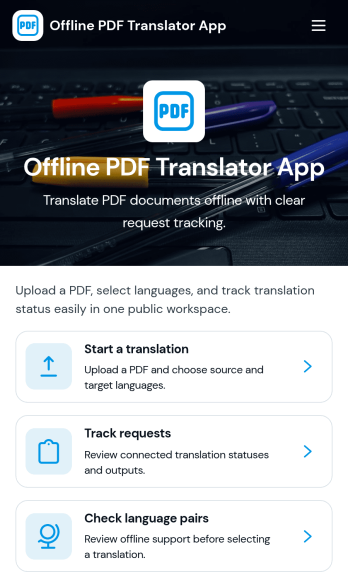
Offline PDF Translator App
Offline PDF Translator App supports teams that need a reliable way to request PDF translations and keep work moving even when connectivity is limited. Use it to start a translation request, attach the PDF, choose or confirm language pairs, and add document notes that help translators understand tone, terminology, and formatting expectations. It’s a practical fit for field teams, global operations, schools, nonprofits, and service organizations that handle multilingual paperwork, manuals, forms, and reports and want a clear place to track each request from intake to finished output.Jotform makes it easy to turn this app template into a branded self-service experience with a no-code app builder and a drag-and-drop interface. Connect translation requests to your data collection workflows, track request status in one place, and share the app with a link or QR code so people can submit and monitor work without extra steps. As your workflow evolves, you can adjust pages, automate notifications, and keep translation records organized for faster follow-up.
Go to Category:Information Technology Apps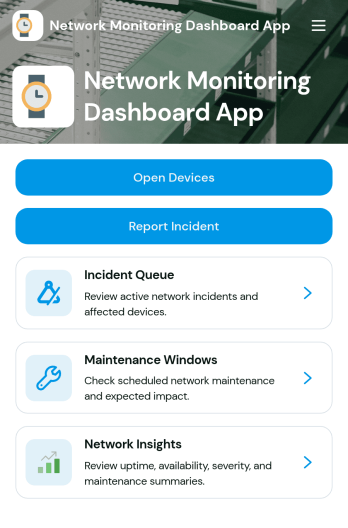
Network Monitoring Dashboard App
Network Monitoring Dashboard App helps IT teams keep a clear, shared view of monitored endpoints and network incidents in one place. Use it to quickly browse endpoint lists, review incident summaries, and capture new incident reports as issues are detected. It’s a practical fit for network administrators, MSPs, internal IT departments, and ops teams that need faster visibility, consistent incident intake, and a simple way to track status and severity across ongoing work.Built with Jotform App Templates, this dashboard can be tailored with a no-code app builder and a drag-and-drop interface, so you can match it to your existing workflow without touching code. Connect forms and data tables to centralize data collection, keep incident details organized, and support self-service reporting for technicians or stakeholders through a shareable link or QR code.
Go to Category:Information Technology Apps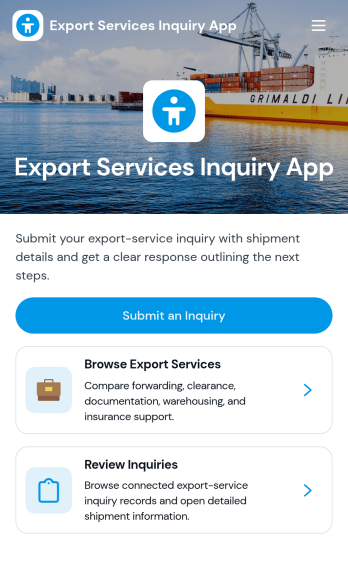
Export Services Inquiry App
Export Services Inquiry App helps trade teams and logistics providers handle inbound questions about export offerings in one place. Visitors can start an export inquiry from a clear call to action, browse a list of export services, and quickly ask about the options that fit their shipment needs. It’s useful for freight forwarders, customs and documentation specialists, 3PLs, and export consultants who want prospects and customers to find the right service, share key details up front, and reduce time spent chasing missing information.Built with Jotform, this app template pairs a guided, mobile-friendly experience with connected forms and records so your inquiry workflow stays organized. Customize pages with a drag-and-drop interface, route inquiries to the right team, and keep a searchable history of submitted inquiry records for follow-ups. With Jotform’s no-code app builder, you can publish a branded self-service experience fast and update it anytime as your export services and processes change.
Go to Category:Customer Portal Apps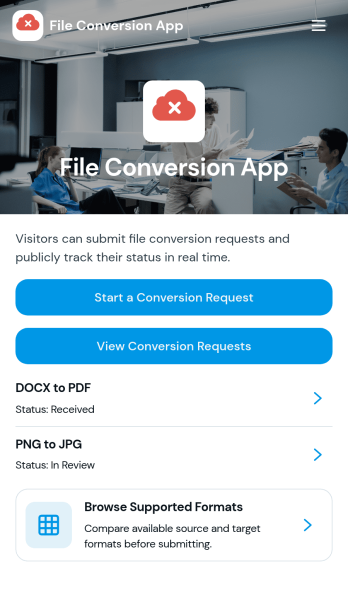
File Conversion App
File Conversion App centralizes file conversion requests so teams and customers can quickly ask for the right output format without confusion. It works well for IT and support desks, marketing teams handling creative exports, education departments preparing shareable materials, and service providers who routinely convert documents, images, audio, or video for clients. People can review supported formats, choose the conversion they need, and send a conversion request from one place, reducing missed details and repeat questions.Jotform makes it easy to publish this kind of self-service experience using a no-code app builder with a drag-and-drop interface. Connect the app to a form for data collection, route requests through the right workflow, and keep everything consistent as volume grows. You can share your File Conversion App with a link or QR code, adjust branding to match your organization, and update supported options anytime without rebuilding the app.
Go to Category:Information Technology Apps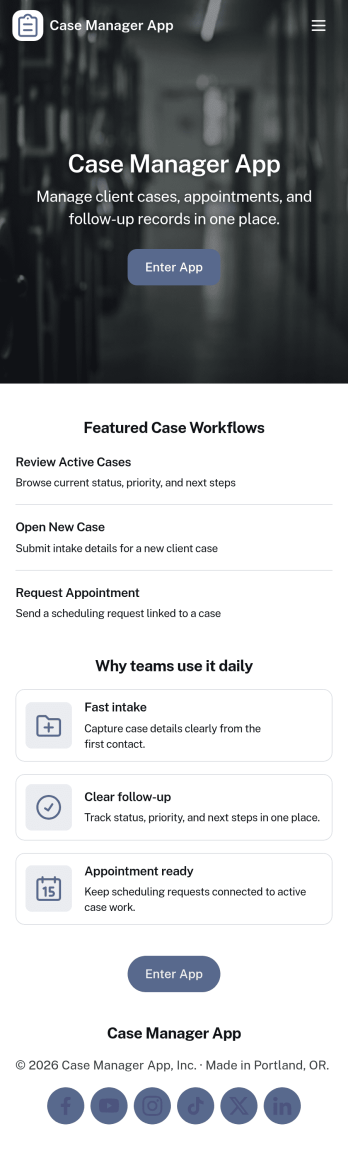
Case Manager App
Case Manager App brings your day-to-day casework into one place so you can open new cases, review case records, and add updates as work progresses. It’s a practical fit for social service teams, nonprofit programs, legal support offices, insurance teams, and internal operations groups that need a clear view of each client and their case history without chasing information across email threads and spreadsheets.With Jotform, you can turn this app template into a tailored self-service and internal workflow experience using a no-code app builder and a drag-and-drop interface. Connect case intake and update forms, organize records in a way your team can navigate quickly, and keep data collection consistent across staff. Share the app securely with the right people, adjust pages as your process evolves, and keep your workflow moving with simple, structured steps.
Go to Category:Management Apps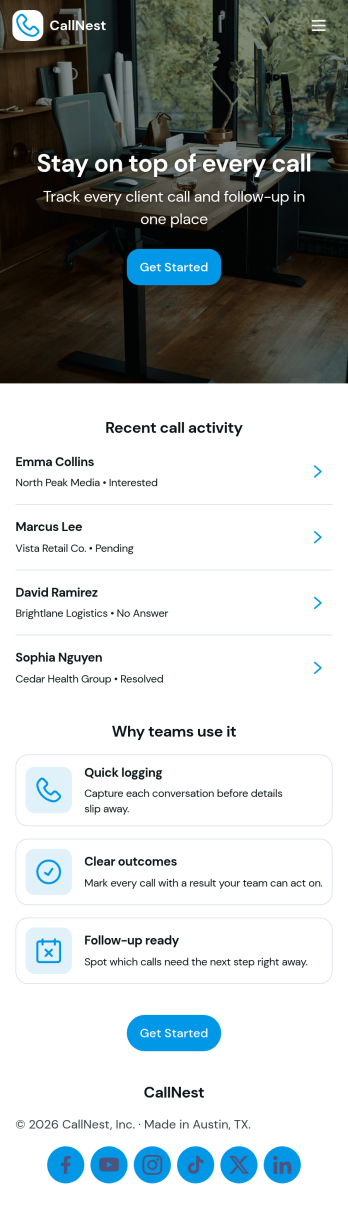
Call Tracker App
Call Tracker App helps teams log phone calls, review past conversations, and keep follow-ups from slipping through the cracks. It’s a practical fit for sales reps, customer support teams, reception desks, and service businesses that handle a steady flow of inbound and outbound calls. With quick access to a call logging form, a browsable call list, and a follow-up area, everyone can capture caller details and next steps while the information is still fresh.Jotform makes it easy to turn this experience into a polished, shareable workflow using its no-code app builder and drag-and-drop interface. Connect the app to your forms and tables for reliable data collection, keep records organized for self-service lookup, and update the layout as your call workflow evolves. Share a single link with your team so call activity stays consistent across shifts, locations, and devices.
Go to Category:Tracker Apps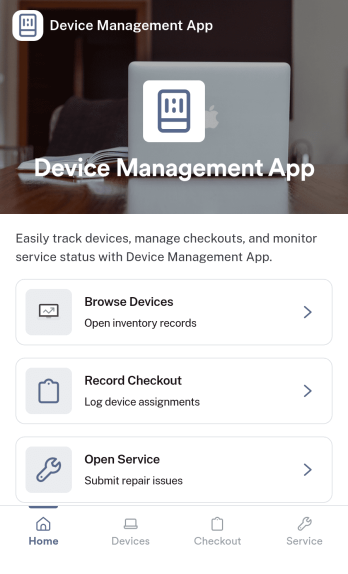
Device Management App
Device Management App brings device details, service history, and support requests into one place so teams can keep equipment organized and issues moving. From a Browse Devices area to a simple way to submit a request and review service logs, it helps IT, operations, facilities, and small business owners stay on top of what’s in use, what needs attention, and what was already repaired.Jotform makes it easy to publish this kind of self-service experience without coding. Using a no-code app builder and a drag-and-drop interface, you can tailor pages and navigation to match your process, connect forms for data collection, and keep your workflow consistent as requests and records grow. Share your Jotform app with a link so staff can quickly find devices, log service activity, and report problems from desktop or mobile.
Go to Category:Information Technology Apps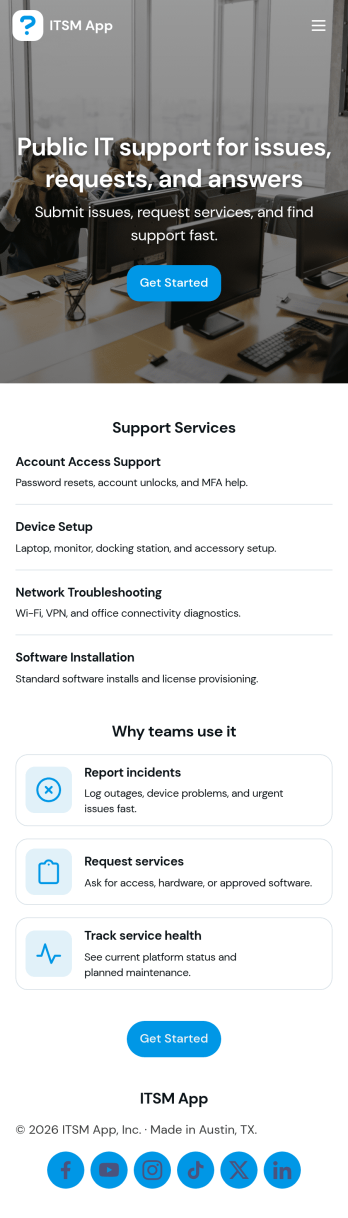
ITSM App
ITSM App brings incident reporting, service requests, and knowledge access into one place so IT teams can handle day-to-day support without scattered links or inbox digging. Use it to capture new incidents quickly, route requests to the right queue, and give employees a simple way to find answers before they open a ticket. It’s a practical fit for internal IT departments, managed service providers, and operations teams supporting multiple tools or systems who need clearer intake, faster triage, and a consistent experience for end users.With Jotform, you can publish this app template using a no-code app builder and tailor it to your workflow in minutes. Update pages with a drag-and-drop interface, connect request forms to the app for reliable data collection, and keep ticket and incident records organized in connected tables for easy follow-up. Share a single link for self-service, standardize how issues are reported, and build a smoother support workflow from intake to resolution.
Go to Category:Information Technology Apps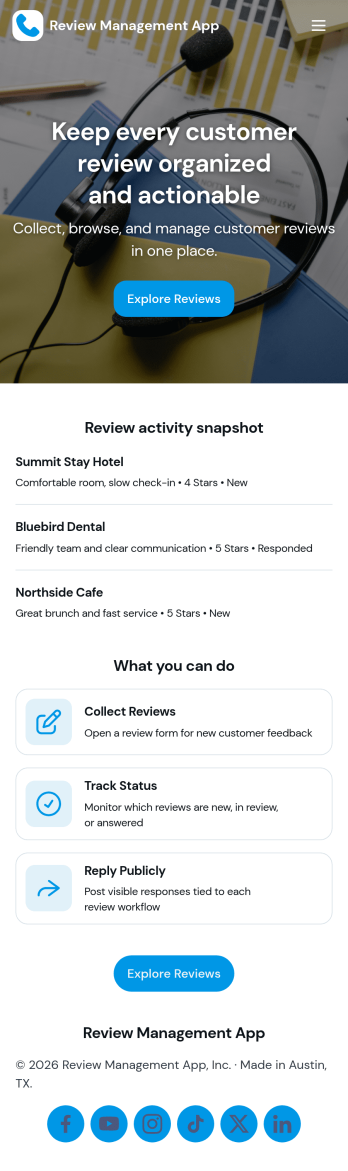
Review Management App
Review Management App brings customer feedback into one place so teams can capture, browse, and follow up on reviews without losing track of what matters. It’s a practical fit for local service providers, ecommerce brands, agencies, and multi-location businesses that want a clear way to monitor sentiment, spot recurring issues, and keep service quality consistent. With built-in paths to browse reviews, submit a new review, and view personal entries through My Reviews, this app supports both internal review tracking and simple self-service feedback collection.Jotform makes it easy to publish this kind of experience with App Templates you can customize in a no-code app builder. Use a drag-and-drop interface to adjust pages and navigation, connect your review form to keep data collection organized, and share the app as a link for staff or customers. As your workflow grows, you can keep reviews structured, searchable, and accessible, while maintaining a branded, mobile-friendly experience powered by Jotform.
Go to Category:Customer Portal Apps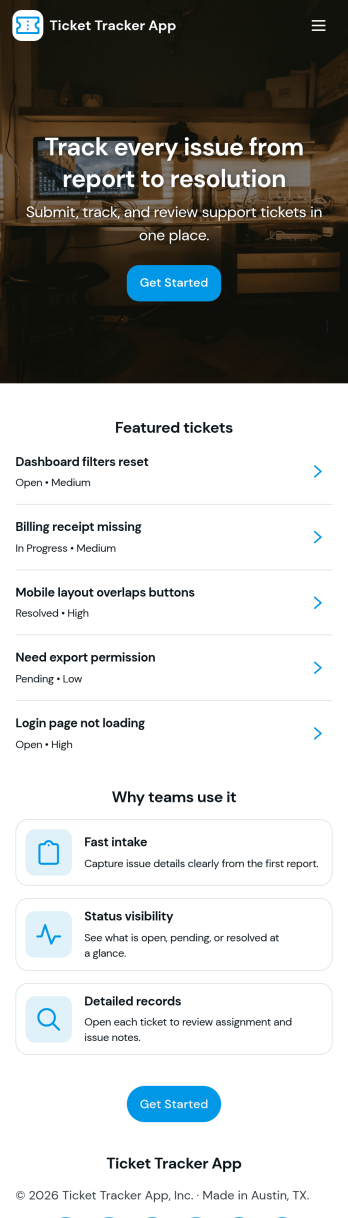
Ticket Tracker App
Ticket Tracker App helps teams capture new requests and keep support work organized from intake to resolution. Use it to submit tickets in seconds, browse open ticket records, and review ticket details in one place, so nothing slips through the cracks. It’s a great fit for IT help desks, internal operations, facilities teams, customer support groups, and any organization that needs a clear way to log issues, prioritize work, and follow up with the right people.Built with Jotform, this app template turns your ticket workflow into a simple self-service experience you can share with a link or QR code. Customize pages, cards, and navigation with a drag-and-drop interface, connect the Submit Ticket form to your data collection process, and keep records centralized for faster triage and better visibility across the team.
Go to Category:Information Technology Apps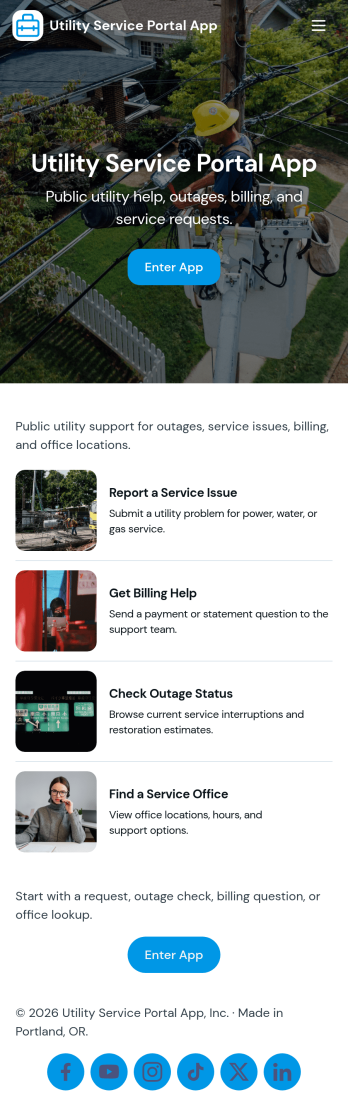
Utility Service Portal App
Utility Service Portal App gives residents, tenants, or customers a simple place to request help, check progress, and review past service activity related to utility support. Use it to centralize new service requests, reduce missed details, and keep communication clear when issues like outages, meter concerns, billing questions, or maintenance needs come in from multiple locations. With quick navigation for starting a new request, viewing request status, and opening service records, teams can guide people to the right action without sending them hunting through emails or phone menus.Built with Jotform App Templates, this portal is easy to tailor to your process using a no-code app builder and a drag-and-drop interface. Connect the app to your forms and tables to support consistent data collection, organize records in one place, and keep a reliable workflow for handling requests from intake to completion. Share the app with a link or QR code so customers or onsite staff can access self-service options from any device while your team manages requests and records in real time.
Go to Category:Customer Portal Apps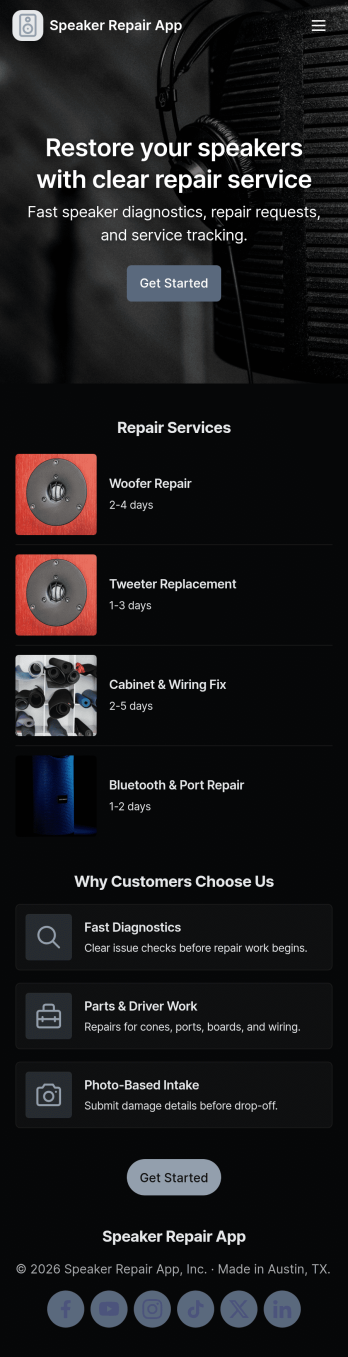
Speaker Repair App
Speaker Repair App helps electronics repair teams manage speaker service from first intake through completion, with a simple flow for collecting customer details, tracking active jobs, running diagnostics, and referencing past repairs. It’s a practical fit for repair shops, warranty desks, and mobile technicians who need a clear place to log issues, assign work, and keep customers moving through the queue without losing notes across paper tickets or scattered messages. With dedicated areas for new intake, active jobs, and repair history, staff can prioritize work faster and keep records easy to find during follow-ups.Jotform makes it easy to tailor this app template to your process using a no-code app builder and a drag-and-drop interface. Connect the app to forms for consistent data collection, route updates through a workflow that matches your team’s steps, and publish a self-service experience you can share by link or QR code. As your volume grows, you can adjust pages, branding, and connected records so the app stays aligned with how your shop actually operates.
Go to Category:Equipment Maintenance Software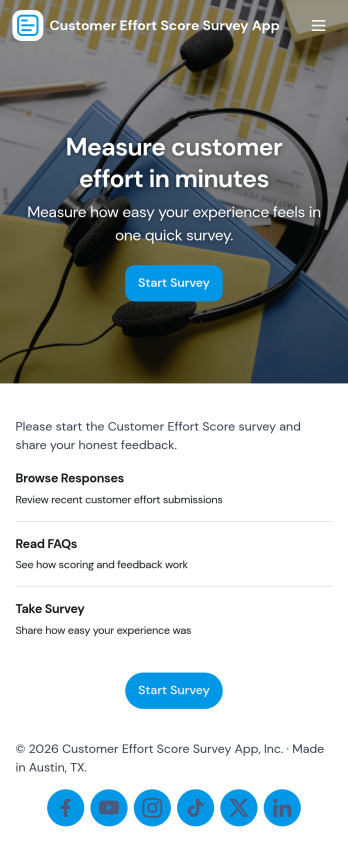
Customer Effort Score Survey App
Customer Effort Score Survey App helps you collect quick CES feedback after a support interaction, purchase, or onboarding step so you can spot friction and improve the experience. It’s built for support teams, customer success, product teams, and service managers who want a simple way to invite customers to take a survey, capture comments, and keep feedback organized for follow-up. With clear navigation to submit feedback and open the survey, plus an area to review responses, teams can turn day-to-day customer sentiment into actionable service improvements.Jotform makes it easy to publish this kind of app template and tailor it to your process using a no-code app builder and a drag-and-drop interface. Connect the in-app survey form to your workflow, route responses to the right people, and centralize viewing and review in one place. Share the app with a link or QR code to support self-service feedback collection, then keep response history accessible for coaching, trend tracking, and continuous improvement.
Go to Category:Customer Portal Apps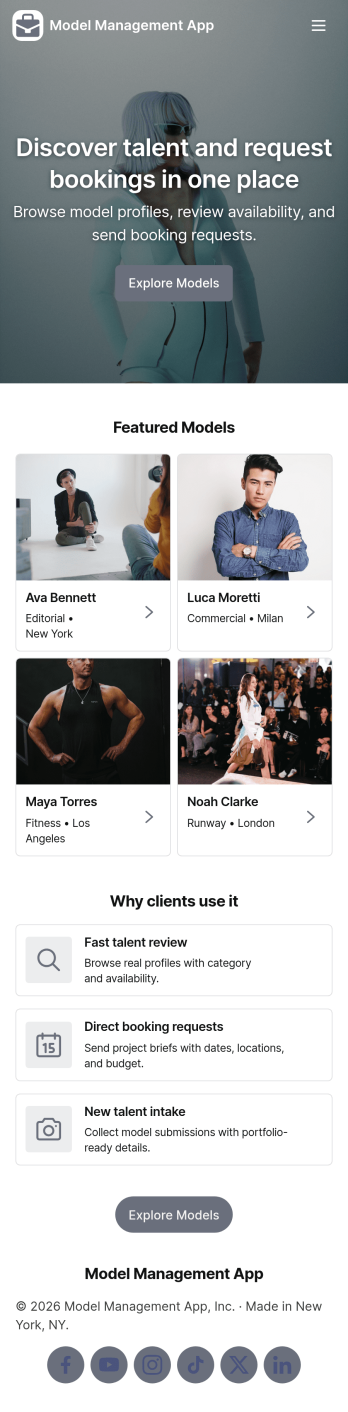
Model Management App
Model Management App helps agencies and talent teams organize model profiles, process new submissions, and keep reviews moving in one place. Use it to present a browsable model library, capture new intake details from prospective talent, and route profiles into a review queue so bookers and managers can make faster decisions. It’s a practical fit for boutique modeling agencies, casting teams, fashion show coordinators, and brand studios that need consistent records and a clear status view without juggling scattered files.Built with Jotform App Templates, this app template is easy to tailor with Jotform’s no-code app builder and drag-and-drop interface. Connect the app to forms for data collection, keep records organized, and guide your workflow from intake to review using simple navigation cards and buttons. Share the app securely with internal teams, or publish it as a self-service experience for applicants so new profiles arrive in a standardized format and your model library stays up to date.
Go to Category:Management Apps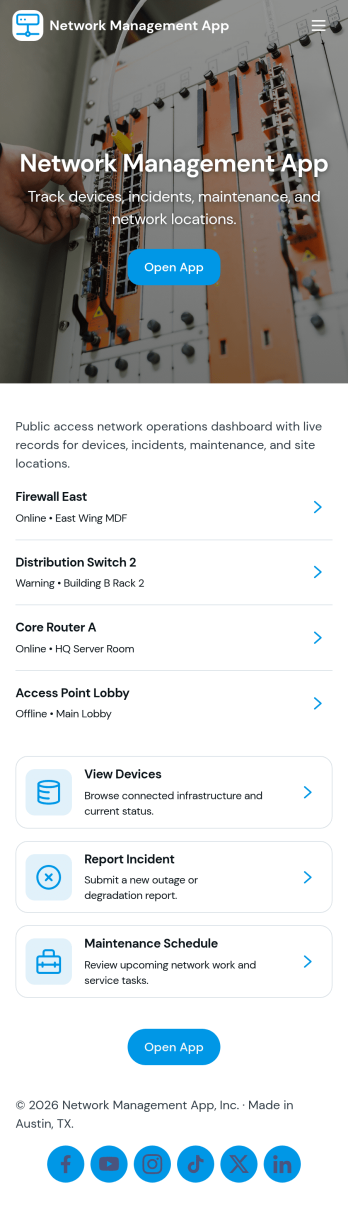
Network Management App
Network Management App helps IT teams keep day-to-day network operations organized in one place, from tracking devices to staying on top of support demand. With quick navigation to a device inventory and a support queue, it’s useful for MSPs, internal IT departments, and distributed organizations that need a clear view of core systems and access layer equipment without hunting through multiple tools or spreadsheets.Jotform makes it easy to turn network processes into a mobile-friendly, self-service experience using its no-code app builder and drag-and-drop interface. Connect pages to forms for consistent data collection, route requests through a workflow your team already follows, and share the app with technicians or stakeholders using a simple link or QR code. Customize the layout, branding, and access so your network operations stay clear, current, and actionable as your environment grows.
Go to Category:Information Technology Apps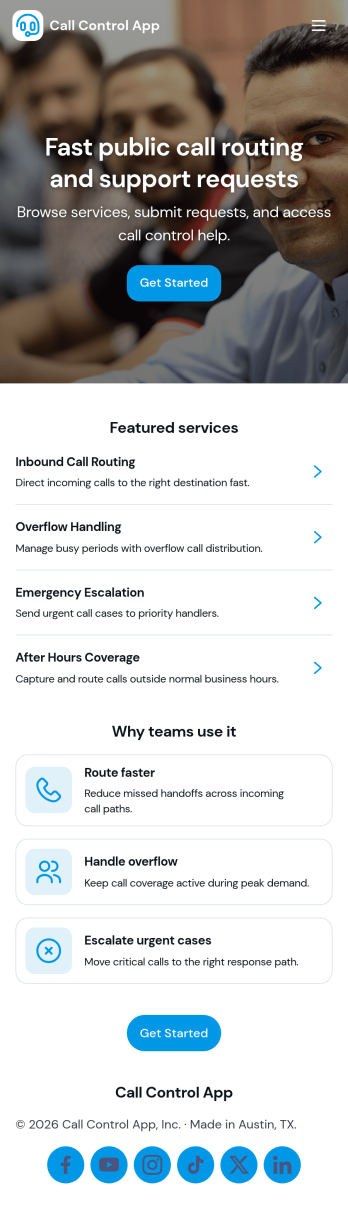
Call Control App
Call Control App brings your team’s calling workflow into one place so it’s easier to place calls, capture activity, and keep contact details organized. Use it to route people to a simple dialer view, review a running call log, and browse contacts without bouncing between tools. It’s a practical fit for sales and marketing teams, customer support groups, front desks, and small operations teams that need a clear record of who called, when, and what happened next, especially when multiple people share follow-ups.With Jotform, you can customize this app template to match your process using a no-code app builder and a drag-and-drop interface. Connect buttons to forms for data collection, standardize how reps log new calls, and keep call notes flowing into connected workflows. Share the app through a link or QR code for fast self-service access on any device, then adjust pages, branding, and navigation as your call handling needs evolve.
Go to Category:Information Technology Apps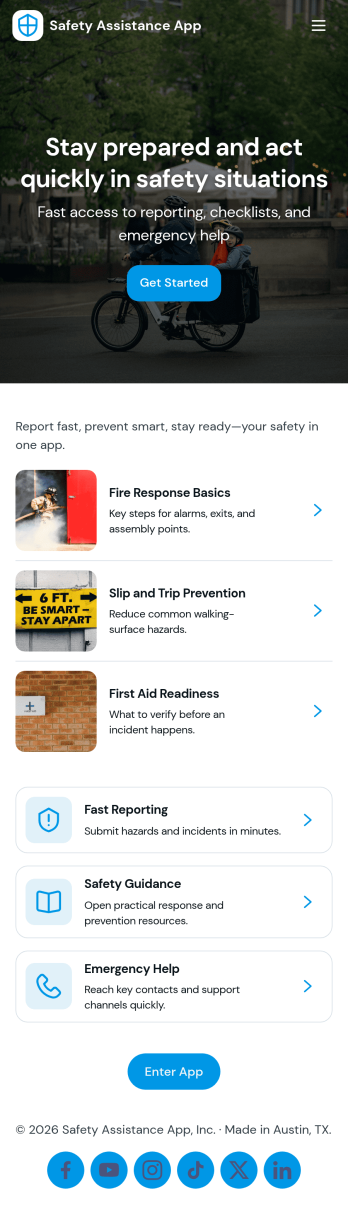
Safety Assistance App
Safety Assistance App helps teams centralize incident reporting, quick-access safety information, and past report visibility in one place. It’s a practical fit for offices, warehouses, schools, events, and field teams that need a simple way for people to report an incident, find first aid, evacuation, security, and emergency contact guidance, and review what has already been logged. With guided navigation cards and a clear call to submit a new report, it supports faster response, clearer internal communication, and more consistent documentation when situations arise.Built with Jotform App Templates, this app template can be customized in minutes using Jotform’s no-code app builder and drag-and-drop interface. Connect the in-app report flow to a form for reliable data collection, then organize records for easy reference and follow-up as part of your workflow. Share the app with staff or volunteers using a link or QR code, update safety resources anytime, and keep your safety hub accessible on any device.
Go to Category:Safety Inspection Apps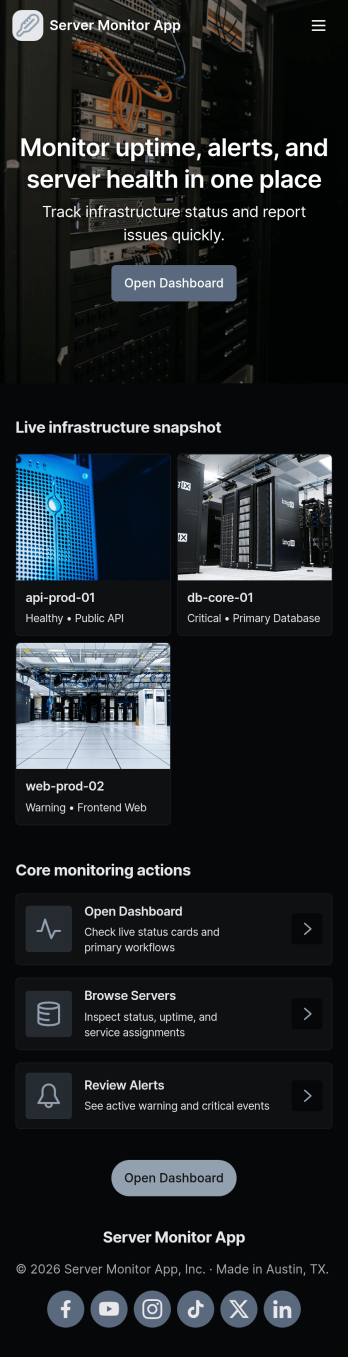
Server Monitor App
Server Monitor App gives IT teams and operations staff a simple way to keep an eye on server health and respond to issues without digging through multiple tools. Use it to review which servers are currently healthy, spot open incidents that need attention, and quickly jump into a server or incident detail view for follow-up. When something goes wrong, team members can submit a new incident report right from the app, helping standardize how outages, alerts, and performance problems are captured across shifts and locations.Built with Jotform, this app template combines a no-code app builder with a drag-and-drop interface so you can tailor the experience to your environment in minutes. Connect lists to your existing data sources, route incident reports into a workflow your team already uses, and share a self-service view with the right people. Jotform makes it easy to publish the app, update pages as your infrastructure changes, and keep monitoring and data collection organized in one place.
Go to Category:Information Technology Apps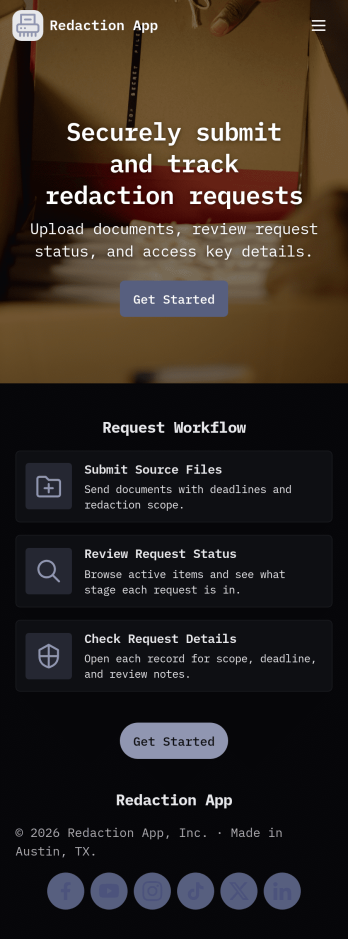
Redaction App
Redaction App helps teams collect and manage document redaction requests in one place, from the first intake to the final archive. It works well for IT and operations groups, support teams, and internal service desks that need a clear way to accept new requests, monitor what’s in the queue, and keep a record of completed work. With a simple New Request entry point, a Queue view for in-progress items, and an Archive area for completed requests, this app keeps request handling organized while reducing missed handoffs and unclear ownership.Jotform makes it easy to publish App Templates like Redaction App using a no-code app builder with a drag-and-drop interface. Connect your app to forms and tables to support consistent data collection, route work through your workflow, and share a self-service experience with the right audience through a link or QR code. You can quickly tailor pages, buttons, and branding to match how your team receives redaction requests and tracks progress over time.
Go to Category:Information Technology Apps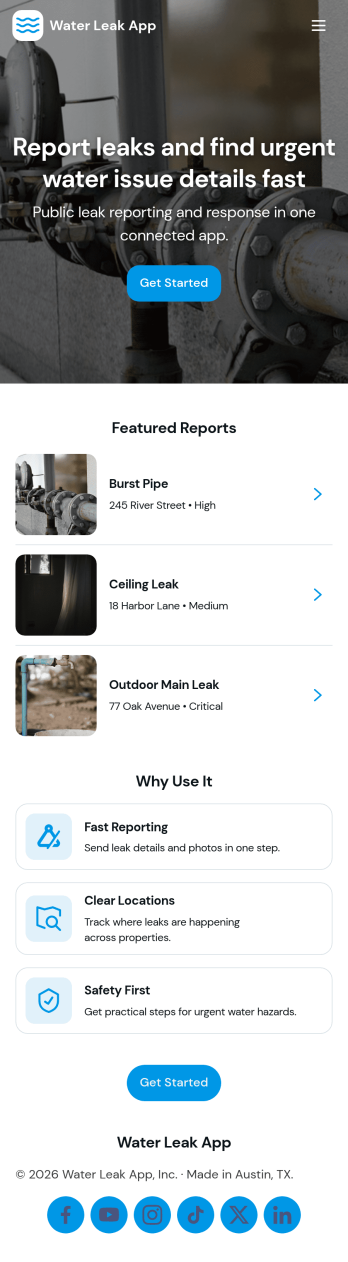
Water Leak App
Water Leak App helps property teams and service providers capture leak reports and keep every case organized from first notice to follow-up. It fits apartment communities, HOAs, property managers, facilities departments, and home service businesses that need a simple way for residents, tenants, or staff to report a leak, attach key details, and route the issue to the right person. With quick navigation to Report Leak, visibility into Active Cases, and a Follow Up area for continued communication, the app supports faster responses and fewer missed updates across multiple locations.Built with Jotform App Templates, this app template brings leak reporting and case tracking into a mobile-friendly self-service experience. Use Jotform’s no-code app builder and drag-and-drop interface to customize pages, connect the underlying form and list of cases, and shape a workflow that matches how your team triages and resolves incidents. From sharing a link or QR code with residents to collaborating internally on active case lists, Jotform makes data collection and ongoing updates easier to manage without creating extra admin work.
Go to Category:Home Services Apps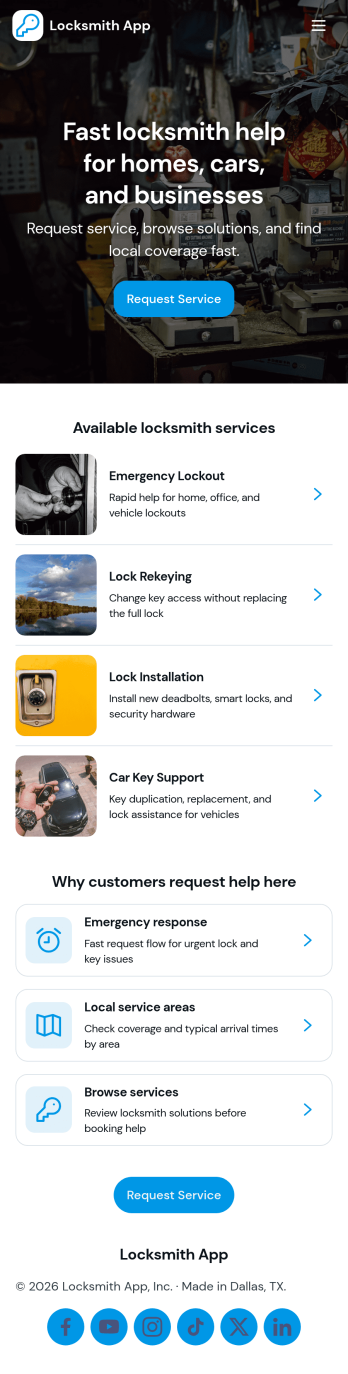
Locksmith App
Locksmith App helps locksmith businesses handle urgent lockout calls, rekey and replacement work, and day-to-day job documentation from one place. Use it to guide customers or dispatchers to the right service category, collect new service requests, and keep job records organized so technicians can follow up quickly. It also works well for small teams that need a simple way to share service areas and route people to the right contact option without juggling multiple tools.With Jotform, you can turn this app template into a branded self-service experience using a no-code app builder and a drag-and-drop interface. Connect buttons and pages to forms for data collection, keep requests and job records in sync, and shape an end-to-end workflow from intake to completion. Share the app by link or QR code so customers and staff can access the right information and actions on any device.
Go to Category:Home Services Apps