

Classroom Management Apps

Pharmacy Technician Class Management App
The Pharmacy Technician Class Management App is an app template for training providers, vocational schools, instructors, and program coordinators who need one place to organize pharmacy technician classes and student activity. Learners can browse available classes, review schedules, start dates, and instructor information, then submit an enrollment request. Teaching teams can view student details, record attendance, add assessment results, and reference scores, dates, class assignments, and notes. By connecting registration, attendance, and performance records, the app reduces scattered paperwork and gives administrators a clearer view of each learner’s progress.Jotform Apps helps organizations turn class administration into an accessible digital workflow without writing code. Customize this Pharmacy Technician Class Management App with the drag-and-drop app builder, adjust pages and branding, and connect forms or tables for data collection and record organization. The app can be shared through a direct link or QR code, making it convenient for students and instructors to access on mobile devices. Ready-to-use App Templates also provide a practical starting point for building self-service enrollment experiences, managing routine updates, and keeping essential training resources together.
Go to Category:Classroom Management Apps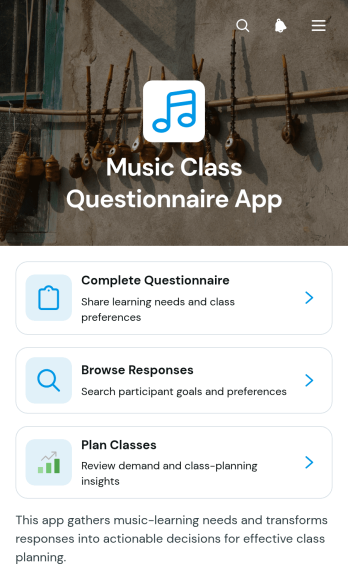
Music Class Questionnaire App
Music Class Questionnaire App helps music teachers, private instructors, studios, and education programs gather the information needed to place learners in suitable classes. Prospective or current students can complete a questionnaire covering their learning priorities, availability, preferred lesson format, and instrument interests. Instructors and administrators can then browse responses, review individual learner details, and use those insights to plan classes. This app template keeps student preferences and scheduling considerations in one accessible location, reducing manual follow-up and helping educators prepare lessons that reflect each participant’s goals.Jotform makes it easy to adapt App Templates to match a school, studio, or independent teaching practice. With the no-code app builder and drag-and-drop interface, users can update pages, adjust branding, connect forms and tables, and organize a practical workflow without programming. The finished app can be shared through a direct link or QR code, giving learners a mobile-friendly way to submit information while staff manage data collection and class planning from a centralized experience.
Go to Category:Education Apps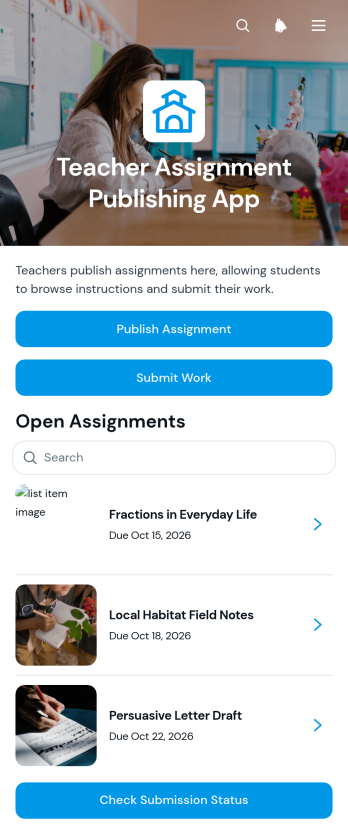
Teacher Assignment Publishing App
The Teacher Assignment Publishing App gives teachers and school teams one organized place to publish assignments, present instructions, and receive completed work from students. Educators can share assignment details such as grade level, due date, and current status, while students can browse available tasks, review requirements, submit their work, and check submission status. It is well suited to classroom instruction, tutoring programs, remote learning, homework coordination, and course support. By keeping assignment access and data collection together, the app helps reduce missed directions, scattered files, and uncertainty about whether work has been received.Jotform App Templates make it easy to adapt this app template to different subjects, classes, and teaching methods. With Jotform’s no-code app builder and drag-and-drop interface, educators can update pages, adjust navigation, apply school or classroom branding, and connect forms or tables without programming. The app builder also supports workflows for organizing assignment records and monitoring submission progress. Once ready, teachers can share the app through a direct link or QR code, giving students a mobile-friendly self-service experience for viewing assignments and turning in their work.
Go to Category:Classroom Management Apps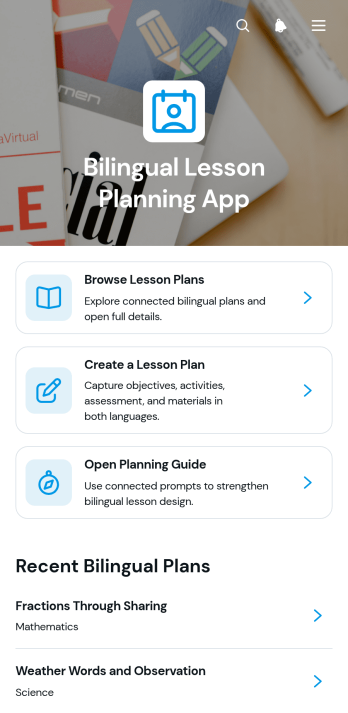
Bilingual Lesson Planning App
Bilingual Lesson Planning App gives teachers, tutors, curriculum coordinators, and language program teams one organized place to create, browse, and review lesson plans for instruction in English and a second language. Educators can connect activities through a shared learning goal, document assessments and materials, and check alignment across both languages. A built-in planning guide supports consistent preparation without limiting each teacher’s instructional approach. This app template is especially useful for dual-language classrooms, language immersion programs, tutoring services, and schools that need clearer lesson coordination, reusable plans, and an accessible record of instructional decisions.Jotform Apps helps education teams turn these planning activities into a mobile-friendly experience without writing code. Customize the Bilingual Lesson Planning App with the drag-and-drop app builder, adjust pages and branding, and connect forms or tables for organized data collection. Plans and guidance can be shared through a direct link or QR code, helping teachers access resources from a phone, tablet, or computer. Jotform App Templates also make it easier to adapt workflows as subjects, grade levels, language pairings, or curriculum needs change.
Go to Category:Classroom Management Apps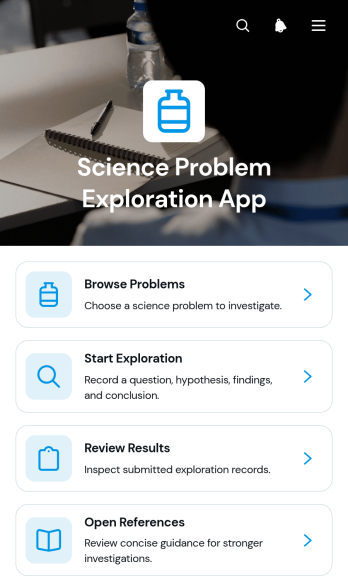
Science Problem Exploration App
The Science Problem Exploration App is an educational workspace for investigating scientific questions and documenting findings. It gives students, teachers, tutors, science clubs, and learning programs a focused place to browse problems, begin guided explorations, review submitted results, and consult supporting references. Schools can use this app template for classroom investigations, independent study, lab preparation, homework, or project-based learning. By keeping prompts, exploration activities, findings, and source material together, it reduces scattered resources and helps learners follow a clearer path from initial question to evidence-based conclusion.With Jotform Apps, educators can adapt App Templates like this one without writing code. The no-code app builder provides a drag-and-drop interface for updating pages, navigation, visual elements, and connected data collection resources. Forms, tables, approvals, and other workflow steps can be linked to support assignments, feedback, and record organization. Once published, the app can be shared by a direct link or QR code for convenient mobile access and learner self-service. Customize the Science Problem Exploration App with course topics, school branding, instructions, and reference materials to create an engaging resource for different subjects and ability levels.
Go to Category:Education Apps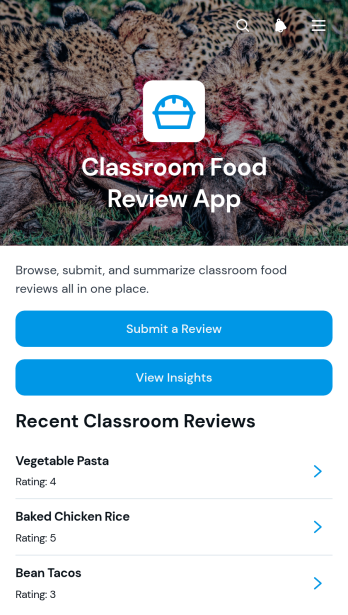
Classroom Food Review App
Classroom Food Review App gives teachers, students, school nutrition teams, and activity coordinators one place to collect and examine feedback about foods sampled or served in a classroom setting. Participants can submit a review, rate a food item, identify their classroom, and add comments for follow-up. Educators can then view insights and browse individual responses to understand preferences, encourage thoughtful discussion, and plan future tasting lessons or food-related activities. This app template is useful for nutrition education, classroom taste tests, cooking projects, student surveys, and meal feedback initiatives.Jotform App Templates help schools turn recurring classroom activities into accessible digital experiences without coding. Using Jotform’s no-code app builder and drag-and-drop interface, educators can customize the Classroom Food Review App with their own instructions, branding, pages, and navigation. Connected forms support data collection, while organized review records make the feedback workflow easier to manage. The finished app can be shared by a direct link or QR code for convenient mobile access, giving participants a simple self-service option for submitting reviews and helping staff keep classroom food feedback in one organized location.
Go to Category:Classroom Management Apps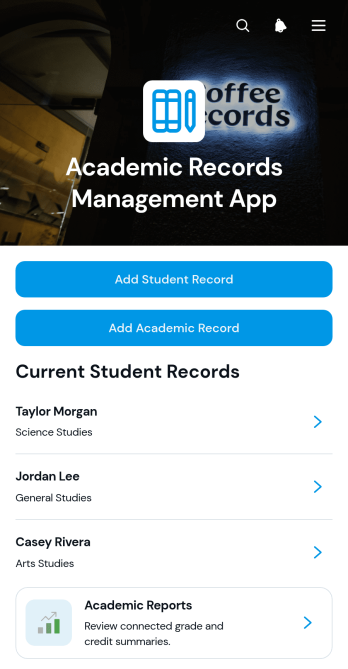
Academic Records Management App
Academic Records Management App gives schools, colleges, tutoring programs, and education administrators a central place to create and review student academic records. Staff can add student profiles, open individual records, document courses and credits, record notes, and access academic reports without relying on scattered files. This app template supports registrars, teachers, academic coordinators, and office teams that need clearer record organization and faster access to relevant student information. It is particularly useful for maintaining consistent academic histories, reducing manual searching, and giving authorized team members a practical self-service resource for day-to-day record management.With Jotform Apps, education teams can adapt this template using a no-code app builder and an intuitive drag-and-drop interface. Pages, navigation, forms, and connected workflows can be adjusted to match existing academic processes and data collection needs. Teams can apply their own visual style, organize resources for convenient browsing, and share the finished app through a direct link or scannable code. Jotform App Templates also connect with forms, tables, approvals, and notifications, helping institutions turn routine record entry and review into a coordinated digital workflow that works across mobile, tablet, and desktop devices.
Go to Category:School Management Apps
Teaching Session Records App
The Teaching Session Records App is an app template for educators, tutors, training providers, and academic teams that need a consistent record of individual teaching sessions. It supports quick session recording, organized review of past records, and access to session insights from one central location. Educators can document essential context such as the learner, instructor, teaching format, and duration while capturing the learning focus, observed outcome, and recommended next step. This shared record helps teams monitor learner development, prepare for future lessons, maintain continuity when instructors change, and replace scattered notes with an accessible teaching history.Jotform Apps makes it easy to adapt this Teaching Session Records App without writing code. Use the no-code app builder and drag-and-drop interface to update pages, navigation, colors, fonts, and branding for a school, tutoring service, or training program. Connect forms and tables to support data collection, automate notifications through a workflow, and keep session information organized for ongoing review. Once ready, publish the app and share it by direct link or QR code, giving authorized educators convenient mobile-friendly access and a practical self-service experience.
Go to Category:Classroom Management Apps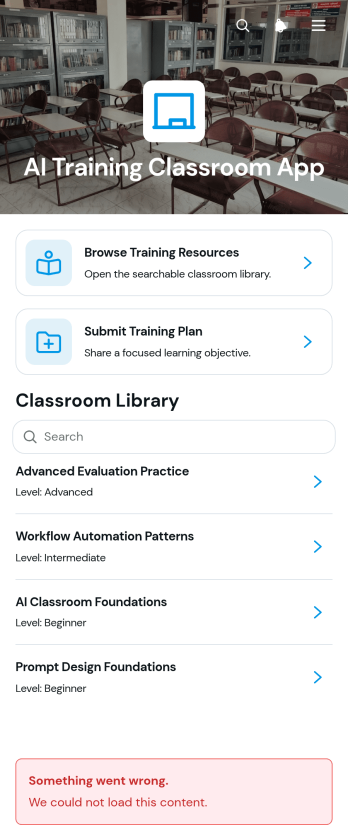
AI Training Classroom App
The AI Training Classroom App is a ready-to-use learning hub for educators, trainers, instructional designers, and workplace learning teams that teach artificial intelligence concepts. It brings training resources and plan management into one accessible experience, helping learners browse materials by topic or level while instructors submit, review, and edit training plans. Schools, tutoring programs, professional development teams, and internal training departments can use this app template to organize lessons, clarify learning objectives, and direct participants to relevant resources. Centralizing these activities reduces scattered links, makes materials easier to find, and supports consistent course delivery for introductory or advanced learning.Jotform App Templates make it easy to adapt the AI Training Classroom App without writing code. Use the no-code app builder and drag-and-drop interface to update pages, organize navigation, apply your preferred branding, and connect forms or other workflow assets. Training teams can collect plan data, maintain a browsable resource center, and create a convenient self-service experience for instructors and learners. Once the app is ready, share it through a direct link or QR code so participants can access current information from phones, tablets, or computers.
Go to Category:Classroom Management Apps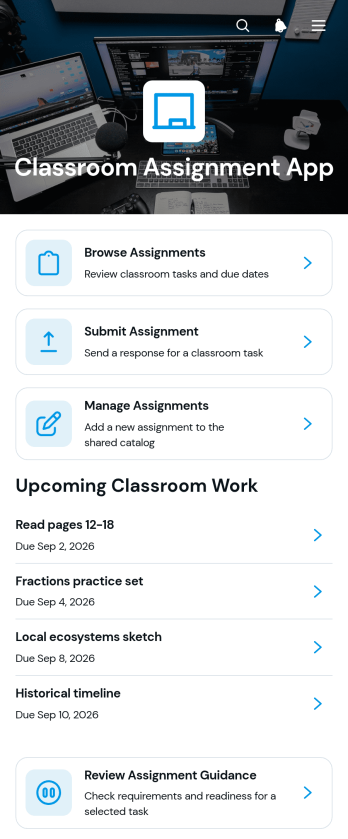
Classroom Assignment App
The Classroom Assignment App gives teachers, tutors, and school staff a central place to publish coursework and manage student responses. Learners can browse available assignments, review requirements, check due dates, subjects, class sections, and statuses, then submit their work through a connected form. Educators can review assignment guidance and submission details without relying on scattered messages or paper records. This app template is useful for daily classwork, homework, projects, remote learning, tutoring programs, and blended classrooms where students need clear self-service access to current tasks.Jotform makes it easy to adapt this Classroom Assignment App to different courses, grade levels, and teaching methods. Its no-code app builder and drag-and-drop interface let educators update pages, navigation, visual elements, and connected forms without programming. Assignment data can be organized through linked tables and workflows, while notifications help staff respond to new activity. Once the app is ready, it can be shared by a direct link or QR code for convenient access on phones, tablets, and computers. Jotform App Templates also provide a practical starting point for building a branded classroom resource that can grow with changing academic needs.
Go to Category:Classroom Management Apps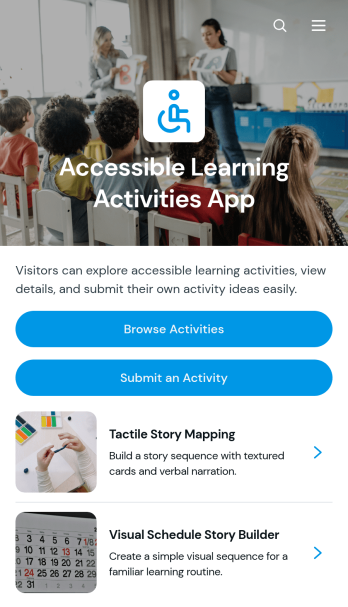
Accessible Learning Activities App
Accessible Learning Activities App is a ready-to-use resource for educators, tutors, learning support teams, and community program leaders who want to share adaptable educational activities in one convenient place. Users can browse a collection of activities, open individual entries to review summaries, materials, and instructions, and submit new or similar ideas for others to use. It can support classroom lessons, tutoring sessions, home learning, professional development, and inclusive community programs. By keeping practical activity guidance organized and easy to find, the app helps educators spend less time searching across scattered documents and gives contributors a consistent way to expand the resource library.With Jotform, this app template can be customized through a no-code app builder and an intuitive drag-and-drop interface. Add branded pages, update navigation, connect forms for data collection, and organize learning resources around the needs of your audience. Jotform App Templates can also connect with tables, approvals, notifications, and other workflow tools, making it easier to review contributed activities and maintain current information. Once the app is ready, publish it through a direct link or QR code so teachers, tutors, families, and program staff can access a mobile-friendly self-service learning resource wherever they are.
Go to Category:Resource & Learning Portal Apps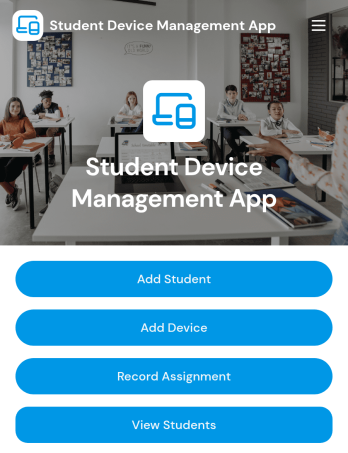
Student Device Management App
Student Device Management App helps schools and districts keep student and device records organized and accessible in one place, so staff can quickly look up who has what and when it was issued. It supports day-to-day device programs by letting teams add students and devices, review assignment activity at a glance, and contact guardians when details need to be confirmed or issues come up. Use it in IT departments, media centers, and administrative offices that manage loaners, 1 to 1 deployments, repairs, and returns across multiple classrooms.Built with Jotform, this app template is easy to adapt with a no-code app builder and a drag-and-drop interface, so you can match your process without relying on developers. Connect it to your existing workflow for data collection, keep information centralized for self-service lookups, and publish a mobile-friendly experience your team can open from a link or QR code whenever they need to check a student record, view a device profile, or review assignments.
Go to Category:School Management Apps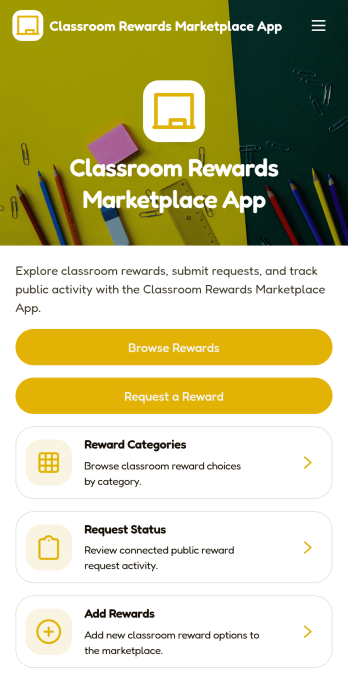
Classroom Rewards Marketplace App
Classroom Rewards Marketplace App turns your classroom incentive system into a simple, student-friendly rewards marketplace. Students can browse available rewards, explore reward categories, and request a reward when they’ve earned enough points or tokens. Teachers can keep the menu of rewards fresh by adding new options, while students can check request status so everyone knows what’s pending and what’s been fulfilled. It’s a practical fit for elementary classrooms, special education settings, after-school programs, and any learning environment that uses positive reinforcement to support routines, participation, and behavior goals.With Jotform App Templates, you can publish a polished rewards experience without coding and tailor it to your classroom rules. Use Jotform’s no-code app builder with a drag-and-drop interface to update pages, reorganize navigation, and connect your rewards requests to forms and tables for consistent data collection. Share the app with a link or QR code, keep rewards organized in one place, and manage the workflow of requests from browsing to confirmation in a way that’s easy to maintain throughout the school year.
Go to Category:Classroom Management Apps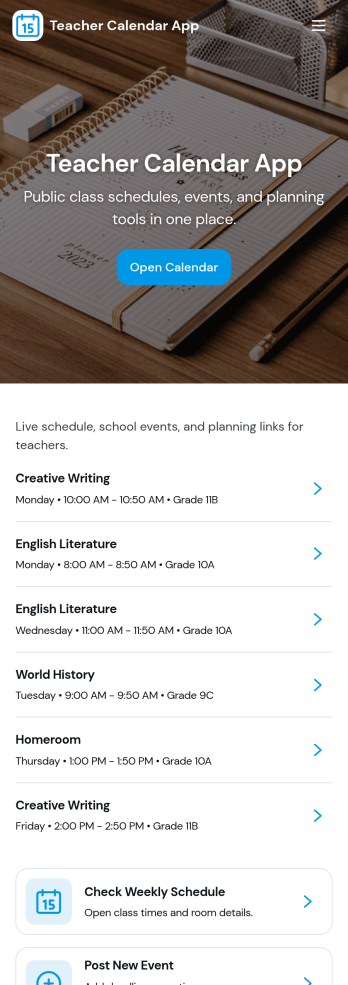
Teacher Calendar App
A teacher calendar app brings your day-to-day classroom schedule, lesson planning, and availability into one place so you can stay organized without juggling multiple tools. Use it to quickly view your schedule, add lesson plans for different classes and subjects, and keep an up-to-date availability view that supports meetings, prep periods, or coverage needs. It’s a practical fit for individual teachers, substitute coordinators, department leads, and school teams that want a clear routine for what’s happening today, what’s coming next, and what still needs planning.With Jotform’s app templates, you can publish a mobile-friendly experience that connects key actions to forms and organized records, making data collection and workflow steps feel simple. Customize the layout with a drag-and-drop interface, link your lesson plan and availability forms, and share the app with a single link so staff can access the latest schedule and updates anytime. Jotform makes it easy to tailor this app template to your teaching style, grade level, and school routines without coding.
Go to Category:Education Apps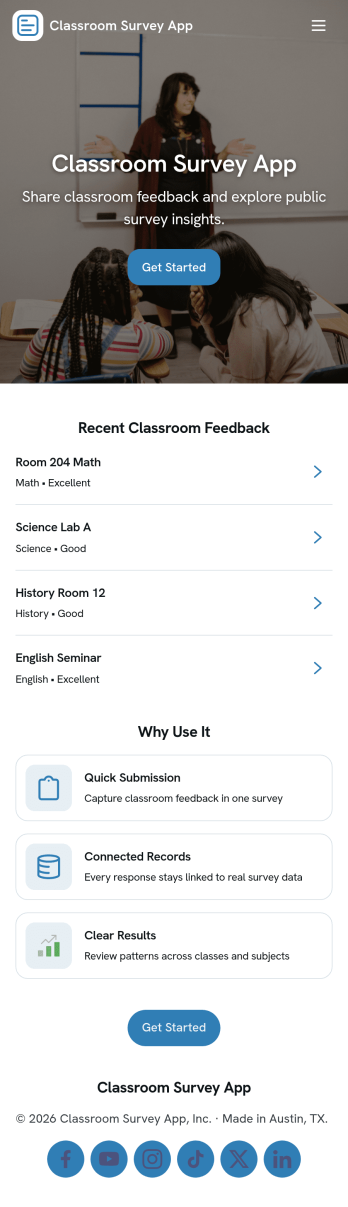
Classroom Survey App
A classroom survey app helps teachers gather quick feedback from students, run check-ins, and measure understanding during lessons. Use it to share a survey prompt, collect responses in one place, and review results by student or question so you can spot patterns and respond faster. It’s a practical fit for K–12 classrooms, tutoring programs, after-school groups, and training cohorts that need a simple way to capture student voice and keep participation organized.With Jotform, you can turn this Classroom Survey App into a branded, self-service experience without coding. Use the no-code app builder and drag-and-drop interface to organize pages for questions, submissions, results, and insights, then connect the app to your existing data collection workflow through linked forms and lists. Share it with a link or QR code, update questions as your class changes, and keep survey results easy to access whenever you need them.
Go to Category:Education Apps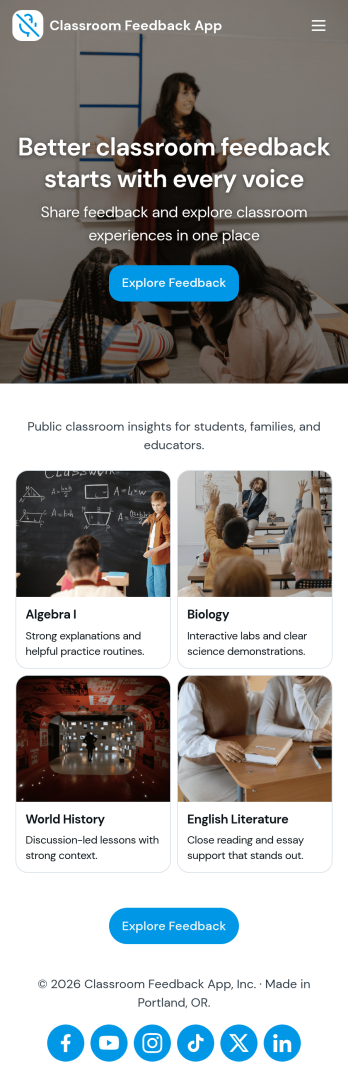
Classroom Feedback App
Classroom Feedback App helps teachers and schools gather student input in one place and turn it into actionable next steps. Use it to invite learners to share what’s working, what’s confusing, and what they want more of, then organize responses by topic or urgency for faster follow-up. Students can quickly submit feedback through a dedicated entry point, while educators can review a running feedback feed, scan recent topics, and focus on high-priority items that may need attention first.Jotform makes it easy to publish this kind of self-service experience with a no-code app template and a drag-and-drop interface that adapts to your classroom routines. Connect the app to a feedback form for consistent data collection, view and manage entries in linked tables, and share the app with a simple link or QR code for quick access during class, after lessons, or at the end of a unit. As needs change, you can update pages, navigation, and review flows without rebuilding your workflow from scratch.
Go to Category:Classroom Management Apps