

Classroom Management Apps

Dance Class Attendance App
The Dance Class Attendance App helps dance schools, independent instructors, studio managers, and training programs record participation and keep class information organized. Staff can mark attendance from one central experience, browse classes and student records, and review reports without relying on scattered paper sheets or separate files. It supports recurring lessons, workshops, youth programs, adult classes, and performance training where accurate participation records help teams identify attendance patterns, follow up on absences, and plan class capacity. The template also gives authorized team members a clear shared resource for daily class administration.Jotform makes this app template easy to adapt with a no-code app builder and a flexible drag-and-drop interface. Change the pages, cards, buttons, colors, fonts, and branding to match your studio, then connect forms, tables, notifications, approvals, or other workflow steps as needed. Data collection can remain connected to the app experience, helping instructors and administrators work from current records. Jotform App Templates can be published for mobile-friendly access and shared through a direct link, QR code, or embedded experience, giving staff a convenient self-service tool for managing attendance wherever classes take place.
Go to Category:Classroom Management Apps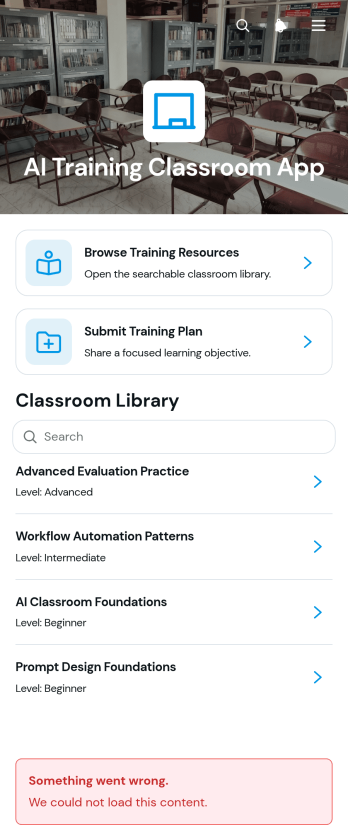
AI Training Classroom App
The AI Training Classroom App is a ready-to-use learning hub for educators, trainers, instructional designers, and workplace learning teams that teach artificial intelligence concepts. It brings training resources and plan management into one accessible experience, helping learners browse materials by topic or level while instructors submit, review, and edit training plans. Schools, tutoring programs, professional development teams, and internal training departments can use this app template to organize lessons, clarify learning objectives, and direct participants to relevant resources. Centralizing these activities reduces scattered links, makes materials easier to find, and supports consistent course delivery for introductory or advanced learning.Jotform App Templates make it easy to adapt the AI Training Classroom App without writing code. Use the no-code app builder and drag-and-drop interface to update pages, organize navigation, apply your preferred branding, and connect forms or other workflow assets. Training teams can collect plan data, maintain a browsable resource center, and create a convenient self-service experience for instructors and learners. Once the app is ready, share it through a direct link or QR code so participants can access current information from phones, tablets, or computers.
Go to Category:Classroom Management Apps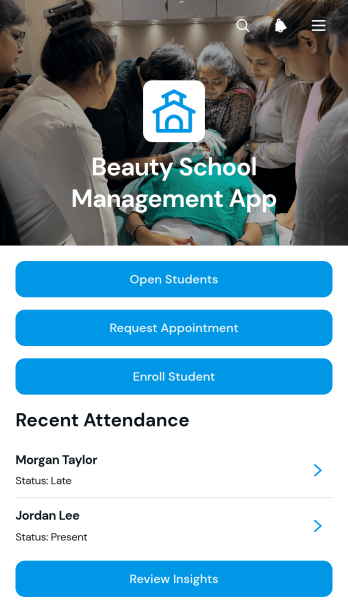
Beauty School Management App
Beauty School Management App is an app template for cosmetology schools, training academies, instructors, and administrators who need one place to coordinate daily academic and operational work. It brings student enrollment, course browsing, appointment requests, attendance records, assessments, and inventory updates into an accessible experience. Staff can review student profiles and progress while instructors record class participation and performance feedback. School teams can also monitor products and supplies, identify restocking needs, and keep essential information easier to find. This connected approach reduces scattered records, supports consistent instruction, and gives administrators clearer insight into student services and classroom activity.Jotform makes this app template easy to adapt with a no-code app builder and a flexible drag-and-drop interface. Teams can update pages, buttons, visual elements, and navigation to match their programs without writing code. Forms and tables can support data collection, workflow steps, notifications, and organized recordkeeping, while self-service access helps students or service requesters complete relevant actions. Like other Jotform App Templates, the finished app can be shared through a direct link or QR code and accessed from mobile devices, giving beauty schools a practical way to manage resources as their training programs grow.
Go to Category:School Management Apps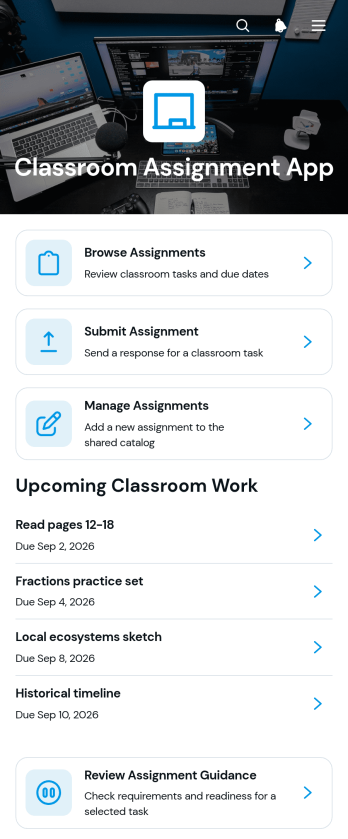
Classroom Assignment App
The Classroom Assignment App gives teachers, tutors, and school staff a central place to publish coursework and manage student responses. Learners can browse available assignments, review requirements, check due dates, subjects, class sections, and statuses, then submit their work through a connected form. Educators can review assignment guidance and submission details without relying on scattered messages or paper records. This app template is useful for daily classwork, homework, projects, remote learning, tutoring programs, and blended classrooms where students need clear self-service access to current tasks.Jotform makes it easy to adapt this Classroom Assignment App to different courses, grade levels, and teaching methods. Its no-code app builder and drag-and-drop interface let educators update pages, navigation, visual elements, and connected forms without programming. Assignment data can be organized through linked tables and workflows, while notifications help staff respond to new activity. Once the app is ready, it can be shared by a direct link or QR code for convenient access on phones, tablets, and computers. Jotform App Templates also provide a practical starting point for building a branded classroom resource that can grow with changing academic needs.
Go to Category:Classroom Management Apps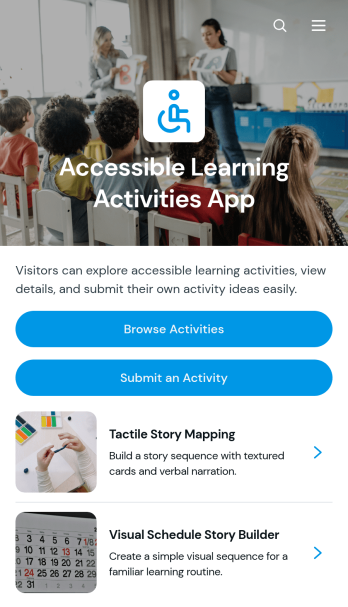
Accessible Learning Activities App
Accessible Learning Activities App is a ready-to-use resource for educators, tutors, learning support teams, and community program leaders who want to share adaptable educational activities in one convenient place. Users can browse a collection of activities, open individual entries to review summaries, materials, and instructions, and submit new or similar ideas for others to use. It can support classroom lessons, tutoring sessions, home learning, professional development, and inclusive community programs. By keeping practical activity guidance organized and easy to find, the app helps educators spend less time searching across scattered documents and gives contributors a consistent way to expand the resource library.With Jotform, this app template can be customized through a no-code app builder and an intuitive drag-and-drop interface. Add branded pages, update navigation, connect forms for data collection, and organize learning resources around the needs of your audience. Jotform App Templates can also connect with tables, approvals, notifications, and other workflow tools, making it easier to review contributed activities and maintain current information. Once the app is ready, publish it through a direct link or QR code so teachers, tutors, families, and program staff can access a mobile-friendly self-service learning resource wherever they are.
Go to Category:Resource & Learning Portal Apps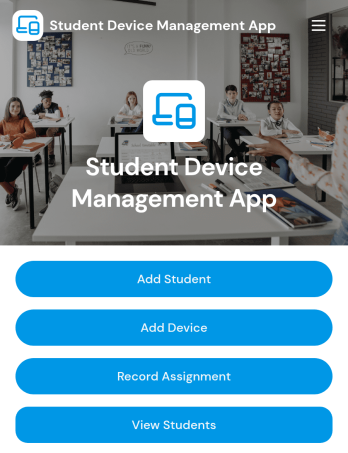
Student Device Management App
Student Device Management App helps schools and districts keep student and device records organized and accessible in one place, so staff can quickly look up who has what and when it was issued. It supports day-to-day device programs by letting teams add students and devices, review assignment activity at a glance, and contact guardians when details need to be confirmed or issues come up. Use it in IT departments, media centers, and administrative offices that manage loaners, 1 to 1 deployments, repairs, and returns across multiple classrooms.Built with Jotform, this app template is easy to adapt with a no-code app builder and a drag-and-drop interface, so you can match your process without relying on developers. Connect it to your existing workflow for data collection, keep information centralized for self-service lookups, and publish a mobile-friendly experience your team can open from a link or QR code whenever they need to check a student record, view a device profile, or review assignments.
Go to Category:School Management Apps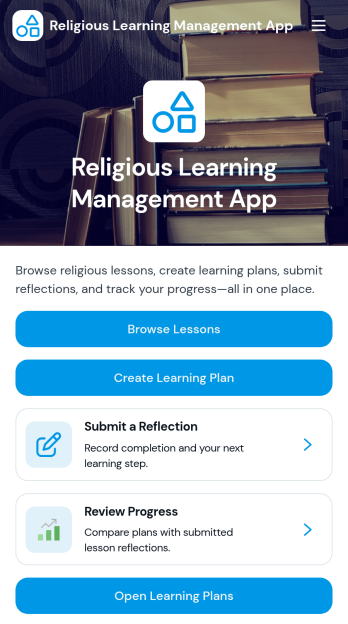
Religious Learning Management App
Religious Learning Management App brings faith-based education into one organized space where communities can explore lessons, build personalized learning plans, and reflect on what they’ve learned. It fits congregations, religious schools, small groups, and study leaders who want a clear way to guide learners through readings and practice without losing track of progress. Learners can browse lesson content, open supporting resources, and submit reflections as they go, while leaders can encourage consistent participation by keeping learning goals visible and easy to follow.Jotform makes it simple to publish this kind of self-service experience with flexible App Templates and a no-code app builder that adapts to your program. Use the drag-and-drop interface to update pages, adjust navigation, and connect forms to your workflow for data collection such as learning plans and reflection entries. Share your Religious Learning Management App through a link or QR code, keep content current, and give learners a mobile-friendly hub they can return to anytime.
Go to Category:Education Apps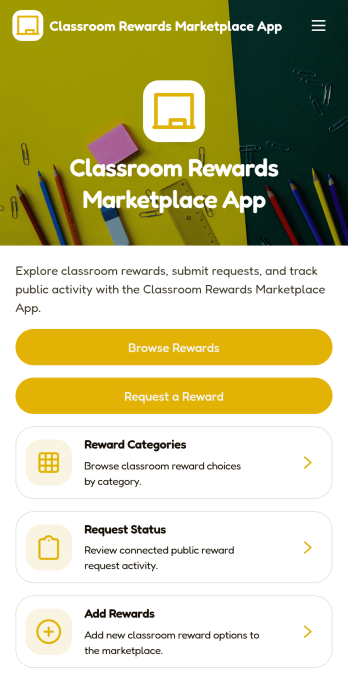
Classroom Rewards Marketplace App
Classroom Rewards Marketplace App turns your classroom incentive system into a simple, student-friendly rewards marketplace. Students can browse available rewards, explore reward categories, and request a reward when they’ve earned enough points or tokens. Teachers can keep the menu of rewards fresh by adding new options, while students can check request status so everyone knows what’s pending and what’s been fulfilled. It’s a practical fit for elementary classrooms, special education settings, after-school programs, and any learning environment that uses positive reinforcement to support routines, participation, and behavior goals.With Jotform App Templates, you can publish a polished rewards experience without coding and tailor it to your classroom rules. Use Jotform’s no-code app builder with a drag-and-drop interface to update pages, reorganize navigation, and connect your rewards requests to forms and tables for consistent data collection. Share the app with a link or QR code, keep rewards organized in one place, and manage the workflow of requests from browsing to confirmation in a way that’s easy to maintain throughout the school year.
Go to Category:Classroom Management Apps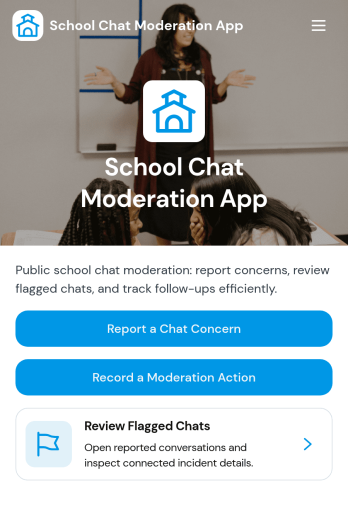
School Chat Moderation App
School Chat Moderation App helps schools manage student chat safety by giving staff a central place to review moderation cases, collect new chat reports, and publish clear chat guidelines for students and families. Use it to route concerns from classrooms, clubs, and school-wide channels into a consistent process, whether the report is about bullying, harassment, profanity, or off-topic disruption. With a browseable case list and an easy report flow, administrators, counselors, IT teams, and designated moderators can triage issues faster and keep communication norms visible across the school community.Jotform makes it simple to turn these workflows into a mobile-friendly experience with ready-to-use app templates and a no-code app builder. Customize pages with a drag-and-drop interface, connect buttons to forms for structured data collection, and keep case records organized for follow-up. Share the app by link or QR code so students and staff can access the right actions quickly, and update guidance or processes anytime without relying on developers.
Go to Category:School Management Apps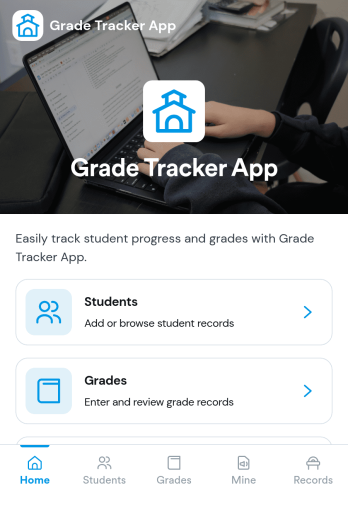
Grade Tracker App
A grade tracker app helps teachers, tutors, and academic support teams organize students and record grades in one place, so progress is easy to review at any time. Use it to keep a simple student list, add new grade entries as assignments are completed, and quickly open each student’s grade page to check performance trends across a term or program.With Jotform, you can turn this Grade Tracker App into a branded, shareable experience using App Templates and a no-code app builder. Customize pages with a drag-and-drop interface, connect forms for data collection when you add students and grades, and keep records organized for everyday workflow and self-service access on any device.
Go to Category:Education Apps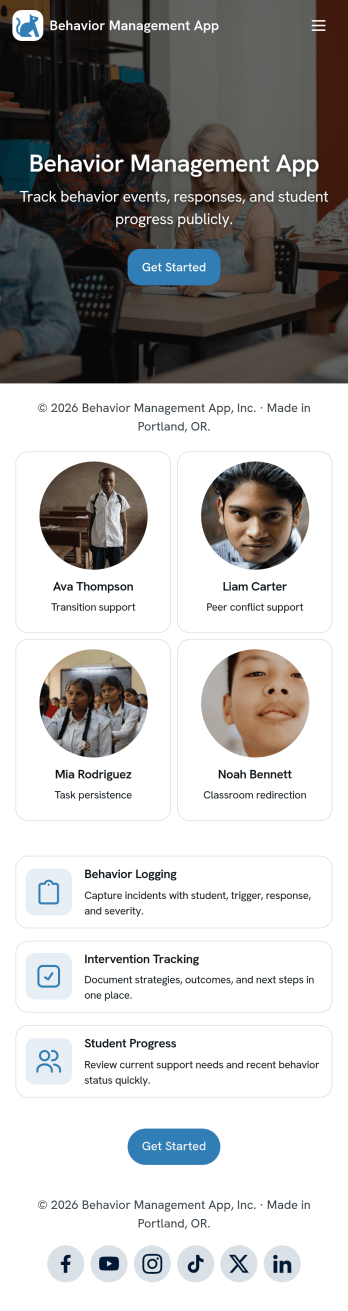
Behavior Management App
Behavior Management App helps schools and youth programs document behavior incidents and keep individual support plans organized in one place. Staff can quickly log an incident, add a new plan, and open a review view to follow up on progress without hunting through emails or paper notes. It’s a practical fit for teachers, aides, counselors, after-school coordinators, and administrators who need consistent records across multiple students and want clearer visibility into patterns, interventions, and next steps.Built with Jotform, this app template turns behavior tracking into a simple self-service workflow that’s easy to share and update. Use Jotform’s no-code app builder and drag-and-drop interface to tailor pages, buttons, and navigation to your process, then connect your incident and plan forms to organized data collection. As entries come in, your team can review information from any device and keep student-related actions moving with less manual effort.
Go to Category:Classroom Management Apps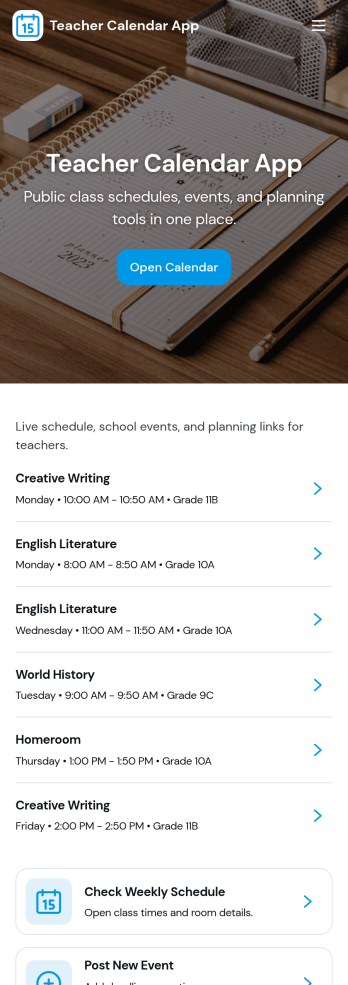
Teacher Calendar App
A teacher calendar app brings your day-to-day classroom schedule, lesson planning, and availability into one place so you can stay organized without juggling multiple tools. Use it to quickly view your schedule, add lesson plans for different classes and subjects, and keep an up-to-date availability view that supports meetings, prep periods, or coverage needs. It’s a practical fit for individual teachers, substitute coordinators, department leads, and school teams that want a clear routine for what’s happening today, what’s coming next, and what still needs planning.With Jotform’s app templates, you can publish a mobile-friendly experience that connects key actions to forms and organized records, making data collection and workflow steps feel simple. Customize the layout with a drag-and-drop interface, link your lesson plan and availability forms, and share the app with a single link so staff can access the latest schedule and updates anytime. Jotform makes it easy to tailor this app template to your teaching style, grade level, and school routines without coding.
Go to Category:Education Apps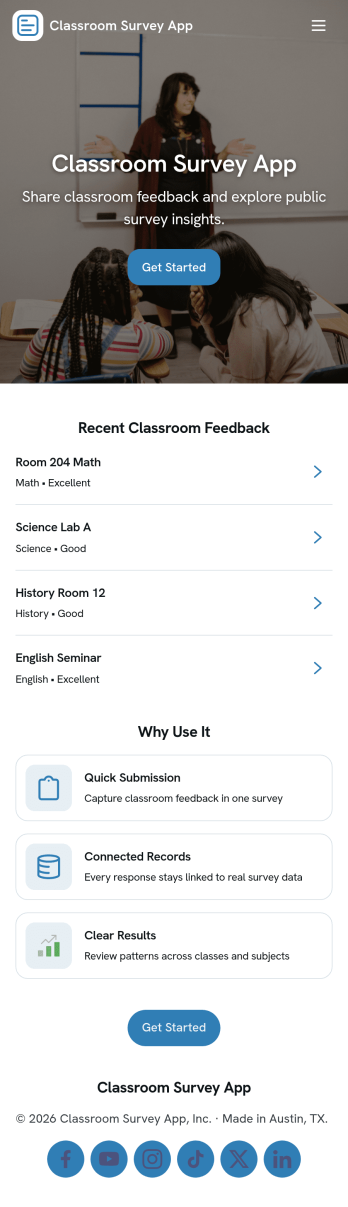
Classroom Survey App
A classroom survey app helps teachers gather quick feedback from students, run check-ins, and measure understanding during lessons. Use it to share a survey prompt, collect responses in one place, and review results by student or question so you can spot patterns and respond faster. It’s a practical fit for K–12 classrooms, tutoring programs, after-school groups, and training cohorts that need a simple way to capture student voice and keep participation organized.With Jotform, you can turn this Classroom Survey App into a branded, self-service experience without coding. Use the no-code app builder and drag-and-drop interface to organize pages for questions, submissions, results, and insights, then connect the app to your existing data collection workflow through linked forms and lists. Share it with a link or QR code, update questions as your class changes, and keep survey results easy to access whenever you need them.
Go to Category:Education Apps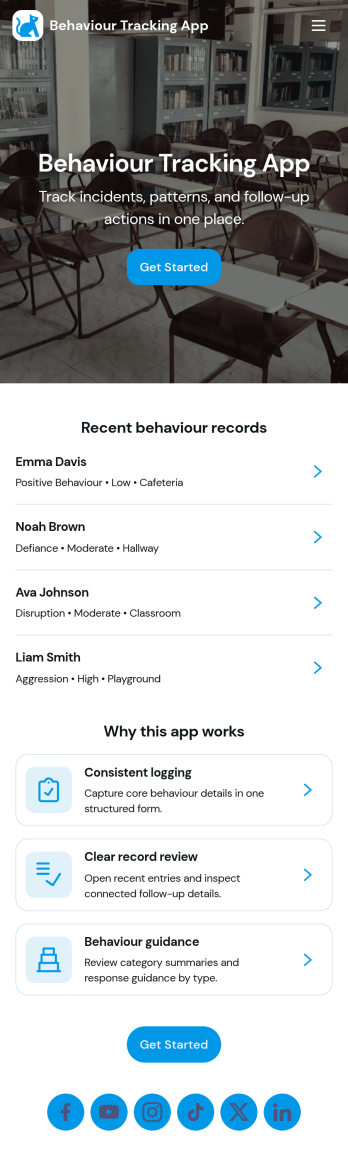
Behaviour Tracking App
Behaviour Tracking App helps you capture day-to-day behaviour observations in one place, then turn those notes into patterns you can act on. It works well for classrooms, support teams, parents and caregivers, coaches, and program coordinators who need a consistent way to log behaviour, keep records organized, and review progress over time. With quick logging, a central records view, and an insights area for spotting trends, teams can reduce missed details and make follow-ups more consistent across shifts, sessions, or weeks.Built with Jotform, this app template makes it easy to set up a practical self-service experience without coding. Use the drag-and-drop app builder to adjust pages, add guidance, and tailor the flow to your routine, then connect the logging form to tables and workflows for cleaner data collection and faster internal handoffs. Share the app with a link for mobile-friendly access, so the right people can add entries, open records, and review insights whenever they need them.
Go to Category:Tracker Apps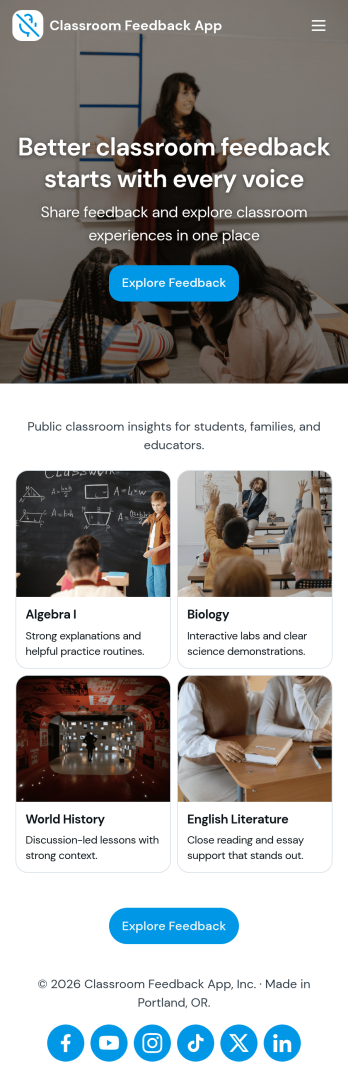
Classroom Feedback App
Classroom Feedback App helps teachers and schools gather student input in one place and turn it into actionable next steps. Use it to invite learners to share what’s working, what’s confusing, and what they want more of, then organize responses by topic or urgency for faster follow-up. Students can quickly submit feedback through a dedicated entry point, while educators can review a running feedback feed, scan recent topics, and focus on high-priority items that may need attention first.Jotform makes it easy to publish this kind of self-service experience with a no-code app template and a drag-and-drop interface that adapts to your classroom routines. Connect the app to a feedback form for consistent data collection, view and manage entries in linked tables, and share the app with a simple link or QR code for quick access during class, after lessons, or at the end of a unit. As needs change, you can update pages, navigation, and review flows without rebuilding your workflow from scratch.
Go to Category:Classroom Management Apps