

Project Management Apps

Video Content Planning App
Video Content Planning App helps creators and marketing teams organize video ideas and keep production moving from concept to calendar. Use it to capture new concepts with an Add Video Idea form, review ideas in a browseable list, and open an idea to see key details like audience and target date. When it’s time to film, schedule work with a production form and maintain a clear view of what’s in progress versus what’s next.Built with Jotform, this app template gives you a flexible way to manage content planning with a no-code app builder and a drag-and-drop interface. Connect your idea intake and production scheduling to your workflow, centralize data collection in one place, and share a simple self-service hub your team can use on any device. Customize pages, buttons, and navigation so the app matches your channel, process, and publishing cadence.
Go to Category:Social Media Management Apps
Joint Venture Dealroom App
Joint Venture Dealroom App gives investment teams and strategic partners a single place to publish joint venture opportunities, review deal summaries, and keep conversations moving from first look to diligence. Use it to browse a live list of opportunities, capture new deal submissions in a consistent format, and route diligence information requests without losing track of who asked for what. It fits corporate development groups, private equity and venture teams, real estate partnerships, and operators who regularly evaluate co-investments across multiple stakeholders.With Jotform’s no-code app builder, you can tailor this app template to match how your dealroom runs, then share it as a self-service destination for partners and internal reviewers. Use the drag-and-drop interface to adjust pages and navigation, connect forms to centralize data collection, and keep your workflow organized as opportunities and supporting materials evolve. Jotform makes it easy to launch a branded deal experience quickly and update it anytime without writing code.
Go to Category:Customer Portal Apps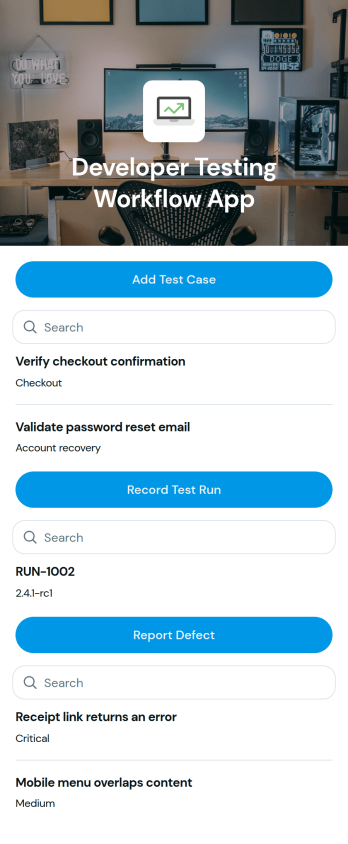
Developer Testing Workflow App
Developer Testing Workflow App brings your QA and development checks into one place so teams can add test cases, record test runs, and report issues as work progresses. It fits software teams shipping web or mobile products, agencies managing multiple client releases, and startups that need a lightweight way to keep test coverage and bug reporting organized. Use it to keep day-to-day testing consistent across sprints, reduce missed steps during regression, and give everyone a clearer view of what has been tested and what still needs attention.With Jotform app templates, you can publish a branded testing hub without coding and connect actions to forms and structured records. Jotform’s no-code app builder and drag-and-drop interface make it easy to tailor pages for your workflow, route entries to the right owners, and keep data collection centralized for reviews and retrospectives. Share the app with your team, open it on any device, and update processes as your release cadence evolves.
Go to Category:Engineering Apps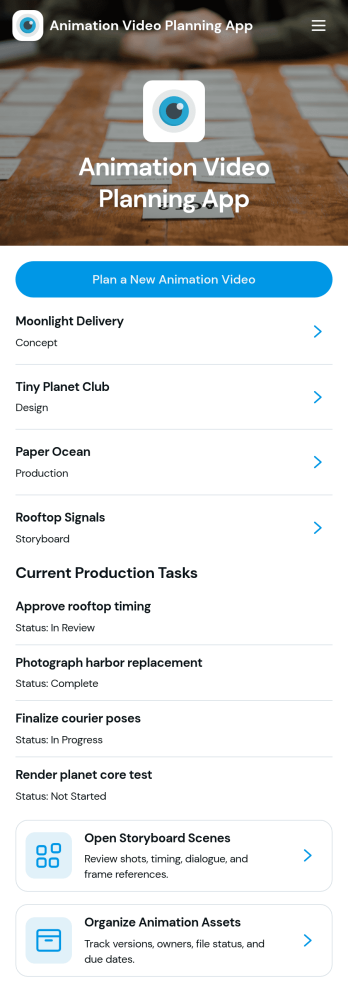
Animation Video Planning App
Animation Video Planning App helps animation teams plan projects from early direction to day-to-day production execution in one place. Use it to start new animation video plans, review active projects, outline storyboard scenes, and keep current production tasks visible so work stays coordinated. It’s a practical fit for studios, freelancers, agencies, and in-house creative teams producing explainer videos, ads, product demos, or social content that needs clear scene planning and dependable task follow-through.Built with Jotform, this app template turns planning into a guided, self-service workflow you can share with your crew. Customize pages with a drag-and-drop interface, connect forms for adding projects, storyboard scenes, assets, and production tasks, and keep details organized in one app experience that works across devices. Jotform makes it easy to standardize how animation work is captured, reviewed, and updated without coding.
Go to Category:Project Management Apps
Similarity Comparison App
Similarity Comparison App helps teams compare two items side by side and capture a clear, repeatable summary of how they match and where they differ. Use it to evaluate product options, review vendor proposals, compare candidates, assess documents, or check two versions of the same asset before you make a decision. With a guided way to start a comparison and a dedicated area to browse past results, it’s easy for stakeholders to stay aligned on what was compared, the key match, and the key difference without hunting through notes.Built with Jotform, this app template combines a no-code app builder with a drag-and-drop interface so you can tailor the experience to your process in minutes. Connect the comparison flow to a form for consistent data collection, then share the app as a self-service link for colleagues or partners to run comparisons and review outcomes. As your workflow evolves, you can update pages, navigation buttons, and the results list while keeping everything organized in one place.
Go to Category:Information Technology Apps
AI Productivity Workspace App
AI Productivity Workspace App brings your day-to-day work into one place so you can capture tasks, jot down workspace notes, and review everything you’ve logged without digging through scattered tools. It suits founders, teams, freelancers, and operations leads who want a simple home base for planning work, tracking what’s in progress, and keeping context close to the tasks that need action. Use it for daily prioritization, meeting follow-ups, sprint to-dos, or personal productivity routines where quick entry and easy review matter.With Jotform, you can turn this app template into a branded, shareable workspace using a no-code app builder and a drag-and-drop interface. Connect your buttons to forms for fast data collection, keep entries organized in a linked list view, and make self-service access easy for teammates across devices. As your workflow evolves, update pages, adjust what you collect, and publish the refreshed experience in minutes.
Go to Category:Task Management Apps
Creative Design Builder App
Creative Design Builder App helps teams collect clear design requirements and keep project details easy to find in one place. Use it to kick off a new request with a design brief, then review and follow up on active work through a browsable list of briefs that highlights each project name. It’s a practical fit for in-house marketing teams, agencies, freelancers, and product teams managing logos, ads, landing page visuals, social content, or brand refreshes where missing context can slow everything down.With Jotform, you can turn this app template into a branded, self-service experience using a no-code app builder and a drag-and-drop interface. Connect your design brief form to the app for fast data collection, organize requests in one workflow, and share a single link with teammates or stakeholders so new briefs and ongoing projects stay organized from the start.
Go to Category:Sales & Marketing Portal Apps
Comic Story Maker App
Comic Story Maker App gives comic creators a clear place to shape story concepts into publish-ready issues. Use it to capture new ideas, build out characters and scenes, and keep issue plans organized from early drafts through revision. It’s a strong fit for indie creators, writing teams, classrooms, and studios that need everyone aligned on what’s being written, what’s next, and what needs attention. With built-in ways to add concepts, plan comic issues, and gather development feedback, the app helps you move from brainstorming to structured production without losing creative context.Jotform makes it easy to turn creative workflows into a polished self-service experience with App Templates you can adapt in minutes. Using Jotform’s no-code app builder and drag-and-drop interface, you can adjust navigation, tailor forms for data collection, and connect everything into a single workflow for planning, review, and updates. Share your app with collaborators using a link, keep information consistent across pages, and refine your process over time as your series grows.
Go to Category:Entertainment Apps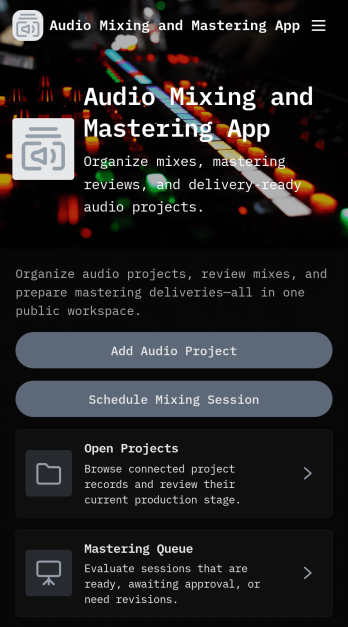
Audio Mixing and Mastering App
Audio Mixing and Mastering App brings your studio workflow into one organized place so engineers, producers, and independent artists can manage projects from first upload to final delivery. Use it to add new audio projects, keep open work visible, and maintain a clear mastering queue so nothing gets lost between sessions. It’s a practical fit for home studios, production teams, and audio businesses handling multiple clients who need consistent updates, file expectations, and notes captured alongside each project.With Jotform, you can turn these steps into a shareable self-service experience using app templates and a no-code app builder that’s easy to customize. Create a workflow that links buttons to forms for project intake and session scheduling, then publish an app that works smoothly on desktop and mobile. Jotform’s drag-and-drop interface helps you adjust pages, add branding, and connect data collection to the processes that keep mixing and mastering moving.
Go to Category:Entertainment Apps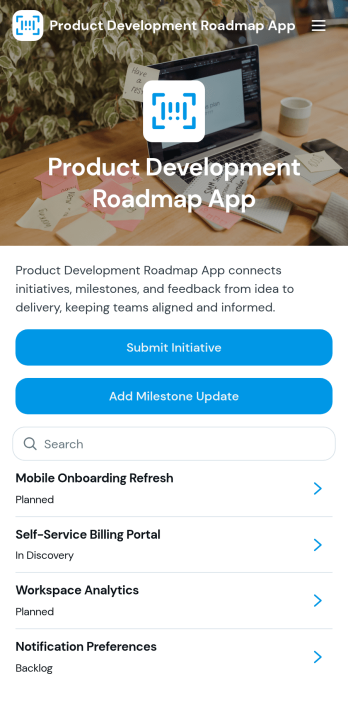
Product Development Roadmap App
Product Development Roadmap App helps product teams organize initiatives into a clear, shareable roadmap while keeping intake simple. Use it to collect new initiative requests through a submission form, review and prioritize what’s coming next, and give stakeholders an easy way to view the roadmap without digging through documents. It’s a practical fit for product managers, engineering leads, startup founders, and cross-functional teams that need one place to track ownership, status, target users, and success metrics across planned work.Built with Jotform, this app template combines a no-code app builder with a drag-and-drop interface so you can tailor pages, cards, and navigation to match how your team plans. Connect the initiative form to your workflow for consistent data collection, route updates to the right owners, and keep information accessible through a mobile-friendly self-service experience you can share with a link or QR code.
Go to Category:Project Management Apps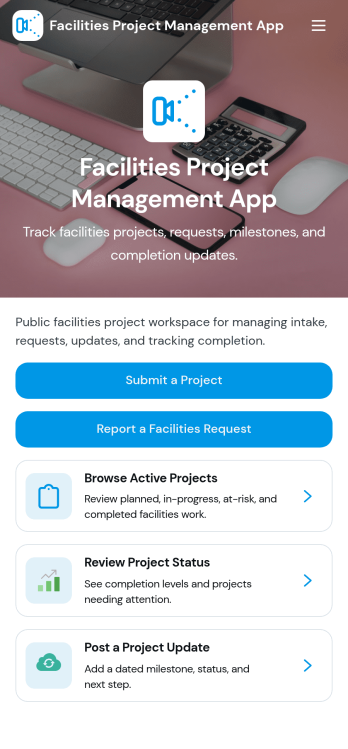
Facilities Project Management App
Facilities Project Management App helps facilities teams capture project requests, track active work, and keep stakeholders informed across multiple locations. It’s a practical fit for building operations, property management, schools, healthcare facilities, and corporate campuses that need a clear view of what’s in progress and what’s coming next. With quick request intake, a live list of current facilities projects, and a simple way to post project updates, teams can reduce missed details and keep priorities visible from one place.Jotform makes it easy to publish and maintain this app using its no-code app builder and drag-and-drop interface. Connect buttons to forms for consistent data collection, organize records in one workflow, and share a self-service experience with staff or internal partners using a link or QR code. As needs change, you can customize pages, fields, and branding, then keep information up to date without relying on developers.
Go to Category:Project Management Apps
Image Animation Dashboard App
Image Animation Dashboard App brings your animation work into one place so teams can create new image animation projects, browse existing projects, and review recent activity without hunting through scattered files and messages. It’s a practical fit for creative studios, social media teams, marketing departments, educators, and solo creators who want a clear view of what’s in progress, what’s ready for feedback, and what needs attention next. With quick actions to add projects, a browsable project list, and an activity view, the app supports consistent handoffs and makes it easier to keep production moving.Built with Jotform, this app template helps you publish a polished dashboard using a no-code app builder and a drag-and-drop interface. Connect project creation to a form for reliable data collection, keep records organized as work grows, and share a self-service experience with collaborators through a simple link. Update pages and navigation as your process evolves, and turn routine project intake and tracking into a lightweight workflow your team can actually stick with.
Go to Category:Project Management Apps
Executive Task Management App
Executive Task Management App keeps leadership priorities visible and accountable by capturing high-impact tasks and guiding executives through focused review and follow-up. It’s built for leadership teams, executive assistants, chiefs of staff, and department heads who need a reliable place to log new requests, assess priority, and stay on top of decisions that require continued action. With a simple task intake form and a navigable task queue, the app supports quick updates on ownership, due dates, status, and next actions without hunting through emails or scattered notes.Jotform makes it easy to turn this Executive Task Management App into a tailored workflow using a no-code app builder and a drag-and-drop interface. Connect the app to your form for consistent data collection, then publish a clear self-service experience your team can access from any device. As priorities shift, you can adjust pages, labels, and navigation in minutes, helping leadership stay aligned while keeping task management organized and easy to maintain.
Go to Category:Task Management Apps
Creative Brief Management App
Creative Brief Management App gives marketing teams, agencies, and in-house creative departments a clear place to collect project briefs, organize incoming requests, and track progress from intake to delivery. Use it to reduce missing details, align stakeholders on audience and deliverables, and keep client and internal requests easy to find. With quick navigation to submit a brief, browse briefs, and review status, it supports everything from campaign creative and social assets to web updates, design requests, and content production.Built with Jotform, this app template can be tailored in minutes with a no-code app builder and a drag-and-drop interface, so your workflow matches how your team actually works. Connect the app to your Jotform form for reliable data collection, keep records organized for fast self-service access, and share a single link with teammates or requesters. As needs evolve, you can adjust pages, add steps for review, and centralize updates without rebuilding your process from scratch.
Go to Category:Project Management Apps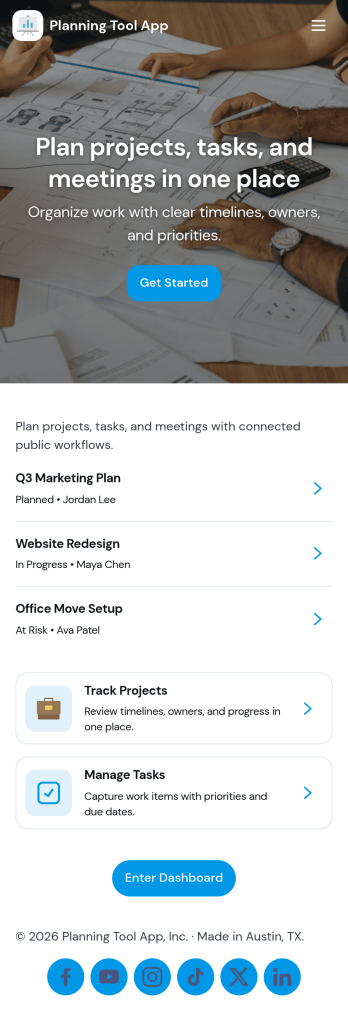
Planning Tool App
Planning Tool App helps individuals and teams organize projects, map out timelines, and capture new plans in one place. Use it to keep initiatives moving with clear milestones, quick plan entry, and an easy way to review your own records over time. It’s a practical fit for project leads, operations teams, freelancers, student groups, and small businesses that need a shared planning space without heavy project management software, especially when priorities shift and everyone needs a single source of truth.With Jotform, you can turn this planning workflow into a branded, shareable experience using a no-code app builder and a drag-and-drop interface. Connect the app to forms for data collection, route updates into a workflow you control, and keep planning information organized for self-service access on any device. Start with this app template, customize the pages to match your process, and publish your Planning Tool App so collaborators can navigate projects, view timelines, and add plans in minutes.
Go to Category:Daily Planner Apps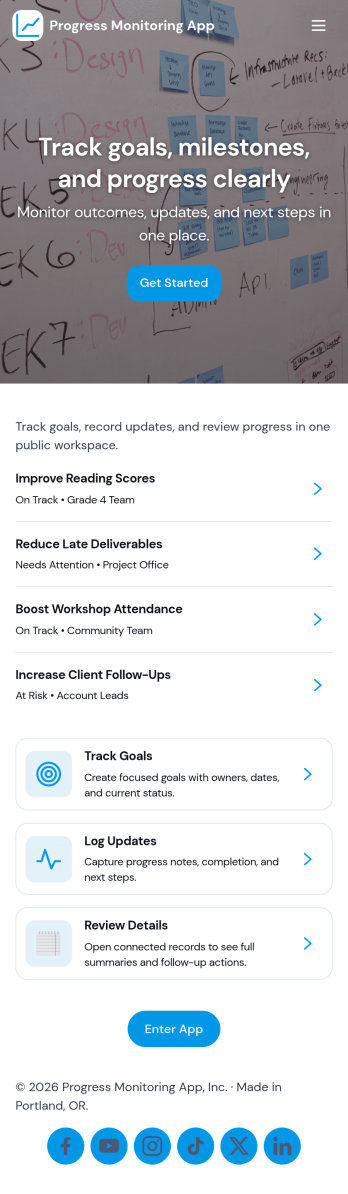
Progress Monitoring App
Progress Monitoring App helps individuals and teams capture progress updates, review records, and keep goals visible in one place. Users can add goals, log progress entries, and browse past updates to see what changed over time. This format works well for personal development, coaching programs, project milestones, student growth plans, wellness routines, or any outcome where consistent check-ins matter. Instead of scattered notes and forgotten targets, the app keeps progress logging simple and makes it easier to reflect, adjust, and stay accountable.Built with Jotform, this app template can be customized with a no-code app builder and a drag-and-drop interface, so you can match it to your workflow without technical help. Connect the app to forms for data collection, keep information organized, and share a self-service experience that encourages regular updates. Whether you’re managing multiple people’s check-ins or tracking your own goals, Jotform makes it easy to publish, update, and scale the experience as your tracking needs evolve.
Go to Category:Activity Tracking Apps
Process Management App
Process Management App brings your team’s recurring workflows into one place so people can find the right process, follow consistent steps, and report problems as they happen. Use it to centralize SOPs for operations, IT, HR, facilities, or service teams who need a clear way to browse processes, open a process form, add notes, and log issues tied to specific work. It’s especially useful for growing organizations where updates get lost across docs and chats and where visibility into process health and common issues matters.Built with Jotform, this app template helps you publish a guided self-service experience without code. Customize pages with a drag-and-drop interface, connect the app to forms and lists for data collection, and keep information organized for quick access on any device. Share the app with your team using a link or QR code, then refine your workflow over time by updating processes, tracking reported issues, and keeping everyone aligned from a single hub.
Go to Category:Management Apps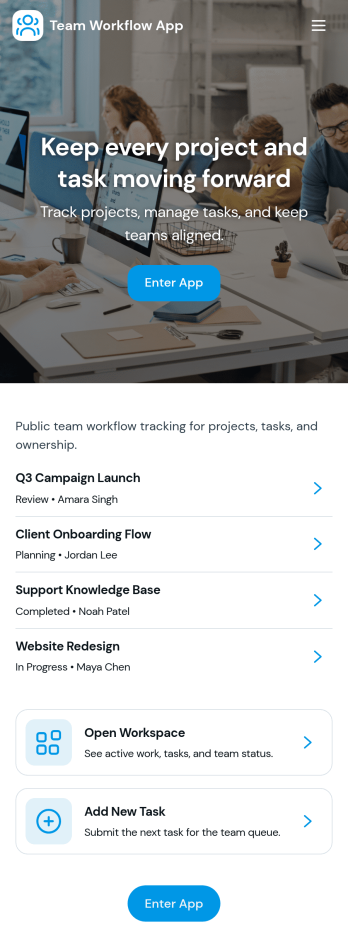
Team Workflow App
Team Workflow App brings task intake, progress tracking, and activity history into one place so teams can keep work moving without losing context. Use it to create tasks from a central intake area, monitor a live task queue, and record updates as work changes hands. It fits project teams, operations groups, IT and service desks, agencies, and cross-functional departments that need a clear view of what’s happening, what’s next, and what’s already been done.With Jotform App Templates, you can turn your process into a mobile-friendly, self-service experience using a no-code app builder and a drag-and-drop interface. Connect buttons and pages to forms and tables for consistent data collection, keep workflows organized with simple navigation, and publish a shareable app your team can use daily. As needs evolve, you can quickly adjust fields, pages, and routing without rebuilding your workflow from scratch.
Go to Category:Company Portal Apps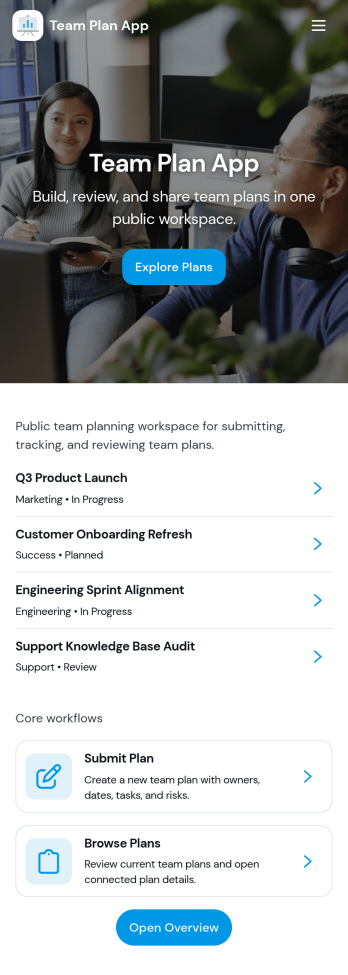
Team Plan App
Team Plan App helps teams keep goals and updates organized in one place so everyone knows what the plan is and how work is tracking. Use it to publish team goals, review progress, and share quick status snapshots without hunting through chat threads or scattered documents. It’s a practical fit for managers, project leads, department heads, and cross-functional teams who want a simple way to align priorities, highlight what’s on track, and surface blockers as they arise.Built with Jotform App Templates, this app template can be customized in Jotform’s no-code app builder using a drag-and-drop interface to match your team’s workflow. Connect it to forms and tables for ongoing data collection, then share a self-service link so teammates can submit their updates and leaders can view everything in one dashboard-style experience. As your planning rhythm evolves, you can adjust pages, branding, and navigation in minutes while keeping your team’s updates consistent and easy to review.
Go to Category:Company Portal Apps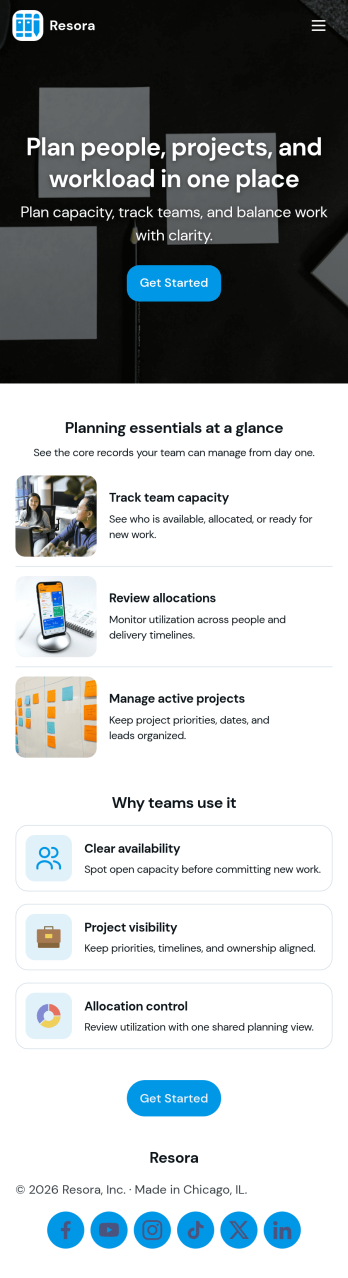
Resource Planning App
Resource Planning App helps teams plan projects and match demand with available capacity in one place, so it’s easier to see what’s coming up, who is available, and where work is already committed. Use it to organize a project list, maintain a resource directory, and record allocation details for each assignment without scattering updates across spreadsheets. It fits project managers, operations leads, and department heads who need a clear view of workload before committing to new timelines or shifting priorities.Built with Jotform, this app template turns your planning workflow into a shareable, self-service experience that’s easy to update. With a no-code app builder and a drag-and-drop interface, you can tailor pages for Projects, Resources, Allocations, and Insights, then connect forms for ongoing data collection and visibility. Link records to Jotform Tables, give stakeholders access to planning overviews, and keep submissions organized so your team can make quicker, better-informed resourcing decisions.
Go to Category:Management Apps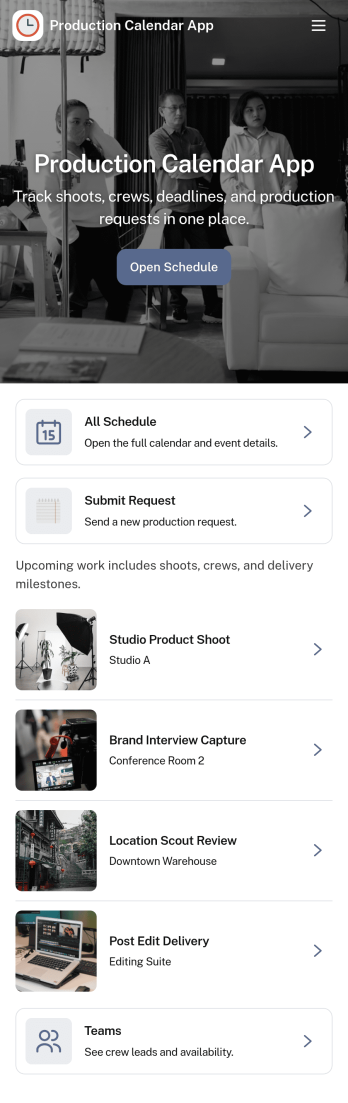
Production Calendar App
A production calendar app keeps your daily manufacturing or shop-floor plan in one place so teams can see what’s scheduled, what’s in progress, and what needs attention today. Use it to review today’s load, open the schedule for upcoming runs, and route staff to the right work order details without hunting through messages or spreadsheets. It’s a practical fit for production managers, schedulers, supervisors, and operators who need a clear view of priorities across shifts, lines, or stations.With Jotform, you can turn this production calendar into a shareable self-service workspace using a no-code app builder and a drag-and-drop interface. Connect schedule entries to forms for quick update reporting, organize work orders in a structured list, and keep your workflow moving with centralized data collection that’s easy to access on desktop or mobile. As needs change, adjust pages, buttons, and navigation so the app matches how your team plans, updates, and runs production.
Go to Category:Operations & Logistics Portal Apps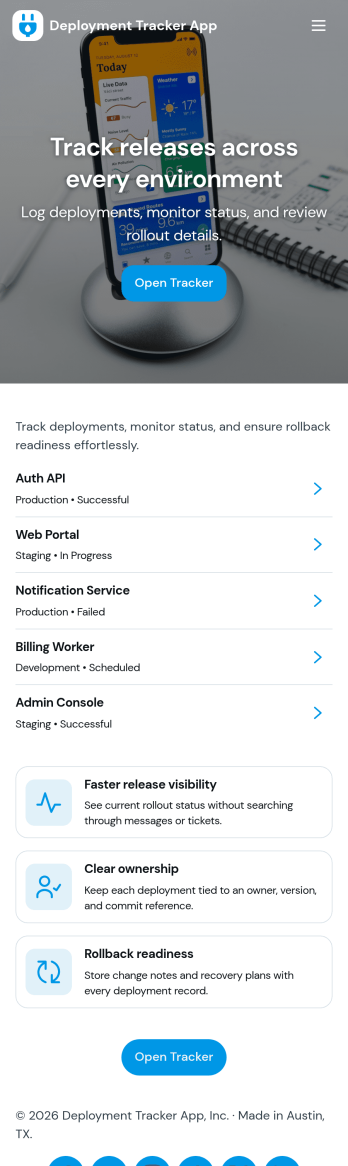
Deployment Tracker App
Deployment Tracker App gives teams a clear place to log new deployments and review past release activity without hunting through chats or spreadsheets. It’s useful for software and IT groups that want a consistent record of what shipped, when it went out, and where to find it later. With a simple flow for adding a deployment record and a dedicated history area to browse prior entries, this app helps release managers, DevOps, QA, and support teams stay aligned as changes move from staging to production.Built with Jotform, this app template can be customized in a no-code app builder using a drag-and-drop interface, so you can match your deployment workflow and the way your team works. Connect the app to a form for fast data collection, then publish it as a self-service destination your team can open on desktop or mobile. As your process evolves, update fields, page layout, and navigation in minutes while keeping every deployment record organized and easy to revisit.
Go to Category:Engineering Apps