

Project Management Apps

Fashion Business Planning App
Fashion Business Planning App brings business plans, market research, collection planning, and launch preparation into one organized workspace for emerging labels, independent designers, apparel retailers, consultants, and small fashion teams. Users can document target customers, product lines, pricing, budgets, and planning notes while keeping research findings accessible for future decisions. Collection items can be reviewed by cost, price, season, and status, and a launch checklist helps teams monitor priorities, due dates, progress, and task notes. This shared structure makes it easier to evaluate ideas, prepare seasonal releases, coordinate contributors, and move from early concepts to a focused launch plan.With Jotform, this app template can be adapted in a no-code app builder through an intuitive drag-and-drop interface. Teams can update pages, cards, buttons, colors, and navigation to match their planning process, then connect forms and tables for data collection and workflow management. The finished app can be shared by link or QR code, giving collaborators mobile-friendly access wherever they work. Jotform App Templates also help businesses create branded self-service experiences without developing software from scratch, so plans, collection details, research, and launch activities remain easy to find and maintain.
Go to Category:Scheduling and Planning Apps
Urdu Voiceover Request App
The Urdu Voiceover Request App brings voiceover inquiries, recording instructions, and project details into one accessible workspace for Urdu-language audio production. It is well suited to freelance voice artists, recording teams, creative agencies, media producers, educators, and marketing teams that need a consistent way to collect and review requests. Clients can submit a new voiceover request or add a detailed brief, while team members can browse projects and review essential information such as the intended audience, tone, duration, delivery direction, reference material, and current status. This reduces incomplete briefs, keeps requester information connected to each project, and gives production teams clearer direction before recording begins.Jotform makes it easy to adapt this app template to different production processes without writing code. Using the no-code app builder and its drag-and-drop interface, teams can update pages, change branding, reorganize navigation, and connect forms to tables, notifications, approvals, and other workflow steps. Among Jotform’s App Templates, this option supports organized data collection and convenient self-service for clients submitting Urdu voiceover work. Publish the finished app with a shareable link or QR code so clients and collaborators can access it from a phone, tablet, or computer.
Go to Category:Service Apps
ERP Implementation Dashboard App
ERP Implementation Dashboard App gives project managers, implementation consultants, information technology teams, and department leaders a central place to oversee an enterprise resource planning rollout. It can support project status visibility, task tracking, and resource navigation across planning, configuration, testing, training, data migration, and launch activities. Organizations can use the dashboard to clarify responsibilities, surface blockers, coordinate stakeholders, and keep implementation work aligned with agreed milestones. It is especially useful for small and midsize businesses seeking a more accessible alternative to scattered spreadsheets, email updates, and disconnected project records.With Jotform, teams can adapt this app template using a no-code app builder and an intuitive drag-and-drop interface. Add pages, cards, buttons, forms, tables, approval steps, and reference materials to match the implementation workflow without writing code. Connected forms can support data collection for status updates, issue reports, and requests, while automated notifications help participants respond promptly. Customize the branding and navigation, then publish the app with a direct link or QR code for convenient desktop and mobile access. Jotform App Templates make it easier to create a shared, self-service project experience that can evolve throughout every phase of the rollout.
Go to Category:Project Management Apps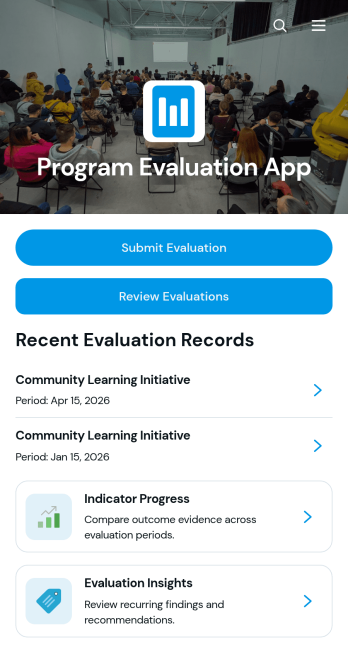
Program Evaluation App
The Program Evaluation App is an app template for collecting assessments, reviewing program performance, and turning evidence into practical recommendations. It gives nonprofit teams, educational institutions, consultants, public service groups, and program managers a central place for evaluation submission, indicator progress monitoring, and insight review. Users can connect objectives, activities, outcomes, indicators, findings, and recommendations to create a clear picture of how an initiative is performing. This organized approach reduces scattered records, supports consistent evaluation criteria, and helps stakeholders identify strengths, gaps, and opportunities for improvement across one or multiple programs.Jotform makes this Program Evaluation App easy to adapt with a no-code app builder and a flexible drag-and-drop interface. Teams can modify pages, navigation, visual styling, and connected forms to reflect their evaluation workflow without programming. Collected data can support reporting and internal collaboration, while direct links and QR codes make the app convenient to share with evaluators, staff, partners, or field teams. Start with one of Jotform’s App Templates, customize the app template to suit your organization, and publish a mobile-friendly evaluation experience that keeps program information accessible and actionable.
Go to Category:Report Apps
Video Publishing Workflow App
Video Publishing Workflow App is a central workspace for planning, reviewing, approving, and releasing video content. It helps social media teams, video producers, marketing departments, agencies, and independent creators keep each project moving from initial concept to publication. Teams can use it to organize production resources, direct contributors to the right actions, and coordinate review or approval steps. By bringing important links and workflow touchpoints into one accessible experience, the app reduces scattered communication, makes responsibilities clearer, and supports consistent publishing across campaigns and channels.With Jotform, this app template can be adapted to match a team’s production process without coding. The drag-and-drop app builder makes it easy to add pages, cards, buttons, media, and branded visual elements through an intuitive interface. Users can connect forms for data collection, link approvals and tables, and build a self-service resource area for editors, reviewers, and stakeholders. Once customized, the Video Publishing Workflow App can be shared through a direct link or QR code, giving collaborators mobile-friendly access wherever production work takes place.
Go to Category:Social Media Management Apps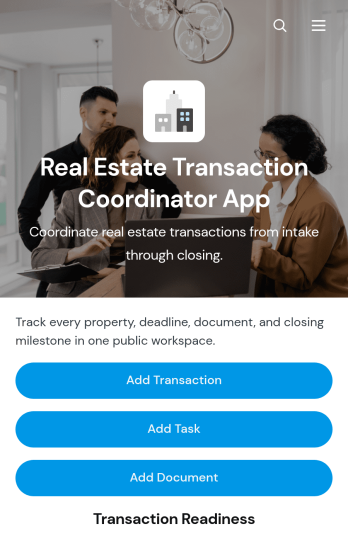
Real Estate Transaction Coordinator App
The Real Estate Transaction Coordinator App is an app template for coordinators, agents, brokerages, and real estate operations teams managing property transactions from intake through closing. It brings transaction records, task coordination, document tracking, contact details, readiness updates, and coordinator notes into one accessible workspace. Teams can add a transaction, assign property-specific tasks, and maintain supporting documents without relying on scattered spreadsheets or email threads. This organized approach helps coordinators monitor active deals, identify unfinished work, keep essential information close at hand, and support consistent service across multiple buyers, sellers, and properties.Jotform Apps makes it easy to adapt this template with a no-code app builder and an intuitive drag-and-drop interface. Add or rearrange pages, update branding, connect forms and tables, and shape the workflow around your brokerage or transaction coordination process. Linked data collection tools can capture new deals, tasks, documents, and contacts while keeping records available for daily follow-up. Once the app is ready, share it by direct link or QR code so authorized team members can access transaction resources from a phone, tablet, or computer. Jotform App Templates help real estate teams create a practical self-service workspace without writing code.
Go to Category:Real Estate Apps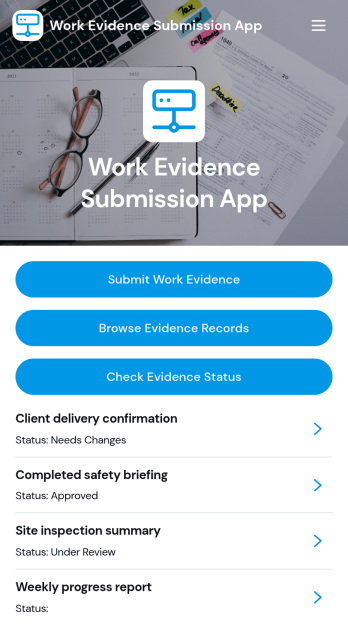
Work Evidence Submission App
The Work Evidence Submission App is an app template for collecting, reviewing, and monitoring proof of completed work in one accessible location. Contractors, field teams, employees, trainees, assessors, and project managers can submit work evidence for review, browse existing records, and check review status without relying on scattered emails or files. It supports practical scenarios such as documenting completed tasks, recording project milestones, presenting training evidence, and validating field activities. Clear access to evidence details, links, descriptions, and review progress helps contributors understand what has been submitted while giving reviewers a consistent process for evaluating records.Jotform App Templates make it easier to turn recurring business processes into mobile-friendly experiences without writing code. With Jotform’s no-code app builder and drag-and-drop interface, teams can customize pages, navigation, branding, and connected forms to match their workflow. The app can bring data collection, record access, and self-service status checks together, helping reduce manual follow-ups and keep contributors informed. Share the finished app through a direct link or QR code, connect it with tables and approval processes, and update the experience as project or organizational needs change.
Go to Category:Report Apps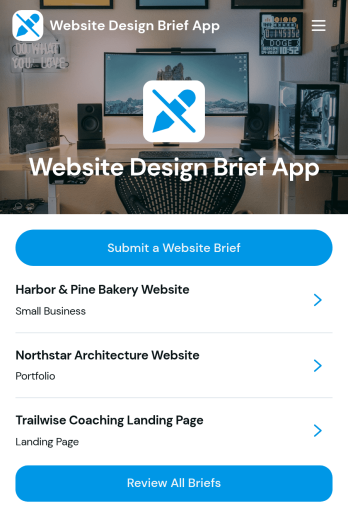
Website Design Brief App
Website Design Brief App gives web design agencies, freelance designers, consultants, and in-house creative teams a central place to collect and review website project requirements. Clients or stakeholders can submit a website brief covering the project goal, required pages, and brand direction, while team members can browse submitted briefs by project name and open each record for review. This app template helps replace scattered emails and incomplete notes with a consistent intake process, making it easier to clarify expectations, prepare proposals, scope work, and begin projects with useful information. It can support new website builds, redesigns, campaign sites, and other client-facing digital projects.Jotform App Templates make it easy to turn business processes into accessible, branded experiences without writing code. Use Jotform’s no-code app builder and drag-and-drop interface to customize pages, navigation, colors, fonts, and content for your workflow. You can connect forms for data collection, organize responses for convenient review, and provide a self-service submission experience from virtually any device. Once your Website Design Brief App is ready, publish and share it through a direct link or QR code so clients, collaborators, and internal teams can access it whenever a new project begins.
Go to Category:Consulting Apps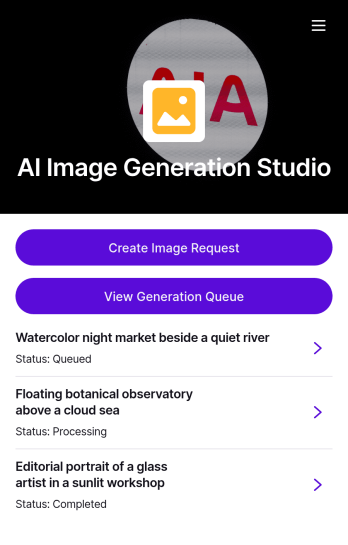
AI Image Generation Request App
AI Image Generation Request App brings your image request workflow into one place so teams can capture clear creative briefs, keep recent requests organized, and quickly reference past directions when starting new concepts. It’s a practical fit for marketing teams, content creators, agencies, and in-house design groups that need a consistent way to collect image requirements like format and color direction, reduce misunderstandings, and maintain a repeatable process for campaign visuals, product mockups, social posts, and concept exploration.With Jotform, you can tailor this app template to match how your studio actually works using a no-code app builder and a drag-and-drop interface. Connect the app to forms and tables for reliable data collection, route requests through an approval workflow when needed, and share a self-service link with stakeholders so they can submit briefs or browse the studio gallery from any device.
Go to Category:Customer Engagement Apps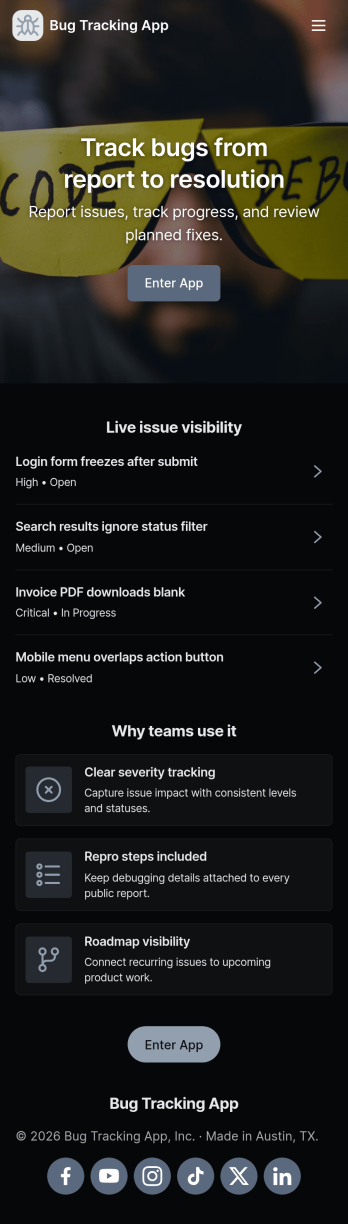
Bug Tracking App
A bug tracking app gives teams one place to report issues, review what’s already been logged, and keep work moving as fixes progress. This template fits software teams, QA groups, IT departments, and agencies that need a simple way to capture new bug reports, browse a growing list of bugs, and check status views without chasing updates across chats and spreadsheets. It’s especially useful for triage workflows where many people can submit problems while a smaller group reviews, prioritizes, and follows up with clear ownership.Jotform makes it easy to turn this Bug Tracking App into a self-service, shareable workflow using App Templates and a no-code app builder. With a drag-and-drop interface, you can tailor pages, buttons, and navigation, connect the app to your form and tables for reliable data collection, and keep your workflow organized as reports come in. Publish the app in minutes, share it with a link, and keep everyone aligned with a centralized view of reported bugs.
Go to Category:Engineering Apps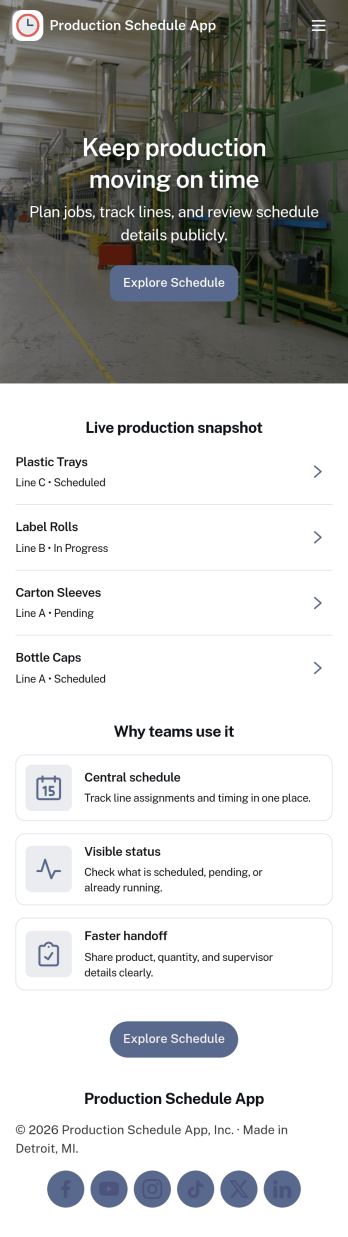
Production Schedule App
A production schedule app brings visibility to what’s planned, what’s in progress, and what’s coming next so teams can coordinate work without relying on scattered spreadsheets. Use it to review scheduled work orders, capture intake for new jobs, and keep a clear view of capacity needs across shifts or work centers. It’s especially helpful for production managers, schedulers, operations leads, and shop-floor supervisors who need a single place to spot bottlenecks, prioritize orders, and keep everyone aligned on job timing.With Jotform, you can turn your production schedule into a mobile-friendly, self-service experience that’s easy to share with the right stakeholders. Using Jotform App Templates and the no-code app builder, you can adjust pages and navigation with a drag-and-drop interface, connect the app to your data collection workflows, and keep scheduling information organized as operations change. Publish with a link so teams can check the schedule, add new work requests, and stay on top of production planning in real time.
Go to Category:Operations & Logistics Portal Apps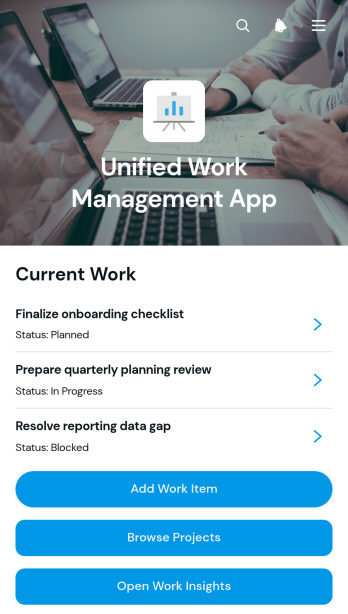
Unified Work Management App
The Unified Work Management App is an app template for teams that need one organized place to coordinate assignments, projects, and progress. Employees, project leads, operations teams, contractors, and growing businesses can use it to capture new work items, browse active projects, and review work insights without switching between disconnected resources. Clear links between assignments and their projects make ownership easier to understand, while contextual notes and recent updates help everyone stay informed. It is well suited to project delivery, internal operations, client work, service coordination, and cross-functional initiatives where priorities and responsibilities frequently change.Jotform Apps helps organizations turn this Unified Work Management App template into a branded workspace without writing code. Its drag-and-drop interface makes it easy to adjust pages, navigation, buttons, colors, and content for an existing workflow. Teams can connect forms for data collection, organize records with Jotform Tables, and trigger notifications or approval steps as work moves forward. The app can be shared by direct link or QR code, giving staff convenient mobile access and a practical self-service experience. Start with one of Jotform’s App Templates, tailor it with the no-code app builder, and publish a central destination that supports clearer coordination and more consistent project oversight.
Go to Category:Project Management Apps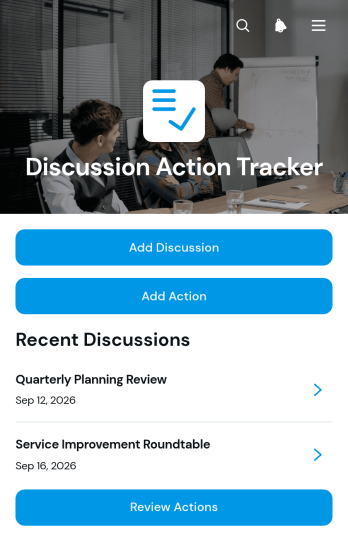
Discussion Action Tracker App
The Discussion Action Tracker App gives teams one organized place to document discussions, assign follow-up actions, and monitor progress through completion. It is well suited to project meetings, client consultations, operational reviews, committee sessions, workshops, and recurring team check-ins. Participants can record a discussion with its summary, date, and attendees, then create related actions with an owner, due date, status, and notes. Managers, consultants, project teams, and department leaders can review open actions and update progress without searching through meeting notes or scattered messages. This app template improves accountability, preserves decision context, and helps prevent important commitments from being overlooked.Jotform App Templates make it easy to adapt the Discussion Action Tracker App to an existing workflow without writing code. Use the no-code app builder and drag-and-drop interface to customize pages, navigation, colors, fonts, and branding. Connected forms support consistent data collection, while organized action views give users a convenient self-service way to check responsibilities and updates. Teams can connect additional forms, tables, approvals, and notifications as their processes grow, then publish the app and share it through a direct link, QR code, or embedded experience for convenient access on any device.
Go to Category:Task Management Apps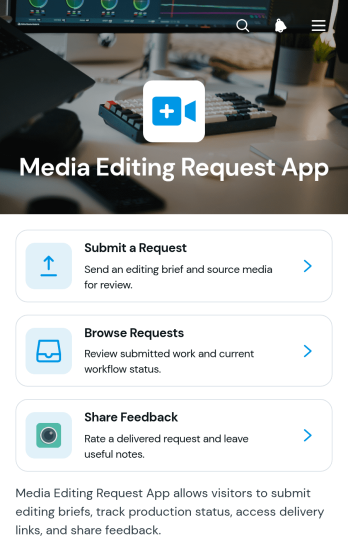
Media Editing Request App
The Media Editing Request App gives creative teams a central place to receive, review, and manage requests for video, audio, image, and other media updates. It is well suited to marketing departments, production teams, agencies, freelancers, educational institutions, and internal communications groups handling multiple editing assignments. Requesters can submit project details, source media, references, and due dates, while team members can browse requests and review workflow information. Dedicated delivery and feedback areas help keep completed work and revision comments connected to each request, reducing scattered messages and unclear priorities.With Jotform Apps, teams can adapt this app template to their own creative workflow without writing code. The drag-and-drop app builder makes it easy to update pages, navigation, buttons, visual styling, and branding. Connected forms and tables support organized data collection and request record management, while notifications and related workflows can help teams respond to new activity. Publish the finished app with a shareable link or QR code to provide convenient mobile-friendly access for employees, clients, or collaborators.
Go to Category:Project Management Apps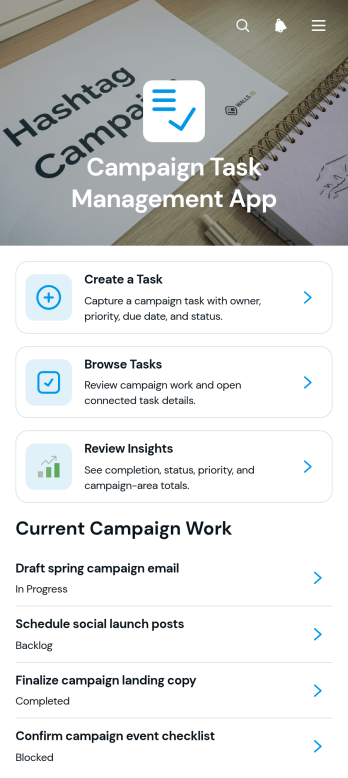
Campaign Task Management App
Campaign Task Management App is a ready-to-use app template for marketing teams, agencies, campaign managers, and growing businesses that need one place to coordinate campaign work. Team members can create tasks, browse active assignments, and review insights without searching across scattered documents or messages. Each task can present essential workflow details such as its campaign area, assignee, priority, and due date, helping teams clarify ownership and keep deadlines visible. Use it to manage product launches, content calendars, email initiatives, promotional events, paid campaigns, or other multichannel projects where timely execution and shared accountability matter.Jotform App Templates help teams turn recurring processes into accessible, interactive experiences without writing code. Customize this app template with Jotform’s no-code app builder and drag-and-drop interface, then adjust pages, navigation, colors, fonts, and branding to suit your campaign workflow. Connected forms support consistent data collection, while task views and insights make updates easier to review. Publish the app for mobile-friendly access and share it through a direct link or QR code so contributors can manage work from nearly any device.
Go to Category:Task Management Apps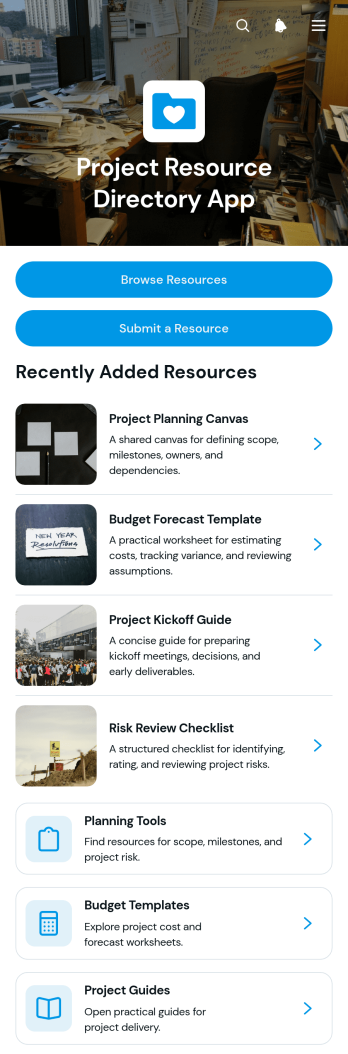
Project Resource Directory App
Project Resource Directory App is a centralized reference hub for project managers, operations teams, consultants, contractors, and cross-functional groups that need dependable access to shared materials. Users can browse organized collections of planning tools, budget templates, and project guides, submit new resources for consideration, and open detailed listings from one convenient location. It reduces time spent searching through scattered files, outdated bookmarks, and lengthy message threads while helping teams direct people to the right material for each stage of a project. Clear information about intended audiences, resource owners, and update schedules also supports better content stewardship.With Jotform, this app template can be adapted to match a team’s processes and visual identity without coding. The drag-and-drop app builder makes it easy to update pages, navigation, cards, buttons, and other content through a visual interface. Connect forms and tables to support data collection, resource submissions, and organized workflows, then share the finished directory through a direct link or QR code. Jotform app templates provide a practical starting point for creating mobile-friendly self-service experiences that teams can maintain as projects and resource needs evolve.
Go to Category:Resource & Learning Portal Apps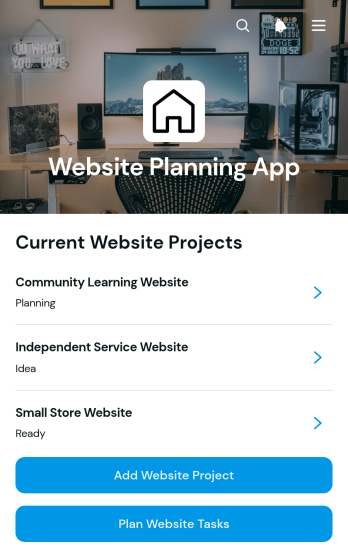
Website Planning App
Website Planning App is an app template for agencies, freelance web professionals, marketing teams, and internal project managers organizing website creation or redesign projects. It provides one place to add website projects, record goals and target audiences, set launch dates, monitor planning status, and create related tasks with owners in mind. Teams can use it to coordinate discovery, content preparation, design, development, testing, and launch activities without losing sight of deadlines. Whether planning a client site, campaign page, company website, or online resource center, the app gives stakeholders a clear view of project details and upcoming work.With Jotform Apps, teams can adapt this Website Planning App through a no-code app builder and an intuitive drag-and-drop interface. Pages, navigation, visual elements, and connected forms can be customized to match an established planning workflow and brand. Project and task data collection can feed organized records, while links to approvals and other processes can support smoother collaboration. Jotform App Templates are mobile-friendly and easy to share through a direct link, QR code, or embedded experience, helping contributors review plans and submit updates from nearly any device.
Go to Category:Project Management Apps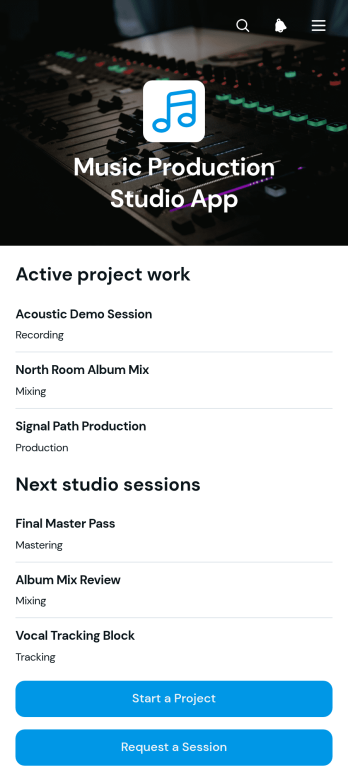
Music Production Studio App
Music Production Studio App gives recording studios, producers, engineers, artists, and project coordinators a central place to manage incoming production work. Clients can start a music project, request a studio session, or ask for deliverables through dedicated forms, while studio teams can browse organized project, session, and deliverable records. This app template is useful for independent studios, production collectives, audio professionals, and creative teams that want to reduce scattered requests, clarify client needs, and keep active work visible from initial inquiry through final file delivery.With Jotform Apps, teams can adapt this Music Production Studio App without writing code. The drag-and-drop app builder makes it easy to update pages, buttons, visual elements, and navigation to match a studio’s services and branding. Connected forms support consistent data collection, while tables, approvals, notifications, and other workflow tools can help staff route requests and coordinate next steps. Publish the app with a direct link, share it through a QR code, or embed it for convenient mobile-friendly self-service. Jotform App Templates offer a practical starting point that can be customized as studio operations, services, and client volumes change.
Go to Category:Entertainment Apps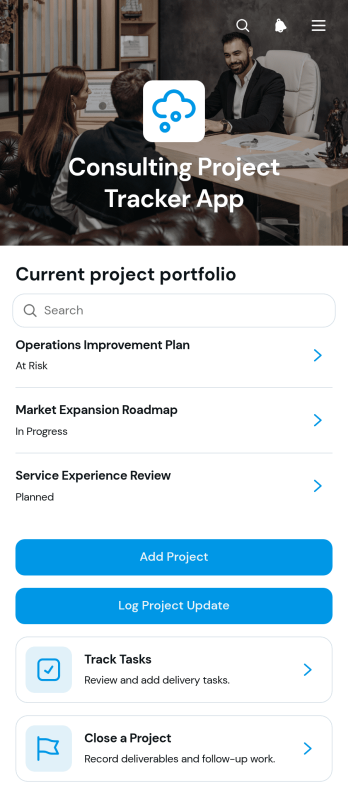
Consulting Project Tracker App
The Consulting Project Tracker App is a central workspace for consultants, advisory teams, project managers, and independent professionals overseeing client engagements. It supports project setup, progress updates and task tracking, and project closeout records in one accessible experience. Teams can monitor client assignments, project status, delivery dates, and upcoming milestones without relying on scattered documents. This app template is particularly useful for consulting firms managing several concurrent projects, team leads reviewing delivery progress, and freelancers who need a consistent way to document work from kickoff through completion. Clear project visibility helps users prioritize assignments, identify delayed milestones, maintain reliable records, and keep delivery teams aligned.Jotform Apps gives organizations a no-code app builder for turning connected forms, tables, and workflows into mobile-friendly business experiences. Start with this template from Jotform App Templates, then use the drag-and-drop interface to adjust pages, navigation, buttons, branding, and content without programming. Project information and submitted updates can flow into organized tables for easier data collection and review. Once ready, share the app through a direct link, QR code, or embedded experience so team members can access project resources and complete actions wherever work takes place.
Go to Category:Consulting Apps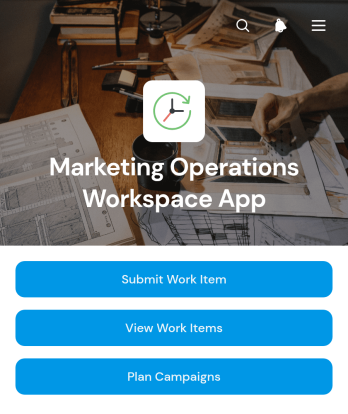
Marketing Operations Workspace App
Marketing Operations Workspace App is an app template for marketing teams that need a central place to coordinate incoming work and campaign planning. Team members can submit work items, review requests with their priority and status, and navigate to campaign plans without searching across disconnected documents or messages. It suits small and midsize businesses, internal marketing departments, agencies, and cross-functional teams managing content, promotions, launches, or recurring initiatives. By giving requesters and marketers a shared workspace, the app supports clearer ownership, better visibility into active work, and more consistent planning from intake through completion.Jotform App Templates make it easier to turn repeatable marketing processes into accessible digital experiences. Using Jotform’s no-code app builder and drag-and-drop interface, teams can customize the Marketing Operations Workspace App with branded pages, navigation, forms, tables, and connected workflows. The app builder also supports organized data collection, automated notifications, and self-service access for stakeholders who need to submit or review work. Publish the finished app with a direct link or QR code, update its content as operations evolve, and provide a mobile-friendly workspace without writing code.
Go to Category:Sales & Marketing Portal Apps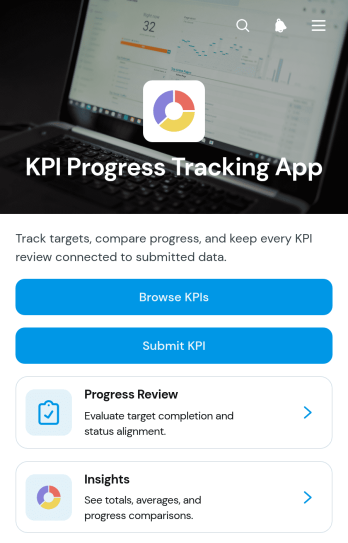
KPI Progress Tracking App
The KPI Progress Tracking App is a centralized workspace for recording, reviewing, and understanding progress toward key performance indicators. It helps managers, project leads, operations teams, department heads, and growing businesses keep ownership, targets, current results, status, and timeframes visible in one accessible experience. Users can browse KPI records, submit KPI information, and review progress and insights without relying on scattered spreadsheets or disconnected updates. This app template is useful for weekly check-ins, quarterly planning, team scorecards, project oversight, and leadership reporting. It gives stakeholders a shared view of results and makes performance gaps easier to identify.Jotform Apps provides a no-code app builder for turning performance processes into an interactive, mobile-friendly experience. Using the drag-and-drop interface, teams can customize pages, navigation, cards, buttons, colors, and branding to fit their reporting workflow. The app can connect with forms, tables, notifications, approvals, and other data collection tools, helping teams coordinate updates and support self-service access. Start with one of Jotform’s App Templates, adapt it to your organization, and publish it through a direct link or QR code.
Go to Category:Tracker Apps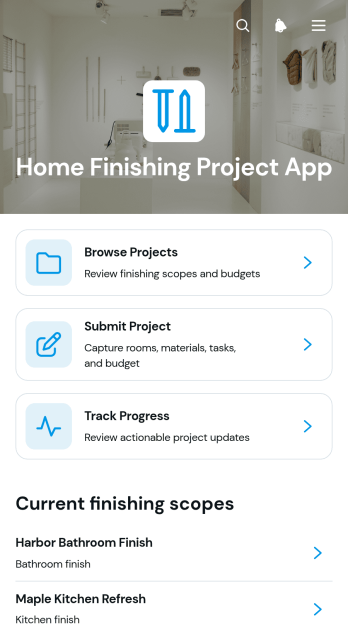
Home Finishing Project App
Home Finishing Project App is an app template for organizing interior finishing work from initial planning through final updates. It gives homeowners, contractors, remodelers, interior finishing teams, and project coordinators one accessible place to browse active projects, submit new project details, and track progress over time. Teams can use it for room renovations, flooring and painting work, fixture installation, cabinetry, and other finishing stages that require clear visibility. Centralized project information helps stakeholders understand current stages, completed work, upcoming tasks, and progress notes without relying on scattered messages or documents. It also supports better coordination among clients, crews, suppliers, and supervisors.Jotform Apps helps users turn this app template into a branded, mobile-friendly project experience without writing code. Its drag-and-drop interface makes it easy to adjust pages, navigation, buttons, and visual elements to suit different home finishing workflows. Users can connect forms for data collection, organize project records, and share the finished app through a direct link or QR code. Starting with Jotform App Templates saves setup time while leaving room to tailor the layout, project submission process, and self-service access. The no-code app builder brings updates and resources together so teams can manage work from the office or job site.
Go to Category:Construction Apps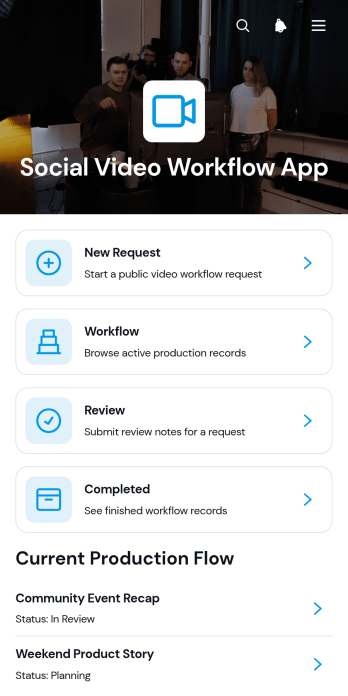
Social Video Workflow App
Social Video Workflow App is an app template for organizing social video requests from initial briefing through production, review, and completion. Marketing departments, creative teams, agencies, and content coordinators can use it to manage incoming projects without relying on scattered messages or disconnected documents. Request intake, stage-based workflow tracking, and review access keep contributors focused on the next action. Teams gain a shared view of active and completed work while maintaining essential context around the intended audience, delivery schedule, production brief, and creative assets. This makes the template useful for recurring campaigns, short-form content calendars, promotional launches, and internal communications.Jotform App Templates help teams turn repeatable processes into accessible digital experiences without writing code. Customize the Social Video Workflow App with the no-code app builder and its drag-and-drop interface, then connect forms and organized data to support your preferred workflow. Pages, navigation, branding, and linked resources can be adjusted as production needs evolve. Share the finished app by link or code so requesters, creators, and reviewers can access it from computers or mobile devices. With centralized data collection and self-service access, Jotform helps reduce missed details, clarify project progress, and give collaborators a consistent place to coordinate video work.
Go to Category:Social Media Management Apps
Tender Review App
The Tender Review App is an app template for procurement teams, evaluation panels, project managers, consultants, and organizations that need a consistent way to assess competitive tenders. It brings tender submission, scored evaluations, reviewer notes, and final decisions into one accessible experience. Teams can compare technical merit, value, and risk while keeping decision rationales and next steps connected to each tender. This approach supports more organized reviews, gives participants clearer visibility, and reduces the chance of information being scattered across documents, inboxes, and separate tracking tools.With Jotform Apps, organizations can adapt this Tender Review App without writing code. The drag-and-drop App Builder makes it easy to update pages, branding, navigation, and content for different procurement workflows. Users can connect forms for data collection, organize records with tables, add approval steps, and trigger notifications for relevant actions. Jotform App Templates also support mobile-friendly access and self-service navigation, so authorized reviewers can reach the information and tasks they need from virtually any device. Once customized, the app can be shared through a direct link, personalized URL, embedded experience, or QR code.
Go to Category:Management Apps