

School Management Apps

Preschool Assessment App
Preschool Assessment App helps early childhood educators and preschool administrators organize child profiles, record classroom observations, and review progress in one place. With a child roster for quick navigation, dedicated assessment pages for ongoing evaluations, and a progress area for reviewing outcomes over time, it fits daily routines in preschools, pre-K programs, and childcare centers where multiple staff may contribute notes and updates across a term.Jotform makes it easy to turn this app template into a polished, shareable experience using a no-code app builder and a drag-and-drop interface. Connect the Add Child and Add Assessment actions to your existing data collection workflows, keep records centralized, and publish a self-service app your team can access on the go while staying aligned on what has been assessed and what needs follow-up.
Go to Category:Education Apps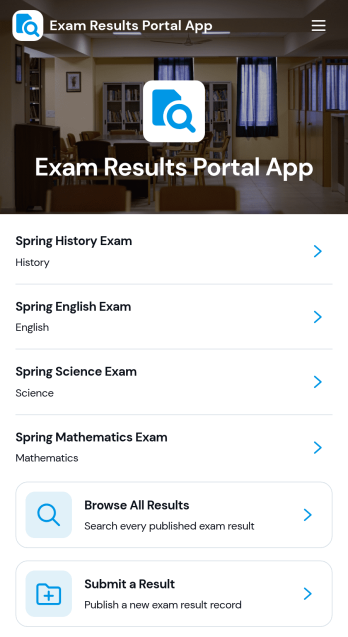
Exam Results Portal App
Exam Results Portal App brings exam outcomes into one simple portal where students can browse results, view pass statuses, and open a detailed result page that shows key information such as student name, student ID, score, grade, result status, and teacher. It also supports submitting a new result through a connected form, making it useful for schools, tutoring centers, training providers, and academic programs that need a consistent way to publish and review performance outcomes.With Jotform, you can turn this app template into a branded, self-service experience using a no-code app builder and a drag-and-drop interface. Connect pages to forms and data sources to keep results organized, update records in one place, and guide users to the right view without confusion. Share the portal with a link so learners and staff can access the latest information on any device while your workflow for data collection stays clear and manageable.
Go to Category:Education Apps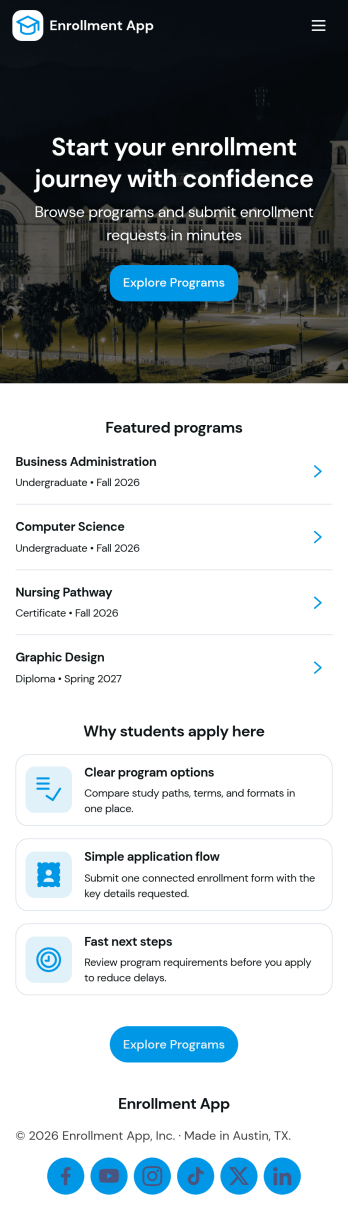
Enrollment App
Enrollment App brings program discovery and applications into one place so prospective students can explore options and apply without confusion. Use it to publish a browsable list of programs, open a guided application flow, and share an entry checklist that helps applicants prepare the right information before they submit. It’s a great fit for schools, training providers, academies, and program-based organizations that want a clear path from interest to enrollment while keeping communication simple with built-in email and phone contact options for admissions.With Jotform, you can turn this enrollment experience into a branded, mobile-friendly destination using App Templates and a no-code app builder with a drag-and-drop interface. Connect your app to forms for data collection, route details through workflow steps, and update program information as offerings change. Share the app with a link or QR code so applicants can browse programs, start an application, and complete the process through self-service from any device.
Go to Category:Education Apps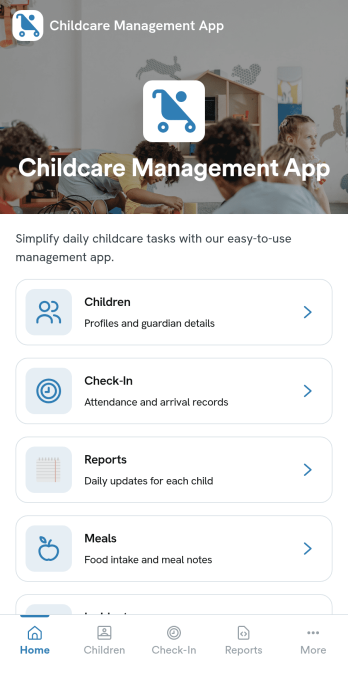
Childcare Management App
Childcare Management App helps daycare centers and early learning programs keep daily operations organized in one place. Use it to maintain child profiles, record attendance, document incidents, and share ongoing updates with staff and families, without relying on scattered paper logs or message threads. Whether you run an in-home daycare or manage multiple classrooms, this app supports consistent routines for check-ins, quick access to key child and guardian details, and clearer communication around notices and day-to-day changes.With Jotform App Templates, you can publish a polished, mobile-friendly experience using a no-code app builder and a drag-and-drop interface. Connect the app to your forms and data collection workflows to capture new child details, review attendance and incident records, and keep information easy to find as your enrollment grows. Customize pages, branding, and navigation so your team can follow the same workflow each day and stay focused on care.
Go to Category:Management Apps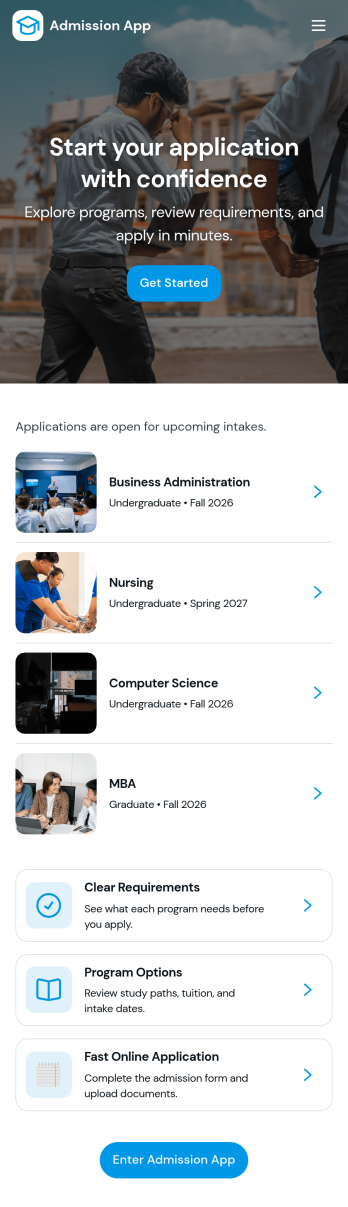
Admission App
Admission App helps schools, training programs, and organizations manage admissions in one clear, applicant-friendly place. Prospective students can start an inquiry, submit an application, and return anytime to review what they’ve sent. With dedicated areas for My Inquiries and My Applications, it’s easier to keep conversations organized, reduce missed follow-ups, and give applicants a simple way to check their status without calling or emailing for updates.Built with Jotform, this app template turns your admissions workflow into a guided self-service experience you can share with a link. Use a no-code app builder and a drag-and-drop interface to adjust pages, add your branding, and connect inquiry and application forms to the same app for consistent data collection. As applications come in, your team can view everything in one place and keep the process moving from first contact through final review.
Go to Category:Education Apps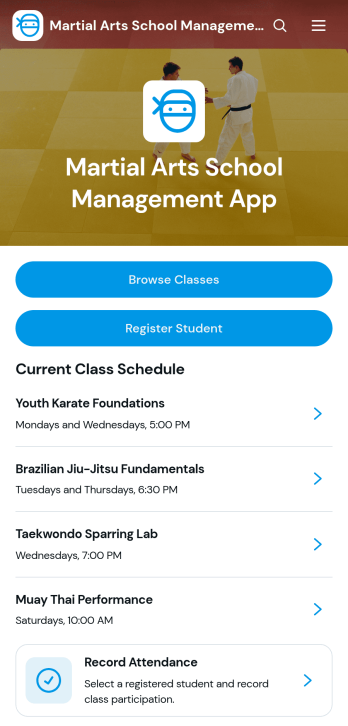
Martial Arts School Management App
Martial Arts School Management App is an app template for dojo owners, academy administrators, instructors, and front desk teams that need one place to coordinate classes and student activity. Staff and prospective students can browse the current class schedule, review class details, and access student registration. Teams can also record attendance and update student records, helping reduce scattered paperwork while keeping routine school operations organized. It suits karate, taekwondo, judo, jiu-jitsu, kung fu, kickboxing, and other martial arts programs serving children or adults.Jotform Apps helps schools turn registration, data collection, and day-to-day workflow steps into a convenient mobile-friendly experience. Start with this app template from Jotform App Templates, then use the no-code app builder and drag-and-drop interface to adjust pages, navigation, colors, fonts, and branding. Connected forms and tables can support student information management and staff self-service without requiring programming. Once the app is ready, share it through a direct link or QR code so instructors, administrators, students, and families can reach relevant information from almost any device.
Go to Category:School Management Apps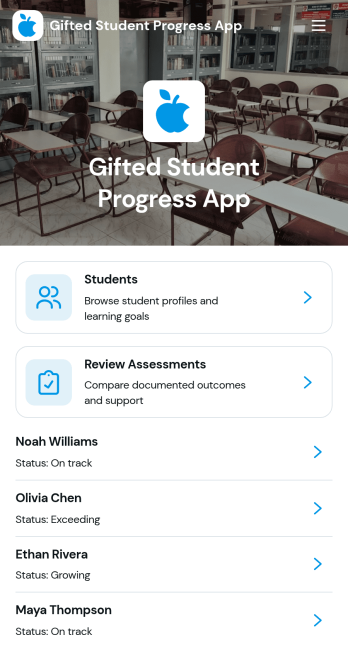
Gifted Student Progress App
Gifted Student Progress App is an education tracking template for documenting the development of gifted learners across academic subjects, enrichment programs, and individualized learning plans. Teachers, gifted education coordinators, tutors, and school administrators can maintain student profiles, record progress observations, and review assessments from one organized location. It supports regular monitoring of strengths, program focus areas, learning goals, current status, and recommended next steps. Schools can use it to replace scattered notes, create more consistent records, and give educators clearer context when planning instruction or discussing student growth.With Jotform Apps, education teams can turn this app template into a branded, mobile-friendly resource without writing code. The drag-and-drop app builder makes it easy to adjust pages, navigation, colors, fonts, and content to suit a school or program. Connected forms support data collection for student profiles, progress updates, and assessments, while Jotform Tables and workflows help organize records and notify team members of new activity. Choose from customizable app templates, publish with a personalized link, and share the finished app with authorized staff for convenient access on phones, tablets, or computers.
Go to Category:Education Apps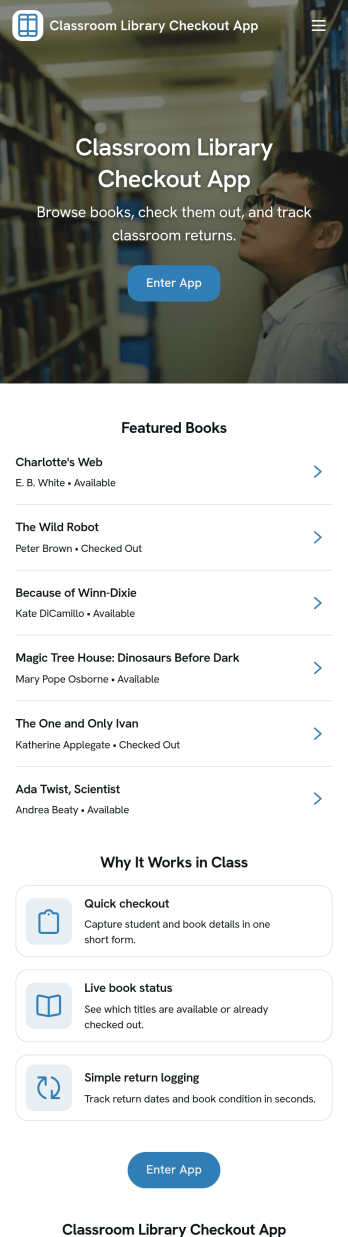
Classroom Library Checkout App
A classroom library checkout app helps teachers and students manage lending in a simple, classroom-friendly way, so books don’t disappear and reading time stays organized. This template fits elementary and middle school classrooms, reading intervention groups, and homeroom libraries that need a clear view of what books are available, which titles are currently checked out, and what’s due back. With dedicated sections for browsing the book list, completing checkout, and viewing active loans, it supports quick, repeatable routines that students can follow independently while teachers keep oversight of circulation.Jotform makes it easy to turn this Classroom Library Checkout App into a self-service experience using App Templates and a no-code app builder. Customize pages with a drag-and-drop interface, connect your book list and loan records to your workflow, and keep data collection consistent across checkout activity. Share the app with a link or QR code so students can access it on classroom devices, and update titles or loan activity as your library grows throughout the year.
Go to Category:Classroom Management Apps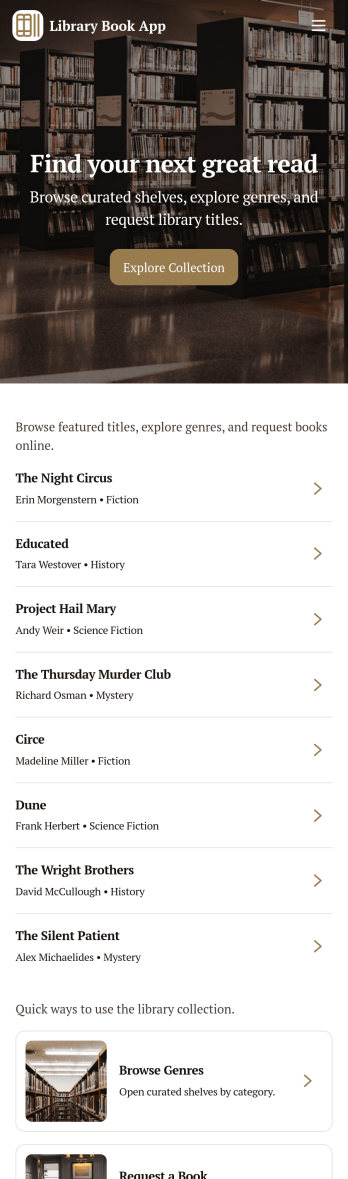
Library Book App
Library Book App gives libraries, school media centers, and community reading rooms a simple way to share a browsable catalog and collect book loan requests in one place. Visitors can explore available titles, open a book detail view, and submit a request to borrow the right item without hunting for paper forms or calling the front desk. It also supports basic library info such as hours and contact details, making it useful for day-to-day patron self-service at any size of library.With Jotform, you can turn this app template into a branded, mobile-friendly experience using a no-code app builder and a drag-and-drop interface. Connect your catalog to a list for easy browsing, link the loan request form to your workflow, and keep requests organized in one place for faster follow-up. As your collection grows, Jotform helps you update pages, adjust navigation, and improve data collection without relying on developers.
Go to Category:Education Apps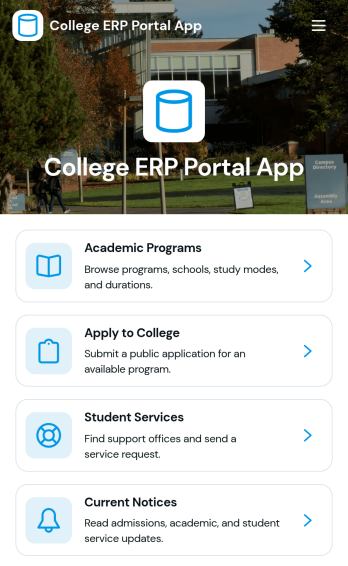
College ERP Portal App
College ERP Portal App brings key campus information into one place so prospective students and current learners can find what they need without hunting across multiple pages. Use it to showcase academic programs, guide applicants to the right next step, and give students a clear path to support through a dedicated service request option. It’s a practical fit for admissions teams, student affairs, program coordinators, and front-desk staff who want a single, shareable portal for programs, application access, student services, and timely campus notices.Built with Jotform, this app template helps you publish a polished self-service experience using a no-code app builder and a drag-and-drop interface. Connect pages to your existing forms and data collection workflows, organize content into easy navigation cards, and keep information current with connected lists. Share the portal with a link or QR code, update resources in minutes, and create a consistent experience for students, applicants, and staff across devices.
Go to Category:School Management Apps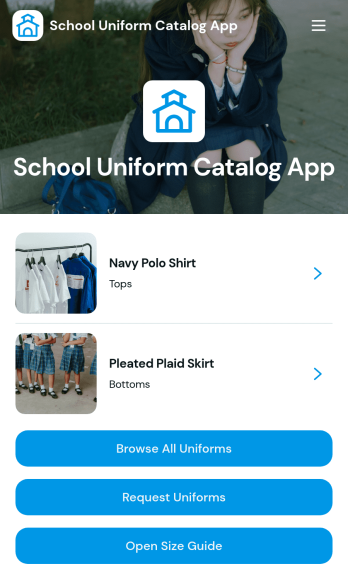
School Uniform Catalog App
School Uniform Catalog App gives schools a simple, mobile-friendly way to showcase approved uniform items and help families request what they need without confusion. Use it to browse uniforms by category, open a size guide, and submit an order request for a specific item, making it easier to standardize purchases across grades, campuses, or school-year changes. It fits school offices, PTOs, uniform coordinators, and partner vendors who want one place to share product details like sizes, material, and price while reducing repeated questions from parents.With Jotform, you can turn this app template into a branded self-service experience using a no-code app builder and a drag-and-drop interface. Connect the catalog to your data collection workflow by linking forms for uniform requests, then organize items in lists and cards that are easy to navigate on any device. Update inventory details, refresh images, and keep size guidance current so families always see the latest information before submitting a request.
Go to Category:School Management Apps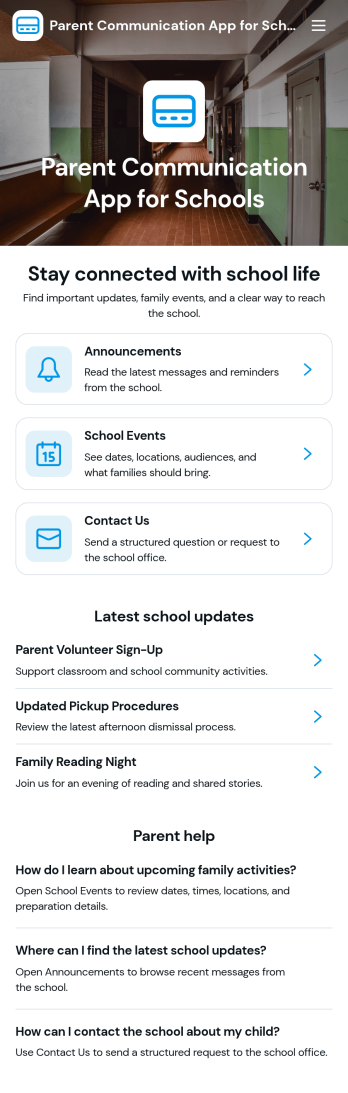
Parent Communication App for Schools
Parent Communication Portal App helps schools and education programs centralize updates and two-way communication with families in one place. Use it to share announcements, schedules, classroom news, and important reminders so parents know where to look and staff spend less time repeating the same information across channels.Jotform makes it easy to turn this experience into a polished, shareable portal using its no-code app builder and drag-and-drop interface. Start with this app template, customize the page to match your school branding, and publish a mobile-friendly link for self-service access, while supporting your broader workflow for data collection and ongoing communication.
Go to Category:Community & Engagement Portal Apps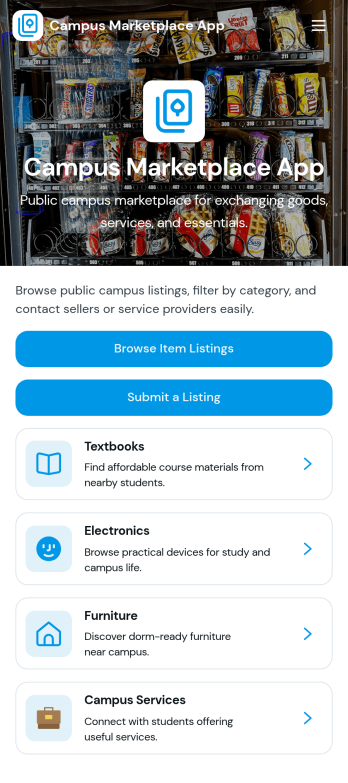
Campus Marketplace App
Campus Marketplace App brings a campus community marketplace into one easy place where students can list items for sale and browse what others are offering. Use it to post used textbooks, electronics, and other student-to-student listings, then share listings quickly so the right buyers find them. With a clear sell item action and simple category browsing, this app works well for student organizations, residence halls, campus groups, and academic departments that want a practical hub for peer-to-peer buying and selling.Jotform makes it simple to publish this kind of self-service experience with customizable App Templates built in a no-code app builder. Use the drag-and-drop interface to adjust pages, update category cards, and connect your marketplace form to the app so listings stay organized and easy to manage. You can share your Campus Marketplace App with a link or QR code, keep everything mobile-friendly, and support smoother workflows for collecting listing details and helping students discover what’s available.
Go to Category:Second Hand Selling Apps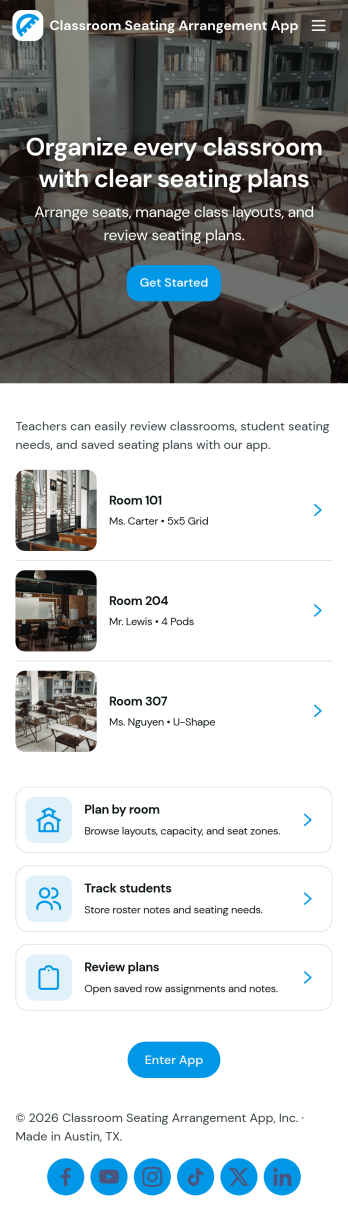
Classroom Seating Arrangement App
Classroom Seating Arrangement App helps teachers and school staff organize student seating plans in one place, so it’s easier to manage classroom flow and day-to-day routines. Use it to keep a student roster, build multiple seating plans for different activities, and quickly reference who sits where without digging through paper charts. It’s especially helpful for elementary and middle school classrooms, co-teaching teams, and substitute coverage where clear, accessible seating information reduces confusion and saves time.Jotform makes it simple to publish this kind of self-service classroom tool using its no-code app builder and drag-and-drop interface. Connect pages to your roster and plan records for fast data collection, updates, and ongoing workflow management across the term. Share the app with teammates using a link, keep layouts consistent, and update records anytime so your seating plans stay current as students move, groups change, or new learners join.
Go to Category:Classroom Management Apps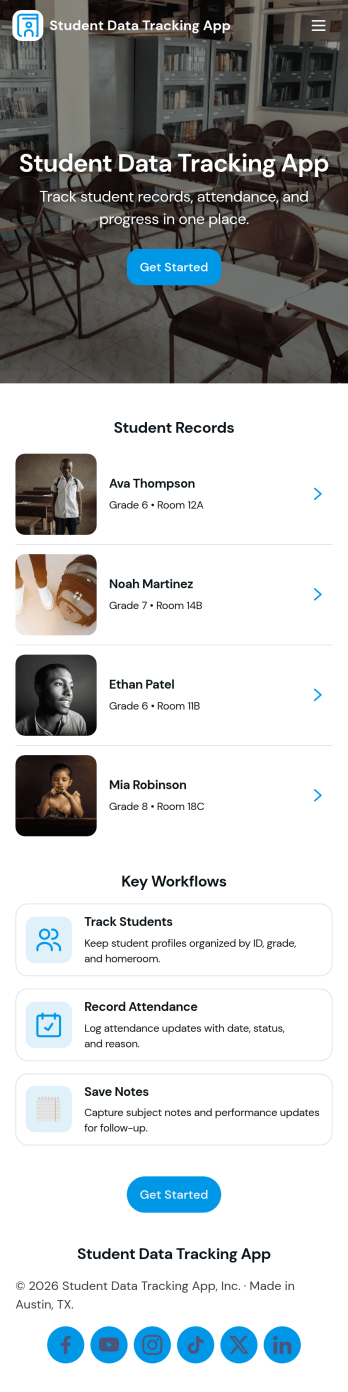
Student Data Tracking App
Student Data Tracking App brings student records, progress notes, and attendance history into one place so educators can keep a clear, consistent view of each learner. Use it to browse a student list, open individual profiles, and add ongoing updates through connected logs. It fits K–12 classrooms, tutoring centers, after-school programs, special education teams, and academic coordinators who need quick access to student information during check-ins, parent communication, and intervention planning.With Jotform, you can turn this app template into a branded, shareable hub without coding. Customize pages and navigation with a drag-and-drop interface, connect the app to forms and tables for reliable data collection, and keep your workflow moving with easy updates and organized records. Publish and share the app as a self-service experience for staff so everyone references the same up-to-date student data.
Go to Category:Classroom Management Apps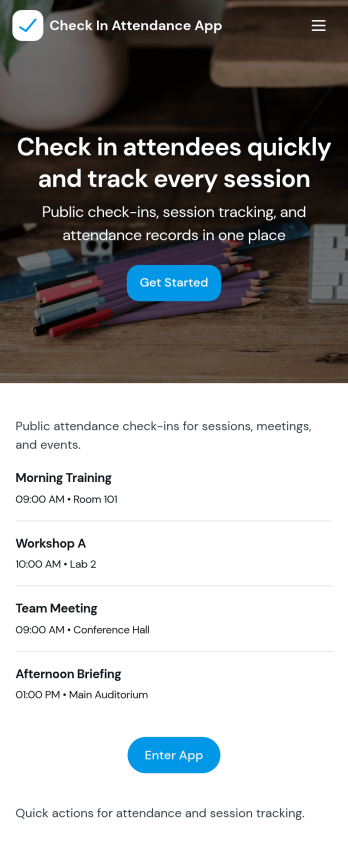
Check In Attendance App
Check In Attendance App helps schools, tutoring centers, and training programs track daily attendance with a simple, repeatable check-in flow. Use it to keep a student list in one place, quickly record who is present, and review past attendance records when you need to follow up with families, confirm participation, or spot patterns over time. It’s especially useful for front-desk staff, teachers, after-school coordinators, and program managers who need a clear view of students, fast check-ins during busy arrival times, and an easy way to pull up individual details.Jotform makes it easy to turn this app template into a branded attendance experience using a no-code app builder and a drag-and-drop interface. Connect buttons and pages to your forms and tables for reliable data collection, then share the app as a self-service link or QR code for staff to use on any device. As your workflow changes, you can update fields, adjust navigation, and keep attendance information organized without rebuilding from scratch.
Go to Category:Sign In Apps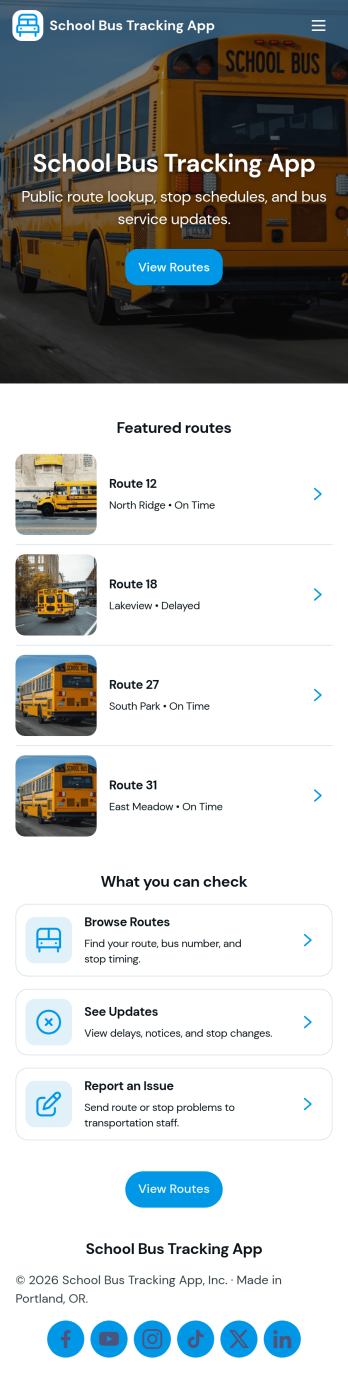
School Bus Tracking App
A school bus tracking app brings routes, student rider activity, and service communication into one place so schools and transportation teams can keep families informed and operations organized. With quick access to live routes, student check-in, route reports, and service updates, this layout works well for districts, private schools, bus contractors, and after-school programs managing multiple vehicles and changing schedules. Use it to reduce missed pickups, document rider status, and give staff a consistent way to log updates during morning and afternoon runs.Jotform makes it easy to turn this School Bus Tracking App into a branded, shareable experience using a no-code app builder and a drag-and-drop interface. Connect buttons and lists to forms for fast data collection, store and review entries in connected tables, and keep workflows moving with notifications and approvals when needed. Publish the app with a simple link or QR code so drivers and coordinators can update information from the field while administrators monitor activity in real time.
Go to Category:Transportation Apps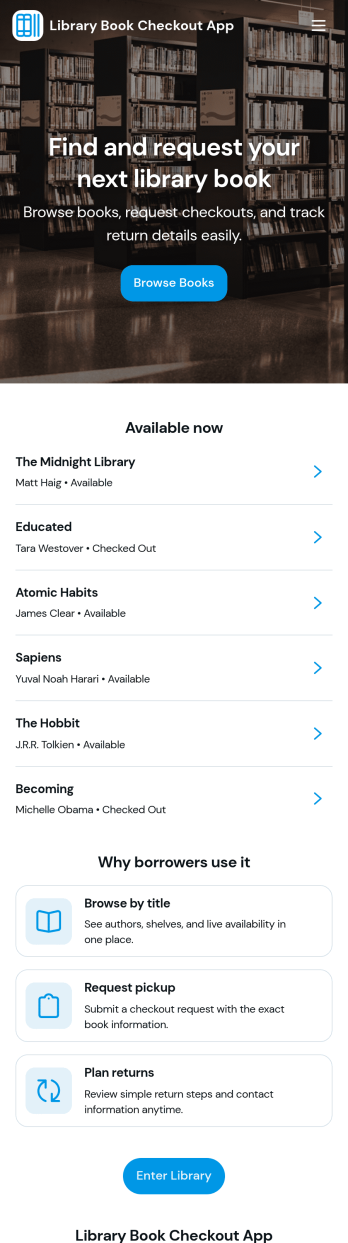
Library Book Checkout App
Library Book Checkout App brings a simple, self-service way for patrons to find titles and check them out without jumping between systems. Use it in school libraries, community libraries, classroom libraries, or small organizations that lend books to members and want a clear, consistent process. The built-in catalog browsing experience helps users locate a book, while the checkout flow captures the details you need to record each loan and reduce missed handoffs.Jotform makes it easy to turn lending workflows into a mobile-friendly experience using App Templates and a no-code app builder. With a drag-and-drop interface, you can tailor pages, buttons, and navigation to match your library’s process, connect the app to your data collection workflow, and share a single link for patrons or staff to use. As checkouts come in, you can keep loan activity organized and easier to manage across your team.
Go to Category:Education Apps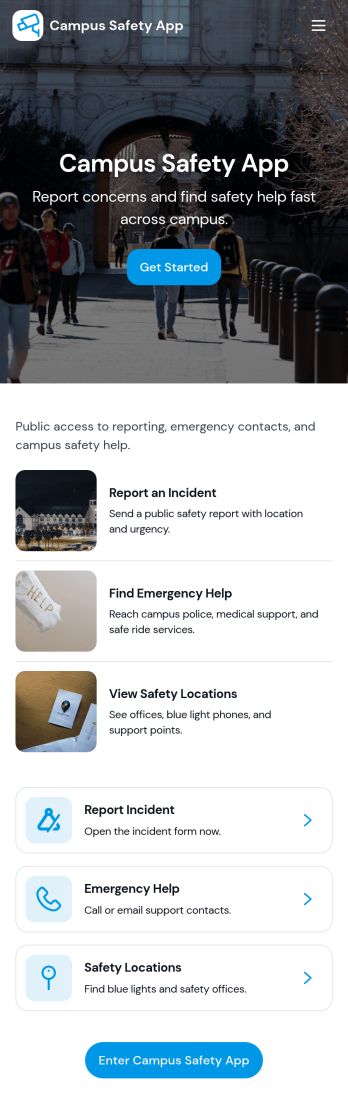
Campus Safety App
Campus Safety App gives schools a central place to support safer day-to-day operations by making it simple for students, staff, and visitors to report concerns and find help fast. It brings together incident reporting, a view into open incidents, and an organized set of safety resources so the right information is available when it matters. Whether you manage a university, community college, or K–12 campus, this app helps standardize how issues are raised, logged, and followed up while keeping key contacts and services within easy reach.With Jotform, you can tailor this app template to match your campus workflows using a no-code app builder and a drag-and-drop interface. Connect the app to forms and tables for consistent data collection, route updates through internal workflow steps, and publish a self-service experience you can share by link or QR code. From collecting incident details to guiding users toward resources and safety requests, Jotform makes it easier to keep information organized and accessible across your campus community.
Go to Category:Education Apps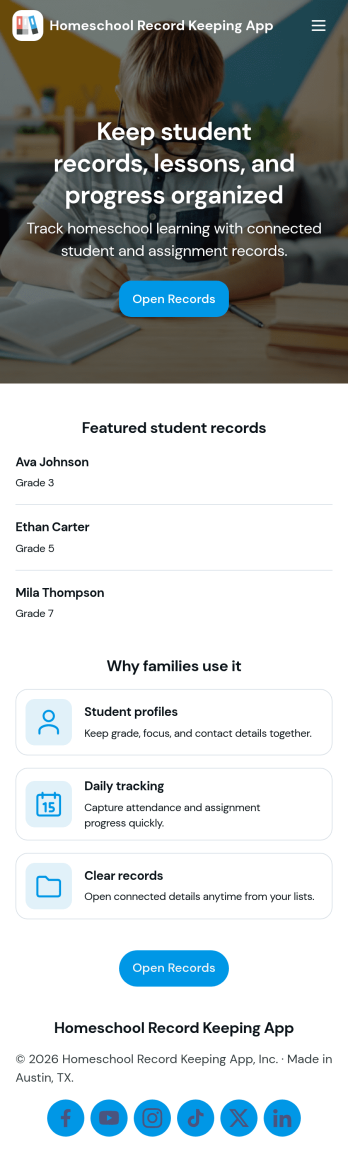
Homeschool Record Keeping App
Homeschool Record Keeping App helps homeschooling families organize day-to-day learning records in one place, so it’s easier to stay consistent across multiple students and subjects. Use it to maintain student profiles, track attendance as it happens, and log lessons with key details you’ll want to reference later. With built-in navigation to Students, Attendance, Lessons, and Reports, it supports a clear routine for documenting progress without relying on scattered notebooks, spreadsheets, or separate files.Jotform makes it simple to turn this use case into a polished, shareable app experience using App Templates and a no-code app builder. Customize pages with a drag-and-drop interface, connect buttons to forms for fast data collection, and keep records organized for ongoing workflow needs like reviewing learning history, spotting gaps, and generating reporting-ready summaries whenever you need them.
Go to Category:Education Apps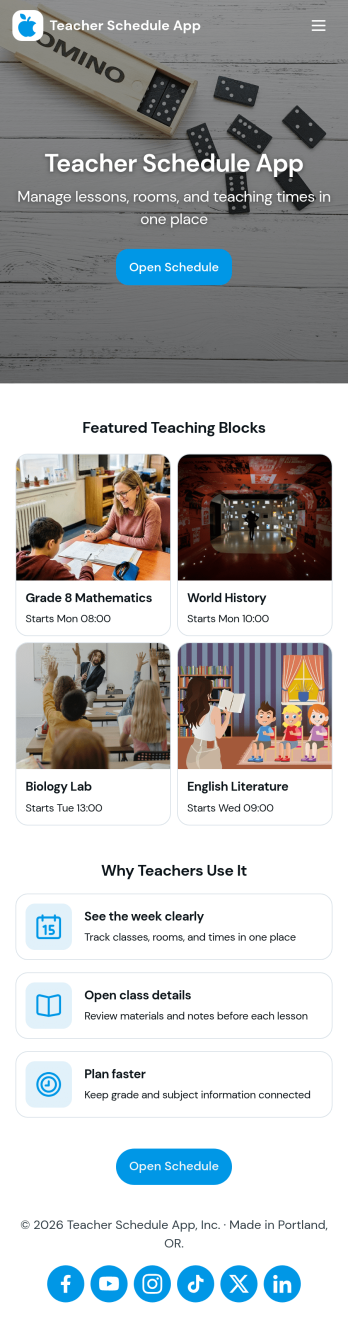
Teacher Schedule App
Teacher Schedule App brings a clear, shareable view of teaching timetables into one place, helping educators and school staff keep day-to-day schedules organized while making it easy to submit and track schedule-related requests. Use it to publish teacher schedules, reduce confusion around coverage, and give teachers a simple path to add a request when something changes. With dedicated areas for a timetable, requests, and a personal view of submitted items, it fits schools that coordinate multiple teachers across periods, rooms, and rotating duties.Built with Jotform, this app template helps you turn scheduling workflows into a self-service experience without code. Using a drag-and-drop interface, you can customize pages, connect request forms, and organize schedule data so updates are easy to manage and quick to find. Share the app through a link for fast access across devices, and keep schedule requests and submissions flowing through one connected workflow.
Go to Category:Scheduling Apps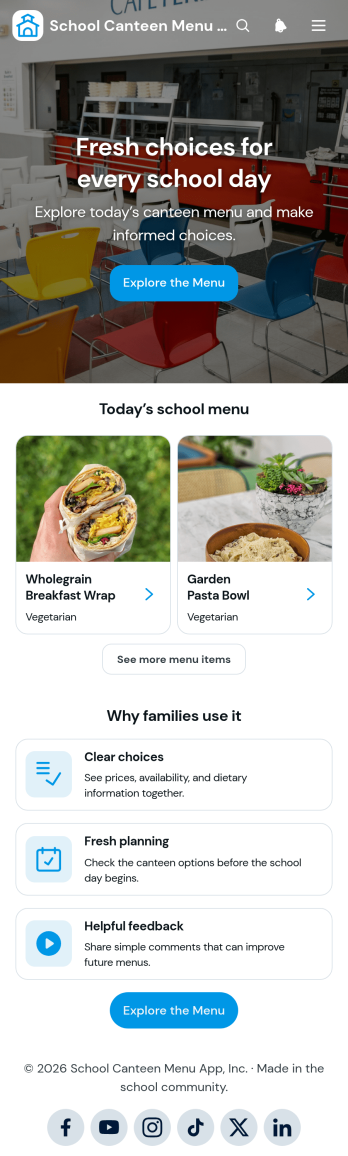
School Canteen Menu App
The School Canteen Menu App is a ready-to-use app template that gives students and families a convenient place to view current meal choices before visiting the canteen. School administrators, canteen teams, and food service staff can use it to present menu categories, show prices and availability, communicate dietary information, and gather feedback about individual items. Clear access to these details helps families plan ahead, reduces repeated menu questions, and gives canteen teams useful input for future food planning. It is well suited to primary schools, secondary schools, academies, and other educational settings that need a mobile-friendly menu resource.Jotform makes this School Canteen Menu App easy to adapt without coding. Using the drag-and-drop app builder, schools can update pages, cards, images, buttons, colors, and navigation to match their needs. Connected forms support organized data collection, while tables and workflows can help staff review feedback and manage related information. As part of Jotform’s collection of App Templates, this app template can be shared through a direct link or QR code, giving families quick self-service access from phones, tablets, or computers.
Go to Category:School Management Apps
Youth Theatre Club Management App
Youth Theatre Club Management App brings performer registration, audition requests, rehearsal scheduling, attendance records, and production information into one accessible club management space. This app template is ideal for youth theatre coordinators, drama teachers, community arts groups, nonprofit program teams, and volunteers who need a clearer way to organize young performers and recurring activities. Families can submit registrations or club enquiries, while authorized team members can review performer details, add rehearsal sessions, record attendance, and maintain production records. By replacing scattered forms and disconnected updates with a consistent workflow, the app helps clubs reduce administrative work, prepare for rehearsals, monitor participation, and keep each production moving forward.Jotform App Templates make it easy to adapt this experience to the way a theatre club operates. Using Jotform’s no-code app builder and drag-and-drop interface, teams can customize pages, branding, navigation, and connected forms without writing code. Information can be organized in Jotform Tables, shared through a direct link or QR code, and supported by notifications and approval steps when needed. The finished app offers a mobile-friendly self-service destination for families and a practical operational resource for staff, helping everyone access relevant actions and information from one place.
Go to Category:School Management Apps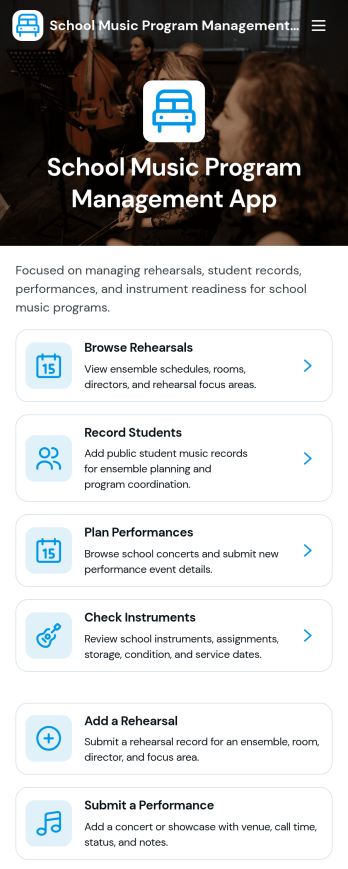
School Music Program Management App
School Music Program Management App brings rehearsals, student records, performance planning, and instrument check tracking into one place for busy music departments. Music directors, band and orchestra instructors, and school arts coordinators can use it to publish rehearsal details, capture attendance notes, maintain up-to-date student information, log upcoming performances, and keep a clear view of instrument inventory and condition. It’s a practical fit for middle schools, high schools, after-school programs, and district-wide music teams that need an organized way to run day-to-day operations without relying on scattered spreadsheets, email threads, or paper folders.With Jotform App Templates, you can launch a mobile-friendly experience and tailor it to your program’s routines using a no-code app builder and a drag-and-drop interface. Connect the app to your forms and tables for ongoing data collection, so staff can add rehearsals or submit performance events as they happen while leadership stays on top of the workflow. Share a single link with instructors or approved helpers, adjust branding to match your school, and keep music program information accessible whenever planning and updates need to move fast.
Go to Category:School Management Apps