

School Management Apps

Gradebook App for Teachers
Gradebook App for Teachers helps educators record grades and keep assignment results organized in one place. Use it to capture grade entries with a “Record a Grade” form, review them in list views, and browse key details such as student, course, assessment, and result from simple cards. It’s a practical fit for K–12 teachers, university instructors, tutors, and academic coordinators who need a clear way to stay on top of ongoing coursework without hunting through spreadsheets or scattered notes.With Jotform App Templates, you can publish a polished gradebook experience quickly and adapt it to different classes, grading scales, and reporting needs. Jotform’s no-code app builder makes customization straightforward with a drag-and-drop interface, so you can adjust navigation, add helpful pages, and connect your grade entry workflow to the rest of your data collection processes. Share the app with your teaching team, keep records consistent, and manage updates from any device using a single Jotform app template.
Go to Category:Classroom Management Apps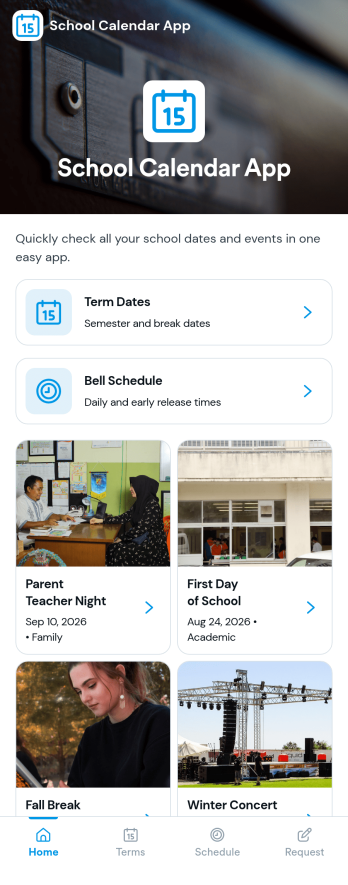
School Calendar App
School Calendar App helps schools keep key dates and daily timing in one place, so students, families, and staff always know what’s coming up. Use it to publish term dates, share a bell schedule, and make it easy for the community to browse upcoming items without hunting through emails or PDFs. It also includes a calendar request option, which is helpful when teachers, club leaders, or office staff need to propose assemblies, field trips, testing windows, or other school events for consideration.With Jotform, you can turn this school calendar experience into a branded, mobile-friendly destination using a no-code app builder and a drag-and-drop interface. Connect the app to your existing data collection and workflow needs by linking a request form and organizing calendar information in one place for self-service access. Update content as schedules change, share the app by link or QR code, and keep everyone aligned throughout the school year.
Go to Category:Education Apps
Dance School Lead Management App
Dance School Lead Management App is an app template for dance school owners, admissions teams, studio managers, and instructors who need a reliable way to organize prospective student inquiries. It brings lead capture, follow-up recording, and enrollment outcome review into one accessible experience. Teams can add new prospects, view essential contact and status information, and maintain a clear history of outreach as families or adult learners consider classes. This focused approach helps prevent missed inquiries, supports timely communication, and gives staff better visibility into which prospects require attention. It is especially useful during enrollment periods, trial class promotions, open houses, and ongoing marketing campaigns.With Jotform Apps, teams can adapt this app template through a no-code app builder and an intuitive drag-and-drop interface. Forms, tables, workflows, navigation elements, and notifications can be connected to support consistent data collection and day-to-day lead management. Users can customize the appearance, organize resources for mobile access, and share the finished app through a direct link or QR code. Starting with customizable App Templates reduces setup time while giving dance schools room to match their processes, branding, and self-service needs without writing code.
Go to Category:CRM Apps
Special Education Advocacy App
Special Education Advocacy App is a central workspace for organizing advocacy cases, documenting key interactions, preparing for school meetings, and requesting support. It can help families, independent advocates, educational consultants, and student support teams keep important context and next steps accessible throughout an advocacy process. Users can add a case, maintain advocacy records, and prepare meeting details without relying on scattered notes or disconnected files. This clearer approach supports continuity, improves meeting readiness, and makes it easier to follow each student’s situation over time.With Jotform, this app template can be adapted into a branded, mobile-friendly resource using a no-code app builder and an intuitive drag-and-drop interface. Customize pages, navigation, buttons, and visual elements to suit an individual practice, nonprofit program, or education support service. Connected forms simplify data collection, while organized case views support repeatable workflows and guided self-service. The finished app can be shared by a direct link or QR code, helping approved users reach advocacy resources and submit updates from nearly any device.
Go to Category:Education Apps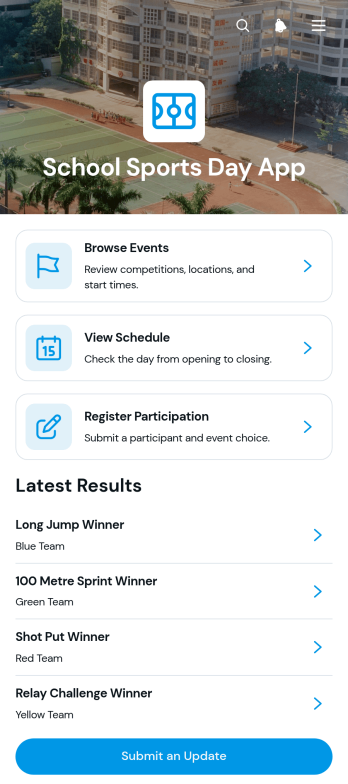
School Sports Day App
The School Sports Day App brings event information, participation, and results into one accessible place for school athletics events. Physical education departments, teachers, event coordinators, coaches, students, families, and volunteers can use it to follow activities throughout the day. Users can browse sporting events, view schedules with start times and venues, and register participants through a connected form. Published positions, participant details, and scores make results easier to find, while an update option helps authorized organizers share new information. Schools can use this app template for annual sports days, interclass competitions, athletics meets, and other campus sporting events, reducing reliance on printed schedules and scattered announcements.Jotform makes the School Sports Day App easy to adapt without coding. Using the drag-and-drop app builder, organizers can adjust pages, branding, navigation, and content to match the event. Connected forms and tables support data collection and workflows for registrations, event records, updates, and results. The app can be shared through a direct link or QR code, giving attendees mobile-friendly self-service access from the field, stands, classroom, or home. Start with one of Jotform’s app templates, customize the experience, and publish a central resource that helps the school community stay informed before and during sports day.
Go to Category:Sports Apps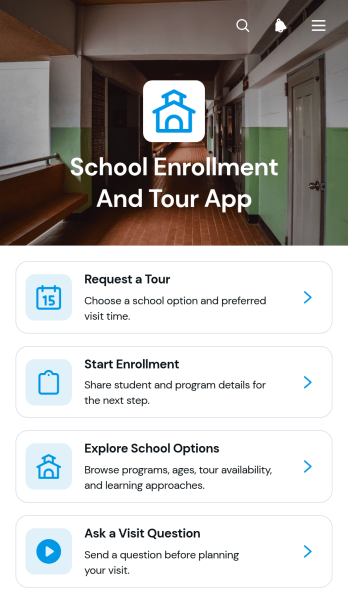
School Enrollment and Tour App
School Enrollment and Tour App gives schools a welcoming digital space where families can explore program options, review essential visit information, request a tour, ask questions, and begin enrollment. It is ideal for public and private schools, academies, early learning centers, and admissions teams that want to guide prospective families from initial research to application. By bringing school discovery, tour scheduling, and enrollment access into one experience, the app reduces missed inquiries, makes next steps easier to understand, and helps staff organize prospective student data collection. Families can browse relevant choices at their convenience, while admissions teams gain a consistent way to support interest throughout the decision process.Jotform provides customizable App Templates that help organizations build interactive experiences without coding. Use the no-code app builder and drag-and-drop interface to update pages, navigation, colors, fonts, and content for your school. You can connect forms and related workflows for tour requests, enrollment details, and visit questions, then share the finished app through a direct link, QR code, or embedded experience. This flexible app template supports mobile-friendly self-service and can be adjusted as programs, enrollment periods, or admissions procedures change.
Go to Category:School Management Apps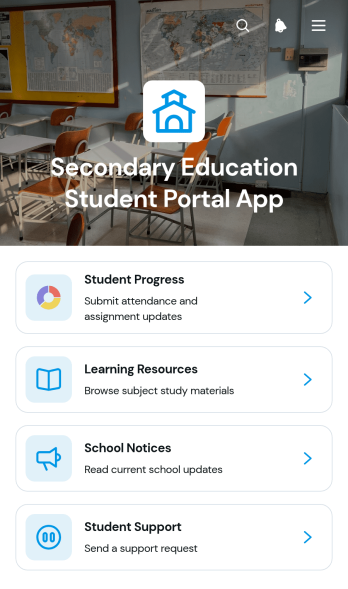
Secondary Education Student Portal App
The Secondary Education Student Portal App is a ready-to-use digital resource center for secondary schools that want to bring academic information and student services into one accessible space. Students can review progress details such as attendance, subjects, assignment updates, scores, and notes while also navigating learning resources, school notices, and support information. Educators can use connected forms to collect progress updates, and administrators can reduce scattered communication by giving learners a consistent self-service destination. This app template is well suited to public and private schools, academies, tutoring programs, and other organizations supporting secondary education.Jotform App Templates help teams create interactive experiences without writing code. Using Jotform’s no-code app builder and drag-and-drop interface, schools can customize pages, navigation, colors, fonts, and content to reflect their academic workflows. Forms, tables, approvals, and notifications can be connected to support data collection and routine follow-up. Once the Secondary Education Student Portal App is ready, it can be published and shared through a direct link, QR code, or embedded experience, making important student information easier to reach on phones, tablets, and computers.
Go to Category:School Management Apps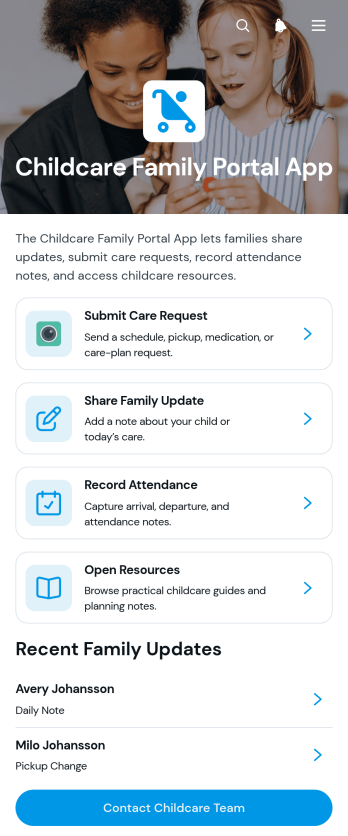
Childcare Family Portal App
The Childcare Family Portal App gives childcare providers and families a shared space for exchanging care updates, recording attendance notes, and browsing useful resources. Daycare centers, early learning programs, preschool administrators, caregivers, and parents can use this app template to keep child-related communication organized and accessible. It supports clearer coordination when families need to submit a care request, share a note or attachment, review information about a child, or contact the childcare team. By bringing routine interactions into one family-facing portal, providers can reduce scattered messages, maintain more consistent records, and offer convenient self-service access.Jotform Apps makes it easy to adapt this experience with a no-code app builder and an intuitive drag-and-drop interface. Teams can customize pages, colors, fonts, cards, and navigation to reflect their childcare program, then connect forms, tables, notifications, approvals, and other workflow steps. This Childcare Family Portal App can be shared through a direct link or QR code for mobile-friendly access without requiring coding knowledge. Jotform App Templates also help providers create a polished resource center, manage data collection, and update family information as their operational needs change.
Go to Category:Customer Portal Apps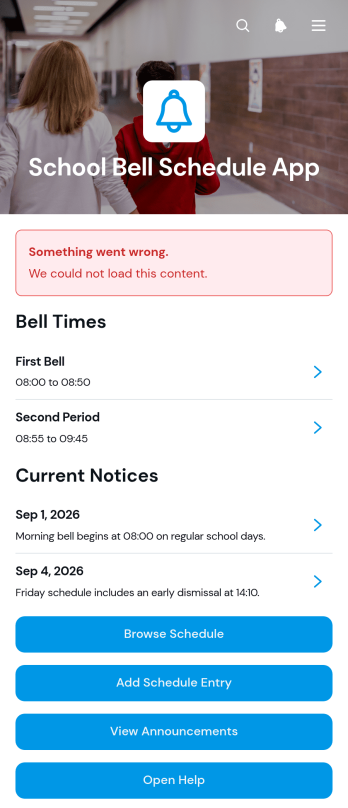
School Bell Schedule App
The School Bell Schedule App is a ready-to-use app template for schools that need to publish daily bell times, organize schedule entries, and keep their communities informed about changes. Administrators and office teams can add entries by period, location, school day, and bell window, while students, teachers, and families can browse current schedule information from one convenient place. Dedicated announcements and help access make it easier to communicate altered timetables, special events, testing days, and other updates without relying on scattered messages. This shared resource reduces uncertainty and supports smoother transitions throughout the school day.Jotform App Templates help educational teams create accessible digital resources without writing code. Using Jotform’s no-code app builder and drag-and-drop interface, schools can customize pages, navigation, colors, fonts, and content to reflect their needs. The app can connect with forms and related workflows for data collection, schedule updates, and staff contributions. Once ready, it can be shared by a direct link or QR code, giving users mobile-friendly self-service access to bell schedules and announcements wherever they are.
Go to Category:School Management Apps
Student Report Card App
The Student Report Card App is an app template for teachers, school administrators, tutors, and education teams that need a central place to create and review student report cards. Users can submit report cards, browse individual student records, and review performance summaries and attendance information without searching across disconnected files. It supports routine grading periods, progress reviews, parent meetings, and academic support planning while keeping student details, teacher comments, grade levels, and recorded dates organized. Schools and learning programs can use it to improve record visibility, reduce repetitive administrative work, and maintain a more consistent reporting workflow.Jotform makes this Student Report Card App easy to adapt with a no-code app builder and an intuitive drag-and-drop interface. Add or rearrange pages, update labels and branding, connect forms for data collection, and organize report card resources around your school’s processes. The app can be shared through a direct link or QR code for convenient mobile access, helping authorized users reach relevant academic records wherever they work. Jotform App Templates also connect with tables, approvals, notifications, and other workflows, giving education teams a flexible way to support collaboration and self-service access without writing code.
Go to Category:School Management Apps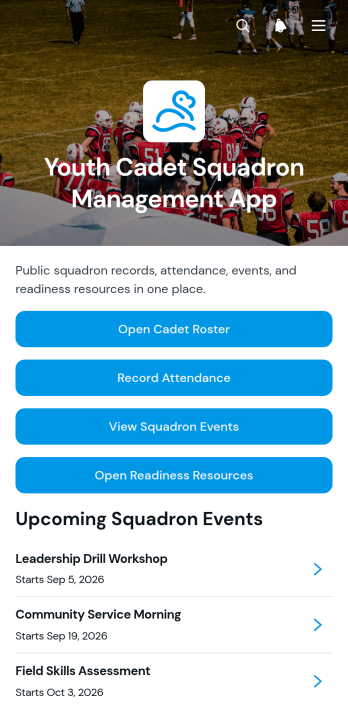
Youth Cadet Squadron Management App
The Youth Cadet Squadron Management App is an app template for squadron leaders, youth program coordinators, instructors, and authorized volunteers who need one organized place to oversee cadet activities. It supports roster management, attendance recording, and access to squadron events and readiness resources. Leaders can maintain cadet records, review emergency contact details, document session notes, check registration status, and share event briefs without relying on scattered files. The app is well suited to weekly meetings, training sessions, community activities, field exercises, and other youth development programs where accurate information and clear coordination help teams stay prepared.Jotform App Templates make it easier to turn recurring administrative tasks into a mobile-friendly workflow. Using Jotform’s no-code app builder and drag-and-drop interface, organizations can customize pages, navigation, colors, and content to match their program. Forms and tables can be connected for data collection, while notifications and other workflow features help staff respond to new records and updates. Once published, the app can be shared through a direct link or QR code, giving approved users convenient self-service access from phones, tablets, or computers.
Go to Category:School Management Apps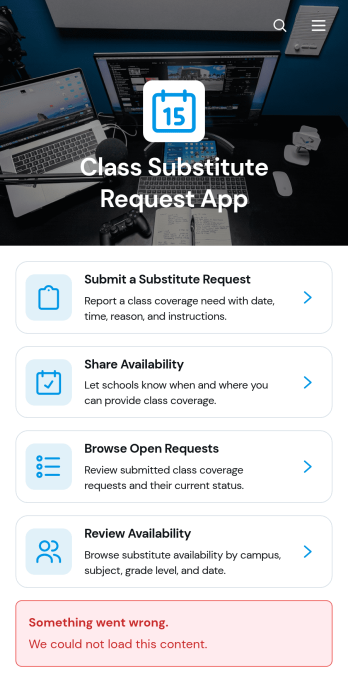
Class Substitute Request App
Class Substitute Request App is an app template for schools, campuses, teachers, substitute educators, and administrators coordinating classroom coverage. Teachers can submit substitute requests with the class or subject, location, coverage time, reason, and special instructions. Available substitutes can share their schedules, while coordinators can browse open requests and review availability from one organized location. This helps education teams respond to absences, reduce missed details, maintain clear communication, and arrange suitable classroom coverage without relying on scattered emails or paper records.Jotform makes this Class Substitute Request App easy to adapt with a no-code app builder and an intuitive drag-and-drop interface. Schools can update pages, navigation, colors, fonts, and branding, then connect forms, tables, notifications, approvals, and other workflow steps as needed. The app template supports organized data collection and convenient self-service access for teachers and substitutes. Once ready, administrators can publish and share it through a direct link or QR code, giving staff a mobile-friendly way to submit, browse, and manage coverage information.
Go to Category:Classroom Management Apps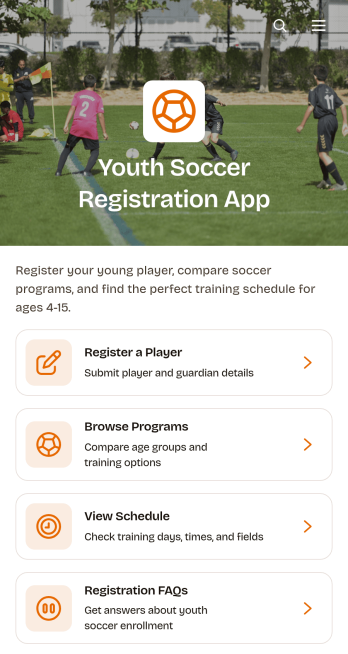
Youth Soccer Registration App
Youth Soccer Registration App is a ready-to-use app template for soccer clubs, youth leagues, schools, recreation departments, and community sports organizations that need a convenient way to enroll young players. Families can browse available programs, review relevant program details, register a player through a connected form, and view session schedules from one mobile-friendly location. By bringing essential registration steps and information together, the app helps administrators reduce repetitive inquiries, give parents clearer access to program options, and keep seasonal enrollment organized.Jotform makes it easy to customize this Youth Soccer Registration App with a no-code app builder and an intuitive drag-and-drop interface. Organizers can update pages, cards, buttons, images, colors, and fonts to match their club or league, then connect data collection to tables, notifications, approvals, and other workflow tools. Jotform App Templates can be shared through a direct link or QR code, helping families access registration and self-service resources from any device. Start with the app template, tailor the content to each season, and publish a polished experience without writing code.
Go to Category:Event Registration Apps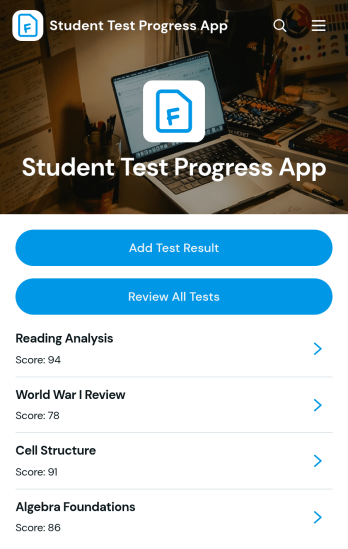
Student Test Progress App
Student Test Progress App is an app template for recording test results, reviewing academic performance, and identifying study priorities over time. It gives students, tutors, teachers, and families a convenient place to add new results, browse completed tests, and view progress summaries. Individual records can present key performance details such as the test date, subject, and status alongside study notes and question-level information. Schools, tutoring programs, study groups, and independent learners can use this app to replace scattered spreadsheets or paper records with a clearer academic tracking experience. It also supports productive review sessions by keeping past assessments and learning observations easy to find.Jotform helps users turn this Student Test Progress App template and other app templates into branded, mobile-friendly experiences without coding. Its no-code app builder features a drag-and-drop interface for adjusting pages, navigation, colors, fonts, and visual elements. Users can connect forms for data collection, organize records through linked workflows, and provide self-service access through a direct link or QR code. The app builder makes it easy to adapt the experience for one learner, a tutoring roster, or a wider school program while keeping test tracking and study resources in one accessible location.
Go to Category:School Management Apps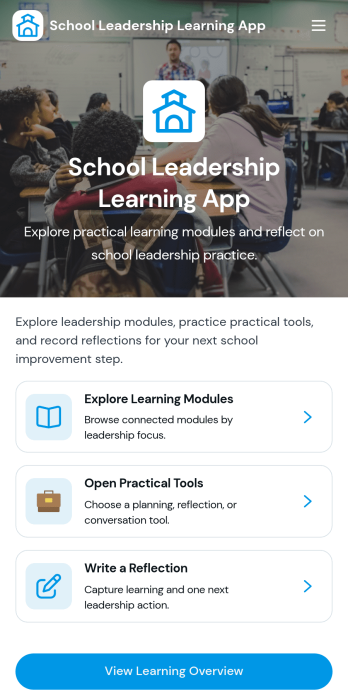
School Leadership Learning App
School Leadership Learning App brings school leaders a simple place to explore learning modules, open practical tools, and capture reflections as they grow their leadership practice. Use it to support principals, assistant principals, instructional coaches, and leadership teams who want consistent professional learning without juggling scattered documents or links. Whether you’re rolling out a leadership framework, guiding new administrators through core topics, or running an internal learning series, the app helps keep development resources easy to find while encouraging thoughtful, ongoing reflection.Jotform makes it easy to publish this kind of self-service learning experience with a no-code app builder and a drag-and-drop interface that anyone can update. Connect navigation buttons to module pages, share a clear learning overview, and collect reflection entries through linked forms that feed into your data collection workflow. Customize the layout, branding, and content, then share the app by link or QR code so school leaders can access resources on any device.
Go to Category:Education Apps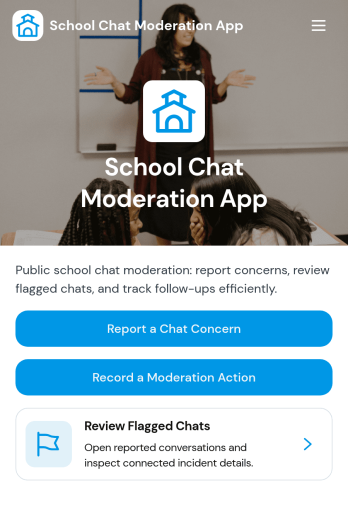
School Chat Moderation App
School Chat Moderation App helps schools manage student chat safety by giving staff a central place to review moderation cases, collect new chat reports, and publish clear chat guidelines for students and families. Use it to route concerns from classrooms, clubs, and school-wide channels into a consistent process, whether the report is about bullying, harassment, profanity, or off-topic disruption. With a browseable case list and an easy report flow, administrators, counselors, IT teams, and designated moderators can triage issues faster and keep communication norms visible across the school community.Jotform makes it simple to turn these workflows into a mobile-friendly experience with ready-to-use app templates and a no-code app builder. Customize pages with a drag-and-drop interface, connect buttons to forms for structured data collection, and keep case records organized for follow-up. Share the app by link or QR code so students and staff can access the right actions quickly, and update guidance or processes anytime without relying on developers.
Go to Category:School Management Apps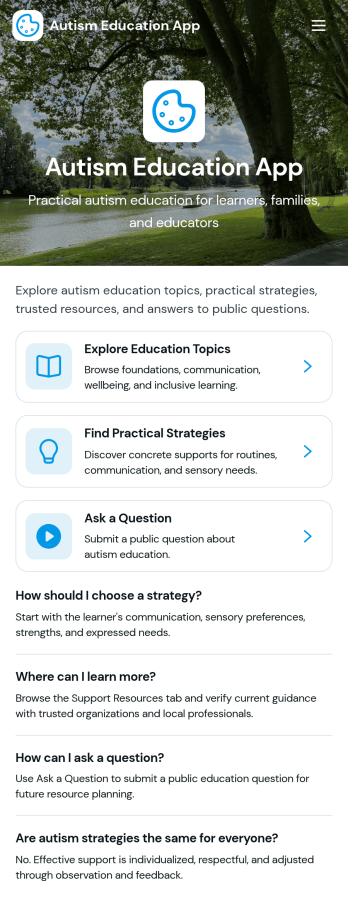
Autism Education App
Autism Education App brings learning resources and practical strategies into one easy place for educators, support staff, and families who want consistent, classroom-ready guidance. Use it to browse a curated resource list, open trusted source links, and review materials by resource type and intended audience so the right support is easier to find in the moment. When your community discovers something helpful, the built-in resource sharing form makes it simple to contribute new materials and keep the collection growing.Jotform helps you turn this Autism Education App into a branded self-service experience with a no-code app builder and a drag-and-drop interface that’s easy to update as needs change. Connect pages to forms and tables for flexible data collection, organize content into clear navigation paths, and publish a single link for staff or families to access on any device. As your workflow evolves, you can adjust layouts, add new sections, and manage updates without slowing down your education team.
Go to Category:Education Apps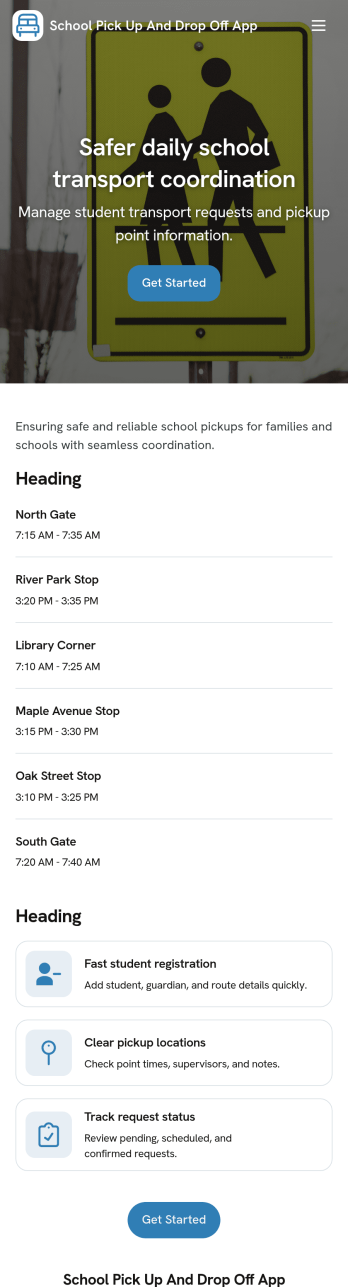
School Pick Up and Drop Off App
School Pick Up and Drop Off App helps schools and childcare programs coordinate student transportation changes in one place, so front offices, coordinators, and families stay aligned on who is riding, where they’re going, and when. Use it to collect pick up and drop off requests, review a student list, and keep an up-to-date set of authorized contacts for each child. With route pages that surface today’s routes, staff can quickly reference the right run while reducing last-minute confusion during busy arrival and dismissal windows.Built with Jotform, this app template turns everyday coordination into an organized self-service experience you can share with your community. Customize pages in a drag-and-drop interface, connect forms and tables for reliable data collection, and route information to the right people with simple workflow steps. Publish a branded app in minutes and keep pick up, drop off, and contact details accessible on any device.
Go to Category:School Management Apps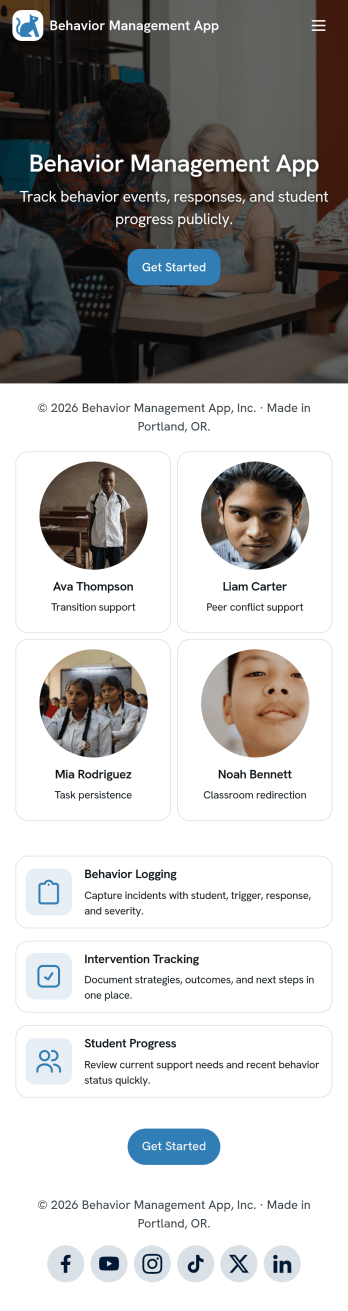
Behavior Management App
Behavior Management App helps schools and youth programs document behavior incidents and keep individual support plans organized in one place. Staff can quickly log an incident, add a new plan, and open a review view to follow up on progress without hunting through emails or paper notes. It’s a practical fit for teachers, aides, counselors, after-school coordinators, and administrators who need consistent records across multiple students and want clearer visibility into patterns, interventions, and next steps.Built with Jotform, this app template turns behavior tracking into a simple self-service workflow that’s easy to share and update. Use Jotform’s no-code app builder and drag-and-drop interface to tailor pages, buttons, and navigation to your process, then connect your incident and plan forms to organized data collection. As entries come in, your team can review information from any device and keep student-related actions moving with less manual effort.
Go to Category:Classroom Management Apps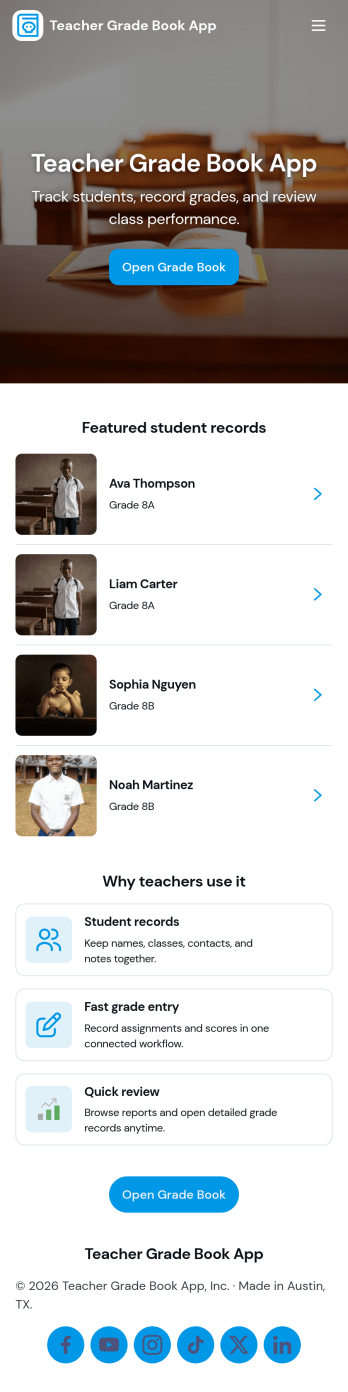
Teacher Grade Book App
A Teacher Grade Book App gives educators a simple, organized place to manage student records, keep assignments in view, and maintain an up-to-date snapshot of class performance. Use it to browse a student list, review assignment details, and record new scores through an Enter Grade page, then check overall results in a dedicated Grades section. It works well for K–12 teachers, tutors, and small programs that want a clear routine for tracking coursework without juggling scattered notes.Jotform app templates make it easy to publish a tailored grade book experience with a no-code app builder and a drag-and-drop interface. Connect your pages to forms and tables for reliable data collection, keep your workflow consistent from class to class, and share a self-service view with the right people when you need to. With Jotform, you can adjust the layout, add new pages for different terms, and keep your grade book accessible on any device.
Go to Category:Classroom Management Apps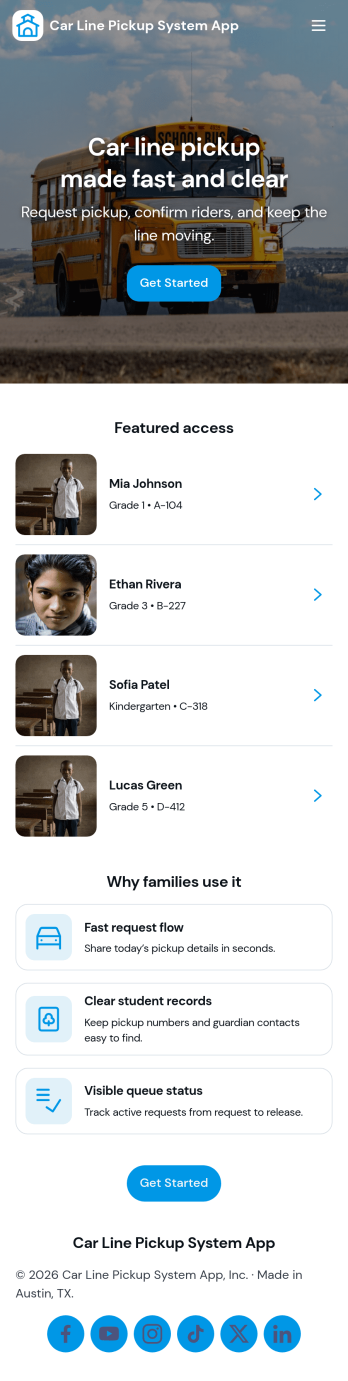
Car Line Pickup System App
Car Line Pickup System App helps schools and child care programs coordinate dismissal by organizing student records and managing a live pickup queue in one place. Staff can register students, view profiles, and track who is waiting to be picked up, while drivers can check in and submit a pickup request to reduce confusion at busy pickup times. It’s a practical fit for elementary schools, after-school programs, learning centers, and any campus that needs a clear, repeatable process for high-volume vehicle pickup.Built with Jotform app templates, this app template is easy to tailor to your routine using a no-code app builder and a drag-and-drop interface. Connect the in-app buttons to forms for data collection, route information to the right pages, and keep your workflow consistent from check-in to queue updates. Share the app with staff through a link or QR code so your team can manage pickup operations from anywhere, including on mobile.
Go to Category:School Management Apps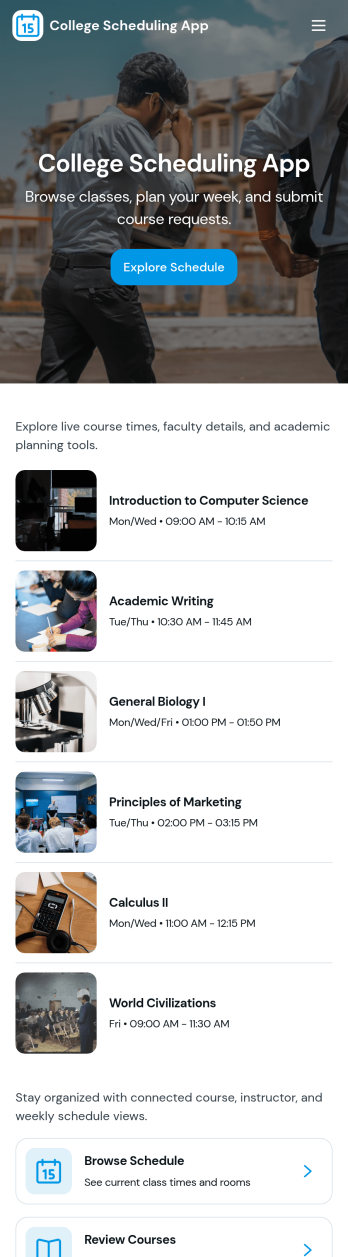
College Scheduling App
College Scheduling App brings class browsing, schedule access, and advising touchpoints into one place so students can plan their term with less confusion. Use it to share a class list, help learners explore offerings, and route class requests to the right team when a needed section is full or unavailable. It’s a practical fit for registrars, academic departments, student services, and advising offices that want a clear, mobile-friendly way to guide students from discovery to action while keeping updates organized.Jotform makes it easy to launch and customize app templates like this with a no-code app builder and a drag-and-drop interface. Connect your app to forms and data collection so students can submit class requests and view their request history in one self-service experience. With Jotform, you can tailor navigation, add helpful resources and visuals, and share the app with a link or QR code to keep scheduling workflows consistent across campus.
Go to Category:Education Apps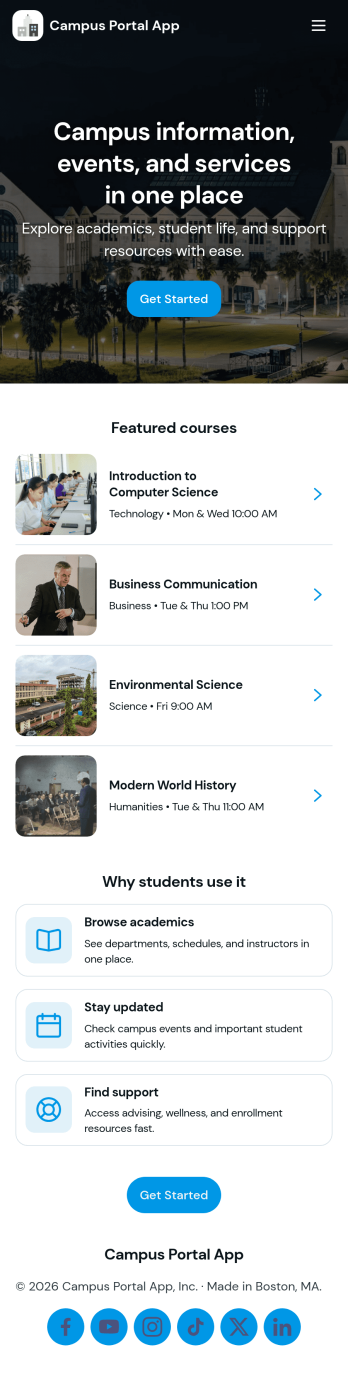
Campus Portal App
Campus Portal App brings essential campus information and support links into one mobile-friendly place for students, faculty, and staff. Use it to highlight key services, publish timely announcements, and route people to the right help fast, whether that’s an IT help desk link, student services link, or a simple way to submit a request. It works well for colleges, universities, and training programs that want a clear front door for everyday needs without sending users across multiple webpages.Built with Jotform, this app template can be tailored with a no-code app builder and a drag-and-drop interface so you can match your branding and organize navigation around how your campus actually operates. Connect the app to request forms and track updates in one place, share it by link or QR code, and keep communication flowing with a workflow that supports self-service from any device.
Go to Category:School Management Apps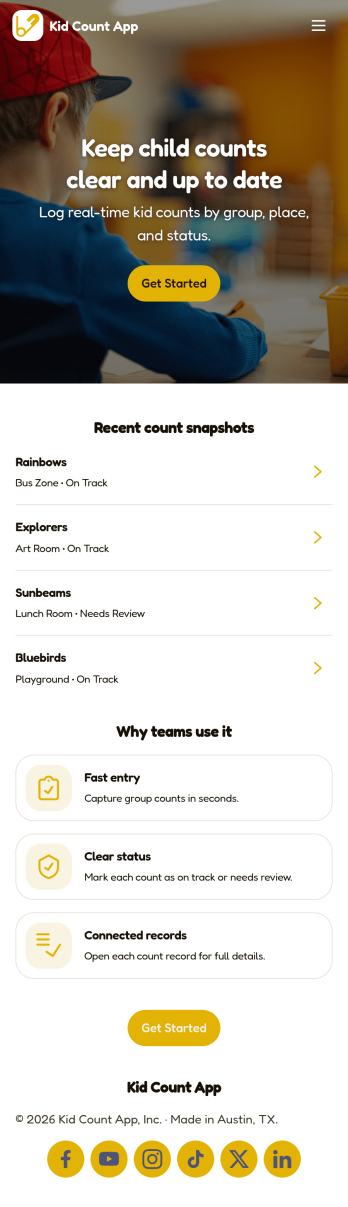
Kid Count App
Kid Count App helps schools, camps, and childcare teams keep a clear, up-to-date headcount of kids across locations and activities. With a simple list view for logging counts and a Count Summary area for quick review, staff can record how many kids are present and where they are, reducing confusion during transitions like drop-off, recess, field trips, and pickup.Built with Jotform, this app template supports fast setup and easy customization using a no-code app builder and a drag-and-drop interface. Connect the app to a form for consistent data collection, keep records organized, and share a single self-service link with staff so everyone follows the same workflow while counts stay accessible in one place.
Go to Category:Education Apps