

School Management Apps

Maintenance Request App
A Maintenance Request App is a no-code digital solution designed to help property managers, landlords, and maintenance teams streamline the process of receiving, tracking, and resolving maintenance requests. With this app, tenants or employees can easily report issues, upload photos, and provide detailed descriptions of maintenance needs. The app serves as a centralized hub to track request statuses, prioritize urgent tasks, and keep all parties informed. Whether you’re managing an apartment complex, office building, or industrial facility, this app simplifies communication, improves response times, and ensures maintenance tasks are efficiently handled.Jotform’s no-code app builder lets you customize the Maintenance Request App to fit your specific needs. Use the drag-and-drop builder to add forms for requests, approval workflows, or even checklists for technicians. With features like Jotform Tables, you can manage submissions in a spreadsheet-style interface for better data analysis. Share the app via custom URLs, QR codes, or email invitations, and allow users to access it on any device. Take control of your maintenance management with Jotform Apps today!
Go to Category:Inspection Apps
Nursery App
A nursery app is a mobile application used by nursery providers to communicate with parents and collect information about children. Whether you want to expand your reach, schedule events, or register new children, Jotform’s free Nursery App will help you connect with more parents so your nursery can continue to grow. Try our ready-made template and share it via email, link, or QR code when you’re done personalizing it. Your app can then be accessed and downloaded on any smartphone, tablet, or desktop.Need to customize the Nursery App? No problem. Our drag-and-drop app builder allows you to create and add forms, change fonts and colors, upload images and logos, include links and text, and much more in just a few clicks. You can even connect with 80+ free app elements, like videos, maps, and social media links, to make your app stand out. Make childcare a breeze with a free Nursery App from Jotform Apps.
Go to Category:Education Apps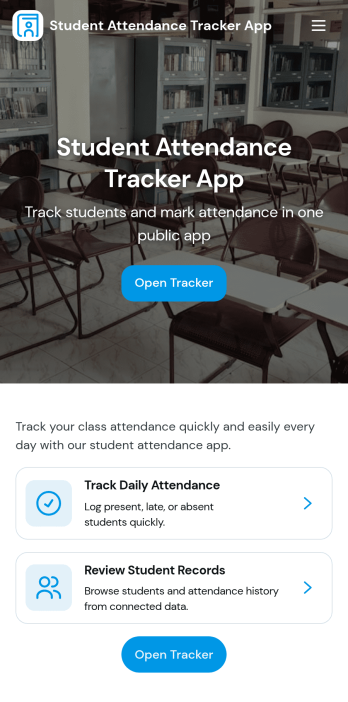
Student Attendance Tracker App
Student Attendance Tracker App helps schools and educators record daily presence, keep a clear student list, and review attendance records in one place. Use it to quickly navigate between Students, Attendance, and Records pages, log attendance as classes start, and pull up an individual student’s details when you need context for follow-ups. It’s a practical fit for teachers, homeroom advisors, after-school coordinators, and administrators who want consistent attendance tracking across periods, programs, or campuses without relying on paper sheets.With Jotform, you can turn this app template into a branded, shareable self-service experience using a no-code app builder and a drag-and-drop interface. Connect the app to your attendance form and underlying data collection so updates flow into organized records, then tailor pages, buttons, and navigation to match your schedule and policies. Share the app by link for fast access on any device and keep your workflow simple for staff members who need to log and review attendance throughout the day.
Go to Category:School Management Apps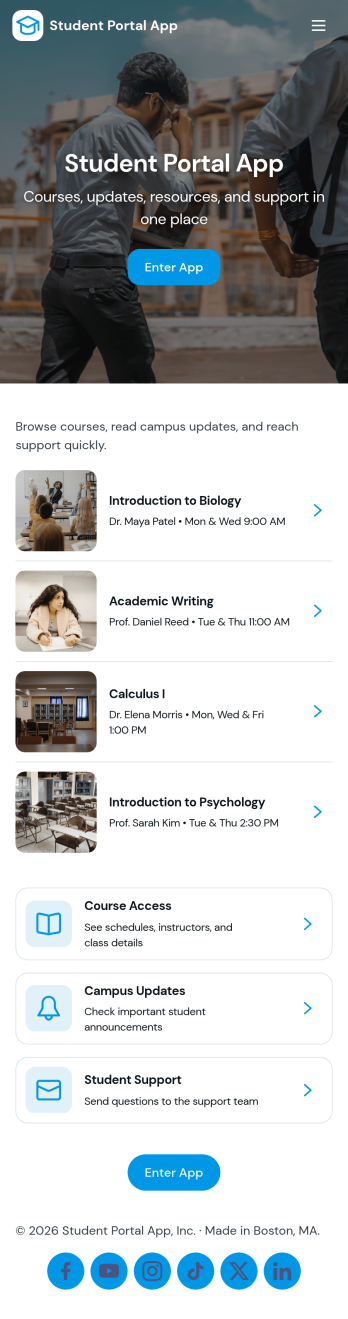
Student Portal App
A student portal app brings essential academic information into one place so students can stay on top of coursework, tasks, and campus news without searching across multiple systems. Use this template to share a course list, let students open individual course pages, review upcoming tasks, and read campus updates as they’re posted. It also includes an easy path for students to submit a request and check My Requests, which helps schools manage common student needs like support questions, administrative help, or service follow-ups.Jotform makes it simple to tailor this app template to your school’s workflow using a no-code app builder with a drag-and-drop interface. Connect pages to forms and data sources so updates appear in the right place, route requests to the right team, and keep information accessible from any device. With Jotform, you can publish a branded student self-service experience quickly and keep it current as programs, tasks, and campus communications change.
Go to Category:School Management Apps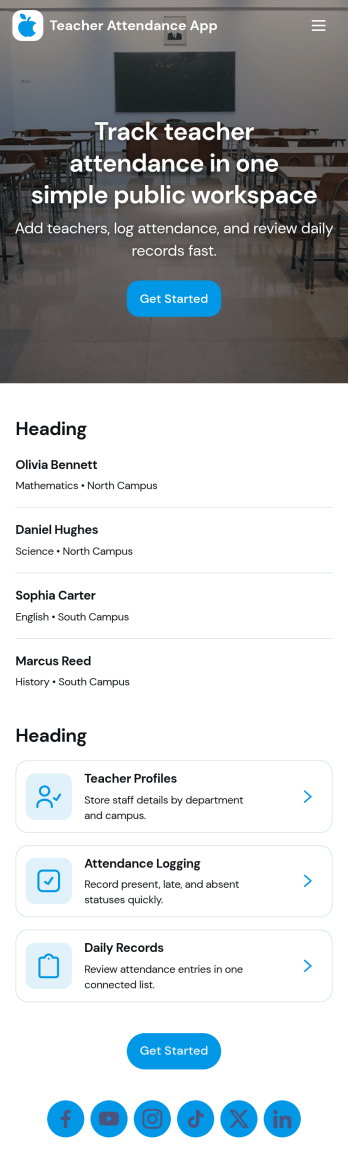
Teacher Attendance App
Teacher Attendance App helps schools and education programs track daily classroom attendance in one place, from taking attendance to reviewing past records. It’s a practical fit for teachers, substitute teachers, department leads, and school administrators who need a consistent routine for logging attendance, keeping a clean student roster, and reducing missed entries. With quick navigation to take attendance, view students, and check records, the app supports smoother mornings, more accurate reporting, and fewer manual spreadsheets.Jotform offers app templates like this one you can tailor to your process using a no-code app builder and a drag-and-drop interface. Connect the app to forms and data collection so attendance logs and roster updates stay organized, searchable, and easy to manage over time. Share your Jotform app with staff through a link or QR code, keep workflows moving with simple actions and pages, and update the experience anytime without writing code.
Go to Category:School Management Apps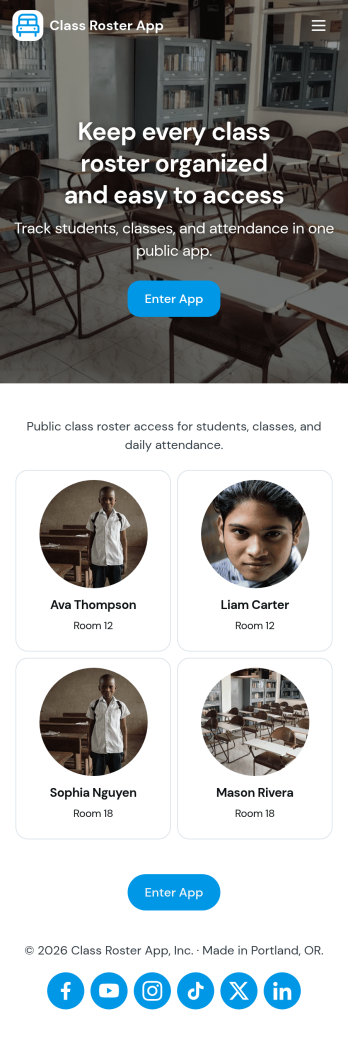
Class Roster App
Class Roster App helps teachers and academic staff keep a clear, up-to-date view of who is in each class and what is happening day to day. Use it to browse a student list, open individual student details, add new students as enrollment changes, and record attendance without jumping between scattered spreadsheets or paper notes. It’s a practical fit for K–12 classrooms, tutoring centers, after-school programs, and small training groups where rosters shift and quick access matters.With Jotform, you can turn this class roster app template into a mobile-friendly hub that supports self-service data collection and simple workflows. Customize pages with a drag-and-drop interface, connect buttons to forms for adding students or attendance, and keep records organized in one place. Share the app by link or QR code, collaborate with other instructors, and update the layout and branding anytime using Jotform’s no-code app builder.
Go to Category:Classroom Management Apps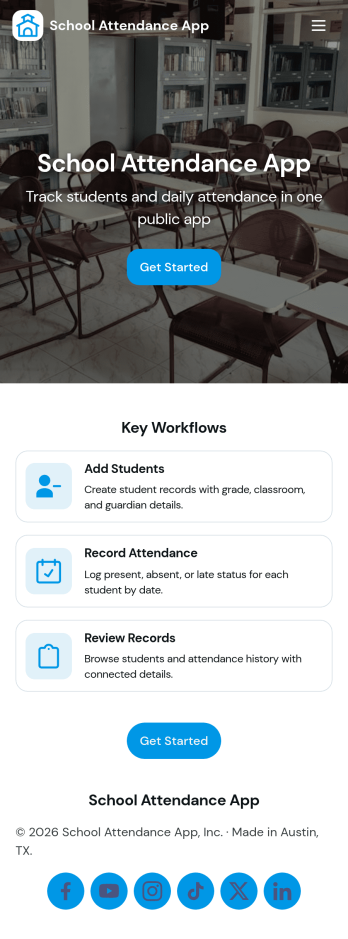
School Attendance App
School Attendance App helps schools take daily attendance, keep organized records, and follow up on absences without juggling paper rosters or scattered spreadsheets. Use it to quickly mark attendance, review individual student entries, and keep absence notes in one place, making it easier to spot patterns like frequent tardiness or repeat absences. It’s a practical fit for teachers, homeroom advisors, front offices, and school administrators who need a consistent routine for tracking presence across classes, dates, or student groups.Built with Jotform, this app template can be customized with a no-code app builder and a drag-and-drop interface so your team can match the layout to your attendance process. Connect it to forms for data collection, route updates through a simple workflow, and share a self-service link with staff who need access. As your needs change throughout the school year, you can update pages, add fields, and keep attendance information easy to find and manage from anywhere.
Go to Category:School Management Apps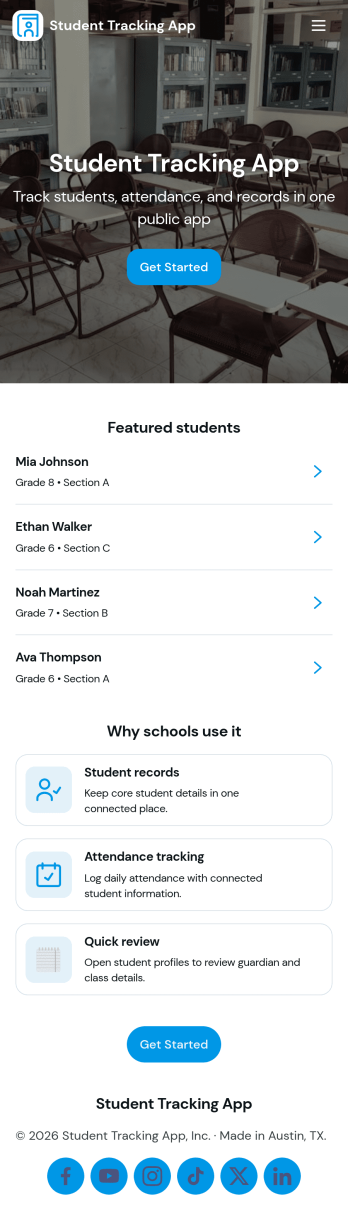
Student Tracking App
A student tracking app brings key classroom details into one place so educators can keep up with who is enrolled, who is attending, and what progress notes have been recorded. This template organizes a student roster you can browse into individual student details, then connects that view to an attendance log and academic notes so patterns are easier to spot over time. It fits K–12 classrooms, tutoring centers, after-school programs, and small academic teams that need a simple way to stay consistent with recordkeeping without digging through scattered spreadsheets or paper binders.Jotform makes it easy to turn this Student Tracking App into a working, shareable experience using App Templates and a no-code app builder. With a drag-and-drop interface, you can adjust navigation, add or remove pages, and connect the app to forms and tables for ongoing data collection and workflow needs. Share the app as a self-service hub for staff, keep attendance entries organized, and maintain up-to-date student information as your program changes throughout the year.
Go to Category:School Management Apps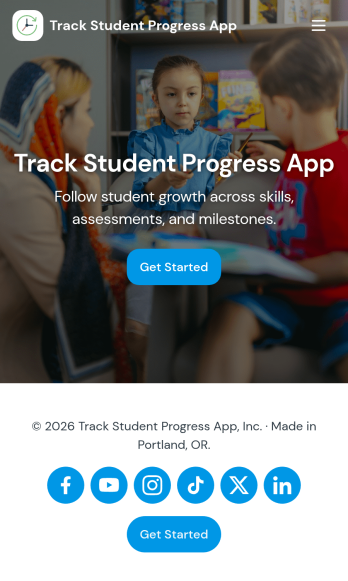
Track Student Progress App
Track Student Progress App helps educators and academic teams monitor learner growth in one place, using a roster view for quick navigation and progress logs to capture updates over time. It works well for classroom teachers, tutors, special education staff, and program coordinators who need a reliable way to review student profiles, record subject-level notes, and quickly see who is on track versus who needs support.With Jotform, you can turn this workflow into a shareable self-service app experience without coding. Use a no-code app builder with a drag-and-drop interface to connect forms for data collection, keep records organized, and support a consistent workflow for adding students and logging progress. Publish the app as a simple link for staff access, then refine the layout, branding, and pages as your tracking process evolves.
Go to Category:Classroom Management Apps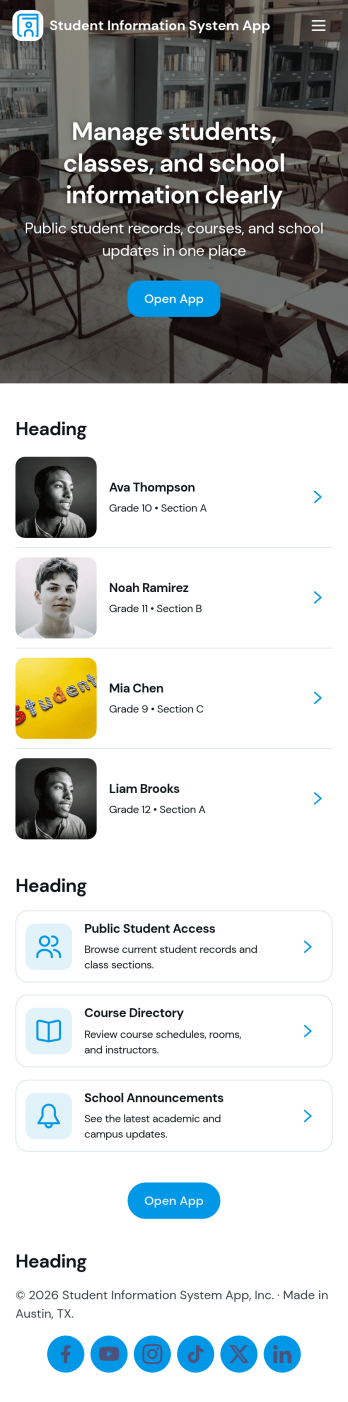
Student Information System App
Student Information System App brings key student records into one place so schools and education programs can keep day-to-day details organized without juggling spreadsheets. Use it to browse a student list, complete student registration, and capture ongoing updates like attendance and grades as the term progresses. It’s a practical fit for admins, registrars, coordinators, and teachers who need quick access to current information for classes, advising, and student support.Built with Jotform, this app template helps you turn data collection into a connected workflow using a no-code app builder and a drag-and-drop interface. Link your forms to lists so records stay easy to find, add navigation buttons for faster self-service across pages, and share the app with your team using a simple link. As needs change, you can adjust the layout, update fields, and keep information flowing to the right place with Jotform’s flexible app templates.
Go to Category:School Management Apps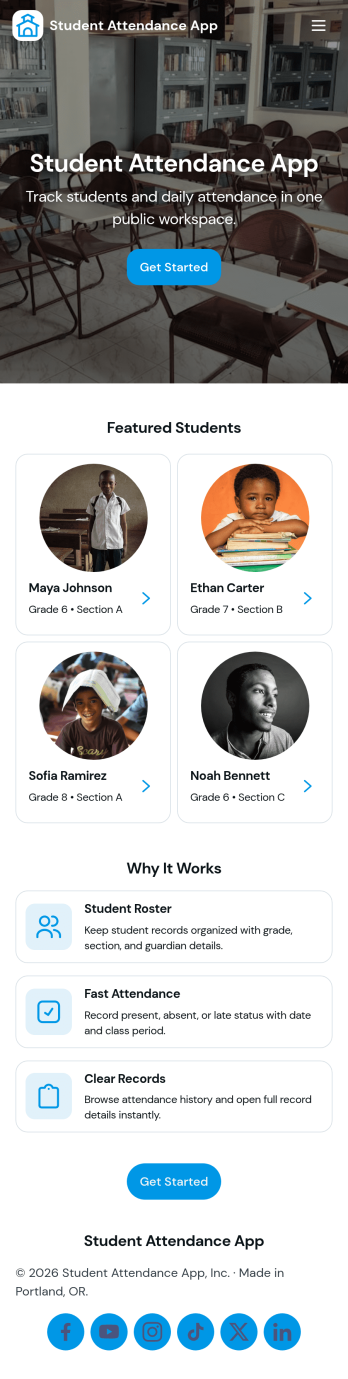
Student Attendance App
Student Attendance App helps schools and instructors track who is present each day without relying on paper rosters or scattered spreadsheets. Use it to register students, take attendance during class, and pull up records when you need a quick answer for participation checks, follow-ups, or internal reporting. It’s a practical fit for K–12 classrooms, tutoring centers, after-school programs, and small academies that want a consistent routine for student check-ins and easy access to guardian contact details.With Jotform, you can turn attendance tracking into a simple self-service workflow using App Templates and a no-code app builder. Customize pages with a drag-and-drop interface, connect the app to forms and tables for data collection, and keep your workflow organized from registration through record viewing. Share the app with staff through a link or QR code so attendance can be recorded from any device, whether you’re in a classroom, hallway, or on a field trip.
Go to Category:Classroom Management Apps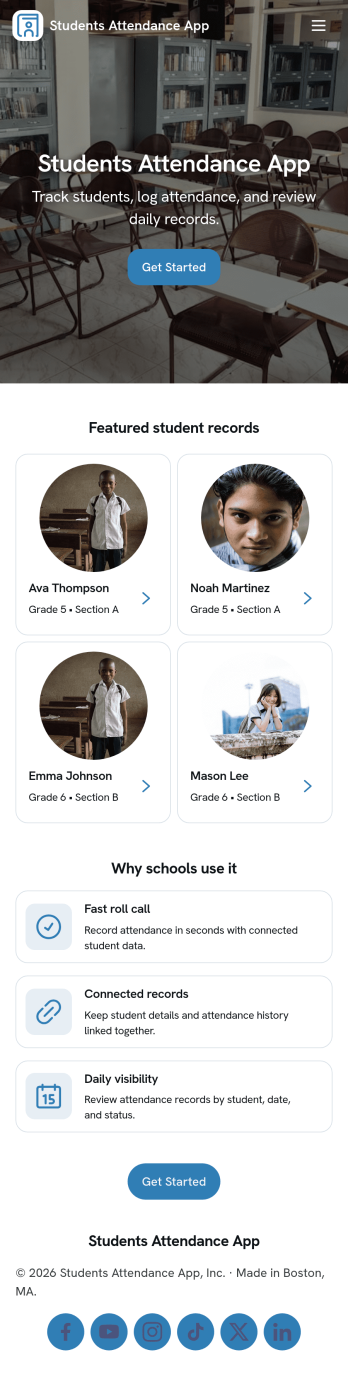
Students Attendance App
Students Attendance App helps teachers and school staff record daily attendance, keep student details organized, and review participation over time from one place. Use it to register students, quickly mark attendance during class, and open attendance records when you need to check patterns for a specific learner. It fits homerooms, after-school programs, tutoring centers, and training groups where consistent tracking matters and paper rosters slow everyone down.Jotform makes it easy to turn this app template into a polished workflow with a no-code app builder and a drag-and-drop interface. Connect the app to your forms and data tables so new registrations and attendance entries stay structured, searchable, and ready for reporting. Share the app with staff for fast self-service updates, customize the pages to match your process, and keep your attendance workflow simple from any device.
Go to Category:School Management Apps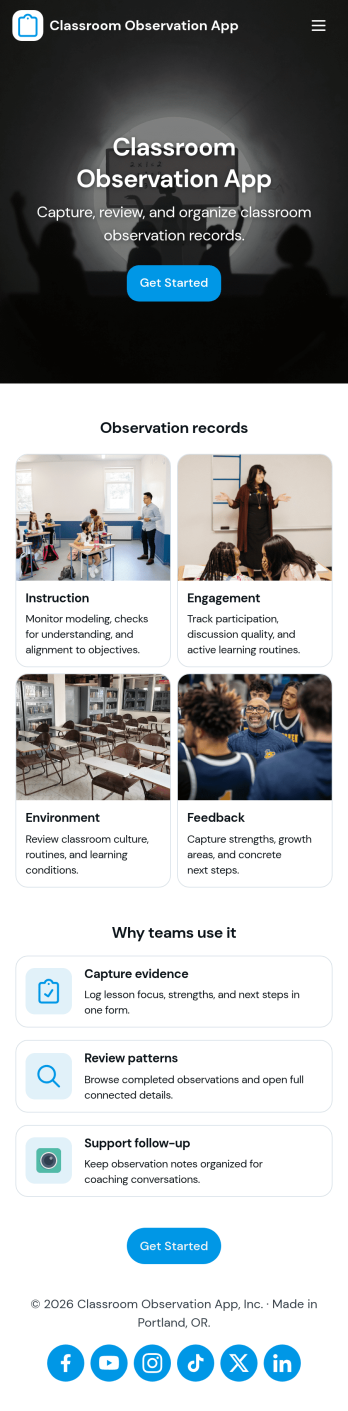
Classroom Observation App
Classroom Observation App helps schools and instructional teams capture consistent, timely classroom visit notes and turn them into organized records. It’s a practical fit for principals, assistant principals, instructional coaches, department heads, and mentor teachers who need a repeatable way to document what they see, from lesson flow and student engagement to classroom routines and instructional strategies. With a clear entry point to log an observation and a dedicated area to review observations, the app supports quick documentation during walk-throughs and more thoughtful write-ups after the visit.Built with Jotform, this app template combines a guided observation logging experience with a simple way to browse recent observation records in one place. Using Jotform’s no-code app builder and drag-and-drop interface, you can tailor the observation form, adjust what appears in your observations list, and share the app as a self-service tool for your observation team. As entries are collected, your workflow stays more consistent and searchable, making it easier to track patterns over time and keep observation documentation accessible.
Go to Category:Education Apps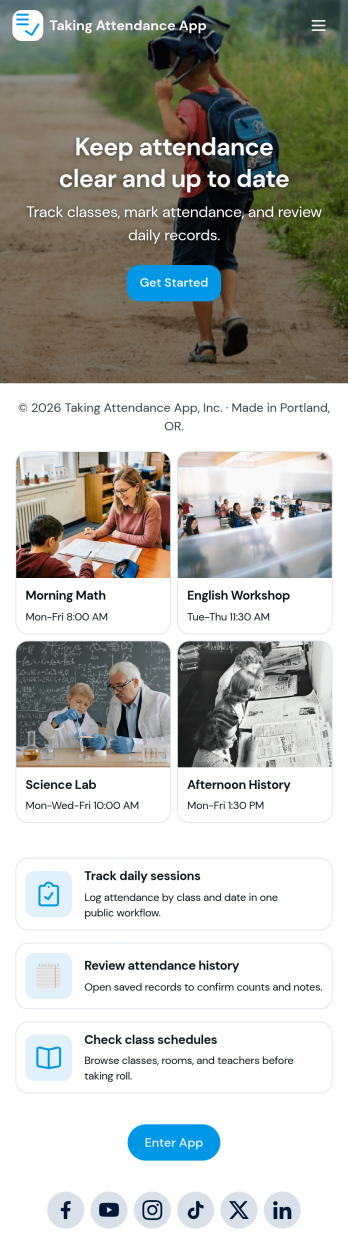
Taking Attendance App
Taking Attendance App helps teachers and staff capture daily attendance without juggling paper sheets or scattered messages. Use it to open a roster, add students as they enroll, and quickly record who’s present, absent, or late during homeroom, club meetings, tutoring sessions, or training days. A daily attendance snapshot makes it easy to spot patterns at a glance, while student profiles keep key context like class and guardian details close by when you need it.Built with Jotform, this app template combines self-service navigation with connected forms and records so attendance stays organized over time. Customize pages, buttons, and lists with a drag-and-drop interface, then share the app with your team for consistent data collection. As your workflow grows, you can route updates through approvals, centralize records in tables, and keep everyone aligned with a single link they can access on any device.
Go to Category:Education Apps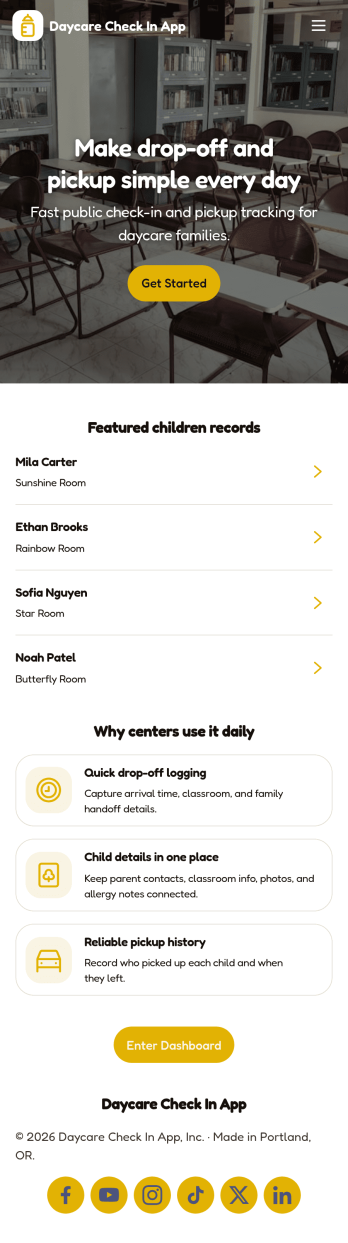
Daycare Check in App
Daycare Check in App helps childcare centers manage daily arrivals and departures in one place, giving staff and caregivers a consistent way to record drop-offs, pick-ups, and attendance history. With dedicated check-in and check-out paths plus an at-a-glance log of entries, teams can reduce confusion at busy times, spot missing or duplicate records faster, and keep child records organized for day-to-day operations. It’s a practical fit for daycares, preschools, after-school programs, and nursery teams that need a repeatable routine for tracking who is currently in care and reviewing prior attendance when questions come up.Jotform makes it easy to turn this workflow into a shareable, mobile-friendly experience using ready-to-use app templates and a no-code app builder. Customize pages with a drag-and-drop interface, connect the app to forms and tables for reliable data collection, and give staff a single place for ongoing workflow tasks like submitting entries and reviewing attendance records. When you’re ready, share the app by link or QR code so your team can check children in and out from the front desk or on the go.
Go to Category:Sign In Apps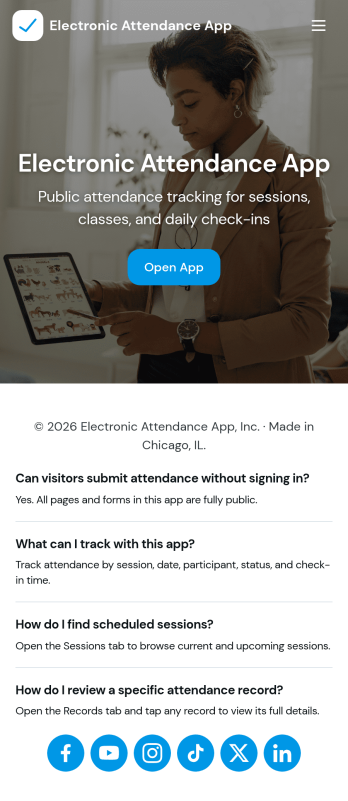
Electronic Attendance App
Electronic Attendance App helps schools, training programs, and youth organizations record attendance digitally while keeping student details and daily check-ins easy to access. Staff can open the app to run a quick Check In flow, jump to Students to review key information, and use an Attendance view to confirm who was present for a class, session, or event. It’s a practical fit for classrooms, tutoring centers, after-school programs, camps, and any team that needs a consistent way to capture attendance without paper lists.Built with Jotform, this app template can connect pages and buttons to the forms that power your attendance workflow and student record collection. Use Jotform’s no-code app builder and drag-and-drop interface to update navigation, tailor the check-in experience, and centralize data collection in one place for reliable self-service use across devices. As your process grows, you can refine how information is organized and keep attendance tracking simple for staff and admins.
Go to Category:Sign In Apps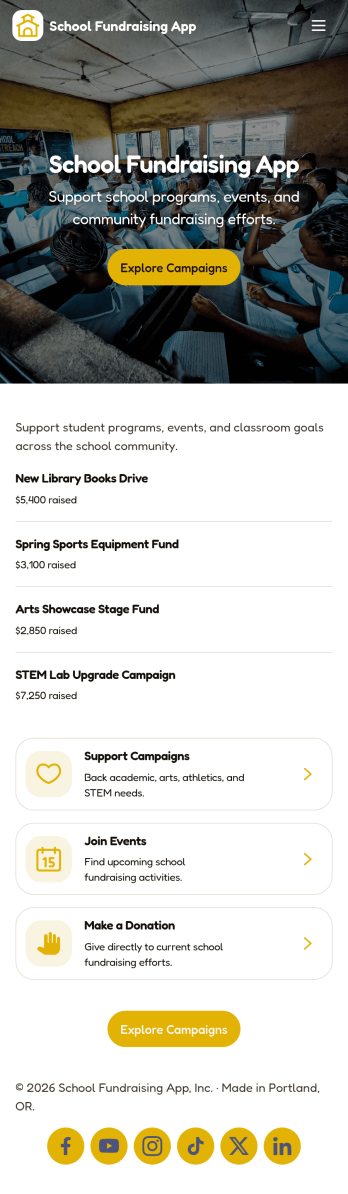
School Fundraising App
School Fundraising App brings your school’s giving efforts into one place so families, alumni, and community members can quickly see what you’re raising money for and how to get involved. Use it to highlight current campaigns, collect pledges through a linked form, and help supporters feel confident their contribution is going to the right goal. It’s a practical fit for PTAs and PTOs, booster clubs, student councils, and school offices that run recurring drives and need a clear, shareable experience for donors.With Jotform, you can launch and tailor app templates using a no-code app builder and a drag-and-drop interface, then publish a mobile-friendly self-service destination in minutes. Connect campaign information to your data collection workflow so updates stay organized, keep pledge entries consistent, and make it easy for your team to manage fundraising activity without juggling scattered links.
Go to Category:School Management Apps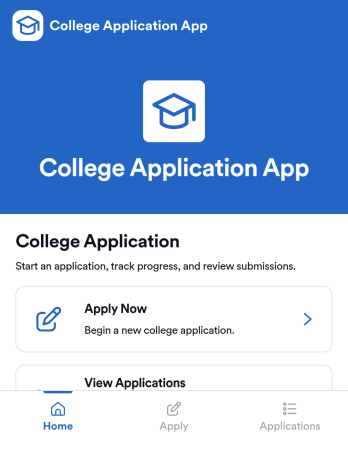
College Application App
College Application App helps students start a college application, save progress, and return later to complete or revise details without losing track of what’s been submitted. It’s a practical fit for high school counseling offices, college prep programs, and admissions teams that want a clear way to guide applicants from getting started through review. With a simple starting point, a list of saved applications, and an application review area, the app supports common intake needs like collecting applicant information and keeping records organized in one place. It also includes a requirements section so applicants know what to prepare, such as academic record details, before they move forward.Built with Jotform, this app template can be customized with a no-code app builder and a drag-and-drop interface so you can match your school’s process and branding. Connect the app to your forms and data collection workflow, then use it as a self-service experience applicants can access from a link or QR code. As submissions come in, teams can manage updates in one connected place, reduce manual follow-ups, and keep application information accessible for faster internal coordination.
Go to Category:Education Apps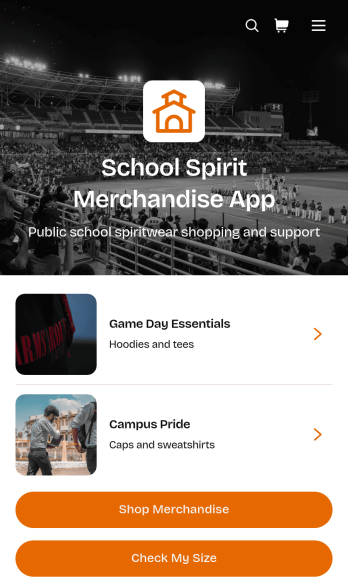
School Spirit Merchandise App
School Spirit Merchandise App is an app template for schools, parent groups, booster clubs, student organizations, and athletic departments that want to offer branded apparel and accessories in one convenient place. Supporters can browse merchandise, review collection details, check sizing guidance, and continue to the shop without searching across separate pages. It works well for spirit weeks, team seasons, school fundraisers, alumni campaigns, campus events, and year-round merchandise sales. By making products and essential purchase information easier to find, the app helps schools create a more organized shopping journey for students, families, staff, alumni, and community supporters.Jotform Apps makes it easy to customize this School Spirit Merchandise App with a no-code app builder and an intuitive drag-and-drop interface. Add school colors, logos, product content, navigation buttons, and connected forms to match each campaign or collection. Jotform App Templates can also connect data collection with payments, approvals, tables, notifications, and other workflow steps, helping teams manage sales activity from a central workspace. Once the app template is ready, publish it with a direct link or QR code so supporters can access a mobile-friendly self-service shop from virtually any device.
Go to Category:Apparel Selling Apps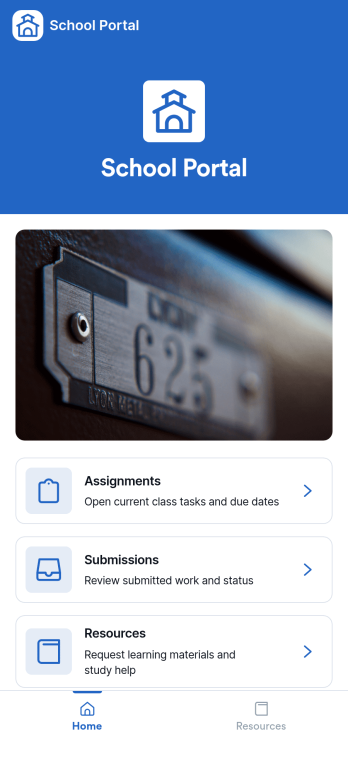
School Portal App
A school portal app brings key school communications and everyday tasks into one place, giving students, families, and staff a simple way to stay informed and take action without hunting through emails or paper notices. Use it to publish announcements, centralize contact information, capture updates from your community, and manage common requests so everyone knows where to go and what to do next. It works well for K–12 schools, districts, tutoring centers, and academic programs that need a consistent hub for timely messages and ongoing administrative needs.With Jotform, you can turn this School Portal App into a branded self-service experience using app templates and a no-code app builder with a drag-and-drop interface. Connect the app to forms and tables for data collection, route information through workflows like request tracking, and share access with a link or QR code. As needs change through the year, you can quickly update pages, adjust navigation, and keep school information current without relying on technical help.
Go to Category:School Management Apps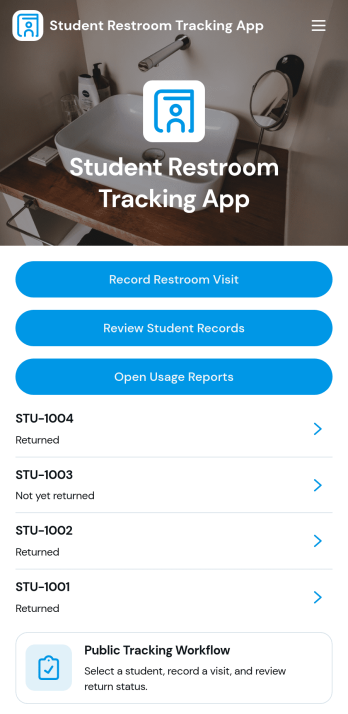
Student Restroom Tracking App
Student Restroom Tracking App helps schools and classrooms log and review student restroom visits in a consistent, searchable way. Staff can record a restroom visit, look up student records, and open usage reports to spot patterns across students, classrooms, or locations. It fits everyday hall pass routines for teachers, support staff, and administrators who need clear visibility into visit history without relying on paper slips or scattered notes.Built with Jotform, this app template can be tailored with a no-code app builder and a drag-and-drop interface so your team can match it to your policies and workflows. Connect forms for quick data collection, keep information organized, and share a self-service experience through a link or QR code for fast access during class transitions. As needs change, you can update the layout, add steps for review, and keep reporting aligned with how your school operates.
Go to Category:School Management Apps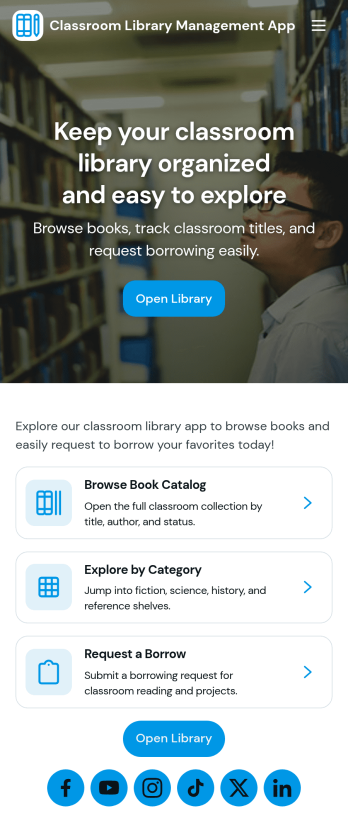
Classroom Library Management App
Classroom Library Management App helps teachers and school staff organize a classroom book collection and keep lending activity easy to follow. Students can browse the catalog, while you keep a clear record of who has which title, when it was loaned, and what is currently checked out. Use it to cut down on lost books, reduce time spent searching shelves, and create a simple routine for borrowing and returning that works during busy class periods, reading centers, or independent study time.Built with Jotform App Templates, this app template can be tailored in minutes with a no-code app builder and a drag-and-drop interface. Connect the app to your existing data collection workflows so you can add new books to your catalog, log loans as they happen, and review activity in one place. Share a single link for self-service access, keep information up to date, and manage day-to-day classroom library tasks without extra tools.
Go to Category:Classroom Management Apps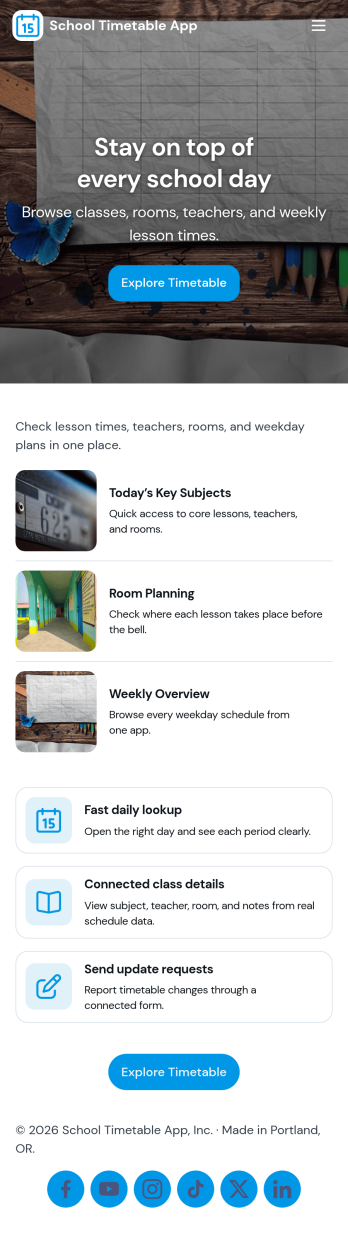
School Timetable App
A school timetable app brings class schedules, staff contacts, and day-to-day announcements into one place so students, families, and school teams always know what’s happening next. Use it to publish a clear schedule, browse people directories, and share timely updates such as room changes, substitute coverage, or special bell schedules without relying on scattered emails or printed handouts.With Jotform, you can customize this school timetable app template using a no-code app builder and a drag-and-drop interface to match your school’s routines and branding. Connect the app to forms and tables for data collection around timetable changes, let staff submit updates from a single button, and keep information accessible through a simple self-service experience that works well on mobile for quick checks throughout the day.
Go to Category:Education Apps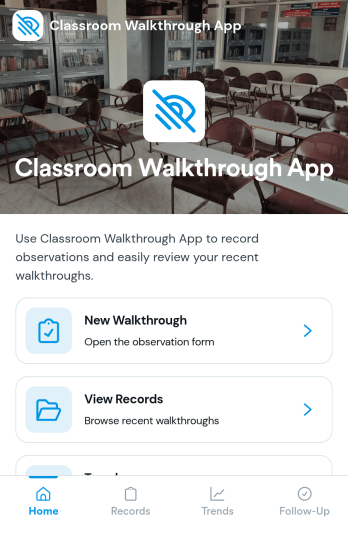
Classroom Walkthrough App
A classroom walkthrough app helps school leaders and instructional coaches document quick classroom observations, keep classroom information organized, and build a consistent record of what they see across learning spaces. Use it to maintain a simple classroom list, log walkthrough notes as you move between rooms, and review a history of prior visits so follow-ups feel informed and timely. It’s a practical fit for principals, assistant principals, department heads, and coaching teams who need a lightweight way to capture evidence during walkthroughs without relying on scattered paper notes.With Jotform, you can turn this classroom walkthrough app template into a polished self-service experience using a no-code app builder and a drag-and-drop interface. Connect the app to forms for fast data collection, organize records for each classroom and walkthrough entry, and keep your workflow consistent from one observer to the next. Share the app with your team, update it as your observation focus changes, and keep everything accessible on any device for smoother walkthrough routines.
Go to Category:Classroom Management Apps