

School Management Apps

Dance Studio Parent Resources App
The Dance Studio Parent Resources App is a ready-to-use app template that gives dance studios a central place to share class information and answer common parent questions. Studio owners, instructors, administrators, and enrollment teams can use it to help families browse available classes, review age ranges, levels, and schedules, find parent resources, and submit questions about a specific class. By keeping essential guidance in one mobile-friendly destination, the app reduces repetitive inquiries and makes it easier for parents to choose suitable programs for their children. It can support seasonal enrollment, new-family orientation, ongoing class communication, and everyday self-service.Jotform makes this Dance Studio Parent Resources App easy to adapt with a no-code app builder and an intuitive drag-and-drop interface. Studios can update pages, navigation, class content, buttons, colors, and fonts to reflect their programs and branding. Connected forms support data collection for parent questions, while organized resources and FAQs create a clearer workflow for responding to families. Once customized, the app can be published and shared through a direct link or QR code, giving parents convenient access from phones, tablets, or computers without requiring a download.
Go to Category:Resource & Learning Portal Apps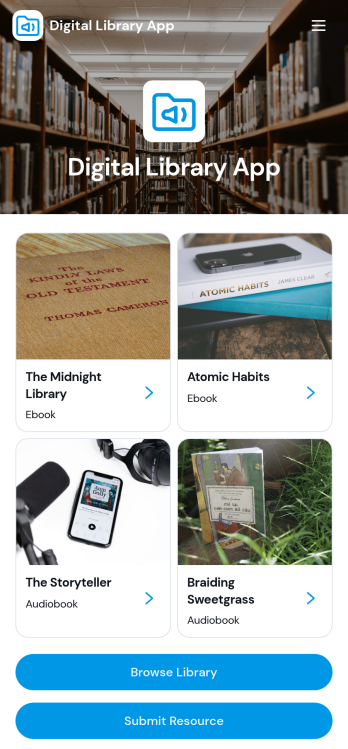
Digital Library App
Digital Library App is a ready-to-use app template for schools, universities, public libraries, training providers, nonprofits, and organizations that want to make digital learning materials easier to find. Readers can browse a centralized library, explore ebooks and audiobooks, review details such as author, genre, resource type, and publication year, and open selected resources through direct links. A connected submission form also gives librarians, educators, or community members a convenient way to recommend new materials. This organized experience reduces scattered resource lists and helps students, employees, members, and the public discover useful content through self-service access.Jotform makes the Digital Library App easy to adapt without writing code. Use the no-code app builder and drag-and-drop interface to update pages, cards, buttons, images, navigation, and branding for your audience. Connect forms and tables to support data collection and resource management workflows, then publish the app for mobile-friendly access. Jotform App Templates provide a practical starting point, while flexible sharing options let teams distribute the finished library by direct link, QR code, or embedded experience.
Go to Category:Resource & Learning Portal Apps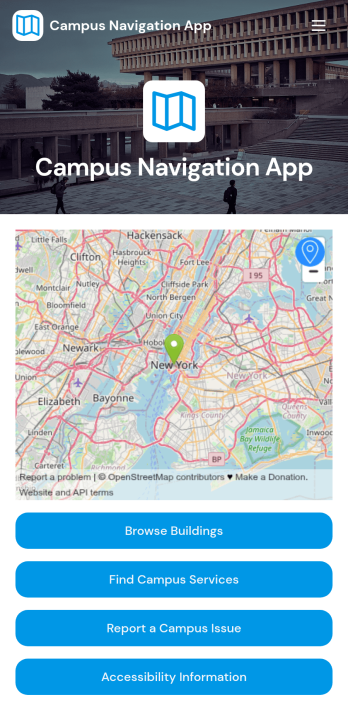
Campus Navigation App
Campus Navigation App is a digital campus guide for students, faculty, staff, prospective students, and visitors who need help finding their way around an educational institution. It brings building and service discovery, map directions, accessibility information, and campus issue reporting into one convenient experience. Colleges, universities, community colleges, and training centers can use this app template during daily operations, orientations, open days, campus tours, and major events. Clear navigation reduces confusion, helps people locate essential services faster, and gives campus teams a direct channel for receiving reports about building or access concerns.Jotform App Templates make it easy to adapt the Campus Navigation App without writing code. Using Jotform’s no-code app builder and drag-and-drop interface, administrators can update pages, organize navigation, apply institutional branding, and connect forms for data collection and workflow management. The finished app can support mobile-friendly self-service and be shared through a direct link or QR code, helping users access current campus resources from wherever they are. Teams can revise content as buildings, services, routes, and operational needs change.
Go to Category:Education Apps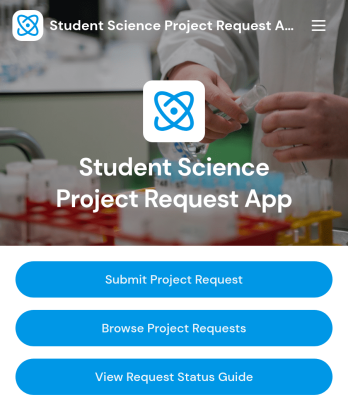
Student Science Project Request App
The Student Science Project Request App is a ready-to-use app template for collecting, reviewing, and organizing student requests for science projects. Students can submit a project request, while teachers, advisors, lab coordinators, and school administrators can browse requests and consult a status guide. Centralized access to project titles, student and advisor details, preferred completion dates, and current statuses helps schools replace scattered emails and paper records. It supports classroom projects, science fairs, independent studies, laboratory activities, and supervised research by giving each participant clearer visibility into the request process.Jotform Apps helps schools turn this request process into a branded, mobile-friendly self-service experience without coding. Using the no-code app builder and its drag-and-drop interface, teams can customize pages, cards, buttons, fonts, colors, and navigation to match their program. The app can connect with forms, tables, approvals, notifications, and other workflow tools for organized data collection and follow-up. Start with Jotform App Templates, adapt the content, and share the finished app through a direct link, QR code, or embedded experience.
Go to Category:School Management Apps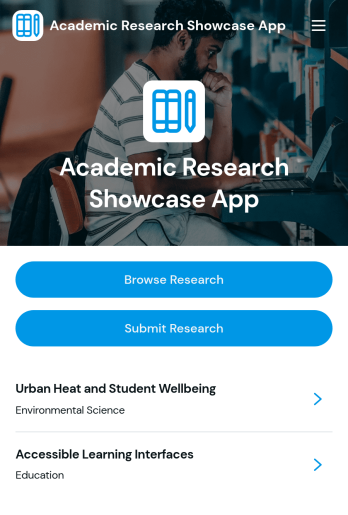
Academic Research Showcase App
Academic Research Showcase App is an app template for presenting scholarly work in a browsable, accessible collection. Universities, research institutes, academic departments, faculty members, students, conference organizers, and libraries can use it to highlight projects and make findings easier to discover. Visitors can browse research entries, review focused project details, and open linked publications, while researchers can submit work through a connected form. This approach brings research questions, methods, findings, researchers, institutions, and subject areas into a consistent experience without overwhelming readers. It is useful for departmental showcases, student research exhibitions, institutional repositories, symposium resources, and public engagement initiatives.Jotform Apps helps teams turn this Academic Research Showcase App into a branded resource using a no-code app builder and an intuitive drag-and-drop interface. Organizers can adjust pages, navigation, visual elements, and connected data collection processes without programming. Forms, tables, approval steps, links, and other workflow tools can be brought together to support research intake and publication. Start with one of Jotform’s App Templates, customize it for an institution or event, and share the finished experience through a direct link, QR code, or embedded page. Mobile-friendly access also gives researchers and readers a convenient self-service destination wherever they are.
Go to Category:Education Apps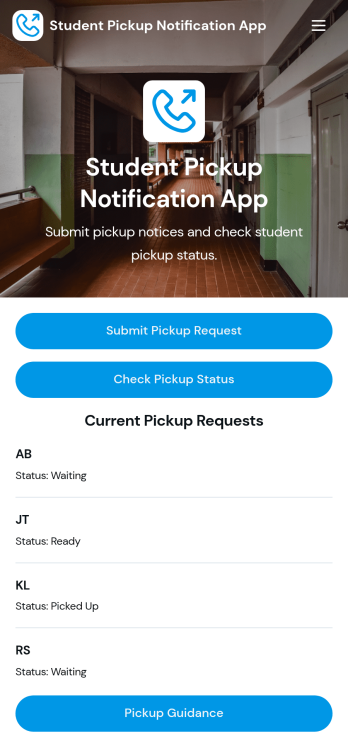
Student Pickup Notification App
Student Pickup Notification App provides schools, after-school programs, childcare centers, and families with one organized place to coordinate student dismissal. This app template lets authorized pickup contacts submit a pickup request, check its current status, and review pickup guidance without relying on scattered calls or messages. Staff can view active requests and reference essential details such as student initials, pickup codes, expected times, contact information, and notes. It supports front-office teams, teachers, transportation coordinators, and administrators who need clearer communication during busy arrival and dismissal periods while giving families a convenient self-service experience.Jotform Apps makes it easy to adapt the Student Pickup Notification App to each school’s procedures without writing code. Use the drag-and-drop app builder to update pages, buttons, instructions, colors, and branding, then connect forms, tables, notifications, approvals, and other workflow steps as needed. Collected data can remain organized through connected Jotform tools, helping staff monitor requests from a central location. Once the app is ready, share it through a direct link or QR code so families and team members can access a mobile-friendly pickup resource from nearly any device.
Go to Category:School Management Apps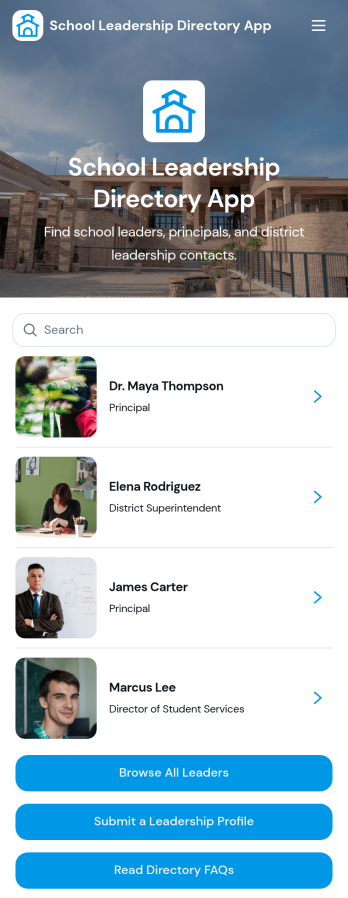
School Leadership Directory App
School Leadership Directory App helps school communities find and connect with the right education leaders in one organized place. Use it to publish leadership profiles for principals and district leaders, highlight each person’s leadership level, district, and specialty, and make it easy for visitors to browse all leaders or explore by role. It also supports ongoing updates by letting staff submit a leadership profile through a dedicated submission flow, so the directory stays current as teams change throughout the year.Built with Jotform, this app template can be tailored with a no-code app builder and a drag-and-drop interface so you can match your school or district branding and information needs. Connect profile details to structured data collection, then present them as searchable, mobile-friendly lists and profile pages with quick actions like emailing a leader. Share the directory with a link or QR code to support self-service access for families, staff, and community partners while keeping your workflow simple to manage.
Go to Category:Education Apps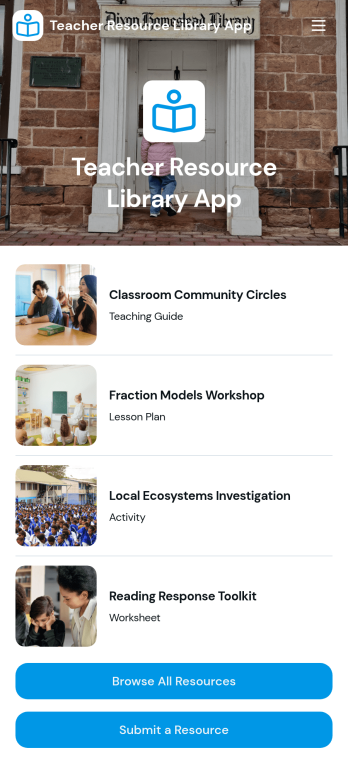
Teacher Resource Library App
Teacher Resource Library App helps schools and teaching teams organize, share, and discover classroom-ready materials in one easy place. Use it to publish a central collection of lesson resources, let staff browse a full library, and guide educators to the right materials faster with subject-based navigation and a simple resource finder experience. It’s a great fit for department chairs, instructional coaches, and school administrators who want consistent access to approved resources, as well as teacher teams collaborating across grades or subjects.Built with Jotform, this app template turns your resource workflow into a self-service experience teachers can use from anywhere. Customize pages with a drag-and-drop interface, connect the resource list to your data collection process so new materials are submitted in a consistent format, and share a single link with your school community. With a no-code app builder, you can keep the library current, reduce scattered files across drives and inboxes, and make it easier for teachers to contribute and find what they need.
Go to Category:Education Apps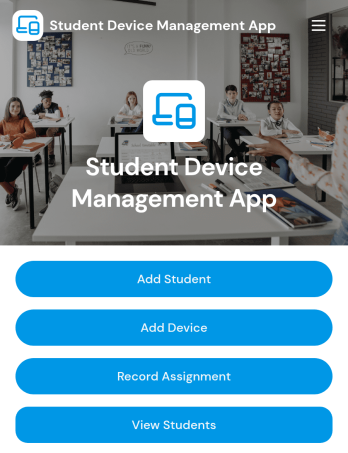
Student Device Management App
Student Device Management App helps schools and districts keep student and device records organized and accessible in one place, so staff can quickly look up who has what and when it was issued. It supports day-to-day device programs by letting teams add students and devices, review assignment activity at a glance, and contact guardians when details need to be confirmed or issues come up. Use it in IT departments, media centers, and administrative offices that manage loaners, 1 to 1 deployments, repairs, and returns across multiple classrooms.Built with Jotform, this app template is easy to adapt with a no-code app builder and a drag-and-drop interface, so you can match your process without relying on developers. Connect it to your existing workflow for data collection, keep information centralized for self-service lookups, and publish a mobile-friendly experience your team can open from a link or QR code whenever they need to check a student record, view a device profile, or review assignments.
Go to Category:School Management Apps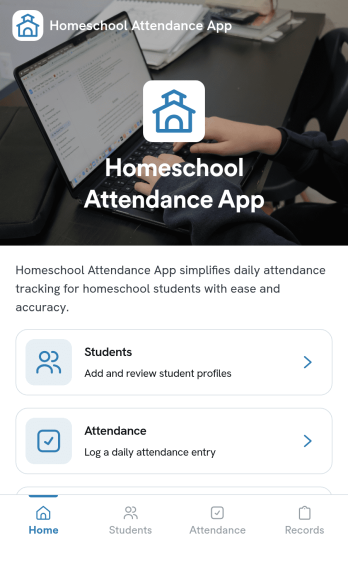
Homeschool Attendance App
Homeschool Attendance App helps homeschooling families and co-ops keep clear, consistent attendance information in one place. Use it to maintain a student list, add new students as your program grows, and record daily attendance with quick updates that are easy to revisit later. It’s a practical fit for parents managing multiple learners, tutors tracking small groups, and homeschool administrators who need dependable records for planning, reporting, or end-of-term summaries.Built with Jotform, this app template turns everyday tracking into a simple self-service experience you can share and use from anywhere. Customize pages with a drag-and-drop interface, connect forms to collect data, and keep everything organized as your workflow evolves. From adding a student to logging attendance and reviewing records, Jotform makes it easy to create a polished app without code.
Go to Category:Education Apps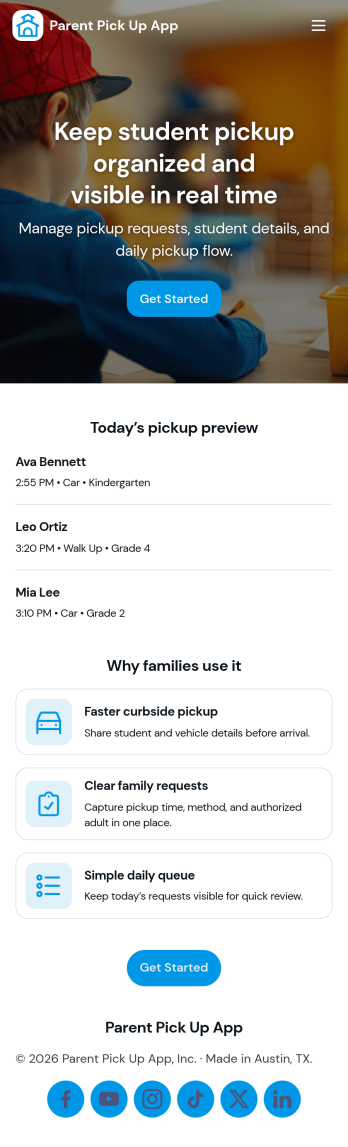
Parent Pick Up App
Parent Pick Up App helps schools and childcare programs manage dismissal by letting families submit a pickup request and giving staff a clear view of the pickup queue. Use it to reduce confusion at car line, coordinate authorized pickups, and keep the handoff process organized for teachers, front desk teams, and after-school staff. With guided actions like Submit Pickup and View Queue, the app supports smoother arrivals at the right pickup spot and helps teams prioritize students as requests come in.Jotform makes it easy to build and publish app templates like this with a no-code app builder and a drag-and-drop interface. Connect the app to a pickup request form, display live records in a list for quick scanning, and keep workflows moving with simple navigation buttons such as Open Queue and Add Request. Share the app by link or QR code so families and staff can access self-service updates from any device while your data collection stays organized in one place.
Go to Category:School Management Apps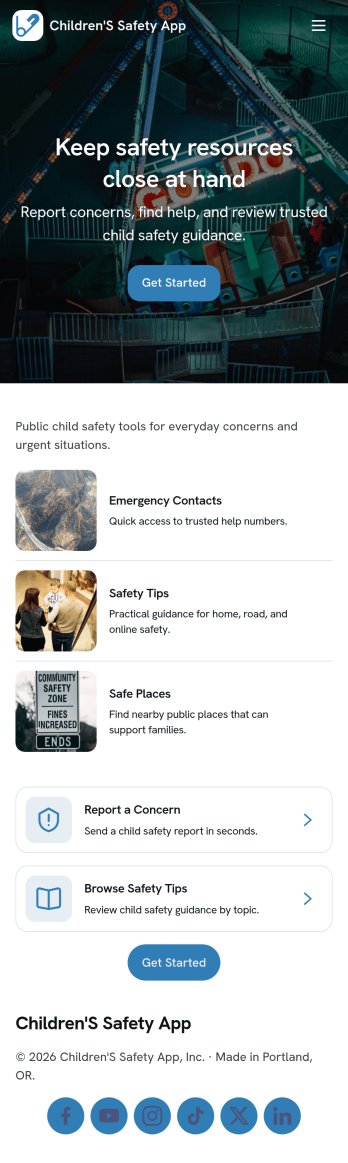
Children's Safety App
Children's Safety App helps families, schools, and youth programs keep routine check-ins and safety concerns in one place. Use it to record when a child arrives, is picked up, or is confirmed safe during activities, and to create quick safety reports when something needs attention. With clear navigation for Check In and Safety Reports, it supports everyday supervision as well as moments when staff or caregivers need to document an incident, note a concern, or follow up consistently.Built with Jotform App Templates, this app template can be customized with Jotform’s no-code app builder and a drag-and-drop interface to match your process and audience. Connect the experience to forms for data collection and workflows, organize information so teams can handle self-service updates, and share the app by link for fast access on mobile or desktop. As your needs change, you can adjust pages, add steps, and keep records organized without rewriting your system.
Go to Category:School Management Apps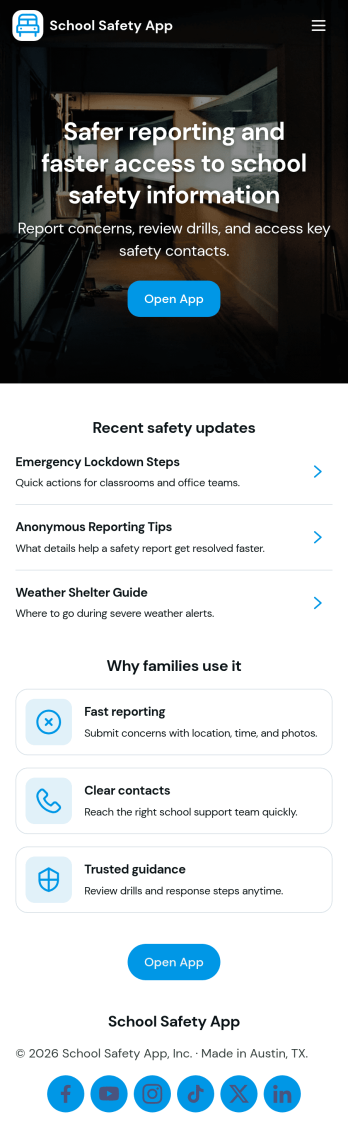
School Safety App
School Safety App brings incident reporting, emergency contact access, and routine safety checks into one place so school communities can act quickly and stay organized. It’s a practical fit for K–12 schools, districts, after-school programs, and campus teams that need a clear way for staff to report issues, review an incident log, and find the right person to call during time-sensitive situations without digging through emails or paper binders.With Jotform, you can launch this app template and tailor it to your campus workflows using a no-code app builder and a drag-and-drop interface. Connect buttons and pages to forms and tables for consistent data collection, keep your workflow moving with shared access for the right team members, and publish a self-service experience that works on any device for hall monitors, administrators, and safety personnel.
Go to Category:Education Apps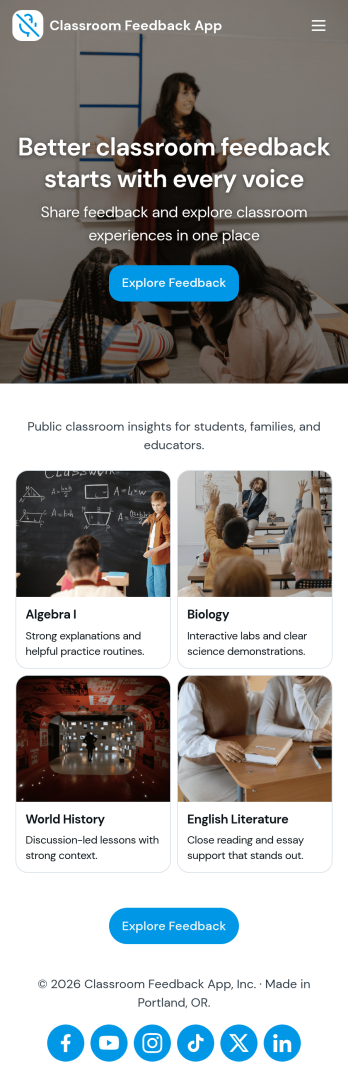
Classroom Feedback App
Classroom Feedback App helps teachers and schools gather student input in one place and turn it into actionable next steps. Use it to invite learners to share what’s working, what’s confusing, and what they want more of, then organize responses by topic or urgency for faster follow-up. Students can quickly submit feedback through a dedicated entry point, while educators can review a running feedback feed, scan recent topics, and focus on high-priority items that may need attention first.Jotform makes it easy to publish this kind of self-service experience with a no-code app template and a drag-and-drop interface that adapts to your classroom routines. Connect the app to a feedback form for consistent data collection, view and manage entries in linked tables, and share the app with a simple link or QR code for quick access during class, after lessons, or at the end of a unit. As needs change, you can update pages, navigation, and review flows without rebuilding your workflow from scratch.
Go to Category:Classroom Management Apps