

Task Management Apps

Hotel Housekeeping App
Hotel Housekeeping App brings daily room operations into one place so housekeeping teams can stay aligned from shift start to final checks. Use it to view assigned tasks by room, capture an at-a-glance shift overview, and keep work moving without chasing updates across radios, paper sheets, or scattered messages. It also supports fast reporting when something is off in a room, helping staff flag maintenance needs, missing items, or guest-impacting problems as soon as they’re noticed. Supervisors can use the same workflow to coordinate priorities, reduce missed cleanings, and create more consistent room readiness across floors and properties.Built with Jotform App Templates, this app template can be tailored in Jotform’s no-code app builder with a drag-and-drop interface. Connect the navigation cards to your existing workflows for data collection, inspections, and issue reporting, then share the app with your housekeeping team for simple self-service access on mobile. As updates come in, Jotform helps you keep records organized, improve handoffs, and maintain a clear operational trail for tasks and room checks.
Go to Category:Hotel Management Apps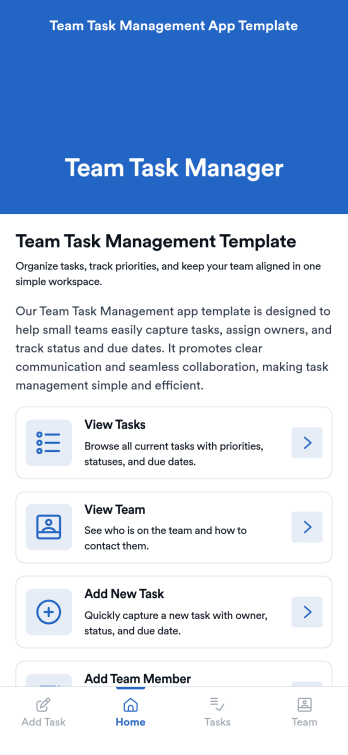
Team Task Management App Template
Team Task Management App Template is an app template designed to streamline the process of collecting and organizing patient appointment requests. It is perfect for healthcare providers, clinics, medical offices, and healthcare organizations seeking a reliable and efficient system for managing their scheduling requests. This template optimizes data collection, providing clarity and consistency in capturing essential details such as patient name, contact information, preferred appointment dates, and reasons for the visit. Notably, it excels in settings where efficient scheduling and coordination of healthcare services are paramount. The Team Task Management App Template is commonly used for handling a high volume of appointment requests and is best suited for service providers and administrators that need a unified system for managing patient scheduling requests.With Jotform's intuitive interface, customizing the Team Task Management App Template is as easy as a few clicks. You can adapt it to your unique operational needs, reflecting your brand's specific aesthetic and functional requirements. Through Jotform, you can effortlessly collect e-signatures from patients, providing a seamless and straightforward way for them to confirm their appointment requests digitally. Whether you're generating reports, creating custom sheets for data tracking, or managing your overall appointment requests, Jotform's Team Task Management App Template brings a level of simplicity and ease of use to your operations, making the often daunting task of managing high volumes of appointment requests manageable and efficient.
Go to Category:Task Management Apps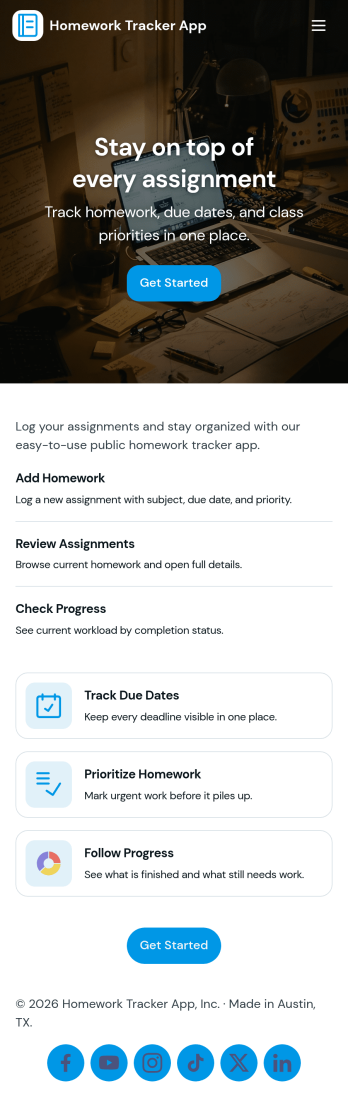
Homework Tracker App
Homework Tracker App helps students keep schoolwork organized by bringing assignments, work submission, and progress tracking into one place. Use it to view upcoming tasks, add new assignments quickly, mark items as high priority, and keep personal submission notes so nothing gets missed. It’s a practical fit for middle school, high school, college, tutoring programs, and homeschool routines where learners need a clear view of what’s due and what’s already been turned in.Built with Jotform, this app template combines self-service navigation with simple data collection through connected forms, so updates don’t depend on scattered messages or separate spreadsheets. Customize pages and buttons to match your subjects or class schedule, then share the app link with students or families for easy access on any device. With Jotform’s no-code app builder and drag-and-drop interface, you can adjust the layout, refine your workflow, and keep assignment records and submissions organized over time.
Go to Category:Education Apps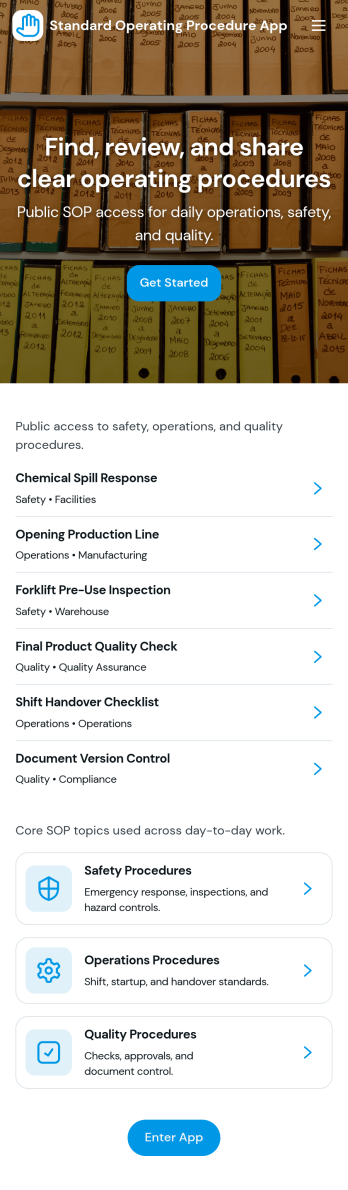
Standard Operating Procedure App
Standard Operating Procedure App brings your SOPs into one place so teams can follow consistent steps, record completion, and keep work quality steady across shifts and locations. Use it to publish an SOP library for recurring tasks, capture execution details with structured data collection, and route records into a review queue when supervisors need to verify outcomes. It’s a practical fit for operations managers, HR and training teams, IT and facilities leads, and any department that relies on repeatable processes for onboarding, handoffs, and day-to-day execution.With Jotform, you can turn this app template into a branded, mobile-friendly self-service experience without writing code. Use the no-code app builder and drag-and-drop interface to adjust pages, add guidance, and connect the app to forms and tables so execution records stay organized and easy to find. As your workflow evolves, you can keep SOP content and logs up to date, share the app by link, and give teams a simple way to follow procedures and submit proof of work in minutes.
Go to Category:Operations & Logistics Portal Apps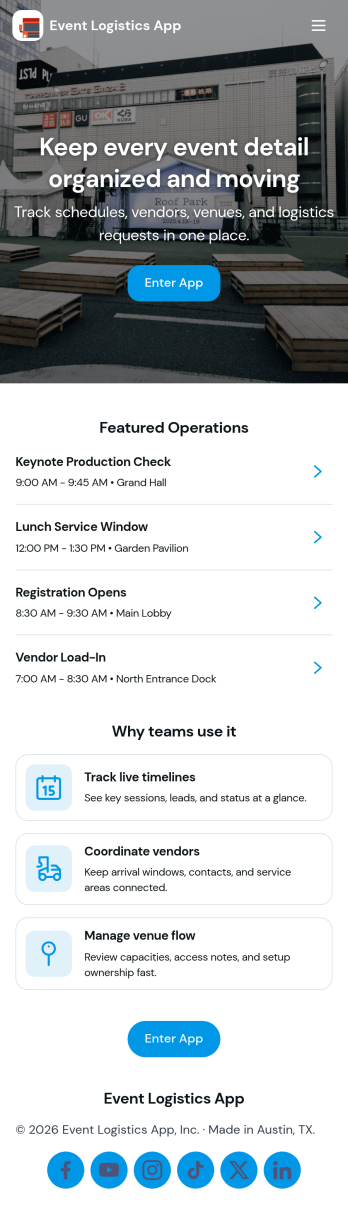
Event Logistics App
Event Logistics App brings day-of-event coordination into one place so organizers can keep timelines, staffing, and on-site issues moving without confusion. Use it to publish a working schedule, add staffing assignments as plans change, and give team leads a simple way to log issues from the floor as they happen. It’s a practical fit for event planners, venues, production crews, nonprofits running fundraisers, and campus teams managing conferences, festivals, tournaments, or multi-session programs where many people need the same source of truth.With Jotform, you can turn your Event Logistics App into a polished self-service experience using a drag-and-drop interface and a no-code app builder. Connect buttons to forms for data collection, route updates into tables for easy viewing, and keep your workflow moving with shareable links and mobile-friendly access. As details shift, you can adjust pages, branding, and navigation so staff and volunteers always know what to do next and where to report problems.
Go to Category:Event Planner Apps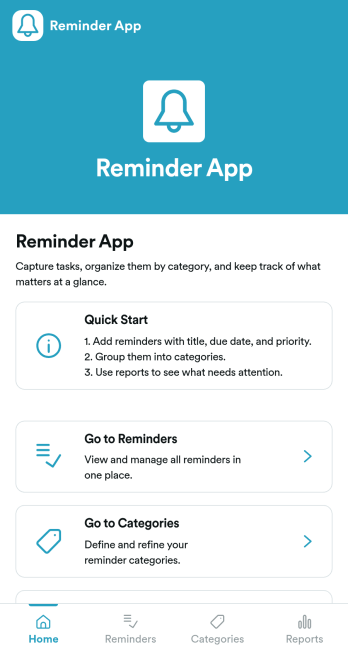
Reminder App
Reminder App is an app template designed to streamline the process of creating and managing reminders for tasks, events, and deadlines. This template serves a multitude of operational roles—be it individuals, teams, productivity-focused businesses, or developers. Its primary function is to collect essential data about reminders, enabling individuals to maintain their productivity levels and businesses to achieve efficient workflow management. By using the Reminder App, teams can foster better organization and ensure timely follow-ups, improving overall coordination and reducing the chances of missed deadlines or overlooked tasks. This app is best suited for individuals and organizations focused on task management, ensuring a uniform approach to the collection and management of reminders.Jotform's Reminder App is designed with ease of use at its core. The drag-and-drop interface allows users to customize the app according to their preferences, without requiring any coding knowledge. You can tailor its appearance, create bespoke forms, and add unique features to cater to your specific needs. Furthermore, Jotform's robust features facilitate efficient data collection, ensuring timely and convenient access to all information. The platform's electronic signature feature adds a layer of confirmation to your reminders, making it ideal for businesses that require official sign-offs on tasks or projects. Finally, the platform offers a variety of reports and sheets to help you visualize and analyze your data, ensuring that you stay on top of your tasks and deadlines. The Reminder App from Jotform takes the hassle out of remembering tasks, making productivity easy and efficient.
Go to Category:Task Management Apps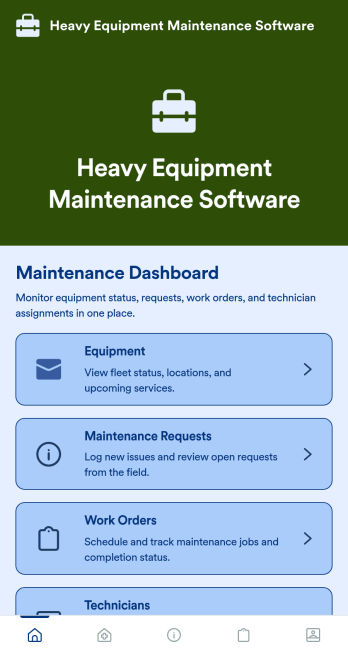
Heavy Equipment Maintenance Software
Heavy Equipment Maintenance Software is a app template designed to optimize operational efficiency in fleet-intensive industries, such as construction, mining, agriculture, and logistics. This app is specifically created to provide a systematic approach to heavy machinery maintenance, offering equipment owners, service managers, and technicians visibility and control over large assets. It serves as a comprehensive platform for tracking machine health, scheduling services based on usage hours, and coordinating repairs across multiple sites. Users can monitor performance trends, manage spare parts inventory, and prevent unexpected equipment failures that could seriously disrupt operations. This template is most beneficial to organizations that require a robust and reliable solution for heavy equipment maintenance.With Jotform's no-code, drag-and-drop app builder, customizing the Heavy Equipment Maintenance Software to fit your operational needs is a breeze. Users can tweak the layout, incorporate essential forms, and adjust functionalities as required, all without writing a single line of code. The cross-platform compatibility further enhances the app’s value, providing seamless functionality whether accessed on smartphones, tablets, or desktops. The option to add to your home screen provides instant access to the app, saving time and maximizing efficiency. Furthermore, the app allows for the centralization of multiple forms, links, and resources, providing a cohesive and streamlined user experience. With Jotform's Heavy Equipment Maintenance Software, managing your heavy machinery has never been more straightforward or efficient.
Go to Category:Construction Apps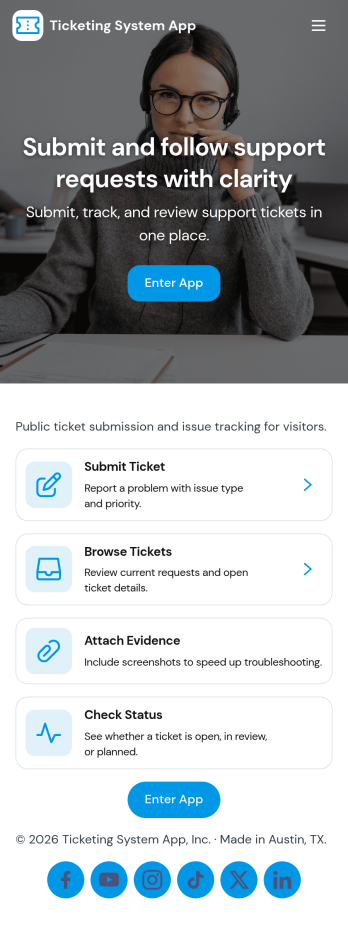
Ticketing System App
A ticketing system app gives teams a central place to capture requests, organize incoming issues, and guide people to the right next step. With this Ticketing System App, users can submit a new ticket, browse existing tickets, and review their own submissions without relying on scattered emails or chat threads. It’s a practical fit for IT help desks, internal ops teams, customer support groups, facilities, and any department that needs a clear way to intake problems, track progress, and keep request details consistent from start to finish.Jotform makes it easy to publish this experience as a branded, self-service app using a no-code app builder and a drag-and-drop interface. Connect your ticket form to the app so requests flow into a single workflow, then share the app link with employees or customers for faster data collection and better visibility. As needs change, you can update pages, navigation buttons, and the ticket list view in minutes, keeping your support process organized and accessible on any device.
Go to Category:Service & Support Portal Apps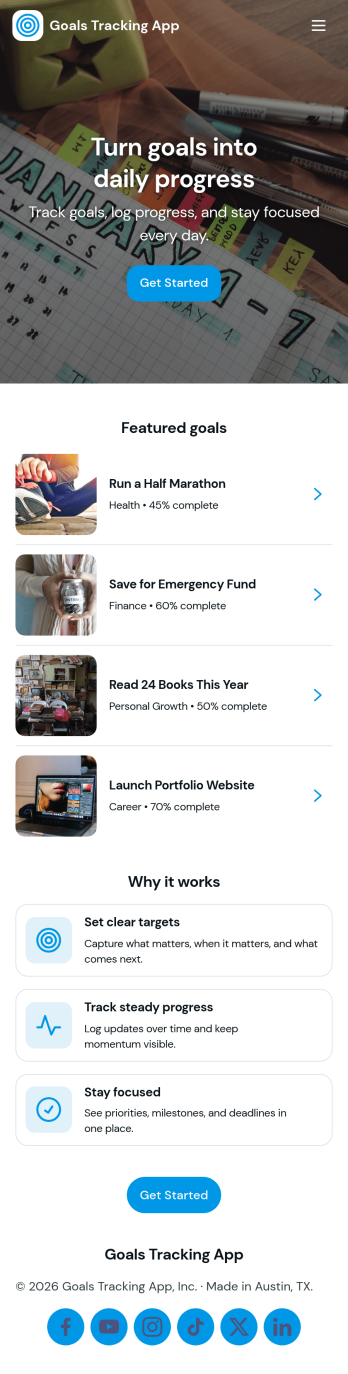
Goals Tracking App
Goals Tracking App helps individuals and teams capture new goals and keep progress visible in one place. Use it to add a goal in seconds, review active priorities, and log updates as milestones are reached. It fits personal habit building, sales targets, training plans, student projects, and manager one-on-ones where you need a simple way to record goals and check status without hunting through notes or spreadsheets.With Jotform, you can turn this goals tracking app template into a branded, shareable experience using a no-code app builder and a drag-and-drop interface. Connect goal entries to your data collection workflow, organize records in one view, and keep everyone aligned with an easy self-service hub that works on any device. Update fields, adjust navigation, and publish quickly so your process stays clear as goals change over time.
Go to Category:Tracker Apps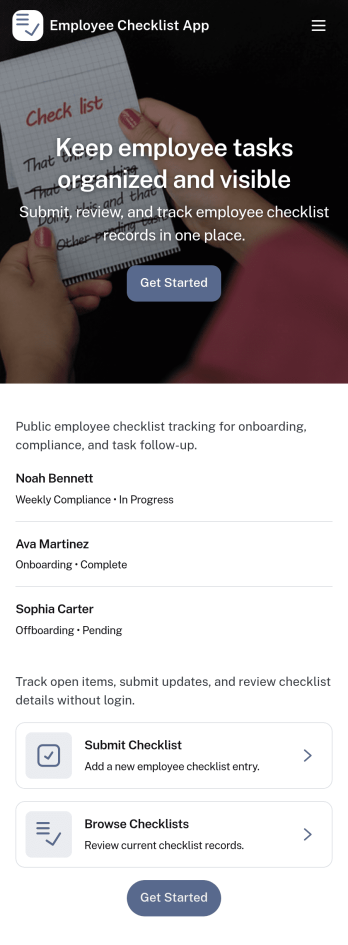
Employee Checklist App
Employee Checklist App helps teams standardize recurring employee tasks and keep accountability clear across shifts, roles, or locations. Use it to guide staff through daily opening and closing duties, onboarding steps, safety routines, or role-specific procedures, then capture completion details in a consistent format. With quick access to start a checklist, browse past records, and review insights, managers can spot gaps early while employees know exactly what to do next.Built with Jotform, this app template combines a no-code app builder with a drag-and-drop interface so you can tailor pages, navigation, and branding to match your workflow. Connect the checklist form to organized records for easy tracking, support faster self-service for employees, and keep data collection structured without adding complexity to your operations.
Go to Category:Checklist Apps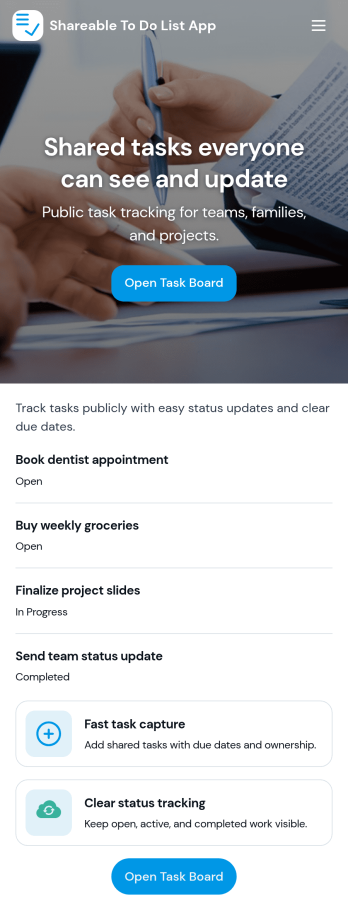
Sharable To Do List App
Sharable To Do List App helps teams, households, and small organizations keep everyday work visible and moving without relying on scattered messages. Use it to publish open tasks, add new items as they come up, and give everyone a simple place to check what needs attention. It fits group projects, volunteer coordination, event prep, and internal admin work where priorities change quickly and people need a shared view of what is still open.Built with Jotform, this app template turns a connected task form into a simple self-service experience you can share with a link. Use Jotform’s no-code app builder and drag-and-drop interface to tailor pages, labels, and navigation, then track updates in one workflow with real-time data collection. Add your branding, control who can access the app, and keep tasks organized so contributors can focus on getting work done.
Go to Category:Checklist Apps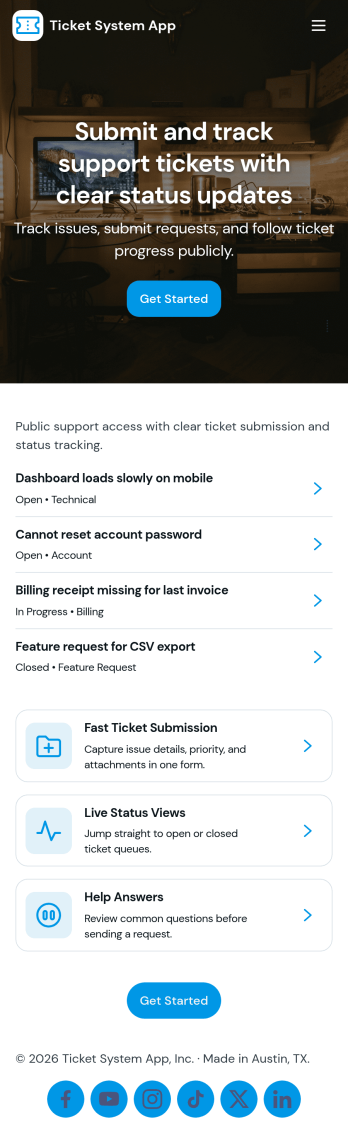
Ticket System App
A ticket system app gives teams one place to capture requests, track progress, and keep support work organized from the first report to the final resolution. This Ticket System App works well for IT help desks, customer support teams, facilities departments, and internal operations groups that handle recurring issues and questions. Users can submit new tickets, browse open tickets, and review resolved tickets so nothing gets lost in email threads. It’s especially useful when multiple people need visibility into what’s being worked on and which requests still need follow-up.Jotform makes it easy to turn this workflow into a shareable, branded experience using App Templates and a no-code app builder. With a drag-and-drop interface, you can adjust navigation, add helpful content, and connect your ticket form to the app for consistent data collection. Publish the app as a self-service hub for employees or customers, keep ticket details accessible in one place, and update the experience as your workflow evolves.
Go to Category:Information Technology Apps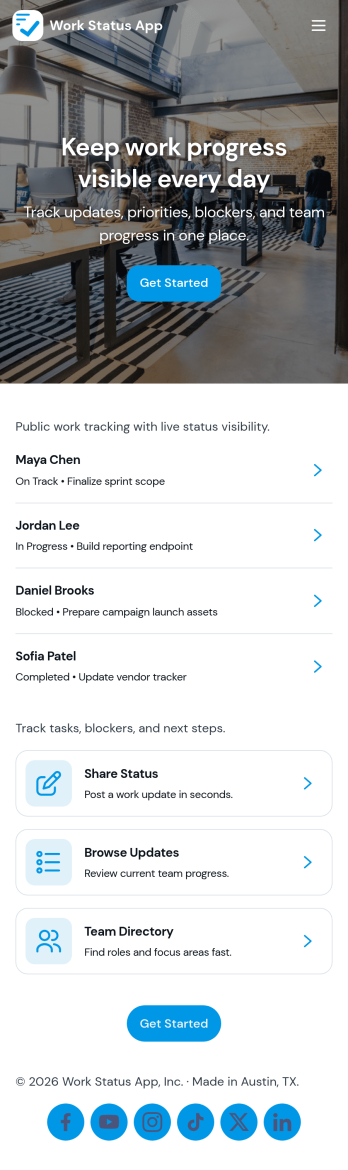
Work Status App
Work Status App helps teams collect and share quick work updates in one place, so everyone knows what’s in progress, what’s blocked, and what needs attention next. It’s a practical fit for remote and hybrid teams, department leads, and operations managers who want a consistent way to capture updates without chasing messages across channels. With a dedicated flow to submit an update, a space to view statuses, and a simple dashboard for visibility, this app supports day-to-day coordination for shifts, projects, and cross-functional work.Built with Jotform, this app template can be customized with a no-code app builder and a drag-and-drop interface to match how your team reports status. Connect the update experience to a form and keep records organized for easy review, handoffs, and follow-ups. Share the app through a link so employees can use self-service reporting from any device, and route updates into the workflow that fits your internal operations.
Go to Category:HR Portal Apps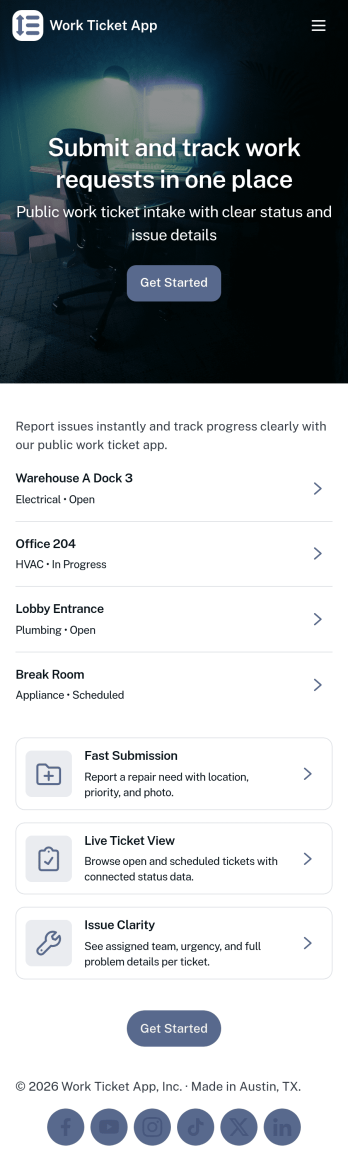
Work Ticket App
Work Ticket App helps teams collect, organize, and follow up on internal work requests in one place. Use it to route maintenance issues, IT help requests, office fixes, or ops tasks from employees and field staff without losing details. People can submit a ticket in seconds, then return to view tickets and open an individual record to review requester details, ticket information, and location so the right person can take action.Built with Jotform, this app template turns everyday ticketing into a clear self-service experience you can share by link or QR code. Customize pages, buttons, and the ticket form with a drag-and-drop interface, then connect entries to Jotform Tables for easy tracking in an all-ticket view. As needs change, you can update the workflow, standardize data collection, and keep requests accessible on mobile for faster response times.
Go to Category:Task Management Apps
Family Calendar and Chore App
Family Calendar and Chore App brings your household schedule and responsibilities into one shared place, so everyone knows what’s happening and what needs to get done. Use it to post this week’s events, assign chores to family members, and keep a simple meal plan visible to the whole household. It’s a practical fit for busy parents, co-parents, guardians, and shared households who want fewer missed appointments, fewer repeated reminders, and clearer ownership of everyday tasks.Built with Jotform, this app template can be tailored with a no-code app builder and a drag-and-drop interface, so you can adjust pages, navigation, and actions to match your routine. Connect buttons to forms for adding events, assigning chores, and planning meals, then share the app as a self-service hub that’s easy to access on mobile. With Jotform workflows behind the scenes, your household updates stay organized and simple to manage as plans change.
Go to Category:Daily Planner Apps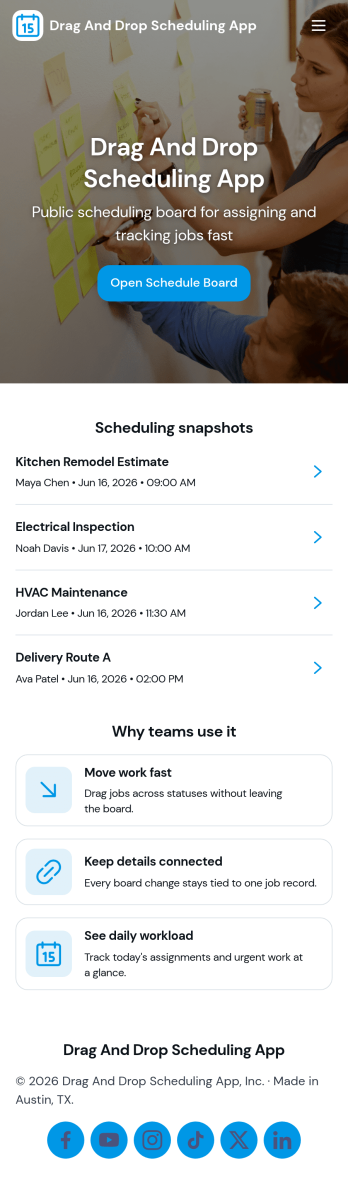
Drag and Drop Scheduling App
Drag and Drop Scheduling App helps teams build and manage shift schedules in a simple, visual way. Use it to create shifts, view the schedule, open a full schedule view, and quickly move between employee-specific pages so managers can confirm coverage and spot gaps. It’s a practical fit for restaurants, retail stores, clinics, field teams, and any operation that needs recurring shift planning, last-minute updates, or clear day-to-day visibility for staff.With Jotform, you can turn scheduling workflows into a shareable self-service app experience using App Templates and a no-code app builder with a drag-and-drop interface. Connect your schedule to forms for fast data collection when adding shifts or capturing requests, keep information organized, and publish updates instantly so everyone works from the same source of truth.
Go to Category:HR Portal Apps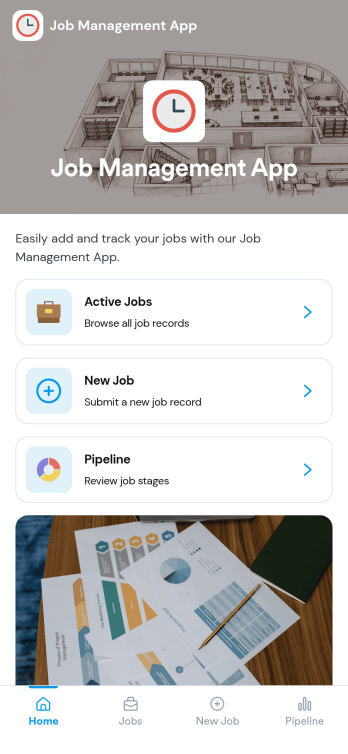
Job Management App
Job Management App brings your hiring workflow into one place so teams can post open roles, route candidates to the right listings, and keep applications organized as they come in. Use it to share a clear set of Open Jobs, publish role details, and guide candidates to Apply Now with a simple in-app application form. It’s a practical fit for growing businesses, HR departments, and operations leaders who need an easy way to keep recruiting moving without losing track of who applied to what.With Jotform, you can build and tailor app templates like this using a no-code app builder and a drag-and-drop interface, then connect your app experience to forms and tables for reliable data collection. Keep your workflow consistent by linking job listings to an application form, giving internal users a view of all applications, and offering candidates a self-service way to review their own applications. Share the app through a link or QR code, update content as roles change, and collaborate across teams as hiring needs evolve.
Go to Category:HR Portal Apps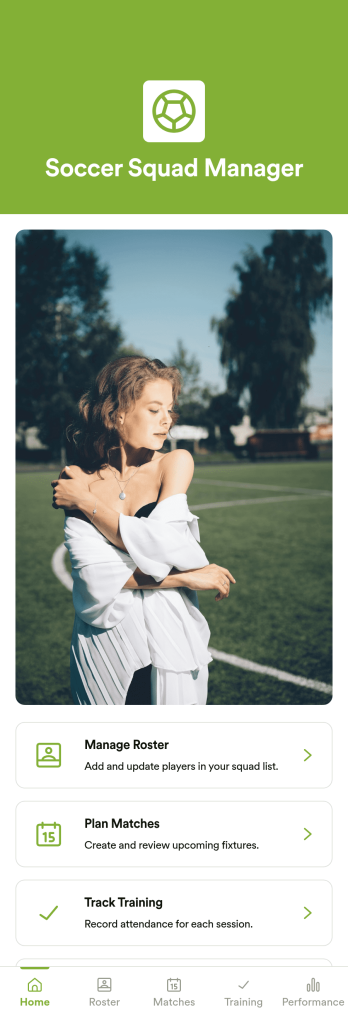
Soccer Squad Manager App
Soccer Squad Manager App brings your team’s day-to-day organization into one place, making it easier to manage player details, coordinate upcoming games, and keep practices on track. Built for coaches, club administrators, and volunteer managers, it supports a clear routine for season planning, whether you’re running a youth program, an amateur league, or a school team. With roster management, match planning, and training attendance tracking, everyone stays aligned without relying on scattered messages and spreadsheets.Jotform makes it simple to turn your process into a mobile-friendly experience with App Templates you can customize in minutes. Use the no-code app builder and drag-and-drop interface to adjust pages, update navigation, and connect forms for fast data collection across your workflow. Share your Jotform app with a link or QR code so staff can add players, schedule matches, and record updates wherever they are.
Go to Category:Sports Apps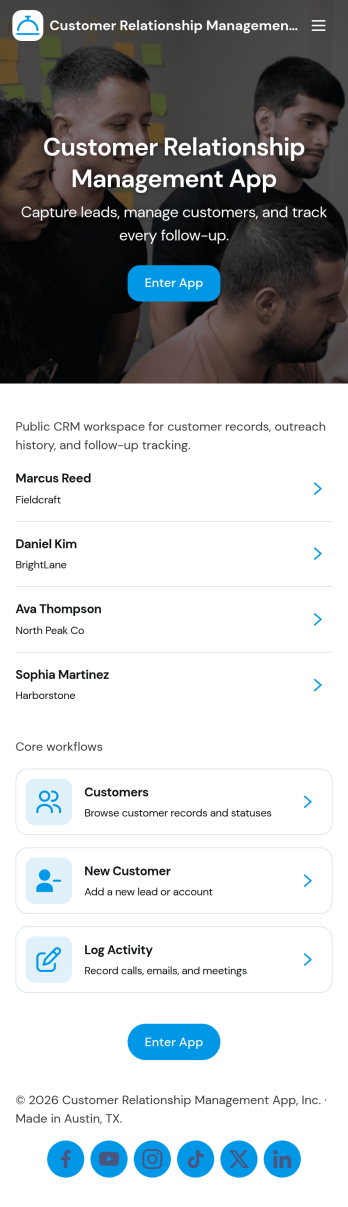
Customer Relationship Management App
Customer Relationship Management App brings your relationships, pipeline, and follow-ups into one place so teams can stay on top of every interaction. Use it to capture and update contacts, review deal progress, and keep daily work moving with task tracking. It fits sales teams, account managers, consultants, and service businesses that need a simple way to organize customer details, monitor opportunities, and avoid missed next steps as leads move from first touch to closed deal.With Jotform, you can tailor this app template to match how your team works using a no-code app builder and a drag-and-drop interface. Connect your contact, deal, and task forms to your workflow, keep data collection consistent across pages, and share a self-service experience with teammates from a single link. As your process grows, you can adjust fields, add steps, and organize records so everyone has clear visibility into customer activity.
Go to Category:Customer Portal Apps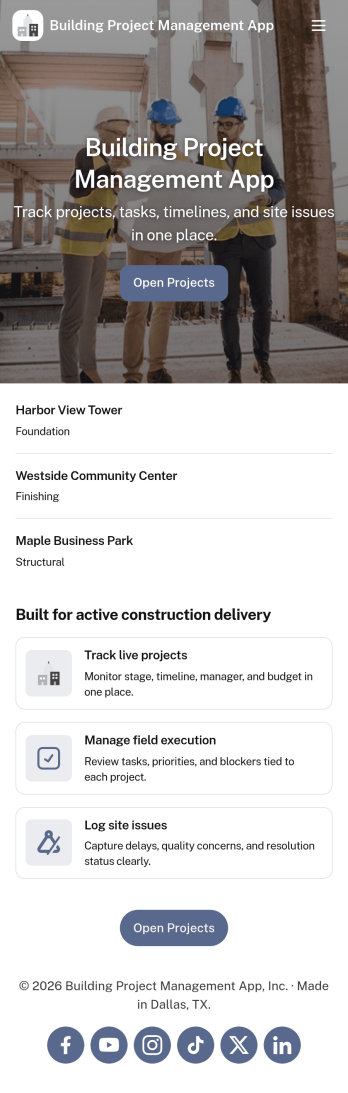
Building Project Management App
Building Project Management App helps teams organize active builds by keeping project records and day-to-day work in one place. It’s a practical fit for construction managers, general contractors, engineering teams, and operations leads who need a clear view of projects, open tasks, and what needs attention next. With dedicated areas to view projects, review open tasks, and add a task directly from a specific project, the app supports smoother handoffs and fewer missed action items as work moves from planning to execution.Jotform makes it simple to publish this kind of workflow as a polished, shareable experience using App Templates and a no-code app builder. Customize pages with a drag-and-drop interface, connect your app to forms and tables for reliable data collection, and keep work moving with a workflow that your team can access from a single link. Whether you’re coordinating multiple job sites or managing internal build initiatives, Jotform helps you turn project updates into a self-service hub your team will actually use.
Go to Category:Construction Apps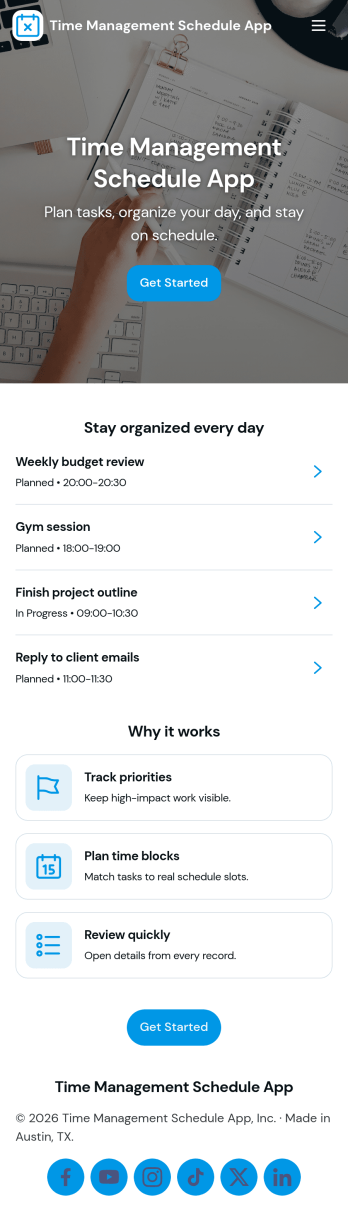
Time Management Schedule App
Time Management Schedule App helps you plan your day, map out your week, and stay on top of priorities in one place. Use the Today and Week views to quickly see what’s coming up, add new to-dos through an Add Task form, and open individual task details from a task list when you need more context. It’s a practical fit for busy professionals, students, teams juggling multiple projects, and anyone who wants a simple schedule-driven way to manage tasks and maintain momentum.With Jotform, you can turn this app template into a flexible self-service planner without coding. Customize pages with a drag-and-drop interface, connect your task form to organized data collection, and keep your workflow consistent as plans change. Share your app through a link for fast access on desktop or mobile, and adjust the layout, labels, and navigation so your schedule and task process matches how you work.
Go to Category:Scheduling Apps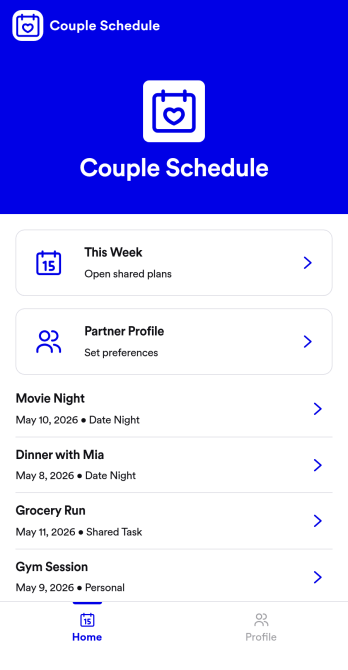
Couple Schedule App
Couple Schedule App helps partners coordinate plans, keep a shared calendar view, and stay on top of everyday responsibilities without juggling multiple chats or scattered notes. It’s a practical fit for couples managing busy workweeks, long-distance routines, co-parenting logistics, or shared household commitments. With quick actions like adding a plan, opening the schedule to review what’s next, and keeping shared tasks visible in one place, it supports smoother day-to-day coordination and fewer missed details.Built with Jotform, this app template is easy to tailor for your relationship’s routine using a no-code app builder and a drag-and-drop interface. Connect the app to a form for simple data collection, then keep plans organized and accessible with a mobile-friendly self-service experience you can share in seconds. As your workflow changes, you can adjust pages, update labels, and refine how you capture plans and tasks, all without writing code.
Go to Category:Daily Planner Apps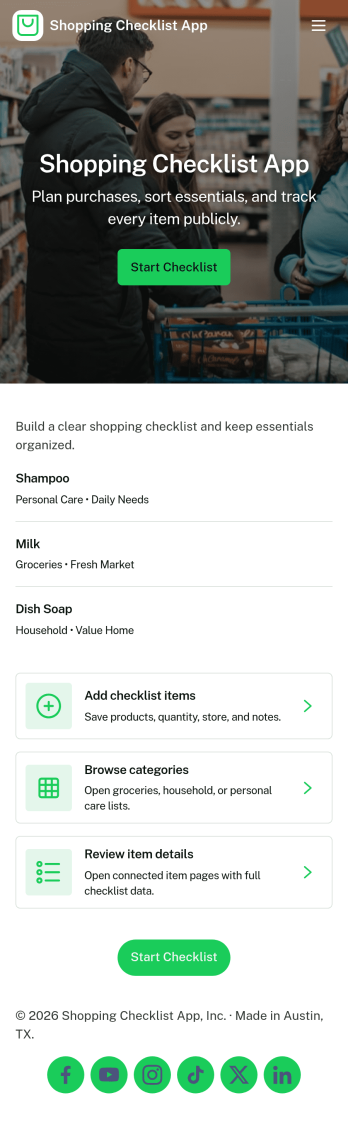
Shopping Checklist App
A shopping checklist app keeps your shopping organized by letting you browse saved lists, add a new checklist when you think of items, and keep store notes in one place. It works well for households managing weekly grocery runs, students planning essentials, busy professionals coordinating quick trips, and small teams stocking office supplies. Use it to reduce forgotten items, avoid duplicate purchases, and stay consistent across multiple stores by keeping your lists and store details easy to find and update.With Jotform, you can turn this shopping checklist app template into a simple self-service experience in minutes using a no-code app builder and a drag-and-drop interface. Connect the app to your forms and workflows for fast data collection, keep information organized, and share access through a link so others can view or contribute. Customize the pages, labels, and branding to match your routine, then publish a clean, mobile-friendly app your group can rely on while shopping.
Go to Category:Checklist Apps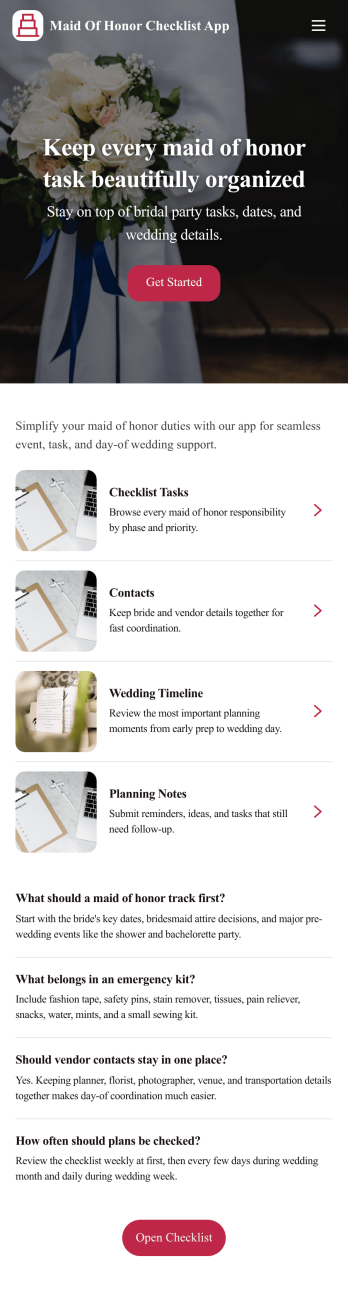
Maid of Honor Checklist App
Maid of Honor Checklist App keeps wedding responsibilities organized in one place so you can support the couple without losing track of details. Use it to review a checklist of tasks, track key milestones, and keep vendor and contact information close at hand. It’s especially helpful for maid of honors juggling bachelorette planning, dress and fitting deadlines, travel coordination, and day-of coordination, while staying aligned with the bride’s priorities and timeline.Built with Jotform, this app template makes it easy to turn planning into a clear, mobile-friendly experience. Customize pages with a drag-and-drop interface, add new milestones, vendors, and contacts through connected forms, and keep data collection consistent as plans evolve. Share the app link with the wedding party for quick self-service access to updates, and keep your workflow moving with organized lists that are simple to check and revisit anytime.
Go to Category:Checklist Apps