

Task Management Apps

Yard Management App
Yard Management App helps teams coordinate day-to-day yard operations by keeping inventory, work tasks, and incoming requests in one place. It’s a practical fit for logistics yards, distribution centers, trucking and container yards, equipment yards, and busy facilities where multiple crews need visibility into what’s on hand and what needs attention. With dedicated areas for inventory lists, task tracking, and request intake, the app supports faster handoffs between supervisors, yard staff, and operations managers while reducing missed items and unclear priorities.Built with Jotform, this app template can be tailored with a no-code app builder and a drag-and-drop interface, so you can adjust pages, labels, and workflows to match your yard’s process. Connect the app to forms for adding inventory items, logging new tasks, or submitting service requests, then share it as a self-service link for staff on any device. Jotform also helps centralize data collection and keep records organized as your operation scales.
Go to Category:Operations & Logistics Portal Apps
House Keeping App
House Keeping App helps hotel and lodging teams manage day-to-day housekeeping operations from one place, so room turns and guest needs don’t get missed. Use it to check room status at a glance, route cleaning requests to the right person, and keep a simple task log that shows what’s been handled during the shift. It’s a practical fit for hotels, resorts, short-term rentals, and property managers who need clear visibility across rooms, staff, and recurring duties.With Jotform, you can turn this app template into a mobile-friendly self-service workflow for your team using a no-code app builder and a drag-and-drop interface. Connect buttons to forms for data collection, keep records organized, and adjust pages to match how your housekeeping operation actually runs. Share the app through a link or QR code, update it anytime, and keep everyone aligned with fewer interruptions and faster turnaround.
Go to Category:Hotel Management Apps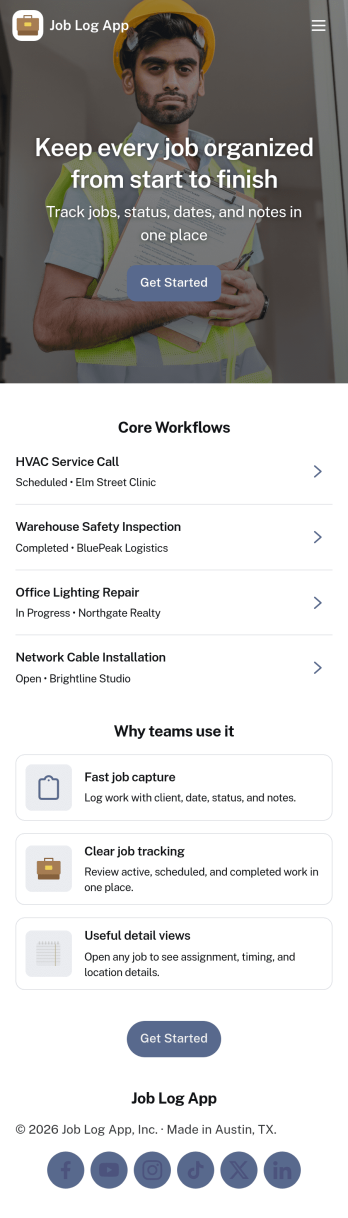
Job Log App
Job Log App helps teams and independent professionals capture work details as they happen and keep a clear record of jobs over time. Use it to add a new entry in seconds, review log history when questions come up, and pull up a client-specific view for context before the next visit. It fits field service businesses, contractors, consultants, and operations teams that need consistent job documentation for handoffs, billing support, or internal reporting without relying on scattered notes.Built with Jotform, this app template works as a practical self-service log hub that connects a simple form to organized, easy-to-browse pages. Customize the layout with a drag-and-drop interface, publish updates fast with a no-code app builder, and keep work information centralized so your workflow stays clear from first entry to quick stats and follow-ups.
Go to Category:Log Apps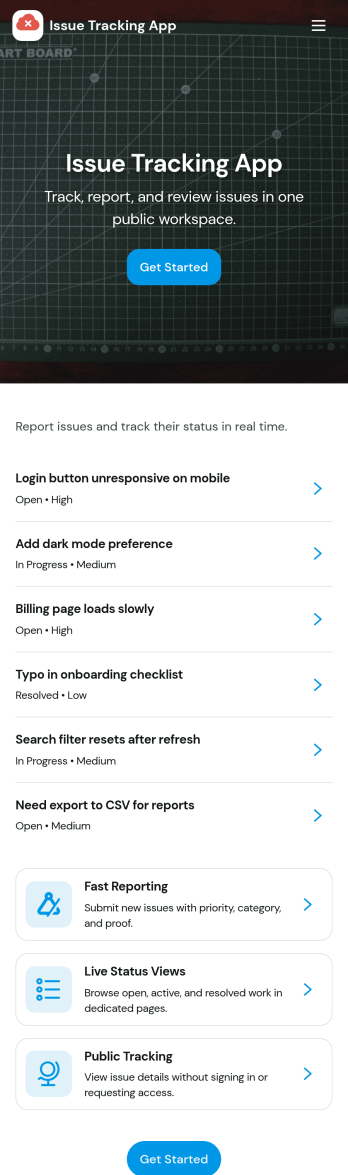
Issue Tracking App
Issue Tracking App helps teams capture, organize, and follow up on problems without losing context. Use it to report new issues as they come up, submit a new ticket in seconds, and keep a personal view of what you’ve raised through My Issues and My Submissions. It fits IT support, engineering, operations, and internal service teams that need a clear place for employees or customers to flag bugs, service interruptions, and process blockers, then monitor what’s still pending review.Built with Jotform App Templates, this app template turns everyday issue reporting into a simple self-service experience you can share as a link or QR code. Customize pages with a drag-and-drop interface, connect the report form to your data collection workflow in Jotform, and keep issue records organized for faster triage and better visibility across the team.
Go to Category:Information Technology Apps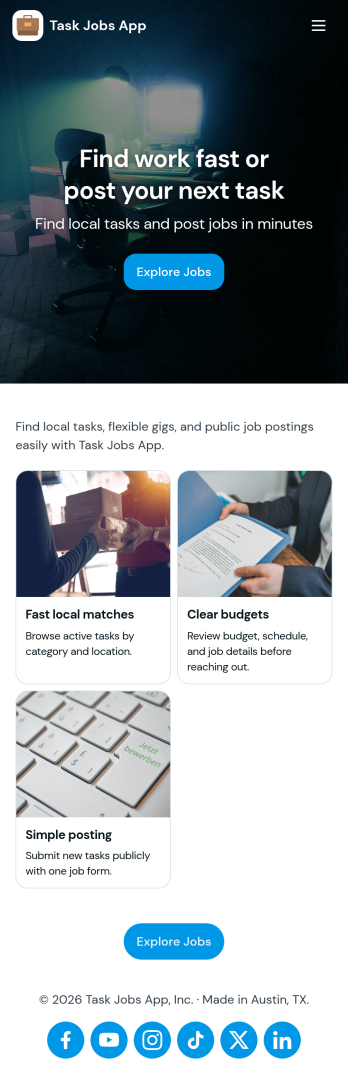
Task Jobs App
Task Jobs App helps teams capture new work requests and stay on top of active and completed jobs in one easy place. It fits field service crews, small contractors, operations teams, and any business that juggles multiple assignments and needs a clear view of what is open, what is in progress, and what is finished. With quick actions to add a new task and jump into open tasks, the app supports day-to-day coordination without scattering details across messages or spreadsheets.Built with Jotform, this app template combines a simple, mobile-friendly interface with connected forms and organized task lists so work updates stay consistent. Using Jotform’s no-code app builder and drag-and-drop interface, you can tailor pages, buttons, and task views to match how your team works, then share the app for self-service updates and smoother workflow tracking as jobs move from intake to completion.
Go to Category:Operations & Logistics Portal Apps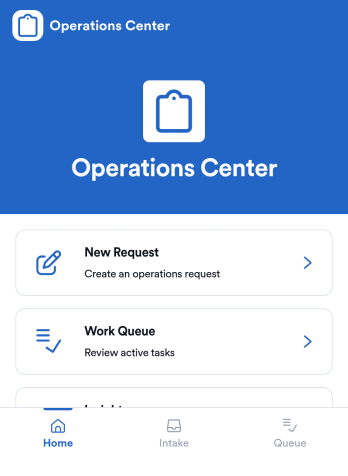
Operations App
Operations App brings day-to-day internal requests and team execution into one place, so work doesn’t get lost across messages and spreadsheets. It’s built for operations leads, service teams, and growing businesses that need a simple way to capture new requests, organize a work queue, and keep top priorities visible for everyone. With dedicated areas for creating requests, reviewing queued work, and checking insights, teams can standardize intake while still moving fast when priorities shift.Jotform makes it easy to turn this Operations App into a practical self-service experience using a no-code app builder and a drag-and-drop interface. Connect the app to your request form and records so updates stay in sync, then tailor pages to match how your team actually works. Share a single link with staff, route work to the right owners, and keep operations data collection and workflows running smoothly without adding extra tools.
Go to Category:Operations & Logistics Portal Apps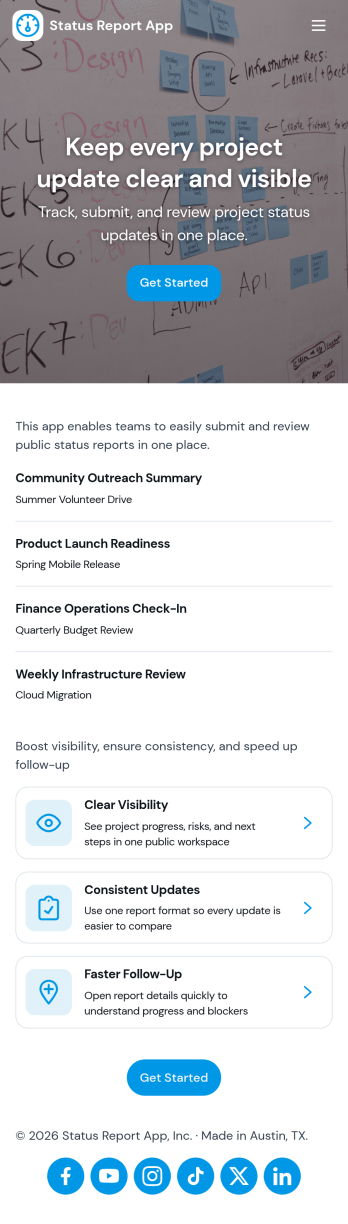
Status Report App
Status Report App helps teams capture consistent project updates and keep everyone aligned on what’s moving forward, what’s blocked, and what needs attention next. Use it to submit reports in a few clicks, publish updates to a shared status feed, and highlight current priorities so stakeholders don’t have to chase information across chats and spreadsheets. It’s a practical fit for project managers, team leads, operations teams, agencies, and cross-functional groups that need a reliable way to document progress and communicate it across multiple projects.With Jotform, you can turn this status reporting workflow into a shareable self-service experience using a no-code app builder and a drag-and-drop interface. Connect the app to a report form to support data collection, keep updates organized in one place, and make it easy for contributors to add new reports while viewers browse the feed and open their own report history. Customize pages, branding, and navigation to match your internal process, then share the app as a link for fast adoption.
Go to Category:Report Apps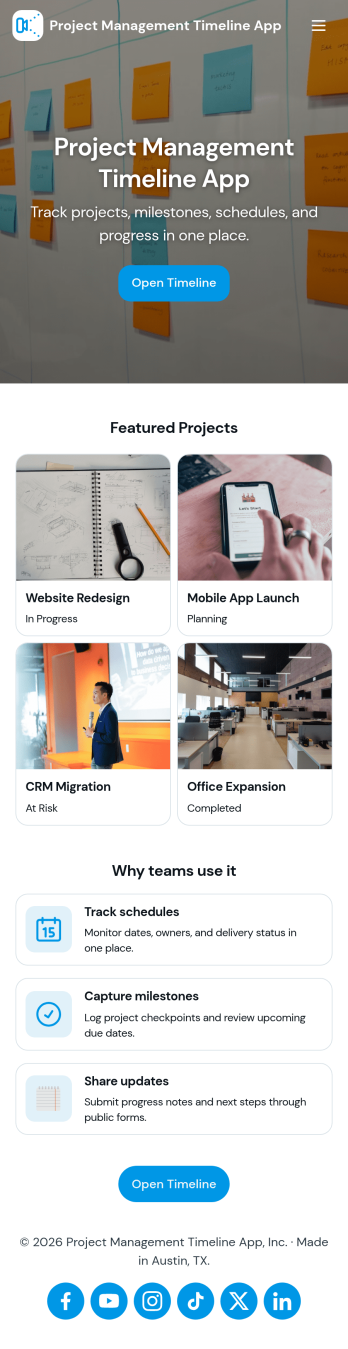
Project Management Timeline App
A project management timeline app brings your project list, milestone planning, and task updates into one place so teams can see what needs to happen next and when. Use it to capture new projects, keep a running view of active work, and organize task details that impact delivery dates. It fits agencies juggling client work, operations teams coordinating cross-functional launches, construction and engineering groups tracking phases, and any manager who needs a clear picture of progress without digging through scattered notes.With Jotform, you can turn this project management timeline app into a practical self-service workspace using App Templates and a no-code app builder. Customize pages with a drag-and-drop interface, connect buttons to forms for data collection, and keep records organized in tables for ongoing workflow management. Share the app with your team so everyone can add projects, log tasks, and review timelines from a mobile-friendly link as work evolves.
Go to Category:Management Apps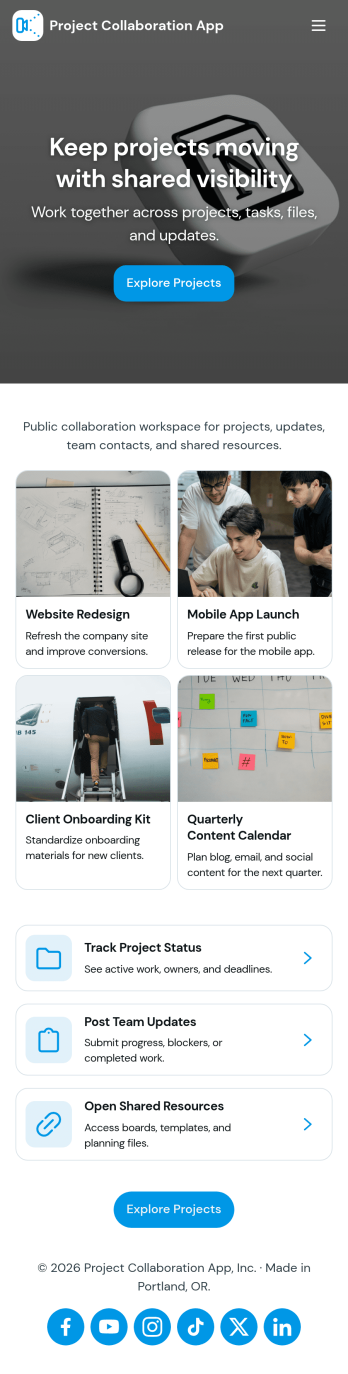
Project Collaboration App
Project Collaboration App brings your team’s project work into one shared, easy-to-navigate space where everyone can stay aligned from kickoff to delivery. Use it to capture new project requests, organize active projects, and keep day-to-day execution moving with a dedicated tasks area and a simple updates feed. It’s a practical fit for agencies, consultants, product teams, and internal departments that need clearer ownership, fewer missed handoffs, and a single place to check what’s happening across projects.Built with Jotform App Templates, this app template can be tailored in a no-code app builder with a drag-and-drop interface, so you can match the flow to your process without engineering help. Connect your project intake and task capture buttons to forms, keep records organized in linked tables, and make self-service access easy with shareable links. With Jotform, teams can manage data collection and workflow steps in one app experience that’s simple to roll out and maintain.
Go to Category:Company Portal Apps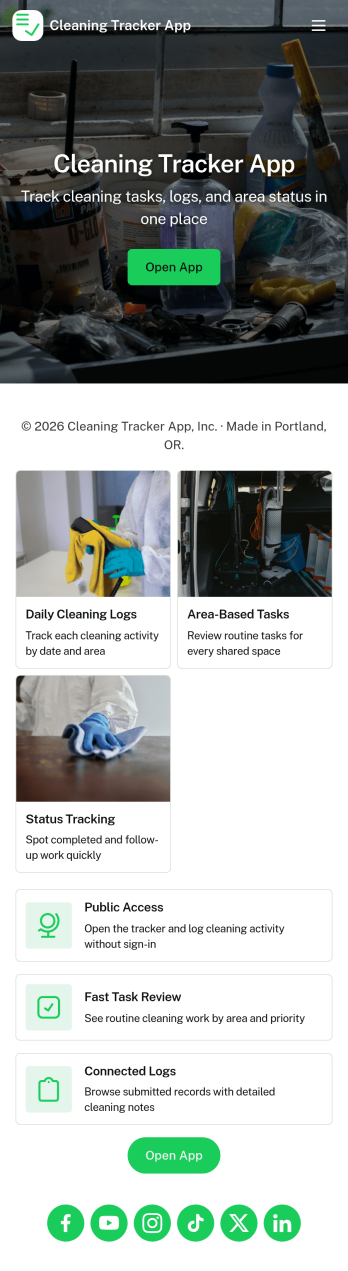
Cleaning Tracker App
Cleaning Tracker App helps you organize recurring and one-off cleaning tasks, keep a running log of completed work, and stay ahead of supply needs in one place. It’s a practical fit for busy households, roommates, short-term rental hosts, property managers, and small cleaning teams who want visibility into what needs attention, what’s already done, and what products are running low. With dedicated areas for tasks, logs, supplies, and reports, you can assign focus to each space or room, capture quick task updates through a simple log entry, and review patterns over time without hunting through notes or chat threads.Built with Jotform, this app template pairs a no-code app builder with a drag-and-drop interface so you can adjust the layout, add pages, and connect forms for consistent data collection. Share the app through a link or QR code for easy self-service updates, then centralize records for smoother workflows across family members, staff, or vendors. As routines change, you can refine task lists, track supply stock entries, and use reporting views to spot gaps, improve consistency, and keep cleaning standards predictable.
Go to Category:Tracker Apps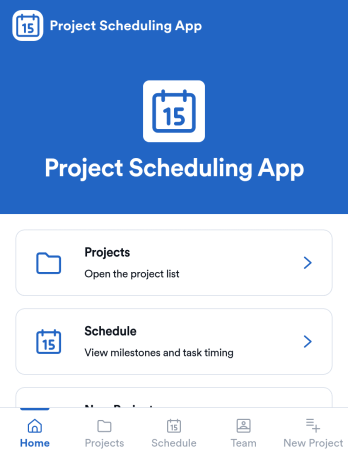
Project Scheduling App
Project Scheduling App brings project timelines, milestones, and task status into a single, easy-to-navigate workspace for teams that need to keep delivery dates visible and work moving. Use it to monitor active projects, spot the next milestone at a glance, and surface overdue tasks before they derail your plan. The built-in dashboard view supports weekly planning and capacity awareness, while project pages help standardize ownership and keep each project’s details, tasks, and team context accessible when decisions need to be made.With Jotform App Templates, you can publish a branded scheduling experience without coding and update it as your workflow evolves. Jotform’s no-code app builder and drag-and-drop interface make it simple to organize pages, link users to a dashboard or project list, and connect an Add Task form for consistent data collection. Share your app through a link for quick self-service access, and keep scheduling information aligned by connecting the app to the same workflow your team uses to capture and review updates.
Go to Category:Management Apps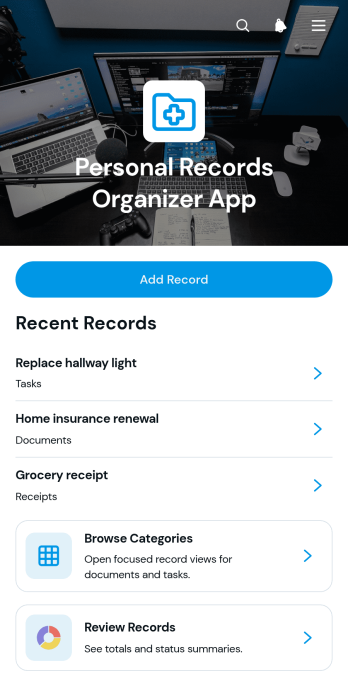
Personal Records Organizer App
The Personal Records Organizer App is an app template for individuals, households, personal assistants, and support professionals who need one convenient place to catalog important records. Users can add records, browse them by category, review record dates and statuses, maintain notes, and navigate related documents or tasks. This organized experience makes it easier to locate information, monitor items that need attention, and reduce reliance on scattered files or disconnected lists. It can support household administration, personal document tracking, property records, warranties, memberships, and other recurring recordkeeping needs.Jotform App Templates help users turn everyday processes into accessible, interactive experiences without writing code. Customize this template with Jotform’s no-code app builder and drag-and-drop interface, then adjust pages, cards, buttons, colors, and navigation to suit your recordkeeping system. Connect forms for data collection, use tables to organize entries, and add workflows that support reminders or follow-up tasks. Once published, the app can be shared through a direct link or QR code, giving users mobile-friendly self-service access to the resources and actions they need.
Go to Category:Organization Apps
Tasks App
Tasks App brings your day-to-day work into one place so you can capture new tasks, browse all tasks, and keep work moving from to do to in progress to done. It’s a practical fit for small teams, departments, and solo operators who need a simple way to stay on top of assignments without losing requests in chats, emails, or sticky notes. Use it to manage internal to-dos, client follow-ups, content production steps, service tickets, or event prep checklists while keeping task status visible for everyone involved.With Jotform, you can turn this app template into a task hub that matches how your team works. Use the no-code app builder and drag-and-drop interface to adjust pages, add your own labels, and connect task intake to data collection so every new request is captured consistently. As your workflow grows, you can keep tasks organized in one app experience, share it by link for easy self-service access, and maintain a reliable system for tracking progress and accountability.
Go to Category:Task Management Apps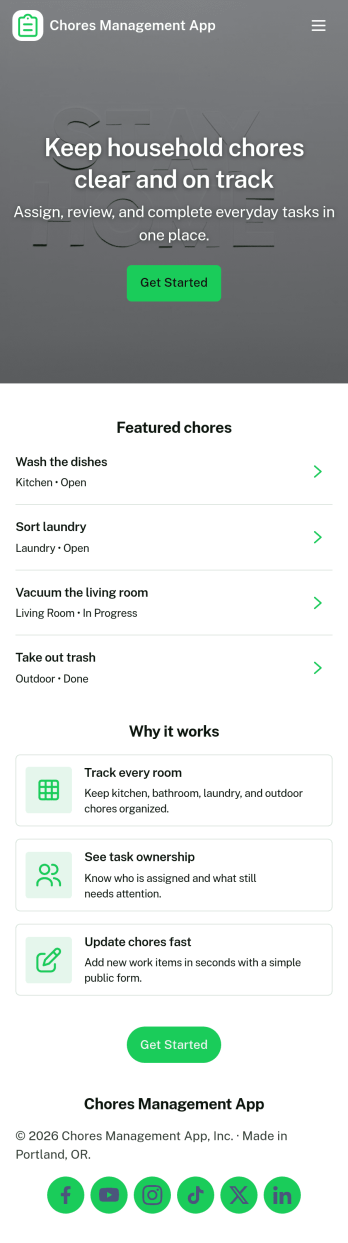
Chores Management App
Chores Management App helps households and shared living spaces keep everyday responsibilities organized in one place. Use it to set up recurring or one-off chores, assign expectations, and give everyone a simple way to log completion as tasks get done. It works well for families, roommates, student housing, and caretakers who want fewer forgotten chores and clearer accountability, with quick navigation to manage chores, record progress, and view insights over time.With Jotform, you can turn this use case into a polished, shareable experience using app templates and a no-code app builder. Customize pages with a drag-and-drop interface, connect buttons to forms for data collection like adding new chores, and keep records organized for ongoing workflow visibility. Share the app link with everyone in the home so updates stay consistent, and adjust the layout and branding as your routines change.
Go to Category:Task Management Apps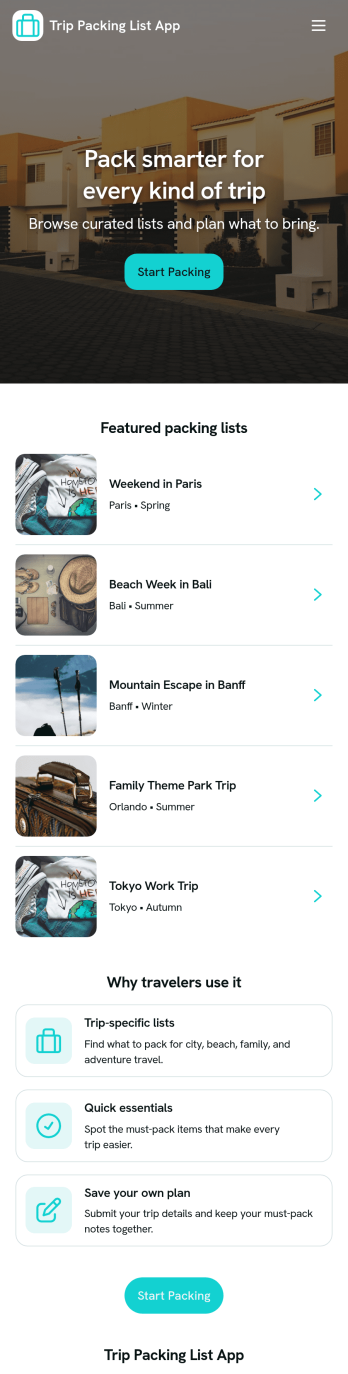
Trip Packing List App
Trip Packing List App helps travelers plan trips and pack with fewer last-minute surprises by keeping trip details and packing items in one easy place. Use it to add upcoming trips, browse a simple trip list, and build a packing list you can check as you go. It’s a great fit for solo travelers, families coordinating for kids, frequent flyers, group trip planners, and anyone who wants to reuse packing ideas across destinations without relying on scattered notes.With Jotform, you can turn this app template into a polished self-service experience using a no-code app builder and a drag-and-drop interface. Connect the app to your forms for data collection, keep trip and packing info organized, and adjust the workflow as your routine changes. Share your Trip Packing List App by link or QR code so it’s always handy on mobile, whether you’re planning at home or packing right before departure.
Go to Category:Checklist Apps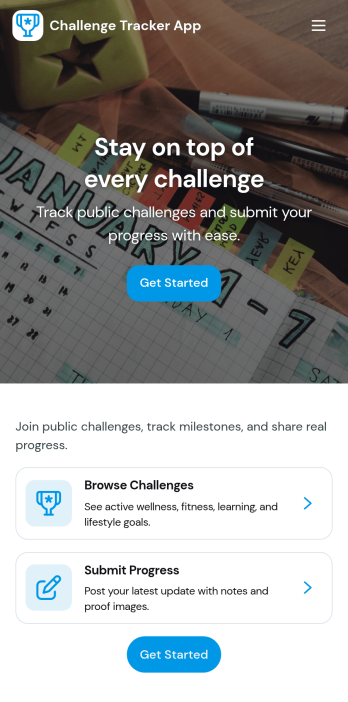
Challenge Tracker App
Challenge Tracker App helps individuals, teams, and communities organize goal-based challenges and stay accountable as they work toward a target. Use it to list active challenges, view key details like target, schedule, and status, and keep everyone on track with quick progress logging and a clear progress history. It’s a practical fit for fitness groups, workplace wellness programs, classrooms, fundraising campaigns, or any ongoing initiative where participants need a simple way to track effort over time.With Jotform, you can turn this app template into a branded self-service experience without a no-code app builder learning curve. Customize pages with a drag-and-drop interface, connect progress entries to your data collection workflows, and manage records in one place so updates are easy to capture and review. Share the app by link or QR code, keep tracking consistent across devices, and adapt the layout as your challenges evolve.
Go to Category:Tracker Apps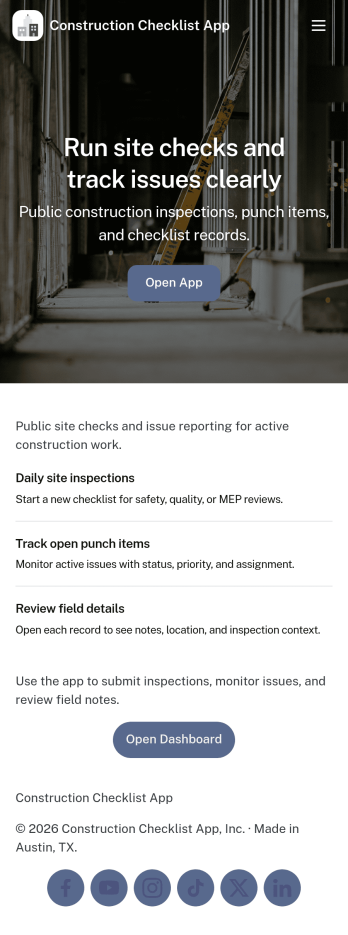
Construction Checklist App
Construction Checklist App keeps jobsite tasks organized so crews can create a checklist, track what’s completed, and keep everyone aligned across sites and projects. Use it for daily punch lists, pre-start checks, closeout walk-throughs, and recurring routines like material receiving or equipment readiness. It’s a practical fit for general contractors, subcontractors, site supervisors, and project managers who need a consistent way to document progress and surface issues without digging through messages.Built with Jotform, this app template can connect checklist entries to a form for reliable data collection and simple workflow follow-through. Customize pages for different sites, add project-specific steps, and keep a clear view of what’s been reported. With Jotform’s no-code app builder and drag-and-drop interface, you can publish a self-service experience your team can use on mobile, share by link, and update anytime as job requirements change.
Go to Category:Construction Apps
Weekly Schedule App
Weekly Schedule App helps teams plan, publish, and maintain a clear weekly roster in one place. Use it to let staff quickly view the schedule, submit new shifts, and see this week’s assignments without hunting through messages or spreadsheets. It’s a practical fit for shift-based workplaces like retail shops, salons, restaurants, clinics, warehouses, and small offices that need a simple way to keep weekly coverage organized and easy to reference.Jotform makes it easy to turn scheduling workflows into a mobile-friendly experience with App Templates you can tailor to your needs. With a no-code app builder and a drag-and-drop interface, you can connect pages to forms and tables for reliable data collection and ongoing updates, then share the app as a self-service link for your team. As your workflow evolves, you can adjust the layout, add steps, and keep everyone working from the same source of truth.
Go to Category:Scheduling Apps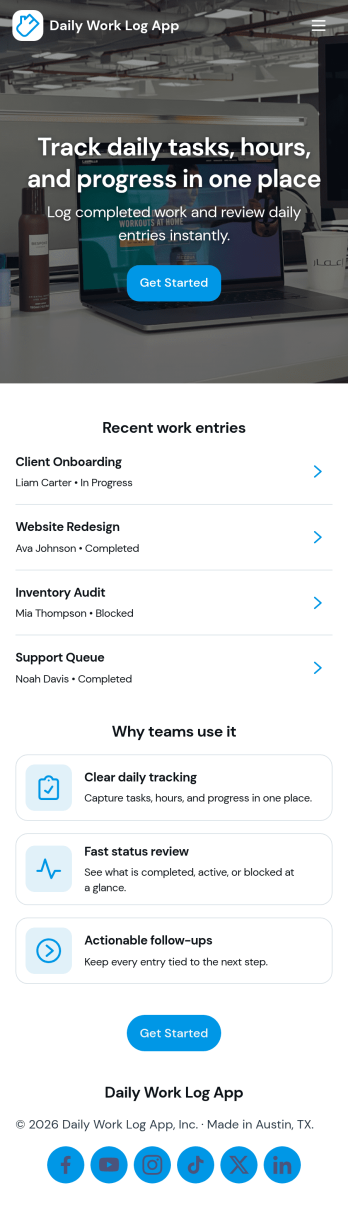
Daily Work Log App
A daily work log app helps individuals and teams capture what got done each day, keep a consistent record of progress, and make it easier to share updates without chasing status messages. Use it to log work by project, review recent entries, and keep an eye on today’s focus so priorities stay visible. It fits teams that bill time, manage client deliverables, run internal projects, or need clear documentation across shifts, including operations, IT, field services, agencies, and remote teams.With Jotform, you can turn this Daily Work Log App into a mobile-friendly self-service experience using an app template and a no-code app builder. Customize the drag-and-drop interface, connect your log form to organized records, and create a simple workflow for collecting updates, browsing entries, and routing task requests. Share the app by link or QR code so everyone can log work consistently and managers can monitor progress in one place.
Go to Category:Log Apps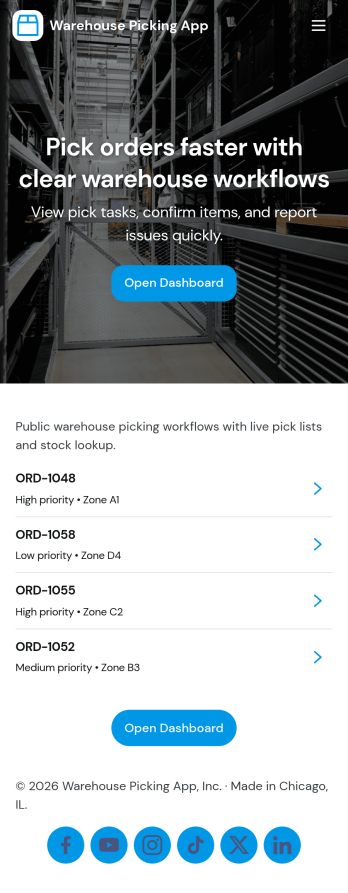
Warehouse Picking App
Warehouse Picking App brings day-to-day fulfillment work into one mobile-friendly place so pickers and warehouse leads can move faster and miss fewer items. Use it to keep a clear picking queue, jump into waves like Wave A and Wave B, and open each pick to see what to grab before marking the task complete. It also supports quick stock visibility through Stock View and highlights Low Stock items, helping teams reduce delays caused by surprise shortages.Built with Jotform, this app template turns your picking workflow into a shareable self-service experience without coding. Use the no-code app builder and drag-and-drop interface to tailor pages for your operation, connect actions like Mark Complete to your data collection forms, and route completions into connected tables for reporting. Share the app with a link or QR code, keep your picking workflow organized in real time, and give supervisors a clearer view of what’s done, what’s next, and what needs attention.
Go to Category:Operations & Logistics Portal Apps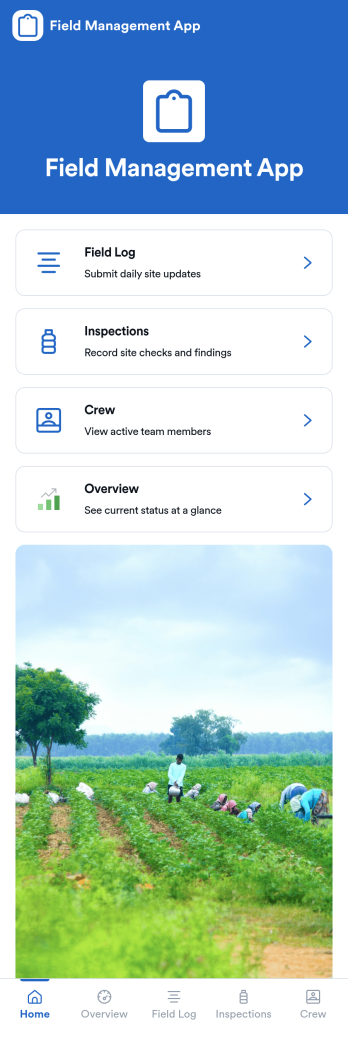
Field Management App
Field Management App helps teams coordinate day-to-day work across multiple sites by keeping field activity, inspections, and crew information in one place. It’s built for operations leaders, supervisors, and service managers who need quick visibility into what’s happening on the ground, plus an easy way for staff to log updates and keep records consistent from job to job. With an overview area, a dedicated field log, and an inspections section, the app supports routine reporting and on-site checklists without relying on scattered messages or spreadsheets.Jotform makes it easy to turn this field workflow into a shareable, mobile-friendly experience using its no-code app builder and drag-and-drop interface. Connect the app to Jotform forms and Tables for data collection, organize entries in lists, and give teammates a simple self-service way to open logs, review reports, and track ongoing work. You can customize pages, adjust navigation, and publish a branded app link that fits how your field operations run.
Go to Category:Operations & Logistics Portal Apps
Staff Operations App
Staff Operations App gives employees and operations teams a central place to record day-to-day work, report workplace incidents, and submit internal requests. Task lists help staff review assignments, due dates, categories, and progress, while dedicated records make it easier for supervisors to follow incidents and requests from submission through resolution. The app suits offices, service businesses, warehouses, hospitality teams, field operations, and other organizations that need clearer visibility into routine activities. By replacing scattered messages and disconnected records, it supports faster follow-up, greater accountability, and a more consistent employee self-service experience.With Jotform Apps, teams can adapt this app template using a no-code app builder and an intuitive drag-and-drop interface. Pages, forms, navigation, and branding can be updated to reflect existing procedures without requiring programming knowledge. Connected forms support data collection, and information can flow into tables, approvals, notifications, and other workflow steps for organized review. Managers can share the finished app through a direct link or QR code, giving staff mobile-friendly access wherever work takes place. Start with one of Jotform’s ready-made App Templates and create a practical operations resource that grows with your team.
Go to Category:Operations & Logistics Portal Apps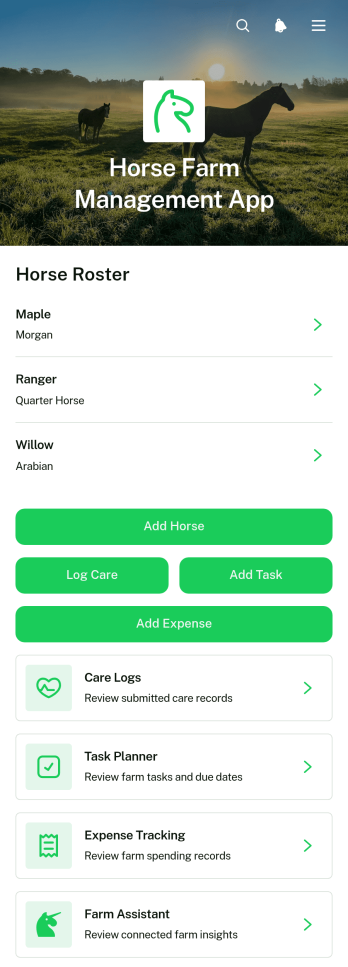
Horse Farm Management App
The Horse Farm Management App is a central workspace for horse farm owners, barn managers, stable staff, trainers, and care teams who need a clearer view of daily operations. It brings horse records and care logs together while supporting task planning and expense tracking from one accessible location. Farms can use it to document health notes, breed and age details, record routine care, assign upcoming work, and monitor operating costs. By replacing scattered paperwork and disconnected files, the app helps teams maintain consistent records, coordinate responsibilities, and make informed care and budgeting decisions.Jotform makes this app template easy to adapt without coding. Its drag-and-drop app builder lets users update pages, navigation, buttons, and visual styling to match their farm’s routines and branding. Connected forms and tables support organized data collection, while notifications and workflows can keep staff informed when records or tasks are added. Publish the app with a personalized link, share it by QR code, or provide mobile-friendly self-service access to authorized team members. Jotform App Templates offer a practical starting point that can grow alongside a small stable, training facility, breeding farm, or larger equine operation.
Go to Category:Management Apps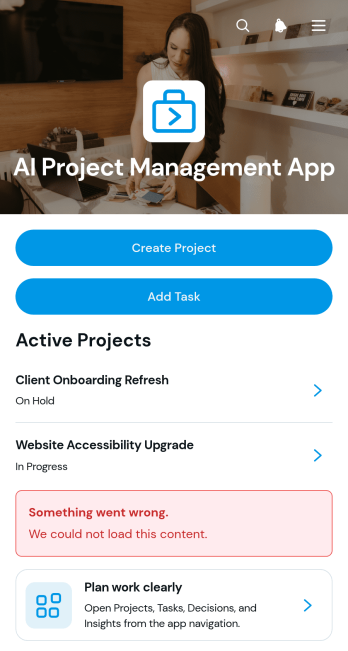
AI Project Management App
AI Project Management App is a ready-to-use workspace for teams planning AI initiatives, coordinating project work, and documenting key decisions. Project managers, technology teams, consultants, agencies, and growing businesses can use this app template to create projects, assign and review tasks, and record decision context in one accessible place. Clear project overviews help users monitor ownership, priorities, due dates, and related work without relying on scattered documents. It is especially useful for managing AI implementation projects, internal experiments, client engagements, product development, and other work that requires shared visibility and accountability.Jotform Apps makes it easy to adapt this experience with a no-code app builder and an intuitive drag-and-drop interface. Teams can customize pages, navigation, colors, fonts, and branding while connecting forms, tables, approvals, and automated workflows. The app can be shared through a direct link or QR code for convenient mobile access, giving collaborators a central location for data collection and project updates. Start with this template, tailor it to your process, and publish a polished self-service workspace without writing code.
Go to Category:Project Management Apps