

Task Management Apps

Sales Automation App
Sales Automation App brings your lead intake, pipeline visibility, task follow-up, and reporting into one place so sales teams can keep deals moving without juggling scattered tools. Use it to capture new leads as they come in, review contact details quickly, and organize outreach from a single workspace. It’s a practical fit for small businesses, agencies, and growing revenue teams that need a consistent way to qualify prospects, monitor progress, and ensure no opportunity is forgotten as the week gets busy.With Jotform, you can turn this app template into a branded, shareable experience using a no-code app builder and a drag-and-drop interface. Connect buttons to forms and tables for streamlined data collection, keep your workflow organized with dedicated sections for leads, pipeline, tasks, and reports, and make updates fast as your process evolves. Publish and share your app in minutes, giving your team a simple self-service way to add leads, log tasks, and stay aligned on sales activity.
Go to Category:Sales & Marketing Portal Apps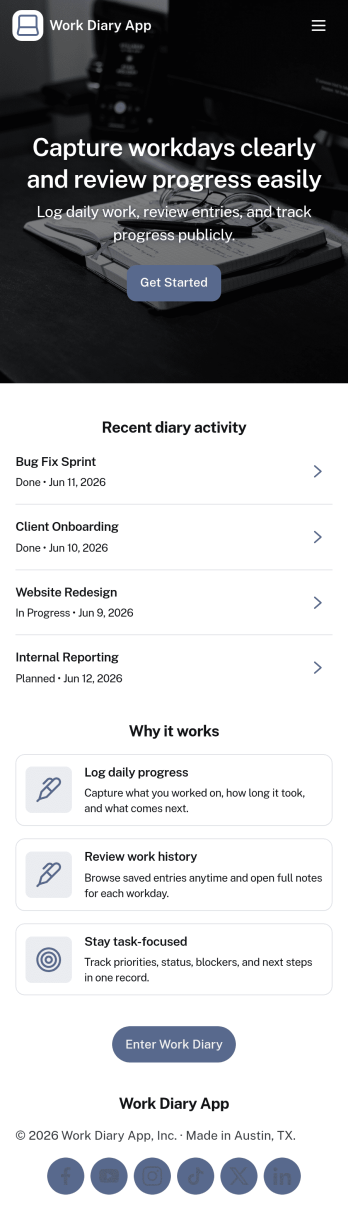
Work Diary App
Work Diary App helps you record what you worked on each day and keep a clear trail of progress over time. Use it to log daily tasks, capture quick notes, and organize entries by project so you can revisit details when preparing status updates, performance check-ins, or client recaps. It’s a practical fit for freelancers, contractors, field teams, and office-based employees who want an easy way to document work without relying on scattered documents or memory. With simple actions like starting a new log, viewing past entries, and checking insights, teams can stay consistent and reduce missed details.Jotform makes it easy to turn this idea into a branded, shareable experience using its App Templates and no-code app builder. Customize pages with a drag-and-drop interface, connect buttons to your entry form for fast data collection, and keep records organized for ongoing workflow needs. Share the app with a link for quick self-service logging, then update layout and content anytime as your projects and reporting style evolve.
Go to Category:Log Apps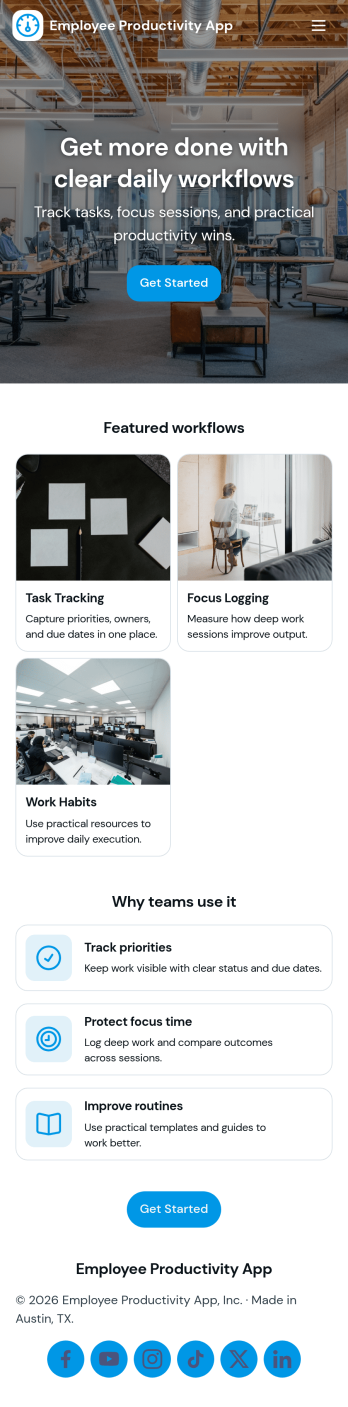
Employee Productivity App
Employee Productivity App helps teams stay focused on priorities by bringing daily task management and time tracking into one place. Use it to capture new work with an Add Task action, organize items on a task board, group work by task categories, and keep project momentum by reviewing what’s in progress. With a dedicated time log and quick links to view time records and task overviews, employees and managers can spot workload trends, identify blockers, and keep commitments realistic across busy weeks.Built with Jotform, this app template is easy to tailor for your role-based workflow using a no-code app builder and a drag-and-drop interface. Connect the app to your forms and tables for reliable data collection, then share it as a self-service workspace for staff across departments. As your process evolves, you can adjust pages, buttons, and navigation, plus keep everyone aligned with consistent reporting and simple access to the insights that matter.
Go to Category:Task Management Apps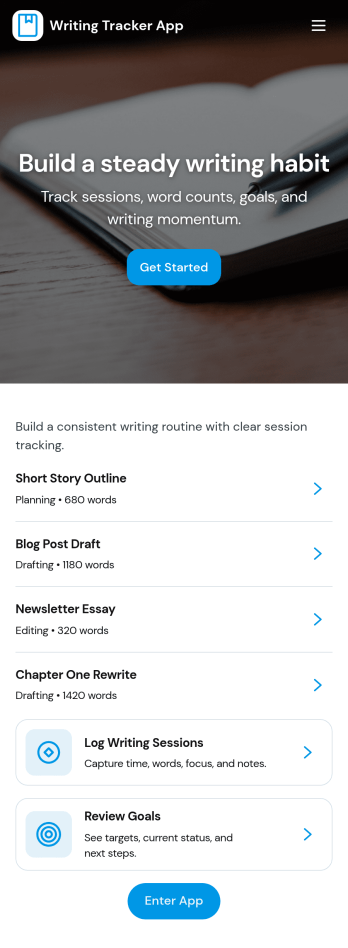
Writing Tracker App
Writing Tracker App helps writers build consistency by logging sessions, browsing past entries, and spotting patterns over time. It’s a practical fit for novelists, bloggers, students, journalists, and content teams who want a simple way to record what they wrote, when they wrote it, and how progress is trending. Use it to capture a new entry in seconds, review your history when planning the next session, and keep motivation high by turning daily writing into a trackable routine.With Jotform you can turn this app template into a personalized writing hub using a no-code app builder and a drag-and-drop interface. Connect the New Entry flow to your data collection form, organize your log so it’s easy to view and browse, and publish a self-service experience you can open on desktop or mobile. As your workflow evolves, update pages, buttons, and insights without rebuilding from scratch, then share the app with a link for personal use or team collaboration.
Go to Category:Tracker Apps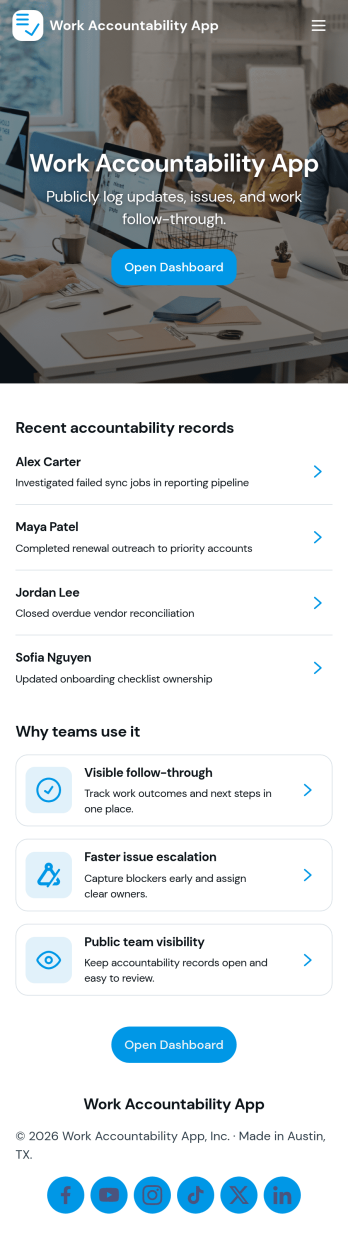
Work Accountability App
Work Accountability App helps teams create a consistent rhythm for sharing progress and staying aligned on daily priorities. It gives employees a simple place to submit updates, review recent check-ins, and keep today’s focus visible so nothing important slips through the cracks. Managers and team leads can also review open flags to spot blockers early, follow up faster, and keep projects moving without chasing status across chats and spreadsheets.With Jotform, you can turn this app template into a practical self-service space for ongoing accountability using a no-code app builder and a drag-and-drop interface. Connect check-ins and flags to your data collection workflow, keep records organized, and tailor the experience to your team’s cadence. Share the app through a link or QR code, update pages as processes evolve, and keep everyone working from the same source of truth.
Go to Category:Task Management Apps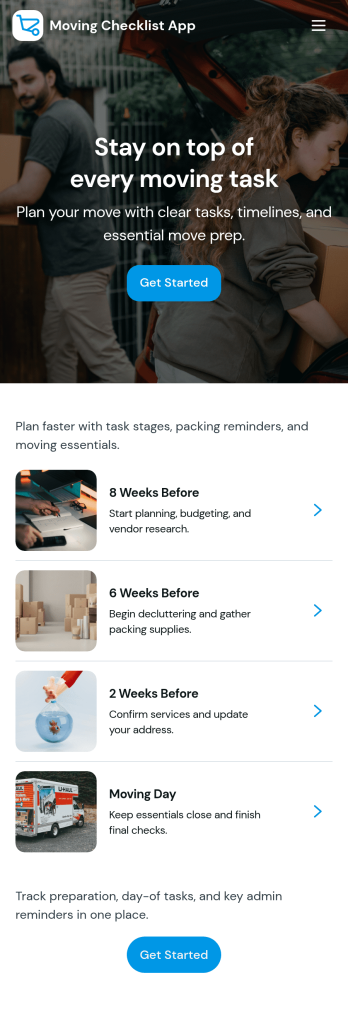
Moving Checklist App
A moving checklist app helps you plan a move from start to finish by keeping your tasks, timing, belongings, and notes in one place. This template is built for renters, homeowners, families, and roommates coordinating a local or long-distance move, as well as property managers and relocation coordinators supporting multiple move-ins and move-outs. Use the checklist to add tasks and mark progress, follow a simple timeline view for key milestones like 7 days out, 3 days out, and move day, and keep an inventory list so important items don’t get missed during packing and unloading.Jotform makes it easy to turn this moving checklist app into a branded, shareable experience with a no-code app builder and a drag-and-drop interface. Connect your task and inventory lists to Jotform forms for fast data collection, then publish updates instantly so everyone stays aligned. From quick edits to organized workflows, Jotform helps you build self-service planning tools that work smoothly on desktop or mobile.
Go to Category:Checklist Apps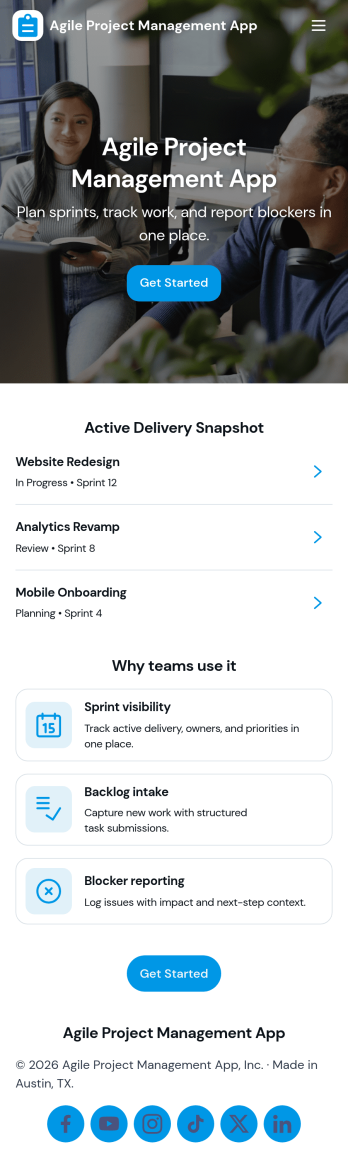
Agile Project Management App
Agile Project Management App helps teams organize product work into a clear, repeatable cadence so planning, delivery, and collaboration stay visible in one place. Use it to capture and prioritize backlog items, plan sprints with goals and dates, and keep daily execution moving with a simple board view that reflects real status as work progresses. It’s a practical fit for product managers, scrum masters, engineering teams, agencies, and cross-functional groups who need a lightweight way to align on what’s next, what’s in progress, and who owns each task.Built with Jotform, this app template can be tailored with a no-code app builder and a drag-and-drop interface so you can match your workflow without engineering effort. Connect task and sprint information to tables for structured data collection, keep your process consistent with reusable forms for adding tasks and planning sprints, and give teammates self-service access to what they need, including personal task views and shared lists. Share the app by link to support day-to-day delivery, faster handoffs, and better visibility across the team.
Go to Category:Information Technology Apps
Meeting Timekeeper App
A Meeting Timekeeper App helps facilitators keep discussions on schedule by starting a timer, capturing key meeting details, and reviewing what happened after the call. It’s a practical fit for team leads, project managers, scrum masters, executive assistants, and anyone running recurring meetings who needs a simple way to time agenda segments, reduce overruns, and build better meeting habits. With quick access to Start Timing, a Meeting Log, and Insights, the app supports consistent meeting flow without relying on separate tools or manual notes.Jotform makes it easy to create and publish app templates like this using a no-code app builder and a drag-and-drop interface. Connect the app to a form for data collection, organize records for ongoing visibility, and share a self-service experience with your team using a link or QR code. As your workflow evolves, you can adjust pages, navigation, and content in minutes so your meeting process stays clear, repeatable, and easy to follow.
Go to Category:Task Management Apps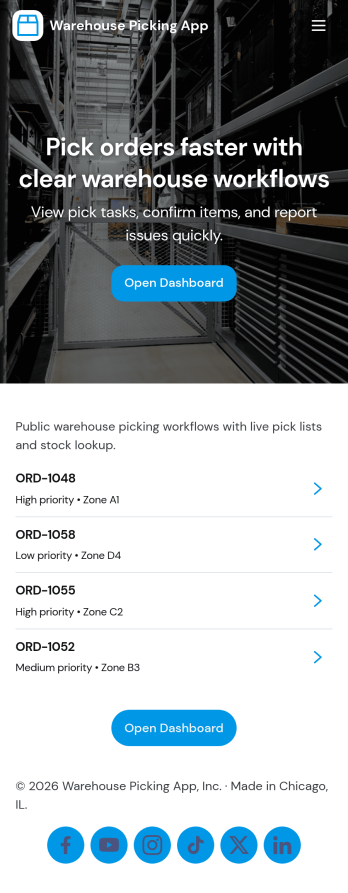
Warehouse Picking App
Warehouse Picking App brings day-to-day fulfillment work into one mobile-friendly place so pickers and warehouse leads can move faster and miss fewer items. Use it to keep a clear picking queue, jump into waves like Wave A and Wave B, and open each pick to see what to grab before marking the task complete. It also supports quick stock visibility through Stock View and highlights Low Stock items, helping teams reduce delays caused by surprise shortages.Built with Jotform, this app template turns your picking workflow into a shareable self-service experience without coding. Use the no-code app builder and drag-and-drop interface to tailor pages for your operation, connect actions like Mark Complete to your data collection forms, and route completions into connected tables for reporting. Share the app with a link or QR code, keep your picking workflow organized in real time, and give supervisors a clearer view of what’s done, what’s next, and what needs attention.
Go to Category:Operations & Logistics Portal Apps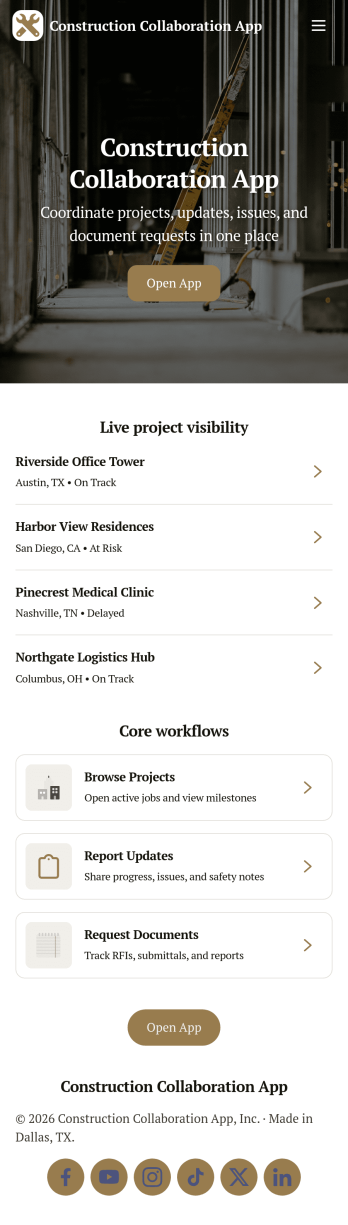
Construction Collaboration App
Construction Collaboration App brings project teams together around shared updates, field reporting, inspections, and punch items so work stays coordinated from the office to the jobsite. Use it to organize active projects, capture progress notes as they happen, and keep visibility on statuses, due dates, and summaries without relying on scattered messages or spreadsheets. It’s a strong fit for general contractors, subcontractors, project managers, site supervisors, and operations teams who need a simple way to keep everyone aligned across multiple jobs and moving parts.Built with Jotform, this app template helps you create a clear self-service experience for logging project updates, submitting field reports, recording inspections, and tracking follow-ups in one place. Using Jotform’s no-code app builder and drag-and-drop interface, you can tailor pages, navigation, and connected forms to match how your team works, then share the app by link or QR code for fast mobile access. As information comes in, Jotform supports reliable data collection and workflow organization, making it easier to stay on top of day-to-day construction communication.
Go to Category:Construction Apps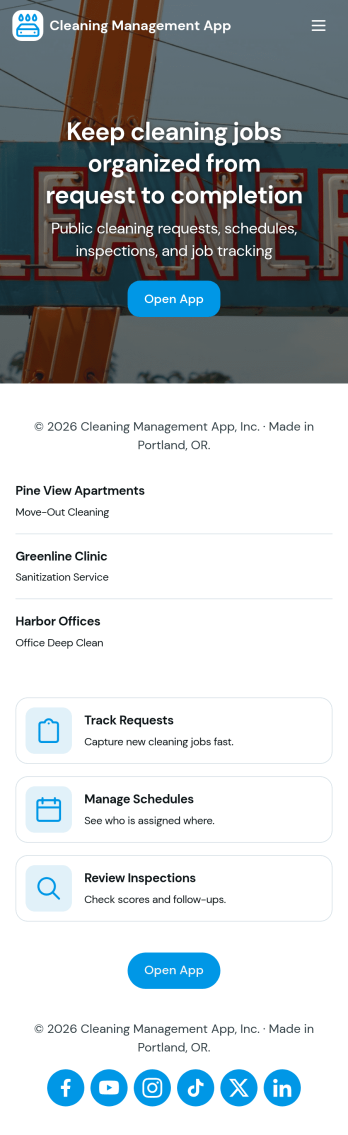
Cleaning Management App
Cleaning Management App brings day-to-day cleaning operations into one organized place so you can keep jobs, teams, inspections, and supplies moving without losing track of details. It fits cleaning companies, facilities teams, property managers, and service coordinators who juggle multiple locations and recurring work. Use the Jobs area to add and review upcoming work, keep a simple Team list for staff visibility, log Inspections for priority sites and quality checks, and monitor Supplies so low-stock items don’t turn into last-minute emergencies.Built with Jotform, this app template helps you turn routine cleaning coordination into a clear, mobile-friendly self-service experience. Customize pages with a drag-and-drop interface, connect the action buttons to your own forms for data collection, and keep everything aligned in a single workflow from job intake to inspection notes and restock requests. Share the app by link with supervisors and staff so everyone follows the same process across sites.
Go to Category:Home Services Apps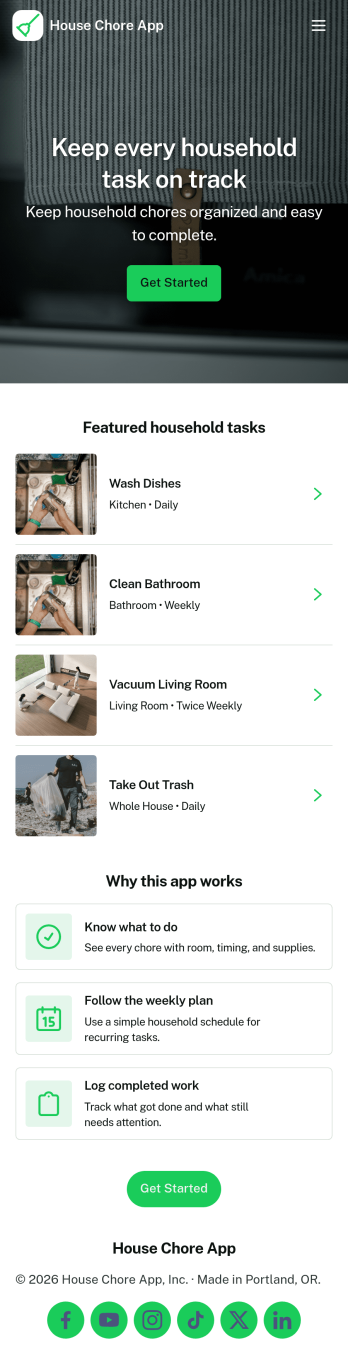
House Chore App
House Chore App keeps everyday household tasks organized so everyone knows what needs to be done and what has already been handled. Use it to highlight today’s focus, browse a shared chore list, and open each chore to view its details before getting started. It’s a practical fit for families, roommates, and caretakers who want fewer misunderstandings, clearer responsibility, and a simple way to stay consistent with routine cleaning and home upkeep.Built with Jotform, this app template turns chore planning into an easy self-service experience you can share in minutes. With a no-code app builder and a drag-and-drop interface, you can adjust pages, reorder chores, and connect the app to forms and tables for reliable data collection. As chores are finished, log completed work and review records over time, helping your household build better habits and keep a lightweight workflow running without extra messages or spreadsheets.
Go to Category:Task Management Apps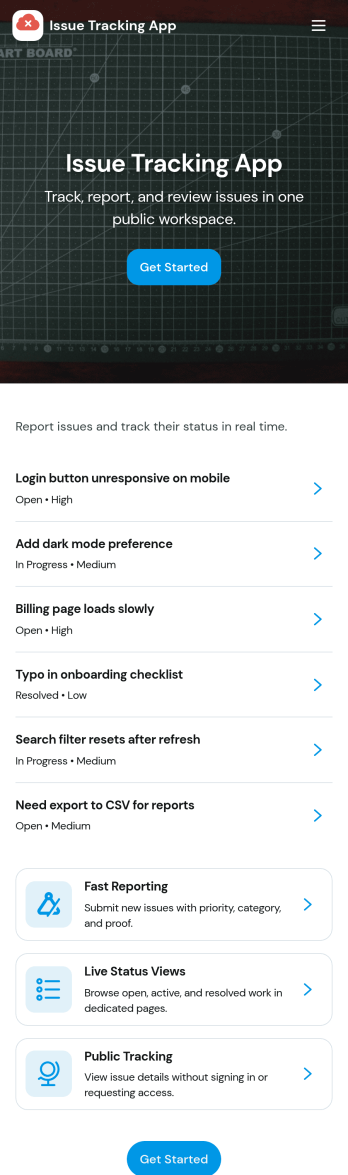
Issue Tracking App
Issue Tracking App helps teams capture, organize, and follow up on problems without losing context. Use it to report new issues as they come up, submit a new ticket in seconds, and keep a personal view of what you’ve raised through My Issues and My Submissions. It fits IT support, engineering, operations, and internal service teams that need a clear place for employees or customers to flag bugs, service interruptions, and process blockers, then monitor what’s still pending review.Built with Jotform App Templates, this app template turns everyday issue reporting into a simple self-service experience you can share as a link or QR code. Customize pages with a drag-and-drop interface, connect the report form to your data collection workflow in Jotform, and keep issue records organized for faster triage and better visibility across the team.
Go to Category:Information Technology Apps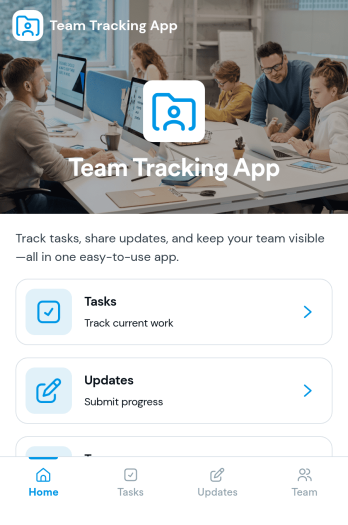
Team Tracking App
Team Tracking App brings day-to-day visibility to who’s working on what, what’s changed, and where help is needed. Use it to organize tasks, post progress updates, and keep a simple directory of team members in one place, so managers and contributors can stay aligned without digging through long message threads. It’s a practical fit for departments, project teams, agencies, and growing businesses that need lightweight tracking for assignments, ownership, and ongoing status.Built with Jotform App Templates, this app template can be customized in minutes using Jotform’s no-code app builder and drag-and-drop interface. Connect task and update forms to your workflow for reliable data collection, then share the app as a self-service destination for your team to review tasks, add updates, and find contact details. With flexible layout options and connected tools across Jotform, you can adapt the experience as your processes evolve.
Go to Category:Management Apps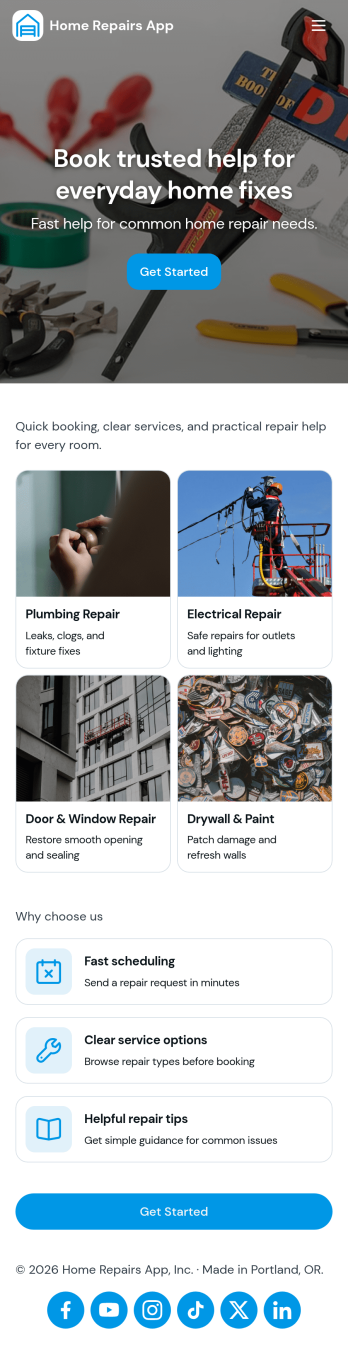
Home Repairs App
Home Repairs App helps homeowners, property managers, and small maintenance teams organize repair needs in one place, from reporting a new issue to keeping a clear list of active work orders. Use it to capture repair requests as they come in, review jobs by property, and keep key contacts handy when you need to reach a contractor quickly. It’s a practical fit for rentals, multi-unit buildings, and busy households where requests can pile up and details get lost.With Jotform App Templates, you can publish a guided self-service experience without relying on code. Build your Home Repairs App with a drag-and-drop interface, connect it to forms for data collection, and keep your workflow moving with lists that are easy to browse on any device. Update fields, adjust pages, and share a single link so everyone knows where to submit requests, check work orders, and find the right contact information.
Go to Category:Home Services Apps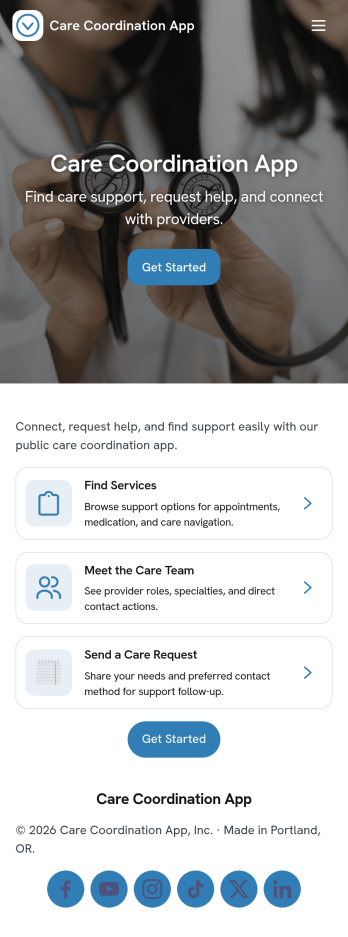
Care Coordination App
Care Coordination App brings client intake, task follow-ups, and ongoing updates into one organized place so teams can keep care plans moving without losing context. It works well for care coordinators, case managers, clinical support staff, and community organizations who handle multiple clients at once and need a consistent way to capture new intakes, review open tasks, and share messages across the team. With quick navigation to New Intake, Open Tasks, and Messages, the app supports day-to-day coordination from first contact through ongoing check-ins, especially when priorities shift and responsibilities are shared.Jotform makes it easy to launch and adapt this app template with a no-code app builder and a drag-and-drop interface that fits your workflow. Connect your intake and update forms to keep data collection consistent, route information to the right people, and maintain a clear view of what needs attention. You can publish your Care Coordination App in minutes, share it with your team for self-service access to client records and communications, and refine the experience as your processes evolve.
Go to Category:Healthcare Apps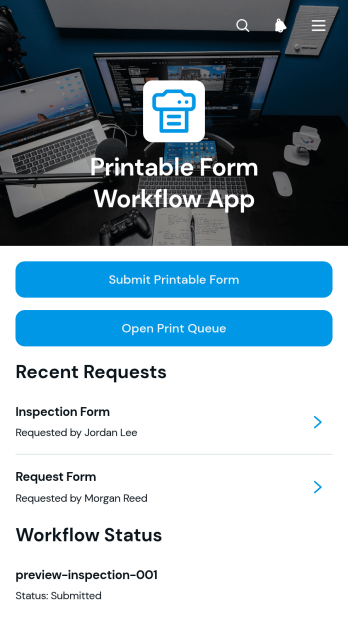
Printable Form Workflow App
Printable Form Workflow App provides operations teams, administrators, office managers, and shared-service groups with one place to receive printable form requests and move them through a defined process. Requesters can submit a form with a due date and supporting file, while staff can review request details, open the print queue, and update workflow status as work progresses. This app template helps organizations replace scattered emails and informal handoffs with a visible queue, clearer ownership, and more consistent request tracking. It is useful for offices, schools, nonprofits, service teams, and facilities that regularly prepare printed documents for employees, customers, students, or community members.Jotform App Templates make it easy to adapt this experience without writing code. Using Jotform’s no-code app builder and drag-and-drop interface, teams can revise pages, buttons, forms, colors, fonts, and navigation to match their process and visual identity. Connected forms support data collection, while workflow tools help organize updates and keep requests moving. Publish the finished app with a direct link or QR code so requesters and staff can access it from a phone, tablet, or computer. The result is a practical self-service destination that brings form intake, queue access, attached files, due dates, and status management into a single mobile-friendly experience.
Go to Category:Task Management Apps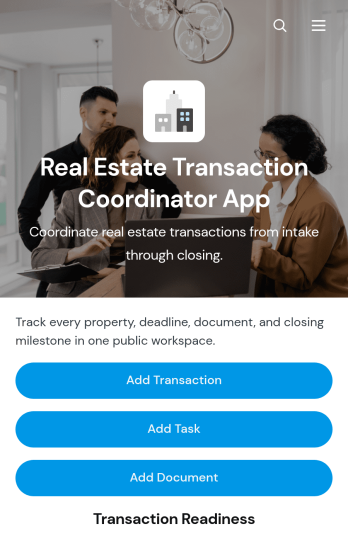
Real Estate Transaction Coordinator App
The Real Estate Transaction Coordinator App is an app template for coordinators, agents, brokerages, and real estate operations teams managing property transactions from intake through closing. It brings transaction records, task coordination, document tracking, contact details, readiness updates, and coordinator notes into one accessible workspace. Teams can add a transaction, assign property-specific tasks, and maintain supporting documents without relying on scattered spreadsheets or email threads. This organized approach helps coordinators monitor active deals, identify unfinished work, keep essential information close at hand, and support consistent service across multiple buyers, sellers, and properties.Jotform Apps makes it easy to adapt this template with a no-code app builder and an intuitive drag-and-drop interface. Add or rearrange pages, update branding, connect forms and tables, and shape the workflow around your brokerage or transaction coordination process. Linked data collection tools can capture new deals, tasks, documents, and contacts while keeping records available for daily follow-up. Once the app is ready, share it by direct link or QR code so authorized team members can access transaction resources from a phone, tablet, or computer. Jotform App Templates help real estate teams create a practical self-service workspace without writing code.
Go to Category:Real Estate Apps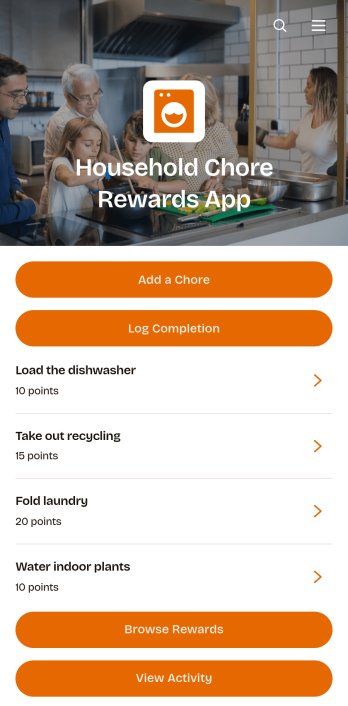
Household Chore Rewards App
The Household Chore Rewards App is a ready-to-use app template for families, caregivers, roommates, and shared households that want to make routine responsibilities clear and motivating. Household organizers can add and assign chores, let members log completed work, and provide a rewards catalog where earned points can be put toward selected incentives. Activity records create a useful view of completed tasks and points earned, helping reduce forgotten chores, unclear expectations, and repeated reminders. Use it for daily cleaning, weekly household duties, age-appropriate children’s tasks, or shared responsibilities among adults.Jotform Apps makes it easy to adapt this Household Chore Rewards App without coding. Using the no-code app builder and its drag-and-drop interface, you can update pages, navigation, colors, fonts, images, and branding to suit your household. Connect forms and tables to support data collection, organize chore and reward information, and maintain a practical workflow from assignment through completion. The finished app offers mobile-friendly self-service access and can be shared through a direct link or QR code, making Jotform App Templates a convenient starting point for managing household routines from one central place.
Go to Category:Task Management Apps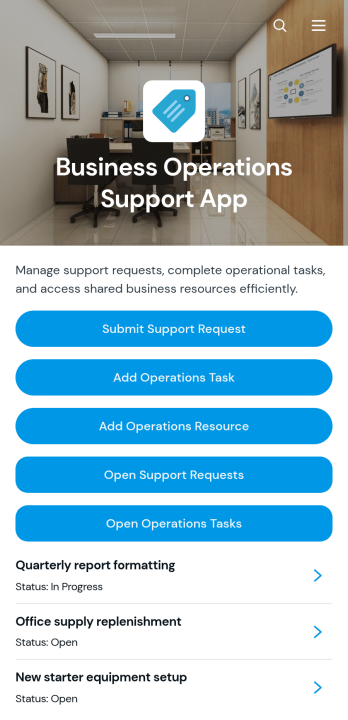
Business Operations Support App
Business Operations Support App gives operations teams a central workspace for handling internal support needs, coordinating tasks, and organizing useful resources. It suits small and midsize businesses, service departments, office administrators, operations managers, and cross-functional teams that need clearer visibility into day-to-day work. Employees can submit support requests, review request details and statuses, add operational tasks with assigned owners, and access shared resource links. Bringing these activities together helps reduce scattered communication, clarify responsibility, and keep recurring operational needs from being overlooked.With Jotform Apps, organizations can turn this app template into a branded, mobile-friendly experience without writing code. The drag-and-drop App Builder makes it easy to adjust pages, buttons, cards, navigation, colors, and fonts while maintaining a modern layout with rounded visual elements. Teams can connect forms, tables, notifications, approvals, and other workflow tools to support data collection and self-service from one location. Start with one of Jotform’s ready-made App Templates, tailor it to existing processes, and share it through a direct link, QR code, or embedded experience.
Go to Category:Operations & Logistics Portal Apps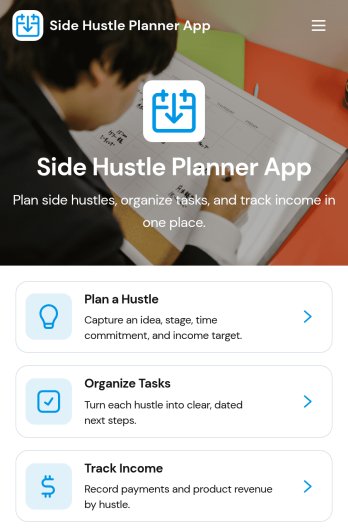
Side Hustle Planner App
Side Hustle Planner App helps you turn side projects into a clear, repeatable plan so you can make progress without losing track of ideas, tasks, and earnings. Use it to outline each hustle, set a stage, decide how many hours you can commit weekly, and keep a realistic monthly target. With quick navigation to planning, task organization, and income tracking, it fits creators, freelancers, students, and anyone building extra income alongside a full-time schedule.Jotform makes it easy to tailor this app template to your workflow using a no-code app builder with a drag-and-drop interface. Connect buttons to forms for data collection, keep lists updated as your work evolves, and share a self-service hub that teammates or partners can use from anywhere. When you’re ready to reflect, built-in insights pages help you review what’s moving the needle and adjust your weekly plan with confidence.
Go to Category:Planner Apps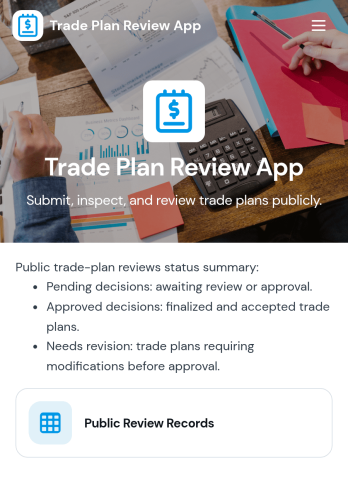
Trade Plan Review App
Trade Plan Review App brings trade ideas into one place so you can submit, browse, and review plans with consistent details before they’re acted on. It works well for independent traders, trading educators, small prop-style teams, and finance groups that want a cleaner review routine than scattered messages and spreadsheets. With a browsable list of trade plans and a dedicated plan page that highlights key fields like entry price, stop loss, take profit, and position size, reviewers can quickly compare setups, spot missing information, and keep feedback tied to the right plan.Jotform makes it easy to turn this workflow into a polished self-service experience using ready-to-use app templates and a no-code app builder. Customize pages with a drag-and-drop interface, connect your trade plan intake form to organized records, and share the app with a link or QR code for fast access on desktop or mobile. As your process matures, you can refine the workflow by updating fields, adding guidance text, and keeping every plan review organized in one Jotform-powered app.
Go to Category:Personal Finance Apps
AI Workspace Dashboard App
AI Workspace Dashboard App brings your workspace activity into one central place so teams can quickly review what’s happening, spot trends, and stay aligned on priorities. It works well for IT and operations teams monitoring internal usage, team leads who want a clear pulse on day-to-day progress, and fast-moving groups that need a simple way to browse activity records without hunting through multiple tools. With a dedicated link to review workspace activity and a connected list for tracking updates, this dashboard helps you keep visibility high while keeping navigation simple.Jotform makes it easy to publish this kind of self-service dashboard using a no-code app builder and a drag-and-drop interface. Start with this app template, customize the layout for your workflow, and connect it to your existing data collection in Jotform Tables so the activity list stays current. Share the app through a link to keep stakeholders informed, and update the experience anytime as your processes change.
Go to Category:Information Technology Apps
Relocation Planning App
Relocation Planning App keeps a move organized in one place so you can manage what needs to happen, what it costs, and who to contact as the date gets closer. It’s a practical option for individuals and families, HR teams supporting employee relocations, and coordinators handling multiple moves who need a clear way to add moving tasks, record budget items, and store important moving documents without losing track of details.Jotform makes it easy to turn this app template into a branded self-service experience with a no-code app builder and a drag-and-drop interface. Connect forms to your workflow for data collection, keep information structured as it grows, and share the app with anyone involved so they can view updates, submit new items, and stay aligned from planning through move-in.
Go to Category:Scheduling and Planning Apps