

Scheduling and Planning Apps

Family Study Planner App
The Family Study Planner App is a shared planning template for parents, caregivers, students, and homeschooling families who want to coordinate learning activities in one accessible place. Family members can create study plans, add tasks, and review key details such as subjects, schedules, priorities, due dates, and estimated study time. It is useful for managing homework, exam preparation, tutoring assignments, independent learning, and household study routines. By connecting each task to a plan and family member, the app helps clarify responsibilities, reduce missed deadlines, and make busy academic schedules easier to follow.Jotform Apps lets families turn this app template into a personalized mobile-friendly planning experience without writing code. Its drag-and-drop interface makes it simple to adjust pages, navigation, buttons, colors, fonts, and other visual elements. Users can connect forms for data collection, organize study information in tables, and build workflows that support reminders or follow-up actions. The finished app can be shared by direct link or QR code, giving family members convenient self-service access from phones, tablets, or computers. Explore Jotform App Templates to adapt the Family Study Planner App to different ages, subjects, and learning routines.
Go to Category:Student Planner Apps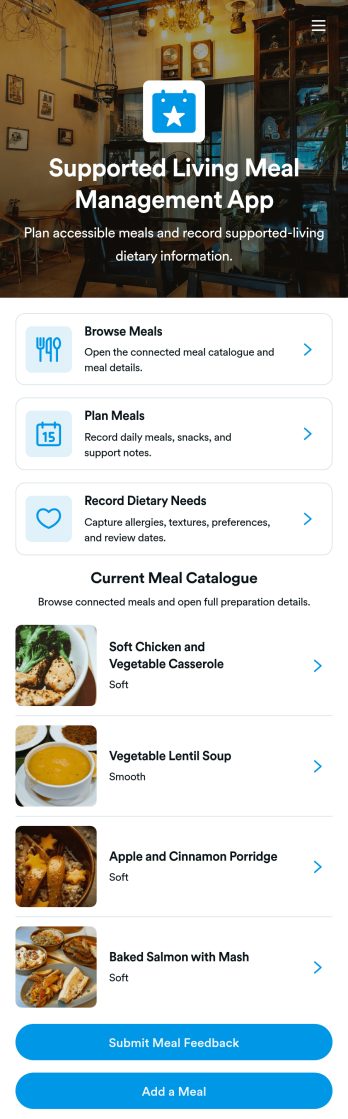
Supported Living Meal Management App
The Supported Living Meal Management App helps supported living providers, care teams, and household coordinators organize meal-related activities for residents in one accessible place. Staff can browse a current meal catalogue, create dated meal plans, and record individual dietary needs before preparing or scheduling food. Clear meal details covering ingredients, texture, preparation time, and allergens support informed choices and more consistent communication across shifts. The app is particularly useful for shared living environments, residential support services, community care organizations, and teams coordinating meals for people with varied preferences and requirements.Built with Jotform, this app template can be adapted to match each organization’s meal planning process and visual identity. The no-code app builder and drag-and-drop interface make it easy to update pages, navigation, forms, and connected records without programming. Teams can collect meal feedback, manage data collection, and connect information to tables and related workflows for better operational visibility. Once customized, the Supported Living Meal Management App can be shared by link or QR code, giving authorized staff convenient mobile access and a practical self-service resource for everyday meal coordination.
Go to Category:Food and Nutrition Tracking Apps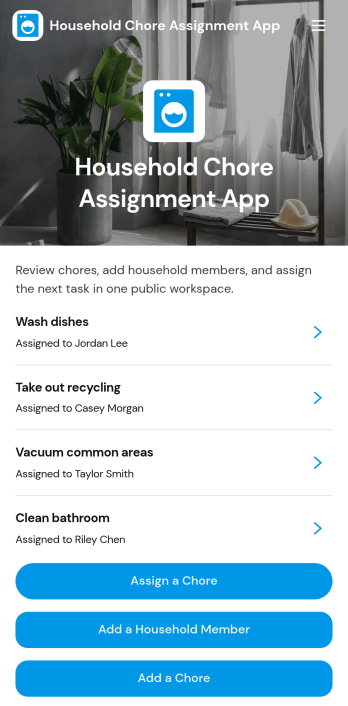
Household Chore Assignment App
The Household Chore Assignment App is an app template for families, roommates, caregivers, and shared households that need a clear way to divide recurring or one-time responsibilities. It brings chore assignment, household member management, and progress tracking into one organized experience. Users can create chores, add household members, assign responsibilities, and review due dates or current statuses without relying on paper lists or scattered messages. Chore details can also provide instructions, estimated completion times, and room or area information. This makes the app useful for weekly cleaning schedules, shared living arrangements, age-appropriate family tasks, rental property routines, and caregiving households where accountability and visibility matter.Jotform App Templates help anyone turn everyday processes into accessible digital experiences. With Jotform’s no-code app builder and drag-and-drop interface, users can customize the Household Chore Assignment App with branded colors, updated navigation, connected forms, and workflow options. Assignment data can be collected and organized through linked Jotform tools, while notifications and automated steps help households stay informed. The app builder also supports mobile-friendly self-service access, so members can check responsibilities and review chore information from almost any device. Once customized, the app can be shared by a direct link or QR code, making household coordination easier to maintain as tasks and routines change.
Go to Category:Task Management Apps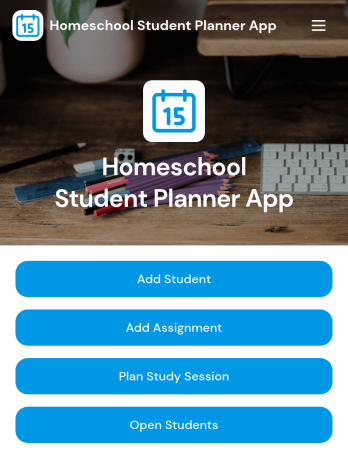
Homeschool Student Planner App
Homeschool Student Planner App is a ready-to-use planning space for homeschooling parents, guardians, tutors, learning coaches, and students who need to coordinate lessons across one or more learners. It brings student profiles, assignments, and planned study sessions into a single, easy-to-navigate experience. Users can record grade levels and focus areas, organize work by student and subject, monitor due dates and assignment status, and schedule study time with relevant date, duration, and location details. This app template reduces reliance on scattered calendars, paper planners, and separate task lists while giving families a clearer view of daily learning priorities and upcoming responsibilities.Jotform Apps helps you turn this Homeschool Student Planner App into a personalized resource without writing code. Use the drag-and-drop app builder to adjust pages, navigation, colors, fonts, and visual elements, then connect forms and organized records to support data collection and an ongoing learning workflow. Jotform App Templates also make it easy to create a mobile-friendly self-service experience that students and adults can access from a shared link or QR code. Update the app as routines change, add useful learning resources, and keep essential planning actions together in one branded location.
Go to Category:Student Planner Apps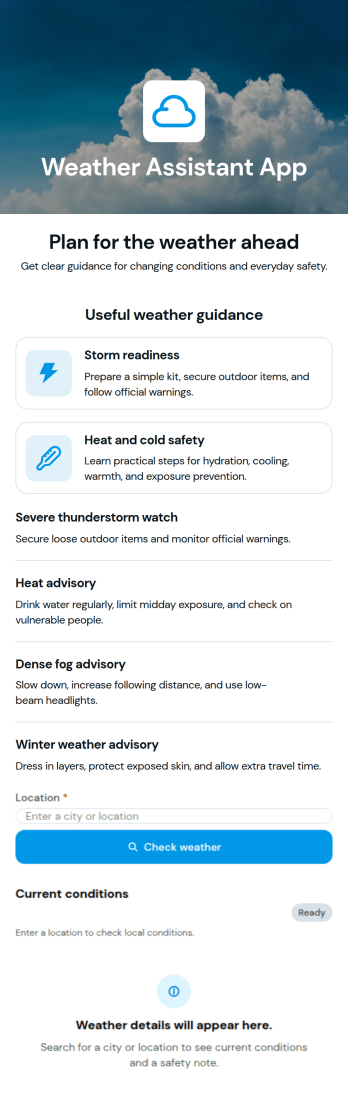
Weather Assistant App
Weather Assistant App helps people check conditions quickly and plan around changing forecasts, whether you’re commuting, coordinating a weekend outing, or preparing teams for outdoor work. Use it to centralize weather updates in one place so employees, members, or customers know what to expect before they head out, reducing last-minute changes and missed plans.With Jotform, you can turn this Weather Assistant App into a branded self-service experience using a no-code app builder and a drag-and-drop interface. Share it with a link or QR code, keep information easy to access on mobile, and connect it to your broader workflow for data collection when you need users to report local conditions or request schedule changes.
Go to Category:Activity Tracking Apps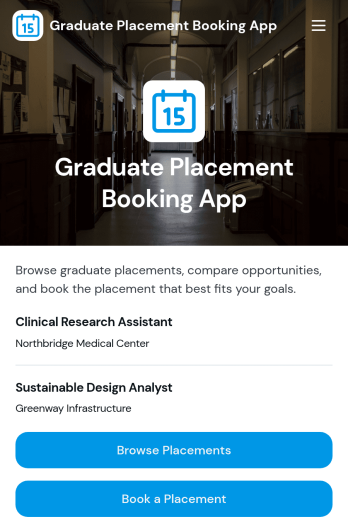
Graduate Placement Booking App
Graduate Placement Booking App helps universities, career services teams, and placement coordinators publish opportunities and guide students through choosing and reserving a graduate placement. Students can browse a placement list, open a placement details page with key information like type, duration, start window, overview, and eligibility, then move straight into booking. This supports clearer decision-making for candidates while giving administrators a consistent way to present placements and reduce confusion around requirements and timelines.Jotform makes it easy to turn this Graduate Placement Booking App into a polished self-service experience using App Templates and a no-code app builder with a drag-and-drop interface. Connect the app to your booking form and a table of placements to keep information organized, update listings quickly, and standardize data collection. Share the app with a link or QR code, tailor the layout and branding, and keep your workflow running smoothly from placement discovery through booking.
Go to Category:Education Apps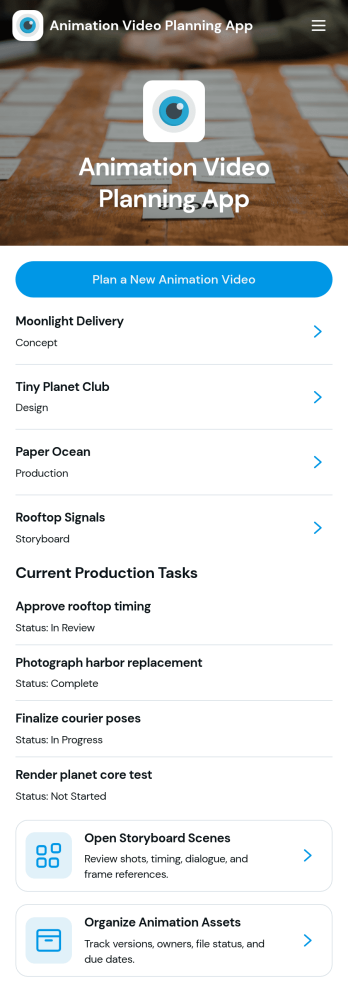
Animation Video Planning App
Animation Video Planning App helps animation teams plan projects from early direction to day-to-day production execution in one place. Use it to start new animation video plans, review active projects, outline storyboard scenes, and keep current production tasks visible so work stays coordinated. It’s a practical fit for studios, freelancers, agencies, and in-house creative teams producing explainer videos, ads, product demos, or social content that needs clear scene planning and dependable task follow-through.Built with Jotform, this app template turns planning into a guided, self-service workflow you can share with your crew. Customize pages with a drag-and-drop interface, connect forms for adding projects, storyboard scenes, assets, and production tasks, and keep details organized in one app experience that works across devices. Jotform makes it easy to standardize how animation work is captured, reviewed, and updated without coding.
Go to Category:Project Management Apps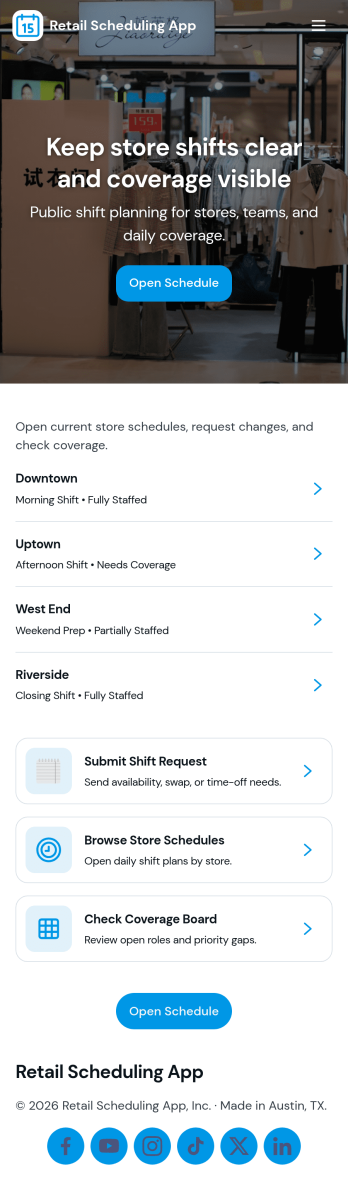
Retail Scheduling App
Retail Scheduling App brings daily store staffing into one place so managers and associates can stay aligned on who is working, when, and where coverage is needed. Use it to publish today’s schedule, keep a clear shift board, maintain a team roster, and collect swap requests without relying on scattered messages. It’s a practical fit for retail shops, pop-up locations, multi-location stores, and seasonal teams that need fast updates and fewer missed handoffs across opening, peak hours, and closing shifts.Built with Jotform, this app template helps you turn scheduling tasks into a simple self-service experience employees can access from a single link. With Jotform’s drag-and-drop no-code app builder, you can tailor pages, buttons, and lists to match your store’s workflow, then connect shift request forms to the app for consistent data collection. Share updates instantly, centralize requests, and keep scheduling information organized as your team grows.
Go to Category:HR Portal Apps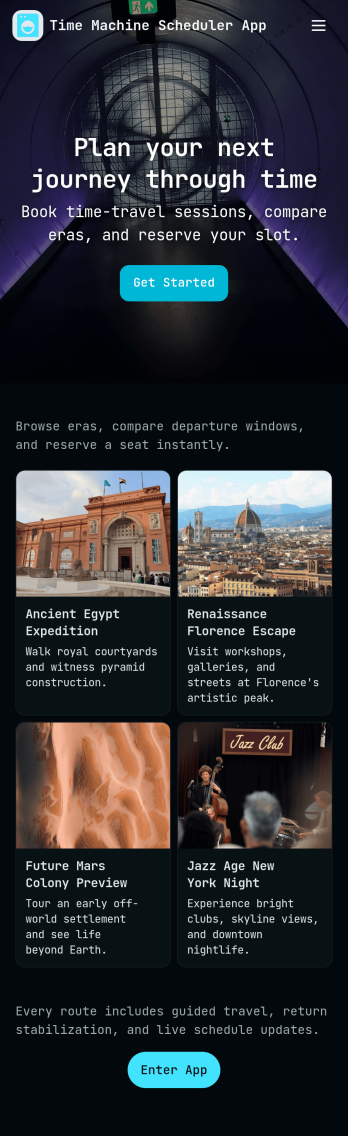
Time Machine Scheduler App
A Time Machine Scheduler App gives teams a playful, story-driven way to plan “jumps” on a shared schedule, review assigned missions, and keep a running record of what happened across a timeline. It works well for creative projects, escape-room style events, tabletop campaigns, team-building activities, or internal training scenarios where participants need a clear place to schedule the next jump, browse mission details, and refer back to timeline logs and rules. With dedicated navigation for Schedule Jump, View Missions, and Timeline Logs, the experience stays simple while still supporting repeatable planning and coordination.Jotform makes it easy to turn this idea into a polished self-service experience using App Templates and a no-code app builder. With a drag-and-drop interface, you can reorganize pages, update labels and content, and connect actions like New Jump to a form for data collection. Share your Jotform app by link or QR code so participants can access the schedule and mission info from anywhere, while your team keeps the workflow organized and consistent as plans evolve.
Go to Category:Appointment & Booking Apps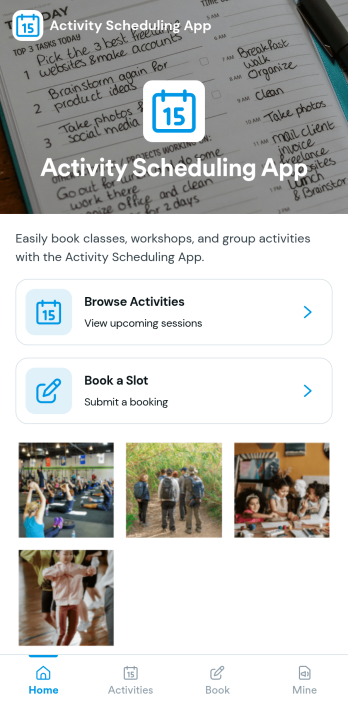
Activity Scheduling App
Activity Scheduling App helps individuals, teams, and groups plan a day by browsing available activities, viewing activity details, and creating schedules from one place. It’s a practical fit for clubs, community programs, trainers, student groups, and small organizations that run recurring sessions or rotating activities and need an easy way for people to pick what they want to do and reserve a time.With Jotform, you can turn this app template into a self-service scheduling experience using a no-code app builder and a drag-and-drop interface. Link cards and pages to your scheduling form, keep schedules organized, and share the app with a simple link so users can submit requests and revisit their planned items under My schedules as your workflow evolves.
Go to Category:Booking Apps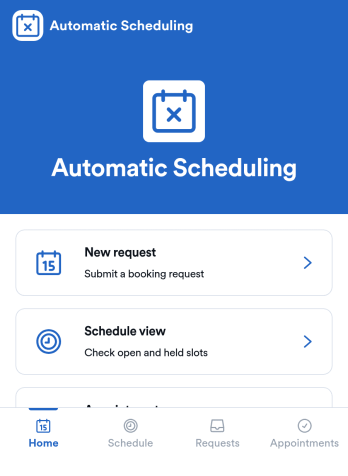
Automatic Scheduling App
Automatic Scheduling App keeps bookings moving by guiding customers and staff from available time slots to confirmed appointments with less manual coordination. It’s a practical fit for service businesses, consultants, clinics, salons, and internal teams that need a simple way to view a calendar, share availability, and accept booking requests in one place. With a clear booking flow, it supports instant booking, visibility into upcoming slots, and a dedicated space for reschedule requests so changes don’t get lost in messages.Built with Jotform App Templates, this app template is easy to adapt with Jotform’s no-code app builder and drag-and-drop interface. Connect it to your forms and tables for reliable data collection, route updates through an approval-style workflow when needed, and keep scheduling preferences consistent using settings like reminder timing and buffer rules. Share the app with a link so clients can self-service their booking needs while admins manage requests and activity from a single hub.
Go to Category:Appointment & Booking Apps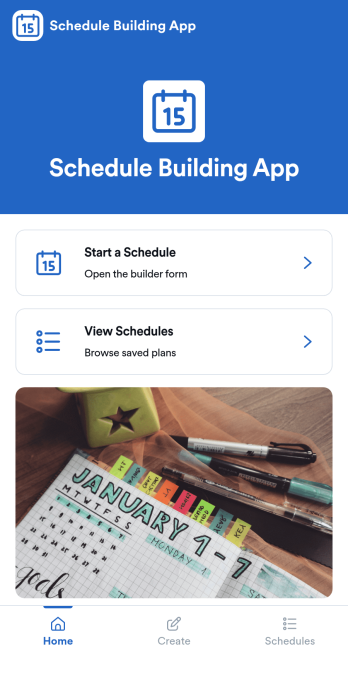
Schedule Building App
Schedule Building App helps teams and individuals create, save, and revisit schedules from one central place. Use it to kick off a new schedule when plans change, browse saved schedules when you need to reuse a previous setup, and open schedule details to confirm what’s coming up. It works well for supervisors building weekly staffing plans, project leads mapping work blocks, coordinators organizing recurring routines, or anyone who needs a clear way to turn planning into a repeatable process.With Jotform, you can publish this schedule building app template as a simple self-service experience that’s easy to share and update. Customize pages and navigation with a drag-and-drop interface, connect schedule creation to a form for consistent data collection, and keep everything organized so people can start a schedule, view schedules, and return to saved plans without confusion. As your workflow grows, you can adapt the app’s layout and connected tools to match how your organization plans and manages schedules.
Go to Category:Planner Apps