

Construction App Templates

New Construction Buyer Contract App
The New Construction Buyer Contract App is a ready-to-use workspace for collecting and reviewing contract preparation requests tied to newly built homes. It helps builders, sales teams, real estate professionals, and contract coordinators keep buyer details, property information, requested terms, and timing in one accessible place. Users can submit a preparation request, browse existing requests, and open records to review essential purchase and contact information. This approach reduces scattered emails, supports consistent intake, and creates a clearer handoff from buyer discussions to contract drafting. It is particularly useful for residential developments, custom home projects, and sales offices handling multiple prospective buyers.With Jotform Apps, teams can adapt this app template without coding through a drag-and-drop interface. Update pages, cards, buttons, and branding, then connect forms, tables, approvals, or other workflow steps as operations evolve. The New Construction Buyer Contract App can be shared by direct link or QR code for mobile-friendly access, helping staff submit information in the field and review requests from a central app. Jotform App Templates make it easier to launch a polished self-service experience while keeping data collection connected to the processes that use it.
Go to Category:Construction Apps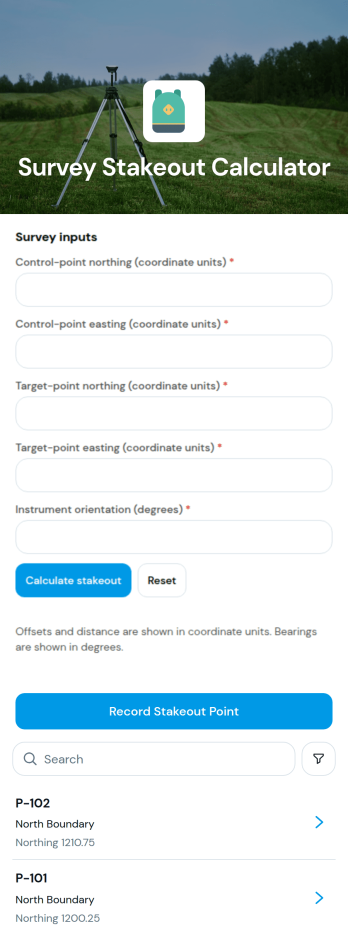
Survey Stakeout Calculator App
The Survey Stakeout Calculator App is an app template for land surveyors, construction crews, civil engineering teams, contractors, and field technicians who need an accessible record of stakeout coordinates. Users can record a stakeout point, browse saved point entries, and review northing, easting, and design elevation values from a dedicated detail page. Keeping these measurements together helps field and office teams reference planned positions, reduce scattered notes, and coordinate layout work across construction, site development, and engineering projects. It also creates a consistent process for documenting points before or during field operations.Jotform makes it easy to adapt this template to a team’s surveying workflow without writing code. Its no-code app builder and drag-and-drop interface can be used to update pages, adjust branding, connect forms, and organize data collection around project requirements. Teams can add instructions, supporting resources, approval steps, or other connected processes as their operations evolve. Like other Jotform App Templates, the finished app can be shared through a direct link or QR code, giving field personnel convenient mobile access and a practical self-service reference for stakeout information.
Go to Category:Engineering Apps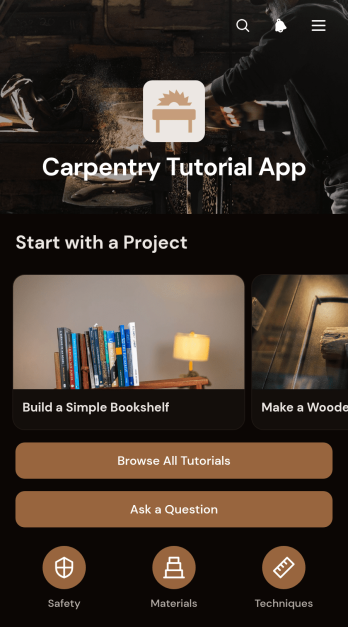
Carpentry Tutorial App
The Carpentry Tutorial App is a mobile-friendly learning resource for woodworking students, vocational instructors, contractors, workshop teams, and do-it-yourself learners. Users can browse carpentry tutorials, follow project steps, review practical safety notes, and submit questions when they need additional guidance. By keeping instructional content and support requests in one place, this app template helps educators share consistent lessons, gives learners convenient access at the workbench, and makes project preparation easier for training programs, community workshops, and construction businesses.With Jotform, this Carpentry Tutorial App can be adapted through a no-code app builder and an intuitive drag-and-drop interface. Update tutorial pages, reorganize navigation, add images or videos, and connect forms for data collection without writing code. Jotform app templates can also connect learning resources with tables, approvals, notifications, and other workflow steps. Once published, the app can be shared by a direct link or QR code, giving learners a branded self-service resource they can open from a phone, tablet, or computer.
Go to Category:Resource & Learning Portal Apps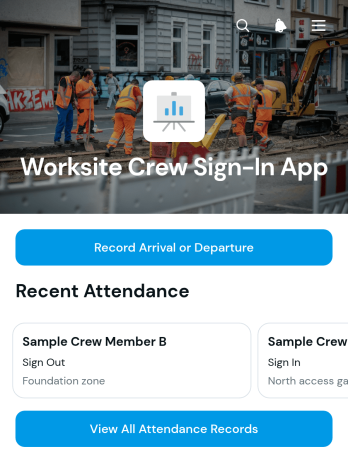
Worksite Crew Sign-In App
The Worksite Crew Sign-In App gives construction managers, contractors, supervisors, and field teams a central place to record when crew members arrive at or depart from a job site. Workers can submit an attendance entry, while authorized users can review attendance records and see the work area associated with each crew member. This app template supports daily headcounts, shift monitoring, workforce coordination, and more accurate attendance documentation across active worksites. It reduces reliance on paper sign-in sheets and makes current records easier to access when teams need them.Jotform App Templates help organizations turn routine processes into accessible digital experiences without writing code. Using Jotform’s no-code app builder and drag-and-drop interface, teams can customize this app’s appearance, connect forms and tables, organize data collection, and adapt the workflow to their operations. The finished app can be shared through a direct link or QR code for convenient mobile self-service. Teams can also update content, review connected records, and bring attendance activities together in one branded location as staffing or project requirements change.
Go to Category:Sign In Apps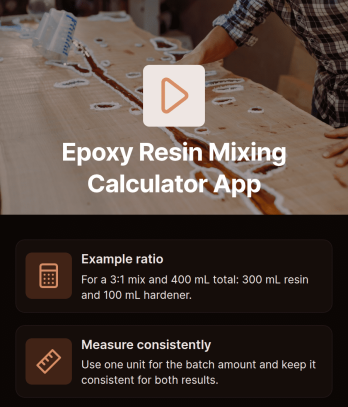
Epoxy Resin Mixing Calculator App
Epoxy Resin Mixing Calculator App helps contractors, fabricators, workshop teams, artists, and do-it-yourself users calculate resin and hardener amounts for a chosen mixing ratio. It is useful for flooring, coating, casting, repair, woodworking, and composite projects where consistent measurements can reduce wasted material and avoid preventable mixing errors. Users can reference an example ratio, enter relevant measurements through the calculator, and follow practical guidance for measuring each component consistently. Teams can also use the app as a shared jobsite resource, giving technicians and project staff a convenient way to approach repeat mixing tasks with the same process.Jotform makes this app template easy to adapt without writing code. Its drag-and-drop app builder lets you update content, organize guidance, adjust colors and fonts, and connect forms or tables for data collection and workflow support. You can publish the finished app with a direct link or QR code, making it accessible on phones, tablets, and computers in workshops or field settings. Start with one of Jotform’s App Templates, tailor the calculation experience to your materials and procedures, and provide a branded self-service resource for staff, clients, or project partners.
Go to Category:Estimation Apps
Project Walkthrough Estimation App
Project Walkthrough Estimation App helps contractors, consultants, field service teams, and project managers document walkthrough findings and prepare preliminary estimates from one accessible location. Its connected form can collect project details, site observations, scope notes, measurements, and estimated costs during or after an on-site review. This app template supports construction visits, renovation assessments, maintenance projects, property improvements, and service consultations where teams need a consistent record of requirements before planning labor, materials, timelines, or proposals. It reduces scattered notes, improves estimate consistency, and gives office and field teams clearer information for project decisions.Jotform makes it easy to adapt this app with a no-code app builder and an intuitive drag-and-drop interface. Users can update the form, arrange content, apply their own branding, and connect data collection to tables, approvals, notifications, and other workflow steps. The finished app can be shared by direct link or QR code for convenient mobile access at project sites. Starting with Jotform App Templates also saves setup time while leaving room to create a tailored walkthrough and estimation process that supports team collaboration, organized records, and faster follow-up.
Go to Category:Estimation Apps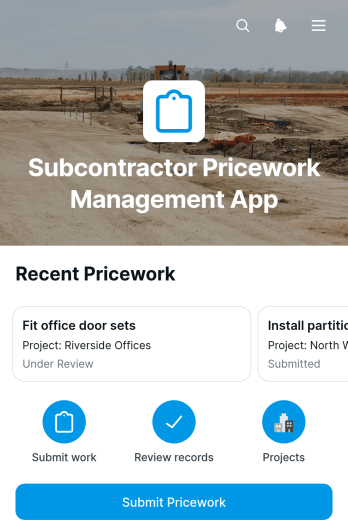
Subcontractor Pricework Management App
The Subcontractor Pricework Management App gives subcontractors, site supervisors, quantity surveyors, and construction teams a central place to record and review pricework. Users can select a project and work item, submit completed work with quantities and unit rates, and check the review status of previous entries. This app template is particularly useful for construction businesses that need a consistent record of output-based work across projects, dates, and locations. It reduces scattered paperwork, gives office and site teams clearer visibility into submitted pricework, and supports more accurate reviews before records move into invoicing or payroll processes.Jotform makes this app easy to adapt without coding. Use the drag-and-drop app builder to update pages, branding, navigation, and connected forms while keeping pricework records organized in one mobile-friendly experience. Submitted data can flow into connected tables for easier tracking, and notifications or approval steps can be added to support the wider workflow. Like other Jotform App Templates, it can be shared through a direct link or QR code, helping subcontractors submit information from the job site while managers maintain a reliable self-service resource for project activity.
Go to Category:Contractor Apps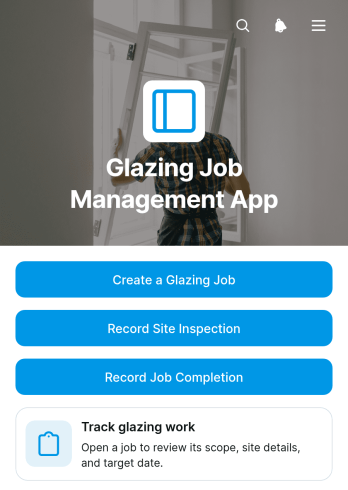
Glazing Job Management App
The Glazing Job Management App is an app template for glazing contractors, field supervisors, installers, and office teams coordinating glass installation and repair work. It brings job creation, site inspection records, and completion updates into one accessible workspace. Teams can review active glazing work, open individual job details, and reference customer and site information before recording progress. This shared view reduces scattered paperwork, improves visibility between office and field staff, and helps each job move from initial setup through inspection to final completion. It is suitable for residential, commercial, and specialist glazing businesses managing multiple jobs across different locations.With Jotform Apps, businesses can adapt this template using a no-code app builder and an intuitive drag-and-drop interface. Pages, navigation, forms, and visual elements can be adjusted to match existing workflows and branding without programming. Connected forms support consistent data collection, while job information can be organized for convenient self-service access from phones, tablets, or computers. Once customized, the app can be published and shared through a direct link or QR code, giving office teams and field crews a practical way to coordinate work and keep operational records current.
Go to Category:Contractor Apps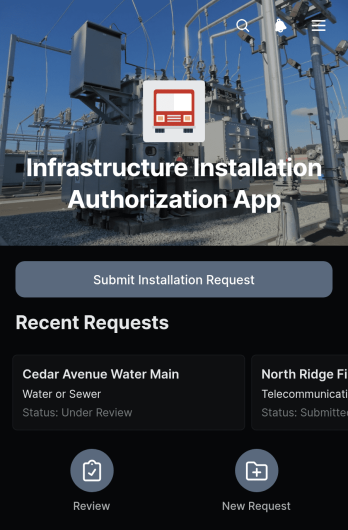
Infrastructure Installation Authorization App
The Infrastructure Installation Authorization App provides construction teams, engineering departments, contractors, facilities managers, and project coordinators with a central place to submit and review proposed infrastructure work. Users can record an installation request, present the proposed site and schedule, note safety considerations, describe planned work, and attach supporting documents. Submitted requests remain accessible in an organized table, helping reviewers evaluate project details and monitor authorization activity without relying on scattered emails or paper files. This app template is well suited to utility installations, site upgrades, equipment placement, network infrastructure projects, and other work requiring documented internal authorization.Jotform Apps makes it easy to adapt this experience to an organization’s operational process without writing code. Teams can use the drag-and-drop app builder to update pages, branding, navigation, and request content, then connect forms, tables, notifications, and approval workflows as needed. The app can be shared through a direct link or QR code for convenient mobile access in offices and field locations. Starting with one of Jotform’s App Templates reduces setup time while supporting consistent data collection, clearer collaboration, and a practical self-service request process.
Go to Category:Construction Apps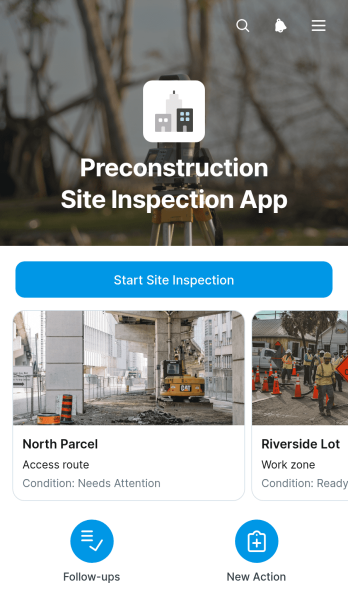
Preconstruction Site Inspection App
The Preconstruction Site Inspection App helps contractors, project managers, site supervisors, inspectors, and engineering teams document site conditions before construction begins. Teams can start an inspection from the app, browse records by site, review inspection dates and areas, and document recommended follow-up actions. This app template supports early site assessments, project planning, hazard identification, scope reviews, and contractor coordination. By keeping findings and follow-up work together, it reduces scattered records, gives stakeholders clearer visibility, and helps teams address issues before crews, materials, and equipment arrive.With Jotform, this Preconstruction Site Inspection App can be adapted through a no-code app builder and an intuitive drag-and-drop interface. Users can update pages, buttons, branding, and navigation while connecting forms, tables, approvals, notifications, and other workflow steps. Jotform App Templates make it easier to create mobile-friendly tools for field data collection and team self-service without programming. Once customized, the app can be shared through a direct link, QR code, or embedded experience so office and field teams can access current inspection information from one convenient location.
Go to Category:Construction Apps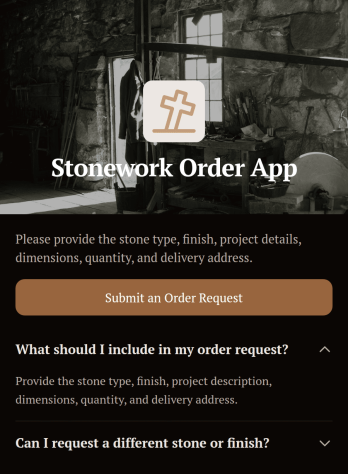
Stonework Order App
Stonework Order App provides a focused way to collect order requests for cut stone, masonry materials, custom pieces, and related project needs. Stone suppliers, fabricators, masonry contractors, installers, home service teams, and construction businesses can use this app template to give customers or field teams one convenient place to begin an order. Users can access the order request form and review expandable guidance before providing their information. This helps businesses replace scattered calls and messages with consistent data collection, reduce missing project details, and prepare requests for review, estimating, scheduling, or follow-up.Jotform App Templates make it easy to adapt this experience to the way your business operates. With Jotform’s no-code app builder and drag-and-drop interface, you can update the layout, apply your branding, add helpful resources, and connect forms with tables, approvals, payments, or other workflow steps. The finished app can support customer self-service and internal order intake on phones, tablets, and computers. Share it through a direct link, QR code, or embedded experience so customers, contractors, and team members can submit requests wherever a stonework project begins.
Go to Category:Construction Apps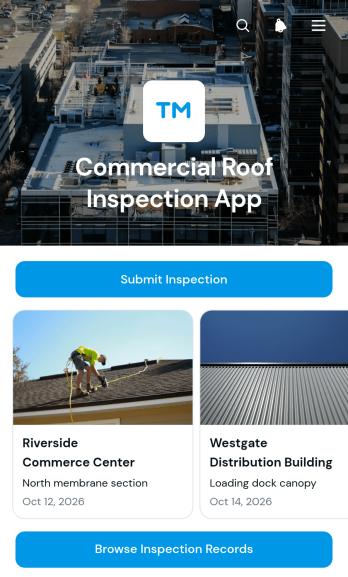
Commercial Roof Inspection App
The Commercial Roof Inspection App is an app template for roofing contractors, commercial property inspectors, facility teams, and building managers who need a consistent way to document roof conditions. It supports on-site inspection submission, record browsing, and detailed review of findings from a mobile-friendly location. Teams can capture essential property and inspection information, assess the severity of observed issues, add photos, and record recommended follow-up actions. This organized process helps reduce scattered paperwork, gives office and field staff clearer access to inspection history, and supports better planning for repairs, maintenance, estimates, and property discussions.Jotform App Templates make it easier to turn inspection workflows into accessible digital experiences without writing code. Using Jotform’s no-code app builder and drag-and-drop interface, teams can customize the Commercial Roof Inspection App with their own branding, instructions, navigation, and connected forms. Inspection data can flow into organized records for review, while notifications and related workflows help teams respond to new findings. Publish the app with a direct link or QR code so inspectors can submit information in the field and authorized users can access records from phones, tablets, or computers.
Go to Category:Safety Inspection Apps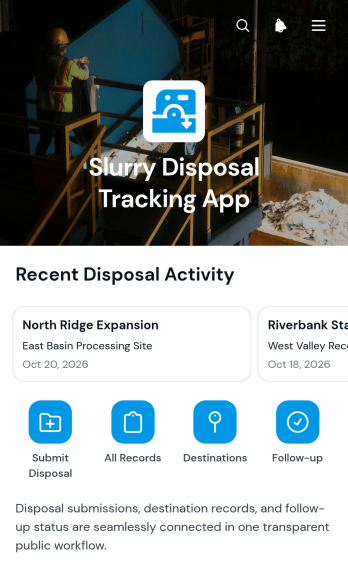
Slurry Disposal Tracking App
The Slurry Disposal Tracking App is an app template for construction teams, environmental service providers, transport coordinators, site managers, and contractors that need a clear record of slurry movements from work sites to destination facilities. It brings disposal tracking into one accessible location, helping users browse records by site or facility and review key details such as disposal dates, material types, estimated volumes, transport information, and manifest references. Teams can use it during excavation, drilling, concrete cutting, industrial cleaning, and other operations that generate slurry. Centralized records reduce missing information, improve visibility across active sites, and make it easier to answer operational questions about where material was sent and how it was transported.Jotform App Templates help organizations turn everyday processes into practical, mobile-friendly experiences without coding. Using Jotform’s no-code app builder and drag-and-drop interface, teams can customize the Slurry Disposal Tracking App with their own branding, navigation, content, and connected forms. Submitted information can support organized data collection and link with tables, notifications, approvals, or other workflow steps as needs evolve. Once published, the app can be shared with field crews, office staff, contractors, and transport partners through a direct link or QR code, providing convenient self-service access to current disposal information.
Go to Category:Tracker Apps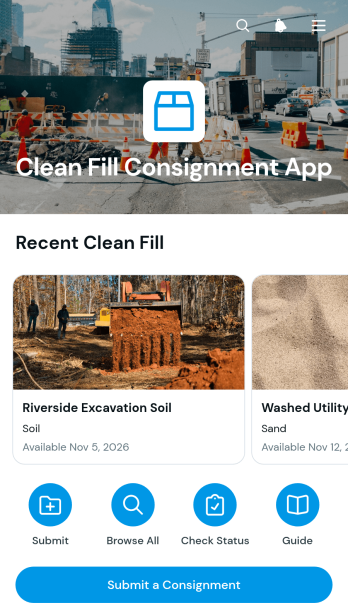
Clean Fill Consignment App
The Clean Fill Consignment App provides a central place for contractors, construction teams, excavation companies, site managers, and material coordinators to submit and review clean fill consignments. Users can record available material, quantity, pickup location, and availability while consulting clear guidance about clean fill standards and what each submission should include. Progress and current status remain easy to check, helping teams coordinate material reuse, reduce unnecessary disposal, and connect available fill with suitable projects. This app template is useful for construction sites, earthworks operations, property developments, and other projects that need an organized process for managing reusable fill.Jotform App Templates help organizations create accessible digital experiences without writing code. Customize the Clean Fill Consignment App with the no-code app builder and its drag-and-drop interface, then connect forms, tables, approvals, notifications, and other workflow steps as needed. Teams can adjust the pages, branding, navigation, and submission process to suit their operations. Once published, the app can be shared through a direct link or QR code, giving staff, contractors, and project partners convenient mobile access for data collection, self-service updates, and consignment tracking from one place.
Go to Category:Construction Apps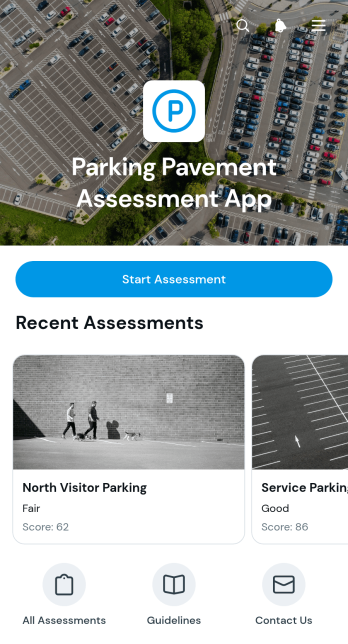
Parking Pavement Assessment App
The Parking Pavement Assessment App helps facility managers, property teams, engineers, contractors, and field inspectors document and review pavement conditions across parking areas. Users can start an assessment from the app, browse recorded areas, and view essential findings such as pavement type, cracking, potholes, drainage condition, and recommended action. It supports recurring inspections at commercial properties, campuses, residential developments, public facilities, and other sites where teams need consistent records to prioritize repairs, plan maintenance, and communicate field observations.Jotform makes this app template easy to adapt with a no-code app builder and an intuitive drag-and-drop interface. Teams can update pages, branding, navigation, and connected forms without programming, then organize data collection and related workflows in one mobile-friendly experience. Completed records can support follow-up tasks, internal reviews, and maintenance planning, while direct links and QR codes make the app convenient to share with field crews and project stakeholders. Explore Jotform App Templates to create a practical self-service resource that fits your inspection process.
Go to Category:Inspection Apps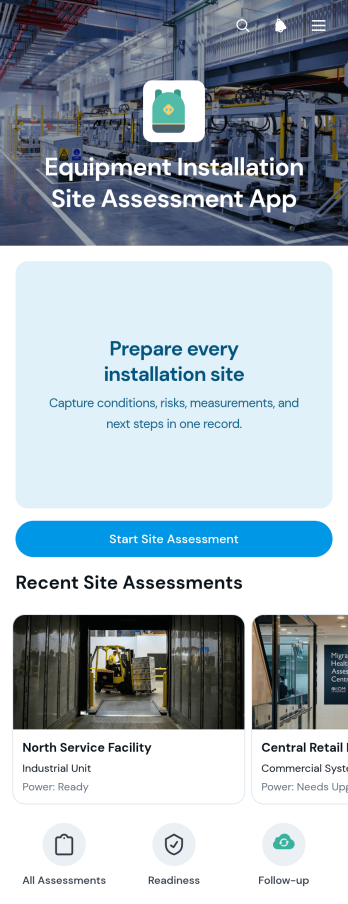
Equipment Installation Site Assessment App
The Equipment Installation Site Assessment App helps field technicians, contractors, engineers, project managers, and installation teams evaluate locations before equipment is delivered or installed. Teams can submit new site assessments, review existing records, and examine critical details such as the installation area, access conditions, measurements, safety risks, recommendations, and follow-up status. This app template creates a consistent assessment process across multiple sites, helping organizations identify potential obstacles early, prepare suitable equipment and personnel, and reduce avoidable delays. It is particularly useful for construction projects, facility upgrades, field service operations, equipment suppliers, and contractors coordinating complex installations.Jotform Apps provides a no-code app builder that makes this template easy to adapt to different equipment, projects, and assessment workflows. Use the drag-and-drop interface to update pages, navigation, buttons, branding, and connected forms without programming. Assessment data can be organized through connected tables, while notifications and workflow tools help teams act on new information and outstanding follow-ups. Once the app is ready, share it with field personnel through a direct link or QR code for convenient mobile access. Jotform App Templates help teams create a practical self-service resource for collecting site data and keeping installation planning organized.
Go to Category:Inspection Apps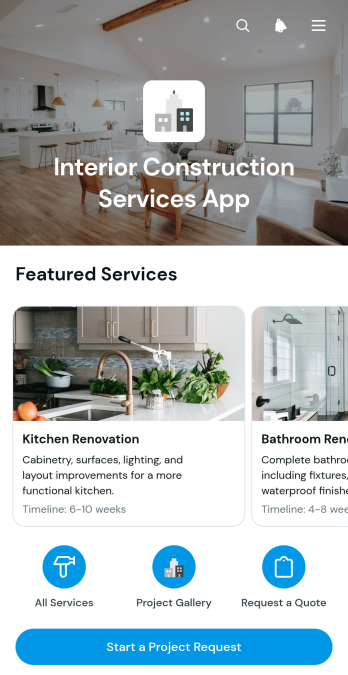
Interior Construction Services App
The Interior Construction Services App is an app template for contractors, renovation specialists, interior construction teams, and home service businesses that want to present their capabilities and turn interest into qualified project requests. Visitors can browse available services, review what each service includes and see typical timelines before submitting an inquiry. Project examples can also highlight scope, location, and project type, helping prospective clients understand relevant experience and discuss similar work. This organized self-service experience reduces repetitive questions, supports lead qualification, and gives sales and project teams a practical way to manage new opportunities.Jotform makes this Interior Construction Services App easy to adapt with a no-code app builder and an intuitive drag-and-drop interface. Businesses can update service information, add project examples, apply their own visual style, and connect forms to data collection and workflow steps without writing code. The app can be shared through a direct link or QR code for convenient mobile access. Among Jotform App Templates, it offers a flexible starting point for creating a professional digital service catalog that helps interior construction businesses promote their work, capture requests, and guide potential clients toward the right next step.
Go to Category:Construction Apps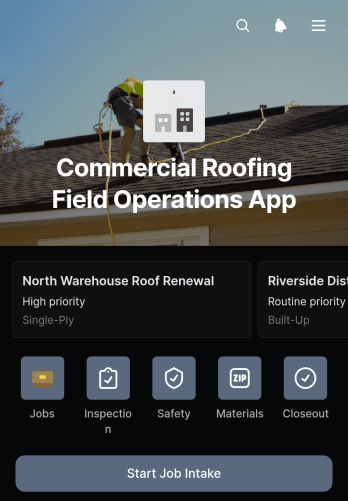
Commercial Roofing Field Operations App
Commercial Roofing Field Operations App is an app template for roofing contractors coordinating work across active commercial sites. Project managers, field supervisors, inspectors, technicians, estimators, and safety teams can use it to keep essential job activity accessible from one place. The app supports job intake, site inspection recording, and review of submitted inspections and safety reports. It helps crews capture consistent field information, understand work requirements, and maintain visibility from the first site visit through ongoing roof repairs, maintenance, or installation. Office teams can also monitor updates without relying on scattered messages and paper records.Jotform Apps gives contractors a no-code app builder for turning field processes into a practical mobile-friendly experience. Customize this Commercial Roofing Field Operations App with a drag-and-drop interface, update pages and navigation, and connect forms, tables, notifications, and workflows that support data collection. Jotform App Templates can be adapted to match company branding and operating procedures without programming. Once ready, share the app through a direct link or QR code so crews can access job resources and self-service actions from the field, while managers keep records organized for collaboration and follow-up.
Go to Category:Construction Apps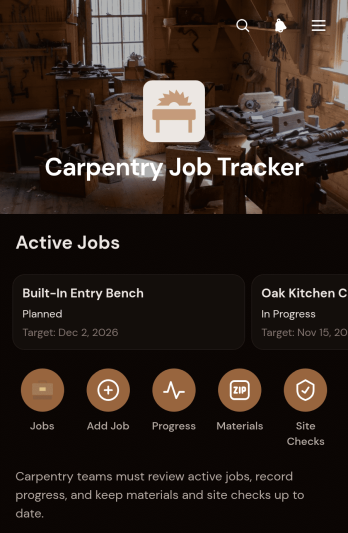
Carpentry Job Tracker App
Carpentry Job Tracker App is an app template for carpenters, woodworking contractors, workshop managers, and small construction teams that need a clear view of active jobs from initial entry through site follow-up. It brings job details, client information, target dates, and site addresses into one accessible workspace. Team members can record progress updates, note required materials and quantities, and document site checks with safety notes or follow-up needs. This shared view helps crews understand completed work and upcoming steps, reduces misplaced project information, and supports better coordination across workshops, offices, and job sites.Jotform makes this app template easy to adapt without coding. Using the drag-and-drop app builder, teams can update pages, buttons, navigation, fonts, colors, and branding to match their operations. Forms and tables can support data collection, while connected workflows and notifications keep relevant people informed as job records change. Start with Jotform App Templates, add resources or approval steps when needed, and publish a mobile-friendly self-service workspace through a direct link or QR code. The result is a practical app experience that can grow alongside a carpentry business and its project workload.
Go to Category:Contractor Apps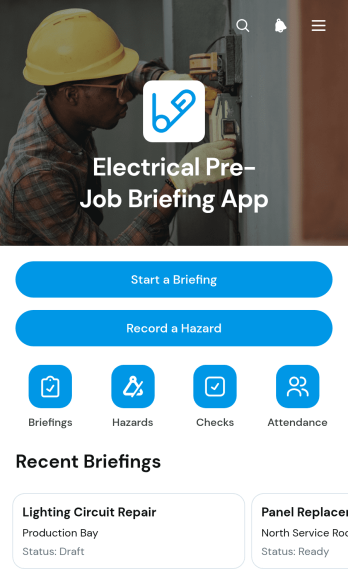
Electrical Pre-Job Briefing App
Electrical crews, contractors, supervisors, and site managers can use the Electrical Pre-Job Briefing App to organize essential discussions before fieldwork begins. It brings job briefings, identified hazards, risk details, pre-job checks, and attendance records into one accessible experience. Teams can start a briefing, document a newly observed hazard, and review assigned jobs without relying on scattered paperwork or separate messages. This app template supports electrical installation, maintenance, repair, inspection, and construction activities where workers need a shared understanding of the task, person in charge, job status, site conditions, and planned controls before starting work.Jotform makes this template easy to adapt with a no-code app builder and a flexible drag-and-drop interface. Add branded pages, revise navigation, update briefing forms, and connect collected data to tables, notifications, approvals, and other workflows. The app can be shared through a direct link or QR code, giving field teams mobile-friendly self-service access from the jobsite. Starting with Jotform App Templates also reduces setup time while leaving room to tailor the experience to specific projects, crew procedures, and reporting needs.
Go to Category:Safety and Compliance Apps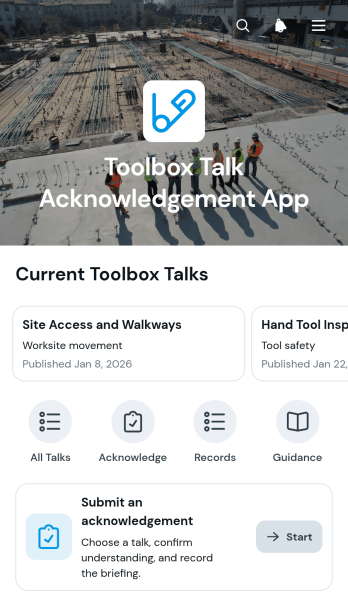
Toolbox Talk Acknowledgement App
Toolbox Talk Acknowledgement App gives construction supervisors, safety coordinators, contractors, field service teams, and site managers a central place to publish short safety briefings and document worker acknowledgement. Team members can browse available talks, review the key reminder and published date, and submit an acknowledgement with their name and email address. This approach supports pre-shift meetings, project inductions, recurring safety updates, and briefings prompted by changing site conditions. It replaces scattered paper sign-off sheets with accessible records, helping managers confirm participation, identify missing acknowledgements, and maintain clearer communication across crews and locations.Jotform App Templates help organizations turn routine processes into mobile-friendly experiences without writing code. Customize this app template with the no-code app builder and drag-and-drop interface, then connect forms, tables, notifications, approval steps, and other workflow resources as needed. Managers can update content when new topics arise, organize data collection in one place, and give workers convenient self-service access from a phone, tablet, or computer. Once ready, share the app through a direct link or QR code so team members can open the latest talk wherever work takes place.
Go to Category:Safety and Compliance Apps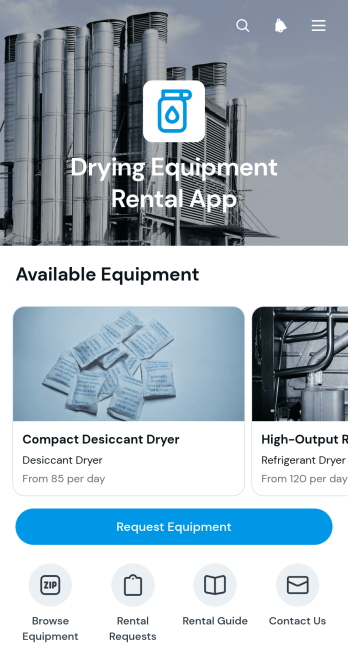
Drying Equipment Rental App
Drying Equipment Rental App gives equipment rental businesses, restoration contractors, construction teams, and property service providers a convenient way to present rentable drying units and collect customer requests. Users can browse available equipment, review essential details such as capacity, daily rate, and availability, and submit a rental request from one mobile-friendly location. The app template also supports clear communication around rental dates, delivery areas, and contact information. It is especially useful for teams that want to reduce routine inquiries, help customers choose suitable equipment, and organize incoming rental needs without relying on scattered emails or phone calls.Built with Jotform’s no-code app builder, this template can be adapted through a drag-and-drop interface without programming knowledge. Businesses can update pages, branding, equipment listings, buttons, and navigation to match their rental process. Jotform also makes it possible to connect forms, tables, notifications, approvals, payments, and other workflow steps for smoother data collection and self-service. Once ready, the app can be shared through a direct link or embedded into an existing website, giving customers and staff convenient access from phones, tablets, or computers.
Go to Category:Rental Apps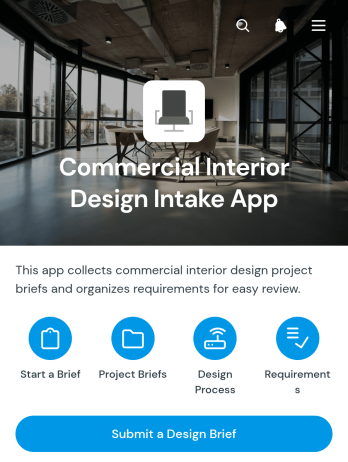
Commercial Interior Design Intake App
The Commercial Interior Design Intake App gives interior designers, consultants, contractors, and workplace planning teams a central place to receive and organize briefs for offices, retail spaces, hospitality venues, and other business interiors. Prospective and existing clients can submit a design brief with project requirements, while authorized team members can browse submitted commercial design briefs from the connected table. This approach keeps early project information accessible, reduces scattered inquiries, and helps teams assess scope before discovery calls, estimates, site visits, or planning sessions. It is especially useful for design studios and independent professionals managing multiple client requests.Jotform App Templates make it easier to turn intake processes into polished, mobile-friendly experiences without writing code. Customize this app template with the no-code app builder and drag-and-drop interface, then adjust pages, buttons, branding, and navigation to match your services. The app can connect data collection with tables, notifications, forms, and broader workflows, helping staff review new opportunities and coordinate follow-up from one place. Once ready, share the Commercial Interior Design Intake App through a direct link or QR code to give clients convenient self-service access on any device.
Go to Category:Consulting Apps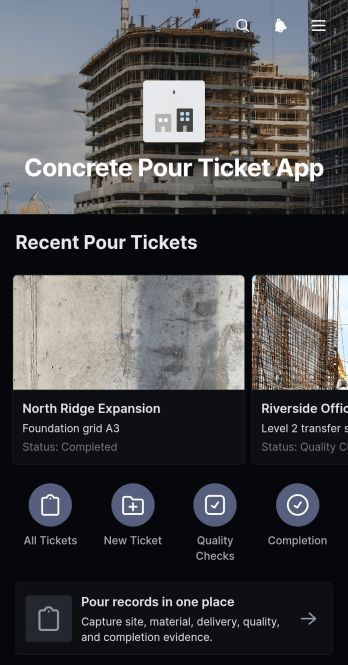
Concrete Pour Ticket App
The Concrete Pour Ticket App gives construction teams a mobile-friendly way to create, review, and organize concrete pour records from the jobsite. Contractors, site supervisors, project managers, engineers, and quality teams can use it to document pour locations and concrete mixes, compare planned and actual volumes, and record key quality or site conditions. Centralizing these details reduces reliance on paper tickets, supports clearer handoffs between field and office teams, and creates a consistent record for each pour. It is especially useful for active construction sites where crews need quick data collection and reliable access to current and past pour information.Jotform makes this app template easy to adapt with a no-code app builder and a flexible drag-and-drop interface. Add branded pages, adjust navigation, connect forms or tables, and shape the workflow around your project operations without writing code. Teams can publish the app through a direct link or QR code, making it convenient for field crews to create tickets and for office staff to review records. Jotform App Templates also support self-service access, notifications, approvals, and other connected processes as project needs evolve.
Go to Category:Construction Apps