

Education App Templates

Chess Club App
A chess club app is used by chess clubs to educate potential members about the club, collect new member registrations, gather dues, share competition locations and times, and more. Use this ready-made Chess Club App template from Jotform to build a custom app for your chess club. Simply add your desired forms, documents, and information to your app, then share it with your new members.Customizing your own Chess Club App has never been easier than with Jotform. Upload a club photo, choose a new app icon, change your app’s background image, and make other design changes with our easy-to-use app builder. Then simply share your app with old and new members via direct link or QR code. Keep your chess club organized and ready to play with Jotform.
Go to Category:Education Apps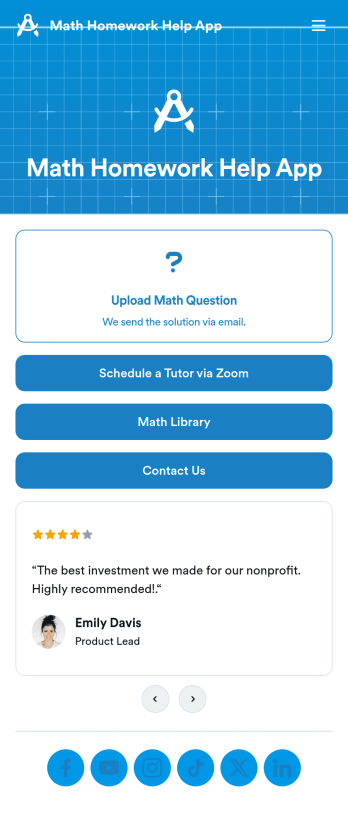
Math Homework Help App
Are you looking for a Math Homework Help App that can streamline the process of assisting students with their math assignments? Look no further than Jotform's App template! This no-code app builder allows tutoring centers, freelance math tutors, educational institutions, and after-school programs to create a customized app without any coding knowledge. With Jotform's App template, you can easily add forms, widgets, and your branding to create an app that can be downloaded onto any smartphone, tablet, or computer. This template is perfect for students who need help with math assignments, as it allows them to upload questions, schedule tutoring sessions, and access a math library all in one convenient app.Explore the top Jotform Apps features that make creating your own Math Homework Help App a breeze. With Jotform's drag-and-drop builder, you can create amazing apps in seconds without any coding. Add powerful app elements like forms, images, and documents to enhance the user experience. With 70+ app widgets available, you can take your app to the next level by adding checklists, videos, social media links, and more. Plus, Jotform's flexible app designer allows you to customize your app with ease, from changing layouts to uploading images and logos. Start building your Math Homework Help App today with Jotform's user-friendly platform!
Go to Category:Education Apps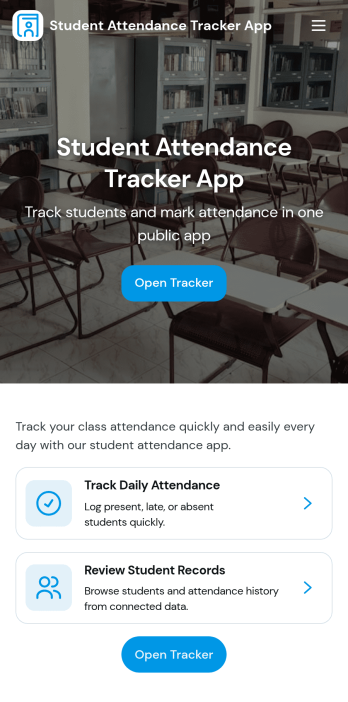
Student Attendance Tracker App
Student Attendance Tracker App helps schools and educators record daily presence, keep a clear student list, and review attendance records in one place. Use it to quickly navigate between Students, Attendance, and Records pages, log attendance as classes start, and pull up an individual student’s details when you need context for follow-ups. It’s a practical fit for teachers, homeroom advisors, after-school coordinators, and administrators who want consistent attendance tracking across periods, programs, or campuses without relying on paper sheets.With Jotform, you can turn this app template into a branded, shareable self-service experience using a no-code app builder and a drag-and-drop interface. Connect the app to your attendance form and underlying data collection so updates flow into organized records, then tailor pages, buttons, and navigation to match your schedule and policies. Share the app by link for fast access on any device and keep your workflow simple for staff members who need to log and review attendance throughout the day.
Go to Category:School Management Apps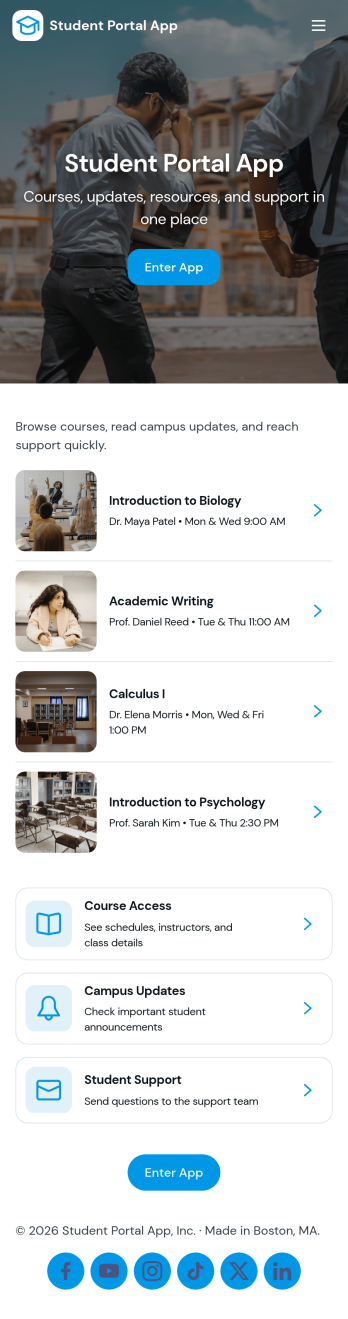
Student Portal App
A student portal app brings essential academic information into one place so students can stay on top of coursework, tasks, and campus news without searching across multiple systems. Use this template to share a course list, let students open individual course pages, review upcoming tasks, and read campus updates as they’re posted. It also includes an easy path for students to submit a request and check My Requests, which helps schools manage common student needs like support questions, administrative help, or service follow-ups.Jotform makes it simple to tailor this app template to your school’s workflow using a no-code app builder with a drag-and-drop interface. Connect pages to forms and data sources so updates appear in the right place, route requests to the right team, and keep information accessible from any device. With Jotform, you can publish a branded student self-service experience quickly and keep it current as programs, tasks, and campus communications change.
Go to Category:School Management Apps
Camp Registration App
Camp Registration App is a ready to use app template designed to provide a systematic and efficient solution for camp organizers, youth program directors, schools, and community organizations seeking to streamline their camp registration process. The app takes the heavy lifting out of data collection, allowing administrators to effortlessly capture essential details such as participant information, schedule preferences, and electronic signatures. With this app, you can ensure a complete, coherent and organized tracking of participants, schedules, and related administrative processes - a clear upgrade from traditional, ad-hoc methods, which can often be inconsistent and time-consuming. The Camp Registration App is best suited for those who handle large amounts of participant registrations, particularly camp organizers and youth program directors who value clarity and consistency in their administrative workflows.Jotform's Camp Registration App emphasizes ease of use and customization, allowing you to tailor the app to your specific needs without requiring any coding skills. The intuitive drag-and-drop interface makes it simple to modify forms, add new sections or adjust the layout to perfectly fit your operational workflow. Furthermore, the app can effortlessly gather e-signatures, making it an invaluable asset in collecting consent and other necessary documents. The app also provides a centralized location to store all participant data, schedules, and reports, offering an efficient way to manage and organize your camp operations. With Jotform's Camp Registration App, you can effortlessly streamline your camp registration process, saving valuable time and resources.
Go to Category:Appointment & Booking Apps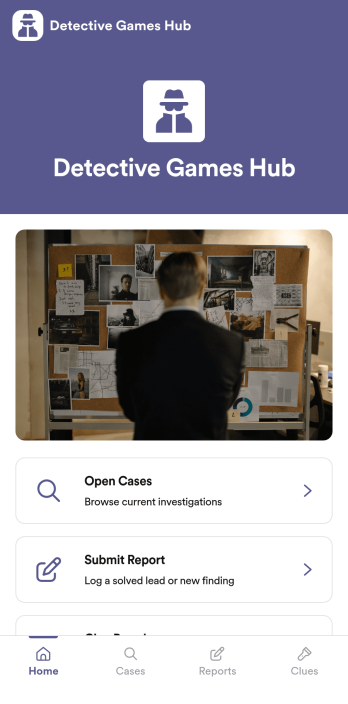
Detective Games App
Detective Games App gives players a central place to follow story-driven cases, review clues, and move investigations forward without losing track of what happens next. It works well for escape room businesses running take-home mysteries, game masters hosting recurring whodunits, classrooms using mystery activities, or fan communities building collaborative case files. With sections for Open Cases, a Clue Board, and a guided way to submit reports, teams can keep gameplay organized while still leaving room for creativity and roleplay.Built with Jotform, this app template can be tailored with a no-code app builder and a drag-and-drop interface so you can match your game’s theme, rules, and pacing. Connect the app to forms and tables for data collection, route incoming reports into a review queue for moderators, and share the finished experience with a link or QR code for easy self-service access on any device.
Go to Category:Entertainment Apps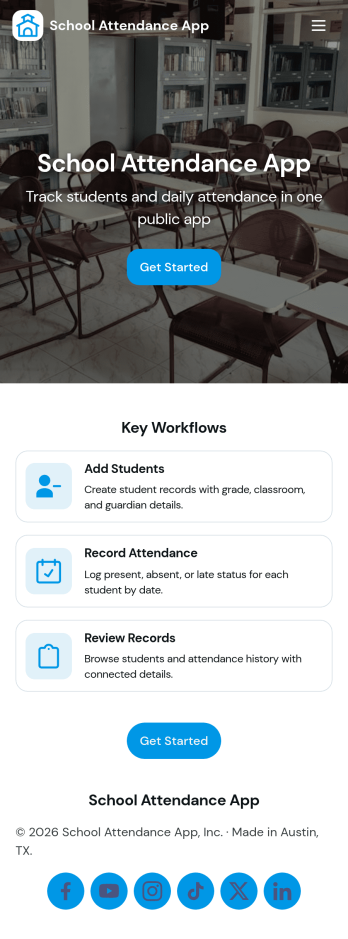
School Attendance App
School Attendance App helps schools take daily attendance, keep organized records, and follow up on absences without juggling paper rosters or scattered spreadsheets. Use it to quickly mark attendance, review individual student entries, and keep absence notes in one place, making it easier to spot patterns like frequent tardiness or repeat absences. It’s a practical fit for teachers, homeroom advisors, front offices, and school administrators who need a consistent routine for tracking presence across classes, dates, or student groups.Built with Jotform, this app template can be customized with a no-code app builder and a drag-and-drop interface so your team can match the layout to your attendance process. Connect it to forms for data collection, route updates through a simple workflow, and share a self-service link with staff who need access. As your needs change throughout the school year, you can update pages, add fields, and keep attendance information easy to find and manage from anywhere.
Go to Category:School Management Apps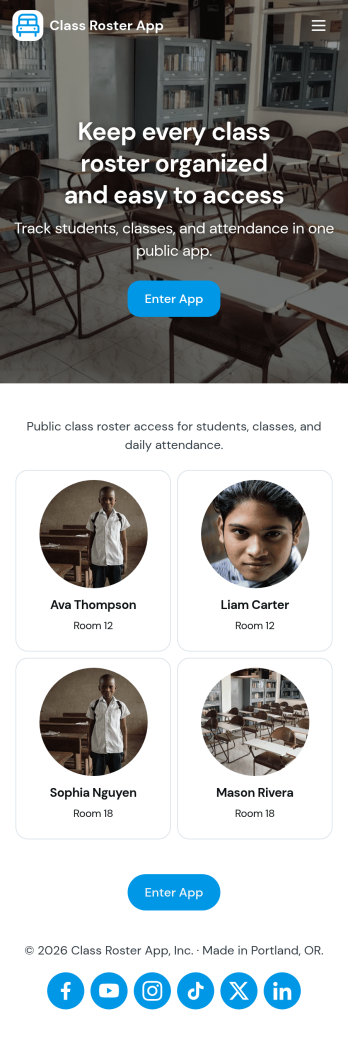
Class Roster App
Class Roster App helps teachers and academic staff keep a clear, up-to-date view of who is in each class and what is happening day to day. Use it to browse a student list, open individual student details, add new students as enrollment changes, and record attendance without jumping between scattered spreadsheets or paper notes. It’s a practical fit for K–12 classrooms, tutoring centers, after-school programs, and small training groups where rosters shift and quick access matters.With Jotform, you can turn this class roster app template into a mobile-friendly hub that supports self-service data collection and simple workflows. Customize pages with a drag-and-drop interface, connect buttons to forms for adding students or attendance, and keep records organized in one place. Share the app by link or QR code, collaborate with other instructors, and update the layout and branding anytime using Jotform’s no-code app builder.
Go to Category:Classroom Management Apps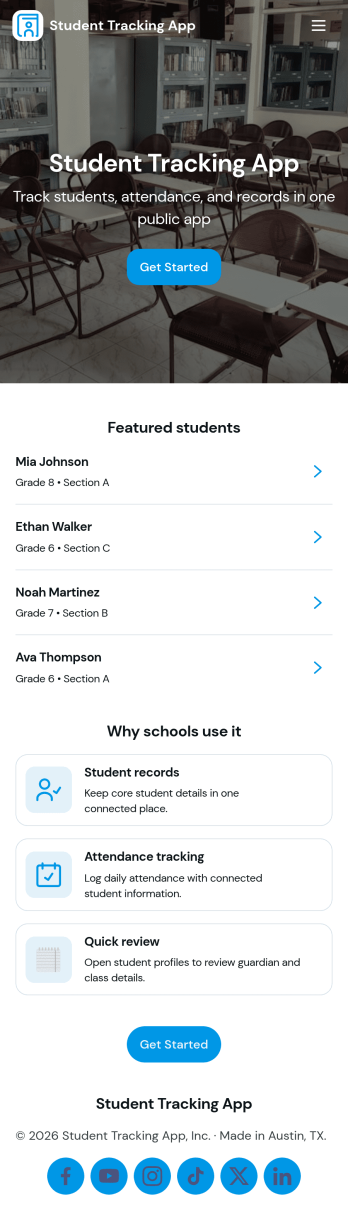
Student Tracking App
A student tracking app brings key classroom details into one place so educators can keep up with who is enrolled, who is attending, and what progress notes have been recorded. This template organizes a student roster you can browse into individual student details, then connects that view to an attendance log and academic notes so patterns are easier to spot over time. It fits K–12 classrooms, tutoring centers, after-school programs, and small academic teams that need a simple way to stay consistent with recordkeeping without digging through scattered spreadsheets or paper binders.Jotform makes it easy to turn this Student Tracking App into a working, shareable experience using App Templates and a no-code app builder. With a drag-and-drop interface, you can adjust navigation, add or remove pages, and connect the app to forms and tables for ongoing data collection and workflow needs. Share the app as a self-service hub for staff, keep attendance entries organized, and maintain up-to-date student information as your program changes throughout the year.
Go to Category:School Management Apps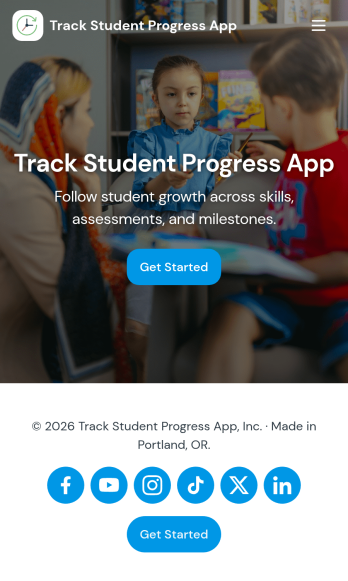
Track Student Progress App
Track Student Progress App helps educators and academic teams monitor learner growth in one place, using a roster view for quick navigation and progress logs to capture updates over time. It works well for classroom teachers, tutors, special education staff, and program coordinators who need a reliable way to review student profiles, record subject-level notes, and quickly see who is on track versus who needs support.With Jotform, you can turn this workflow into a shareable self-service app experience without coding. Use a no-code app builder with a drag-and-drop interface to connect forms for data collection, keep records organized, and support a consistent workflow for adding students and logging progress. Publish the app as a simple link for staff access, then refine the layout, branding, and pages as your tracking process evolves.
Go to Category:Classroom Management Apps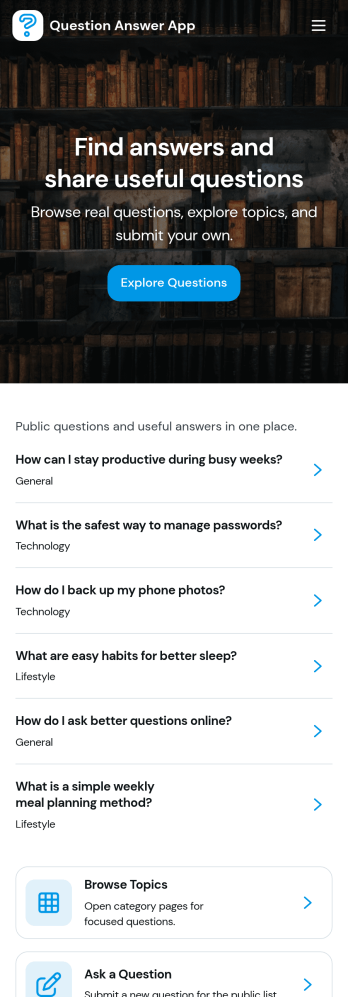
Question Answer App
Question Answer App gives teams and communities a simple place to collect questions, review recent posts, and help people find answers without getting lost in email threads or chat history. Use it to support internal Q&A for employees, manage student questions for a class, run office hours, or centralize customer and member inquiries for a program or event. With an Ask a Question button, a Recent Questions view, and a My Questions area, people can submit what they need, check what’s already been asked, and follow up on their own requests.Built with Jotform, this app template can be tailored with a no-code app builder and a drag-and-drop interface so it fits your process and audience. Connect your question form to the app for consistent data collection, organize responses in a connected workflow, and share the app as a self-service destination for your staff, students, or community. As your Q&A grows, you can adjust pages, update navigation, and keep the experience clear and easy to use on any device.
Go to Category:Quiz Apps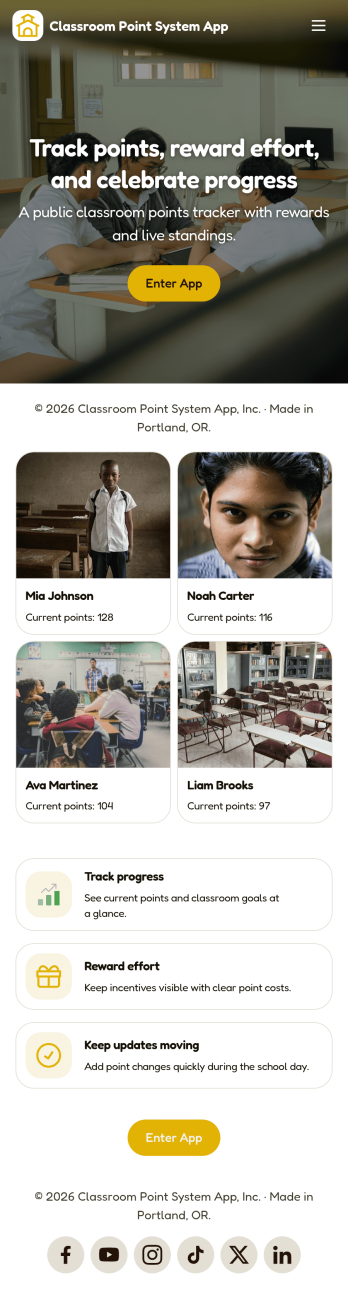
Classroom Point System App
Classroom Point System App helps teachers track student points for behavior, participation, and classroom goals in one place. Use it to keep a student list, quickly add points during lessons, and keep motivation high with a simple leaderboard students can understand. It works well for elementary classrooms, middle school teams, after-school programs, tutoring centers, and anyone using PBIS-style incentives or class rewards who wants a clear, consistent way to recognize positive actions.Built with Jotform, this app template is easy to tailor with a no-code app builder and a drag-and-drop interface, so you can match your rules and routines without technical work. Connect the app to your data collection forms for adding students and recording points, keep records organized, and share the self-service experience with co-teachers or support staff. Jotform makes it simple to publish updates fast and manage your classroom workflow from anywhere.
Go to Category:Classroom Management Apps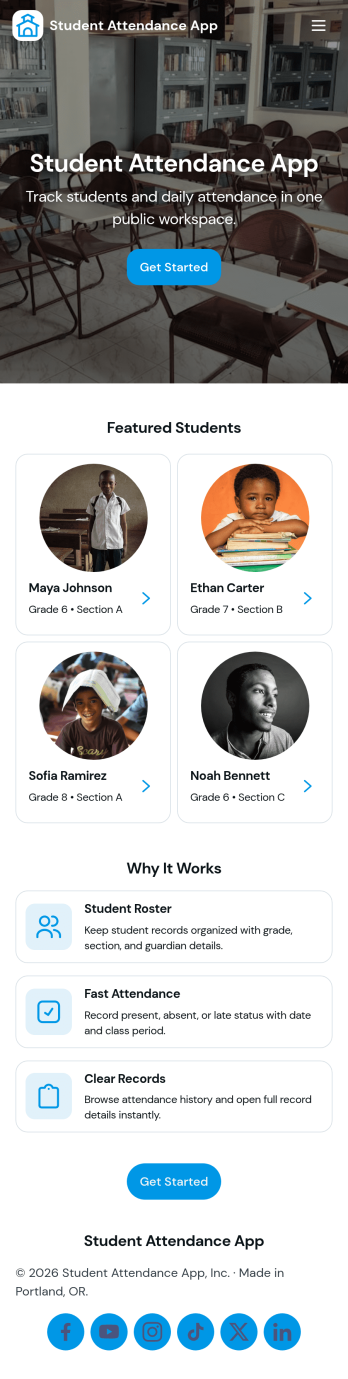
Student Attendance App
Student Attendance App helps schools and instructors track who is present each day without relying on paper rosters or scattered spreadsheets. Use it to register students, take attendance during class, and pull up records when you need a quick answer for participation checks, follow-ups, or internal reporting. It’s a practical fit for K–12 classrooms, tutoring centers, after-school programs, and small academies that want a consistent routine for student check-ins and easy access to guardian contact details.With Jotform, you can turn attendance tracking into a simple self-service workflow using App Templates and a no-code app builder. Customize pages with a drag-and-drop interface, connect the app to forms and tables for data collection, and keep your workflow organized from registration through record viewing. Share the app with staff through a link or QR code so attendance can be recorded from any device, whether you’re in a classroom, hallway, or on a field trip.
Go to Category:Classroom Management Apps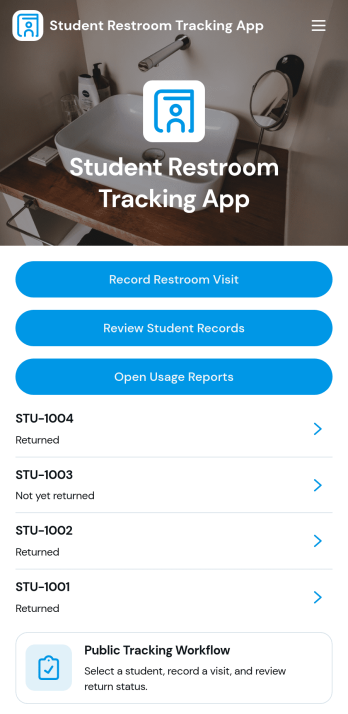
Student Restroom Tracking App
Student Restroom Tracking App helps schools and classrooms log and review student restroom visits in a consistent, searchable way. Staff can record a restroom visit, look up student records, and open usage reports to spot patterns across students, classrooms, or locations. It fits everyday hall pass routines for teachers, support staff, and administrators who need clear visibility into visit history without relying on paper slips or scattered notes.Built with Jotform, this app template can be tailored with a no-code app builder and a drag-and-drop interface so your team can match it to your policies and workflows. Connect forms for quick data collection, keep information organized, and share a self-service experience through a link or QR code for fast access during class transitions. As needs change, you can update the layout, add steps for review, and keep reporting aligned with how your school operates.
Go to Category:School Management Apps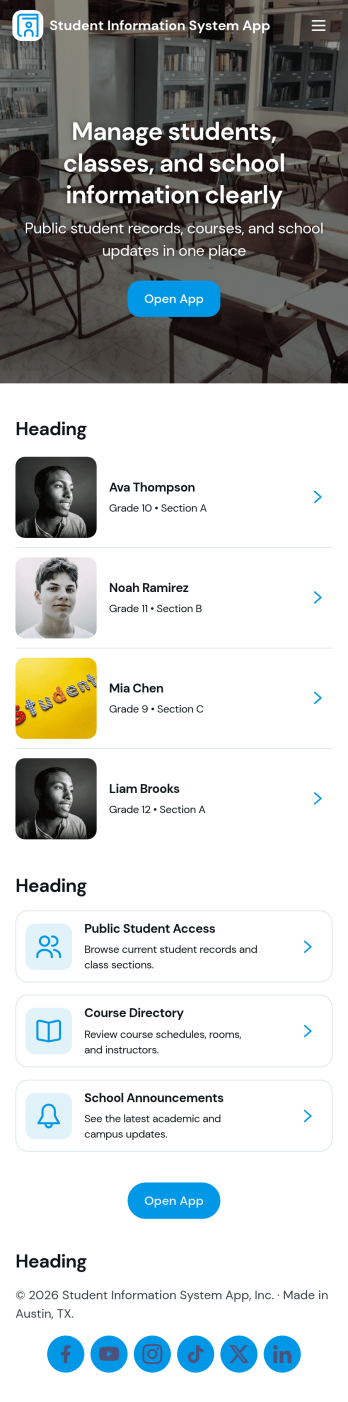
Student Information System App
Student Information System App brings key student records into one place so schools and education programs can keep day-to-day details organized without juggling spreadsheets. Use it to browse a student list, complete student registration, and capture ongoing updates like attendance and grades as the term progresses. It’s a practical fit for admins, registrars, coordinators, and teachers who need quick access to current information for classes, advising, and student support.Built with Jotform, this app template helps you turn data collection into a connected workflow using a no-code app builder and a drag-and-drop interface. Link your forms to lists so records stay easy to find, add navigation buttons for faster self-service across pages, and share the app with your team using a simple link. As needs change, you can adjust the layout, update fields, and keep information flowing to the right place with Jotform’s flexible app templates.
Go to Category:School Management Apps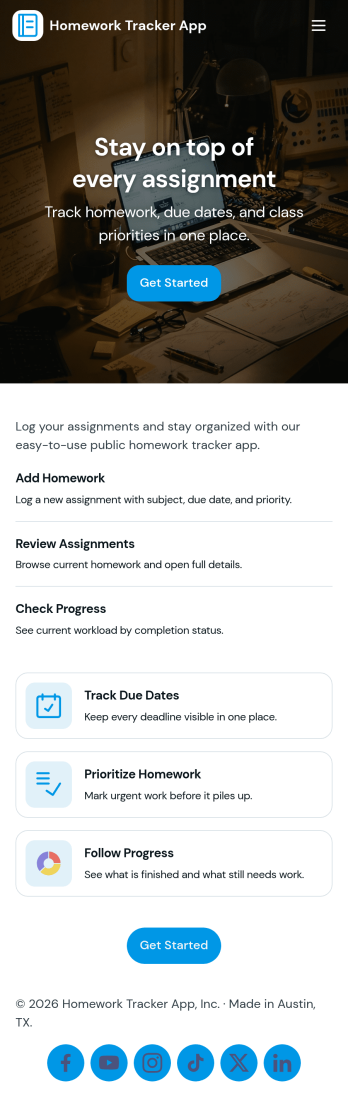
Homework Tracker App
Homework Tracker App helps students keep schoolwork organized by bringing assignments, work submission, and progress tracking into one place. Use it to view upcoming tasks, add new assignments quickly, mark items as high priority, and keep personal submission notes so nothing gets missed. It’s a practical fit for middle school, high school, college, tutoring programs, and homeschool routines where learners need a clear view of what’s due and what’s already been turned in.Built with Jotform, this app template combines self-service navigation with simple data collection through connected forms, so updates don’t depend on scattered messages or separate spreadsheets. Customize pages and buttons to match your subjects or class schedule, then share the app link with students or families for easy access on any device. With Jotform’s no-code app builder and drag-and-drop interface, you can adjust the layout, refine your workflow, and keep assignment records and submissions organized over time.
Go to Category:Education Apps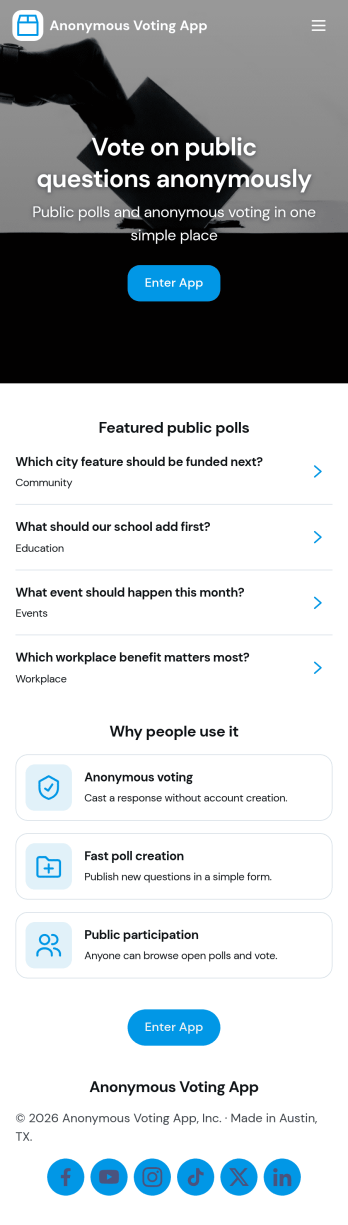
Anonymous Voting App
Anonymous Voting App makes it easy to run private polls where participants can browse available polls, open a poll, and cast a vote without turning voting into a public discussion thread. It fits employee pulse checks, classroom feedback, community group decisions, committee selections, event icebreakers, and quick preference checks where people may be more honest when their identity isn’t attached. With clear navigation to browse polls, vote on a selected poll, and submit a new poll when needed, teams can keep participation simple while organizing multiple polls in one place.With Jotform, you can turn this anonymous voting experience into a polished, shareable app in minutes. Use the no-code app builder and drag-and-drop interface to update pages, change the look and feel, and connect the app to your voting form for reliable data collection. Share the app by link or QR code for fast self-service access, and route responses into the workflows you already use, so you can gather feedback and make decisions with less friction.
Go to Category:Community & Engagement Portal Apps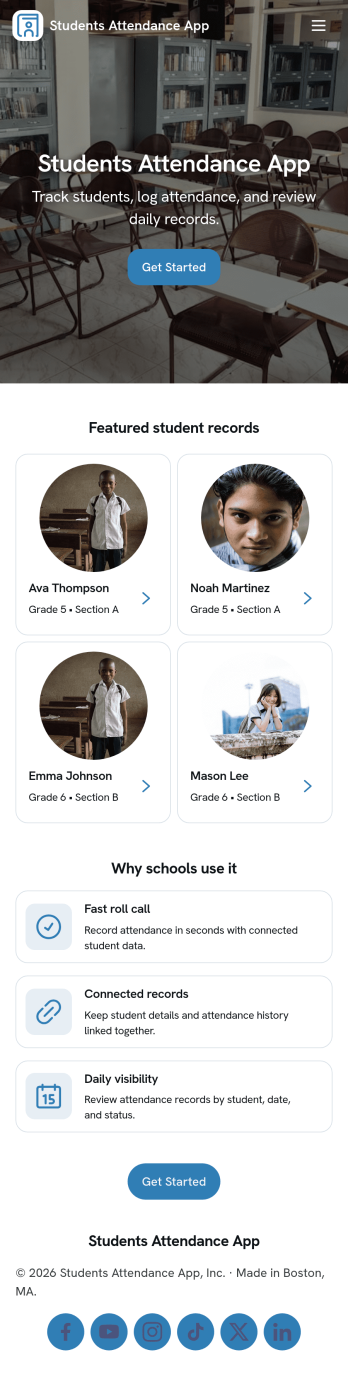
Students Attendance App
Students Attendance App helps teachers and school staff record daily attendance, keep student details organized, and review participation over time from one place. Use it to register students, quickly mark attendance during class, and open attendance records when you need to check patterns for a specific learner. It fits homerooms, after-school programs, tutoring centers, and training groups where consistent tracking matters and paper rosters slow everyone down.Jotform makes it easy to turn this app template into a polished workflow with a no-code app builder and a drag-and-drop interface. Connect the app to your forms and data tables so new registrations and attendance entries stay structured, searchable, and ready for reporting. Share the app with staff for fast self-service updates, customize the pages to match your process, and keep your attendance workflow simple from any device.
Go to Category:School Management Apps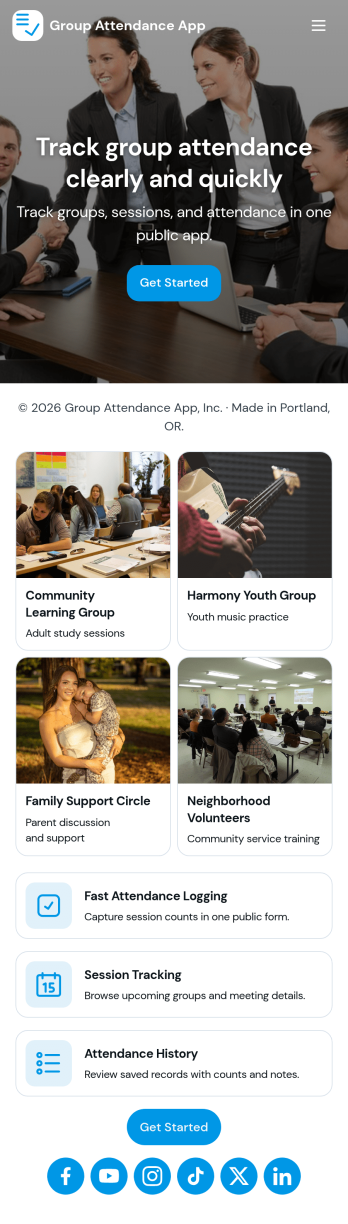
Group Attendance App
Group Attendance App helps you check in members and keep a clear record of who showed up, when, and how often. It’s a practical fit for instructors, coaches, studio owners, community organizers, and office admins who manage recurring sessions and need a fast way to mark attendance without chasing paper sign-in sheets. With simple check-in access, member lists, and an attendance log, you can confirm participation at the door, reduce manual errors, and keep attendance history easy to find for each person.Built with Jotform, this app template can be customized with a no-code app builder and a drag-and-drop interface, so you can match it to your group’s workflow in minutes. Connect it to your forms and tables for reliable data collection, then share it as a self-service check-in experience for staff or volunteers. As your program grows, you can update pages, adjust what you track, and keep everyone using one consistent system across devices.
Go to Category:Activity Tracking Apps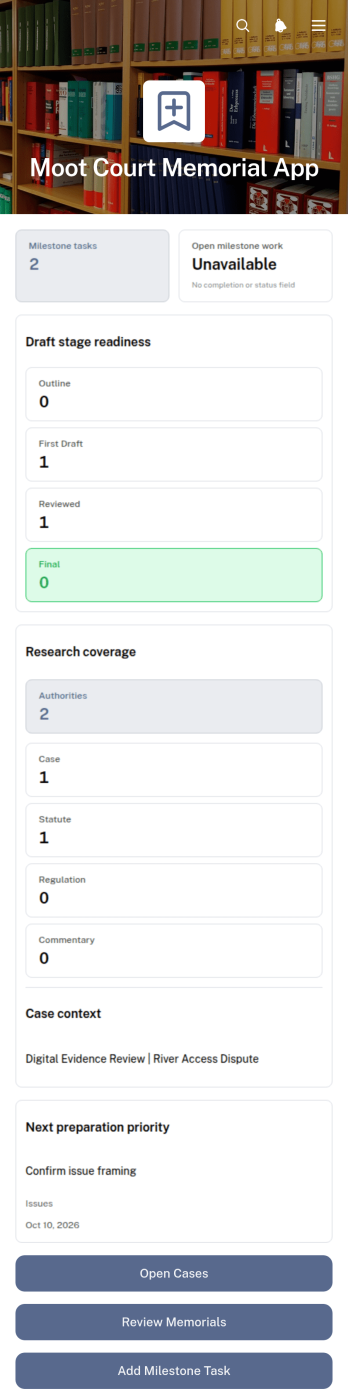
Moot Court Memorial App
The Moot Court Memorial App is an organized workspace for law students, moot court teams, coaches, and faculty advisers preparing written memorials for competitions or classroom exercises. Teams can maintain case records and legal authorities, assign milestone tasks with due dates, and review memorial drafts by stage from one accessible location. This structure helps participants connect research with written arguments, monitor drafting progress, and keep essential competition context visible throughout the preparation period. It is especially useful for teams handling several issues, authorities, deadlines, or draft versions while working toward a complete memorial.Jotform Apps makes this app template easy to adapt without coding. Using the drag-and-drop app builder, organizers can adjust pages, navigation, cards, buttons, colors, and typography to suit a course or competition workflow. Connected forms support data collection for new cases, authorities, tasks, and drafts, while organized records give team members a consistent self-service resource. Once ready, the app can be shared through a direct link or QR code for convenient access on phones, tablets, and computers.
Go to Category:Legal Apps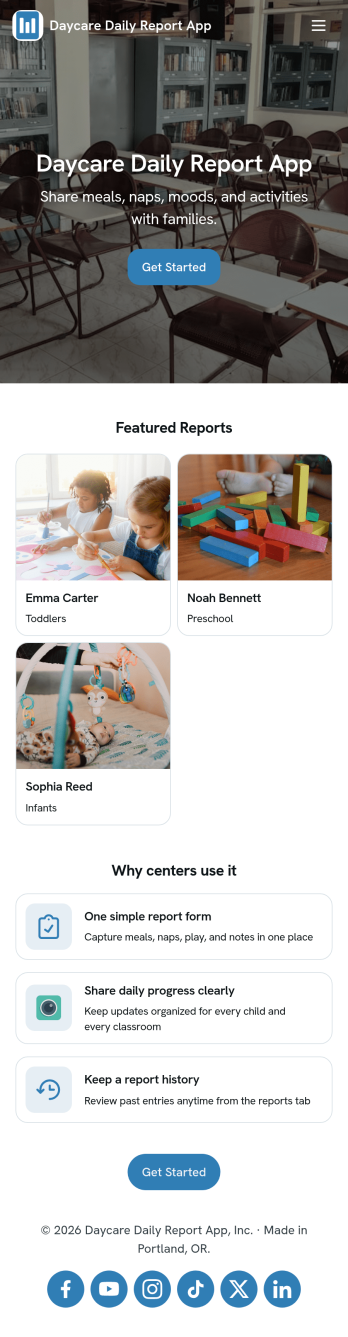
Daycare Daily Report App
Daycare Daily Report App helps childcare teams document and share each child’s day in a consistent, parent-friendly format. Staff can start a new daily report, add quick logs for key moments, and include essentials like meals, naps, and diaper changes without juggling paper sheets or scattered notes. With easy navigation to past records, the app also supports smoother handoffs between teachers and clearer follow-ups with families when questions come up later.Built with Jotform, this app template turns routine daycare reporting into a simple self-service workflow that works on any device. Customize pages, visuals, and the connected Daily Child Report form to match your classroom routines, then publish and share with your team using a link or QR code. As entries come in, keep information organized for faster review and better day-to-day communication.
Go to Category:Education Apps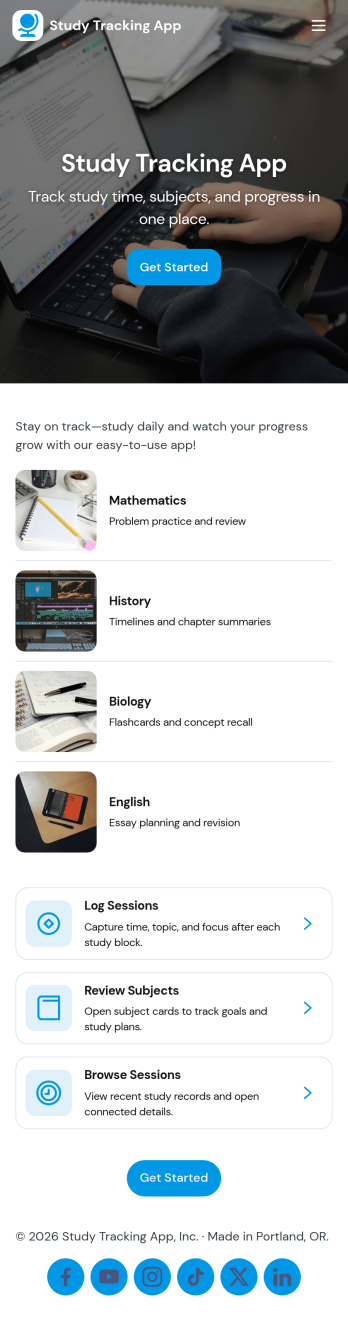
Study Tracking App
Study Tracking App helps students and lifelong learners stay on top of weekly goals, study plans, and session habits in one place. Use it to map out what you want to study this week, record each study session as it happens, and keep a simple view of progress and reviews so nothing slips through the cracks. It’s a great fit for high school and college students, exam prep groups, tutors supporting multiple learners, and anyone building a consistent routine across subjects.With Jotform, you can turn this study workflow into a shareable, mobile-friendly experience without coding. Start with this app template, then adjust pages, buttons, and navigation using a drag-and-drop interface, connect forms for data collection like adding a study plan and logging sessions, and keep everything organized as your workflow evolves. Whether you’re studying solo or coordinating with a tutor or small team, Jotform makes self-service tracking easy to launch and simple to maintain.
Go to Category:Education Apps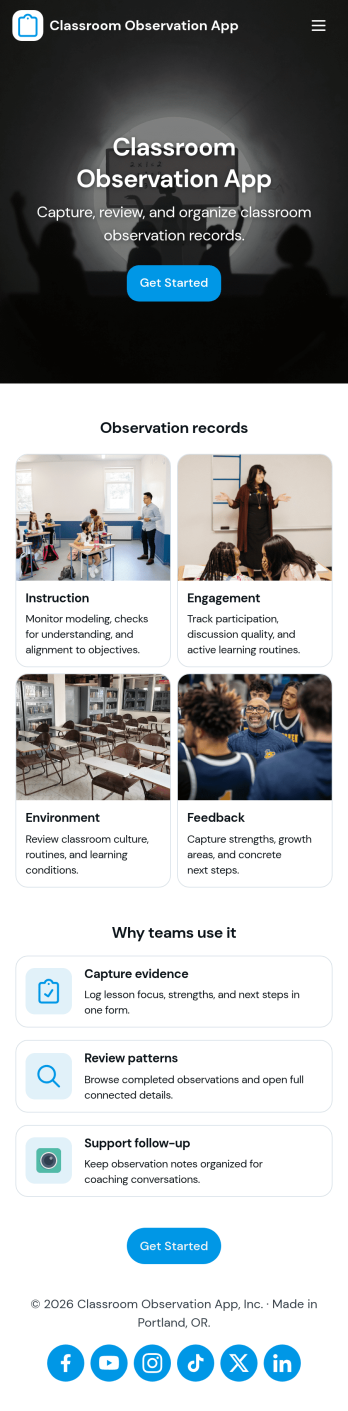
Classroom Observation App
Classroom Observation App helps schools and instructional teams capture consistent, timely classroom visit notes and turn them into organized records. It’s a practical fit for principals, assistant principals, instructional coaches, department heads, and mentor teachers who need a repeatable way to document what they see, from lesson flow and student engagement to classroom routines and instructional strategies. With a clear entry point to log an observation and a dedicated area to review observations, the app supports quick documentation during walk-throughs and more thoughtful write-ups after the visit.Built with Jotform, this app template combines a guided observation logging experience with a simple way to browse recent observation records in one place. Using Jotform’s no-code app builder and drag-and-drop interface, you can tailor the observation form, adjust what appears in your observations list, and share the app as a self-service tool for your observation team. As entries are collected, your workflow stays more consistent and searchable, making it easier to track patterns over time and keep observation documentation accessible.
Go to Category:Education Apps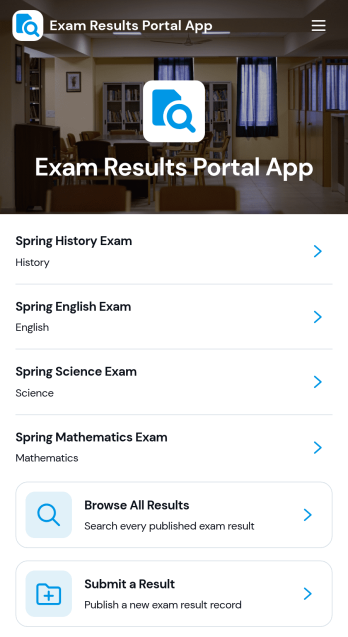
Exam Results Portal App
Exam Results Portal App brings exam outcomes into one simple portal where students can browse results, view pass statuses, and open a detailed result page that shows key information such as student name, student ID, score, grade, result status, and teacher. It also supports submitting a new result through a connected form, making it useful for schools, tutoring centers, training providers, and academic programs that need a consistent way to publish and review performance outcomes.With Jotform, you can turn this app template into a branded, self-service experience using a no-code app builder and a drag-and-drop interface. Connect pages to forms and data sources to keep results organized, update records in one place, and guide users to the right view without confusion. Share the portal with a link so learners and staff can access the latest information on any device while your workflow for data collection stays clear and manageable.
Go to Category:Education Apps