

Education App Templates

Class Sign Up App
Class Sign Up App helps studios, instructors, and education teams share available classes and collect registrations in one place. Visitors can browse class options, open a class details view, and complete a new signup without hunting through emails or multiple links. It works well for recurring sessions, one-time workshops, school clubs, fitness classes, and community programs where you need a clear path from discovery to registration and an easy way for people to revisit what they already signed up for.With Jotform, you can customize this app template with a no-code app builder and a drag-and-drop interface to match your schedule, branding, and registration workflow. Connect the app to your form for data collection, keep signups organized, and give users a simple self-service experience through shareable links or QR codes. As your program grows, you can update pages and class listings quickly while keeping the signup process consistent.
Go to Category:Course & Training Registration Apps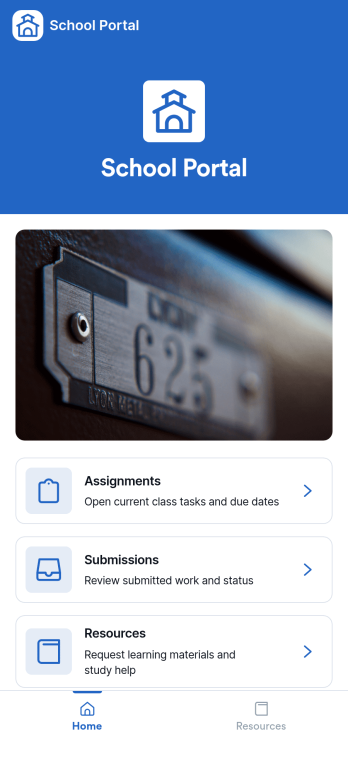
School Portal App
A school portal app brings key school communications and everyday tasks into one place, giving students, families, and staff a simple way to stay informed and take action without hunting through emails or paper notices. Use it to publish announcements, centralize contact information, capture updates from your community, and manage common requests so everyone knows where to go and what to do next. It works well for K–12 schools, districts, tutoring centers, and academic programs that need a consistent hub for timely messages and ongoing administrative needs.With Jotform, you can turn this School Portal App into a branded self-service experience using app templates and a no-code app builder with a drag-and-drop interface. Connect the app to forms and tables for data collection, route information through workflows like request tracking, and share access with a link or QR code. As needs change through the year, you can quickly update pages, adjust navigation, and keep school information current without relying on technical help.
Go to Category:School Management Apps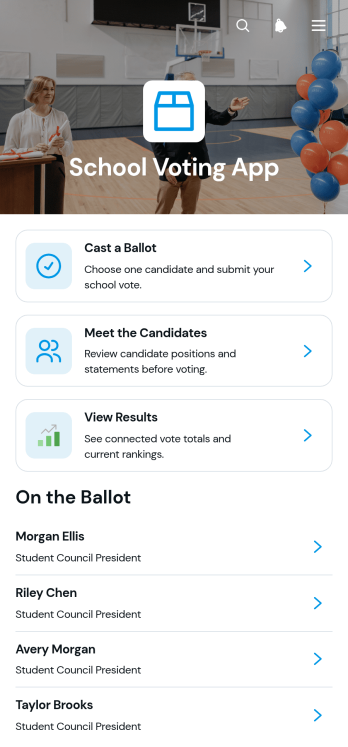
School Voting App
School Voting App provides schools with a central, mobile-friendly place to run student council elections, class representative votes, club elections, and other campus polls. Students can review candidate information, learn how the voting process works, cast a ballot, check ballot status, and view published results without navigating separate resources. Teachers, election committees, student activity coordinators, and school administrators can use this app template to organize election information and give eligible participants a clearer voting experience. It reduces confusion around candidate choices, voting steps, and result access while supporting student participation and easier election management.Jotform App Templates help schools turn connected forms, information, and workflows into accessible digital experiences. With Jotform’s no-code app builder and drag-and-drop interface, teams can customize the School Voting App with school colors, instructions, candidate profiles, navigation, and linked data collection forms. Administrators can organize election resources, collaborate on updates, connect responses with tables or approval workflows, and share the finished app using a direct link or QR code. No programming knowledge is needed, making it easier to create a branded self-service voting resource for phones, tablets, and computers.
Go to Category:School Management Apps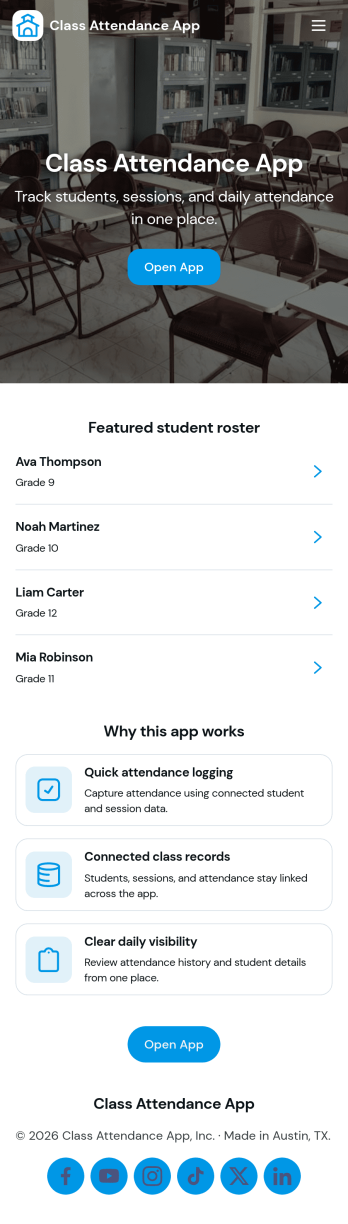
Class Attendance App
Class Attendance App helps teachers and training coordinators record attendance, manage a student roster, and review attendance history in one place. Use it in K–12 classrooms, tutoring centers, after-school programs, coaching sessions, and recurring workshops where you need a reliable roll-call flow and quick access to student lists. With dedicated areas to take attendance, add students, and open records, it supports day-to-day routines while keeping participation details organized for follow-ups, reporting, and student support.Built with Jotform, this app template turns routine tracking into a clear self-service experience that works on any device. Customize pages with a no-code app builder and a drag-and-drop interface, then connect your roster and attendance data collection to forms and tables for a smooth workflow. Share the app with staff using a link or QR code, keep records consistent across classes, and update the layout as your program grows.
Go to Category:Activity Tracking Apps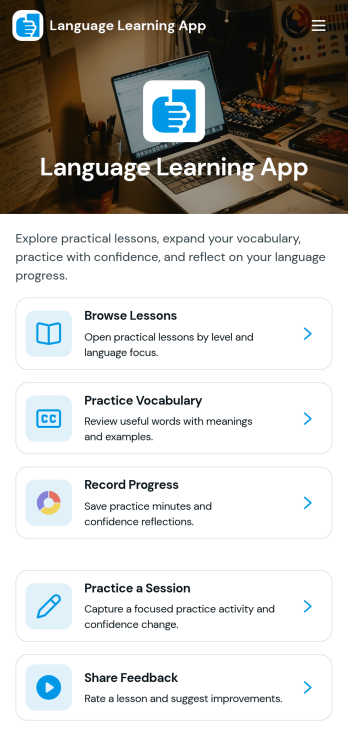
Language Learning App
Language Learning App brings lessons, practice, and progress into one place so learners can study at their own pace and build consistency over time. Use it to browse a library of public lessons, open a specific lesson to review details, and record practice attempts so you can look back on what you’ve tried. It works well for tutors, language schools, community programs, and self-study groups that want a simple way to organize learning content and encourage regular practice without relying on scattered links or separate trackers.With Jotform, you can turn this idea into a polished, mobile-friendly experience using App Templates and a no-code app builder. Customize pages with a drag-and-drop interface, connect buttons to forms for data collection, and keep practice attempts and lesson info organized for quick self-service access. As your program grows, you can update content, adjust the workflow, and share the app with learners using a single link.
Go to Category:Education Apps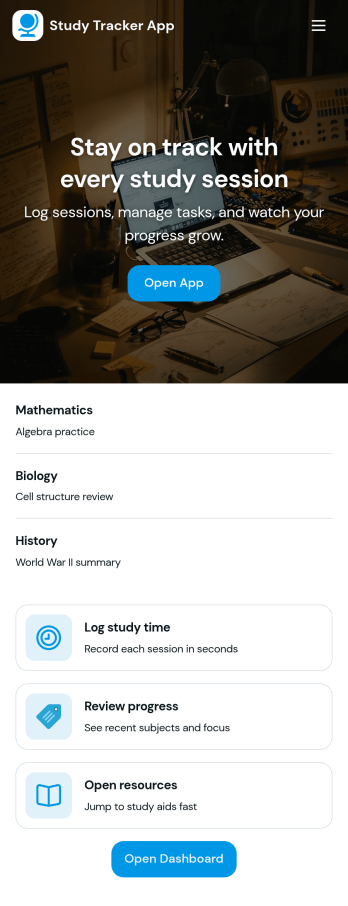
Study Tracker App
Study Tracker App helps students and lifelong learners build consistent study habits by logging study time, organizing sessions by subject, and keeping a clear view of progress over time. Use it to record each session with quick add buttons, revisit your top focus areas, and review what you covered across different topics. It’s a practical fit for high school and college students, exam takers, tutors, and study groups who want a simple way to track effort, spot patterns, and stay accountable without juggling multiple tools.Jotform makes it easy to turn this Study Tracker App into a personalized self-service experience using its no-code app builder and drag-and-drop interface. Connect your session logging form to your data collection workflow, present entries in clean lists and cards, and share the app with a link so it’s always available on any device. You can also tailor pages for progress review and study resources, helping you keep tracking and reference materials in one place with Jotform App Templates.
Go to Category:Education Apps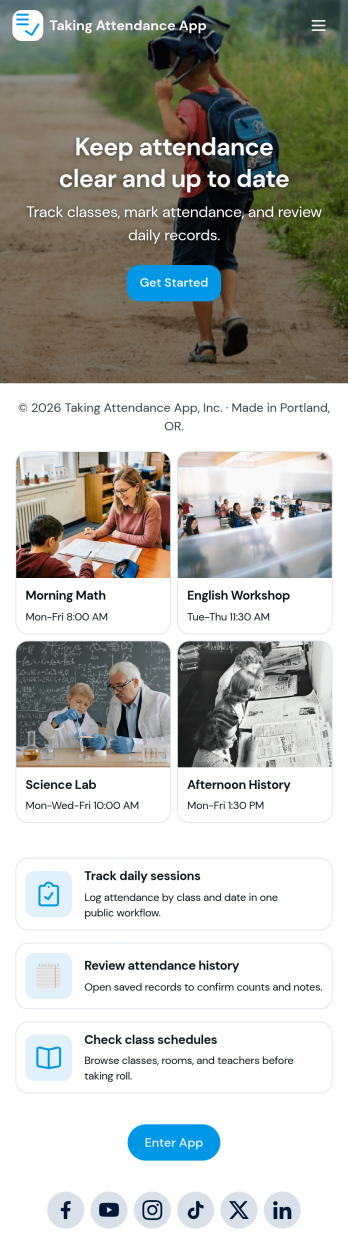
Taking Attendance App
Taking Attendance App helps teachers and staff capture daily attendance without juggling paper sheets or scattered messages. Use it to open a roster, add students as they enroll, and quickly record who’s present, absent, or late during homeroom, club meetings, tutoring sessions, or training days. A daily attendance snapshot makes it easy to spot patterns at a glance, while student profiles keep key context like class and guardian details close by when you need it.Built with Jotform, this app template combines self-service navigation with connected forms and records so attendance stays organized over time. Customize pages, buttons, and lists with a drag-and-drop interface, then share the app with your team for consistent data collection. As your workflow grows, you can route updates through approvals, centralize records in tables, and keep everyone aligned with a single link they can access on any device.
Go to Category:Education Apps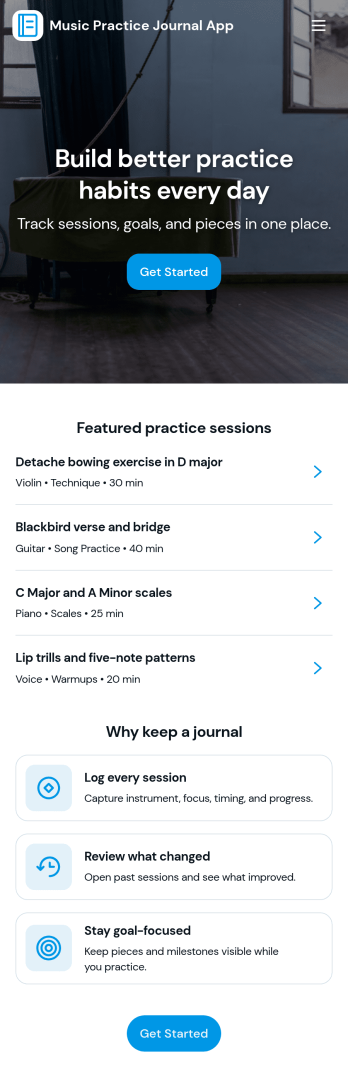
Music Practice Journal App
A music practice journal app gives musicians a simple way to record practice sessions, review past work, and stay motivated with clear goals. This template fits students, private teachers, bands, and self-taught players who want more consistency without relying on scattered notes. Use it to log each session, keep a running history of warmups and recent sessions, and check insights like weekly goals, strongest focus areas, and tempo notes for each instrument.With Jotform, you can turn this music practice journal app into a shareable, self-service experience that works on any device. Customize pages with a drag-and-drop interface, connect your session form to organized records, and keep your workflow moving with centralized data collection and easy navigation. Whether you’re tracking personal progress or managing a studio, Jotform makes it easy to tailor the app template to your routine and publish it with a link for quick access.
Go to Category:Activity Tracking Apps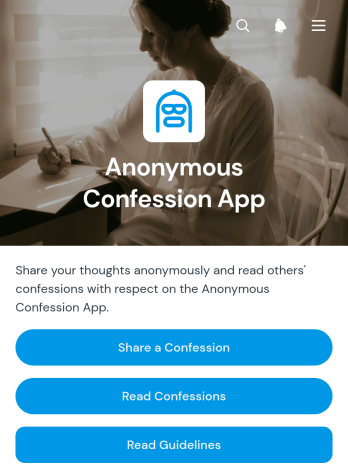
Anonymous Confession App
Anonymous Confession App is an app template for communities, schools, clubs, support groups, and internal teams that want to provide a discreet space for sharing personal thoughts or experiences without requesting identifying details. Visitors can submit a confession through a connected form, browse published confessions, and review participation guidelines before contributing. This setup helps organizers centralize collection and reading access while encouraging respectful participation. It is well suited to moderated community projects, student initiatives, awareness campaigns, and employee engagement activities where people may feel more comfortable expressing themselves privately.With Jotform Apps, this template can be adapted through a no-code app builder and a user-friendly drag-and-drop interface. Organizers can update the pages, wording, visual theme, navigation, and guidelines to fit their audience, then connect data collection to a practical review workflow before content is published. Jotform App Templates also support mobile-friendly self-service access, making the finished app easy to share through a direct link or scannable code. No programming knowledge is needed to create a polished experience that reflects the purpose and tone of the community.
Go to Category:Community & Engagement Portal Apps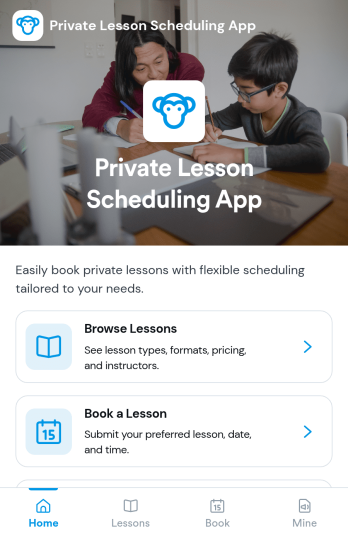
Private Lesson Scheduling App
Private Lesson Scheduling App helps instructors and tutoring businesses organize one-on-one sessions in a clear, client-friendly flow. Learners can browse lesson options, open a lesson page for details, and book a time without lengthy emails or phone calls. It’s a practical fit for music teachers, academic tutors, language coaches, art instructors, and personal skill trainers who want a single place to present offerings and capture bookings.Built with Jotform App Templates, this app template can be tailored with a no-code app builder and a drag-and-drop interface so you can match your brand and scheduling style. Connect the booking button to a form for fast data collection, keep records centralized, and share the app with a link or QR code for easy self-service on any device. As your workflow grows, you can update lesson listings and booking steps without rebuilding from scratch.
Go to Category:Appointment & Booking Apps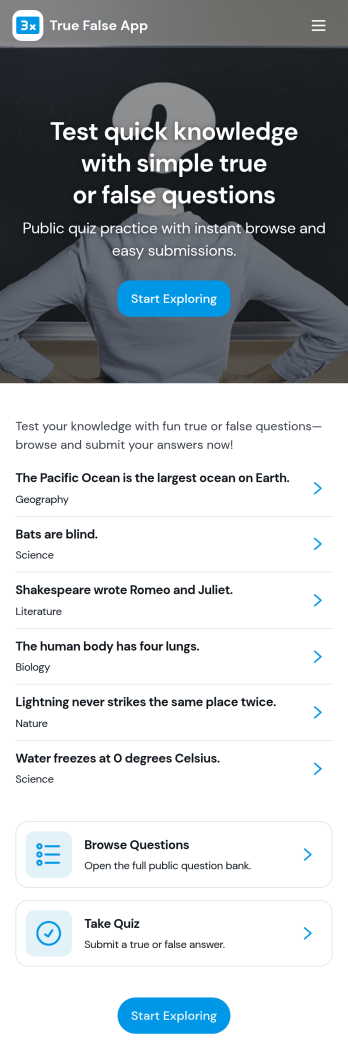
True False App
True False App helps you run quick true or false quizzes for classrooms, training sessions, events, or just for fun. Participants can start the quiz, answer each prompt with a simple True or False button, and then review what they selected in My Answers. It’s a practical fit for teachers, tutors, trainers, youth leaders, and team managers who want an easy way to check understanding, warm up a group, or add a lightweight knowledge check without turning it into a full exam.With Jotform, you can turn this app template into a branded, self-service quiz experience using a no-code app builder and a drag-and-drop interface. Connect the quiz to a form for data collection, keep a running history of attempts, and show a clear results summary that’s easy to understand at a glance. As your workflow evolves, you can customize pages, update prompts, and share the app with a link so your audience can play again anytime.
Go to Category:Quiz Apps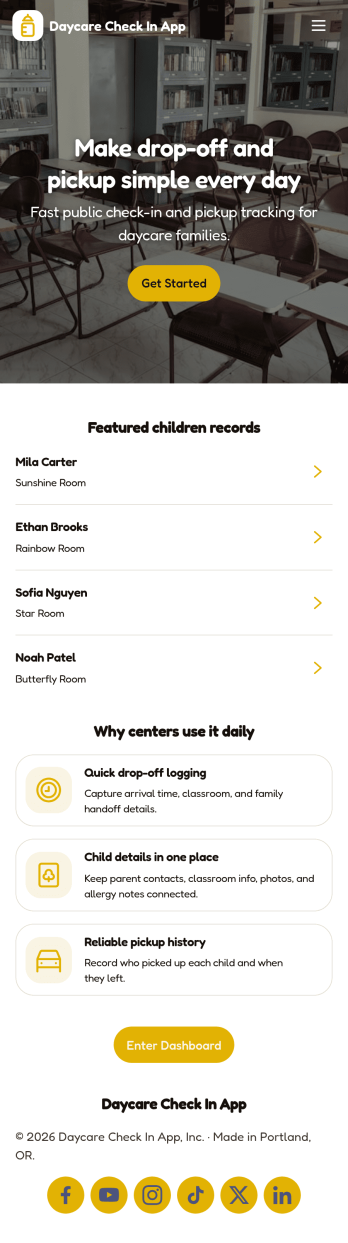
Daycare Check in App
Daycare Check in App helps childcare centers manage daily arrivals and departures in one place, giving staff and caregivers a consistent way to record drop-offs, pick-ups, and attendance history. With dedicated check-in and check-out paths plus an at-a-glance log of entries, teams can reduce confusion at busy times, spot missing or duplicate records faster, and keep child records organized for day-to-day operations. It’s a practical fit for daycares, preschools, after-school programs, and nursery teams that need a repeatable routine for tracking who is currently in care and reviewing prior attendance when questions come up.Jotform makes it easy to turn this workflow into a shareable, mobile-friendly experience using ready-to-use app templates and a no-code app builder. Customize pages with a drag-and-drop interface, connect the app to forms and tables for reliable data collection, and give staff a single place for ongoing workflow tasks like submitting entries and reviewing attendance records. When you’re ready, share the app by link or QR code so your team can check children in and out from the front desk or on the go.
Go to Category:Sign In Apps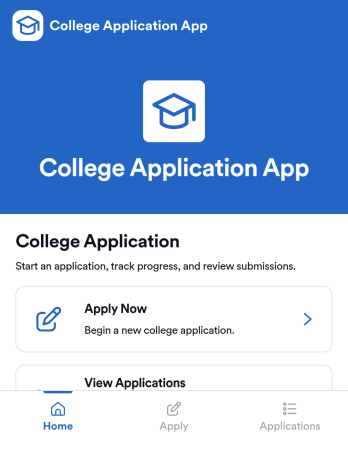
College Application App
College Application App helps students start a college application, save progress, and return later to complete or revise details without losing track of what’s been submitted. It’s a practical fit for high school counseling offices, college prep programs, and admissions teams that want a clear way to guide applicants from getting started through review. With a simple starting point, a list of saved applications, and an application review area, the app supports common intake needs like collecting applicant information and keeping records organized in one place. It also includes a requirements section so applicants know what to prepare, such as academic record details, before they move forward.Built with Jotform, this app template can be customized with a no-code app builder and a drag-and-drop interface so you can match your school’s process and branding. Connect the app to your forms and data collection workflow, then use it as a self-service experience applicants can access from a link or QR code. As submissions come in, teams can manage updates in one connected place, reduce manual follow-ups, and keep application information accessible for faster internal coordination.
Go to Category:Education Apps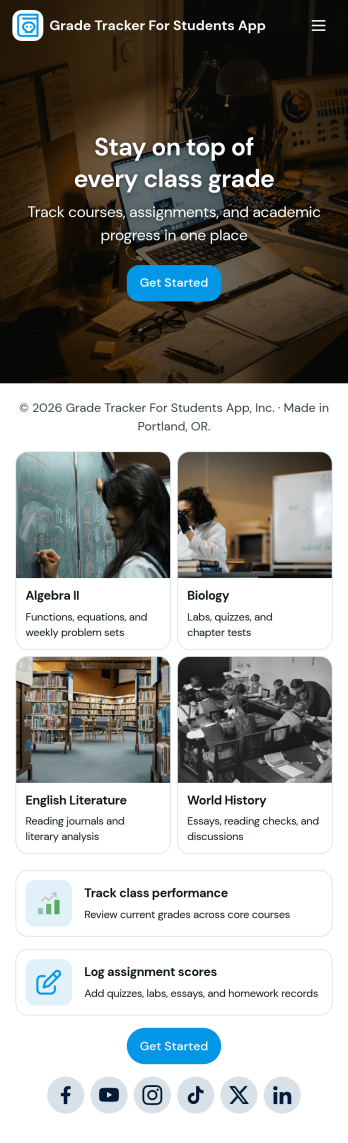
Grade Tracker for Students App
Grade Tracker for Students App helps students and educators keep academic records organized in one place. Use it to add students, log grade entries by subject, and review grade records over time, making it easier to stay on top of progress across classes. It’s a practical fit for middle school, high school, and college students, as well as tutors, homeroom teachers, and academic support teams who want a simple way to track performance without juggling scattered notes or spreadsheets.Built with Jotform, this app template pairs a clear, page-based layout with forms and connected tables so you can collect data consistently and view it whenever you need it. Customize pages with a drag-and-drop interface, update fields to match your grading system, and share the app as a self-service experience for personal tracking or classroom use. With Jotform’s no-code app builder, you can expand the workflow as needs grow while keeping grade data easy to enter and easy to review.
Go to Category:Education Apps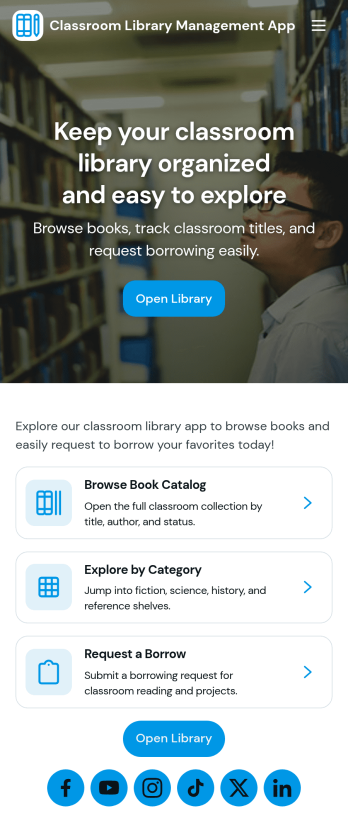
Classroom Library Management App
Classroom Library Management App helps teachers and school staff organize a classroom book collection and keep lending activity easy to follow. Students can browse the catalog, while you keep a clear record of who has which title, when it was loaned, and what is currently checked out. Use it to cut down on lost books, reduce time spent searching shelves, and create a simple routine for borrowing and returning that works during busy class periods, reading centers, or independent study time.Built with Jotform App Templates, this app template can be tailored in minutes with a no-code app builder and a drag-and-drop interface. Connect the app to your existing data collection workflows so you can add new books to your catalog, log loans as they happen, and review activity in one place. Share a single link for self-service access, keep information up to date, and manage day-to-day classroom library tasks without extra tools.
Go to Category:Classroom Management Apps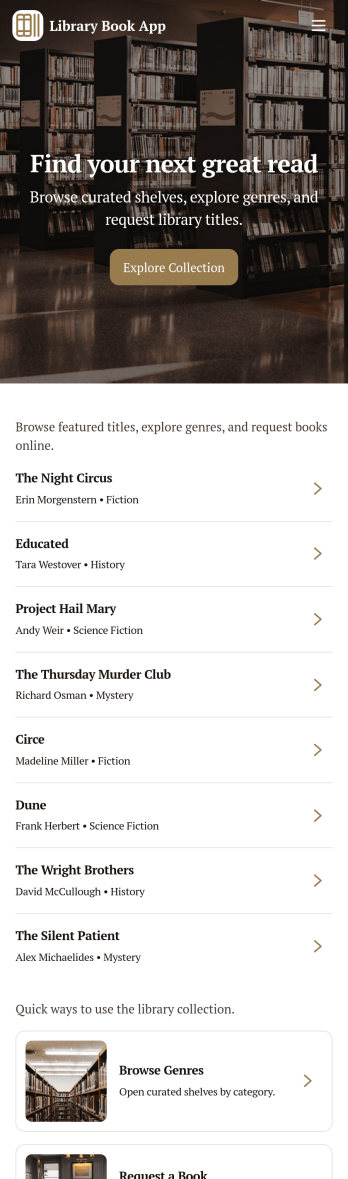
Library Book App
Library Book App gives libraries, school media centers, and community reading rooms a simple way to share a browsable catalog and collect book loan requests in one place. Visitors can explore available titles, open a book detail view, and submit a request to borrow the right item without hunting for paper forms or calling the front desk. It also supports basic library info such as hours and contact details, making it useful for day-to-day patron self-service at any size of library.With Jotform, you can turn this app template into a branded, mobile-friendly experience using a no-code app builder and a drag-and-drop interface. Connect your catalog to a list for easy browsing, link the loan request form to your workflow, and keep requests organized in one place for faster follow-up. As your collection grows, Jotform helps you update pages, adjust navigation, and improve data collection without relying on developers.
Go to Category:Education Apps
Trading Education App
Trading Education App gives educators, training providers, financial literacy programs, and independent instructors a central place to guide learners through trading concepts and reflective practice. Learners can explore lessons by topic and level, access study resources, test their understanding with quizzes, and record simulated or completed trades in a journal. Reviewing setups, entry and exit prices, and recurring journal patterns helps students connect course material with their decision-making process. This app template works well for online courses, classroom activities, workshops, membership programs, and self-paced learning experiences that need organized educational content without presenting personalized financial advice.Jotform App Templates make it easy to turn learning materials and connected activities into a mobile-friendly experience. Customize the Trading Education App with Jotform’s no-code app builder and drag-and-drop interface, then adjust pages, navigation, colors, fonts, and visual elements to match your program. Forms can support data collection for trade logs and quiz responses, while connected tables and workflows help instructors organize records and monitor participation. Publish the finished app through a direct link or QR code so learners can reach lessons, resources, and self-service activities from nearly any device.
Go to Category:Education Apps
Scavenger Hunt App
Scavenger Hunt App is a customizable starting point for creating clue-based activities for parties, corporate events, classrooms, community programs, fundraisers, and tourism experiences. Event organizers, educators, team leaders, hospitality teams, and nonprofits can use its focused page to present challenge instructions, provide clue access, and share essential event information. Keeping these details in one mobile-friendly destination helps participants understand the rules, follow the activity, and stay engaged without relying on printed handouts or scattered messages.Jotform makes it easy to adapt this app template to suit a theme, audience, or event format. Using the no-code app builder and its drag-and-drop interface, organizers can add pages, images, videos, buttons, and links while applying custom colors, fonts, and branding. The app can also connect with forms for data collection, payments, approvals, and other workflow steps when an activity requires registration or response gathering. Explore Jotform App Templates to create a polished self-service experience, then publish and share it through a direct link, QR code, or embedded experience.
Go to Category:Entertainment Apps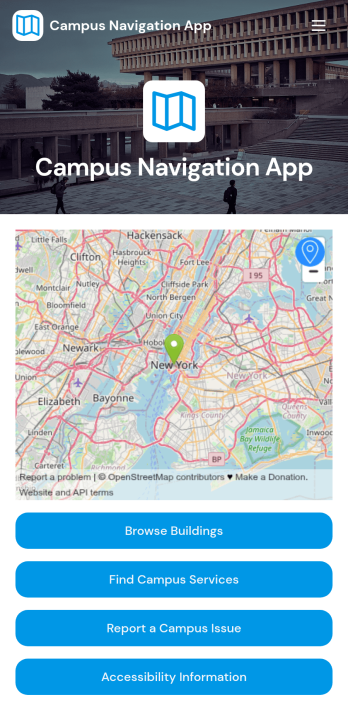
Campus Navigation App
Campus Navigation App is a digital campus guide for students, faculty, staff, prospective students, and visitors who need help finding their way around an educational institution. It brings building and service discovery, map directions, accessibility information, and campus issue reporting into one convenient experience. Colleges, universities, community colleges, and training centers can use this app template during daily operations, orientations, open days, campus tours, and major events. Clear navigation reduces confusion, helps people locate essential services faster, and gives campus teams a direct channel for receiving reports about building or access concerns.Jotform App Templates make it easy to adapt the Campus Navigation App without writing code. Using Jotform’s no-code app builder and drag-and-drop interface, administrators can update pages, organize navigation, apply institutional branding, and connect forms for data collection and workflow management. The finished app can support mobile-friendly self-service and be shared through a direct link or QR code, helping users access current campus resources from wherever they are. Teams can revise content as buildings, services, routes, and operational needs change.
Go to Category:Education Apps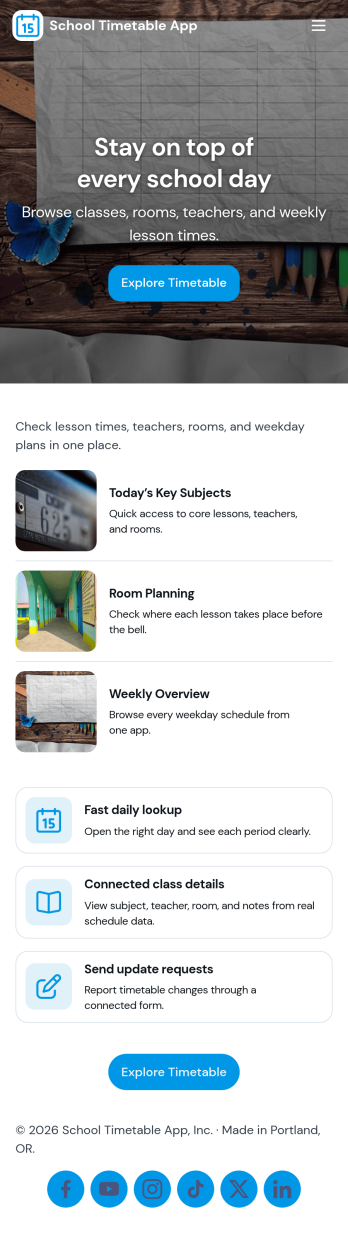
School Timetable App
A school timetable app brings class schedules, staff contacts, and day-to-day announcements into one place so students, families, and school teams always know what’s happening next. Use it to publish a clear schedule, browse people directories, and share timely updates such as room changes, substitute coverage, or special bell schedules without relying on scattered emails or printed handouts.With Jotform, you can customize this school timetable app template using a no-code app builder and a drag-and-drop interface to match your school’s routines and branding. Connect the app to forms and tables for data collection around timetable changes, let staff submit updates from a single button, and keep information accessible through a simple self-service experience that works well on mobile for quick checks throughout the day.
Go to Category:Education Apps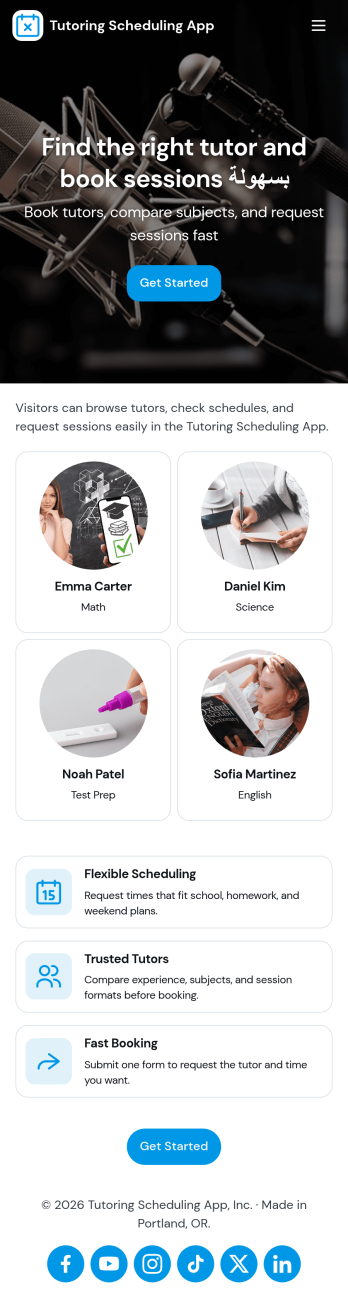
Tutoring Scheduling App
Tutoring Scheduling App helps tutoring businesses and independent educators organize session requests and connect students with the right tutor in one place. Learners can browse a tutor list, open tutor details, and send a session request, while returning users can check My Requests to stay on top of upcoming and past needs. It’s a practical fit for after-school programs, test prep providers, online tutoring teams, and school support centers that want a clearer way to manage demand, reduce missed messages, and keep scheduling details easy to find.Jotform makes it simple to turn this use case into a polished self-service experience with app templates and a no-code app builder. Customize pages with a drag-and-drop interface, connect the app to your forms for data collection, and keep requests organized for follow-up. Share your Tutoring Scheduling App through a link or QR code, update content anytime, and create a consistent workflow that works well on mobile for students and tutors alike.
Go to Category:Appointment & Booking Apps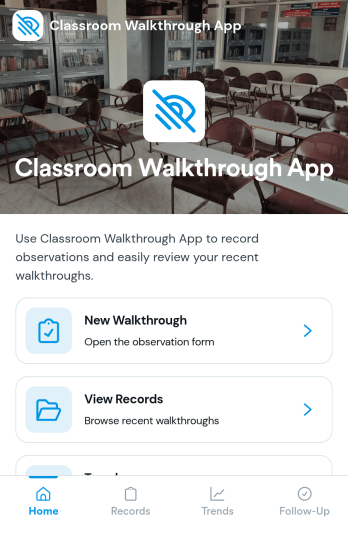
Classroom Walkthrough App
A classroom walkthrough app helps school leaders and instructional coaches document quick classroom observations, keep classroom information organized, and build a consistent record of what they see across learning spaces. Use it to maintain a simple classroom list, log walkthrough notes as you move between rooms, and review a history of prior visits so follow-ups feel informed and timely. It’s a practical fit for principals, assistant principals, department heads, and coaching teams who need a lightweight way to capture evidence during walkthroughs without relying on scattered paper notes.With Jotform, you can turn this classroom walkthrough app template into a polished self-service experience using a no-code app builder and a drag-and-drop interface. Connect the app to forms for fast data collection, organize records for each classroom and walkthrough entry, and keep your workflow consistent from one observer to the next. Share the app with your team, update it as your observation focus changes, and keep everything accessible on any device for smoother walkthrough routines.
Go to Category:Classroom Management Apps
Puzzle Learning App
Puzzle Learning App gives educators, tutors, training teams, and independent learners an interactive space for practicing reasoning and problem-solving skills. Learners can browse available puzzles, open helpful clues, submit attempts, and review their responses, reflections, confidence levels, and progress. It works well for classroom enrichment, tutoring sessions, remote learning, skills workshops, and self-paced study. By bringing puzzle content and learner activity into one accessible experience, the app reduces scattered materials, encourages thoughtful reflection, and helps instructors understand how participants approach each challenge.Jotform makes this app template easy to adapt with a no-code app builder and a flexible drag-and-drop interface. Add or rearrange pages, update puzzle resources, connect forms for data collection, and organize learning workflows without writing code. Jotform App Templates can also support notifications and connected records, helping instructors monitor new attempts and manage learning activity. Once customized, the Puzzle Learning App can be published for mobile-friendly access and shared through a direct link, QR code, or embedded experience, giving learners a convenient self-service resource wherever they study.
Go to Category:Quiz Apps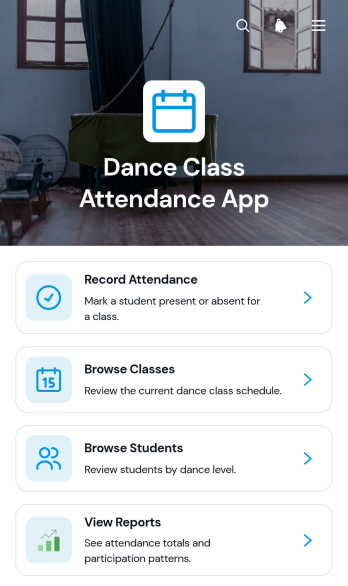
Dance Class Attendance App
The Dance Class Attendance App helps dance schools, independent instructors, studio managers, and training programs record participation and keep class information organized. Staff can mark attendance from one central experience, browse classes and student records, and review reports without relying on scattered paper sheets or separate files. It supports recurring lessons, workshops, youth programs, adult classes, and performance training where accurate participation records help teams identify attendance patterns, follow up on absences, and plan class capacity. The template also gives authorized team members a clear shared resource for daily class administration.Jotform makes this app template easy to adapt with a no-code app builder and a flexible drag-and-drop interface. Change the pages, cards, buttons, colors, fonts, and branding to match your studio, then connect forms, tables, notifications, approvals, or other workflow steps as needed. Data collection can remain connected to the app experience, helping instructors and administrators work from current records. Jotform App Templates can be published for mobile-friendly access and shared through a direct link, QR code, or embedded experience, giving staff a convenient self-service tool for managing attendance wherever classes take place.
Go to Category:Classroom Management Apps