

Human Resources App Templates

Advisor Recruitment App
The Advisor Recruitment App is a ready-to-use hiring space for organizations seeking experienced advisors, consultants, mentors, or subject-matter specialists. Recruitment teams, professional networks, educational groups, nonprofits, and growing businesses can use it to collect applications, browse candidate profiles, and review shortlisted applicants. Key information such as qualifications, availability, motivation, contact details, and resumes stays accessible within a consistent experience. Recruitment resources can also clarify expectations and help candidates understand the selection process. This reduces scattered communication, gives reviewers a clearer view of each applicant, and supports informed decisions when building an advisory group or talent pool.With Jotform, this app template can be adapted through a no-code app builder and an intuitive drag-and-drop interface. Teams can update pages, branding, buttons, and resources while connecting forms, tables, approvals, and other workflow steps. Jotform App Templates make it easier to create mobile-friendly self-service experiences without starting from scratch. Publish the app through a direct link or QR code so candidates can apply from any device and authorized reviewers can reach the information they need. The result is a flexible recruitment experience that supports organized data collection and can evolve alongside changing advisor requirements.
Go to Category:Human Resources Apps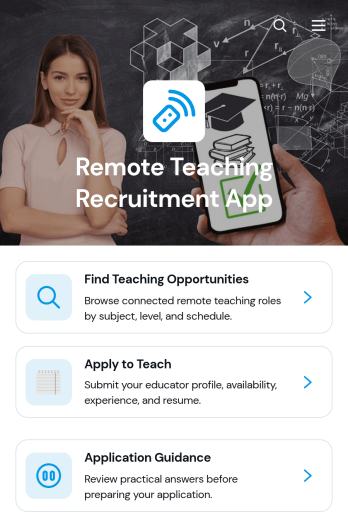
Remote Teaching Recruitment App
Remote Teaching Recruitment App gives schools, tutoring providers, education programs, and recruitment teams a central place to connect qualified educators with remote teaching roles. Candidates can browse teaching opportunities, review essential role information, and submit an application from one convenient experience. Application guidance helps applicants understand the process before they apply. By bringing opportunity discovery and candidate intake together, this app template reduces scattered inquiries, gives recruiters a consistent recruitment journey, and makes openings easier to access across locations and devices.Jotform Apps helps organizations turn recruitment processes into interactive, mobile-friendly experiences without coding. Start with this Remote Teaching Recruitment App from Jotform App Templates, then use the no-code app builder and drag-and-drop interface to update pages, branding, navigation, and content. Teams can connect forms, tables, notifications, approvals, and other workflow tools to support data collection and application review. Once customized, the app can be published and shared by direct link or QR code, giving candidates convenient self-service access while helping recruiters manage hiring activity from one organized destination.
Go to Category:Job Apps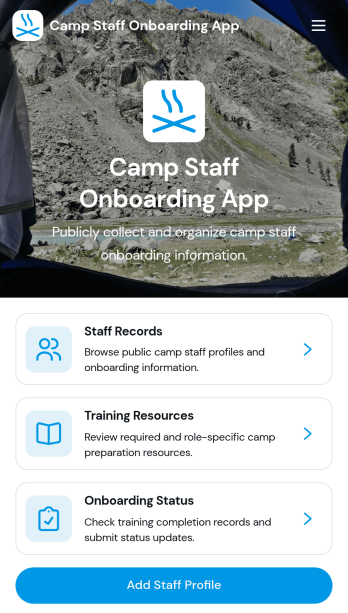
Camp Staff Onboarding App
Camp Staff Onboarding App helps camp directors, human resources teams, and program coordinators prepare seasonal employees and volunteers for their roles from one organized location. Staff profiles and records keep essential personnel information accessible, while training resources and onboarding status updates help administrators see who is ready to begin work. This app template is suitable for day camps, overnight camps, recreation programs, youth organizations, and multi-location camp operators. By replacing scattered documents and disconnected updates, it gives teams clearer visibility into staff preparation, reduces missed steps, and creates a more consistent onboarding experience before the season starts.Jotform Apps turns this Camp Staff Onboarding App into a customizable digital workspace without requiring coding knowledge. Start with one of Jotform’s App Templates, then use the no-code app builder and drag-and-drop interface to update pages, branding, navigation, and content. Connected forms support data collection, while tables and workflows help teams organize records and follow-up tasks. Once ready, the app can be shared through a direct link, QR code, or embedded experience, giving administrators and camp staff convenient mobile access to training and self-service resources.
Go to Category:HR Portal Apps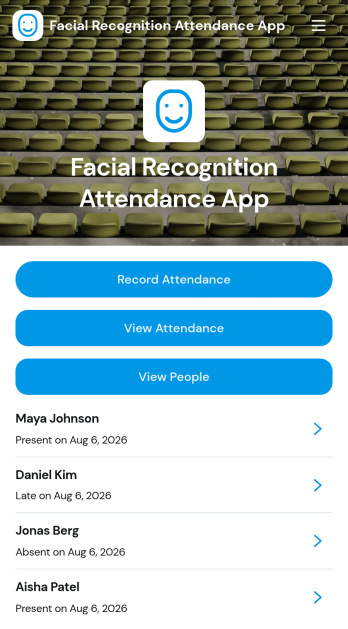
Facial Recognition Attendance App
Facial Recognition Attendance App helps teams record attendance and manage people records from one central, guided experience. It works well for HR teams, office managers, schools, training programs, clinics, and on-site operations that need a consistent way to log check-ins and quickly confirm who is present. With quick actions to record attendance and screens to view attendance history and people details, the app supports faster daily roll calls, shift starts, and front-desk check-ins while keeping staff information organized.Built with Jotform App Templates, this app template can be tailored with a no-code app builder and a drag-and-drop interface to match your workflow and branding. Connect attendance forms and people records to your processes, route updates to the right stakeholders, and keep information accessible in a mobile-friendly self-service format. Jotform makes it easy to publish and share the app so teams can collect data, review status, and maintain accurate attendance records without relying on scattered spreadsheets.
Go to Category:Human Resources Apps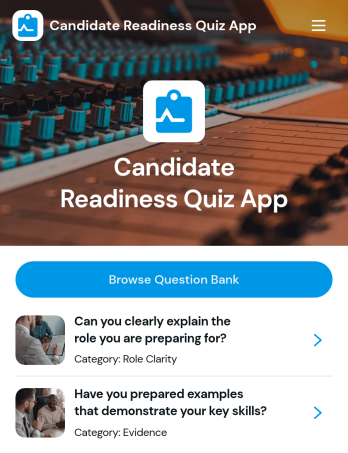
Candidate Readiness Quiz App
Candidate Readiness Quiz App helps recruiters, hiring managers, and career services teams quickly assess how prepared a candidate is for a role before moving forward in the process. It gives candidates a clear starting point with a readiness quiz and lets your team route people to the right next step based on their results. With simple navigation buttons to start the quiz, retake it, and browse a question bank organized by category, you can evaluate core knowledge consistently while keeping the experience easy for candidates to complete.Built with Jotform, this app template can be customized in minutes using a drag-and-drop interface and a no-code app builder. Connect it to your existing data collection and workflow needs by tailoring questions, organizing categories, and presenting the right pages for different audiences. Share the app with a link so candidates can complete the quiz on their own time, while your team keeps the process organized and scalable as hiring volume grows.
Go to Category:Quiz Apps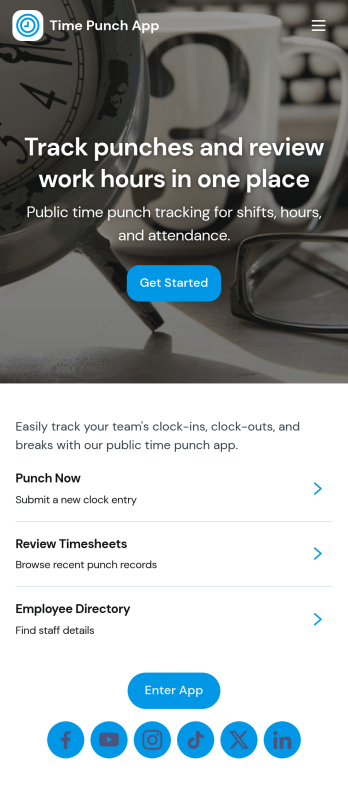
Time Punch App
Time Punch App helps teams record clock-ins and clock-outs in one place, making it easier to track daily work time without relying on paper sheets or scattered messages. Employees can quickly add a punch using the Add Punch or New Punch buttons, and managers can review activity through a daily punch summary and an organized history of time punch records. It’s a practical fit for hourly workforces in retail, restaurants, field services, warehouses, and growing offices that need a consistent way to capture time entries.With Jotform App Templates, you can launch this app template fast and adjust it to match your process using a no-code app builder and a drag-and-drop interface. Connect pages to forms and tables for reliable data collection, keep your workflow moving with simple navigation, and share the app through a link so staff can use it on any device for self-service time tracking. As your team grows, you can refine the layout, add steps, and keep all punch records accessible in Jotform.
Go to Category:Human Resources Apps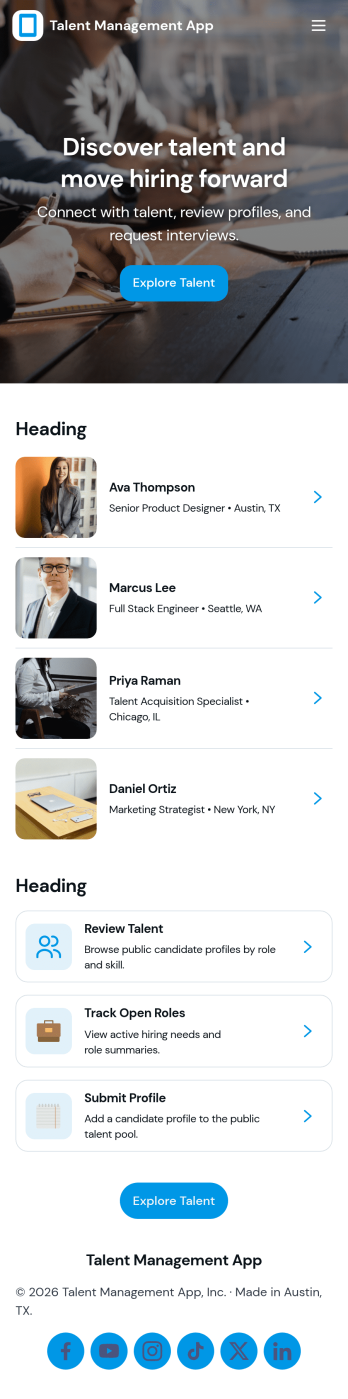
Talent Management App
Talent Management App helps teams organize hiring activity and candidate information in one place, from tracking open roles to reviewing applicants as they move through your pipeline. It’s a practical fit for HR teams, recruiters, and growing businesses that need a clear view of what roles are active, who has applied, and which candidates need follow-up. With quick navigation to open positions, an easy way to apply, and simple candidate record access, the app supports consistent intake and faster internal coordination without relying on scattered emails or spreadsheets.Jotform makes it easy to turn talent processes into a guided, self-service experience using App Templates you can customize in minutes. Use the no-code app builder with a drag-and-drop interface to adjust pages, add your branding, and connect forms and tables so data collection and review stay connected. Share your app by link or QR code, keep workflows moving with notifications and approvals, and give your team a single destination for recruiting updates inside Jotform.
Go to Category:HR Portal Apps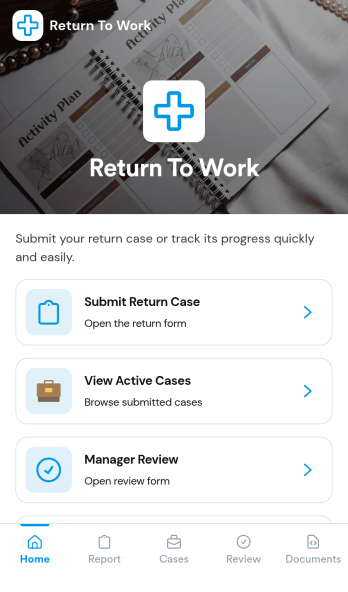
Return to Work App
Return to Work App helps teams manage employee return cases in one place, from the initial request through review and ongoing updates. Employees can submit a return case, managers can complete a dedicated review step, and HR or operations teams can keep track of active cases without chasing details across email threads. It’s a practical fit for organizations handling temporary restrictions, phased returns, or role adjustments where visibility and timely follow-up matter.With Jotform, you can customize this app template to match your internal workflow using a no-code app builder and a drag-and-drop interface. Connect the app to forms to support data collection, route cases for review, and create a self-service experience that’s easy to share with employees and managers. As cases change over time, Jotform helps you keep information organized and accessible so teams can move faster and stay aligned.
Go to Category:Human Resources Apps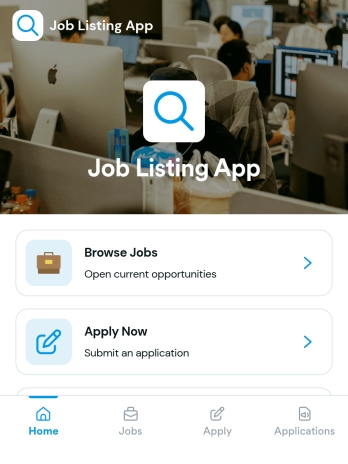
Job Listing App
Job Listing App gives organizations a simple way to publish open roles and guide candidates from browsing to applying in one place. Use it to share job openings for a growing business, a staffing team, a nonprofit, or a department hiring for multiple positions. Visitors can browse jobs, open a role to view key details, and apply through a built-in application flow. It also helps reduce missed opportunities by keeping the experience clear and easy to navigate for candidates on any device.With Jotform, you can build and customize this app template using a no-code app builder and a drag-and-drop interface, then connect it to your data collection and workflow needs. Add or update job posts, link candidates to an application form, and organize application records in a way that supports faster review and follow-ups. When you’re ready, share the app as a self-service hiring hub with a link or QR code and keep your job listings up to date without extra tools.
Go to Category:Human Resources Apps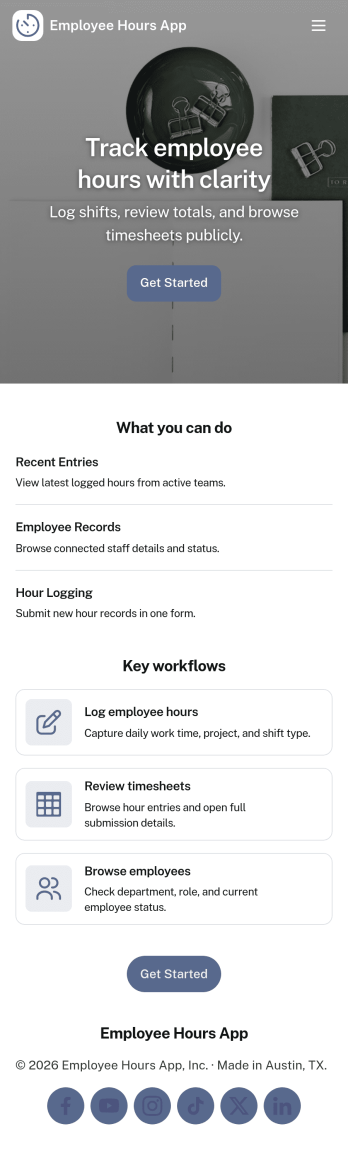
Employee Hours App
Employee Hours App helps teams track work time in one place by giving employees a clear way to log new hours, review their own entries, and reference time activity when needed. It works well for HR and operations teams, shift-based businesses, and managers who want consistent time logs across staff without chasing updates through email or spreadsheets. With dedicated areas for employee profiles and a time log view, the app supports day-to-day hour reporting, internal visibility, and cleaner handoffs for payroll preparation and workforce planning.Built with Jotform, this app template is easy to tailor with a no-code app builder and a drag-and-drop interface so you can match your workflow in minutes. Connect the app to forms and tables to keep time entries organized, make it simple to navigate between employee lists and time records, and share a single self-service link with your team so logging hours becomes a routine part of the workday.
Go to Category:Human Resources Apps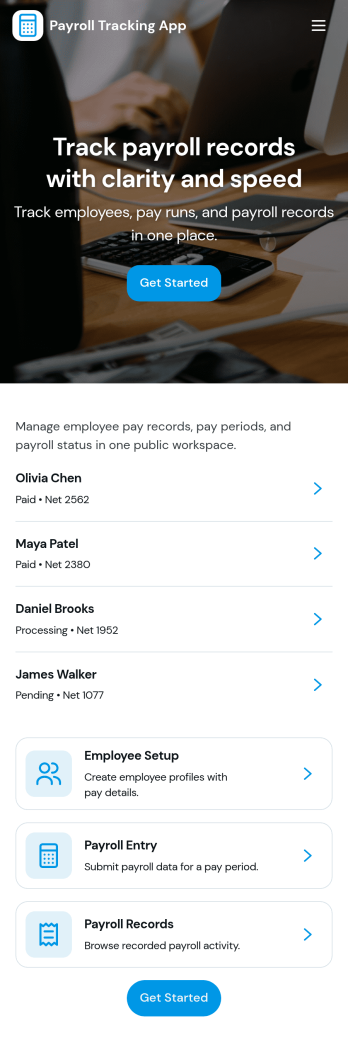
Payroll Tracking App
Payroll Tracking App helps teams record and review payroll activity in one place, so pay periods don’t get lost in spreadsheets and scattered messages. Use it to keep an up-to-date employee list, add new payroll entries as they’re processed, and reference past records when questions come up. It fits HR and finance teams, office managers, and small business owners who need a clear way to track payroll details across employees and pay cycles without overcomplicating the process.With Jotform, you can turn this app template into a branded self-service experience using a no-code app builder and a drag-and-drop interface. Connect buttons to forms for data collection, route information into organized tables, and keep your workflow moving with shared access for the right teammates. Publish the app as a link for quick access on desktop or mobile, and adjust pages as your payroll process evolves.
Go to Category:Human Resources Apps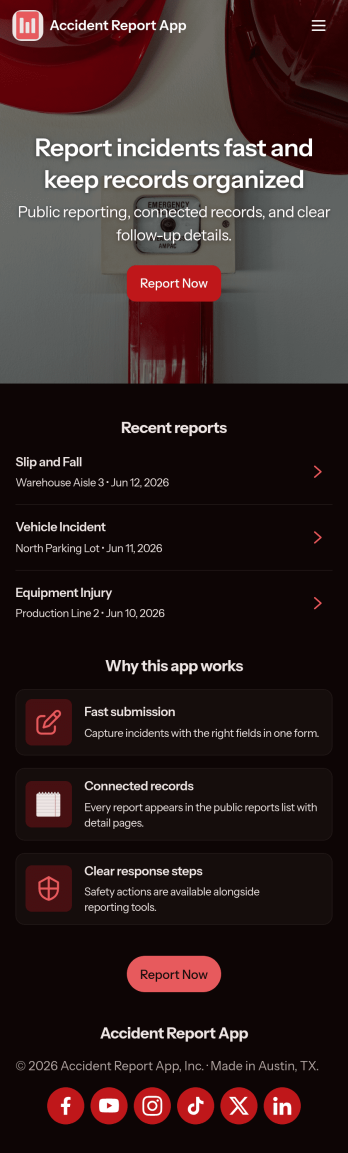
Accident Report App
Accident Report App helps organizations document incidents quickly and consistently, so teams can capture what happened, where it happened, and who was involved without chasing details later. It fits workplaces, job sites, schools, events, and public-facing locations that need a simple way to record accidents and near misses, route reports to the right people, and keep a clear timeline for follow-up. Use it to support internal reporting, reduce lost information, and improve response habits across departments and shifts.With Jotform, you can turn this app template into a branded, mobile-friendly experience using a no-code app builder and a drag-and-drop interface. Publish the app in minutes, connect it to your data collection workflow, and keep reports organized for review and action. Jotform makes self-service reporting easy to share with staff or visitors through a link or QR code, while giving your team a central place to manage updates.
Go to Category:Safety Inspection Apps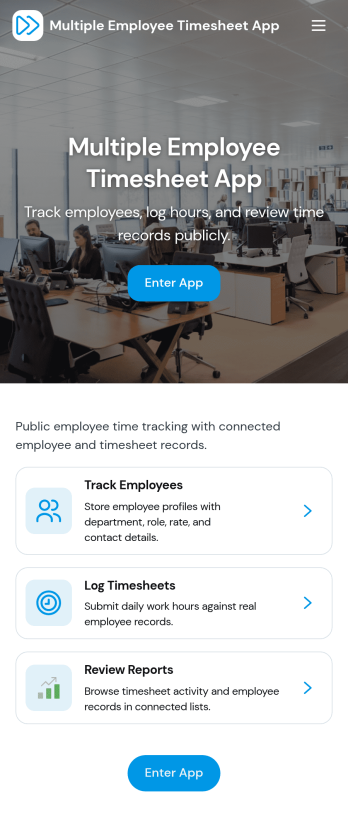
Multiple Employee Timesheet App
Multiple Employee Timesheet App helps teams record work hours for more than one employee in a single, organized place. Employees can log hours through a simple entry flow, while managers can review timesheets and view entries by employee name to keep payroll prep and project tracking moving. With quick access to add time and see individual submissions, it works well for shift-based roles, field teams, agencies, and growing businesses that need consistent time records without chasing updates across messages or spreadsheets.Jotform makes it easy to turn time tracking into a mobile-friendly experience using App Templates you can tailor to your workflow. Use the no-code app builder and drag-and-drop interface to adjust pages, connect your time log form to tables for faster review, and set up a workflow for routing hours to the right person. Share your Jotform app with a link so employees can submit time and supervisors can stay on top of approvals and follow-ups.
Go to Category:Human Resources Apps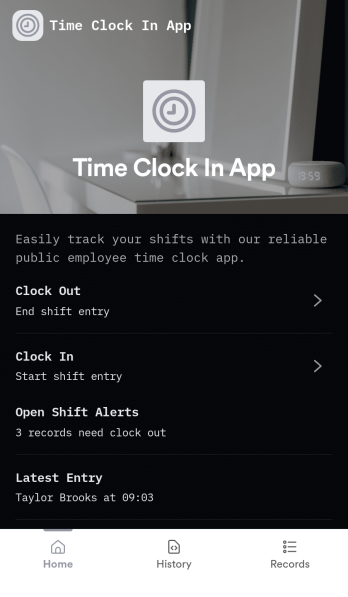
Time Clock In App
Time Clock In App helps teams record work hours in one place by giving employees a clear starting point to open the clock, clock in and out, and review their own time entries. It fits retail floors, restaurants, field crews, studios, and offices that want a simple flow for daily time tracking without relying on paper logs or scattered messages. Supervisors can reference entries for schedule checks, shift coverage questions, and basic payroll prep, while employees get a quick way to confirm what they submitted and reduce disputes.Built with Jotform App Templates, this app template is easy to tailor to your process using a no-code app builder and a drag-and-drop interface. Connect your clock and time entry experience to the rest of your workflow, keep data collection consistent across locations, and share self-service access through a link or QR code. As your needs grow, you can expand the app with additional pages, automate steps with connected tools, and keep your time tracking experience aligned with how your team actually works.
Go to Category:Human Resources Apps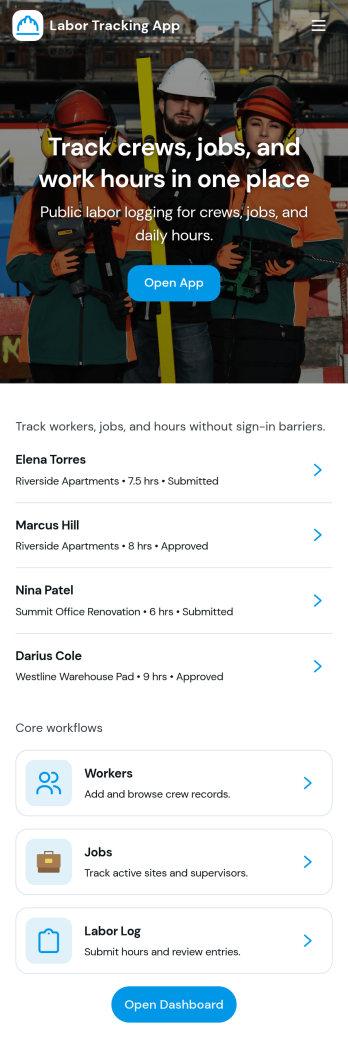
Labor Tracking App
Labor Tracking App helps teams record work activity in one place, then review individual entries and summaries without digging through spreadsheets. It’s a practical fit for construction crews, field service businesses, warehouses, event staffing teams, and operations managers who need a clear view of who worked, when they worked, and how labor is trending across projects or shifts. With quick navigation to log labor and browse records, supervisors can keep reporting consistent, reduce missed entries, and make day-to-day labor tracking easier for everyone involved.Jotform turns this Labor Tracking App into a publishable, shareable experience using a no-code app builder with a drag-and-drop interface. Connect the app to a form for data collection, organize records in a table-backed list, and guide users through a simple workflow from logging labor to reviewing recent records and worker details. Share a single link with your team, update pages as your process changes, and keep labor information accessible on desktop and mobile for fast self-service reporting.
Go to Category:Activity Tracking Apps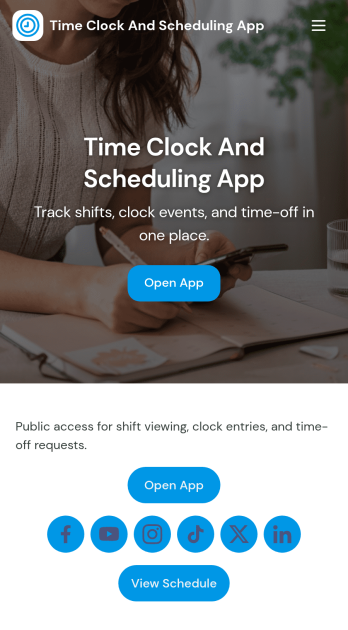
Time Clock and Scheduling App
Time Clock and Scheduling App brings employee time tracking and weekly shift planning into one place, so teams can see who is working, when they start, and what changes are needed. It fits restaurants, retail stores, salons, warehouses, field teams, and any operation that runs on shifts and needs a clear, shared schedule. With simple navigation for clocking in, viewing the schedule, and submitting a shift change request, it helps reduce missed shifts, unclear handoffs, and manual follow-ups between managers and staff.Built with Jotform App Templates, this app template is easy to tailor for your team using Jotform’s no-code app builder and drag-and-drop interface. Connect the app to your timecard and scheduling forms for reliable data collection, keep requests organized for faster decisions, and share the finished self-service experience by link or QR code. As your workflow evolves, you can adjust pages, branding, and connected processes without rebuilding from scratch.
Go to Category:Human Resources Apps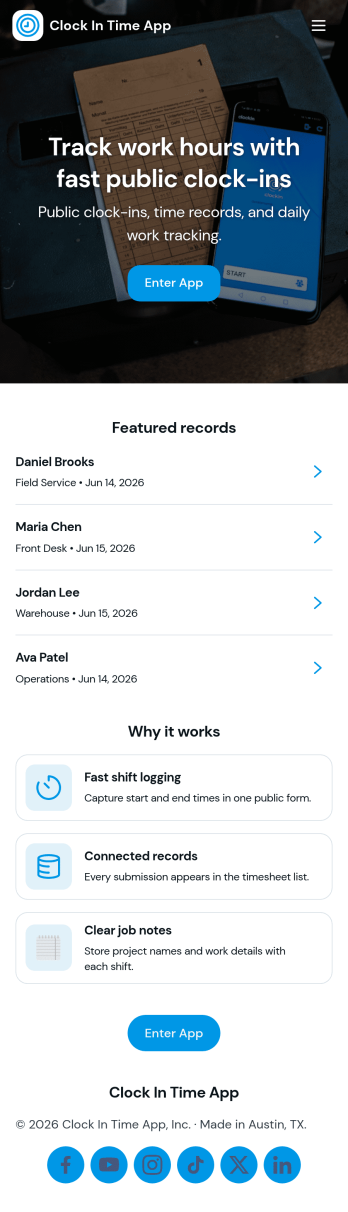
Clock In Time App
Clock In Time App helps teams record shift starts and keep a reliable time trail without chasing paper timesheets. Staff can quickly navigate to Clock In and log a shift, then reference a Shift Log to review past entries. It’s a practical fit for hourly workplaces like retail, hospitality, field services, and small operations where managers need consistent time entries and employees want a simple way to track when they worked.With Jotform, you can turn this clock-in experience into a mobile-friendly self-service workflow using a no-code app builder and a drag-and-drop interface. Connect buttons and pages to forms and tables for data collection, keep entries organized in one place, and share the app by link or QR code so your team can clock in from the job site, front desk, or break room.
Go to Category:Human Resources Apps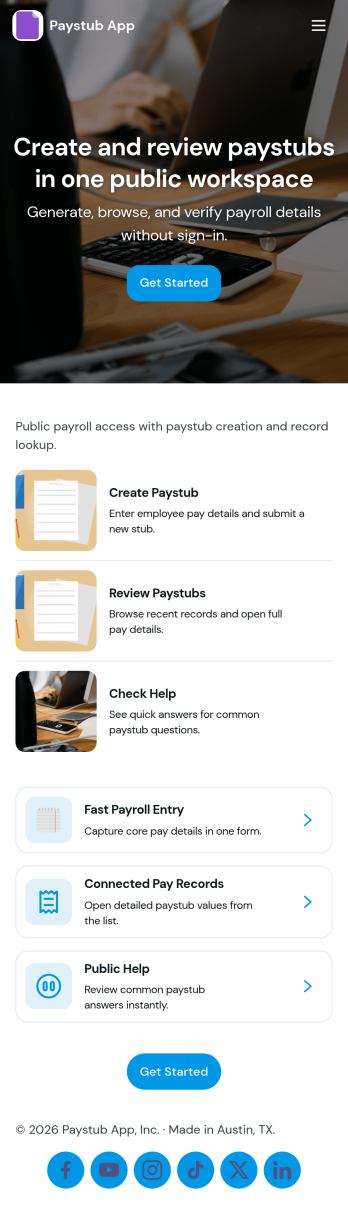
Paystub App
Paystub App gives employees a simple way to review paystub history and submit a new request when something needs attention. It fits payroll administrators, HR teams, and small business owners who want one place to guide staff to the right action without digging through emails or shared drives. With quick navigation to a history view and an employee list that can open individual records, the app supports everyday tasks like confirming earnings details, checking past pay periods, and following up on missing or incorrect information.Built with Jotform, this app template can be tailored in a no-code app builder using a drag-and-drop interface, so you can match your internal process and branding in minutes. Connect the app to a form for request intake and to organized records for consistent data collection, then share it with your team as a self-service experience they can access from a single link. As requests come in, you can keep the workflow moving with clear handoffs, centralized information, and updates that are easy to manage as your payroll operations grow.
Go to Category:Human Resources Apps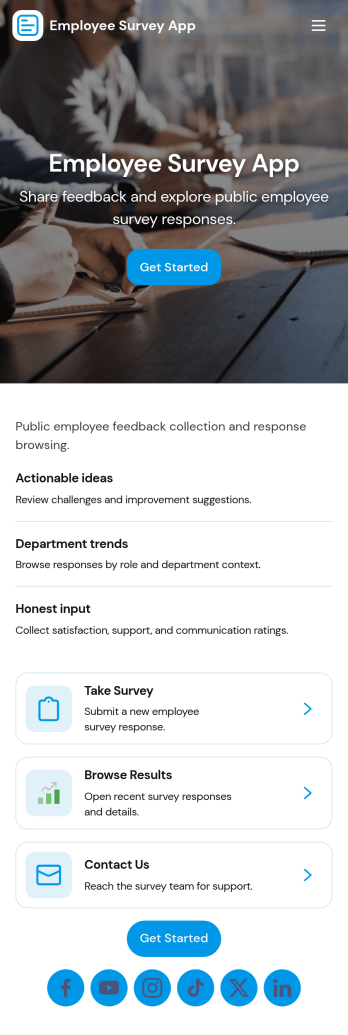
Employee Survey App
Employee Survey App helps HR teams and people managers collect employee feedback and turn it into clear, actionable insight. Use it to run engagement check-ins, pulse surveys after major changes, onboarding feedback, and team health surveys across departments or locations. Employees can start the survey from a simple entry point, while managers can review responses in one place and spot patterns that might otherwise get missed.Built with Jotform App Templates, this experience combines a guided survey launch with quick navigation to results and insights, plus a connected view of survey responses. With Jotform’s no-code app builder and drag-and-drop interface, you can adjust questions, update the layout, and route people to the right pages for self-service participation and internal review. As your workflow grows, connect the app to your data collection and reporting needs so feedback stays organized and easy to act on.
Go to Category:Human Resources Apps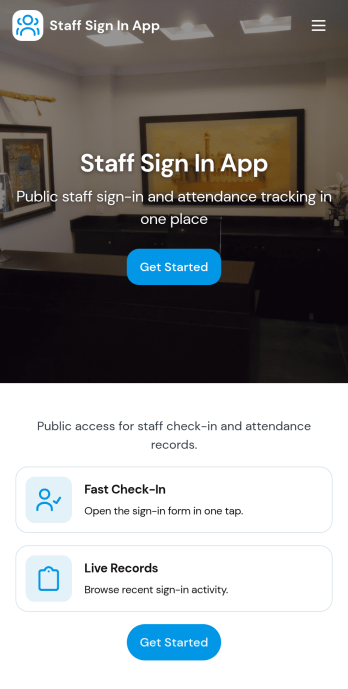
Staff Sign In App
Staff Sign In App helps teams record daily check-ins, keep a clear attendance trail, and make it easy for employees to sign in from one place. It’s a practical fit for offices, retail stores, clinics, warehouses, schools, and job sites that need a simple way to capture who is working today, reduce manual paper logs, and give managers quick visibility into the day’s activity. With dedicated areas for signing in and viewing today’s log, staff can confirm their entry in seconds while supervisors can reference the running list during shift changes or front-desk coverage.Built with Jotform App Templates, this app template connects your sign-in form to organized views so you can browse entries, open a full sign-in history, and maintain a lightweight staff directory for quick reference. Customize pages and buttons with Jotform’s no-code app builder and drag-and-drop interface, then share the app as a self-service experience via link or QR code. As your workflow evolves, you can expand data collection, route updates to the right people, and keep everything consistent across teams and locations.
Go to Category:Sign In Apps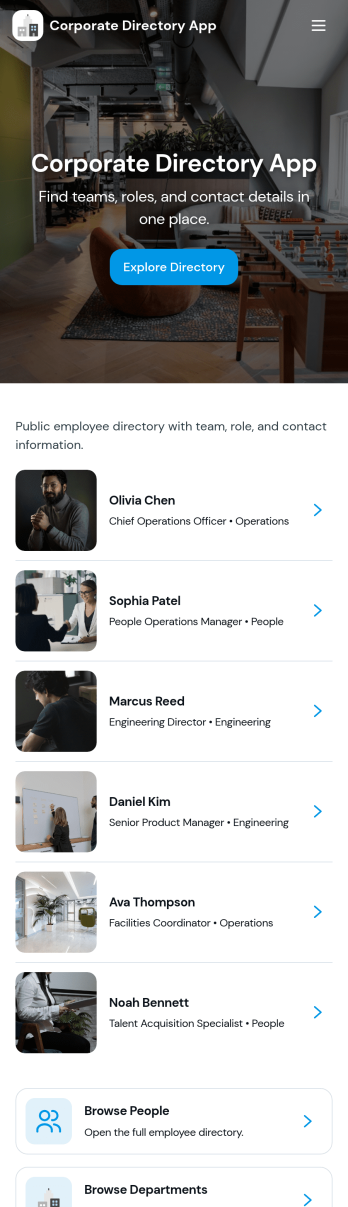
Corporate Directory App
Corporate Directory App brings your employee and department information into one place so people can quickly find the right coworker, team, or HR contact when they need help. It’s useful for HR teams, office managers, and operations leaders who want a simple, searchable directory that’s easy to share across the organization, especially for growing companies, distributed teams, and new hires. With dedicated areas for Employees and Departments plus individual employee profile views, the app supports faster introductions, clearer reporting lines, and fewer internal messages asking who to contact.Jotform makes it easy to publish and maintain this kind of internal self-service experience using App Templates and a no-code app builder. With a drag-and-drop interface, you can organize pages, add navigation buttons like Contact HR, and connect the directory to your existing data collection and workflow needs, such as updating employee details through a linked form and keeping records organized behind the scenes. Share the app by link for quick access on any device, and update content anytime without rebuilding the directory.
Go to Category:Company Portal Apps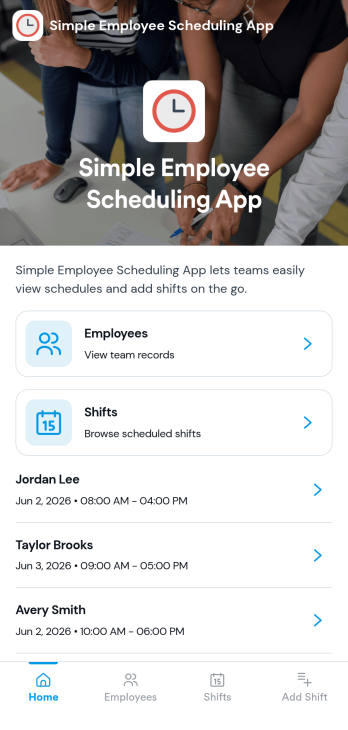
Simple Employee Scheduling App
Simple Employee Scheduling App helps teams publish weekly shifts, make schedules easy to find, and give employees a clear place to request time off. It’s a practical fit for shift-based workplaces like retail, restaurants, salons, gyms, and small operations teams that need a reliable routine without complicated scheduling systems. With pages for weekly shifts, time-off requests, and coverage visibility, managers can keep everyone aligned while employees quickly check what they’re working and take action when plans change.Jotform makes it easy to turn scheduling workflows into a polished, shareable experience with a no-code app builder and drag-and-drop interface. Connect the app to forms and tables for consistent data collection, route requests through simple workflows, and keep schedule details organized in one self-service place. You can update pages as your staffing needs change, share the app by link, and give your team a mobile-friendly way to stay on top of shifts and time off using Jotform App Templates.
Go to Category:Scheduling Apps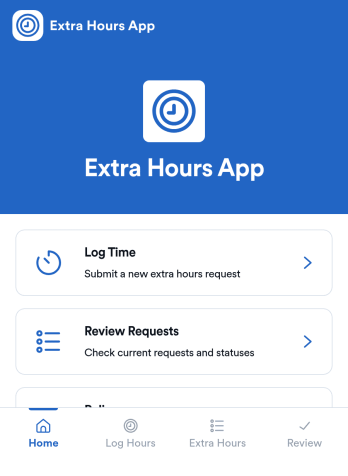
Extra Hours App
Extra Hours App helps teams record, review, and manage extra-hours work in one place, so overtime stays organized and easy to follow. Employees can quickly log time and submit a new request, then check My Submissions to confirm what they’ve already sent. Managers get a clear Review Requests area to view requests by employee, open a request to see key details, and keep decisions consistent with the built-in Policy page.Jotform makes it simple to turn this process into a mobile-friendly self-service experience with app templates you can adapt to your workflow. Using Jotform’s no-code app builder and drag-and-drop interface, you can tailor navigation, connect the app to your form for data collection, and route requests through the right workflow for tracking and follow-up. Share the app with a link so employees and supervisors always know where to log extra hours and review requests.
Go to Category:Human Resources Apps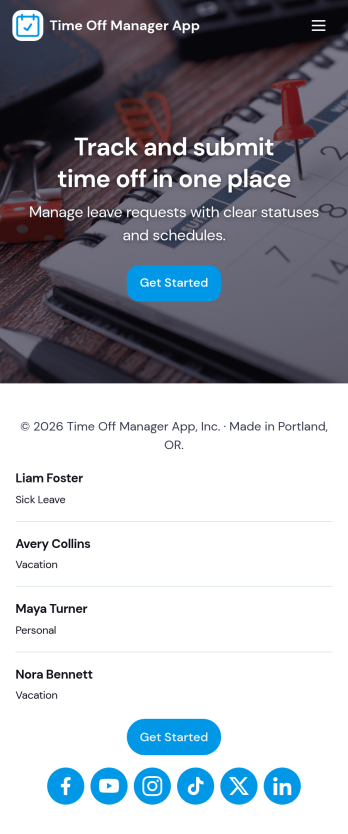
Time Off Manager App
Time Off Manager App helps teams handle employee leave requests in one place, giving staff a clear way to request time off and check what they have already submitted. With built-in navigation to Request Time Off and Request History, employees can submit a new request in seconds and review past requests without emailing HR or managers. For supervisors and HR teams, the app creates a consistent intake process that reduces missed details and makes it easier to follow up when schedules change.Jotform makes it simple to turn this workflow into a shareable, self-service experience using its no-code app builder and drag-and-drop interface. Connect the app to a form and keep requests organized in a linked table, then share access through a link so employees can use it on any device. As needs evolve, you can adjust pages, branding, and the request flow in Jotform without rebuilding your time off process from scratch.
Go to Category:Human Resources Apps