

Human Resources App Templates

Landscaping Payroll App
Landscaping Payroll App helps lawn care and landscaping businesses manage pay periods, collect crew time entries, and keep payroll activity organized in one place. With dedicated areas for Time Entry, Payroll, Crew, and History, it fits teams that need a simple way to capture hours from the field, review who worked, and reference past payroll cycles when questions come up. Whether you run a small owner-operated crew or coordinate multiple teams across job sites, this app supports clearer payroll routines and fewer missing hours.Built with Jotform, this app template can be customized with a no-code app builder and a drag-and-drop interface so you can match your pay periods, roles, and internal process. Connect the app to forms and tables for reliable data collection, then share it as a self-service experience for supervisors and office staff to open time entry, review payroll, and track updates as your workflow evolves.
Go to Category:Human Resources Apps
Biometric Time Clock App
Biometric Time Clock App helps teams record employee punches and keep daily shift activity organized in one place. It’s a practical fit for operations managers, HR teams, and supervisors who need a reliable way to direct staff to clock in, review today’s shifts, and handle timekeeping updates without chasing paperwork. With clear navigation for clock-in actions and quick access to shift overviews, it supports smoother start-of-shift routines for hourly workforces across retail, hospitality, warehouses, field teams, and multi-location businesses.Built with Jotform App Templates, this app template can be customized with a no-code app builder and a drag-and-drop interface to match your policies and workflows. Connect the app to your Jotform form and data collection to capture punch details, then use the built-in history view for ongoing tracking and visibility. Share the app through a link or QR code, update pages as your process evolves, and keep time records organized for faster reviews and fewer manual corrections.
Go to Category:HR Portal Apps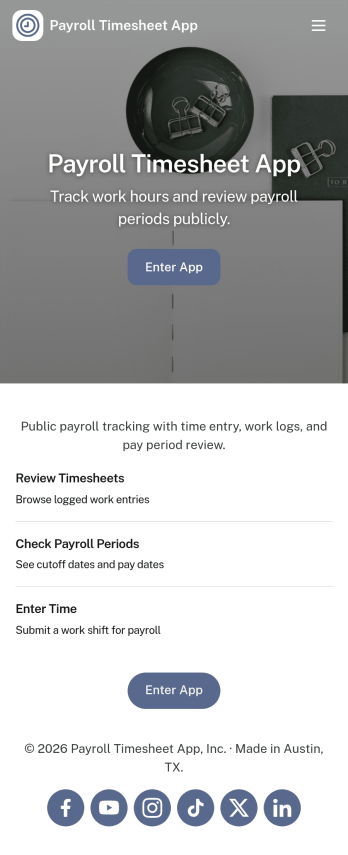
Payroll Timesheet App
Payroll Timesheet App helps you collect, review, and organize employee time entries so payroll processing is based on clear, consistent records. It’s a practical fit for HR teams, operations managers, and small business owners who need a simple way to capture hours worked, keep employee details in one place, and reduce confusion around what was submitted and when. With quick access to new timesheet entry, an employee list, and views for both all records and personal timesheets, teams can stay aligned across pay periods without relying on scattered messages or spreadsheets.Built with Jotform, this app template connects an easy self-service experience to the same workflows you already use for data collection. Using Jotform’s no-code app builder and drag-and-drop interface, you can customize pages, control what different users see, and keep timesheet information organized for review. Share the app by link so employees can submit and check their own timesheets while admins can monitor all entries and maintain employee information in one central workflow.
Go to Category:Human Resources Apps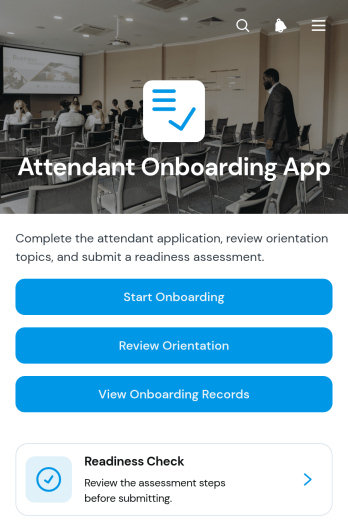
Attendant Onboarding App
Attendant Onboarding App gives managers and coordinators a central place to guide new attendants through orientation and evaluate their readiness for assigned duties. It suits hospitality teams, event operators, service providers, venues, and other organizations that need a repeatable onboarding process for frontline personnel. Users can start onboarding, review orientation material, complete a readiness check, and access onboarding records without searching across separate documents. Clear readiness ratings, notes, and status information help supervisors identify who is prepared, who needs further instruction, and where follow-up may be required.With Jotform Apps, organizations can turn this app template into a branded onboarding resource without writing code. The drag-and-drop interface makes it easy to adjust pages, navigation, instructions, and visual elements to match existing procedures. Teams can connect forms and tables for data collection, organize records in one accessible experience, and add workflow steps that support internal reviews or notifications. This flexible addition to Jotform’s App Templates can be shared through a direct link or QR code, giving attendants and supervisors convenient mobile access while keeping orientation and readiness activities organized.
Go to Category:Human Resources Apps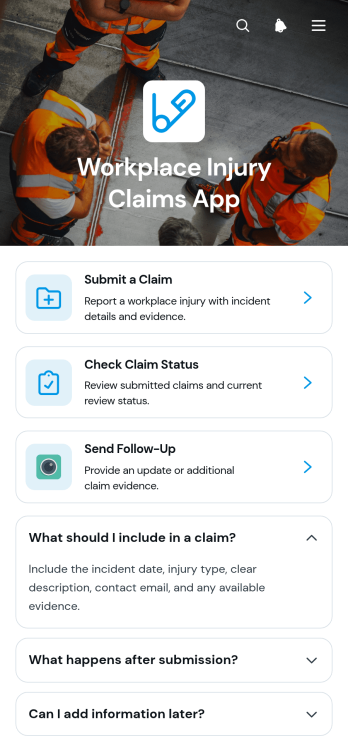
Workplace Injury Claims App
The Workplace Injury Claims App gives employees, supervisors, human resources teams, safety managers, and claims administrators a central place to report and review injury claims. Employees can submit a claim after an incident, check its current status, and send follow-up information without relying on scattered emails or paper documents. Claim summaries help authorized users view key incident details and supporting evidence in context. This app template is well suited to offices, warehouses, construction teams, hospitality businesses, field operations, and other workplaces that need a consistent process for receiving injury reports and keeping claimants informed.With Jotform, organizations can adapt this app template to their internal claim workflow without writing code. The drag-and-drop app builder makes it easy to update pages, adjust branding, add guidance, and connect forms or related processes. Collected information can support organized review, notifications, and collaboration while giving employees a convenient self-service experience. Publish the app with a direct link, share it through a QR code, or embed it in an existing resource center so staff can reach it from a phone, tablet, or computer.
Go to Category:Safety and Compliance Apps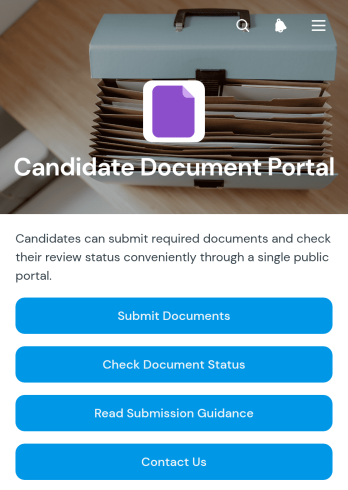
Candidate Document Portal App
The Candidate Document Portal App is a centralized recruitment resource for employers, hiring teams, recruiters, and staffing professionals who need a consistent way to receive and review candidate files. Candidates can submit requested documents, check review status, and read submission guidance from one accessible location. The app is useful during candidate screening, preemployment checks, role placement, and other document-heavy hiring stages. It reduces scattered email exchanges, gives applicants clearer next steps, and helps recruitment teams organize incoming information while maintaining a more consistent candidate experience.Jotform Apps makes it easy to adapt this app template to an organization’s hiring process without writing code. Using the no-code app builder and drag-and-drop interface, teams can update pages, adjust branding, connect forms and tables, and support data collection within a coordinated workflow. The finished portal can be shared through a direct link or quick response code for convenient mobile access. With customizable App Templates from Jotform, human resources teams can create a practical self-service destination that keeps candidate actions, guidance, and status information together.
Go to Category:HR Portal Apps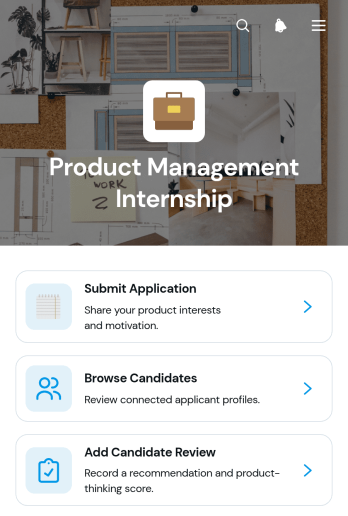
Product Management Internship App
The Product Management Internship App is an app template for collecting internship applications and helping hiring teams evaluate aspiring product management candidates. It gives applicants a clear place to submit their information while recruiters, product leaders, and human resources teams can browse candidate profiles, review resumes and portfolios, assess motivation and experience, and add internal feedback. A visible application pipeline supports consistent progress tracking from initial submission through review. Startups, technology teams, educational programs, and growing businesses can use it to keep internship recruitment organized, reduce scattered records, and give reviewers shared access to relevant candidate details.Jotform App Templates make it easy to adapt this experience to an organization’s hiring process without coding. Using Jotform’s no-code app builder and drag-and-drop interface, teams can update pages, navigation, branding, and connected forms while keeping data collection and workflow resources in one mobile-friendly location. The finished app can be shared through a direct link or QR code, helping applicants submit materials and authorized team members review candidates from their preferred devices. It offers a practical foundation for building a polished recruitment experience with less manual setup.
Go to Category:Job Apps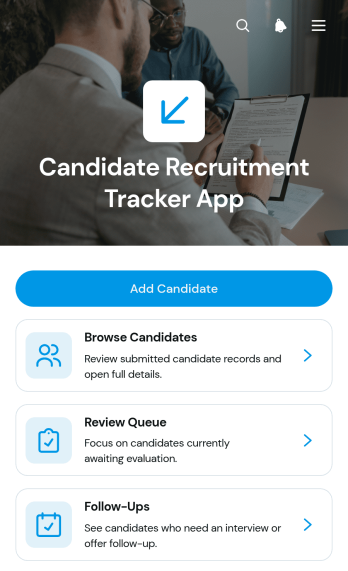
Candidate Recruitment Tracker App
Candidate Recruitment Tracker App gives recruiters, hiring managers, and human resources teams a central place to organize applicants throughout the recruitment process. Teams can add candidate records, browse applicant profiles, check status and source information, review contact details and recruitment notes, manage a review queue, and keep follow-ups visible. This app template is useful for small and medium-sized businesses, staffing teams, growing organizations, and department leaders who need a consistent view of hiring activity. It reduces scattered records, helps prevent missed follow-ups, and makes it easier for colleagues to evaluate candidates using shared information.Jotform Apps helps teams turn this recruitment workflow into an accessible, mobile-friendly experience without writing code. Start with one of the ready-made App Templates, then use the no-code app builder and drag-and-drop interface to adjust pages, navigation, branding, and content. Connected forms support data collection, while lists and linked records keep candidate information available for review and self-service access by authorized team members. The finished app can be shared through a direct link or QR code, giving recruiters a practical way to coordinate hiring from computers, tablets, or phones.
Go to Category:Human Resources Apps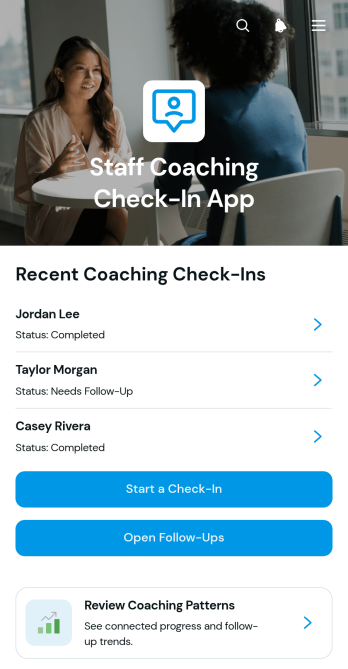
Staff Coaching Check-In App
The Staff Coaching Check-In App is a ready-to-use app template for managers, team leaders, supervisors, and HR teams conducting recurring employee coaching conversations. It provides one place to submit check-ins, review staff progress, identify coaching patterns, and monitor open follow-up actions. Individual staff views can highlight progress, strengths, support needs, and the next area of focus without scattering notes across separate files. Organizations can use the app for regular one-on-one meetings, performance support, professional development, and team leadership programs. Its consistent process helps managers prepare for meaningful discussions, maintain continuity between sessions, and give employees clearer direction.Jotform Apps makes this Staff Coaching Check-In App easy to adapt without coding. Use the drag-and-drop App Builder to update pages, navigation, colors, fonts, and branding, then connect forms and related workflows for organized data collection. Teams can add resources, adjust the check-in process, and share the finished app through a direct link or QR code for mobile-friendly access. Starting with customizable App Templates saves setup time while supporting a practical self-service experience for managers who need to record updates and revisit coaching information from one accessible location.
Go to Category:Human Resources Apps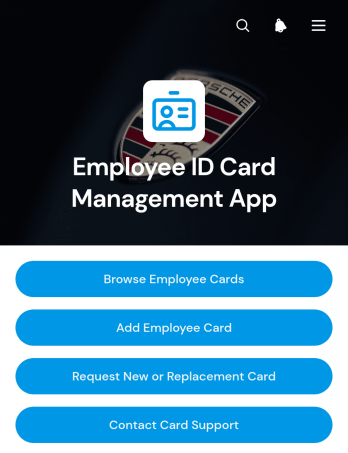
Employee ID Card Management App
The Employee ID Card Management App is a centralized app template for HR teams, office administrators, facilities staff, and card support teams that manage employee identification records. It helps authorized users browse employee cards, add card records, review key details, and direct staff to request new or replacement cards. Organizations can use it to keep employee numbers, card statuses, expiration dates, departments, and work contact details accessible from one convenient location. This clearer process reduces scattered requests, improves record visibility, and gives employees a straightforward self-service route for common card needs.Jotform Apps makes it easy to adapt this Employee ID Card Management App without coding. Using the no-code app builder and its drag-and-drop interface, teams can update pages, buttons, branding, and navigation to match internal procedures. Connected forms can support data collection and card requests, while Jotform Tables and automated workflows help organize records and notify the appropriate team. Publish the finished app with a direct link, QR code, or embedded experience for mobile-friendly access. Jotform App Templates offer a practical starting point that can grow alongside changing HR operations and employee resource needs.
Go to Category:Employee Self Service Apps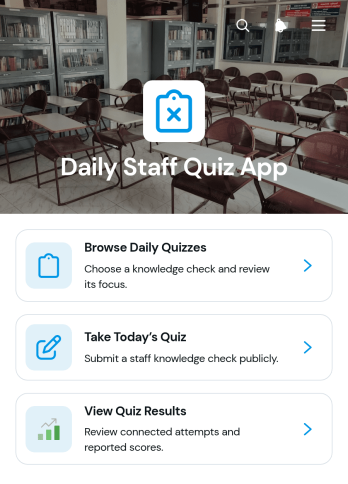
Daily Staff Quiz App
Daily Staff Quiz App is an app template for delivering short, recurring quizzes that reinforce workplace knowledge, training topics, procedures, and team updates. Managers, human resources teams, trainers, supervisors, and small to medium-sized businesses can use it to keep learning active without relying on lengthy training sessions. Staff can browse available daily quizzes, open the current quiz, and review quiz results from one convenient location. This focused experience supports regular knowledge checks, helps teams identify subjects that may need clarification, and encourages employees to retain important information as part of their daily routine.With Jotform Apps, organizations can adapt this app template using a no-code app builder and an intuitive drag-and-drop interface. Quiz access can be connected with forms and organized into a clear workflow for data collection, result review, and ongoing training. Teams can update content, adjust navigation, apply their own visual style, and share the finished app through a direct link or QR code. Jotform App Templates also make it easy to create a mobile-friendly self-service learning resource that staff can access from different devices, whether they work in an office, at a service location, or in the field.
Go to Category:Quiz Apps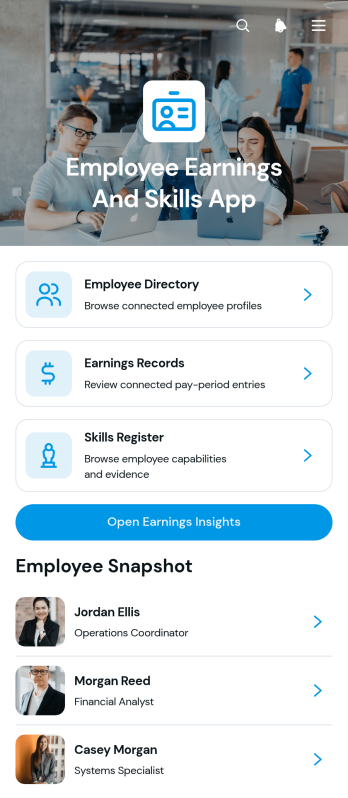
Employee Earnings and Skills App
The Employee Earnings and Skills App brings workforce profiles, earnings records, and skill information into one accessible resource for human resources teams, managers, payroll coordinators, and department leaders. Users can browse an employee directory, review individual earnings details, maintain a skills register, and open earnings insights without switching between disconnected records. It supports workforce planning, compensation reviews, project staffing, internal mobility, training decisions, and skills gap analysis. By keeping relevant employee information organized, the app helps teams find qualified staff, understand experience levels, document supporting evidence, and make better-informed workforce decisions.Jotform offers customizable App Templates that help organizations turn routine processes into convenient digital experiences. With its no-code app builder and drag-and-drop interface, teams can adapt the Employee Earnings and Skills App to their structure, branding, and workflow. Connected forms support data collection for employee profiles, earnings entries, and skill records, while organized pages make information easier to navigate. The finished app can be shared by a direct link or QR code and accessed from phones, tablets, or computers, giving approved users a practical self-service destination for current workforce information.
Go to Category:HR Portal Apps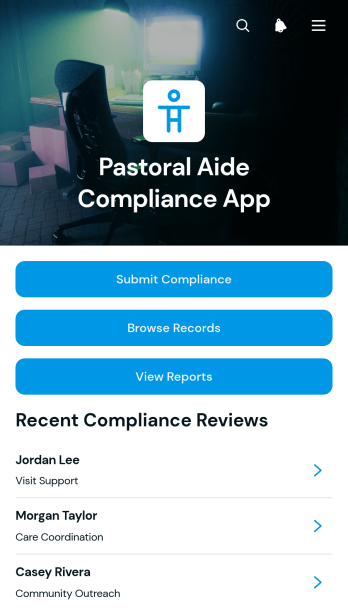
Pastoral Aide Compliance App
The Pastoral Aide Compliance App is an app template for documenting internal requirements, training progress, evidence, review dates, and follow-up actions for pastoral aides. It gives ministry administrators, faith-based nonprofits, program coordinators, supervisors, and volunteer managers a central place to submit compliance information, browse aide records, and review reports. Teams can organize records by aide and program area while keeping supporting evidence and training status easy to find. This shared view reduces scattered paperwork, helps coordinators identify incomplete items, and supports consistent oversight across pastoral care programs without making claims about legal or regulatory compliance.Jotform makes this Pastoral Aide Compliance App easy to adapt with a no-code app builder and a flexible drag-and-drop interface. Customize pages, navigation, buttons, colors, and fonts to reflect your organization, then connect forms and tables to support data collection and workflow management. Staff can submit updates, access records, and complete follow-up tasks from phones, tablets, or computers. As one of Jotform’s ready-to-use App Templates, it can be published quickly and shared through a direct link, QR code, or embedded experience, creating a convenient self-service resource for authorized team members.
Go to Category:Safety and Compliance Apps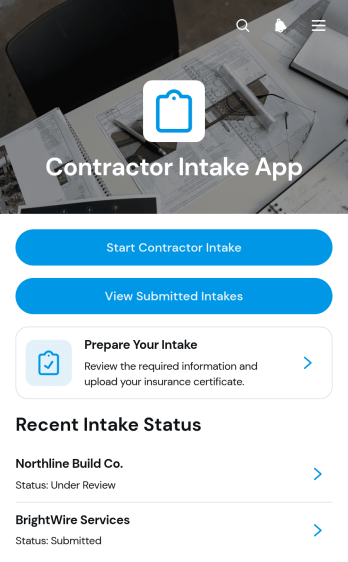
Contractor Intake App
The Contractor Intake App is a ready-to-use app template for construction firms, property managers, home service businesses, project teams, and operations departments that need a consistent way to onboard contractors. It provides guided intake, centralized review of submitted records, and clear status visibility while keeping essential contact, project, and coverage information together. Teams can use it when evaluating new contractors, preparing vendors for upcoming work, or maintaining current records for recurring projects. By replacing scattered emails and documents with an organized intake experience, the app helps coordinators review details more easily, identify missing information, and keep projects moving.Jotform App Templates make it easy to adapt the Contractor Intake App to an existing workflow without writing code. Using Jotform’s no-code app builder and drag-and-drop interface, teams can update pages, branding, navigation, questions, and connected resources. Intake data can be organized through linked forms and tables, while notifications and approval steps can support timely follow-up. Once the app is ready, it can be shared by direct link or QR code for convenient mobile self-service, giving contractors and internal teams a practical way to submit, access, and manage intake information.
Go to Category:Contractor Apps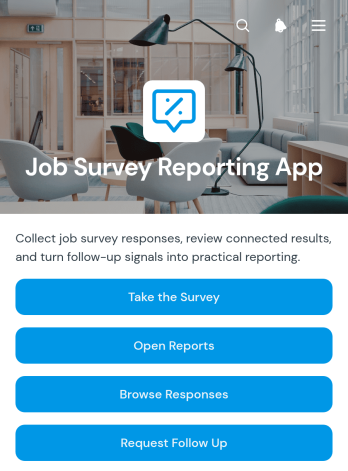
Job Survey Reporting App
The Job Survey Reporting App gives human resources teams, workforce consultants, career services, and operations managers one place to collect job survey feedback and review the resulting insights. Participants can take a survey, while authorized users can browse responses and open reports that support workforce research, role analysis, and service evaluation. Information such as job role, industry, recommendations, comments, and follow-up needs helps teams identify trends and determine where additional contact may be useful. This app template is well suited to recurring workforce surveys, employment program reviews, internal job studies, and career guidance initiatives.With Jotform, this Job Survey Reporting App can be adapted through a no-code app builder and an intuitive drag-and-drop interface. Teams can update pages, navigation, colors, fonts, and branding while connecting forms, data collection, reports, and follow-up workflows in a unified experience. Jotform App Templates also support mobile-friendly access, making it easier for respondents to participate and staff to review information from different devices. Publish the app with a direct link, share it using a QR code, or embed it where users already access resources.
Go to Category:Report Apps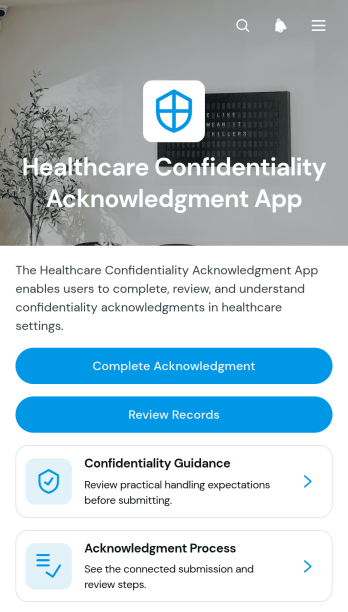
Healthcare Confidentiality Acknowledgment App
The Healthcare Confidentiality Acknowledgment App gives healthcare organizations a central place to distribute confidentiality guidance, collect staff acknowledgments, and review completed records. It is well suited to clinics, medical practices, care facilities, and administrative departments that need a consistent acknowledgment process for employees, contractors, trainees, or volunteers. Users can complete an acknowledgment, consult guidance on appropriate access to information, and review submission status without relying on scattered documents or email chains. This app template helps managers document participation, reinforce internal expectations, and make relevant information easier for personnel to find.Jotform App Templates help teams turn recurring processes into accessible, branded experiences without writing code. Using Jotform’s no-code app builder and drag-and-drop interface, administrators can adjust pages, wording, navigation, and visual styling to match their organization. The app can connect data collection forms with tables, notifications, approvals, and other workflow steps, giving authorized teams an organized way to manage acknowledgments. Publish it with a shareable link or QR code so personnel can access the self-service experience from a phone, tablet, or computer.
Go to Category:Healthcare Apps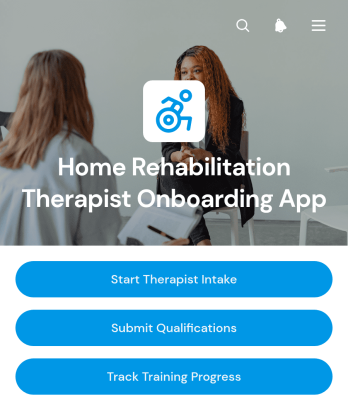
Home Rehabilitation Therapist Onboarding App
The Home Rehabilitation Therapist Onboarding App gives home rehabilitation providers and human resources teams a central place to welcome and prepare newly recruited therapists. It supports therapist intake, qualification submission, and training progress tracking without scattering onboarding activities across separate channels. Clinics, home care organizations, staffing coordinators, therapy managers, and growing healthcare teams can use it to collect essential professional information, review readiness, and help each therapist complete required onboarding steps. Clear navigation also helps new team members understand what to do next before beginning home-based assignments.Jotform makes this app template easy to adapt with a no-code app builder and an intuitive drag-and-drop interface. Teams can adjust pages, branding, instructions, and connected forms to reflect their own onboarding workflow, then organize data collection and employee self-service in one mobile-friendly experience. The app can connect with tables, approvals, notifications, and other Jotform workflows to support internal reviews and timely follow-up. Once customized, it can be shared through a direct link or QR code, giving therapists convenient access from almost any device.
Go to Category:HR Portal Apps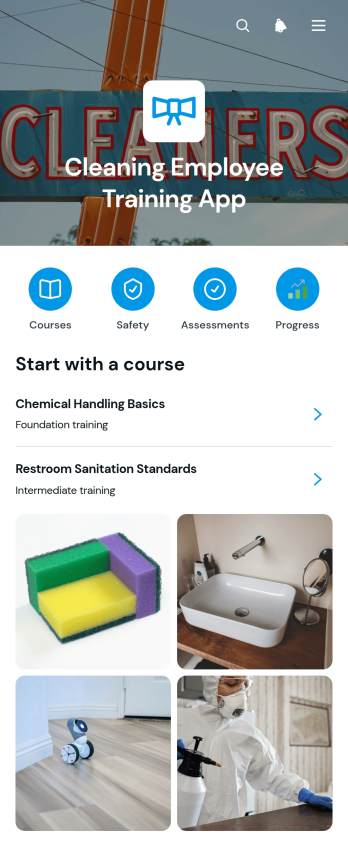
Cleaning Employee Training App
The Cleaning Employee Training App is a ready-to-use app template for cleaning companies, facilities teams, contractors, and supervisors who need a central place to train new and existing employees. It brings course materials, safety-focused guidance, assessment results, and completion records into an accessible learning experience. Teams can use it during onboarding, refresher training, or the introduction of updated cleaning procedures. By keeping essential instruction and progress information together, the app helps managers deliver consistent training, monitor employee learning, reduce scattered paperwork, and give staff convenient self-service access to the information they need.With Jotform Apps, organizations can adapt this app template using a no-code app builder and an intuitive drag-and-drop interface. Add or rearrange pages, update training content, apply company branding, and connect forms, tables, approvals, or other workflow steps without programming. The finished app can be shared through a direct link or QR code for mobile-friendly access in offices, facilities, or job sites. Jotform App Templates make it easier to create an interactive training resource that supports data collection, ongoing course updates, and organized employee development from one location.
Go to Category:Human Resources Apps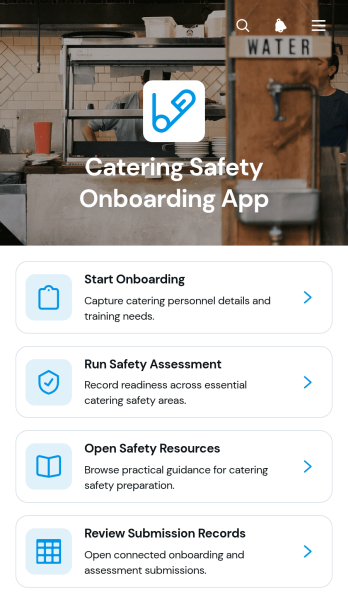
Catering Safety Onboarding App
The Catering Safety Onboarding App is a ready-to-use app template for catering businesses, event food service teams, kitchen managers, and HR or safety coordinators who need to orient workers before assignments begin. It brings onboarding, safety assessments, and resource access into one mobile-friendly experience, while submission records give authorized managers a practical view of completed activity. Use it when hiring permanent staff, preparing temporary crews for events, introducing contractors to kitchen expectations, or refreshing established teams on safe food handling and workplace practices. By replacing scattered documents and links with guided self-service, the app supports consistent training, clearer oversight, and easier data collection across venues and shifts.Jotform App Templates help teams turn operational workflows into branded digital experiences without writing code. Customize this Catering Safety Onboarding App with the no-code app builder and drag-and-drop interface, then connect forms, tables, notifications, and approval steps to match your process. Pages, navigation, colors, fonts, and content can be updated for different roles or locations, and the finished app can be shared through a direct link or QR code. Jotform makes it easy to keep onboarding resources accessible, collect responses in one place, and adapt the workflow as staffing or safety needs change.
Go to Category:Safety and Compliance Apps
Employee Credentials Portal App
Employee Credentials Portal App provides HR teams, operations managers, administrators, and department supervisors with a central place to organize workforce credential records. Employees can submit credential details and supporting documents, while authorized staff can browse entries and maintain records as information changes. Issue and expiry dates help teams monitor time-sensitive qualifications without relying on scattered files or email threads. The app template is useful for companies, contractors, service providers, and other organizations that need a consistent credential data collection process and convenient employee self-service access.With Jotform Apps, teams can adapt this Employee Credentials Portal App through a no-code app builder and an intuitive drag-and-drop interface. Pages, navigation, branding, forms, and connected tables can be updated to match internal processes without writing code. Organizations can connect the app to approvals, notifications, and other workflow steps, then share it by direct link or QR code for mobile-friendly access. Jotform App Templates offer a practical starting point for bringing credential intake, record navigation, and ongoing updates into one interactive experience.
Go to Category:HR Portal Apps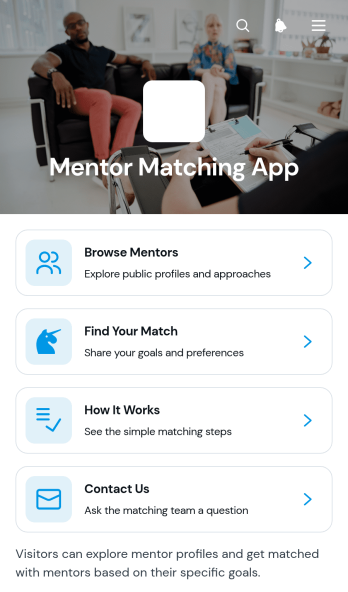
Mentor Matching App
The Mentor Matching App is a ready-to-use app template for organizations that connect participants with mentors based on their goals, preferences, and development needs. Users can browse mentor profiles, review details such as experience and availability, and share information to find a suitable match. It is well suited to schools, training programs, HR teams, nonprofits, professional communities, and consulting groups that run structured mentoring initiatives. By keeping mentor discovery and matching steps in one accessible place, the app reduces manual coordination, gives participants clearer choices, and helps program managers create a more consistent experience.Jotform Apps makes it easy to adapt this template without writing code. Use the drag-and-drop interface to update pages, profile cards, navigation, branding, and instructions, then connect forms or other workflow assets for data collection and follow-up. The no-code app builder supports a convenient self-service experience that participants can access on phones, tablets, or computers. Start with one of Jotform’s App Templates, tailor the content to your mentoring program, and share the finished app through a direct link or scannable code.
Go to Category:Community & Engagement Portal Apps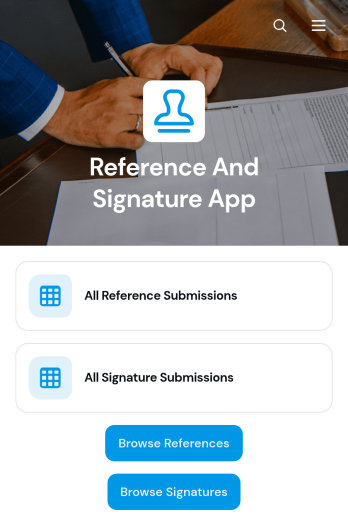
Reference And Signature App
The Reference And Signature App brings reference collection, signature submission, and record review into one accessible experience for hiring teams, educational institutions, consultants, service providers, and other organizations that need documented input and confirmation from third parties. Users can submit a reference, add a signature to a selected record, provide sharing consent, and review relevant details without navigating separate systems. Centralized records help administrators monitor responses, locate reference and signature submissions, reduce missed information, and maintain a clearer workflow for recruitment, enrollment, contractor screening, service delivery, or internal approval processes.Jotform App Templates make it easy to adapt this app template to the way your organization works. With Jotform’s no-code app builder and drag-and-drop interface, you can update pages, navigation, colors, fonts, buttons, and branding without programming. Connect forms and tables to support data collection, organize records, and give participants a convenient self-service route from submission to review. Once the app is ready, publish it with a direct link or QR code so referees, signers, staff, and reviewers can access it from a phone, tablet, or computer.
Go to Category:Human Resources Apps
Executive Presence Assessment App
The Executive Presence Assessment App helps leadership coaches, human resources teams, consultants, and learning and development professionals evaluate how individuals demonstrate executive presence. Participants can start an assessment, review individual results, and view insights covering qualities such as confidence, clarity, listening, influence, composure, and authenticity. The app brings observations, strengths, and development priorities into one accessible experience, making it useful for leadership programs, coaching engagements, succession planning, manager development, and professional growth conversations.With Jotform, this app template can be adapted to match an organization’s assessment process and visual identity without writing code. The drag-and-drop app builder makes it easy to reorganize pages, update content, and connect forms for data collection and repeatable workflows. Teams can provide mobile-friendly self-service access through a direct link or scannable code, helping participants and reviewers complete assessments from nearly any device. Jotform App Templates also connect with tables, approvals, notifications, and other workflow tools, so results can support consistent follow-up and informed development planning.
Go to Category:Human Resources Apps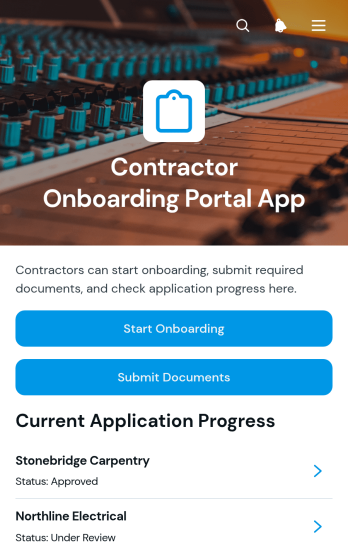
Contractor Onboarding Portal App
Contractor Onboarding Portal App gives construction firms, home service businesses, consulting teams, and operations departments a central place to welcome and organize new contractors. It supports onboarding intake, document submission, and progress tracking so coordinators can see each contractor’s trade, current status, completion level, and next step. Contractors can provide contact details, review assigned actions, and reach support without relying on scattered emails. The app template is especially useful for businesses managing multiple independent workers, subcontractors, or project-based specialists across different jobs and locations.With Jotform, teams can adapt this app template through a no-code app builder and an intuitive drag-and-drop interface. Pages, buttons, forms, visual elements, and navigation can be updated to match an organization’s onboarding workflow and branding. Connected forms help centralize data collection, while links to tables, approvals, and notifications can support internal follow-up. Once ready, the portal can be shared through a direct link, custom app URL, embedded experience, or QR code, giving contractors mobile-friendly self-service access from virtually any device.
Go to Category:Contractor Apps