

Human Resources App Templates

Time Kiosk App
Time Kiosk App gives teams a shared, kiosk-style place to record work time on-site without chasing paper timesheets or scattered messages. Employees can quickly start a shift, log breaks, and review their own time events, while managers can use employee lookup to find people and confirm activity when questions come up. It’s a practical fit for front desks, break rooms, shop floors, warehouses, clinics, and any location where multiple staff members need a consistent way to clock time from a single device.With Jotform, you can turn this Time Kiosk App app template into a polished self-service experience using a no-code app builder and a drag-and-drop interface. Connect the app to forms and tables for reliable data collection, keep records organized for day-to-day workflow needs, and share the kiosk by link or QR code so teams can access it in seconds. Update pages, branding, and navigation as your policies change, then publish instantly for a smoother time tracking routine.
Go to Category:Human Resources Apps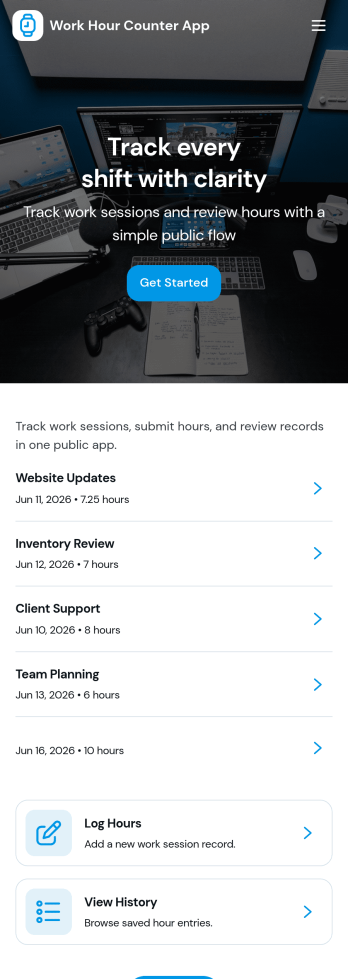
Work Hour Counter App
Work Hour Counter App helps teams and individuals track time worked without juggling spreadsheets or scattered notes. Use it to log hours as you go, review a running history of entries, and open a simple employee view that keeps day-to-day time tracking consistent across the organization. It fits hourly staff, contractors, remote teams, and supervisors who need a clear way to monitor work time, confirm totals, and keep everyone aligned on what was recorded.Built with Jotform, this app template combines self-service time entry with organized records you can revisit anytime. With Jotform’s no-code app builder and drag-and-drop interface, you can tailor pages for your workflow, connect the Log Hours experience to the included form for data collection, and keep entries easy to browse in a history view. Share the app with a link so employees can log time quickly while managers get a reliable view of recorded hours.
Go to Category:Human Resources Apps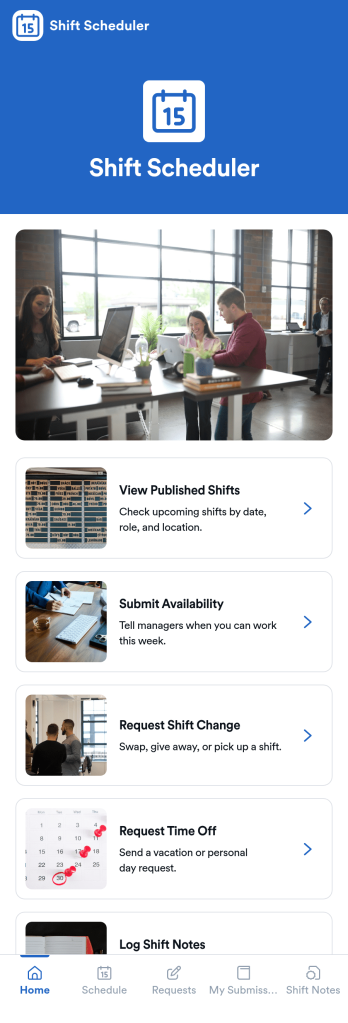
Shift Scheduler App
Shift Scheduler App helps teams publish upcoming shifts and give employees a simple place to submit availability, request shift changes, and ask for time off. It’s a practical fit for retail, hospitality, healthcare, field service, and any operation running rotating schedules across locations or roles. Managers can reduce missed messages and scheduling confusion by centralizing shift visibility and request intake, while staff get a clear self-service way to communicate needs without chasing supervisors.With Jotform, you can turn scheduling coordination into an app experience using App Templates and a no-code app builder. Customize pages with a drag-and-drop interface, connect request forms to your workflow, and keep information accessible on any device. Share the app through a link or QR code so employees can view published shifts, send updates, and track their own requests in one organized place.
Go to Category:Scheduling Apps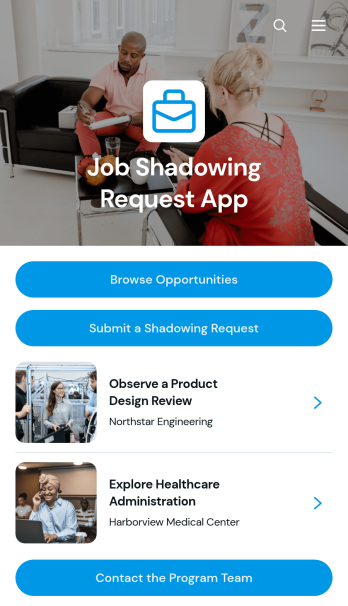
Job Shadowing Request App
Job Shadowing Request App gives students, career explorers, employees, and program participants one place to discover and request workplace observation experiences. Schools, universities, workforce programs, HR teams, and community organizations can use this app template to present available opportunities with essential information such as location, schedule, industry, eligibility, and an overview. Users can browse relevant roles, review the details of an experience, submit a shadowing request, and contact the program team when they need assistance. This organized self-service experience reduces scattered inquiries, clarifies expectations, and helps coordinators manage interest in career exploration programs.Jotform Apps makes it easy to adapt this Job Shadowing Request App without writing code. Using the no-code app builder and its drag-and-drop interface, teams can update pages, add branded content, connect request forms, and organize navigation around their workflow. Submitted information can support data collection and connect with Jotform Tables, approvals, notifications, and other processes for smoother follow-up. Like other Jotform App Templates, the app can be customized for a school, employer, nonprofit, or training provider and shared through a direct link or QR code for convenient mobile access.
Go to Category:Job Apps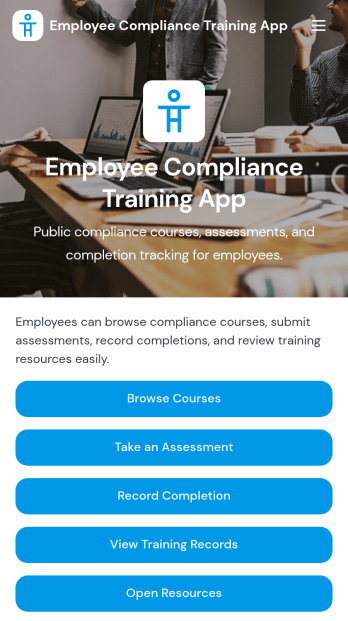
Employee Compliance Training App
Employee Compliance Training App gives HR teams, learning and development leaders, safety managers, and operations departments a central place to deliver and monitor required workplace education. Employees can browse available courses, review key learning materials, take assessments, and submit completion records without searching across disconnected systems. It is well suited to employee onboarding, annual refresher programs, information security awareness, workplace conduct education, and health and safety training. By bringing learning resources and training records into one accessible experience, the app helps organizations keep employees informed, reduce administrative work, and maintain clearer visibility into participation.Jotform makes this app template easy to adapt with a no-code app builder and an intuitive drag-and-drop interface. Teams can update pages, course links, buttons, visual elements, and branding to match their internal training program. Forms, tables, approvals, and automated workflows can be connected to support data collection, completion tracking, and timely follow-up. Once customized, the Employee Compliance Training App can be shared by direct link or QR code for convenient mobile self-service access. Explore Jotform App Templates to create a polished training experience without writing code.
Go to Category:Safety and Compliance Apps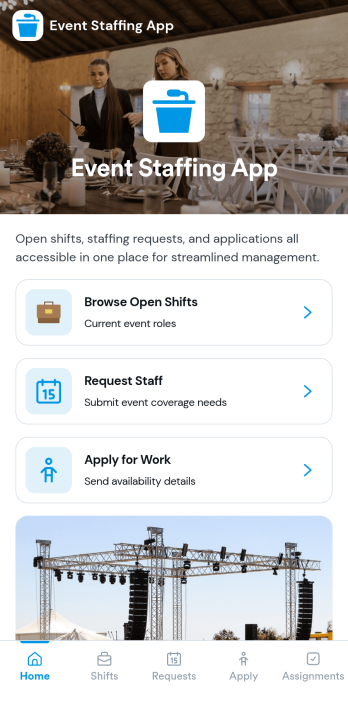
Event Staffing App
Event Staffing App brings event organizers and staff together in one place so shifts are easier to publish, find, and fill. Use it to share an open shift board, let team members browse openings by event, and collect applications for specific roles without chasing messages. It also supports internal staffing requests, helping production teams, venues, and agencies communicate what coverage they need and when.With Jotform App Templates, you can turn staffing processes into a mobile-friendly self-service experience using a no-code app builder and a drag-and-drop interface. Connect pages to Jotform forms and workflows for data collection, routing, and follow-ups, then share a single link with your crew or stakeholders. Customize the layout, add your branding, and keep event staffing information organized as your schedule changes.
Go to Category:Event Planner Apps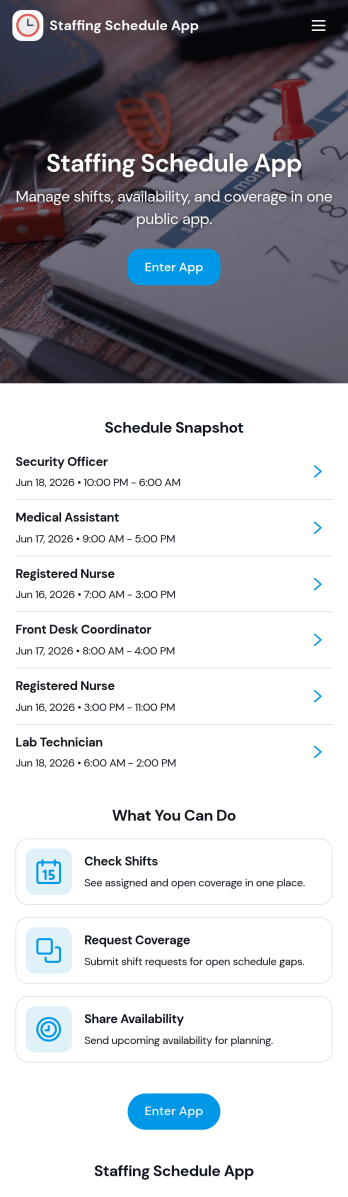
Staffing Schedule App
A staffing schedule app helps managers coordinate staff availability, organize shifts, and keep assignments easy to find in one place. This template fits restaurants, retail stores, clinics, warehouses, field teams, and any operation where coverage changes week to week. Use it to maintain a clear staff list, review upcoming shifts, and confirm who is assigned without relying on scattered messages or last-minute spreadsheets.With Jotform, you can publish the Staffing Schedule App as a self-service scheduling hub and connect it to the forms and tables behind your operations. Customize pages with a drag-and-drop interface, add buttons for quick data collection, and keep shift and assignment records organized for day-to-day workflow management. Share the app by link so supervisors can manage schedules from anywhere, and update staffing details in real time as roles and shift needs change.
Go to Category:Scheduling Apps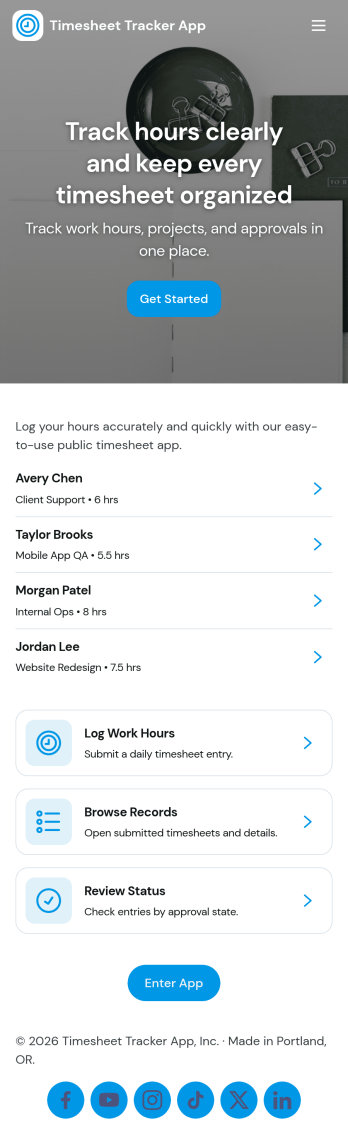
Timesheet Tracker App
Timesheet Tracker App helps teams record hours quickly, review work entries, and spot patterns in time spent across people and projects. From the home screen, employees can log time in a few taps, then browse past entries and open an employee-focused view for quick checks during payroll prep, client billing, or weekly reviews. It’s a practical fit for agencies, contractors, field teams, and growing businesses that need a consistent way to capture time worked without chasing updates in messages or spreadsheets.Built with Jotform, this app template pairs a drag-and-drop interface with connected forms so time data collection stays organized from the moment it’s submitted. Customize pages, buttons, and branding to match your workflow, then share the app with a link or QR code for fast self-service access. As your process evolves, you can expand the workflow with tables, approvals, and automated notifications to keep time tracking accurate and easy to manage.
Go to Category:HR Portal Apps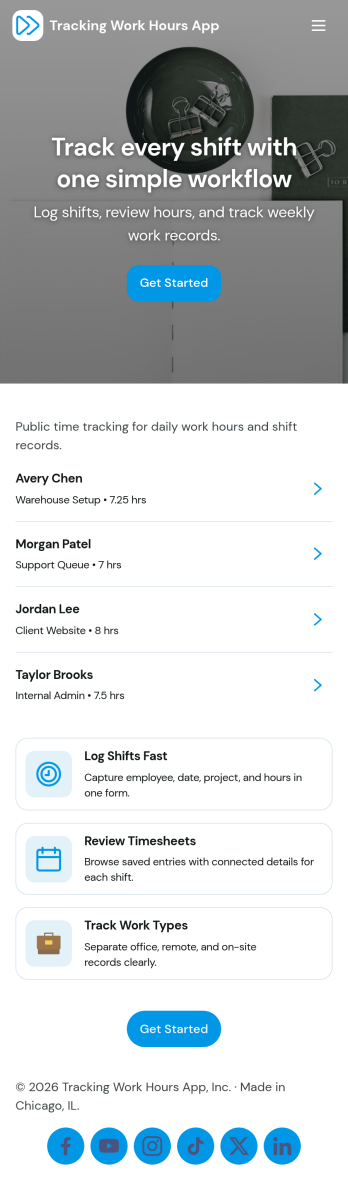
Tracking Work Hours App
Tracking Work Hours App helps teams record, review, and manage employee time in one place. Use it to register employees, log daily hours as entries are completed, and view timesheets for quick oversight across roles or job sites. It fits hourly staff, contractors, and shift-based schedules, making it easier to keep records consistent, reduce missing time logs, and support accurate internal reporting for payroll periods and project costing.Jotform makes it easy to turn time tracking into a mobile-friendly self-service experience with ready-to-use app templates and a no-code app builder. Customize pages with a drag-and-drop interface, connect your hour logs to forms and tables for organized data collection, and guide users through a simple workflow from adding entries to reviewing timesheets. Share your Jotform app by link or QR code so employees and managers can access the same up-to-date information wherever work happens.
Go to Category:Tracker Apps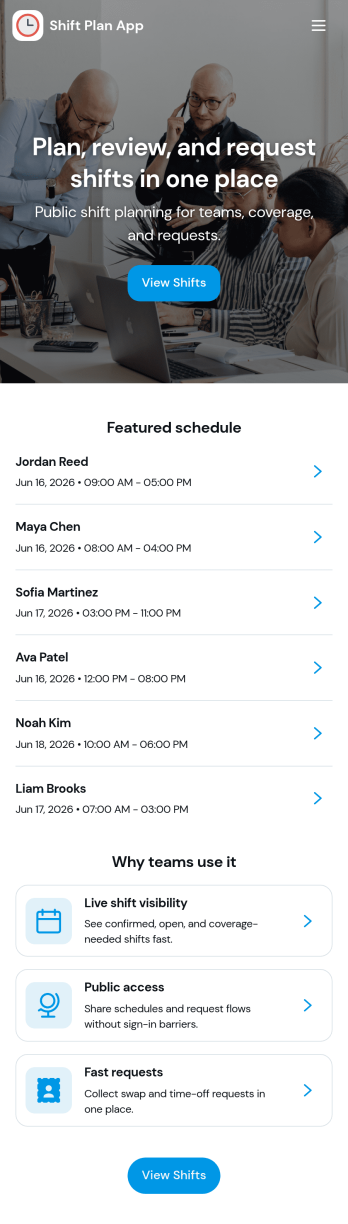
Shift Plan App
Shift Plan App brings your team’s schedule into one clear, shareable place so employees always know when they’re working and managers spend less time answering repeat questions. Use it to publish upcoming shifts, let staff view the schedule anytime, and route shift-change requests through a simple in-app form when conflicts come up. The built-in shift overview dashboard helps you spot coverage gaps at a glance, while team and employee pages make it easy to find the right person’s schedule without hunting through messages.With Jotform, you can turn everyday scheduling needs into a self-service experience using app templates and a no-code app builder. Customize pages with a drag-and-drop interface, connect your scheduling data to tables, and keep change requests organized with automated workflows and notifications. Share your Shift Plan App with a link or QR code so teams can access the latest updates from anywhere, especially on mobile.
Go to Category:Scheduling Apps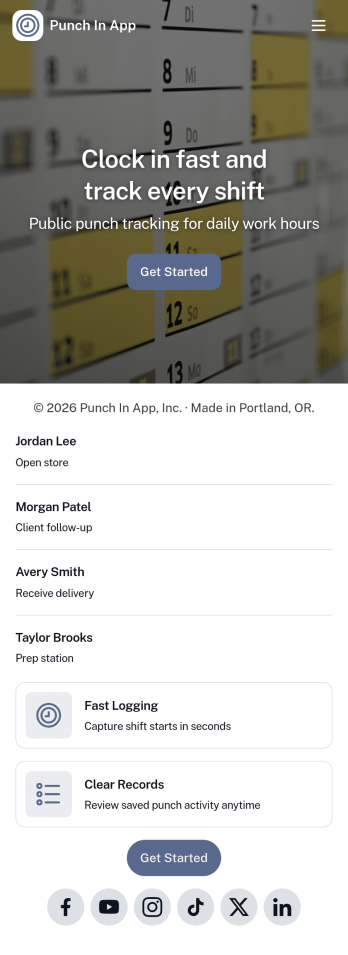
Punch In App
Punch In App helps teams record time entries when employees start and end shifts. Staff can open a punch form from the home screen, while managers can review a list of shifts and navigate into an employee view for quick follow-ups. Built for hourly workplaces, field teams, and multi-location operations, it keeps clock-ins consistent without relying on verbal check-ins or scattered messages. A dedicated support section also makes it easy for employees to email payroll or call the office when something needs correcting.With Jotform, you can turn this app template into a branded, mobile-friendly time entry experience using a no-code app builder and a drag-and-drop interface. Connect the punch form to your workflow so time records stay organized, route requests for review when needed, and keep self-service access simple for employees and supervisors. Share the app by link or QR code so your team can punch in from the devices they already use.
Go to Category:Human Resources Apps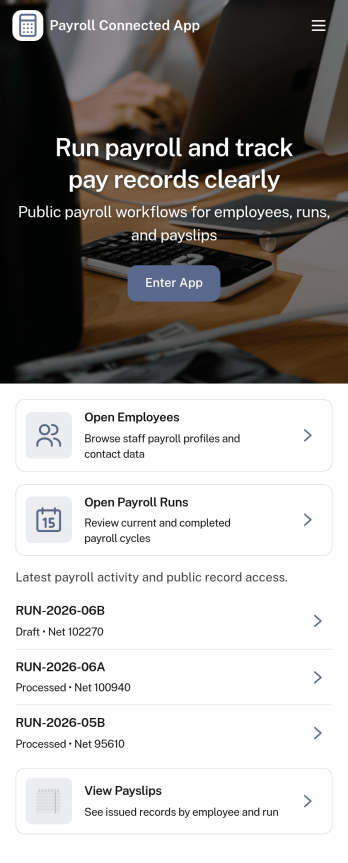
Payroll Connected App
Payroll Connected App brings employee details, pay periods, and payroll submissions into one place so teams can run payroll with fewer missed steps. Use it to add and review employees, create pay periods, capture hours, and build pay summaries that are ready for review. It’s a practical fit for small businesses, operations teams, and HR or finance staff who want a clear view of what’s due each cycle and an easy way for managers to check payroll requests before they move forward.Jotform makes it simple to turn payroll processes into a self-service experience with App Templates that connect your forms, tables, and approvals in one branded workspace. Customize pages with a drag-and-drop interface, keep records organized for quick lookup, and route updates through the right workflow without code. Share your app by link so the right people can add employees, submit payroll, and review approvals from anywhere.
Go to Category:Human Resources Apps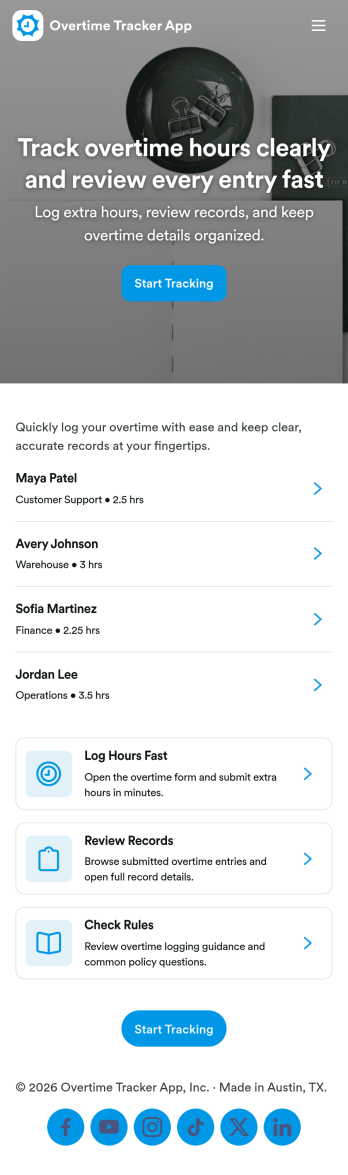
Overtime Tracker App
Overtime Tracker App helps teams record extra hours consistently and keep overtime details easy to find. Employees can quickly log overtime from a dedicated entry point, while supervisors and payroll coordinators can view records by employee and follow activity over time. It’s a practical fit for shift-based operations, field teams, agencies, restaurants, healthcare offices, and any workplace that needs a clear routine for capturing overtime and adding context when something needs explaining.Jotform makes it simple to turn this kind of workflow into a mobile-friendly experience with customizable app templates and a no-code app builder. Use a drag-and-drop interface to adjust pages, add guidance text, and connect the app to your forms and tables for reliable data collection. Share the app with a link for self-service logging, keep records centralized, and support faster reviews with organized views and summaries in one place.
Go to Category:HR Portal Apps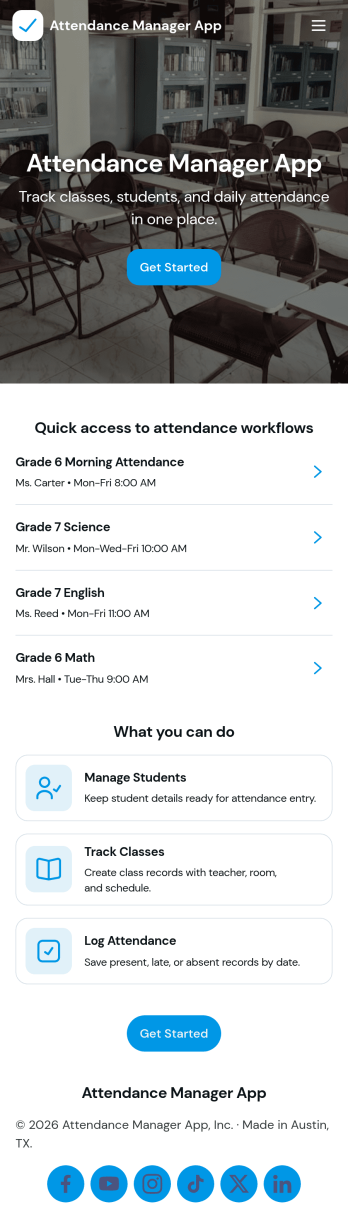
Attendance Manager App
An Attendance Manager App gives teams a central place to register attendees, log attendance, and review participation history without relying on scattered spreadsheets. It’s useful for schools tracking class presence, HR teams monitoring trainings, event staff managing check-ins, and community programs recording recurring attendance. With quick navigation to register attendee, log attendance, and browse records, the app supports day-to-day tracking while keeping rosters and entries easy to find.Jotform makes it simple to tailor this app template to your process using a no-code app builder and a drag-and-drop interface. Connect the buttons in your app to forms for data collection, route information into organized tables, and keep your workflow moving with shareable links for staff or participants. Publish a polished self-service experience in minutes, then update fields, pages, and branding as your attendance needs evolve.
Go to Category:Activity Tracking Apps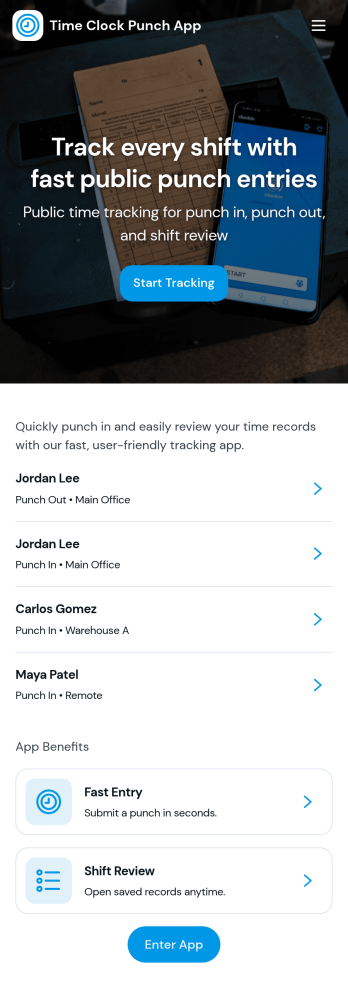
Time Clock Punch App
Time Clock Punch App helps teams record employee clock-ins and clock-outs from one place, making it easier to track daily hours without relying on paper timesheets or scattered messages. Staff can punch now, open the punch form, and review today’s activity, while supervisors can browse shift logs and see punch records by employee for quick verification and follow-up.Built with Jotform, this app template combines a clean, mobile-friendly layout with connected forms and logs so time entries stay organized as they come in. Use Jotform’s no-code app builder and drag-and-drop interface to tailor pages, add role-specific navigation, and keep data collection consistent across locations, departments, or job sites while supporting a smoother self-service routine for your workforce.
Go to Category:Human Resources Apps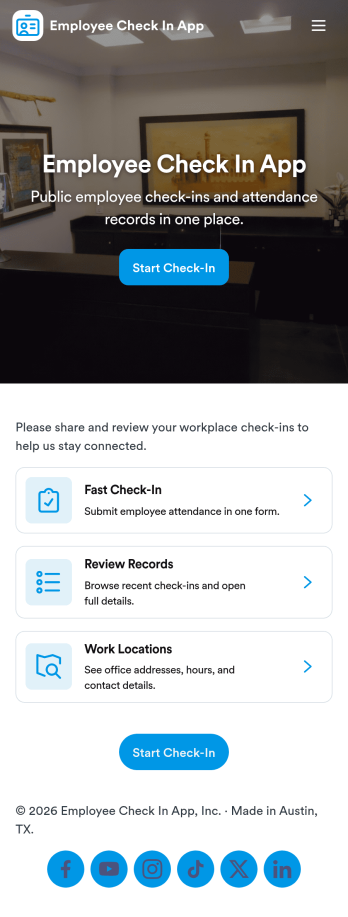
Employee Check In App
An employee check in app gives teams a simple way to record when employees start their day and helps managers stay on top of daily attendance. This template includes a dedicated Check In area for quick actions, an Attendance section that lists employees for easy browsing, and employee-specific views that make it easier to look up someone’s status without digging through messages or spreadsheets. It works well for offices, retail teams, field crews, and hybrid workplaces that want a consistent check-in habit across locations and shifts.With Jotform, you can turn this Employee Check In App into a polished self-service experience using a no-code app builder and a drag-and-drop interface. Connect pages to your existing workflows for data collection, route entries for manager review, and keep attendance records organized in one place. Share the app through a link or QR code so employees can check in quickly, while supervisors can review attendance from anywhere.
Go to Category:Sign In Apps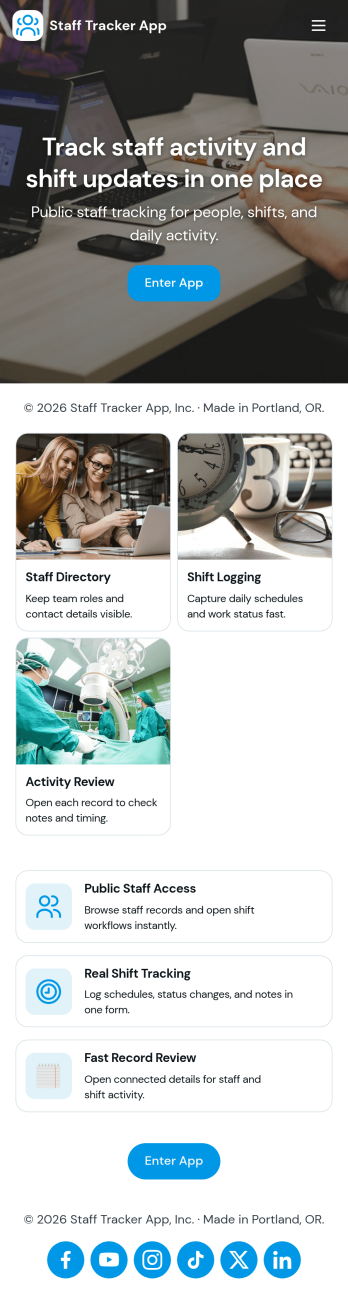
Staff Tracker App
Staff Tracker App brings your employee directory and shift activity into one place so managers and team leads can quickly find staff details, review individual profiles, and keep day-to-day operations organized. With dedicated areas for Staff, a Shift Log, and Reviews, it supports teams that need a clear view of who is on the roster, what shifts have been worked, and how performance feedback is being captured across locations or departments.Built with Jotform, this app template helps you launch a self-service experience without coding. Use Jotform’s no-code app builder and drag-and-drop interface to tailor navigation, add pages, and connect buttons to forms and tables for data collection and ongoing workflow. Share the app with your internal team, keep records centralized, and update information in real time as staffing needs change.
Go to Category:Human Resources Apps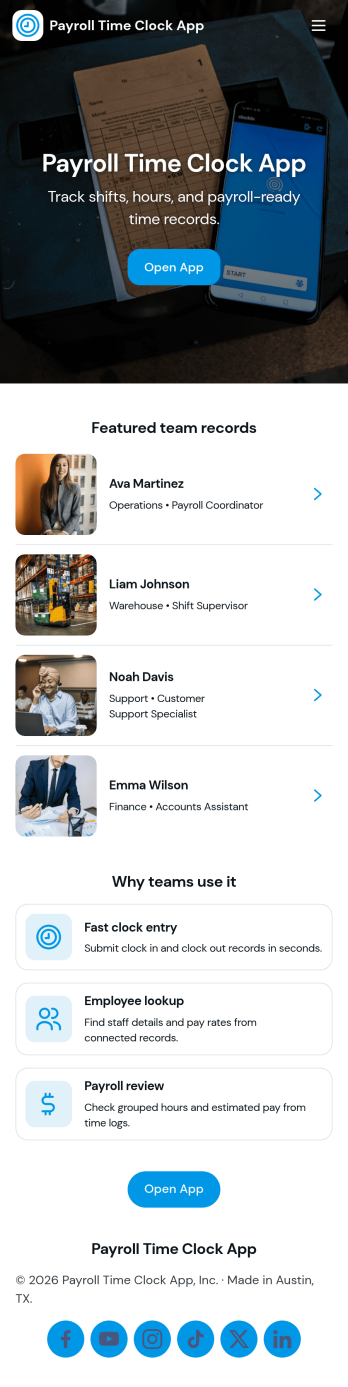
Payroll Time Clock App
Payroll Time Clock App helps teams capture accurate work hours and turn daily punches into payroll-ready records. Employees can clock in from a dedicated page, review timesheets, and see payroll details in one place, while managers route exceptions through an approvals page before pay periods close. It’s a practical fit for hourly workforces in retail, food service, field services, and growing businesses that need a consistent way to document time across locations and shifts.With Jotform, you can build and publish App Templates that bring time tracking, data collection, and workflow steps together without code. Use a drag-and-drop interface to adjust pages, add role-based navigation, connect the app to forms and tables, and keep records organized for fast review. Share the app through a link or QR code so employees and supervisors can use a simple self-service experience for clock-ins, timesheets, approvals, and payroll coordination.
Go to Category:Human Resources Apps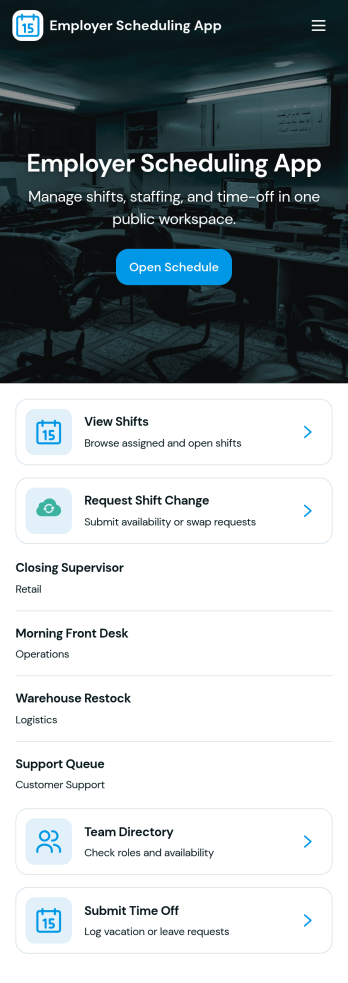
Employer Scheduling App
Employer Scheduling App helps managers and employees coordinate staffing without chasing updates across texts, emails, or spreadsheets. Use it to publish open shifts, collect employee availability, and manage time off requests in one place so coverage decisions are faster and clearer for everyone. It fits shift-based teams in retail, hospitality, healthcare clinics, warehouses, and field operations, as well as any workplace that needs dependable weekly scheduling and visibility into who can work.Built with Jotform, this app template combines self-service actions with organized records to keep scheduling workflows moving. With a no-code app builder and a drag-and-drop interface, you can tailor pages, buttons, and navigation to match your scheduling process, then connect forms and tables for ongoing data collection and tracking. Share the app with a link so staff can add shifts, submit availability, and request time off while managers review all shift records and requests from a central hub.
Go to Category:HR Portal Apps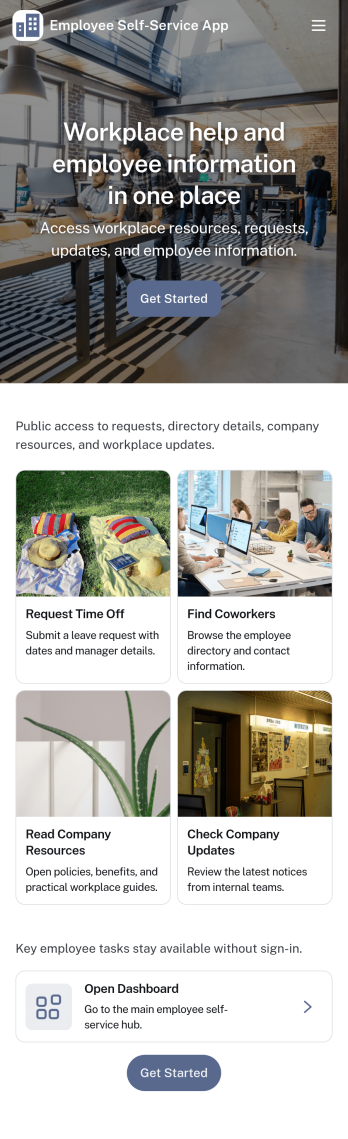
Employee Self-Service App
Employee Self-Service App brings key internal requests and employee resources into one place, so staff can quickly find what they need without chasing links or emailing the same questions repeatedly. It fits teams that want a simple front door for everyday needs like submitting a time-off request, sending an IT help request, browsing company resources, and checking an employee directory. Use it for offices, distributed teams, retail groups, and growing businesses that need a consistent way to guide employees to the right forms and information.With Jotform, you can build and publish app templates like this one using a no-code app builder with a drag-and-drop interface. Connect buttons and pages to forms for data collection, route information into the workflows your team already uses, and keep content organized in a mobile-friendly self-service experience. Update resources, adjust navigation, and refine the experience over time so employees always have an easy way to take action and get support.
Go to Category:HR Portal Apps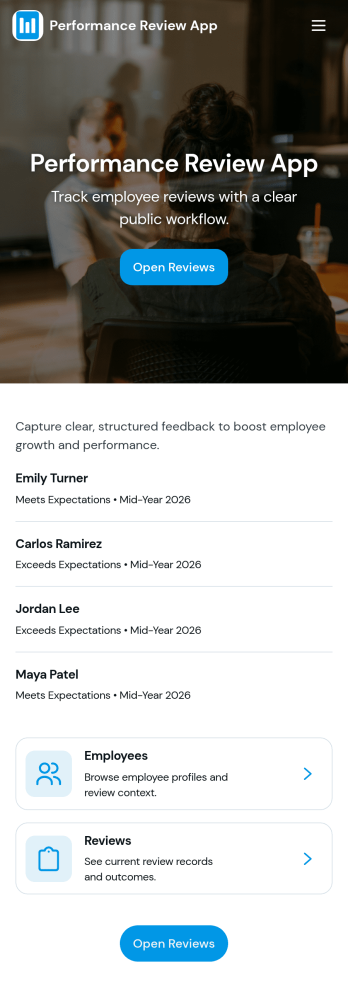
Performance Review App
Performance Review App brings employee evaluations into one consistent, repeatable flow so managers and HR teams can start a review, capture feedback, and keep review records organized over time. It’s a practical fit for growing companies that need a clear place to document goals, competencies, and outcomes for each employee, whether reviews happen quarterly, annually, or after a probation period. With an easy starting point for new evaluations and a dedicated area for past reviews, this app supports fair, timely conversations without scattered notes or missing history.Jotform makes it simple to turn this performance review app template into a tailored self-service experience using a no-code app builder with a drag-and-drop interface. Connect the app to your existing workflow for data collection, keep review records accessible in one place, and share the app with the right stakeholders so reviews stay consistent across teams. As your process evolves, you can update pages, refine prompts, and keep insights easy to reference without rebuilding from scratch.
Go to Category:HR Portal Apps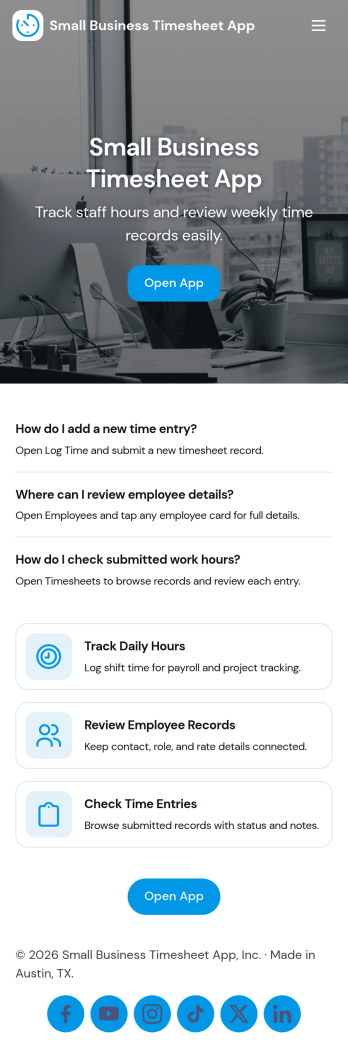
Small Business Timesheet App
Small Business Timesheet App helps owners and managers collect employee hours in a simple, consistent way, then review and reference past entries when it’s time to run payroll or validate project time. With a clear place to submit hours, view history, and route entries into a review step, this app fits teams that juggle part-time staff, field work, or multiple job sites and need a dependable record of time worked without chasing messages or spreadsheets.Jotform makes it easy to turn time tracking into a guided self-service experience with a no-code app builder and a drag-and-drop interface. Connect this app template to your form and organize the workflow across pages so employees always know where to log time and supervisors know where to review it. As your business grows, you can update the layout, add new steps, and keep all your time data collection in one place with Jotform.
Go to Category:Activity Tracking Apps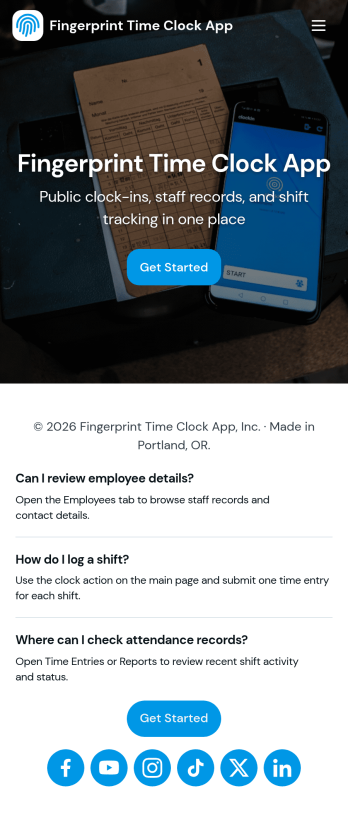
Fingerprint Time Clock App
Fingerprint Time Clock App helps teams record work hours in a simple, consistent way using clear Clock In and Clock Out actions. It’s a practical fit for managers who want a quick way to capture time entries at the start and end of a shift, and for employees who need an easy, repeatable flow for logging time from a shared device or their own phone. With a dedicated area to review timesheets and a separate employee list for browsing staff profiles, the app supports day-to-day timekeeping without relying on scattered messages or spreadsheets.Jotform makes it easy to turn time tracking into a self-service experience with customizable App Templates built in a no-code app builder. Use the drag-and-drop interface to adjust pages, add instructions, and connect your time log form to the rest of your workflow so records stay organized in one place. Share your app by link or QR code, keep your team aligned with a consistent check-in routine, and manage employee information alongside timesheets with Jotform.
Go to Category:Human Resources Apps
Employee Shift Handover App
Employee Shift Handover App is a ready-to-use app template for teams that need to transfer essential information between outgoing and incoming employees. It gives operations managers, shift supervisors, department leads, and frontline staff a shared place to create handover records, complete checklist items, and review previous updates. Employees can document shift summaries, open tasks, safety notes, staffing details, and relevant attachments without relying on scattered messages or paper logs. This consistent process helps factories, warehouses, hospitality businesses, healthcare services, maintenance teams, and other shift-based workplaces reduce missed updates and maintain continuity across departments.With Jotform Apps, organizations can adapt this Employee Shift Handover App to their daily procedures without writing code. The drag-and-drop interface makes it easy to adjust pages, navigation, visual styling, and linked forms while preserving a mobile-friendly experience. Teams can connect data collection to tables, notifications, approvals, and other workflow steps, then share the finished app through a direct link, scannable code, or embedded experience. Jotform app templates offer a practical starting point for building an employee self-service resource that supports clearer communication and more dependable shift transitions.
Go to Category:Human Resources Apps