

Information Technology Apps

Software Company Operations App
The Software Company Operations App is a centralized workspace for software businesses that need to coordinate internal requests, projects, resources, and operational visibility. It helps operations leaders, engineering managers, project owners, support teams, and growing technology companies give staff a consistent place to submit software requests, follow request or project progress, and access shared resources. By replacing scattered messages and disconnected documents with a clear self-service experience, this app template makes ownership, stage, requester, and status information easier to find. Teams can use it for intake triage, project coordination, internal service delivery, and day-to-day oversight without creating a separate tool for each process.Built with Jotform Apps, this Software Company Operations App can be adapted through a no-code app builder and an intuitive drag-and-drop interface. Teams can update pages, navigation, colors, and content, then connect forms, tables, approvals, notifications, and other workflow steps to support reliable data collection. Jotform App Templates provide a ready-to-use starting point while leaving room for branded experiences and changing procedures. Publish the finished app with a direct link or QR code so employees and approved partners can reach current information from a phone, tablet, or computer. This approach helps software companies maintain one accessible operations hub while reducing manual follow-up and keeping routine work moving.
Go to Category:Information Technology Apps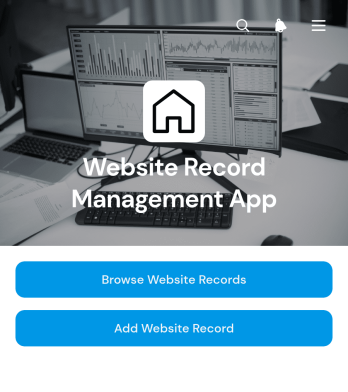
Website Record Management App
Website Record Management App is an app template for organizing website records across an agency, internal technology team, marketing department, or growing business. It gives users one place to browse website entries, add new records, review status summaries, and open individual details such as the website URL, owner contact, last review date, and relevant notes. Teams can use it to maintain a dependable website inventory, assign ownership, identify records that need attention, and document review or maintenance activity. By replacing scattered spreadsheets and messages with a shared resource, the app supports clearer accountability and more consistent website oversight.Jotform Apps helps teams turn this template into a branded record management experience without writing code. Its drag-and-drop interface makes it easy to adjust pages, cards, buttons, navigation, and visual styling for different workflows. Users can connect forms for data collection, organize submitted information in tables, and add notifications or approval steps when needed. The finished app can be shared through a direct link, embedded experience, or scannable code, giving staff convenient mobile-friendly access. Explore Jotform App Templates to create a self-service resource that keeps website information accessible, current, and easier to manage.
Go to Category:Information Technology Apps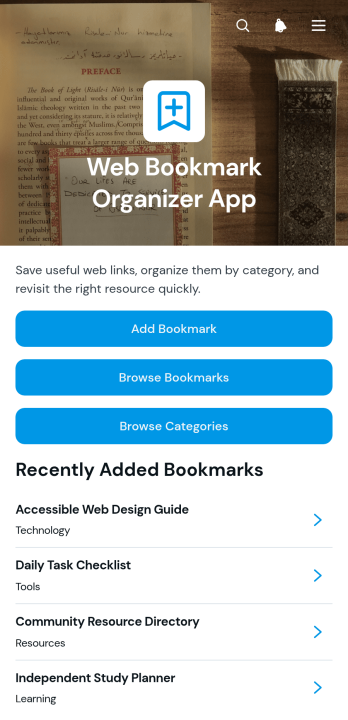
Web Bookmark Organizer App
The Web Bookmark Organizer App is a ready-to-use app template for collecting, categorizing, and revisiting useful web links from one organized location. It is well suited to researchers, students, educators, content teams, consultants, and small businesses that need to manage frequently used online resources. Users can add bookmarks through a connected form, browse saved links, explore categories such as technology, learning, tools, and resources, and open bookmark details with descriptions and tags. This reduces scattered link lists, makes reference material easier to find, and supports shared research, knowledge management, and everyday resource navigation.Jotform App Templates help teams turn processes and information into accessible digital experiences without coding. Using Jotform’s no-code app builder and drag-and-drop interface, you can adapt pages, navigation, colors, typography, and branding to match your needs. Connect forms and tables to support data collection, organize bookmark records, and build a practical workflow for ongoing updates. Once customized, the app can be shared by link or QR code, giving individuals or teams a mobile-friendly self-service resource that remains easy to maintain as their collection grows.
Go to Category:Organization Apps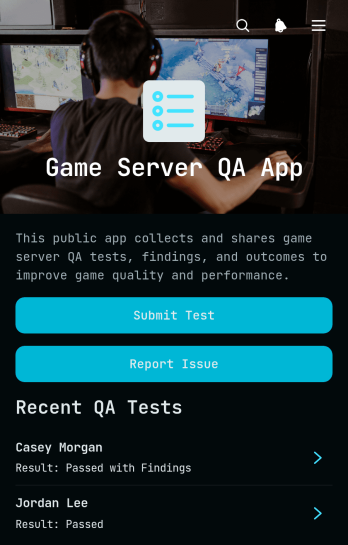
Game Server QA App
Game Server QA App gives quality assurance testers, game development teams, server engineers, and project leads a shared space for documenting server tests and reporting technical issues. This app template supports test submissions, issue reporting, evidence access, and centralized review of submitted records. Teams can use it during feature validation, multiplayer testing, release checks, maintenance windows, and server environment assessments. By keeping findings, reproduction steps, tester details, and supporting evidence connected, the app helps teams investigate defects, monitor testing activity, reduce scattered communication, and make informed release decisions.Jotform Apps makes this Game Server QA App easy to adapt without writing code. Use the no-code app builder and drag-and-drop interface to update pages, navigation, branding, and content for a particular testing workflow. Connected forms and tables support organized data collection, while links and action buttons give testers quick access to essential tasks. Teams can start with Jotform App Templates, customize the experience, and share it through a direct link or QR code. The result is a mobile-friendly resource that supports collaboration and self-service reporting wherever testing takes place.
Go to Category:Engineering Apps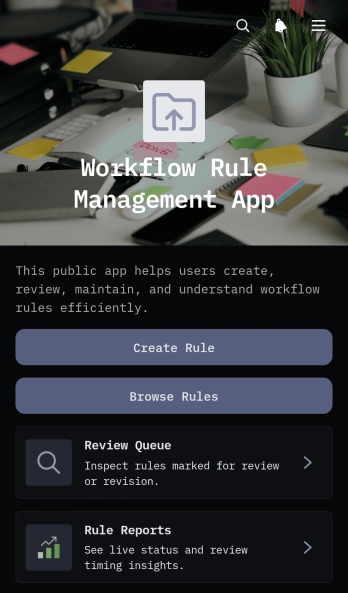
Workflow Rule Management App
The Workflow Rule Management App is an app template for operations leaders, process owners, IT teams, and department managers who need one place to document and maintain business rules. Teams can create rules, browse an organized rule library, and move proposed changes through a review queue while keeping reports available for oversight. It suits organizations that manage routing criteria, internal policies, service procedures, approval logic, or recurring process decisions across multiple teams. Clear ownership and review dates help prevent outdated instructions, while visible triggers, conditions, and actions give reviewers the context needed to assess each rule. This shared workspace reduces scattered records, supports consistent decision-making, and makes rule updates easier to monitor.With Jotform, this App Template can be adapted in a no-code app builder using a drag-and-drop interface. Add or rearrange pages, cards, buttons, and navigation, then connect forms, tables, notifications, and other workflow steps to fit the way your organization handles data collection and review. Teams can apply their own visual style, share the app through a direct link or QR code, and provide mobile-friendly self-service access to authorized staff. Start with the ready-made structure, tailor the rule fields and reporting experience, and publish a practical internal app without building software from scratch.
Go to Category:Management Apps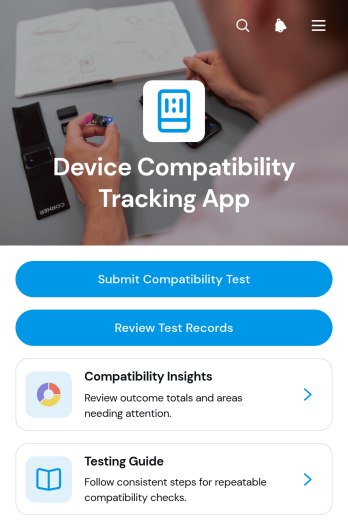
Device Compatibility Tracking App
The Device Compatibility Tracking App is a centralized testing resource for quality assurance teams, software developers, information technology departments, product managers, and support specialists who need to verify how an application performs across devices and operating systems. Users can submit compatibility tests, review detailed test records, and consult compatibility insights or testing guidance. This app template helps teams document application versions, test areas, outcomes, and tester notes in a consistent format, making it easier to identify recurring issues, prioritize fixes, confirm retesting needs, and maintain a reliable history throughout release cycles.Jotform Apps makes it easy to adapt the Device Compatibility Tracking App to an organization’s testing workflow without writing code. The no-code app builder offers a drag-and-drop interface for adjusting pages, navigation, visual elements, and connected data collection forms. Teams can organize records with Jotform Tables, link related resources, automate notifications, and provide convenient self-service access from phones, tablets, or computers. Start with Jotform App Templates, apply your branding, and share the finished app through a direct link, scannable code, or embedded experience.
Go to Category:Information Technology Apps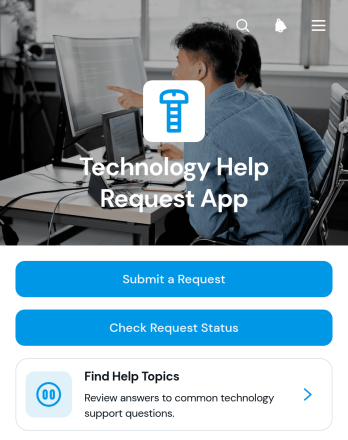
Technology Help Request App
The Technology Help Request App gives employees, customers, students, or other users one place to report device and service issues, check request status, and browse help topics. It is well suited to internal technology teams, managed service providers, schools, consultancies, and growing organizations that need a clear path for support. Users can identify the affected device or service, classify the issue, indicate urgency, and provide requester details. This reduces scattered requests, helps teams understand priorities, and makes recurring questions easier to address through self-service resources.Jotform helps organizations turn this app template into a branded support experience without writing code. Its drag-and-drop app builder makes it easy to adjust pages, navigation, buttons, and visual elements while connecting request forms to data collection and workflow tools. Teams can organize incoming information, notify the appropriate staff, and keep related resources within a mobile-friendly experience. Once customized, the app can be shared through a direct link or QR code, giving users convenient access wherever technology problems arise.
Go to Category:Information Technology Apps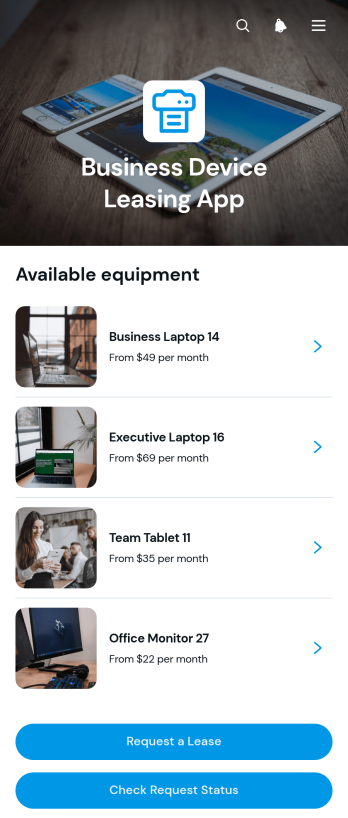
Business Device Leasing App
Business Device Leasing App gives equipment providers, information technology teams, procurement departments, and growing companies a central place to present business devices and manage lease interest. Users can browse a device catalog, review essential details such as lease terms and availability, submit a lease request, and check its status without relying on scattered emails or manual follow-ups. It is well suited to companies leasing computers, tablets, phones, office hardware, or other workplace equipment to employees, clients, and business locations. By connecting device discovery with request collection and status visibility, the app supports clearer communication, faster internal review, and a more convenient self-service experience.With Jotform, this app template can be adapted to match a company’s leasing process without coding. The drag-and-drop app builder makes it easy to update pages, cards, buttons, images, fonts, colors, and navigation while maintaining a polished mobile-friendly layout. Teams can connect forms, tables, approval steps, notifications, and other workflow tools to organize data collection and keep requests moving. Once customized, the Business Device Leasing App can be published and shared through a direct link, custom app link, embedded experience, or scannable code, giving customers and staff convenient access from nearly any device.
Go to Category:Rental Apps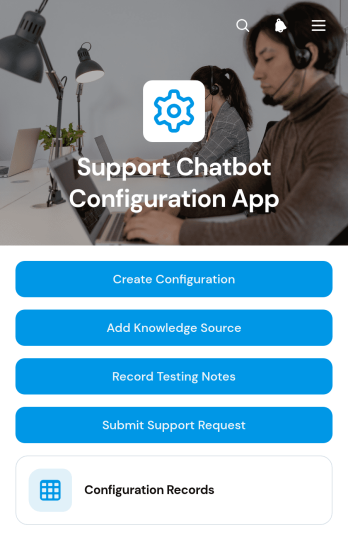
Support Chatbot Configuration App
The Support Chatbot Configuration App is a centralized workspace for planning, documenting, and reviewing customer support chatbot setups. Support leaders, customer service teams, IT teams, and consultants can use it to create configuration records, add approved knowledge sources, and capture testing notes before or after updates. It also provides a clear route for submitting support requests and keeps related records accessible through connected tables. This shared setup helps organizations maintain consistent guidance, trace configuration changes, coordinate reviews, and reduce scattered documentation while preparing a new chatbot, refining responses, or managing ongoing support operations.With Jotform Apps, teams can adapt this app template through a no-code app builder and an intuitive drag-and-drop interface. Pages, navigation, forms, tables, and branded visual elements can be adjusted to match an organization’s workflow without writing code. Connected data collection keeps configuration details and follow-up records organized, while links, QR codes, and embedded experiences make the app easy to share. Starting with ready-made App Templates also gives teams a faster way to publish a mobile-friendly resource for internal collaboration and self-service access.
Go to Category:Service & Support Portal Apps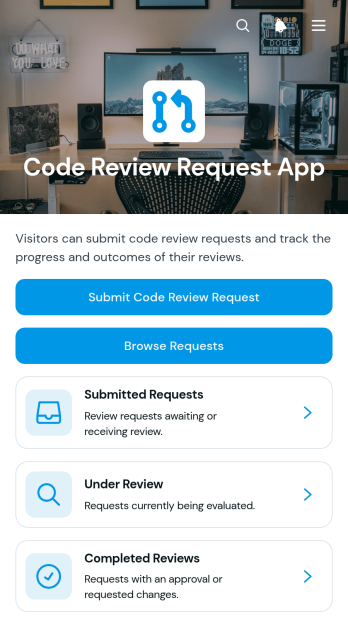
Code Review Request App
The Code Review Request App is a centralized intake and tracking workspace for software development teams that need a consistent way to coordinate peer reviews. Developers can submit a code review request, browse existing requests, and follow work across submitted, under review, and completed stages. Each request can give reviewers the context they need, including the repository, pull request, programming language, requester, and review focus. Engineering teams, technical leads, agencies, and internal information technology departments can use this app template to reduce missed requests, clarify ownership, balance review workloads, and keep delivery work moving without relying on scattered messages.Jotform Apps helps teams turn processes into accessible app experiences with a no-code app builder and a flexible drag-and-drop interface. Customize this Code Review Request App with branded pages, cards, navigation, and status resources, then connect it to forms, tables, approvals, notifications, and other workflow steps. Jotform App Templates make it easier to set up organized data collection and self-service access without writing code. Once ready, publish the app with a shareable link or custom URL so developers and reviewers can open it from a phone, tablet, or computer.
Go to Category:Engineering Apps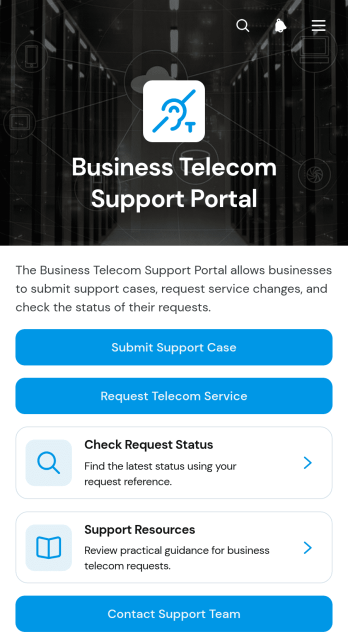
Business Telecom Support Portal App
The Business Telecom Support Portal App gives companies a central place to manage workplace connectivity and telecommunications support. Employees, office managers, operations teams, and information technology staff can submit support cases, request telecom services or service changes, and check request status without relying on scattered emails. It is well suited to organizations handling connectivity issues, new service needs, account updates, and recurring support inquiries across one or more locations. Accessible support resources also help users resolve common concerns independently while giving support teams clearer, more consistent request information.With Jotform Apps, organizations can turn this app template into a branded self-service experience without writing code. The no-code app builder and drag-and-drop interface make it easy to adjust pages, navigation, buttons, and visual elements for established support workflows. Connected forms support organized data collection, while links to tables, approvals, and notifications can help teams coordinate follow-up work. Choose from ready-to-use App Templates, customize the portal for internal users or business customers, and share it through a direct link, scannable code, or embedded experience.
Go to Category:Service & Support Portal Apps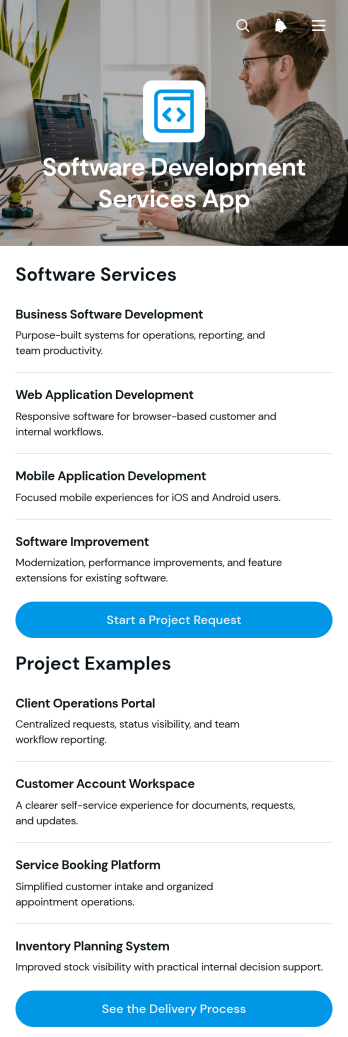
Software Development Services App
Software Development Services App is an app template for agencies, independent developers, technology consultants, and internal IT teams that need a polished way to present their expertise and receive project inquiries. Visitors can browse software services, review project examples, and submit a project request while learning how delivery will progress. The template gives prospective clients a clear path from initial research to inquiry, reducing uncertainty and helping service providers qualify opportunities. It works well for client acquisition, consulting engagements, custom development requests, and digital transformation initiatives.Jotform Apps helps teams turn this Software Development Services App template into a branded, mobile-friendly experience without writing code. Its no-code app builder and drag-and-drop interface make it easy to update pages, reorganize content, adjust navigation, and connect data collection forms to a practical workflow. Teams can centralize service information and support client self-service while receiving request details in one organized location. Publish the finished app through a direct link, customized URL, or embedded experience, then revise its content as services, project examples, and delivery practices evolve.
Go to Category:Information Technology Apps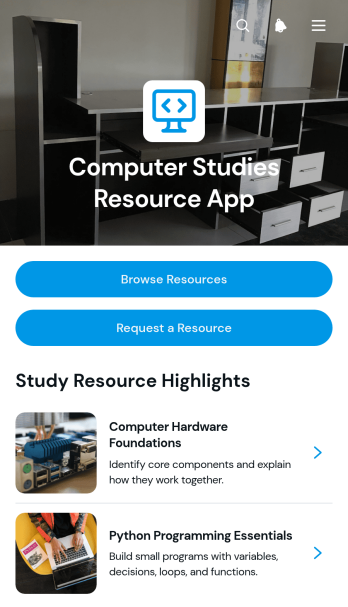
Computer Studies Resource App
Computer Studies Resource App gives schools, colleges, training providers, tutors, and independent learners a central place to find and request computing study materials. This app template supports resource browsing, direct access to selected materials, and classification by topic, level, and format, helping users locate relevant content without searching through scattered folders or messages. Teachers and academic teams can publish tutorials, reference documents, practice materials, and useful links for classes or independent study. A request path also lets learners suggest missing resources while staff review demand and identify coverage gaps. It is ideal for computer studies departments, digital learning teams, libraries, tutoring programs, and course coordinators seeking clearer resource navigation and a consistent self-service experience.With Jotform Apps, the Computer Studies Resource App can be adapted through a no-code app builder and an intuitive drag-and-drop interface. Add branded pages, reorganize content, update navigation, and connect resource requests to forms, tables, notifications, or approval workflows without writing code. Jotform App Templates also make it easier to launch mobile-friendly learning experiences that support organized data collection and ongoing content management. Once customized, the app can be shared through a direct link or QR code, giving students and educators convenient access from nearly any device.
Go to Category:Resource & Learning Portal Apps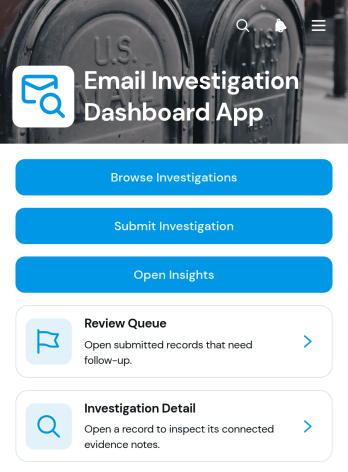
Email Investigation Dashboard App
Email Investigation Dashboard App is an app template for receiving, reviewing, and organizing reports about suspicious, unwanted, or policy-related emails. Information technology teams, security analysts, internal audit groups, consultants, and managed service providers can use it to submit investigation records, browse a review queue, and open insights from one central location. Case details such as the subject, sender address, received date, investigation type, and priority give reviewers the context needed to assess reports consistently. The dashboard reduces scattered requests, supports clearer prioritization, and creates a practical workflow for monitoring investigations from initial intake through review.With Jotform Apps, teams can turn this App Template into a branded operational resource without writing code. The no-code app builder and drag-and-drop interface make it easy to adjust pages, navigation, cards, and visual elements for an organization’s investigation process. Users can connect forms and tables to support data collection, organize records, and trigger notifications or approval steps when needed. The Jotform App Builder also supports mobile-friendly self-service access, enabling authorized team members to submit or review investigation information from different devices. Once customized, the app template can be shared through a direct link, QR code, or embedded experience.
Go to Category:Information Technology Apps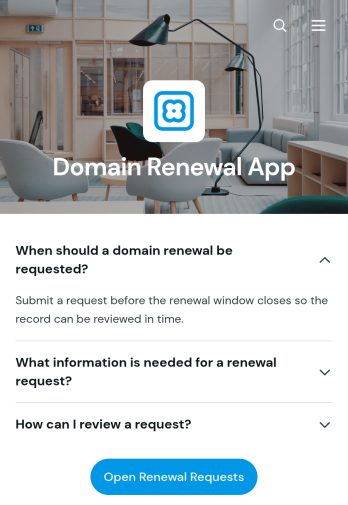
Domain Renewal App
The Domain Renewal App gives information technology teams, operations managers, agencies, and website administrators a central place to review domains and coordinate upcoming renewals. Users can browse domain records, check key renewal facts such as the registrar, renewal window, and automatic renewal status, then submit renewal requests with relevant notes. Request details remain easy to review, helping teams identify the requester, email address, requested date, and supporting context without relying on scattered messages or spreadsheets. It is well suited to organizations managing multiple websites, client domains, campaign properties, or internal digital assets where missed deadlines could disrupt operations.With Jotform Apps, this app template can be adapted through a no-code app builder and an intuitive drag-and-drop interface. Teams can update pages, branding, navigation, and connected forms to match their domain management workflow. Renewal information and request collection can be organized into one mobile-friendly experience, while notifications and connected data help staff respond to new activity. Start with this Domain Renewal App, personalize it for internal or client self-service, and share it using a direct link, custom app link, embedded experience, or QR code.
Go to Category:Information Technology Apps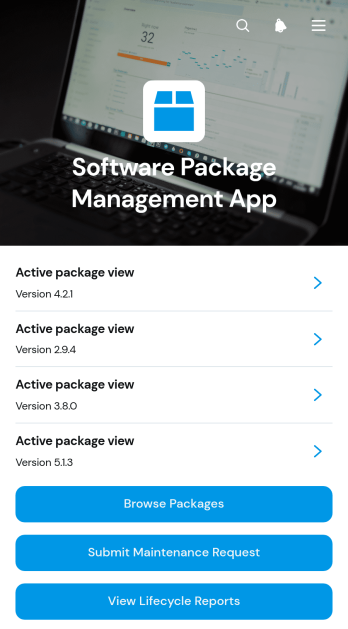
Software Package Management App
The Software Package Management App is an internal resource for information technology teams, system administrators, engineering groups, and operations managers who oversee software packages across an organization. It brings package browsing, dependency information, maintenance requests, status details, and lifecycle reports into one accessible experience. Teams can use this app template to review active packages, identify related dependencies, submit support or update requests, and monitor package health without searching through disconnected records. It is especially useful for organizations managing a growing software catalog, coordinating maintenance responsibilities, or giving employees a self-service destination for package information.Jotform Apps helps teams turn these processes into a branded, mobile-friendly app without writing code. Its no-code app builder and drag-and-drop interface make it easy to adjust pages, navigation, cards, buttons, and visual styling as operational needs change. The app can connect with forms, tables, notifications, approvals, and other workflow assets to support organized data collection and timely follow-up. Start with this Software Package Management App template, tailor it to your package policies and internal structure, then publish and share it through a direct link, custom app URL, embedded experience, or QR code.
Go to Category:Information Technology Apps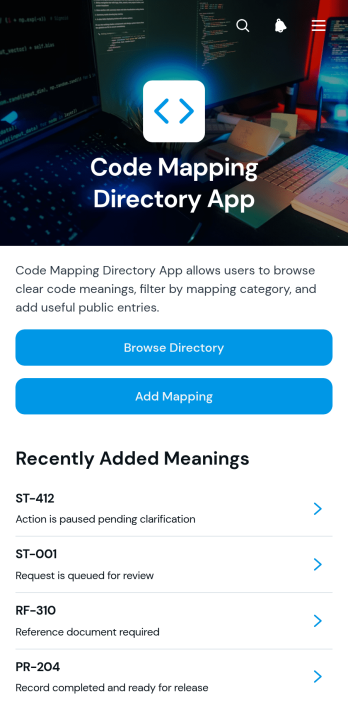
Code Mapping Directory App
The Code Mapping Directory App is a centralized reference for teams that need to document, browse, and maintain relationships among operational or technical codes. It suits information technology departments, engineering teams, consultants, operations groups, and organizations replacing scattered spreadsheets or outdated reference documents. Users can browse categorized mappings, review individual code details and usage notes, and add new mappings through a connected form. By keeping status, process, and reference codes in one accessible directory, the app helps reduce lookup time, clarify how codes should be interpreted, and support more consistent work across departments.Jotform Apps gives teams a no-code app builder for turning shared resources and connected workflows into an organized, mobile-friendly experience. Start with this app template, then use the drag-and-drop interface to adjust pages, navigation, branding, and content without programming. Forms and tables can support data collection and ongoing record management, while direct links and scannable codes make the directory easy to share with employees or partners. Jotform App Templates help organizations publish self-service resources quickly and update them as internal processes evolve.
Go to Category:Information Technology Apps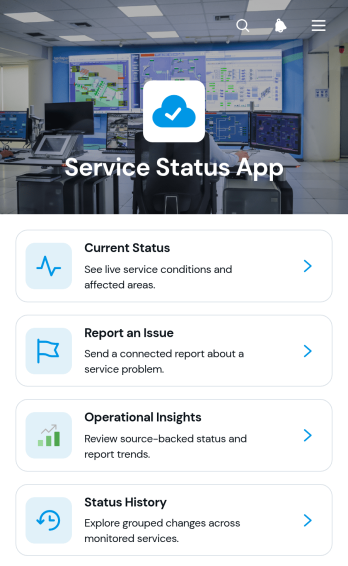
Service Status App
Service Status App is a ready-to-use app template for sharing current service conditions, documenting disruptions, and collecting issue reports in one accessible location. It gives operations teams, support departments, service providers, and information technology teams a clear way to keep customers, employees, or partners informed. Users can review the current status of available services, open individual records for more context, check status history, and report a problem through a connected form. Operational insights help internal teams recognize recurring issues and communicate updates more consistently. This centralized experience reduces scattered inquiries, improves visibility, and supports faster responses when a service is interrupted or restored.Jotform makes this Service Status App easy to adapt without writing code. Its no-code app builder and drag-and-drop interface let teams update pages, navigation, cards, buttons, images, and branding to match their operational needs. Forms, tables, notifications, approvals, and other workflow tools can be connected to support data collection and follow-up. Like other Jotform App Templates, this app template can be shared through a direct link or QR code and opened from phones, tablets, or computers. Teams can create a convenient self-service resource, publish timely information, and manage service communication from a unified app experience.
Go to Category:Service & Support Portal Apps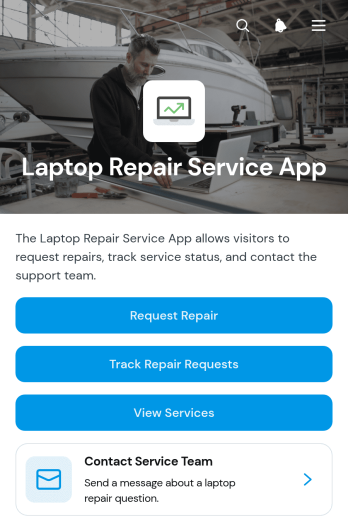
Laptop Repair Service App
The Laptop Repair Service App is a ready-to-use app template for repair shops, independent technicians, IT service teams, and support desks that need one customer-facing place for laptop service. Customers can submit a repair request, browse available services such as diagnostics and hardware repair, and track the current status of an existing request. This self-service experience reduces scattered inquiries and gives staff a clearer view of customer details, laptop models, and active jobs. It works well for walk-in repair businesses, remote support operations, school technology teams, and small companies managing device repairs for clients or employees.Built with Jotform, this template can be adapted in a no-code app builder through a drag-and-drop interface. Teams can update pages, branding, buttons, and navigation, then connect forms and tables to support data collection and a more consistent repair workflow. Notifications and linked processes can help technicians follow new requests and keep service records organized, while a direct link or QR code makes access simple on phones, tablets, and computers. Start with this option from Jotform App Templates, tailor the app template to your services, and publish a polished service hub without writing code.
Go to Category:Service & Support Portal Apps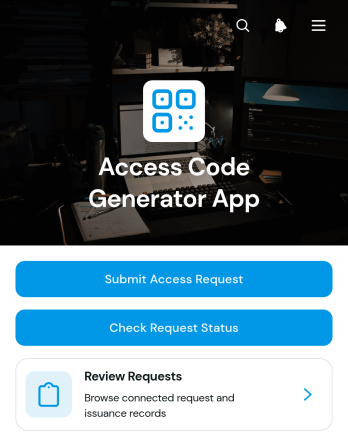
Access Code Generator App
The Access Code Generator App provides a central place for organizations to receive access requests, review requester details, and record issued reference codes. IT teams, office administrators, facility managers, membership coordinators, and operations staff can use it when access must be requested and documented before a code is shared. Requesters can submit their information and check the status of an existing request, while authorized team members can browse requests and view requested dates, reference codes, and issuance records. This organized process reduces scattered messages, improves visibility, and creates a consistent experience for temporary access, internal resources, restricted areas, events, equipment, or member services.With Jotform, this app template can be adapted in a no-code app builder using an intuitive drag-and-drop interface. Teams can update pages, navigation, colors, fonts, and branding, then connect forms, tables, approvals, notifications, and other workflow steps as needed. The finished app can support self-service access from phones, tablets, and computers and can be shared through a direct link, QR code, or embedded experience. Jotform App Templates help organizations turn data collection and request management into a polished app without writing code.
Go to Category:Information Technology Apps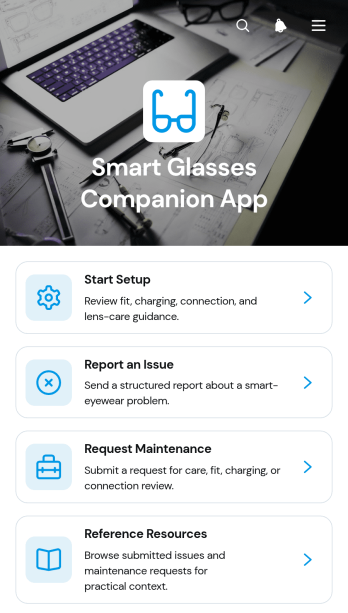
Smart Glasses Companion App
The Smart Glasses Companion App is a centralized support resource for people and teams responsible for setting up, using, and maintaining smart glasses. It gives device users, equipment managers, technical support teams, and field technicians a convenient place to access setup and reference guidance, submit issue reports, and request maintenance. Organizations can use it during device rollouts, daily operations, troubleshooting, and scheduled servicing. By keeping guidance and support actions together, the app reduces uncertainty for users, helps teams document device concerns, and creates a clearer path from initial setup to ongoing equipment care.With Jotform Apps, this app template can be adapted to match an organization’s device program and support workflow without coding. The drag-and-drop interface makes it easy to update pages, navigation, visual elements, and connected forms while maintaining a mobile-friendly self-service experience. Teams can organize data collection, review submitted requests, monitor recurring issue trends, and connect responses with related workflows. Publish the customized app with a direct link or QR code so users can reach current resources and support options wherever their equipment is being used.
Go to Category:Equipment Maintenance Software
Wi-Fi Access Request App
Wi-Fi Access Request App gives employees, guests, contractors, students, and visitors a central place to request network access and follow the progress of each request. It is well suited to information technology teams, offices, schools, hospitality businesses, shared workspaces, and event venues that need a consistent way to receive and organize access needs. Users can submit a new request, browse existing requests, and review open items with key details such as status, location, access type, devices, preferred access date, and follow-up information. This reduces scattered messages, gives support teams clearer request data, and helps requesters check updates through self-service access.With Jotform Apps, teams can customize this app template through a no-code app builder and an intuitive drag-and-drop interface. Add branded pages, update navigation, connect forms and tables, or extend the workflow with notifications and approval steps as operational needs change. Jotform App Templates also make it easy to create a mobile-friendly resource that can be shared by direct link, QR code, or embedded experience. Organizations can collect data, organize requests, and maintain a convenient access point without building an app from scratch.
Go to Category:Information Technology Apps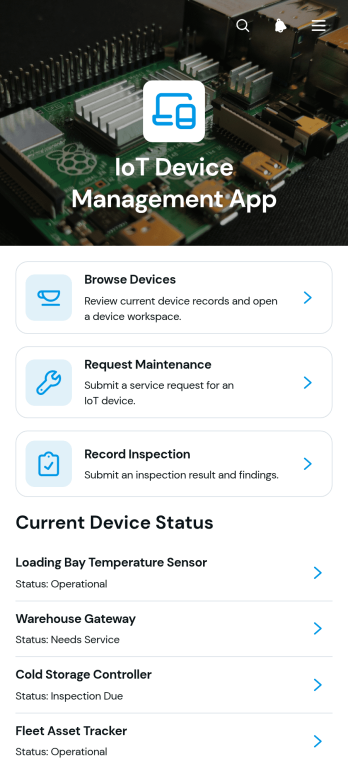
IoT Device Management App
IoT Device Management App gives information technology teams, facilities managers, engineering departments, and field service staff a central place to organize connected device records. Users can browse registered devices, review identifying details and status information, submit maintenance requests, and record inspection results. This app template is useful for offices, production sites, warehouses, campuses, and service operations that need clearer oversight of distributed equipment. By keeping device information, issue summaries, maintenance activity, and inspection records accessible in one experience, teams can reduce scattered documentation, improve handoffs, and make routine device support easier to coordinate.Jotform Apps helps organizations turn this template into a branded, mobile-friendly resource without writing code. The drag-and-drop app builder makes it easy to adjust pages, cards, navigation, and visual styling while connecting forms and tables to the relevant workflow. Teams can support structured data collection, provide employee self-service access, and share the finished app through a direct link or QR code. Start with one of Jotform’s App Templates, customize the layout for your operations, and publish an accessible device management resource for staff working from a desk or in the field.
Go to Category:Information Technology Apps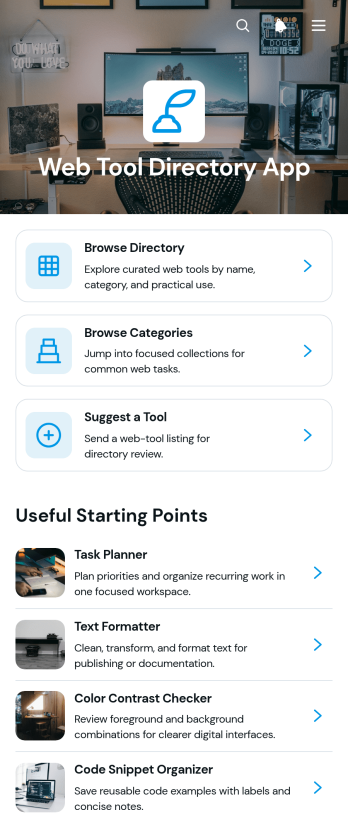
Web Tool Directory App
The Web Tool Directory App is a ready-to-use app template for organizing useful online tools in one searchable, self-service destination. It suits information technology teams, educators, consultants, professional communities, content publishers, and organizations that want to help an audience discover relevant resources without searching across scattered documents. Visitors can browse the directory, explore categories such as productivity, design, and writing, review concise tool details, and follow a link to the appropriate website. A connected suggestion form also supports data collection from users who want to recommend additions. This focused experience makes resource discovery easier while giving directory managers a consistent way to present and expand their collection.Jotform Apps helps you adapt the Web Tool Directory App to your audience without writing code. Use the no-code app builder and drag-and-drop interface to update pages, reorganize navigation, apply your visual identity, and connect forms or tables to a broader workflow. These App Templates can be shared through a direct link or QR code for convenient mobile access. Whether you are creating a public reference library, a team resource center, or a curated learning collection, Jotform makes it easy to publish and maintain an approachable app experience.
Go to Category:Resource & Learning Portal Apps