

Information Technology Apps

Web Resource Directory App
The Web Resource Directory App provides an organized destination for presenting useful online learning materials, digital tools, and reference sources. It is well suited to educators, training teams, information technology departments, consultants, nonprofits, community groups, and businesses that need to make trusted web resources easier to find. Visitors can browse categorized listings, open individual resource profiles, review practical details such as intended audience, access method, and format, then follow an external link to the selected source. By replacing scattered bookmarks and lengthy link documents with a clear directory, this app template supports faster discovery, consistent resource sharing, and convenient self-service access.Jotform makes it easy to adapt the Web Resource Directory App without writing code. Use the drag-and-drop app builder to update pages, navigation cards, images, buttons, and branding while maintaining a mobile-friendly browsing experience. Connected forms and tables can support data collection and keep directory content organized as needs change. Once the app is ready, publish it through a direct link, personalized URL, embedded experience, or QR code. Jotform App Templates also help teams build connected workflows around resource suggestions, internal reviews, and ongoing directory updates.
Go to Category:Resource & Learning Portal Apps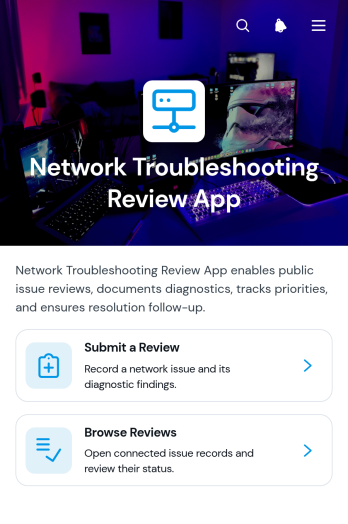
Network Troubleshooting Review App
Network Troubleshooting Review App gives information technology teams, network engineers, help desks, consultants, and managed service providers a central place to document and evaluate network issues. Staff can submit a troubleshooting review, browse previous reviews, and view a concise review snapshot before examining individual records. Each record brings together the affected network area, priority, status, diagnostic findings, recommended action, and resolution follow-up. This shared history helps teams preserve technical knowledge, identify recurring issues, maintain consistent review practices, and give stakeholders clearer visibility into unresolved work.With Jotform Apps, organizations can adapt this app template to match their support process without writing code. The no-code app builder and drag-and-drop interface make it easy to reorganize pages, adjust branding, refine navigation, and connect forms or tables that support data collection and workflow management. Teams can publish a mobile-friendly self-service resource through a direct link or QR code, helping technicians submit findings from different locations. Jotform App Templates also provide a practical starting point that can evolve as network environments, review procedures, and operational needs change.
Go to Category:Information Technology Apps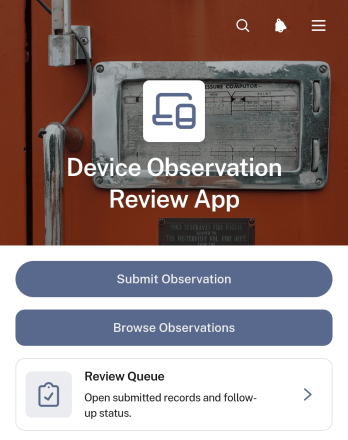
Device Observation Review App
The Device Observation Review App gives inspection teams, technical staff, maintenance departments, and operations managers a central place to document and evaluate observations about devices. Users can submit new observations, browse existing entries, and work through a review queue without relying on scattered messages or separate files. Each record can show the device identifier and type alongside its review status, follow-up requirements, and relevant notes. This app template is well suited to routine equipment checks, internal quality reviews, field observations, issue triage, and device monitoring programs where teams need consistent data collection and clear accountability.Jotform helps organizations turn this process into an accessible digital workflow without writing code. Using the drag-and-drop app builder, teams can adapt pages, navigation, colors, and content to reflect their procedures and visual identity. Connected forms and tables keep observation records organized, while notifications and approval steps can support timely reviews and follow-up work. The finished app can be shared by link or QR code, giving reviewers and staff convenient mobile-friendly access. Start with this app template, personalize it for your operation, and create a practical self-service resource for device observation management.
Go to Category:Inspection Apps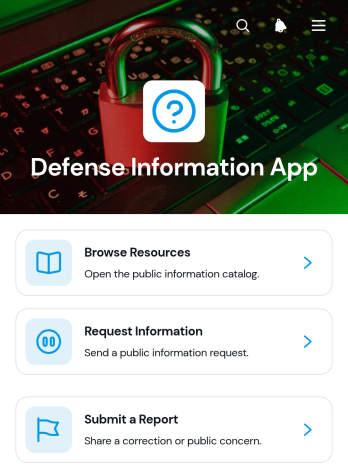
Defense Information App
Defense Information App is a centralized resource and reporting experience for defense teams, contractors, researchers, training groups, and organizations that need to make approved information easier to find and act on. Users can browse categorized resources, review summaries and references, request additional information, and submit reports through connected forms. This app template helps reduce scattered documents, unclear inquiry channels, and disconnected reporting processes. It can support internal knowledge sharing, training materials, operational guidance, research libraries, public information programs, and other defense-related communication needs without overwhelming users with complex navigation.Jotform makes it easy to adapt the Defense Information App with a no-code app builder and an intuitive drag-and-drop interface. Teams can revise pages, organize resource cards, connect forms and tables, and shape workflows around their own information policies and review procedures. Unlike static resource pages, Jotform App Templates can bring data collection, self-service access, and follow-up actions into one mobile-friendly experience. Customize the colors, typography, navigation, and content, then publish the app with a direct link, personalized address, embedded experience, or QR code for convenient distribution.
Go to Category:Resource & Learning Portal Apps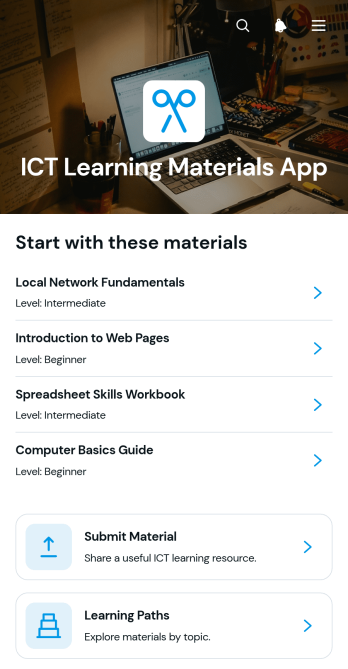
ICT Learning Materials App
ICT Learning Materials App is a centralized educational resource experience for schools, training providers, tutors, information technology departments, and workplace learning teams. It helps learners and educators browse digital materials, review useful details such as topic, level, and format, and open each resource from a dedicated page. Contributors can submit new materials for consideration, while curated learning paths guide users through related content in a logical order. By bringing resource discovery, contribution, and guided study into one accessible location, this app template reduces scattered links and makes ICT instruction easier to organize for classes, independent study, staff development, and community training.Jotform app templates give organizations a practical starting point for creating branded digital experiences without coding. Using the no-code app builder and its drag-and-drop interface, teams can tailor pages, navigation, text, visual elements, and connected forms to match their learning goals. The ICT Learning Materials App can support data collection through material submissions and connect resource access with broader workflows. Once ready, the app can be shared by direct link or QR code for convenient mobile-friendly self-service, helping administrators maintain one current resource center as learning needs evolve.
Go to Category:Resource & Learning Portal Apps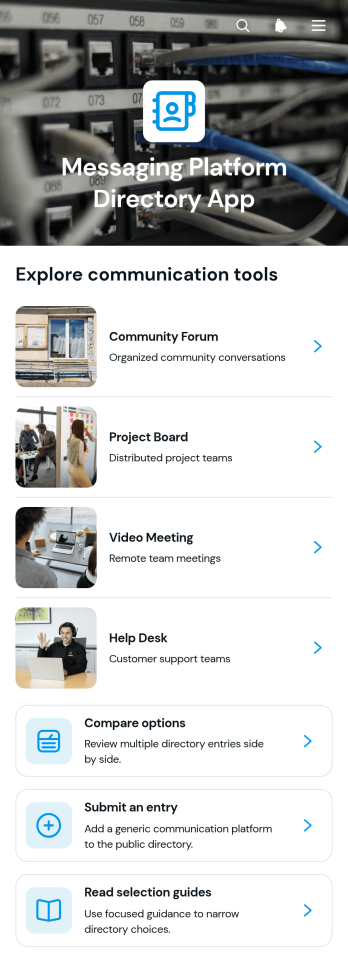
Messaging Platform Directory App
The Messaging Platform Directory App is a searchable resource for organizations that want to present and evaluate messaging platform options in one accessible place. It suits information technology teams, consultants, professional associations, publishers, and internal operations teams that curate software resources for employees, clients, or community members. Visitors can browse directory entries, compare options, and consult selection guides before following an access link. Contributors can also submit an entry for review, helping directory managers maintain a useful collection without relying on scattered documents or repetitive inquiries. This app template supports informed research and makes software discovery easier for audiences with different communication needs.Jotform App Templates help teams create interactive resources without writing code. Using Jotform’s no-code app builder and drag-and-drop interface, directory owners can adapt pages, navigation, visual elements, and linked forms to match their workflow. Entries and data collection processes can connect with tables, approvals, and notifications, making it easier to review new suggestions and keep information organized. Once customized, the app can be shared through a direct link or QR code for convenient mobile self-service access. It provides a flexible starting point for publishing a branded directory that can evolve as available options and audience requirements change.
Go to Category:Information Technology Apps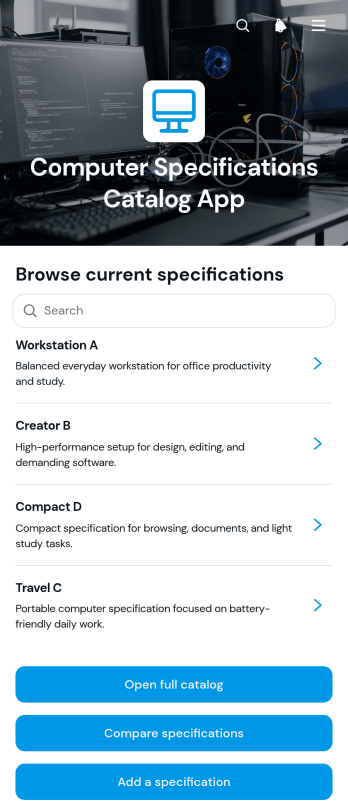
Computer Specifications Catalog App
Computer Specifications Catalog App is an interactive reference for organizing, browsing, and comparing computer hardware details in one accessible place. It helps information technology teams, electronics retailers, procurement staff, consultants, schools, and repair businesses present clear records for different computer models. Users can open the full catalog, review core specifications such as processor, memory, and storage, compare options, and add a new specification when inventory or product information changes. This app template reduces scattered documentation, supports informed purchasing recommendations, and makes technical details easier to review during sales, asset planning, classroom selection, or internal equipment research.Jotform App Templates help teams turn records, forms, and resources into convenient digital experiences without writing code. Customize this Computer Specifications Catalog App with the no-code app builder and its drag-and-drop interface, then connect forms and tables to support data collection and an organized workflow. You can adjust the layout, colors, content, and navigation to match your needs. Publish the finished catalog through a direct link, custom app URL, QR code, or embedded experience so staff and customers can browse it from mobile or desktop devices. Jotform also supports notifications and connected processes that simplify catalog updates and self-service access.
Go to Category:Information Technology Apps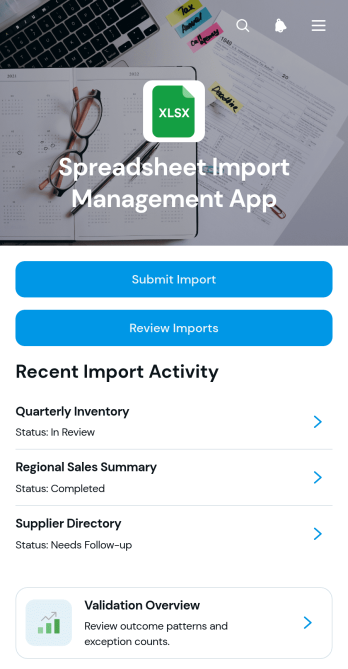
Spreadsheet Import Management App
Spreadsheet Import Management App gives operations, data, and information technology teams a central place to submit spreadsheet import requests, review incoming files, and monitor validation outcomes. This app template helps organizations replace scattered email threads and manual status checks with a consistent intake and review workflow. Users can record source details, see processing status and submitted row counts, review validation results, and identify required follow-up actions. It is well suited to recurring data migrations, record updates, inventory uploads, financial data transfers, and other spreadsheet-based processes where visibility and reliable handoffs matter.Jotform App Templates make it easy to turn this workflow into a branded, mobile-friendly experience without writing code. Use the no-code app builder and drag-and-drop interface to adjust pages, navigation, cards, and buttons for your internal process. You can connect forms, tables, notifications, approvals, and other data collection tools to keep import records organized. Share the finished app through a direct link or QR code so authorized team members can access submission and review resources from one self-service location.
Go to Category:Information Technology Apps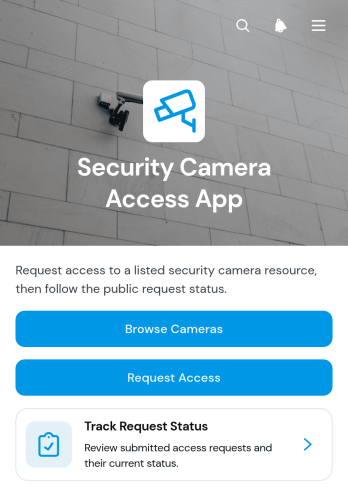
Security Camera Access App
The Security Camera Access App gives security, facilities, information technology, and operations teams a central place to manage requests for authorized camera access. Staff members, contractors, investigators, or approved partners can browse available camera resources, review details such as location, availability, and coverage, and submit a request for a specific access date and purpose. Requesters can also track the status of their submissions without relying on scattered emails or manual follow-ups. This app template is useful for offices, warehouses, residential properties, campuses, construction sites, and other facilities that need an organized process for handling camera access inquiries.Jotform Apps helps organizations turn this process into a branded, mobile-friendly self-service experience without coding. Use the drag-and-drop app builder to adjust pages, navigation, buttons, colors, and content, then connect forms, tables, notifications, and approval workflows as needed. The app can support consistent data collection while keeping camera information and request records easier to navigate. Start with this ready-made option from Jotform App Templates, customize it for internal policies and team responsibilities, and share it through a direct link, QR code, or embedded experience.
Go to Category:Information Technology Apps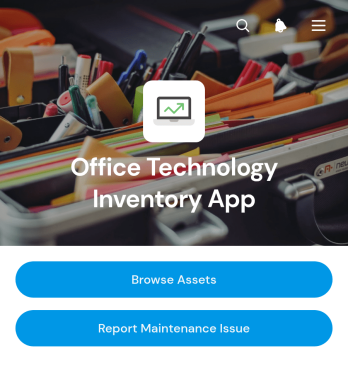
Office Technology Inventory App
Office Technology Inventory App is an app template for cataloging workplace technology and coordinating equipment maintenance from one accessible location. IT teams, office managers, operations staff, and growing businesses can use it to browse registered assets, review details such as location and purchase date, and submit maintenance requests when equipment needs attention. Requester information, issue descriptions, and current statuses help teams maintain a clear record of reported problems. By replacing scattered spreadsheets, emails, and paper notes, the app supports faster equipment lookup, clearer ownership, and more consistent handling of office technology issues.Jotform App Templates make it easier to turn recurring business processes into polished digital experiences. With Jotform’s no-code app builder and drag-and-drop interface, users can customize this app template with branded pages, navigation, forms, connected tables, and workflow steps without programming. Teams can organize data collection, enable employee self-service, and keep asset information and service activity connected. Once the app is ready, it can be shared through a direct link, published with a custom address, or embedded where employees already access internal resources.
Go to Category:Inventory Management Apps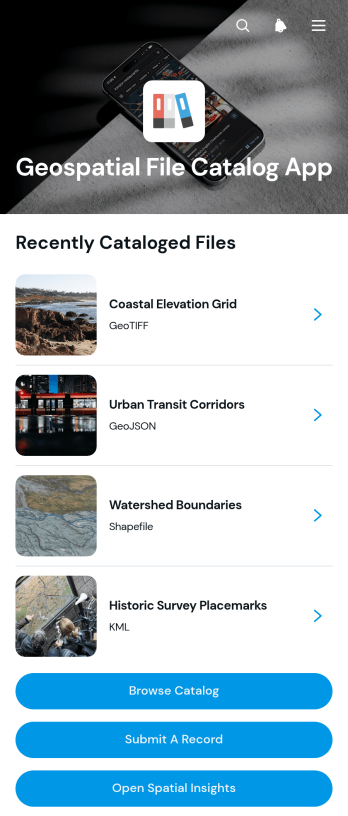
Geospatial File Catalog App
Geospatial File Catalog App gives mapping teams, engineering firms, public agencies, research groups, and field operations staff a central place to organize and find location-based files. Users can browse a visual catalog, review essential information such as geographic coverage and publication status, submit new records, and open available file links. This app template reduces time spent searching across disconnected folders, spreadsheets, and messages while helping contributors document resources consistently. It is well suited to spatial data inventories, mapping projects, environmental studies, infrastructure planning, land management, and other work that depends on discoverable geographic information.With Jotform Apps, teams can turn App Templates into branded, mobile-friendly resources without writing code. The no-code app builder and drag-and-drop interface make it easy to adjust pages, navigation, buttons, colors, and content for a particular organization or project. Connect forms and tables to support data collection, notifications, and workflow updates from one experience. The finished catalog can be shared by link or QR code, giving staff, partners, and approved audiences convenient self-service access wherever their work takes place.
Go to Category:Engineering Apps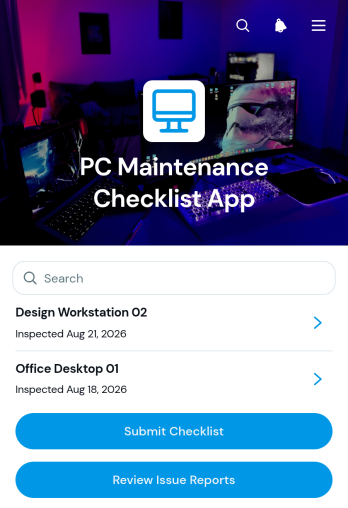
PC Maintenance Checklist App
The PC Maintenance Checklist App gives IT teams, technicians, managed service providers, schools, offices, and small businesses a central place to document recurring computer maintenance. Users can submit checklists, review reported issues, and access inspection and follow-up records without relying on scattered spreadsheets or paper notes. It supports consistent reviews of operating systems, hardware condition, completed updates, storage health, security checks, and follow-up status. Whether used for routine preventive maintenance, device handovers, scheduled servicing, or internal support, the app helps teams identify concerns earlier, maintain clearer service histories, assign next steps, and keep computer upkeep organized across multiple devices and locations.Jotform makes this app template easy to adapt with a no-code app builder and an intuitive drag-and-drop interface. Teams can update pages, navigation, buttons, branding, and connected workflows to reflect their maintenance process. Forms and tables support data collection and record organization, while shared links provide convenient mobile-friendly access for technicians in the office or in the field. Start with this PC Maintenance Checklist App, tailor it to your procedures, and publish a self-service resource that brings inspections, issue reporting, and maintenance information into one accessible experience.
Go to Category:Equipment Maintenance Software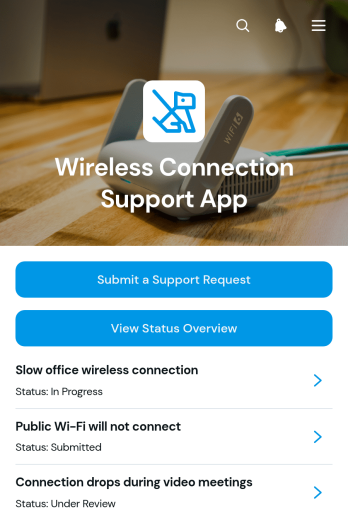
Wireless Connection Support App
The Wireless Connection Support App is a ready-to-use app template for IT teams, network support providers, property managers, schools, hospitality teams, and other organizations that handle connectivity issues. Employees, customers, residents, students, or guests can submit a support request, view a status overview, and review issue details with resolution updates from one accessible location. Centralizing these interactions helps support teams organize incoming cases, understand the affected connection and location, reduce repeated inquiries, and keep users informed while problems are investigated. It is well suited to offices, campuses, shared buildings, public venues, and managed facilities where dependable communication about wireless connection problems matters.Jotform Apps makes it easy to customize this app template without writing code. Use the drag-and-drop app builder to adjust pages, navigation, colors, fonts, and branded visual elements while maintaining a clear self-service experience. Teams can connect forms, tables, notifications, approvals, and other workflow steps to support consistent data collection and case management. Once the app is ready, publish it through a direct link, QR code, or embedded experience so users can access support from a phone, tablet, or computer.
Go to Category:Service & Support Portal Apps
Endpoint Implementation Scope App
Endpoint Implementation Scope App gives information technology teams, engineering groups, consultants, and project managers a shared place to define and coordinate endpoint implementation work. Team members can submit a new scope, review existing records, and check priorities without relying on scattered documents or lengthy message threads. Each record keeps essential planning context such as the endpoint type, priority, status, target date, and requester together, helping teams assess workloads and communicate with requesters. It is useful for planning new endpoints, documenting requested changes, coordinating implementation milestones, and maintaining visibility across active technical work.Jotform App Templates help organizations turn recurring processes into accessible, interactive experiences. With Jotform’s no-code app builder and drag-and-drop interface, teams can customize this app template with branded pages, navigation, forms, tables, and connected workflows. Data collection can feed organized records, trigger notifications, and support review steps while app access provides a convenient self-service option for requesters and internal teams. Publish the app with a personalized link, share it by QR code, or embed it in an existing resource so stakeholders can access current scope information from a phone, tablet, or computer.
Go to Category:Information Technology Apps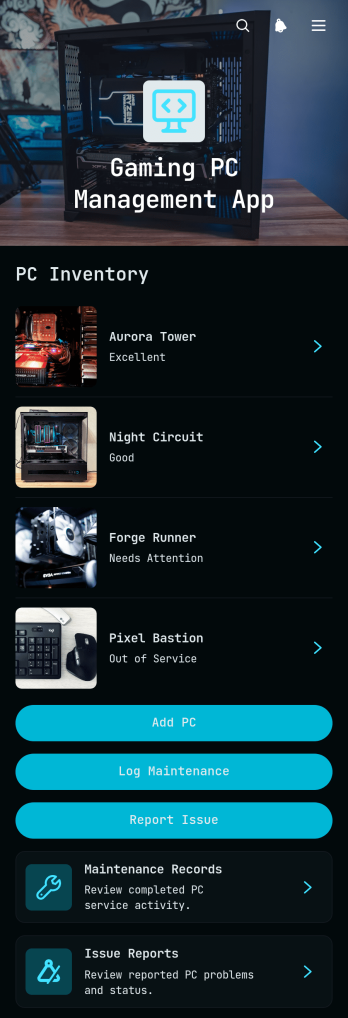
Gaming PC Management App
Gaming PC Management App brings gaming computer records, maintenance activity, and technical issue reporting into one accessible workspace. It is suited to gaming centers, computer clubs, event operators, school technology teams, repair staff, and businesses responsible for multiple gaming systems. Users can add each PC, review its components, purchase details, warranty information, and notes, then log maintenance or submit an issue report when attention is needed. Keeping these records together helps teams understand equipment history, monitor unresolved problems, plan repairs, and make better replacement decisions without relying on scattered documents.With Jotform Apps, teams can adapt this app template to match their equipment processes using a no-code app builder and drag-and-drop interface. Pages, cards, buttons, navigation, and branding can be adjusted without programming, while connected forms and tables support consistent data collection and organized workflows. The app can be shared by direct link or QR code for convenient mobile access, giving technicians and authorized staff a practical self-service resource wherever PCs are installed. Start with one of Jotform’s ready-made App Templates, customize the experience, and publish an app that supports ongoing gaming PC oversight.
Go to Category:Equipment Maintenance Software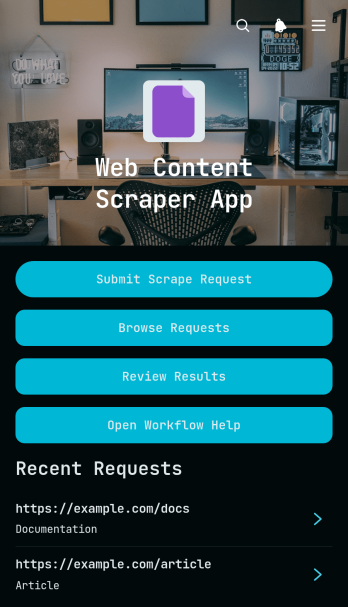
Web Content Scrape Request App
The Web Content Scrape Request App template provides a central workspace for submitting, organizing, and reviewing web content extraction requests. It is well suited to research teams, content specialists, marketing departments, analysts, consultants, and information technology teams that need a consistent process for gathering material from public web sources. Users can submit a source and extraction brief, browse existing requests, and review extracted content with its current status. By keeping instructions, source details, and reviewed results together, the app helps teams reduce scattered communication, prioritize work, monitor progress, and maintain a dependable record of each request. It can support competitor research, content inventories, market analysis, website audits, and other recurring research tasks.Jotform makes this app template easy to adapt without writing code. Its no-code app builder and drag-and-drop interface let teams update pages, navigation, branding, and connected forms to match their workflow. Requests and review details can feed into organized data collection processes, while notifications and connected approvals can help move work between requesters and reviewers. Teams can publish the finished app with a shareable link or custom address, making it accessible on phones, tablets, and computers. Jotform App Templates also make it simple to create a self-service request experience that can grow alongside changing research and content operations.
Go to Category:Information Technology Apps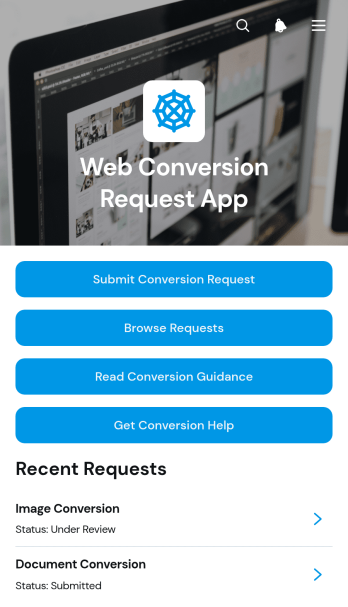
Web Conversion Request App
The Web Conversion Request App gives web production teams, information technology departments, digital agencies, and internal service groups a central place to receive and manage conversion requests. Requesters can submit a file, specify source and target formats, add notes, and seek troubleshooting help when requirements are unclear. Team members can browse submitted requests, review requester details, monitor current status, and consult conversion guidance. This shared experience reduces scattered email communication, clarifies expected outputs, and makes it easier to prioritize work across recurring conversion projects.Jotform Apps helps organizations turn this app template into a branded, self-service request hub without writing code. Using the drag-and-drop app builder, teams can adjust pages, navigation, buttons, and visual styling to match their process. The Web Conversion Request App can connect data collection forms with tables, notifications, approvals, and other workflow steps, keeping intake and follow-up work together. Start with ready-made App Templates, customize the experience for desktop and mobile users, then publish it through a direct link, personalized address, embedded experience, or QR code.
Go to Category:Service & Support Portal Apps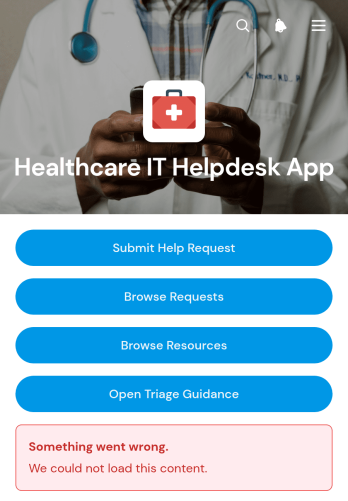
Healthcare IT Helpdesk App
The Healthcare IT Helpdesk App is a centralized support experience for hospital departments, clinics, medical practices, and other healthcare organizations that need a clear way to manage technology issues. Clinical staff, administrative teams, and IT support personnel can use it to submit help requests, browse existing requests, and consult troubleshooting resources or triage guidance. Bringing these actions together helps users report device and system problems with useful context, while support teams gain better visibility into urgency, status, department, and requester details. It can support everyday issues involving workplace devices, account access, software, connectivity, and internal systems without relying on scattered emails or informal messages.Jotform Apps makes this app template easy to adapt to an organization’s support process without coding. Using the drag-and-drop app builder, teams can update pages, navigation, branding, and content to create a familiar self-service destination. Connected forms, tables, notifications, and workflows can help organize data collection and route incoming requests to the appropriate support process. The finished app can be shared through a direct link or QR code, giving employees convenient mobile access to helpdesk actions and technical resources. Jotform App Templates also provide a practical starting point that can be expanded as support needs, internal guidance, and operational procedures evolve.
Go to Category:Information Technology Apps
Beta Game Testing App
Beta Game Testing App gives game studios, quality assurance teams, independent developers, and external testers a shared space for documenting issues found before release. Testers can submit a test, review testing guidance, and browse detailed reports that connect each issue with its game build, test area, device or platform, expected result, and actual result. Clear reproduction notes help development teams investigate defects with less guesswork, while access to previous submissions prevents duplicate reporting. The app template works well for closed beta programs, internal quality checks, playtesting sessions, build verification, and distributed testing across different devices.Jotform Apps helps teams turn this testing process into a branded, mobile-friendly experience without writing code. Customize the Beta Game Testing App through an intuitive drag-and-drop interface, update its pages and navigation, and connect forms or tables to support organized data collection and follow-up workflows. Teams can publish the app with a personalized link and share it with invited testers, contractors, or internal staff. Ready-made app templates provide a practical starting point, while flexible design and workflow options make it easy to adapt the experience for each project, testing stage, or release cycle.
Go to Category:Information Technology Apps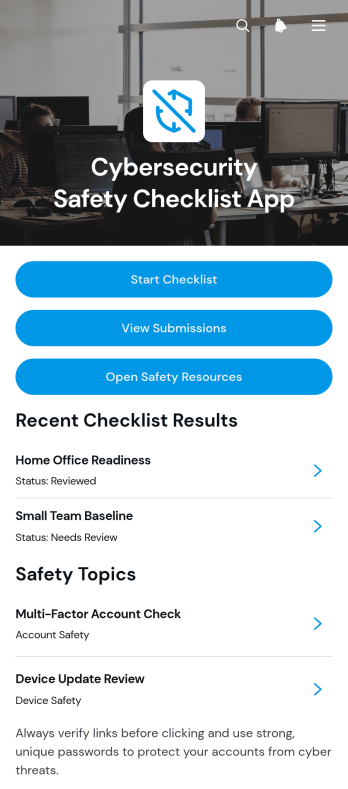
Cybersecurity Safety Checklist App
The Cybersecurity Safety Checklist App gives information technology teams, security consultants, operations managers, and small to medium-sized businesses a central place to conduct and review routine cyber safety checks. Users can start a checklist, document findings, revisit submitted assessments, and consult related safety resources. It supports recurring reviews of device updates, multi-factor authentication, password practices, backup status, and phishing awareness without scattering records across separate files. Teams can use the app for employee device reviews, internal security awareness programs, client assessments, remote-work evaluations, and periodic operational audits. Clear review notes and guidance help participants recognize unresolved issues and determine appropriate next steps.Jotform makes this app template easy to adapt with a no-code app builder and an intuitive drag-and-drop interface. Organizations can update pages, navigation, checklist content, resource links, colors, and fonts to match their internal process and visual identity. Connected forms support consistent data collection, while organized submission access helps teams maintain a practical workflow for reviewing completed checks. The finished app can be shared through a direct link or QR code for convenient access on phones, tablets, and computers. With Jotform App Templates, teams can create a branded self-service resource, connect it to related workflows, and publish it without writing code.
Go to Category:Safety and Compliance Apps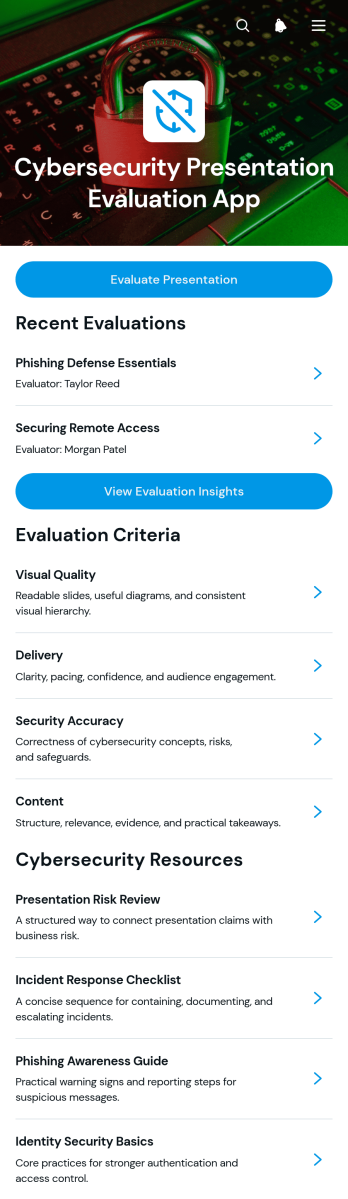
Cybersecurity Presentation Evaluation App
The Cybersecurity Presentation Evaluation App provides educators, training coordinators, information security teams, and presentation reviewers with a central place to assess cybersecurity presentations. Reviewers can evaluate each presentation, examine scores for delivery, content, security accuracy, and visual quality, and record practical recommendations. Evaluation insights help instructors compare results, identify recurring knowledge gaps, and give presenters consistent feedback. It is well suited to classroom assignments, employee awareness training, professional development sessions, workshops, and internal security briefings where clear assessment criteria are essential.Built with Jotform Apps, this app template can be adapted through a no-code app builder and an intuitive drag-and-drop interface. Teams can update pages, evaluation resources, navigation, and branding without programming, then connect forms and tables to support data collection and review workflows. The finished app can be shared by a direct link or QR code for convenient mobile access. With presentation records, criterion-level details, recommendations, and supporting resources organized in one experience, reviewers spend less time managing scattered files and presenters receive more useful guidance.
Go to Category:Education Apps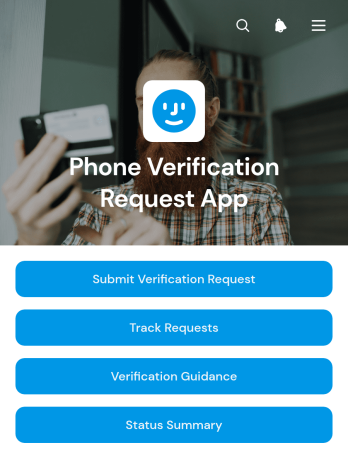
Phone Verification Request App
Phone Verification Request App provides a central place for collecting and managing requests to verify phone information. Support, operations, account management, and information technology teams can use it when customers, employees, contractors, or other approved users need a documented verification process. Requesters can submit their details, consult verification guidance, and track the progress of an existing request, while staff can review request information and monitor a status summary. This setup reduces scattered messages, clarifies next steps, and creates a more consistent experience for account reviews, contact detail updates, service enrollment, and internal record checks.Jotform makes this app template easy to adapt without coding. Its drag-and-drop app builder lets teams update pages, navigation, instructions, colors, and branding to reflect their own workflow. Connected forms support organized data collection, while tables, approvals, notifications, and other Jotform features can help route requests and coordinate follow-up. Teams can publish the finished app with a direct link, QR code, or embedded experience for convenient mobile-friendly self-service. Among Jotform’s App Templates, this option offers a practical starting point that can be customized and launched quickly.
Go to Category:Service & Support Portal Apps
Software Removal Request App
The Software Removal Request App is a centralized request experience for employees, IT teams, service desks, and system administrators coordinating the removal of unwanted or obsolete software. Users can submit a removal request with the software name, requester details, device or system, preferred removal date, reason, and supporting notes. They can also browse existing requests, review individual request details and statuses, and consult removal guidance with relevant steps and important notes. This app template helps organizations replace scattered emails and informal messages with a consistent intake process, clearer records, and convenient self-service access.Jotform makes this Software Removal Request App easy to adapt without coding. Use the no-code app builder and drag-and-drop interface to update pages, navigation, branding, and instructions for your organization. Connect forms and tables to support data collection, organize request records, and build a practical workflow for follow-up. The app can be shared through a direct link or QR code, giving employees mobile-friendly access while helping IT teams keep request information and guidance together. Start with one of Jotform’s App Templates, customize it, and publish an interactive resource that fits your internal support process.
Go to Category:Information Technology Apps
Network Incident Management App
The Network Incident Management App is an app template for IT operations teams, network administrators, service desks, managed service providers, and engineering groups that need a shared place to coordinate network disruptions. Teams can report incidents, browse active and historical records, and add updates as investigations progress. Centralized context helps responders understand affected services, locations, current status, and next steps without relying on scattered messages. It is especially useful for outages, connectivity failures, degraded performance, hardware issues, and other events that require clear ownership and timely communication.Jotform App Templates make it easier to turn incident handling procedures into an accessible digital workflow. With Jotform’s no-code app builder and drag-and-drop interface, teams can adapt the Network Incident Management App to their escalation paths, terminology, branding, and operational needs. Connected forms support consistent data collection, while tables, approvals, notifications, and other workflow tools can help route reports and keep stakeholders informed. Publish the app with a shareable link or QR code so authorized responders can access guidance, review incidents, and contribute updates from a phone, tablet, or computer.
Go to Category:Information Technology Apps