

Information Technology Apps

Hardware Asset Tracking App
The Hardware Asset Tracking App is an app template for IT departments, operations teams, schools, offices, warehouses, and growing businesses that need a central place to monitor physical technology assets. Users can browse asset records, document assignments to employees or locations, and log maintenance activity while keeping reporting accessible from the same experience. It helps teams understand who has each device, review its condition and service history, reduce misplaced equipment, and maintain more dependable records throughout the asset lifecycle. Staff can use it during equipment distribution, returns, audits, repairs, replacements, and routine inventory reviews.Jotform Apps makes this template easy to adapt with a no-code app builder and an intuitive drag-and-drop interface. Add or reorganize pages, update branding, connect forms and tables for data collection, and support workflows with notifications or approval steps. The finished app can be shared by a direct link and accessed from phones, tablets, or computers, giving authorized team members convenient self-service access wherever hardware is issued or maintained. Jotform App Templates help organizations turn scattered asset processes into a connected, mobile-friendly experience without writing code.
Go to Category:Inventory Management Apps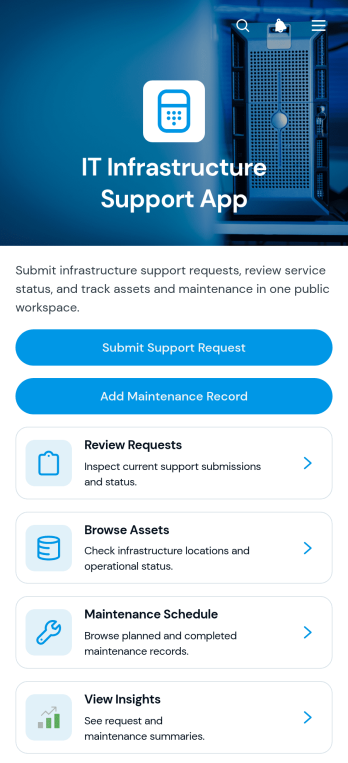
IT Infrastructure Support App
The IT Infrastructure Support App gives technology teams a central place to coordinate internal support requests, infrastructure assets, and planned maintenance. It suits IT departments, managed service teams, operations managers, and growing businesses that need clearer visibility across day-to-day technical work. Employees can submit support requests, technicians can review reported issues, and authorized users can browse asset information without relying on scattered messages or spreadsheets. Maintenance schedules and records help teams plan recurring work, monitor status, reduce missed tasks, and keep essential infrastructure available. Built-in insights also support workload reviews and better operational decisions.Jotform Apps makes this app template easy to adapt with a no-code app builder and an intuitive drag-and-drop interface. Teams can update pages, navigation, buttons, colors, and branding while connecting forms, tables, notifications, and approval workflows where needed. The result is a mobile-friendly self-service experience that supports consistent data collection and gives employees and technicians convenient access from one shared location. Start with one of Jotform’s App Templates, tailor the experience to existing processes, and publish it through a direct link, QR code, or embedded page without writing code.
Go to Category:Information Technology Apps
Software Discovery App
Software Discovery App gives technology teams, consultants, procurement groups, and growing businesses a central place to research and assess software options. Users can browse a shared library, open detailed software profiles, compare potential solutions, and submit evaluations for team review. Organized notes, ratings, review statuses, purposes, and key features help stakeholders replace scattered research with consistent assessments. The app is especially useful when selecting tools for a new process, reviewing an existing technology stack, gathering recommendations from employees, or creating a curated resource for clients. Shared access also keeps decision-makers informed while reducing duplicated research and unclear recommendations.Jotform makes this app template easy to adapt without coding. Using its drag-and-drop app builder, teams can update pages, organize navigation, adjust branding, and connect forms that collect software suggestions or evaluation data. Related information can flow into Jotform Tables and connected workflows, making records easier to review and manage. Publish the finished Software Discovery App with a direct link, custom URL, or QR code so employees, clients, and partners can access it from any device. Jotform App Templates provide a practical starting point for creating a searchable, mobile-friendly self-service experience that supports collaborative technology decisions.
Go to Category:Information Technology Apps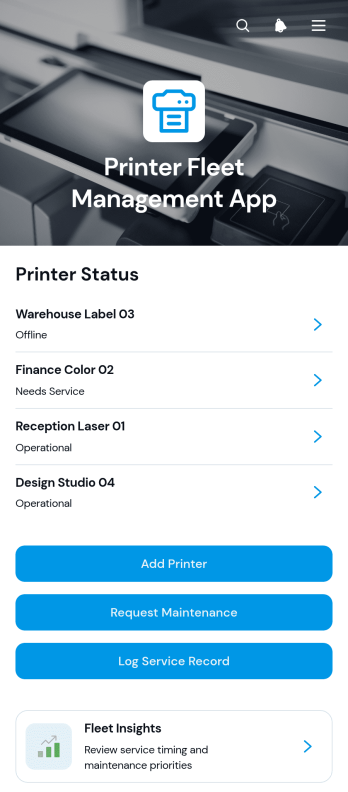
Printer Fleet Management App
The Printer Fleet Management App is a ready-to-use workspace for tracking office printers and coordinating their upkeep across one or more locations. IT teams, facilities departments, service technicians, schools, and growing businesses can browse a centralized printer list, review model and serial information, check previous and upcoming service dates, and see relevant notes. Users can submit maintenance requests when an issue occurs, monitor the current status, and log completed service work with technician, cost, parts, and repair details. Fleet insights help managers understand equipment activity and make better maintenance and replacement decisions.Jotform Apps turns this app template into a customizable, mobile-friendly resource without requiring code. Use the no-code app builder and its drag-and-drop interface to adjust pages, navigation, buttons, colors, and branding. Connect forms and tables to support data collection, notifications, and each maintenance workflow while giving staff convenient self-service access. Jotform App Templates can be shared through a direct link or QR code, helping teams manage printer information and service activity from a single interactive app.
Go to Category:Equipment Maintenance Software
ERP Implementation Dashboard App
ERP Implementation Dashboard App gives project managers, implementation consultants, information technology teams, and department leaders a central place to oversee an enterprise resource planning rollout. It can support project status visibility, task tracking, and resource navigation across planning, configuration, testing, training, data migration, and launch activities. Organizations can use the dashboard to clarify responsibilities, surface blockers, coordinate stakeholders, and keep implementation work aligned with agreed milestones. It is especially useful for small and midsize businesses seeking a more accessible alternative to scattered spreadsheets, email updates, and disconnected project records.With Jotform, teams can adapt this app template using a no-code app builder and an intuitive drag-and-drop interface. Add pages, cards, buttons, forms, tables, approval steps, and reference materials to match the implementation workflow without writing code. Connected forms can support data collection for status updates, issue reports, and requests, while automated notifications help participants respond promptly. Customize the branding and navigation, then publish the app with a direct link or QR code for convenient desktop and mobile access. Jotform App Templates make it easier to create a shared, self-service project experience that can evolve throughout every phase of the rollout.
Go to Category:Project Management Apps
Cloud Services Inquiry App
Cloud Services Inquiry App is an app template for cloud consultants, managed service providers, information technology teams, and solution architects who need a clear way to receive and qualify service inquiries. Prospective clients can browse focused cloud service areas, review service fit information, understand how the inquiry process works, and send relevant context to the team. By guiding visitors from an initial goal to an appropriate service area and contact step, the app helps organizations reduce unclear requests, gather more useful details, and move promising conversations forward. It works well for cloud migration, infrastructure, optimization, security, strategy, and related consulting inquiries.Jotform Apps makes this Cloud Services Inquiry App easy to adapt without coding. Use the drag-and-drop app builder to update pages, service cards, navigation, branding, and inquiry content, then connect forms and workflows for data collection, notifications, and internal follow-up. Teams can turn the template into a branded self-service experience, share it through a direct link or QR code, and provide convenient access from phones, tablets, or computers. Among Jotform App Templates, it offers a practical starting point for organizing cloud service information and converting technical questions into actionable opportunities.
Go to Category:Information Technology Apps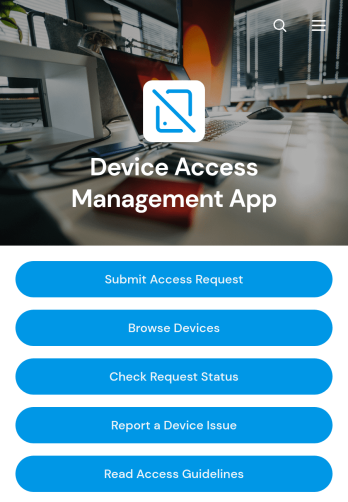
Device Access Management App
The Device Access Management App is an internal resource for IT departments, security teams, operations managers, and organizations that need a consistent way to coordinate access to company devices. Employees can browse available devices, submit access requests, and check request status from one convenient location. It supports offices, schools, technical facilities, warehouses, and distributed teams where shared computers, tablets, testing equipment, or other managed devices must be assigned with clear oversight. Centralizing these actions reduces scattered email requests, gives staff better visibility, and helps administrators maintain an organized record of device access activity.Jotform makes this app template easy to adapt without coding. Using the no-code app builder and its drag-and-drop interface, teams can update pages, apply their branding, connect forms and tables, and shape the workflow around internal policies. The app can also provide access guidelines and a simple way to report device issues, giving employees a practical self-service experience. Publish the Device Access Management App with a direct link, QR code, or embedded experience so authorized users can reach it from a phone, tablet, or computer.
Go to Category:Information Technology Apps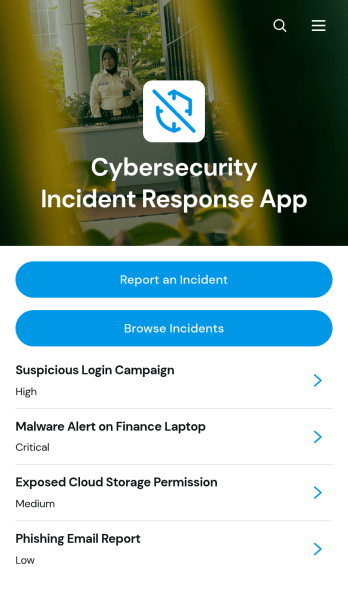
Cybersecurity Incident Response App
The Cybersecurity Incident Response App gives IT teams, security teams, managed service providers, and operational leaders a central place to report, review, and coordinate responses to suspected cybersecurity incidents. Users can submit a new incident, browse reported cases, and open detailed records covering the incident type, affected system, detection date, response owner, containment status, description, and reporter. This shared view helps organizations document threats consistently, assign accountability, monitor containment efforts, and reduce gaps in communication during investigations.Built with Jotform Apps, this app template can be adapted to match an organization’s incident response workflow without coding. The drag-and-drop app builder makes it easy to adjust pages, navigation, branding, and content while connecting forms, tables, approvals, and notifications. Teams can create a mobile-friendly self-service reporting experience, organize data collection, and share the finished app through a direct link or QR code. Jotform App Templates also provide a practical starting point that can grow alongside changing security procedures and internal responsibilities.
Go to Category:Information Technology Apps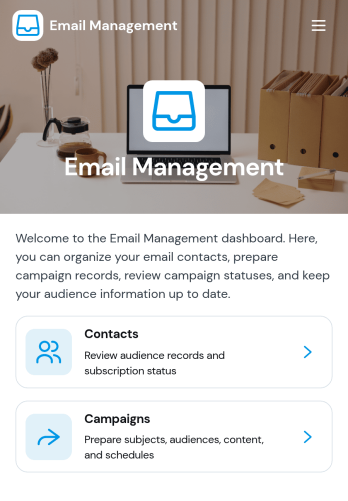
Email Management App
Email Management App is a customizable workspace for organizing email-related tasks, resources, and processes from a single accessible page. It suits small and midsize businesses, administrative teams, customer service groups, marketing departments, and independent professionals who want a clearer way to coordinate inbox responsibilities. Teams can adapt the page for message intake, follow-up tracking, and access to email guidelines or related forms. This app template can help reduce missed requests, clarify ownership, and support consistent communication without requiring users to navigate scattered tools and documents.Jotform Apps makes it easy to turn this Email Management App into a branded experience with a no-code app builder and an intuitive drag-and-drop interface. Add pages, buttons, links, forms, tables, approvals, and other connected workflows as your process develops. Jotform App Templates give teams a practical starting point while leaving room to adjust navigation, visual styling, and content. Once ready, the app can be shared by direct link or QR code, giving staff a mobile-friendly destination for self-service access, data collection, and everyday email operations.
Go to Category:Organization Apps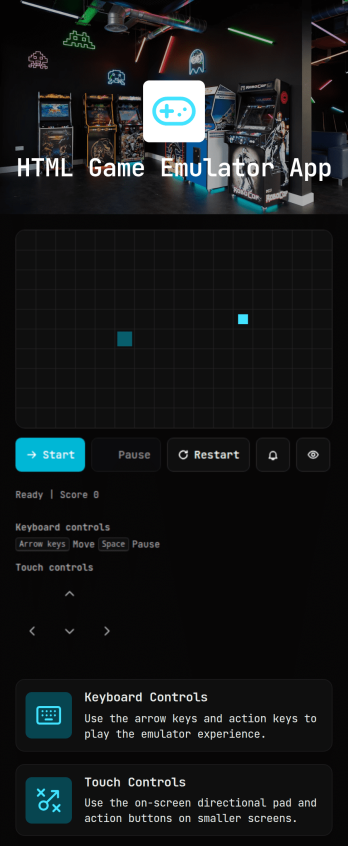
HTML Game Emulator App
HTML Game Emulator App is a customizable starting point for creators, gaming communities, educators, and entertainment businesses that want to organize access to browser-based game experiences from one convenient page. It can present game links, basic instructions, and supporting resources without making visitors search across multiple websites or messages. Use it to publish a retro gaming collection, share educational game demonstrations, introduce an interactive campaign, or create a simple entertainment destination for a private group. Its focused structure helps audiences find relevant content quickly while giving publishers a consistent, branded way to manage access.Jotform makes this app template easy to adapt with a no-code app builder and an intuitive drag-and-drop interface. Add or rearrange content, connect forms for feedback or game requests, and update visual elements to match your project. The finished HTML Game Emulator App can be shared through a direct link or QR code for convenient mobile and desktop access. Jotform App Templates also support connected data collection and workflow tools, helping creators gather suggestions, review requests, and maintain an engaging self-service experience without developing an app from scratch.
Go to Category:Entertainment Apps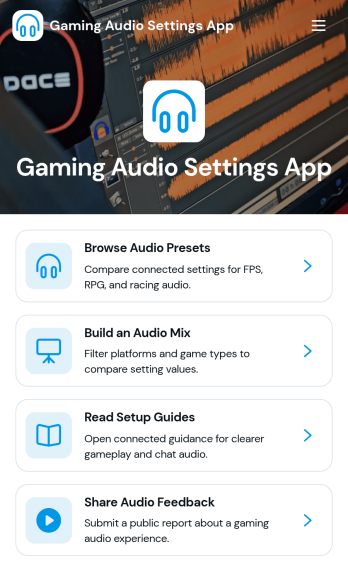
Gaming Audio Settings App
Gaming Audio Settings App helps players and gaming communities organize sound presets, fine-tune mixes, and follow setup guidance for clearer in-game audio. Use it to browse preset options, compare common adjustments like footstep boost or voice chat balance, and keep recommendations in one place for different games, headsets, and play styles. It also supports ongoing improvement by collecting audio feedback from teammates, customers, or community members, making it easier to spot what works and what needs tweaking.Built with Jotform, this app template turns audio preferences into a simple, mobile-friendly self-service experience you can share with a link. Customize pages with a drag-and-drop interface, connect buttons to forms for data collection, and keep feedback organized for faster iteration. Whether you run a gaming team, streaming channel, esports club, or support group for gaming gear, Jotform app templates make it easy to publish a polished hub without relying on code.
Go to Category:Entertainment Apps
AI Workspace Dashboard App
AI Workspace Dashboard App brings your workspace activity into one central place so teams can quickly review what’s happening, spot trends, and stay aligned on priorities. It works well for IT and operations teams monitoring internal usage, team leads who want a clear pulse on day-to-day progress, and fast-moving groups that need a simple way to browse activity records without hunting through multiple tools. With a dedicated link to review workspace activity and a connected list for tracking updates, this dashboard helps you keep visibility high while keeping navigation simple.Jotform makes it easy to publish this kind of self-service dashboard using a no-code app builder and a drag-and-drop interface. Start with this app template, customize the layout for your workflow, and connect it to your existing data collection in Jotform Tables so the activity list stays current. Share the app through a link to keep stakeholders informed, and update the experience anytime as your processes change.
Go to Category:Information Technology Apps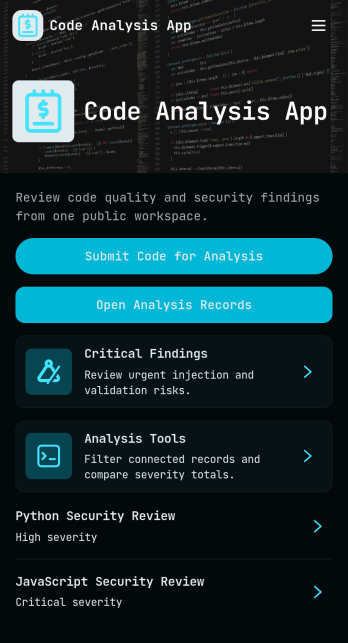
Code Analysis App
Code Analysis App gives engineering and IT teams a simple place to submit code for review, capture analysis focus, and turn results into readable reports. Use it to standardize internal code checks, triage high-severity findings, and keep recommendations tied to project context across multiple initiatives. It’s helpful for software teams, agencies, and consultants who need consistent review routines without chasing updates across tools, especially when multiple reviewers contribute and teams need clear next steps.Built with Jotform, this app template helps you launch a self-service workflow where users can analyze code, browse and review reports, and follow analysis guidance from one mobile-friendly hub. Customize pages with a drag-and-drop interface, connect forms and lists for organized data collection, and keep reviews moving with shareable links, role-based collaboration, and automated steps that fit your team’s process.
Go to Category:Engineering Apps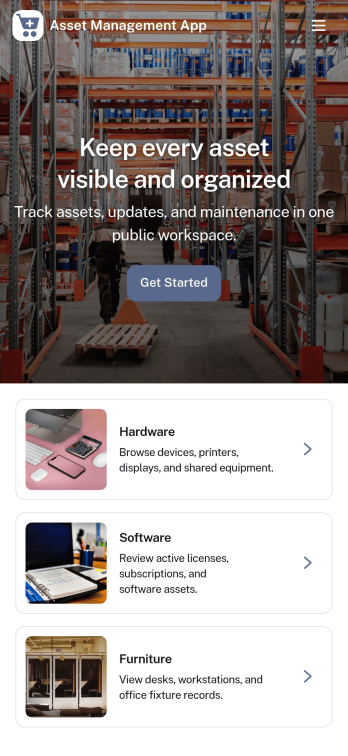
Asset Management App
Asset Management App helps teams keep track of company assets, assign equipment to people, and maintain a clear history of service and issues in one place. It’s useful for IT teams managing laptops and peripherals, operations teams tracking tools and shared gear, schools lending devices, and growing businesses that need a simple way to see what’s available and what’s in use. With guided navigation and quick actions, staff can add new assets, record checkouts, log service activity, and report issues as they happen.Built with Jotform, this app template turns everyday asset processes into a mobile-friendly self-service experience without code. Use the drag-and-drop interface to adjust pages, update branding, and connect your data collection forms to keep records organized and searchable. Share the app by link or QR code so employees can complete workflows in the moment, while your team stays on top of requests, maintenance history, and asset accountability.
Go to Category:Inventory Apps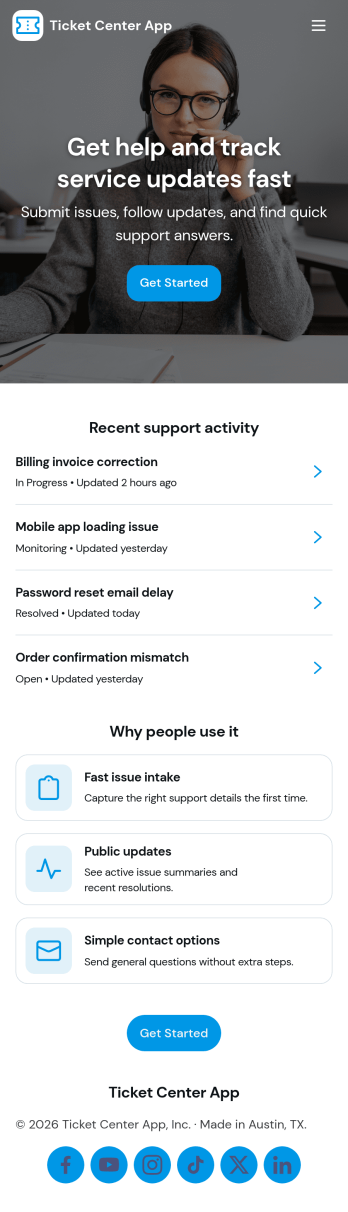
Ticket Center App
Ticket Center App brings your support requests into one clear place so teams can create new tickets, review open issues, and follow progress without losing context. It’s a practical fit for IT help desks, customer support teams, internal operations, and service departments that need a simple way to capture requests and keep requesters informed. With quick navigation to Open Tickets, a New Ticket entry point, and a My Tickets view, the app helps reduce missed requests and gives everyone a consistent path for reporting problems, adding details, and checking status.Jotform makes it easy to publish this app template and tailor it to your workflow using a no-code app builder and drag-and-drop interface. Connect the app to your form for reliable data collection, then organize tickets so teammates can review updates and prioritize work faster. Share the app with a link for self-service access, adjust pages and branding to match your process, and keep your ticket workflow easy to use across devices.
Go to Category:Service & Support Portal Apps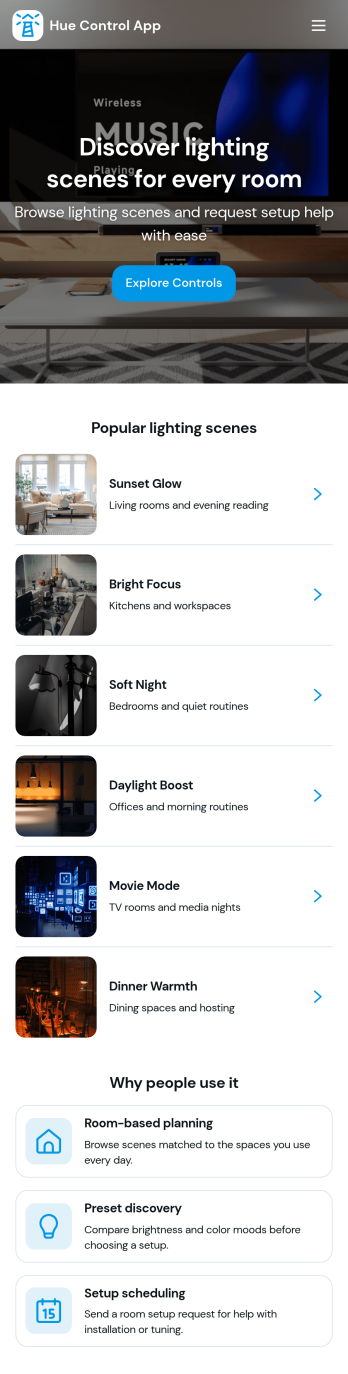
Hue Control App
Hue Control App brings your color presets and lighting scenes into one place, so you can quickly choose a look, save new scene ideas, and keep a record of changes over time. It’s ideal for households managing room-by-room ambiance, creators setting consistent lighting for photos or video, and small teams that need repeatable lighting setups for studios, displays, or events. With dedicated pages for Presets and Scenes, plus a simple way to log hue adjustments and review them later, this app helps reduce guesswork and makes it easier to recreate results.Built with Jotform, this app template can be tailored with a no-code app builder and a drag-and-drop interface, so you can adjust navigation, rename pages, and match the experience to your workflow. Connect buttons to forms for quick data collection when you log adjustments or save scenes, then view records in lists or a table view for fast self-service access. Share the app with others through a link or QR code and keep your lighting workflow organized without adding complexity.
Go to Category:Information Technology Apps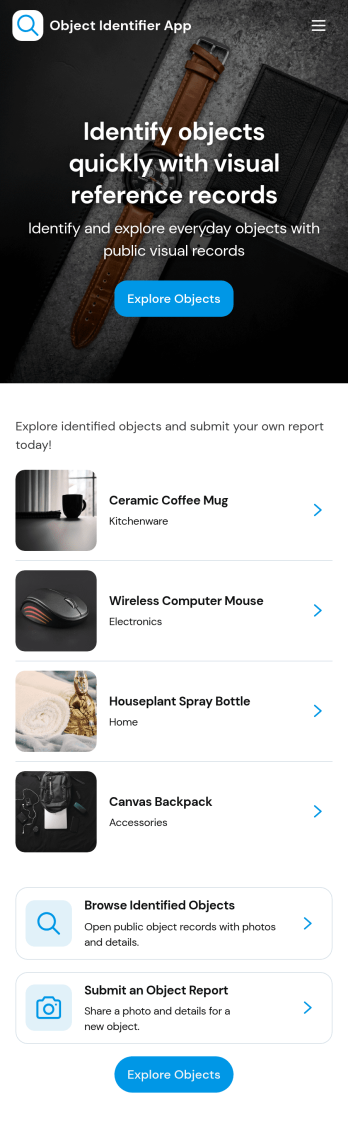
Object Identifier App
Object Identifier App helps teams create and manage a simple catalog of identified items so they can add new records, scan or reference a barcode, and quickly browse existing records in one place. It’s a practical fit for IT and facilities teams tracking tagged assets, labs cataloging instruments, schools organizing equipment, resellers managing inventory-like collections, or any organization that needs a consistent way to label objects and look them up later without digging through spreadsheets.With Jotform, you can publish this app template and adapt it to your workflow using a no-code app builder and a drag-and-drop interface. Connect your record form to keep data collection consistent, organize entries so people can find what they need fast, and share a self-service experience by link or QR code for staff in the field. As your process grows, you can update pages, buttons, and navigation in minutes to match how your team actually identifies and tracks objects.
Go to Category:Inventory Apps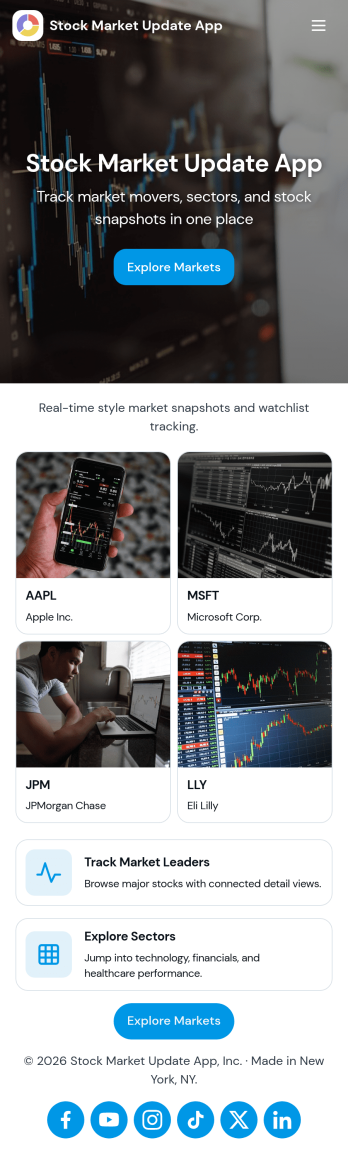
Stock Market Update App
Stock Market Update App gives teams and individuals a simple way to view market highlights, follow specific companies, and keep an eye on timely changes from one place. With dedicated areas for markets, company-focused browsing, and alerts, it works well for analysts, advisors, finance educators, investing clubs, and content teams who need a repeatable way to publish updates and guide viewers to the latest information without clutter.Jotform makes it easy to turn this experience into a branded, shareable app using an app template and a no-code app builder. Use the drag-and-drop interface to adjust pages, cards, and navigation, connect dashboards and forms for structured data collection, and keep your workflow organized as your update cadence grows. Share your Jotform app through a link or QR code so your audience can access market insights and alerts on desktop or mobile.
Go to Category:Finance Apps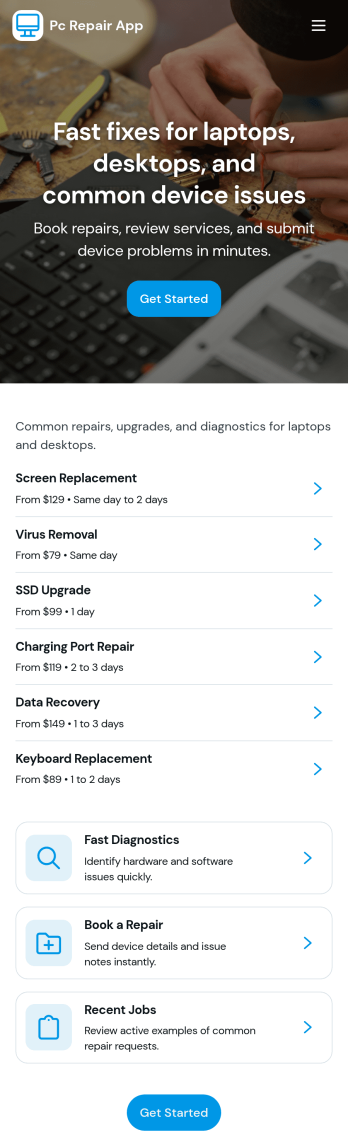
Pc Repair App
Pc Repair App helps computer repair shops and IT service teams collect new device intake details, manage open tickets, and guide customers through service options in one place. Use it to capture troubleshooting notes at drop-off, keep a running view of active jobs, and reduce missed steps when multiple techs are working the same queue. With pages for new intake, open tickets, and service levels, it fits walk-in repair counters, on-site support, and small businesses that need a simple ticketing flow without extra complexity.Jotform makes it easy to turn this Pc Repair App app template into a branded self-service experience using a no-code app builder and a drag-and-drop interface. Connect your intake form to organize data collection, keep ticket information accessible for your team, and share the app by link or QR code so staff can update jobs from anywhere. As your workflow evolves, you can adjust pages, add actions, and keep everything aligned to how your repair process actually runs.
Go to Category:Information Technology Apps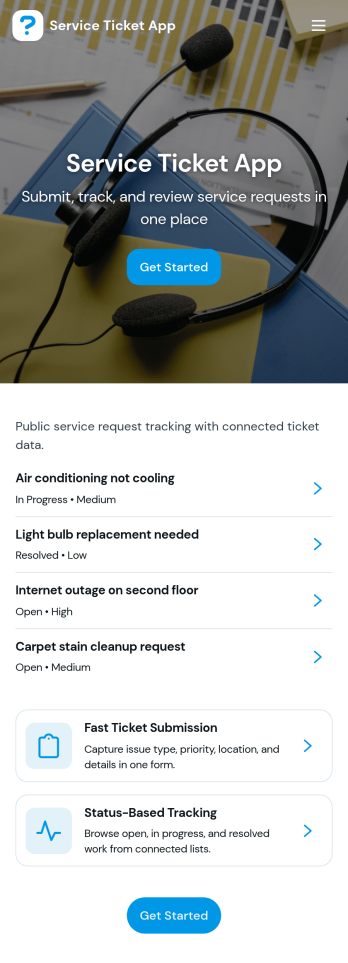
Service Ticket App
Service Ticket App helps teams capture new service requests and manage ongoing issues in one place, so requests don’t get lost across emails, chats, or hallway conversations. It fits IT and internal support teams, facilities and maintenance groups, and any service desk that needs a simple way for people to open a ticket, review their own tickets, and follow up as work progresses. With a clear entry point to submit a new ticket, a dedicated area for My Tickets, and a queue view for staff, the app supports day-to-day triage and keeps requesters informed without extra coordination.Jotform makes it easy to turn this service ticket workflow into a polished self-service experience using App Templates and a no-code app builder. With a drag-and-drop interface, you can adjust the navigation, connect the app to your ticket form and table, and keep everything accessible from a single link. As tickets come in, teams can centralize data collection, review records, and maintain a consistent workflow that’s easy to share across departments.
Go to Category:Service & Support Portal Apps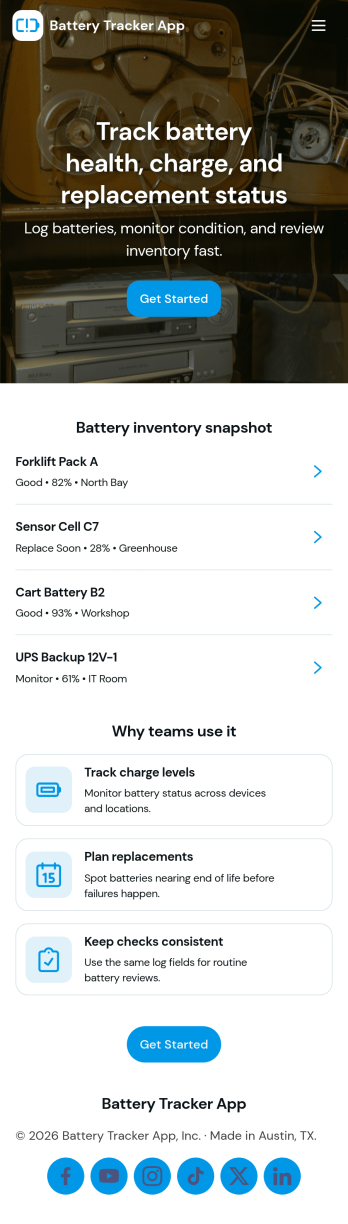
Battery Tracker App
Battery Tracker App helps you record routine battery checks, keep a clear history of past results, and spot patterns before a battery becomes a surprise problem. Use it to log each check in seconds, review saved checks when troubleshooting, and share quick updates with a team that maintains devices, vehicles, tools, or backup power systems. It fits field crews, IT and facilities teams, workshop managers, fleet owners, and anyone who wants a simple place to track battery condition over time without hunting through notes.With Jotform, you can turn this app template into a self-service experience for consistent data collection and follow-up. Customize the pages and cards, connect the built-in form to your workflow, and centralize records in one place so your team can capture new checks, view history, and monitor insights from any device. Jotform’s no-code app builder and drag-and-drop interface make it easy to publish, share, and update your process as your tracking needs change.
Go to Category:Equipment Maintenance Software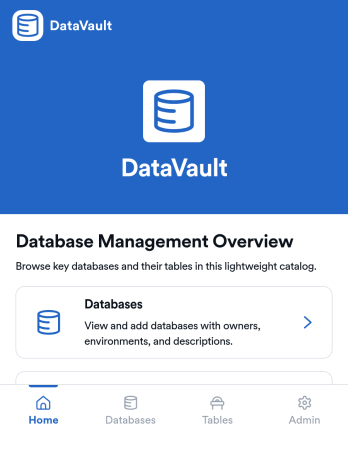
DataVault Database Management App
DataVault Database Management App brings your database catalog and table catalog into one place so teams can log new databases, track tables, and review related records without losing context. It’s built for IT teams, engineering groups, and operations leaders who need a simple way to keep database information organized, searchable, and easy to share across stakeholders. With quick add forms and browsable lists, this app supports day-to-day database inventory work, internal handoffs, and ongoing upkeep as environments grow.Jotform App Templates make it easy to publish a tailored internal tool using a no-code app builder and a drag-and-drop interface. Connect pages to forms and tables to support data collection, keep records centralized, and give teammates a self-service way to find what they need. With Jotform, you can adjust navigation, update content fast, and share the app through a link so your workflow stays clear and consistent.
Go to Category:Information Technology Apps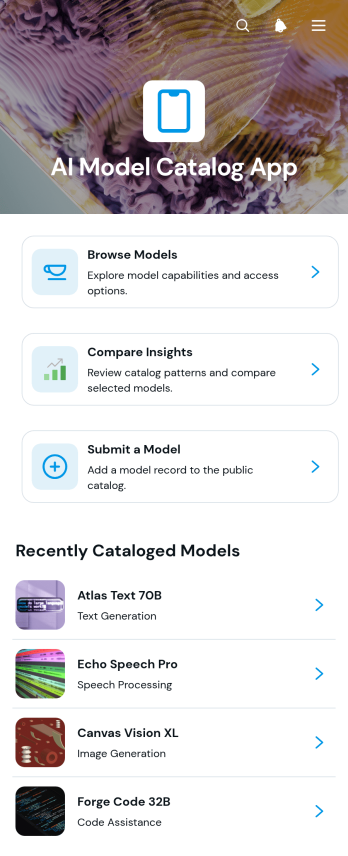
AI Model Catalog App
AI Model Catalog App provides a searchable, organized resource for teams that need to review artificial intelligence models before choosing one for a project or workflow. Technology departments, engineering teams, consultants, educators, and internal research groups can use it to browse model listings, compare insights, and submit models for consideration. Each listing can present practical decision-making information such as the provider, access method, primary use, capabilities, context window, and a concise summary. By bringing these details into one accessible catalog, the app reduces scattered research, supports consistent evaluations, and helps colleagues identify suitable options for experimentation, development, or operational use.Jotform makes this app template easy to adapt with a no-code app builder and a flexible drag-and-drop interface. Teams can update pages, navigation cards, visual styling, and connected forms without writing code. Model submissions can feed into organized data collection and workflow processes, while links and resources give users a convenient self-service experience. Once customized, the app can be shared by a direct link or QR code for mobile-friendly access. Explore Jotform App Templates to create a branded catalog that remains useful as your model library and evaluation needs evolve.
Go to Category:Information Technology Apps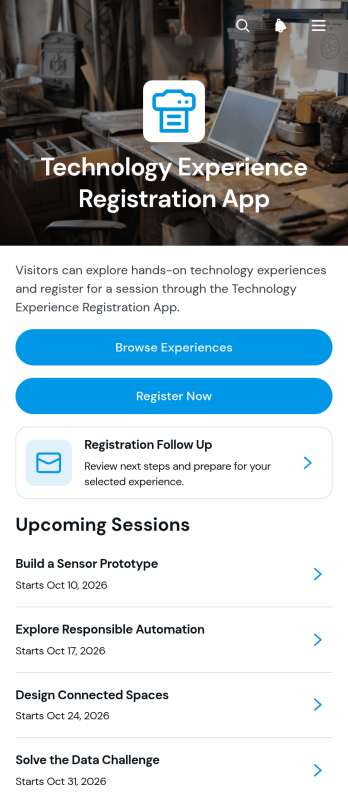
Technology Experience Registration App
The Technology Experience Registration App gives event organizers, technology educators, innovation teams, and experience hosts a central place to present interactive sessions and collect attendee registrations. Visitors can browse available experiences, review key information such as format, duration, date, location, and planned activities, then register through a connected form. Follow-up guidance helps registrants understand confirmation steps and prepare for their session. This app template is useful for technology showcases, demonstrations, workshops, discovery days, training events, and hands-on learning programs where clear information and a simple enrollment journey can improve attendance.Jotform App Templates make it easy to turn event information and data collection into a polished, mobile-friendly experience. Using Jotform’s no-code app builder and drag-and-drop interface, organizers can customize pages, buttons, cards, fonts, colors, and branding without programming. They can also connect forms and workflows, organize experience listings, and update registration resources from one place. Once the Technology Experience Registration App is ready, it can be shared through a direct link, QR code, or embedded experience, giving attendees convenient self-service access on any device.
Go to Category:Event Registration Apps