

Information Technology Apps

Account Recovery Request App
Account Recovery Request App gives IT teams, service desks, customer support departments, and membership organizations a central place to receive and manage requests from people who cannot access their accounts. Users can submit a recovery request, view its status, and consult helpful guidance without relying on scattered emails or repeated support calls. This app template supports consistent data collection while helping staff organize requester details and request information for review. It is well suited to customer portals, employee support services, educational systems, subscription programs, and other operations that need a clear account access recovery workflow.Jotform App Templates make it easy to adapt the Account Recovery Request App to existing support processes. With Jotform’s no-code app builder and drag-and-drop interface, teams can update pages, navigation, branding, and instructions without programming. Connect forms and tables to keep request records organized, add notifications for timely follow-up, and link related approval steps or resources when needed. The finished app can be shared through a direct link or code for convenient mobile-friendly self-service, giving requesters a simple access point while helping support teams manage recovery cases from one interactive experience.
Go to Category:Information Technology Apps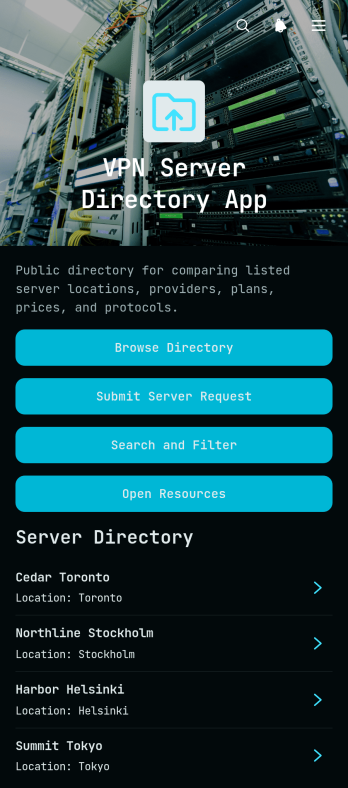
VPN Server Directory App
VPN Server Directory App provides a central, browsable resource for organizing server listings and helping users find suitable connection options. IT teams, technical support providers, network administrators, consultants, and online service operators can use this app template to present server profiles in a consistent format. Users can browse the directory, search and filter available entries, review essential details such as provider, plan, protocol, location, and listing notes, or submit a server request when they need another option. This organized self-service experience makes technical information easier to locate while giving teams a practical way to collect requests and maintain a useful server resource.Jotform App Templates help organizations turn information and connected processes into accessible digital experiences without writing code. Customize the VPN Server Directory App with the no-code app builder and its drag-and-drop interface, then adjust pages, navigation, colors, fonts, and visual elements to suit your audience. Connect forms and tables to support data collection and workflow management, update directory content as needs change, and share the finished app through a direct link or QR code. Jotform makes it easy to publish a mobile-friendly directory that brings resources and user actions together in one convenient place.
Go to Category:Information Technology Apps
User Access Management App
User Access Management App provides a focused starting point for organizing how employees, contractors, and other approved users request access to workplace systems and resources. Its central page can guide people to access instructions, request channels, and relevant support information without scattering these details across emails or documents. Information technology teams, human resources departments, operations managers, and growing businesses can use this app template to create a consistent entry point for onboarding, role changes, temporary access, and account removal processes. This clearer experience helps reduce misdirected requests, makes responsibilities easier to understand, and gives users a convenient self-service destination.Jotform Apps makes it easy to adapt App Templates to an organization’s processes without writing code. Using the no-code app builder and drag-and-drop interface, teams can update the page, apply their branding, add navigation, and connect forms, tables, approvals, or automated workflows as their needs evolve. The finished User Access Management App can be shared through a direct link or QR code and accessed from phones, tablets, and computers. This flexibility supports centralized data collection, faster request routing, and a more organized experience for administrators and users alike.
Go to Category:Information Technology Apps
Web Browser App
The Web Browser App is a customizable starting point for creating a focused gateway to online content on one accessible page. It suits IT teams, schools, workplaces, community groups, and service providers that want to guide people toward useful websites, digital resources, or frequently used services without making them search across scattered channels. The page can be adapted with clear navigation, branded visuals, and links to relevant destinations, helping users find trusted information faster. Use it for an internal launch page, learning resource center, customer help gateway, or curated collection of web tools. By centralizing access, organizations can reduce confusion, keep important destinations visible, and offer a more consistent self-service experience.Jotform makes this app template easy to tailor with a no-code app builder and drag-and-drop interface. Add or reorganize content, apply your preferred colors and fonts, and expand the experience with forms or connected workflows when needed. Jotform App Templates are mobile-friendly and simple to publish, so your Web Browser App can be shared by direct link, QR code, or embedded experience. Teams can update the page as resources change, turning a basic web gateway into a maintained destination for employees, students, customers, or community members without writing code.
Go to Category:Information Technology Apps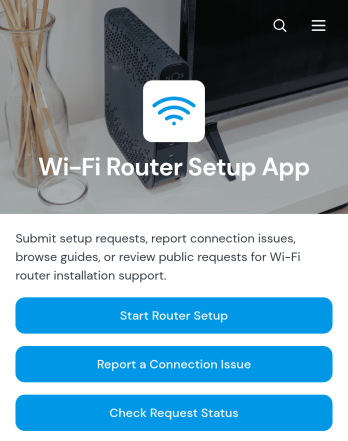
Wi-Fi Router Setup App
Wi-Fi Router Setup App is a central support experience for coordinating router installations and resolving connection problems. It helps internet service teams, information technology departments, property managers, technicians, and home service providers accept setup requests, organize router and location details, and arrange preferred service dates. Users can also report connection issues, review existing requests, and check request status without relying on scattered emails or calls. This app template keeps setup notes and troubleshooting information accessible, giving support staff clearer context while offering customers a convenient self-service path.Jotform app templates make it easy to turn service processes into mobile-friendly experiences without coding. Using Jotform’s no-code app builder and drag-and-drop interface, teams can customize pages, navigation, colors, fonts, and branded visual elements to fit their workflow. Forms and tables can support data collection and request organization, while notifications help teams respond to new activity. Once the app is ready, it can be published and shared through a direct link or QR code, helping technicians and customers access setup and support resources from nearly any device.
Go to Category:Information Technology Apps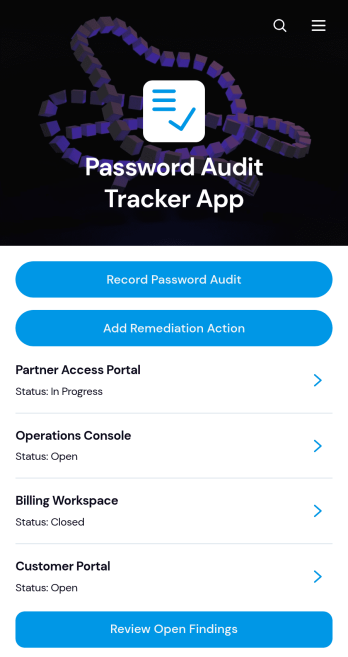
Password Audit Tracker App
Password Audit Tracker App helps information technology teams, security reviewers, consultants, and internal auditors document password policy assessments across applications and systems. Teams can record each audit, review open findings, add remediation actions, and keep notes tied to the relevant application. This centralized approach makes recurring reviews easier to manage, clarifies which issues still need attention, and creates a consistent record for follow-up. Audit entries should document password controls and findings without collecting or exposing actual passwords.With Jotform App Templates, organizations can adapt this app template to their own review process without writing code. Jotform’s no-code app builder provides a drag-and-drop interface for updating pages, navigation, forms, and branded visual elements. Connected forms and tables can support data collection and workflow organization, while notifications help teams respond to new audit or remediation records. Publish the app through a direct link or QR code to give authorized team members convenient, mobile-friendly access.
Go to Category:Audit Apps
Private App Launcher App
Private App Launcher App gives employees, contractors, and approved partners a central place to find and open the internal apps they use for daily work. It suits information technology teams, operations departments, and growing businesses that want to replace scattered bookmarks and hard-to-maintain link lists with an organized launcher. Users can browse available apps, move through productivity and operations categories, review an app’s description and status, and follow its launch link. A connected submission form also gives teams a consistent way to recommend additions. This app template supports faster resource discovery, clearer app ownership, and a more convenient self-service experience for distributed teams.Jotform App Templates help organizations create mobile-friendly destinations without writing code. With Jotform’s no-code app builder and drag-and-drop interface, teams can tailor pages, cards, buttons, navigation, colors, fonts, and branding to fit their internal workflow. Forms, tables, approvals, and notifications can be connected to support data collection and follow-up tasks. Once the Private App Launcher App is ready, it can be published and shared through a direct link, QR code, or embedded experience, giving authorized audiences a practical way to reach current tools from computers, phones, and tablets.
Go to Category:Company Portal Apps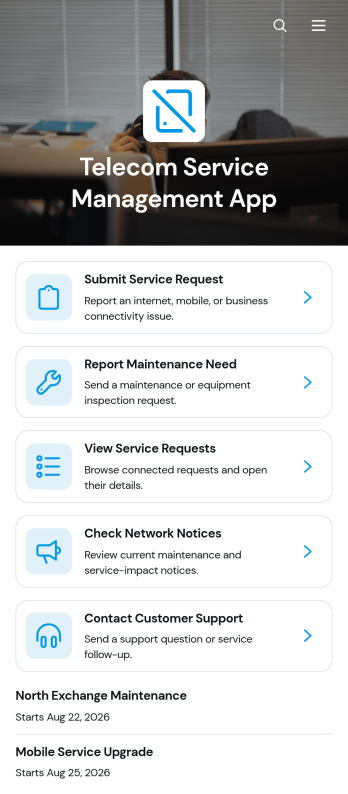
Telecom Service Management App
The Telecom Service Management App is an app template for telecommunications providers, network operators, managed service teams, and facilities staff that need a central place to handle customer service activity. Customers or employees can submit and track service requests, report maintenance needs, and check network notices without relying on scattered emails or calls. It supports everyday scenarios such as connectivity issue reporting, service interruption updates, equipment maintenance coordination, and follow-up on open requests. By bringing these actions together, the app helps support teams organize incoming information, improve visibility, and give users a convenient self-service experience.Jotform makes this template easy to adapt with a no-code app builder and an intuitive drag-and-drop interface. Teams can update pages, branding, navigation, and content while connecting forms, tables, notifications, approvals, and other workflow tools. As part of Jotform App Templates, the Telecom Service Management App can support consistent data collection and keep service information accessible from phones, tablets, or computers. Publish it with a direct link, share it through a QR code, or embed it in an existing digital experience to create a polished resource for customers and staff.
Go to Category:Information Technology Apps
Voice Command Scenario App
Voice Command Scenario App is an app template for presenting, reviewing, and sharing scenarios that show how spoken commands may be used in a product, service, training exercise, or testing process. Product teams, developers, quality assurance specialists, trainers, educators, and user experience researchers can use its central page to organize scenario guidance and give participants a consistent reference point. It is especially useful when teams need to communicate sample commands, expected outcomes, testing conditions, or recommended interactions without relying on scattered documents. Clear resource navigation and scenario reference help support product demonstrations, usability studies, training sessions, and internal reviews.Jotform App Templates make it easy to turn this starting point into a branded, mobile-friendly experience without writing code. With Jotform’s no-code app builder and drag-and-drop interface, teams can update the page, add supporting content, and connect forms for feedback or data collection as their workflow develops. The finished app can be shared through a direct link or QR code, helping remote participants, employees, testers, and stakeholders access the latest material from one convenient location. Flexible customization also makes the Voice Command Scenario App suitable for self-service learning, collaborative testing, and repeatable scenario documentation.
Go to Category:Information Technology Apps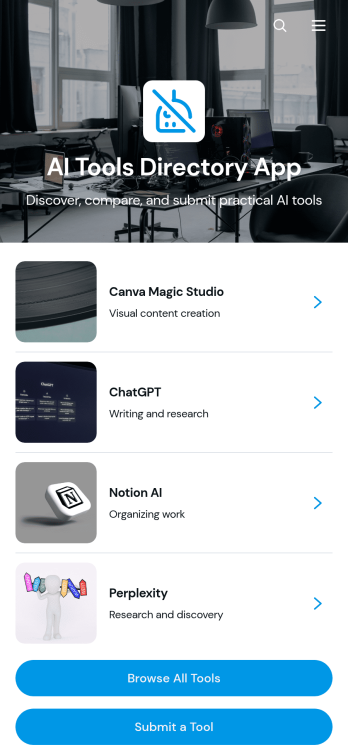
AI Tools Directory App
AI Tools Directory App is a ready-to-use app template for organizing and publishing a searchable collection of artificial intelligence resources. Technology teams, consultants, educators, online communities, and content publishers can use it to help visitors browse tools by categories such as writing, productivity, design, and research. Individual listings can highlight suitable use cases, key features, pricing information, and links to tool websites. Built-in submission and update options also make it easier to collect new recommendations and keep existing information current. This self-service directory reduces scattered research and gives users one convenient place to discover relevant tools.Jotform makes this AI Tools Directory App easy to adapt without coding. Use the no-code app builder and drag-and-drop interface to update pages, rearrange cards, apply modern branding, and connect forms for data collection. Directory owners can organize records through connected workflows, review incoming tool suggestions, and publish updates as their collection grows. Once finished, share the app through a direct link or QR code so visitors can explore it from a phone, tablet, or computer. Jotform App Templates provide a practical starting point for creating a polished resource experience quickly.
Go to Category:Information Technology Apps
Software Project Review App
The Software Project Review App gives software teams a shared space to submit project evaluations, browse completed reviews, and examine review insights. It is useful for engineering leaders, product managers, quality assurance teams, consultants, and cross-functional stakeholders assessing work before a release, milestone, retrospective, or portfolio decision. Reviewers can record feedback on technical quality, user experience, security, and delivery confidence while associating each evaluation with a project, reviewer, and date. Keeping this information in one accessible experience helps teams compare perspectives, uncover recurring concerns, document outcomes, and prioritize follow-up work without relying on scattered files or message threads.With Jotform Apps, organizations can customize this app template through a no-code app builder and an intuitive drag-and-drop interface. Teams can update pages, branding, navigation, and review questions, then connect data collection to tables, notifications, approvals, or other workflow steps. The app can be shared through a direct link or QR code for convenient mobile access, giving authorized participants a practical self-service destination for submitting and viewing reviews. Jotform App Templates make it easier to create a polished project review experience that reflects each team’s processes and supports informed, collaborative decisions.
Go to Category:Project Management Apps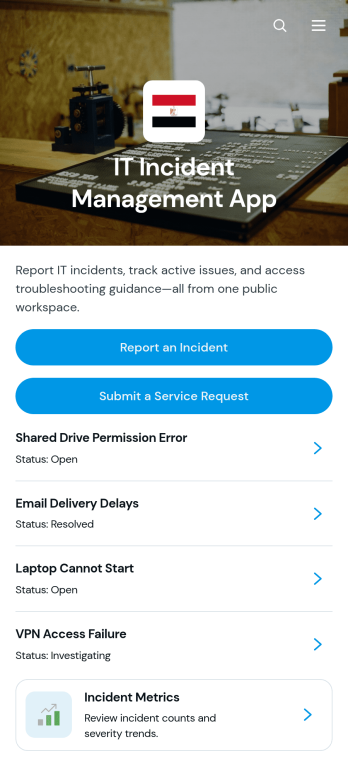
IT Incident Management App
The IT Incident Management App gives IT departments, help desks, managed service providers, and operations teams a central place to receive and review technology incidents. Employees can report an incident, submit a separate service request, view incident details and resolution notes, and consult troubleshooting articles before seeking additional help. Incident metrics provide teams with visibility into recurring issues and support activity. This app template is useful for managing outages, software errors, access problems, device failures, network disruptions, and other technical concerns while keeping requests and reference material organized in one accessible experience.Jotform Apps makes it easy to adapt this IT Incident Management App to your organization without writing code. Use the no-code app builder and drag-and-drop interface to update pages, branding, navigation, forms, and support resources. Connected data collection and workflow tools can help teams organize incident reports, follow up on requests, and maintain a practical self-service knowledge base. Jotform App Templates are mobile-friendly and can be shared through a direct link, QR code, or embedded experience, giving employees and technicians convenient access wherever support is needed.
Go to Category:Information Technology Apps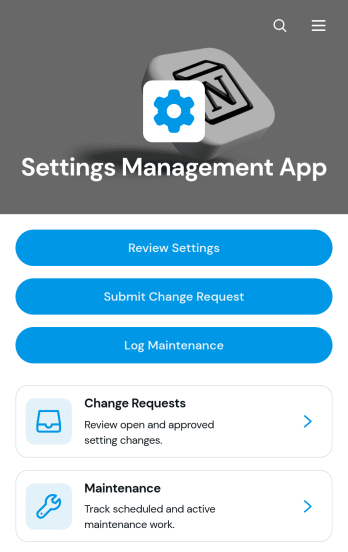
Settings Management App
The Settings Management App provides information technology teams, operations managers, system administrators, and service providers with a central place to document and oversee organizational or technical settings. Users can review settings with their current values, owners, review dates, and notes, then submit change requests or log related maintenance work. This organized approach helps teams replace scattered records, clarify responsibility, preserve operational context, and keep configuration updates visible from request through follow-up. It is useful for managing software configurations, internal system preferences, equipment parameters, service settings, and other controls that require routine review.With Jotform Apps, teams can adapt this app template without writing code. The drag-and-drop App Builder makes it easy to update pages, navigation, branding, and content while connecting forms and tables to support data collection and workflow management. Change requests and maintenance records can remain accessible within one mobile-friendly experience, helping employees find information and complete self-service actions from any device. Start with one of Jotform’s ready-made App Templates, personalize the layout with a modern visual theme, and share the finished app through a direct link, personalized URL, QR code, or embedded experience.
Go to Category:Information Technology Apps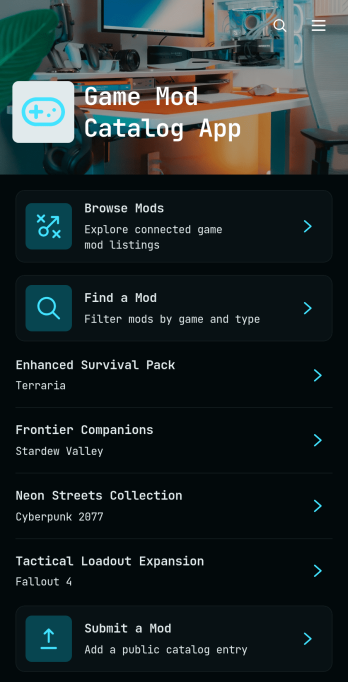
Game Mod Catalog App
The Game Mod Catalog App is an interactive catalog template for gaming communities, mod creators, publishers, fan sites, and administrators who want to organize and share game modifications in one accessible place. Visitors can browse available mods, find relevant listings, review essential catalog details, and open the provided download destination. Creators can also submit mods for inclusion, helping catalog managers gather new entries without relying on scattered messages or disconnected spreadsheets. This setup supports community resource libraries, creator showcases, curated mod collections, and game-specific discovery hubs while giving users a clearer route from exploration to download.Jotform makes this app template easy to adapt with a no-code app builder and a flexible drag-and-drop interface. Update the pages, colors, typography, cards, buttons, and branding to fit a gaming community or publication, then connect forms, tables, notifications, and workflows for organized data collection. Jotform App Templates can be shared through a direct link or QR code, giving desktop and mobile users convenient self-service access. Catalog owners can maintain a polished resource, collect mod submissions, and publish updates without developing a custom app from scratch.
Go to Category:Entertainment Apps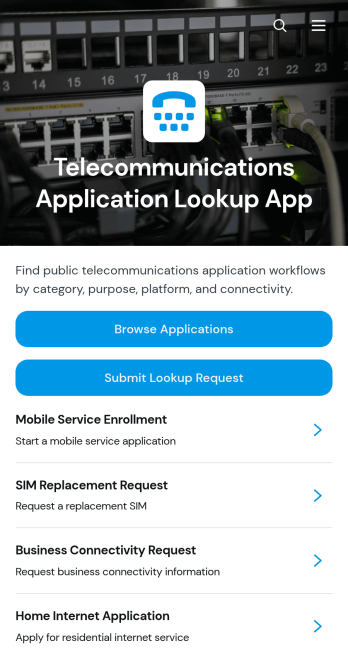
Telecommunications Application Lookup App
The Telecommunications Application Lookup App is a searchable resource for telecommunications teams that need a central place to find and review application information. Network operations staff, technical support teams, service managers, IT departments, and internal users can browse an application directory, open individual summaries, and review connected details such as primary use, platform, and connectivity. When information is unavailable or further research is needed, users can submit a lookup request from the same experience. This app template helps organizations reduce scattered documentation, make application references easier to access, and support faster responses to operational or technical questions.Jotform Apps provides a no-code app builder for turning resources and workflows into accessible, interactive experiences. Customize this Telecommunications Application Lookup App through a drag-and-drop interface, adjust its pages and branding, and connect forms or tables for data collection and record organization. Teams can publish the app with a personalized link, share it directly or by QR code, and give users mobile-friendly self-service access. Jotform App Templates also make it easy to update content as application portfolios, platforms, and connectivity details change.
Go to Category:Information Technology Apps
Access Unlock Request App
Access Unlock Request App gives employees, contractors, and other authorized users a central place to request restored access to accounts, systems, facilities, or restricted resources. It is well suited to IT departments, security teams, facilities staff, service desks, and operations teams that need a consistent way to receive and manage unlock requests. Users can submit an access request, check its status, and review request details such as the requester, access area, access type, and required date. Separate views for open and completed requests help teams prioritize outstanding work, reduce duplicate inquiries, document outcomes, and give requesters a clearer self-service experience.With Jotform, this app template can be adapted to match an organization’s access procedures, terminology, and visual identity. The no-code app builder and drag-and-drop interface make it easy to update pages, buttons, guidance, and navigation without programming. Teams can connect forms, tables, notifications, approvals, and other workflow steps to support organized data collection and timely follow-up. Once configured, the Access Unlock Request App can be published with a shareable link or QR code, giving users a mobile-friendly way to send requests and find updates from nearly any device.
Go to Category:Information Technology Apps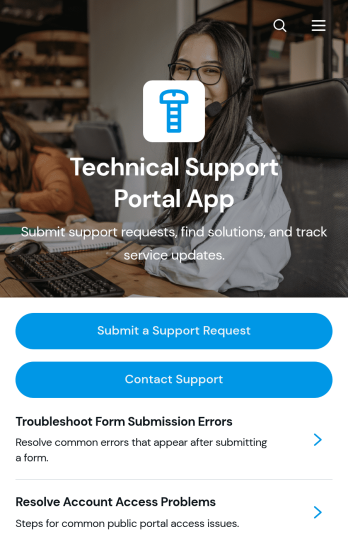
Technical Support Portal App
Technical Support Portal App gives IT teams, managed service providers, software businesses, and internal help desks a central place to handle technical assistance. Customers or employees can submit support requests, review issue details and attachments, check request status, browse documented resolutions, and contact the support team without searching across separate channels. It is well suited to troubleshooting software, hardware, account access, network, and workplace technology issues. By keeping requests and support information accessible in one branded destination, the portal helps reduce missed inquiries, gives requesters clearer visibility, and enables support teams to maintain a more organized service experience.Jotform App Templates make it easy to adapt this app template to an organization’s support process without writing code. Using Jotform’s no-code app builder and drag-and-drop interface, teams can update pages, buttons, visual branding, and navigation while connecting forms, tables, approvals, notifications, and other workflow steps. The app can be shared by direct link, QR code, or embedded experience for convenient mobile-friendly self-service. Support managers can centralize data collection, publish useful resources, and refine the portal as services or internal processes change.
Go to Category:Service & Support Portal Apps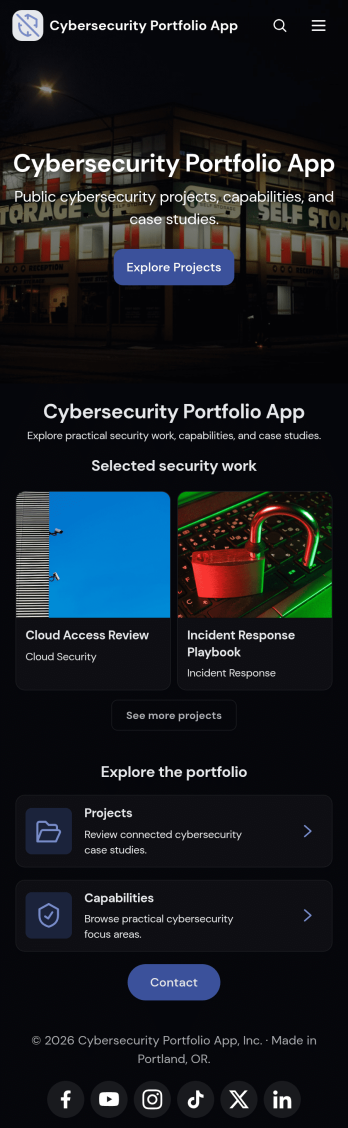
Cybersecurity Portfolio App
Cybersecurity Portfolio App provides security consultants, analysts, engineers, freelancers, and specialist firms with a polished space for presenting relevant work to prospective clients or employers. It brings selected projects, professional capabilities, and educational resources into one easy-to-navigate experience while offering a direct contact path for new opportunities. Visitors can review project outcomes, explore areas of expertise, and request a conversation without searching through scattered documents or web pages. The template is especially useful for client pitches, job searches, consulting outreach, conference networking, and demonstrations of practical cybersecurity experience.With Jotform Apps, users can turn this Cybersecurity Portfolio App template into a branded, mobile-friendly portfolio without writing code. The drag-and-drop app builder makes it simple to adjust pages, cards, buttons, images, fonts, and navigation while maintaining a modern presentation. Project information and resources can be updated as experience grows, and connected forms can support data collection from interested clients or recruiters. Once complete, the app can be shared through a direct link or QR code, giving visitors convenient self-service access to relevant work and contact options from nearly any device.
Go to Category:Information Technology Apps
Auto Clicker Utility App
Auto Clicker Utility App provides a focused, single-page workspace for organizing repetitive clicking activities and the information needed to manage them. It is a practical starting point for quality assurance testers, operations teams, administrators, and individuals who want one accessible place for usage guidance, task context, and relevant access points. The simple page structure avoids unnecessary navigation and helps users communicate when automated clicking is appropriate, document repeatable tasks, and keep supporting resources easy to find.Built with Jotform, this app template can be adapted through a no-code app builder and an intuitive drag-and-drop interface. Add buttons, links, instructions, media, or connected forms as your process develops, then link collected data to tables, approvals, and other workflow steps. Among Jotform App Templates, the Auto Clicker Utility App offers a flexible foundation that can grow into a branded resource center for self-service access. Publish it with a direct link or custom URL so users can open it on a phone, tablet, or computer without downloading software.
Go to Category:Information Technology Apps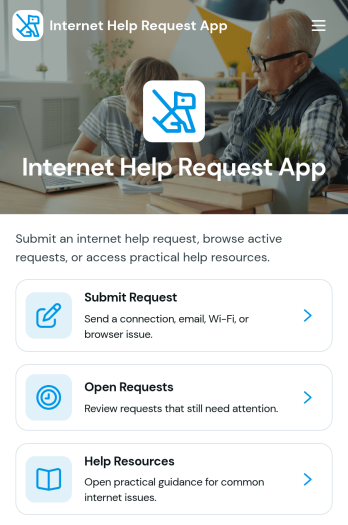
Internet Help Request App
The Internet Help Request App is a self-service support hub for reporting connectivity problems, reviewing active requests, and finding helpful troubleshooting resources. It suits internet service providers, managed IT teams, schools, workplaces, housing communities, and other organizations that assist users with network access. Customers, employees, residents, or students can submit an issue, indicate its priority and preferred contact method, then revisit open requests to check key details. Centralizing request intake and resource navigation gives support teams clearer information, reduces repeated questions, and helps users find guidance before submitting another request.Jotform makes this app template easy to adapt without writing code. Using the no-code app builder and drag-and-drop interface, teams can update pages, cards, buttons, colors, and branding to match their support process. Forms, tables, approvals, notifications, and other workflow tools can be connected for organized data collection and follow-up. Among Jotform App Templates, this option offers a practical starting point for creating a mobile-friendly help experience that can be shared by link or QR code. Publish the Internet Help Request App as a convenient support destination for customers or internal users and refine it as service needs change.
Go to Category:Information Technology Apps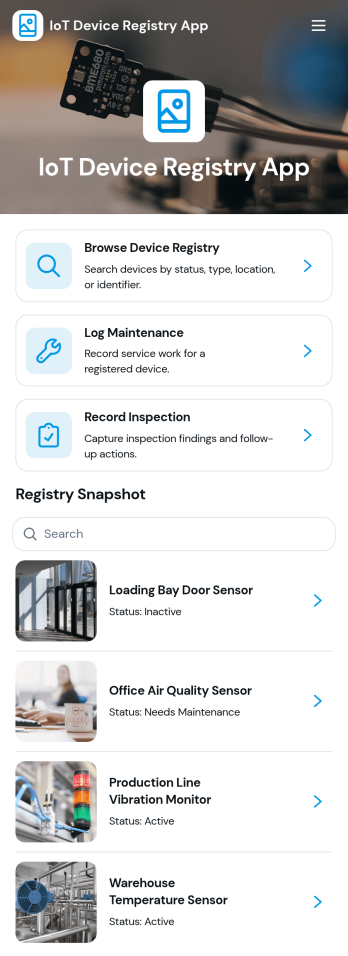
IoT Device Registry App
IoT Device Registry App is a centralized asset record template for IT teams, engineering departments, facilities managers, field service providers, and organizations that operate connected devices across multiple locations. Staff can browse the device registry, add or update equipment records, and document maintenance and inspections from one accessible workspace. Key information such as device identifiers, manufacturers, models, deployment dates, locations, inspection history, and notes stays organized for faster reference. This reduces reliance on scattered spreadsheets and gives authorized teams a clearer view of deployed equipment throughout its operational life.Jotform turns this IoT Device Registry App into a customizable experience without requiring programming knowledge. Use its no-code app builder and drag-and-drop interface to adjust pages, navigation, branding, and content for your asset management workflow. Connected forms support consistent data collection, while Jotform Tables can keep device entries and operational updates together. Publish the app with a direct link, share it by QR code, or embed it in an internal resource center so employees and technicians can access self-service tools from a phone, tablet, or computer. Jotform app templates also make it easy to expand the registry as device inventories, teams, and maintenance processes evolve.
Go to Category:Information Technology Apps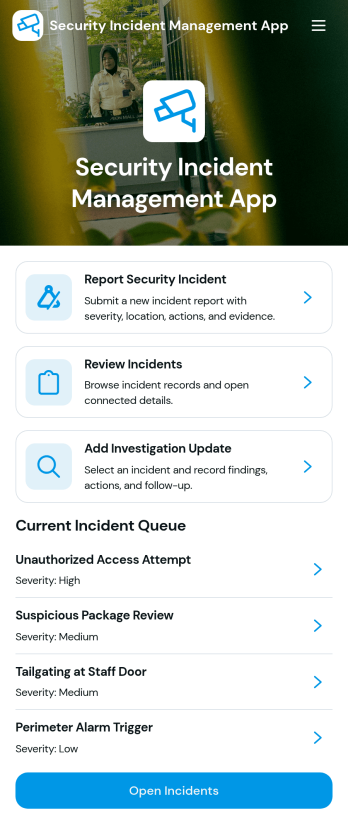
Security Incident Management App
Security Incident Management App provides security teams, information technology departments, facilities managers, operations leaders, and workplace safety personnel with a central place to report and manage security incidents. Employees or authorized users can submit an incident report, while responsible teams can review the current incident queue and open individual records for relevant details. Investigation updates and status information help teams maintain continuity as an incident moves from initial reporting through follow-up. This app template is useful for organizations that need clearer incident visibility, more consistent reporting, and an accessible reference point for active cases without relying on scattered messages or disconnected documents.With Jotform, the Security Incident Management App can be adapted through a no-code app builder and an intuitive drag-and-drop interface. Teams can customize pages, branding, navigation, and content while connecting forms, tables, approvals, notifications, and other workflow steps. Jotform App Templates make it easier to create mobile-friendly self-service experiences that support organized data collection and timely internal action. Publish the app through a direct link, personalized URL, embedded experience, or QR code so employees and security personnel can reach reporting and investigation resources from their preferred devices.
Go to Category:Safety and Compliance Apps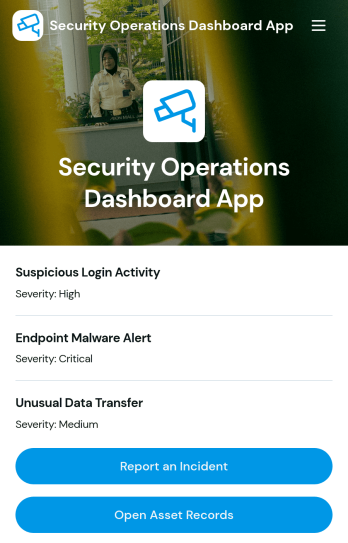
Security Operations Dashboard App
Security teams, IT departments, and operations managers can use the Security Operations Dashboard App as a central workspace for coordinating security activities. It brings incident reporting, open incident review, asset record management, and runbook access into one organized experience. The app template helps staff document issues as they occur, locate information about affected assets, review security reports, and follow established response guidance. It is useful for security operations centers, managed service teams, corporate IT groups, facilities departments, and organizations that need a consistent workflow for handling operational security concerns. By keeping important actions and reference materials together, teams can reduce fragmented communication, improve visibility, and respond with greater consistency.Jotform makes this app easy to adapt with a no-code app builder and a flexible drag-and-drop interface. Among Jotform App Templates, this option connects data collection forms, records, navigation pages, and supporting workflows without requiring programming knowledge. Teams can update branding, reorganize content, add approval steps, connect tables, and create notifications that support faster follow-up. Once published, the app can be shared by direct link or QR code for mobile-friendly employee self-service and convenient access from the field, office, or operations center.
Go to Category:Information Technology Apps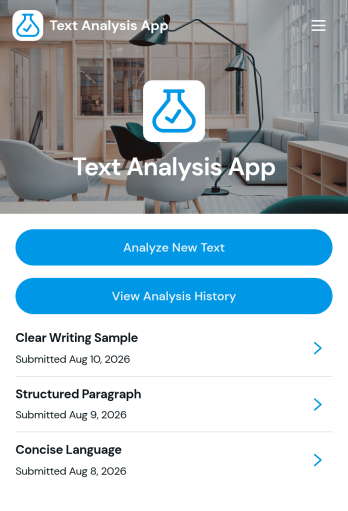
Text Analysis App
Text Analysis App provides a focused workspace for organizing text review activities and guiding users through a consistent analysis process. Researchers, content teams, educators, consultants, support teams, and small businesses can adapt this app template for reviewing customer comments, survey responses, written assignments, interview notes, or marketing copy. Its page-based structure can present analysis instructions, link users to text collection resources, and direct them toward relevant results or reference materials. This helps teams centralize their process, reduce scattered resources, and make recurring text reviews easier to manage.Jotform App Templates give organizations a flexible starting point for building interactive experiences without coding. With Jotform’s no-code app builder and drag-and-drop interface, users can customize the Text Analysis App with branded pages, buttons, links, media, and connected forms. It can also be expanded to support data collection, approvals, tables, notifications, and other workflow steps as needs evolve. Once ready, the app can be shared through a direct link or QR code, providing convenient mobile-friendly access for staff, clients, students, or research participants.
Go to Category:Information Technology Apps