

Information Technology Apps

Device Companion Control App
Device Companion Control App is a customizable central interface for helping users access device controls, support resources, setup guidance, and related service actions from one convenient page. It can serve device manufacturers, equipment providers, information technology teams, field technicians, and businesses that want to give customers or employees a consistent companion experience. The template is especially useful for organizing frequently used actions without sending users across disconnected channels. Teams can adapt its page to provide resource navigation, device-related requests, and self-service support while maintaining a clear, branded experience.Jotform makes this app template easy to shape around different devices and operating processes. Its no-code app builder and drag-and-drop interface let teams update the page, add useful content, and connect forms or workflows without programming. The app can support data collection, notifications, approvals, and other connected processes as requirements develop. Once customized, it can be shared through a direct link or QR code for convenient mobile access. Jotform App Templates also help organizations launch quickly while retaining control over branding, navigation, and future updates.
Go to Category:Information Technology Apps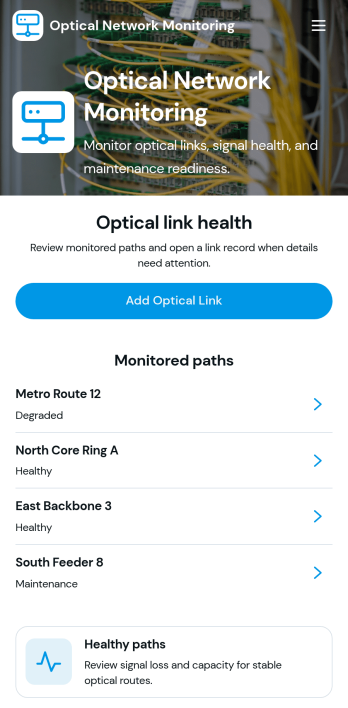
Optical Network Monitoring App
The Optical Network Monitoring App is a customizable workspace for telecommunications teams, network operations staff, field technicians, engineering groups, and service providers that need a central place to support optical network oversight. It can be adapted to organize performance observations, incident reports, maintenance requests, equipment records, and escalation details without relying on scattered documents. Teams can add connected forms for data collection, provide quick access to network resources, and coordinate follow-up workflows. This app template is particularly useful for supporting routine monitoring activities, documenting outages or signal issues, and giving technical teams a consistent way to record operational updates.Jotform makes it easy to turn the starter page into a practical monitoring experience using a no-code app builder and a drag-and-drop interface. Add pages, buttons, forms, tables, reference materials, and approval steps as your network operations evolve. Connected workflows can notify the appropriate team members, organize submitted records, and support self-service reporting for technicians. Like other Jotform App Templates, the Optical Network Monitoring App can be branded, shared by link or QR code, and accessed from mobile devices, helping teams build a useful operational resource without writing code.
Go to Category:Information Technology Apps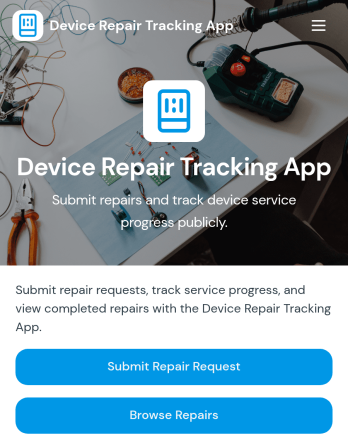
Device Repair Tracking App
Device Repair Tracking App gives repair shops, electronics service centers, IT departments, field technicians, and internal support teams one place to receive repair requests and monitor active work. Users can submit a device repair request, browse repair records, and review key details such as current status, service priority, and estimated completion. This app template helps teams maintain visibility from intake through completion, reduce manual status inquiries, prioritize urgent jobs, and give staff a consistent view of each device in the repair queue.With Jotform Apps, organizations can adapt App Templates to match their repair process without writing code. The no-code app builder and drag-and-drop interface make it easy to update pages, navigation, branding, and connected forms. Repair data can be organized through Jotform Tables, while notifications and workflow connections help teams respond to new requests and status changes. Once ready, the Device Repair Tracking App can be shared by link or QR code, giving technicians and requesters convenient mobile-friendly access and supporting a more useful self-service experience.
Go to Category:Equipment Maintenance Software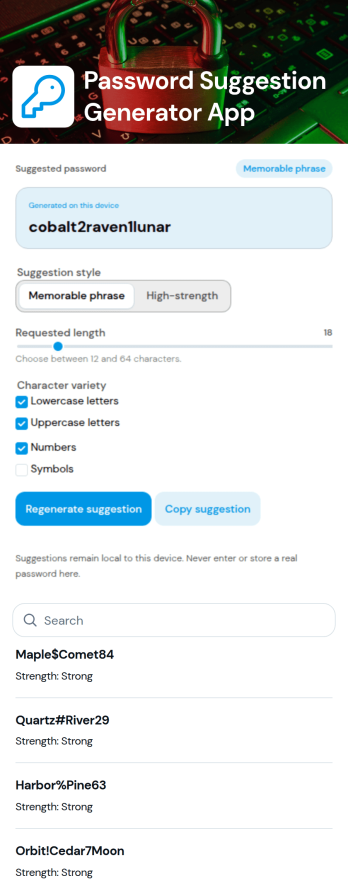
Password Generator App
Password Generator App is a ready-to-use resource for creating stronger passwords, checking password strength, building memorable passphrases, and reviewing local generation history from one convenient place. It is useful for individuals, information technology teams, help desks, small businesses, educational institutions, and organizations that want to encourage better password habits. By bringing essential password tools into a focused self-service experience, the app reduces reliance on scattered websites and gives users a consistent resource for everyday account setup and credential updates.Jotform App Templates make it easy to adapt this app template to your organization without coding. Using Jotform’s no-code app builder and drag-and-drop interface, you can update pages, rearrange navigation, add guidance, apply branded colors and fonts, or connect forms and workflows for related support requests. The App Builder also supports direct-link and QR-code sharing, helping teams distribute the resource to employees, customers, students, or community members. Publish a mobile-friendly experience that is simple to access and easy to maintain as your password guidance changes.
Go to Category:Information Technology Apps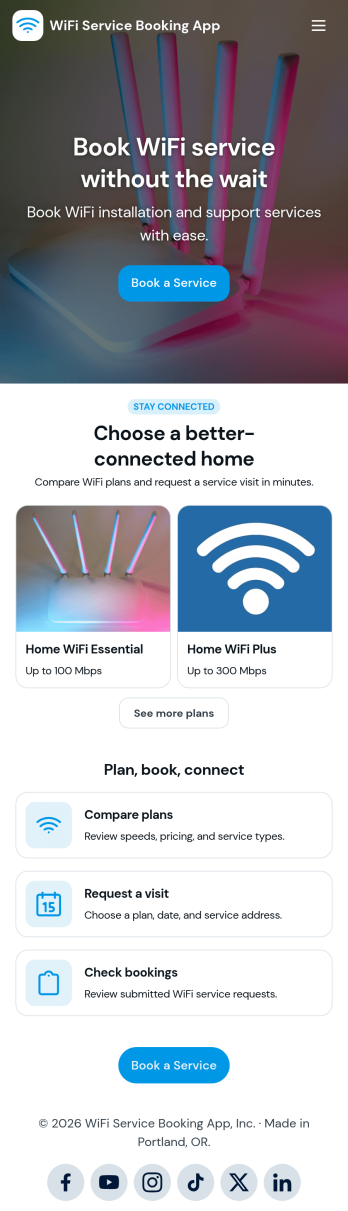
WiFi Service Booking App
WiFi Service Booking App helps internet service teams and home connectivity providers present service plans, handle visit requests, and keep bookings organized in one customer-friendly place. Use it to guide customers from comparing available WiFi options to scheduling a service visit, then back to reviewing upcoming or past bookings without phone calls or scattered messages. It’s a practical fit for ISPs, managed WiFi providers, apartment and HOA internet partners, and local technicians who want a clear path from plan selection to confirmed appointments.With Jotform, you can turn this app template into a branded self-service experience using a no-code app builder and a drag-and-drop interface. Connect buttons to your booking form for fast data collection, keep service plan information easy to browse, and support a smoother workflow from request to confirmation. Share the app with a link or QR code, update content anytime, and centralize customer requests so your team can respond faster and stay on schedule.
Go to Category:Booking Apps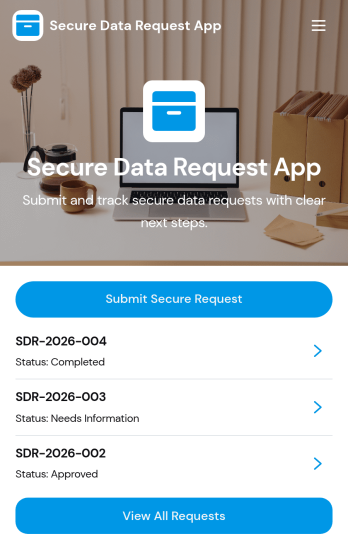
Secure Data Request App
Secure Data Request App helps teams collect sensitive information requests in a controlled, trackable way, then guide requesters to check status without chasing emails. It’s a practical fit for IT and security teams, HR operations, legal, finance, and shared services groups that routinely receive access or data pull requests and need consistent intake. Requesters can submit a secure request from a prominent button, then browse a list of requests and open a request card to review key details such as data type, security level, submitted date, and next step. This makes it easier to standardize what gets asked for and reduce missing information at intake.With Jotform, you can turn this experience into a branded self-service app using a no-code app builder and a drag-and-drop interface. Connect the submit button to your form for data collection, organize requests into easy-to-navigate pages, and keep your workflow moving with connected tools like Tables and notifications. Share the app with a link or QR code so employees or stakeholders can submit requests and reference updates from anywhere, while your team maintains a single source of truth.
Go to Category:Information Technology Apps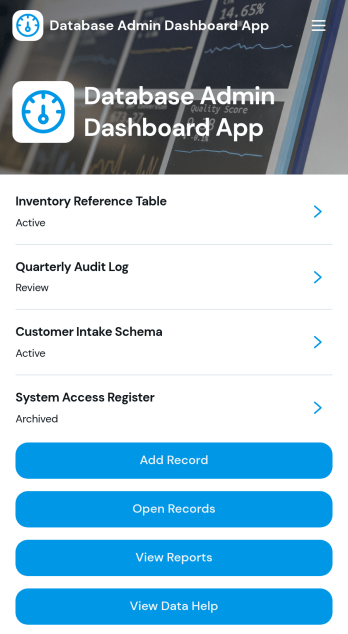
Database Admin Dashboard App
Database Admin Dashboard App helps teams organize, review, and update records from a central, shareable dashboard. It’s built for database administrators, IT teams, operations leads, and anyone responsible for keeping internal data accurate and easy to navigate. Use it to browse records in a list view, open individual record details, add new records through connected forms, and jump to reference links when you need supporting documentation. It’s especially useful for day-to-day record management like tracking status, ownership, priority, and created dates across many entries without losing visibility.With Jotform’s app templates and no-code app builder, you can tailor this dashboard to match your data workflow using a drag-and-drop interface. Connect the app to forms and tables for consistent data collection, route updates through the right workflow steps, and create a self-service experience for internal stakeholders who need quick access to records and reporting pages. Publish with a simple link so your team can stay aligned, reduce manual follow-ups, and keep record operations moving.
Go to Category:Information Technology Apps
Custom Development Agency Portal App
Custom Development Agency Portal App gives your agency a single place to present services and guide prospects into the right next step, whether they want to explore offerings, review past work, or request a new project. Use it to publish a clear services menu, highlight case studies with the challenge, solution, and outcome story, and route incoming project inquiries through a guided request flow. It’s a strong fit for custom software studios, web development teams, product design agencies, and boutique consultancies that need a polished, self-service experience instead of scattered links and inbox threads.Built with Jotform, this app template helps you organize client-facing content and connect it to structured data collection through a project request form. Customize pages, cards, images, and buttons with a drag-and-drop interface, then share the portal through a link or QR code. As requests come in, your team can standardize intake, reduce manual follow-ups, and keep agency information up to date without relying on code or constant site edits.
Go to Category:Customer Portal Apps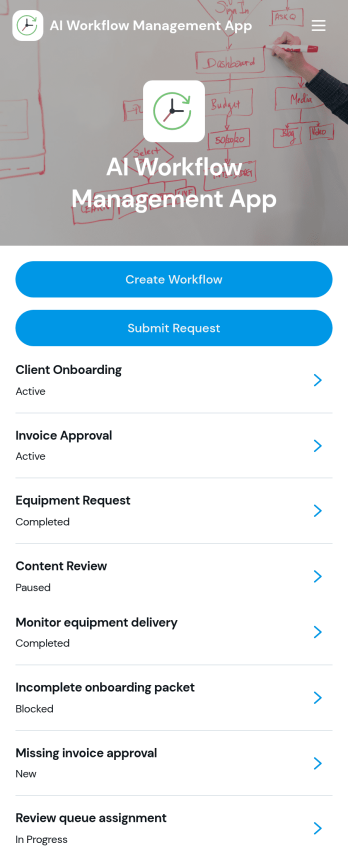
AI Workflow Management App
AI Workflow Management App gives teams a clear place to set up workflows and route incoming requests without losing context. Use it to capture new workflow ideas, assign owners, set target dates, and track priority and status as work moves forward. It’s a strong fit for IT, operations, and product teams managing automation initiatives, as well as agencies coordinating client-facing process improvements. With quick buttons to create workflows and submit requests, everyone knows where to start and how to follow progress.Built with Jotform, this app template turns everyday process management into a shareable self-service experience. Use the no-code app builder and drag-and-drop interface to tailor pages, connect forms to your workflow, and keep information organized in one place for easy data collection. As your process evolves, you can update layouts, centralize updates, and publish the app so stakeholders can submit requests and review work items from anywhere.
Go to Category:Project Management Apps
Phone Number Lookup App
Phone Number Lookup App gives teams a simple, centralized way to look up contact phone numbers and quickly confirm the right details when they need them. It’s useful for customer support, sales, front-desk staff, property managers, and small operations teams that handle frequent calls and follow-ups. Use it to reduce misdials, speed up outreach, and keep day-to-day communication moving, whether you’re verifying a caller, locating a customer record, or checking a phone number before sending a reminder.With Jotform, you can publish this app template and tailor it to how your organization manages contact information using a no-code app builder and a drag-and-drop interface. Share it as a self-service destination for internal teams, update it as your processes evolve, and connect it to your broader data collection and workflow needs across Jotform.
Go to Category:Customer Portal Apps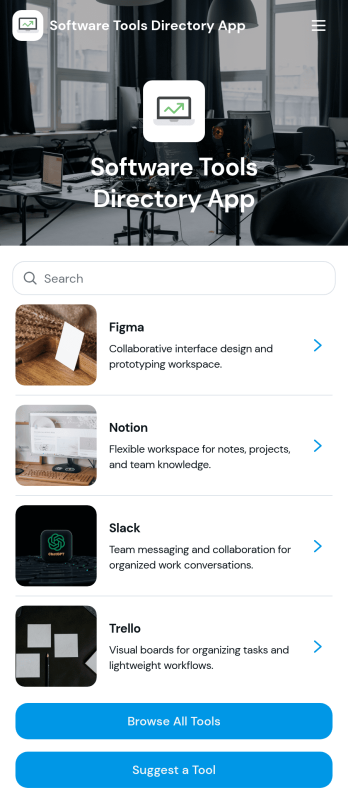
Software Tools Directory App
Software Tools Directory App brings your recommended software stack into one place so people can quickly browse tools, explore categories, open a tool’s website, and suggest new options to add. It’s a practical fit for IT teams standardizing internal tooling, agencies curating approved apps for clients, startup ops teams documenting what to use for specific jobs, and educators sharing vetted resources with students. Use it to reduce repeated “what tool should I use” questions, keep platform and pricing details easy to find, and make discovery faster for new hires or new customers.With Jotform, you can turn a directory into a polished self-service experience using a no-code app builder and a drag-and-drop interface. Connect your directory to a form for data collection when someone suggests a tool, then keep everything organized and up to date as your workflow evolves. Share your app with a link or QR code, customize pages to match your brand, and make it easy for your audience to navigate the right tools without searching through docs or chats.
Go to Category:Information Technology Apps
Prompt Library Management App
Prompt Library Management App helps teams capture, organize, and reuse AI prompts in one shared place, so the best instructions don’t get lost in chats, docs, or personal notes. Use it to submit new prompts quickly, browse the full prompt library, group prompts into collections, and revisit proven wording for recurring tasks like marketing copy, support replies, research, and internal documentation. It’s a practical fit for marketing teams, customer support leads, product groups, and agencies that want consistent outputs and an easy way to share prompt knowledge across roles.With Jotform, you can tailor this app template with a no-code app builder and a drag-and-drop interface, then publish it as a self-service experience your team can use from anywhere. Connect the app to forms and tables to centralize data collection, keep your prompt workflow organized, and make it simple for collaborators to contribute, browse collections, and act on insights without adding extra tools to your stack.
Go to Category:Information Technology Apps
Automation Macro Manager App
Automation Macro Manager App helps teams organize, document, and oversee reusable automation macros in one place. Use it to browse macros, add new macros, check service connections, and keep a clear history of execution runs so it’s easier to understand what was triggered, what action happened, and who owns each macro. It fits IT operations, support teams, RevOps, and any department that relies on repeatable automations and needs a shared view of what exists, what’s working, and what should be updated.Built with Jotform App Templates, this app template turns your macro library into a guided self-service experience you can share across your organization. With Jotform’s no-code app builder and drag-and-drop interface, you can tailor pages, add your own fields, and connect data collection to the workflows behind your macros. Publish a link for fast access, keep execution records consistent, and maintain a single source of truth without relying on custom development.
Go to Category:Information Technology Apps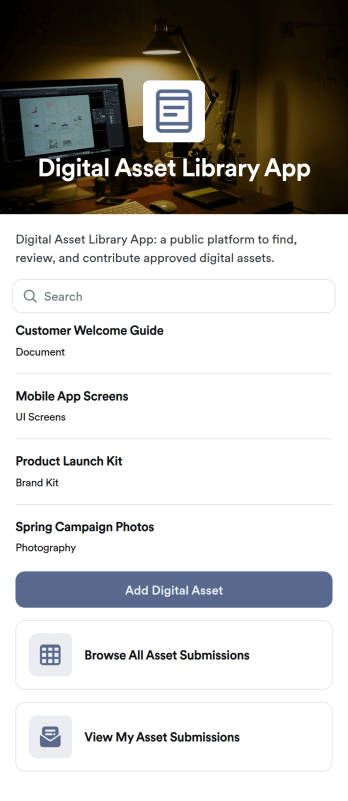
Digital Asset Library App
Digital Asset Library App helps teams collect, organize, and share files like documents, images, and brand resources in one place. With quick actions to add a digital asset and submit new uploads, plus easy browsing and link access for stored materials, it fits marketing departments, sales teams, HR, agencies, and growing businesses that need a simple way to keep shared assets findable and up to date. Use it to reduce time spent hunting through folders, keep campaigns consistent, and give stakeholders a clear place to find the latest approved materials.Jotform makes it easy to publish this app template and tailor it to your workflow with a no-code app builder and a drag-and-drop interface. Connect upload and request forms, keep records organized, and support self-service access for internal teams or external partners. Share the app with a link or QR code, control what people can view or submit, and manage updates without relying on development resources.
Go to Category:Resource & Learning Portal Apps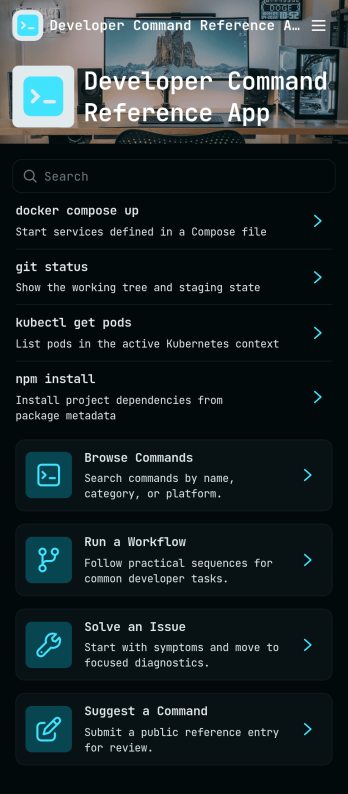
Developer Command Reference App
Developer Command Reference App gives your team a single place to browse and look up command details without digging through scattered docs. With searchable lists and command cards pulled from a shared dataset, it helps developers, DevOps teams, and IT support groups quickly confirm syntax, expected output, and usage notes during builds, deployments, and troubleshooting. Use it to standardize internal CLI conventions, onboard new hires faster, and reduce repeated questions in chat by keeping commonly used commands easy to find.Built with Jotform, this app template can be customized with a drag-and-drop interface so you can match your team’s workflow and terminology. Connect it to your data source to keep command entries consistent, then publish and share the app through a link or QR code for self-service access on desktop or mobile. As your reference library grows, you can update content in one place and make it available to everyone instantly, without writing code.
Go to Category:Information Technology Apps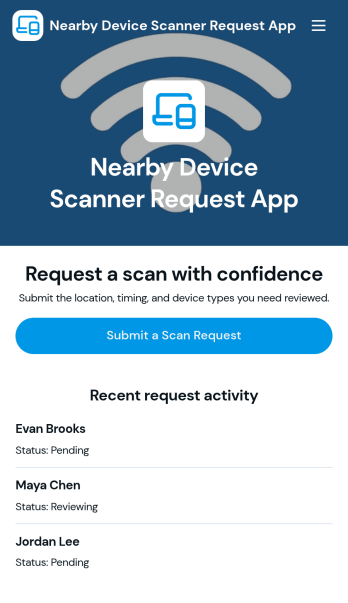
Nearby Device Scanner App
Nearby Device Scanner App helps teams record and review devices detected in a nearby area so there’s a consistent place to document what was found, where it was seen, and when it was last observed. Use it to report nearby devices, browse reported devices, and keep a scan history for follow-ups. It’s useful for IT staff, facilities teams, event operations, and field teams who need quick visibility into what’s been detected on-site and a simple way to update a device report as conditions change.With Jotform, you can turn this workflow into a shareable self-service experience using App Templates and a no-code app builder with a drag-and-drop interface. Connect buttons to forms for fast data collection, organize records in lists and detail views, and keep your workflow moving with mobile-friendly access and real-time updates. Customize pages, branding, and navigation so the app matches how your team scans, logs, and reviews devices in the field.
Go to Category:Information Technology Apps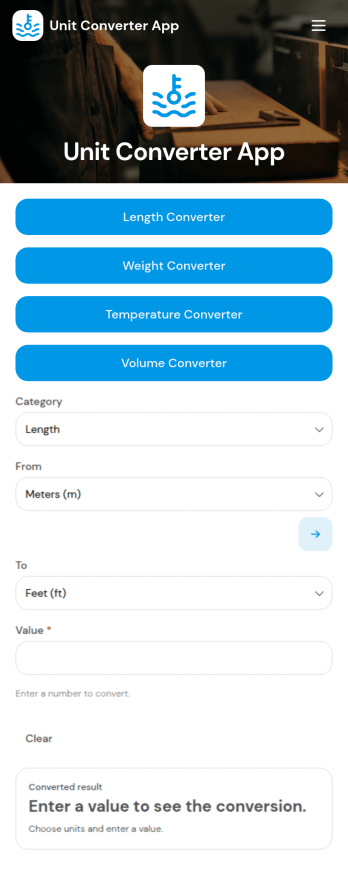
Unit Converter App
Unit Converter App keeps common conversions in one place so people can quickly switch between measurements without hunting for tables or doing mental math. It includes a quick conversion entry point plus dedicated sections for length, weight, temperature, and area conversions, making it useful for students, educators, engineers, contractors, DIYers, lab staff, and anyone working across metric and imperial systems.Built with Jotform App Templates, this app template can be tailored in minutes using a no-code app builder and a drag-and-drop interface. Publish a simple, mobile-friendly self-service experience, update labels or instructions as your needs change, and share one link so your team or audience always has a reliable conversion tool on hand.
Go to Category:Engineering Apps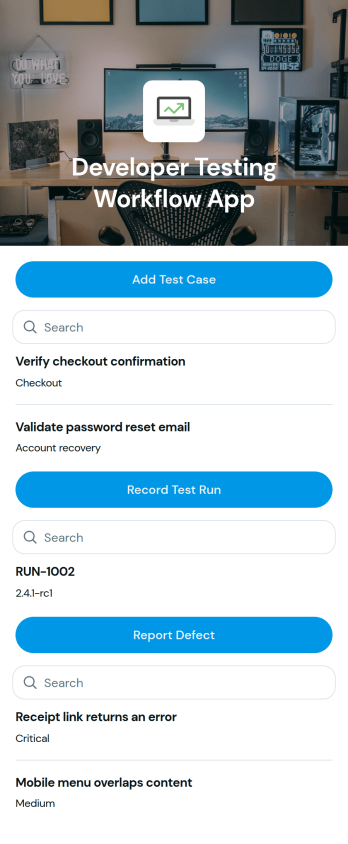
Developer Testing Workflow App
Developer Testing Workflow App brings your QA and development checks into one place so teams can add test cases, record test runs, and report issues as work progresses. It fits software teams shipping web or mobile products, agencies managing multiple client releases, and startups that need a lightweight way to keep test coverage and bug reporting organized. Use it to keep day-to-day testing consistent across sprints, reduce missed steps during regression, and give everyone a clearer view of what has been tested and what still needs attention.With Jotform app templates, you can publish a branded testing hub without coding and connect actions to forms and structured records. Jotform’s no-code app builder and drag-and-drop interface make it easy to tailor pages for your workflow, route entries to the right owners, and keep data collection centralized for reviews and retrospectives. Share the app with your team, open it on any device, and update processes as your release cadence evolves.
Go to Category:Engineering Apps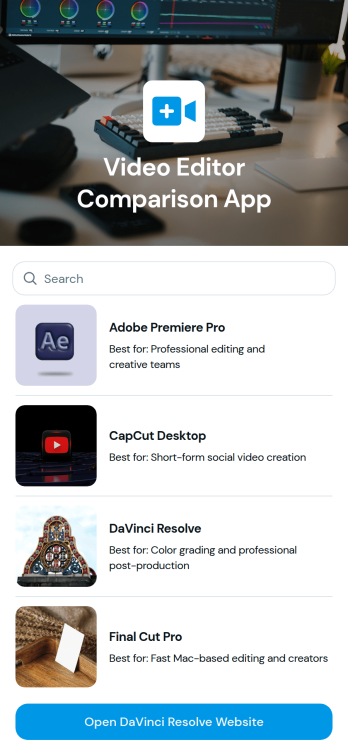
Video Editor Comparison App
Video Editor Comparison App helps creators and teams compare video editing tools in one place so they can make a confident choice for their workflow. Use it to review key options side by side, scan editor highlights through visual cards, and jump straight to an official site link when you’re ready to learn more. It’s a practical fit for content creators, marketing teams, educators, agencies, and anyone evaluating software for editing, color grading, or post-production needs.Jotform makes it easy to turn this kind of curated comparison into a polished, shareable experience using App Templates and a no-code app builder with a drag-and-drop interface. Update entries as your recommendations change, publish a single link for quick self-service browsing, and keep your selection process organized without managing scattered documents.
Go to Category:Entertainment Apps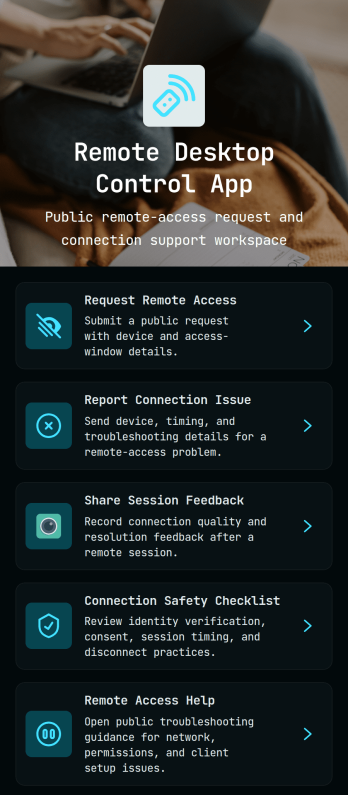
Remote Desktop Control App
Remote Desktop Control App centralizes how employees and customers request remote access, report connection issues, and share post-session feedback in one place. It also provides quick links to a connection safety checklist and remote access help, so IT teams can reduce confusion during urgent troubleshooting and keep support steps consistent across devices and locations.With Jotform, you can turn these touchpoints into a self-service experience without coding. Use the drag-and-drop no-code app builder to tailor pages, buttons, and navigation to your process, then connect the app to your data collection and workflow needs for faster routing and clearer visibility. Share your Remote Desktop Control App through a link or QR code so users always know where to go for remote assistance.
Go to Category:Information Technology Apps
Similarity Comparison App
Similarity Comparison App helps teams compare two items side by side and capture a clear, repeatable summary of how they match and where they differ. Use it to evaluate product options, review vendor proposals, compare candidates, assess documents, or check two versions of the same asset before you make a decision. With a guided way to start a comparison and a dedicated area to browse past results, it’s easy for stakeholders to stay aligned on what was compared, the key match, and the key difference without hunting through notes.Built with Jotform, this app template combines a no-code app builder with a drag-and-drop interface so you can tailor the experience to your process in minutes. Connect the comparison flow to a form for consistent data collection, then share the app as a self-service link for colleagues or partners to run comparisons and review outcomes. As your workflow evolves, you can update pages, navigation buttons, and the results list while keeping everything organized in one place.
Go to Category:Information Technology Apps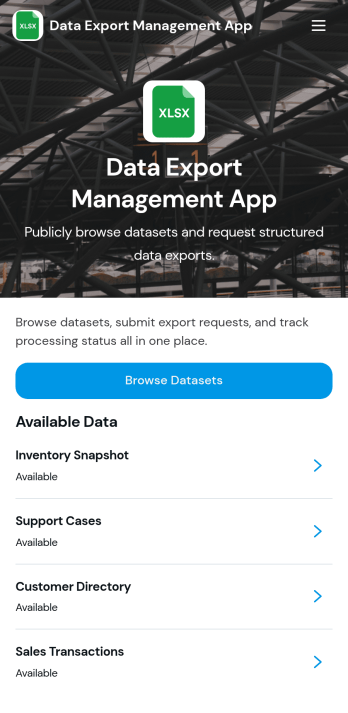
Data Export Management App
Data Export Management App helps teams coordinate and document recurring data exports so nothing gets missed when reports, backups, or datasets need to be delivered on time. Use it to centralize export responsibilities, clarify what needs to be shared, and keep stakeholders aligned across departments like operations, finance, analytics, IT, and customer support. It works well for agencies sending client data extracts, product teams preparing usage reports, and internal teams handling scheduled exports for audits, leadership updates, or vendor requests.With Jotform, you can turn this app template into a simple self-service experience that guides users to the right place to manage export tasks. Customize the content with Jotform’s no-code app builder and drag-and-drop interface, then connect it to workflows for data collection, updates, and follow-ups as your process evolves. Share it with a link or QR code so teams can access the latest export guidelines from anywhere and keep your workflow consistent.
Go to Category:Information Technology Apps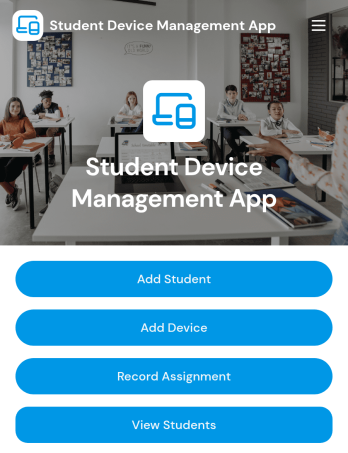
Student Device Management App
Student Device Management App helps schools and districts keep student and device records organized and accessible in one place, so staff can quickly look up who has what and when it was issued. It supports day-to-day device programs by letting teams add students and devices, review assignment activity at a glance, and contact guardians when details need to be confirmed or issues come up. Use it in IT departments, media centers, and administrative offices that manage loaners, 1 to 1 deployments, repairs, and returns across multiple classrooms.Built with Jotform, this app template is easy to adapt with a no-code app builder and a drag-and-drop interface, so you can match your process without relying on developers. Connect it to your existing workflow for data collection, keep information centralized for self-service lookups, and publish a mobile-friendly experience your team can open from a link or QR code whenever they need to check a student record, view a device profile, or review assignments.
Go to Category:School Management Apps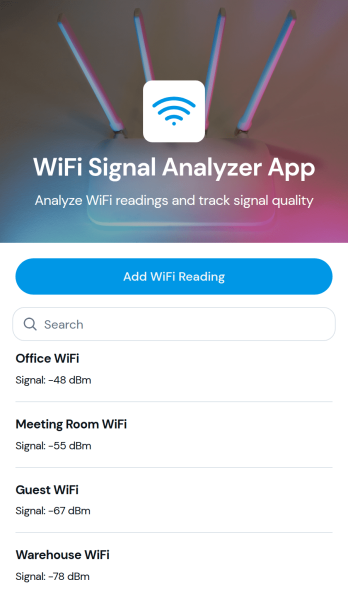
WiFi Signal Analyzer App
WiFi Signal Analyzer App helps you capture and review WiFi readings in one place so you can spot weak coverage, compare signal conditions by area, and keep a running log of what you’ve tested. It’s a practical fit for IT teams, MSPs, network admins, facilities staff, and even home users who want a simple way to record network name details and track changes over time. With a quick add-reading form and a browseable list of past entries, you can document troubleshooting sessions, validate improvements after moving equipment, or build a baseline before a larger network refresh.Jotform makes it easy to turn this use case into a mobile-friendly experience using App Templates and a no-code app builder with a drag-and-drop interface. Connect the app to your data collection workflows, store records in a structured way, and share a self-service link with teammates for consistent reporting. As your process evolves, you can adjust the pages, layout, and connected data without touching code, keeping WiFi checks fast, repeatable, and organized.
Go to Category:Information Technology Apps