

Information Technology Apps

Student Device Management App
Student Device Management App helps schools and districts keep student and device records organized and accessible in one place, so staff can quickly look up who has what and when it was issued. It supports day-to-day device programs by letting teams add students and devices, review assignment activity at a glance, and contact guardians when details need to be confirmed or issues come up. Use it in IT departments, media centers, and administrative offices that manage loaners, 1 to 1 deployments, repairs, and returns across multiple classrooms.Built with Jotform, this app template is easy to adapt with a no-code app builder and a drag-and-drop interface, so you can match your process without relying on developers. Connect it to your existing workflow for data collection, keep information centralized for self-service lookups, and publish a mobile-friendly experience your team can open from a link or QR code whenever they need to check a student record, view a device profile, or review assignments.
Go to Category:School Management Apps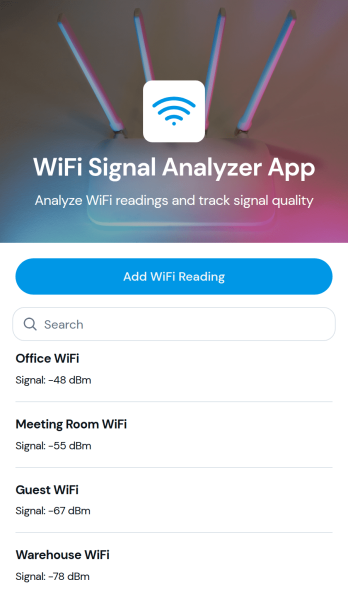
WiFi Signal Analyzer App
WiFi Signal Analyzer App helps you capture and review WiFi readings in one place so you can spot weak coverage, compare signal conditions by area, and keep a running log of what you’ve tested. It’s a practical fit for IT teams, MSPs, network admins, facilities staff, and even home users who want a simple way to record network name details and track changes over time. With a quick add-reading form and a browseable list of past entries, you can document troubleshooting sessions, validate improvements after moving equipment, or build a baseline before a larger network refresh.Jotform makes it easy to turn this use case into a mobile-friendly experience using App Templates and a no-code app builder with a drag-and-drop interface. Connect the app to your data collection workflows, store records in a structured way, and share a self-service link with teammates for consistent reporting. As your process evolves, you can adjust the pages, layout, and connected data without touching code, keeping WiFi checks fast, repeatable, and organized.
Go to Category:Information Technology Apps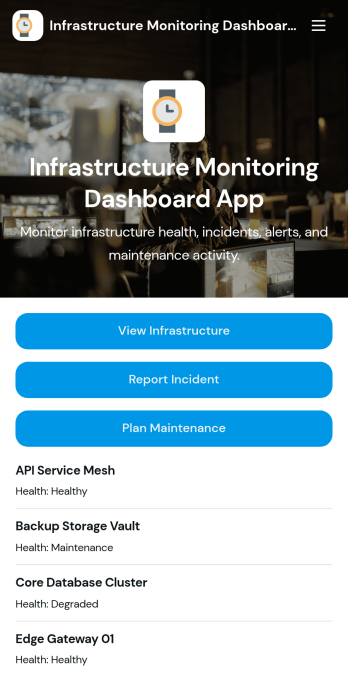
Infrastructure Monitoring Dashboard App
Infrastructure Monitoring Dashboard App brings infrastructure visibility into one place so teams can review assets, keep an eye on open alerts, and respond to incidents with less guesswork. It’s a practical fit for IT operations, facilities, DevOps, and engineering groups that need a shared view of infrastructure items and a simple way to report issues as soon as they appear. With quick navigation to view infrastructure, review open alerts, and review incidents, the dashboard supports faster triage and clearer handoffs during busy on-call rotations or day-to-day operations.Built with Jotform, this app template is easy to tailor using a no-code app builder and a drag-and-drop interface, so you can match your internal process without developer help. Connect buttons to incident reporting and maintenance planning forms to standardize data collection, keep records consistent, and support repeatable workflow steps across teams. Share the app by link for self-service access, and keep information current as infrastructure changes by updating connected data in one place.
Go to Category:Information Technology Apps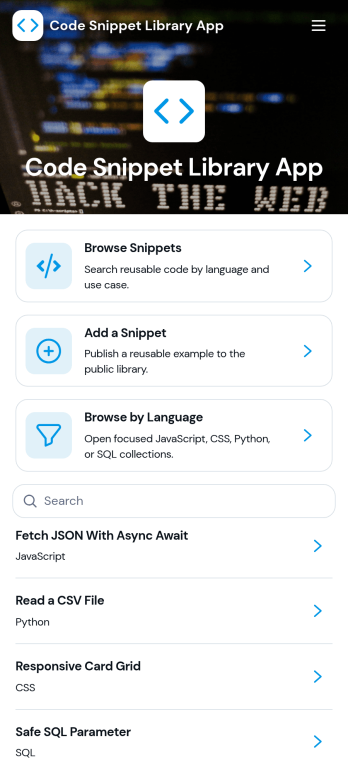
Code Snippet Library App
Code Snippet Library App helps teams store, browse, and reuse code examples in one place so people can find what they need without digging through chats, docs, or old projects. It’s a practical fit for engineering teams, IT departments, agencies, bootcamps, and developer communities that want a shared library of trusted snippets. With quick navigation for browsing snippets, adding new entries, and exploring by language, the app supports everyday work like onboarding new developers, standardizing common patterns, and keeping frequently used solutions easy to reference.Jotform makes it simple to publish this kind of self-service library using a no-code app builder with a drag-and-drop interface. Connect the app to forms for data collection when teammates add a snippet, then organize and display entries so anyone can access the latest versions. You can share the app with a link, tailor the layout to match your workflow, and keep your snippet library organized as it grows.
Go to Category:Information Technology Apps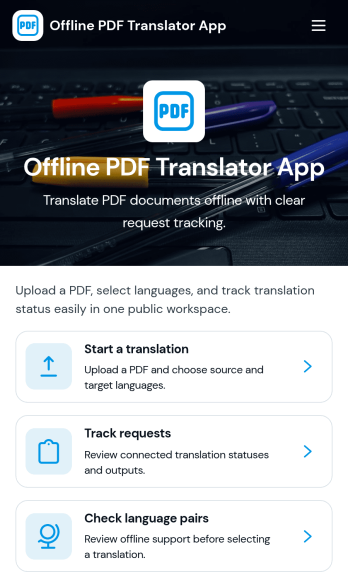
Offline PDF Translator App
Offline PDF Translator App supports teams that need a reliable way to request PDF translations and keep work moving even when connectivity is limited. Use it to start a translation request, attach the PDF, choose or confirm language pairs, and add document notes that help translators understand tone, terminology, and formatting expectations. It’s a practical fit for field teams, global operations, schools, nonprofits, and service organizations that handle multilingual paperwork, manuals, forms, and reports and want a clear place to track each request from intake to finished output.Jotform makes it easy to turn this app template into a branded self-service experience with a no-code app builder and a drag-and-drop interface. Connect translation requests to your data collection workflows, track request status in one place, and share the app with a link or QR code so people can submit and monitor work without extra steps. As your workflow evolves, you can adjust pages, automate notifications, and keep translation records organized for faster follow-up.
Go to Category:Information Technology Apps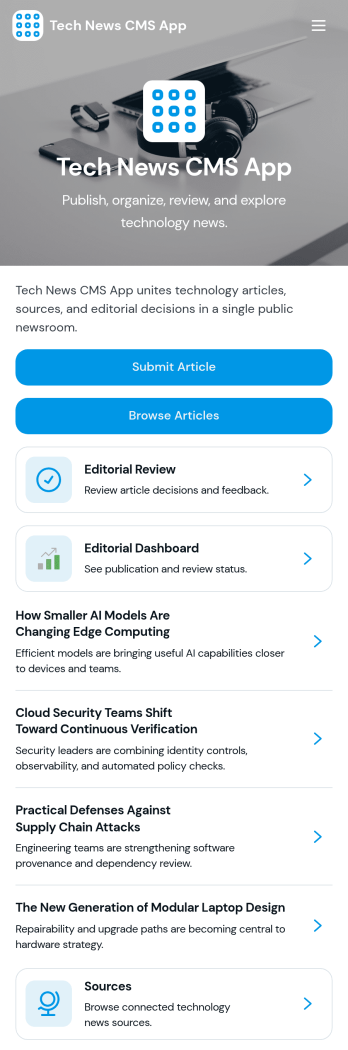
Tech News CMS App
Tech News CMS App gives tech publishers and content teams one place to gather story ideas, collect draft submissions, and move articles through editorial review before they go live. Use it to keep contributors aligned on what’s in progress, help editors evaluate pitches with consistent criteria, and let writers browse published or queued pieces for context. It’s a practical fit for tech blogs, startup media sites, newsletters, community publications, and internal comms teams covering product and engineering updates.Built with Jotform App Templates, this app template can be tailored in minutes using Jotform’s no-code app builder and drag-and-drop interface. Connect submission forms and data tables to centralize data collection, route entries into an approval-style workflow for reviews and feedback, and share a self-service experience with your team through a link or QR code. Update the layout, add pages, and adjust branding so the app matches your editorial process without writing code.
Go to Category:Information Technology Apps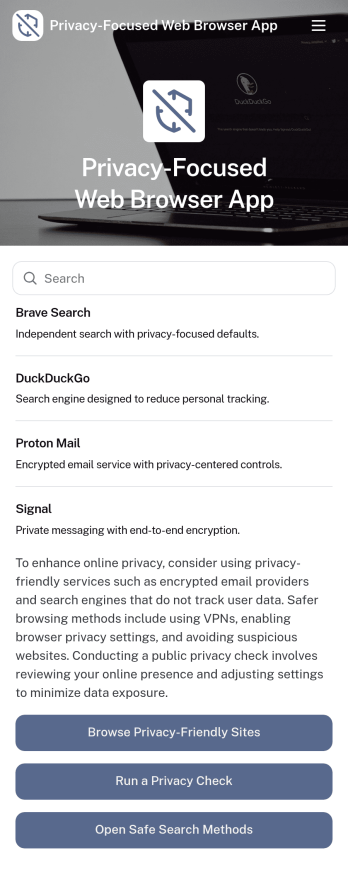
Privacy-Focused Web Browser App
Privacy-Focused Web Browser App brings together a curated set of safer browsing resources in one place, so people can compare options and build better habits without hunting through scattered links. Use it to browse recommended privacy tools, review browser options in a simple directory, and follow practical guides that explain what to check, what to change, and why it matters. It works well for IT teams sharing approved recommendations, educators running digital safety workshops, nonprofits supporting community privacy initiatives, and anyone creating a small internal hub for privacy-first browsing decisions.With Jotform, you can turn this idea into a polished, shareable experience using app templates and a no-code app builder. Customize pages with a drag-and-drop interface, connect resources to forms for data collection, and keep updates organized as your privacy guidance evolves. Publish a self-service app that’s easy to access on any device, then share it by link or QR code to help users get to the right information quickly.
Go to Category:Information Technology Apps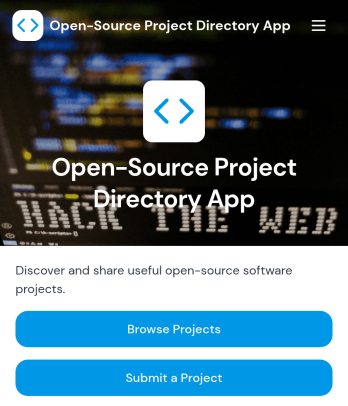
Open-Source Project Directory App
Open-Source Project Directory App helps communities, developer advocates, and internal engineering teams publish a browsable list of open-source projects in one place. Visitors can browse projects, explore by category, and open a detailed project view that highlights key info like primary language and license, with quick links to the repository and documentation. It’s a practical way to promote contributions, make discovery easier for newcomers, and keep partner or team recommendations organized without hunting through scattered links.Built with Jotform, this app template is easy to tailor with a no-code app builder and a drag-and-drop interface, so you can match your branding and update content fast. Connect the directory to forms for project submissions and to tables for organized data collection, then share the app as a simple link or QR code for self-service access. Whether you’re running a developer program, maintaining an open-source ecosystem page, or curating tools for a hackathon, Jotform Apps helps you turn your directory workflow into a clean, mobile-friendly experience.
Go to Category:Information Technology Apps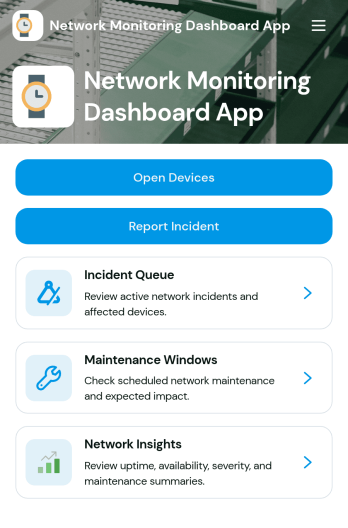
Network Monitoring Dashboard App
Network Monitoring Dashboard App helps IT teams keep a clear, shared view of monitored endpoints and network incidents in one place. Use it to quickly browse endpoint lists, review incident summaries, and capture new incident reports as issues are detected. It’s a practical fit for network administrators, MSPs, internal IT departments, and ops teams that need faster visibility, consistent incident intake, and a simple way to track status and severity across ongoing work.Built with Jotform App Templates, this dashboard can be tailored with a no-code app builder and a drag-and-drop interface, so you can match it to your existing workflow without touching code. Connect forms and data tables to centralize data collection, keep incident details organized, and support self-service reporting for technicians or stakeholders through a shareable link or QR code.
Go to Category:Information Technology Apps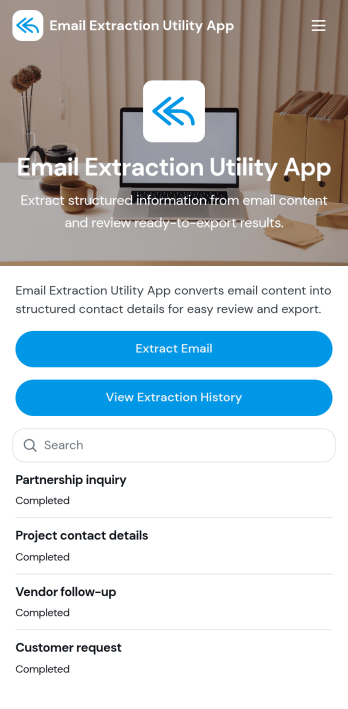
Email Extraction Utility App
Email Extraction Utility App helps teams pull email addresses from collected content and keep the results organized in one place. It’s a practical fit for sales and marketing teams cleaning lead lists, recruiters gathering candidate contacts, operations teams consolidating partner details, or anyone who needs a quick way to extract emails and review them later. Users can run an extraction, browse extracted results, and open individual entries to see key context like the source label and extraction status.Built with Jotform, this app template turns a repetitive task into a guided self-service experience you can share with your team. Using Jotform’s no-code app builder and drag-and-drop interface, you can adjust pages, update labels, and connect the app to your existing data collection workflows. Link the experience to Jotform Tables to store results and history, then publish a mobile-friendly app your team can use from anywhere without relying on manual spreadsheets.
Go to Category:Information Technology Apps
Offline Messaging Workspace App
Offline Messaging Workspace App gives teams a central place to draft messages and manage recipient contacts even when connectivity is limited. Use it to queue outgoing notes, keep key details like recipient email and phone on hand, and save message subjects so nothing gets lost between shifts or site visits. It’s a practical fit for field service crews, community teams, event staff, and operations groups that need to prepare communications ahead of time and keep outreach organized.With Jotform’s App Templates, you can publish a branded workspace that connects actions to forms and keeps information easy to find. Jotform’s no-code app builder and drag-and-drop interface make it simple to adjust pages, add navigation, and tailor the workflow for your process, from collecting message drafts to maintaining an up-to-date contact list for self-service access across devices.
Go to Category:Team Collaboration Apps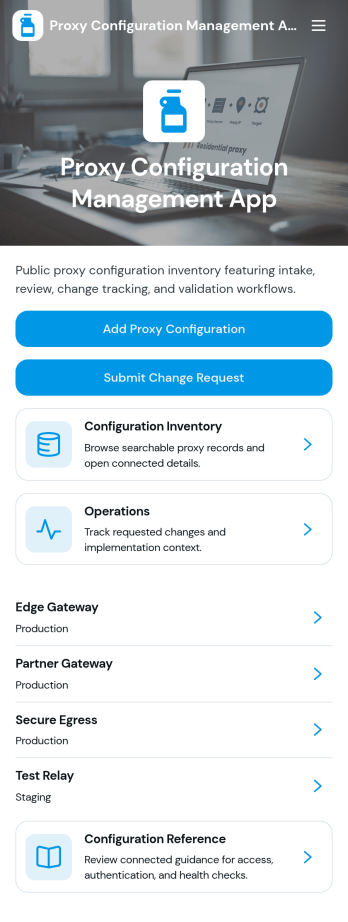
Proxy Configuration Management App
Proxy Configuration Management App helps IT teams capture, review, and maintain proxy settings in one organized place. Use it to submit new proxy configurations, browse existing entries, and quickly find key details like host and port, proxy endpoint and type, authentication mode, allowed domains, and operational notes. It’s a practical fit for network and systems administrators, help desks, DevOps teams, and managed service providers who need consistent documentation across environments and want fewer misconfigurations during setup changes.Built with Jotform, this app template turns configuration data collection into a mobile-friendly self-service workflow that’s easy to share and update. Customize pages with a drag-and-drop interface, connect buttons to forms for fast intake and updates, and keep information organized for day-to-day operations. As part of Jotform App Templates, it’s a flexible way to standardize how your team records proxy configuration changes without coding.
Go to Category:Information Technology Apps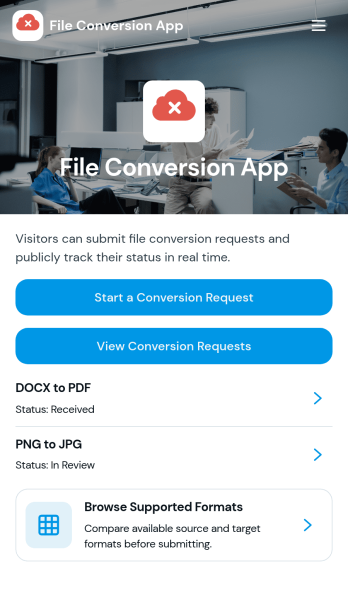
File Conversion App
File Conversion App centralizes file conversion requests so teams and customers can quickly ask for the right output format without confusion. It works well for IT and support desks, marketing teams handling creative exports, education departments preparing shareable materials, and service providers who routinely convert documents, images, audio, or video for clients. People can review supported formats, choose the conversion they need, and send a conversion request from one place, reducing missed details and repeat questions.Jotform makes it easy to publish this kind of self-service experience using a no-code app builder with a drag-and-drop interface. Connect the app to a form for data collection, route requests through the right workflow, and keep everything consistent as volume grows. You can share your File Conversion App with a link or QR code, adjust branding to match your organization, and update supported options anytime without rebuilding the app.
Go to Category:Information Technology Apps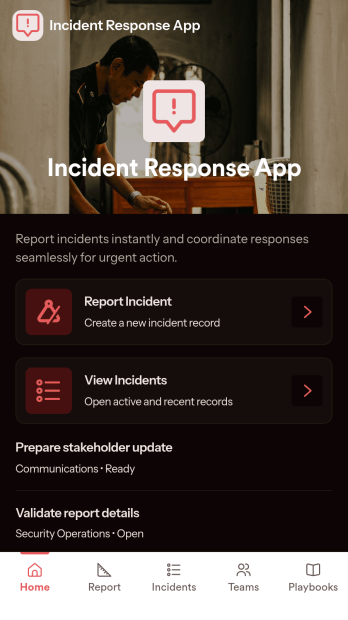
Incident Response App
Incident Response App gives teams a clear place to report incidents, review active and past incidents, and coordinate who is responding. It supports quick intake when something goes wrong and provides a consistent way to capture details, route people to the right next step, and keep information organized for follow-up. IT and security teams, operations leaders, facilities managers, and on-call responders can use it to reduce confusion during high-pressure moments and keep everyone aligned on status and ownership.With Jotform app templates, you can publish a self-service experience that connects incident reporting to your broader workflow without code. Use Jotform’s no-code app builder and drag-and-drop interface to customize navigation, add helpful guidance, and link pages that surface incidents, response teams, and playbooks in one mobile-friendly place. As information comes in through connected forms and lists, Jotform helps you centralize data collection and keep response work moving with less manual coordination.
Go to Category:Information Technology Apps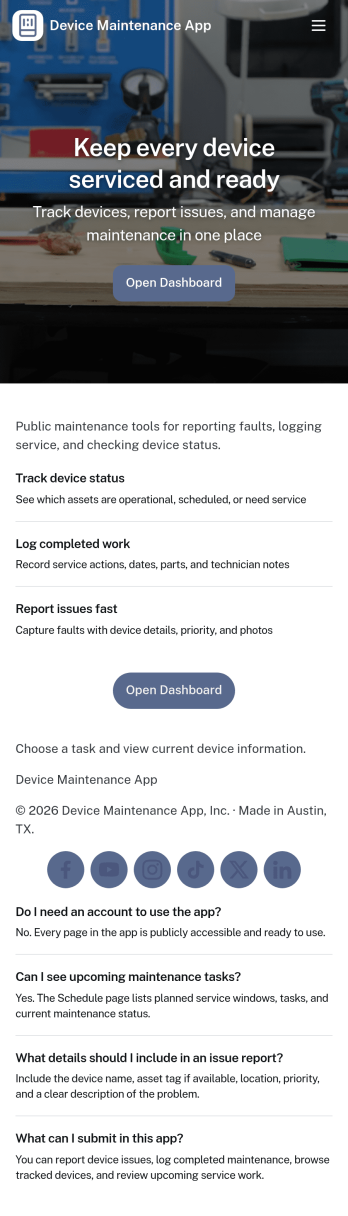
Device Maintenance App
Device Maintenance App brings your equipment upkeep into one place so teams can find devices, submit service requests, and review maintenance history without hunting through emails or spreadsheets. It works well for IT teams, facilities staff, lab managers, and operations leaders who need a simple way to support employees, track recurring issues, and keep critical gear available. With device browsing, an intake path for new requests, and accessible maintenance logs, everyone knows where to go when something breaks or needs attention.Built with Jotform, this app template is easy to tailor to your workflow using a no-code app builder and a drag-and-drop interface. Connect it to your data collection and record-keeping processes, route requests to the right people, and keep information consistent across locations and departments. Share the app through a link or QR code for fast self-service, and update pages anytime as your devices, processes, and service needs change.
Go to Category:Equipment Maintenance Software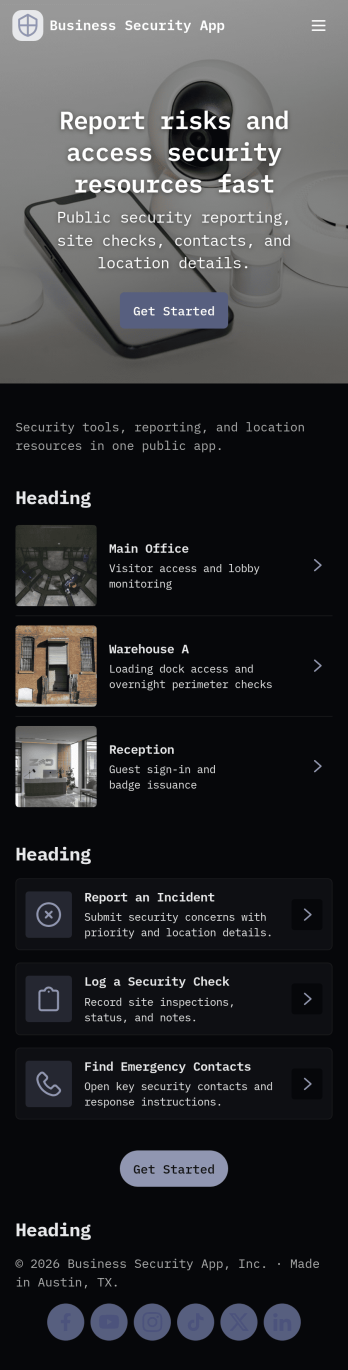
Business Security App
Business Security App brings incident reporting, patrol documentation, and visitor tracking into one place for day-to-day workplace security. It’s a practical fit for security teams, facility managers, and operations leaders who need a consistent way to capture what happened, where it happened, and what follow-up is required. With dedicated sections for incident reports, patrol logs, and a visitor log, staff can record activity as it occurs and quickly pull up details later when reviewing events or responding to questions.Built with Jotform, this app template can be tailored in a no-code app builder using a drag-and-drop interface, so you can match your site, team, and terminology without extra development. Connect the in-app buttons to forms for data collection, organize records in lists for easy browsing, and keep workflows moving with shareable access for the right people. Publish the app for quick self-service use across devices and keep security information organized as your operations grow.
Go to Category:Company Portal Apps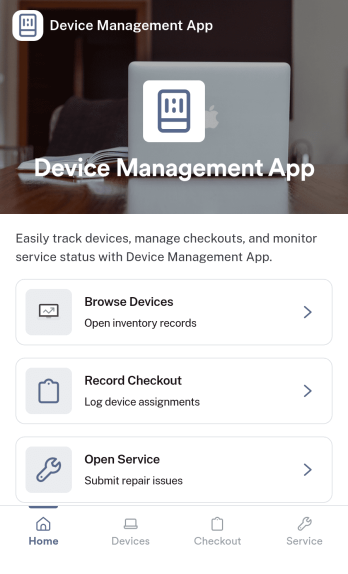
Device Management App
Device Management App brings device details, service history, and support requests into one place so teams can keep equipment organized and issues moving. From a Browse Devices area to a simple way to submit a request and review service logs, it helps IT, operations, facilities, and small business owners stay on top of what’s in use, what needs attention, and what was already repaired.Jotform makes it easy to publish this kind of self-service experience without coding. Using a no-code app builder and a drag-and-drop interface, you can tailor pages and navigation to match your process, connect forms for data collection, and keep your workflow consistent as requests and records grow. Share your Jotform app with a link so staff can quickly find devices, log service activity, and report problems from desktop or mobile.
Go to Category:Information Technology Apps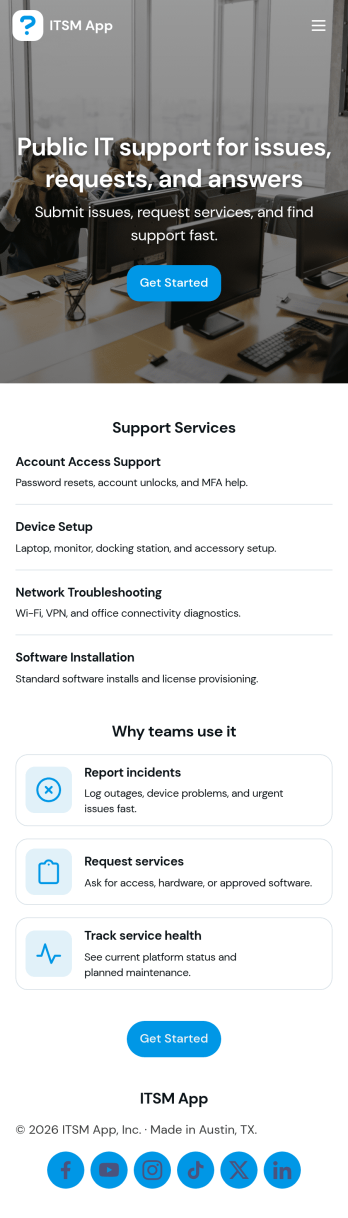
ITSM App
ITSM App brings incident reporting, service requests, and knowledge access into one place so IT teams can handle day-to-day support without scattered links or inbox digging. Use it to capture new incidents quickly, route requests to the right queue, and give employees a simple way to find answers before they open a ticket. It’s a practical fit for internal IT departments, managed service providers, and operations teams supporting multiple tools or systems who need clearer intake, faster triage, and a consistent experience for end users.With Jotform, you can publish this app template using a no-code app builder and tailor it to your workflow in minutes. Update pages with a drag-and-drop interface, connect request forms to the app for reliable data collection, and keep ticket and incident records organized in connected tables for easy follow-up. Share a single link for self-service, standardize how issues are reported, and build a smoother support workflow from intake to resolution.
Go to Category:Information Technology Apps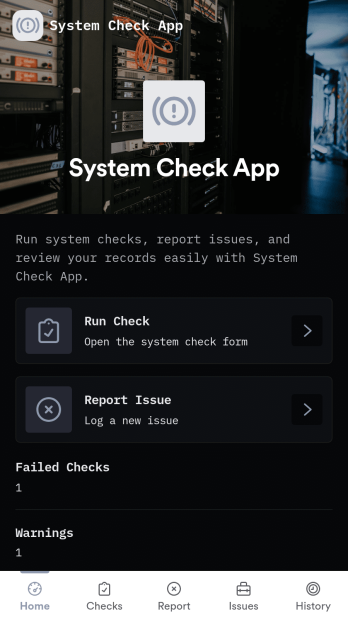
System Check App
System Check App helps teams run routine system checks and keep a clear record of results and issues in one place. Use it for daily operational verification, pre-shift readiness reviews, or recurring IT and equipment check routines where consistency matters. With options to run a check, start a new check, and log problems through a dedicated issue flow, this app supports technicians, operations leads, facilities teams, and support staff who need quick visibility into system health and what needs attention.Jotform makes it easy to turn this System Check App into a practical self-service experience using a no-code app builder and a drag-and-drop interface. Connect check and issue forms to organized lists so your team can review recent activity, track patterns over time, and follow up faster. Customize pages, branding, and navigation in minutes, then share the app by link or QR code so the right people can run checks, report issues, and keep workflows moving from any device.
Go to Category:Information Technology Apps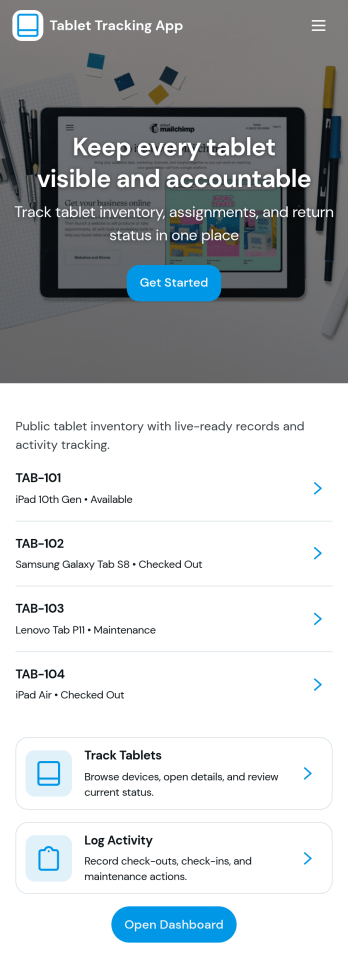
Tablet Tracking App
A tablet tracking app helps teams keep a clear, up-to-date record of where each tablet is, who has it, and what condition it’s in. This template is built for schools, IT teams, libraries, clinics, and growing businesses that lend tablets across staff, students, or departments and need reliable inventory browsing, checkout logging, and return reporting in one place. With dedicated areas for inventory, checkouts, returns, and issues, it reduces lost devices, speeds up handoffs, and creates a consistent process for day-to-day device management.Jotform makes it easy to turn this tablet tracking app template into a branded, self-service experience using a no-code app builder and a drag-and-drop interface. Connect the app to your data collection workflows, keep records organized in connected tables, and guide users to the right action with simple navigation buttons and lists. Share the app with a link or QR code so staff can log activity from anywhere, then update the layout as your workflow changes without touching code.
Go to Category:Inventory Apps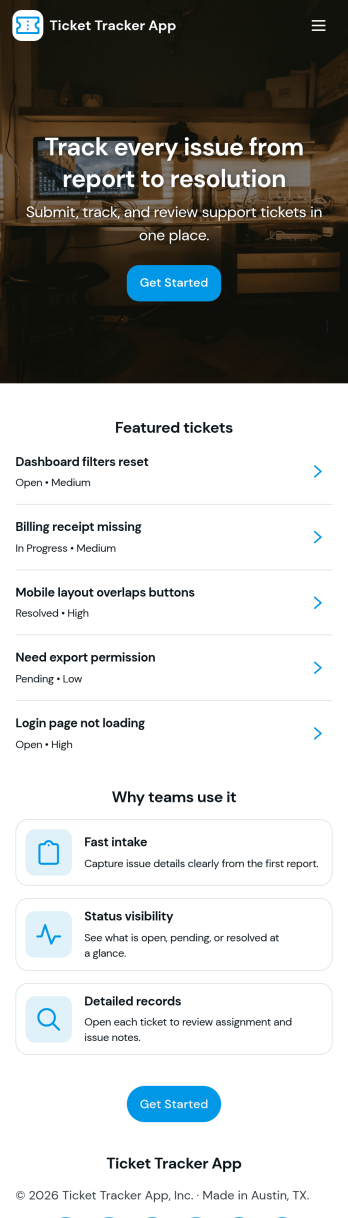
Ticket Tracker App
Ticket Tracker App helps teams capture new requests and keep support work organized from intake to resolution. Use it to submit tickets in seconds, browse open ticket records, and review ticket details in one place, so nothing slips through the cracks. It’s a great fit for IT help desks, internal operations, facilities teams, customer support groups, and any organization that needs a clear way to log issues, prioritize work, and follow up with the right people.Built with Jotform, this app template turns your ticket workflow into a simple self-service experience you can share with a link or QR code. Customize pages, cards, and navigation with a drag-and-drop interface, connect the Submit Ticket form to your data collection process, and keep records centralized for faster triage and better visibility across the team.
Go to Category:Information Technology Apps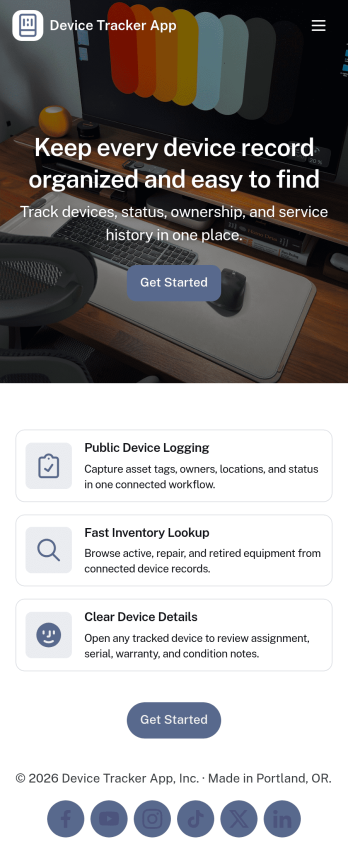
Device Tracker App
Device Tracker App helps teams keep visibility on shared equipment by organizing devices, logging checkouts, and making it easy to look up an item before it goes missing. It’s a practical fit for IT teams, schools, libraries, studios, field crews, and offices that lend laptops, tablets, tools, or other assets across departments or locations. With quick device lookup and clear lists of devices and checkout activity, staff can confirm what’s available, identify what’s currently out, and reduce time spent chasing updates through messages or spreadsheets.Built with Jotform, this app template can be tailored with a no-code app builder and a drag-and-drop interface so you can match your internal process and naming conventions. Connect the app to your tables and forms for reliable data collection, then share it as a self-service experience for employees who need to find a device or review checkout status. As your workflow evolves, you can adjust pages, permissions, and connected records to keep device tracking consistent and easy to manage.
Go to Category:Information Technology Apps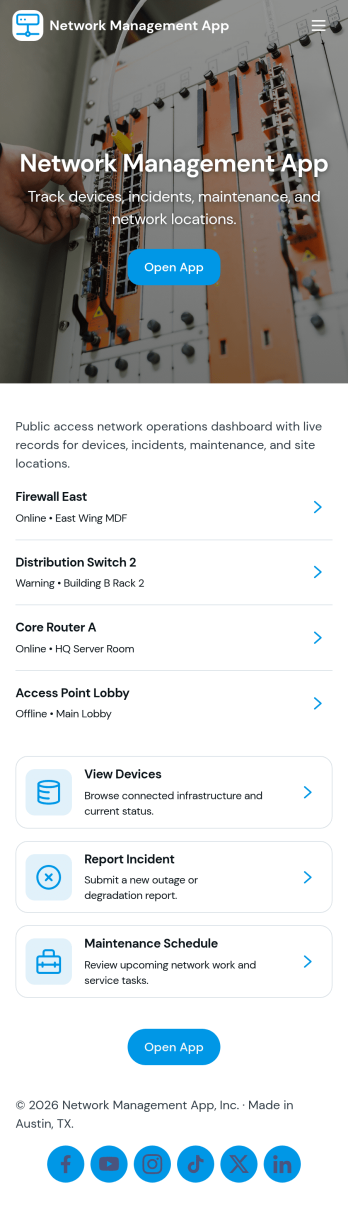
Network Management App
Network Management App helps IT teams keep day-to-day network operations organized in one place, from tracking devices to staying on top of support demand. With quick navigation to a device inventory and a support queue, it’s useful for MSPs, internal IT departments, and distributed organizations that need a clear view of core systems and access layer equipment without hunting through multiple tools or spreadsheets.Jotform makes it easy to turn network processes into a mobile-friendly, self-service experience using its no-code app builder and drag-and-drop interface. Connect pages to forms for consistent data collection, route requests through a workflow your team already follows, and share the app with technicians or stakeholders using a simple link or QR code. Customize the layout, branding, and access so your network operations stay clear, current, and actionable as your environment grows.
Go to Category:Information Technology Apps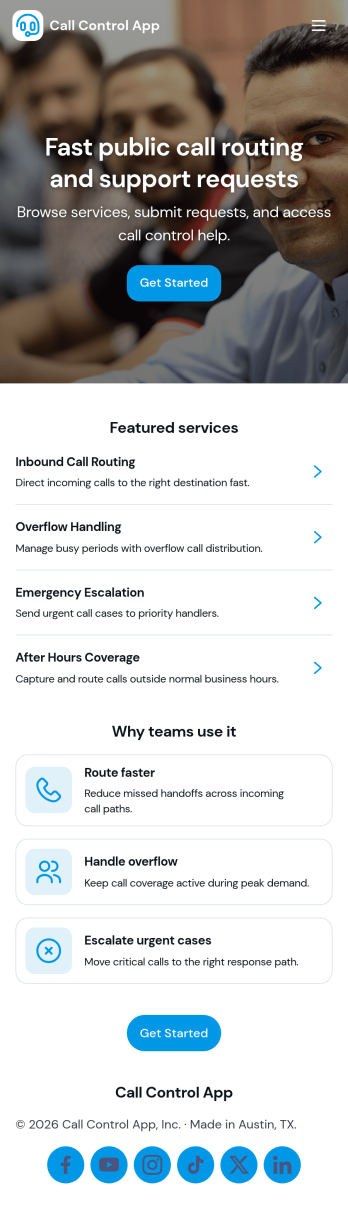
Call Control App
Call Control App brings your team’s calling workflow into one place so it’s easier to place calls, capture activity, and keep contact details organized. Use it to route people to a simple dialer view, review a running call log, and browse contacts without bouncing between tools. It’s a practical fit for sales and marketing teams, customer support groups, front desks, and small operations teams that need a clear record of who called, when, and what happened next, especially when multiple people share follow-ups.With Jotform, you can customize this app template to match your process using a no-code app builder and a drag-and-drop interface. Connect buttons to forms for data collection, standardize how reps log new calls, and keep call notes flowing into connected workflows. Share the app through a link or QR code for fast self-service access on any device, then adjust pages, branding, and navigation as your call handling needs evolve.
Go to Category:Information Technology Apps