

Inspection App Templates

Road Surface Inspection App
A road surface inspection app is used by inspectors and inspection firm managers to document the safety and conditions of road surfaces. Our Road Surface Inspection App comes bundled with two helpful forms: a Road Surface Inspection Form for filling out inspection checklists, and a Task Log Form for organizing inspection projects and tasks. All submissions and reports are instantly synced and stored in your secure Jotform account, which you can keep track of from any smartphone, tablet, or desktop computer.Want to make this app template your own? Jotform’s no-code app builder makes it easy to customize this app to fit your needs in seconds. Just drag and drop to add or change form elements, edit text fields and checklists, choose fonts and colors, upload your own branding, and more. Once you’re finished, you can share your app with others by sending email invites or the app link. Your app can then be accessed or downloaded on any device, making it a convenient way to perform on-site inspections. Ditch the paperwork and simplify your workflow with this Road Surface Inspection App.
Go to Category:Inspection Apps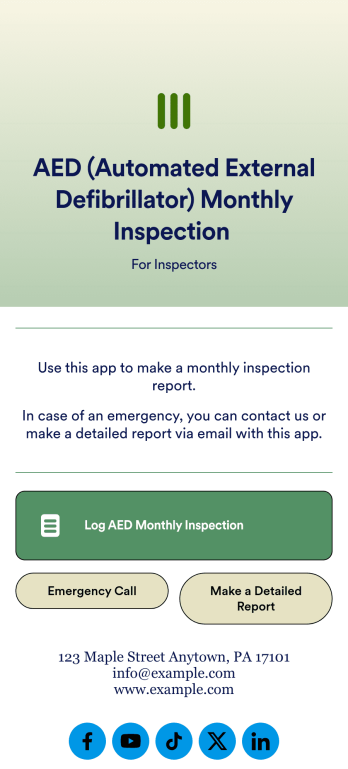
AED Monthly Inspection App
Automated external defibrillators, commonly known as AEDs, are portable, life-saving devices that treat individuals with cardiac arrest. In order to ensure AEDs are working properly, it’s necessary to schedule time to inspect them. With Jotform, you can create and use your own AED Monthly Inspection App to conduct AED inspections.Use this AED Monthly Inspection App ready-made, or customize it to match your company’s needs with our easy-to-use online app builder. Simply drag and drop to upload images or videos, choose fonts and colors, integrate with helpful appointment scheduling apps, create workflows, and more! Keep your clients and their patients safe with this AED Monthly Inspection App from Jotform.
Go to Category:Inspection Apps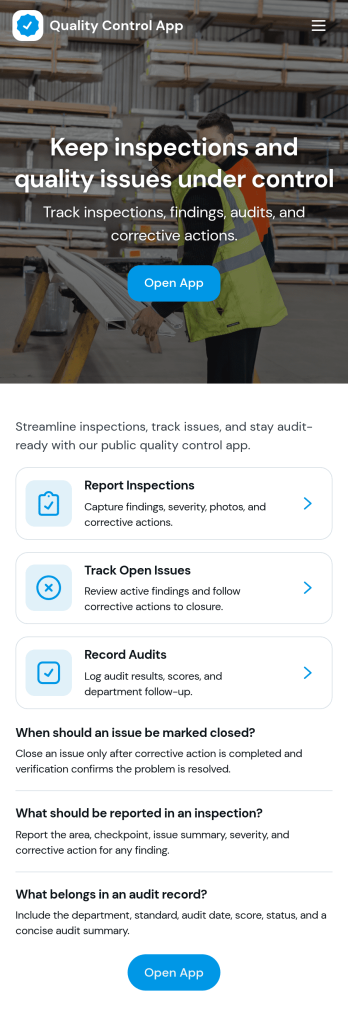
Quality Control App
Quality Control App helps teams run inspections, log issues as they’re found, and review past records in one place. Use it on the production floor, in warehouses, at job sites, or in field operations to capture consistent checks and keep defects from slipping through. With quick navigation to start an inspection, report a problem, and browse inspection and issue lists, it supports supervisors, QA staff, line leads, and contractors who need clear visibility into what was inspected, what failed, and what needs follow-up.Built with Jotform App Templates, this app template can be tailored to your process without coding. Customize pages, update the layout with a drag-and-drop interface, and connect the app to your Jotform forms and data collection workflows so records stay organized and easy to access. Share the app through a link or QR code for self-service reporting, and keep quality documentation centralized as your operation scales.
Go to Category:Engineering Apps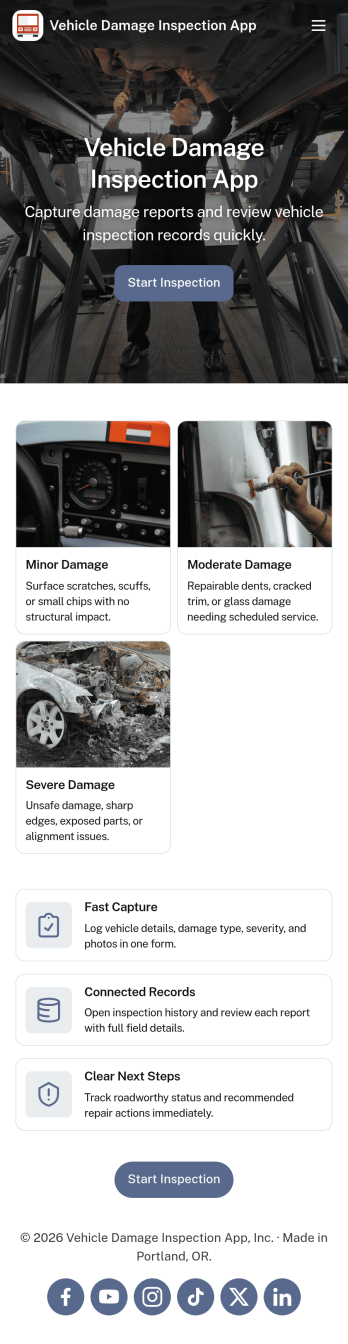
Vehicle Damage Inspection App
Vehicle Damage Inspection App gives teams a consistent way to document and review vehicle condition by starting a new inspection, capturing key details, and organizing past records in one place. It fits daily workflows for rental fleets, auto dealerships, logistics operators, service centers, and insurance-related teams that need fast, repeatable inspections for check-in and check-out, incident reporting, and routine condition checks. With an easy New Inspection entry point and a records area that lists vehicles by make and model, staff can reduce missed details, improve handoffs between shifts, and keep inspection history easy to find when questions come up.Built with Jotform, this app template helps you publish a guided self-service experience without coding. Use the no-code app builder and drag-and-drop interface to adjust pages, add your branding, and connect inspection data collection to the workflows you already run. You can keep records organized for quick lookups, share the app with the right people using a simple link, and refine how your team captures damage notes over time so reporting stays consistent across locations and vehicles.
Go to Category:Vehicle Inspection Apps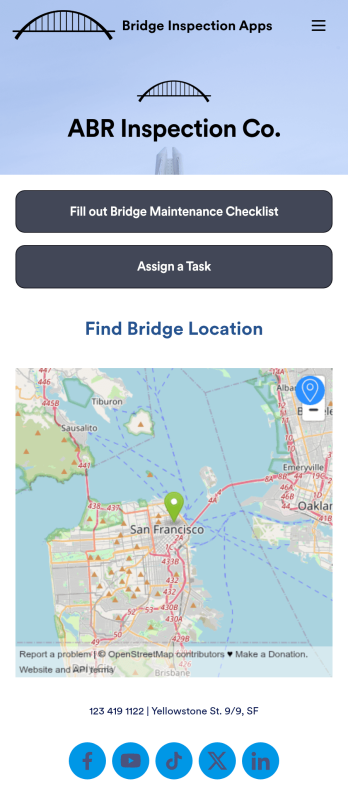
Bridge Inspection Apps
A bridge inspection app is used by inspectors to conduct bridge safety inspections. Inspectors can create individual inspection reports by filling out a form with the inspection date, bridge name and location, and a detailed safety condition checklist. There is additional room for inspectors to add comments, as well as an e-signature field that can be signed before submitting an inspection report. This app template also contains a Task Log Form for assigning projects to inspectors to be completed by a certain date.Need to make changes to this Bridge Inspection App? No problem — simply drag and drop to add or edit form elements and text fields, change checklist items, choose new fonts and colors, upload your own branding, and more. Once you’re finished customizing your app, inspectors can then access and download it on any device, making it easy to log inspections onsite with a smartphone or tablet. Build a fully-customizable Bridge Inspection App in minutes with this free app template from Jotform.
Go to Category:Inspection Apps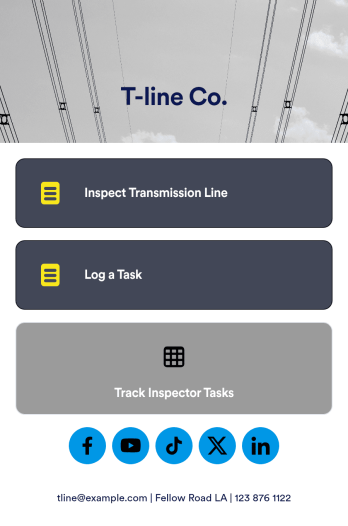
Transmission Line Inspection App
A transmission line inspection app is used to perform inspections on any device. If you need to inspect transmission lines but don’t want to deal with the paperwork, enter them directly into this free Transmission Line Inspection App from Jotform to create a secure database of all of your inspection reports. Start by customizing your app, then share it to be downloaded instantly by members of your team.Feel free to make as many changes as you want to this app template with our drag-and-drop builder. No coding needed — you can upload your logo, change the app background or icon, and update other design elements in a few easy clicks. Once your personalized Transmission Line Inspection App is ready to go, you can share it with a link via email and start collecting inspection reports.
Go to Category:Inspection Apps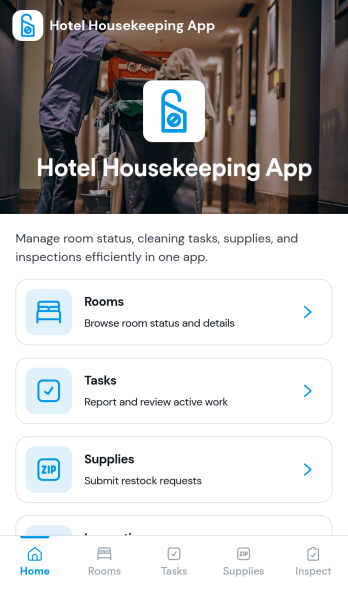
Hotel Housekeeping App
Hotel Housekeeping App brings daily room operations into one place so housekeeping teams can stay aligned from shift start to final checks. Use it to view assigned tasks by room, capture an at-a-glance shift overview, and keep work moving without chasing updates across radios, paper sheets, or scattered messages. It also supports fast reporting when something is off in a room, helping staff flag maintenance needs, missing items, or guest-impacting problems as soon as they’re noticed. Supervisors can use the same workflow to coordinate priorities, reduce missed cleanings, and create more consistent room readiness across floors and properties.Built with Jotform App Templates, this app template can be tailored in Jotform’s no-code app builder with a drag-and-drop interface. Connect the navigation cards to your existing workflows for data collection, inspections, and issue reporting, then share the app with your housekeeping team for simple self-service access on mobile. As updates come in, Jotform helps you keep records organized, improve handoffs, and maintain a clear operational trail for tasks and room checks.
Go to Category:Hotel Management Apps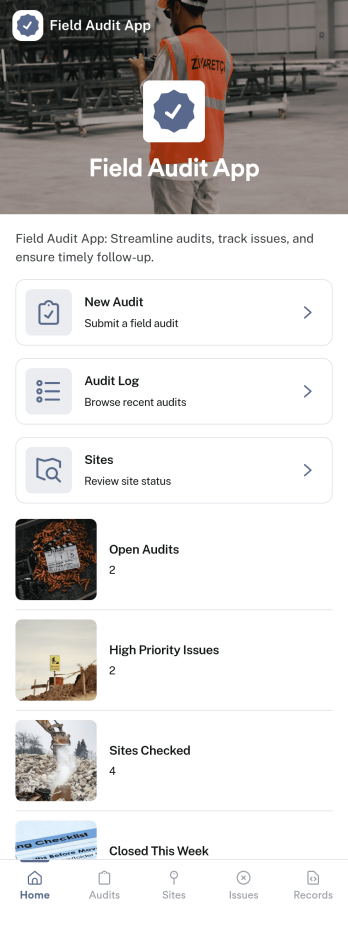
Field Audit App
A field audit app gives teams a practical way to manage on-site audits across locations while keeping progress visible from one place. Use it to review sites, capture findings consistently, and follow audits from start to finish. This template fits operations managers, regional supervisors, quality teams, safety coordinators, and contractors who need a repeatable process for visiting locations and documenting what they see. With quick navigation to Open Audits, a dedicated Submit Audit entry point, and an easy-to-browse History view, it supports day-to-day fieldwork without relying on scattered notes or disconnected messages.Jotform helps you turn this workflow into a shareable, mobile-friendly experience using App Templates and a no-code app builder with a drag-and-drop interface. Connect your app to forms and tables for data collection and recordkeeping, then refine the workflow as your program evolves by adjusting pages, adding guidance text, and organizing audit records for self-service access by the right people. Share the app with a link or QR code so auditors can submit updates on site and managers can review audit records faster.
Go to Category:Inspection Apps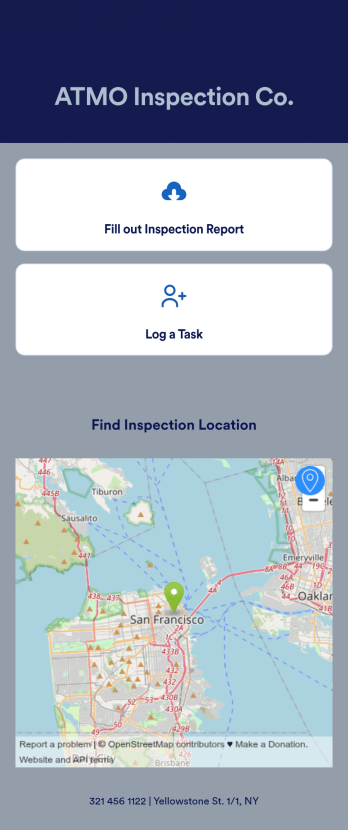
Atmospheric Corrosion Control Inspection App
An atmospheric corrosion control inspection app is used by companies to document corrosion control information. Our Atmospheric Corrosion Control Inspection App allows inspectors to log inspection date, location details, corrosion control information, corrective measures taken, specify types of paint or coatings used, and attach relevant images using an included upload form. Inspectors can download this readymade app template on their mobile device or tablet and perform on-site inspections with ease. A separate task log allows managers to assign specific projects and tasks to employees with start and end dates.Need to make changes to this Atmospheric Corrosion Control Inspection App? No coding required — just use our drag-and-drop app builder to add form elements, install widgets and integrations, edit text fields and checklist items, upload your company’s branding, and more. Send email invites or embed the app link in an internal website, and employees can then download it on their preferred device and start logging corrosion control reports right away with this free app template.
Go to Category:Inspection Apps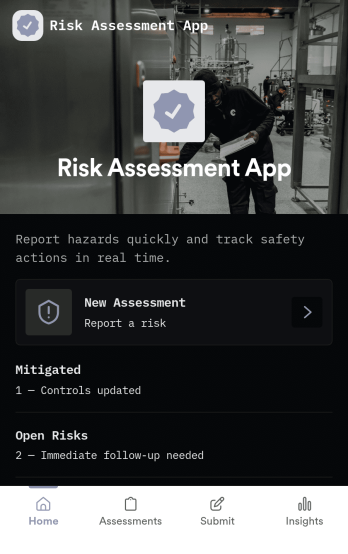
Risk Assessment App
Risk Assessment App helps teams capture new assessments and review open records in one place, so risk checks don’t get buried in email threads or scattered files. Use it to document hazards, rate likelihood and impact, and keep a clear log of what was assessed and when. It’s a practical fit for safety leads, operations managers, project teams, and supervisors who need a repeatable way to run assessments across sites, equipment, tasks, or events while keeping progress visible.Built with Jotform, this app template combines simple navigation with connected data collection to support day-to-day risk work. Create a new assessment through an embedded form, browse record lists for quick follow-up, and share the app as a self-service link for internal teams. With Jotform’s no-code app builder and drag-and-drop interface, you can tailor the layout, add your own fields, and evolve the workflow as your risk process changes.
Go to Category:Inspection Apps
Quality Control Inspection App
Quality Control Inspection App is an app template designed to facilitate seamless inspection processes for manufacturing teams, quality control inspectors, warehouse staff, and production managers. It streamlines the task of capturing inspection details, making note of any concerns, contributing to the efficiency of operational management in small to mid-sized businesses. The robust features of this app are also beneficial for service providers, field inspectors, and compliance teams, providing a consistent and comprehensive mechanism for logging pass/fail results and detailing any arising issues. It collects exhaustive inspection data, making it effortless to maintain clear records necessary for compliance and audits. What makes this app particularly handy is its table view feature, which provides a simplified means of inspecting historical data and its list elements that shows inspection status and progress, providing an overview of quality performance.Jotform’s Quality Control Inspection App template comes with a no-code app builder, making it straightforward to customize your app without any coding knowledge. With Jotform’s Drag-and-Drop Interface, you can easily adjust the app to match your company’s branding, change forms as necessary, and select suitable fonts and colors. Further enhancing its versatility, the app has cross-platform compatibility, allowing users to access and download it on any smartphone, tablet, or desktop via a direct link, email, or QR code. By integrating Jotform’s Quality Control Inspection App template into your operational workflows, you elevate the efficiency of your inspection process, ensuring comprehensive data collection and streamlined reporting.
Go to Category:Safety Inspection Apps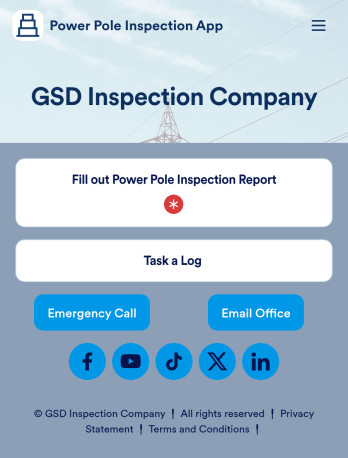
Power Pole Inspection App
A power pole inspection app is used by inspection companies to conduct routine power pole inspections, document faults or defects, and plan corrective measures to ensure proper electrical operation. Inspectors can fill out the Power Pole Inspection Form to log pole ID, height, type, location, and accessibility. With a separate Task Log Form, supervisors can assign and prioritize specific tasks to be completed by inspectors.You can fully customize our Power Pole Inspection App without any coding using Jotform’s intuitive app builder. Simply drag and drop to add form elements, edit text fields and checklist items, install widgets and integrations, choose fonts and colors, and much more. Share your app with inspectors by sending email invites or the app link, and they can start filling out on-site inspection reports right away from any device. Stay on top of routine power pole inspections with this Power Pole Inspection App from Jotform.
Go to Category:Inspection Apps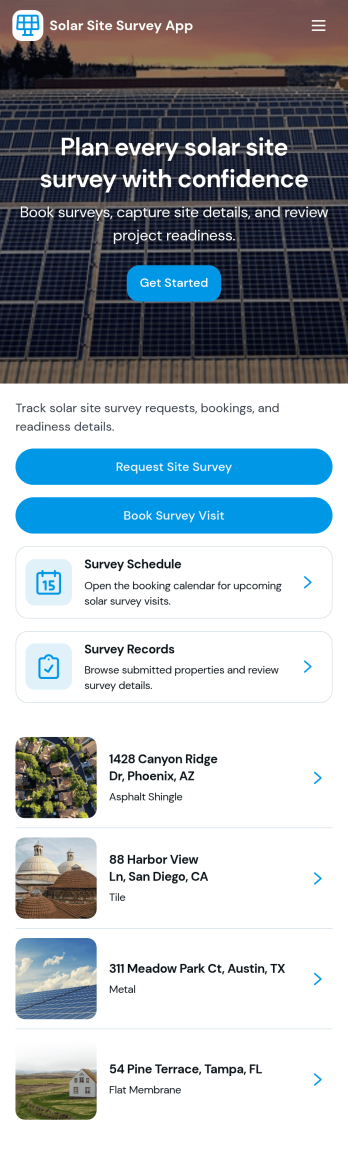
Solar Site Survey App
Solar Site Survey App helps solar installers and field teams capture consistent site intake details, manage active survey work, and keep survey records organized in one place. Use it to launch a new survey from the field, revisit open surveys during ongoing projects, and present a clear survey report view for office follow-up. It’s a practical fit for residential and commercial site visits where photos, measurements, notes, and customer details need to be gathered quickly and reviewed later without digging through emails or scattered files.Built with Jotform, this app template supports fast data collection and smoother workflow handoffs between the field and the office. With Jotform’s no-code app builder and drag-and-drop interface, you can tailor the experience to your process, connect the app to your survey form and survey records table, and share a self-service link with your team so everyone works from the same up-to-date information.
Go to Category:Engineering Apps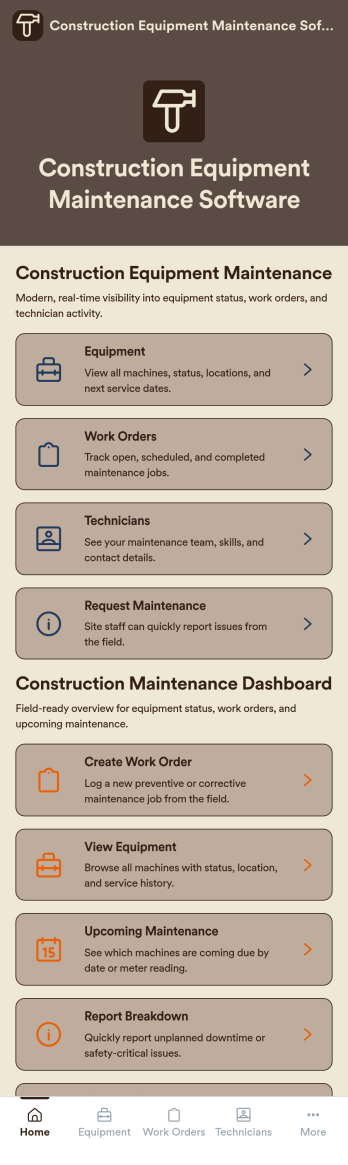
Construction Equipment Maintenance Software
Construction Equipment Maintenance Software is an app template designed to streamline the upkeep of construction machinery for optimal operations. This influential software swiftly automates preventive maintenance, enabling construction companies, equipment fleet managers, and maintenance teams to avert unnecessary downtime. It's ideal for those managing machinery across multiple job sites, including rental companies, project managers, and operations leaders seeking to reduce costs and improve productivity. This dynamic app template tracks equipment performance in real time and manages repair workflows efficiently, offering a comprehensive view of asset utilization. By rendering detailed reports and analytics, it provides valuable insights for data-driven decision-making, enhancing productivity and cost-efficiency.Jotform's superior no-code, drag-and-drop app builder brings this template to life, allowing you to customize and deploy your Construction Equipment Maintenance Software without any coding. You can effortlessly design your app to reflect your branding, choosing preferred fonts and colors, uploading your logo, and integrating relevant forms. Thanks to its cross-platform compatibility, your app will function seamlessly across smartphones, tablets, and desktops for maximum convenience. Jotform's app builder also supports workflow automation, enabling you to create efficient approval flows and data routing systems. This results in a centralized, seamless experience that streamlines your construction equipment maintenance operations. With Jotform, you can proficiently manage your construction equipment maintenance processes, ensuring high performance and longevity of your machinery.
Go to Category:Engineering Apps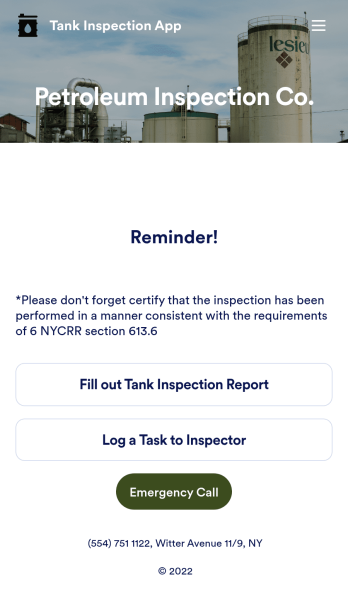
Tank Inspection App
Inspect storage tanks from any device with Jotform’s free Tank Inspection App. Whether you conduct inspections on fuel tanks, septic tanks, or propane tanks, this fully customizable mobile app will help you get the job done with its readymade Tank Inspection Report Form and Task Log Form. You can fill out either form using any computer, tablet, or smartphone, and all entries will be synced into your secure Jotform account.Want to customize this Tank Inspection App for your inspection services? Simply drag and drop to add forms, tables, links, documents, text, logos, and other elements to your app. When it’s ready to use, download the app onto your preferred device or share it with other inspectors via email invite or app link. Don’t tank your next inspection — instead streamline the way you conduct inspection reports with a fully featured Tank Inspection App that works wherever you do.
Go to Category:Inspection Apps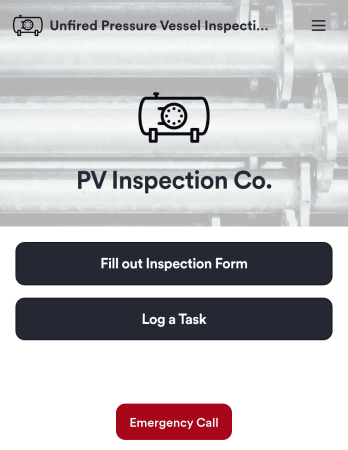
Unfired Pressure Vessel Inspection App
An unfired pressure vessel inspection app allows engineers and boiler technicians to conduct inspections from any device. Make sure unfired pressure vessels and boilers are safe enough to hold liquids and gases with Jotform’s Unfired Pressure Vessel Inspection App. This free and customizable mobile app includes an inspection form, task log form, and emergency contact button that can be accessed from any smartphone, tablet, or computer. Make this Unfired Pressure Vessel Inspection App meet your requirements by customizing it with our intuitive app builder. No coding necessary — just drag and drop to add forms, tables, documents, links, and any other elements your app might need. When you’re satisfied with how the app looks, download it onto your preferred device or share it with other engineers in just one click. Make future inspections a breeze with an Unfired Pressure Vessel Inspection App that works seamlessly from any device, no matter where you are.
Go to Category:Inspection Apps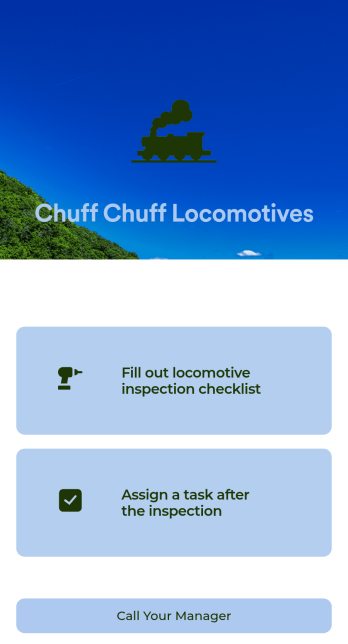
Locomotive Inspection App
Perform locomotive inspections without the need for messy paperwork using this free Locomotive Inspection App from Jotform! You and members of your team can fill out the included inspection checklist directly from the app, creating a secure database of all of your inspection information in your Jotform account — ready to view, edit, access, and share on any device.Customize this Locomotive Inspection App with no coding using our drag-and-drop builder. Upload your logo, change fonts and colors, update the included checklist to better match your needs, and make other changes in a few easy clicks. Then share your custom Locomotive Inspection App with members of your team with a link or via email, so they can download it onto their iOS or Android device for quick access.
Go to Category:Inspection Apps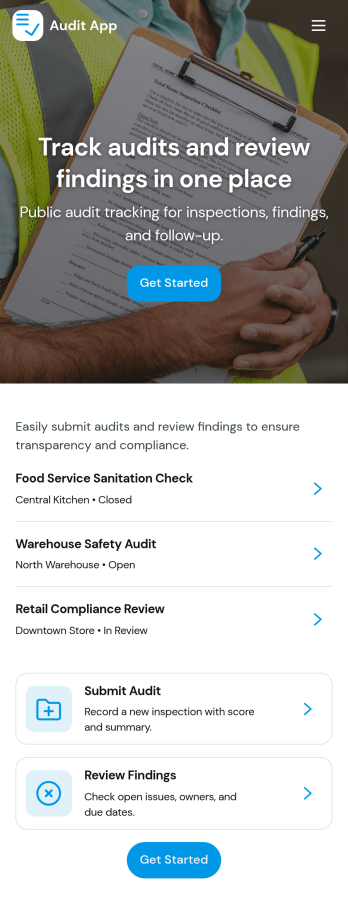
Audit App
Audit App helps teams plan, run, and document audits in one place, from kicking off a new audit to reviewing past records and tracking findings as they’re logged. It’s a practical fit for internal audit groups, operations managers, safety teams, quality leads, IT administrators, and consultants who need a clear way to capture audit details, monitor audit status by location, and keep issue reporting consistent across sites. With quick access to an audit metrics dashboard, audit records, and a dedicated findings area, you can stay on top of open items and make follow-up work easier to coordinate.Built with Jotform, this app template can be tailored to match your audit process without coding. Use the drag-and-drop app builder to adjust pages and navigation, connect forms for data collection such as adding audits and logging findings, and keep information organized for fast self-service access. Share the app through a link or QR code so stakeholders can submit updates and review progress, while your team maintains a single source of truth for audit activity.
Go to Category:Audit Apps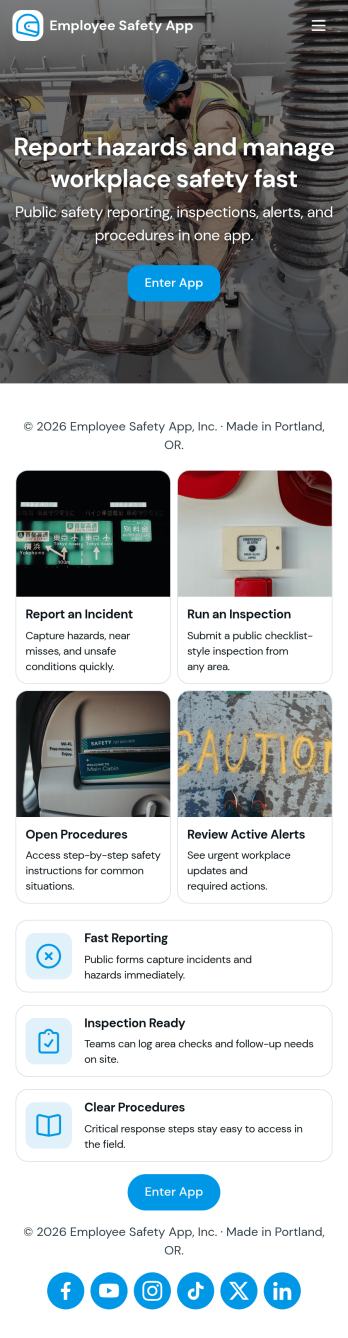
Employee Safety App
Employee Safety App brings key workplace safety actions into one place so teams can report incidents, run safety checks, and review logged issues without hunting for the right link or paper form. It fits companies with distributed crews, warehouses, job sites, clinics, or offices that want a consistent way to capture what happened, where it happened, and what immediate action was taken. Built-in navigation makes it easy to jump from reporting to an incident list, and the app can also surface quick emergency and safety lead contact options when time matters.With Jotform, you can turn this employee safety app template into a branded self-service experience using a no-code app builder and a drag-and-drop interface. Connect the app to your incident and safety check forms for reliable data collection, route updates through the right workflow, and keep records organized in one system for follow-up, training, and continuous improvement. Share the app by link or QR code so employees can access it on the go, then refine pages and content as your safety processes evolve.
Go to Category:HR Portal Apps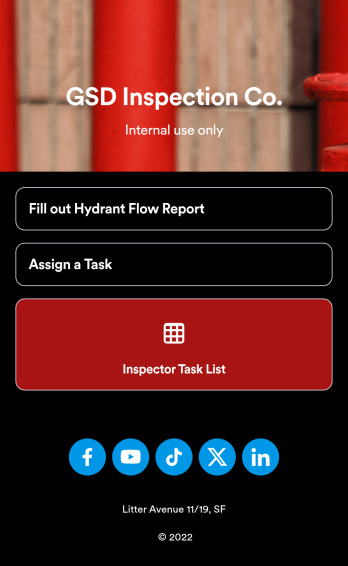
Hydrant Flow Inspection App
A hydrant flow inspection app is used by inspection companies or city officials to conduct hydrant flow inspections from their mobile devices. With Jotform’s free Hydrant Flow Inspection App, you can record important information like date, time, location, and testing details, as well as assign tasks to employees or team members. Form responses are stored in your Jotform account, creating a secure online database of all of your inspection reports.Need to customize the app? No problem — just drag and drop to get the design you want. Upload your logo as the app icon or splash screen, update form fields to better match your inspection process, and make other changes with no coding necessary. You can then share your app with a link to be downloaded instantly onto any iOS or Android device. Enjoy a more seamless way of gathering data in the field with a ready-made Hydrant Flow Inspection App from Jotform.
Go to Category:Inspection Apps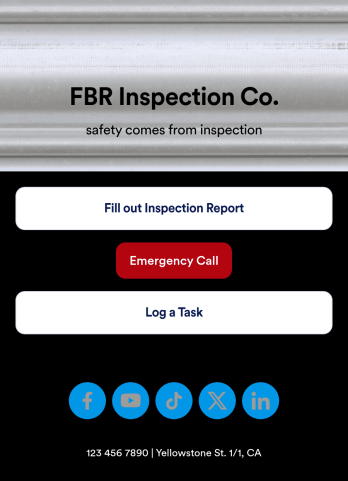
Structural Steel Inspection App
A structural steel inspection app is used by inspection companies for creating online inspection reports. Inspectors can download this readymade app template onto a mobile device or tablet and record structural steel inspection reports, which are then automatically synced and stored in your secure Jotform account. There is a separate task log for supervisors to assign specific projects and tasks to individual employees.You don’t need any coding knowledge to fully customize this Structural Steel Inspection App to meet your company’s individual needs. Jotform’s drag-and-drop app builder to add form elements, edit text fields and checklist items, upload your own branding, create new pages, and much more. Share your app with inspectors by sending email invites or embedding it in an internal website. Get rid of messy paperwork and start creating online inspection reports with our mobile-friendly Structural Steel Inspection App.
Go to Category:Inspection Apps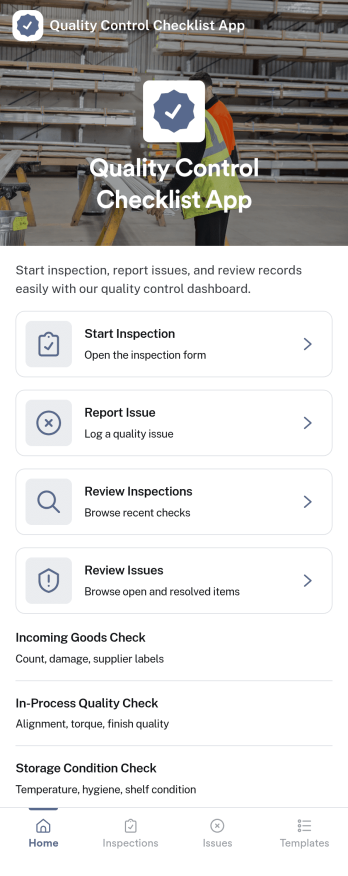
Quality Control Checklist App
Quality Control Checklist App helps teams run consistent inspections, document findings, and follow up on problems without hunting through paper checklists or scattered messages. It fits manufacturing lines, warehouses, construction sites, food production, and any operation where repeatable checks matter. Staff can start an inspection from a single home screen, log an issue the moment it’s spotted, and later review past inspections and reported issues to keep work moving and standards clear across shifts and locations.With Jotform, you can turn this quality control app template into a mobile-friendly self-service experience using a no-code app builder and a drag-and-drop interface. Connect inspection and issue forms to your data collection workflow, keep records organized for faster reviews, and share the app by link or QR code so the right people can complete checks and report problems from the field, the floor, or the office.
Go to Category:Checklist Apps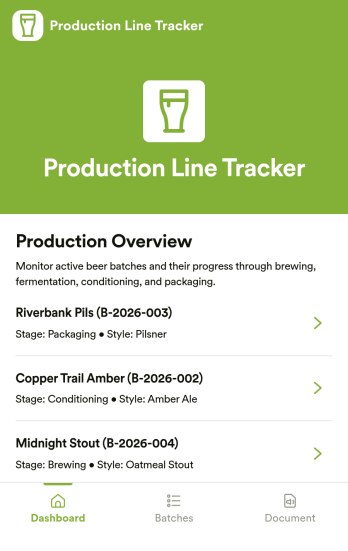
Production Line Tracker
Production Line Tracker is an app template designed to streamline the tracking of manufacturing processes from start to finish. This comprehensive solution provides manufacturing teams, breweries, and production facilities with real-time monitoring of batches, updating of production stages, and recording of progress. This is especially beneficial for production managers, line supervisors, inspectors, and maintenance staff who are tasked with overseeing workflows and equipment. The app's table view aids in the effortless tracking of production data and timelines, while the list elements display the stages of production with progress markers, offering a clear snapshot of what is on track and what requires attention. Its utilities best serve small to mid-sized operations seeking visibility without the hassle of intricate systems.With Jotform's drag-and-drop interface, customizing the Production Line Tracker to suit your operational needs is a breeze. You can easily modify forms, select fonts and colors, upload your company logo, and more, without any coding knowledge. Notably, the app can be accessed and downloaded onto any smartphone, tablet, or desktop via a shareable link, enhancing ease-of-use and accessibility. The no-code app builder empowers you to create an application that matches your branding while offering the practical benefits of a Production Line Tracker. Leverage the power of Jotform to simplify your production tracking and improve operational efficiency.
Go to Category:Tracker Apps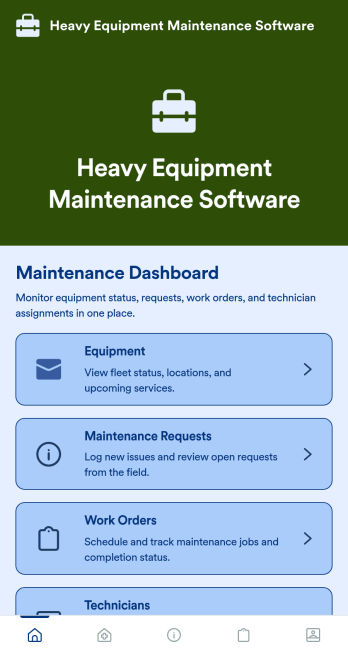
Heavy Equipment Maintenance Software
Heavy Equipment Maintenance Software is a app template designed to optimize operational efficiency in fleet-intensive industries, such as construction, mining, agriculture, and logistics. This app is specifically created to provide a systematic approach to heavy machinery maintenance, offering equipment owners, service managers, and technicians visibility and control over large assets. It serves as a comprehensive platform for tracking machine health, scheduling services based on usage hours, and coordinating repairs across multiple sites. Users can monitor performance trends, manage spare parts inventory, and prevent unexpected equipment failures that could seriously disrupt operations. This template is most beneficial to organizations that require a robust and reliable solution for heavy equipment maintenance.With Jotform's no-code, drag-and-drop app builder, customizing the Heavy Equipment Maintenance Software to fit your operational needs is a breeze. Users can tweak the layout, incorporate essential forms, and adjust functionalities as required, all without writing a single line of code. The cross-platform compatibility further enhances the app’s value, providing seamless functionality whether accessed on smartphones, tablets, or desktops. The option to add to your home screen provides instant access to the app, saving time and maximizing efficiency. Furthermore, the app allows for the centralization of multiple forms, links, and resources, providing a cohesive and streamlined user experience. With Jotform's Heavy Equipment Maintenance Software, managing your heavy machinery has never been more straightforward or efficient.
Go to Category:Construction Apps