

Inventory App Templates

Key Management App
Key Management App helps organizations track physical keys, control who has access, and keep a clear record of key activity in one place. It fits property managers, facilities teams, schools, hotels, auto shops, and any workplace that shares keys across shifts or departments. With dedicated areas for key inventory, issuing keys, and logs, teams can quickly see what’s available, document handoffs, and follow up on missing or overdue keys without relying on paper sign-out sheets.Jotform makes it easy to turn this workflow into a mobile-friendly self-service experience using its app templates and no-code app builder. Customize pages with a drag-and-drop interface, connect buttons to forms and tables for data collection, and keep key records organized as your needs grow. Share the app with a link or QR code, control access for staff, and standardize how key inventory and log history are captured across locations.
Go to Category:Log Apps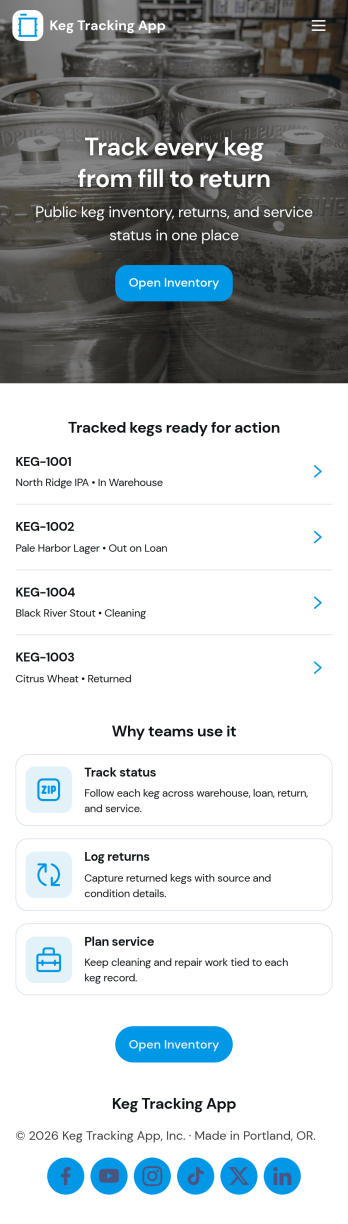
Keg Tracking App
Keg Tracking App helps bars, breweries, taprooms, and beverage distributors keep a clear, up-to-date view of where each keg is and what needs attention. Use it to create new keg records, record fills, log returns, and keep your stock organized so staff can act quickly during busy shifts. With list views and quick-add buttons, teams can reduce missed handoffs, simplify internal reporting, and keep keg activity consistent across locations or accounts.Built with Jotform, this app template can be tailored to match how your operation tracks kegs, from basic logging to more detailed upkeep routines. Customize the layout with a drag-and-drop no-code app builder, connect your forms and tables for reliable data collection, and share a self-service experience with the right people using a simple link. As records update, everyone stays aligned on inventory movement and maintenance priorities without relying on scattered notes.
Go to Category:Inventory Apps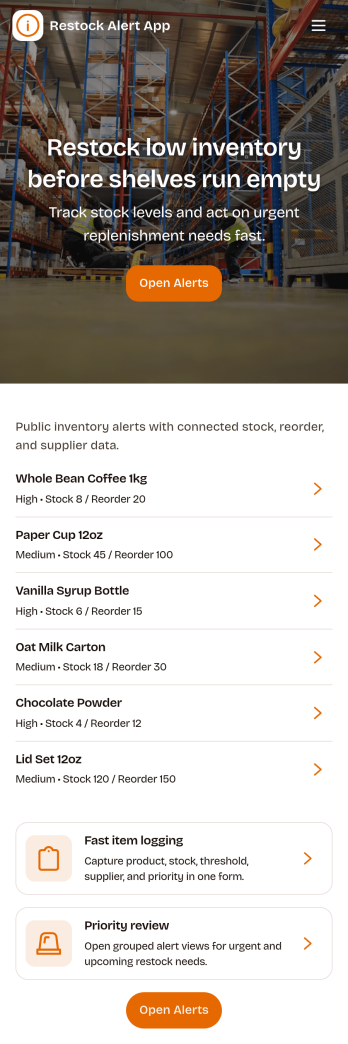
Restock Alert App
Restock Alert App helps teams flag low inventory before it turns into missed sales or service delays. Staff can quickly report low stock from a dedicated page, review active alerts in one place, and check alert history to understand recurring shortages. It’s a practical fit for retail stores, storerooms, restaurants, salons, and e-commerce operations that need a simple way to surface what needs replenishing without relying on sticky notes or scattered messages.With Jotform, you can turn this app template into a branded self-service workflow using a no-code app builder and a drag-and-drop interface. Connect the app to a reporting form and keep information organized for faster follow-up, clearer handoffs, and more consistent data collection across locations or shifts. Share the app by link or QR code so anyone on your team can report items and stay aligned on what’s currently low and what’s already been handled.
Go to Category:Inventory Apps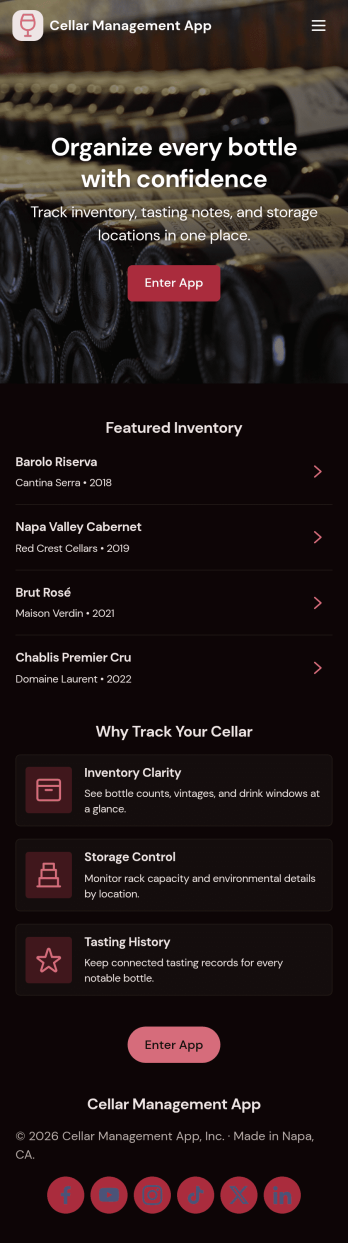
Cellar Management App
Cellar Management App helps you keep a clear, usable record of what’s in your cellar so you can find bottles fast, track stock changes, and plan what to open next. It fits home collectors, restaurants, wine bars, tasting rooms, and small retailers that need a simple way to browse an inventory list, open a bottle’s details, and add stock as new bottles come in. The layout supports everyday tasks like checking current quantities, reviewing stock history in one place, and keeping tasting notes organized for quick reference.With Jotform App Templates, you can turn your cellar workflow into a shareable, self-service experience without coding. Build and adjust pages with a drag-and-drop interface, connect buttons to forms for data collection, and keep records organized in Jotform Tables for easy viewing. Whether you’re updating inventory during deliveries, logging tastings after events, or giving staff a single place to check availability, Jotform makes it easy to publish, customize, and maintain an app that stays aligned with how you manage your cellar.
Go to Category:Food & Beverage Apps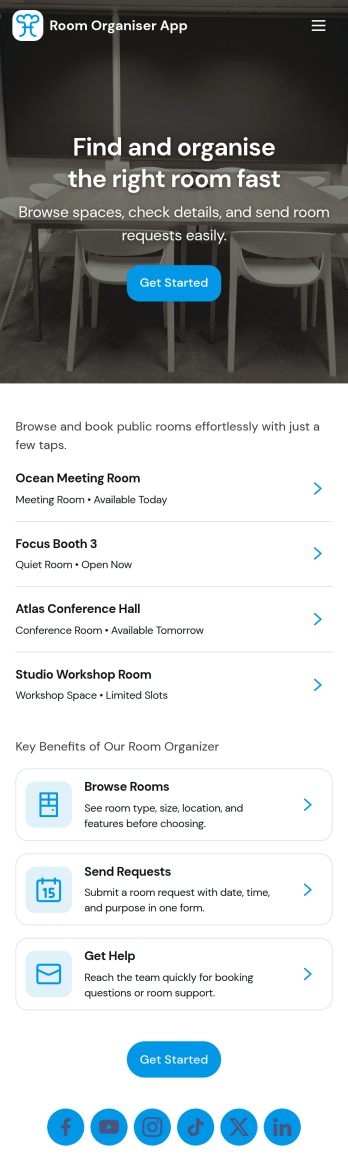
Room Organiser App
A room organiser app brings order to shared spaces by keeping rooms, related tasks, and needed supplies in one place. Use it to set up a simple room list, capture what needs doing in each space, and maintain a running log so nothing gets missed. It works well for households, shared apartments, office managers, small studios, and teams responsible for multiple rooms who want a clear view of what’s been added, what’s in progress, and what’s already been handled.Jotform makes it easy to turn this setup into a flexible self-service experience using App Templates and a no-code app builder. With a drag-and-drop interface, you can tailor pages for rooms, task records, and supply logs, then share the app with the people who need it. Connect forms and tables for consistent data collection, keep your workflow organized as needs change, and publish a mobile-friendly app that helps everyone stay aligned.
Go to Category:Organization Apps
Product Check App
Product Check App helps teams register products, run standardized checks, and keep clear verification records in one place. It fits day-to-day work in retail, warehouses, e-commerce operations, and small manufacturing where staff need a consistent way to confirm item details, condition, or readiness before products move forward. With quick navigation to register items, start a check, and review product histories, it supports front-line workers, supervisors, and operations managers who want fewer missed steps and easier follow-up.Jotform makes it simple to turn this workflow into a shareable, self-service experience using App Templates built with a no-code app builder. Customize pages with a drag-and-drop interface, connect the app to forms and tables for ongoing data collection, and organize product records so updates are easy to find later. Publish your Jotform app with a link or QR code, collaborate with your team, and keep your product check workflow consistent across locations and shifts.
Go to Category:Checklist Apps