

Log App Templates

Football Match Officiating Report App
The Football Match Officiating Report App provides referees, assistant officials, league administrators, tournament organizers, and club operations teams with a central place to document and review match officiating. Users can browse individual match records, record incidents and decisions, note misconduct, and add review statuses or comments. This organized reporting experience helps sporting bodies maintain consistent records after fixtures, gives reviewers clearer context for follow-up, and reduces the need to manage scattered documents or messages. It is suitable for regular league play, cup competitions, youth tournaments, amateur associations, and other organized football events.Jotform Apps makes this app template easy to adapt with a no-code app builder and intuitive drag-and-drop interface. Organizers can adjust pages, branding, navigation, and connected forms without programming, then organize collected data in linked tables and workflows. The finished app can be shared through a direct link or QR code, giving officials a mobile-friendly way to submit information and authorized teams a convenient self-service resource for reviewing reports. Jotform App Templates help organizations turn recurring operational tasks into accessible, interactive experiences that support faster data collection and more consistent match administration.
Go to Category:Sports Apps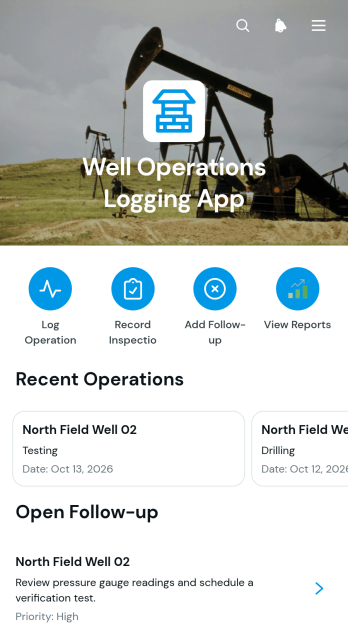
Well Operations Logging App
Well Operations Logging App is an app template for documenting work performed at well sites and keeping operational records organized by well. Field operators, engineers, inspection teams, maintenance crews, and operations supervisors can use it to log activities, record inspection conditions, and add follow-up actions from one accessible location. Well-specific pages make it easier to review details such as depth or volume, while visual charts summarize operations by type and reported inspection conditions. This organized record helps teams monitor field activity, identify issues requiring attention, support shift handovers, and give office personnel clearer visibility into ongoing work.Jotform Apps helps organizations adapt this Well Operations Logging App without writing code. Its no-code app builder and drag-and-drop interface make it easy to update navigation, adjust branding, add resource pages, and connect forms with related data collection workflows. Teams can publish the finished app through a direct link or QR code, giving field and office users mobile-friendly access wherever work takes place. Connected forms and tables keep incoming records together, reduce reliance on scattered documents, and create a practical self-service experience for logging, reviewing, and coordinating well operations.
Go to Category:Log Apps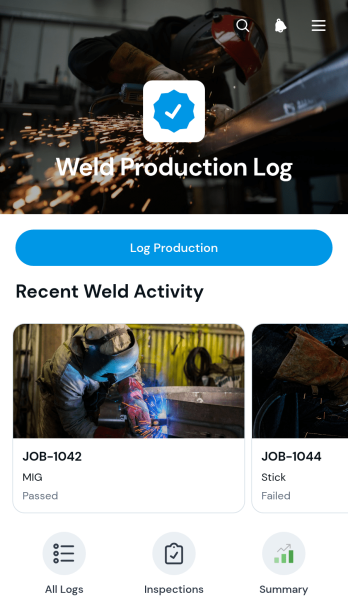
Weld Production Log App
The Weld Production Log App is an app template for fabrication shops, welding contractors, engineering teams, and production supervisors who need a consistent way to record and review welding activity. Operators can log production details for each job, while managers can browse previous records and open individual entries containing the operator, weld process, material, weld quantity, inspection result, and inspection notes. A visual summary of inspection results helps teams monitor production outcomes, identify recurring issues, and maintain clearer records across shifts and projects. It reduces reliance on scattered paper logs and gives shop floor personnel and office teams a shared source of operational information.Jotform makes this template easy to adapt with a no-code app builder and a flexible drag-and-drop interface. Teams can update pages, navigation, branding, and connected forms without programming, then organize data collection and workflow resources in one mobile-friendly experience. The app can be shared through a direct link or QR code for convenient access in workshops, fabrication facilities, and field locations. Starting with Jotform App Templates also saves setup time while leaving room to tailor the app template to specific production practices, internal terminology, and self-service reporting needs.
Go to Category:Log Apps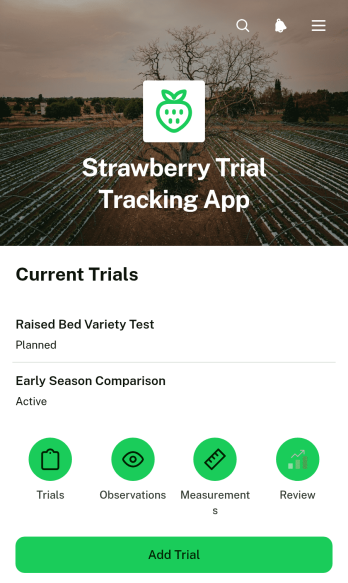
Strawberry Trial Tracking App
The Strawberry Trial Tracking App is an app template for recording and reviewing strawberry cultivation trials from one organized workspace. It supports trial setup, observation and measurement logging, and status review through connected records and visual summaries. Agricultural researchers, crop consultants, growers, field technicians, horticulture teams, and educational programs can use it to follow experimental plots, compare trial activity, and maintain consistent records over time. The app reduces scattered notes and disconnected spreadsheets while giving team members a convenient way to capture field data and check trial progress.Jotform provides a no-code app builder that makes this Strawberry Trial Tracking App easy to adapt to different research methods, growing seasons, and team workflows. Use the drag-and-drop interface to update pages, navigation, buttons, colors, and branding without programming. Connected forms and tables support centralized data collection, while charts make trial information easier to review. Teams can publish the app, share it by link or QR code, and provide mobile-friendly self-service access for staff collecting information in the field. Jotform App Templates also help users connect records with notifications, approvals, and other workflow steps as their trial operations evolve.
Go to Category:Tracker Apps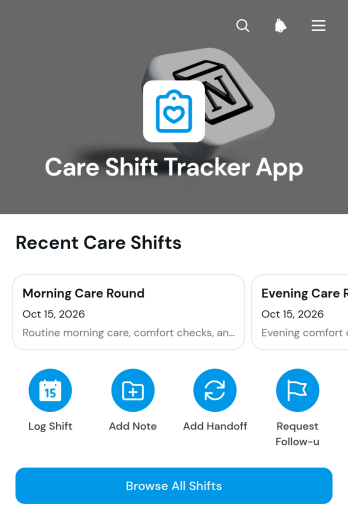
Care Shift Tracker App
Care Shift Tracker App is an app template for care providers, supervisors, home care teams, and healthcare organizations that need a clear record of work completed during each shift. Staff can log new shifts, add care notes and handoff updates, and submit follow-up requests from one accessible location. Organized shift records help incoming team members understand recent activity, give coordinators better visibility into outstanding needs, and reduce gaps caused by scattered paper notes or separate communication channels. The template is especially useful for residential care, community support, home care, assisted living, and other settings where teams share responsibility across changing schedules.Jotform App Templates make it easier to turn recurring processes into mobile-friendly app experiences. Customize the Care Shift Tracker App with Jotform’s no-code app builder and drag-and-drop interface, then adjust pages, branding, navigation, and connected forms to match your workflow. Collected information can connect with tables, notifications, approvals, and other tools for better data collection and team coordination. Publish the app with a direct link, QR code, or embedded experience so authorized staff can reach shift resources and self-service actions from their preferred device without installing software.
Go to Category:Healthcare Apps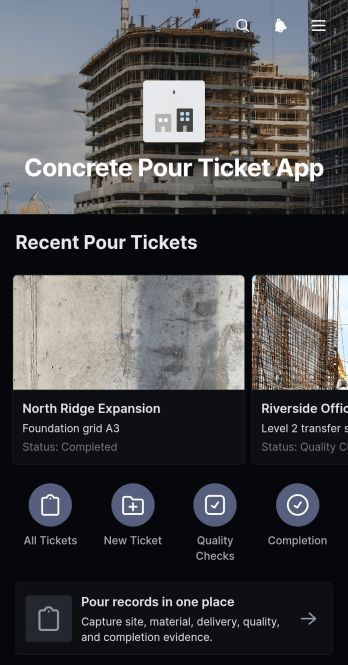
Concrete Pour Ticket App
The Concrete Pour Ticket App gives construction teams a mobile-friendly way to create, review, and organize concrete pour records from the jobsite. Contractors, site supervisors, project managers, engineers, and quality teams can use it to document pour locations and concrete mixes, compare planned and actual volumes, and record key quality or site conditions. Centralizing these details reduces reliance on paper tickets, supports clearer handoffs between field and office teams, and creates a consistent record for each pour. It is especially useful for active construction sites where crews need quick data collection and reliable access to current and past pour information.Jotform makes this app template easy to adapt with a no-code app builder and a flexible drag-and-drop interface. Add branded pages, adjust navigation, connect forms or tables, and shape the workflow around your project operations without writing code. Teams can publish the app through a direct link or QR code, making it convenient for field crews to create tickets and for office staff to review records. Jotform App Templates also support self-service access, notifications, approvals, and other connected processes as project needs evolve.
Go to Category:Construction Apps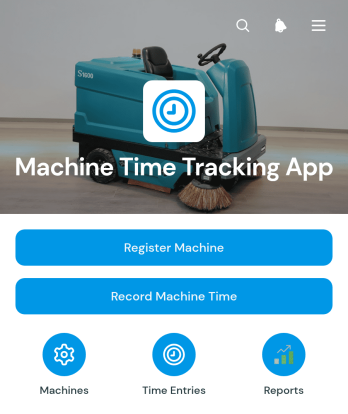
Machine Time Tracking App
Machine Time Tracking App gives manufacturers, workshops, construction teams, equipment operators, and operations managers a central place to register machinery and document usage periods. Teams can browse machine records by details such as location, status, and type, then record operating time for the relevant machine along with the operator responsible. This creates a more consistent activity history, reduces reliance on paper logs and scattered spreadsheets, and helps supervisors understand how equipment is being used across sites, shifts, or projects. It is especially useful for businesses that need dependable machine-hour records for workload planning, internal reporting, cost allocation, and maintenance decisions.Jotform App Templates make it easy to adapt this app template to existing processes without writing code. Using Jotform’s no-code app builder and drag-and-drop interface, teams can update pages, navigation, branding, and connected forms to support their preferred workflow. Records can be organized through connected data collection tools, while notifications and approvals can help keep operational tasks moving. Publish the finished app with a shareable link or QR code so authorized staff can access a convenient self-service experience from phones, tablets, or computers.
Go to Category:Activity Tracking Apps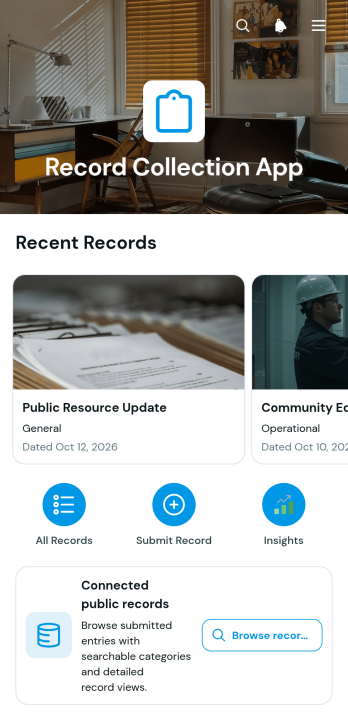
Record Collection App
The Record Collection App brings record intake, browsing, and reference details into one accessible experience. It is well suited to administrative teams, researchers, nonprofits, schools, community groups, and small businesses that need to gather and organize public or internal records. Users can submit information through a connected form, browse a visual record list, and open individual entries to review the category, record date, summary, and contact information. This organized approach reduces scattered files, makes important details easier to find, and supports consistent data collection for archives, resource libraries, project documentation, and operational logs.Jotform makes this app template easy to adapt with a no-code app builder and an intuitive drag-and-drop interface. Add or rearrange pages, update cards and navigation, apply your own visual style, and connect forms or workflows without writing code. The app can be shared through a direct link or QR code, giving contributors and viewers mobile-friendly self-service access. Starting with ready-made App Templates also saves setup time while leaving room to tailor the Record Collection App to changing record categories, audiences, and organizational processes.
Go to Category:Organization Apps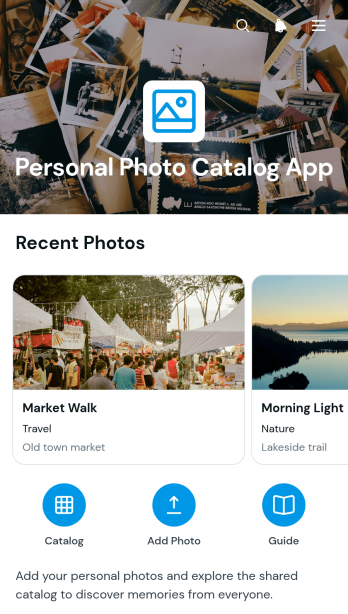
Personal Photo Catalog App
Personal Photo Catalog App is an app template for individuals who want to organize meaningful images in a searchable, easy-to-browse personal collection. It supports adding photo entries, browsing the catalog, and viewing essential context such as category, location, date taken, and the story behind each image. Families, hobby photographers, travelers, collectors, and anyone documenting life events can use it to bring scattered memories into one organized experience. Instead of relying on filenames or disconnected notes, users can preserve the details that make each photo memorable and return to them whenever needed.Jotform App Templates make it simple to adapt this app template without writing code. Using the no-code app builder and its drag-and-drop interface, you can adjust pages, cards, buttons, colors, fonts, and navigation to match your preferred catalog style. Connect forms to support data collection, organize entries within a practical workflow, and offer convenient self-service access from phones, tablets, or computers. Once the catalog is ready, it can be published and shared through a direct link or QR code, giving you a flexible way to maintain and explore your personal photo archive.
Go to Category:Organization Apps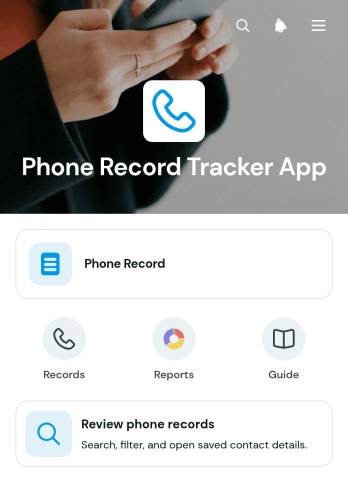
Phone Record Tracker App
Phone Record Tracker App gives sales representatives, customer service teams, consultants, contractors, and small businesses a central place to document and review phone contacts. Users can add a phone record, browse saved contacts, and open detailed entries showing the phone number, most recent contact date, and priority. This setup makes it easier to recall previous outreach, identify contacts that need attention, and maintain consistent follow-up practices without relying on scattered notes or personal memory. It is well suited to lead follow-up, client relationship management, service coordination, vendor communication, and other operations where teams need a clear history of phone activity.Jotform makes this app template easy to adapt with a no-code app builder and a flexible drag-and-drop interface. Teams can update pages, navigation, colors, fonts, and visual elements to match their working style, then connect forms and tables to support data collection and related workflows. The finished app can be shared by a direct link or QR code for convenient mobile access, helping authorized team members add and review records wherever work takes place. Starting with Jotform App Templates reduces setup time while providing room to create a branded, self-service resource that can evolve with changing contact management needs.
Go to Category:Log Apps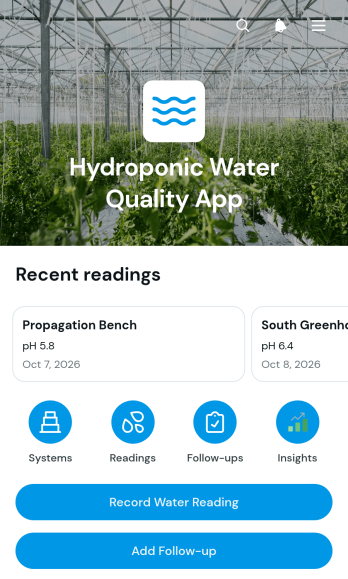
Hydroponic Water Quality App
The Hydroponic Water Quality App is an app template for recording and reviewing water conditions across one or more hydroponic growing systems. Growers, farm managers, greenhouse teams, educators, and research groups can use it to keep pH, electrical conductivity, water temperature, and dissolved oxygen readings organized. Users can add hydroponic systems, document routine measurements, and create follow-up actions when water conditions require attention. Centralizing these records helps teams compare growing areas, maintain consistent monitoring routines, identify changes over time, and give staff a clear view of outstanding work.Jotform Apps turns this template into a customizable mobile-friendly workspace without requiring code. Use the drag-and-drop app builder to adjust pages, navigation, buttons, typography, colors, and branding while preserving a straightforward experience for field and greenhouse staff. Connected forms support data collection, while tables, notifications, approvals, and other workflow tools can help organize readings and coordinate follow-ups. Among Jotform’s App Templates, this option provides a practical starting point for creating a water quality tracking experience that can be shared by direct link or QR code and accessed from almost any device.
Go to Category:Tracker Apps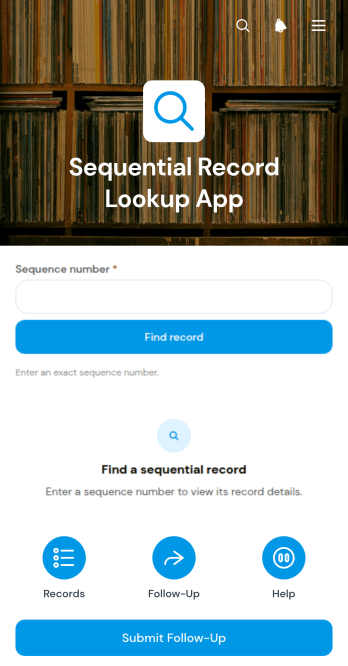
Sequential Record Lookup App
Sequential Record Lookup App is an app template for finding ordered records, reviewing their place in a sequence, and submitting follow-up information from one accessible location. Operations teams, records administrators, service departments, project coordinators, and other organizations that manage numbered entries can use it to reduce manual searching and keep reviews moving in the correct order. Users can browse a record list, view the current and next sequence numbers, read a concise record summary, and open a connected form when further action is needed. This setup is useful for case queues, document registers, work orders, service histories, inspection records, and other processes where the order of entries matters.Jotform helps teams adapt the Sequential Record Lookup App without writing code. Its no-code app builder and drag-and-drop interface make it easy to adjust pages, navigation, visual styling, and connected workflows for different operational needs. Organizations can link forms and tables to support data collection, updates, and self-service access while keeping related resources together. The app template can be shared through a direct link or QR code for convenient mobile access, giving staff or authorized users a practical way to find records and complete follow-up tasks wherever work takes place.
Go to Category:Log Apps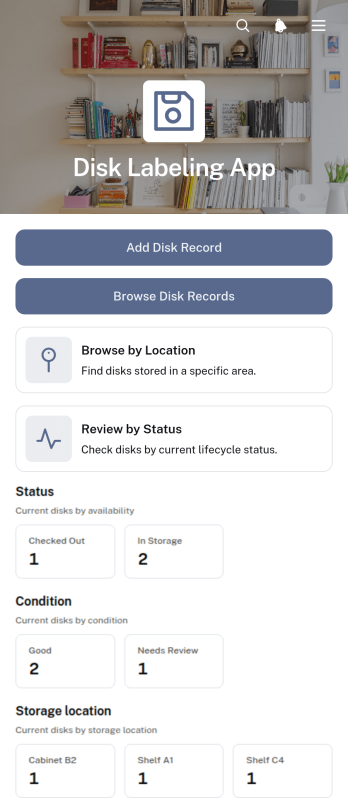
Disk Labeling App
The Disk Labeling App is an inventory-focused app template for technology teams, records managers, media archives, laboratories, and organizations that need to identify and monitor stored disks. Staff can add disk records, browse entries, review storage locations, and check status details from a central interface. Each record can show its label, assigned owner or department, condition, status, last review date, and history. This organized view reduces misplaced media, inconsistent labeling, duplicate records, and time spent searching across spreadsheets or paper logs. It is especially useful for routine inventory checks, departmental handoffs, storage room management, and audits of physical disk collections.Jotform makes this template easy to adapt with a no-code app builder and drag-and-drop interface. Teams can adjust pages, branding, navigation, and record collection fields to match their workflow without writing code. Connected forms and tables support reliable data collection, while direct links and QR codes make the app accessible to authorized staff on phones, tablets, or computers. Start with this ready-made option from Jotform App Templates, customize it for your labeling process, and publish a practical self-service resource for maintaining current disk inventory information.
Go to Category:Inventory Management Apps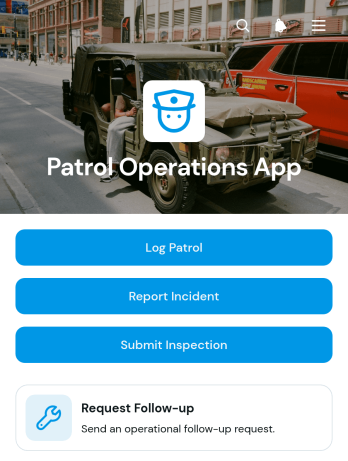
Patrol Operations App
Patrol Operations App gives security teams, site supervisors, property managers, and field personnel a central place to document routine patrols and coordinate follow-up work. Team members can log patrol activity, report incidents, submit inspections, and request follow-up from a mobile-friendly experience. Organized record views make it easier for supervisors to review patrol areas, assigned officers, incident types, inspectors, and request statuses without relying on scattered paperwork or messages. The app template suits commercial properties, residential communities, campuses, warehouses, event venues, and other sites that need consistent oversight across shifts or locations.Jotform helps organizations turn these daily processes into an interactive app without writing code. Customize this Patrol Operations App with the drag-and-drop app builder, adjust pages and branding, and connect forms to tables, notifications, approvals, and related workflows. Teams can share the finished app through a direct link or QR code, giving field personnel convenient self-service access on phones, tablets, or computers. This approach supports faster data collection, clearer collaboration, and a more dependable operational record while leaving room to adapt the app as patrol procedures change.
Go to Category:Field Service Apps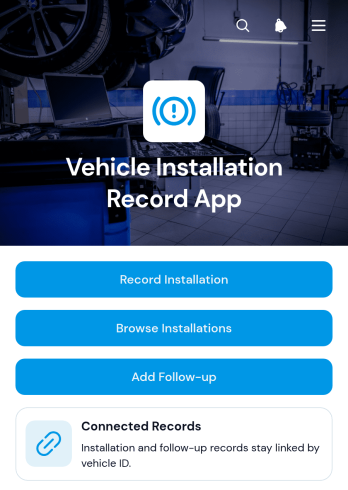
Vehicle Installation Record App
Vehicle Installation Record App is an app template for documenting equipment, accessories, or system installations completed on vehicles. It gives automotive service businesses, fleet teams, field technicians, contractors, and installation managers one place to record completed work, browse installation histories, and add follow-up details. Teams can connect each record with a vehicle identifier, customer, installer, installation date, status, and relevant notes without relying on scattered files. This creates a clearer service history, supports handoffs between office and field staff, and makes outstanding follow-up work easier to identify.With Jotform, this App Template can be adapted to match different installation services and operating procedures. The no-code app builder and drag-and-drop interface make it easy to update pages, navigation, branding, and connected forms without programming. Records can support data collection and related workflows while giving authorized users convenient self-service access from phones, tablets, or computers. Share the finished app through a direct link or QR code, organize installation information for quick browsing, and connect other Jotform tools as your process develops.
Go to Category:Automotive Apps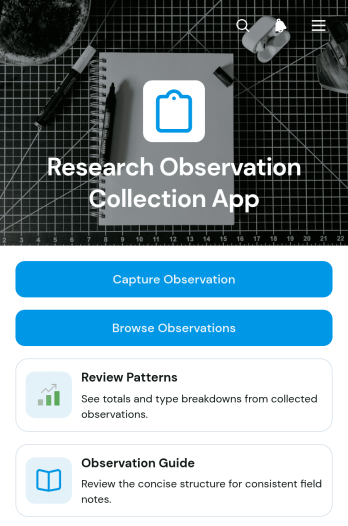
Research Observation Collection App
The Research Observation Collection App helps researchers, field teams, educators, students, and program evaluators capture and organize observations in a consistent digital workspace. Users can record field findings, browse previous observations, and review patterns without relying on scattered notes or disconnected files. It is well suited to academic studies, behavioral research, environmental fieldwork, classroom inquiries, community assessments, and product or service research. Centralized records make it easier for teams to preserve context, compare findings across locations or observation types, and prepare information for later analysis.Jotform makes this app template easy to adapt with a no-code app builder and a flexible drag-and-drop interface. Teams can modify pages, navigation, visual styling, and connected data collection processes to reflect their research methods. The app can connect with forms, tables, approvals, and automated workflows, giving collaborators a convenient way to contribute and access information from mobile or desktop devices. Once customized, it can be shared through a direct link, QR code, or embedded experience to support coordinated research in the field or office.
Go to Category:Log Apps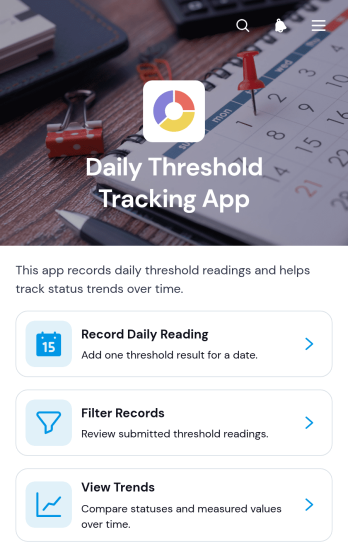
Daily Threshold Tracking App
The Daily Threshold Tracking App gives individuals and teams a central place to record daily readings, compare activity against defined limits, and review changes over time. It suits operations teams, supervisors, wellness coordinators, facilities staff, project leads, and anyone who needs a consistent record of values that should remain above or below a chosen threshold. Users can enter a daily reading, filter previous records, and view trends without sorting through scattered notes or spreadsheets. This app template supports recurring monitoring for workloads, consumption, output, capacity, service levels, personal goals, and other measurable indicators. It helps users spot developing patterns sooner, maintain a dependable history, and make informed follow-up decisions when readings approach or cross an internal target.Jotform makes the Daily Threshold Tracking App easy to adapt with a no-code app builder and a drag-and-drop interface. Customize pages, navigation, colors, and content to fit the metric, audience, and operating routine, then connect forms and tables to support data collection and an organized workflow. Teams can turn this app template into a mobile-friendly self-service experience and share it through a direct link or scannable code. Ready-made App Templates reduce setup time while leaving room to refine branding, organize records, and expand connected processes as monitoring needs change.
Go to Category:Tracker Apps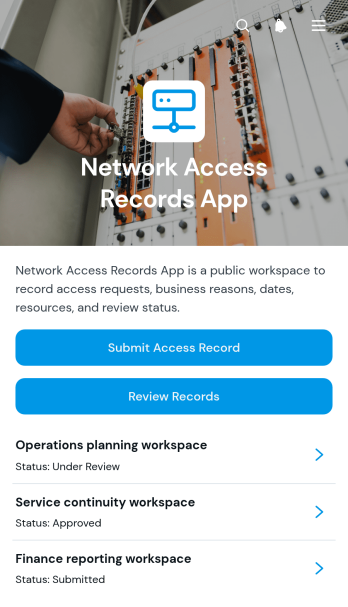
Network Access Records App
The Network Access Records App is an app template for documenting and reviewing requests related to network access. Information technology teams, security administrators, operations managers, contractors, and internal support staff can use it to keep access records organized in one central location. Users can submit a new record with requester details and a business reason, browse existing entries, and check each record’s review status. This helps organizations replace scattered emails or spreadsheets with a consistent process for handling employee, vendor, guest, or project-based access requests while giving reviewers clearer context for operational decisions.Jotform makes this Network Access Records App easy to adapt with a no-code app builder and a flexible drag-and-drop interface. Customize pages, navigation, branding, and connected forms to match an existing workflow without writing code. Records can connect with Jotform Tables for organized data collection, while notifications and approval steps can support timely follow-up. Like other Jotform App Templates, this app template can be shared through a direct link or QR code for convenient mobile access, providing teams with a practical self-service experience for submitting and reviewing network access information.
Go to Category:Information Technology Apps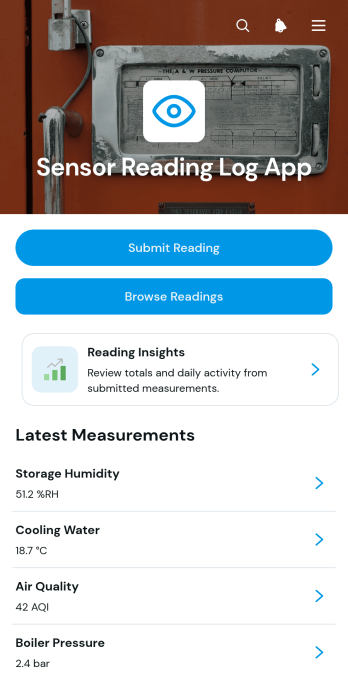
Sensor Reading Log App
Sensor Reading Log App provides technicians, engineers, facility teams, and equipment operators with a central place to record and review measurements from sensors across sites and assets. Users can submit a reading, browse previous entries, view reading insights, and open individual records for details such as the sensor name, location, measured value, and reading context. This app template is useful for routine equipment checks, environmental monitoring, facility inspections, field visits, laboratory operations, and maintenance programs where scattered notes or spreadsheets make trends and irregular results difficult to follow. A consistent log improves data collection, gives teams clearer measurement histories, and helps supervisors investigate unusual values before deciding on next steps.Jotform makes the Sensor Reading Log App easy to adapt with a no-code app builder and an intuitive drag-and-drop interface. Teams can adjust pages, navigation, branding, and connected forms without programming, then organize records and workflows around their own sensors, locations, and procedures. Jotform App Templates also make it easier to create a mobile-friendly self-service experience that staff can access while working in the field or on-site. Share the finished app through a direct link or QR code and connect it with tables, notifications, approvals, and other processes to support reliable operational follow-up.
Go to Category:Log Apps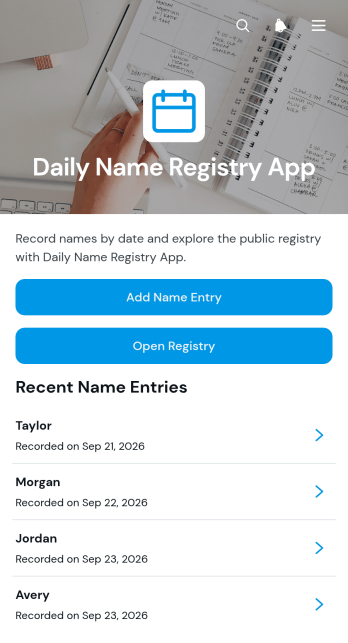
Daily Name Registry App
The Daily Name Registry App is a ready-to-use app template for recording names by date and keeping brief notes connected to each entry. It gives administrators, coordinators, educators, community groups, and small teams a central place to add new names, browse the registry, and review individual records. Use it for daily participation lists, visitor records, recurring attendance notes, program rosters, or other situations where names must be documented regularly. A clear, easy-to-browse record reduces reliance on scattered paper lists and helps authorized users find relevant details when following up on daily activities.Jotform makes this app template easy to adapt without coding. Using the no-code app builder and its drag-and-drop interface, you can update pages, adjust navigation, apply your branding, and connect forms or tables to support data collection and related workflows. Share the finished app through a direct link or QR code so staff and collaborators can access it from a phone, tablet, or computer. Jotform App Templates also provide a practical starting point for creating a mobile-friendly self-service experience that can grow with changing recordkeeping needs.
Go to Category:Log Apps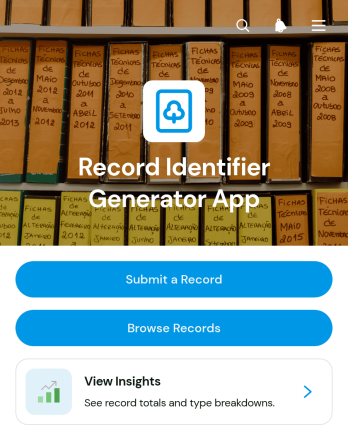
Record Identifier Generator App
The Record Identifier Generator App is an app template for creating consistent identifiers when teams submit and organize operational records. It gives administrators, project teams, service departments, inventory staff, and other record-heavy organizations one place to submit a record, browse existing entries, review record details, and view insights. Each entry can display its identifier alongside its name, type, and date, making records easier to distinguish and retrieve. This approach reduces inconsistent naming, limits duplicate references, and supports clearer data collection across audits, cases, assets, requests, projects, and internal documentation.Jotform App Templates help organizations turn repeatable processes into accessible digital experiences without writing code. Customize this Record Identifier Generator App with Jotform’s no-code app builder and drag-and-drop interface, then adjust pages, buttons, visual styling, and navigation to fit your workflow. The App Builder can connect forms, tables, notifications, approvals, and other resources so submitted information remains organized and useful. Publish the finished app through a direct link or QR code to give authorized users convenient mobile-friendly self-service access wherever records are created or reviewed.
Go to Category:Log Apps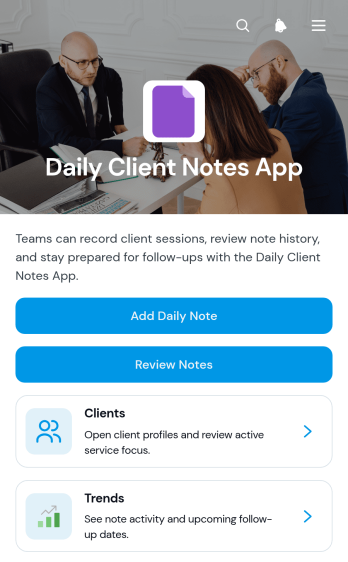
Daily Client Notes App
The Daily Client Notes App is a ready-to-use app template for recording client interactions, monitoring ongoing service needs, and keeping follow-up work visible. Consultants, account managers, agencies, contractors, and other client-facing service teams can use it to maintain organized daily records across multiple client relationships. Users can add clients, create daily notes, review previous entries, and view trends without relying on scattered documents or personal reminders. Client profiles also keep key details such as service focus, status, primary contact, next steps, and follow-up dates within easy reach. This shared structure helps teams preserve context between conversations, prepare for future contact, and maintain consistent service when responsibilities change.Jotform Apps helps organizations turn routine data collection and workflow tasks into a convenient, mobile-friendly experience. Start with this app template, then use the no-code app builder and drag-and-drop interface to adjust pages, navigation, colors, and branding. Connected forms and tables can support note capture and organized recordkeeping, while direct links and QR codes make the app easy to share with authorized team members. Jotform App Templates also make it simple to create self-service resources and operational tools without writing code, helping teams spend less time assembling updates and more time acting on current client information.
Go to Category:Log Apps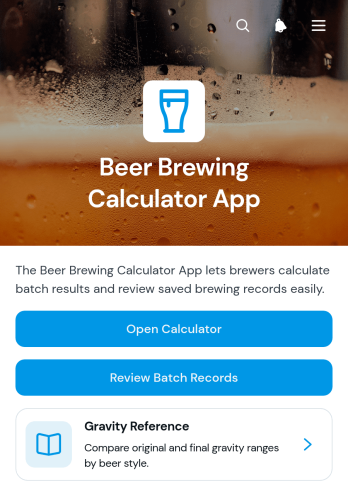
Beer Brewing Calculator App
Beer Brewing Calculator App is an app template for home brewers, small brewing operations, recipe developers, and brewing clubs that want to calculate key batch measurements and keep production details organized. Users can open the brewing calculator, review gravity guidance, save batch records, and compare original and final gravity results with style ranges. Batch size, alcohol by volume, bitterness, and brewer notes remain connected in one accessible workspace. This setup helps brewers assess recipe outcomes, maintain consistent records, revisit previous batches, and make better-informed adjustments during future brewing sessions.Jotform Apps makes this app template easy to adapt with a no-code app builder and a flexible drag-and-drop interface. Add forms for data collection, arrange pages around your brewing workflow, update visual elements, or connect records to Jotform Tables for organized review. You can publish the finished app for mobile-friendly access and share it through a direct link or QR code. Jotform App Templates offer a practical starting point, while customizable navigation and connected workflows help individuals and teams create a convenient self-service resource without writing code.
Go to Category:Food & Beverage Apps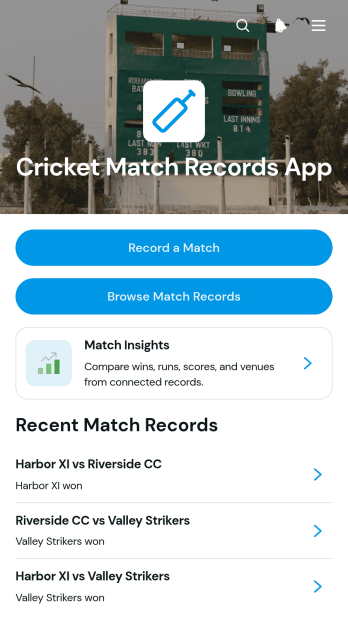
Cricket Match Records App
The Cricket Match Records App is an app template for documenting completed cricket matches and keeping results easy to review. It gives club administrators, league organizers, coaches, scorers, school teams, and community groups a central place to record a match, browse previous records, and view key match insights. Teams can preserve details such as competing sides, competition, venue, scores, and overs played without relying on scattered documents or message threads. This organized match history supports season reviews, performance discussions, result verification, and updates for players or supporters.Jotform App Templates help organizations turn data collection and resource access into mobile-friendly experiences without coding. Customize this app template with Jotform’s no-code app builder and drag-and-drop interface, then adjust pages, navigation, colors, fonts, and visual elements to suit a club or competition. The app builder can connect forms, tables, approvals, and notifications to support a more consistent workflow. Share the finished app through a direct link or QR code so authorized users can record results and access match information from one convenient self-service destination.
Go to Category:Sports Apps