

Management App Templates

Trade Proposal Management App
Trade Proposal Management App gives teams a central place to submit, review, and manage proposals involving offered and requested items. It suits purchasing teams, inventory coordinators, operations departments, business networks, and organizations that arrange exchanges between internal groups or external partners. Users can submit a proposal, browse available proposals, view key terms such as expiration dates, and monitor or update each proposal’s current status. This organized experience reduces scattered communication, makes active offers easier to compare, and helps participants respond before opportunities expire.Jotform Apps helps organizations turn proposal processes into accessible, interactive experiences without writing code. Start with this app template, then use the no-code app builder and drag-and-drop interface to adjust pages, branding, navigation, and connected forms. Teams can support data collection and workflow needs from one convenient location while offering users a straightforward self-service experience. The finished app can be shared through a direct link or QR code, making proposal access convenient on phones, tablets, and computers.
Go to Category:Management Apps
Inline Record Editor App
The Inline Record Editor App is a ready-to-use app template for teams that need a convenient place to review and update operational records. Users can browse a record list, open individual entries, check key details such as category, due date, and notes, add new records, and edit a selected record through a connected form. It is well suited to operations coordinators, project teams, service departments, administrators, and small businesses that maintain changing task, case, asset, or customer information. Bringing record navigation, data collection, and editing into one mobile-friendly experience helps teams keep information current and spend less time moving between disconnected resources.Jotform Apps makes this template easy to adapt with a no-code app builder and an intuitive drag-and-drop interface. Change the pages, navigation, colors, typography, buttons, and branding to match an existing workflow, then connect forms, tables, approvals, or notifications as needed. Teams can turn the Inline Record Editor App into a practical self-service resource without writing code. Once it is ready, publish it with a shareable link or custom app URL so authorized staff can reach records from a phone, tablet, or computer.
Go to Category:Management Apps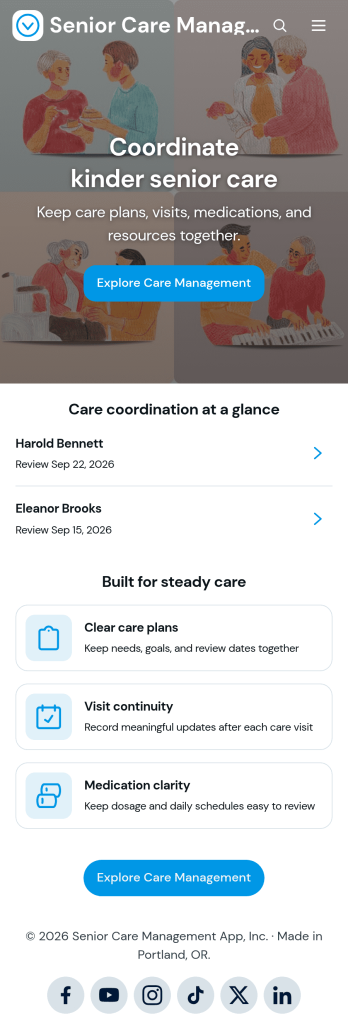
Senior Care Management App
The Senior Care Management App is an app template for organizing day-to-day support for older adults across home care agencies, senior living teams, community programs, and family caregiving networks. Care coordinators and authorized caregivers can maintain clear care plans, record visit notes and follow-up dates, review medication details, and access relevant care resources from one central location. By keeping essential information connected to each person, the app helps teams reduce scattered records, support continuity between visits, clarify responsibilities, and stay informed as care needs and goals change.Jotform Apps makes it easy to adapt this App Template without coding. Using the drag-and-drop app builder, organizations can update pages, navigation, branding, and content to match their care process. Forms can support data collection for new care plans, visit logs, and medication records, while connected tables and workflows help organize updates. Publish the app for mobile-friendly access and share it through a direct link or QR code, giving caregivers a practical self-service resource wherever care takes place.
Go to Category:Healthcare Apps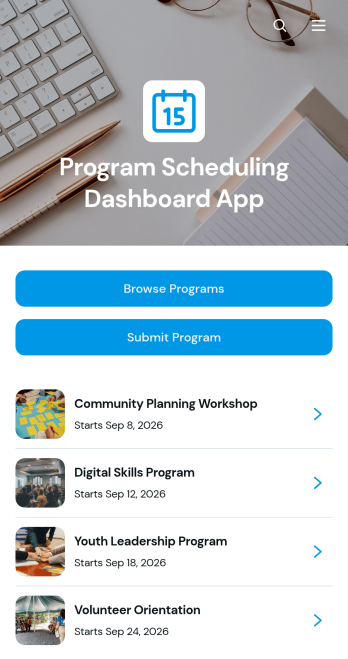
Program Scheduling Dashboard App
Program Scheduling Dashboard App is an app template for organizing, reviewing, and publishing scheduled programs from one accessible dashboard. It helps program coordinators, educational institutions, community organizations, training providers, event teams, and internal operations staff keep program information easy to find. Users can browse available programs, open individual listings, and review essential schedule details such as dates, times, locations, coordinators, and descriptions. A connected submission form also gives authorized contributors a convenient way to add another program. By bringing program discovery and schedule information together, the app reduces scattered records and gives participants and staff a clearer view of upcoming activities.Jotform makes this Program Scheduling Dashboard App easy to adapt with a no-code app builder and a flexible drag-and-drop interface. Teams can update pages, navigation, branding, and connected workflows without writing code. Forms support consistent data collection, while linked resources can help keep program information organized as schedules change. Once customized, the app can be shared by link or QR code for convenient mobile access, giving audiences a practical self-service experience and coordinators a central place to manage program visibility.
Go to Category:Scheduling and Planning Apps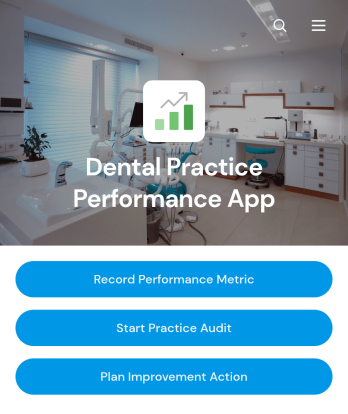
Dental Practice Performance App
Dental Practice Performance App gives dental practice owners, office managers, and clinical leaders a central place to monitor operational progress and guide practice improvements. Teams can record performance metrics, conduct practice audits, and plan improvement actions with priorities and due dates. This app template is useful for reviewing productivity, service quality, administrative processes, and recurring operational concerns across independent practices, group practices, and dental care organizations. By keeping measurements, findings, and follow-up work connected, it helps teams identify trends, assign responsibility, prepare for review meetings, and turn observations into practical next steps.Jotform Apps makes it easy to adapt this Dental Practice Performance App without writing code. Use the drag-and-drop app builder to update pages, navigation, colors, fonts, and branded visual elements, then connect forms and tables to support data collection and workflow management. Practice teams can access the app from mobile or desktop devices and share it through a direct link or QR code. Starting with ready-to-use App Templates reduces setup time while leaving room to create a focused self-service experience that reflects the practice’s goals and internal processes.
Go to Category:Healthcare Apps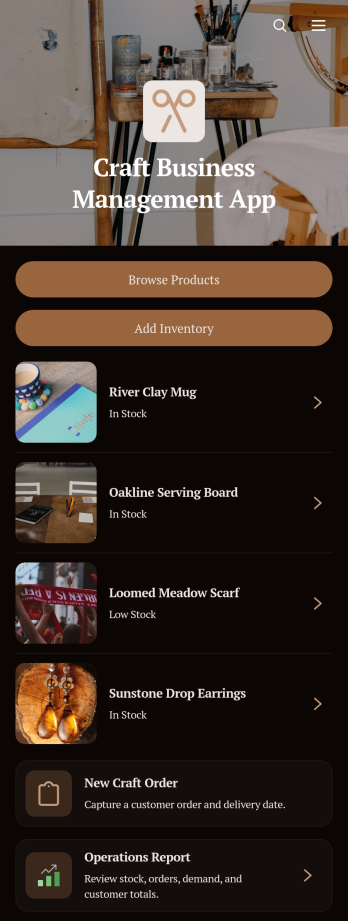
Craft Business Management App
Craft Business Management App is an app template for makers, artisans, studio owners, and small craft teams that need one place to manage day-to-day sales activity. It supports product browsing, inventory updates, and order capture while keeping customer details and operational reporting within easy reach. Use it to monitor handmade goods and materials, record new stock, accept custom or standard orders, and maintain organized customer records. This central view reduces scattered paperwork, helps prevent missed orders or stock shortages, and gives growing craft businesses clearer insight into their operations.Jotform makes this Craft Business Management App easy to adapt with a no-code app builder and a flexible drag-and-drop interface. Add branded pages, adjust navigation, connect forms and tables, or refine the workflow as products and processes change. Built-in data collection helps teams keep order, inventory, and customer information organized, while shareable links and mobile-friendly access support work from markets, workshops, studios, or home offices. Among Jotform App Templates, this option offers a practical starting point for creating a polished self-service and internal management experience without coding.
Go to Category:Inventory Management Apps
Digital Project Intake App
The Digital Project Intake App is an app template for collecting, reviewing, and monitoring new project requests in one organized experience. It gives project managers, operations teams, creative departments, consultants, and internal service teams a central place to receive project details, view current requests, and check progress through a status dashboard. Requesters can submit another intake when new work arises, while reviewers can reference each project’s business goal, requested launch date, priority, and next step. This shared process reduces scattered requests, improves visibility, and helps teams evaluate demand before committing resources or schedules.With Jotform Apps, teams can adapt this Digital Project Intake App without writing code. The drag-and-drop app builder makes it easy to update pages, navigation, branding, and content while connecting forms, tables, approvals, notifications, and other workflow assets. Teams can create a polished self-service destination for data collection, publish it with a direct link or custom URL, and make it available on phones, tablets, and computers. Jotform App Templates also provide a practical starting point that can grow alongside changing intake rules, review processes, and project portfolios.
Go to Category:Project Management Apps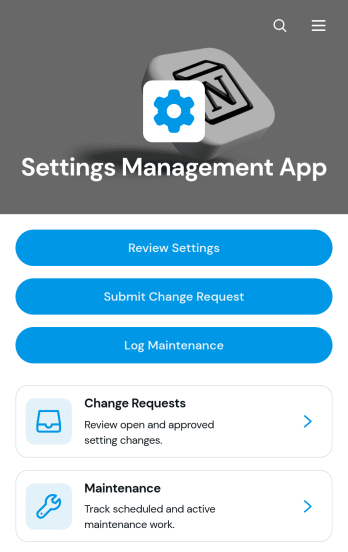
Settings Management App
The Settings Management App provides information technology teams, operations managers, system administrators, and service providers with a central place to document and oversee organizational or technical settings. Users can review settings with their current values, owners, review dates, and notes, then submit change requests or log related maintenance work. This organized approach helps teams replace scattered records, clarify responsibility, preserve operational context, and keep configuration updates visible from request through follow-up. It is useful for managing software configurations, internal system preferences, equipment parameters, service settings, and other controls that require routine review.With Jotform Apps, teams can adapt this app template without writing code. The drag-and-drop App Builder makes it easy to update pages, navigation, branding, and content while connecting forms and tables to support data collection and workflow management. Change requests and maintenance records can remain accessible within one mobile-friendly experience, helping employees find information and complete self-service actions from any device. Start with one of Jotform’s ready-made App Templates, personalize the layout with a modern visual theme, and share the finished app through a direct link, personalized URL, QR code, or embedded experience.
Go to Category:Information Technology Apps
Parental Control Management App
Parental Control Management App is a centralized, mobile-friendly resource for parents and guardians who want to organize household expectations for device use, online activity, and screen time. Its focused page gives families a clear place to present digital guidelines, age-appropriate resources, and instructions for handling access or schedule requests. The template can support everyday family routines, shared caregiving arrangements, digital wellness plans, and conversations about responsible technology use. It helps reduce scattered notes and unclear expectations by keeping essential information easy to find.Jotform App Templates provide a flexible starting point that can be adapted without coding. Using Jotform’s no-code app builder and drag-and-drop interface, you can personalize the Parental Control Management App with your own colors, content, navigation, and branding. Add forms for data collection, connect approval steps for permission requests, or link helpful resources to create a more useful self-service experience. Once ready, share the app through a direct link or QR code so authorized family members and caregivers can open it from a phone, tablet, or computer.
Go to Category:Management Apps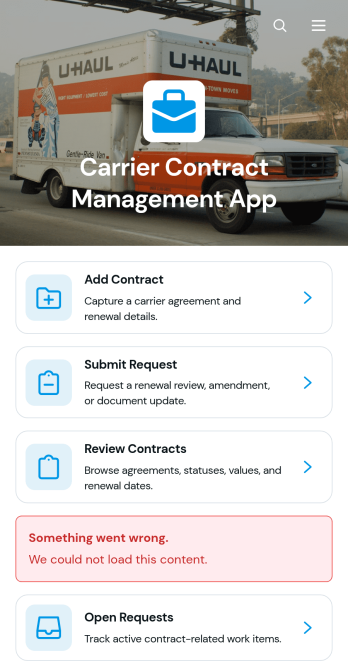
Carrier Contract Management App
Carrier Contract Management App provides transportation, logistics, procurement, and operations teams with a central place to organize carrier agreements and related requests. Users can add contracts, review key records such as service type, annual value, and primary contact information, and submit requests connected to existing agreements. Contract managers, freight brokers, shippers, and administrative teams can use this app template to reduce scattered documentation, improve visibility across carrier relationships, and help authorized stakeholders find the information they need. It is especially useful for managing multiple carriers, coordinating contract updates, and keeping open requests accessible for follow-up.With Jotform Apps, organizations can customize this Carrier Contract Management App through a no-code app builder and an intuitive drag-and-drop interface. Teams can adjust pages, branding, navigation, and content while connecting forms and tables to support data collection and everyday workflows. The finished app can be shared by direct link or QR code, giving staff a mobile-friendly self-service resource for contract intake, record review, and request management. Start with this ready-made app template, tailor it to internal processes, and publish a polished experience without writing code.
Go to Category:Operations & Logistics Portal Apps
Management Reporting App
Management Reporting App gives managers, department leads, consultants, and operations teams a central place to create, submit, and review business reports. It supports recurring management updates, project summaries, departmental reporting, performance reviews, and operational issue tracking. Users can start a new report, browse open reports, access submitted records, and return to the reporting process when another update is needed. By bringing report intake and record access into one organized experience, the app helps teams maintain visibility, reduce scattered communication, and make informed decisions using consistent information.Jotform makes this Management Reporting App easy to adapt without coding. Use the drag-and-drop app builder to update pages, navigation, colors, fonts, and branding, then connect forms and tables to support data collection and reporting workflows. The app template can be shared through a direct link or QR code, giving authorized team members convenient mobile access wherever work happens. Organizations can tailor the experience to different reporting cycles, departments, or projects while creating a practical self-service destination for submitting updates and reviewing report records.
Go to Category:Report Apps
Network Marketing Management App
The Network Marketing Management App gives independent representatives, sales leaders, and growing network marketing teams a central place to manage prospect relationships and follow-up work. Users can add leads, review contact records, log outreach activities, and open reports without switching between scattered documents or tools. Direct email and phone actions make it easier to connect with prospects, while follow-up dates help representatives maintain consistent communication. The app template is well suited to teams that need clearer lead visibility, more organized daily outreach, and a shared process for monitoring sales activity.Jotform App Templates help organizations turn recurring processes into accessible digital experiences without writing code. With Jotform’s no-code app builder and drag-and-drop interface, teams can customize the Network Marketing Management App with branded pages, navigation, forms, lists, and connected workflows. Lead data collection can feed organized records, notifications, and reporting processes, giving representatives convenient self-service access from a phone, tablet, or computer. Publish the app through a direct link or QR code and update its content as sales processes evolve.
Go to Category:CRM Apps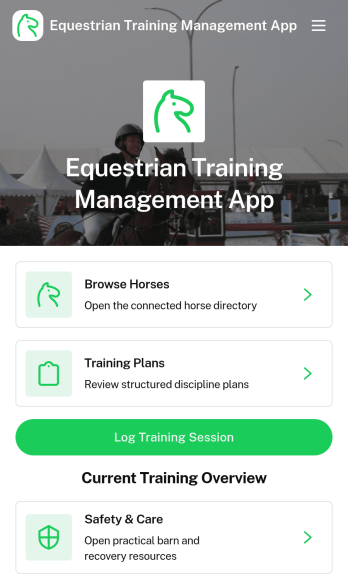
Equestrian Training Management App
Equestrian Training Management App is an app template for riding instructors, horse trainers, stable managers, equestrian centers, and owners who need a central place to coordinate horse development. Users can browse individual horse profiles, review training plans, and log completed sessions while keeping health notes and safety resources accessible. It supports daily work at private barns, riding schools, competition yards, and training facilities by giving staff a clearer view of each horse’s level, discipline, goals, and weekly focus. This organized approach helps teams maintain consistent routines, monitor progress over time, and prepare for rides with relevant care information close at hand.With Jotform Apps, you can adapt this Equestrian Training Management App without writing code. The drag-and-drop app builder makes it easy to update pages, navigation, images, buttons, and branding to match your stable or training program. Connect forms for data collection, organize records with Jotform Tables, and bring training workflows into one mobile-friendly experience. You can also share your customized app through a direct link or QR code, giving trainers and authorized team members convenient self-service access wherever horses are trained or cared for.
Go to Category:Sports Apps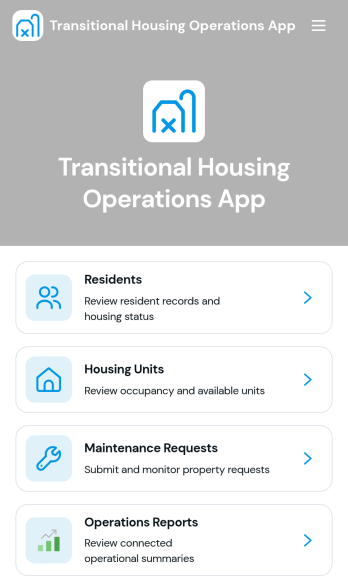
Transitional Housing Operations App
The Transitional Housing Operations App is a centralized workspace for managing residents, housing units, maintenance requests, and operational records. Nonprofits, transitional housing providers, program coordinators, property teams, and community organizations can use it to view resident information, monitor housing availability, and track maintenance work by status and priority. Staff can add residents and units, review support planning details, contact assigned coordinators, and access reports without searching across disconnected files. This clearer view of day-to-day activity helps teams coordinate services, respond to property needs, and keep housing operations organized.With Jotform Apps, teams can adapt this app template to their program using a no-code app builder and a flexible drag-and-drop interface. Connect forms and tables to support data collection, notifications, approvals, and related workflows, then adjust pages, buttons, colors, and branding to match the organization. Jotform App Templates can be published for mobile-friendly access and shared through a direct link, QR code, or embedded experience. This makes the app useful as an internal resource center or a controlled self-service destination for staff responsible for resident and property operations.
Go to Category:Operations & Logistics Portal Apps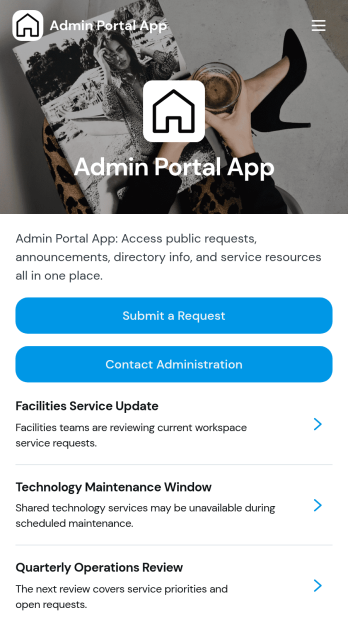
Admin Portal App
Admin Portal App is a centralized workspace for submitting administrative requests, reviewing request details, reading organizational announcements, and contacting administration. It suits office administrators, operations teams, department managers, educational institutions, nonprofits, and growing businesses that need a clear channel for internal support. Staff can send requests with relevant information and attachments, find published updates, and access key administrative contacts without searching across disconnected tools. By bringing routine communication and request intake into one accessible portal, the app helps reduce missed inquiries, improve visibility, and create a more consistent experience for employees and administrators.Jotform makes this app template easy to adapt without coding. Use the drag-and-drop app builder to update pages, navigation, colors, fonts, and branding, then connect forms and tables to support data collection and workflow management. Teams can organize self-service resources alongside announcements and request pathways, helping users find the right action from any device. Once customized, the Admin Portal App can be published through a direct link, shared with a QR code, or embedded into an existing website. Jotform App Templates provide a practical starting point that can grow with changing administrative processes.
Go to Category:Company Portal Apps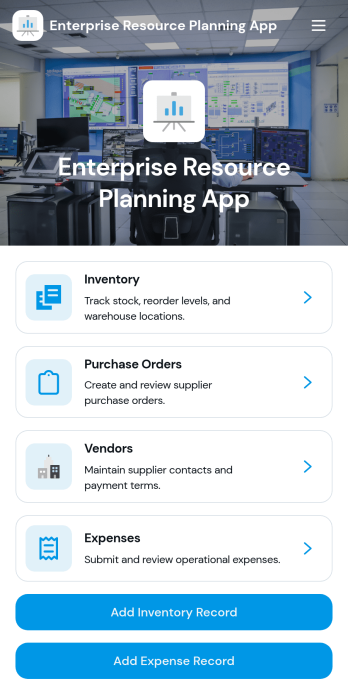
Enterprise Resource Planning App
Enterprise Resource Planning App is a centralized workspace for small and midsize organizations that need clearer oversight of inventory, purchasing, vendors, and expenses. Operations managers, procurement teams, warehouse staff, and finance departments can use it to track stock levels, review reorder information, create purchase orders, maintain vendor records, and submit business expenses. By bringing these related activities together, the app reduces scattered records, supports more consistent data collection, and gives teams a practical view of day-to-day resource planning. It is well suited to retailers, distributors, service businesses, manufacturers, and growing companies replacing disconnected spreadsheets or manual processes.With Jotform Apps, teams can adapt this app template to match their internal workflow without writing code. The no-code app builder features a drag-and-drop interface for arranging pages, navigation cards, buttons, forms, and branded content. Connected forms and tables can keep operational records organized, while notifications and approval steps can help teams act on new requests. Customize the Enterprise Resource Planning App, share it through a direct link or QR code, and provide mobile-friendly self-service access for authorized staff. Jotform App Templates make it easier to launch a polished operational workspace and update it as business needs change.
Go to Category:Management Apps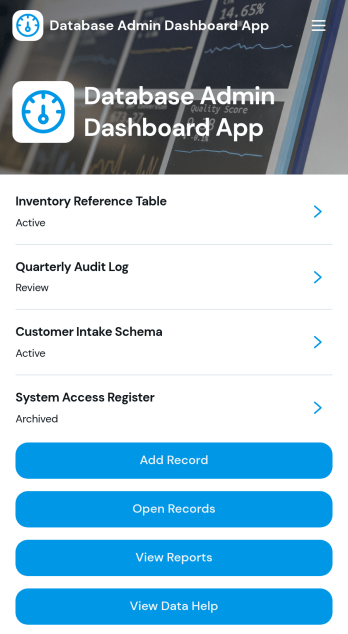
Database Admin Dashboard App
Database Admin Dashboard App helps teams organize, review, and update records from a central, shareable dashboard. It’s built for database administrators, IT teams, operations leads, and anyone responsible for keeping internal data accurate and easy to navigate. Use it to browse records in a list view, open individual record details, add new records through connected forms, and jump to reference links when you need supporting documentation. It’s especially useful for day-to-day record management like tracking status, ownership, priority, and created dates across many entries without losing visibility.With Jotform’s app templates and no-code app builder, you can tailor this dashboard to match your data workflow using a drag-and-drop interface. Connect the app to forms and tables for consistent data collection, route updates through the right workflow steps, and create a self-service experience for internal stakeholders who need quick access to records and reporting pages. Publish with a simple link so your team can stay aligned, reduce manual follow-ups, and keep record operations moving.
Go to Category:Information Technology Apps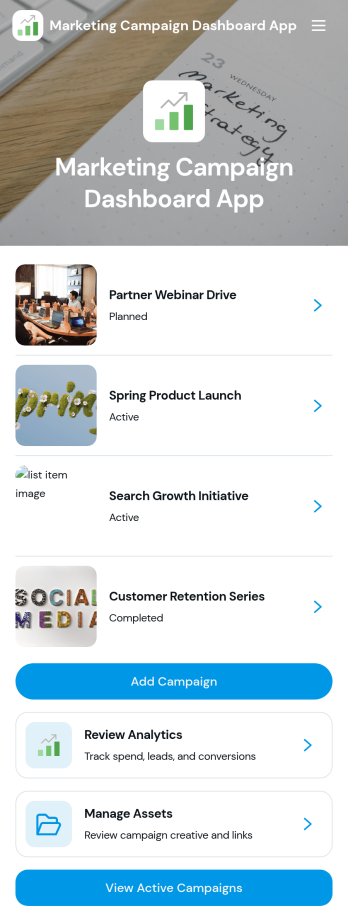
Marketing Campaign Dashboard App
Marketing Campaign Dashboard App brings your campaign activity into one place so teams can track performance, organize creative assets, and stay aligned on what’s running now. It’s a practical fit for marketing managers, growth teams, agencies, and small business owners who need an at-a-glance view of campaigns, quick navigation between initiatives, and a consistent way to add new campaigns as plans change. From launch week check-ins to monthly reporting prep, it helps reduce scattered links and keeps key campaign details easy to find.With Jotform App Templates, you can publish a branded, mobile-friendly dashboard that connects to your existing workflows without coding. Use Jotform’s no-code app builder and drag-and-drop interface to customize pages, add buttons that open forms for creating campaigns or uploading assets, and connect your data collection to the tools your team already uses. Share the app with stakeholders for fast self-service access to campaign views, updates, and analytics-focused pages.
Go to Category:Sales & Marketing Portal Apps
Feedback and Evaluation Hub
A central repository for analyzing organizational data, community sentiment, and performance metrics to drive continuous improvement.
Go to Category:Event Planner Apps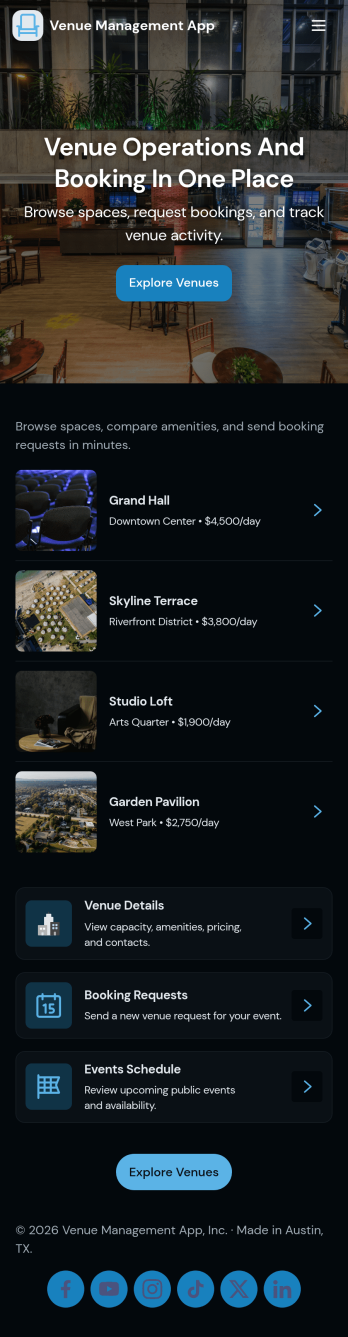
Venue Management App
Venue Management App brings your spaces, bookings, and day-to-day venue operations into one place so teams can stay organized from first inquiry to event day. Use it to browse a venue list, route booking requests through a simple checklist, and keep schedules easy to find for staff and stakeholders. It’s a practical fit for event venues, studios, community centers, hotels with event spaces, and any organization juggling multiple rooms, layouts, or service add-ons while trying to reduce missed details.With Jotform, you can turn this app template into a tailored self-service experience using a no-code app builder and a drag-and-drop interface. Connect forms to capture booking details, event requests, and issue reports, then keep information centralized for faster follow-up and smoother workflows. Share the app with a link or QR code, customize branding and navigation, and use it as a mobile-friendly hub that supports consistent data collection and clearer coordination across your venue team.
Go to Category:Event Planner Apps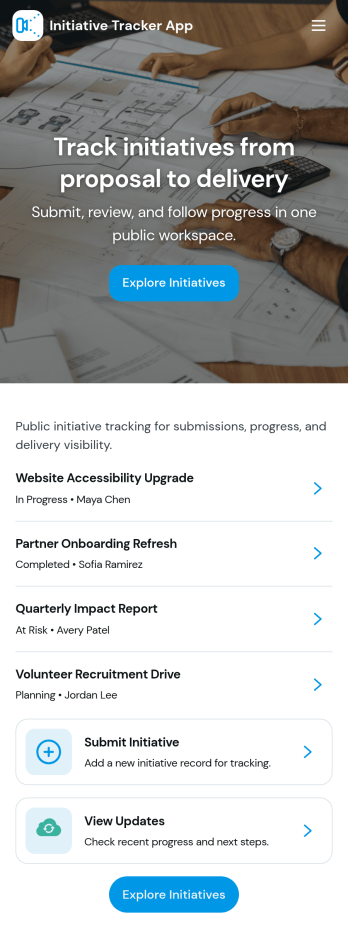
Initiative Tracker App
An Initiative Tracker App gives teams a clear way to collect new ideas, monitor active initiatives, and keep a review queue moving without losing context. Use it to route initiative submissions into a central place, browse current work by status, and open an initiative record to see its current state at a glance. It’s a strong fit for operations teams, PMOs, department leads, and nonprofits coordinating internal programs, as well as fast-moving companies that need a lightweight system for prioritizing and tracking work.Jotform makes it easy to turn this use case into a branded, self-service experience with customizable app templates and a no-code app builder. With a drag-and-drop interface, you can adjust pages and navigation to match your workflow, connect the app to forms and data collection, and keep updates organized as your initiative list grows. Share the app in minutes so stakeholders can submit, review, and track progress from one simple hub.
Go to Category:Task Management Apps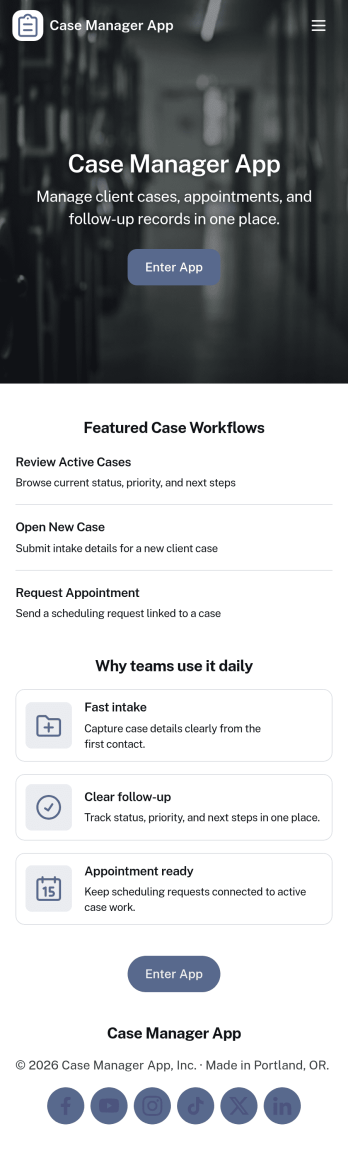
Case Manager App
Case Manager App brings your day-to-day casework into one place so you can open new cases, review case records, and add updates as work progresses. It’s a practical fit for social service teams, nonprofit programs, legal support offices, insurance teams, and internal operations groups that need a clear view of each client and their case history without chasing information across email threads and spreadsheets.With Jotform, you can turn this app template into a tailored self-service and internal workflow experience using a no-code app builder and a drag-and-drop interface. Connect case intake and update forms, organize records in a way your team can navigate quickly, and keep data collection consistent across staff. Share the app securely with the right people, adjust pages as your process evolves, and keep your workflow moving with simple, structured steps.
Go to Category:Management Apps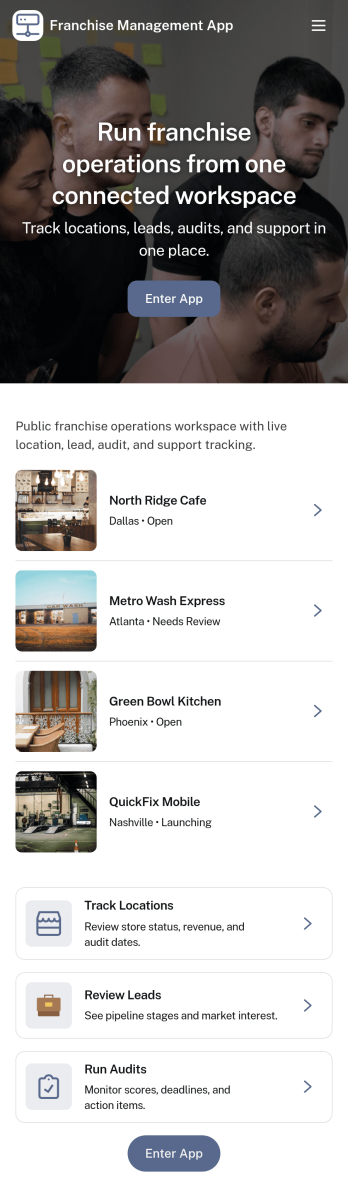
Franchise Management App
Franchise Management App brings key franchise operations into one place so franchisors, field teams, and location owners can stay aligned day to day. Use it to browse locations, complete operations checks consistently across sites, open support requests when issues come up, and keep everyone moving through shared training modules. It’s a practical fit for growing franchise brands that need clearer visibility, faster issue resolution, and consistent standards without relying on scattered emails or spreadsheets.With Jotform App Templates, you can launch a branded self-service experience and connect it to the forms and tables behind your workflow. Jotform’s no-code app builder makes it easy to tailor pages and navigation with a drag-and-drop interface, then publish the app for teams to use on any device. As data collection comes in from checks and support requests, you can keep records organized and improve follow-through with a more reliable workflow.
Go to Category:Management Apps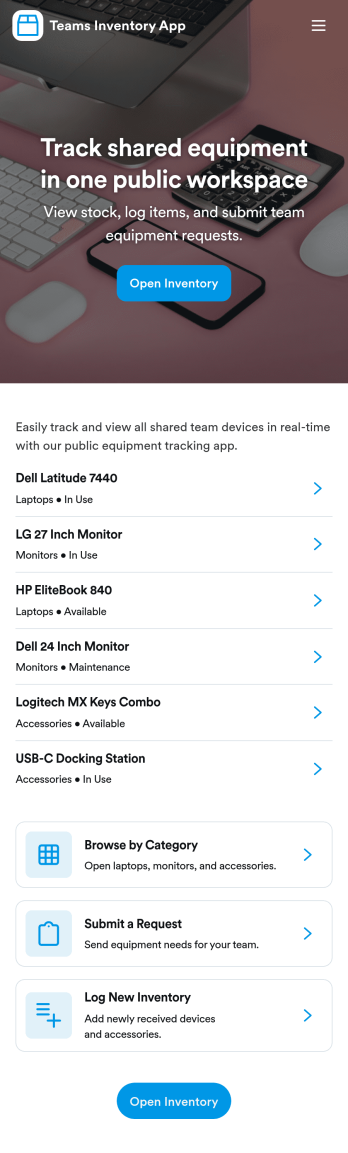
Teams Inventory App
Teams Inventory App helps departments and project teams keep everyday supplies and shared assets organized in one place. Team members can browse available inventory, submit item requests when they need replenishment, and review stock activity to understand what’s moving and what’s running low. It’s a practical fit for offices, IT closets, facilities teams, studios, schools, and field operations that want clearer visibility without relying on scattered spreadsheets or long email threads.With Jotform, you can build and publish app templates like this using a no-code app builder and a drag-and-drop interface. Connect your inventory lists and request forms to the app experience, route updates through a workflow that matches how your team works, and keep data collection consistent across locations. Share the app as a self-service link so people can quickly find items, request what they need, and keep inventory information current.
Go to Category:Inventory Apps