

Report App Templates

Motorsport Analytics Dashboard App
Motorsport Analytics Dashboard App brings race-session logging and performance review into one place, making it easier to capture consistent data and turn it into clear insights. Teams can log a race session from the dashboard, browse past sessions, and open performance analytics to spot patterns across drivers, tracks, setups, or conditions. It fits race teams, driver coaches, engineering groups, and motorsport programs that need a reliable way to compare sessions, reduce missed details, and keep everyone working from the same source of truth.Built with Jotform, this app template combines self-service navigation with connected forms and tables so your workflow stays organized end to end. Use the no-code app builder and drag-and-drop interface to tailor pages, add branded content, and control how people move from logging a session to reviewing submitted sessions and opening session data. Jotform helps you centralize data collection, keep analytics resources easy to access, and share a single dashboard with the right people in minutes.
Go to Category:Sports Apps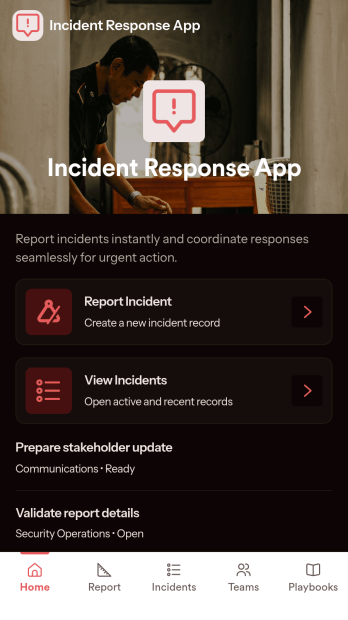
Incident Response App
Incident Response App gives teams a clear place to report incidents, review active and past incidents, and coordinate who is responding. It supports quick intake when something goes wrong and provides a consistent way to capture details, route people to the right next step, and keep information organized for follow-up. IT and security teams, operations leaders, facilities managers, and on-call responders can use it to reduce confusion during high-pressure moments and keep everyone aligned on status and ownership.With Jotform app templates, you can publish a self-service experience that connects incident reporting to your broader workflow without code. Use Jotform’s no-code app builder and drag-and-drop interface to customize navigation, add helpful guidance, and link pages that surface incidents, response teams, and playbooks in one mobile-friendly place. As information comes in through connected forms and lists, Jotform helps you centralize data collection and keep response work moving with less manual coordination.
Go to Category:Information Technology Apps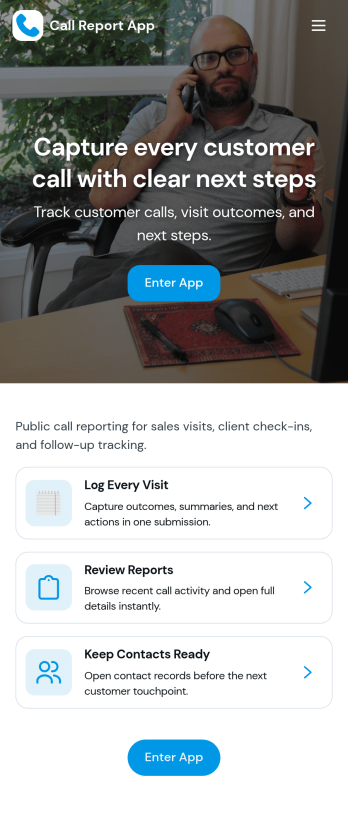
Call Report App
Call Report App helps sales teams and account managers log call outcomes, keep client histories organized, and stay consistent with follow-ups. It’s built for reps who need a quick way to add a new call report, review reports by client, and move between reporting and performance insights without hunting through scattered notes. Use it to standardize what gets recorded after each customer conversation, make coaching easier, and create a reliable paper trail of conversations across territories, accounts, or campaigns.With Jotform, you can turn this app template into a branded, mobile-friendly self-service experience that fits your workflow. Customize pages with a drag-and-drop interface, connect the New Call Report form to the rest of the app, and centralize ongoing data collection in one place. As your process grows, Jotform Apps makes it simple to update your app builder layout, share access with the right people, and keep reporting and insights connected to the same workflow.
Go to Category:Sales & Marketing Portal Apps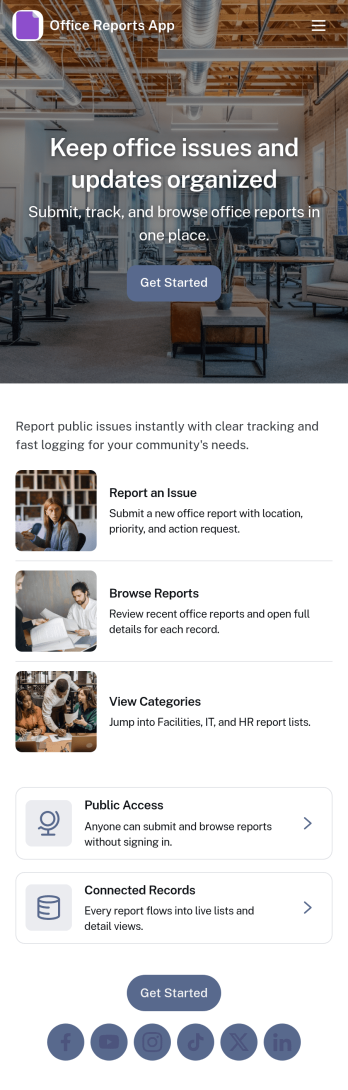
Office Reports App
Office Reports App gives teams a clear place to submit, browse, and review internal reports without relying on scattered emails or spreadsheets. Use it to capture updates like incident notes, maintenance issues, supply requests, weekly summaries, or department status reports, then organize them so coworkers can quickly find what they need. With dedicated areas to submit a report and browse reports, it’s a practical fit for office managers, operations teams, HR, IT, and department leads who need visibility into what’s happening across the workplace.Jotform makes it easy to turn reporting into a simple self-service workflow with app templates you can publish in minutes. Using Jotform’s no-code app builder and drag-and-drop interface, you can connect this app to a report form and lists, customize pages for different departments, and share a single link for fast data collection and follow-ups. As reporting needs grow, you can update the app layout, automate next steps, and keep office reporting consistent across locations and teams.
Go to Category:Report Apps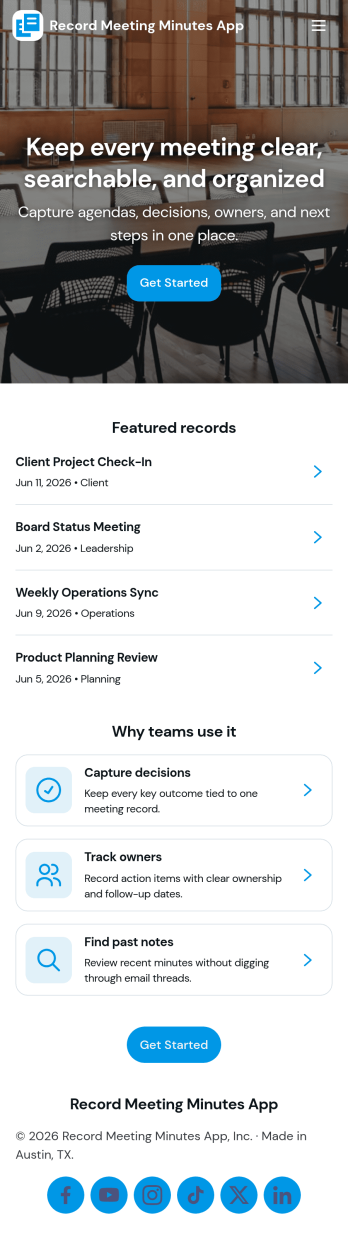
Record Meeting Minutes App
Record Meeting Minutes App helps teams capture what happened in a meeting and keep it easy to find later. Use it to log meeting titles, key discussion points, decisions, and follow-ups in one consistent format, then share the record with stakeholders who couldn’t attend. With a simple flow to record new minutes and a place to browse past minutes, it’s a practical fit for recurring team meetings, client check-ins, project standups, board sessions, and committee work where clarity and accountability matter.Built with Jotform, this app template can be tailored to match how your organization runs meetings without adding complexity. Customize the form behind your minutes, organize entries so people can browse and open a detailed view, and keep everything accessible through a single link. Jotform Apps makes it easy to publish a branded, self-service experience with a drag-and-drop interface, supporting reliable data collection and smoother workflow for documenting meetings.
Go to Category:Report Apps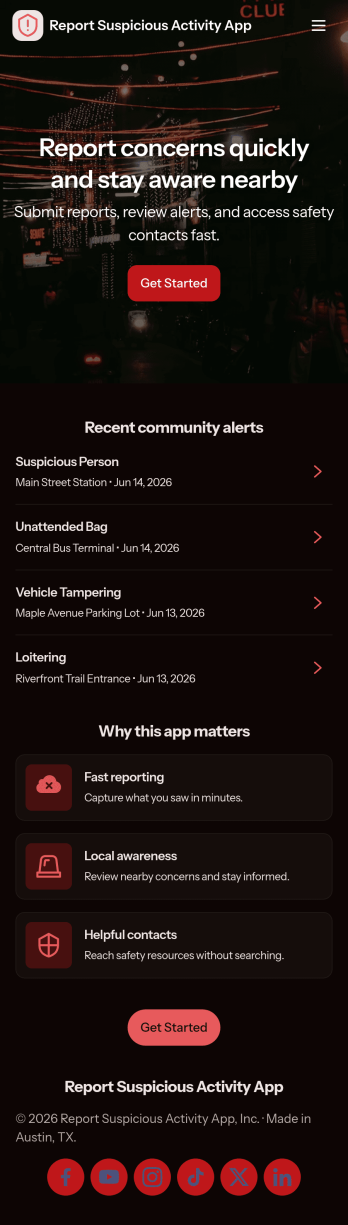
Report Suspicious Activity App
Report Suspicious Activity App helps organizations collect tips and route concerns to the right place without confusion. Use it in workplaces, schools, apartments, events, or community programs where people may notice something that feels unsafe and need a clear way to respond. The app supports quick access to key actions such as filing a report, browsing incident categories to choose the right topic, and reaching emergency or non-emergency contacts by phone or email.Built with Jotform, this app template can be customized in a no-code app builder using a drag-and-drop interface, so teams can match the experience to their policies and audience. Connect the report form to your workflow for faster follow-up, keep data collection consistent, and share the app through a link or QR code for simple self-service reporting on mobile devices.
Go to Category:Safety Inspection Apps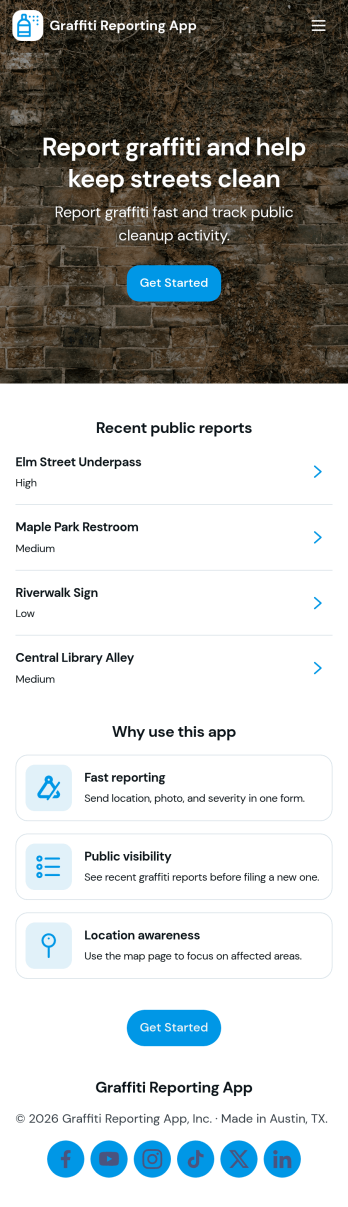
Graffiti Reporting App
Graffiti Reporting App gives communities a clear, organized way to document graffiti and route issues to the right team. Residents, property managers, campus staff, and local organizations can submit a report with key details, then follow up later by checking My Reports. A Browse Reports area helps staff review incoming entries, confirm locations, and prioritize cleanup so nothing gets missed.Built with Jotform, this app template pairs an easy reporting experience with connected data collection in one place. Use the no-code app builder and drag-and-drop interface to tailor pages, adjust the look and feel, and link your reporting form to the app workflow. Publish as a shareable self-service app so people can report graffiti quickly from any device while your team stays on top of updates.
Go to Category:Report Apps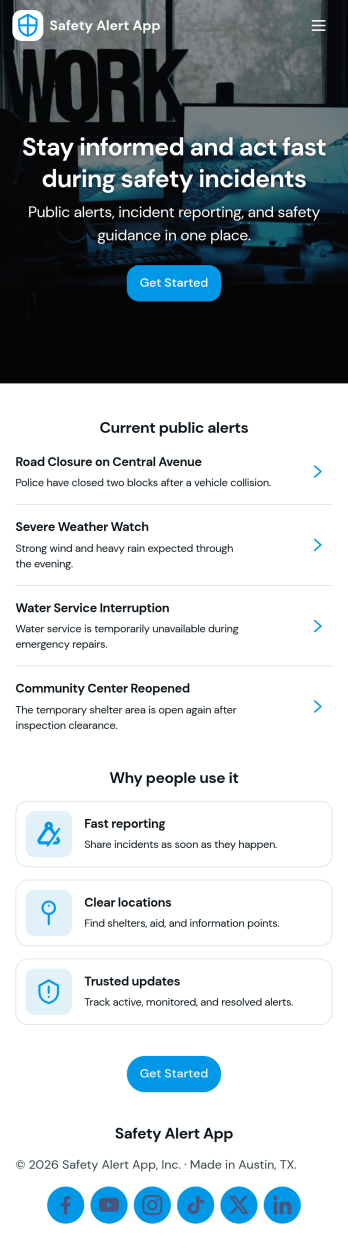
Safety Alert App
Safety Alert App helps teams publish active alerts, capture new reports, and keep emergency contacts in one place so people know what to do when something changes fast. Use it to share time-sensitive updates for workplaces, schools, events, property management, or field operations where staff and visitors may need quick guidance. With a central list of active alerts, a simple way to report an alert, and one-tap access to emergency services and contacts, this app supports clear communication during incidents without relying on long email threads or scattered documents.Jotform makes it easy to turn this Safety Alert App app template into a branded, mobile-friendly experience using a no-code app builder and a drag-and-drop interface. Connect the alert reporting form to your workflow, route information to the right people, and keep alert records organized for follow-up. Share your app with a link or QR code, update content anytime, and keep self-service access to safety information available wherever your audience is.
Go to Category:Safety Inspection Apps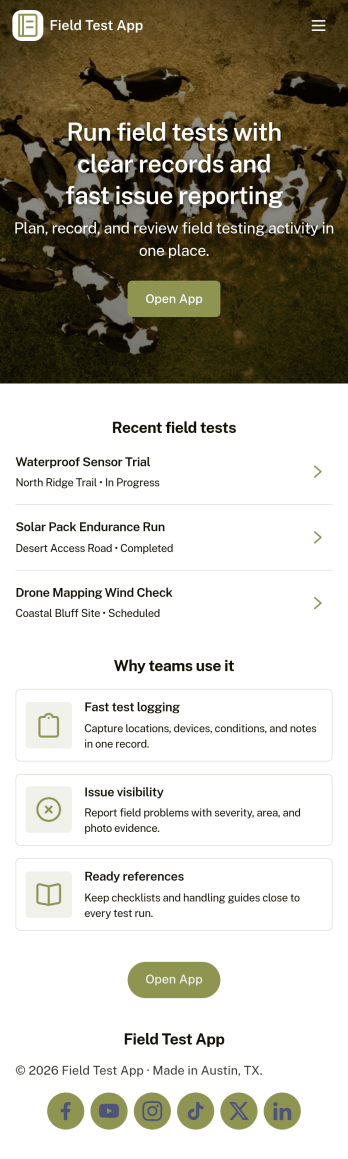
Field Test App
Field Test App helps teams capture and review test results while work is happening in the field. It gives technicians and inspectors a simple place to submit a new test, browse existing tests, and open an individual record to see details and related notes. Whether you’re documenting equipment checks, site observations, product trials, or installation verification, this app keeps test activity organized so supervisors and stakeholders can stay aligned without chasing updates.Jotform makes it easy to publish this app template and tailor it to your process with a no-code app builder and a drag-and-drop interface. Connect your app to forms and tables for fast data collection, add navigation pages for self-service access to test records, and share a single link or QR code with your field crew. As your workflow evolves, you can update fields, adjust pages, and keep everything consistent across devices without writing code.
Go to Category:Engineering Apps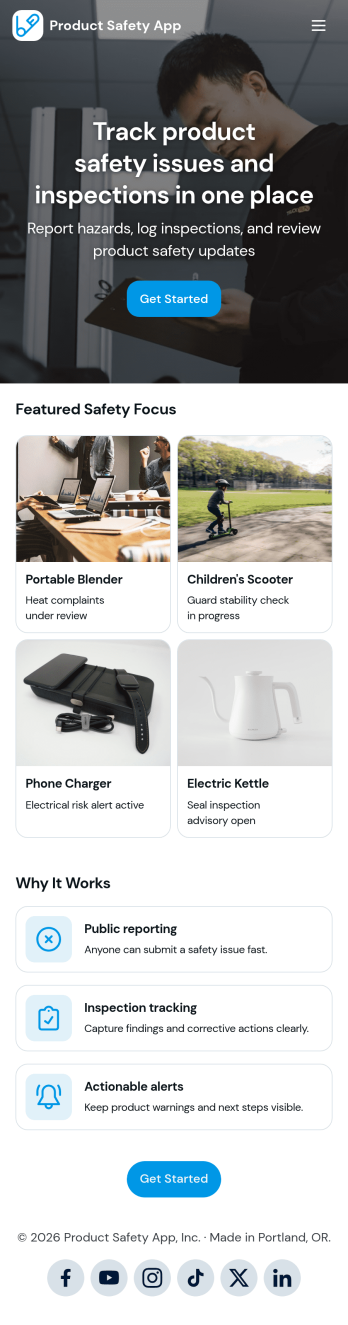
Product Safety App
Product Safety App helps teams and customers find product information, review active recalls, and report safety concerns in one easy place. Use it to publish a browsable product list with clear status details, share up-to-date recall notices, and guide people to a report form when something goes wrong. It’s a strong fit for manufacturers, retailers, ecommerce operators, and quality teams that need a consistent way to communicate safety updates, reduce confusion, and keep internal records organized across locations or product lines.With Jotform, you can turn these app templates into a mobile-friendly self-service experience without coding. Customize pages and navigation with a drag-and-drop interface, connect product and recall records to Jotform Tables, and route incoming reports into a workflow for review and follow-up. Share the app by link or QR code, keep information current, and give staff and customers a single destination for product safety updates and data collection.
Go to Category:Safety Inspection Apps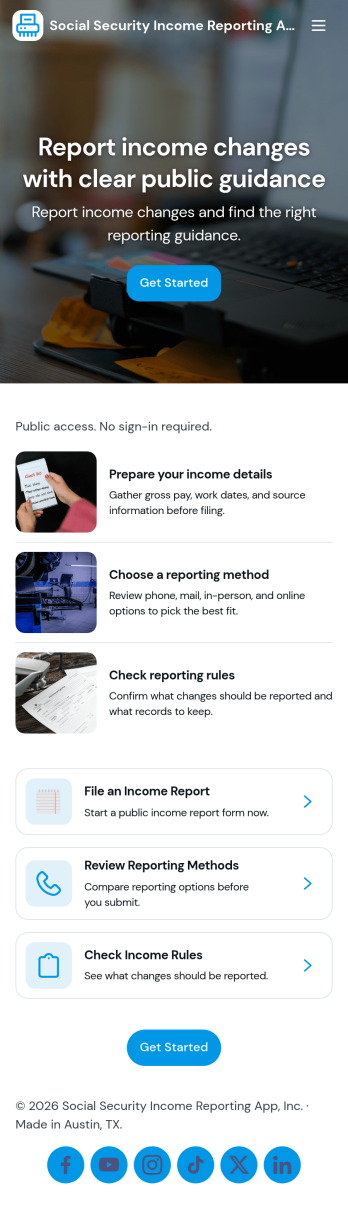
Social Security Income Reporting App
Social Security Income Reporting App helps individuals and support staff capture income details in one place and keep a clear trail of what was reported and when. Use it to file a new income report, browse past records, and review your own submissions without relying on scattered documents or email threads. It’s a practical fit for community organizations, case managers, caregivers, and anyone who needs a repeatable way to record changes, attach supporting documentation, and follow up on what has already been sent.Built with Jotform App Templates, this app template can be tailored in minutes with a no-code app builder and a drag-and-drop interface. Connect the reporting experience to your Jotform form and linked records so updates stay organized, searchable, and easy to revisit. Share the app through a link for self-service access, keep workflows consistent across teams, and centralize data collection so everyone works from the same up-to-date information.
Go to Category:Finance Apps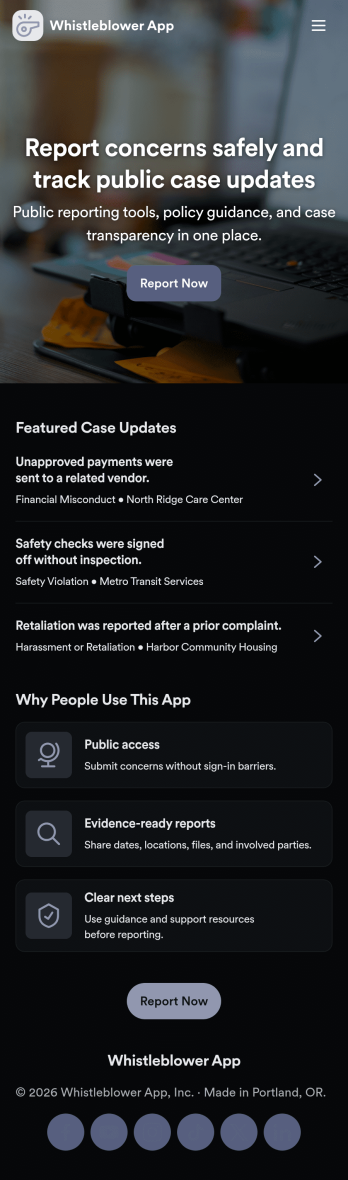
Whistleblower App
Whistleblower App helps organizations offer a clear, confidential way for people to raise concerns and share reports. It brings key actions into one place, including a guided path to submit a report, a case list for browsing existing cases, and a dedicated area for support resources and follow-up help. Use it to reduce confusion about where to report issues, encourage timely reporting, and keep internal teams organized as reports come in.With Jotform App Templates, you can publish a branded self-service experience without writing code. Use Jotform’s no-code app builder and drag-and-drop interface to customize pages, connect the app to forms and stored data, and keep information easy to find on any device. As reports and support requests are collected, teams can manage workflows more consistently and make updates without rebuilding the app from scratch.
Go to Category:HR Portal Apps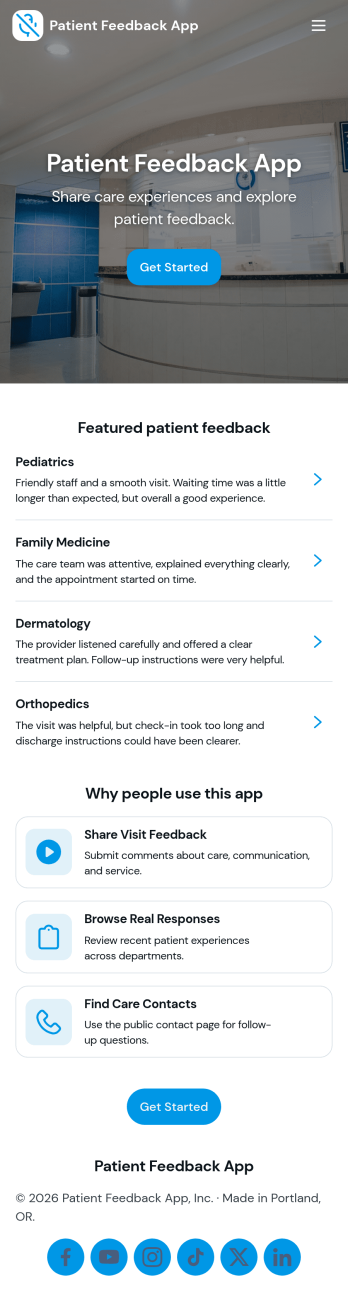
Patient Feedback App
Patient Feedback App helps healthcare teams collect, organize, and act on patient experience feedback in one place. Patients can quickly submit feedback, while staff can browse records, filter by department, and review trends to spot recurring issues and standout moments of care. It’s a practical fit for clinics, hospitals, dental offices, therapy practices, and any patient-facing service that wants a clearer view of satisfaction, service quality, and follow-up needs without relying on scattered emails or paper comment cards.Built with Jotform, this app template combines guided data collection with an easy self-service experience for both patients and internal teams. Use Jotform’s no-code app templates and drag-and-drop app builder to adjust pages, tailor categories and departments, and connect submissions to the workflows you already use. Share a link or QR code at reception, after appointments, or in discharge materials, then review records and insights as feedback comes in.
Go to Category:Healthcare Apps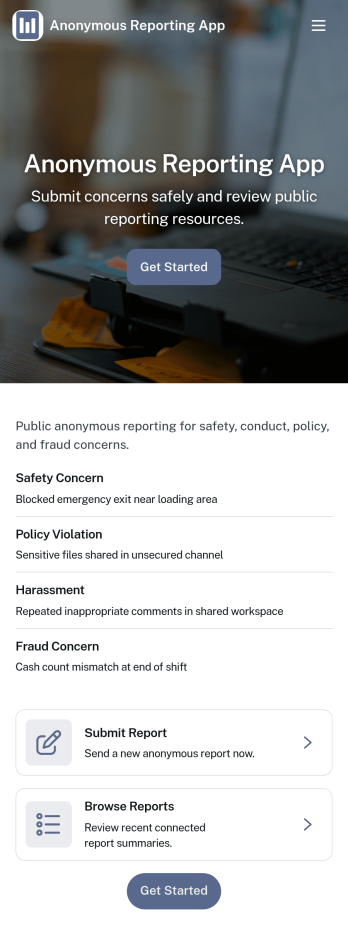
Anonymous Reporting App
Anonymous Reporting App helps organizations collect sensitive reports while giving people a safer way to speak up. Use it to route concerns about workplace behavior, safety issues, policy violations, or other incidents into a single reporting channel without requiring a public identity. With quick navigation to submit a report, browse a report feed, and review personal history, it fits HR teams, compliance and ethics programs, school administrators, nonprofits, and community groups that need clear visibility into what’s being reported and when.Built with Jotform App Templates, this app template is easy to adapt to your process using Jotform’s no-code app builder and drag-and-drop interface. Connect the report form to your internal workflow, keep entries organized for follow-up, and publish a mobile-friendly experience that’s simple to share by link or QR code. As reporting needs change, you can update pages, branding, and routing without rebuilding everything from scratch.
Go to Category:HR Portal Apps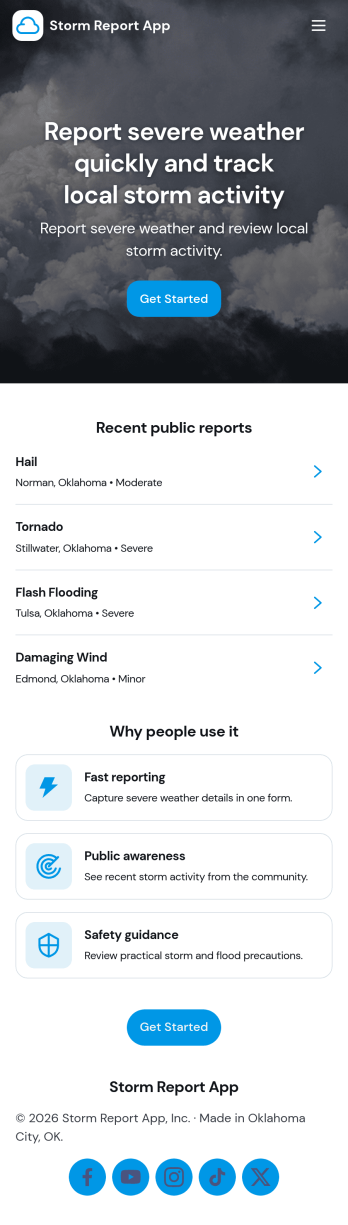
Storm Report App
Storm Report App helps communities and teams capture storm damage details in one place and keep updates moving during fast-changing conditions. Use it to submit new damage reports, review active reports as they come in, and browse a location-based list to understand what’s happening across affected areas. It’s a practical fit for property managers, local organizations, HOAs, campus operations, and service coordinators who need clear intake and visibility without relying on scattered calls, emails, or spreadsheets.With Jotform, you can turn this storm report app template into a mobile-friendly self-service experience using a no-code app builder and a drag-and-drop interface. Connect the app to a form for consistent data collection, route information into the right workflow, and tailor pages, buttons, and branding to match your process. Share the app by link or QR code so residents, staff, or field teams can report damage quickly and check the latest storm insights from anywhere.
Go to Category:Report Apps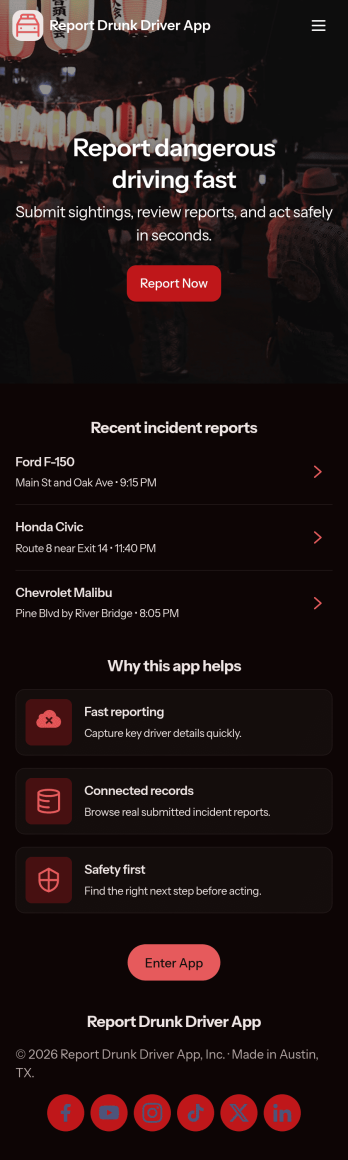
Report Drunk Driver App
Report Drunk Driver App helps communities document and share suspected impaired-driving incidents in one place. It gives residents, campus safety teams, neighborhood associations, rideshare operators, and fleet managers a clear way to start a report, review submitted reports by location, and access emergency help information when a situation escalates.Built with Jotform, this app template pairs an easy reporting form with a clean, mobile-friendly layout so people can take action quickly from anywhere. Customize the pages with a drag-and-drop interface, route information into connected workflows, and keep reports organized for follow-up using Jotform’s no-code app builder and data collection tools for self-service reporting.
Go to Category:Safety Inspection Apps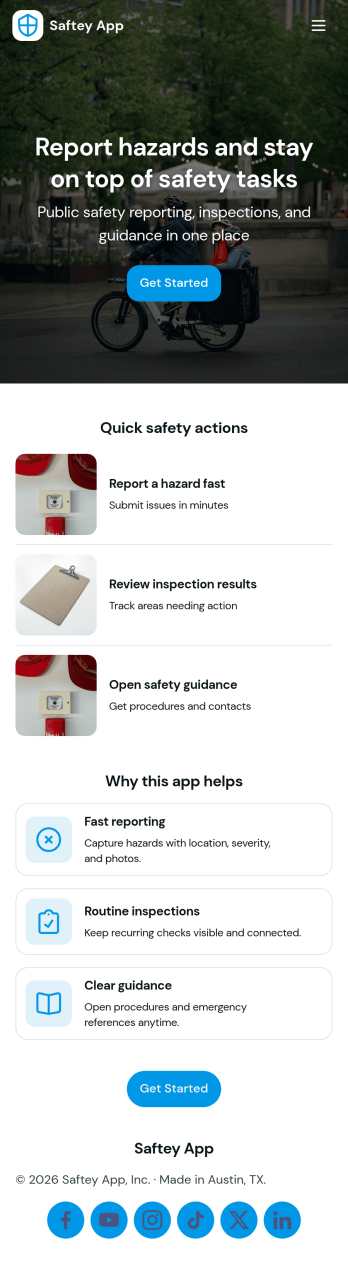
Saftey App
Saftey App helps teams centralize safety actions and information in one place so employees can respond quickly and report issues with confidence. It supports incident and hazard reporting through connected report buttons and makes it easy to find key safety guidance through a dedicated safety resources area. With an emergency quick action panel and clear emergency steps and contacts, it fits fast-moving environments like construction sites, warehouses, schools, field services, and busy offices where every second matters.Built with Jotform, this app template can be tailored in a no-code app builder with a drag-and-drop interface to match your organization’s workflows and reporting needs. Link buttons to forms for consistent data collection, organize safety resources into simple navigation, and share the app by link or QR code for self-service access across teams. As reports come in, your workflow can stay organized by keeping information connected and easy to manage in Jotform.
Go to Category:Safety Inspection Apps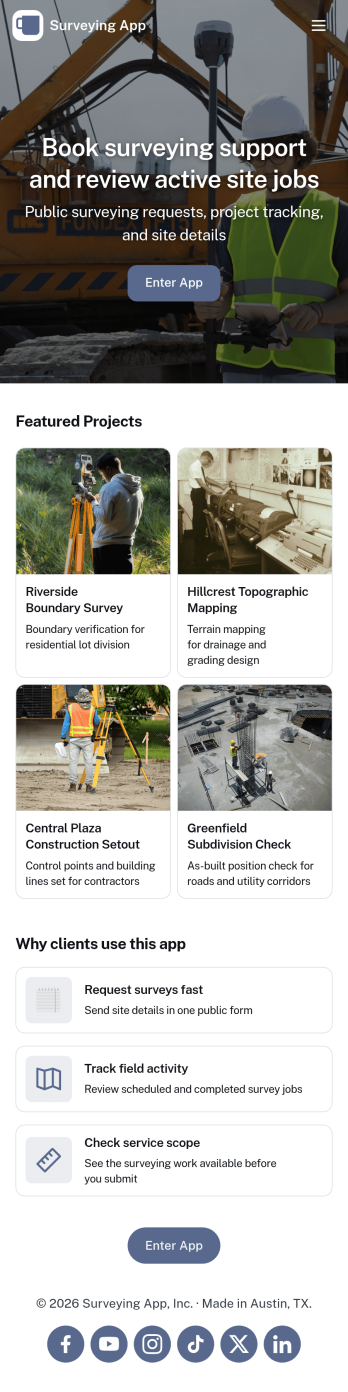
Surveying App
Surveying App brings your surveys and response tracking into one easy hub, so you can create surveys, invite people to participate, and review results without juggling multiple links. It works well for marketing teams testing campaign ideas, HR collecting employee feedback, educators running quick pulse checks, and nonprofits gathering community input. With quick access to starting a survey, building new questionnaires, and browsing recent topics and top surveys, this app template supports ongoing data collection and keeps each survey organized for repeat use.Jotform makes it simple to publish a branded surveying experience using an app template and a no-code app builder. Customize pages with a drag-and-drop interface, connect forms to power survey creation and participation, and keep responses flowing into connected tables for easy review. Share your app through a link or QR code, collaborate with teammates on updates, and create a smooth self-service workflow that helps people submit feedback from any device.
Go to Category:Quiz Apps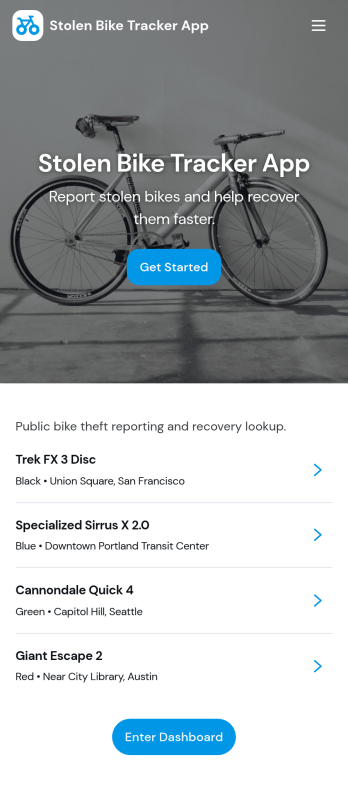
Stolen Bike Tracker App
Stolen Bike Tracker App helps cyclists, campuses, property managers, and community groups organize stolen bike reports and follow each case from first notice to resolution. Use it to capture key incident details, collect supporting evidence, and keep reports consistent across different locations or teams. With quick access to reporting and case tracking, it’s a practical option for anyone who needs a clear way to document thefts, reduce missing information, and keep people informed as updates come in.Jotform makes it easy to turn this app template into a branded, mobile-friendly experience using a no-code app builder and a drag-and-drop interface. Connect your app to forms and tables for reliable data collection, route updates through a workflow your team already follows, and share the app through a link or QR code for fast self-service reporting in the moment.
Go to Category:Tracker Apps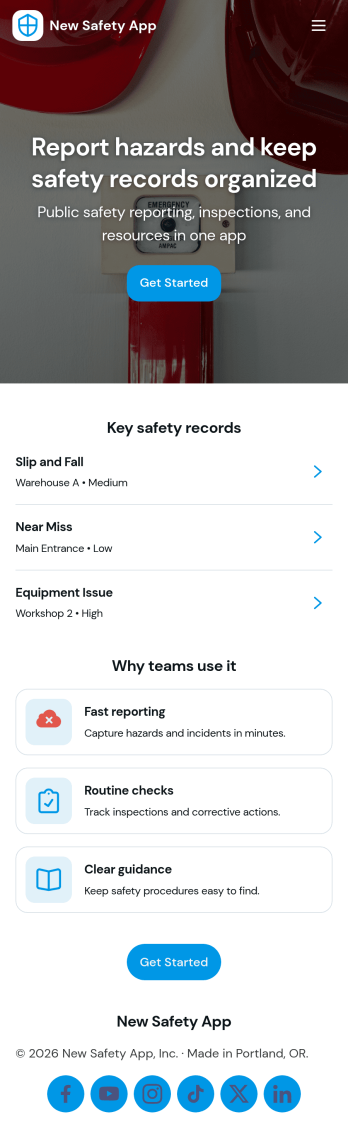
New Safety App
New Safety App brings incident reporting, inspection visibility, and emergency contact access into one place so teams can respond faster and keep day-to-day safety work organized. It’s a practical fit for construction crews, warehouses, manufacturing floors, property operations, and field service teams that need a simple way to capture what happened, review incident reports, and keep a running inspection log by location. With clear navigation to Report Incident and Inspections, the app supports consistent documentation, reduces missed follow-ups, and helps supervisors spot patterns before they become repeat problems.Built with Jotform, this app template can be tailored in a no-code app builder using a drag-and-drop interface, then shared as a self-service experience across teams. Connect the incident report form to your workflow, route information to the right people, and keep records organized for quick reference. Whether you’re rolling out a new process or improving an existing one, Jotform App Templates make it easier to turn data collection into an app your team will actually use.
Go to Category:Safety Inspection Apps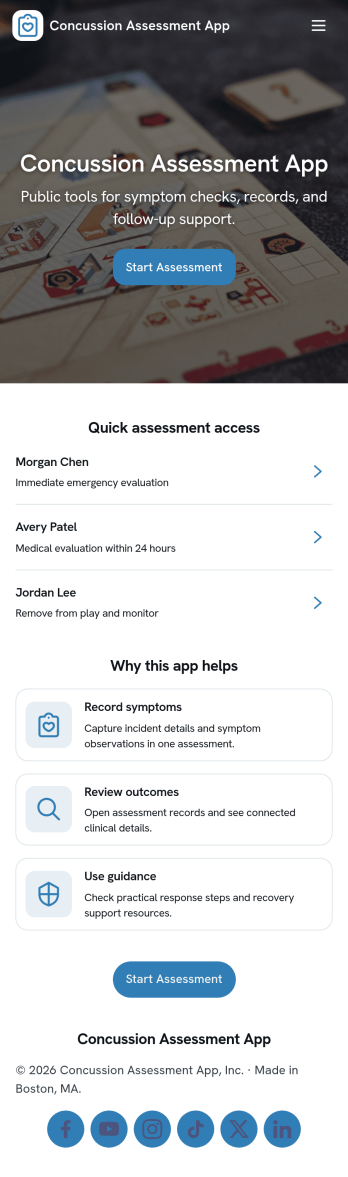
Concussion Assessment App
A concussion assessment app brings a simple, repeatable way to start an assessment and capture findings when a head injury is suspected. It’s well suited for athletic trainers, school nurses, coaches, clinic staff, and occupational health teams who need a consistent intake flow and an organized place to review past evaluation records. With a clear entry point to begin a new assessment and a records area that lists people by name, the app helps teams document observations, reduce missed steps, and keep follow-ups easier to manage across games, practices, campuses, or job sites.Jotform makes it easy to create and publish app templates like this using a no-code app builder and a drag-and-drop interface. Connect your assessment form to an app experience that supports data collection and day-to-day workflow, then share it as a self-service link or QR code for fast access on mobile. You can customize pages, adjust navigation, and keep assessment records organized so your team can work from one consistent process.
Go to Category:Healthcare Apps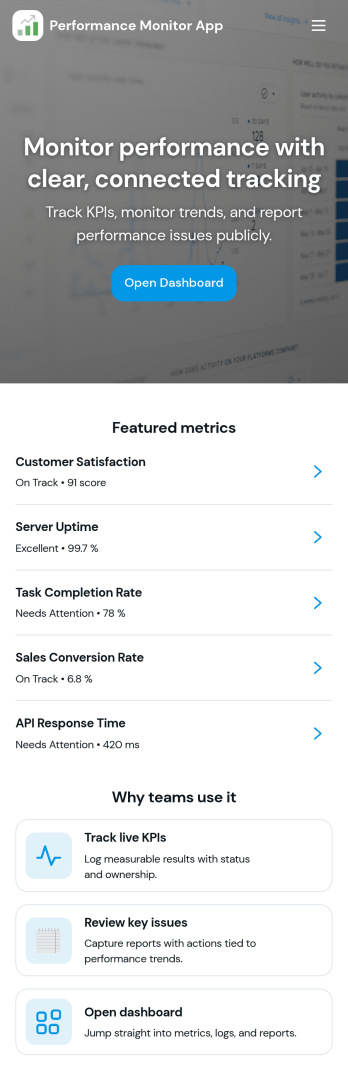
Performance Monitor App
A Performance Monitor App helps teams track progress against key metrics in one place, combining quick logging with an at-a-glance status view. Use it to capture updates as they happen, keep a running history of results, and give stakeholders a simple way to review performance without hunting through spreadsheets. With a Log Entry page for new updates, a Records area for browsing past entries, and an Insights section for deeper context, this app fits sales teams monitoring targets, operations leads watching daily output, and managers running weekly check-ins across multiple initiatives.Jotform makes it easy to turn this Performance Monitor App into a branded, shareable self-service experience using App Templates and a no-code app builder. Customize pages with a drag-and-drop interface, connect the app to your form for consistent data collection, and keep information organized so your workflow stays clear as volume grows. Share the app by link or QR code, collaborate with your team on updates, and maintain a reliable source of truth for performance tracking powered by Jotform.
Go to Category:Activity Tracking Apps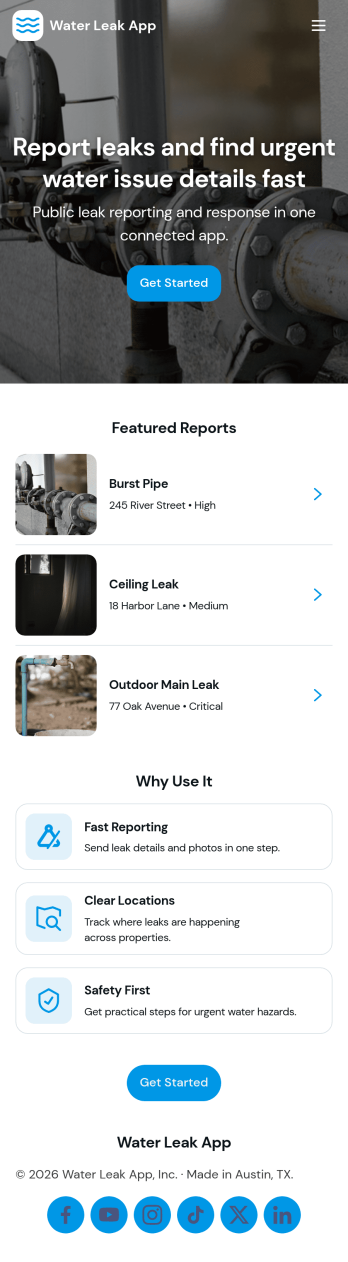
Water Leak App
Water Leak App helps property teams and service providers capture leak reports and keep every case organized from first notice to follow-up. It fits apartment communities, HOAs, property managers, facilities departments, and home service businesses that need a simple way for residents, tenants, or staff to report a leak, attach key details, and route the issue to the right person. With quick navigation to Report Leak, visibility into Active Cases, and a Follow Up area for continued communication, the app supports faster responses and fewer missed updates across multiple locations.Built with Jotform App Templates, this app template brings leak reporting and case tracking into a mobile-friendly self-service experience. Use Jotform’s no-code app builder and drag-and-drop interface to customize pages, connect the underlying form and list of cases, and shape a workflow that matches how your team triages and resolves incidents. From sharing a link or QR code with residents to collaborating internally on active case lists, Jotform makes data collection and ongoing updates easier to manage without creating extra admin work.
Go to Category:Home Services Apps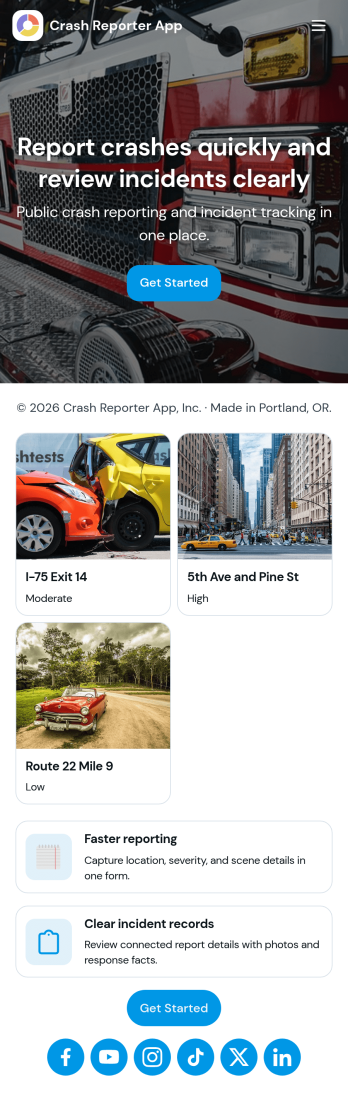
Crash Reporter App
Crash Reporter App helps teams capture crash details the moment something goes wrong, then keep incidents organized from first report to resolution. It works well for software and QA teams tracking application crashes, IT groups collecting employee issue reports, and operations teams documenting field incidents. With a simple entry point to report a crash, a dedicated view for open incidents, and a place to review insights, everyone involved can stay aligned without hunting through messages or spreadsheets.Built with Jotform, this app template pairs guided reporting with an incident queue and a submission history view so you can follow what’s been logged over time. Customize it in Jotform’s no-code app builder using a drag-and-drop interface, connect the underlying form to your workflow, and share the app as a self-service experience for employees, testers, or partners. As reports come in, your team gets more consistent data collection and a clearer picture of recurring issues.
Go to Category:Information Technology Apps