

Report App Templates

Suspicious Message Screening App
The Suspicious Message Screening App gives employees, support teams, information technology staff, schools, nonprofits, and small businesses a consistent way to review questionable messages before responding. Users can screen a message, assess factors such as sender context and urgency, examine message evidence, and receive a recommended next action. Saved screening records make it easier to revisit previous assessments, while practical safety guidance helps users recognize unexpected links, files, and urgent requests. This app template supports informed judgment when handling suspicious emails, texts, direct messages, or other digital communications.With Jotform Apps, organizations can adapt this App Template without coding and connect message screening to their broader workflow. The drag-and-drop App Builder makes it simple to update pages, buttons, guidance, branding, and navigation while keeping the experience accessible on mobile devices. Teams can link forms and tables for data collection, organize screening records in one place, and share the finished app through a direct link or QR code. The result is a convenient self-service resource that encourages consistent reporting and safer decision-making without requiring a custom software project.
Go to Category:Information Technology Apps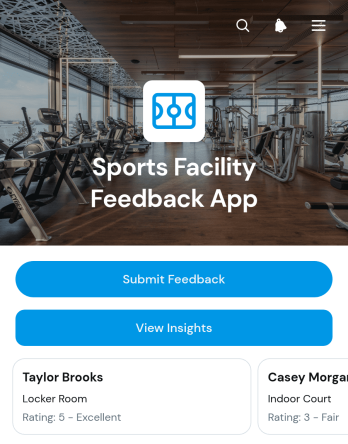
Sports Facility Feedback App
Sports Facility Feedback App is an app template for gyms, recreation centers, sports clubs, training venues, and facility managers seeking a convenient way to gather and review visitor opinions. Guests, athletes, members, parents, and spectators can submit feedback after a visit, while staff can view insights and identify recurring concerns. The app supports feedback collection about facility areas, visit experiences, ratings, and potential improvements without relying on paper surveys or scattered messages. It helps operations teams understand user satisfaction, prioritize maintenance needs, assess service quality, and make informed changes across courts, fields, locker rooms, seating areas, and other shared spaces.Jotform App Templates make it easy to adapt this app template to match a facility’s branding and feedback process. With Jotform’s no-code app builder and drag-and-drop interface, teams can update pages, adjust navigation, connect forms, and organize collected data without programming. Linked tables and workflows can help staff review responses, coordinate follow-up tasks, and keep records accessible from one location. Once published, the app can be shared through a direct link, QR code, or embedded experience, giving visitors mobile-friendly self-service access and helping facility teams maintain an ongoing feedback channel.
Go to Category:Sports Apps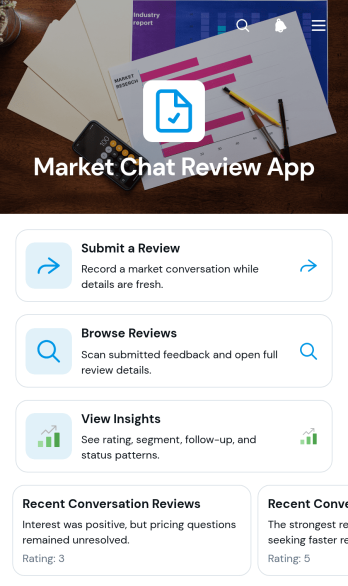
Market Chat Review App
Market Chat Review App gives market research, customer experience, and sales teams a central place to assess conversations related to market feedback and engagement. Teams can collect reviewer input, browse recent conversation reviews, and examine review insights without scattering information across separate channels. Each review can present its date, status, quality assessment, follow-up needs, and reviewer contact option, helping managers identify recurring issues and decide what requires attention. This app template is useful for agencies, research groups, marketing departments, and growing businesses that need a consistent review process for customer or audience conversations.With Jotform Apps, teams can adapt this no-code app template through a drag-and-drop interface, then connect review forms and organized data to the same experience. The app builder makes it easy to update pages, adjust branding, add navigation, and support a workflow that fits existing review practices. Publish the Market Chat Review App with a direct link, QR code, or embedded experience so reviewers and decision-makers can access it from any device. Connected forms, notifications, and Jotform Tables can also support data collection, team collaboration, follow-up, and self-service access as review volume grows.
Go to Category:Customer Engagement Apps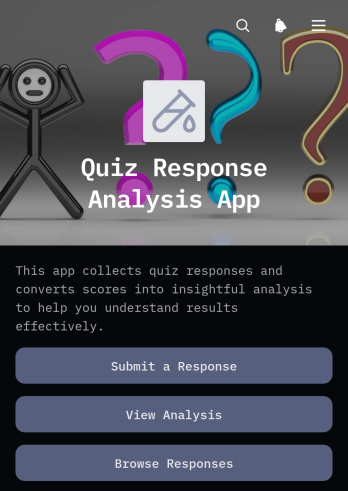
Quiz Response Analysis App
Quiz Response Analysis App gives educators, trainers, tutors, and learning teams one place to collect quiz responses and review the resulting records. Participants can submit a response, while authorized users can browse individual entries and view analysis tied to each quiz. Scores, respondent details, response summaries, and completion dates help users understand performance without sorting through disconnected files. This app template is useful for classroom assessments, course evaluations, employee training checks, practice quizzes, and knowledge reviews. It supports faster result assessment, clearer recordkeeping, and more informed follow-up with learners.Jotform makes this Quiz Response Analysis App easy to adapt with a no-code app builder and an intuitive drag-and-drop interface. Customize pages, navigation, colors, fonts, and visual elements to suit your learning environment, then connect forms and tables to support data collection and related workflows. Jotform App Templates can be shared through a direct link or QR code for convenient mobile access. Whether you need a self-service response experience or a central resource for reviewing quiz outcomes, you can publish and update the app without writing code.
Go to Category:Quiz Apps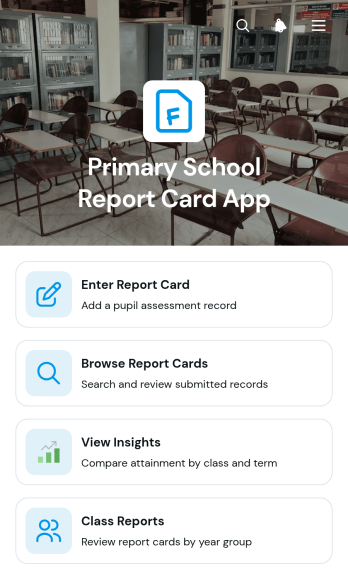
Primary School Report Card App
Primary School Report Card App is an app template for teachers, school leaders, and administrative teams that need a central place to create and review pupil reports. Educators can enter report cards, browse individual records, and view class reports and performance insights without relying on scattered files. It suits term-end reporting, ongoing progress reviews, parent meeting preparation, and internal academic monitoring. Clear access to class, term, reading, and mathematics information helps staff identify learning patterns, prepare useful feedback, and maintain a more consistent reporting process across the school.With Jotform, schools can adapt this app template through a no-code app builder and an intuitive drag-and-drop interface. Pages, navigation cards, forms, and connected workflows can be updated to reflect subjects, assessment methods, year groups, or reporting periods. Collected data can support organized record browsing and timely insights, while a mobile-friendly layout gives authorized staff convenient access from different devices. Jotform App Templates also make it easy to publish and share a customized resource using a direct link or QR code, helping schools build a practical reporting experience without programming.
Go to Category:School Management Apps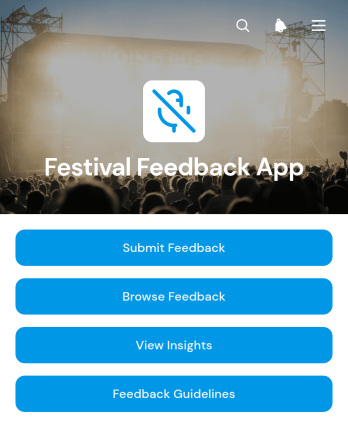
Festival Feedback App
Festival Feedback App is a ready-to-use feedback experience for festival organizers, event teams, venue staff, and community groups that want to understand attendee opinions in one accessible place. Visitors can submit feedback, browse responses organized by festival area, and review summarized insights. Clear feedback guidelines help participants share useful comments, while organizers gain a practical view of what worked well and where improvements may be needed. The app template can support music, food, arts, cultural, and community festivals, helping teams evaluate programming, facilities, accessibility, services, and the overall guest experience.Jotform App Templates make it easy to adapt this experience without writing code. Using Jotform’s no-code app builder and drag-and-drop interface, teams can update pages, adjust branding, reorganize navigation, and connect forms with data collection workflows. The Festival Feedback App can be shared through a direct link or scannable code for convenient mobile access during or after an event. Organizers can create a polished self-service feedback channel, keep responses connected to their operational workflow, and use attendee perspectives to guide planning for future festivals.
Go to Category:Event Management Apps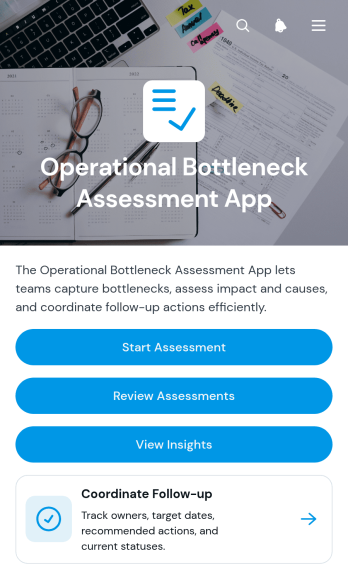
Operational Bottleneck Assessment App
The Operational Bottleneck Assessment App is an app template for identifying process delays, documenting likely causes, and assigning practical follow-up actions. Operations leaders, consultants, project managers, department heads, and continuous improvement teams can use it to assess recurring workflow problems across service delivery, production, administration, or internal support. Users can start an assessment, review previous findings, and view insights without searching through disconnected records. Each identified bottleneck can be connected with its process area, operational impact, recommended action, owner, and target date, giving teams a shared basis for prioritizing improvements and monitoring accountability.Jotform Apps helps organizations turn this assessment process into an accessible, interactive experience without writing code. Use the drag-and-drop app builder to adapt pages, navigation, visual styling, and branding to suit an internal review program or consulting engagement. The app can connect data collection with tables, notifications, approvals, and other workflow steps so findings remain organized as teams move from analysis to action. Once customized, it can be shared by direct link or QR code for convenient access on desktop and mobile devices, supporting collaboration wherever operational reviews take place.
Go to Category:Operations & Logistics Portal Apps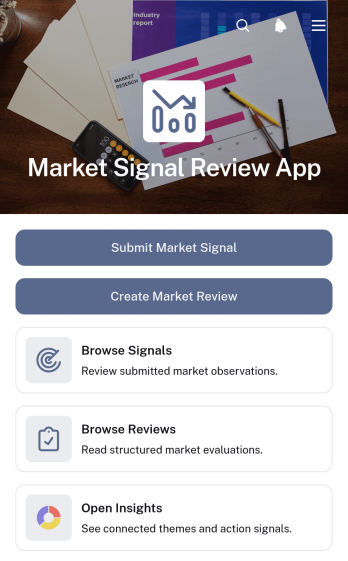
Market Signal Review App
Market Signal Review App gives strategy, research, consulting, product, and marketing teams a shared space for documenting market observations and turning them into actionable reviews. Team members can submit market signals, browse recorded findings, and create periodic reviews that connect key findings with recommended actions. Confidence levels, market categories, signal types, source links, and review periods help users add context without scattering research across disconnected documents. The app template works well for competitive research, trend monitoring, campaign planning, product discovery, and leadership briefings where evidence must remain easy to review.With Jotform Apps, organizations can adapt this Market Signal Review App through a no-code app builder and an intuitive drag-and-drop interface. Teams can customize pages, cards, buttons, navigation, and branding while connecting forms and tables to support data collection and workflow management. Ready-to-use App Templates provide a practical starting point, while flexible sharing options make the finished app accessible through a direct link or QR code. This creates a convenient self-service resource where contributors can submit evidence and decision-makers can revisit market insights from desktop or mobile devices.
Go to Category:Sales & Marketing Portal Apps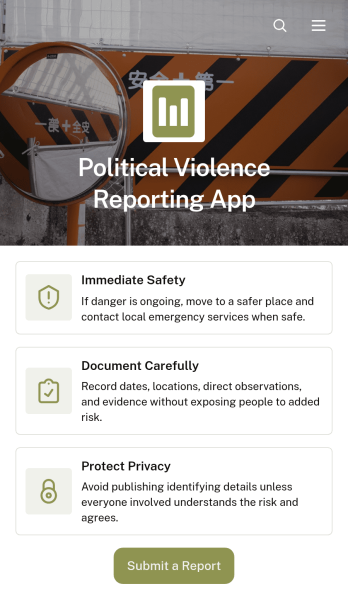
Political Violence Reporting App
The Political Violence Reporting App provides a central place for community monitors, nonprofit teams, researchers, journalists, advocacy groups, and public-interest programs to document and review incidents of political violence. Users can submit a report, browse existing reports, view connected incident records, and consult safety guidance before documenting an event. Bringing incident dates, locations, event types, affected people, and contextual details into one accessible experience helps teams maintain consistent records, identify related reports, support responsible follow-up, and reduce fragmented communication during sensitive monitoring work.With Jotform, this app template can be adapted through a no-code app builder and an intuitive drag-and-drop interface. Teams can modify pages, branding, navigation, and reporting questions while connecting data collection to tables, notifications, approvals, and other workflow steps. The finished app can be shared by direct link or QR code for convenient mobile access, giving authorized contributors and reviewers a practical self-service resource. Jotform App Templates also make it easier to launch quickly, update resources as reporting needs evolve, and keep submission tools, safety information, and report browsing within one organized app experience.
Go to Category:Report Apps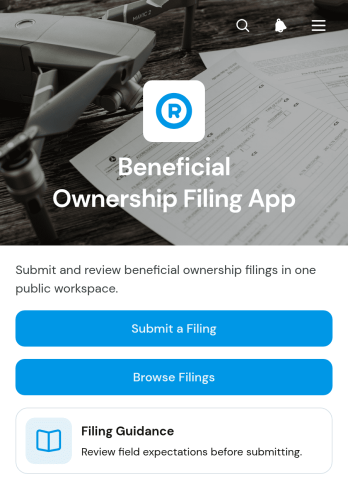
Beneficial Ownership Filing App
Beneficial Ownership Filing App is an app template for collecting, reviewing, and organizing information about legal entities and their beneficial owners. Corporate administrators, legal teams, consultants, accountants, and filing service providers can use it to manage filing preparation from one accessible location. Users can submit a filing, browse existing filing records, consult guidance, and review ownership summaries without relying on scattered documents or email threads. This structure supports clearer recordkeeping, easier status checks, and more consistent handling of recurring or one-time ownership reporting tasks.Jotform makes this Beneficial Ownership Filing App easy to adapt with a no-code app builder and a flexible drag-and-drop interface. Add branded pages, update navigation, connect forms and tables, or introduce approval steps that fit your workflow. Collected data can remain linked to the app experience for convenient review and internal collaboration. Once customized, the app can be shared through a direct link, QR code, or embedded experience, giving authorized users mobile-friendly self-service access to filing resources and connected processes.
Go to Category:Legal Apps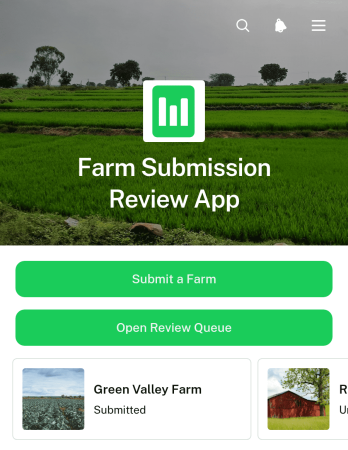
Farm Submission Review App
Farm Submission Review App gives agricultural organizations a central place to collect farm submissions and evaluate them through a consistent review process. It suits farm networks, agricultural programs, sourcing teams, cooperatives, grant administrators, and other groups that assess farm information before approval or follow-up. Applicants can submit a farm through a connected form, while reviewers can open a review queue and view individual records with contact details, location, review status, and a concise submission summary. Keeping these details together helps teams reduce scattered records, prioritize pending reviews, monitor progress, and make informed decisions without relying on disconnected documents or email threads.Jotform Apps makes this app template easy to adapt without coding. Use the drag-and-drop app builder to update pages, navigation, colors, fonts, buttons, and branding for your review process. Connected forms support data collection, while tables, approval steps, and notifications can extend the workflow as operational needs grow. Like other Jotform App Templates, it can be shared by direct link or QR code for convenient mobile access. Teams can create a clear self-service submission experience for farms and a practical review workspace for staff, all within one customizable app.
Go to Category:Report Apps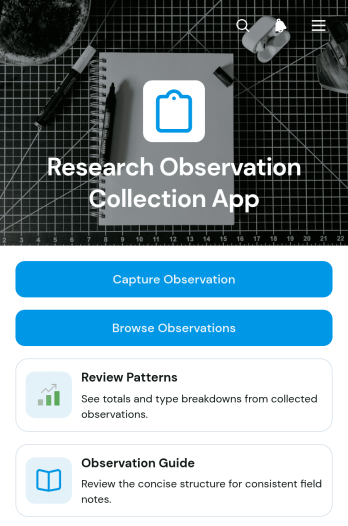
Research Observation Collection App
The Research Observation Collection App helps researchers, field teams, educators, students, and program evaluators capture and organize observations in a consistent digital workspace. Users can record field findings, browse previous observations, and review patterns without relying on scattered notes or disconnected files. It is well suited to academic studies, behavioral research, environmental fieldwork, classroom inquiries, community assessments, and product or service research. Centralized records make it easier for teams to preserve context, compare findings across locations or observation types, and prepare information for later analysis.Jotform makes this app template easy to adapt with a no-code app builder and a flexible drag-and-drop interface. Teams can modify pages, navigation, visual styling, and connected data collection processes to reflect their research methods. The app can connect with forms, tables, approvals, and automated workflows, giving collaborators a convenient way to contribute and access information from mobile or desktop devices. Once customized, it can be shared through a direct link, QR code, or embedded experience to support coordinated research in the field or office.
Go to Category:Log Apps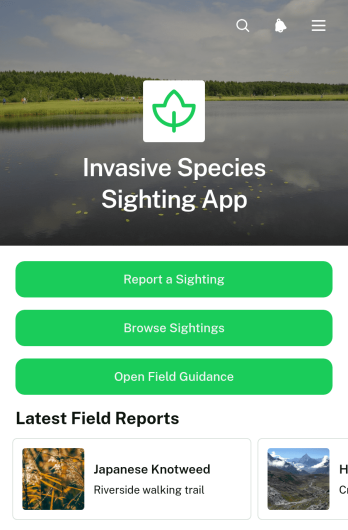
Invasive Species Sighting App
The Invasive Species Sighting App is an app template for documenting and reviewing observations of potentially invasive plants, animals, insects, and other organisms in the field. It gives conservation groups, environmental teams, land managers, researchers, volunteers, and community members a central place to report a sighting, browse submitted records, and consult field guidance. Each record can present the species name, location, supporting imagery, and follow-up status, helping coordinators organize incoming reports and determine which observations may require review. The app supports community monitoring programs, habitat surveys, park operations, educational projects, and environmental fieldwork while making data collection more accessible.Jotform App Templates help teams turn reporting processes and reference materials into convenient digital experiences. With Jotform’s no-code app builder and drag-and-drop interface, users can adapt the Invasive Species Sighting App to match their monitoring workflow, update its pages and branding, and connect forms or tables without programming. The finished app can be shared by a direct link or QR code, giving field participants mobile-friendly access to reporting and self-service resources. Notifications and connected workflows can also help coordinators respond to new records and keep follow-up activities organized.
Go to Category:Report Apps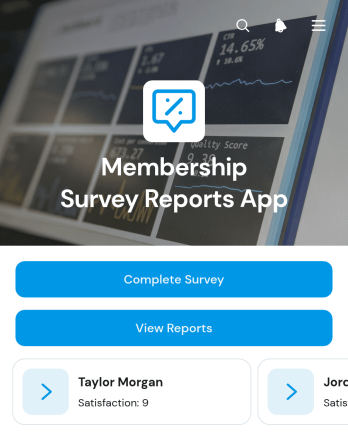
Membership Survey Reports App
The Membership Survey Reports App is an app template for associations, clubs, nonprofits, gyms, and other membership-based organizations that want to collect feedback and review member-level survey results in one place. Members can complete a survey or submit a new response, while authorized teams can browse reports and open individual records showing details such as overall satisfaction, likelihood to renew, contact information, and written feedback. This shared view helps membership, customer engagement, and leadership teams identify concerns, understand retention signals, and make informed improvements to programs and services.Jotform App Templates make it easy to adapt the Membership Survey Reports App to an organization’s feedback workflow without writing code. Using Jotform’s no-code app builder and drag-and-drop interface, teams can update pages, navigation, forms, report links, colors, and other visual elements. The app can connect data collection with tables, notifications, approvals, and related workflows, creating a convenient self-service experience for respondents and an organized reporting resource for staff. Once customized, it can be published and shared through a direct link, QR code, or embedded experience for access on phones, tablets, and computers.
Go to Category:Report Apps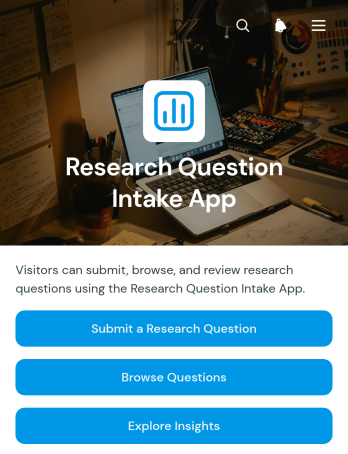
Research Question Intake App
The Research Question Intake App gives research teams, academic departments, analysts, consultants, and knowledge-focused organizations a central place to receive and review research questions. Users can submit a question through a connected form, browse existing questions, and explore recorded insights without searching across disconnected documents or messages. Each entry can provide useful context such as its intended audience, current status, follow-up notes, and a supporting source link. This app template is well suited to research programs, internal knowledge initiatives, student projects, stakeholder consultations, and teams that need a consistent intake process. It improves visibility, reduces duplicate requests, and helps contributors understand how questions progress from initial submission to documented insight.Jotform Apps makes it easy to adapt this template with a no-code app builder and a flexible drag-and-drop interface. Teams can update pages, navigation, branding, and content while connecting forms, tables, approvals, notifications, and other workflow steps. Like other Jotform App Templates, it supports organized data collection and self-service access from phones, tablets, or computers. Publish the app through a direct link or QR code to create an accessible research resource for colleagues, students, partners, or community members.
Go to Category:Education Apps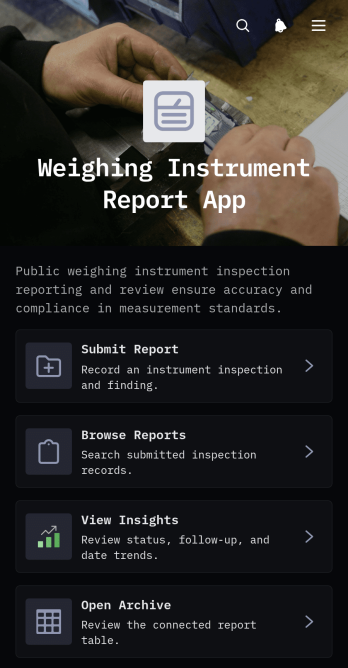
Weighing Instrument Report App
The Weighing Instrument Report App helps inspection teams, quality personnel, field technicians, maintenance departments, and facility managers document and review weighing instrument checks in one accessible location. Users can submit a report, browse previous records, review key findings, and identify cases that require follow-up. Each record can present the instrument name, measured value, finding, status, location, and inspection date, giving teams a consistent view of instrument performance. The app is useful in warehouses, production facilities, laboratories, service operations, and other settings where weighing equipment must be checked and findings need to remain easy to retrieve.Jotform offers ready-to-use App Templates that can be adapted with a no-code app builder and an intuitive drag-and-drop interface. Teams can customize the Weighing Instrument Report App with branded pages, navigation cards, forms, tables, and connected workflows without writing code. Report data can be organized for convenient browsing, while archive and insight views help support maintenance planning and operational reviews. Once published, the app can be shared by direct link or QR code, providing mobile-friendly access for staff working at desks or in the field.
Go to Category:Report Apps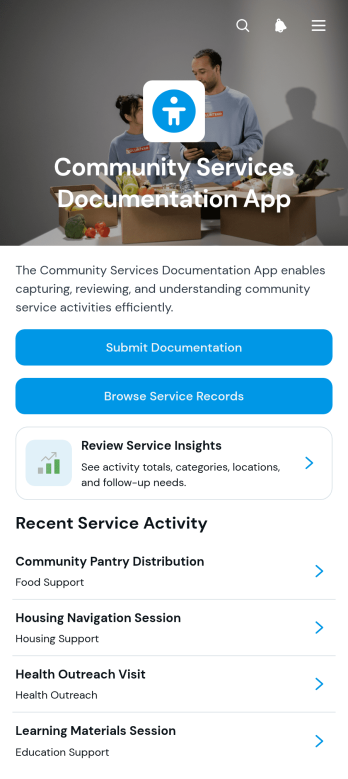
Community Services Documentation App
Community Services Documentation App gives nonprofits, outreach programs, local support teams, and community organizations a central place to record and review delivered services. Staff and volunteers can submit documentation, browse service records, and review service insights without relying on scattered files or disconnected notes. Each record can preserve essential context about the service, what happened, the outcome, follow-up needs, and reporter contact information. This app template supports consistent data collection across community visits, resource distribution, assistance programs, neighborhood initiatives, and other public-facing activities. It also helps coordinators monitor work, identify unresolved needs, and maintain clearer records for internal reporting and program evaluation.Jotform makes this App Template easy to adapt with a no-code app builder and an intuitive drag-and-drop interface. Organizations can update pages, navigation, colors, fonts, and branding to match their programs, then connect forms, tables, notifications, approvals, and related workflows. The finished app can be shared by link or QR code for convenient mobile access in offices or in the field. By bringing documentation and record browsing into one experience, Jotform supports smoother collaboration, faster access to information, and practical self-service for authorized team members without requiring programming knowledge.
Go to Category:Social Good Apps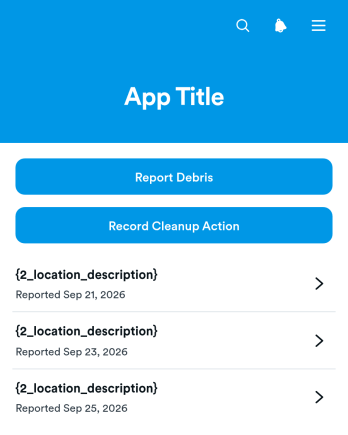
Marine Debris Response App
Marine Debris Response App is an app template for documenting debris sightings and coordinating shoreline, harbor, river, and coastal cleanup work. It gives environmental groups, nonprofits, volunteer teams, local agencies, and field crews a shared place to report debris, record cleanup actions, and review connected incident and response records. Teams can capture location details, debris type, estimated or collected amounts, and potential safety concerns without relying on scattered messages or paper notes. This clearer record supports faster prioritization, better assignment of field resources, and more consistent follow-up across recurring cleanup activities.Jotform turns this Marine Debris Response App template into a customizable mobile-friendly workspace without requiring code. Using the drag-and-drop app builder, organizations can adjust pages, branding, navigation, and content to suit their response process. Forms and connected data collection workflows keep incoming reports and cleanup updates organized, while direct links and QR codes make the app easy to share with staff, partners, or volunteers. Teams can start with ready-made app templates, add relevant resources and approval steps, and publish a practical self-service reporting experience for use in the field.
Go to Category:Social Good Apps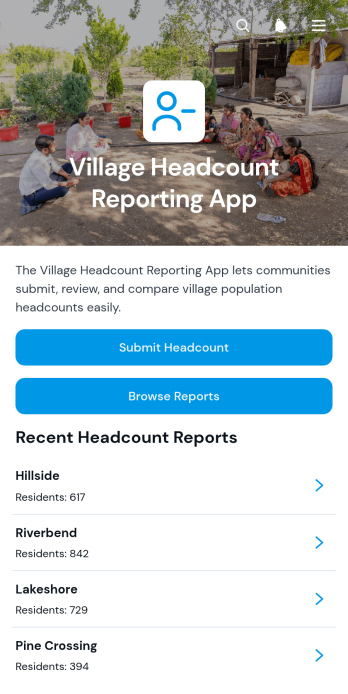
Village Headcount Reporting App
The Village Headcount Reporting App helps community coordinators, local administrators, field teams, and nonprofit program staff collect and review population counts across villages. Users can submit a headcount report, browse reports by village, and view key figures such as total residents and households. Keeping these records in one accessible location reduces scattered paperwork, supports consistent data collection, and gives authorized teams a clearer picture of the communities they serve. It is useful for periodic population updates, outreach planning, resource allocation, household surveys, and community development programs.With Jotform, this app template can be adapted to match an organization’s reporting process without writing code. The no-code app builder offers a drag-and-drop interface for updating pages, navigation, forms, and visual elements. Teams can connect submitted records to organized tables, create notifications around their workflow, and provide mobile-friendly self-service access for field personnel. After customizing the Village Headcount Reporting App, users can publish it through a direct link, personalized app URL, QR code, or embedded experience, making reports easier to submit and review from almost any device.
Go to Category:Report Apps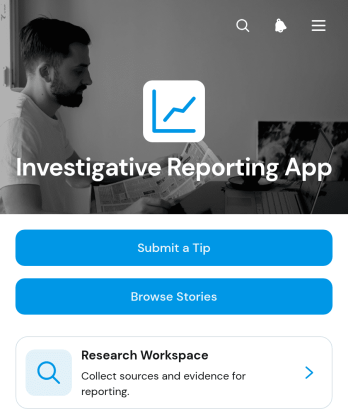
Investigative Reporting App
The Investigative Reporting App gives newsrooms, independent journalists, research teams, nonprofit investigators, and editorial organizations a central place to receive tips and develop stories. Contributors can submit leads, while authorized team members can browse story records, document sources, log evidence, and review publication status. By connecting intake with an organized research workspace, this app template reduces scattered records and helps teams maintain a clearer path from an initial tip to a developed report. It is especially useful for investigations involving multiple contributors, extensive research, or stories progressing through several editorial stages.Jotform makes this Investigative Reporting App easy to adapt without coding. Use the drag-and-drop app builder to update pages, navigation, colors, fonts, and branding, then connect forms and tables that support data collection and editorial workflows. Teams can publish a mobile-friendly experience and share it through a direct link or QR code. Jotform App Templates also make it simple to add approvals, notifications, and other connected processes as reporting needs evolve, creating a practical destination for tip intake, research organization, and team collaboration.
Go to Category:Report Apps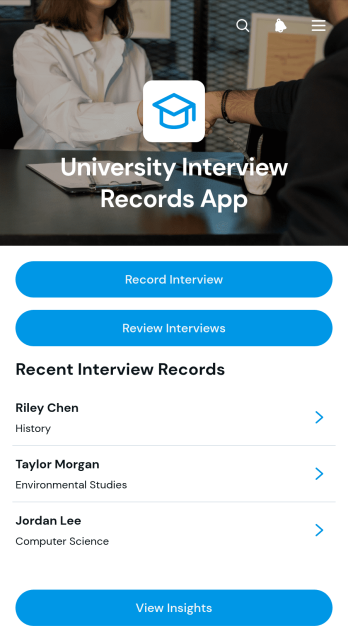
University Interview Records App
The University Interview Records App is an app template for recording, reviewing, and organizing candidate interviews across university admissions, recruitment, scholarship, or departmental selection processes. Admissions officers, faculty interviewers, hiring committees, and program coordinators can capture interview findings, browse candidate records, review recommendations, monitor follow-up activity, and view interview insights from one accessible location. By keeping notes and decisions connected to each candidate, teams gain clearer visibility, reduce scattered documentation, and support more consistent evaluations throughout the selection process.Jotform helps universities adapt this App Template without writing code. Its drag-and-drop App Builder makes it easy to adjust pages, navigation, colors, fonts, and branding while maintaining a polished, mobile-friendly experience. Teams can connect forms, tables, notifications, approvals, and other workflow steps to support data collection and internal collaboration. Once customized, the University Interview Records App can be shared through a direct link for convenient access by authorized interviewers and coordinators, creating a practical self-service resource for recording and reviewing interview information.
Go to Category:Education Apps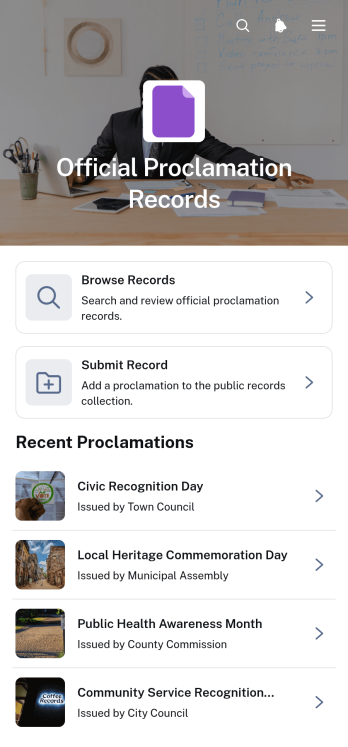
Official Proclamation Records App
The Official Proclamation Records App is a centralized resource for submitting, reviewing, and browsing official proclamation records. It suits municipal offices, public agencies, administrative teams, civic organizations, and records staff that need to make proclamations easier to collect and reference. Users can submit a proclamation through a connected form, browse organized records, and open individual entries for key details such as the issuing body, proclamation date, summary, and full text. By bringing intake and public access into one experience, the app reduces scattered files, supports consistent recordkeeping, and helps staff respond more quickly to information requests.Jotform App Templates make it simple to adapt this app template to an organization’s record management workflow. With Jotform’s no-code app builder and drag-and-drop interface, teams can update pages, navigation, branding, and content without programming. Connected forms support data collection, while tables and approval workflows can help staff organize submissions and review new records before sharing them. The finished app can be published through a direct link, custom app URL, embedded experience, or QR code, giving staff and community members convenient mobile-friendly self-service access.
Go to Category:Legal Apps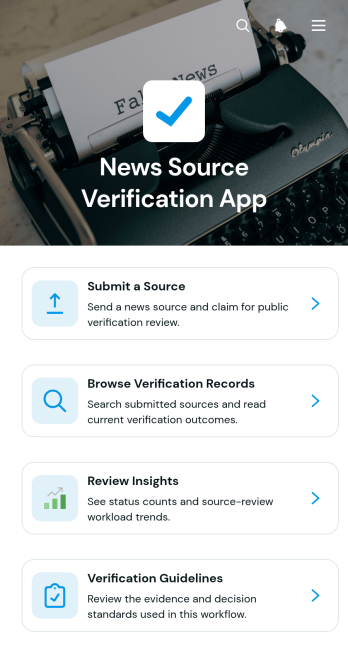
News Source Verification App
The News Source Verification App is a ready-to-use app template for collecting, reviewing, and documenting assessments of news sources. It supports journalists, editorial teams, educators, researchers, nonprofit organizations, and communications teams that need a consistent review process before using or sharing information. Users can submit a source, browse verification records, review insights, and consult verification guidelines from one organized location. The workflow encourages reviewers to check the source, compare supporting evidence, and record an outcome, helping teams preserve clear research trails, reduce duplicated work, and apply shared evaluation practices.Jotform Apps makes this template easy to adapt with a no-code app builder and a visual drag-and-drop interface. Teams can customize pages, navigation, colors, fonts, and branding while connecting forms and other resources to support data collection and collaborative review. The app builder also makes it simple to publish mobile-friendly self-service experiences and share them through a direct link, custom link, QR code, or embedded page. Start with one of Jotform’s App Templates, tailor the review workflow to your organization, and update content as verification methods evolve.
Go to Category:Audit Apps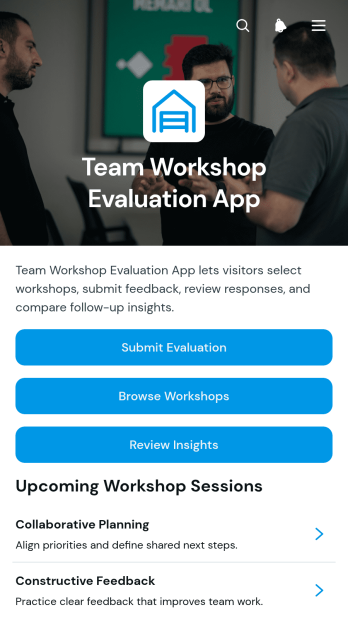
Team Workshop Evaluation App
Team Workshop Evaluation App gives team leaders, learning and development staff, facilitators, consultants, and human resources teams one organized place to gather and review feedback after internal workshops. Participants can browse available workshops, view key details such as the focus, date, and facilitator, and submit an evaluation for the relevant session. Collected responses help organizers assess overall ratings, recommendation levels, valuable takeaways, suggested improvements, and follow-up needs. This app template is well suited to employee training, leadership sessions, planning workshops, professional development programs, and collaborative team events where actionable participant feedback can shape future sessions.Jotform makes it easy to adapt this Team Workshop Evaluation App without writing code. Use the drag-and-drop app builder to update pages, navigation, visual styling, evaluation forms, and connected workflows for your organization. Workshop coordinators can centralize data collection, guide participants through a mobile-friendly self-service experience, and review insights without relying on scattered messages or separate documents. Once customized, the app can be published and shared through a direct link or QR code, giving teams convenient access before, during, or after each workshop.
Go to Category:Team Collaboration Apps