

Scheduling App Templates

Route Scheduling App
Route Scheduling App helps teams plan, organize, and share driving routes and daily stops in one place. Use it to create new routes, browse assigned routes, and review route requests as they come in, so dispatchers and field teams stay aligned without relying on scattered messages. It’s a practical fit for delivery operations, home service businesses, mobile sales teams, shuttle providers, and any organization coordinating multiple on-the-road schedules across locations.With Jotform, you can turn this use case into a polished self-service experience using App Templates and a no-code app builder with a drag-and-drop interface. Connect route planning to forms for data collection, route lists for quick browsing, and a workflow for reviewing incoming entries, then share the app by link or QR code for fast access on any device. As your routes change, update pages and content in minutes while keeping all route details organized in one Jotform-powered hub.
Go to Category:Transportation Apps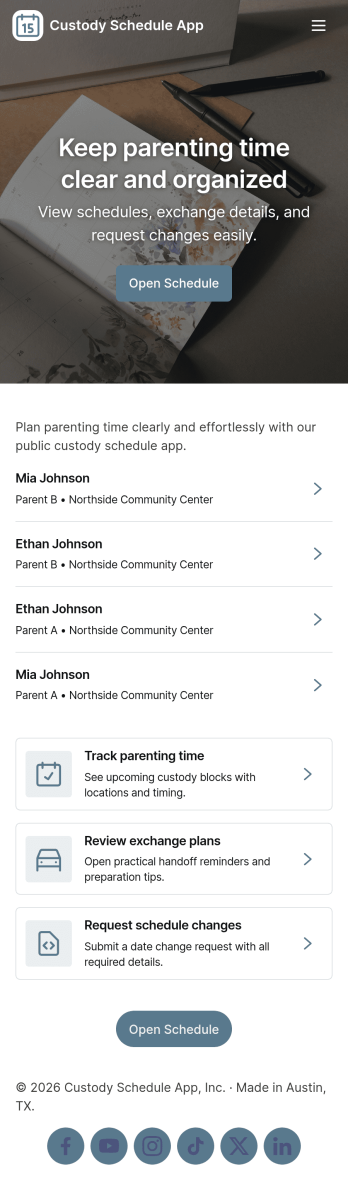
Custody Schedule App
Custody Schedule App helps co-parents and guardians share a clear custody calendar, keep child-by-child schedules easy to find, and coordinate changes without losing context. Use it to review upcoming custody time, open a specific child’s schedule from a simple list, and provide a central place for schedule-related information that both sides can access. It also supports exchange requests when plans change, giving families a consistent way to request adjustments and reduce confusion around pick-ups, drop-offs, and special dates.With Jotform, you can tailor this app template to match your routine using a no-code app builder and a drag-and-drop interface. Connect the app to forms for exchange requests and schedule updates, route information to the right person, and keep all activity organized in one self-service experience you can share by link. As your workflow evolves, you can update pages, buttons, and content anytime without starting over.
Go to Category:Scheduling Apps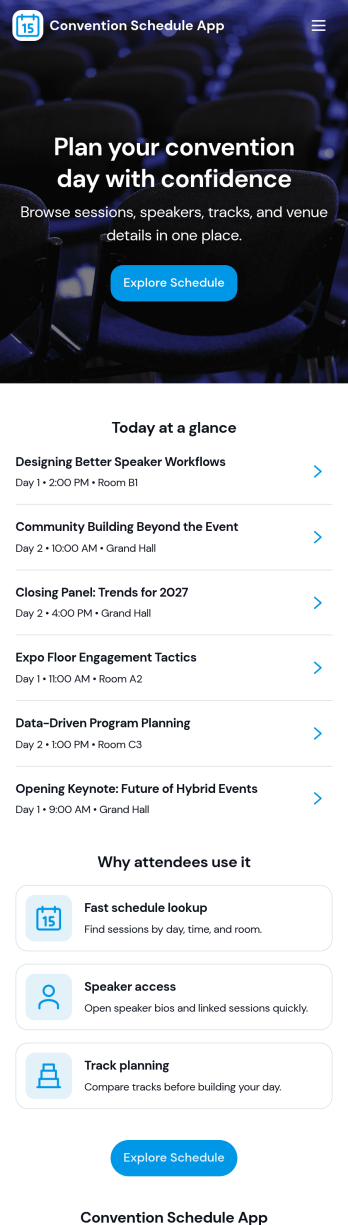
Convention Schedule App
A convention schedule app keeps attendees oriented from the moment they arrive by putting sessions, speakers, and exhibitors in one easy-to-browse place. Use it to publish the full agenda, help people find session details fast, and offer a simple way for organizers or presenters to add or submit new sessions as plans evolve. It’s a practical fit for trade shows, multi-track conferences, fan conventions, and community gatherings where schedules change, rooms fill up, and guests need quick answers on the go.With Jotform, you can turn this app template into a branded, mobile-friendly experience using a no-code app builder and a drag-and-drop interface. Connect the app to forms and data collection so session submissions can flow into your schedule workflow, then share the app by link or QR code for convenient self-service access. Update content anytime, keep information organized across pages, and deliver a smoother event experience without relying on complex development.
Go to Category:Event Planner Apps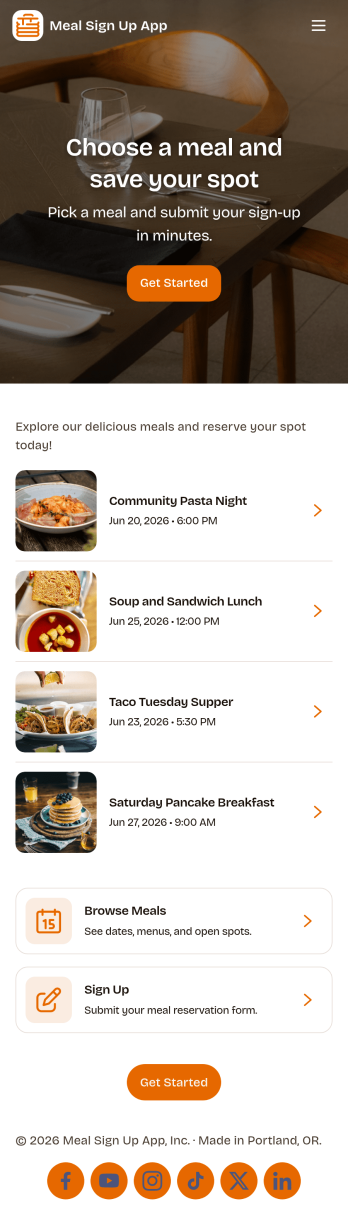
Meal Sign Up App
Meal Sign Up App helps groups coordinate who is bringing or providing which meals, without messy message threads or last-minute gaps. It’s a practical fit for schools, churches, nonprofits, office teams, sports groups, and community organizers who need a simple way for people to pick a meal and commit. With dedicated areas to sign up, browse the meal list, and review personal selections, everyone can quickly see what’s available and what they’ve already chosen, which reduces duplicates and missed meal slots.Jotform makes it easy to turn this experience into a polished self-service app using App Templates and a no-code app builder. Customize the layout with a drag-and-drop interface, connect the app to forms and tables for data collection, and keep your workflow organized as signups come in. Share the app with a link so participants can access it on any device, and update the meal options anytime to keep information current.
Go to Category:Food & Beverage Apps
Marketing Calendar App
A marketing calendar app brings your plans and campaigns into one place so teams can organize upcoming launches, keep campaign briefs accessible, and track what’s next without digging through scattered docs. Use it to map initiatives by date, review campaign details, and make sure deliverables are aligned across channels. It’s a practical fit for marketing teams, agencies, and growing businesses that run multiple promotions at once and need a clear view of priorities, ownership, and timing.With Jotform, you can turn this marketing calendar app template into a polished self-service workspace using a no-code app builder and a drag-and-drop interface. Connect buttons to your calendar views and link brief intake to a form for consistent data collection, then keep campaign information organized so teammates can collaborate around a shared workflow. Publish and share your app in minutes, update content as plans change, and give stakeholders an easy way to stay informed.
Go to Category:Sales & Marketing Portal Apps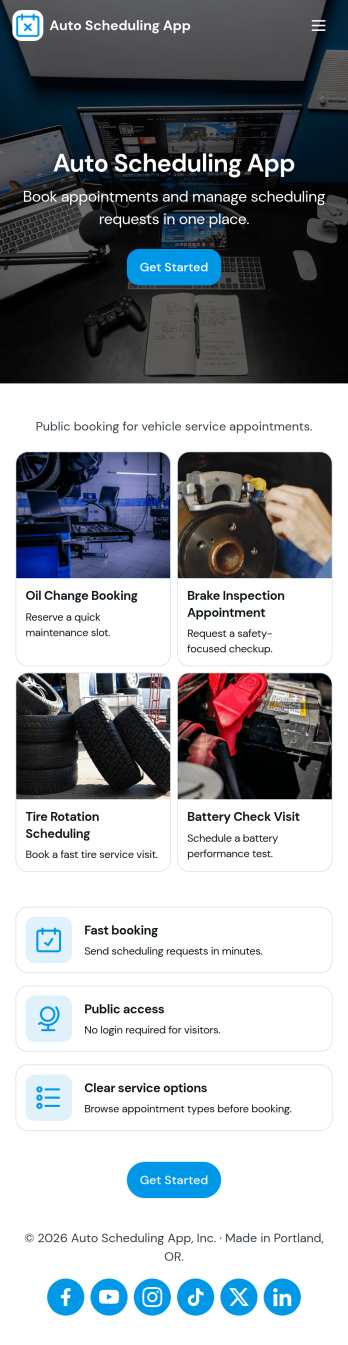
Auto Scheduling App
Auto Scheduling App helps teams and service providers manage appointments without the constant manual coordination that slows everyone down. From a central dashboard, people can create a new booking, review upcoming appointments, and quickly spot availability through an at-a-glance overview. It’s a practical fit for small businesses, clinics, consultants, field service teams, and internal departments that schedule recurring sessions, client visits, or shared resources and want a clearer flow from request to confirmed time.With Jotform App Templates, you can publish a scheduling experience that feels organized and easy to navigate, then tailor it to how you work. Use Jotform’s no-code app builder and drag-and-drop interface to adjust pages, refine booking fields, and route users to the right actions. Connect your scheduling workflow to a form and keep data collection consistent across entries, so updates to working hours, appointment details, and scheduling preferences stay in one place for faster self-service and smoother day-to-day operations.
Go to Category:Scheduling Apps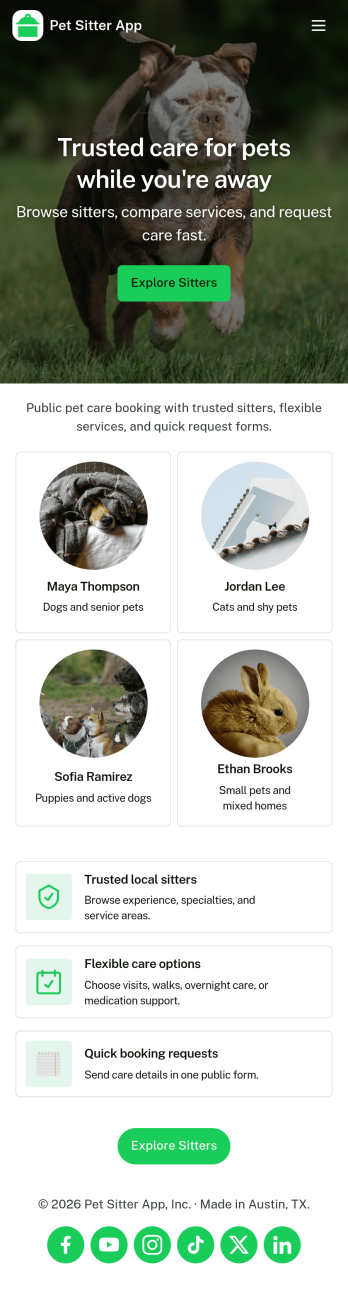
Pet Sitter App
Pet Sitter App helps pet sitters and pet care teams keep pet details and visit activity organized in one place. Use it to add new pets, maintain simple pet records, and log each visit so you always have a clear history of care. It’s a practical fit for independent sitters, dog walkers offering add-on check-ins, and small pet care businesses that need a consistent way to track what happened during each visit and quickly access key information while on the go.With Jotform, you can turn this app template into a branded, mobile-friendly self-service experience without coding. Customize pages with a drag-and-drop interface, connect buttons to forms for fast data collection, and keep records in sync for smoother day-to-day workflow. Share the app by link so you can update pet profiles, record visits, and keep important contact actions like calling the owner easy to find.
Go to Category:Pet Care Apps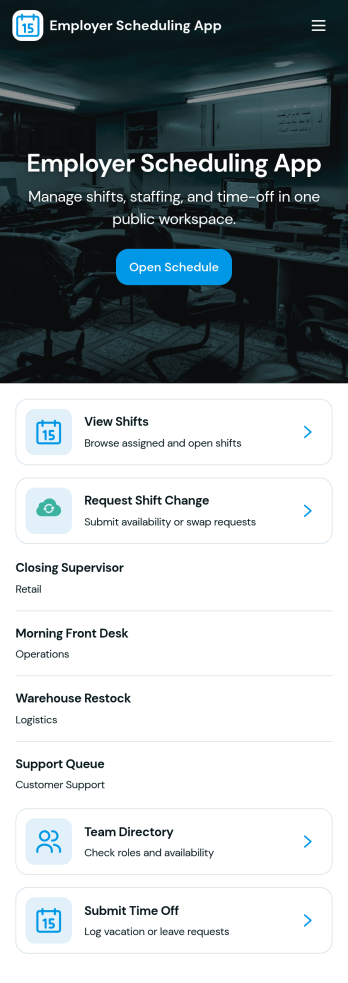
Employer Scheduling App
Employer Scheduling App helps managers and employees coordinate staffing without chasing updates across texts, emails, or spreadsheets. Use it to publish open shifts, collect employee availability, and manage time off requests in one place so coverage decisions are faster and clearer for everyone. It fits shift-based teams in retail, hospitality, healthcare clinics, warehouses, and field operations, as well as any workplace that needs dependable weekly scheduling and visibility into who can work.Built with Jotform, this app template combines self-service actions with organized records to keep scheduling workflows moving. With a no-code app builder and a drag-and-drop interface, you can tailor pages, buttons, and navigation to match your scheduling process, then connect forms and tables for ongoing data collection and tracking. Share the app with a link so staff can add shifts, submit availability, and request time off while managers review all shift records and requests from a central hub.
Go to Category:HR Portal Apps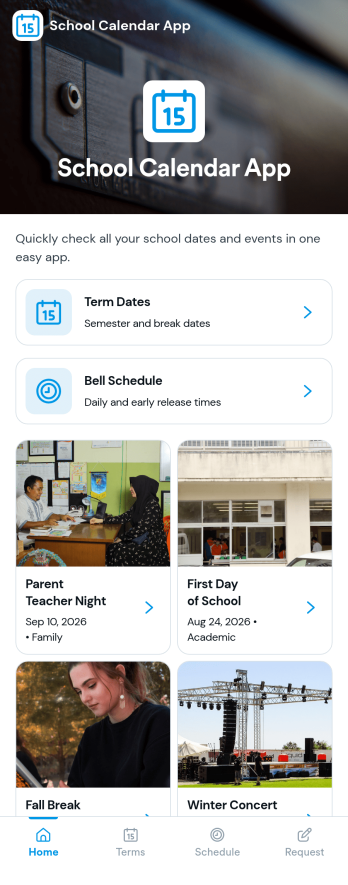
School Calendar App
School Calendar App helps schools keep key dates and daily timing in one place, so students, families, and staff always know what’s coming up. Use it to publish term dates, share a bell schedule, and make it easy for the community to browse upcoming items without hunting through emails or PDFs. It also includes a calendar request option, which is helpful when teachers, club leaders, or office staff need to propose assemblies, field trips, testing windows, or other school events for consideration.With Jotform, you can turn this school calendar experience into a branded, mobile-friendly destination using a no-code app builder and a drag-and-drop interface. Connect the app to your existing data collection and workflow needs by linking a request form and organizing calendar information in one place for self-service access. Update content as schedules change, share the app by link or QR code, and keep everyone aligned throughout the school year.
Go to Category:Education Apps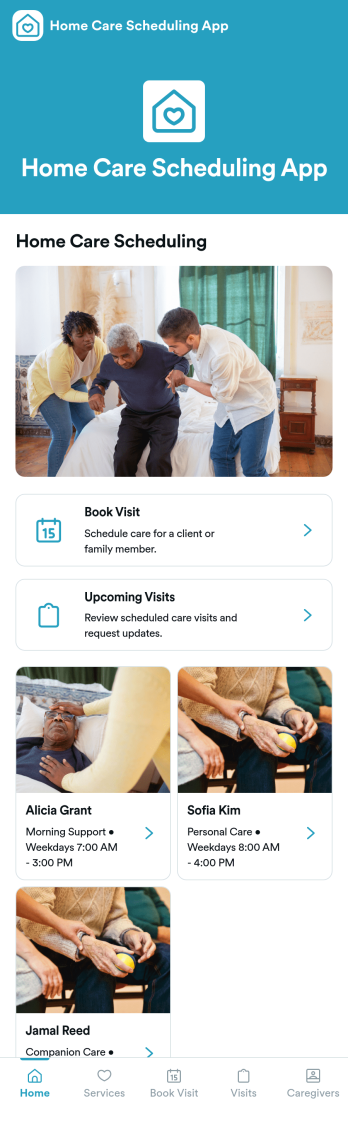
Home Care Scheduling App
Home Care Scheduling App helps home care providers coordinate in-home visits by giving clients and staff one place to book services and view what’s coming up. Use it to offer visit types such as morning support, companion care, and personal care, route requests through a simple booking flow, and keep an easy-to-scan list of upcoming visits. It’s a practical fit for private caregivers, small home care agencies, and care coordinators who need fewer missed appointments and clearer day-to-day planning across multiple clients.Built with Jotform, this app template can be tailored in a no-code app builder using a drag-and-drop interface, so you can match your scheduling workflow without starting from scratch. Connect the booking experience to forms for data collection, organize visit details in tables, and create a self-service experience you can share by link or QR code. As your operations grow, Jotform makes it easier to update pages, adjust what users see, and keep scheduling information consistent across the team.
Go to Category:Scheduling Apps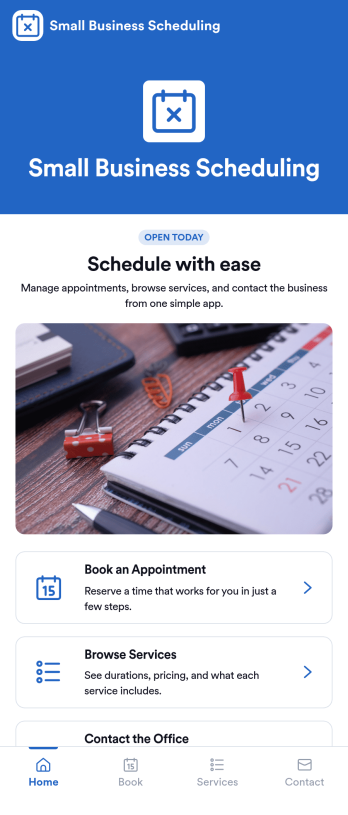
Small Business Scheduling App
A small business scheduling app helps service-based teams manage bookings in one place, so staff can see what’s happening today, add a new booking quickly, and keep customer requests organized. This template fits salons, studios, home service providers, consultants, and local shops that juggle multiple appointments and need an easy way to view schedules, capture booking details, and maintain a reliable list of upcoming work without relying on scattered notes or messages. With quick navigation to Today, New Booking, and an all-bookings view, it supports day-to-day coordination at the front desk or on the go.Jotform makes it simple to turn scheduling workflows into a polished, shareable experience using App Templates and a no-code app builder. Customize pages with a drag-and-drop interface, connect buttons to your booking form, and keep records organized through connected tables and request tracking. Publish your Small Business Scheduling App with a link for your team, update it anytime, and use Jotform for consistent data collection and smoother workflow management as your business grows.
Go to Category:Appointment & Booking Apps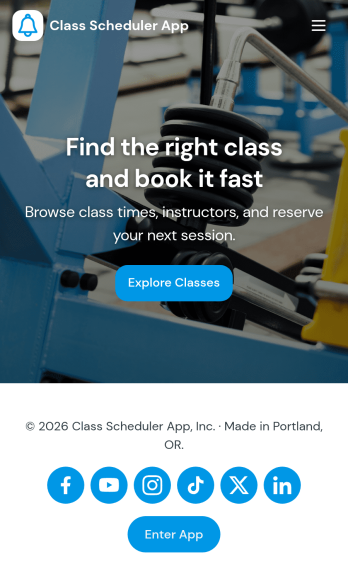
Class Scheduler App
Class Scheduler App helps schools, studios, and training teams organize class offerings and handle schedule changes in one place. Learners can browse available classes, open a class for details, and submit schedule requests without hunting through emails or messages. It’s a strong fit for course coordinators, tutoring centers, fitness instructors, and education programs that need a simple way to keep classes discoverable while giving people a clear path to request updates.Built with Jotform App Templates, this app template pairs a clean, mobile-friendly class browsing experience with connected request forms for faster data collection and smoother workflow follow-through. Customize pages with Jotform’s no-code app builder and drag-and-drop interface, then share the app link with students or staff so they can view classes, submit new requests, and check My Requests from anywhere.
Go to Category:Scheduling Apps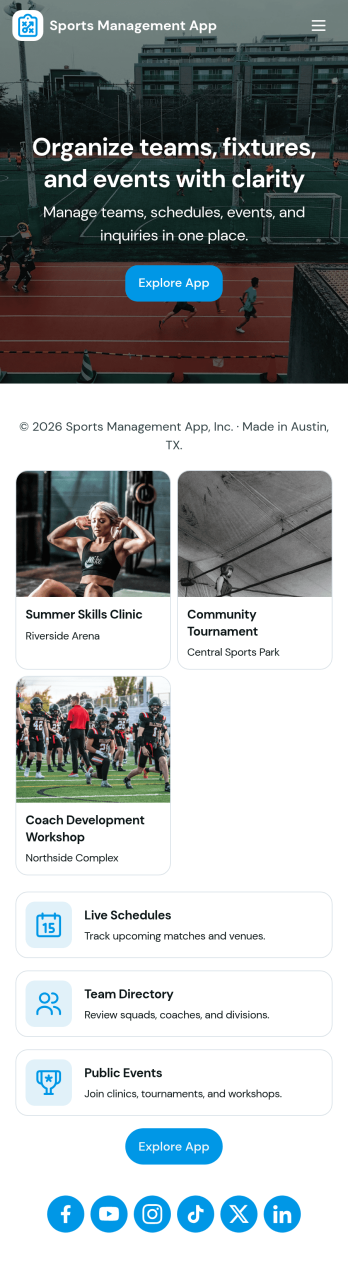
Sports Management App
Sports Management App brings key team information into one place so coaches, managers, and club admins can keep athletes organized and informed throughout the season. Use it to maintain a roster, share schedules, capture athlete updates through simple add and log forms, and keep training notes and reports easy to find when you need them. It fits youth leagues, school teams, travel clubs, and community programs that juggle changing lineups and busy calendars, especially when multiple staff members need quick access to the same athlete details.Built with Jotform, this app template helps you launch a mobile-friendly hub without coding, then tailor it to your program using a drag-and-drop interface. Connect buttons to forms and tables for fast data collection, route information to the right people with connected workflows, and share the app with a link so your staff can use it on the go. As your season evolves, you can update pages, add resources, and keep athlete records consistent in a single Jotform experience.
Go to Category:Sports Apps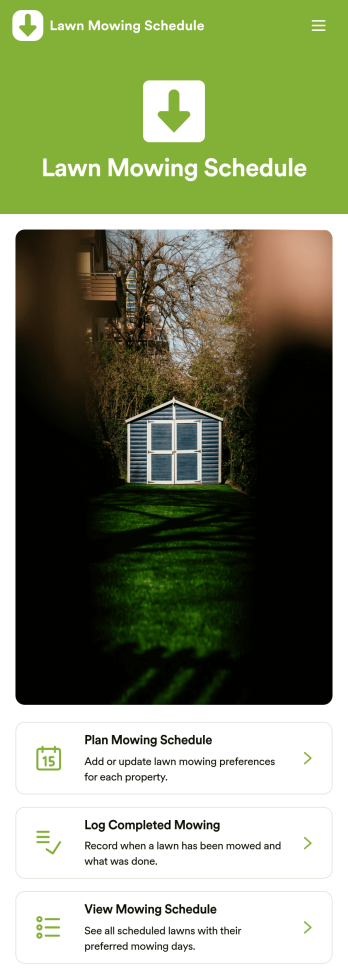
Lawn Mowing Schedule App
Lawn Mowing Schedule App helps you plan recurring mowing visits, record completed work, and keep each property’s status easy to check in one place. It’s a practical fit for lawn care businesses, solo landscapers, property managers, and HOA teams that need a clear routine for multiple lawns. Use it to set up schedules per lawn owner, confirm what’s coming up next, and reduce missed stops by keeping the plan visible to the whole team.With Jotform, you can turn scheduling and recordkeeping into a mobile-friendly self-service experience using App Templates and a no-code app builder. Customize pages with a drag-and-drop interface, link cards to your forms, and organize entries so your mowing schedule and mowing logs stay accessible whenever you’re on the go. Share the app by link or QR code so crews can update work in the field and office staff can track progress without chasing updates.
Go to Category:Home Services Apps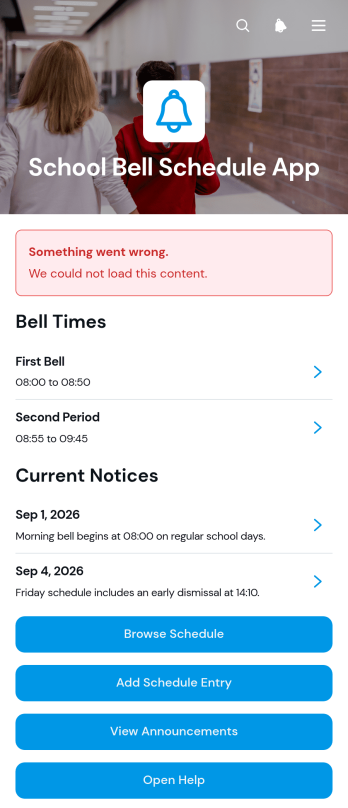
School Bell Schedule App
The School Bell Schedule App is a ready-to-use app template for schools that need to publish daily bell times, organize schedule entries, and keep their communities informed about changes. Administrators and office teams can add entries by period, location, school day, and bell window, while students, teachers, and families can browse current schedule information from one convenient place. Dedicated announcements and help access make it easier to communicate altered timetables, special events, testing days, and other updates without relying on scattered messages. This shared resource reduces uncertainty and supports smoother transitions throughout the school day.Jotform App Templates help educational teams create accessible digital resources without writing code. Using Jotform’s no-code app builder and drag-and-drop interface, schools can customize pages, navigation, colors, fonts, and content to reflect their needs. The app can connect with forms and related workflows for data collection, schedule updates, and staff contributions. Once ready, it can be shared by a direct link or QR code, giving users mobile-friendly self-service access to bell schedules and announcements wherever they are.
Go to Category:School Management Apps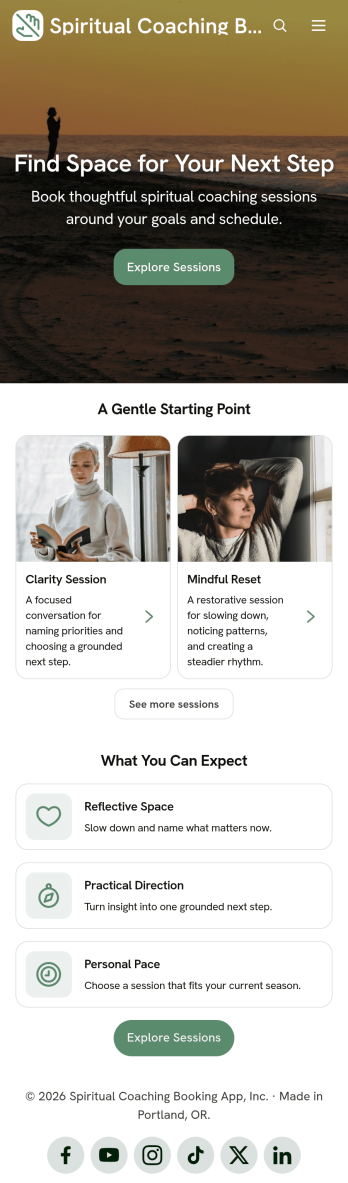
Spiritual Coaching Booking App
The Spiritual Coaching Booking App gives independent coaches, wellness practitioners, and small coaching practices a welcoming place where clients can learn about available sessions and request an appointment. Visitors can review session overviews, understand areas of focus and availability, explore reflection resources, and follow clear booking guidance from one mobile-friendly experience. It is especially useful for practitioners who want to reduce booking friction, help prospective clients find a suitable session, and share supportive information before or after an appointment. By bringing discovery, booking access, and resource navigation together, the app creates a more organized client journey while leaving room for a personal approach.Jotform makes this app template easy to adapt without writing code. Use the drag-and-drop app builder to update pages, colors, images, buttons, and content so they reflect your coaching style. You can connect forms for data collection, organize resources, and build workflows that notify your team or support follow-up tasks. Once the app is ready, publish it through a direct link or QR code for convenient self-service access. Jotform App Templates also make it simple to refine the experience as your sessions, availability, and client resources evolve.
Go to Category:Appointment & Booking Apps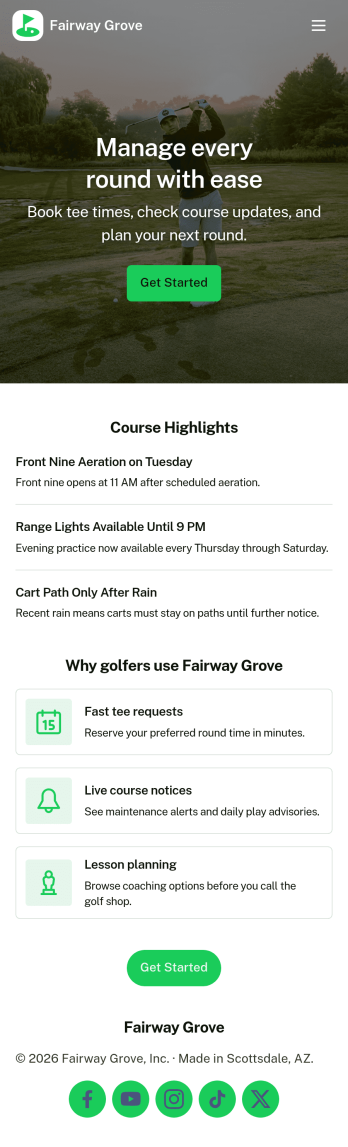
Golf Course Management App
Golf Course Management App brings day-to-day course operations into one place so staff can manage tee time activity, ongoing upkeep, and on-course issues without juggling multiple systems. Use it to view bookings, reference a tee sheet, add new reservations, assign maintenance tasks, and capture incident reports as they happen. It’s a practical fit for golf course managers, pro shops, starters, grounds crews, and supervisors who need quick visibility into what’s happening across the property.Built with Jotform, this app template helps teams deliver a self-service internal workflow with a drag-and-drop interface and a no-code app builder. Connect your booking, maintenance, and incident forms to keep data collection consistent, then share the app with your crew through a link or QR code. As activity grows, you can refine pages, update navigation, and keep records organized in one streamlined experience.
Go to Category:Sports Apps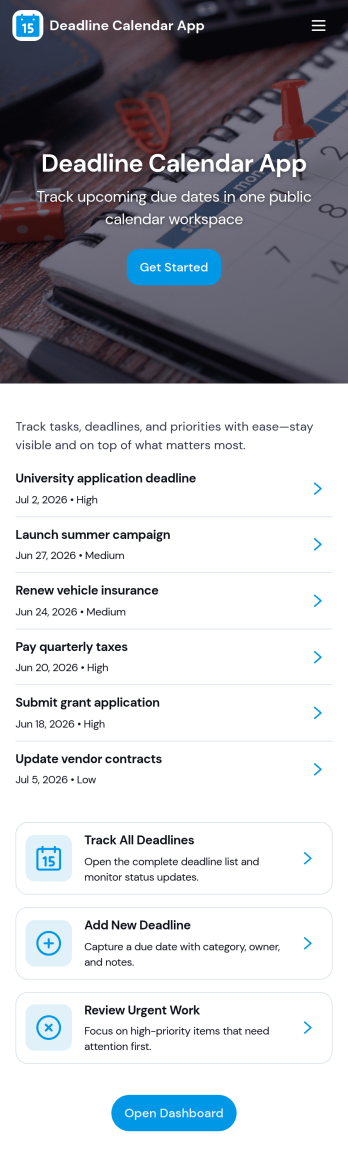
Deadline Calendar App
Deadline Calendar App helps you capture, view, and prioritize important due dates in one place so nothing slips through the cracks. Add new deadlines through a simple intake form, then browse upcoming items in organized lists and jump into details fast. With separate areas for work deadlines and personal deadlines, it fits teams balancing client deliverables as well as individuals tracking school assignments, renewals, applications, or bill due dates.Built with Jotform App Templates, this app template is easy to tailor for your workflow using Jotform’s no-code app builder and drag-and-drop interface. Connect your deadline data collection to tables, set up workflow steps like approvals or reminders, and publish a self-service experience you can share by link or QR code. Update labels, pages, and branding to match your process, then keep deadline tracking consistent across devices without adding extra tools.
Go to Category:Planner Apps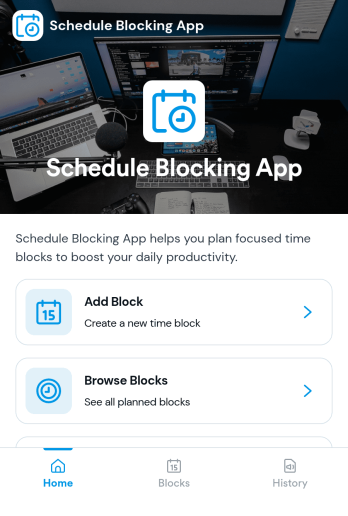
Schedule Blocking App
Schedule Blocking App helps individuals and teams reserve protected time on a calendar so focused work, appointments, and personal commitments don’t get crowded out. Use it to add new blocks in seconds, keep a clear list of upcoming blocks, and browse blocks by category or purpose. It fits freelancers planning deep-work sessions, managers holding meeting-free windows, service providers spacing bookings, and students organizing study sprints. By centralizing blocks in one place, it becomes easier to avoid double-booking, maintain realistic daily plans, and communicate availability expectations.Jotform makes it simple to turn this schedule blocking workflow into a shareable, mobile-friendly experience. With Jotform’s no-code app builder and drag-and-drop interface, you can tailor pages, buttons, and navigation to match how you plan your week, then connect the app to your data collection flow so new blocks are captured consistently. Publish with a link and keep your schedule blocks organized, searchable, and easy to revisit as priorities change.
Go to Category:Scheduling Apps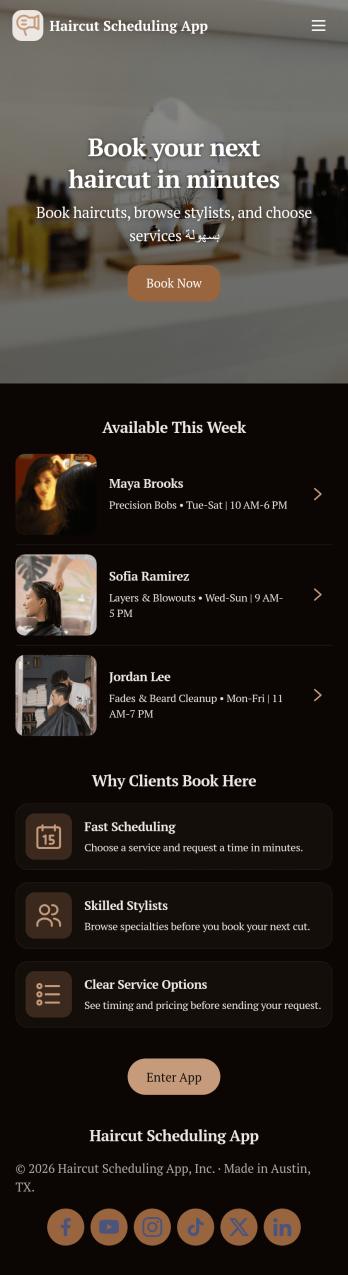
Haircut Scheduling App
Haircut Scheduling App helps salons and independent stylists manage appointments in a simple, customer-friendly way. Clients can browse services, meet stylists, and book an appointment from one place, then check upcoming visits in My Bookings without calling the front desk. It’s a strong fit for hair salons, barbershops, booth renters, and mobile stylists who want a clear menu of services and a smoother scheduling experience across busy days and multiple team members.With Jotform, you can customize this app template with a no-code app builder and a drag-and-drop interface that keeps updates easy for any team. Connect the booking flow to a form for consistent data collection, route requests into the right workflow, and keep scheduling information organized as your business grows. Share the app with a link or QR code, tailor the look to match your brand, and give clients a self-service way to book and review their appointments anytime.
Go to Category:Customizable Hair Salon Apps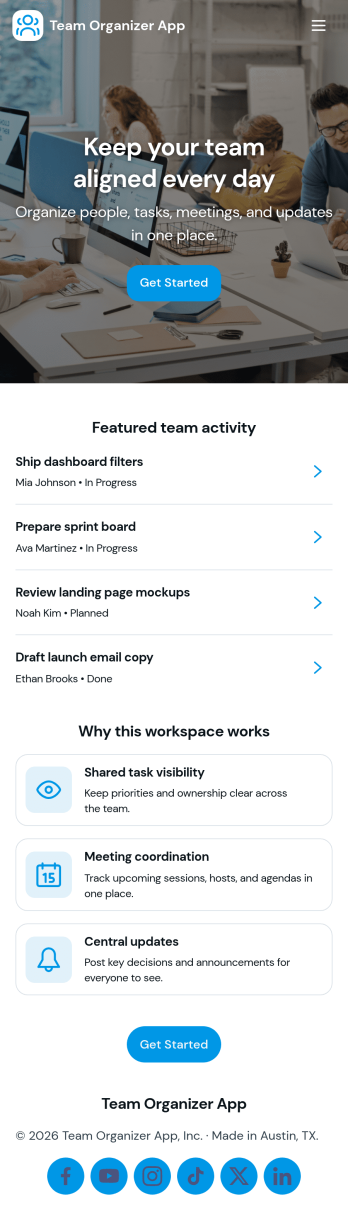
Team Organizer App
Team Organizer App brings your team’s day-to-day coordination into one place so everyone can see what needs to happen next. Use it to assign and review tasks, keep a shared schedule of meetings, and maintain a simple team directory for quick reference. It’s a practical fit for project leads, department managers, and operations teams who need clearer ownership and fewer missed handoffs across recurring work.With Jotform, you can turn this app template into a branded, self-service workspace using a no-code app builder and a drag-and-drop interface. Connect task updates, meeting entries, and team member records to your workflows so information stays organized and easy to access from anywhere. As your team grows, you can adjust pages, permissions, and connected data collection to match how your organization actually runs.
Go to Category:Task Management Apps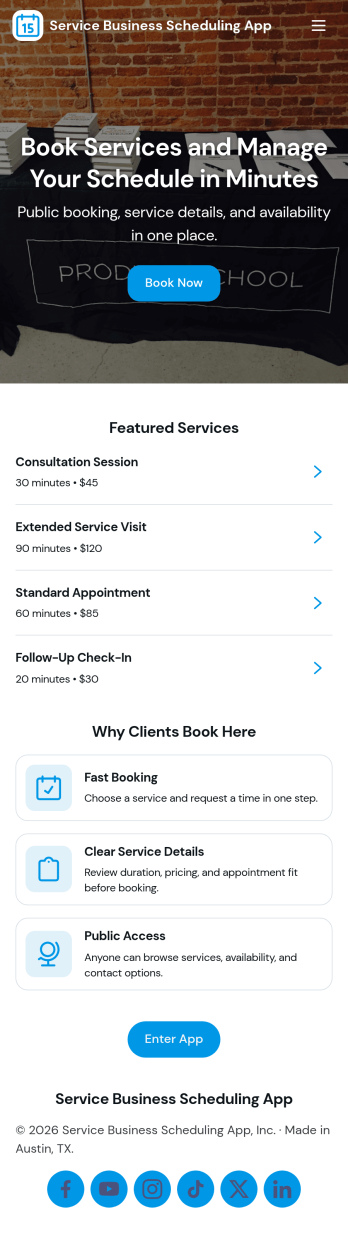
Service Business Scheduling App
A service business scheduling app brings your services and booking options into one place so customers can explore what you offer and request appointments without extra calls or emails. This template fits home service providers, salons, studios, consultants, and local teams that need a simple way to present services, route people to the right option, and keep bookings organized. Visitors can browse available services, open service details, and book directly from the app, which helps reduce missed opportunities and keeps scheduling consistent as your business grows.Jotform makes it easy to build and publish app templates like this with a no-code app builder and a drag-and-drop interface. Connect your service list to your data collection workflow, then link pages to a booking form so requests go to the right place. You can update services anytime, share the app with a link or QR code, and keep appointment activity accessible for your team and customers through a smooth self-service experience.
Go to Category:Appointment & Booking Apps
Garden Calendar App
A garden calendar app helps gardeners and small growing teams keep seasonal work organized in one place, so planting, care, and harvest tasks don’t slip through the cracks. Use it to browse seasonal tasks by time of year, keep a simple planting log for what you put in the ground and when, and reference a crop guide when you need quick direction on timing and basic growing notes. It works well for home gardeners, community gardens, school gardens, and small farms that want a clear routine for weekly garden planning without relying on scattered notes.Jotform makes it easy to turn this Garden Calendar App into a shareable, self-service experience using App Templates and a no-code app builder. Customize pages with a drag-and-drop interface, connect forms and data collection to your planting log, and keep your workflow consistent as plans change through the season. Share the app by link so everyone can follow the same schedule, track updates, and stay aligned from seed starting through harvest.
Go to Category:Planner Apps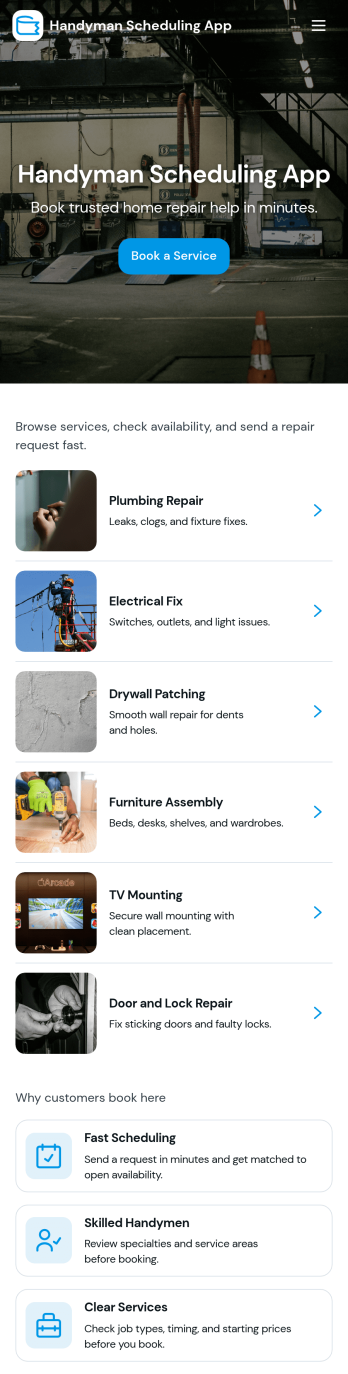
Handyman Scheduling App
Handyman Scheduling App helps home service providers organize appointments and keep a steady pipeline of jobs without juggling calls, texts, and scattered notes. Use it to let customers book a service from a simple menu, browse available job types, and move from selection to booking in a few taps. It works well for independent handymen, small repair teams, property managers coordinating maintenance, and office staff who need a clear view of what’s coming up and what still needs to be scheduled.Built with Jotform App Templates, this app template can be tailored with Jotform’s no-code app builder and drag-and-drop interface to match your services and scheduling rules. Connect booking forms to collect the details you need for each visit, route information into your workflow, and share the app with a link so customers and team members always know where to go to request work and view job options.
Go to Category:Appointment & Booking Apps