

Scheduling App Templates

Student Scheduling App
A student scheduling app gives students and staff one place to request, book, and review academic support sessions without confusion about timing or availability. This template fits tutoring centers, advising offices, student success teams, and instructors who need a simple way to route session requests and keep daily plans visible. With quick access to book a session, view today’s schedule, and check my requests, it supports self-service scheduling while keeping requests organized for follow-up.Jotform makes it easy to publish this experience as a shareable app using a no-code app builder and a drag-and-drop interface. Connect the app to your Jotform form and linked data so students can send requests, staff can track updates in real time, and everyone can navigate schedules from any device. As your workflow changes, you can adjust pages, buttons, and lists in minutes, then share the updated app instantly with a link or QR code.
Go to Category:Scheduling Apps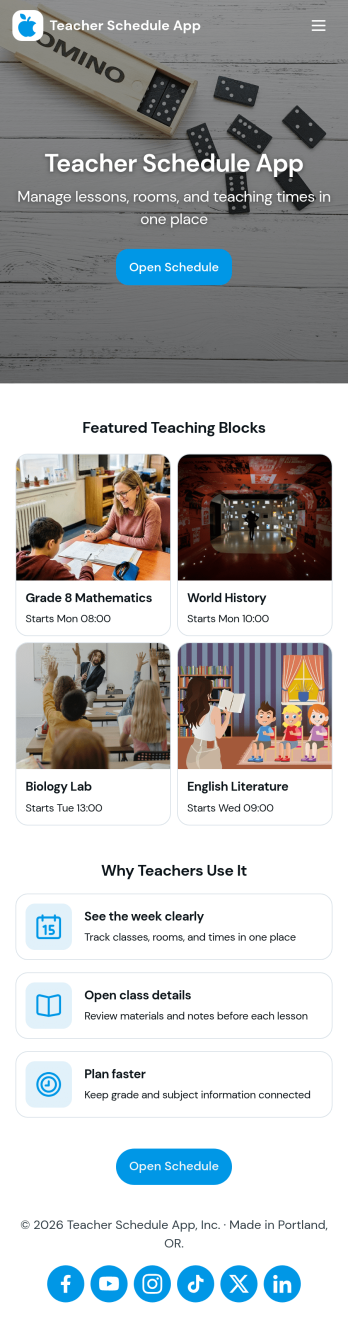
Teacher Schedule App
Teacher Schedule App brings a clear, shareable view of teaching timetables into one place, helping educators and school staff keep day-to-day schedules organized while making it easy to submit and track schedule-related requests. Use it to publish teacher schedules, reduce confusion around coverage, and give teachers a simple path to add a request when something changes. With dedicated areas for a timetable, requests, and a personal view of submitted items, it fits schools that coordinate multiple teachers across periods, rooms, and rotating duties.Built with Jotform, this app template helps you turn scheduling workflows into a self-service experience without code. Using a drag-and-drop interface, you can customize pages, connect request forms, and organize schedule data so updates are easy to manage and quick to find. Share the app through a link for fast access across devices, and keep schedule requests and submissions flowing through one connected workflow.
Go to Category:Scheduling Apps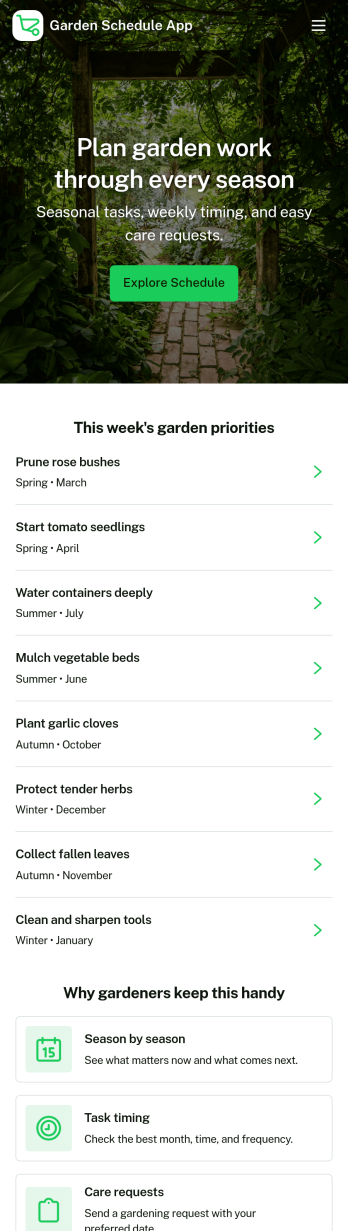
Garden Schedule App
Garden Schedule App helps home gardeners, community garden members, and small landscaping teams plan what needs to happen in each plot and keep daily care on track. Use it to review Today’s Tasks, check Plot Status at a glance, and log routine work like watering, feeding, weeding, and observations as the season changes. It fits raised beds, backyard gardens, school gardens, and shared allotments where multiple people need clarity on what’s next and what’s already been handled.With Jotform, you can turn your garden routine into a mobile-friendly self-service experience using ready-made app templates and a no-code app builder. Customize pages with a drag-and-drop interface, connect buttons to forms for consistent data collection, and keep your workflow organized with lists for plans and activity logs. Share the app with a link so everyone involved can follow the same schedule and record updates in one place.
Go to Category:Scheduling Apps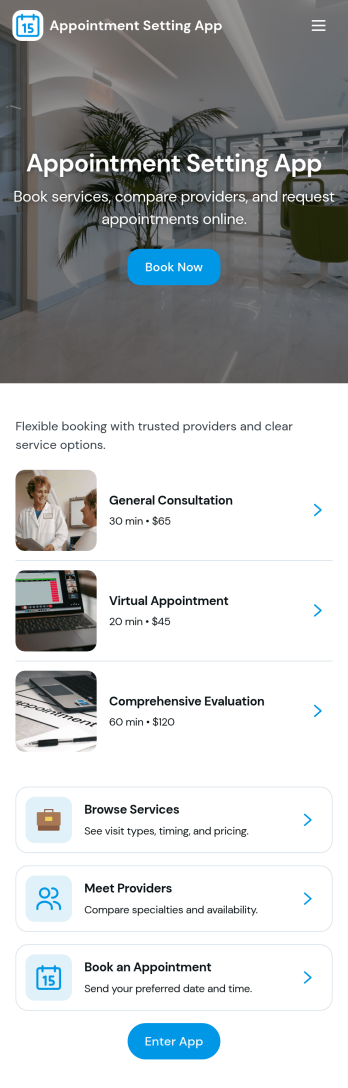
Appointment Setting App
Appointment Setting App helps service-based teams and independent professionals organize how clients find the right provider and secure a time slot in one place. Use it to showcase available providers, guide people to book an appointment, and give clients a simple way to check their upcoming visits. It’s a practical fit for salons, clinics, consultants, tutors, and local services that want a clear booking experience without long email threads or missed calls.With Jotform App Templates, you can turn your scheduling flow into a polished, shareable experience using a no-code app builder and a drag-and-drop interface. Connect the app to your forms for data collection, route requests into a workflow, and keep everything easy to access for clients through self-service. Customize pages, update provider details, and share your app by link or QR code so booking stays consistent across devices.
Go to Category:Appointment & Booking Apps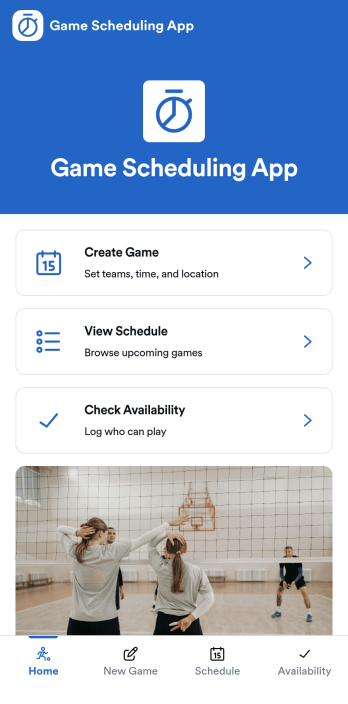
Game Scheduling App
Game Scheduling App helps teams and organizers create games, coordinate availability, and publish a clear schedule players can rely on. Use it to collect game requests, confirm who can play, and keep everyone aligned across leagues, clubs, schools, or community groups. With quick actions to create a game, view the schedule, and check availability, it’s easy to reduce missed messages and last-minute confusion while keeping updates in one place.Built with Jotform, this app template pairs self-service navigation with connected forms for data collection and ongoing workflow. Customize pages with a drag-and-drop interface, share the app with a link, and keep game requests and check-ins organized as responses come in. Jotform’s no-code app builder makes it simple to adapt the experience for different sports, locations, and seasons without changing how your team works.
Go to Category:Scheduling Apps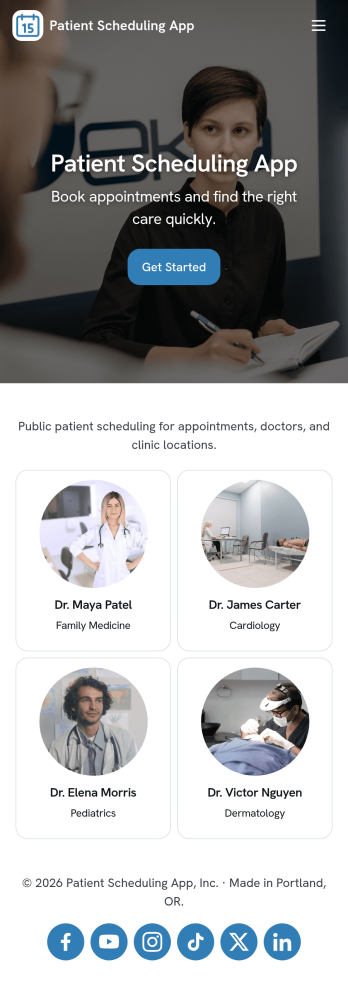
Patient Scheduling App
Patient Scheduling App helps healthcare teams organize appointment requests, keep a clear view of upcoming visits, and guide patients to the right next step from a single place. Use it to offer a simple way to book an appointment, review a schedule overview, and access help or contact options without confusion. It fits clinics, private practices, dental offices, therapy providers, and specialty care centers that want a consistent scheduling experience for staff and patients.Built with Jotform App Templates, this app template can be tailored with Jotform’s no-code app builder and drag-and-drop interface, then shared with a link or QR code for fast self-service access. Connect your booking forms and scheduling records to keep data collection organized, reduce manual follow-ups, and support a smoother workflow across front desk staff and care teams.
Go to Category:Appointment & Booking Apps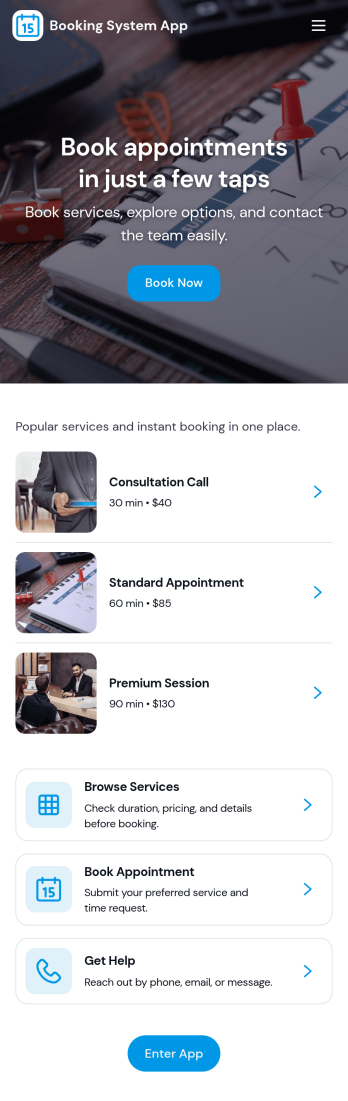
Booking System App
Booking System App helps teams accept new bookings, review upcoming appointments, and open each request to see booking details in one place. It’s a practical fit for service businesses, studios, clinics, consultants, and any organization that needs a clear way to capture customer information, reduce missed requests, and keep scheduling organized across staff. With a prominent New Booking button and a quick-entry option, the app supports faster intake when you’re on the phone, at the front desk, or handling walk-ins.Built with Jotform App Templates, this app can be tailored to match how your organization schedules services. Use Jotform’s no-code app builder and drag-and-drop interface to adjust pages, refine navigation, and connect your booking form to a table view where you can browse all bookings. As bookings come in, you get a consistent workflow for data collection and self-service sharing, so customers and internal teams always know where to start and what’s next.
Go to Category:Booking Apps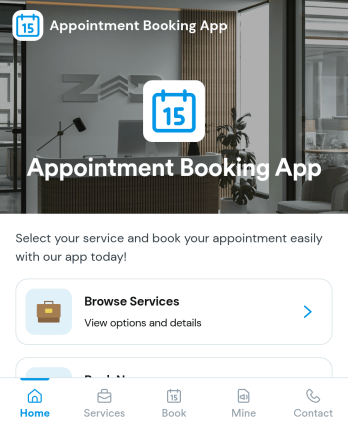
Appointment Booking App
Appointment Booking App helps service-based teams and solo providers take booking requests, guide people to the right appointment type, and keep upcoming visits easy to review in one place. Use it for consultations, follow-ups, and check-ins where you want a simple self-service experience that reduces missed messages and keeps scheduling organized for staff and clients alike. Visitors can start with a Book Appointment option, submit a Booking Request form, and quickly find their own requests when they need to confirm details.Built with Jotform, this app template works with a no-code app builder and a drag-and-drop interface, so you can adjust pages, update labels, and tailor the flow to match how you schedule. Share it with a link or QR code, keep requests connected to your data collection, and give people clear next steps with navigation to Upcoming plus quick contact buttons like email and phone. It’s an easy way to turn your booking workflow into a mobile-friendly hub without extra complexity.
Go to Category:Appointment & Booking Apps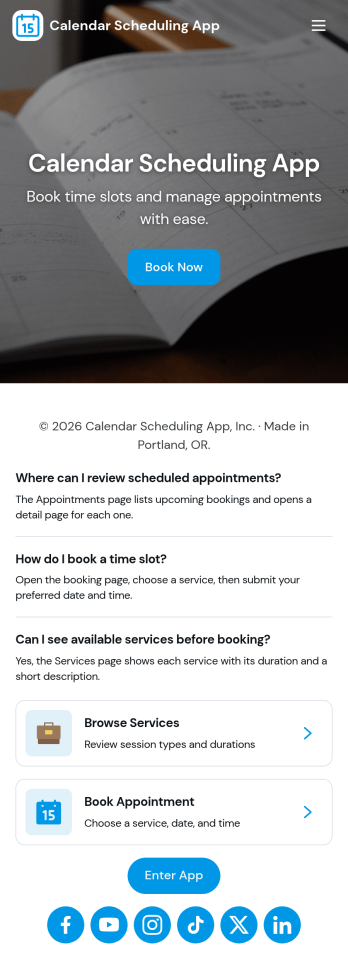
Calendar Scheduling App
Calendar Scheduling App helps teams and service providers coordinate availability and book time without confusion. It brings scheduling into one place with a simple flow for booking a slot, viewing what’s coming up, and opening individual booking details when needed. Use it for client meetings, internal check-ins, consultations, office hours, site visits, or any scenario where multiple people need clear visibility into upcoming appointments.With Jotform, you can turn this scheduling experience into a polished, shareable app without coding. Use the drag-and-drop app builder to adjust pages, add helpful context, and connect the booking form to your workflow so requests are collected consistently and stored for easy follow-up. Share the app link with customers or teammates, manage updates in one place, and keep scheduling organized as your volume grows.
Go to Category:Appointment & Booking Apps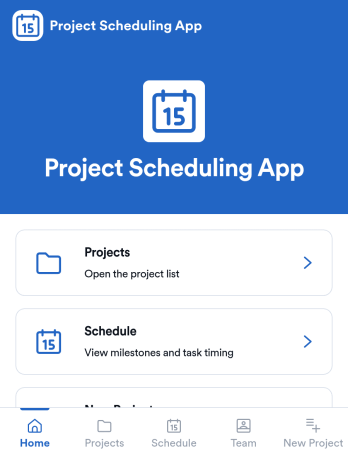
Project Scheduling App
Project Scheduling App brings project timelines, milestones, and task status into a single, easy-to-navigate workspace for teams that need to keep delivery dates visible and work moving. Use it to monitor active projects, spot the next milestone at a glance, and surface overdue tasks before they derail your plan. The built-in dashboard view supports weekly planning and capacity awareness, while project pages help standardize ownership and keep each project’s details, tasks, and team context accessible when decisions need to be made.With Jotform App Templates, you can publish a branded scheduling experience without coding and update it as your workflow evolves. Jotform’s no-code app builder and drag-and-drop interface make it simple to organize pages, link users to a dashboard or project list, and connect an Add Task form for consistent data collection. Share your app through a link for quick self-service access, and keep scheduling information aligned by connecting the app to the same workflow your team uses to capture and review updates.
Go to Category:Management Apps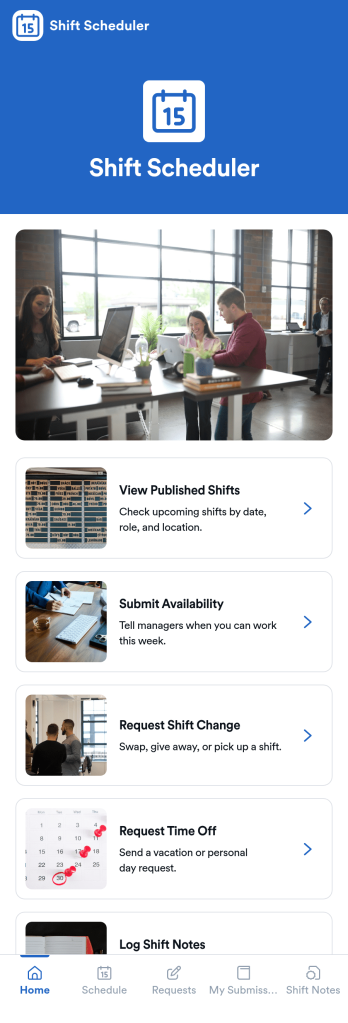
Shift Scheduler App
Shift Scheduler App helps teams publish upcoming shifts and give employees a simple place to submit availability, request shift changes, and ask for time off. It’s a practical fit for retail, hospitality, healthcare, field service, and any operation running rotating schedules across locations or roles. Managers can reduce missed messages and scheduling confusion by centralizing shift visibility and request intake, while staff get a clear self-service way to communicate needs without chasing supervisors.With Jotform, you can turn scheduling coordination into an app experience using App Templates and a no-code app builder. Customize pages with a drag-and-drop interface, connect request forms to your workflow, and keep information accessible on any device. Share the app through a link or QR code so employees can view published shifts, send updates, and track their own requests in one organized place.
Go to Category:Scheduling Apps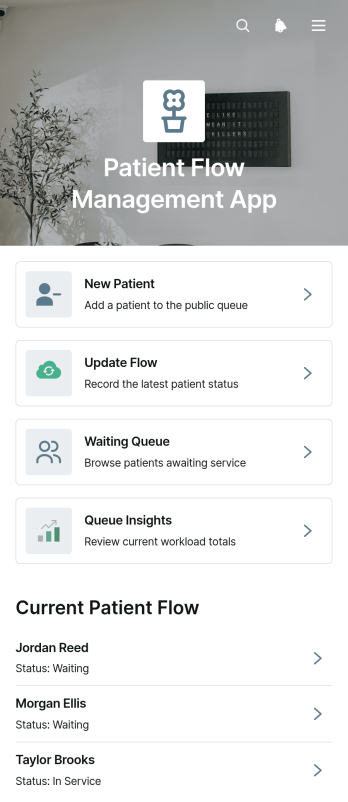
Patient Flow Management App
Patient Flow Management App is a ready-to-use template for coordinating patient movement from arrival through the next stage of care. Clinics, outpatient centers, medical practices, and reception or care coordination teams can use it to register new patients, view the waiting queue, and update each patient’s status from a central workspace. Staff can review essential visit information such as the reason for the visit, arrival time, priority, current status, and flow notes without relying on scattered records. Queue insights also help teams recognize delays, balance workloads, and maintain clearer visibility during busy operating hours.Jotform makes this app template easy to adapt with a no-code app builder and an intuitive drag-and-drop interface. Teams can modify pages, navigation cards, forms, visual styling, and connected workflows to reflect their own patient flow process. Data collection can be connected to tables, notifications, approvals, and other operational steps, creating a more consistent experience for authorized staff. Once customized, the app can be published and shared by a direct link or QR code for convenient mobile access. Among Jotform’s App Templates, this option provides healthcare teams with a practical foundation for organizing intake, queue monitoring, status updates, and day-to-day coordination.
Go to Category:Healthcare Apps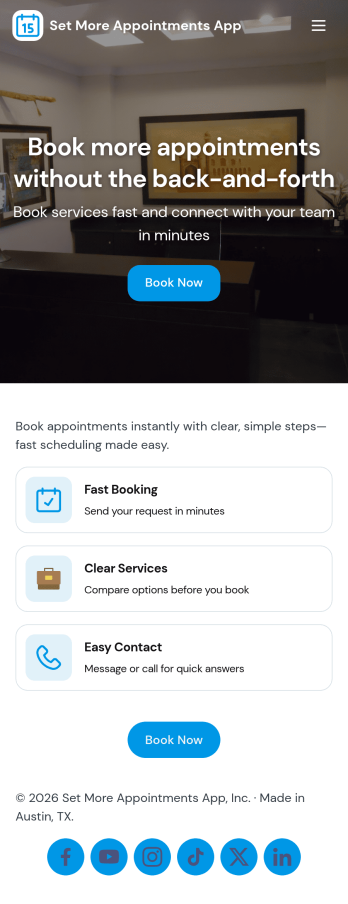
Set More Appointments App
Set More Appointments App helps service-based teams turn interest into booked time slots by giving customers and staff a simple place to start scheduling. Use it to guide people to the right booking option, share availability details, and reduce missed opportunities that happen when scheduling lives across messages, calls, and scattered links. It fits salons, clinics, coaches, home services, and consultants who want a clear path from inquiry to confirmed appointment without adding complexity.With Jotform you can build and publish app templates like this in minutes using a no-code app builder and a drag-and-drop interface. Add your own branding, connect the app to forms for data collection, and route details into a workflow that notifies your team and keeps requests organized. Share your app through a link or QR code to support self-service scheduling anywhere your customers discover you.
Go to Category:Appointment & Booking Apps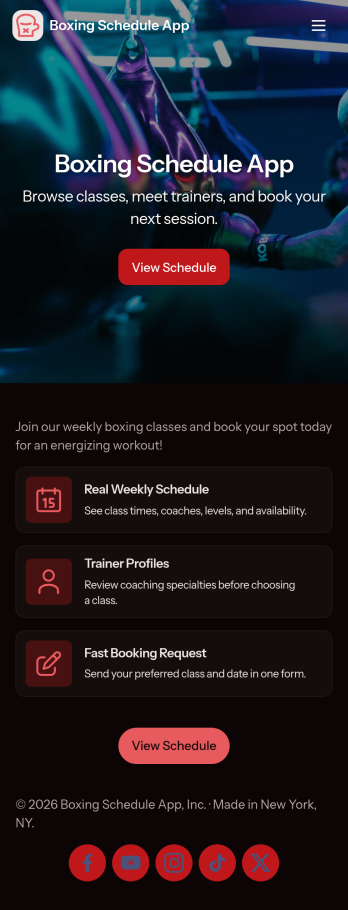
Boxing Schedule App
Boxing Schedule App helps gyms, boxing clubs, and independent coaches publish class times and guide members to the right session quickly. Visitors can view the schedule, browse class listings, and book a class in just a few taps, making it easier to fill spots and reduce missed sign-ups. It’s a practical fit for studios running recurring group classes, drop-in sessions, or skills-focused blocks where members need a clear, always-available schedule.Jotform makes it simple to turn schedules and booking flows into a shareable, mobile-friendly experience with App Templates you can customize in minutes. Using a no-code app builder with a drag-and-drop interface, you can connect your schedule data to forms, capture bookings, and keep everything organized in one place. Share your Boxing Schedule App with a link or QR code, update classes anytime, and give members a self-service way to stay on top of training.
Go to Category:Appointment & Booking Apps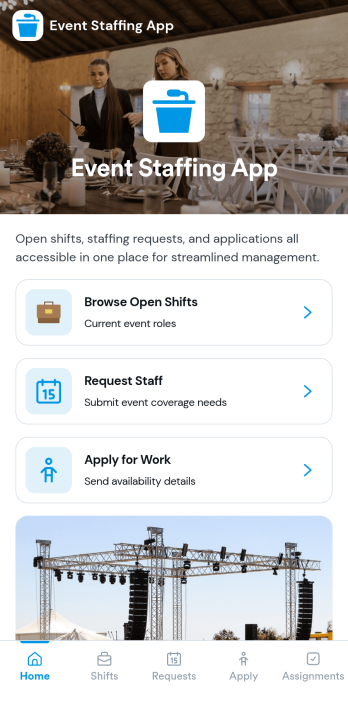
Event Staffing App
Event Staffing App brings event organizers and staff together in one place so shifts are easier to publish, find, and fill. Use it to share an open shift board, let team members browse openings by event, and collect applications for specific roles without chasing messages. It also supports internal staffing requests, helping production teams, venues, and agencies communicate what coverage they need and when.With Jotform App Templates, you can turn staffing processes into a mobile-friendly self-service experience using a no-code app builder and a drag-and-drop interface. Connect pages to Jotform forms and workflows for data collection, routing, and follow-ups, then share a single link with your crew or stakeholders. Customize the layout, add your branding, and keep event staffing information organized as your schedule changes.
Go to Category:Event Planner Apps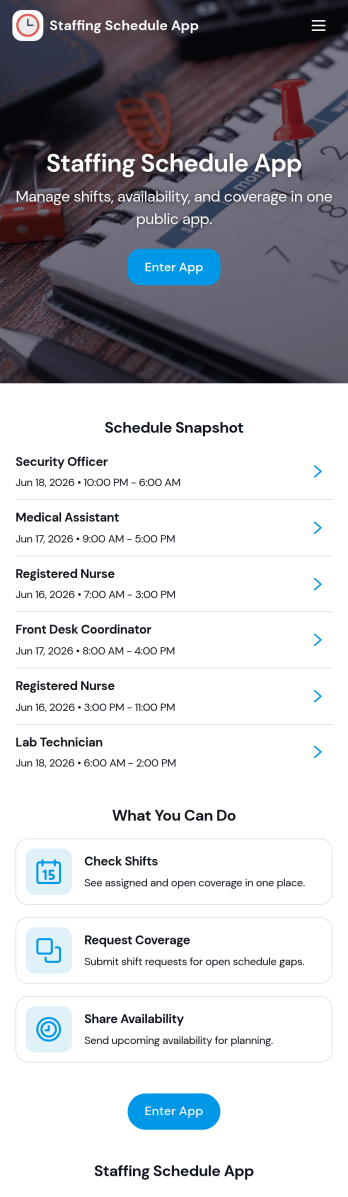
Staffing Schedule App
A staffing schedule app helps managers coordinate staff availability, organize shifts, and keep assignments easy to find in one place. This template fits restaurants, retail stores, clinics, warehouses, field teams, and any operation where coverage changes week to week. Use it to maintain a clear staff list, review upcoming shifts, and confirm who is assigned without relying on scattered messages or last-minute spreadsheets.With Jotform, you can publish the Staffing Schedule App as a self-service scheduling hub and connect it to the forms and tables behind your operations. Customize pages with a drag-and-drop interface, add buttons for quick data collection, and keep shift and assignment records organized for day-to-day workflow management. Share the app by link so supervisors can manage schedules from anywhere, and update staffing details in real time as roles and shift needs change.
Go to Category:Scheduling Apps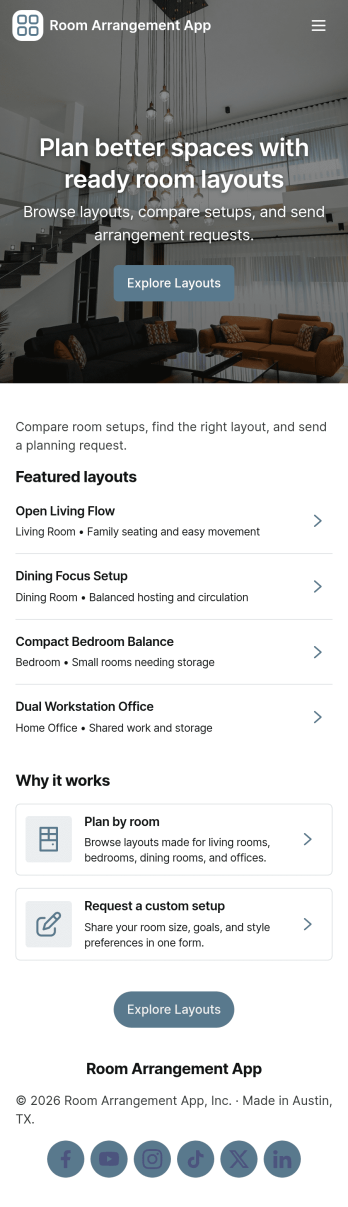
Room Arrangement App
Room Arrangement App helps hotels, venues, and facilities teams organize room layout requests and guide people to the right setup fast. Visitors can browse available rooms, review key details, and explore layout templates before submitting a request for a specific style. It works well for event coordinators, banquet staff, coworking operators, and property managers who need a consistent way to capture room setup needs, reduce miscommunication, and keep everyone aligned on what each space should look like.With Jotform’s App Templates, you can publish a polished self-service experience without coding and adjust it as your spaces or offerings change. Use the no-code app builder and drag-and-drop interface to tailor pages, update room and template listings, and connect request forms to your workflow for faster follow-up. Jotform also supports data collection and sharing through a simple link, making it easy to roll out a mobile-friendly room arrangement process for staff and clients.
Go to Category:Event Planner Apps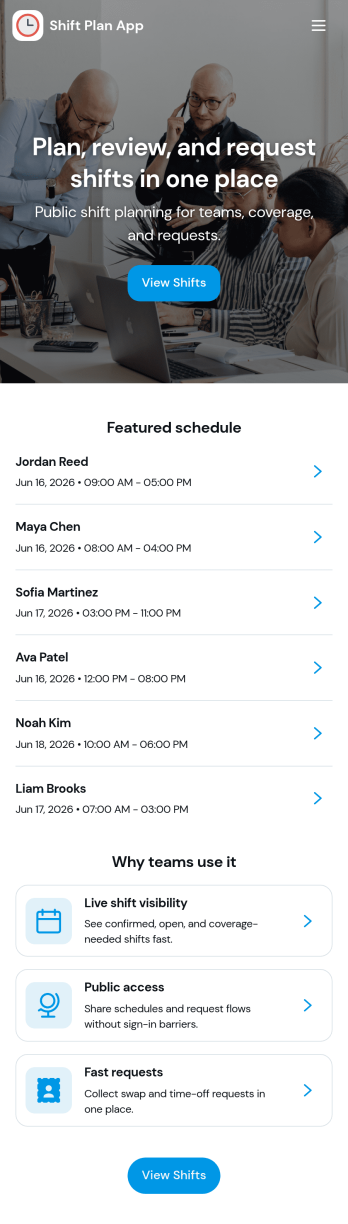
Shift Plan App
Shift Plan App brings your team’s schedule into one clear, shareable place so employees always know when they’re working and managers spend less time answering repeat questions. Use it to publish upcoming shifts, let staff view the schedule anytime, and route shift-change requests through a simple in-app form when conflicts come up. The built-in shift overview dashboard helps you spot coverage gaps at a glance, while team and employee pages make it easy to find the right person’s schedule without hunting through messages.With Jotform, you can turn everyday scheduling needs into a self-service experience using app templates and a no-code app builder. Customize pages with a drag-and-drop interface, connect your scheduling data to tables, and keep change requests organized with automated workflows and notifications. Share your Shift Plan App with a link or QR code so teams can access the latest updates from anywhere, especially on mobile.
Go to Category:Scheduling Apps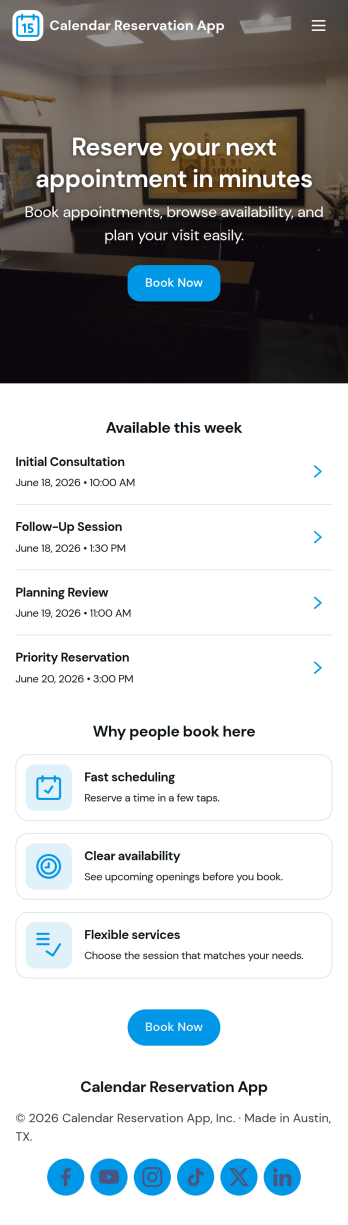
Calendar Reservation App
Calendar Reservation App helps teams and service-based businesses manage availability and reservations in one place. Visitors can quickly view open time slots, make a reservation, and browse existing bookings, which is useful for studios, consultants, shared workspaces, rentals, and internal departments coordinating rooms or equipment. With clear navigation between availability, booking, and reservation lists, the app reduces missed requests, double-booking, and manual follow-ups while keeping scheduling consistent across staff and locations.Build and customize this app template with Jotform to match your process and brand. Using Jotform’s no-code app builder and drag-and-drop interface, you can update pages, adjust the booking flow, and connect forms and data tables to keep reservations organized. Share the app with a link or QR code for easy self-service, and keep your workflow moving with notifications and connected approvals when you need them.
Go to Category:Reservation Apps
Financial Calendar App
A financial calendar app helps you keep upcoming money-related dates in one place so nothing slips through the cracks. Use it to add financial events and recurring obligations, then browse your events list and bills list in a clean, easy-to-navigate layout. It’s a practical fit for freelancers, households, small business owners, and finance teams who want clearer visibility into due dates, payment schedules, and planned financial milestones without relying on scattered notes or disconnected reminders.With Jotform, you can turn this Financial Calendar App into a tailored self-service experience using a no-code app builder and a drag-and-drop interface. Connect buttons to forms for data collection, organize entries into lists for quick browsing, and adjust pages, branding, and navigation as your workflow evolves. Share the app with teammates or clients, keep information consistent across devices, and build a lightweight workflow around the dates and bills that matter most.
Go to Category:Finance Apps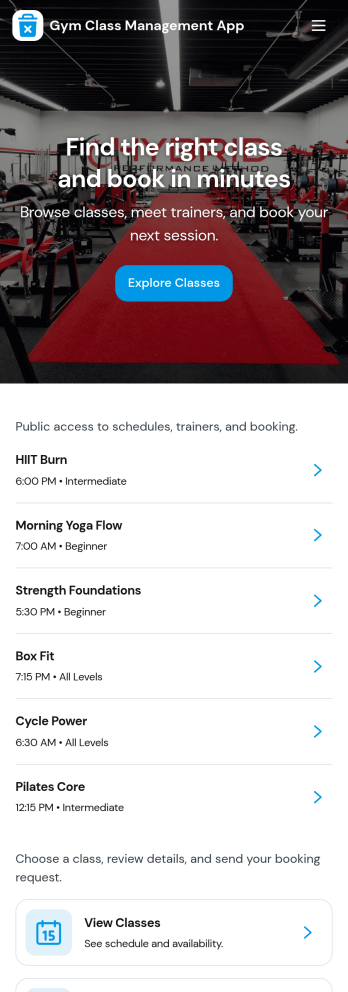
Gym Class Management App
Gym Class Management App helps studios and fitness centers organize class offerings and day-to-day participation in one place. Use it to showcase available classes, guide members to sign up, and keep attendance records organized for instructors and front-desk staff. It’s a strong fit for gyms that run recurring sessions, limited-capacity classes, or multiple class types where members need a simple way to find what’s available and send requests without confusion.With Jotform, you can publish this app template and tailor it to match your schedule and brand using a drag-and-drop interface and a no-code app builder. Connect the app to your existing workflows by linking sign-up and feedback forms, then keep records accessible through connected tables for quick review. From member self-service to internal tracking, Jotform Apps turns class management into a clean, mobile-friendly experience you can share with a link or QR code.
Go to Category:Sports Apps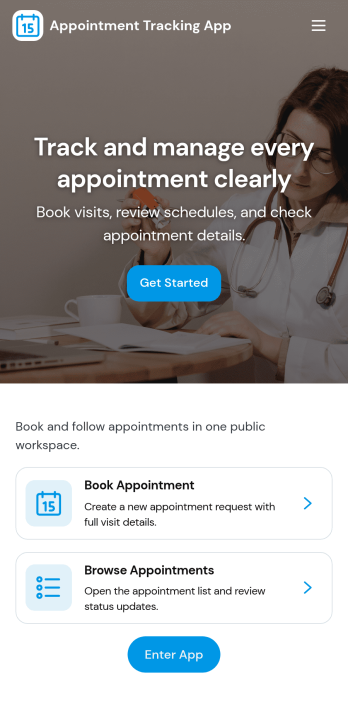
Appointment Tracking App
Appointment Tracking App helps you book, organize, and monitor appointments in one place, so teams and clients always know what’s scheduled and what’s already underway. Use it to capture new bookings, keep a running list of upcoming visits, and review appointment details without digging through messages or spreadsheets. It’s a great fit for salons, clinics, consultants, repair services, and any operation that needs a simple way to keep appointment activity visible from intake to arrival.Built with Jotform, this app template combines self-service scheduling with a connected appointment list and a status-focused view for quick check-ins. Customize pages and buttons with a drag-and-drop interface, then connect your data collection to the included form and table so updates stay organized as volume grows. Share the app by link or QR code, keep your workflow moving with automated notifications, and publish a mobile-friendly experience that’s easy for staff and customers to use.
Go to Category:Appointment & Booking Apps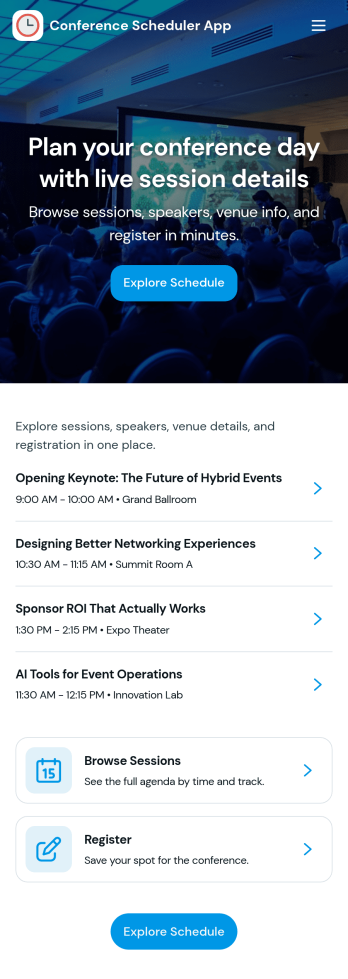
Conference Scheduler App
A conference scheduler app brings your event agenda into one place so attendees can browse sessions, meet speakers, and choose what to attend without digging through emails or PDFs. Use it for single-day or multi-day conferences, internal summits, workshops, or community events where people need quick answers on what’s happening next. With pages dedicated to session browsing and speaker discovery, this app helps organizers guide attendees to the right content while giving participants an easy way to register for sessions and plan their attendance.Jotform makes it simple to publish this kind of self-service experience using App Templates and a no-code app builder that you can tailor to your event. Customize pages with a drag-and-drop interface, connect registration and planning forms to support data collection, and keep your workflow organized as details change. Share the app with a link or QR code so attendees can access schedules on mobile, while your team centralizes updates and improves the on-site experience.
Go to Category:Scheduling Apps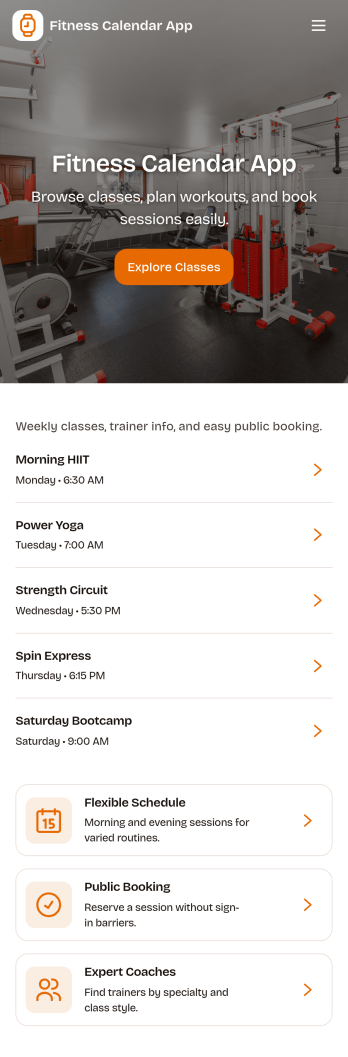
Fitness Calendar App
A fitness calendar app helps you plan workouts, see upcoming training sessions at a glance, and keep your routine consistent week after week. This template is built for personal trainers, fitness coaches, and active individuals who want a simple way to follow a plan without digging through notes or scattered messages. With a calendar view for scheduled workouts and an easy form to add a session, it supports day-to-day training organization for solo routines, clients on programs, or small group challenges.Jotform makes it easy to turn this fitness calendar app into a branded, shareable experience using its app templates and no-code app builder. Customize pages with a drag-and-drop interface, connect the session list to your data collection, and keep details organized so people can open the calendar, review a workout, and stay on track. Share your app with a link and update your schedule anytime as your training plan evolves.
Go to Category:Personal Training Apps