

Social Media Management Apps

Video Effects Editor App
Video Effects Editor App helps creators and teams organize video effects resources and manage effect requests in one place. Use it to browse an effects list with quick reference links, submit an effect request for a project, and check request status without losing track of what’s been asked for and what’s already in progress. It’s a practical fit for content studios, social teams, agencies, and in-house marketing departments handling recurring edits, branded transitions, captions, filters, or motion graphics across multiple campaigns.With Jotform, you can turn this app template into a branded, self-service experience using a no-code app builder and a drag-and-drop interface. Connect the request flow to forms and workflows, keep request records organized, and share the app through a link so editors and stakeholders always know where to go for references, updates, and data collection. Customize pages, buttons, and lists to match how your team reviews effects, prioritizes work, and communicates progress.
Go to Category:Entertainment Apps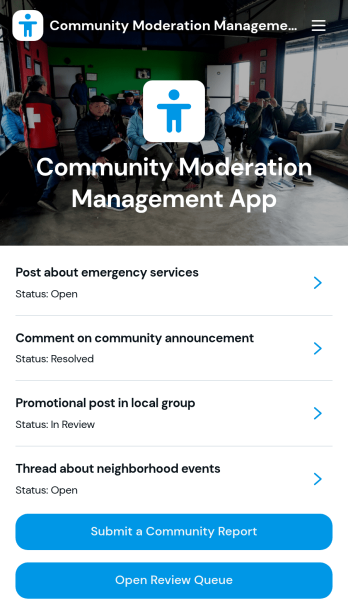
Community Moderation Management App
Community Moderation Management App brings reported posts, comments, and member concerns into one place so moderators can review issues quickly and consistently. It supports community managers, forum admins, creator teams, and support staff who need a clear way to accept community reports, prioritize what needs attention, and document why content was flagged. With an easy report form and a review queue you can navigate, teams spend less time hunting for context and more time making fair decisions that protect conversations.Jotform makes it simple to publish this kind of community moderation workflow using its no-code app builder and drag-and-drop interface. Connect the app to your data collection tools so reports flow into a central list, then guide reviewers to the right pages for follow-up and status checks. Share the app with your moderation team for fast self-service access, keep reporting consistent across channels, and adjust the layout as your community grows.
Go to Category:Community & Engagement Portal Apps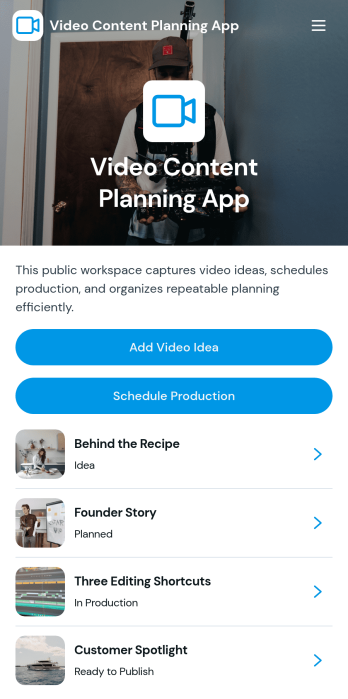
Video Content Planning App
Video Content Planning App helps creators and marketing teams organize video ideas and keep production moving from concept to calendar. Use it to capture new concepts with an Add Video Idea form, review ideas in a browseable list, and open an idea to see key details like audience and target date. When it’s time to film, schedule work with a production form and maintain a clear view of what’s in progress versus what’s next.Built with Jotform, this app template gives you a flexible way to manage content planning with a no-code app builder and a drag-and-drop interface. Connect your idea intake and production scheduling to your workflow, centralize data collection in one place, and share a simple self-service hub your team can use on any device. Customize pages, buttons, and navigation so the app matches your channel, process, and publishing cadence.
Go to Category:Social Media Management Apps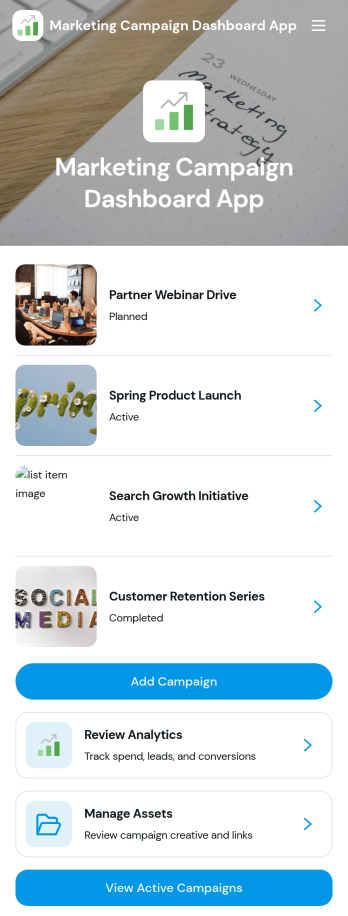
Marketing Campaign Dashboard App
Marketing Campaign Dashboard App brings your campaign activity into one place so teams can track performance, organize creative assets, and stay aligned on what’s running now. It’s a practical fit for marketing managers, growth teams, agencies, and small business owners who need an at-a-glance view of campaigns, quick navigation between initiatives, and a consistent way to add new campaigns as plans change. From launch week check-ins to monthly reporting prep, it helps reduce scattered links and keeps key campaign details easy to find.With Jotform App Templates, you can publish a branded, mobile-friendly dashboard that connects to your existing workflows without coding. Use Jotform’s no-code app builder and drag-and-drop interface to customize pages, add buttons that open forms for creating campaigns or uploading assets, and connect your data collection to the tools your team already uses. Share the app with stakeholders for fast self-service access to campaign views, updates, and analytics-focused pages.
Go to Category:Sales & Marketing Portal Apps
Social Media Discovery App
Social Media Discovery App helps you curate and share a browsable directory of creators across major platforms so audiences can quickly find the right profiles to follow. Use it to showcase recommended creators, group them by platform, category, or audience type, and guide visitors to the creator’s profile with a direct link. It works well for influencer agencies, marketing teams, online communities, and anyone building a discovery hub for talent, partners, or niche experts.With Jotform, you can publish this app template in minutes using a no-code app builder and a drag-and-drop interface. Connect the app to your data collection workflow to add new creator recommendations, update profiles, and keep your creator lists current without relying on developers. Share the app as a self-service experience for your team, customers, or community, and manage everything from one place as your directory grows.
Go to Category:Influencer Apps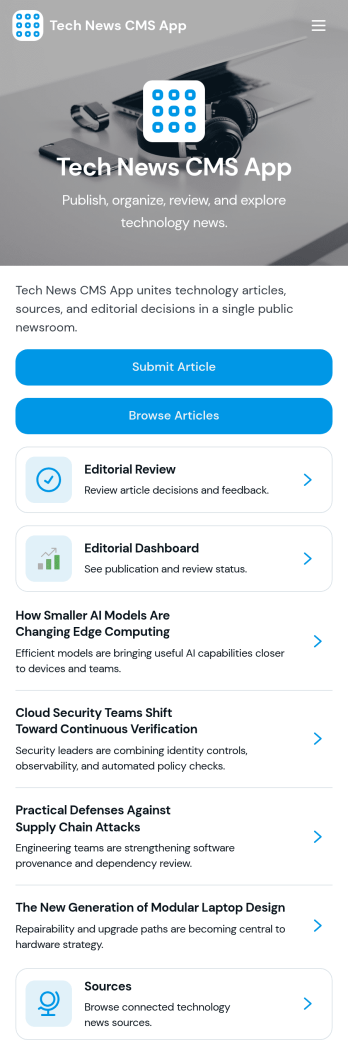
Tech News CMS App
Tech News CMS App gives tech publishers and content teams one place to gather story ideas, collect draft submissions, and move articles through editorial review before they go live. Use it to keep contributors aligned on what’s in progress, help editors evaluate pitches with consistent criteria, and let writers browse published or queued pieces for context. It’s a practical fit for tech blogs, startup media sites, newsletters, community publications, and internal comms teams covering product and engineering updates.Built with Jotform App Templates, this app template can be tailored in minutes using Jotform’s no-code app builder and drag-and-drop interface. Connect submission forms and data tables to centralize data collection, route entries into an approval-style workflow for reviews and feedback, and share a self-service experience with your team through a link or QR code. Update the layout, add pages, and adjust branding so the app matches your editorial process without writing code.
Go to Category:Information Technology Apps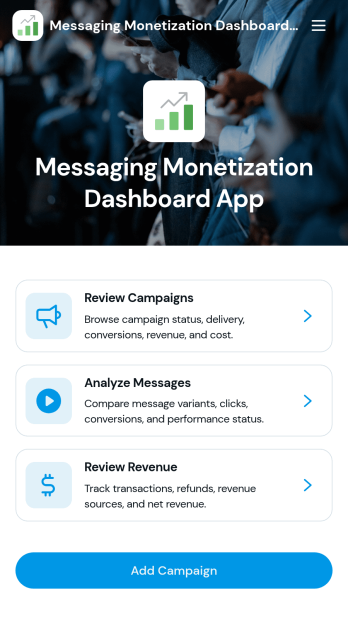
Messaging Monetization Dashboard App
Messaging Monetization Dashboard App helps teams organize and evaluate how messaging campaigns generate revenue across channels. Use it to add campaigns, record revenue as it comes in, and log message activity so performance is easier to review in one place. It’s a practical fit for creators, growth and marketing teams, sales organizations, and customer engagement leaders who need a clearer view of what content and outreach is driving returns, which campaigns are active, and where engagement is trending.Built with Jotform, this app template can be tailored in a no-code app builder using a drag-and-drop interface, so you can match the layout to your workflow without development time. Connect forms for data collection to keep campaign details, revenue entries, and message activity consistent, then share the app for self-service updates from teammates. With Jotform Apps, you can keep workflows moving, reduce scattered spreadsheets, and maintain a reliable source of truth for messaging monetization.
Go to Category:Sales & Marketing Portal Apps