

Team Collaboration Apps

Board Game Design Project App
Board Game Design Project App gives independent creators, design teams, student groups, and workshop participants one organized space for developing tabletop game ideas from concept to playable experience. This app template helps users create design project records, document core mechanics and components, identify next steps, and record playtest sessions. Findings such as what worked, what felt unclear, suggested changes, player count, and the focus for the next test remain connected to the project. It is especially useful when repeated testing produces scattered notes or when collaborators need a shared view of design decisions. Teams can use it during early ideation, prototype refinement, classroom assignments, creative workshops, or ongoing development cycles.Jotform makes the Board Game Design Project App easy to adapt with a no-code app builder and drag-and-drop interface. Creators can update pages, cards, buttons, navigation, and visual styling to match their preferred workflow without writing code. Connected forms support consistent data collection for new projects and playtest feedback, while organized app pages make records easier to review on computers and mobile devices. Users can also connect tables, approvals, and other processes as their needs grow. Start with this option from Jotform App Templates, customize the app template, and share a convenient project hub that supports collaboration and informed iteration.
Go to Category:Project Management Apps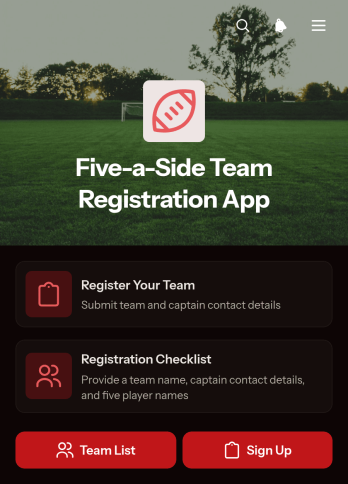
Five-a-Side Team Registration App
The Five-a-Side Team Registration App gives league coordinators, tournament organizers, sports centers, and community clubs a convenient place to collect and review team entries. Captains can register a team through a connected form and consult a registration checklist before submitting their details. Organizers can browse registered teams, open individual records, and view essential information such as contact email, phone number, and preferred match day. This app template reduces scattered messages, supports accurate data collection, and makes it easier to prepare fixtures for recreational leagues, workplace competitions, school tournaments, and one-day events.Jotform app templates help organizations turn registration processes and other workflows into accessible digital experiences without writing code. Using Jotform’s no-code app builder and drag-and-drop interface, you can customize pages, cards, buttons, colors, fonts, and navigation to match your event. Connect forms and tables, organize team information, and support self-service registration from one mobile-friendly app. Once it is ready, publish the app and share it with team captains through a direct link or QR code.
Go to Category:Sports Apps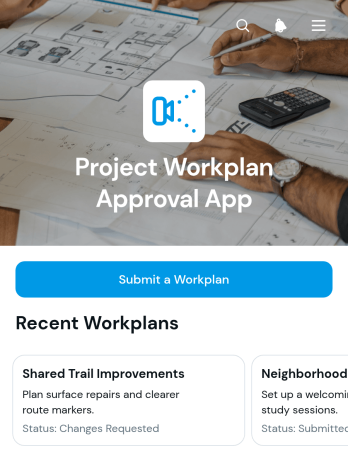
Project Workplan Approval App
Project Workplan Approval App is an app template for teams that need a clear, accessible way to submit project workplans and communicate review decisions. Project managers, operations teams, consultants, contractors, and department leaders can use it to keep proposed work organized before execution begins. Users can submit a workplan through a connected form, browse project entries, review planned dates, and view the recorded review outcome. This shared process reduces scattered requests, gives reviewers consistent project information, and helps contributors understand whether a plan is ready to proceed or needs further attention.Jotform makes this Project Workplan Approval App easy to adapt with a no-code app builder and an intuitive drag-and-drop interface. Add branded pages, revise navigation, connect forms and approval workflows, or organize project data with related Jotform tools. The app template supports a convenient self-service experience for submitters and reviewers while keeping essential project details accessible from one place. Teams can publish the finished app with a direct link, share it through a QR code, or embed it in an existing resource. Start with one of Jotform’s App Templates and tailor the layout, content, and connected processes to match how your organization reviews workplans.
Go to Category:Project Management Apps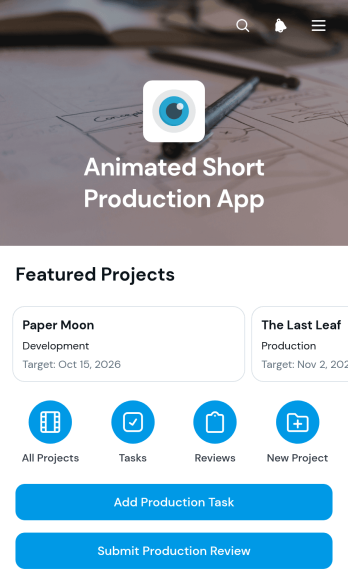
Animated Short Production App
The Animated Short Production App gives animation teams, independent filmmakers, students, and creative studios a central place to coordinate short-form production from concept through review. Project records keep the story logline, visual approach, and target date visible, while production tasks organize responsibilities by area and due date. Team members can also submit production reviews with notes and a clear next step. This shared view helps directors, producers, artists, and reviewers maintain creative alignment, spot upcoming work, and keep each animated short moving toward completion without relying on scattered documents or messages.Jotform Apps makes this app template easy to adapt with a no-code app builder and an intuitive drag-and-drop interface. Add or rearrange pages, adjust branding, connect forms and tables, and shape the workflow around a studio, classroom, freelance team, or creative program. The app can support data collection, team collaboration, and self-service access from phones, tablets, or computers. Once it is ready, publish and share the experience through a direct link, personalized app URL, embedded page, or scannable code so contributors can reach current project information wherever production takes place.
Go to Category:Project Management Apps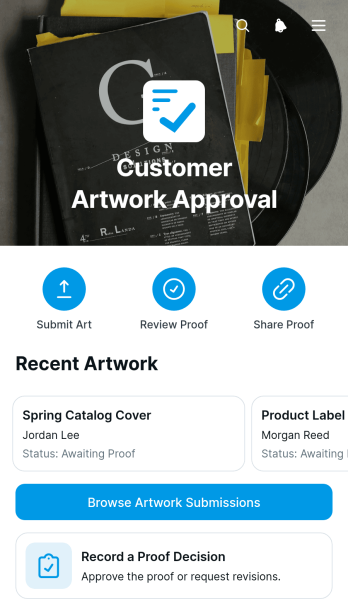
Customer Artwork Approval App
The Customer Artwork Approval App gives creative teams, print shops, agencies, freelancers, and production businesses a central place to collect artwork and secure customer proof decisions. Customers or team members can submit artwork, browse current submissions, open proof links, and record an approval decision without relying on scattered email threads. Clear review statuses and customer contact details help account managers, designers, and production staff see which files are awaiting review and which are ready for the next stage. This app template supports a more consistent artwork approval workflow while giving customers a convenient self-service experience.Jotform makes it easy to adapt the Customer Artwork Approval App to match your review process and visual identity. Its no-code app builder and drag-and-drop interface let you update pages, buttons, cards, and navigation without programming. Connect forms and tables for organized data collection, add approval steps to support internal processes, and receive updates as customers take action. Among Jotform’s App Templates, this option can be customized for packaging, signage, merchandise, marketing collateral, or other creative work, then shared through a direct link or QR code for mobile-friendly access.
Go to Category:Customer Portal Apps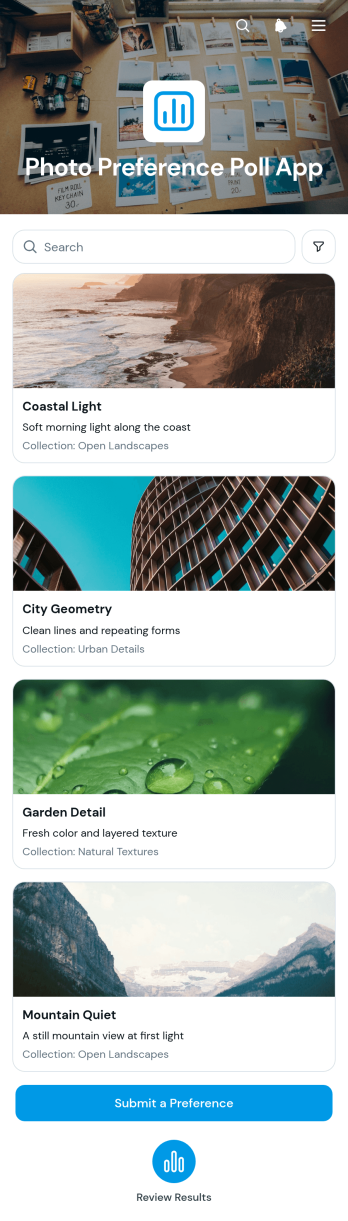
Photo Preference Poll App
Photo Preference Poll App gives creative teams, marketers, educators, event organizers, and small businesses a focused way to compare images and gather audience choices. Participants can browse photo options, select a preferred image through a connected form, and contribute feedback from one accessible location. Submitted responses can be reviewed together, helping teams choose campaign visuals, product photos, event images, design concepts, or classroom materials based on clear input rather than scattered messages. This app template supports faster decision-making while keeping visual options and preference data organized.Jotform Apps makes it easy to adapt this experience with a no-code app builder and an intuitive drag-and-drop interface. Add or rearrange content, apply custom branding, connect forms and tables, and shape the workflow around an internal review or public poll. The finished app can be shared by direct link or QR code and opened on phones, tablets, and computers, giving participants a convenient self-service experience. Jotform app templates also provide a ready-made foundation that can be updated as new photo choices or voting rounds become available.
Go to Category:Customer Engagement Apps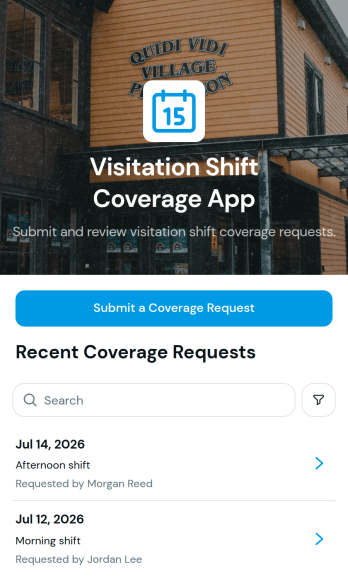
Visitation Shift Coverage App
The Visitation Shift Coverage App helps organizations coordinate staffing when a scheduled visitation shift needs another team member to step in. It gives staff, volunteers, coordinators, and supervisors one accessible place to submit a coverage request and review existing requests by shift date. Key request details such as the requester and contact email make follow-up easier, while a clear request list helps teams identify open coverage needs without relying on scattered messages. This app template is well suited to visitation programs, community service organizations, care teams, nonprofits, and other groups that must maintain dependable shift coverage.Jotform App Templates make it easy to adapt this experience to an organization’s scheduling workflow without coding. With Jotform’s no-code app builder and drag-and-drop interface, teams can update content, adjust branding, connect forms, and organize data collection from a central location. The finished app can be shared through a direct link or QR code, giving staff and volunteers mobile-friendly self-service access wherever they work. Organizations can also connect requests to tables, notifications, approvals, and other workflows to reduce manual coordination and keep coverage information current.
Go to Category:Scheduling Apps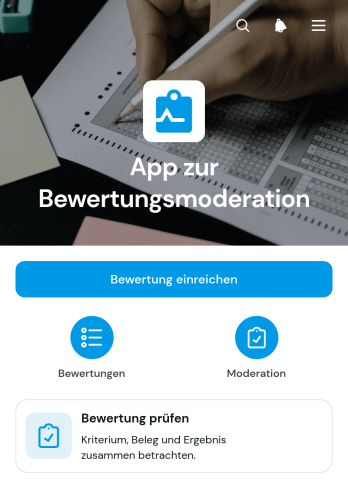
Student Assessment Moderation App
The Student Assessment Moderation App gives educators, assessors, reviewers, and academic leaders a central place to coordinate the review of student assessments. Teaching teams can submit an assessment for review, browse assessment records, and view key moderation details such as the course or unit, assessment type, review outcome, reviewer feedback, and assessment summary. It is well suited to schools, colleges, training providers, and education departments that need a clearer process for checking assessment quality and consistency before or after marking. By keeping submissions and review information together, the app reduces scattered communication, improves visibility, and helps teams maintain a dependable moderation workflow.Jotform App Templates make it easier to turn academic processes into accessible digital experiences without writing code. Use the drag-and-drop app builder to adapt pages, navigation, colors, fonts, and branding to your institution, then connect forms, tables, approvals, and notifications where needed. The Student Assessment Moderation App can be shared by link or QR code for convenient mobile access, helping reviewers collaborate from different locations. Jotform also supports organized data collection and self-service access, so staff can submit assessments, locate review information, and follow established moderation steps from one convenient app.
Go to Category:School Management Apps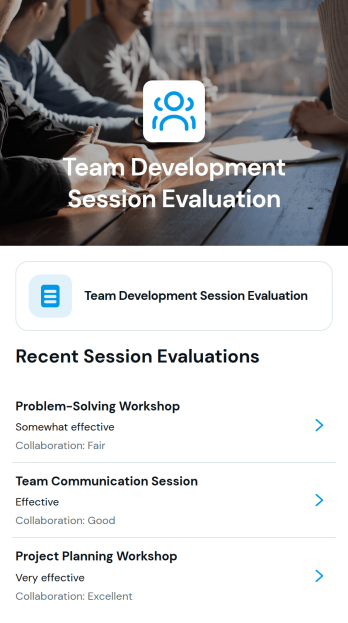
Team Development Session Evaluation App
The Team Development Session Evaluation App is an app template for gathering and reviewing feedback after workshops, coaching meetings, retreats, and other team development sessions. HR departments, learning and development teams, consultants, facilitators, and managers can use it to assess collaboration, document follow-up needs, and capture suggested improvements. Session-based records help organizers connect feedback with the relevant date and activity, making it easier to identify recurring concerns, plan future sessions, and turn participant input into practical next steps. The app supports consistent data collection without relying on scattered messages or separate evaluation documents.Jotform Apps helps organizations customize this experience with a no-code app builder and an intuitive drag-and-drop interface. Teams can adapt the app template to their evaluation workflow, connect forms and tables, organize session information, and provide convenient self-service access from mobile or desktop devices. Branding, content, navigation, and sharing options can be updated without coding. Once published, the app can be distributed through a direct link or QR code, giving facilitators and participants a central place to submit feedback and review relevant session details.
Go to Category:Team Collaboration Apps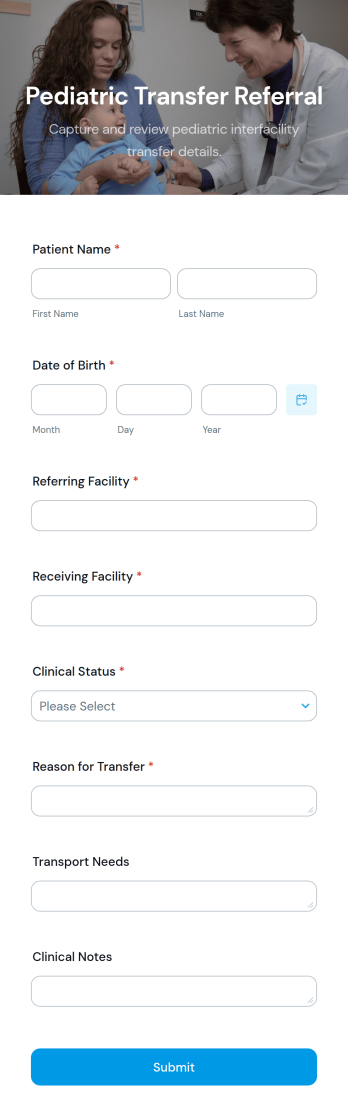
Pediatric Transfer Referral App
Pediatric Transfer Referral App is an app template for hospitals, pediatric units, transfer centers, emergency departments, and clinical coordination teams that need a consistent way to submit child transfer referrals. Its connected referral form can collect essential patient, referring facility, clinical, and transfer details in one place, helping receiving teams review incoming cases and coordinate next steps with fewer missing details. The app is useful for interfacility transfers, specialist referrals, capacity discussions, and other time-sensitive coordination scenarios. It gives authorized staff a focused mobile-friendly entry point while supporting clearer data collection and more organized referral workflows.Jotform App Templates help healthcare organizations turn forms and resources into convenient digital experiences without writing code. With Jotform’s no-code app builder and drag-and-drop interface, teams can customize the Pediatric Transfer Referral App with their own instructions, fields, visual branding, and navigation. The app can connect with tables, notifications, approvals, and other workflow tools to support internal review and follow-up. Once configured, it can be published and shared through a direct link or QR code, giving referral teams easy access from phones, tablets, and computers.
Go to Category:Healthcare Apps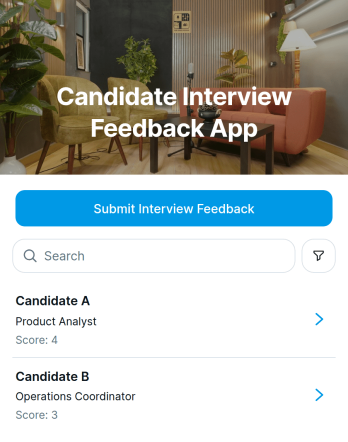
Candidate Interview Feedback App
Candidate Interview Feedback App is a centralized workspace for hiring managers, recruiters, interviewers, and human resources teams to record and review candidate evaluations after interviews. Team members can submit structured feedback, browse candidate records, and view essential details such as interview dates, scores, and hiring recommendations. This consistent approach helps organizations reduce scattered notes, compare evaluations more fairly, and give decision-makers timely information. It is useful for growing businesses, recruitment teams, staffing departments, and any organization that needs a clear process for collecting interviewer input throughout candidate selection.Jotform Apps makes it easy to adapt this app template to an organization’s hiring process without writing code. Using the no-code app builder and its drag-and-drop interface, teams can update pages, adjust branding, connect feedback forms, and organize candidate information in a mobile-friendly experience. Jotform App Templates can also support connected data collection and workflow needs, helping interviewers access the right evaluation tools from one shared location. Once customized, the app can be published and shared through a direct link or QR code, giving authorized team members convenient self-service access wherever interviews take place.
Go to Category:HR Portal Apps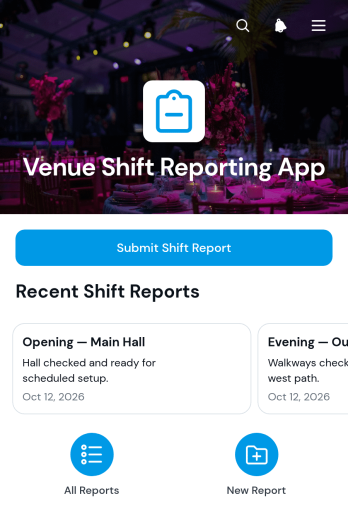
Venue Shift Reporting App
Venue Shift Reporting App gives venue supervisors, duty managers, operations teams, and event staff a consistent place to document what happened during each working period. Teams can submit standardized shift reports, review previous entries by shift period and venue area, and capture handover and follow-up needs before responsibility changes. It suits concert halls, conference spaces, community venues, performance sites, and other facilities where several teams share responsibility across opening, live operation, and closing shifts. By keeping operational observations and outstanding issues together, the app helps managers spot recurring concerns, assign next steps, preserve context between teams, and replace scattered messages or paper logs with a clear reporting routine.Built with Jotform Apps, this app template can be adapted without coding through a drag-and-drop interface. Change pages, branding, buttons, and navigation to match a venue’s reporting workflow, then connect forms, tables, approvals, or notifications as operations evolve. Staff can open the mobile-friendly experience to enter information or find prior reports, while managers can organize collected data for review and action. Share the finished app by direct link, QR code, or embedded experience, and use Jotform’s no-code app builder to create a practical self-service reporting hub that remains easy to update for new venue areas, shift structures, or internal procedures.
Go to Category:Report Apps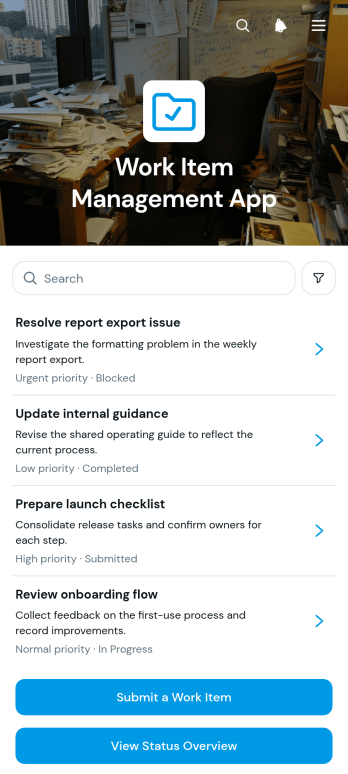
Work Item Management App
Work Item Management App gives operations teams, project coordinators, department managers, and service teams a central place to submit, review, and monitor work items. Users can record a new request, check a status overview, and open work item records without switching between disconnected resources. Clear assignment and due date details help teams understand ownership, prioritize upcoming work, and follow progress from intake to completion. The app template is well suited to internal requests, project deliverables, maintenance tasks, administrative work, and recurring operational activities. It improves visibility for managers while giving employees a convenient self-service destination for submitting and checking requests.Jotform makes this app template easy to adapt with a no-code app builder and a flexible drag-and-drop interface. Teams can update pages, navigation, colors, typography, buttons, and branding to match their workflow. Connected forms and tables support organized data collection, while charts provide a quick view of work item status. The finished app can be shared through a direct link or QR code for convenient access on desktop and mobile devices. Start with this ready-made option from Jotform App Templates, tailor it to your processes, and publish a practical workspace without writing code.
Go to Category:Task Management Apps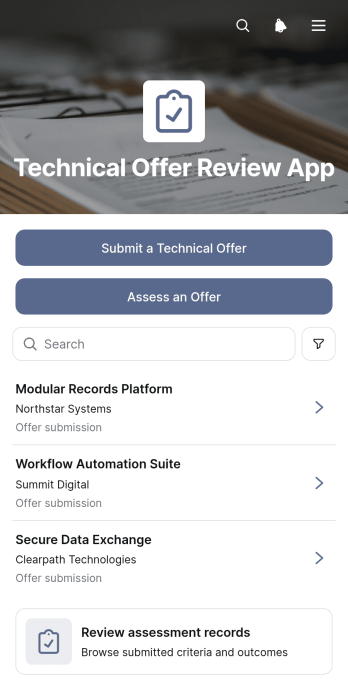
Technical Offer Review App
Technical Offer Review App gives engineering, procurement, consulting, and project teams a shared workspace for submitting and evaluating technical offers. This app template supports offer intake, structured assessments, and review of related assessment records without scattering information across separate documents or message threads. Reviewers can examine technical summaries, proposed approaches, supporting documents, requirements coverage, implementation risks, and assessment notes in context. It is well suited to vendor selection, contractor evaluations, project proposals, internal solution reviews, and other situations where several stakeholders need a consistent basis for comparing technical submissions. Clear navigation helps contributors submit offers while assessors document findings and revisit earlier decisions.Jotform App Templates help teams turn review processes into accessible, interactive experiences without writing code. Using Jotform’s no-code app builder and drag-and-drop interface, organizations can customize pages, branding, navigation, and connected forms to match their workflow. The app can bring data collection, supporting resources, and assessment activity into one mobile-friendly location, making it easier for authorized participants to find the next action. Teams can publish the finished app through a direct link, custom app URL, QR code, or embedded experience and update its content as evaluation needs evolve.
Go to Category:Engineering Apps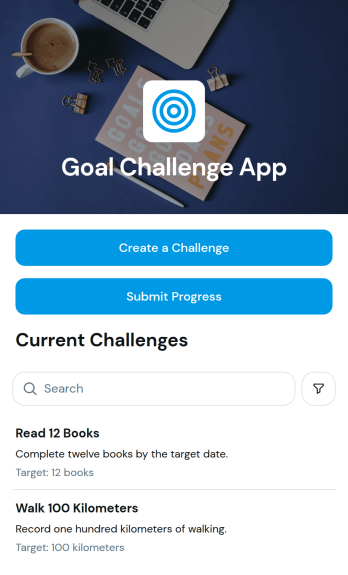
Goal Challenge App
Goal Challenge App is a ready-to-use app template for creating goal-based challenges and recording progress toward a defined target date. It gives coaches, wellness groups, educators, workplace teams, community organizers, and individuals a central place to launch challenges and follow ongoing activity. Participants can create a challenge, submit progress updates, and review dated entries associated with each goal. This setup makes it easier to encourage accountability, maintain motivation, and see how a challenge develops over time without relying on scattered messages or separate documents. It can support personal improvement goals, team initiatives, classroom activities, fitness challenges, fundraising efforts, and other measurable campaigns.Jotform helps you adapt this Goal Challenge App template with a no-code app builder and a flexible drag-and-drop interface. Change the layout, update the visual style, add helpful content, and connect forms or tables to match your workflow. Jotform App Templates can bring data collection, progress reporting, and self-service access into one mobile-friendly experience. Once your app is ready, share it through a direct link or QR code so participants can access the challenge from almost any device. You can also refine the app as goals change, making it useful for one-time challenges as well as recurring programs.
Go to Category:Activity Tracking Apps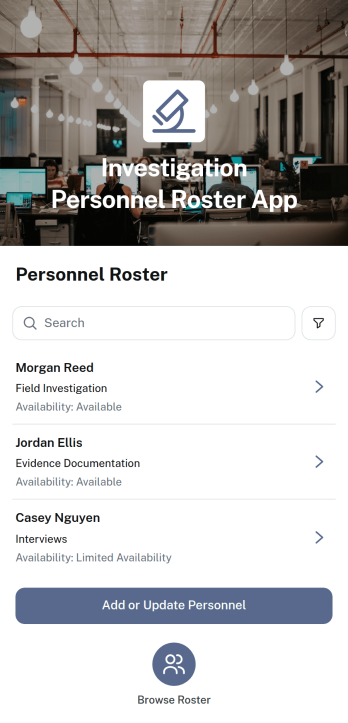
Investigation Personnel Roster App
The Investigation Personnel Roster App is a centralized personnel directory for teams that assign and coordinate investigative work. Investigation firms, corporate security groups, insurance investigation units, legal support teams, and public-sector departments can browse personnel profiles, review qualifications, check availability, and identify investigation specialties. Authorized coordinators can add or update personnel records, while direct email access makes it easier to contact suitable team members. This shared roster reduces time spent searching through separate files and helps managers make informed staffing decisions for new cases, field assignments, and ongoing operations.Jotform helps organizations turn personnel management processes into an accessible, interactive experience. Start with this app template from Jotform’s App Templates collection, then use the no-code app builder and drag-and-drop interface to adjust pages, navigation, colors, and content. Connect forms for data collection, organize records through linked tables, and support approval or notification workflows when needed. The finished app can be shared by link or QR code, giving authorized users convenient mobile access to current roster information and self-service update options without requiring programming knowledge.
Go to Category:Company Portal Apps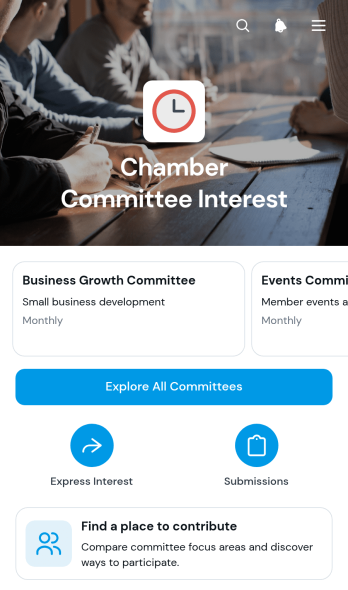
Chamber Committee Interest App
Chamber Committee Interest App is an app template for chambers seeking a clear way to connect members with committee service opportunities. Members can browse available committees, review meeting patterns and contribution opportunities, and express interest through a connected form. Chamber leaders and committee coordinators can review interest submissions alongside each participant’s relevant experience or skills, making it easier to identify suitable contributors. The app supports member engagement, committee recruitment, leadership development, and volunteer coordination without relying on scattered emails or separate documents.With Jotform Apps, organizations can adapt App Templates to fit their membership programs and internal workflows. The no-code app builder features a drag-and-drop interface for updating pages, navigation, colors, fonts, images, and branded content. Forms and tables can be connected to support data collection and organized submission review, while notifications and other workflow steps can help teams respond promptly. Once the Chamber Committee Interest App is ready, it can be shared by direct link or QR code for convenient self-service access on mobile devices and computers.
Go to Category:Community & Engagement Portal Apps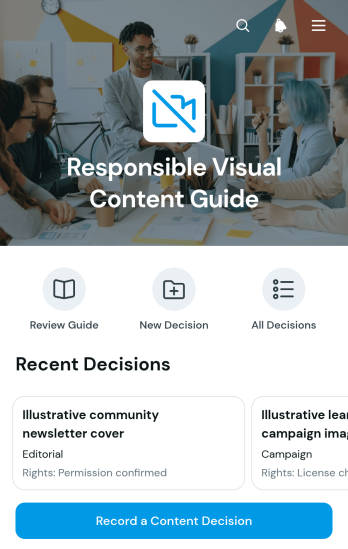
Responsible Visual Content Guide App
Responsible Visual Content Guide App is a central resource for teams reviewing images, graphics, videos, and other visual materials before publication. Marketing teams, communications departments, nonprofits, educational institutions, and creative groups can use it to browse responsible content guidance, record content decisions, and revisit review details. The app supports consistent consideration of intended audiences, usage rights, people and consent, representation, and accessibility without scattering notes across separate files. It is especially useful for campaign planning, editorial reviews, social media production, training materials, and community communications where teams need a clear decision trail and shared review practices.Jotform App Templates make it easy to adapt this app template to an organization’s own review process. With Jotform’s no-code app builder and drag-and-drop interface, users can update pages, cards, buttons, guidance, and branding without programming. Connected forms support data collection for decision records, while organized navigation gives reviewers convenient self-service access from phones, tablets, or computers. Teams can share the finished app by direct link or QR code and connect it with tables, notifications, approvals, and other workflow steps as their visual content operations grow.
Go to Category:Social Media Management Apps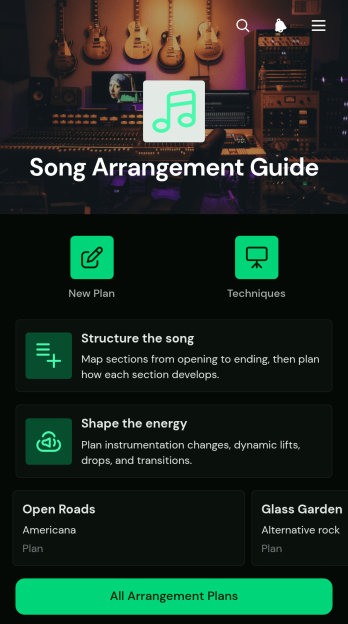
Song Arrangement Guide App
Song Arrangement Guide App gives songwriters, producers, bands, music students, and instructors a central reference for turning musical ideas into clear arrangement plans. Users can map song sections, outline instrumentation, shape dynamics and transitions, and keep practical notes for each composition. Individual plans make it easier to compare arrangements and revisit creative decisions during writing, rehearsal, recording, or classroom review. By organizing how parts are layered, sections connect, and energy builds or releases, this app template helps creative teams communicate their intentions and prepare songs with greater consistency.Jotform Apps makes the Song Arrangement Guide App easy to adapt without coding. Its drag-and-drop interface lets creators adjust pages, cards, navigation, colors, and typography to match their preferred process. Plans can connect with forms, tables, approvals, and other workflows for smoother data collection and collaboration. Users can publish the finished app, share it through a direct link or QR code, and open it on mobile devices during rehearsals or studio sessions. Jotform App Templates offer a practical starting point for building a branded, self-service resource that keeps arrangement guidance and song plans accessible in one place.
Go to Category:Entertainment Apps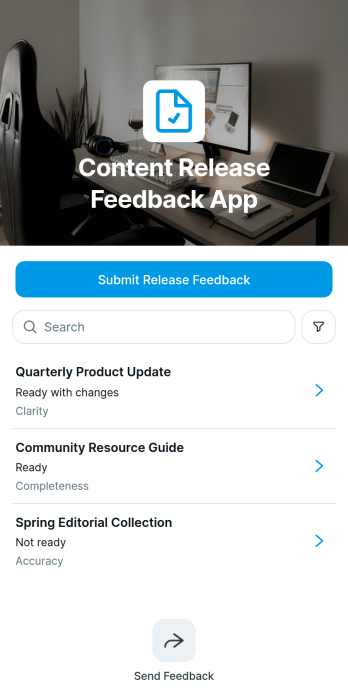
Content Release Feedback App
The Content Release Feedback App is a centralized review experience for marketing teams, editorial groups, creative departments, product marketers, and agencies evaluating material before or after publication. Reviewers can browse release entries, submit feedback, and assess key details such as issue type, readiness, review notes, and suggested resolutions without scattering decisions across messages and documents. It supports campaign launches, website updates, newsletters, educational resources, media releases, and recurring content programs where teams need clear input from editors, stakeholders, or subject experts. By keeping each release and its feedback easy to find, the app helps owners spot blockers, prioritize revisions, preserve review context, and move content toward a confident publishing decision.With Jotform, teams can adapt this app template through a no-code app builder and a flexible drag-and-drop interface. Update pages, branding, navigation, and review prompts to fit the way your organization manages releases, then connect forms, tables, approvals, and notifications to support data collection and workflow automation. The Content Release Feedback App can be shared by direct link or QR code for convenient mobile access, giving contributors a consistent self-service path to review content wherever they work. Starting from Jotform App Templates reduces setup time while leaving room to evolve the experience as review roles, release volumes, and publishing processes change.
Go to Category:Team Collaboration Apps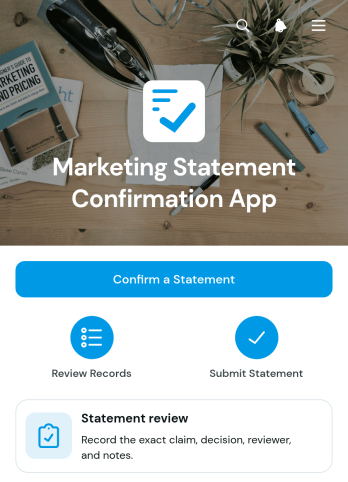
Marketing Statement Confirmation App
The Marketing Statement Confirmation App provides marketing teams, campaign managers, reviewers, and internal stakeholders with a focused place to review and confirm proposed marketing statements. It supports messaging checks for campaigns, website copy, promotional materials, product communications, and sales collateral. Reviewers can open an assigned statement, submit confirmation through a connected form, and add review notes that clarify requested changes or provide context. Centralizing these actions makes it easier to identify who reviewed each statement, preserve confirmed wording, reduce missed feedback, and keep content moving through the review process.Jotform offers customizable app templates that turn recurring business processes into accessible digital experiences. Using its no-code app builder and drag-and-drop interface, teams can adapt this app template with their own colors, content, pages, and navigation without programming. Connected forms and tables support organized data collection, while notifications and workflow tools help teams respond to new confirmations. Once published, the app can be shared by direct link or QR code, giving reviewers convenient mobile-friendly access wherever they work.
Go to Category:Sales & Marketing Portal Apps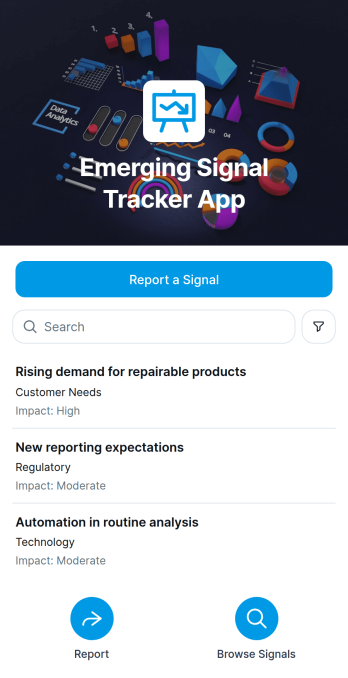
Emerging Signal Tracker App
The Emerging Signal Tracker App is an app template for capturing, reviewing, and organizing early indicators of change that may affect a team, market, community, or organization. Strategy groups, research teams, consultants, innovation leaders, risk analysts, and project managers can use it to report a signal, browse recorded observations, and review key context such as category, observation date, potential impact, and supporting evidence. Keeping these details in one accessible location helps teams compare developments, preserve source material, and discuss which signals deserve further investigation. It also creates a shared process for gathering insights from employees, partners, researchers, or field teams before scattered observations are overlooked.Jotform makes this Emerging Signal Tracker App easy to adapt with a no-code app builder and a drag-and-drop interface. Add branded pages, adjust navigation, update content, and connect forms or tables to support data collection and follow-up workflows without writing code. Teams can publish the app through a direct link or QR code, giving contributors convenient mobile access wherever observations occur. Starting with customizable App Templates also reduces setup time while supporting a consistent reporting experience, clearer collaboration, and ongoing self-service access to signal records.
Go to Category:Tracker Apps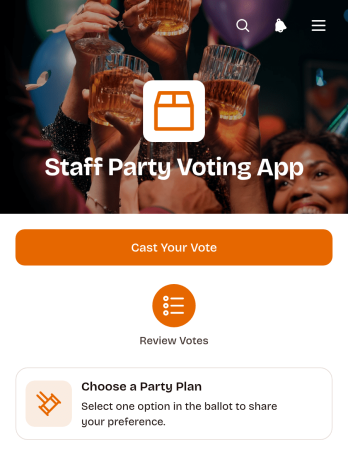
Staff Party Voting App
The Staff Party Voting App gives workplace organizers a central place to collect employee preferences for an upcoming celebration. This app template provides direct access to a voting form, presents party plan choices, and keeps submitted votes organized in a connected table. It is well suited to human resources teams, office managers, social committees, and team leaders planning seasonal gatherings, appreciation events, or company celebrations. Gathering responses through one accessible experience makes it easier to compare staff preferences, reduce scattered messages, and select a plan that reflects the group’s interests.Jotform Apps helps teams turn event coordination into a convenient, mobile-friendly workflow without writing code. Organizers can customize this Staff Party Voting App with a drag-and-drop interface, update its pages and visual style, and connect forms or tables for data collection. Jotform App Templates also make it easy to publish quickly and share the finished app through a direct link or QR code. Whether employees vote from a phone, tablet, or computer, the app supports simple self-service participation while giving organizers a clearer view of the responses they receive.
Go to Category:Event Planner Apps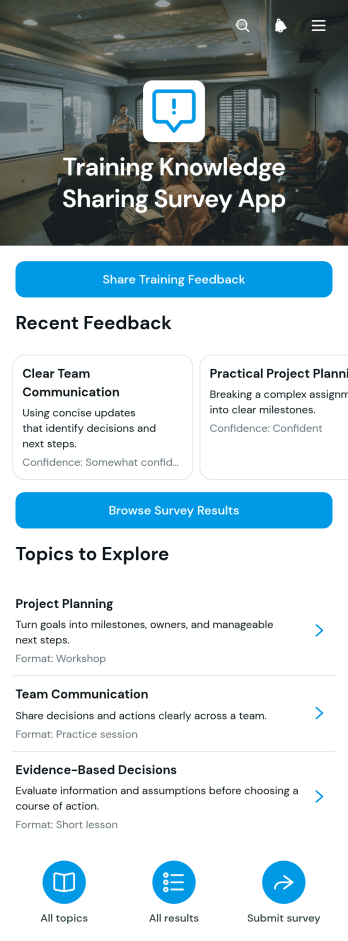
Training Knowledge Sharing Survey App
The Training Knowledge Sharing Survey App is an app template for gathering employee or learner feedback after workshops, courses, coaching sessions, and internal training programs. Learning and development teams, human resources departments, trainers, consultants, and educational organizations can use it to understand which topics were most useful and how participants plan to apply what they learned. Users can share training feedback, browse survey results, and review suggestions for future topics or delivery formats. By keeping responses and shared insights in one accessible place, the app supports informed training decisions, encourages knowledge exchange, and helps organizations shape future learning around participant needs.Jotform makes this Training Knowledge Sharing Survey App easy to adapt with a no-code app builder and an intuitive drag-and-drop interface. Customize pages, visual elements, navigation, and branding to match an internal learning program, then connect forms and tables for data collection and workflow management. The finished app can be shared through a direct link or QR code, giving employees, students, and other participants mobile-friendly self-service access. Start with one of Jotform’s App Templates and publish a polished feedback experience without writing code.
Go to Category:Resource & Learning Portal Apps