

Operations & Logistics Portal Apps

Preventative Maintenance App
Preventative Maintenance App helps teams keep equipment and facilities in reliable working order by organizing asset records, recurring inspections, and follow-up work in one place. It’s a practical fit for operations managers, maintenance coordinators, plant supervisors, property teams, and service leaders who need a clearer view of what needs attention and when. With an asset registry for quick lookups, an inspection log for consistent checks, and work orders for next steps, the app supports day-to-day maintenance routines without relying on scattered spreadsheets or inbox reminders.Jotform makes it easy to turn this workflow into a branded, mobile-friendly experience using App Templates and a no-code app builder. With a drag-and-drop interface, you can tailor navigation, add or reorder pages, and connect forms and tables for ongoing data collection. Share the app with your team by link or QR code so inspections and maintenance history stay accessible in the field, while updates flow into a centralized workflow you can manage and improve over time.
Go to Category:Equipment Maintenance Software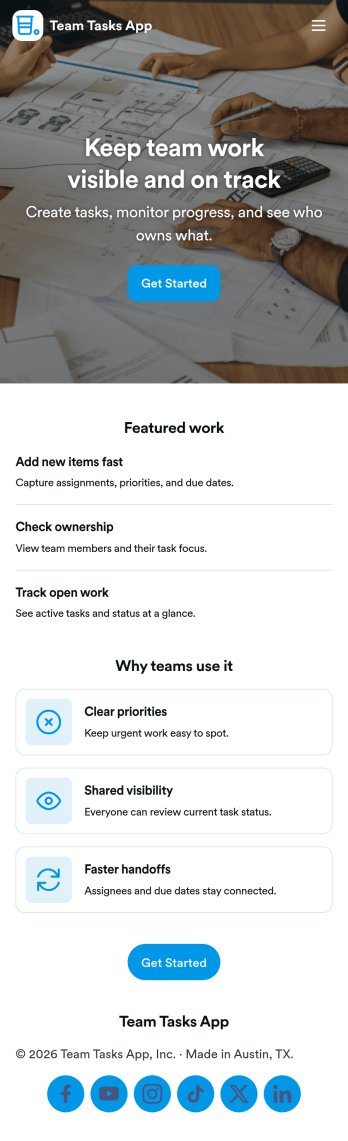
Team Tasks App
Team Tasks App brings shared task tracking into one place so teams can capture new work, review what’s in motion, and keep responsibilities visible. Use it to collect task requests through a simple add-task form, route people to a task board view, and let teammates browse tasks by status such as open, in progress, or blocked. It’s a practical fit for project teams, operations groups, agencies, and internal departments that need a lightweight way to stay aligned without losing requests in chat threads or scattered notes.Built with Jotform, this app template helps you turn everyday task coordination into a self-service experience you can share with a link. Customize pages, cards, and navigation with a drag-and-drop interface, then connect your task form and data collection to workflows that keep updates organized as work changes. Whether you’re coordinating recurring assignments or managing one-off requests, Jotform makes it easy to publish a polished team hub without coding.
Go to Category:Task Management Apps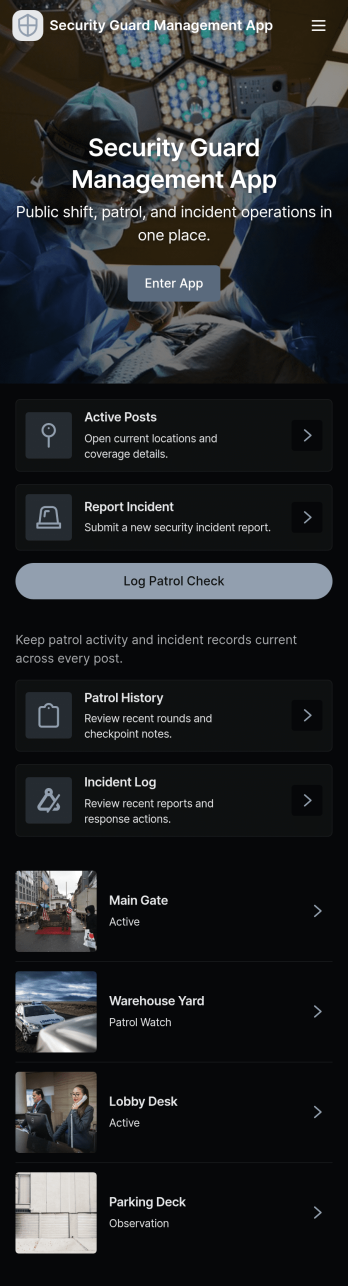
Security Guard Management App
Security Guard Management App helps security teams organize day-to-day operations in one place, from keeping a reliable guard roster to capturing shift activity and documenting incidents as they happen. It’s a practical fit for private security companies, property managers, event venues, and organizations that oversee on-site coverage across multiple locations and rotating schedules. With quick access to guard details, shift logs, and incident reports, supervisors can stay informed, reduce missed handoffs, and standardize reporting across the team.Built with Jotform, this app template can be adapted to your workflow using a no-code app builder and a drag-and-drop interface. Connect the app to forms for consistent data collection, route information through simple workflows, and share the app for self-service access on mobile devices. Whether you’re coordinating coverage, reviewing activity, or centralizing records for follow-up, Jotform makes it easy to publish and maintain an app experience your team can rely on.
Go to Category:Operations & Logistics Portal Apps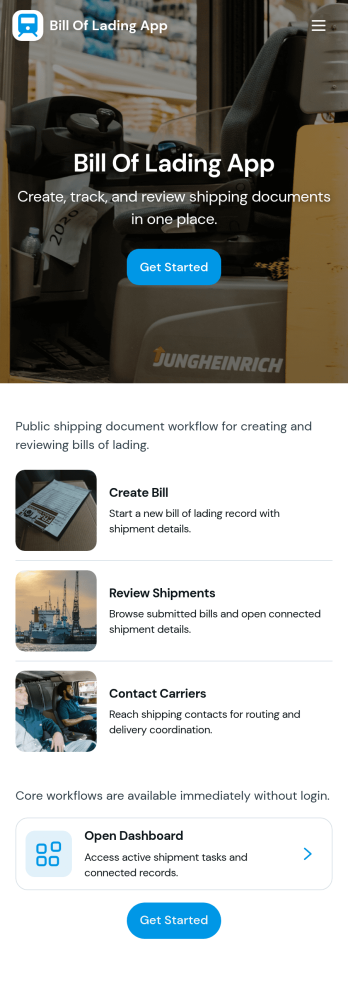
Bill of Lading App
Bill of Lading App helps carriers, freight coordinators, warehouse teams, and dispatchers create bills of lading and keep shipment paperwork organized in one place. Use it to issue a new bill when a load is picked up, log shipments in a central register, and review what’s been created today or still pending release before it goes out to customers or partners. With quick navigation to create a bill, open a dashboard view, and browse a shipment register, teams can reduce manual follow-ups and keep documentation consistent across locations and shifts.Jotform makes it easy to turn this workflow into a branded self-service experience using its app template library and no-code app builder. Customize pages with a drag-and-drop interface, connect your bill of lading form and records in Jotform Tables, and share the app via link or QR code for fast data collection in the field. As your operation grows, you can refine routing, add steps for review, and keep everyone working from the same workflow without adding complexity.
Go to Category:Order & Shipping Portal Apps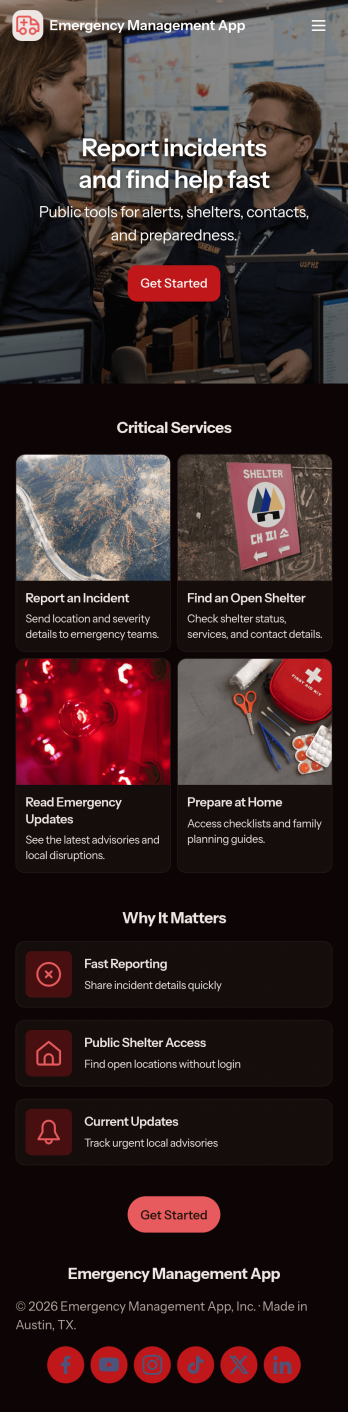
Emergency Management App
Emergency Management App brings incident reporting, response coordination, and essential reference materials into one place so teams can act quickly when something goes wrong. Use it to capture incident details from staff in the field, route information to a response center for review, and maintain a living set of resources people can access during disruptions. It fits workplaces, campuses, events, property managers, nonprofits, and operations teams that need a consistent way to document what happened, prioritize next steps, and reduce confusion in high-pressure moments.Built with Jotform App Templates, this Emergency Management App can be customized in a no-code app builder with a drag-and-drop interface to match your organization’s workflow. Connect the app to your Jotform forms for data collection, organize entries for quick follow-up, and share a self-service experience by link or QR code so the right people can submit reports, monitor updates, and find guidance from any device.
Go to Category:Safety Inspection Apps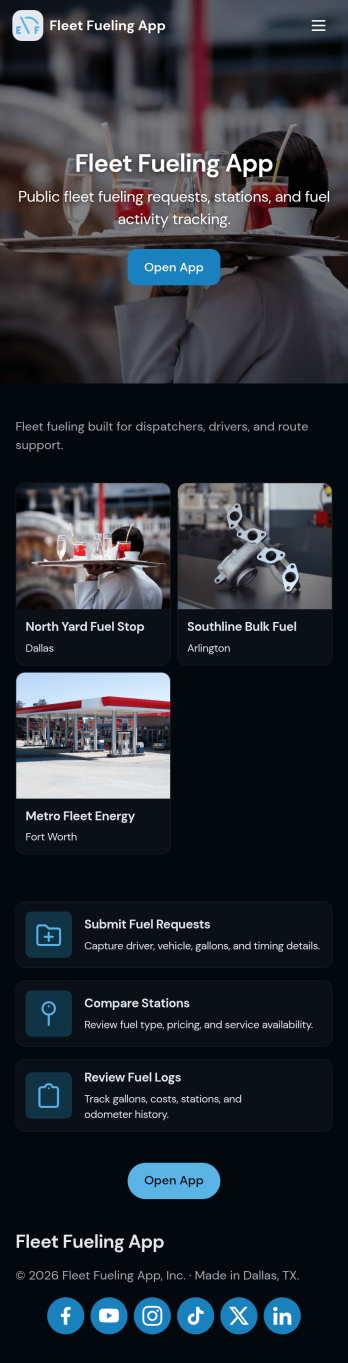
Fleet Fueling App
Fleet Fueling App helps dispatchers, fleet managers, and drivers coordinate fuel needs across vehicles without losing track of requests. Use it to capture new fuel requests in one place, review open requests, and check fueling history when questions come up about timing, routes, or notes. It’s a practical fit for delivery fleets, field service teams, construction operations, and any organization that needs a simple way to keep vehicles ready while reducing missed fueling tasks and unclear handoffs.Built with Jotform, this app template turns everyday fueling coordination into a mobile-friendly self-service experience. Customize pages and cards with a drag-and-drop interface, connect your fuel request form for consistent data collection, and route updates through a workflow that matches how your team operates. Share the app by link or QR code so drivers and coordinators can submit requests, review history, and stay aligned from anywhere.
Go to Category:Log Apps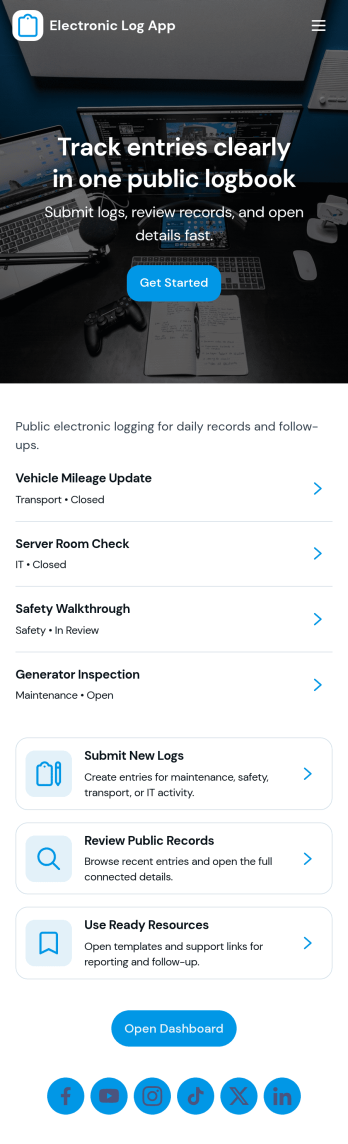
E Log App
E Log App helps teams capture new electronic logs and keep a clear record of past entries in one place. It’s built for day-to-day logging where consistency matters, such as recording shift notes, service updates, site observations, internal check-ins, or status changes across ongoing work. With a simple New Log path and a History area for reviewing previous entries, the app supports repeatable routines for individuals and teams who need quick entries and reliable reference later.Jotform makes it easy to launch and tailor app templates like E Log App using a no-code app builder and a drag-and-drop interface. Connect your app to a form for data collection, keep information organized for self-service access, and adjust pages, buttons, and navigation to match how your workflow runs. Share the app with a link so coworkers can add logs and review history from anywhere, without needing a complex setup.
Go to Category:Log Apps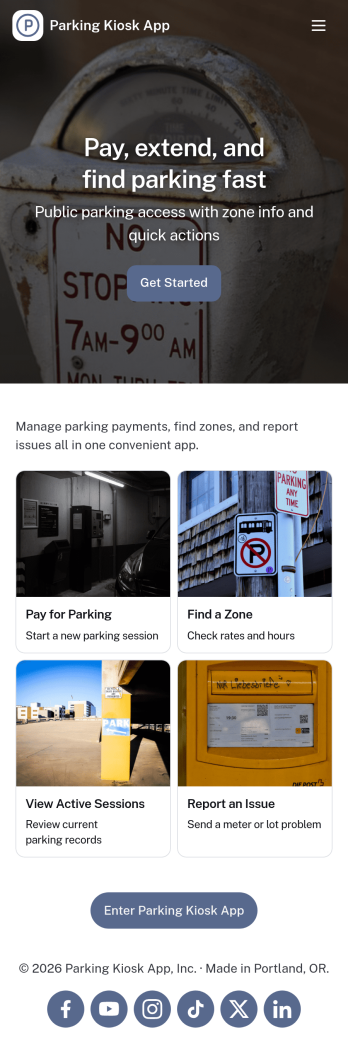
Parking Kiosk App
Parking Kiosk App helps parking operators provide a simple, on-site experience for starting parking sessions, checking past activity, and accessing permit information from a single kiosk-style interface. It’s a practical fit for garages, lots, campuses, hospitals, HOAs, and event venues that need a clear flow for drivers to begin a session, review records by license plate, and find payment-by-phone details without staff assistance.With Jotform, you can tailor this app template to match your location’s rules and branding, then connect it to your forms and data collection workflows. Use a no-code app builder and a drag-and-drop interface to update navigation, add instructions, and organize records so attendants and visitors can quickly find what they need. Share the kiosk link or QR code for fast self-service access and keep parking activity organized in one place.
Go to Category:Transportation Apps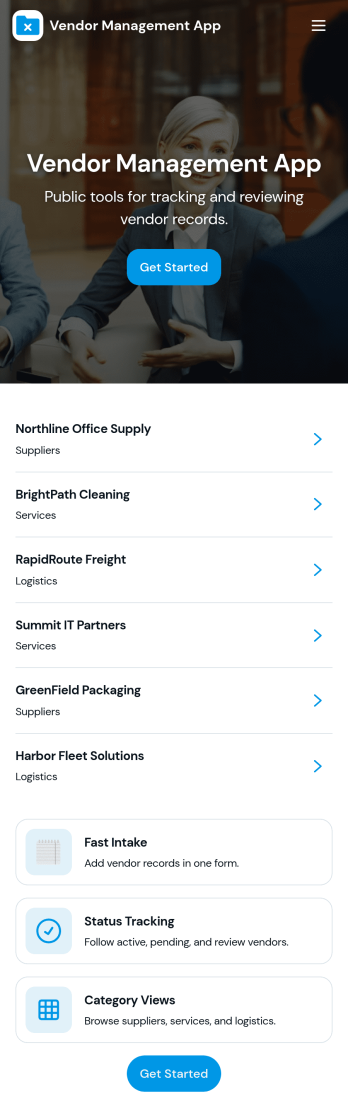
Vendor Management App
Vendor Management App helps teams organize vendor records, onboard new suppliers, and keep a clear history of performance feedback in one place. It’s a practical fit for operations managers, procurement teams, office administrators, and growing businesses that work with multiple vendors and need a simple way to browse vendor profiles, capture onboarding details, and log review notes without hunting through emails or spreadsheets.Built with Jotform App Templates, this experience can be tailored with a no-code app builder and a drag-and-drop interface, so you can match the flow to your internal workflow. Connect vendor intake to forms, keep information organized in tables, and make self-service navigation easy with pages and buttons that route users to the right actions. Share the app with coworkers or stakeholders, publish updates quickly, and keep vendor information consistent as your vendor list grows.
Go to Category:Operations & Logistics Portal Apps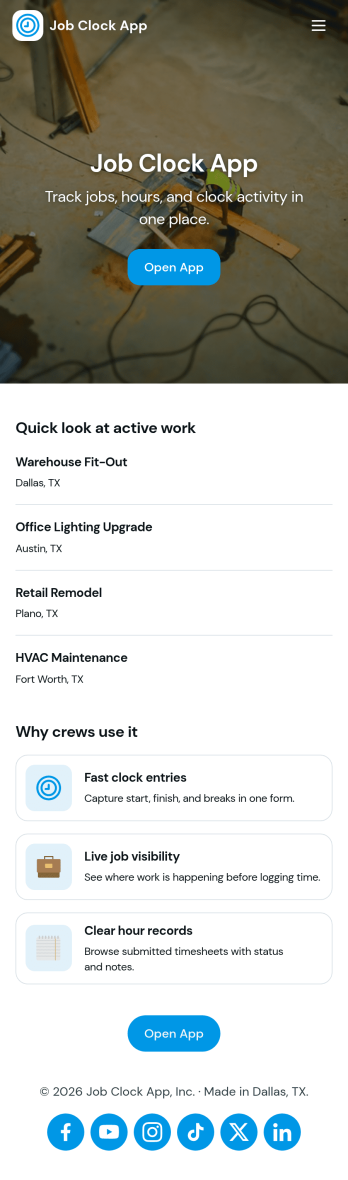
Job Clock App
Job Clock App helps teams track time across different jobs from a single, easy-to-use hub. Employees can clock in as they start work, jump to a Jobs area to choose what they’re working on, and review Timesheets so hours stay clear for payroll and job costing. It’s a practical fit for field services, construction crews, agencies, and any business that needs consistent time entries tied to specific work without chasing texts, emails, or paper notes.Built with Jotform, this app template turns time tracking into a simple self-service experience you can share in minutes. Use Jotform’s no-code app builder and drag-and-drop interface to adjust navigation, add guidance text, and connect the app to your time entry form and job list data collection. As your workflow evolves, you can keep everything organized in one place and make it easy for managers to review entries while employees focus on getting started fast.
Go to Category:Activity Tracking Apps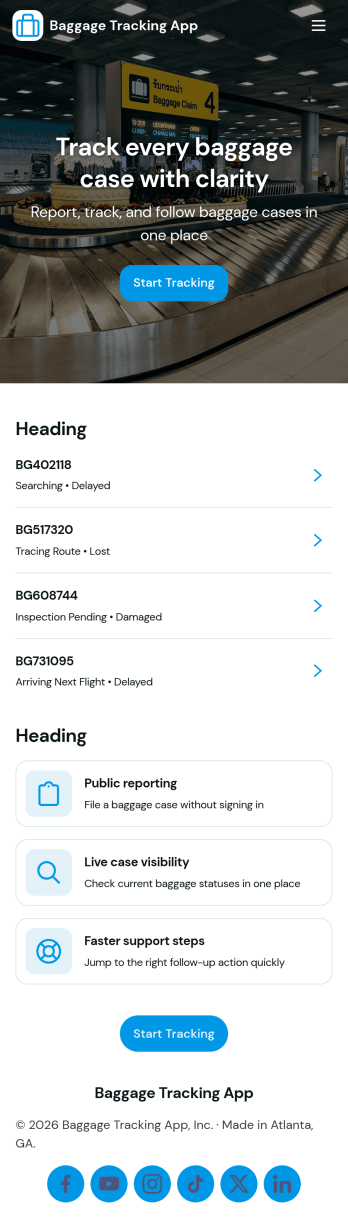
Baggage Tracking App
Baggage Tracking App helps travel teams and service desks keep bags visible from check-in to arrival while giving travelers a simple place to look up status, report problems, and follow up on open requests. It fits airlines, airports, tour operators, cruise lines, and ground transportation providers that handle high volumes of luggage and need a consistent process for check-in details, tracking lookups, issue reporting, and claims follow-through without relying on scattered emails or paper logs.With Jotform, you can turn this baggage tracking workflow into a self-service experience using App Templates and a no-code app builder with a drag-and-drop interface. Connect the app to forms and tables for data collection, route updates to the right team, and keep records organized for faster handoffs. Share the app by link or QR code, tailor pages to match your operations, and keep tracking, issues, and claims in one place as your workflow evolves.
Go to Category:Transportation Apps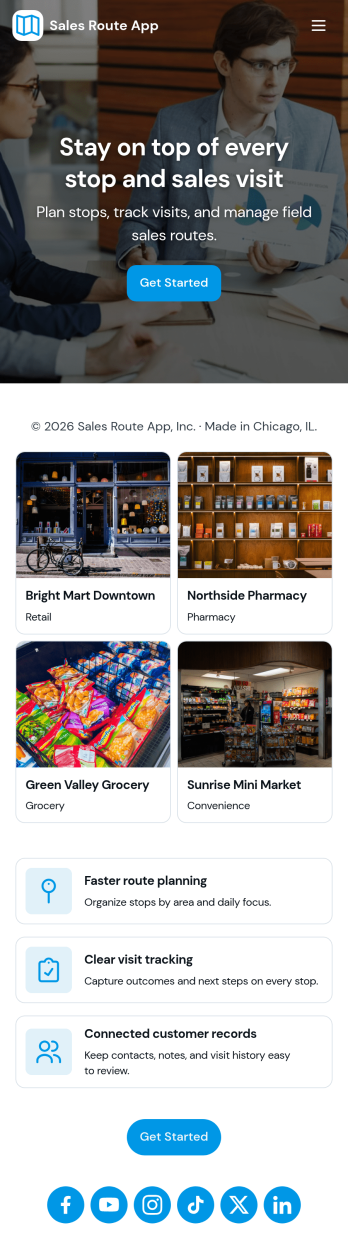
Sales Route App
Sales Route App helps field sales teams organize daily routes, keep track of assigned accounts, and create consistent visit records throughout the day. Use it to view today’s routes at a glance, open route details when priorities change, and log each customer stop with the right context so updates don’t get lost after a long day on the road. It’s a practical fit for outside sales reps, merchandisers, territory managers, and growing teams that want a simple way to coordinate coverage across locations.With Jotform, you can turn this Sales Route App into a branded, self-service experience using App Templates and a no-code app builder with a drag-and-drop interface. Connect route and visit tracking to your data collection workflows, centralize records in one place, and keep everyone aligned with shareable access for the right teammates. As your process evolves, you can update pages, buttons, and navigation in minutes so the app keeps pace with new territories, accounts, and reporting needs.
Go to Category:Sales & Marketing Portal Apps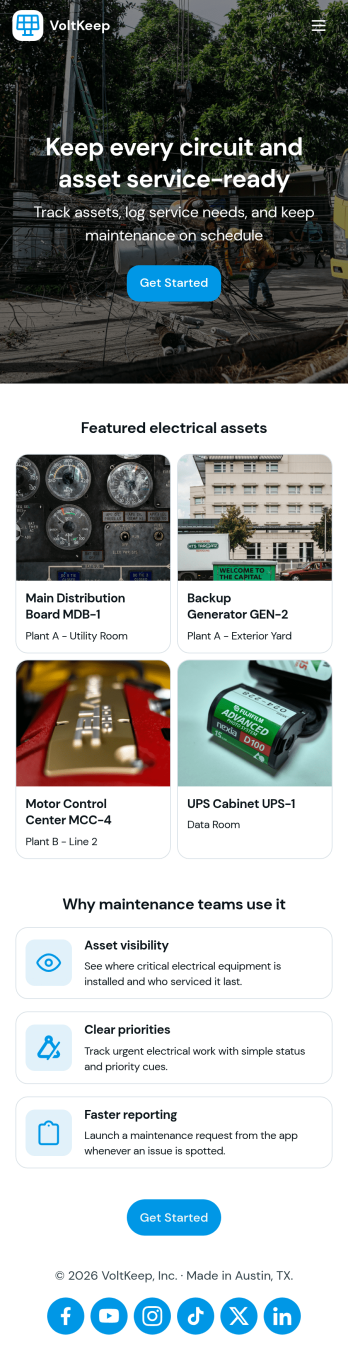
Electrical Maintenance App
Electrical Maintenance App helps facilities and service teams manage day-to-day electrical upkeep by organizing work orders, service requests, asset details, and inspection logs in one place. Use it to capture new maintenance requests, review open and past work orders, and give technicians fast access to the equipment they’re responsible for. It’s a practical fit for plant managers, building engineers, field service crews, and contractors who need clearer visibility into what’s been reported, what’s in progress, and what still needs attention across sites or departments.Jotform makes it easy to publish this kind of self-service, mobile-friendly experience without coding. With Jotform Apps, you can use a drag-and-drop app builder to tailor pages for your process, connect forms and tables for consistent data collection, and keep information flowing through a simple workflow your team will actually follow. Share the app by link or QR code so the right people can open requests, check work order details, and reference inspection history from wherever the job takes them.
Go to Category:Equipment Maintenance Software
DataVault Database Management App
DataVault Database Management App brings your database catalog and table catalog into one place so teams can log new databases, track tables, and review related records without losing context. It’s built for IT teams, engineering groups, and operations leaders who need a simple way to keep database information organized, searchable, and easy to share across stakeholders. With quick add forms and browsable lists, this app supports day-to-day database inventory work, internal handoffs, and ongoing upkeep as environments grow.Jotform App Templates make it easy to publish a tailored internal tool using a no-code app builder and a drag-and-drop interface. Connect pages to forms and tables to support data collection, keep records centralized, and give teammates a self-service way to find what they need. With Jotform, you can adjust navigation, update content fast, and share the app through a link so your workflow stays clear and consistent.
Go to Category:Information Technology Apps
Warranty Manager App
Warranty Manager App gives customers and support teams a simple place to register products, store warranty details, and start claims without digging through emails or paperwork. Visitors can register a product in minutes, browse their warranties from one screen, and submit a warranty claim when something goes wrong. It’s a great fit for retailers, manufacturers, repair providers, and customer service departments that want a clearer way to handle post-purchase support and reduce missed documentation.Jotform makes it easy to tailor this app template to your process using a no-code app builder and a drag-and-drop interface. Connect the in-app actions to your forms and keep data collection organized, then share the app as a self-service experience for customers or as an internal workflow tool for your team. With flexible pages, navigation, and connected resources, Jotform helps you turn warranty intake and claim tracking into a smooth, consistent experience.
Go to Category:Customer Portal Apps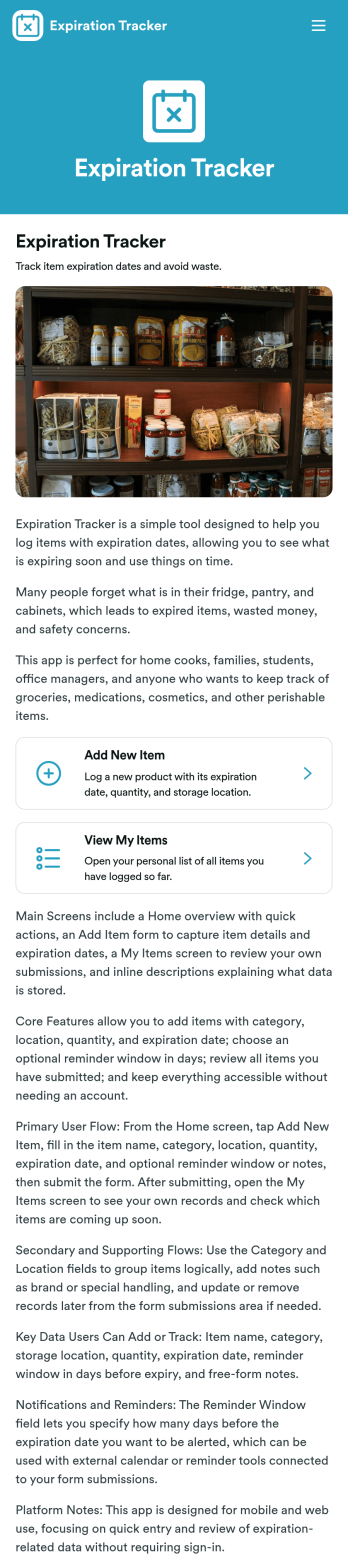
Expiration Tracker App
Expiration Tracker App gives teams and households a simple way to log products and keep an eye on expiration dates before they become a problem. Use it to add new tracked items through a connected form, then check your list anytime to spot what’s nearing its date. It works well for office kitchens, small retailers, clinics managing non-regulated supplies, schools, community programs, or anyone trying to cut waste and avoid last-minute surprises from expired goods.Jotform makes it easy to turn everyday processes into a shareable app experience using a no-code app builder and a drag-and-drop interface. Start with this app template, customize pages, text, and visuals to match your workflow, and publish in minutes. You can connect data collection to the same tracked-items form, keep information organized for quick self-service access, and update the app as your inventory habits evolve.
Go to Category:Tracker Apps
Hauling Cost Calculator App
The Hauling Cost Calculator App helps hauling contractors, dispatchers, estimators, fleet operators, and logistics teams prepare consistent cost estimates for transport jobs. Users can enter trip details, account for distance, load weight, and load type, and review a calculated estimate before discussing pricing with a customer or assigning work. A built-in rate guide supports consistent assumptions, while saved estimates create useful reference records for recurring routes and similar loads. This app template can reduce manual calculations, make estimating practices easier to follow, and give field and office teams a shared resource for preliminary job costing.Jotform makes the Hauling Cost Calculator App easy to adapt without coding. Using the no-code app builder and drag-and-drop interface, businesses can adjust pages, update rate information, apply their own branding, and connect forms or tables to the wider workflow. The finished app can support data collection and self-service access from phones, tablets, or computers. Start with one of Jotform’s App Templates, tailor the calculation journey to your operation, and share it through a direct link or QR code for convenient access in the office or on the road.
Go to Category:Estimation Apps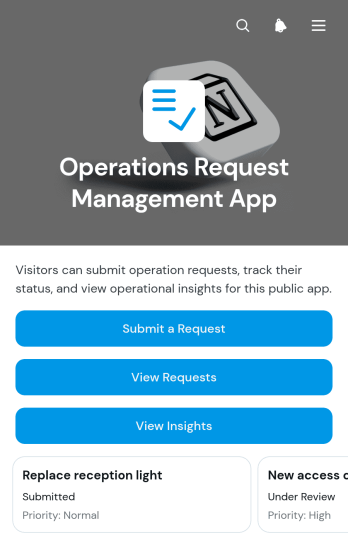
Operations Request Management App
The Operations Request Management App gives operations teams a central place to receive, review, and monitor internal service requests. Employees, department leads, facilities teams, and office administrators can use this app template to submit requests, browse active items, open request details, and review operational insights. Clear information about request type, requester, contact email, and needed-by date helps teams assess priorities and maintain visibility across daily work. It is well suited to supply requests, facilities needs, administrative support, equipment issues, and other operational tasks that might otherwise become scattered across messages or spreadsheets.Jotform makes this Operations Request Management App easy to adapt without writing code. Use the no-code app builder and drag-and-drop interface to update pages, navigation, branding, and request content for your organization. Connected forms support consistent data collection, while organized request views make self-service access more convenient for employees and managers. Teams can expand the workflow with tables, notifications, and other connected processes, then publish the finished app through a direct link or QR code for mobile-friendly access.
Go to Category:Operations & Logistics Portal Apps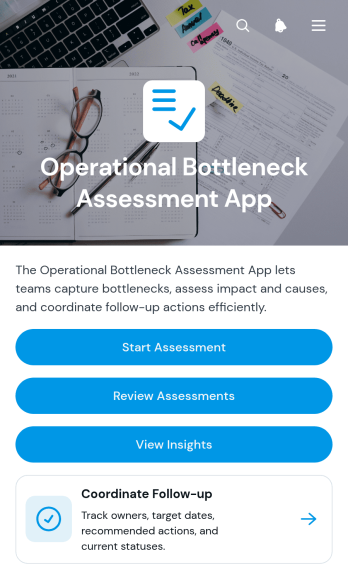
Operational Bottleneck Assessment App
The Operational Bottleneck Assessment App is an app template for identifying process delays, documenting likely causes, and assigning practical follow-up actions. Operations leaders, consultants, project managers, department heads, and continuous improvement teams can use it to assess recurring workflow problems across service delivery, production, administration, or internal support. Users can start an assessment, review previous findings, and view insights without searching through disconnected records. Each identified bottleneck can be connected with its process area, operational impact, recommended action, owner, and target date, giving teams a shared basis for prioritizing improvements and monitoring accountability.Jotform Apps helps organizations turn this assessment process into an accessible, interactive experience without writing code. Use the drag-and-drop app builder to adapt pages, navigation, visual styling, and branding to suit an internal review program or consulting engagement. The app can connect data collection with tables, notifications, approvals, and other workflow steps so findings remain organized as teams move from analysis to action. Once customized, it can be shared by direct link or QR code for convenient access on desktop and mobile devices, supporting collaboration wherever operational reviews take place.
Go to Category:Operations & Logistics Portal Apps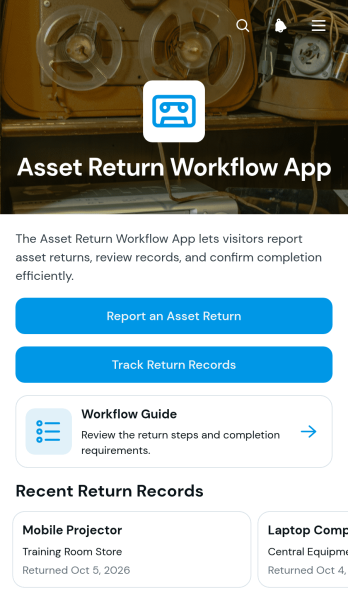
Asset Return Workflow App
The Asset Return Workflow App helps IT departments, HR teams, operations managers, warehouse staff, schools, rental providers, and other organizations coordinate the return of company-owned equipment. Employees, contractors, students, or borrowers can report an asset return, while authorized team members can track return records and review key details such as the asset identifier, return location, return date, and condition notes. A built-in workflow guide supports consistent handling across teams and locations. By keeping return reporting and record access in one mobile-friendly app template, organizations can reduce missing information, improve asset visibility, and create a clearer handoff process for laptops, tools, uniforms, keys, devices, and other issued property.Jotform makes this App Template easy to adapt without coding. Use the no-code app builder and drag-and-drop interface to update pages, navigation, branding, and instructions for your organization. The app can connect data collection forms with tables, notifications, approvals, and related workflows, giving staff a convenient self-service experience while helping administrators organize return activity. Publish the finished app with a direct link, share it through a QR code, or embed it in an internal resource page so users can access the return process from a phone, tablet, or computer.
Go to Category:Inventory Management Apps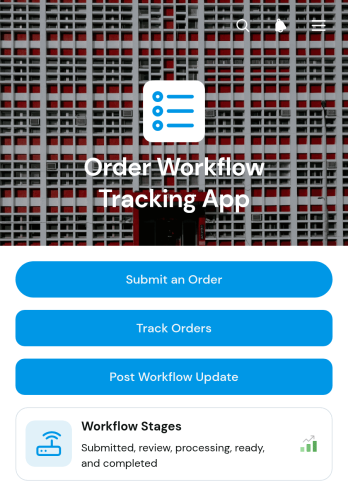
Order Workflow Tracking App
Order Workflow Tracking App is an app template for businesses that need one accessible place to submit orders, monitor progress, and record updates as work moves through defined stages. Operations teams, order fulfillment staff, account managers, wholesalers, service providers, and growing retailers can use it to maintain visibility from initial intake through completion. Users can open individual order records, review customer and contact details, check summaries and workflow notes, and post dated status updates. This shared view reduces scattered communication, makes order ownership clearer, and helps teams respond to customers with current information. It is especially useful when several employees contribute to processing, production, fulfillment, or delivery.With Jotform Apps, teams can adapt this app template through a no-code app builder and a flexible drag-and-drop interface. Pages, navigation, forms, record views, and branded visual elements can be adjusted to fit an existing order workflow without writing code. Connected forms support consistent data collection, while organized records help staff find order details and updates from computers or mobile devices. The finished app can be shared by direct link or QR code, giving authorized users convenient self-service access. Start with this option from Jotform’s App Templates, tailor it to daily operations, and publish a polished order tracking experience in minutes.
Go to Category:Order & Shipping Portal Apps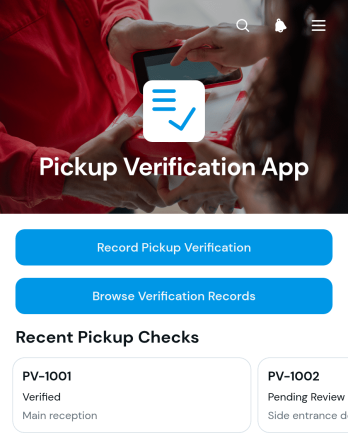
Pickup Verification App
The Pickup Verification App is a ready-to-use app template for documenting item handoffs at collection points. It gives warehouse staff, delivery teams, retailers, rental operators, and service businesses a reliable place to record a pickup verification, browse earlier records, and review recipient, location, and supporting evidence under a pickup reference. It works well at warehouses, store counters, equipment depots, and other handoff locations where staff need a consistent record of who received an item and where the exchange took place. Keeping these details in one accessible experience reduces scattered paperwork, speeds up record lookup, and helps operations teams resolve questions about completed pickups.Built with Jotform Apps, this Pickup Verification App can be tailored with a no-code app builder and a flexible drag-and-drop interface. Teams can adjust pages and branding, connect form-based data collection to tables and workflows, and organize navigation around their own pickup process. As with other Jotform App Templates, the app template can be shared by direct link, QR code, or embedded experience for convenient mobile access. Businesses can also add notifications and connected approval steps when their process requires them, creating a practical self-service resource that can grow with day-to-day logistics.
Go to Category:Order & Shipping Portal Apps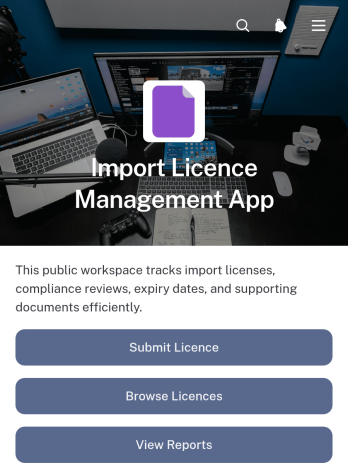
Import Licence Management App
The Import Licence Management App is a central workspace for submitting, browsing, and reviewing import licence records. It supports import teams, logistics coordinators, trade operations staff, compliance reviewers, and managers who need clearer oversight of licence activity. Users can submit a licence, locate existing records, open related compliance records, add review information, and view reports without searching across disconnected files. This app template is well suited to businesses that handle frequent imports, coordinate licence reviews across teams, or need a consistent data collection process. It helps reduce missing information, improves record visibility, and gives stakeholders a practical self-service route to the details relevant to their work.Jotform App Templates provide a flexible starting point for turning operational processes into accessible digital experiences. With Jotform’s no-code app builder and drag-and-drop interface, teams can adapt the Import Licence Management App to their terminology, branding, responsibilities, and workflow. Forms, tables, approval steps, notifications, and reports can be connected to support everyday administration. The finished app can be shared through a direct link or QR code, making licence information available on desktop and mobile devices while keeping related actions and resources in one organized location.
Go to Category:Operations & Logistics Portal Apps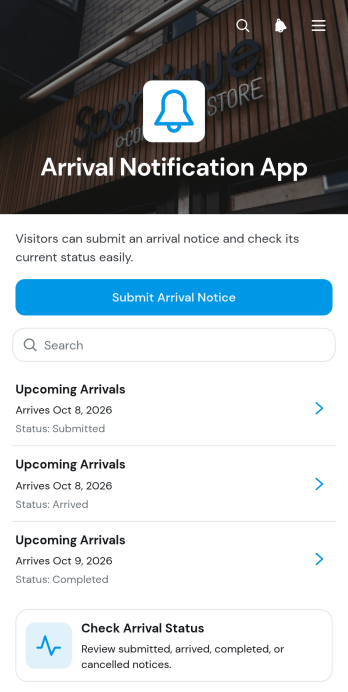
Arrival Notification App
Arrival Notification App is a ready-to-use app template for coordinating expected visitors, drivers, contractors, and deliveries before they reach a destination. Reception teams, property managers, warehouses, transport coordinators, service facilities, and office administrators can use it to collect arrival notices, review upcoming arrivals, and check the status of active notices. Keeping essential information in one accessible place helps staff prepare for incoming traffic, direct arrivals to the correct destination, reduce missed updates, and maintain a clearer view of daily activity. It is especially useful when several teams need timely access to arrival details without relying on scattered calls, messages, or paper records.Jotform App Templates make it easy to adapt the Arrival Notification App to an organization’s workflow and visual identity. With Jotform’s no-code app builder and drag-and-drop interface, users can update pages, navigation, buttons, colors, and content without programming. Connected forms support organized data collection, while tables, notifications, approvals, and other workflow tools can help teams manage follow-up actions. Once the app is ready, it can be shared by a direct link or QR code for convenient mobile access and self-service notice submission.
Go to Category:Operations & Logistics Portal Apps