

Operations & Logistics Portal Apps

Field Work Approval App
The Field Work Approval App is a ready-to-use app template for coordinating requests that must be reviewed before work begins or proceeds. Field service businesses, contractors, construction teams, facilities departments, and operations managers can use it to receive field work requests, browse request details, record approval decisions, and check current approval status. Keeping request titles, requester information, work descriptions, decisions, and status updates in one accessible place gives office staff and field teams a shared view of pending work. It also helps reviewers respond consistently, reduces missed requests, and creates a clearer handoff between requesters, supervisors, and crews.With Jotform Apps, teams can adapt the Field Work Approval App to match their internal process without writing code. The no-code App Builder provides a drag-and-drop interface for updating pages, navigation, buttons, colors, and branding. Connected forms and tables support data collection and keep request and decision records organized, while notifications and approval workflows can help move work to the appropriate reviewer. Start with one of the Jotform App Templates, customize the app template for self-service access, and share the finished experience by direct link, QR code, or embedded page.
Go to Category:Field Service Apps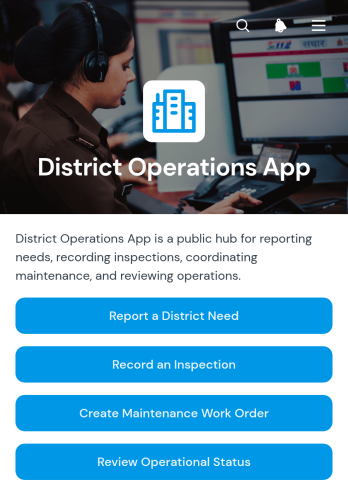
District Operations App
The District Operations App gives district administrators, facilities teams, inspectors, and field personnel a central place to coordinate essential operational activity. It supports reporting district needs, recording inspections, and creating maintenance work orders without relying on scattered emails or paper records. School districts, municipal departments, service areas, and other district-based organizations can use this app template to improve data collection, document field observations, and direct requests to the appropriate team. Staff gain clearer access to current records, while managers can monitor issues and prioritize work with better operational visibility.Jotform App Templates help organizations turn recurring processes into accessible digital experiences. Using Jotform’s no-code app builder and drag-and-drop interface, teams can customize the District Operations App with branded pages, navigation, forms, tables, and connected workflows. The app can be updated as procedures change, shared through a direct link or QR code, and opened on phones, tablets, or computers. By bringing self-service reporting and operational resources together, Jotform helps district teams reduce manual coordination and keep important work moving.
Go to Category:Operations & Logistics Portal Apps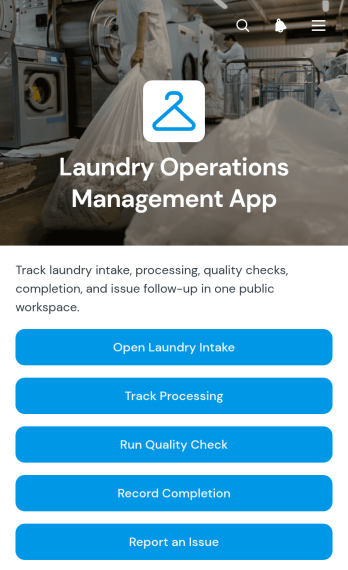
Laundry Operations Management App
The Laundry Operations Management App is a ready-to-use app template for commercial laundries, hospitality housekeeping departments, linen services, and facilities teams that need a clear view of daily laundry activity. It brings intake tracking, processing updates, quality checks, completion records, and issue reporting into one accessible workspace. Managers can follow each stage without relying on scattered paper logs, while staff can record progress and flag concerns as work moves through the facility. This shared process improves handoffs between shifts, supports more consistent quality, and gives supervisors reliable data for reviewing delays, workloads, recurring issues, and completed orders.Jotform Apps helps organizations turn operational processes into mobile-friendly experiences without writing code. Start with the Laundry Operations Management App from Jotform App Templates, then use the no-code app builder and drag-and-drop interface to adjust pages, navigation, colors, and branding. Connected forms and tables support organized data collection and workflow management, while links and buttons guide employees to the right action. Publish the app through a direct link, custom URL, embedded experience, or QR code to give teams convenient self-service access from phones, tablets, or computers.
Go to Category:Operations & Logistics Portal Apps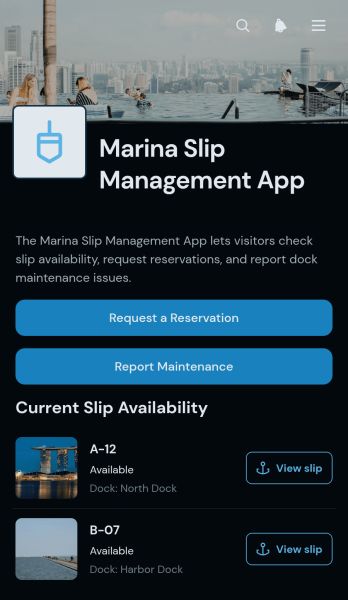
Marina Slip Management App
The Marina Slip Management App gives marina operators and harbor teams a central place to present slip information and handle common boater requests. Staff can use the app template to organize slips by status and dock section while showing vessel length limits and available utilities. Boaters can browse slip details, request a reservation, and report maintenance concerns without relying on scattered calls or messages. It is well suited to marinas, yacht clubs, municipal harbors, boatyards, and waterfront property teams that need a clearer way to coordinate occupancy, inquiries, and service needs.Jotform App Templates make it easy to turn this Marina Slip Management App into a branded, mobile-friendly resource using a no-code app builder. With the drag-and-drop interface, teams can update pages, cards, buttons, and navigation to match their daily workflow. Connected forms support data collection for reservation and maintenance requests, while tables, notifications, approvals, and other Jotform features can help staff organize follow-up work. Publish the app with a shareable link or QR code to give boaters convenient self-service access and help employees find current information from one location.
Go to Category:Reservation Apps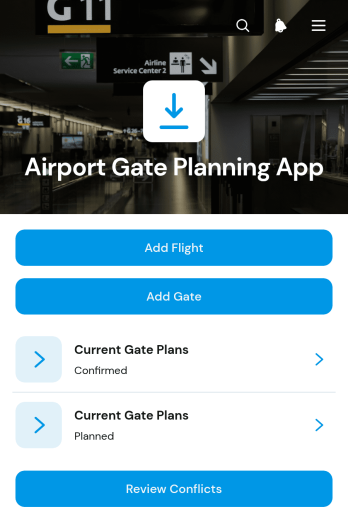
Airport Gate Planning App
Airport Gate Planning App gives airport operations teams a central place to coordinate flight and gate assignments before and during daily operations. Gate planners, terminal managers, dispatch teams, and ground operations coordinators can add flights and gates, review current gate plans, and identify scheduling conflicts that may disrupt aircraft movement or passenger service. Flight information such as schedules, aircraft details, and passenger volumes can be considered alongside gate availability and supported aircraft. This shared planning view reduces fragmented records, improves assignment visibility, and helps teams respond to schedule changes with clearer operational context.With Jotform, this app template can be adapted to match an airport’s planning process without coding. The no-code app builder and drag-and-drop interface make it easy to update pages, navigation, branding, and connected forms while keeping data collection and workflow resources together. Teams can link planning records to Jotform Tables, trigger notifications through connected processes, and share the finished app through a direct link or QR code. Jotform App Templates provide a practical starting point for creating a mobile-friendly operational resource that supports collaboration, timely updates, and convenient access from the terminal or operations office.
Go to Category:Operations & Logistics Portal Apps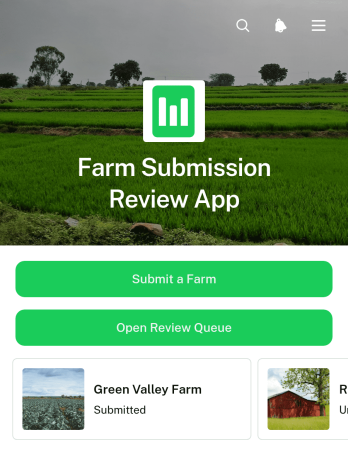
Farm Submission Review App
Farm Submission Review App gives agricultural organizations a central place to collect farm submissions and evaluate them through a consistent review process. It suits farm networks, agricultural programs, sourcing teams, cooperatives, grant administrators, and other groups that assess farm information before approval or follow-up. Applicants can submit a farm through a connected form, while reviewers can open a review queue and view individual records with contact details, location, review status, and a concise submission summary. Keeping these details together helps teams reduce scattered records, prioritize pending reviews, monitor progress, and make informed decisions without relying on disconnected documents or email threads.Jotform Apps makes this app template easy to adapt without coding. Use the drag-and-drop app builder to update pages, navigation, colors, fonts, buttons, and branding for your review process. Connected forms support data collection, while tables, approval steps, and notifications can extend the workflow as operational needs grow. Like other Jotform App Templates, it can be shared by direct link or QR code for convenient mobile access. Teams can create a clear self-service submission experience for farms and a practical review workspace for staff, all within one customizable app.
Go to Category:Report Apps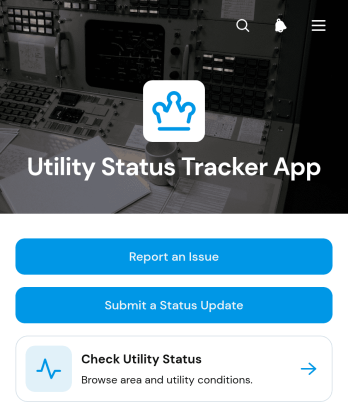
Utility Status Tracker App
Utility Status Tracker App provides a central place for utility teams, property managers, local service operators, and community coordinators to share service conditions by area. Users can check the current utility status, see when information was last updated, review expected restoration details, and read the latest notice. They can also report an issue or submit a status update through connected forms. This app template helps organizations replace scattered messages with a consistent source of information, improve visibility during interruptions, and give residents, tenants, employees, or customers convenient self-service access to timely updates.With Jotform Apps, teams can adapt App Templates to their operational needs without writing code. The drag-and-drop app builder makes it easy to revise pages, navigation, buttons, visual styling, and connected workflows while keeping data collection in one organized experience. Teams can connect forms and tables, receive notifications from submitted reports, and manage updates as conditions change. Once customized, the Utility Status Tracker App can be shared through a direct link or QR code, giving users a mobile-friendly way to view information and send reports from almost any device.
Go to Category:Tracker Apps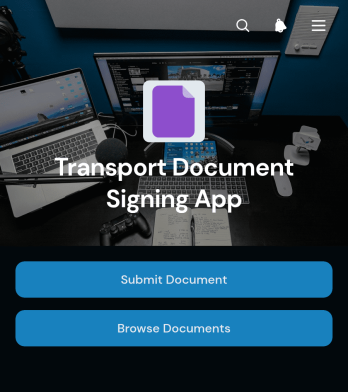
Transport Document Signing App
Transport Document Signing App provides carriers, dispatch teams, drivers, freight coordinators, and logistics administrators with a central place to submit, review, and sign transport records. Users can upload a document, browse previously submitted records, and move into a guided signing process without relying on scattered messages or paper files. It supports day-to-day documentation for deliveries, route assignments, freight movements, vehicle transfers, and other transport operations where teams need clear access to signer and journey information. This app template helps reduce missing paperwork, makes document status easier to follow, and gives office and field personnel a consistent self-service experience.With Jotform Apps, organizations can turn this Transport Document Signing App into a branded digital resource without writing code. The no-code app builder and drag-and-drop interface make it easy to adjust pages, navigation, colors, and content to suit an existing workflow. Teams can connect forms and tables for data collection, add approval steps or notifications, and share the finished app through a direct link or QR code. Jotform App Templates also provide a practical starting point for creating mobile-friendly experiences that keep transport documentation accessible wherever work takes place.
Go to Category:Transportation Apps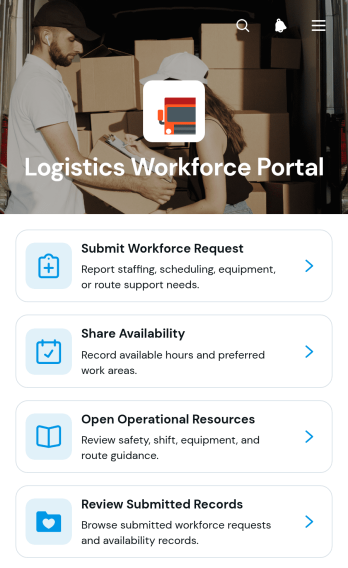
Logistics Workforce Portal App
The Logistics Workforce Portal App provides logistics coordinators, dispatch teams, warehouse supervisors, field managers, and transportation businesses with a central place to coordinate staffing needs. Teams can submit workforce requests, share employee availability, review submitted records, and open operational resources without relying on scattered messages or documents. It supports day-to-day labor planning across warehouses, distribution centers, delivery operations, and other locations where staffing requirements can change quickly. Clear access to request details, work areas, required dates, available hours, and availability dates helps managers identify coverage needs while giving workers a convenient self-service experience.Jotform App Templates make it easy to adapt this app template to the way your operation works. With Jotform’s no-code app builder and drag-and-drop interface, you can update pages, navigation, visual branding, and content without programming. Connect forms and tables to support data collection, organize records, and maintain a more consistent workflow for workforce coordination. Once the portal is ready, publish it with a shareable link or QR code so employees and supervisors can access it from phones, tablets, or computers. The app builder also makes ongoing updates simple as staffing processes, work areas, and operational resources change.
Go to Category:Operations & Logistics Portal Apps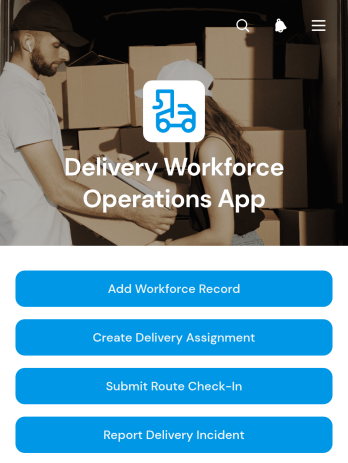
Delivery Workforce Operations App
The Delivery Workforce Operations App gives dispatchers, delivery managers, logistics coordinators, and field teams a central place to organize day-to-day workforce activity. It supports workforce record management, delivery assignment creation, and field reporting for route check-ins or incidents. Courier businesses, retail delivery teams, warehouses, distribution operations, and local service providers can use this app template to clarify responsibilities, maintain visibility into active routes, and give workers a consistent way to send operational updates. Centralizing these processes reduces fragmented communication and helps teams respond more quickly when delivery issues arise.Jotform Apps makes it easy to adapt the Delivery Workforce Operations App without writing code. Use the drag-and-drop app builder to adjust pages, update branding, organize navigation, and connect forms to a practical workflow. Managers can share the finished app through a direct link or QR code, giving mobile workers convenient self-service access from almost any device. Jotform app templates also connect data collection with tables, notifications, approvals, and other operational processes, helping growing delivery teams manage information in one accessible experience.
Go to Category:Delivery Apps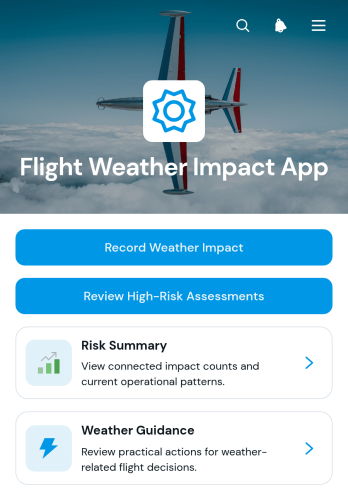
Flight Weather Impact App
The Flight Weather Impact App is an operational assessment template for aviation teams that need to document how weather may affect flights, airports, or routes. Dispatchers, operations coordinators, flight departments, airport teams, and transportation service providers can use it to record weather impacts, review high-risk assessments, and consult consistent guidance. Each assessment can bring together weather conditions, operational impact, recommended action, assessment date, and impact level. This shared view helps teams organize observations, prioritize cases requiring attention, and maintain a clear record of weather-related operational decisions without relying on scattered messages or documents.Jotform App Templates make it easy to adapt this app template to an organization’s assessment process without coding. Using Jotform’s no-code app builder and drag-and-drop interface, teams can update pages, navigation, branding, and connected forms while keeping data collection and workflow resources in one mobile-friendly experience. The app can be shared through a direct link, QR code, or embedded page, giving authorized users convenient self-service access wherever assessments are performed. Connected forms and tables also support organized records, notifications, and collaboration as operating conditions change.
Go to Category:Transportation Apps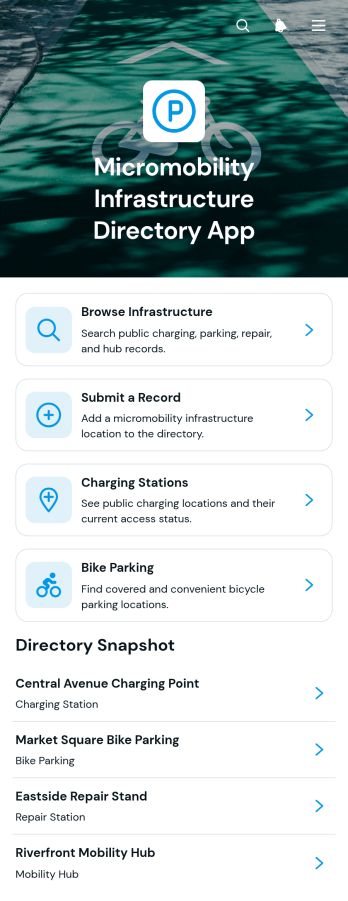
Micromobility Infrastructure Directory App
The Micromobility Infrastructure Directory App provides a central place to discover and maintain information about infrastructure that supports short-distance transportation. Municipal transportation teams, mobility planners, property managers, campuses, community groups, and advocacy organizations can use this app template to publish an accessible directory for riders and local stakeholders. Users can browse infrastructure records, explore charging stations and bike parking, and review details such as location, availability, access instructions, operating hours, and city. Forms for submitting new records and suggesting updates help communities keep directory information useful while reducing scattered inquiries and disconnected reporting processes.Jotform makes this directory easy to adapt without coding. Its no-code app builder and drag-and-drop interface let teams adjust pages, navigation, visual styling, and branding to fit local programs or internal operations. Connected forms support data collection, while organized directory pages create a convenient self-service experience on desktop and mobile devices. Start with one of Jotform’s App Templates, customize the workflow, and share the finished app through a direct link, QR code, or embedded experience.
Go to Category:Transportation Apps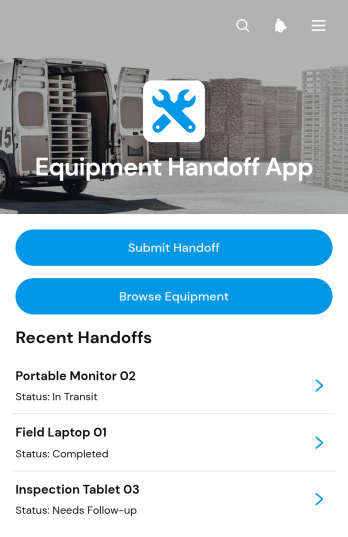
Equipment Handoff App
Equipment Handoff App gives operations teams a central place to document equipment transfers between employees, departments, job sites, or shifts. This app template is well suited to warehouses, construction businesses, field service teams, maintenance departments, rental operations, and other organizations responsible for shared assets. Users can browse equipment records, submit a handoff with condition details, and view active or completed transfers. By keeping ownership changes and equipment status visible, the app reduces uncertainty about who has an item, supports clearer accountability, and helps teams maintain a useful history of asset movement.Jotform makes it easy to adapt this app template without writing code. Use the drag-and-drop interface to adjust pages, navigation, colors, fonts, and branding, then connect forms and data collection processes to the wider workflow. Teams can organize equipment information for convenient self-service access and receive updates when connected actions occur. Once the app is ready, publish it through a direct link or QR code so staff can access it from a phone, tablet, or computer. Jotform App Templates provide a practical starting point while leaving room to tailor the experience to changing operational needs.
Go to Category:Inventory Management Apps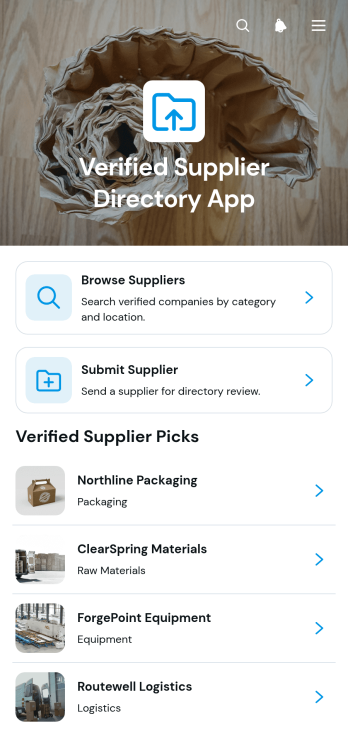
Verified Supplier Directory App
The Verified Supplier Directory App is an app template for procurement teams, operations departments, trade groups, and business networks that need a dependable place to publish reviewed supplier information. Users can browse supplier listings, open individual profiles, view categories, locations, contact details, review notes, and verification status, then visit supplier websites for additional information. A supplier submission path also helps teams collect prospective listings for review before publication. This organized experience reduces scattered records, makes approved sourcing information easier to find, and helps staff or members identify relevant suppliers without repeatedly contacting administrators.Jotform App Templates make it easy to adapt this directory to an organization’s sourcing process and visual identity. With Jotform’s no-code app builder and drag-and-drop interface, teams can update pages, cards, buttons, branding, and navigation without programming. The app template can connect data collection forms with supplier records and related workflows, helping administrators manage submissions while offering convenient self-service access. Once ready, the app can be shared by direct link or QR code for mobile-friendly browsing by employees, partners, or community members.
Go to Category:Operations & Logistics Portal Apps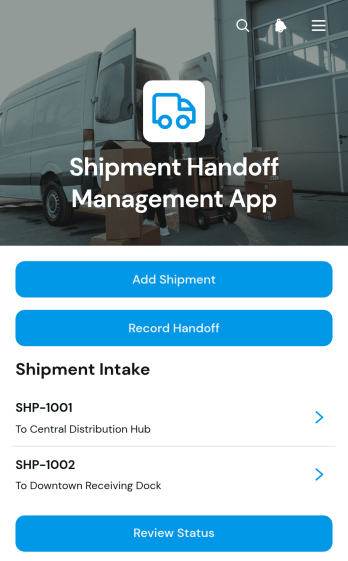
Shipment Handoff Management App
The Shipment Handoff Management App helps logistics teams document custody changes as goods move between senders, carriers, warehouse staff, drivers, and recipients. Users can add shipments, record each handoff, and review current status from one organized experience. Shipment references connect operational details such as sender, recipient, origin, destination, handoff date, location, and the parties transferring responsibility. This app template is useful for distribution centers, delivery operations, warehouses, transportation providers, and businesses coordinating internal or third-party shipments. It reduces missing records, supports clearer accountability, and gives authorized teams a consistent process for monitoring shipment movement.Jotform App Templates make it easier to turn operational processes into accessible digital experiences without writing code. Customize this template with the no-code app builder, arrange content through a drag-and-drop interface, and connect forms, tables, notifications, approvals, or other workflow steps as operations evolve. Teams can apply their branding, update navigation, and share the finished app through a direct link or QR code. With mobile-friendly data collection and self-service access, Jotform helps staff record handoffs wherever shipments change custody while keeping related information in one convenient resource.
Go to Category:Order & Shipping Portal Apps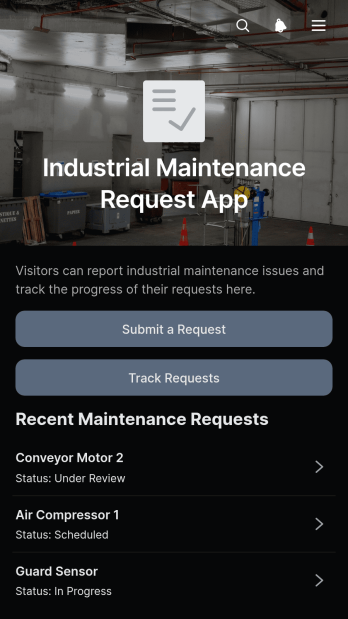
Industrial Maintenance Request App
Industrial Maintenance Request App gives manufacturing plants, warehouses, production facilities, and industrial service teams a central place to report and monitor maintenance needs. Operators, technicians, supervisors, and facility managers can submit requests for equipment or work areas, review request details, and track reported issues from one accessible location. Key information such as the location, requester, and priority helps maintenance teams assess urgency and organize their response. By replacing scattered emails, paper notes, and verbal reports, this app template supports clearer communication, better request visibility, and more consistent maintenance coordination across shifts and sites.Jotform Apps makes it easy to adapt this experience to an organization’s equipment, facilities, and workflow without writing code. Use the drag-and-drop app builder to update pages, branding, navigation, and request options, then connect forms and data collection tools to keep operational information organized. Teams can publish the app with a shareable link or QR code, providing convenient mobile access for employees on the factory floor or in the field. This customizable option within Jotform App Templates also supports self-service reporting and can grow alongside changing maintenance processes.
Go to Category:Equipment Maintenance Software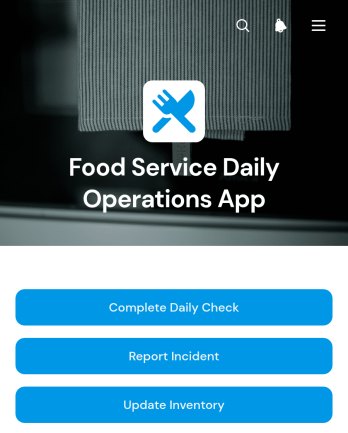
Food Service Daily Operations App
Food Service Daily Operations App gives restaurant managers, kitchen supervisors, shift leaders, and food service teams one mobile-friendly place to coordinate routine operational work. Staff can complete daily checks, report incidents that may require follow-up, and update inventory quantities and reorder levels. Submitted operations records remain easy to review, helping managers spot incomplete tasks, low-stock items, recurring issues, and areas requiring attention. The app template suits restaurants, cafés, catering teams, cafeterias, and other food and beverage operations seeking clearer accountability across locations or shifts.Jotform makes this app template easy to adapt without coding. Use the drag-and-drop app builder to adjust pages, navigation, buttons, colors, fonts, and other branded elements while keeping the experience simple for staff. Connected forms and tables support data collection and organized recordkeeping, while notifications and workflows can help teams respond to new updates. Publish the app with a shareable link or QR code so employees can access daily tools from a phone, tablet, or computer. Jotform App Templates provide a practical starting point for building a self-service operations resource that can evolve with changing procedures.
Go to Category:Restaurant Management Apps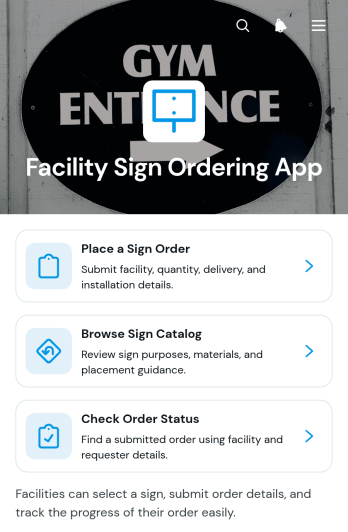
Facility Sign Ordering App
Facility Sign Ordering App gives facility teams a centralized way to request signs for offices, campuses, warehouses, residential properties, and other managed locations. Employees, property managers, maintenance teams, contractors, and operations departments can browse a sign catalog, review purpose and placement information, submit an order request, and check its current status. Clear records for sign type, quantity, installation needs, facility name, and delivery address help teams reduce incomplete requests and keep purchasing work organized. This app template is particularly useful for organizations that manage several buildings or receive recurring requests for directional, informational, operational, and safety signage.Jotform App Templates make it easy to adapt this experience without coding. Using Jotform’s no-code app builder and drag-and-drop interface, teams can update pages, add branded visual elements, connect forms and tables, and arrange content around their workflow. The app can support data collection and self-service access while keeping catalog browsing, order intake, and status information in one mobile-friendly destination. Once customized, it can be shared through a direct link or QR code, helping staff and approved partners place requests from nearly any device.
Go to Category:Order & Shipping Portal Apps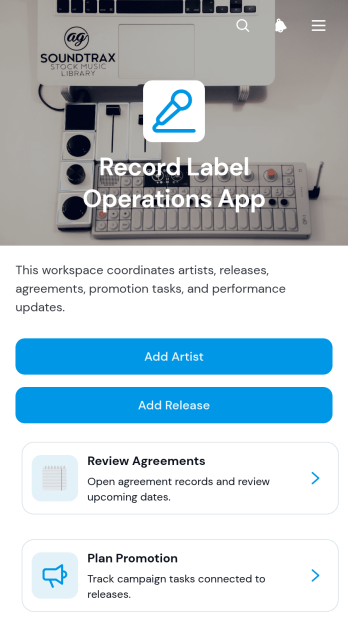
Record Label Operations App
Record Label Operations App gives independent labels, artist management teams, release coordinators, and promotion staff a shared space for organizing day-to-day music operations. Teams can maintain artist and release records, review agreements, and plan promotional work without scattering essential details across unrelated files and messages. It supports recurring scenarios such as onboarding artists, preparing upcoming releases, checking release notes, coordinating campaign responsibilities, and keeping stakeholders informed. Clear navigation helps staff find the right record or action quickly, improving accountability and reducing missed steps as a catalog grows.Jotform App Templates make it easier to turn operational processes into accessible digital experiences. With Jotform’s no-code app builder and drag-and-drop interface, teams can customize this app template with branded pages, buttons, forms, lists, and connected workflows. Collected data can flow into organized tables, while notifications and approvals help move work forward. Publish the finished app through a direct link or QR code for convenient mobile access, giving authorized team members a practical self-service resource for managing label activity from nearly anywhere.
Go to Category:Operations & Logistics Portal Apps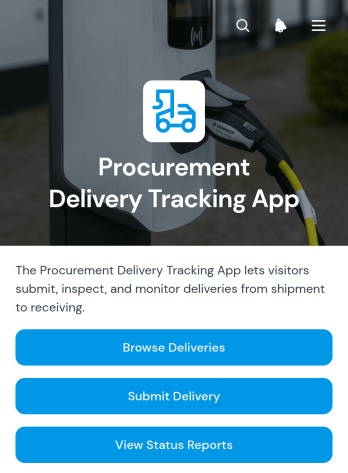
Procurement Delivery Tracking App
The Procurement Delivery Tracking App is a central workspace for recording incoming deliveries, browsing delivery records, and reviewing status reports tied to procurement activity. Purchasing teams, warehouse staff, receiving departments, operations managers, and suppliers can use it to maintain visibility from purchase order to expected arrival. Users can submit a delivery, locate records by delivery reference, and view essential details such as the supplier and expected date. This app template reduces scattered updates, gives teams a shared source of delivery information, and helps them identify delayed or outstanding orders before they disrupt inventory or operations.Jotform Apps helps organizations turn procurement workflows into accessible, mobile-friendly experiences without coding. Start with this template from Jotform App Templates, then use the no-code app builder and drag-and-drop interface to adjust pages, navigation, branding, and connected resources. Forms can support consistent data collection, while tables, approvals, notifications, and other workflow tools help teams coordinate follow-up tasks. Publish the finished app with a direct link or QR code to give authorized staff and partners convenient self-service access wherever deliveries are managed.
Go to Category:Order & Shipping Portal Apps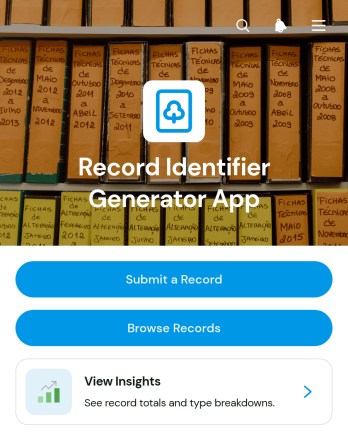
Record Identifier Generator App
The Record Identifier Generator App is an app template for creating consistent identifiers when teams submit and organize operational records. It gives administrators, project teams, service departments, inventory staff, and other record-heavy organizations one place to submit a record, browse existing entries, review record details, and view insights. Each entry can display its identifier alongside its name, type, and date, making records easier to distinguish and retrieve. This approach reduces inconsistent naming, limits duplicate references, and supports clearer data collection across audits, cases, assets, requests, projects, and internal documentation.Jotform App Templates help organizations turn repeatable processes into accessible digital experiences without writing code. Customize this Record Identifier Generator App with Jotform’s no-code app builder and drag-and-drop interface, then adjust pages, buttons, visual styling, and navigation to fit your workflow. The App Builder can connect forms, tables, notifications, approvals, and other resources so submitted information remains organized and useful. Publish the finished app through a direct link or QR code to give authorized users convenient mobile-friendly self-service access wherever records are created or reviewed.
Go to Category:Log Apps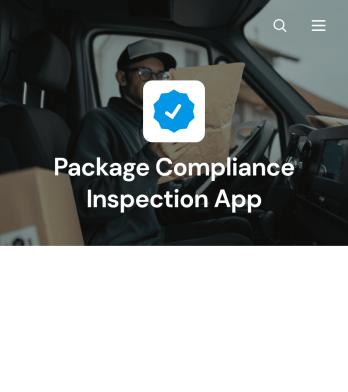
Package Compliance Inspection App
The Package Compliance Inspection App helps quality teams, warehouse personnel, logistics operators, and field inspectors assess packages against established handling, labeling, condition, and acceptance requirements. Inspectors can start an inspection, consult relevant criteria and evidence guidance, and review previous findings or reports from one organized location. This app template supports consistent data collection for incoming goods, outgoing shipments, distribution operations, and supplier quality checks. It also creates a clear record of inspectors, package types, findings, corrective actions, and final dispositions, helping teams identify recurring issues and make informed operational decisions.Jotform Apps makes it easy to adapt this Package Compliance Inspection App without coding. Use the drag-and-drop app builder to update pages, navigation, visual branding, and inspection resources for your workflow. Connected forms and tables can keep inspection records organized, while notifications and approval steps help teams respond to findings. Once the app is ready, share it with authorized personnel through a direct link, QR code, or embedded experience. Its mobile-friendly layout gives inspectors convenient access at receiving docks, warehouses, distribution centers, and other inspection points.
Go to Category:Safety and Compliance Apps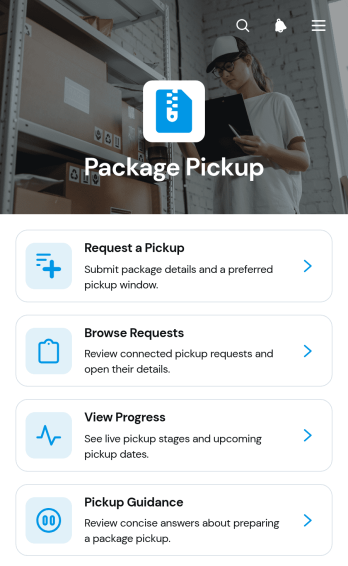
Package Pickup App
The Package Pickup App is a ready-to-use app template for coordinating package collections from homes, offices, warehouses, retail locations, and other pickup points. Delivery teams, couriers, warehouse staff, retailers, property managers, and service providers can use it to accept pickup requests, review active requests, and monitor status updates. Centralizing these activities helps prevent missed details, reduces manual follow-up, and gives staff a clearer view of upcoming work. Customers and employees can also access pickup guidance before handing over a package, supporting smoother collections and more consistent service.Jotform makes this App Template easy to adapt with a no-code app builder and an intuitive drag-and-drop interface. Add branded pages, adjust navigation, connect forms and tables, or build an approval workflow without writing code. The app template can support organized data collection while giving requesters a convenient self-service experience on mobile or desktop devices. Teams can share the finished app through a direct link, QR code, or embedded experience, making it suitable for internal logistics as well as customer-facing pickup services.
Go to Category:Delivery Apps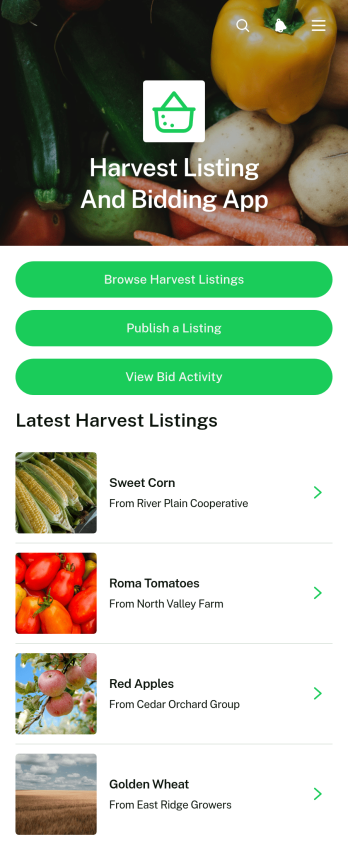
Harvest Listing And Bidding App
Harvest Listing And Bidding App provides growers, farm cooperatives, produce brokers, buyers, and agricultural teams with one accessible place to publish available crops and manage buyer interest. Sellers can create harvest listings, buyers can browse available produce, and teams can review bid activity without relying on scattered messages or spreadsheets. Each listing presents practical purchasing information such as harvest timing, location, quantity, and asking price, helping buyers assess opportunities before placing a bid. It is well suited to seasonal crop sales, local produce networks, wholesale sourcing, cooperative marketplaces, and organizations coordinating supply between farms and commercial buyers.With Jotform, this app template can be adapted to match the way an agricultural business manages listings and bids. The no-code app builder offers a drag-and-drop interface for updating pages, navigation, visual elements, and connected data collection processes. Teams can connect forms, tables, notifications, and workflows to keep listing and bid information organized while supporting convenient self-service. The finished app can be shared through a direct link or QR code, giving sellers and buyers mobile-friendly access from the field, office, or market. Jotform App Templates also make it easy to apply custom branding and publish a polished experience without writing code.
Go to Category:Product Selling Apps