

Engineering Apps

Building Code App
Building Code App helps construction and facilities teams keep building code reference materials and on-site follow-ups in one place so it’s easier to work consistently across projects and locations. With quick access to a code library, a dedicated path to report an issue, and a central area for inspections and saved records, the app supports day-to-day field work without digging through emails or scattered files. Use it to standardize how supervisors, inspectors, and subcontractors document code-related concerns, track what needs attention, and confirm that the right details are captured for each site.Jotform makes it simple to turn this Building Code App into a practical self-service tool for the field using App Templates and a no-code app builder. Customize pages with a drag-and-drop interface, connect buttons to forms for data collection, and keep information organized so teams can review reports and revisit saved records anytime. Share the app by link or QR code, update content as requirements change, and keep workflows moving with connected approvals, notifications, and tables as your process grows.
Go to Category:Construction Apps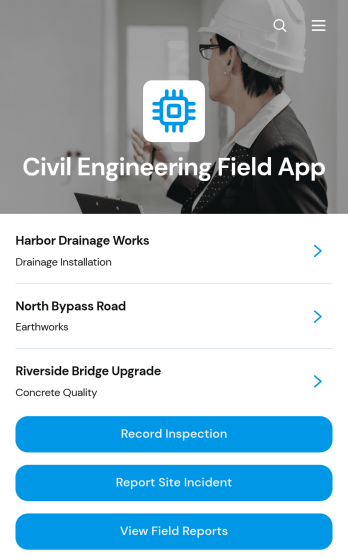
Civil Engineering Field App
Civil Engineering Field App is an app template for civil engineers, site inspectors, project managers, contractors, and construction teams that need a reliable way to document activity across active project sites. It brings inspection recording, incident reporting, field report access, and maintenance requests into one mobile-friendly experience. Teams can capture findings while conditions are fresh, review project-specific information, assign context such as location and inspector, and document follow-up needs. This shared field resource reduces fragmented records, helps office and site teams stay informed, and supports consistent oversight of infrastructure, land development, and construction work.Jotform makes this Civil Engineering Field App easy to adapt with a no-code app builder and an intuitive drag-and-drop interface. Customize pages, navigation, buttons, colors, and branding, then connect forms, tables, approvals, notifications, and other workflow tools as needed. Collected data can remain organized for faster review and follow-up, while direct links and QR codes give field personnel convenient self-service access from phones, tablets, or computers. Start with this ready-made option from Jotform App Templates and publish a tailored app without writing code.
Go to Category:Engineering Apps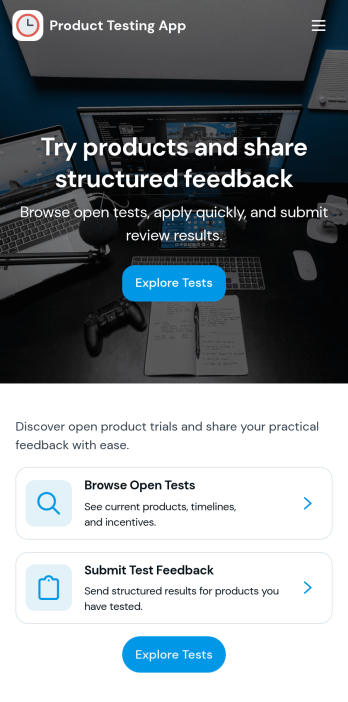
Product Testing App
Product Testing App keeps product trials organized by giving testers a clear place to browse products, submit tests, and review findings in one flow. It’s a practical fit for product teams, QA groups, labs, and consumer research programs that need consistent feedback across multiple items. Use it to guide internal testers, external beta users, or focus groups through what to test, what to report, and where to see outcomes, helping reduce missed details and scattered notes.Built with Jotform App Templates, this app template can be tailored with a no-code app builder and a drag-and-drop interface so you can match your testing process without relying on developers. Connect product lists and a test submission form to support reliable data collection, route updates to the right stakeholders, and keep your workflow moving from test intake to consolidated findings. Share the app by link for fast self-service access on any device.
Go to Category:Engineering Apps
Forest Metrics Calculator App
The Forest Metrics Calculator App is an app template for recording field measurements and reviewing calculated forest indicators in one accessible workspace. Forestry consultants, land managers, field crews, researchers, educators, and conservation teams can use it to document new measurements, browse practical guidance, and view results by tree species. It supports consistent data collection across plots while bringing key figures such as plot area, tree count, average dimensions, and carbon estimates into a clear results view. Formula and notes sections also help users review how each metric is interpreted before using findings in assessments, planning, teaching, or project reports.Jotform makes this App Template easy to adapt with a no-code app builder and an intuitive drag-and-drop interface. Teams can update pages, navigation, visual branding, guidance, and connected forms without programming, then organize the complete measurement workflow for convenient self-service access. The app can be shared through a direct link or QR code and opened on mobile devices, helping crews collect information in the field while office teams access the same connected process. Jotform also supports tables, notifications, approvals, and other workflows when broader review or recordkeeping is needed.
Go to Category:Estimation Apps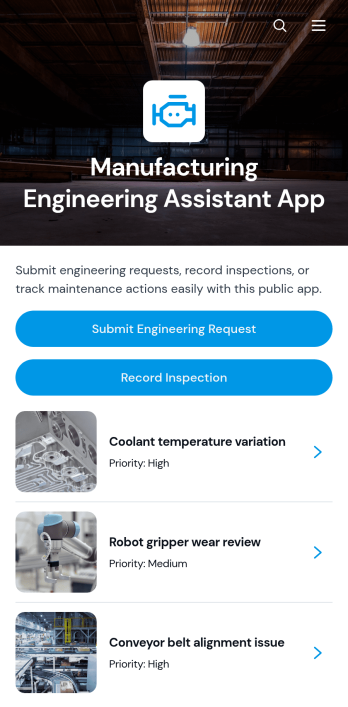
Manufacturing Engineering Assistant App
Manufacturing Engineering Assistant App gives manufacturing engineers, production supervisors, maintenance teams, and plant managers a shared workspace for handling technical needs on the factory floor. Teams can submit and update engineering requests, record manufacturing inspections, and turn inspection findings into maintenance actions. Request and inspection records organize details by area and equipment, helping users understand reported problems, recommended actions, and timing without searching through scattered messages or files. The app is useful for production issue reporting, equipment reviews, process improvement work, maintenance coordination, and day-to-day collaboration between engineering and operations.Jotform makes this app template easy to adapt to a facility’s processes without coding. Its drag-and-drop app builder lets teams adjust pages, navigation, branding, and connected forms while keeping engineering resources and operational workflows in one mobile-friendly experience. Data collection can feed organized tables, notifications, approvals, and other connected processes, giving employees convenient self-service access from a shared link or QR code. Start with one of Jotform’s App Templates, tailor the layout to your operation, and publish a practical resource for faster reporting and clearer follow-up.
Go to Category:Engineering Apps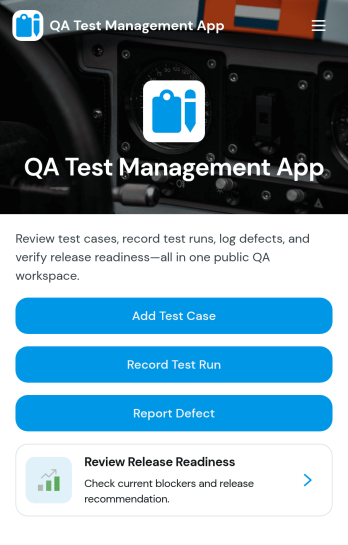
QA Test Management App
QA Test Management App brings your quality assurance work into one place so teams can browse test cases, capture execution results, and review outcomes without hopping between tools. It’s a practical fit for software teams, agencies, and product groups that run repeatable testing for releases, hotfixes, or regression cycles and want a simple way to keep test case details, ownership, and environment context easy to find. With guided navigation from test case lists to a record-result flow, testers can log what happened during execution and link results back to the related case for faster follow-up.Built with Jotform, this app template can be customized in a no-code app builder using a drag-and-drop interface, so you can adapt the pages to your QA process in minutes. Connect the app to forms and tables for reliable data collection, share it with your team on any device, and keep everyone aligned with a workflow that supports self-service access to current QA workspaces, submitted results, and ongoing test execution.
Go to Category:Information Technology Apps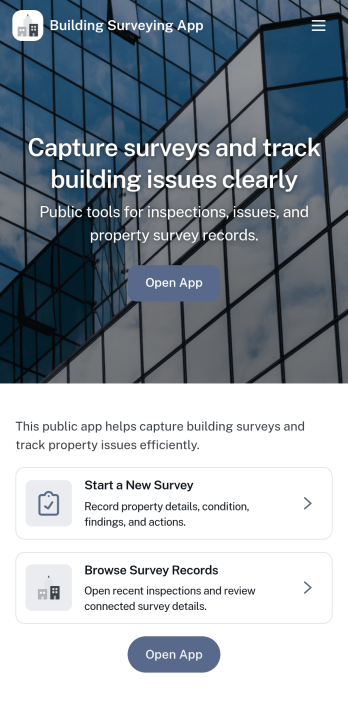
Building Surveying App
Building Surveying App helps surveyors and property teams document sites, capture on-site findings, and keep inspection details organized as work progresses. With dedicated areas for browsing site records and reviewing logged survey findings, it’s well suited for building condition surveys, pre-purchase assessments, routine property checks, and project handovers where clear, consistent records matter. Use it to centralize site profiles, record issues by inspection area, and add supporting photos so everyone involved can understand what was observed and what needs follow-up.Jotform makes it easy to launch and tailor this app template with a no-code app builder and a drag-and-drop interface. Connect the app to your data collection forms for new site records and survey findings, then share it with your team so updates stay in one place. As your workflow evolves, you can adjust pages, navigation, and branding, keeping a reliable self-service experience for field documentation and office review.
Go to Category:Engineering Apps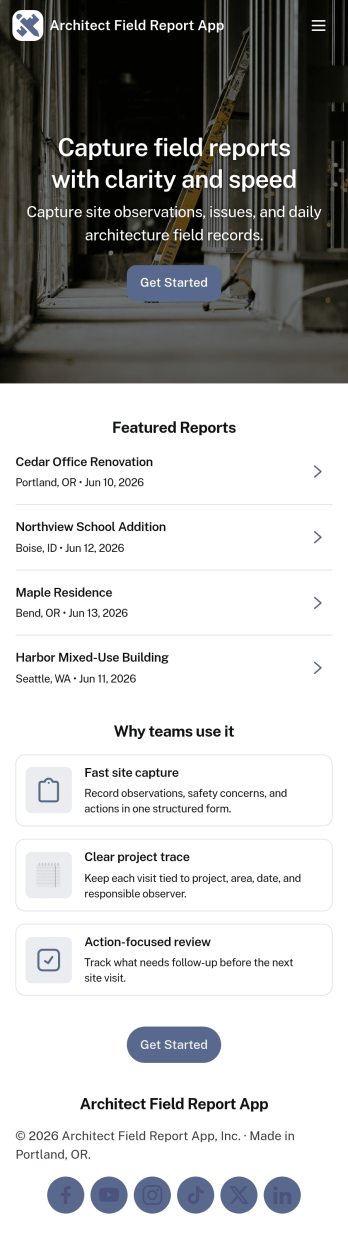
Architect Field Report App
Architect Field Report App helps architects and project teams capture site observations, document progress, and keep project records organized across multiple jobs. From the home screen, you can start a new field report, review recent reports, and jump into a project list to view details and add an update when something changes on-site. It’s a practical fit for architecture firms, construction administration teams, and design consultants who need consistent reporting without chasing notes across emails and photos.With Jotform, you can turn this app template into a mobile-friendly reporting experience using a no-code app builder and a drag-and-drop interface. Connect the app to your form for data collection, route information through an internal workflow, and give teams self-service access to the records they need. Share the app by link or QR code, tailor pages to match your process, and keep field reporting consistent from project to project.
Go to Category:Construction Apps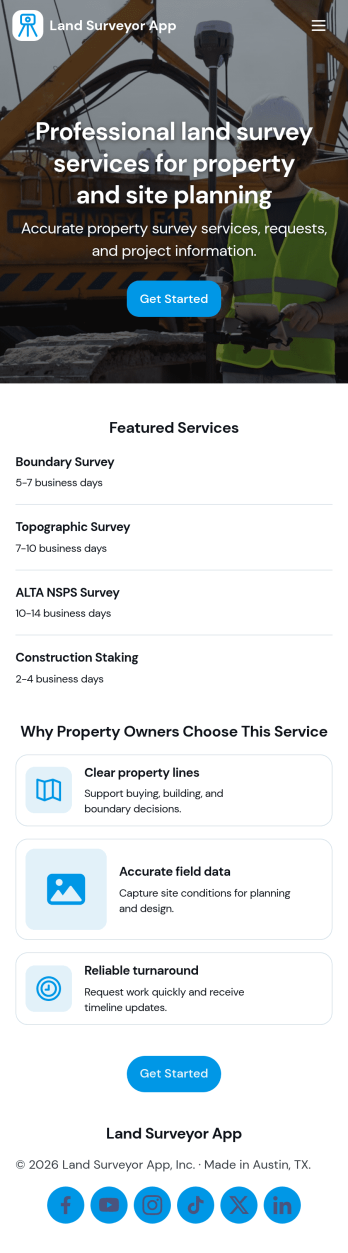
Land Surveyor App
Land Surveyor App helps surveying teams keep field work organized from the moment a site is assigned to the day the report is delivered. Use it to capture new survey details with an Add Survey button, maintain a running Survey Log for quick lookups, and route crews to the right pages for each job. It’s a practical fit for independent land surveyors, civil engineering firms, construction teams, and real estate professionals who need a consistent way to document sites and reduce missed details in the field.Built with Jotform, this app template turns day-to-day surveying workflows into a mobile-friendly self-service experience you can share with your team. Use a no-code app builder and a drag-and-drop interface to tailor pages, control what information is collected, and connect your data collection to forms and tables for easier tracking. As work grows, you can keep survey records and field report activity in one place while staying flexible enough to adjust the workflow for different project types.
Go to Category:Engineering Apps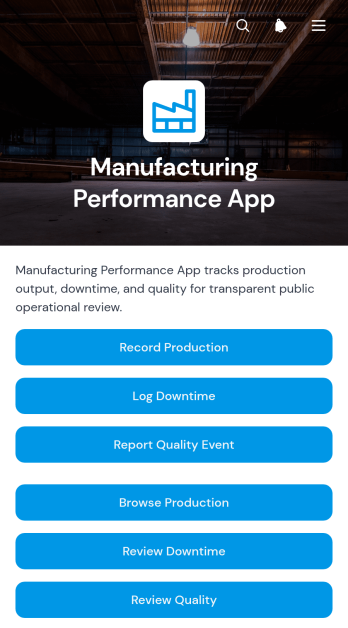
Manufacturing Performance App
The Manufacturing Performance App gives production managers, plant supervisors, quality teams, and line operators a shared place to record and review factory performance. Teams can capture production results, log downtime, and report quality events from a single mobile-friendly experience. Production line records make it easier to assess output, availability, performance, and quality, while downtime details help teams identify recurring interruptions by duration and category. Quality reports also provide visibility into defects and severity. This app template suits manufacturing facilities seeking clearer shift records, faster issue reporting, and more consistent data collection across production lines.With Jotform Apps, organizations can adapt this app template to their operational needs without writing code. The drag-and-drop app builder makes it simple to update pages, navigation, buttons, visual styling, and connected forms while keeping key manufacturing workflows together. Teams can connect records to tables, notifications, approvals, and other processes, then share the finished app through a direct link or QR code. Use Jotform App Templates to create a branded self-service resource that supports timely reporting, organized performance reviews, and informed production decisions from almost any device.
Go to Category:Engineering Apps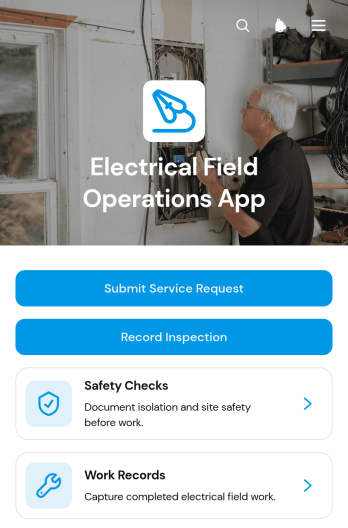
Electrical Field Operations App
Electrical Field Operations App gives electrical contractors, field technicians, supervisors, and facilities teams a central place to manage work performed at customer and project sites. Users can submit service requests, review site and urgency details, record inspections, complete safety checks, and document finished work with technician and completion information. It supports maintenance calls, installation follow-ups, fault investigations, routine inspections, and other field service scenarios where accurate records and clear handoffs matter. By keeping requests and work records accessible in one mobile-friendly experience, teams can improve visibility, reduce missing information, and maintain a reliable history of on-site activity.Jotform Apps helps organizations turn processes like this into interactive experiences without writing code. Start with the Electrical Field Operations App template, then use the no-code app builder and drag-and-drop interface to adjust pages, navigation, branding, and connected forms. Jotform App Templates can link data collection with tables, notifications, approvals, and other workflow steps, helping office and field teams stay coordinated. Publish the app through a direct link, personalized URL, embedded experience, or QR code so technicians can access tasks and self-service resources from phones, tablets, or computers.
Go to Category:Field Service Apps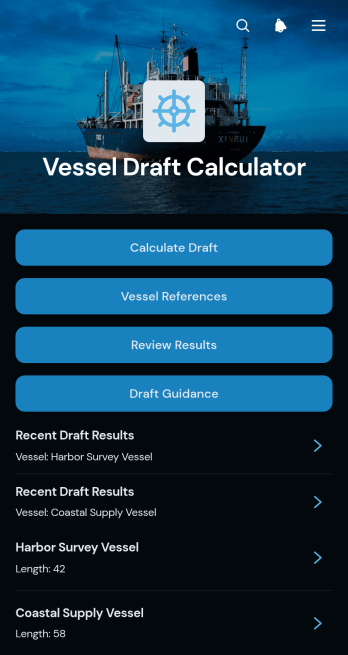
Vessel Draft Calculator App
Vessel Draft Calculator App is an app template for marine engineers, vessel operators, port teams, surveyors, and logistics personnel who need a consistent way to record draft measurements and review calculated vessel information. It brings draft calculation access, vessel references, recent results, and practical guidance into one mobile-friendly location. Users can organize records by vessel, check trim and displacement estimates, add notes, and revisit earlier calculations when preparing operational reports or comparing readings. This organized process reduces scattered paperwork and makes important draft information easier to retrieve during onboard checks, port calls, cargo operations, and routine vessel assessments. Results should be reviewed against approved procedures and verified by qualified personnel before operational decisions are made.Jotform turns this app template into a customizable digital workspace without requiring coding knowledge. Its no-code app builder and drag-and-drop interface make it easy to adjust pages, navigation, visual styling, and calculation forms for a team’s working process. Connected forms support data collection, while stored results help create a more organized workflow for recurring measurements and follow-up reviews. Teams can publish the app with a personalized link, distribute it through a scannable code, and provide convenient self-service access from phones, tablets, or computers. Start with one of Jotform’s App Templates, apply your preferred branding, and update the experience as vessel operations evolve.
Go to Category:Engineering Apps
Land Mapping App
Land Mapping App helps teams capture and organize parcel details and mapping needs in one place, so field staff and office coordinators can stay aligned from the first record to the final request. Use it to add new parcels as they come in, browse an up-to-date list of parcel entries, and submit mapping requests with clear location notes for survey work, boundary review, planning, or internal documentation. It’s a practical fit for surveyors, engineering groups, construction and land development teams, real estate operations, and municipalities that need a simple way to centralize parcel intake and track ongoing mapping work without relying on scattered emails or spreadsheets.Built with Jotform App Templates, this app template is powered by Jotform’s no-code app builder and a drag-and-drop interface, making it easy to tailor pages, buttons, and navigation to your workflow. Connect the app to forms and tables for reliable data collection, route updates across your workflow, and share a self-service link with the right people so they can add parcels, submit mapping requests, and review records from any device.
Go to Category:Engineering Apps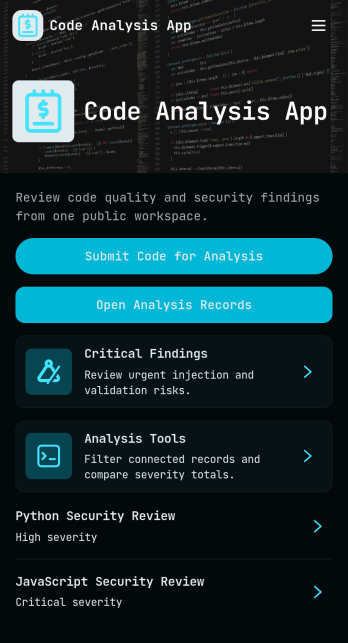
Code Analysis App
Code Analysis App gives engineering and IT teams a simple place to submit code for review, capture analysis focus, and turn results into readable reports. Use it to standardize internal code checks, triage high-severity findings, and keep recommendations tied to project context across multiple initiatives. It’s helpful for software teams, agencies, and consultants who need consistent review routines without chasing updates across tools, especially when multiple reviewers contribute and teams need clear next steps.Built with Jotform, this app template helps you launch a self-service workflow where users can analyze code, browse and review reports, and follow analysis guidance from one mobile-friendly hub. Customize pages with a drag-and-drop interface, connect forms and lists for organized data collection, and keep reviews moving with shareable links, role-based collaboration, and automated steps that fit your team’s process.
Go to Category:Engineering Apps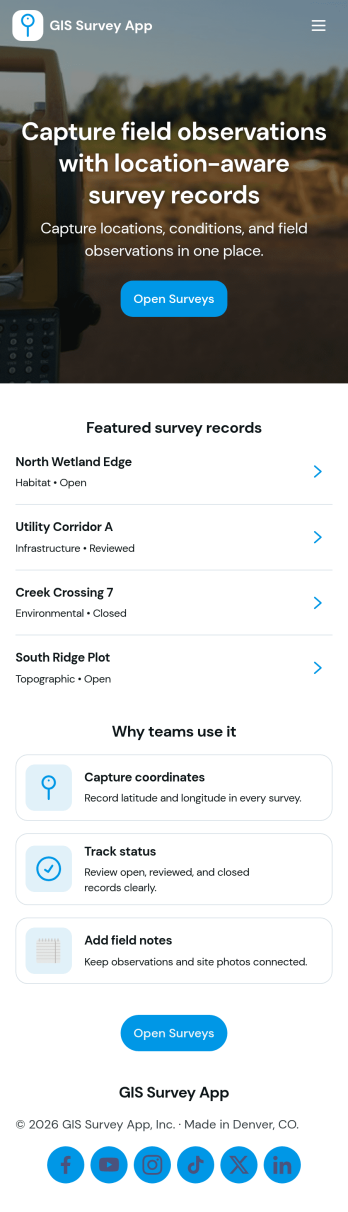
Gis Survey App
Gis Survey App helps teams collect field observations and site details in one place, then review progress by location so nothing gets lost between the office and the field. It’s a practical fit for engineering groups, construction and utilities crews, environmental programs, and anyone coordinating multiple sites who needs a consistent way to add sites, run new surveys, view a map-style overview, and report issues as they’re found. Use it to standardize what gets captured at each stop, keep site lists current, and make it easier for supervisors and stakeholders to understand what’s happening across locations without chasing updates.With Jotform, you can turn this app template into a branded, mobile-friendly experience using a no-code app builder and a drag-and-drop interface. Connect survey and issue-reporting flows to your data collection process, route updates to the right people, and keep information organized for ongoing workflow needs. Share your app through a link or QR code so crews can open it on-site, submit new entries quickly, and keep operations moving with self-service access to the actions they need.
Go to Category:Engineering Apps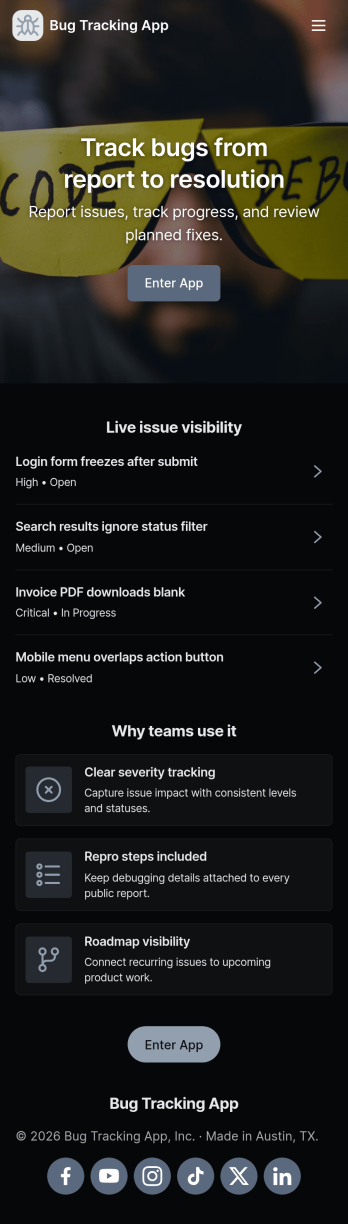
Bug Tracking App
A bug tracking app gives teams one place to report issues, review what’s already been logged, and keep work moving as fixes progress. This template fits software teams, QA groups, IT departments, and agencies that need a simple way to capture new bug reports, browse a growing list of bugs, and check status views without chasing updates across chats and spreadsheets. It’s especially useful for triage workflows where many people can submit problems while a smaller group reviews, prioritizes, and follows up with clear ownership.Jotform makes it easy to turn this Bug Tracking App into a self-service, shareable workflow using App Templates and a no-code app builder. With a drag-and-drop interface, you can tailor pages, buttons, and navigation, connect the app to your form and tables for reliable data collection, and keep your workflow organized as reports come in. Publish the app in minutes, share it with a link, and keep everyone aligned with a centralized view of reported bugs.
Go to Category:Engineering Apps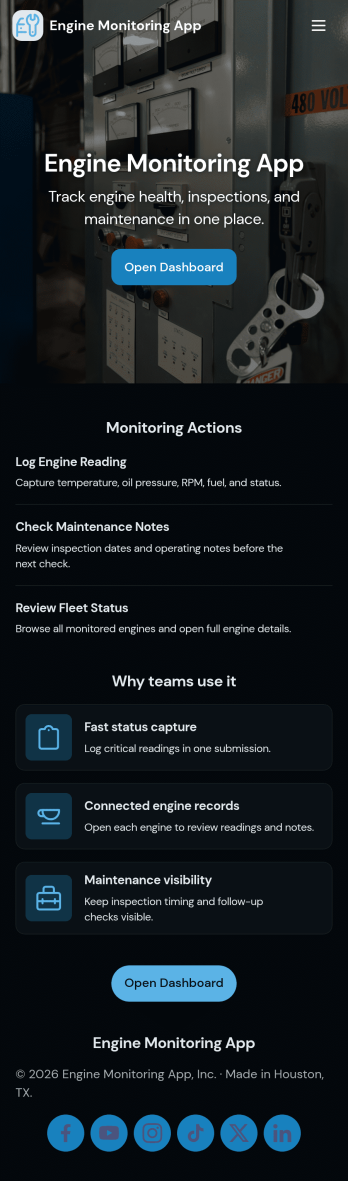
Engine Monitoring App
Engine Monitoring App helps teams keep a close eye on engine health by bringing live status, recent logs, and maintenance activity into one place. It fits field service crews, fleet managers, plant operators, and repair shops that need fast visibility into what’s running normally and what needs attention. With quick navigation to key views and simple actions to report an issue or submit a report, the app supports consistent tracking across multiple engines without relying on scattered notes or long email threads.Built with Jotform, this app template is easy to tailor in a no-code app builder with a drag-and-drop interface, so you can match it to your workflow in minutes. Connect your log and maintenance records to Jotform Tables, route updates through approvals if needed, and keep data collection standardized with linked forms. Share the app by link or QR code so technicians and supervisors can access the same up-to-date information from any device and keep monitoring and follow-up work moving.
Go to Category:Engineering Apps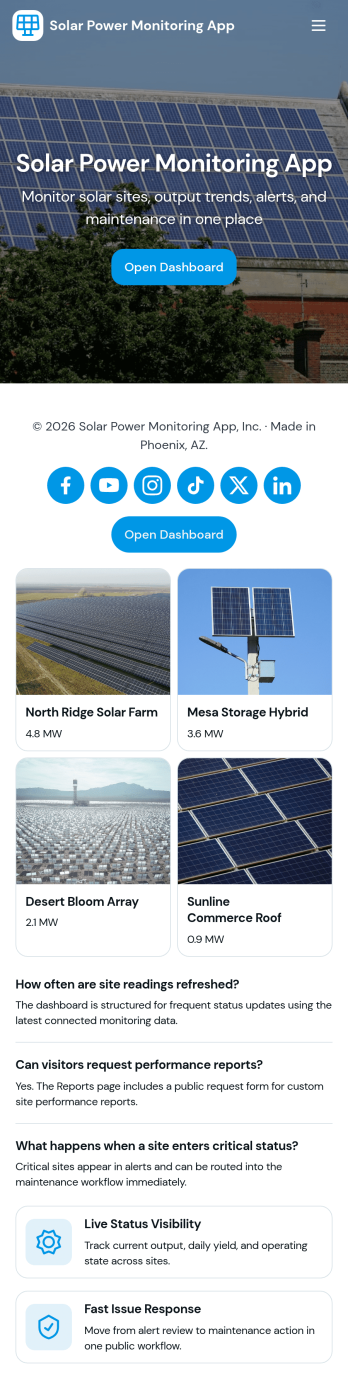
Solar Power Monitoring App
Solar Power Monitoring App helps you track solar energy production across one or more sites, spot issues early, and keep a clear history of performance over time. It brings together production insights, alert reporting, and maintenance follow-ups so solar installers, facility teams, property managers, and operations leads can monitor systems without juggling spreadsheets or scattered notes. Use it to log new readings, review monitoring records by site, and keep personal views of your own monitoring and alerts so responsibility stays clear across the team.Built with Jotform, this app template can be tailored in a no-code app builder using a drag-and-drop interface, so you can match the layout and data collection to your solar workflow. Connect the app to tables for centralized records, link buttons to forms for fast logging and reporting, and share a self-service experience with technicians or stakeholders using a simple link. As your monitoring process grows, you can expand pages, refine views, and keep everyone working from the same up-to-date system.
Go to Category:Engineering Apps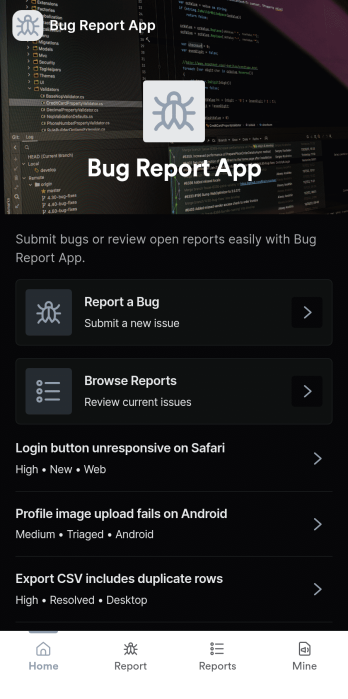
Bug Report App
Bug Report App helps product teams and internal IT groups capture software issues in a consistent way, then make them easy to review and follow up on. With a clear path to submit a bug, browse reported issues, and check on your own reports, this app works well for QA, customer support, and beta programs that need a reliable intake flow. Use it to reduce missing details, speed up triage, and keep reports organized when bugs come in from multiple channels.Jotform makes it simple to turn this Bug Report App into a branded self-service experience using App Templates and a no-code app builder. Customize pages with a drag-and-drop interface, connect the bug report form to your workflow, and centralize data collection so teams can review reports in one place. Share the app by link or QR code so testers, employees, or customers can submit and track issues anytime.
Go to Category:Information Technology Apps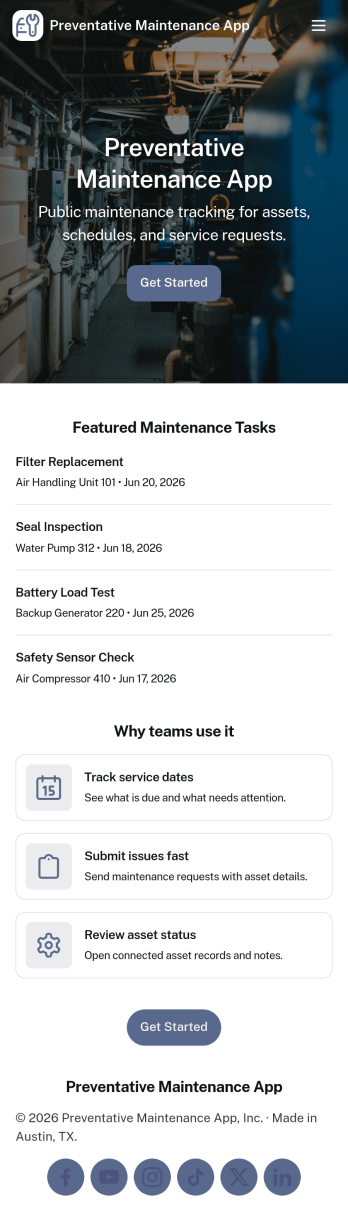
Preventative Maintenance App
Preventative Maintenance App helps teams keep equipment and facilities in reliable working order by organizing asset records, recurring inspections, and follow-up work in one place. It’s a practical fit for operations managers, maintenance coordinators, plant supervisors, property teams, and service leaders who need a clearer view of what needs attention and when. With an asset registry for quick lookups, an inspection log for consistent checks, and work orders for next steps, the app supports day-to-day maintenance routines without relying on scattered spreadsheets or inbox reminders.Jotform makes it easy to turn this workflow into a branded, mobile-friendly experience using App Templates and a no-code app builder. With a drag-and-drop interface, you can tailor navigation, add or reorder pages, and connect forms and tables for ongoing data collection. Share the app with your team by link or QR code so inspections and maintenance history stay accessible in the field, while updates flow into a centralized workflow you can manage and improve over time.
Go to Category:Equipment Maintenance Software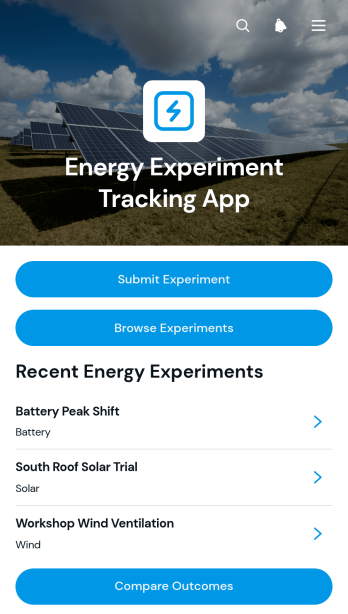
Energy Experiment Tracking App
Energy Experiment Tracking App is a ready-to-use app template for recording, reviewing, and comparing tests that examine changes in energy use. It gives engineering teams, educators, students, researchers, facility teams, and sustainability groups a shared place to submit experiments, browse previous tests, and compare outcomes. Users can document an energy source, intervention, baseline usage, test usage, duration, status, and outcome rating without scattering records across separate files. The template supports classroom investigations, building efficiency trials, equipment evaluations, conservation initiatives, and small-scale research projects where consistent data collection makes findings easier to interpret and share.As part of Jotform’s App Templates, this app can be adapted with a no-code app builder and an intuitive drag-and-drop interface. Teams can revise pages, adjust branding, connect forms and tables, and organize each workflow around their own testing process. The finished app can be shared by direct link or QR code for convenient mobile access, helping participants submit information while coordinators maintain a central experiment history. Jotform also makes it easier to add notifications, approvals, and other connected processes as the project develops.
Go to Category:Tracker Apps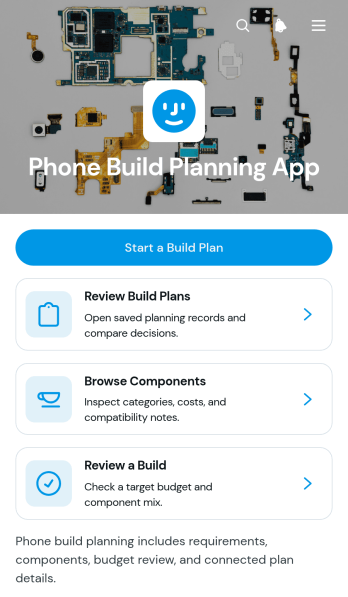
Phone Build Planning App
The Phone Build Planning App is an app template for organizing custom phone concepts around display, camera, battery, cost, and component priorities. It gives electronics enthusiasts, product planning teams, repair specialists, technical consultants, and educators a central place to start build plans, review saved ideas, and browse components with estimated costs and compatibility notes. By keeping requirements and component information together, the app supports more consistent comparisons, clearer budget discussions, and informed build reviews. It is useful for early product exercises, classroom projects, customer consultations, and internal planning sessions where several possible configurations need to be evaluated.Jotform App Templates help teams turn repeatable processes into accessible digital experiences without writing code. Using Jotform’s no-code app builder and drag-and-drop interface, you can adapt this app template with branded pages, updated navigation, connected forms, and organized data collection. Build plans can feed into related tables and workflows, making information easier to review and maintain as requirements change. Once the Phone Build Planning App is ready, share it through a direct link, publish it for mobile-friendly access, or add it to an existing digital resource so planners and reviewers can use it wherever they work.
Go to Category:Scheduling and Planning Apps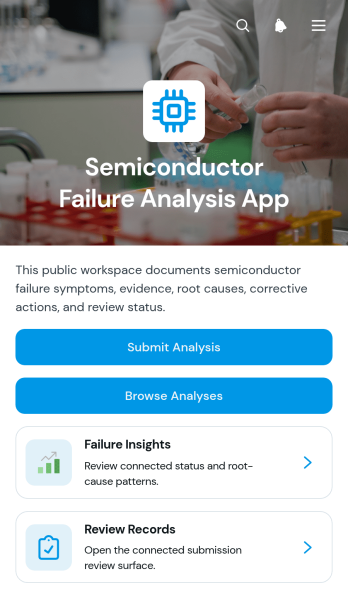
Semiconductor Failure Analysis App
The Semiconductor Failure Analysis App is a central workspace for engineering teams that investigate device defects, document technical findings, and coordinate reviews. Semiconductor manufacturers, quality teams, laboratory analysts, reliability engineers, and operations managers can use this app template to submit an analysis, browse previous cases, and monitor review progress. Records can bring together device identification, test evidence, suspected root causes, and corrective actions without relying on scattered documents. This shared process helps teams preserve investigation history, compare recurring failure patterns, improve accountability, and give reviewers clearer information when deciding what action should follow.Jotform App Templates make it easy to adapt this workspace to an organization’s analysis process without writing code. Using Jotform’s no-code app builder and drag-and-drop interface, teams can update pages, navigation, visual elements, and branding while connecting forms and tables to support data collection and workflow management. The finished app can be shared through a direct link or QR code for mobile-friendly access, helping analysts and reviewers collaborate from laboratories, production areas, offices, or field locations.
Go to Category:Engineering Apps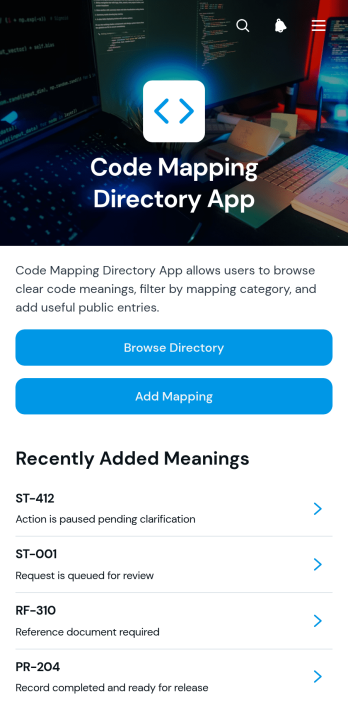
Code Mapping Directory App
The Code Mapping Directory App is a centralized reference for teams that need to document, browse, and maintain relationships among operational or technical codes. It suits information technology departments, engineering teams, consultants, operations groups, and organizations replacing scattered spreadsheets or outdated reference documents. Users can browse categorized mappings, review individual code details and usage notes, and add new mappings through a connected form. By keeping status, process, and reference codes in one accessible directory, the app helps reduce lookup time, clarify how codes should be interpreted, and support more consistent work across departments.Jotform Apps gives teams a no-code app builder for turning shared resources and connected workflows into an organized, mobile-friendly experience. Start with this app template, then use the drag-and-drop interface to adjust pages, navigation, branding, and content without programming. Forms and tables can support data collection and ongoing record management, while direct links and scannable codes make the directory easy to share with employees or partners. Jotform App Templates help organizations publish self-service resources quickly and update them as internal processes evolve.
Go to Category:Information Technology Apps