

Engineering Apps

Optical Network Monitoring App
The Optical Network Monitoring App is a customizable workspace for telecommunications teams, network operations staff, field technicians, engineering groups, and service providers that need a central place to support optical network oversight. It can be adapted to organize performance observations, incident reports, maintenance requests, equipment records, and escalation details without relying on scattered documents. Teams can add connected forms for data collection, provide quick access to network resources, and coordinate follow-up workflows. This app template is particularly useful for supporting routine monitoring activities, documenting outages or signal issues, and giving technical teams a consistent way to record operational updates.Jotform makes it easy to turn the starter page into a practical monitoring experience using a no-code app builder and a drag-and-drop interface. Add pages, buttons, forms, tables, reference materials, and approval steps as your network operations evolve. Connected workflows can notify the appropriate team members, organize submitted records, and support self-service reporting for technicians. Like other Jotform App Templates, the Optical Network Monitoring App can be branded, shared by link or QR code, and accessed from mobile devices, helping teams build a useful operational resource without writing code.
Go to Category:Information Technology Apps
Map Design App
Map Design App is a centralized workspace for organizing map concepts, gathering project requirements, and reviewing location-based design references. It suits cartographers, geographic information teams, urban planners, designers, engineers, agencies, educators, and organizations that commission custom maps. Users can browse a map library, open entries with location details and coordinates, submit a design brief, and revisit submitted briefs. Keeping audience needs, visual preferences, project notes, and geographic information together gives creative and technical teams clearer direction. This app template is useful for planning illustrated maps, visitor guides, event maps, campus resources, development proposals, and other projects that need a consistent briefing process.Jotform makes the Map Design App easy to adapt with a no-code app builder and an intuitive drag-and-drop interface. Teams can update pages, cards, buttons, images, and branding to match their services or internal workflow. Connected forms support data collection, while organized navigation gives clients and team members convenient self-service access to references and brief submission. Publish the finished app with a shareable link or QR code so contributors can use it on phones, tablets, or computers. Jotform App Templates also connect with tables, approvals, notifications, and related workflows, helping teams turn map requests into an accessible and collaborative project experience.
Go to Category:Engineering Apps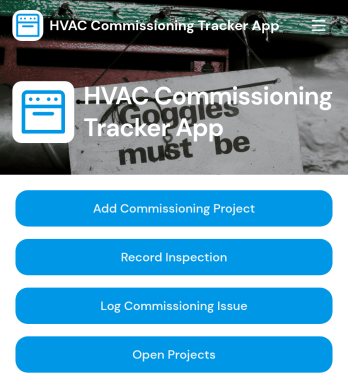
HVAC Commissioning Tracker App
HVAC Commissioning Tracker App helps commissioning teams, contractors, and building operations staff keep projects moving from kickoff through closeout without losing track of key details. Use it to add commissioning projects, view open work, and keep stakeholders aligned across multiple job sites. With quick access to project records, inspection entries, and issue logs, teams can maintain a clear picture of what has been checked, what needs attention, and who owns the next step.Jotform makes it easy to tailor this app template to your commissioning process using a no-code app builder and a drag-and-drop interface. Connect buttons to forms for data collection, route updates to the right people, and keep records organized in a structured workflow that’s easy to use in the field. Share the app through a link or QR code so technicians, inspectors, and project leads can update progress in real time and support a smoother self-service experience for internal teams.
Go to Category:Engineering Apps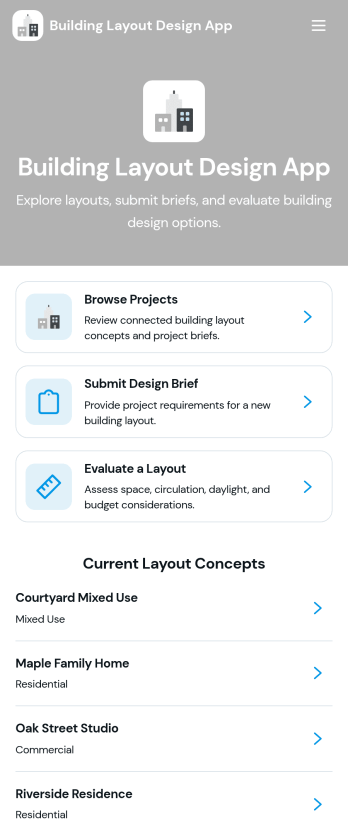
Building Layout Design App
Building Layout Design App helps teams organize layout concepts, collect clear design briefs, and review proposed plans in one place. Use it to browse active projects, share key project details like site area, style preference, and estimated budget, and keep space requirements and design notes easy to find during planning. It’s a practical fit for architects, interior designers, contractors, facility teams, and clients who need a consistent way to request layouts, compare early concepts, and keep project information accessible as decisions evolve.Jotform makes it simple to turn this workflow into a polished, shareable experience using its app templates and no-code app builder. With a drag-and-drop interface, you can tailor pages, navigation, and buttons to match how your team works, then connect the app to forms and tables for reliable data collection and smoother workflow handoffs. Share the app by link so stakeholders can view concepts, submit new briefs, and move projects forward with more self-service and less scattered communication.
Go to Category:Engineering Apps
Machine Control Dashboard App
Machine Control Dashboard App brings key machine information into one place so teams can monitor equipment status and keep action items moving. Use it on the shop floor, in a maintenance office, or across multiple sites to view machines in a clear list, open machine details, and quickly take the next step when something needs attention. With direct paths to report maintenance issues and submit machine inspections, it supports consistent routines for operators, technicians, supervisors, and facilities teams without relying on scattered messages or manual handoffs.Built with Jotform, this app template helps you publish a mobile-friendly dashboard using a no-code app builder and a drag-and-drop interface. Connect the experience to forms and tables to keep data collection organized, route updates to the right people, and create a simple self-service workflow for inspections and maintenance reporting. Customize the layout, branding, and sharing settings so each team sees the same up-to-date picture of machine activity.
Go to Category:Engineering Apps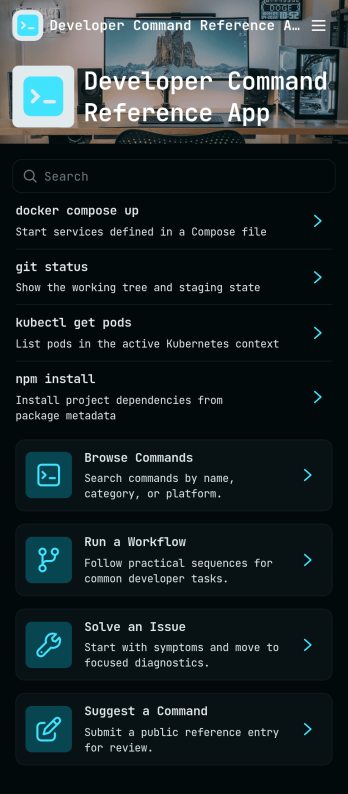
Developer Command Reference App
Developer Command Reference App gives your team a single place to browse and look up command details without digging through scattered docs. With searchable lists and command cards pulled from a shared dataset, it helps developers, DevOps teams, and IT support groups quickly confirm syntax, expected output, and usage notes during builds, deployments, and troubleshooting. Use it to standardize internal CLI conventions, onboard new hires faster, and reduce repeated questions in chat by keeping commonly used commands easy to find.Built with Jotform, this app template can be customized with a drag-and-drop interface so you can match your team’s workflow and terminology. Connect it to your data source to keep command entries consistent, then publish and share the app through a link or QR code for self-service access on desktop or mobile. As your reference library grows, you can update content in one place and make it available to everyone instantly, without writing code.
Go to Category:Information Technology Apps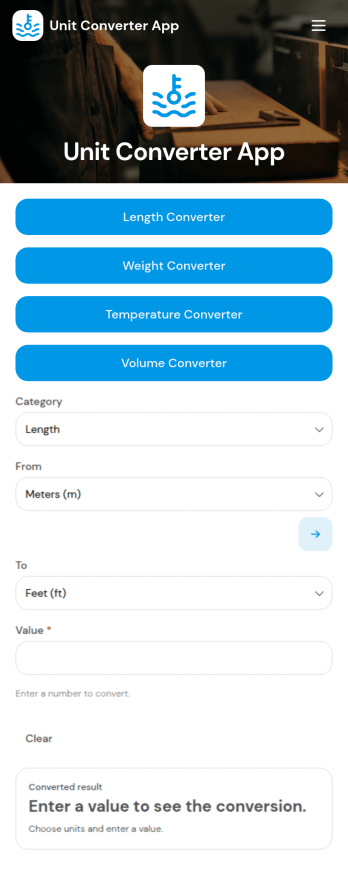
Unit Converter App
Unit Converter App keeps common conversions in one place so people can quickly switch between measurements without hunting for tables or doing mental math. It includes a quick conversion entry point plus dedicated sections for length, weight, temperature, and area conversions, making it useful for students, educators, engineers, contractors, DIYers, lab staff, and anyone working across metric and imperial systems.Built with Jotform App Templates, this app template can be tailored in minutes using a no-code app builder and a drag-and-drop interface. Publish a simple, mobile-friendly self-service experience, update labels or instructions as your needs change, and share one link so your team or audience always has a reliable conversion tool on hand.
Go to Category:Engineering Apps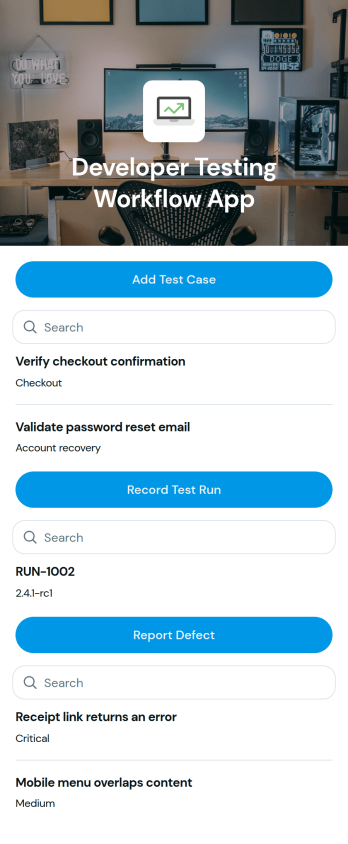
Developer Testing Workflow App
Developer Testing Workflow App brings your QA and development checks into one place so teams can add test cases, record test runs, and report issues as work progresses. It fits software teams shipping web or mobile products, agencies managing multiple client releases, and startups that need a lightweight way to keep test coverage and bug reporting organized. Use it to keep day-to-day testing consistent across sprints, reduce missed steps during regression, and give everyone a clearer view of what has been tested and what still needs attention.With Jotform app templates, you can publish a branded testing hub without coding and connect actions to forms and structured records. Jotform’s no-code app builder and drag-and-drop interface make it easy to tailor pages for your workflow, route entries to the right owners, and keep data collection centralized for reviews and retrospectives. Share the app with your team, open it on any device, and update processes as your release cadence evolves.
Go to Category:Engineering Apps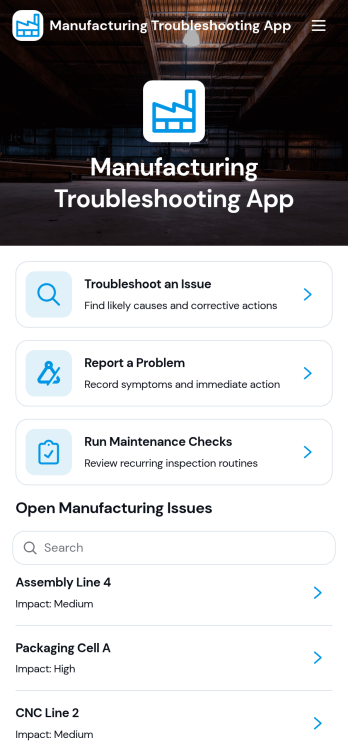
Manufacturing Troubleshooting App
Manufacturing Troubleshooting App helps production teams respond faster when equipment or line issues disrupt output. It brings together troubleshooting guides, a clear list of open manufacturing issues by machine or line, and a simple way to report problems so operators and technicians can capture symptoms, actions taken, and reported dates in one place. Use it on the shop floor to standardize how incidents are logged, guide teams through diagnostic steps, and reduce confusion during shift handoffs.Built with Jotform, this app template can be tailored with a no-code app builder and a drag-and-drop interface to match your plant’s processes. Connect the app to your data collection workflow so reported problems and maintenance checks stay organized, searchable, and easy to review. Share the app through a link or QR code to support self-service access for operators, maintenance staff, and supervisors, while keeping troubleshooting resources and reporting paths consistent across lines.
Go to Category:Engineering Apps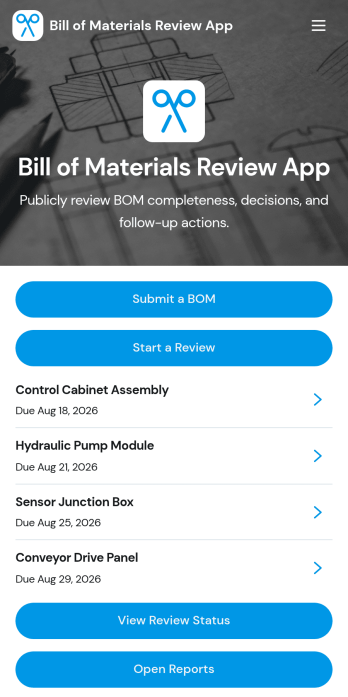
Bill of Materials Review App
Bill of Materials Review App helps engineering, manufacturing, and operations teams collect new BOMs, route them into a structured review, and keep everyone aligned on what is ready to move forward. Use it to submit a BOM from one place, browse existing BOMs by name or reference, and start a review when a build, revision, or product line change needs a clear decision trail. It’s a strong fit for hardware teams, contract manufacturers, procurement, and cross-functional reviewers who need visibility into component counts, ownership, and target review timing without chasing updates across channels.Built with Jotform App Templates, this app template can be tailored in minutes using Jotform’s no-code app builder and drag-and-drop interface. Connect the Submit a BOM button to your form for data collection, organize BOM lists for fast self-service access, and share pages like review status and reports with the right stakeholders. As your workflow evolves, you can adjust navigation, update content, and keep BOM review activity centralized while Jotform keeps the experience mobile-friendly and easy to distribute.
Go to Category:Engineering Apps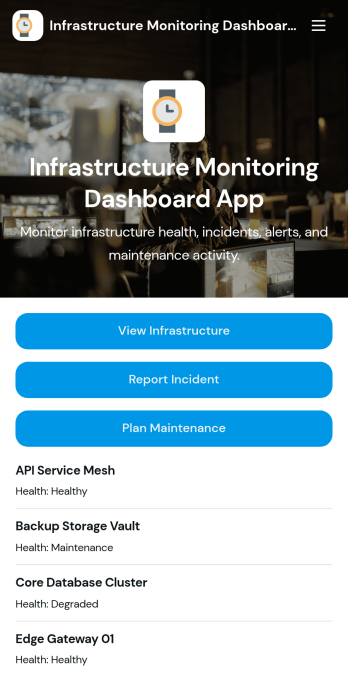
Infrastructure Monitoring Dashboard App
Infrastructure Monitoring Dashboard App brings infrastructure visibility into one place so teams can review assets, keep an eye on open alerts, and respond to incidents with less guesswork. It’s a practical fit for IT operations, facilities, DevOps, and engineering groups that need a shared view of infrastructure items and a simple way to report issues as soon as they appear. With quick navigation to view infrastructure, review open alerts, and review incidents, the dashboard supports faster triage and clearer handoffs during busy on-call rotations or day-to-day operations.Built with Jotform, this app template is easy to tailor using a no-code app builder and a drag-and-drop interface, so you can match your internal process without developer help. Connect buttons to incident reporting and maintenance planning forms to standardize data collection, keep records consistent, and support repeatable workflow steps across teams. Share the app by link for self-service access, and keep information current as infrastructure changes by updating connected data in one place.
Go to Category:Information Technology Apps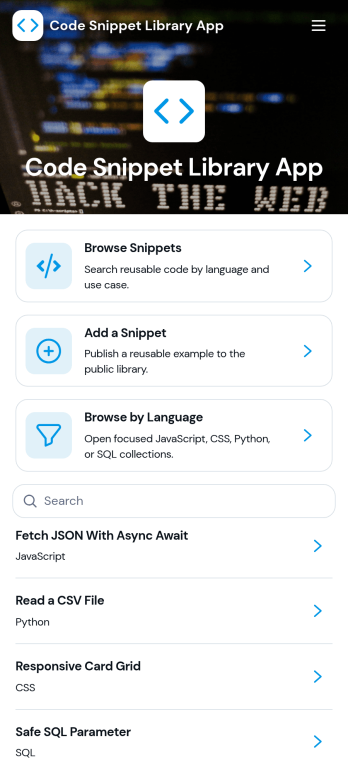
Code Snippet Library App
Code Snippet Library App helps teams store, browse, and reuse code examples in one place so people can find what they need without digging through chats, docs, or old projects. It’s a practical fit for engineering teams, IT departments, agencies, bootcamps, and developer communities that want a shared library of trusted snippets. With quick navigation for browsing snippets, adding new entries, and exploring by language, the app supports everyday work like onboarding new developers, standardizing common patterns, and keeping frequently used solutions easy to reference.Jotform makes it simple to publish this kind of self-service library using a no-code app builder with a drag-and-drop interface. Connect the app to forms for data collection when teammates add a snippet, then organize and display entries so anyone can access the latest versions. You can share the app with a link, tailor the layout to match your workflow, and keep your snippet library organized as it grows.
Go to Category:Information Technology Apps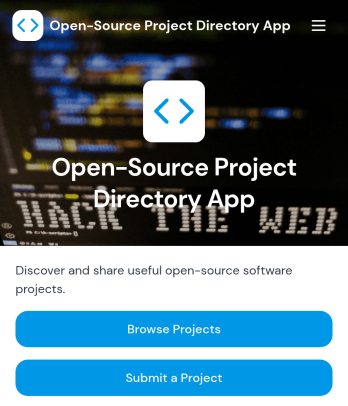
Open-Source Project Directory App
Open-Source Project Directory App helps communities, developer advocates, and internal engineering teams publish a browsable list of open-source projects in one place. Visitors can browse projects, explore by category, and open a detailed project view that highlights key info like primary language and license, with quick links to the repository and documentation. It’s a practical way to promote contributions, make discovery easier for newcomers, and keep partner or team recommendations organized without hunting through scattered links.Built with Jotform, this app template is easy to tailor with a no-code app builder and a drag-and-drop interface, so you can match your branding and update content fast. Connect the directory to forms for project submissions and to tables for organized data collection, then share the app as a simple link or QR code for self-service access. Whether you’re running a developer program, maintaining an open-source ecosystem page, or curating tools for a hackathon, Jotform Apps helps you turn your directory workflow into a clean, mobile-friendly experience.
Go to Category:Information Technology Apps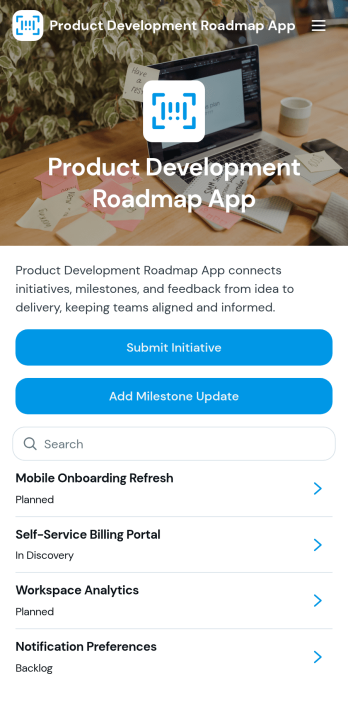
Product Development Roadmap App
Product Development Roadmap App helps product teams organize initiatives into a clear, shareable roadmap while keeping intake simple. Use it to collect new initiative requests through a submission form, review and prioritize what’s coming next, and give stakeholders an easy way to view the roadmap without digging through documents. It’s a practical fit for product managers, engineering leads, startup founders, and cross-functional teams that need one place to track ownership, status, target users, and success metrics across planned work.Built with Jotform, this app template combines a no-code app builder with a drag-and-drop interface so you can tailor pages, cards, and navigation to match how your team plans. Connect the initiative form to your workflow for consistent data collection, route updates to the right owners, and keep information accessible through a mobile-friendly self-service experience you can share with a link or QR code.
Go to Category:Project Management Apps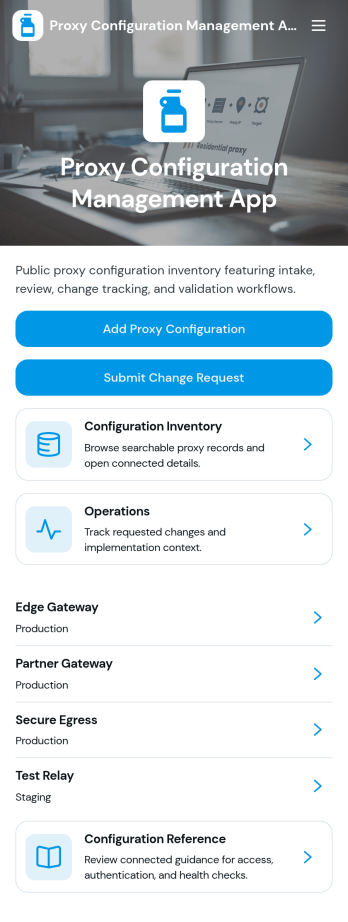
Proxy Configuration Management App
Proxy Configuration Management App helps IT teams capture, review, and maintain proxy settings in one organized place. Use it to submit new proxy configurations, browse existing entries, and quickly find key details like host and port, proxy endpoint and type, authentication mode, allowed domains, and operational notes. It’s a practical fit for network and systems administrators, help desks, DevOps teams, and managed service providers who need consistent documentation across environments and want fewer misconfigurations during setup changes.Built with Jotform, this app template turns configuration data collection into a mobile-friendly self-service workflow that’s easy to share and update. Customize pages with a drag-and-drop interface, connect buttons to forms for fast intake and updates, and keep information organized for day-to-day operations. As part of Jotform App Templates, it’s a flexible way to standardize how your team records proxy configuration changes without coding.
Go to Category:Information Technology Apps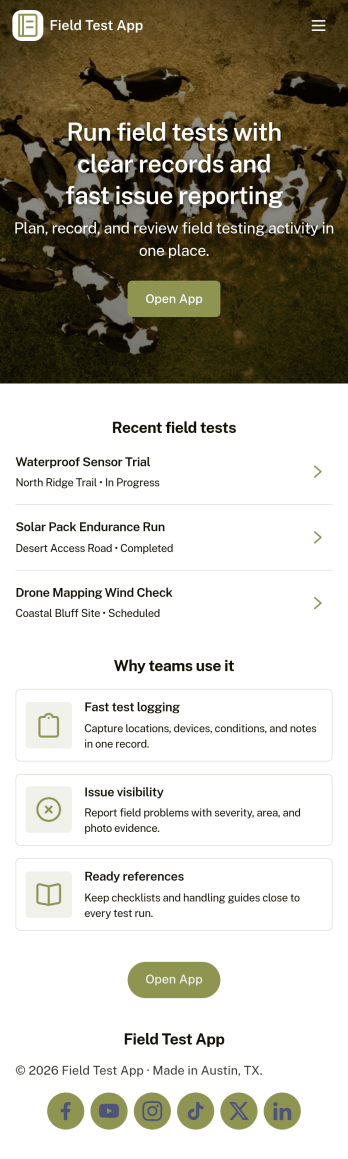
Field Test App
Field Test App helps teams capture and review test results while work is happening in the field. It gives technicians and inspectors a simple place to submit a new test, browse existing tests, and open an individual record to see details and related notes. Whether you’re documenting equipment checks, site observations, product trials, or installation verification, this app keeps test activity organized so supervisors and stakeholders can stay aligned without chasing updates.Jotform makes it easy to publish this app template and tailor it to your process with a no-code app builder and a drag-and-drop interface. Connect your app to forms and tables for fast data collection, add navigation pages for self-service access to test records, and share a single link or QR code with your field crew. As your workflow evolves, you can update fields, adjust pages, and keep everything consistent across devices without writing code.
Go to Category:Engineering Apps
Sprint Tracking App
Sprint Tracking App gives agile teams a single place to review active sprints, follow task progress, and surface blockers that could slow delivery. Use it during sprint planning, daily standups, and retrospectives to keep priorities visible and make status easy to share across developers, product owners, and stakeholders. With dedicated areas for Sprints, Tasks, and Blockers, teams can quickly navigate to what matters, then add sprint reports to capture outcomes and next steps without losing context.Built with Jotform App Templates, this app template can be tailored to match your workflow in minutes using a no-code app builder and a drag-and-drop interface. Connect it to your existing data collection by linking forms and tables, publish updates instantly, and share the app through a link or QR code for self-service access. Jotform makes it simple to organize sprint information, keep reporting consistent, and support repeatable workflows from one streamlined hub.
Go to Category:Engineering Apps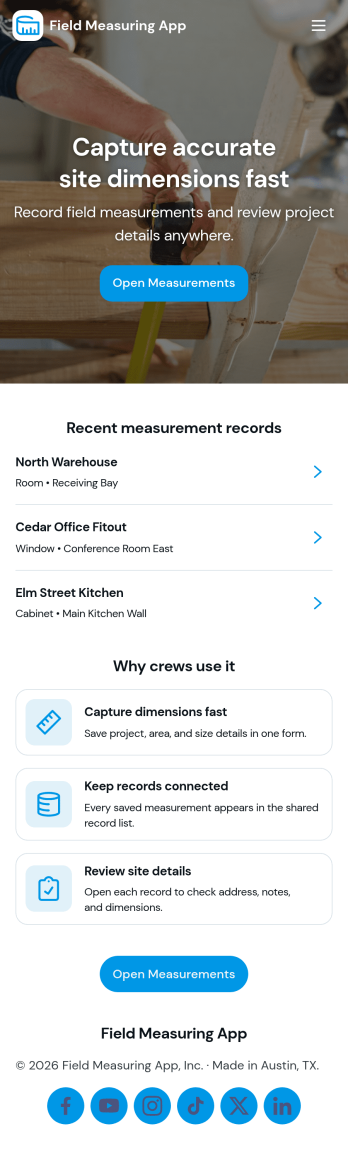
Field Measuring App
Field Measuring App helps crews capture measurements on-site and keep them organized by location or job. Use it to start recording new measurements, save records as you go, and quickly browse past entries when you need to confirm dimensions, compare readings, or continue work on a later visit. With simple navigation buttons and a saved records area, it fits field technicians, survey teams, construction crews, and property services that need a practical way to document measurements without juggling paper notes.Jotform makes it easy to turn this app template into a mobile-friendly tool your team can rely on in the field. Using Jotform’s no-code app builder and drag-and-drop interface, you can adjust the pages, add instructions, and connect the measurement form to the workflow you already use for data collection and recordkeeping. Share the app by link or QR code, keep records accessible for the right people, and maintain a consistent process from first measurement to final review.
Go to Category:Engineering Apps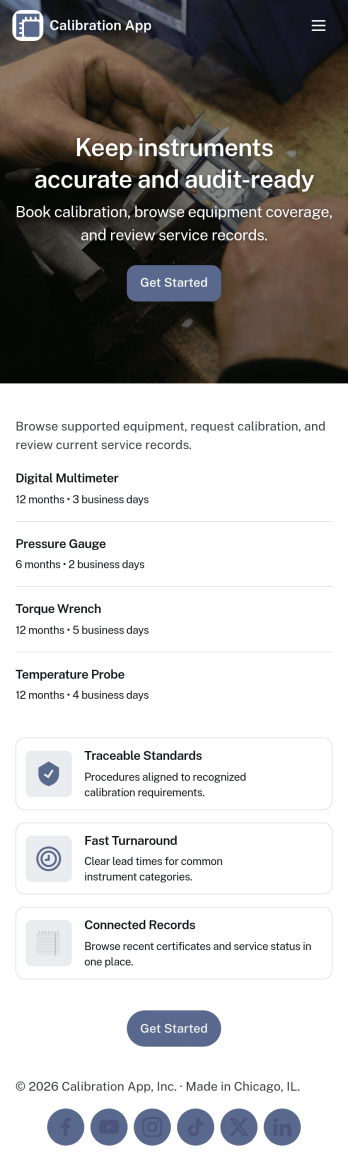
Calibration App
Calibration App helps teams organize equipment details and keep calibration records in one place so it’s easier to stay on top of what’s been calibrated, what’s due next, and what’s already been documented. It fits quality teams, engineering groups, lab managers, maintenance leads, and field service operations that manage measuring devices, instruments, or tools that require routine verification. With dedicated areas for equipment, calibration records, and history, the app supports consistent recordkeeping and faster lookups during internal checks, service visits, or handoffs between shifts.Jotform makes it simple to turn calibration tracking into a shareable, mobile-friendly experience using App Templates and a no-code app builder. Customize pages with a drag-and-drop interface, then connect your app to forms and tables for reliable data collection and an end-to-end workflow. Add new equipment, create a new calibration record in seconds, and give teammates the right view of records through centralized lists and linked details, all from a single Jotform app.
Go to Category:Engineering Apps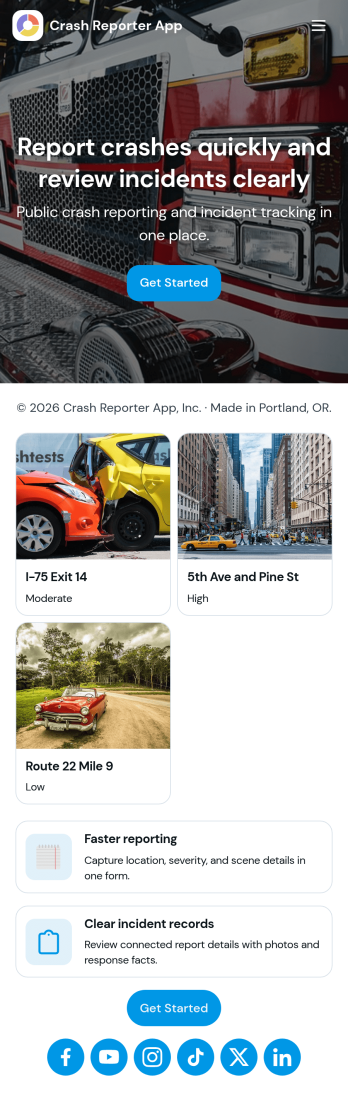
Crash Reporter App
Crash Reporter App helps teams capture crash details the moment something goes wrong, then keep incidents organized from first report to resolution. It works well for software and QA teams tracking application crashes, IT groups collecting employee issue reports, and operations teams documenting field incidents. With a simple entry point to report a crash, a dedicated view for open incidents, and a place to review insights, everyone involved can stay aligned without hunting through messages or spreadsheets.Built with Jotform, this app template pairs guided reporting with an incident queue and a submission history view so you can follow what’s been logged over time. Customize it in Jotform’s no-code app builder using a drag-and-drop interface, connect the underlying form to your workflow, and share the app as a self-service experience for employees, testers, or partners. As reports come in, your team gets more consistent data collection and a clearer picture of recurring issues.
Go to Category:Information Technology Apps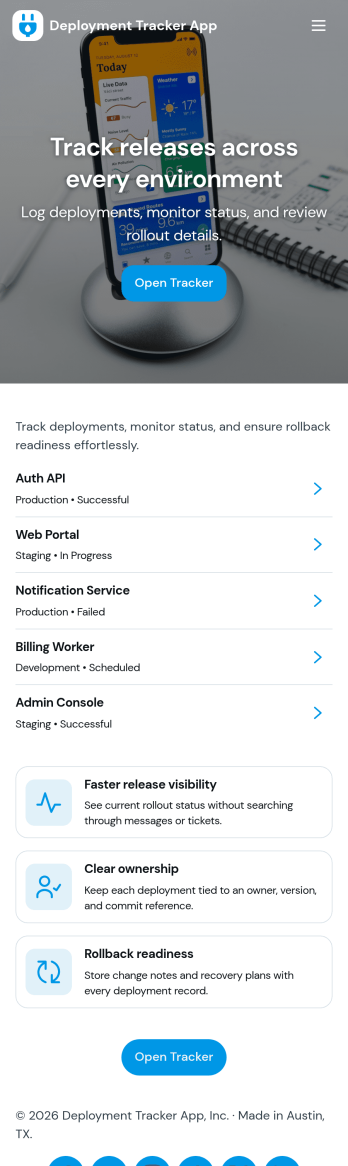
Deployment Tracker App
Deployment Tracker App gives teams a clear place to log new deployments and review past release activity without hunting through chats or spreadsheets. It’s useful for software and IT groups that want a consistent record of what shipped, when it went out, and where to find it later. With a simple flow for adding a deployment record and a dedicated history area to browse prior entries, this app helps release managers, DevOps, QA, and support teams stay aligned as changes move from staging to production.Built with Jotform, this app template can be customized in a no-code app builder using a drag-and-drop interface, so you can match your deployment workflow and the way your team works. Connect the app to a form for fast data collection, then publish it as a self-service destination your team can open on desktop or mobile. As your process evolves, update fields, page layout, and navigation in minutes while keeping every deployment record organized and easy to revisit.
Go to Category:Engineering Apps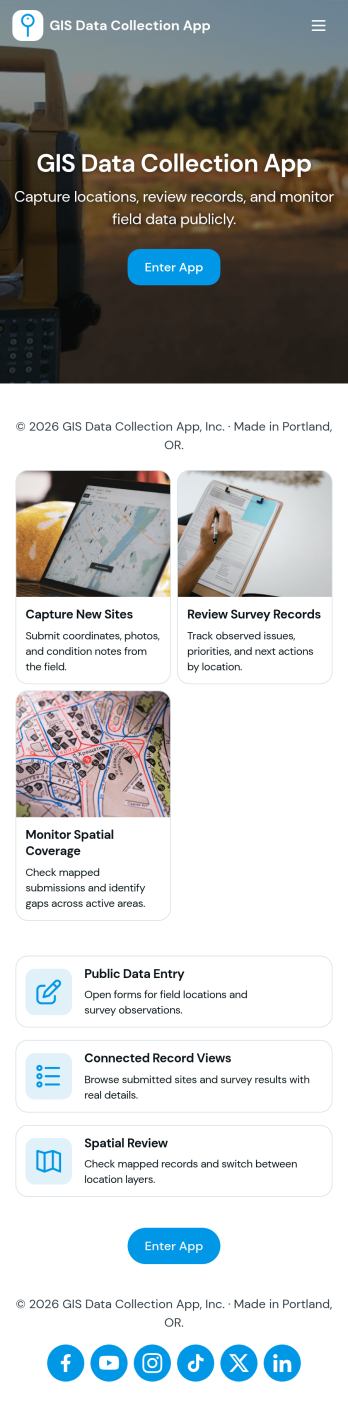
Gis Data Collection App
Gis Data Collection App helps field teams capture location-based observations and keep site information organized in one place. It fits workflows where crews need to add a new observation on demand, browse a list of sites, and open a site record to review context before collecting more data. Use it for environmental monitoring, utilities and asset mapping, construction documentation, research fieldwork, and community reporting, especially when consistency matters across multiple people and locations.Built with Jotform, this app template turns GIS-style field reporting into a guided, mobile-friendly self-service experience without coding. Customize pages, cards, and navigation with a drag-and-drop interface, then connect your observation form to structured data collection in Jotform Tables for easier review and follow-up. Share the app by link or QR code so teams can quickly find sites, submit observations, and keep location details and notes flowing into a single workflow.
Go to Category:Engineering Apps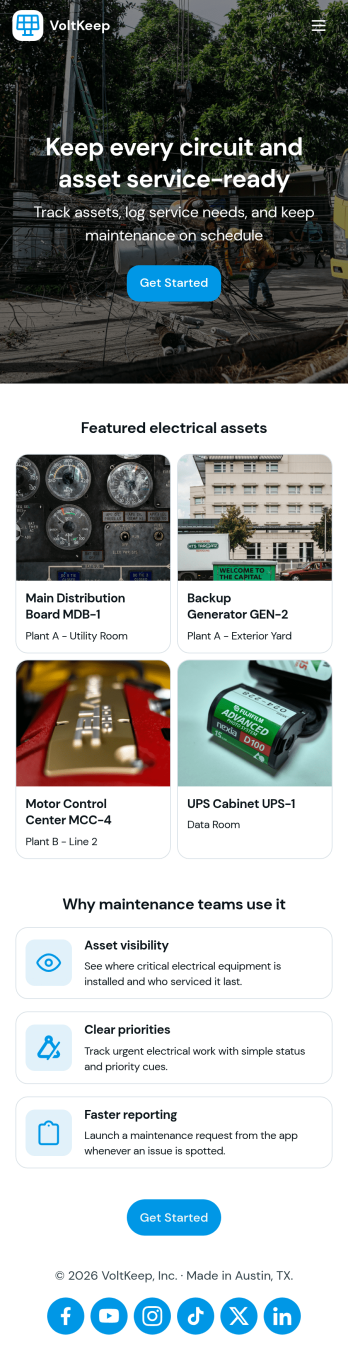
Electrical Maintenance App
Electrical Maintenance App helps facilities and service teams manage day-to-day electrical upkeep by organizing work orders, service requests, asset details, and inspection logs in one place. Use it to capture new maintenance requests, review open and past work orders, and give technicians fast access to the equipment they’re responsible for. It’s a practical fit for plant managers, building engineers, field service crews, and contractors who need clearer visibility into what’s been reported, what’s in progress, and what still needs attention across sites or departments.Jotform makes it easy to publish this kind of self-service, mobile-friendly experience without coding. With Jotform Apps, you can use a drag-and-drop app builder to tailor pages for your process, connect forms and tables for consistent data collection, and keep information flowing through a simple workflow your team will actually follow. Share the app by link or QR code so the right people can open requests, check work order details, and reference inspection history from wherever the job takes them.
Go to Category:Equipment Maintenance Software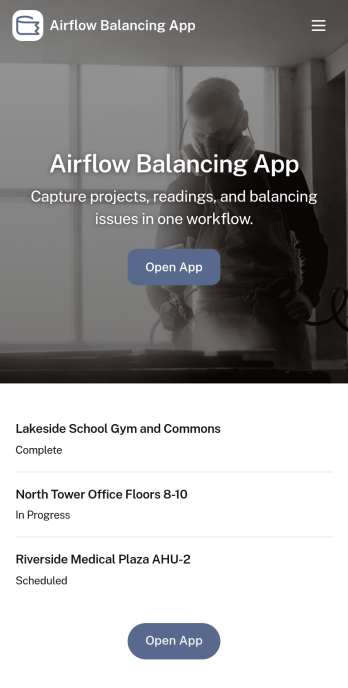
Airflow Balancing App
Airflow Balancing App helps HVAC teams plan, run, and document air balancing work in a consistent, repeatable way. Use it to start a test run on-site, capture new readings by zone, and keep job information organized so techs can focus on measurements instead of chasing paperwork. It fits TAB contractors, facilities teams, commissioning providers, and service departments handling balancing checks for offices, schools, healthcare spaces, and multi-tenant buildings where traceable results and clear handoffs matter.Built with Jotform, this app template turns your airflow balancing workflow into a mobile-friendly self-service experience your team can access from anywhere. With a no-code app builder and a drag-and-drop interface, you can tailor pages, buttons, and navigation to match how your crews work, then connect forms and tables for reliable data collection and cleaner workflow management. Share a single link with techs and supervisors to keep test runs, readings, and balancing data easy to review and ready for follow-up.
Go to Category:Engineering Apps