

Engineering Apps

Engineering Staff Portal App
The Engineering Staff Portal App is an internal workspace for engineering teams that need a consistent way to receive, organize, and review staff requests. Employees can submit an engineering request, browse existing requests, and view essential details such as location, priority, request type, and supporting information. This app template suits engineering departments, facilities teams, technical operations groups, manufacturers, construction firms, and other organizations handling requests across offices or job sites. It keeps request information accessible in one place, gives staff a clear self-service channel, and helps teams assess needs without relying on scattered messages or incomplete notes.Jotform Apps makes it easy to adapt this portal to an organization’s workflow with a no-code app builder and drag-and-drop interface. Teams can update pages, navigation, branding, and request forms while connecting collected data to tables, approvals, notifications, and other processes. Among flexible App Templates, this option provides a practical foundation for data collection and internal coordination. Publish it with a direct link or QR code so employees can reach the latest resources and request tools from a phone, tablet, or computer.
Go to Category:Engineering Apps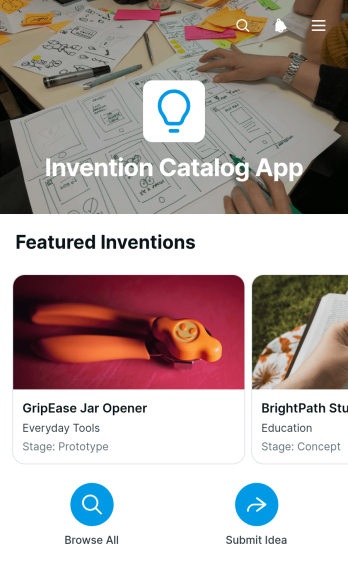
Invention Catalog App
The Invention Catalog App is an app template for collecting, organizing, and reviewing invention concepts in one accessible catalog. Engineering teams, research groups, educational institutions, innovation programs, product departments, and independent inventors can use it to maintain a clear record of proposed ideas. Users can browse invention entries, review the problem each concept addresses and its proposed solution, and submit a new invention through a connected form. This shared resource reduces scattered documentation, gives reviewers consistent information, and helps organizations build a searchable pipeline of ideas for evaluation, discussion, and future development.Jotform makes this Invention Catalog App easy to adapt with a no-code app builder and drag-and-drop interface. Teams can update pages, navigation, visual styling, and connected data collection workflows without programming. Among Jotform App Templates, this option offers a practical starting point for creating a branded invention library and self-service submission experience. Connect forms and tables, organize records for convenient browsing, and share the finished app by link, QR code, or embedded experience. Its mobile-friendly layout gives inventors and reviewers convenient access from nearly any device.
Go to Category:Engineering Apps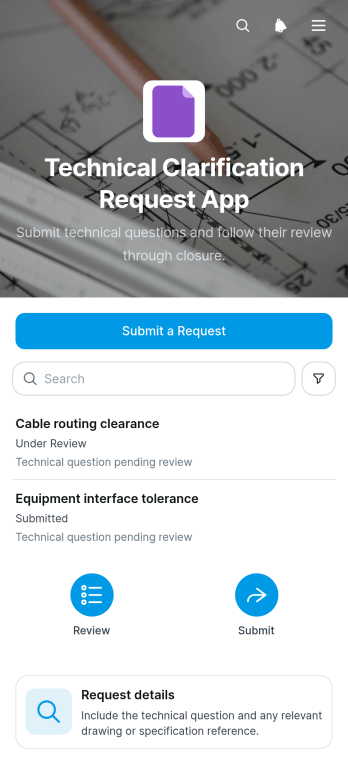
Technical Clarification Request App
The Technical Clarification Request App gives engineering teams, contractors, consultants, project managers, and technical reviewers a central place to raise and resolve questions about specifications, drawings, requirements, or project references. Users can submit a request, browse all recorded requests, open individual request details, and review the response provided by the appropriate specialist. It helps organizations preserve context, reduce scattered email exchanges, clarify responsibilities, and maintain a searchable record of technical decisions throughout planning, delivery, inspection, and maintenance work.With Jotform Apps, teams can adapt this app template to match their internal workflow without writing code. The drag-and-drop app builder makes it easy to update pages, navigation, colors, fonts, and branding while connecting forms and tables for organized data collection. Teams can also add approval steps, notifications, reference resources, or other supporting processes as their needs evolve. Once published, the app can be shared through a direct link or QR code, giving office and field personnel convenient mobile access to technical questions and reviewer responses.
Go to Category:Engineering Apps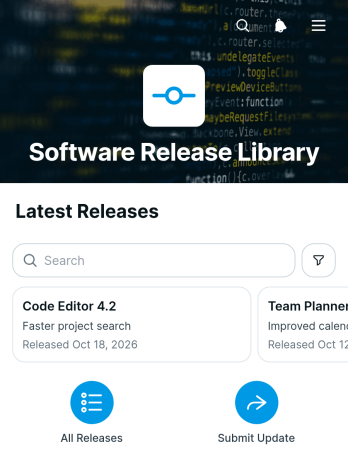
Software Release Library App
The Software Release Library App provides a centralized place for product, engineering, quality assurance, IT, and customer support teams to organize software release information. Teams can browse software versions, open individual release records, review concise release summaries, and read detailed release notes without searching across scattered documents or messages. A connected form also supports consistent data collection when authorized contributors add release information. This app template is useful for maintaining an accessible release history, helping internal teams understand product changes, and giving stakeholders a dependable self-service resource for updates.Jotform App Templates make it easy to turn recurring information and workflows into organized, mobile-friendly experiences. Using Jotform’s no-code app builder and drag-and-drop interface, teams can adapt the Software Release Library App with branded pages, navigation, links, and connected forms. The app can be shared through a direct link or QR code, while related data can be managed through connected Jotform tools. No programming is required, so teams can update the layout, refine the release submission workflow, and publish a useful software library in less time.
Go to Category:Information Technology Apps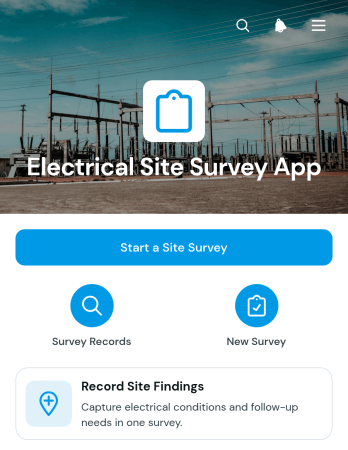
Electrical Site Survey App
Electrical Site Survey App gives electrical contractors, engineers, field technicians, facilities teams, and property service providers a practical way to document conditions during an on-site assessment. Surveyors can start a survey from the app, record key findings about the electrical system, and note whether follow-up work is required. Each record keeps the site address, surveyor details, observations, and follow-up notes together, helping office and field teams review survey results without relying on scattered paperwork. This app template is useful for preliminary inspections, maintenance planning, renovation assessments, project scoping, and visits to residential, commercial, or industrial properties.Jotform Apps helps organizations turn field processes into accessible digital experiences without writing code. Use the no-code app builder and drag-and-drop interface to adjust pages, branding, navigation, and connected forms for your operations. Data collection can feed organized records and related workflows, while links or QR codes make the app easy to share with authorized team members. Among Jotform App Templates, this customizable option supports consistent field reporting, faster access to survey information, and a convenient self-service experience on phones, tablets, and computers.
Go to Category:Inspection Apps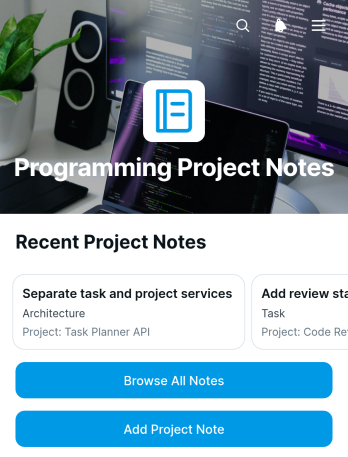
Programming Project Notes App
The Programming Project Notes App is a ready-to-use workspace for recording, organizing, and reviewing notes associated with software development projects. It gives developers, engineering teams, technical consultants, students, and project leads a central place to add project notes, browse existing entries, and open individual records for more context. Teams can use it to document implementation decisions, development updates, technical findings, meeting takeaways, and ideas that may otherwise become scattered across messages or personal files. Clear access to shared notes supports project continuity, improves knowledge transfer, and helps contributors find relevant information throughout the development cycle.Jotform Apps makes this app template easy to adapt without coding. Use the drag-and-drop interface to adjust pages, navigation, colors, fonts, and branding, then connect forms and tables to support data collection and an organized workflow. Jotform App Templates can also bring reference materials and project actions into one mobile-friendly experience, giving team members convenient self-service access wherever they work. Once the Programming Project Notes App is ready, publish it with a direct link or QR code and update its content as projects evolve.
Go to Category:Project Management Apps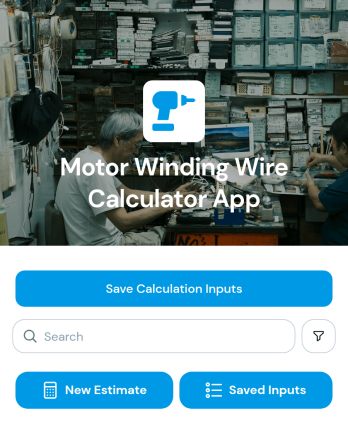
Motor Winding Wire Calculator App
Motor Winding Wire Calculator App is a practical app template for engineers, motor repair technicians, winding specialists, contractors, and maintenance teams that need consistent wire estimates for motor winding work. Users can enter and save essential calculation inputs such as core diameter, core length, turns per coil, number of coils, wire diameter, winding layers, and copper resistivity. Saved calculation records provide a convenient reference for comparing jobs, reviewing specifications, preparing material estimates, and documenting repair or production work. This organized approach reduces reliance on scattered notes and helps teams maintain repeatable calculation practices.With Jotform Apps, this template can be adapted into a branded technical resource without coding. The no-code app builder and drag-and-drop interface make it easy to adjust pages, update content, connect forms, and organize data collection around an existing workflow. Teams can add approval steps, tables, reference materials, or related service requests as their operations evolve. Like other Jotform App Templates, the Motor Winding Wire Calculator App can be shared through a direct link or QR code, giving technicians convenient mobile access in workshops, service facilities, classrooms, or field locations.
Go to Category:Engineering Apps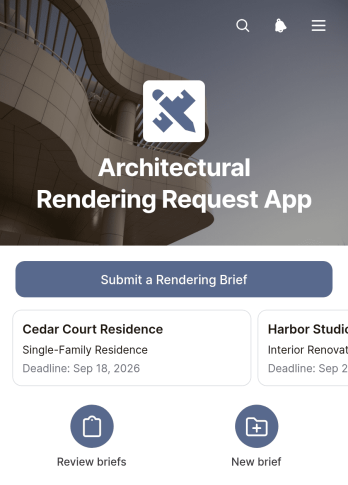
Architectural Rendering Request App
The Architectural Rendering Request App is an app template for collecting and organizing architectural visualization briefs from clients, project managers, contractors, developers, and design teams. It provides a clear route for submitting a rendering brief, browsing project requests, and reviewing creative requirements and reference materials in one place. Architecture practices, visualization professionals, construction teams, and real estate project groups can use it to prepare estimates, plan production, clarify expectations, and coordinate work before a rendering project begins. Standardized requests reduce missing information, give stakeholders a shared project overview, and help creative teams prioritize work around target deadlines.Jotform Apps makes this App Template easy to adapt with a no-code app builder and an intuitive drag-and-drop interface. Add branded pages, revise navigation, connect forms and tables, or build a workflow for notifications, internal reviews, and data collection without writing code. The finished app can support client self-service while giving collaborators convenient access to current request information. Publish it with a shareable link or custom app URL, distribute it with a QR code, or embed it within an existing digital experience. Its mobile-friendly layout helps clients submit briefs and teams review project details from nearly any device.
Go to Category:Construction Apps
Water Supply Load Calculator App
The Water Supply Load Calculator App is an app template for estimating water demand in residential, commercial, and construction projects. It gives engineers, plumbing contractors, consultants, and field teams a central place to enter project information, work through load calculations, and review supporting guidance. By replacing scattered worksheets and manual notes with a consistent calculation form, the app can reduce omissions and make estimates easier to revisit. Teams can adapt it for preliminary planning, project assessments, service sizing discussions, and documentation shared between office and field personnel.Jotform App Templates make it easy to turn focused business processes into accessible digital experiences. With Jotform’s no-code app builder and drag-and-drop interface, users can customize the Water Supply Load Calculator App with branded pages, instructions, links, and connected forms. Collected data can support an organized workflow through Jotform Tables, notifications, approvals, and other connected tools. Once published, the app can be shared by a direct link or QR code, helping teams provide convenient mobile access without developing software from scratch.
Go to Category:Engineering Apps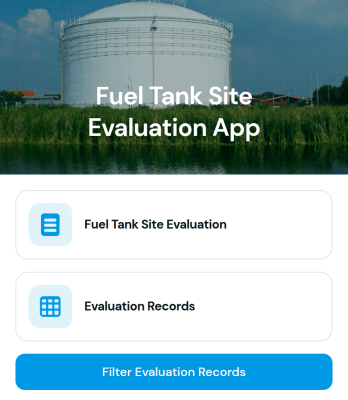
Fuel Tank Site Evaluation App
Fuel Tank Site Evaluation App is an app template for documenting site conditions before fuel tank installation, replacement, servicing, or removal. It gives field inspectors, engineers, contractors, facilities teams, and fuel storage professionals a consistent place to enter evaluation details, review evaluation records, and filter records for faster follow-up. Teams can use it during preliminary surveys, project planning, maintenance visits, and operational reviews to reduce scattered paperwork and keep findings accessible. Its organized approach supports clearer communication between field personnel, project managers, and other stakeholders when planning work or reviewing site needs.Jotform helps organizations turn this Fuel Tank Site Evaluation App template into a branded digital experience without writing code. Using the no-code app builder and drag-and-drop interface, teams can adjust content, navigation, colors, and fonts to suit their evaluation process. Connected forms and tables support data collection and record organization, while workflow options can route information to the appropriate team members. Publish the app with a shareable link or QR code to give field staff convenient mobile access and support dependable self-service from job sites, offices, or remote locations.
Go to Category:Inspection Apps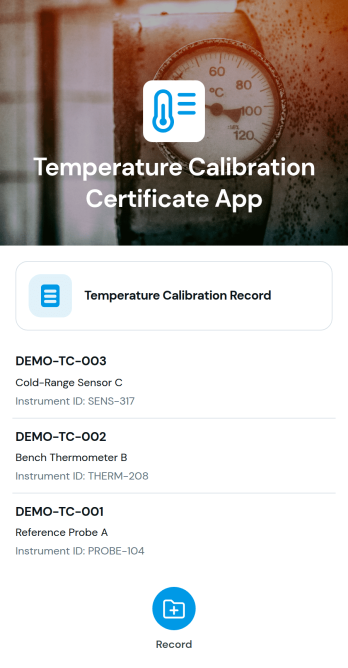
Temperature Calibration Certificate App
Temperature Calibration Certificate App is an app template for documenting and reviewing temperature instrument calibration results in laboratories, manufacturing facilities, maintenance departments, and field service operations. Technicians, metrology teams, quality personnel, and equipment managers can browse certificate records, identify instruments and calibration dates, compare reference temperatures with instrument readings, and retain notes about completed work. Keeping these details in one accessible experience helps teams reduce scattered paperwork, locate previous results faster, maintain consistent records, and provide staff with a practical self-service resource during maintenance, equipment checks, audits, and internal quality reviews.With Jotform, teams can adapt this Temperature Calibration Certificate App using a no-code app builder and an intuitive drag-and-drop interface. Connect forms for data collection, organize certificate information for convenient browsing, and link related tables, approvals, or workflow steps without writing code. Branding, pages, cards, navigation, and access points can be adjusted to suit different operations. Once ready, the app can be shared through a direct link or QR code, giving technicians and managers mobile-friendly access wherever calibration activities take place.
Go to Category:Equipment Maintenance Software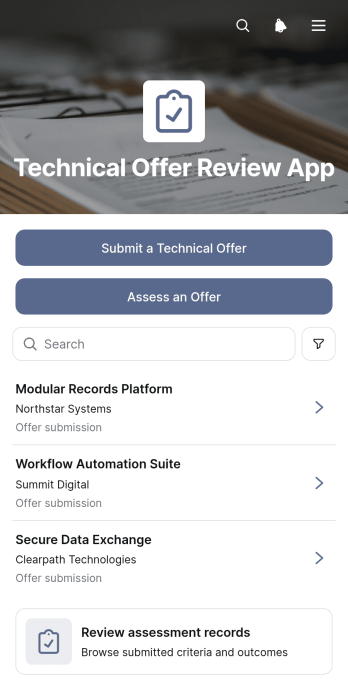
Technical Offer Review App
Technical Offer Review App gives engineering, procurement, consulting, and project teams a shared workspace for submitting and evaluating technical offers. This app template supports offer intake, structured assessments, and review of related assessment records without scattering information across separate documents or message threads. Reviewers can examine technical summaries, proposed approaches, supporting documents, requirements coverage, implementation risks, and assessment notes in context. It is well suited to vendor selection, contractor evaluations, project proposals, internal solution reviews, and other situations where several stakeholders need a consistent basis for comparing technical submissions. Clear navigation helps contributors submit offers while assessors document findings and revisit earlier decisions.Jotform App Templates help teams turn review processes into accessible, interactive experiences without writing code. Using Jotform’s no-code app builder and drag-and-drop interface, organizations can customize pages, branding, navigation, and connected forms to match their workflow. The app can bring data collection, supporting resources, and assessment activity into one mobile-friendly location, making it easier for authorized participants to find the next action. Teams can publish the finished app through a direct link, custom app URL, QR code, or embedded experience and update its content as evaluation needs evolve.
Go to Category:Engineering Apps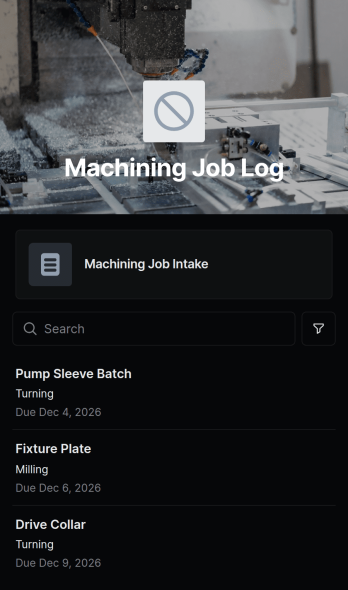
Machining Job Log App
The Machining Job Log App is a ready-to-use workspace for recording and reviewing machining work as it moves through production. Machine shops, manufacturing teams, production supervisors, machinists, and contractors can use it to browse job records, view essential material and operation details, and monitor quantities, due dates, and estimated labor hours. By keeping current job information in one accessible place, the app helps teams plan workloads, clarify priorities, prepare for shift handoffs, and reduce reliance on scattered notes or spreadsheets. It can support daily floor coordination, job status reviews, production scheduling, and communication between office and shop personnel.Jotform makes the Machining Job Log App easy to adapt with a no-code app builder and drag-and-drop interface. Add or rearrange pages, cards, buttons, and links to fit your workflow, connect a form for consistent data collection, and organize records for quick self-service access. Teams can apply their own colors and visual style, share the finished app by direct link or QR code, and open it on phones, tablets, or computers. As one of Jotform’s customizable App Templates, it provides a practical starting point that can grow with changing shop procedures, reporting needs, and internal collaboration.
Go to Category:Logbook Apps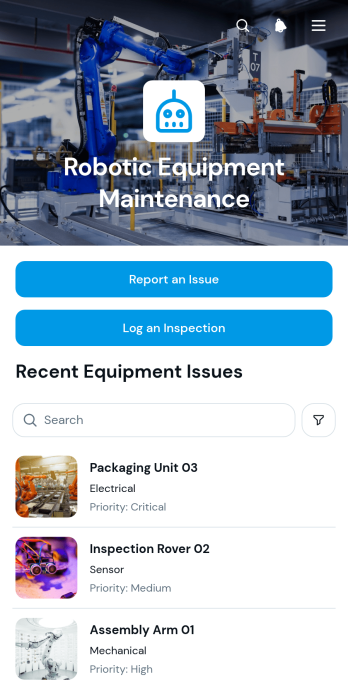
Robotic Equipment Maintenance App
Robotic Equipment Maintenance App gives engineering, maintenance, operations, and field service teams a central place to monitor robotic equipment and document its condition. Teams can browse equipment records, review identifiers and priority levels, report issues, and log inspections without relying on scattered paperwork or disconnected messages. It supports routine maintenance rounds, fault reporting, equipment checks, and follow-up work across factories, workshops, warehouses, research facilities, and other sites that operate robotic systems. Clear equipment details and issue information help technicians assess problems faster, prioritize attention, and maintain a consistent service history.Jotform app templates make it easy to adapt this experience to an organization’s maintenance workflow. With Jotform’s no-code app builder and drag-and-drop interface, users can update pages, branding, navigation, forms, and connected resources without programming. Inspection and issue data collection can connect with tables, notifications, approvals, and other workflows to keep records organized and support timely action. Once customized, the app can be shared by direct link or QR code for convenient mobile access, giving technicians and managers a practical self-service resource wherever equipment is located.
Go to Category:Equipment Maintenance Software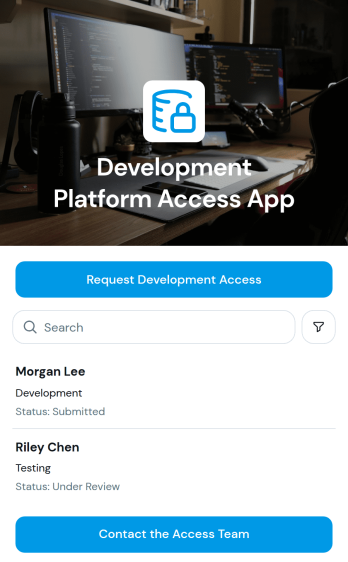
Development Platform Access App
The Development Platform Access App is an app template for managing requests to use development environments, tools, and related resources. It gives engineering teams, information technology departments, platform administrators, and internal operations groups a central place where users can submit an access request, browse request records, review the access needed and request status, and contact the access team. This organized self-service experience helps reduce scattered email inquiries, keeps request details easy to reference, and gives authorized team members clearer visibility into pending and completed access requests.Jotform App Templates help organizations turn routine processes into accessible digital experiences without writing code. With Jotform’s no-code app builder and drag-and-drop interface, teams can customize the Development Platform Access App with their own branding, instructions, navigation, and connected forms. Requests can feed into data collection and workflow processes for review and follow-up, while the finished app can be shared through a direct link or QR code. This makes it easier to provide mobile-friendly access, update resources as procedures change, and maintain a consistent request journey for employees and contractors.
Go to Category:Information Technology Apps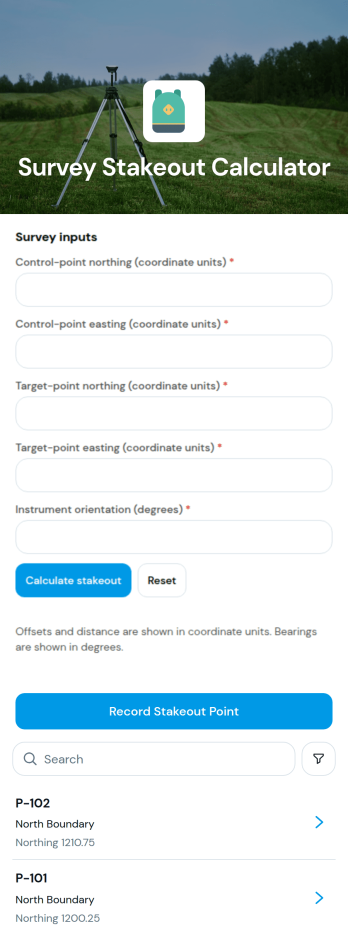
Survey Stakeout Calculator App
The Survey Stakeout Calculator App is an app template for land surveyors, construction crews, civil engineering teams, contractors, and field technicians who need an accessible record of stakeout coordinates. Users can record a stakeout point, browse saved point entries, and review northing, easting, and design elevation values from a dedicated detail page. Keeping these measurements together helps field and office teams reference planned positions, reduce scattered notes, and coordinate layout work across construction, site development, and engineering projects. It also creates a consistent process for documenting points before or during field operations.Jotform makes it easy to adapt this template to a team’s surveying workflow without writing code. Its no-code app builder and drag-and-drop interface can be used to update pages, adjust branding, connect forms, and organize data collection around project requirements. Teams can add instructions, supporting resources, approval steps, or other connected processes as their operations evolve. Like other Jotform App Templates, the finished app can be shared through a direct link or QR code, giving field personnel convenient mobile access and a practical self-service reference for stakeout information.
Go to Category:Engineering Apps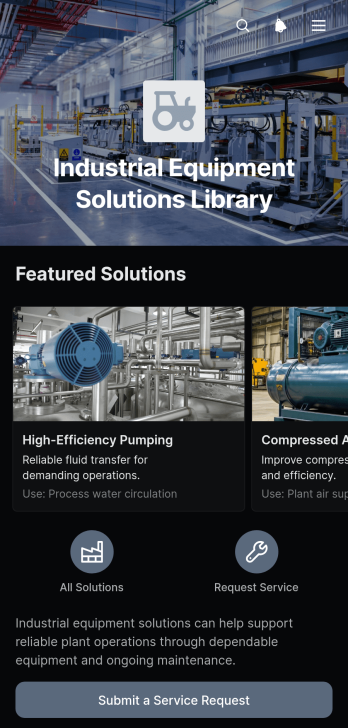
Industrial Equipment Solutions Library App
Industrial Equipment Solutions Library App gives engineering teams, maintenance providers, equipment suppliers, contractors, and industrial operators a central place to present and explore equipment solutions. This app template organizes solution entries into a browsable library where users can review typical applications, understand key benefits, and submit a service request when they need assistance. It is well suited to sales support, field service, maintenance planning, customer education, and internal reference needs. By replacing scattered documents and disconnected inquiry channels with guided self-service access, organizations can help customers and employees find relevant information and take the next step more quickly.Jotform makes this Industrial Equipment Solutions Library App easy to adapt with a no-code app builder and a flexible drag-and-drop interface. Teams can update solution cards, adjust pages and navigation, apply their own branding, and connect the service request form to data collection and workflow processes. The finished app can be shared by link or QR code for convenient mobile access. Jotform App Templates also connect with forms, tables, approvals, notifications, and other operational tools, helping businesses turn a reference library into an interactive resource that supports service delivery and informed equipment decisions.
Go to Category:Equipment Maintenance Software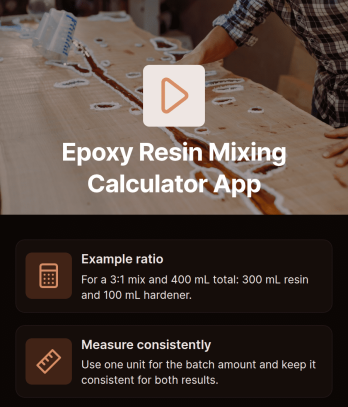
Epoxy Resin Mixing Calculator App
Epoxy Resin Mixing Calculator App helps contractors, fabricators, workshop teams, artists, and do-it-yourself users calculate resin and hardener amounts for a chosen mixing ratio. It is useful for flooring, coating, casting, repair, woodworking, and composite projects where consistent measurements can reduce wasted material and avoid preventable mixing errors. Users can reference an example ratio, enter relevant measurements through the calculator, and follow practical guidance for measuring each component consistently. Teams can also use the app as a shared jobsite resource, giving technicians and project staff a convenient way to approach repeat mixing tasks with the same process.Jotform makes this app template easy to adapt without writing code. Its drag-and-drop app builder lets you update content, organize guidance, adjust colors and fonts, and connect forms or tables for data collection and workflow support. You can publish the finished app with a direct link or QR code, making it accessible on phones, tablets, and computers in workshops or field settings. Start with one of Jotform’s App Templates, tailor the calculation experience to your materials and procedures, and provide a branded self-service resource for staff, clients, or project partners.
Go to Category:Estimation Apps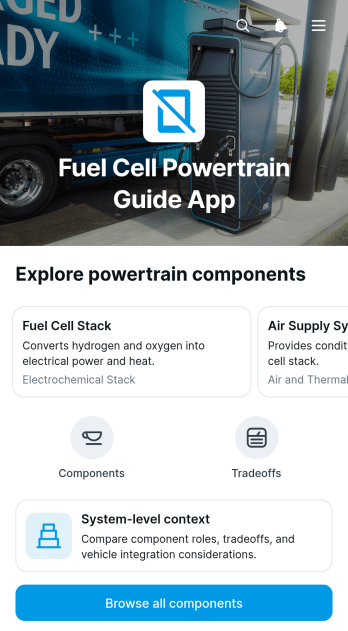
Fuel Cell Powertrain Guide App
The Fuel Cell Powertrain Guide App is an interactive reference for exploring powertrain components, system-level context, engineering tradeoffs, and relationships between connected parts. It suits engineering teams, technical consultants, educators, students, automotive specialists, and transportation organizations that need an accessible way to organize foundational information. Users can browse component topics, review each component’s role within the wider system, examine key tradeoff areas, and follow links to related components. This app template helps consolidate technical knowledge that might otherwise be scattered across documents, making it useful for training, early project discussions, research, and internal knowledge sharing.Jotform makes this guide easy to adapt with a no-code app builder and a flexible drag-and-drop interface. Teams can revise pages, cards, navigation, and educational content to reflect their preferred terminology or learning goals. Connected forms can also support data collection, questions, feedback, or review workflows without disrupting the guide experience. Like other Jotform App Templates, the Fuel Cell Powertrain Guide App can be published for mobile-friendly self-service access and shared through a direct link or QR code, giving users a convenient resource wherever technical information is needed.
Go to Category:Engineering Apps
Graphing Calculator App
The Graphing Calculator App is a focused digital tool for plotting mathematical functions and helping users interpret equations visually. Its dedicated page and calculator widget make it useful for students checking coursework, teachers demonstrating concepts, tutors explaining graph behavior, and engineering teams exploring mathematical relationships. Users can examine functions in one convenient place rather than switching between separate calculation and visualization tools. It supports classroom instruction, independent study, tutoring sessions, technical training, and quick equation analysis while making abstract concepts easier to understand.Jotform makes this app template easy to adapt with a no-code app builder and an intuitive drag-and-drop interface. Educators and organizations can adjust the layout, apply their own visual styling, add learning resources, and connect forms for data collection, quizzes, feedback, or support requests. The finished app can be shared by a direct link or QR code for convenient mobile access. Among Jotform App Templates, the Graphing Calculator App offers a practical starting point for creating a branded learning resource, supporting self-service study, and linking mathematical activities to a broader educational workflow without writing code.
Go to Category:Education Apps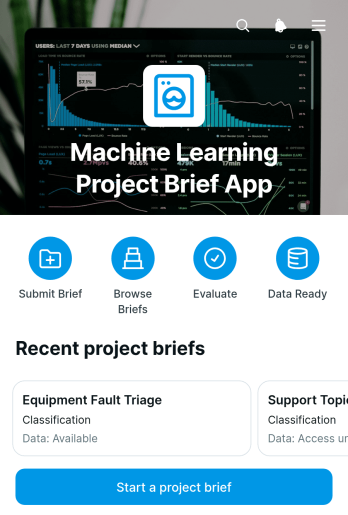
Machine Learning Project Brief App
Machine Learning Project Brief App provides data science, engineering, product, and consulting teams with a shared space for defining proposed machine learning initiatives before development begins. Teams can create and browse project briefs, clarify the business problem, identify intended users, and assess the machine learning task and data readiness. Success measures, operational constraints, and unresolved questions remain visible for review, helping decision-makers compare ideas, identify gaps, and align stakeholders. This app template is useful for discovery workshops, internal proposals, client engagements, research planning, and early project validation.Jotform App Templates make it easy to turn this planning process into an accessible digital experience. With Jotform’s no-code app builder and drag-and-drop interface, teams can customize pages, branding, navigation, and connected forms without programming. Brief details can support organized data collection and connect with tables, approvals, notifications, and other workflow steps. Publish the app through a direct link, custom URL, QR code, or embedded experience so contributors and reviewers can access project information from desktop or mobile devices.
Go to Category:Project Management Apps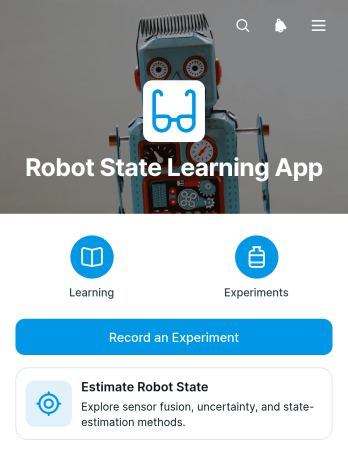
Robot State Learning App
The Robot State Learning App is an interactive learning and experiment-recording resource for robotics students, instructors, engineering trainees, and technical teams exploring how robots estimate position, motion, and operating conditions. It brings core topics such as sensor fusion, uncertainty, noise, and estimation methods into one accessible experience. Users can review learning material, record an experiment, compare sensor inputs with an expected state and observed result, and revisit prior experiment records. In classrooms, labs, workshops, and independent study, this app template helps connect theory with practical observation while giving learners a consistent way to document findings. Instructors can use it to support guided exercises, and engineering teams can adapt it for internal training or exploratory testing.Jotform Apps makes it easy to turn this Robot State Learning App template into a branded, mobile-friendly resource without coding. The drag-and-drop app builder lets you adjust pages, cards, buttons, and navigation, while connected forms and tables support data collection and organized experiment review. Share the finished app through a direct link or QR code so participants can access instructions and submit observations from phones, tablets, or computers. You can also connect approvals and other workflow steps as your training process develops, creating a focused self-service hub that fits your robotics curriculum or team practices.
Go to Category:Engineering Apps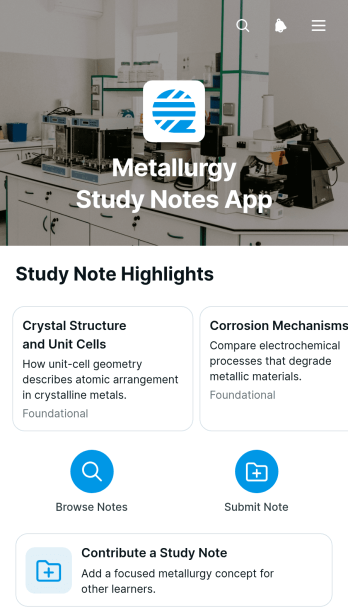
Metallurgy Study Notes App
Metallurgy Study Notes App provides students, tutors, lecturers, and engineering study groups with a central place to collect and review notes about metals, materials, and related processes. Learners can browse entries by topic and study level, open focused pages with key points and summaries, and contribute their own study notes through a connected form. This organized approach makes important material easier to revisit during coursework, laboratory preparation, independent study, and exam revision. It also helps educators share supporting resources without scattering information across documents and messages.Jotform makes this app template easy to adapt with a no-code app builder and an intuitive drag-and-drop interface. Customize pages, navigation, colors, fonts, and content to suit a class, tutoring program, study community, or engineering department. Connected forms support data collection and collaborative contributions, while flexible workflows help keep learning resources organized. Once the app is ready, publish it with a shareable link or QR code so users can access a mobile-friendly, self-service study experience from almost any device.
Go to Category:Engineering Apps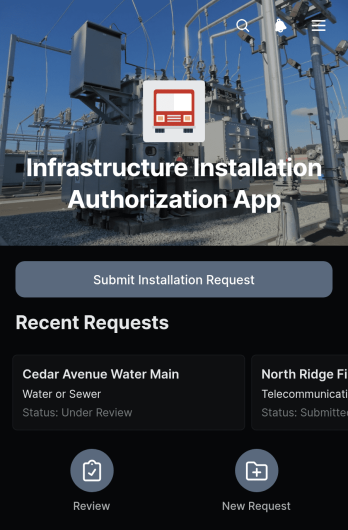
Infrastructure Installation Authorization App
The Infrastructure Installation Authorization App provides construction teams, engineering departments, contractors, facilities managers, and project coordinators with a central place to submit and review proposed infrastructure work. Users can record an installation request, present the proposed site and schedule, note safety considerations, describe planned work, and attach supporting documents. Submitted requests remain accessible in an organized table, helping reviewers evaluate project details and monitor authorization activity without relying on scattered emails or paper files. This app template is well suited to utility installations, site upgrades, equipment placement, network infrastructure projects, and other work requiring documented internal authorization.Jotform Apps makes it easy to adapt this experience to an organization’s operational process without writing code. Teams can use the drag-and-drop app builder to update pages, branding, navigation, and request content, then connect forms, tables, notifications, and approval workflows as needed. The app can be shared through a direct link or QR code for convenient mobile access in offices and field locations. Starting with one of Jotform’s App Templates reduces setup time while supporting consistent data collection, clearer collaboration, and a practical self-service request process.
Go to Category:Construction Apps