

Resource & Learning Portal Apps

Student Portal App
A student portal app brings essential academic information into one place so students can stay on top of coursework, tasks, and campus news without searching across multiple systems. Use this template to share a course list, let students open individual course pages, review upcoming tasks, and read campus updates as they’re posted. It also includes an easy path for students to submit a request and check My Requests, which helps schools manage common student needs like support questions, administrative help, or service follow-ups.Jotform makes it simple to tailor this app template to your school’s workflow using a no-code app builder with a drag-and-drop interface. Connect pages to forms and data sources so updates appear in the right place, route requests to the right team, and keep information accessible from any device. With Jotform, you can publish a branded student self-service experience quickly and keep it current as programs, tasks, and campus communications change.
Go to Category:School Management Apps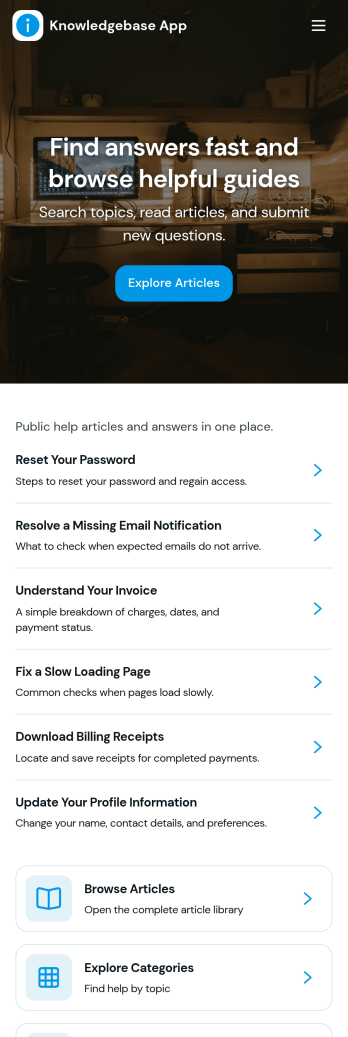
Knowledgebase App
Knowledgebase App gives teams a simple, searchable place to publish help articles and guide users to answers without extra emails. It’s ideal for customer support teams, IT departments, HR, and operations groups that need to share consistent instructions, troubleshooting steps, or internal how-to documentation. Users can browse articles, open an article details view for deeper guidance, and submit a request when they can’t find what they need, so questions don’t get lost and support stays organized.With Jotform, you can turn this knowledgebase app template into a branded self-service experience using a no-code app builder and a drag-and-drop interface. Connect your article list to Jotform Tables for easy updates, and link the request form to your workflow so the right people are notified and can follow up quickly. Share the app by link or QR code to make trusted information accessible on any device while keeping your data collection consistent across teams.
Go to Category:Resource & Learning Portal Apps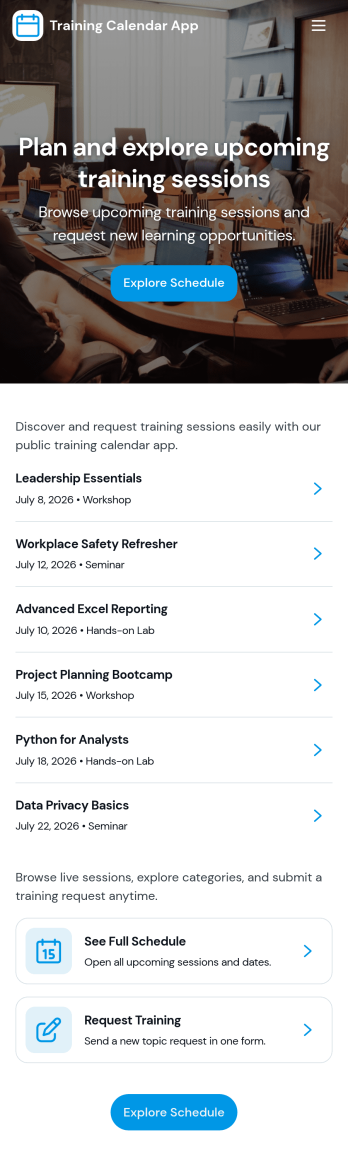
Training Calendar App
Training Calendar App brings your training schedule and session requests into one simple place so people always know what is happening today and what is coming next. Use it to share daily training details, link learners to specific sessions, and give staff a clear path to submit new training requests without searching through emails or chats. It works well for HR and L&D teams, fitness and coaching businesses, school programs, and operations teams that run recurring trainings across locations or departments.With Jotform, you can customize this app template with a no-code app builder and a drag-and-drop interface, then publish it as a self-service experience for your audience. Connect the schedule view to forms and tables for data collection, route requests through a workflow your team prefers, and keep everything accessible from a single link so updates are easy to manage as training plans change.
Go to Category:Scheduling Apps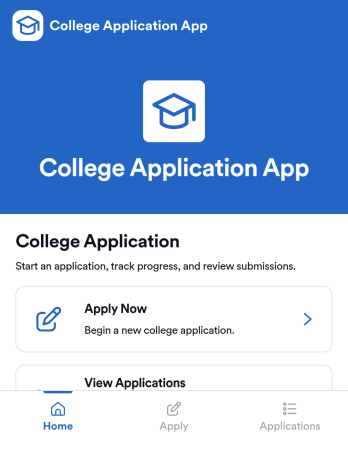
College Application App
College Application App helps students start a college application, save progress, and return later to complete or revise details without losing track of what’s been submitted. It’s a practical fit for high school counseling offices, college prep programs, and admissions teams that want a clear way to guide applicants from getting started through review. With a simple starting point, a list of saved applications, and an application review area, the app supports common intake needs like collecting applicant information and keeping records organized in one place. It also includes a requirements section so applicants know what to prepare, such as academic record details, before they move forward.Built with Jotform, this app template can be customized with a no-code app builder and a drag-and-drop interface so you can match your school’s process and branding. Connect the app to your forms and data collection workflow, then use it as a self-service experience applicants can access from a link or QR code. As submissions come in, teams can manage updates in one connected place, reduce manual follow-ups, and keep application information accessible for faster internal coordination.
Go to Category:Education Apps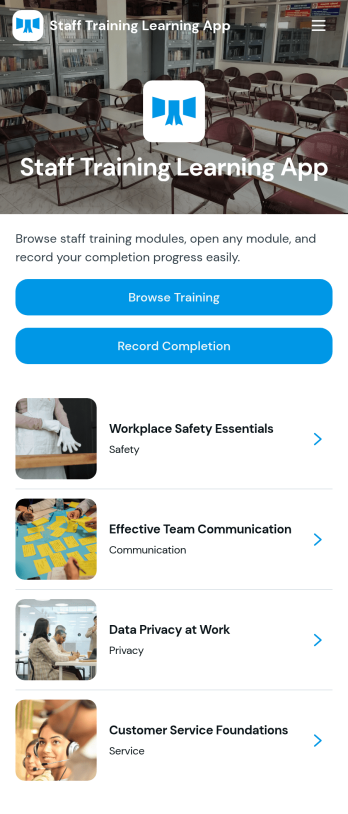
Staff Training Learning App
Staff Training Learning App helps teams share internal training in one place so employees can browse available courses, open a course page to review key details, and request enrollment when they’re ready. It’s a practical fit for HR teams, operations managers, and department leads who need a clear way to roll out onboarding lessons, role-based training, or refresher learning across locations without relying on scattered documents and links.Built with Jotform, this app template can be customized with a no-code app builder and a drag-and-drop interface, so you can organize course information and connect the enrollment request form to your workflow. Publish a branded self-service experience, share it by link or QR code, and keep data collection consistent as training offerings change over time.
Go to Category:Employee Self Service Apps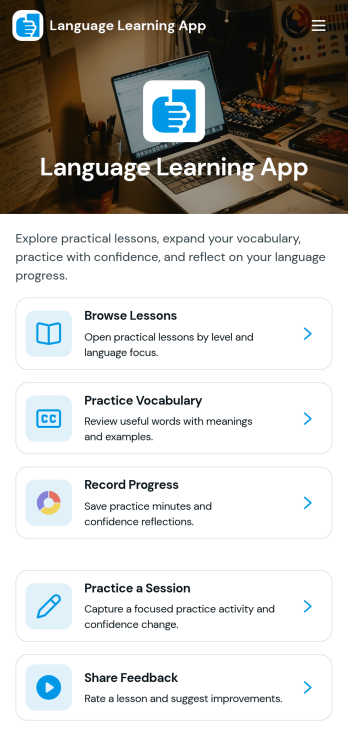
Language Learning App
Language Learning App brings lessons, practice, and progress into one place so learners can study at their own pace and build consistency over time. Use it to browse a library of public lessons, open a specific lesson to review details, and record practice attempts so you can look back on what you’ve tried. It works well for tutors, language schools, community programs, and self-study groups that want a simple way to organize learning content and encourage regular practice without relying on scattered links or separate trackers.With Jotform, you can turn this idea into a polished, mobile-friendly experience using App Templates and a no-code app builder. Customize pages with a drag-and-drop interface, connect buttons to forms for data collection, and keep practice attempts and lesson info organized for quick self-service access. As your program grows, you can update content, adjust the workflow, and share the app with learners using a single link.
Go to Category:Education Apps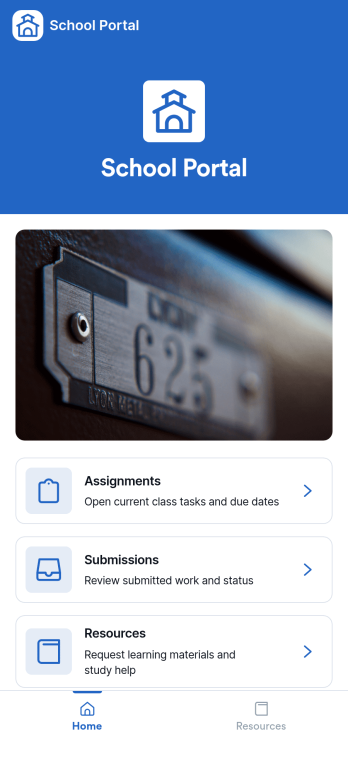
School Portal App
A school portal app brings key school communications and everyday tasks into one place, giving students, families, and staff a simple way to stay informed and take action without hunting through emails or paper notices. Use it to publish announcements, centralize contact information, capture updates from your community, and manage common requests so everyone knows where to go and what to do next. It works well for K–12 schools, districts, tutoring centers, and academic programs that need a consistent hub for timely messages and ongoing administrative needs.With Jotform, you can turn this School Portal App into a branded self-service experience using app templates and a no-code app builder with a drag-and-drop interface. Connect the app to forms and tables for data collection, route information through workflows like request tracking, and share access with a link or QR code. As needs change through the year, you can quickly update pages, adjust navigation, and keep school information current without relying on technical help.
Go to Category:School Management Apps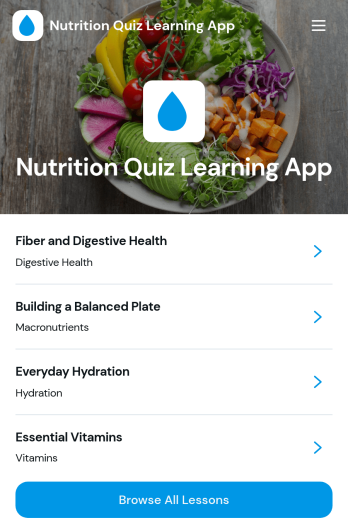
Nutrition Quiz Learning App
Nutrition Quiz Learning App helps you turn bite-sized nutrition lessons into an interactive learning experience with a built-in quiz flow. Learners can browse all lessons, open a topic to see key takeaways and details like topic and level, then return to the quiz to test their understanding. It’s a strong fit for wellness coaches, dietitians, gyms, schools, employee wellness teams, and community programs that want consistent learning without relying on long documents or scattered links.With Jotform, you can launch this app template quickly and customize it using a no-code app builder with a drag-and-drop interface. Connect the app to your quiz form for data collection, organize lesson content so it’s easy to review, and keep your learning workflow in one place. Share a single link for self-service access on any device, and update lessons or quiz content anytime to keep your program current.
Go to Category:Quiz Apps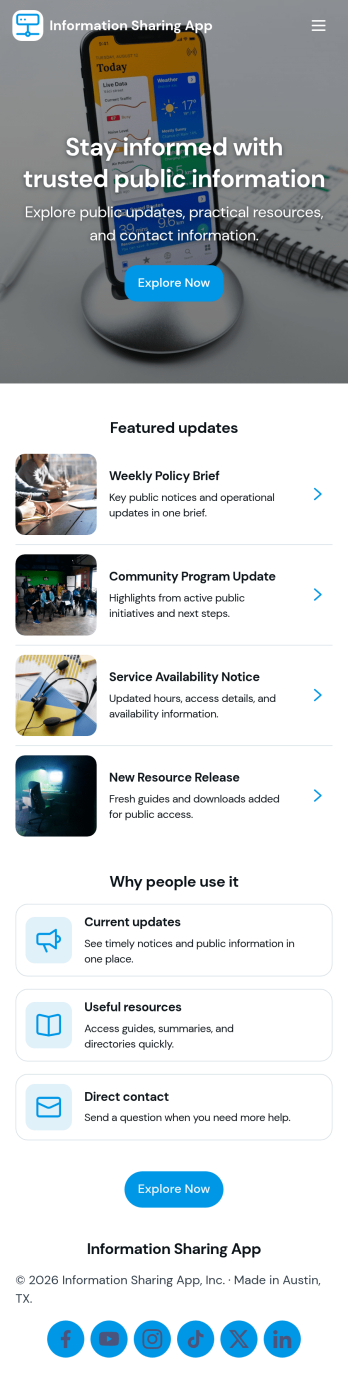
Information Sharing App
An information sharing app brings important announcements, updates, and reference materials into one easy-to-navigate space so people always know where to look. Use it to publish the latest updates in a feed, invite teammates to share an update when news changes, and organize key documents in a searchable library for quick access. It’s a strong fit for internal comms, HR and operations teams, schools, nonprofits, and community groups that need a consistent way to keep everyone aligned without relying on scattered emails or multiple channels.Jotform makes it simple to build and maintain information sharing experiences with App Templates you can customize in minutes. Using Jotform’s no-code app builder and drag-and-drop interface, you can connect update and resource forms to your app, centralize data collection, and keep your workflow organized as information changes. Share your app through a link or QR code so staff, members, or volunteers can check the latest news and browse the resource library from any device.
Go to Category:Company Portal Apps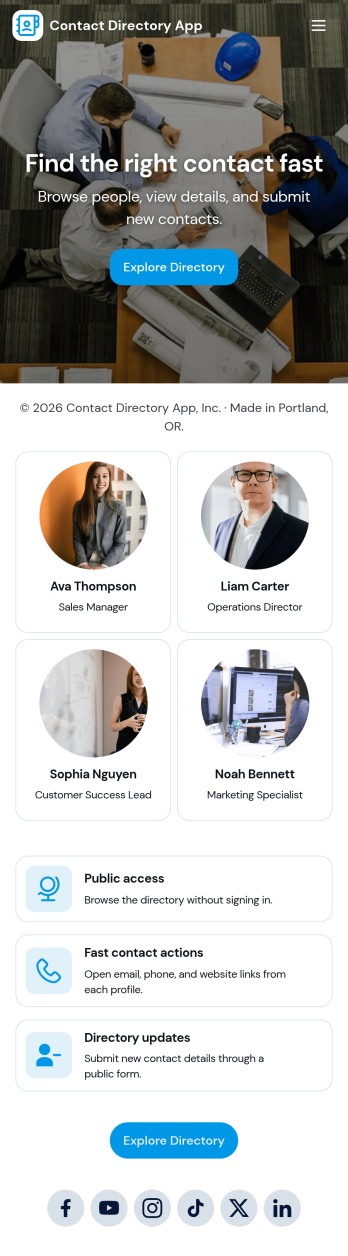
Contact Directory App
A contact directory app keeps people and their details organized in one place so teams and communities can quickly find, view, and reach the right person. Use it to browse a searchable contact list, open an individual contact profile, and take immediate actions like calling or emailing from the directory. It’s a practical fit for offices, schools, clubs, nonprofits, property teams, and service organizations that need a shared, always-available directory without relying on scattered spreadsheets or personal address books.With Jotform, you can turn this contact directory app template into a polished self-service experience using a no-code app builder and a drag-and-drop interface. Connect the app to your contact form for consistent data collection, keep records updated as your list changes, and publish a shareable link for staff or members. As your workflow evolves, you can adjust pages, branding, and navigation to match how your organization manages contacts day to day.
Go to Category:Company Portal Apps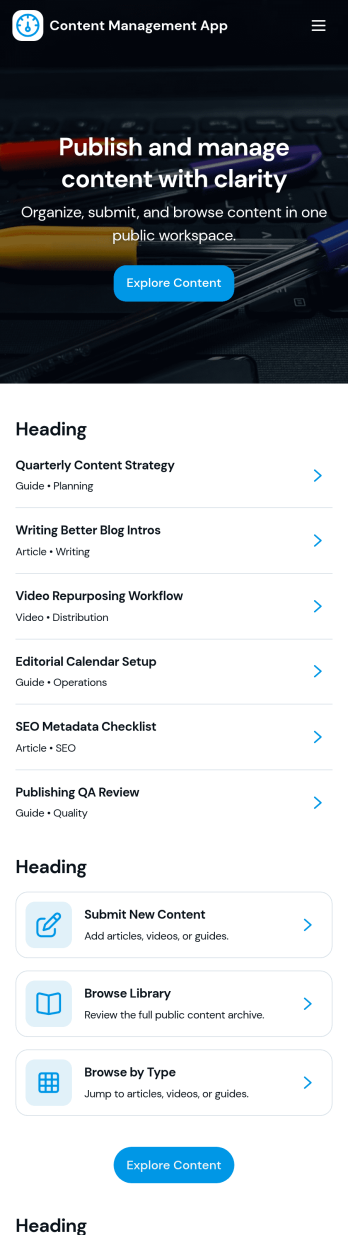
Content Management App
Content Management App helps teams collect, organize, and review content in one place, so publishing doesn’t turn into scattered messages and lost files. Use it to gather new articles, announcements, product updates, knowledge base entries, or internal resources through a simple submission flow, then route items into a review queue before they’re added to your library. It’s a practical fit for marketing teams, internal communications, agencies, and growing businesses that need a consistent way to intake content, browse a shared library, and keep visibility into what’s ready, what needs edits, and what’s in progress.With Jotform, you can turn this app template into a branded, self-service experience using a no-code app builder and a drag-and-drop interface. Connect pages to forms and tables to support ongoing data collection, keep content records centralized, and make workflows easier to follow for contributors and reviewers. Share the app by link or QR code, customize navigation and design, and maintain a single source of truth as your content volume grows.
Go to Category:Management Apps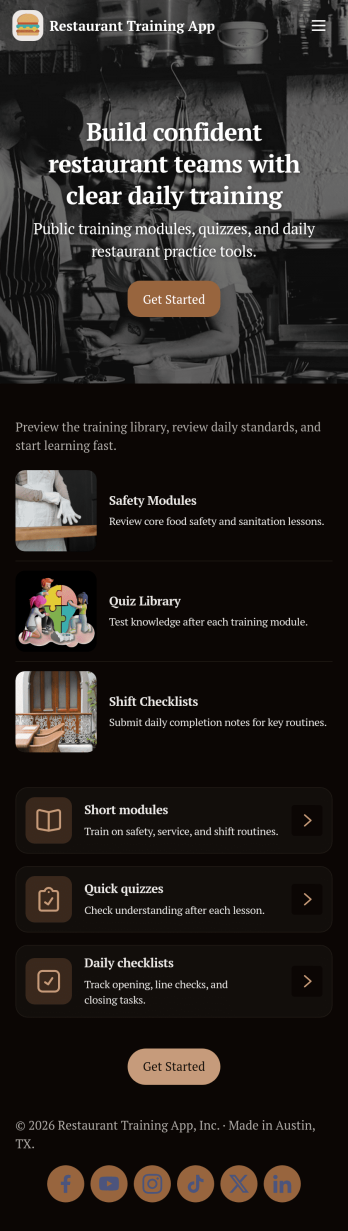
Restaurant Training App
Restaurant Training App helps restaurants onboard and coach staff with a simple, structured training experience they can follow on any device. Use it to share training modules by role, guide new hires through daily practice check-ins, and give managers a clear view of progress as training moves from learning to real service scenarios. It’s a great fit for independent restaurants, multi-location groups, and franchises that want consistent service standards without relying on printed manuals or scattered messages.With Jotform, you can customize this app template with a no-code app builder and a drag-and-drop interface, then connect it to your training workflow for smoother data collection and self-service. Link the app to forms and tables to capture practice entries, review records in one place, and keep everyone aligned as your menu, policies, and service steps evolve. Share the app by link or QR code so staff can access training anytime, and update content instantly without rebuilding your process.
Go to Category:Restaurant Management Apps
Link Directory App
Link Directory App is an app template for organizing useful websites, tools, references, and digital resources in one accessible destination. Businesses, schools, community groups, marketing teams, and internal departments can use it to make important links easier to discover. Visitors can browse all links, explore categories such as productivity and learning, review tags and status details, and submit a new resource for consideration. This organized experience reduces scattered bookmarks, repeated requests, and time spent searching across messages or documents. It works well for public resource collections, employee reference libraries, curated industry lists, learning centers, and campaign resource pages.With Jotform Apps, teams can turn this Link Directory App into a branded, mobile-friendly self-service resource without writing code. The no-code app builder and drag-and-drop interface make it easy to update pages, navigation, cards, buttons, colors, and fonts. Connect the submission form to data collection and workflow tools, organize records with Jotform Tables, and receive notifications when new links arrive. Jotform App Templates can be shared through a direct link or QR code, helping users reach current resources from nearly any device while administrators maintain the directory from one central workspace.
Go to Category:Social Bio Link Apps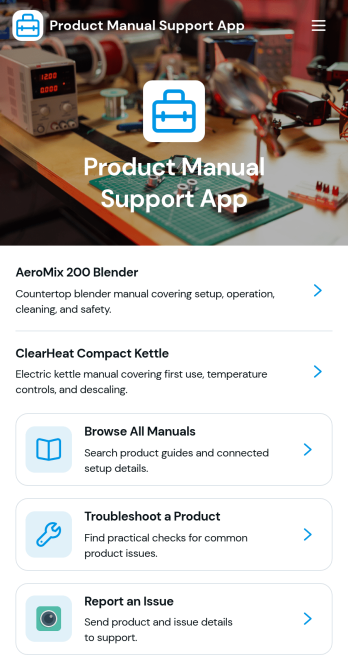
Product Manual Support App
Product Manual Support App gives customers and internal teams one place to find product manuals, follow setup guidance, and work through troubleshooting steps before escalating a problem. Use it to reduce repetitive support tickets, shorten time to resolution, and keep documentation consistent across product lines. It’s a strong fit for product-led teams, customer support and success departments, IT help desks, and operations groups that manage multiple devices or SKUs and need an easy way for users to browse manuals, review FAQs, and report issues when a fix isn’t found.With Jotform, you can tailor this app template to match your products and support process using a no-code app builder and a drag-and-drop interface. Connect the app to your data collection and workflow needs by linking issue reporting to forms and keeping manuals and FAQs organized in one self-service experience. Share the finished app through a link or QR code, update content anytime, and give your audience a mobile-friendly way to get answers fast.
Go to Category:Service & Support Portal Apps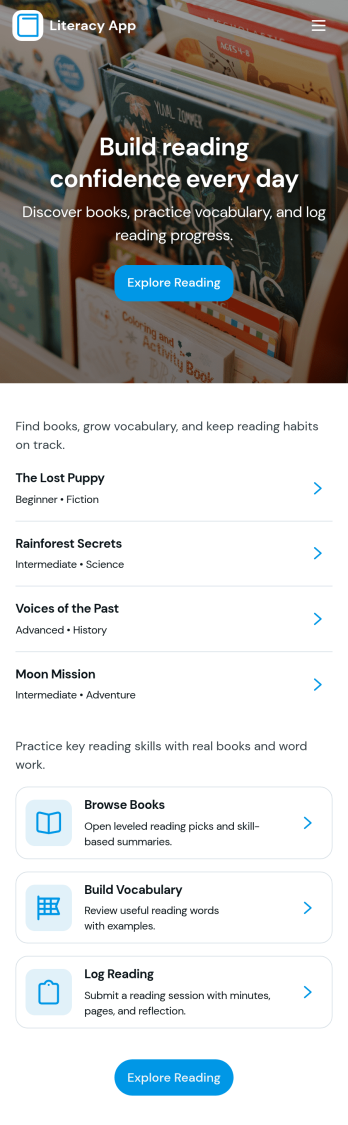
Literacy App
Literacy App brings reading practice and reflection into one simple experience for classrooms, tutoring programs, libraries, and at-home learning. Learners can browse reading passages, study targeted vocabulary words, and keep momentum with quick navigation between activities. It also supports ongoing practice by letting readers log what they’ve read and write short reflections, making it easier for educators and program leaders to encourage consistent habits and see progress over time.Jotform helps you turn these literacy routines into a shareable, mobile-friendly experience using App Templates and a no-code app builder. Customize pages with a drag-and-drop interface, connect forms and tables for data collection, and keep your workflow organized from reading logs to reflection entries. Share your Literacy App with a link so students, families, or participants can access the right resources and submit updates from anywhere.
Go to Category:Classroom Management Apps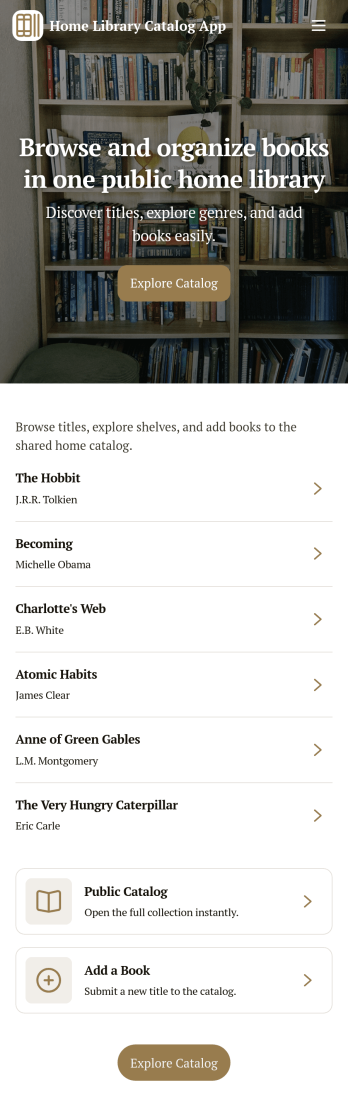
Home Library Catalog App
Home Library Catalog App helps you organize and share your personal book collection in a simple, browseable catalog. Use it to keep track of what you own, explore titles by scrolling through a book list, and open individual book pages to see key details at a glance. It’s a practical fit for avid readers, families managing a shared shelf, book clubs that lend among members, or collectors who want a clearer view of what’s available, what’s requested, and what’s on the wishlist.With Jotform App Templates, you can publish a self-service experience that connects browsing with action. Customize pages with a drag-and-drop interface, link buttons to forms for data collection such as loan requests and wishlist entries, and keep everything organized in one workflow. Share your app with a link or QR code, update your catalog anytime, and give readers an easy way to request a book without digging through messages.
Go to Category:Organization Apps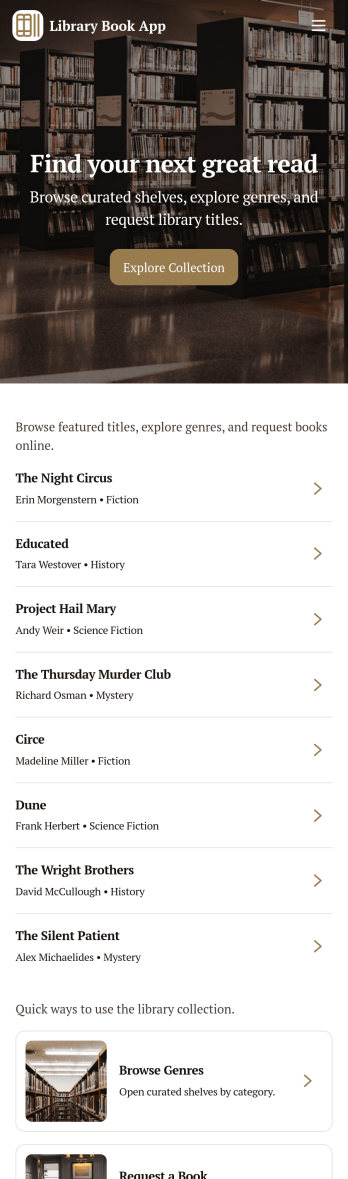
Library Book App
Library Book App gives libraries, school media centers, and community reading rooms a simple way to share a browsable catalog and collect book loan requests in one place. Visitors can explore available titles, open a book detail view, and submit a request to borrow the right item without hunting for paper forms or calling the front desk. It also supports basic library info such as hours and contact details, making it useful for day-to-day patron self-service at any size of library.With Jotform, you can turn this app template into a branded, mobile-friendly experience using a no-code app builder and a drag-and-drop interface. Connect your catalog to a list for easy browsing, link the loan request form to your workflow, and keep requests organized in one place for faster follow-up. As your collection grows, Jotform helps you update pages, adjust navigation, and improve data collection without relying on developers.
Go to Category:Education Apps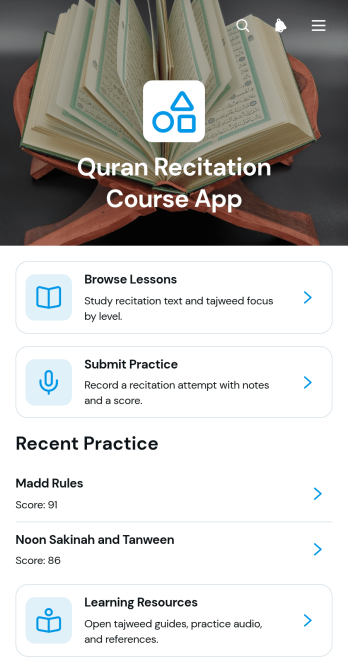
Quran Recitation Course App
Quran Recitation Course App provides a focused learning space for students to browse recitation lessons, open audio practice materials, submit practice work, and review progress. It is suited to tutors, educators, learning centers, community groups, and independent instructors offering guided Quran recitation courses. Lesson pages can present recitation text, study time, learner level, and Tajweed focus without scattering materials across separate channels. Students gain a clear path from study to practice, while instructors can organize reflections, scores, and supporting resources for easier course delivery and learner follow-up.Jotform helps educators turn this app template into a personalized course experience using a no-code app builder and an intuitive drag-and-drop interface. Pages, cards, buttons, forms, and resource links can be adjusted to reflect different teaching methods, lesson plans, and visual styles. Connected forms support data collection for practice submissions, while tables and workflows can help instructors organize responses and act on learner updates. Start from Jotform App Templates, customize the layout, and publish a mobile-friendly self-service learning app that students can reach through a direct link or QR code.
Go to Category:Education Apps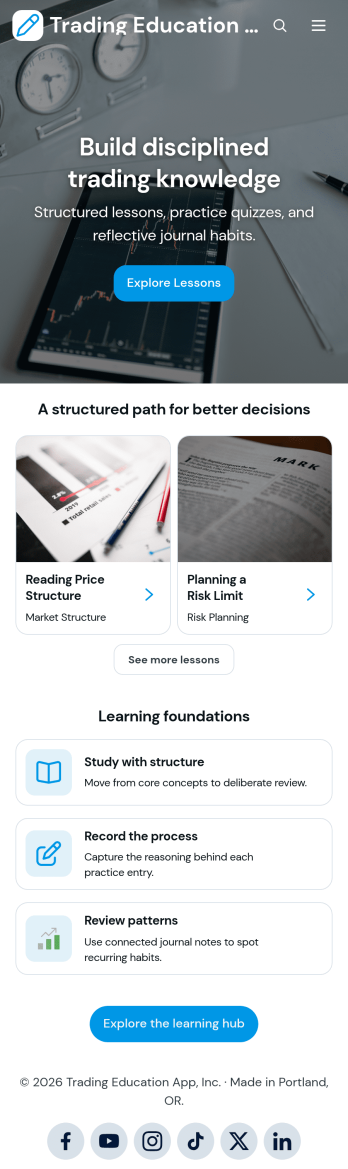
Trading Education App
Trading Education App gives educators, training providers, financial literacy programs, and independent instructors a central place to guide learners through trading concepts and reflective practice. Learners can explore lessons by topic and level, access study resources, test their understanding with quizzes, and record simulated or completed trades in a journal. Reviewing setups, entry and exit prices, and recurring journal patterns helps students connect course material with their decision-making process. This app template works well for online courses, classroom activities, workshops, membership programs, and self-paced learning experiences that need organized educational content without presenting personalized financial advice.Jotform App Templates make it easy to turn learning materials and connected activities into a mobile-friendly experience. Customize the Trading Education App with Jotform’s no-code app builder and drag-and-drop interface, then adjust pages, navigation, colors, fonts, and visual elements to match your program. Forms can support data collection for trade logs and quiz responses, while connected tables and workflows help instructors organize records and monitor participation. Publish the finished app through a direct link or QR code so learners can reach lessons, resources, and self-service activities from nearly any device.
Go to Category:Education Apps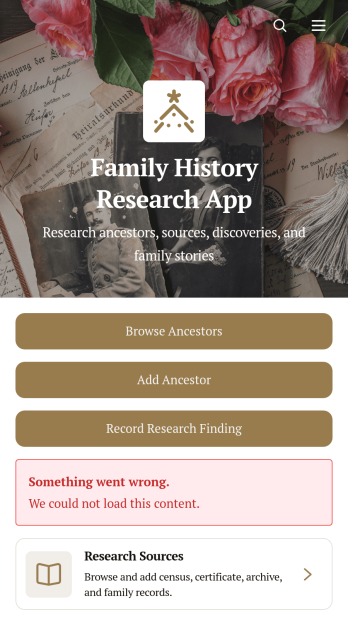
Family History Research App
Family History Research App is an app template for genealogists, family historians, historical societies, students, and relatives who want to organize ancestry research in one accessible place. Users can browse ancestor profiles, add family members, record research findings, and maintain source information without relying on scattered notes or disconnected files. Dedicated records for documents, references, repositories, research dates, confidence levels, and next steps help researchers preserve the context behind each discovery. It is useful for independent investigations, shared family projects, local history initiatives, and educational assignments where clear documentation matters.Jotform makes this Family History Research App easy to adapt with a no-code app builder and a flexible drag-and-drop interface. Add branded pages, revise navigation, connect data collection forms, and organize research workflows without writing code. The app template can bring ancestor records, supporting sources, external research links, and uploaded documents into a mobile-friendly experience. Researchers can publish and share the finished resource through a direct link or code, making ongoing contributions and self-service access more convenient for relatives, project partners, or study groups.
Go to Category:Organization Apps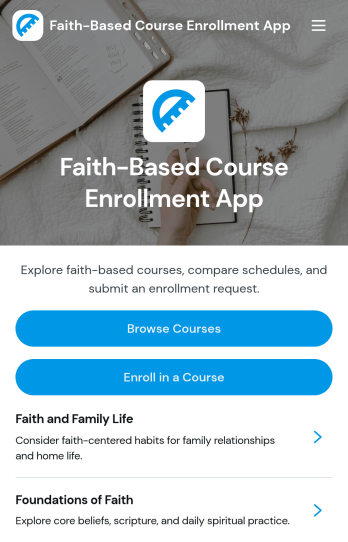
Faith-Based Course Enrollment App
The Faith-Based Course Enrollment App is an online course discovery and registration experience for churches, ministries, faith-based schools, community groups, and religious education programs. It gives prospective learners one convenient place to browse available courses, review overviews and learning outcomes, check instructor, audience, format, and schedule information, and submit an enrollment form. Program coordinators can use this app template for scripture studies, leadership development, ministry training, membership classes, spiritual formation programs, and community education. Clear course information helps participants choose suitable learning opportunities while reducing repetitive questions and disconnected registration steps for administrators.With Jotform Apps, organizations can turn this Faith-Based Course Enrollment App into a branded, mobile-friendly learning resource without writing code. The no-code app builder and drag-and-drop interface make it easy to update pages, adjust navigation, add course content, and connect forms with broader data collection and workflow processes. Teams can start with ready-made App Templates, tailor the layout to their program, and share the finished app through a direct link or QR code. Jotform also supports self-service enrollment experiences by bringing course resources and registration actions together in an accessible app.
Go to Category:Course & Training Registration Apps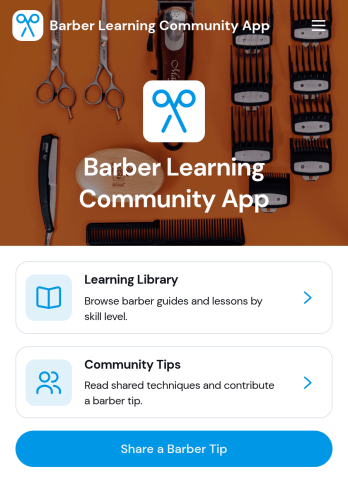
Barber Learning Community App
Barber Learning Community App brings continuing education and peer-to-peer knowledge sharing into one easy destination for barbers, shop owners, educators, and apprentices. Use it to guide learners to a curated Learning Library, promote upcoming Workshops, and keep the community active with practical Community Tips. Members can contribute their own insight through a Share a Barber Tip form, and they can follow up through a Connect About This Tip form when they want to ask questions, request clarification, or build professional relationships around a technique.Built with Jotform, this app template helps you publish a branded learning space without code using a drag-and-drop interface. Connect pages to forms and data sources to support ongoing data collection and keep resources organized as your community grows. Share the app through a link or QR code, update content in minutes, and create a self-service experience that makes barber education more accessible on any device.
Go to Category:Resource & Learning Portal Apps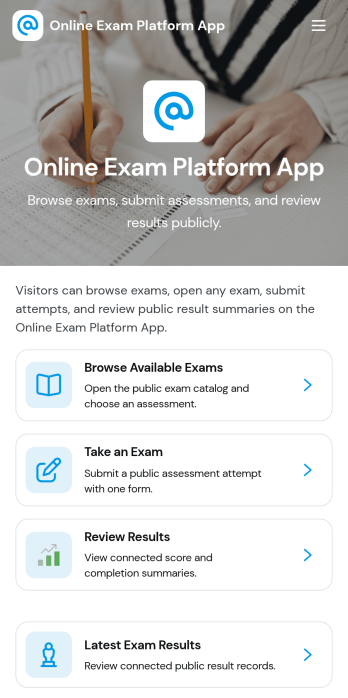
Online Exam Platform App
Online Exam Platform App helps schools, training providers, and teams run exams in one organized place, from discovering what’s available to completing an assessment and checking outcomes. Learners can browse available exams, start a public exam when appropriate, take an exam on their own device, and return later to review results and submit another attempt. It’s useful for ongoing practice quizzes, certification prep, employee assessments, and classroom check-ins where people need clear next steps and fast access to the right exam.With Jotform App Templates, you can publish a branded exam experience without code and update it as your program changes. Use Jotform’s no-code app builder and drag-and-drop interface to customize navigation, connect the app to forms for data collection, and keep exam records organized for easier follow-up. Share the app with a link so learners can self-service their exams and results while your team keeps the workflow simple and consistent.
Go to Category:Quiz Apps
Health Education Learning App
Health Education Learning App brings health education into one easy place where people can explore lessons, browse by topic, and keep moving forward at their own pace. It works well for schools, clinics, nonprofits, and workplace wellness teams that want to share reliable learning content while still giving learners a simple way to ask a health question and share learning feedback when something is unclear or could be improved.With Jotform, you can turn this app template into a branded self-service learning experience using a no-code app builder and a drag-and-drop interface. Connect lesson content to your data collection workflow, route questions and feedback to the right teammates, and update topics as programs change, all while keeping the experience mobile-friendly and easy to share with a link or QR code.
Go to Category:Education Apps