

Task Management Apps

Problem Solving Workflow App
Problem Solving Workflow App helps teams capture issues, turn them into clear action plans, and confirm resolutions in a consistent way. It’s built for operations leaders, IT and service desks, facility teams, quality groups, and any department that needs a reliable process for handling recurring problems. With guided steps to report a problem, plan actions, and review resolution, everyone follows the same path from intake to follow-up. Cases are easy to browse so managers can spot trends, prioritize by impact, and keep ownership visible across locations and categories.Jotform makes it simple to publish this kind of self-service workflow without code. Using a drag-and-drop app builder, you can customize pages, buttons, and case views to match how your team works, then connect the app to the forms and data collection you already use. Share it with a link or QR code, keep information organized in one place, and automate updates so the right people stay informed as cases move forward.
Go to Category:Task Management Apps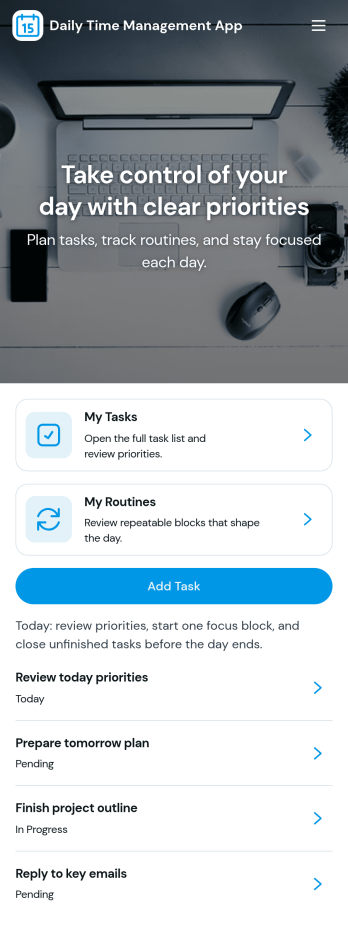
Daily Time Management App
Daily Time Management App helps you plan your day, prioritize what matters, and stay mindful of where your hours go. With quick navigation to planning, task management, and time logging, it’s a practical fit for busy professionals, students, freelancers, and small teams who want a single place to map out today’s priorities, add tasks as they arise, and review activity history without juggling multiple tools.Built with Jotform, this app template pairs an easy, drag-and-drop app builder experience with connected forms and lists so your planning and time data stays organized and accessible. Customize pages, update labels to match your routine, and share the app with a link for simple self-service use across devices. As your workflow evolves, you can expand the app with additional fields, automation, and reporting while keeping daily planning fast and familiar.
Go to Category:Daily Planner Apps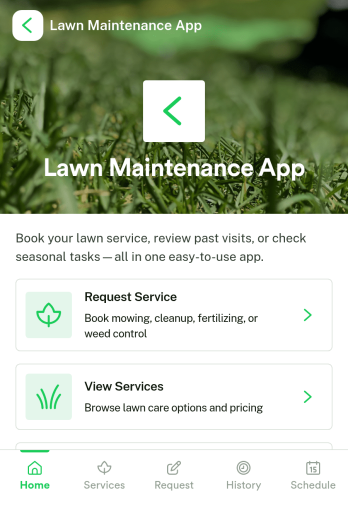
Lawn Maintenance App
Lawn Maintenance App keeps lawn care services organized in one place, so customers and crews can quickly find what they need and keep work moving. Use it to showcase available services, route people to the right service request form, and let customers check service history and request status without phone calls. It’s a strong fit for lawn care companies, landscaping teams, property managers, and HOA or community maintenance coordinators who want a clear, repeatable way to handle requests and ongoing upkeep.Built with Jotform App Templates, this experience can be tailored in minutes using a no-code app builder and a drag-and-drop interface. Connect your service request form and request list so updates stay centralized, share the app by link or QR code for easy self-service, and keep records flowing into your connected workflows in Jotform for faster follow-ups and better data collection.
Go to Category:Home Services Apps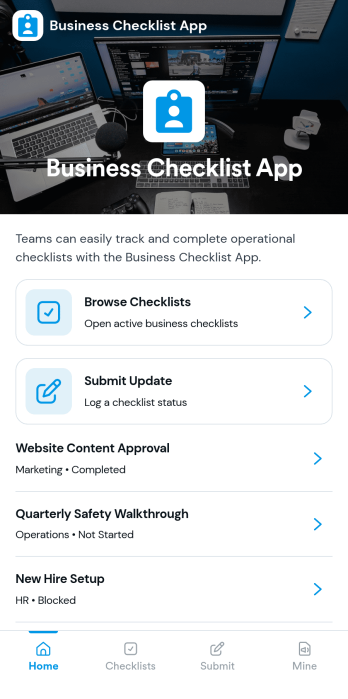
Business Checklist App
Business Checklist App helps teams keep recurring work consistent by organizing checklists in one place and making updates easy to capture as work gets done. Use it to share standard operating procedures, opening and closing routines, quality checks, onboarding steps, inventory spot checks, or project handoffs across locations and departments. With simple navigation to browse checklists, submit an update, and view records, it supports managers and frontline staff who need clarity on what to do next and visibility into what has already been completed.Jotform makes it simple to build and publish app templates like this one with a no-code app builder and a drag-and-drop interface. Connect your checklist update form to your records so data collection happens in real time and teams can track activity without chasing messages or spreadsheets. Customize pages, buttons, and branding, then share the app through a link or QR code to provide a reliable self-service workflow for day-to-day operations.
Go to Category:Checklist Apps
Work Organizer App
Work Organizer App brings your day-to-day work into one place so you can keep projects, tasks, and meetings organized without bouncing between tools. Use it to add new projects, capture tasks as they come up, and log meeting details so your team always knows what’s in progress, what’s next, and what needs attention. It’s a practical fit for freelancers, managers, and small teams who want a clear view of ongoing work while keeping updates simple and consistent.With Jotform, you can turn this app template into a branded workspace using a no-code app builder and a drag-and-drop interface. Connect action buttons to forms for fast data collection, route information into connected workflows, and share a self-service experience that works well on desktop or mobile. Customize pages, labels, and navigation so the app matches how your organization plans, tracks, and executes work.
Go to Category:Task Management Apps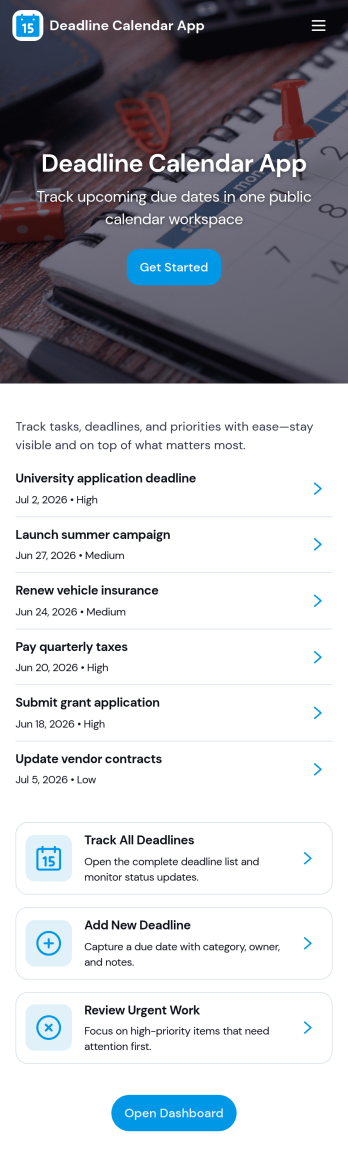
Deadline Calendar App
Deadline Calendar App helps you capture, view, and prioritize important due dates in one place so nothing slips through the cracks. Add new deadlines through a simple intake form, then browse upcoming items in organized lists and jump into details fast. With separate areas for work deadlines and personal deadlines, it fits teams balancing client deliverables as well as individuals tracking school assignments, renewals, applications, or bill due dates.Built with Jotform App Templates, this app template is easy to tailor for your workflow using Jotform’s no-code app builder and drag-and-drop interface. Connect your deadline data collection to tables, set up workflow steps like approvals or reminders, and publish a self-service experience you can share by link or QR code. Update labels, pages, and branding to match your process, then keep deadline tracking consistent across devices without adding extra tools.
Go to Category:Planner Apps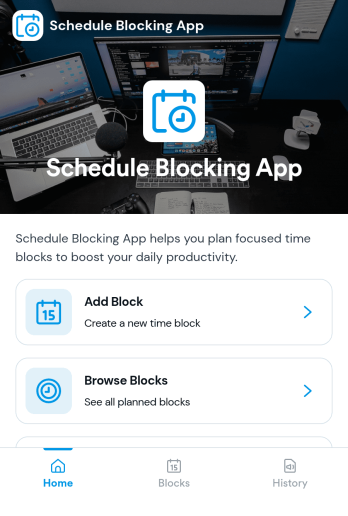
Schedule Blocking App
Schedule Blocking App helps individuals and teams reserve protected time on a calendar so focused work, appointments, and personal commitments don’t get crowded out. Use it to add new blocks in seconds, keep a clear list of upcoming blocks, and browse blocks by category or purpose. It fits freelancers planning deep-work sessions, managers holding meeting-free windows, service providers spacing bookings, and students organizing study sprints. By centralizing blocks in one place, it becomes easier to avoid double-booking, maintain realistic daily plans, and communicate availability expectations.Jotform makes it simple to turn this schedule blocking workflow into a shareable, mobile-friendly experience. With Jotform’s no-code app builder and drag-and-drop interface, you can tailor pages, buttons, and navigation to match how you plan your week, then connect the app to your data collection flow so new blocks are captured consistently. Publish with a link and keep your schedule blocks organized, searchable, and easy to revisit as priorities change.
Go to Category:Scheduling Apps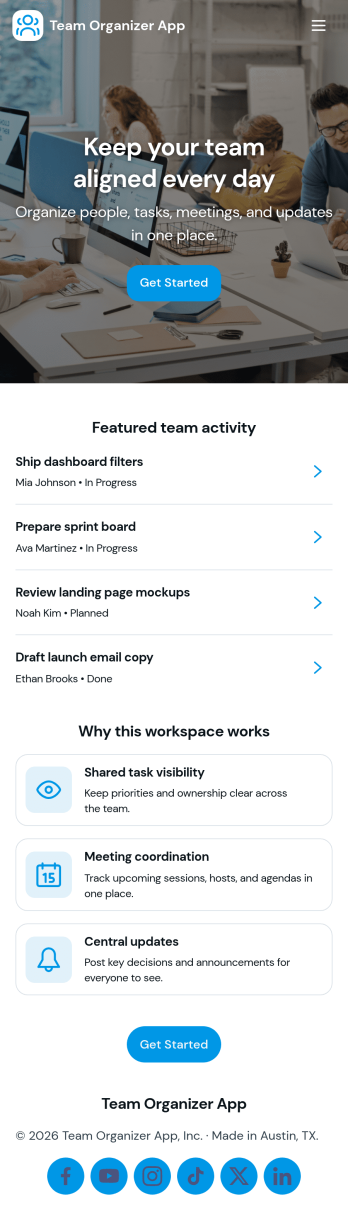
Team Organizer App
Team Organizer App brings your team’s day-to-day coordination into one place so everyone can see what needs to happen next. Use it to assign and review tasks, keep a shared schedule of meetings, and maintain a simple team directory for quick reference. It’s a practical fit for project leads, department managers, and operations teams who need clearer ownership and fewer missed handoffs across recurring work.With Jotform, you can turn this app template into a branded, self-service workspace using a no-code app builder and a drag-and-drop interface. Connect task updates, meeting entries, and team member records to your workflows so information stays organized and easy to access from anywhere. As your team grows, you can adjust pages, permissions, and connected data collection to match how your organization actually runs.
Go to Category:Task Management Apps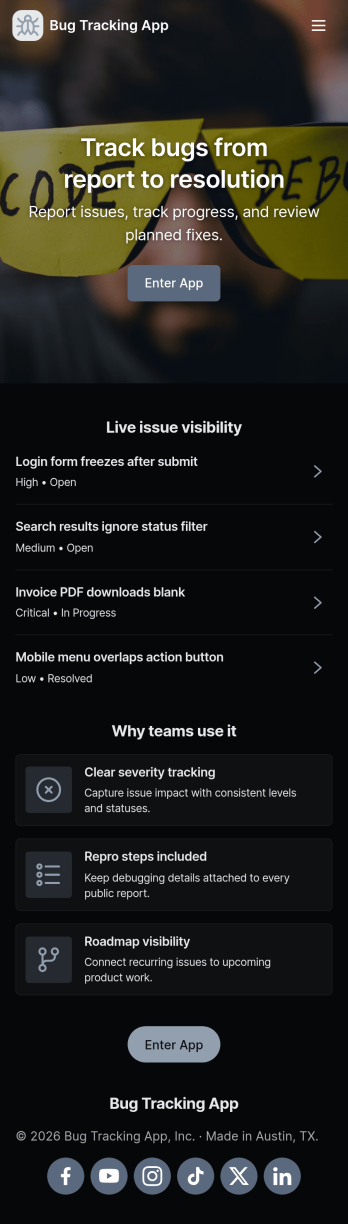
Bug Tracking App
A bug tracking app gives teams one place to report issues, review what’s already been logged, and keep work moving as fixes progress. This template fits software teams, QA groups, IT departments, and agencies that need a simple way to capture new bug reports, browse a growing list of bugs, and check status views without chasing updates across chats and spreadsheets. It’s especially useful for triage workflows where many people can submit problems while a smaller group reviews, prioritizes, and follows up with clear ownership.Jotform makes it easy to turn this Bug Tracking App into a self-service, shareable workflow using App Templates and a no-code app builder. With a drag-and-drop interface, you can tailor pages, buttons, and navigation, connect the app to your form and tables for reliable data collection, and keep your workflow organized as reports come in. Publish the app in minutes, share it with a link, and keep everyone aligned with a centralized view of reported bugs.
Go to Category:Engineering Apps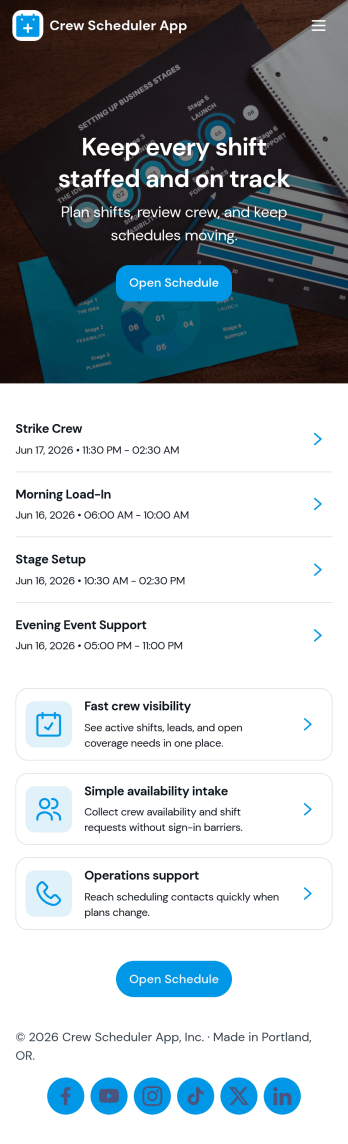
Crew Scheduler App
Crew Scheduler App helps teams coordinate who is working, when they’re scheduled, and what shifts they’re assigned to in one easy place. It’s a practical fit for operations managers, dispatchers, field service leads, and supervisors who need a clear view of crew members, shift details, and upcoming schedules without chasing updates across messages. With dedicated areas for crew and shifts plus a schedule view, the app supports day-to-day planning, faster assignment lookups, and simpler communication when coverage changes.Jotform lets you launch this kind of self-service scheduling experience using ready-to-use app templates and a no-code app builder. Customize the layout with a drag-and-drop interface, connect your crew and shift data collection to forms, and keep information organized for quick access on any device. As your workflow grows, you can refine pages, update content instantly, and share a single link so staff always know where to find the latest schedule.
Go to Category:Scheduling Apps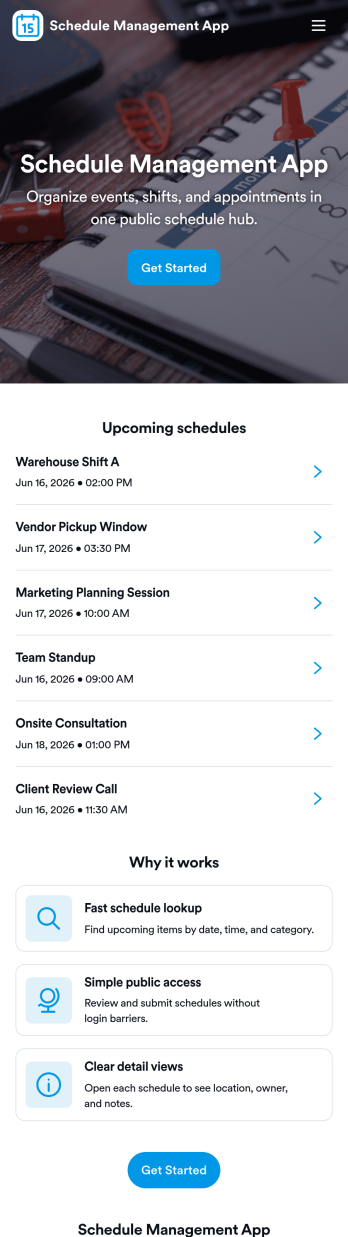
Schedule Management App
Schedule Management App helps teams organize schedules, shifts, and availability in one place so everyone knows what’s coming up next. Use it to review an open schedule, share availability with a manager, and keep a running list of schedule entries without relying on scattered messages. It’s a great fit for shift-based workplaces, service businesses, campus departments, and project teams that need a clear view of who’s working when, plus an easy way for people to submit updates.Jotform makes it simple to turn this experience into a branded, shareable app using its no-code app builder and drag-and-drop interface. Connect pages to forms and tables to support ongoing data collection, route schedule updates through a workflow, and give your team a self-service place to check shifts and submit new entries. When your process changes, you can adjust the layout, navigation, and connected forms in minutes and publish an updated version instantly.
Go to Category:Scheduling Apps
Sales Team Management App
Sales Team Management App keeps lead and deal work organized in one place so sales teams can move faster without losing track of follow-ups. Use it to capture new leads, review lead details, create deals, and log activities tied to each opportunity, making it easier to understand what’s happening across the pipeline. It’s a strong fit for inside sales teams, field reps, agencies, and growing SMBs that need consistent processes for prospecting, deal updates, and day-to-day sales activity.Jotform makes it simple to turn this sales team management app template into a polished, shareable workspace with a no-code app builder and a drag-and-drop interface. Connect buttons and pages to your forms and data collection flows, then publish the app for quick self-service access across your team. As your workflow evolves, you can adjust pages, add new actions, and keep everyone aligned with the same real-time source of truth in Jotform.
Go to Category:Management Apps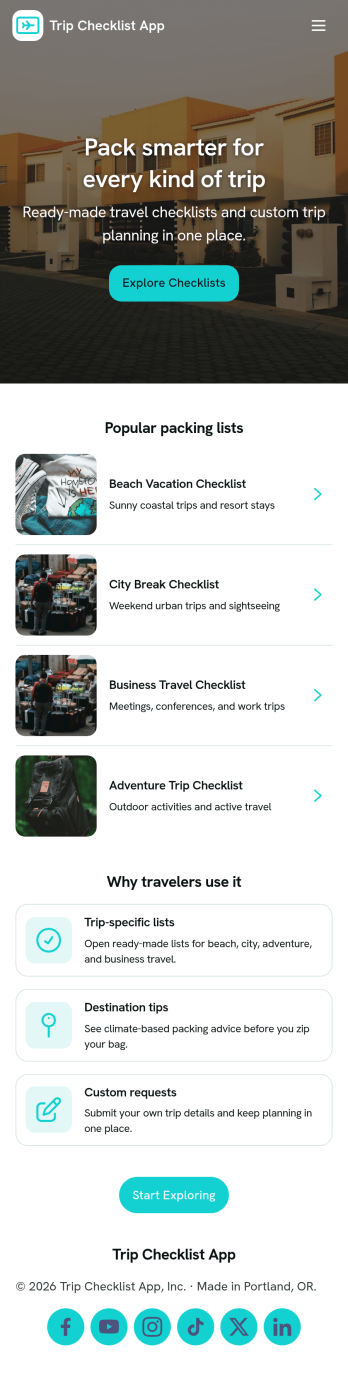
Trip Checklist App
A trip checklist app helps travelers organize packing items and trip plans in one place so nothing gets forgotten before departure. Use it to create a checklist for each trip, review item lists, and keep plans grouped by trip name. It’s useful for frequent flyers, families planning vacations, road trippers, student travelers, and travel coordinators who want a repeatable routine for getting ready, especially when multiple trips or travelers are involved.With Jotform, you can turn this app template into a polished self-service experience using a no-code app builder and a drag-and-drop interface. Connect the app to forms for data collection, then keep details centralized for quick updates and easy browsing. Share your Trip Checklist App with a link or QR code, adjust branding to match your style, and build a lightweight workflow that keeps trip preparation consistent from planning to packing.
Go to Category:Checklist Apps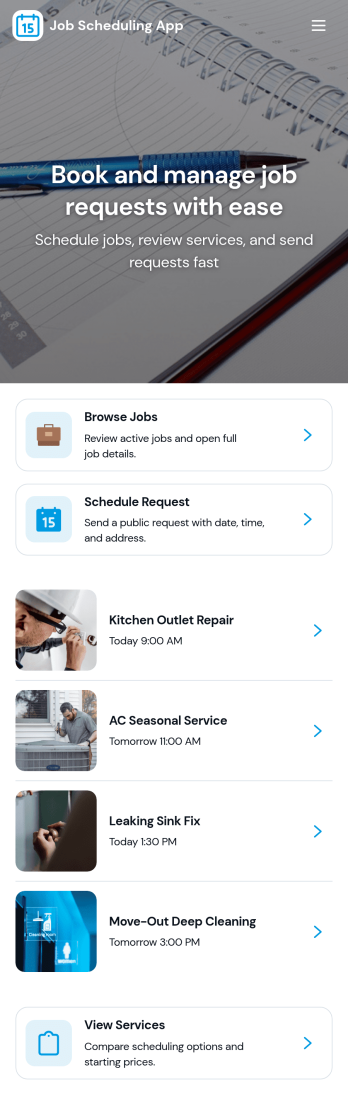
Job Scheduling App
Job Scheduling App helps teams organize jobs, manage worker information, and keep assignments moving on time from one place. Use it to create new job entries, maintain a worker list, and record who is assigned to what, without relying on scattered messages or spreadsheets. It fits field service businesses, facilities teams, construction crews, and any operation that juggles recurring tasks, shifting priorities, and multiple workers across locations.With Jotform App Templates, you can launch a polished scheduling experience fast and tailor it to how your team actually works. Build with Jotform’s no-code app builder and drag-and-drop interface, then connect your app to forms and tables for consistent data collection and a smoother workflow. Share the app as a self-service hub for staff, update it anytime, and keep job details, worker records, and assignment logs easy to access on desktop or mobile.
Go to Category:Scheduling Apps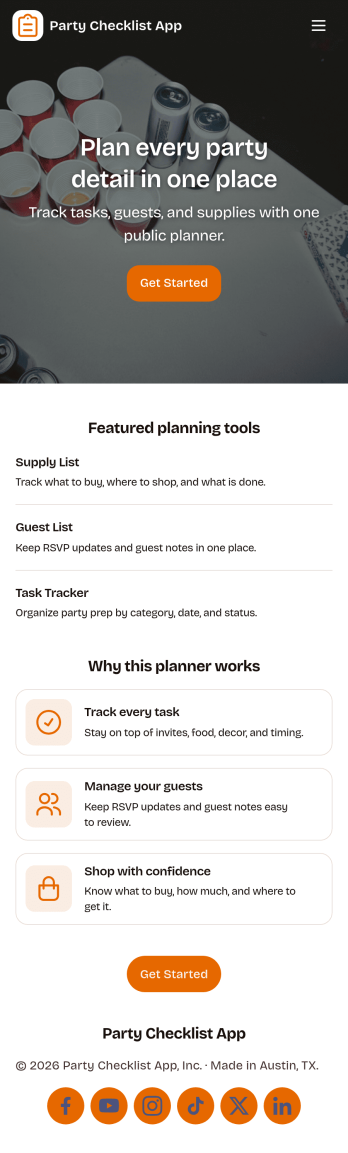
Party Checklist App
Party Checklist App keeps your celebration plans organized in one place so you can move from idea to event day without missing key details. Use it to capture planning tasks, build a guest list, track supplies you still need to buy, and manage day-of responsibilities as the party approaches. It’s a practical fit for anyone hosting birthdays, graduations, holiday get-togethers, office parties, or community events who wants a simple way to track what’s done and what’s next.With Jotform’s App Templates, you can publish a polished self-service experience in minutes and adjust it as plans change. Use the no-code app builder and drag-and-drop interface to tailor pages, add buttons that connect to forms, and keep your data collection organized for easy reference. Share the app with a co-host or planning team, keep tasks and lists updated in real time, and turn your party workflow into a mobile-friendly hub you can check anytime.
Go to Category:Checklist Apps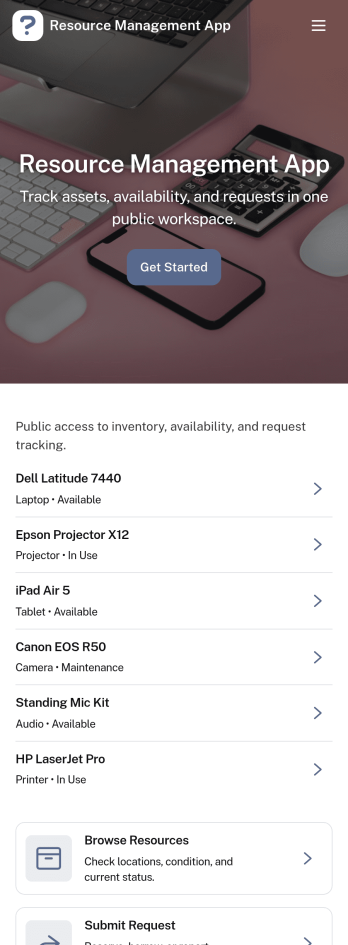
Resource Management App
Resource Management App helps teams organize shared resources and manage internal requests in one place. Use it to publish a browsable resource library, route new requests to the right person, and give staff a clear view of their open and completed requests. It works well for IT and operations teams handling access requests, office managers coordinating supplies, HR teams sharing internal documents, and nonprofits or schools distributing shared materials while keeping demand visible.With Jotform, you can turn this app template into a branded self-service experience without writing code. Use the drag-and-drop app builder to adjust pages, connect your request form to a table for easier tracking, and keep everyone aligned with simple workflows and real-time updates. Share the app by link or QR code so people can browse resources, submit a request, and check My Requests from any device.
Go to Category:Resource & Learning Portal Apps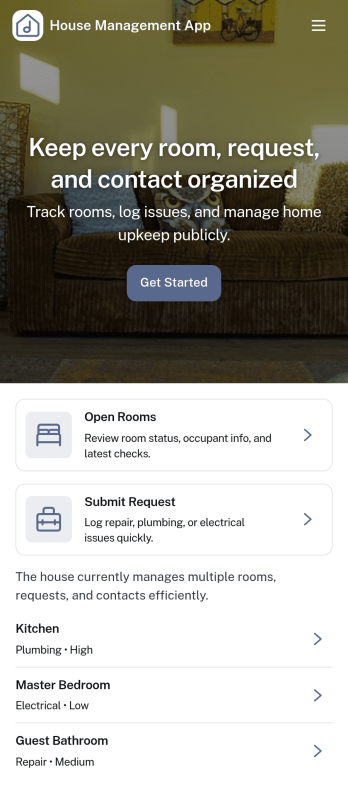
House Management App
House Management App brings property details, resident requests, and household finances into one organized place. Use it to keep a clear record of properties or units, log maintenance needs as they come up, and track payments without relying on scattered notes or multiple spreadsheets. It’s a practical fit for landlords, property managers, homeowner associations, and small teams managing single-family homes or multi-unit buildings who need a simple way to stay on top of what’s happening across locations.With Jotform, you can tailor this app template to match how you work, then share it as a self-service experience for staff or residents. Build and update pages with a drag-and-drop interface, connect buttons to forms for fast data collection, and keep information flowing through a single workflow that supports day-to-day operations. Jotform’s no-code app builder makes it easy to publish, iterate, and keep your house management process consistent as your portfolio grows.
Go to Category:Real Estate Apps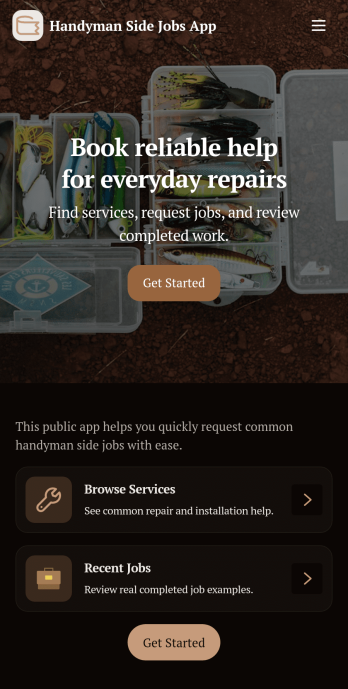
Handyman Side Jobs App
Handyman Side Jobs App helps you organize small repair and maintenance gigs from the first request to the final estimate. It’s built for solo handymen, part-time contractors, and small home service teams who juggle multiple side jobs and need one place to capture new job details, review open requests, and keep active work moving. With simple navigation for creating requests, viewing active jobs, and opening estimates, you can stay on top of customer needs without losing notes across texts, calls, and paper.Jotform makes it easy to tailor this app template to your workflow using a no-code app builder and a drag-and-drop interface. Connect the app to your forms and data collection so each request is stored consistently, then publish a shareable self-service link for customers or keep it internal for your team. As your workload grows, you can refine the workflow, update pages, and standardize how you track jobs and estimates, all while keeping everything branded and accessible on mobile.
Go to Category:Handyman Apps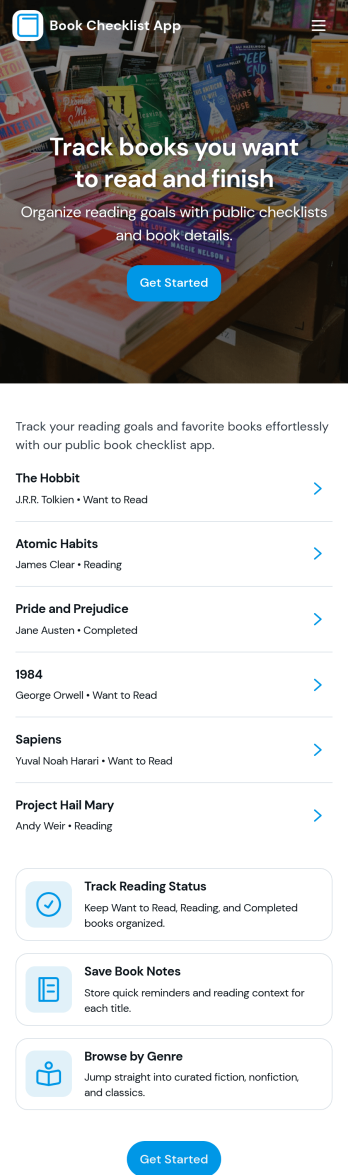
Book Checklist App
Book Checklist App helps readers, students, librarians, and book clubs keep a consistent record of what they’ve read and what’s next. Use it to start a new checklist for a specific title, follow repeatable reading templates, and review past checklists whenever you need to recap notes or progress. It’s a practical fit for personal reading goals, classroom assignments, and shared club workflows where everyone benefits from a clear history of completed books and in-progress lists.Jotform makes it easy to turn this app template into a polished, self-service experience with a no-code app builder and a drag-and-drop interface. Connect your checklist form to organized views for browsing entries, tracking history, and collecting new responses in one place. Customize pages, update labels to match your reading system, and share the app through a link or QR code so your book tracking workflow stays simple from any device.
Go to Category:Checklist Apps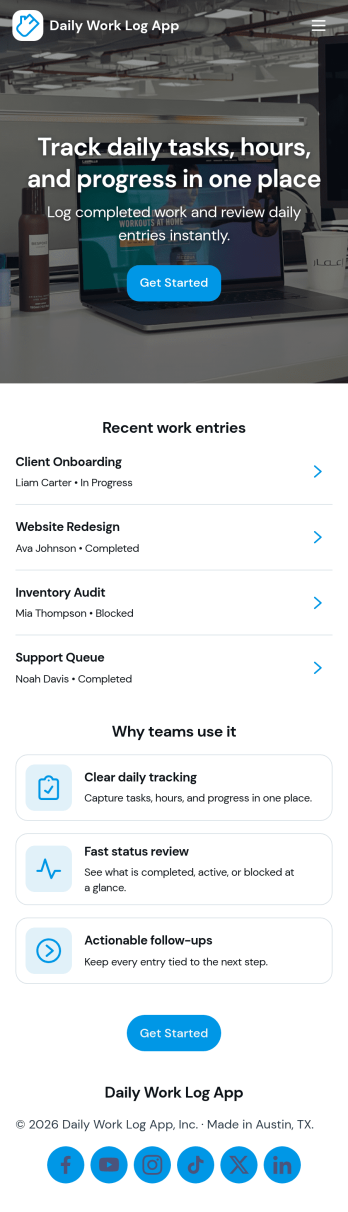
Daily Work Log App
A daily work log app helps individuals and teams capture what got done each day, keep a consistent record of progress, and make it easier to share updates without chasing status messages. Use it to log work by project, review recent entries, and keep an eye on today’s focus so priorities stay visible. It fits teams that bill time, manage client deliverables, run internal projects, or need clear documentation across shifts, including operations, IT, field services, agencies, and remote teams.With Jotform, you can turn this Daily Work Log App into a mobile-friendly self-service experience using an app template and a no-code app builder. Customize the drag-and-drop interface, connect your log form to organized records, and create a simple workflow for collecting updates, browsing entries, and routing task requests. Share the app by link or QR code so everyone can log work consistently and managers can monitor progress in one place.
Go to Category:Log Apps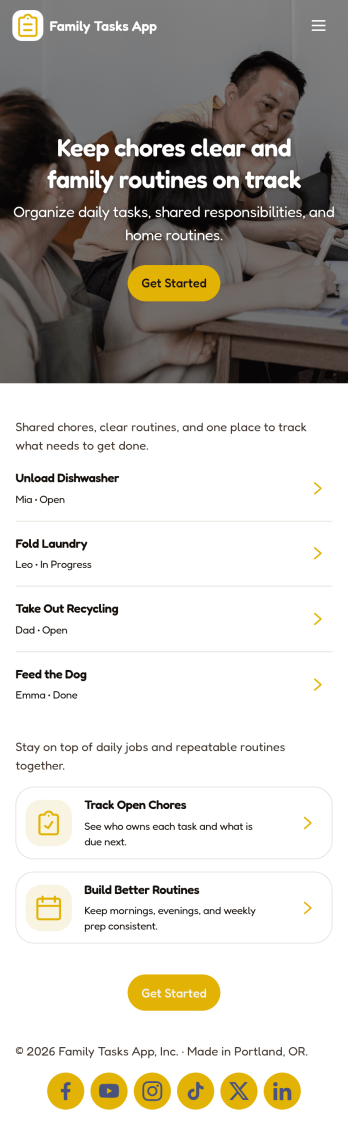
Family Tasks App
Family Tasks App helps households organize everyday responsibilities in one shared place, so everyone knows what needs to be done and what’s already finished. Use it to post chores, errands, and weekly reminders, collect family requests, and keep a clear view of open tasks versus completed ones. It’s a practical fit for busy parents, caregivers, and roommates who want fewer missed to-dos and less confusion around who’s handling what.With Jotform, you can turn this app template into a simple self-service task hub using a no-code app builder and a drag-and-drop interface. Connect the app to a task form for fast data collection, then publish updates instantly as your workflow changes. Share a single link so family members can add tasks, review the list, and stay aligned from any device without extra setup.
Go to Category:Task Management Apps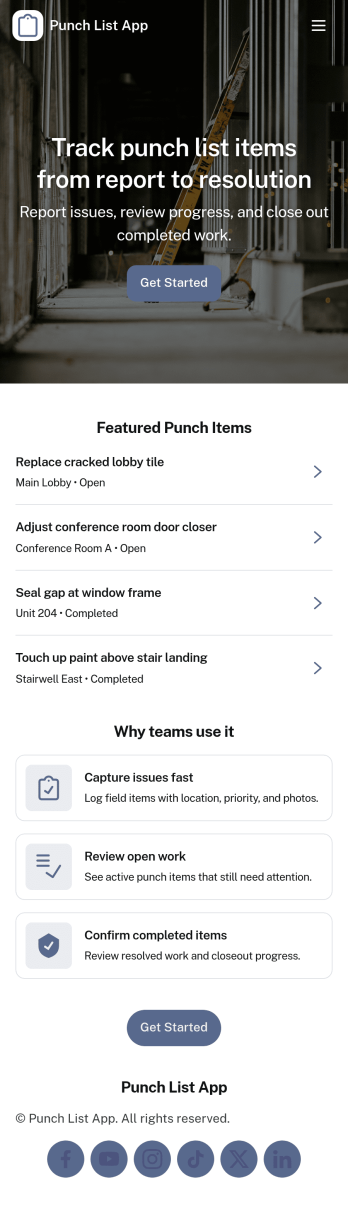
Punch List App
Punch List App helps construction teams and field supervisors log, prioritize, and close out outstanding work items across jobsites. Use it to capture new punch items as they’re found, review open items in one place, and mark tasks complete after fixes are verified. It’s a practical fit for general contractors, subcontractors, project managers, and quality teams who need clear visibility into what’s still incomplete, what’s most urgent, and what inspections or follow-ups are tied to each item.With Jotform, you can turn this punch list app template into a mobile-friendly self-service experience for the field and the office. Customize pages with a drag-and-drop interface, connect forms to your workflow for faster data collection, and share the app by link or QR code so crews can add punch items on-site. Keep updates organized in one place, reduce missed details during walkthroughs, and make handoffs smoother from inspection to completion.
Go to Category:Construction Apps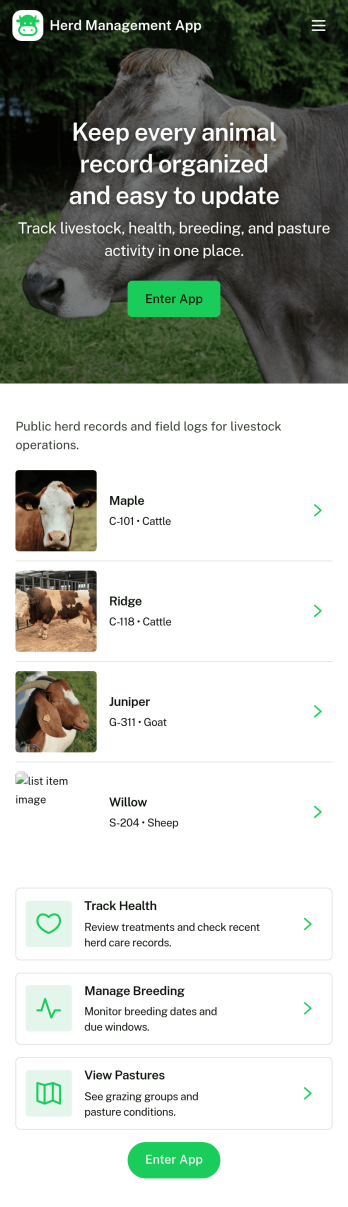
Herd Management App
Herd Management App helps livestock owners and farm teams keep daily herd operations organized in one place. Use it to maintain an animal list, add new animals as they enter your herd, and quickly pull up individual records when you’re in the barn or out in the field. The app also supports routine health tracking with simple health check logging, plus a breeding log for recording key breeding events over time. A dedicated tasks area makes it easier to capture priority work and assign next steps so nothing slips through during busy seasons.Jotform makes it easy to turn this herd workflow into a mobile-friendly experience using App Templates and a no-code app builder. Customize pages with a drag-and-drop interface, connect buttons to forms for data collection, and keep records organized for fast self-service access across your team. Share your Jotform app by link or QR code so staff can add updates and log checks from anywhere, while you maintain a clear view of herd activity as it grows.
Go to Category:Management Apps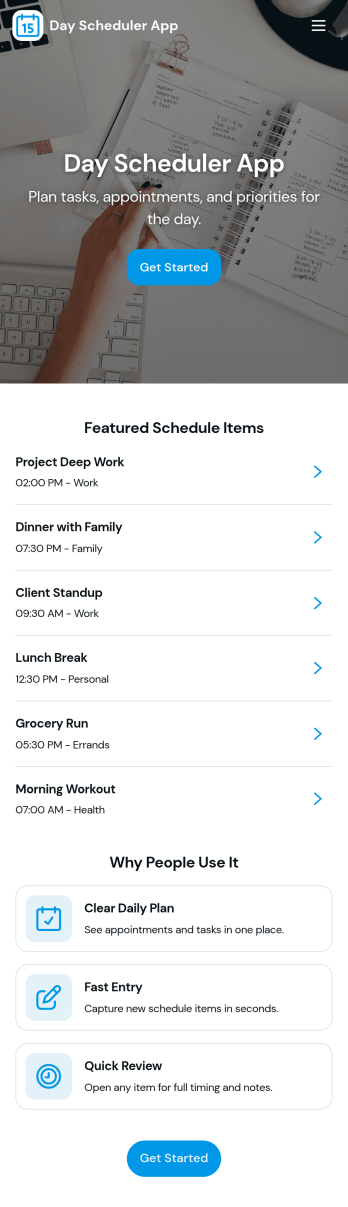
Day Scheduler App
A day scheduler app helps you map out your day in one place so you can plan time slots, keep a running list of entries, and stay on top of tasks without juggling multiple tools. This template fits busy professionals, students, caregivers, and small teams who need a simple way to organize what needs to happen today, then review everything they’ve logged over time. Use it to capture quick schedule entries as plans change, prioritize tasks, and maintain a clear view of what’s coming up next so nothing gets missed during a packed day.Jotform makes it easy to turn this Day Scheduler App into a branded, mobile-friendly experience using a no-code app builder and a drag-and-drop interface. Connect your scheduling form to organized views like lists and a table view so you can collect data, update plans, and revisit past entries whenever you need. Share the app with a link and keep your daily planning workflow consistent across devices, whether you’re coordinating personal routines or managing day-to-day operations.
Go to Category:Daily Planner Apps