

Task Management Apps

Task Scheduling App
Task Scheduling App helps individuals and teams plan, organize, and keep up with everyday work by capturing tasks in one place and turning them into a clear schedule. Use it to add new tasks as they come in, browse your full task list, and open a task to review key details before you act. It’s a practical fit for operations teams, admins, project leads, and small business owners who want a simple way to coordinate priorities, reduce missed deadlines, and keep everyone aligned on what’s next.With Jotform app templates, you can publish a self-service task hub without coding and tailor it to your workflow in minutes. Use Jotform’s no-code app builder with a drag-and-drop interface to adjust pages and navigation, connect your task intake to a form, and keep task data organized for easy follow-up. Share the app with a link or QR code so people can add tasks and review schedules from anywhere, whether they’re at a desk or on the move.
Go to Category:Task Management Apps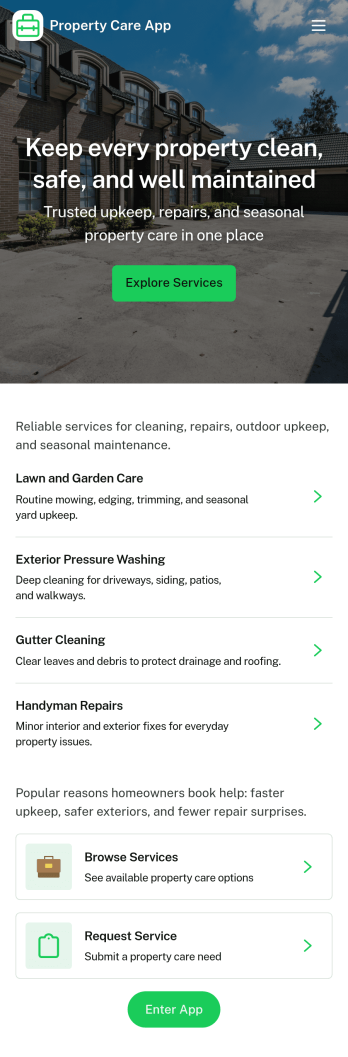
Property Care App
Property Care App helps property managers, landlords, and maintenance teams centralize day-to-day property upkeep in one place. Use it to collect issue reports from tenants or staff, review open tasks, and keep a personal history of past reports so nothing gets missed. It’s a practical fit for apartments, HOA communities, short-term rentals, and commercial sites where multiple people need a simple way to flag problems and stay aligned on what needs attention next.With Jotform, you can turn this app template into a branded self-service experience using a no-code app builder and a drag-and-drop interface. Connect the app to your forms for data collection, route updates through the right workflow, and keep records organized for follow-ups. Share the app by link or QR code so residents, vendors, or internal staff can take action quickly from any device.
Go to Category:Home Services Apps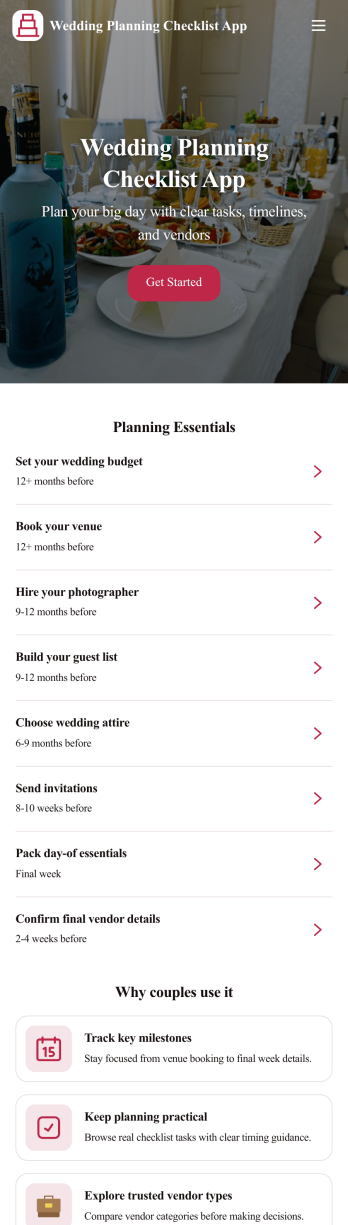
Wedding Planning Checklist App
A wedding planning checklist app brings your wedding to-dos and key details into one place so you can stay on top of what needs to happen next. Use it to add planning tasks, keep a running vendor list with quick access to vendor details, manage your guest list as names change, and track budget items by category throughout the process. It’s a practical fit for couples planning on their own, wedding planners coordinating multiple weddings, and venues or coordinators who need a simple, shareable way to keep wedding prep organized from early planning through the final week.With Jotform, you can turn this wedding planning checklist app into a polished self-service experience using a no-code app builder and a drag-and-drop interface. Connect buttons and pages to forms for data collection, organize entries in lists, and keep your workflow moving as plans evolve. Share the app with a partner, planner, or your internal team, then customize the layout, branding, and navigation so everything important is easy to find on any device.
Go to Category:Checklist Apps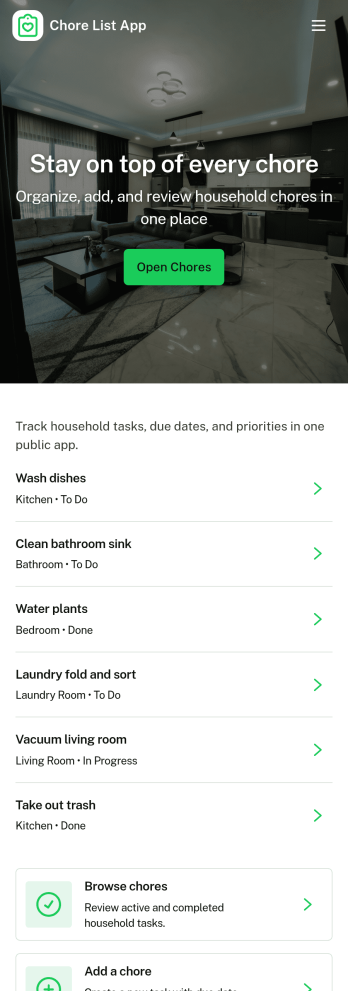
Chore List App
A chore list app gives households and small teams a clear place to add chores, see what needs to be done right now, and keep a simple record of what’s already been completed. Use it to assign recurring responsibilities, organize weekly cleaning routines, or coordinate shared tasks in a roommate situation without relying on scattered notes or group chats. With quick navigation to add a chore, review current chores, and check history, it’s easy to stay consistent and make sure important tasks don’t get missed.Jotform makes it simple to build and publish chore list app templates with a no-code app builder and a drag-and-drop interface. Connect the app to a form for data collection so chores can be added in seconds, then keep your workflow organized with pages for active items and past entries. Share your Jotform app as a self-service hub for family members, housemates, or staff, and update the layout, branding, and navigation anytime to match how you manage chores.
Go to Category:Checklist Apps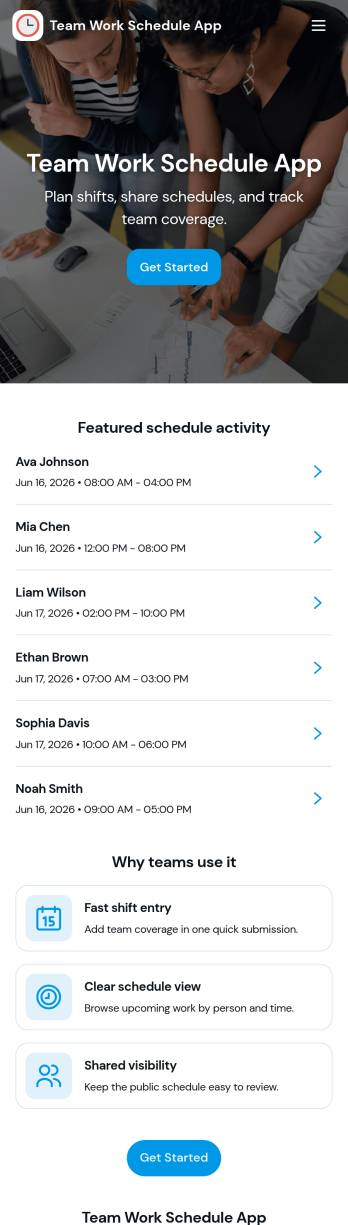
Team Work Schedule App
Team Work Schedule App brings your weekly staffing plan into one place so teams can quickly check upcoming shifts, see who’s scheduled, and take action when coverage changes. It’s a practical fit for managers coordinating rotating schedules and for employees who need a clear view of start and end times across the week. With a dedicated weekly schedule view, a team list, and a simple way to send shift swap requests, the app supports everyday scheduling needs without relying on scattered messages.Built with Jotform, this app template can be tailored in a no-code app builder using a drag-and-drop interface, so you can match it to your workflow in minutes. Connect schedule data to Jotform Tables for easy updates, route swap requests through forms, and share a self-service link so your team can access the schedule from any device. As your operation grows, you can adjust pages, add permissions, and keep schedule communication organized with Jotform’s flexible app templates.
Go to Category:Scheduling Apps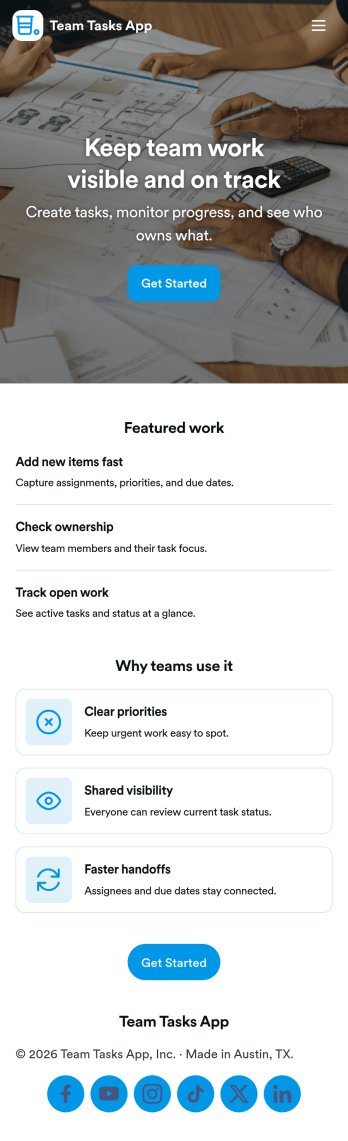
Team Tasks App
Team Tasks App brings shared task tracking into one place so teams can capture new work, review what’s in motion, and keep responsibilities visible. Use it to collect task requests through a simple add-task form, route people to a task board view, and let teammates browse tasks by status such as open, in progress, or blocked. It’s a practical fit for project teams, operations groups, agencies, and internal departments that need a lightweight way to stay aligned without losing requests in chat threads or scattered notes.Built with Jotform, this app template helps you turn everyday task coordination into a self-service experience you can share with a link. Customize pages, cards, and navigation with a drag-and-drop interface, then connect your task form and data collection to workflows that keep updates organized as work changes. Whether you’re coordinating recurring assignments or managing one-off requests, Jotform makes it easy to publish a polished team hub without coding.
Go to Category:Task Management Apps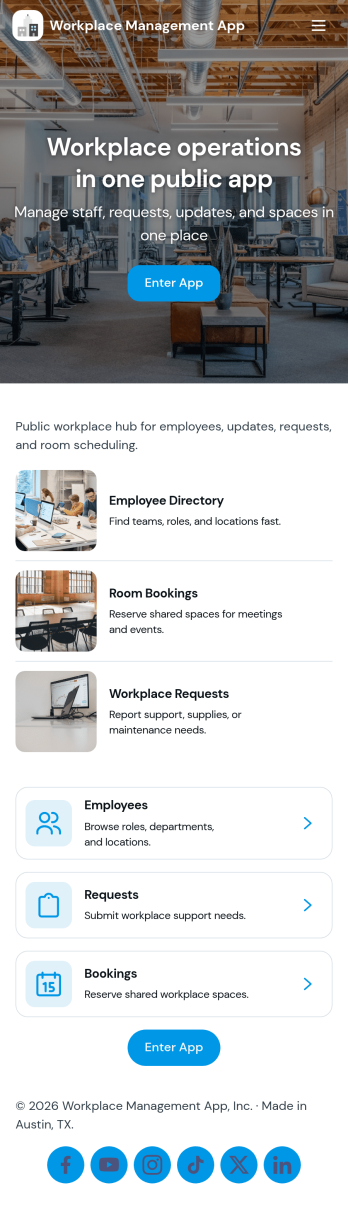
Workplace Management App
Workplace Management App brings your day-to-day operations into one place so managers and teams can stay aligned without chasing updates across multiple tools. Use it to keep an accessible employee list for quick reference, centralize task coordination, and give staff a simple way to create new tasks when something needs attention. It fits office teams, retail and service locations, field operations, and growing organizations that need clearer ownership of work and faster internal response.Built with Jotform, this app template can be tailored to match how your workplace runs, from the pages you show to the actions you prioritize. With a no-code app builder and a drag-and-drop interface, you can connect task creation to your existing data collection workflows, share the app through a link, and keep information organized as your team scales. Update employee details, adjust navigation, and publish a mobile-friendly self-service experience that supports everyday execution.
Go to Category:Company Portal Apps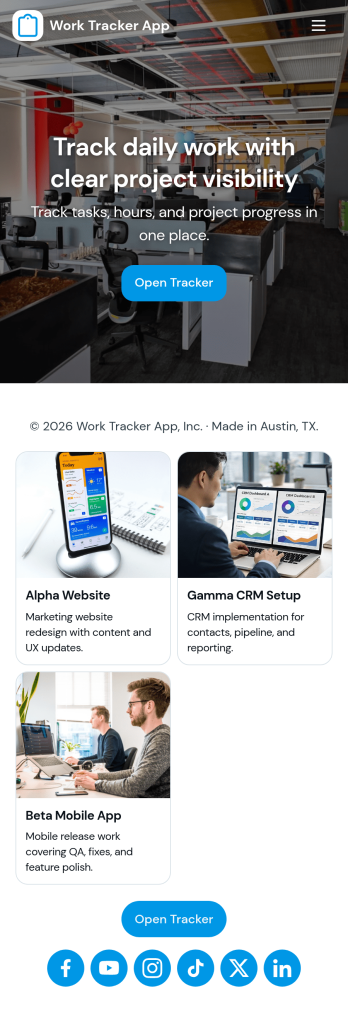
Work Tracker App
Work Tracker App helps teams and individuals record work activity, keep tasks organized, and stay on top of progress without hunting through messages or spreadsheets. Use it to log work entries as they happen, review an at-a-glance tracker list for each task, and check insights that summarize how work is trending over time. It’s a practical fit for managers monitoring team output, freelancers tracking billable effort, operations teams documenting daily work, and project leads who need consistent updates across multiple assignments.With Jotform, you can turn this app template into a branded self-service experience using a no-code app builder and a drag-and-drop interface. Connect the in-app Add Work Log button to a form for fast data collection, display tracker records in a list for easy browsing, and share the app with a simple link so everyone logs work the same way. As your workflow evolves, you can adjust pages, navigation, and connected data sources to match how your organization tracks work.
Go to Category:Activity Tracking Apps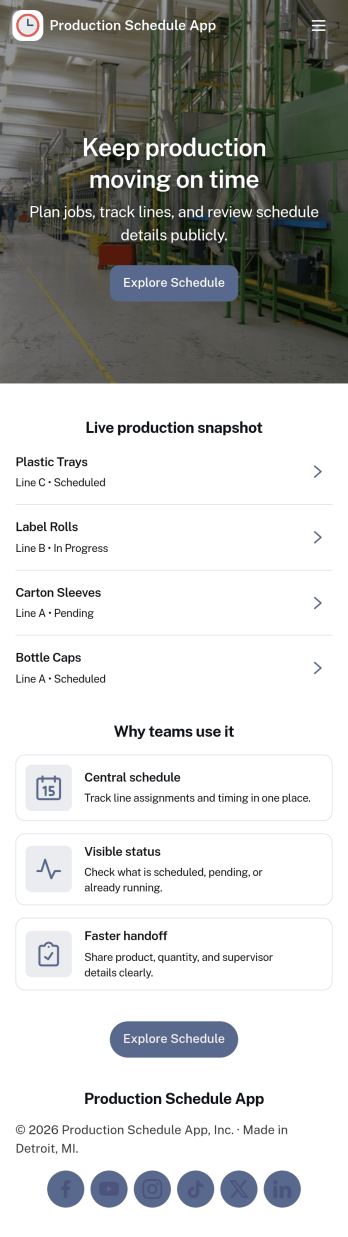
Production Schedule App
A production schedule app brings visibility to what’s planned, what’s in progress, and what’s coming next so teams can coordinate work without relying on scattered spreadsheets. Use it to review scheduled work orders, capture intake for new jobs, and keep a clear view of capacity needs across shifts or work centers. It’s especially helpful for production managers, schedulers, operations leads, and shop-floor supervisors who need a single place to spot bottlenecks, prioritize orders, and keep everyone aligned on job timing.With Jotform, you can turn your production schedule into a mobile-friendly, self-service experience that’s easy to share with the right stakeholders. Using Jotform App Templates and the no-code app builder, you can adjust pages and navigation with a drag-and-drop interface, connect the app to your data collection workflows, and keep scheduling information organized as operations change. Publish with a link so teams can check the schedule, add new work requests, and stay on top of production planning in real time.
Go to Category:Operations & Logistics Portal Apps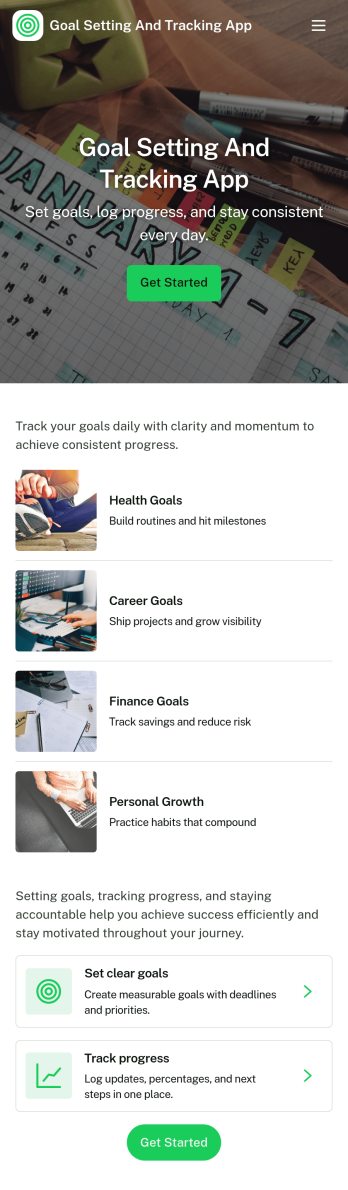
Goal Setting and Tracking App
Goal Setting and Tracking App helps individuals, coaches, and teams turn intentions into measurable outcomes by keeping goals, progress updates, and reflections in one place. Use it to capture new goals as they come up, organize them for quick access, and keep momentum with simple progress logging. Whether you’re managing personal habits, OKR-style objectives, fitness milestones, or professional development plans, this format supports consistent check-ins and makes it easier to see what’s working over time. With dedicated areas for Goals, Progress, and Insights, it’s also useful for weekly reviews, accountability partnerships, and coaching programs that need a clear trail of updates.Jotform makes it easy to build and publish app templates like this using a no-code app builder and a drag-and-drop interface. Connect the app to forms for data collection such as adding a goal or logging progress, then share a self-service experience that stays organized as entries grow. You can customize pages, branding, and navigation, route updates into workflows, and keep goal information accessible on any device without maintaining separate tools.
Go to Category:Tracker Apps
Monthly Checklist App
Monthly Checklist App helps teams and individuals stay consistent with recurring monthly tasks by giving them a simple place to start a checklist, add monthly entries as work gets done, and review history over time. It’s useful for office admins tracking routine operations, property managers logging monthly walk-throughs, IT teams completing recurring system checks, and small businesses that want clear accountability without complicated project plans. With quick navigation cards like Start Checklist and Review History, the experience stays focused on getting tasks completed and making it easy to verify what happened last month.Jotform makes it easy to turn this monthly routine into a shareable self-service app experience using a no-code app builder and a drag-and-drop interface. Connect buttons to your form so people can add entries in seconds, then view records in lists for fast lookups and ongoing tracking. You can adjust pages, add your branding, and publish the app as a link for staff or collaborators, all while keeping monthly data collection and workflow organization in one Jotform app template.
Go to Category:Checklist Apps
Time Log App
Time Log App helps individuals and teams record work time in a consistent, repeatable way so hours don’t get lost across messages, spreadsheets, or memory. With a dedicated place to log time, review history, and check quick insights, it fits consultants, agencies, freelancers, field teams, and growing companies that need clearer visibility into where time goes across projects and tasks.Built with Jotform App Templates, this experience can be tailored in minutes using Jotform’s no-code app builder and drag-and-drop interface. Connect the app to your time entry form for reliable data collection, then publish a simple self-service app your team can use on any device. As your workflow evolves, you can update pages, add new prompts to the form, and keep everything organized without rebuilding from scratch.
Go to Category:Log Apps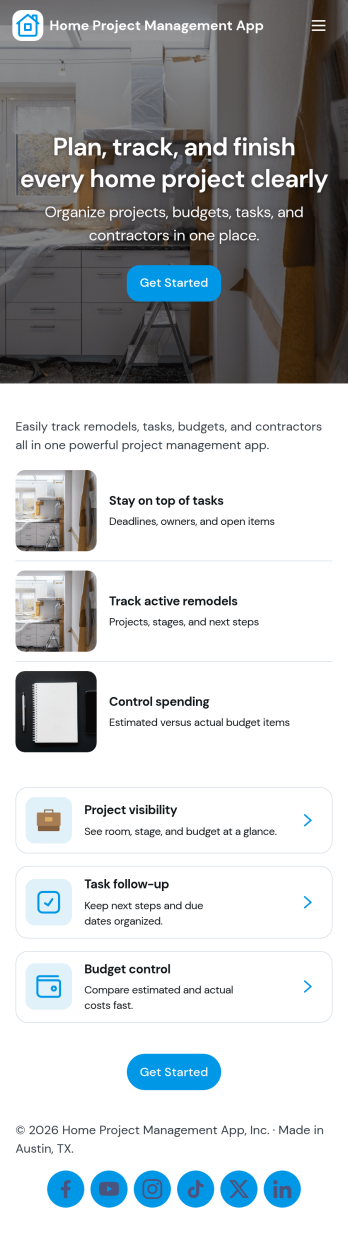
Home Project Management App
Home Project Management App helps homeowners and DIY enthusiasts keep renovation, repair, and household improvement work organized in one place. Use it to keep track of ongoing projects, break work into clear tasks, and monitor milestones as you move from planning to completion. It’s a practical fit for individuals managing a single home upgrade, families coordinating weekend projects, or property owners juggling multiple improvements across rooms or locations.Built with Jotform, this app template pairs a mobile-friendly layout with connected forms and lists so updates stay consistent and easy to find. Using Jotform’s no-code app builder and drag-and-drop interface, you can tailor project details, task logs, and milestone tracking to match how you work, then share the app for simple self-service updates. As projects evolve, Jotform helps you keep data collection and workflow steps together without adding extra tools.
Go to Category:Task Management Apps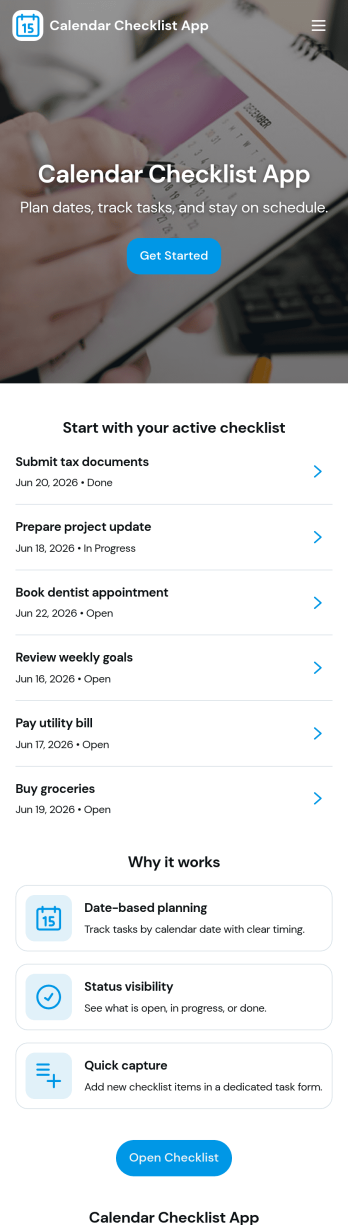
Calendar Checklist App
A calendar checklist app helps you turn your schedule into actionable checklists, so daily and weekly plans don’t live in scattered notes. Use it to capture tasks as they come up, group them into a weekly plan, and keep a simple priority view for what matters most. It works well for busy professionals, students, project teams, and anyone who wants a lightweight way to organize recurring responsibilities, one-off errands, and time-sensitive follow-ups without losing track of progress.Jotform makes it easy to build and publish app templates like this Calendar Checklist App with a no-code app builder and a drag-and-drop interface. Connect buttons like Add Today’s Task, Add Checklist Item, or Log a New Item to forms for fast data collection, then display tasks in lists and card views for quick navigation. Share your app through a link or QR code, update it anytime, and keep your workflow consistent as plans change throughout the week.
Go to Category:Checklist Apps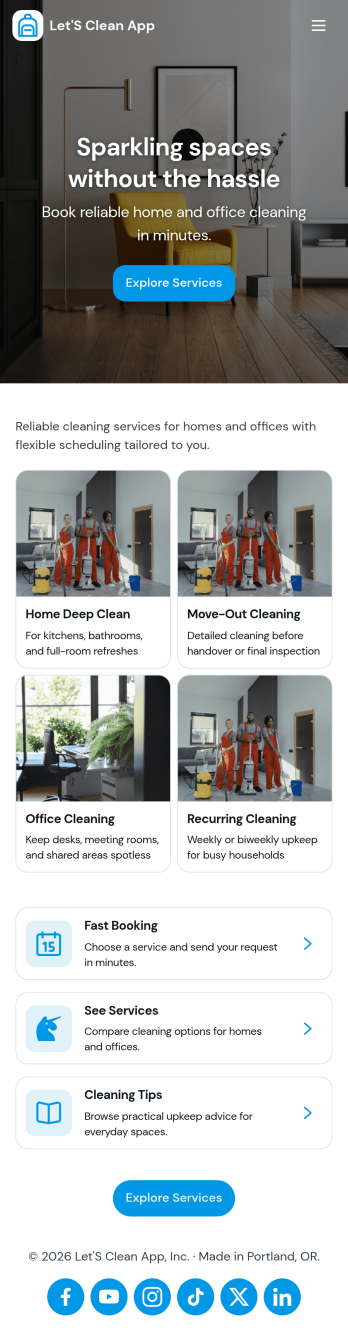
Let's Clean App
Let’s Clean App brings your cleaning workflow into one place so customers and teams can book cleanings, keep an eye on assigned tasks, and request supply restocks without hunting through messages or spreadsheets. It’s a practical fit for home cleaning businesses, independent cleaners, property managers, and anyone coordinating recurring cleanings across multiple spaces who needs a simple self-service experience for scheduling and day-to-day upkeep.With Jotform, you can customize this app template using a no-code app builder and a drag-and-drop interface, then connect buttons and pages to forms and lists for ongoing data collection. Share the app with a link or QR code, update tasks and supply needs as work changes, and keep your workflow organized with a connected setup that’s easy for clients and staff to use on mobile.
Go to Category:Home Services Apps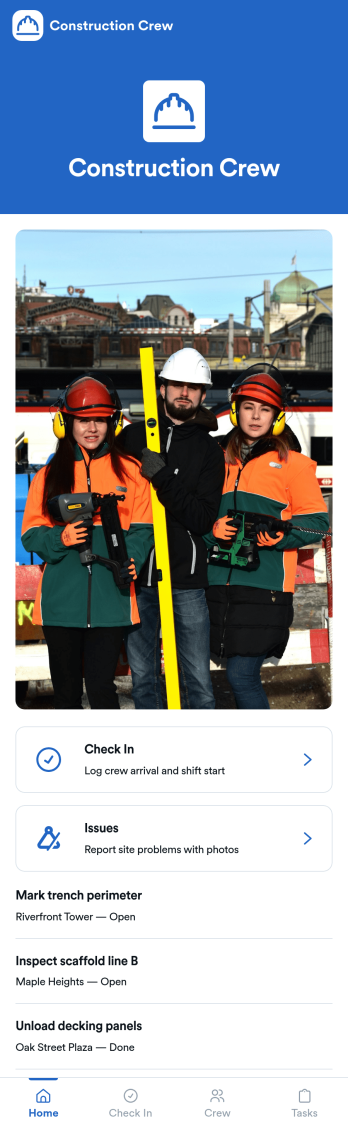
Construction Crew App
Construction Crew App gives jobsite teams a simple way to record daily activity and surface on-site problems without relying on scattered texts or paper notes. Crew members can add check-ins, review check-in entries in a list, and quickly submit site issue reports, making it easier for supervisors and office staff to understand what happened on a shift, who was on site, and what needs attention next. It fits construction companies managing multiple crews, subcontractors who need a consistent routine, and foremen who want one place for task visibility and issue reporting.Built with Jotform, this app template can be tailored in a no-code app builder using a drag-and-drop interface, so you can match it to your crew’s workflow in minutes. Connect the buttons to your forms and keep information organized in linked lists, then share the app by link or QR code for fast self-service access on mobile. As check-ins and issue reports come in, your team gets cleaner data collection and a more reliable workflow for day-to-day site operations.
Go to Category:Construction Apps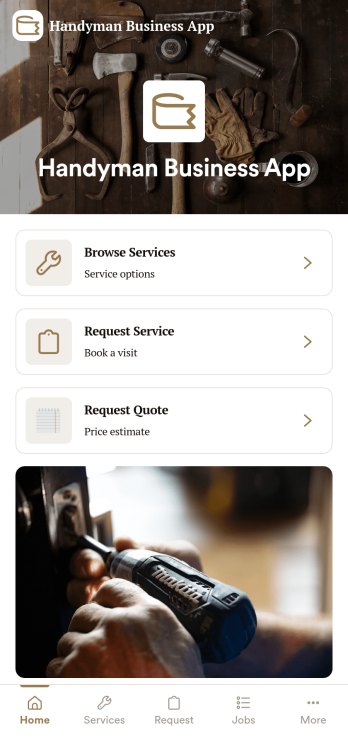
Handyman Business App
Handyman Business App helps independent handymen and small home-service teams organize incoming work, active jobs, and customer details in one place. It gives you a simple way to capture new service requests, review open jobs, and keep a customer list you can reference before scheduling a visit or preparing an estimate. Whether you handle repairs, installs, punch lists, or property maintenance, this app keeps day-to-day work moving without relying on scattered texts, notes, and spreadsheets.Built with Jotform, this app template is easy to tailor with a no-code app builder and a drag-and-drop interface, so you can match your exact workflow and branding in minutes. Connect buttons to forms for data collection, route information into tables for organized records, and share the app as a self-service link for customers or as an internal tool for your crew. As your workload grows, you can expand the workflow with additional pages and connected processes while keeping everything accessible on mobile.
Go to Category:Home Services Apps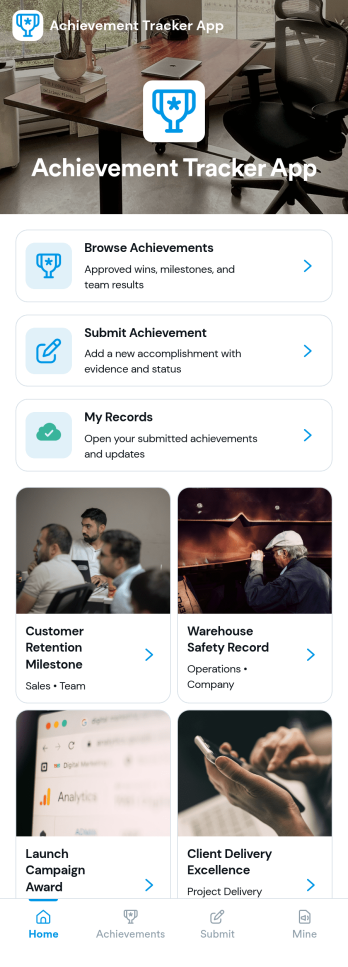
Achievement Tracker App
Achievement Tracker App helps individuals and teams record, review, and celebrate progress toward personal goals, professional milestones, and habit-based commitments in one simple place. It’s a practical fit for managers tracking team wins, coaches supporting clients, teachers recognizing student milestones, and anyone who wants a clearer view of what’s getting accomplished week to week without juggling multiple tools.Built with Jotform, this app template can be tailored with a no-code app builder and a drag-and-drop interface so you can shape the experience around your tracking style. Share it as a self-service link for easy access, keep updates consistent across collaborators, and connect it to broader workflows for data collection when you’re ready to expand beyond a single page.
Go to Category:Tracker Apps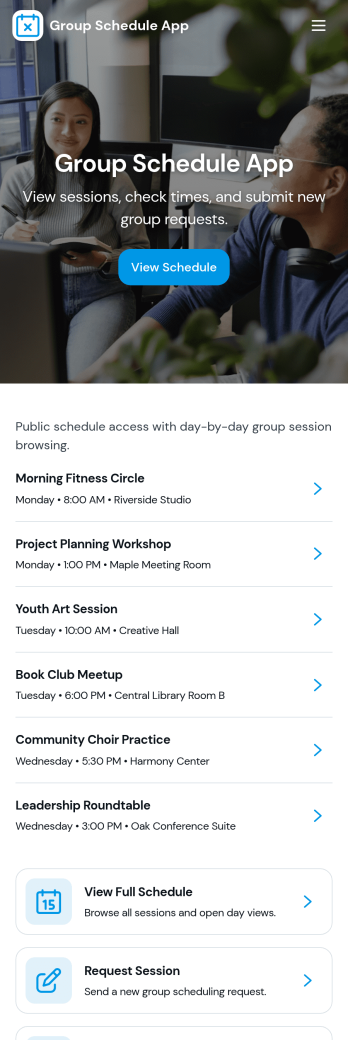
Group Schedule App
Group Schedule App brings a shared calendar experience into one place so teams, clubs, and small organizations can see what’s happening today, review upcoming plans, and keep members aligned. Use it to coordinate recurring meetups, shift-style rotations, volunteer coverage, study groups, or project check-ins without scattering details across messages. With a schedule view, a members area, and a simple request entry point, it supports day-to-day coordination while keeping everyone on the same page.Built with Jotform, this app template is easy to adapt with a no-code app builder and a drag-and-drop interface, so you can match the layout to your group’s routine in minutes. Connect the schedule and member information to your existing workflow for data collection, route updates through a structured request process, and share the app as a self-service home base for anyone who needs quick access to the latest agenda.
Go to Category:Organization Apps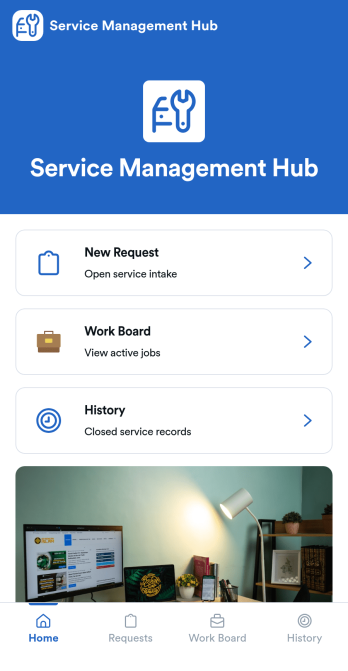
Service Management App
Service Management App helps teams capture incoming service requests, organize active jobs, and keep a clear record of completed work in one place. It’s built for service desks, IT and facilities teams, internal operations groups, and small businesses that need a simple way to move from intake to action. With a New Request area, a Work Board for in-progress items, and a History view for past jobs, everyone knows what’s waiting, what’s being handled, and what’s already resolved.Jotform makes it easy to turn this workflow into a shareable self-service experience using App Templates and a no-code app builder. Customize pages with a drag-and-drop interface, connect your request form to keep data collection consistent, and centralize updates without switching tools. When you publish your Service Management App, you can share it with a link so requesters and staff can submit, review, and follow up quickly from desktop or mobile.
Go to Category:Service Apps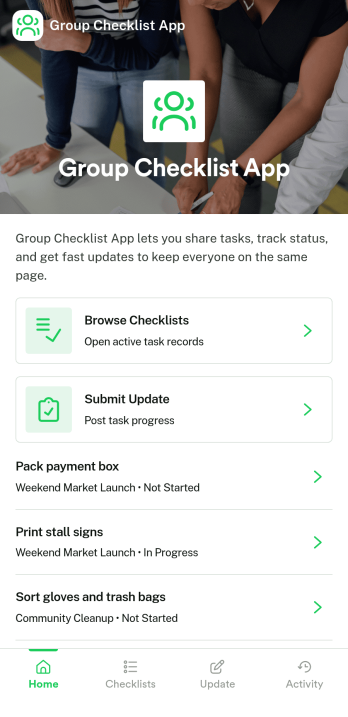
Group Checklist App
Group Checklist App brings shared to-do lists into one place so teams can coordinate work, see what’s done, and keep momentum on everyday tasks. Use it for shift handoffs, event prep, onboarding steps, content publishing routines, equipment closeouts, or any repeatable process where multiple people need clarity on who owns what. With quick navigation to open checklists, a simple way to add new checklist items, and a dedicated space to view progress, it helps reduce missed steps and keeps everyone aligned without digging through messages.Built with Jotform App Templates, this app template can be tailored in a no-code app builder with a drag-and-drop interface so it fits your workflow and team structure. Connect it to your data collection process and keep checklist and member records organized for ongoing use, then share the app through a link for easy self-service access on any device. As your process evolves, you can update pages, adjust the layout, and keep your group checklist experience consistent for every project or team.
Go to Category:Checklist Apps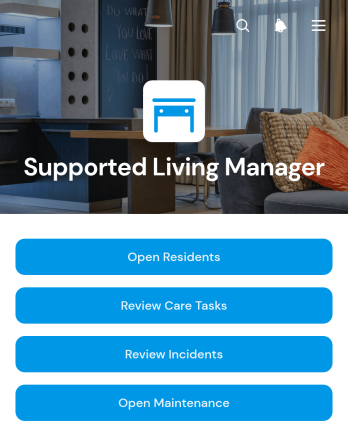
Supported Living Manager App
The Supported Living Manager App gives supported living managers and care teams a central place to coordinate daily services across residential settings. Teams can access resident information, review and add care tasks, and report incidents or maintenance needs without relying on scattered documents or separate communication channels. It is suited to supported living providers, house managers, shift leaders, care coordinators, and operational staff who need a clearer view of resident support needs, emergency contacts, due dates, follow-up actions, and property issues. By keeping essential activities organized, the app helps staff prioritize work, maintain continuity between shifts, and respond promptly when attention is required.Jotform App Templates make it easier to turn routine processes into accessible digital experiences. With Jotform’s no-code app builder and drag-and-drop interface, organizations can customize the Supported Living Manager App with their own branding, navigation, forms, and connected workflows. Information collected through linked forms can be organized for practical recordkeeping, while notifications help relevant team members stay informed. The finished app can be shared by direct link or QR code, giving authorized staff convenient mobile access to resources and self-service actions from one organized location.
Go to Category:Management Apps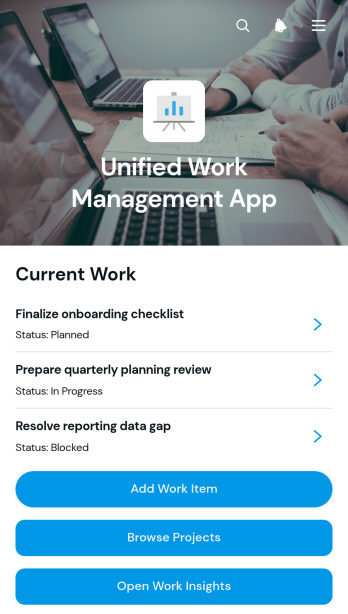
Unified Work Management App
The Unified Work Management App is an app template for teams that need one organized place to coordinate assignments, projects, and progress. Employees, project leads, operations teams, contractors, and growing businesses can use it to capture new work items, browse active projects, and review work insights without switching between disconnected resources. Clear links between assignments and their projects make ownership easier to understand, while contextual notes and recent updates help everyone stay informed. It is well suited to project delivery, internal operations, client work, service coordination, and cross-functional initiatives where priorities and responsibilities frequently change.Jotform Apps helps organizations turn this Unified Work Management App template into a branded workspace without writing code. Its drag-and-drop interface makes it easy to adjust pages, navigation, buttons, colors, and content for an existing workflow. Teams can connect forms for data collection, organize records with Jotform Tables, and trigger notifications or approval steps as work moves forward. The app can be shared by direct link or QR code, giving staff convenient mobile access and a practical self-service experience. Start with one of Jotform’s App Templates, tailor it with the no-code app builder, and publish a central destination that supports clearer coordination and more consistent project oversight.
Go to Category:Project Management Apps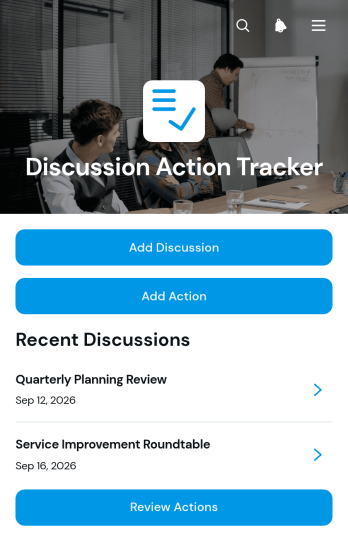
Discussion Action Tracker App
The Discussion Action Tracker App gives teams one organized place to document discussions, assign follow-up actions, and monitor progress through completion. It is well suited to project meetings, client consultations, operational reviews, committee sessions, workshops, and recurring team check-ins. Participants can record a discussion with its summary, date, and attendees, then create related actions with an owner, due date, status, and notes. Managers, consultants, project teams, and department leaders can review open actions and update progress without searching through meeting notes or scattered messages. This app template improves accountability, preserves decision context, and helps prevent important commitments from being overlooked.Jotform App Templates make it easy to adapt the Discussion Action Tracker App to an existing workflow without writing code. Use the no-code app builder and drag-and-drop interface to customize pages, navigation, colors, fonts, and branding. Connected forms support consistent data collection, while organized action views give users a convenient self-service way to check responsibilities and updates. Teams can connect additional forms, tables, approvals, and notifications as their processes grow, then publish the app and share it through a direct link, QR code, or embedded experience for convenient access on any device.
Go to Category:Task Management Apps